Enabling Connectivity


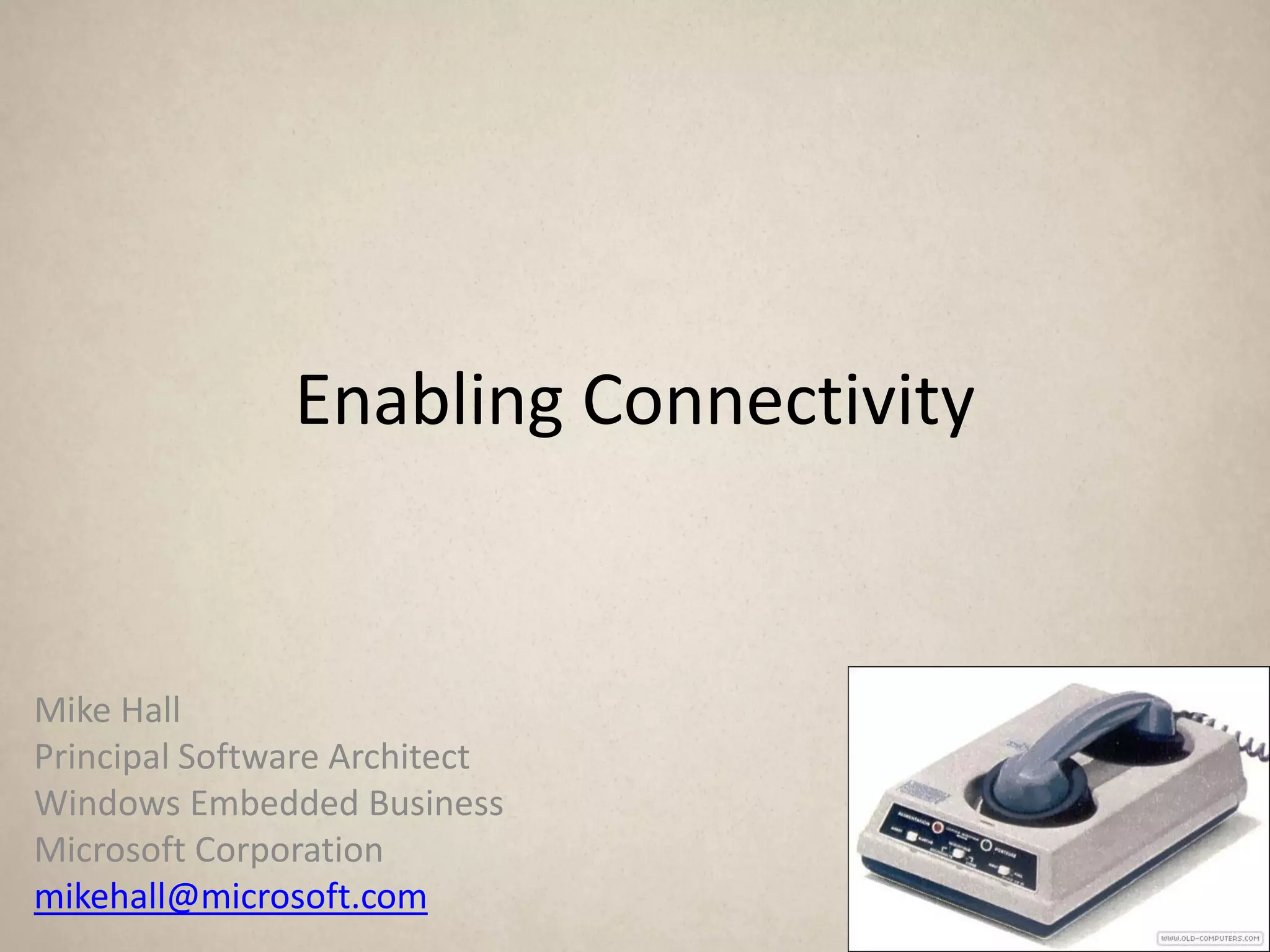
Mike Hall
Principal Software Architect
Windows Embedded Business
Microsoft Corporation
mikehall@microsoft.com
“Create experiences that combine the magic
    of software with the power of internet
     services across a world of devices”

                             Microsoft corporate vision, 2008
“Create experiences that combine the magic
    of software with the power of internet
     services across a world of devices”

                             Microsoft corporate vision, 2008
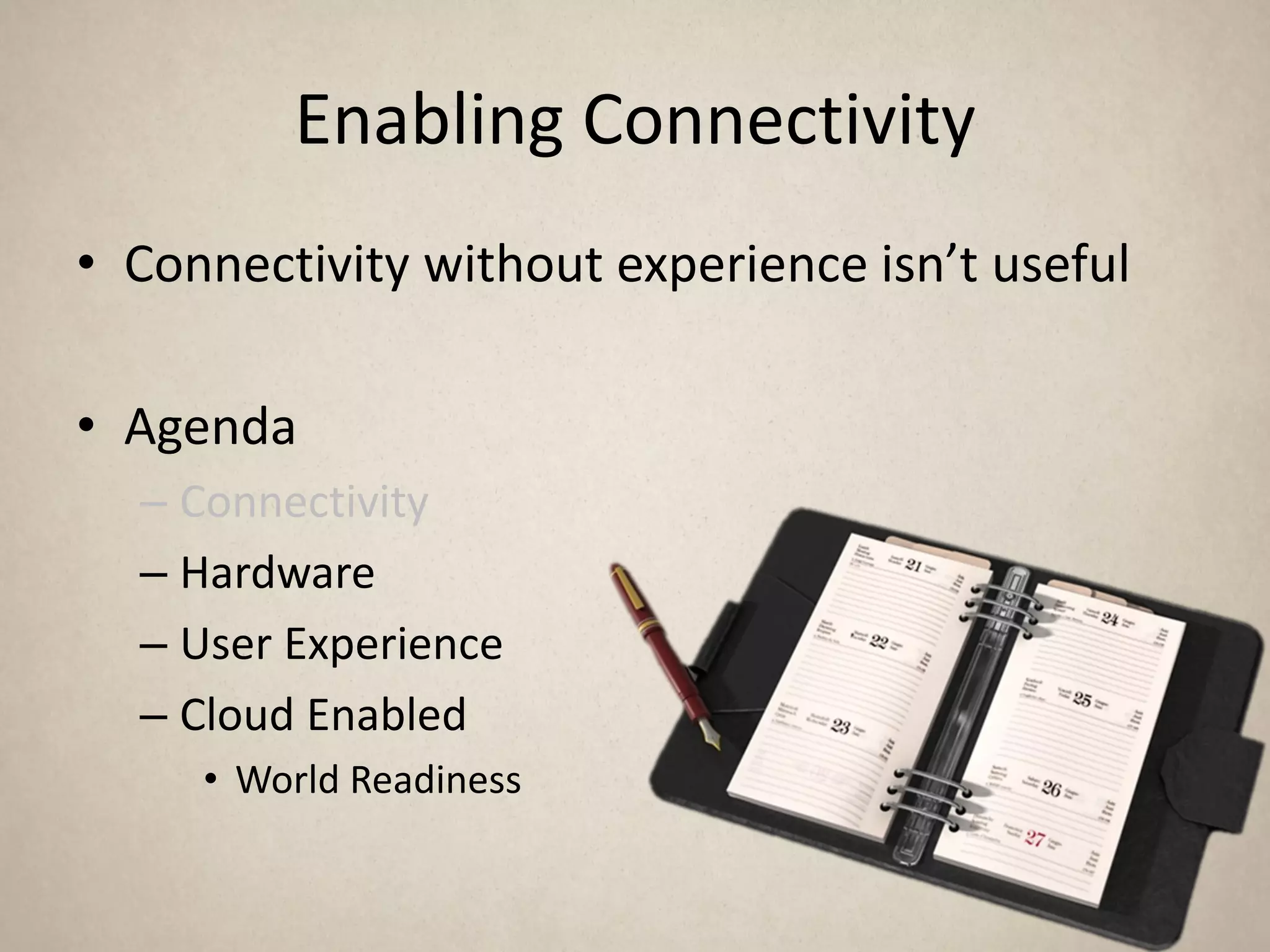
Enabling Connectivity
• Agenda
  – Connectivity
  – Hardware
  – User Experience
  – Cloud Enabled
    • World Readiness
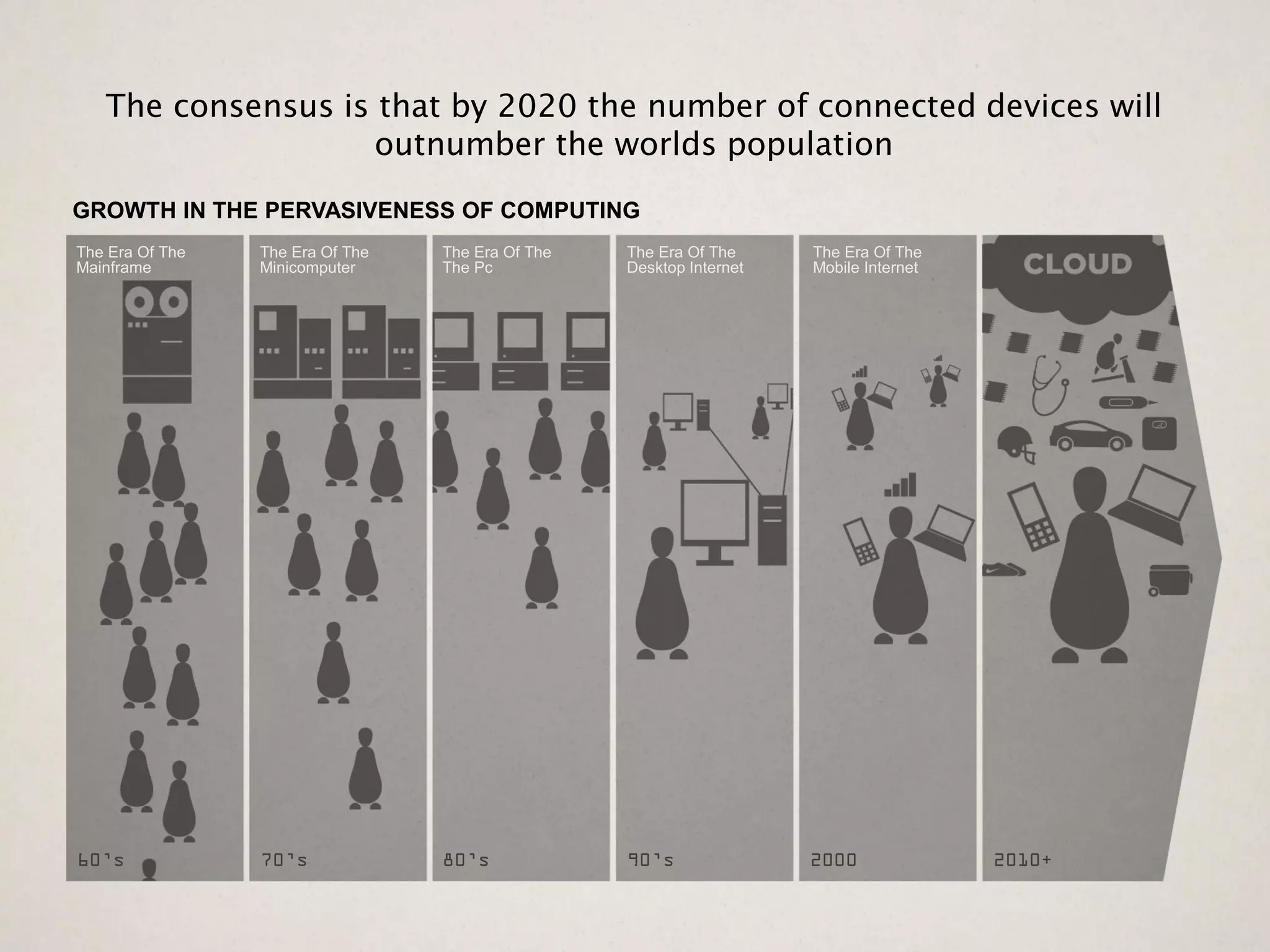
The consensus is that by 2020 the number of connected devices will
                    outnumber the worlds population
GROWTH IN THE PERVASIVENESS OF COMPUTING
The Era Of The   The Era Of The   The Era Of The   The Era Of The     The Era Of The
Mainframe        Minicomputer     The Pc           Desktop Internet   Mobile Internet


60’s             70’s             80’s             90’s               2000              2010+
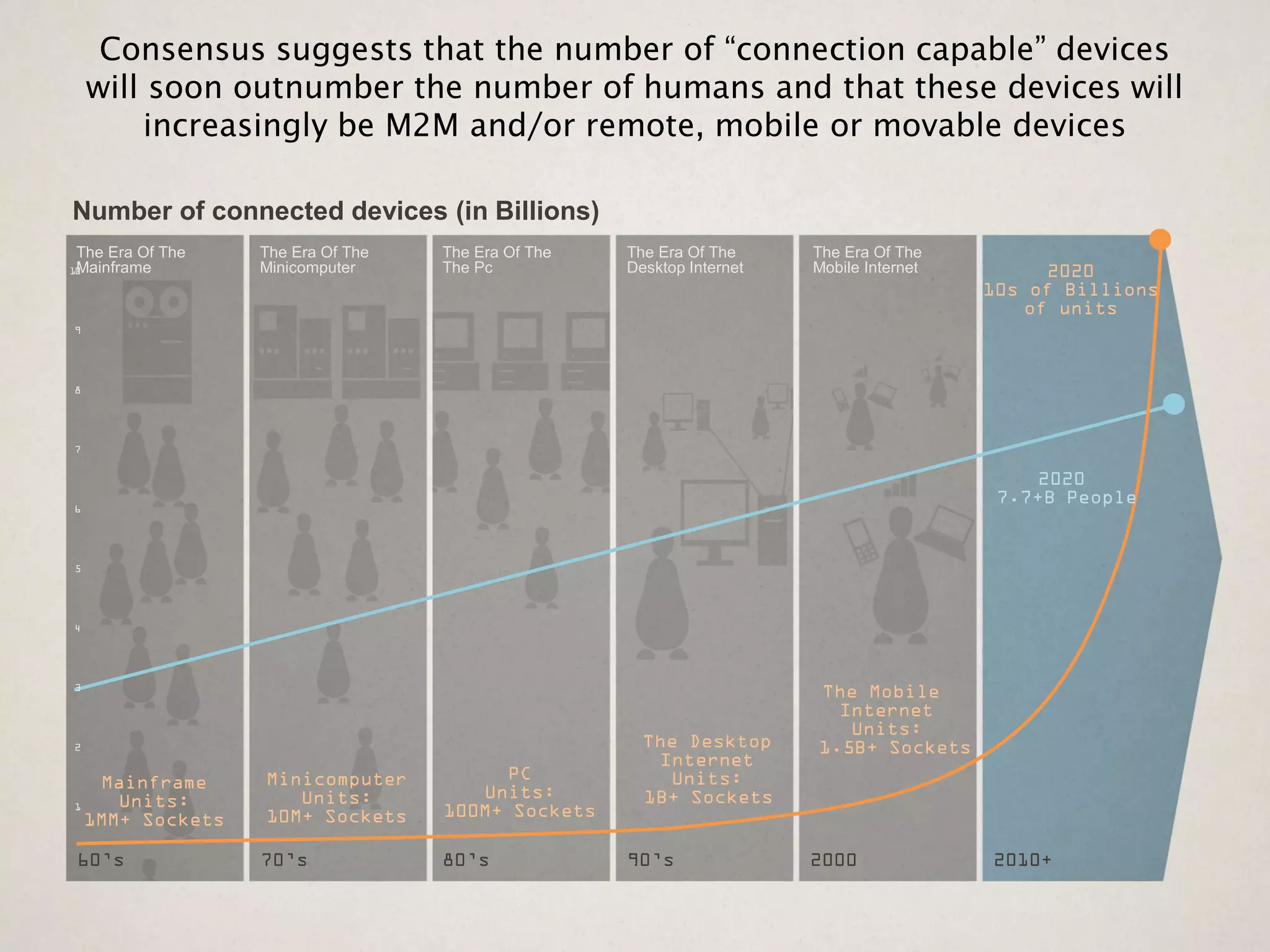
Consensus suggests that the number of “connection capable” devices
    will soon outnumber the number of humans and that these devices will
        increasingly be M2M and/or remote, mobile or movable devices

Number of connected devices (in Billions)
The Era Of The   The Era Of The   The Era Of The   The Era Of The     The Era Of The
 Mainframe
10               Minicomputer     The Pc           Desktop Internet   Mobile Internet        2020
                                                                                        10s of Billions
                                                                                           of units
9


8


7


                                                                                             2020
6
                                                                                         7.7+B People


5


4


3
                                                                      The Mobile
                                                                        Internet
                                                                         Units:
2                                                    The Desktop      1.5B+ Sockets
                                                      Internet
   Mainframe     Minicomputer          PC              Units:
     Units:         Units:           Units:          1B+ Sockets
1
  1MM+ Sockets   10M+ Sockets     100M+ Sockets

60’s             70’s             80’s             90’s               2000              2010+
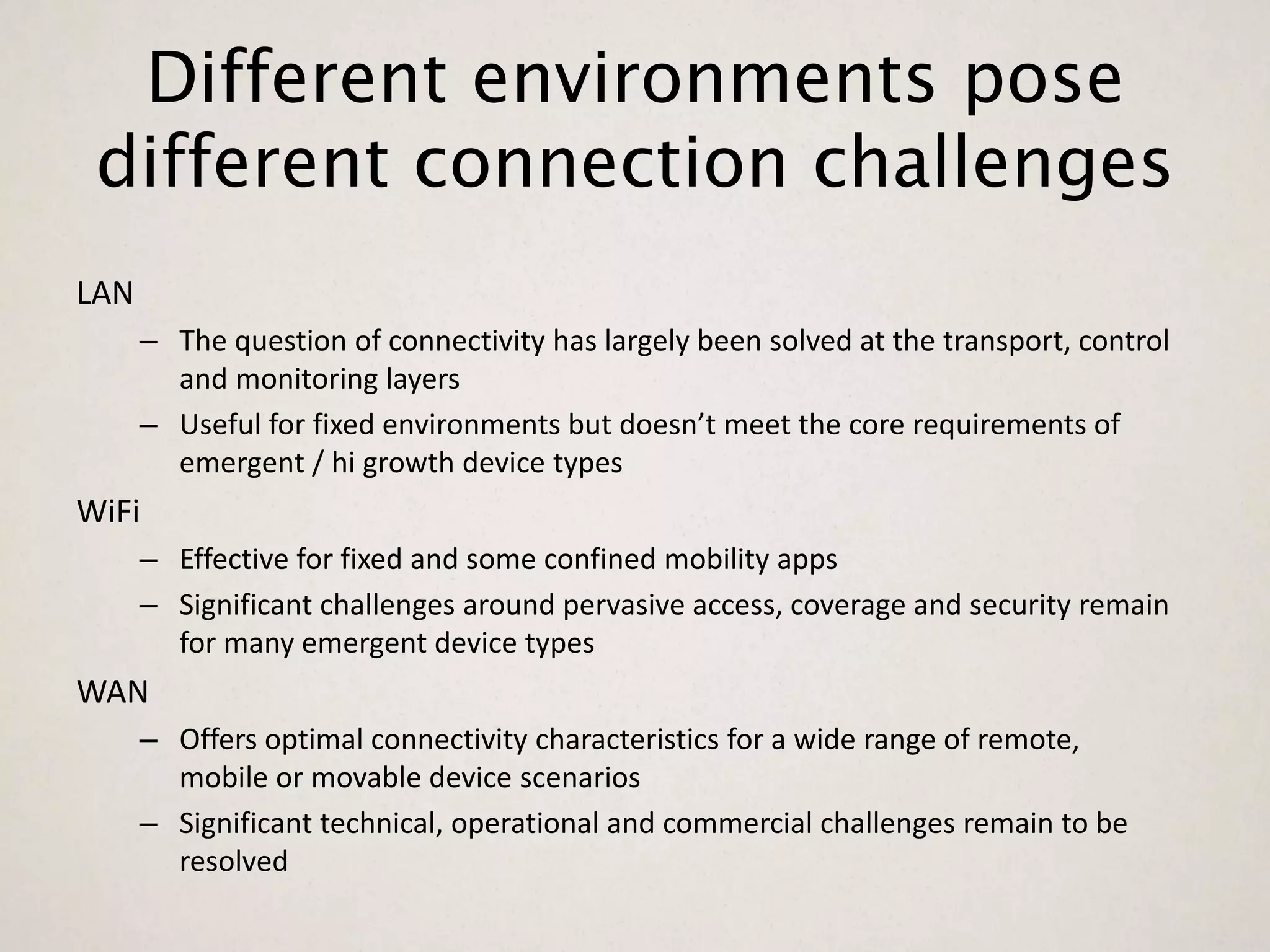
Different environments pose
 different connection challenges
LAN
      – The question of connectivity has largely been solved at the transport, control
        and monitoring layers
      – Useful for fixed environments but doesn’t meet the core requirements of
        emergent / hi growth device types
WiFi
      – Effective for fixed and some confined mobility apps
      – Significant challenges around pervasive access, coverage and security remain
        for many emergent device types
WAN
      – Offers optimal connectivity characteristics for a wide range of remote,
        mobile or movable device scenarios
      – Significant technical, operational and commercial challenges remain to be
        resolved
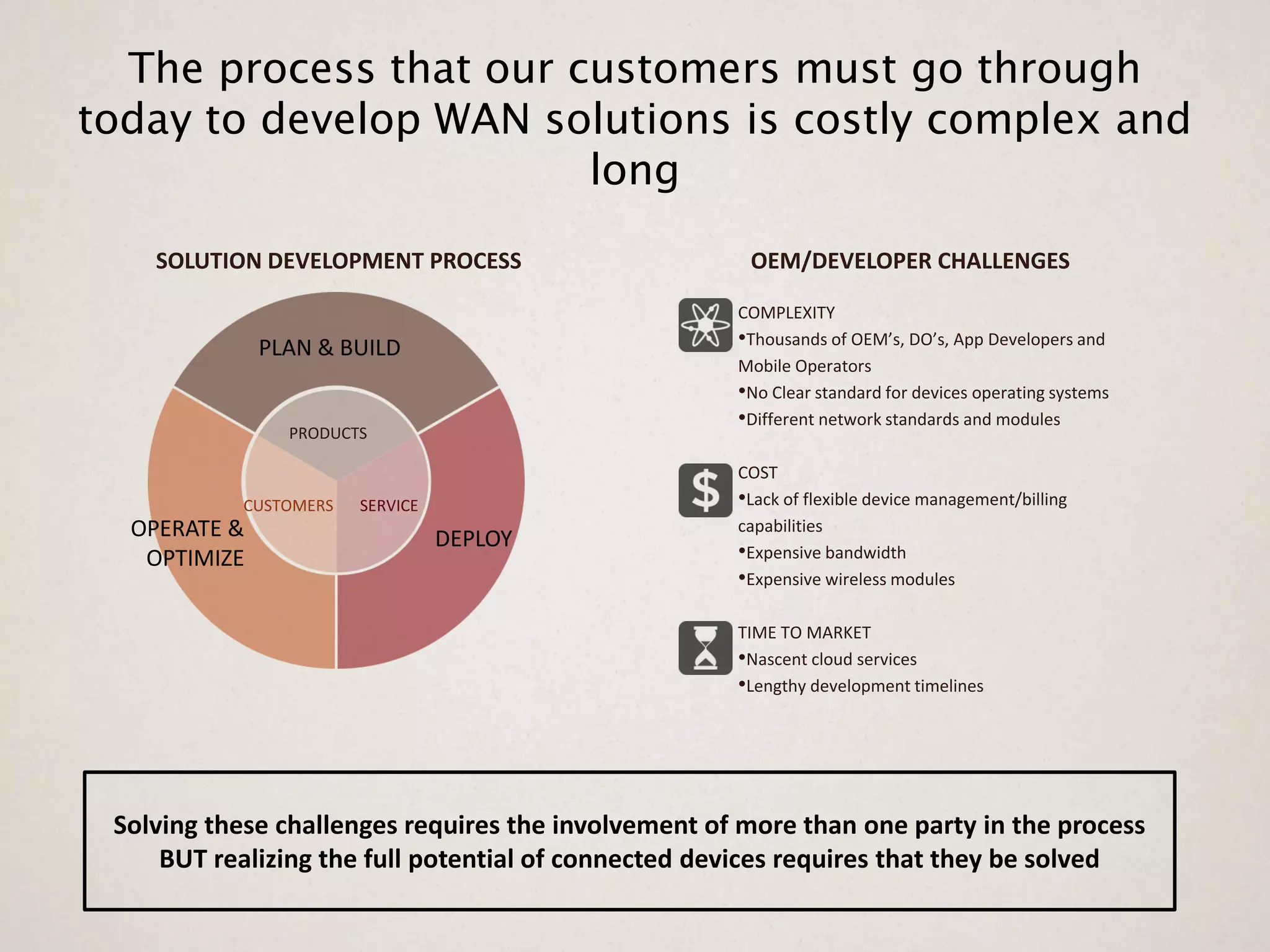
The process that our customers must go through
today to develop WAN solutions is costly complex and
                        long
    SOLUTION DEVELOPMENT PROCESS                      OEM/DEVELOPER CHALLENGES

                                                     COMPLEXITY
              PLAN & BUILD                           •Thousands of OEM’s, DO’s, App Developers and
                                                     Mobile Operators
                                                     •No Clear standard for devices operating systems
                                                     •Different network standards and modules
                PRODUCTS

                                                     COST
           CUSTOMERS   SERVICE                       •Lack of flexible device management/billing
  OPERATE &                      DEPLOY
                                                     capabilities
   OPTIMIZE                                          •Expensive bandwidth
                                                     •Expensive wireless modules

                                                     TIME TO MARKET
                                                     •Nascent cloud services
                                                     •Lengthy development timelines


 Solving these challenges requires the involvement of more than one party in the process
     BUT realizing the full potential of connected devices requires that they be solved
Enabling Connectivity
• Connectivity without experience isn’t useful

• Agenda
  – Connectivity
  – Hardware
  – User Experience
  – Cloud Enabled
     • World Readiness
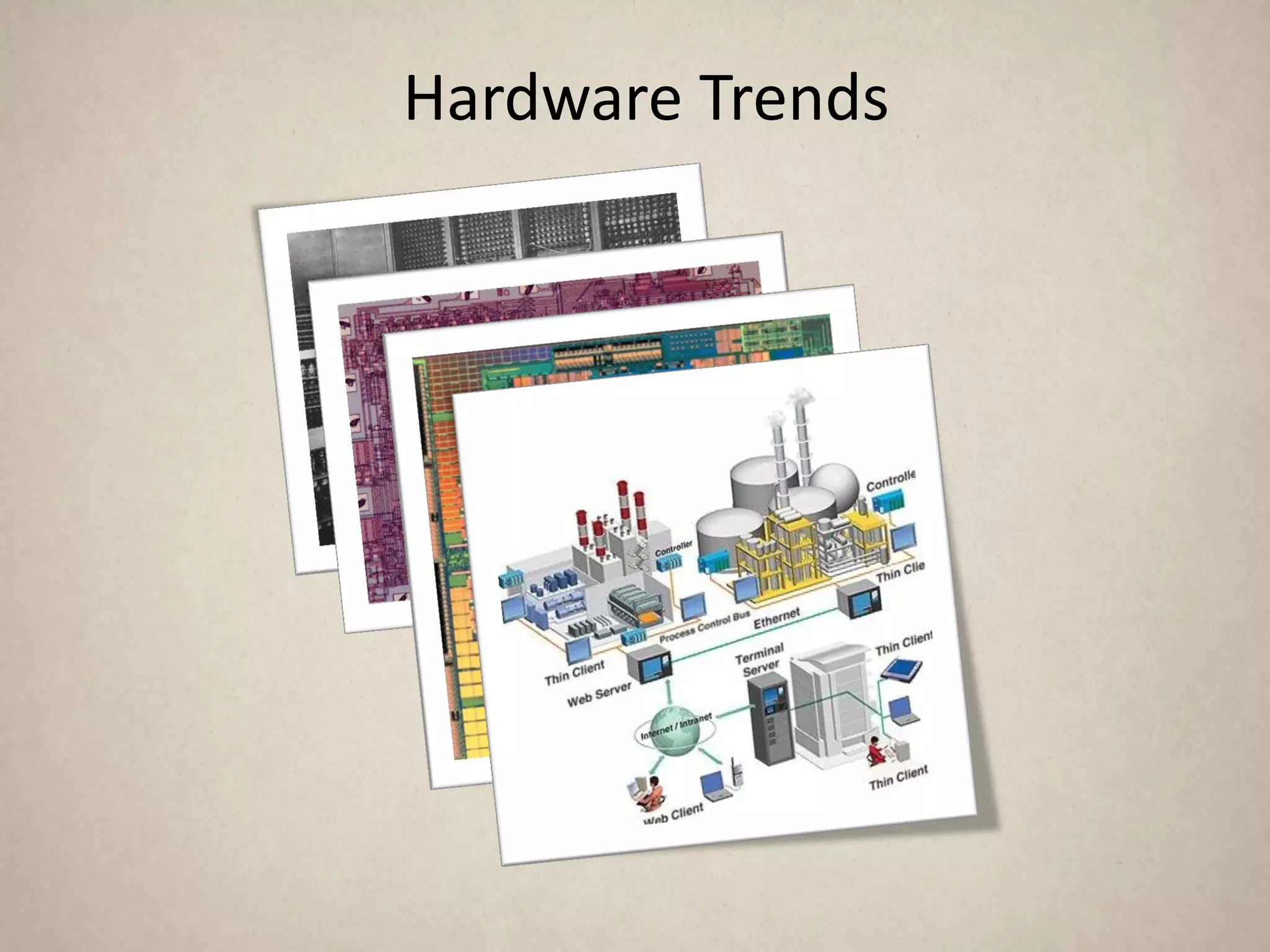
Hardware Trends
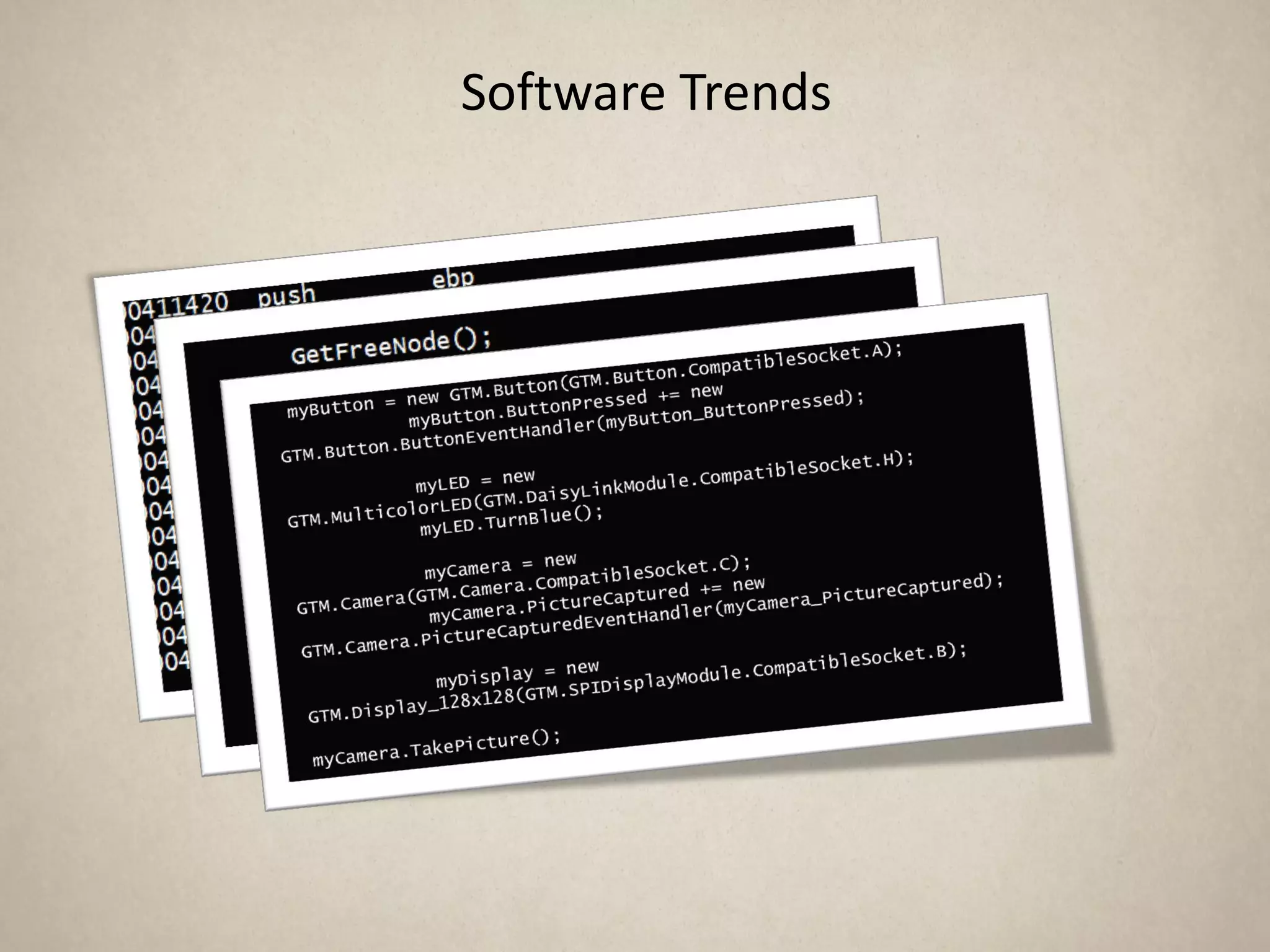
Software Trends
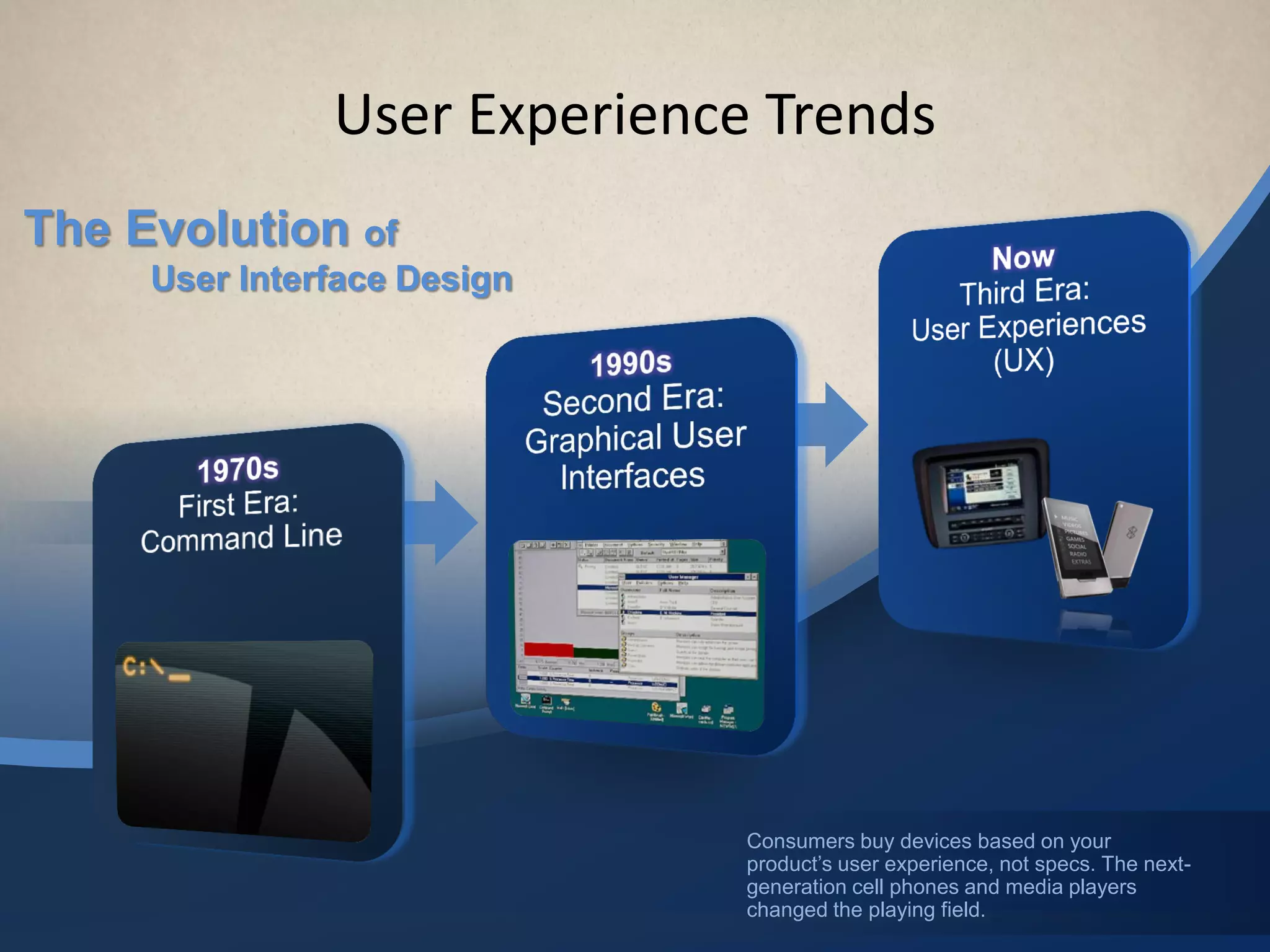
User Experience Trends
The Evolution of
     User Interface Design


                              Consumers buy devices based on your
                              product’s user experience, not specs. The next-
                              generation cell phones and media players
                              changed the playing field.
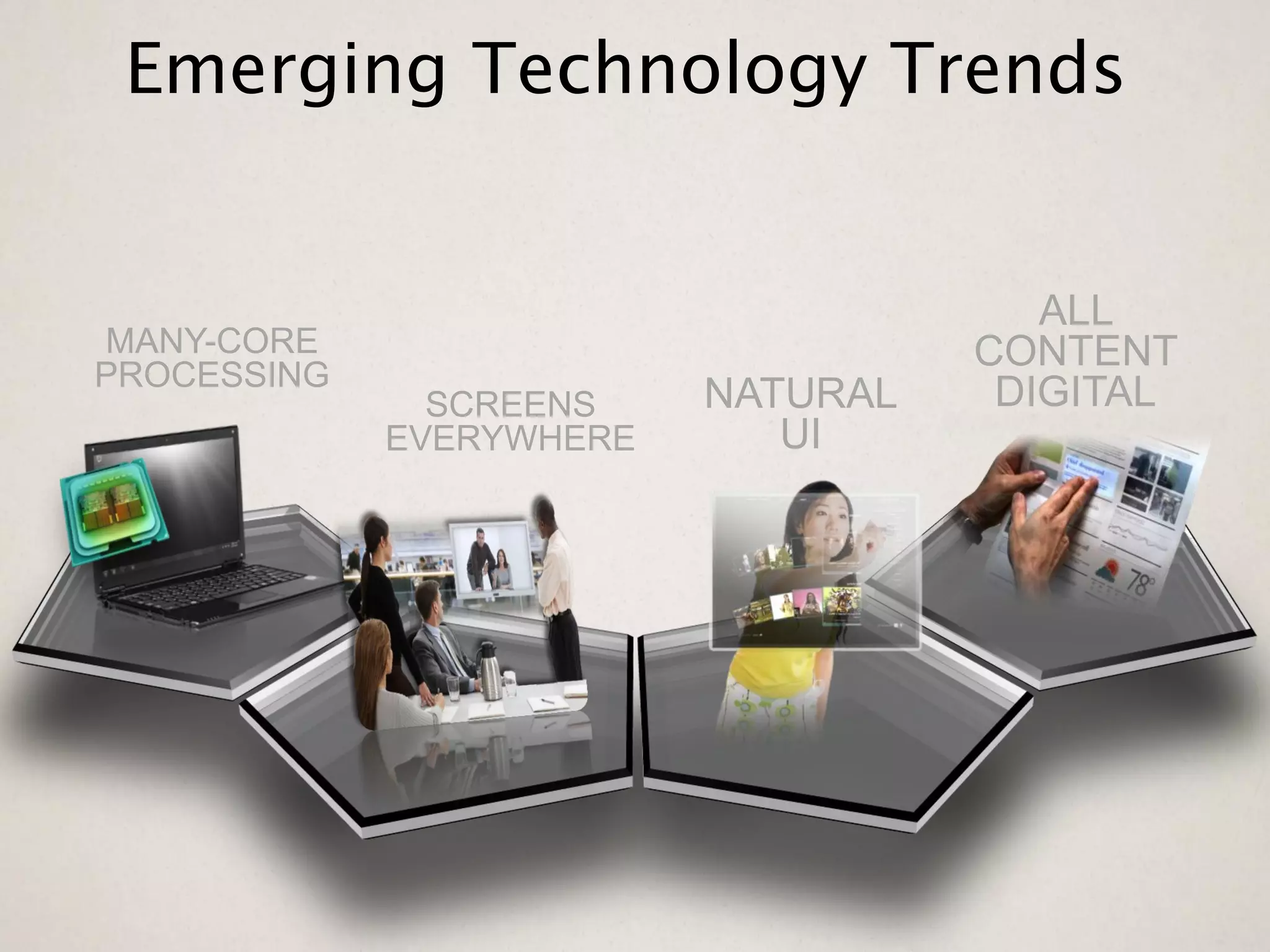
Emerging Technology Trends


                                       ALL
MANY-CORE                           CONTENT
PROCESSING
               SCREENS    NATURAL    DIGITAL
             EVERYWHERE      UI
Hardware/Software Abstraction
• Frameworks hide complexity (H/W & S/W)
• Make use of hardware capabilities (CPU/GPU)
• Model/View development
  – Model can be local or remote/cloud content
  – Cloud API or Cached/Sync’d content
• Keep User Experience responsive (Threading)
• Develop using Asynchronous methods
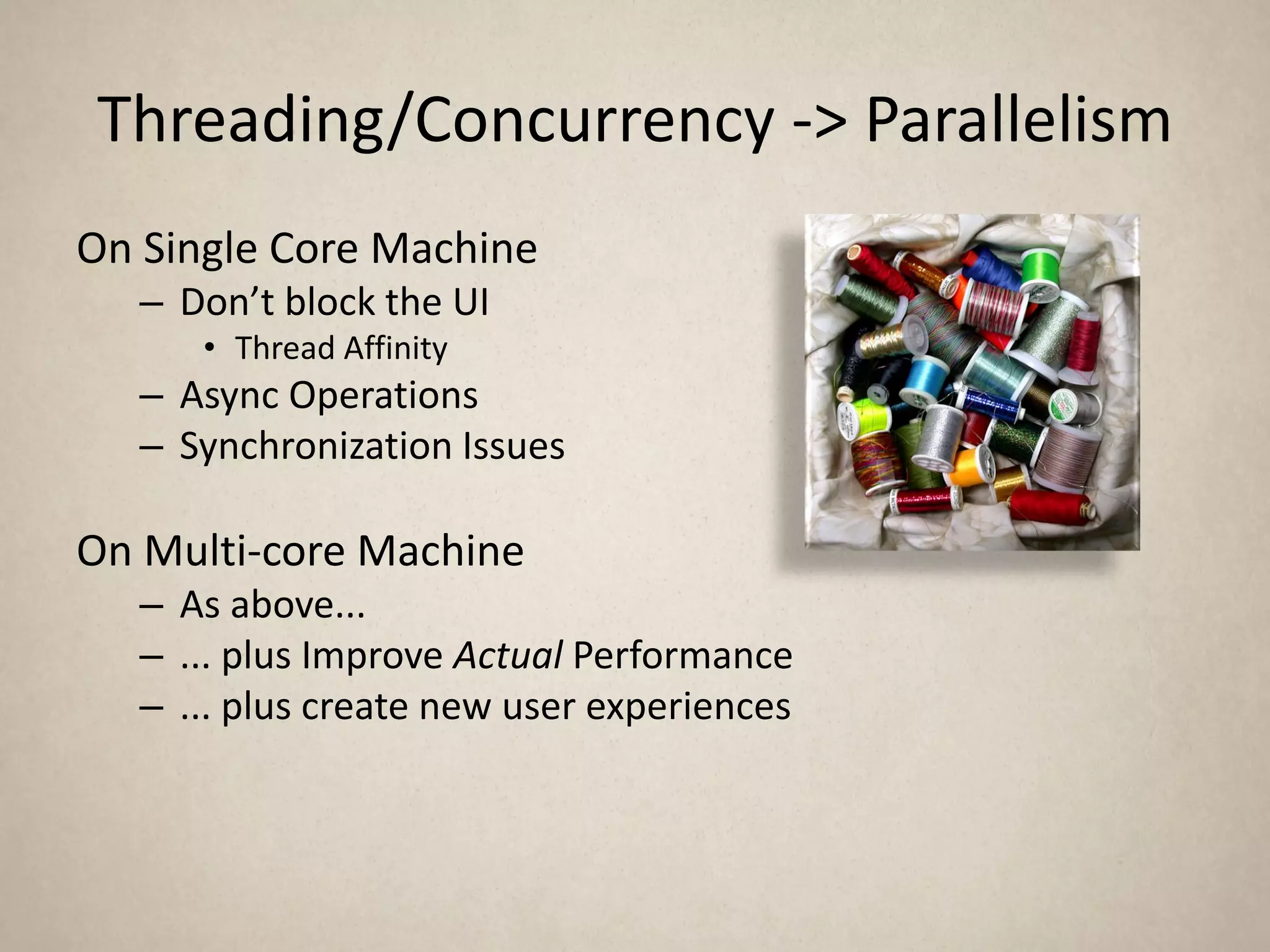
Threading/Concurrency -> Parallelism
On Single Core Machine
   – Don’t block the UI
      • Thread Affinity
   – Async Operations
   – Synchronization Issues

On Multi-core Machine
   – As above...
   – ... plus Improve Actual Performance
   – ... plus create new user experiences
Threads vs. Task Programming
• Multi-Core hardware becoming standard
• Key to “real” performance is to scale across cores
• Threads
   – Hard to write scalable applications
   – Complex to write/debug
• Task based programming
     –   Scales from single core to multi-core
     –   “On Device” Parallel programming model
     –   Supports Work stealing (hidden from developer)
     –   Rapid application development


16
Enabling Connectivity
• Connectivity without experience isn’t useful

• Agenda
  – Connectivity
  – Hardware
  – User Experience
  – Cloud Enabled
     • World Readiness
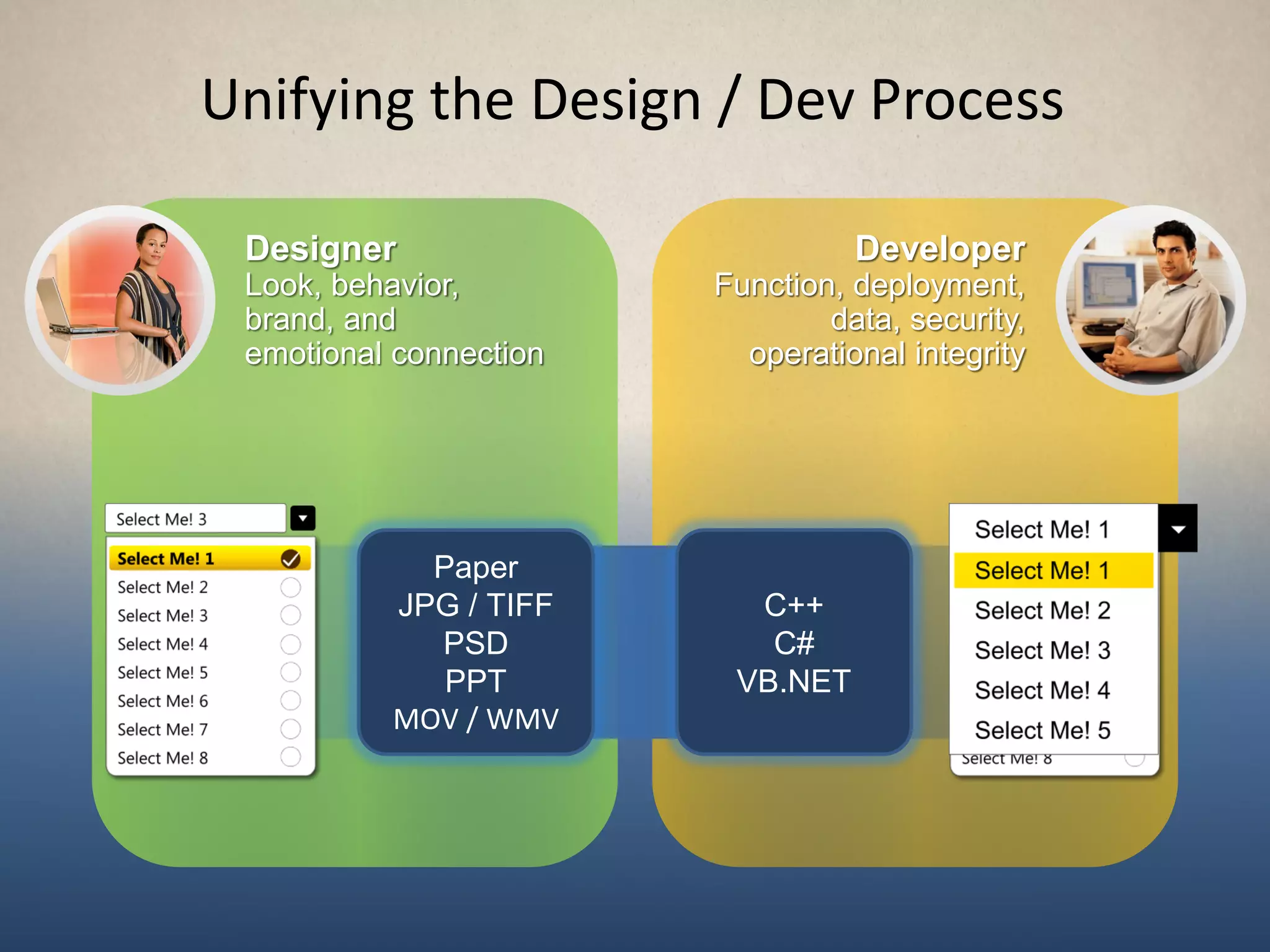
Unifying the Design / Dev Process

 Designer                         Developer
 Look, behavior,        Function, deployment,
 brand, and                     data, security,
 emotional connection     operational integrity


            Paper
          JPG / TIFF      C++
            PSD            C#
             PPT         VB.NET
          MOV / WMV
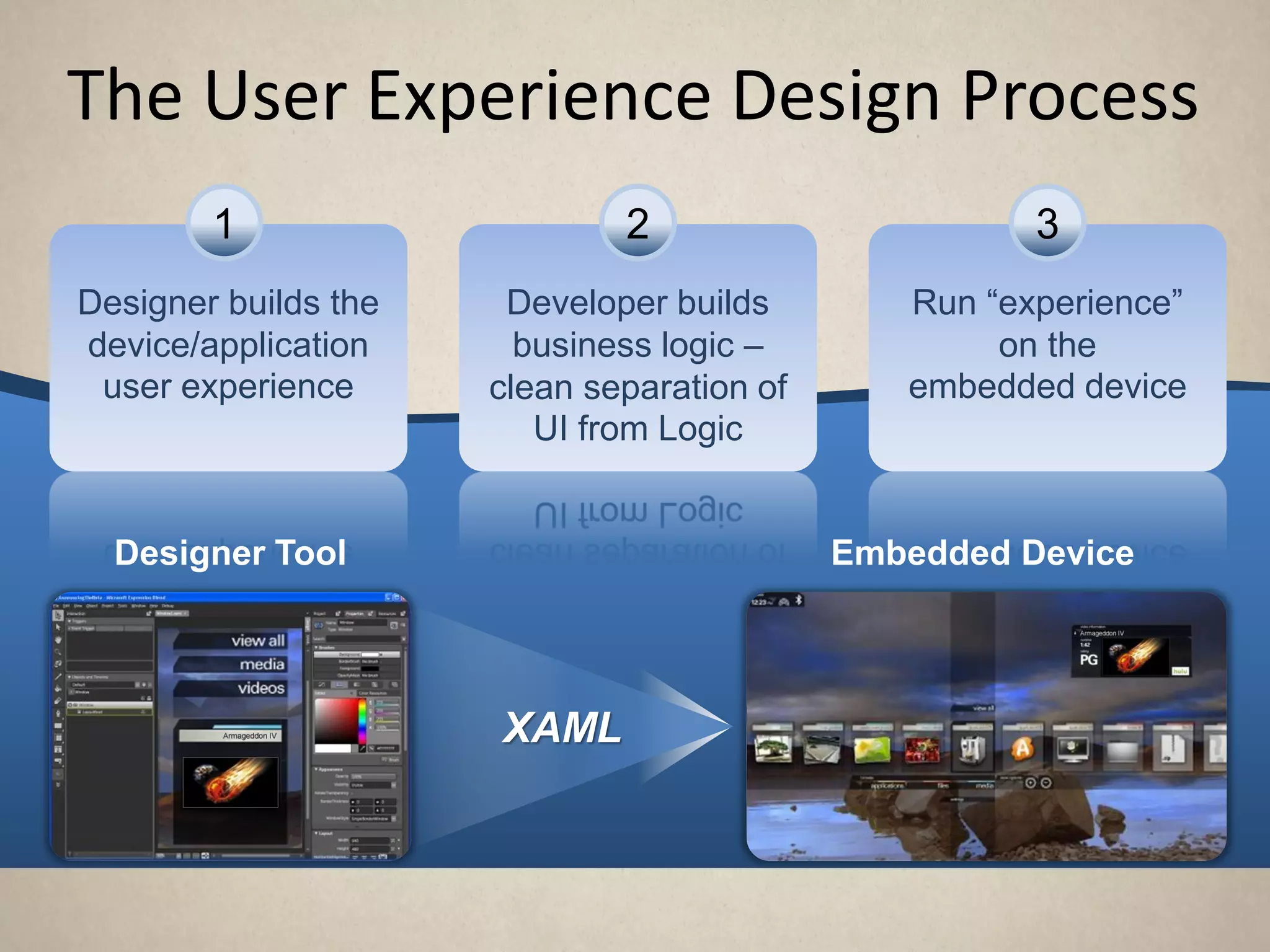
The User Experience Design Process
        1                     2                       3
Designer builds the    Developer builds        Run “experience”
device/application      business logic –            on the
 user experience      clean separation of      embedded device
                         UI from Logic


  Designer Tool                             Embedded Device


                      XAML
User Experience
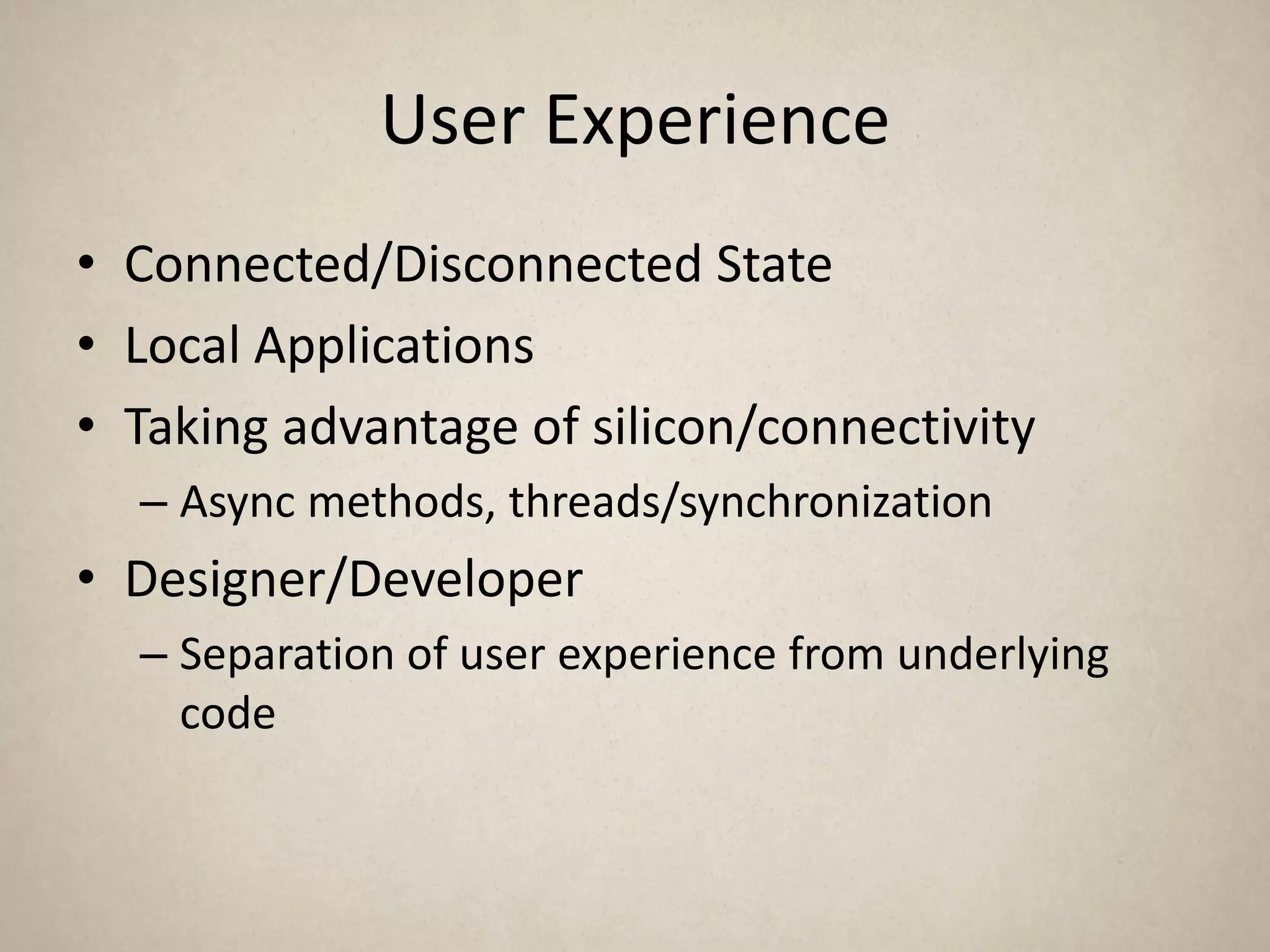
• Connected/Disconnected State
• Local Applications
• Taking advantage of silicon/connectivity
  – Async methods, threads/synchronization
• Designer/Developer
  – Separation of user experience from underlying
    code
Enabling Connectivity
• Connectivity without experience isn’t useful

• Agenda
  – Connectivity
  – Hardware
  – User Experience
  – Cloud Enabled
     • World Readiness
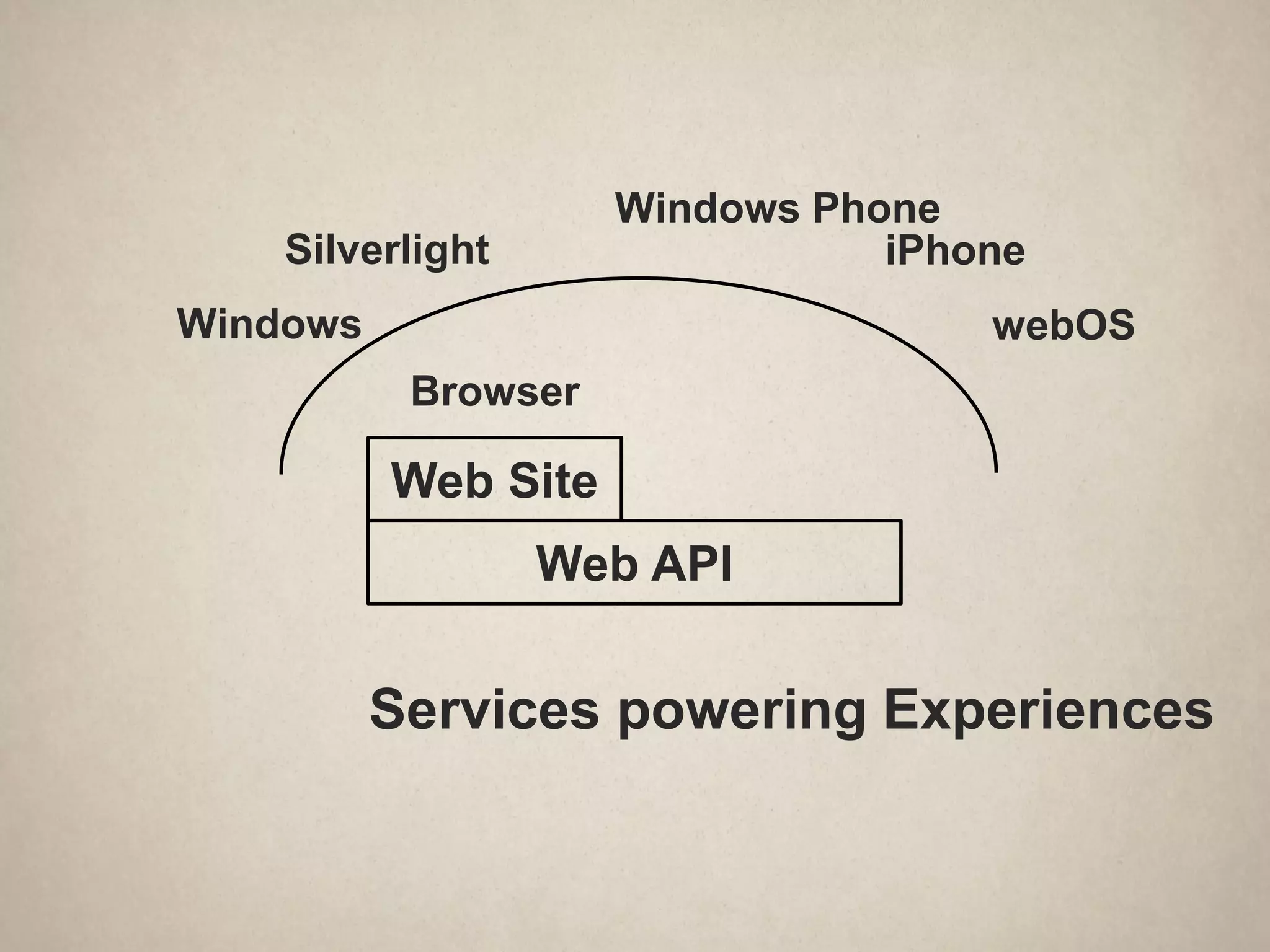
Windows Phone
    Silverlight                 iPhone
Windows                             webOS
           Browser

          Web Site
                  Web API


          Services powering Experiences
World Readiness
• We’re connected, now what…
• Cloud services, user experience, translation
• Putting it all together
Summary
Q&A
© 2010 Microsoft Corporation. All rights reserved. Microsoft, Windows, Windows Vista and other product names are or may be registered trademarks and/or trademarks in the U.S. and/or other countries.
The information herein is for informational purposes only and represents the current view of Microsoft Corporation as of the date of this presentation. Because Microsoft must respond to changing market conditions, it should
 not be interpreted to be a commitment on the part of Microsoft, and Microsoft cannot guarantee the accuracy of any information provided after the date of this presentation. MICROSOFT MAKES NO WARRANTIES, EXPRESS,
                                                                           IMPLIED OR STATUTORY, AS TO THE INFORMATION IN THIS PRESENTATION.

Mikehall FutureWorld 2010 - enabling connectivity

  • 1.
    Enabling Connectivity Mike Hall PrincipalSoftware Architect Windows Embedded Business Microsoft Corporation mikehall@microsoft.com
  • 2.
    “Create experiences thatcombine the magic of software with the power of internet services across a world of devices” Microsoft corporate vision, 2008
  • 3.
    “Create experiences thatcombine the magic of software with the power of internet services across a world of devices” Microsoft corporate vision, 2008
  • 4.
    Enabling Connectivity • Agenda – Connectivity – Hardware – User Experience – Cloud Enabled • World Readiness
  • 5.
    The consensus isthat by 2020 the number of connected devices will outnumber the worlds population GROWTH IN THE PERVASIVENESS OF COMPUTING The Era Of The The Era Of The The Era Of The The Era Of The The Era Of The Mainframe Minicomputer The Pc Desktop Internet Mobile Internet 60’s 70’s 80’s 90’s 2000 2010+
  • 6.
    Consensus suggests thatthe number of “connection capable” devices will soon outnumber the number of humans and that these devices will increasingly be M2M and/or remote, mobile or movable devices Number of connected devices (in Billions) The Era Of The The Era Of The The Era Of The The Era Of The The Era Of The Mainframe 10 Minicomputer The Pc Desktop Internet Mobile Internet 2020 10s of Billions of units 9 8 7 2020 6 7.7+B People 5 4 3 The Mobile Internet Units: 2 The Desktop 1.5B+ Sockets Internet Mainframe Minicomputer PC Units: Units: Units: Units: 1B+ Sockets 1 1MM+ Sockets 10M+ Sockets 100M+ Sockets 60’s 70’s 80’s 90’s 2000 2010+
  • 7.
    Different environments pose different connection challenges LAN – The question of connectivity has largely been solved at the transport, control and monitoring layers – Useful for fixed environments but doesn’t meet the core requirements of emergent / hi growth device types WiFi – Effective for fixed and some confined mobility apps – Significant challenges around pervasive access, coverage and security remain for many emergent device types WAN – Offers optimal connectivity characteristics for a wide range of remote, mobile or movable device scenarios – Significant technical, operational and commercial challenges remain to be resolved
  • 8.
    The process thatour customers must go through today to develop WAN solutions is costly complex and long SOLUTION DEVELOPMENT PROCESS OEM/DEVELOPER CHALLENGES COMPLEXITY PLAN & BUILD •Thousands of OEM’s, DO’s, App Developers and Mobile Operators •No Clear standard for devices operating systems •Different network standards and modules PRODUCTS COST CUSTOMERS SERVICE •Lack of flexible device management/billing OPERATE & DEPLOY capabilities OPTIMIZE •Expensive bandwidth •Expensive wireless modules TIME TO MARKET •Nascent cloud services •Lengthy development timelines Solving these challenges requires the involvement of more than one party in the process BUT realizing the full potential of connected devices requires that they be solved
  • 9.
    Enabling Connectivity • Connectivitywithout experience isn’t useful • Agenda – Connectivity – Hardware – User Experience – Cloud Enabled • World Readiness
  • 10.
  • 11.
  • 12.
    User Experience Trends TheEvolution of User Interface Design Consumers buy devices based on your product’s user experience, not specs. The next- generation cell phones and media players changed the playing field.
  • 13.
    Emerging Technology Trends ALL MANY-CORE CONTENT PROCESSING SCREENS NATURAL DIGITAL EVERYWHERE UI
  • 14.
    Hardware/Software Abstraction • Frameworkshide complexity (H/W & S/W) • Make use of hardware capabilities (CPU/GPU) • Model/View development – Model can be local or remote/cloud content – Cloud API or Cached/Sync’d content • Keep User Experience responsive (Threading) • Develop using Asynchronous methods
  • 15.
    Threading/Concurrency -> Parallelism OnSingle Core Machine – Don’t block the UI • Thread Affinity – Async Operations – Synchronization Issues On Multi-core Machine – As above... – ... plus Improve Actual Performance – ... plus create new user experiences
  • 16.
    Threads vs. TaskProgramming • Multi-Core hardware becoming standard • Key to “real” performance is to scale across cores • Threads – Hard to write scalable applications – Complex to write/debug • Task based programming – Scales from single core to multi-core – “On Device” Parallel programming model – Supports Work stealing (hidden from developer) – Rapid application development 16
  • 18.
    Enabling Connectivity • Connectivitywithout experience isn’t useful • Agenda – Connectivity – Hardware – User Experience – Cloud Enabled • World Readiness
  • 19.
    Unifying the Design/ Dev Process Designer Developer Look, behavior, Function, deployment, brand, and data, security, emotional connection operational integrity Paper JPG / TIFF C++ PSD C# PPT VB.NET MOV / WMV
  • 20.
    The User ExperienceDesign Process 1 2 3 Designer builds the Developer builds Run “experience” device/application business logic – on the user experience clean separation of embedded device UI from Logic Designer Tool Embedded Device XAML
  • 21.
    User Experience • Connected/DisconnectedState • Local Applications • Taking advantage of silicon/connectivity – Async methods, threads/synchronization • Designer/Developer – Separation of user experience from underlying code
  • 22.
    Enabling Connectivity • Connectivitywithout experience isn’t useful • Agenda – Connectivity – Hardware – User Experience – Cloud Enabled • World Readiness
  • 23.
    Windows Phone Silverlight iPhone Windows webOS Browser Web Site Web API Services powering Experiences
  • 24.
    World Readiness • We’reconnected, now what… • Cloud services, user experience, translation • Putting it all together
  • 25.
  • 26.
  • 27.
    © 2010 MicrosoftCorporation. All rights reserved. Microsoft, Windows, Windows Vista and other product names are or may be registered trademarks and/or trademarks in the U.S. and/or other countries. The information herein is for informational purposes only and represents the current view of Microsoft Corporation as of the date of this presentation. Because Microsoft must respond to changing market conditions, it should not be interpreted to be a commitment on the part of Microsoft, and Microsoft cannot guarantee the accuracy of any information provided after the date of this presentation. MICROSOFT MAKES NO WARRANTIES, EXPRESS, IMPLIED OR STATUTORY, AS TO THE INFORMATION IN THIS PRESENTATION.