History of theMicroscope
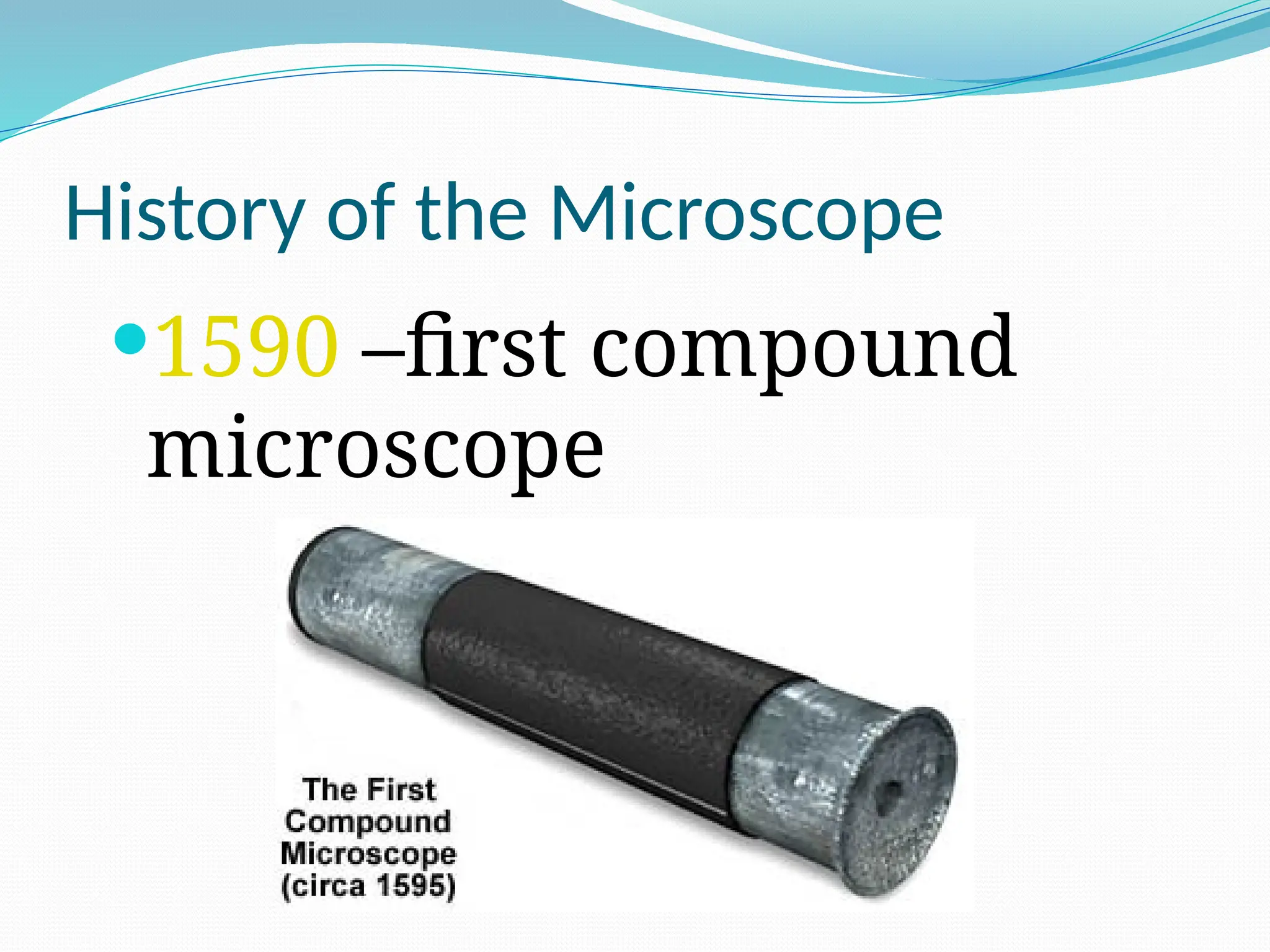
1590 –first compound
microscope
3.
History of theMicroscope
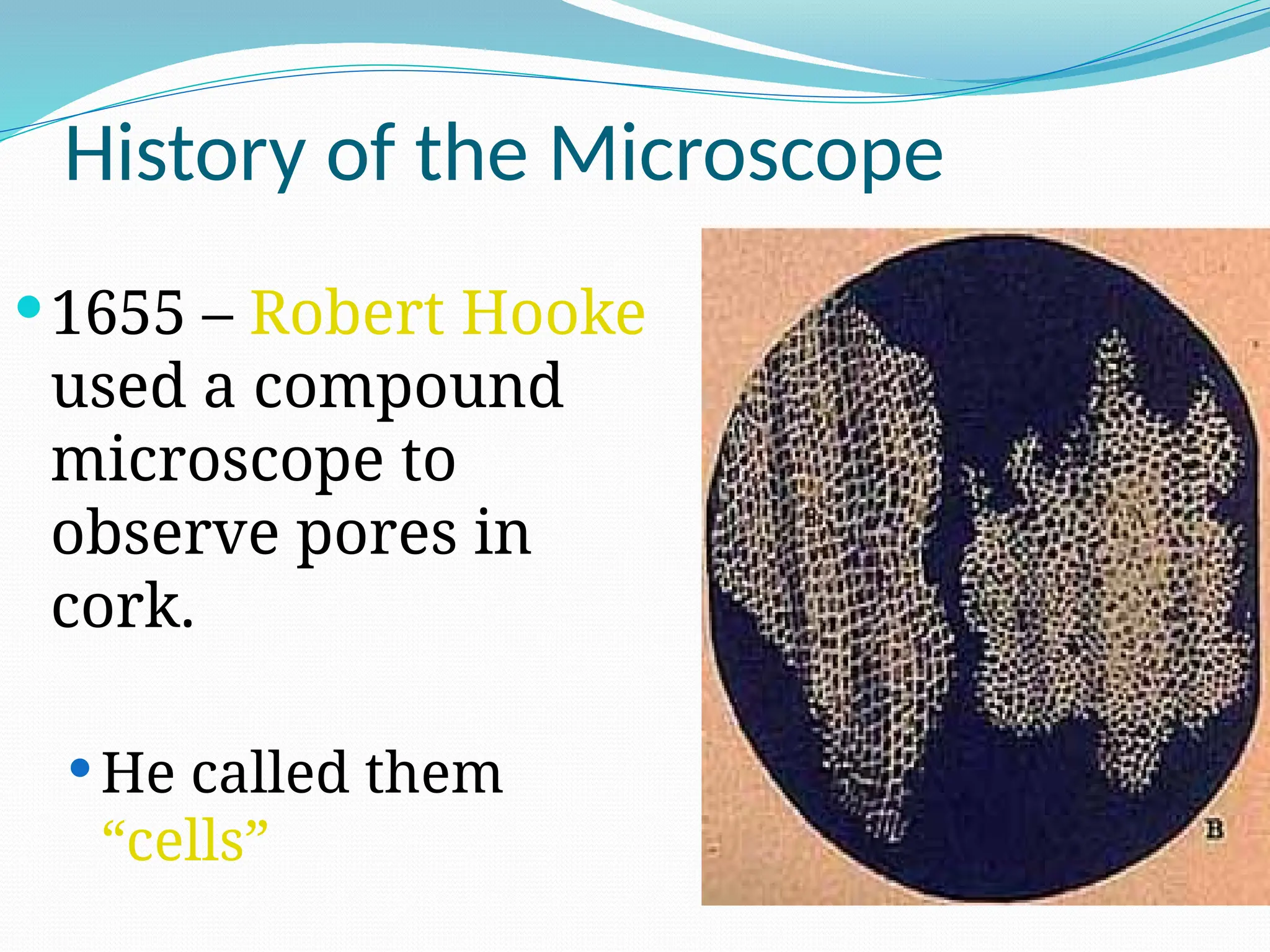
1655 – Robert Hooke
used a compound
microscope to
observe pores in
cork.
He called them
“cells”
4.
History of theMicroscope
Antoine van
Leeuwenhoek
1st
to see single-celled
organisms in pond water
5.
Types of Microscopes
1.Compound Light
Microscope
1st
type of microscope, most
widely used
light passes through 2
lenses
Can magnify up to 2000x
6.
Types of Microscopes
2.Electron Microscope
Used to observe VERY small
objects: viruses, DNA, parts
of cells
Uses beams of electrons
rather than light
Much more powerful
7.
Types of ElectronMicroscopes
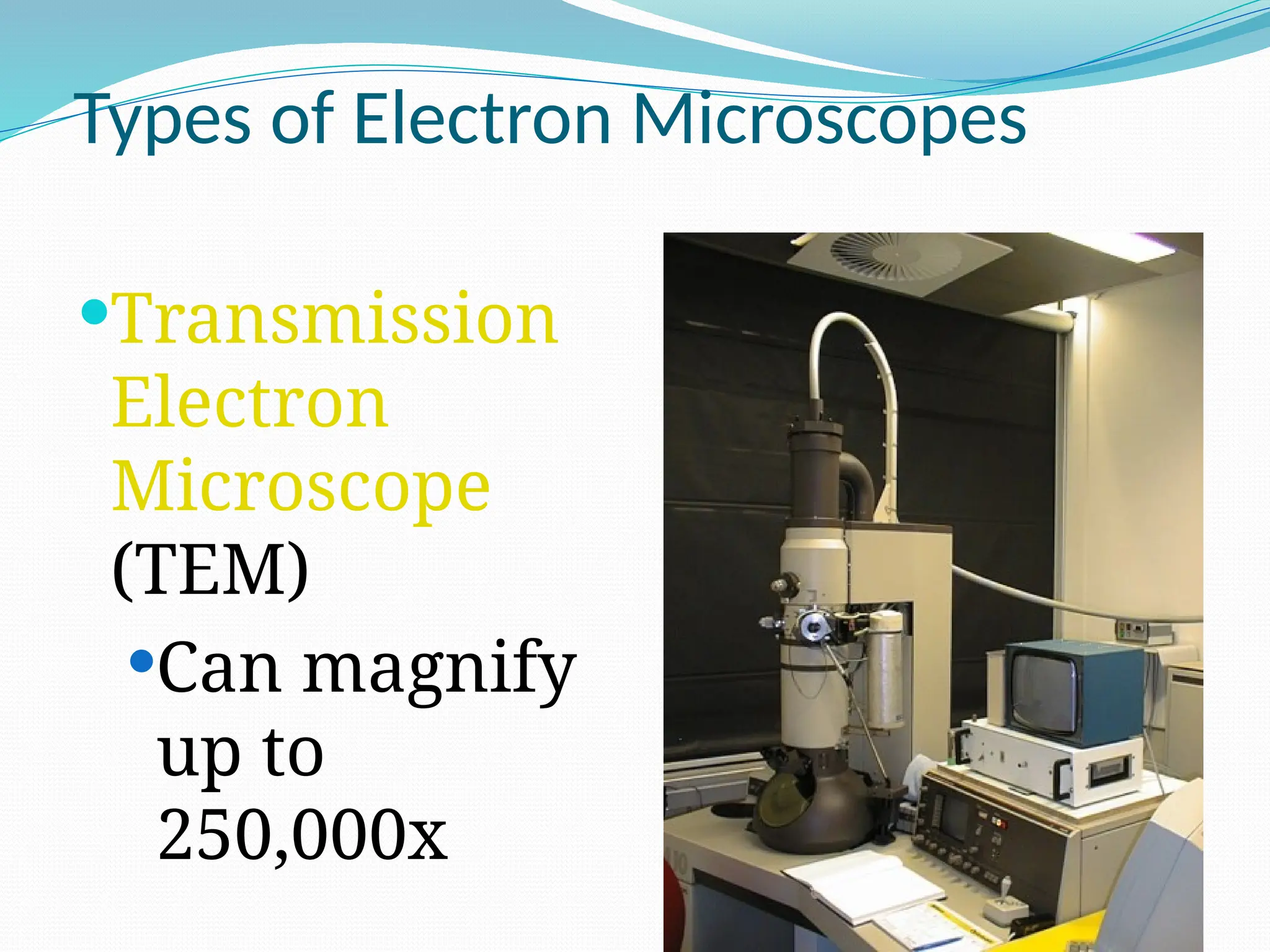
Transmission
Electron
Microscope
(TEM)
Can magnify
up to
250,000x
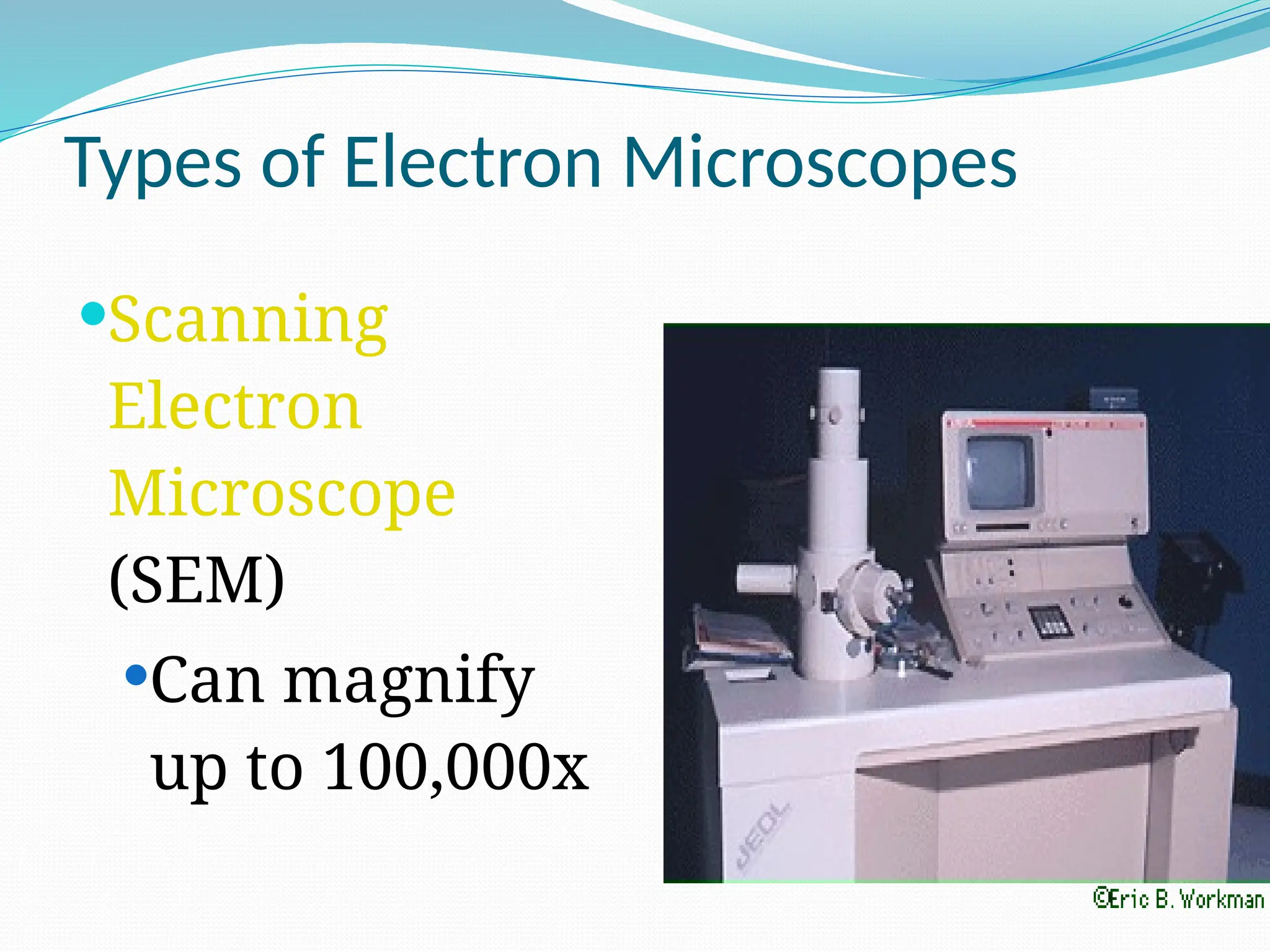
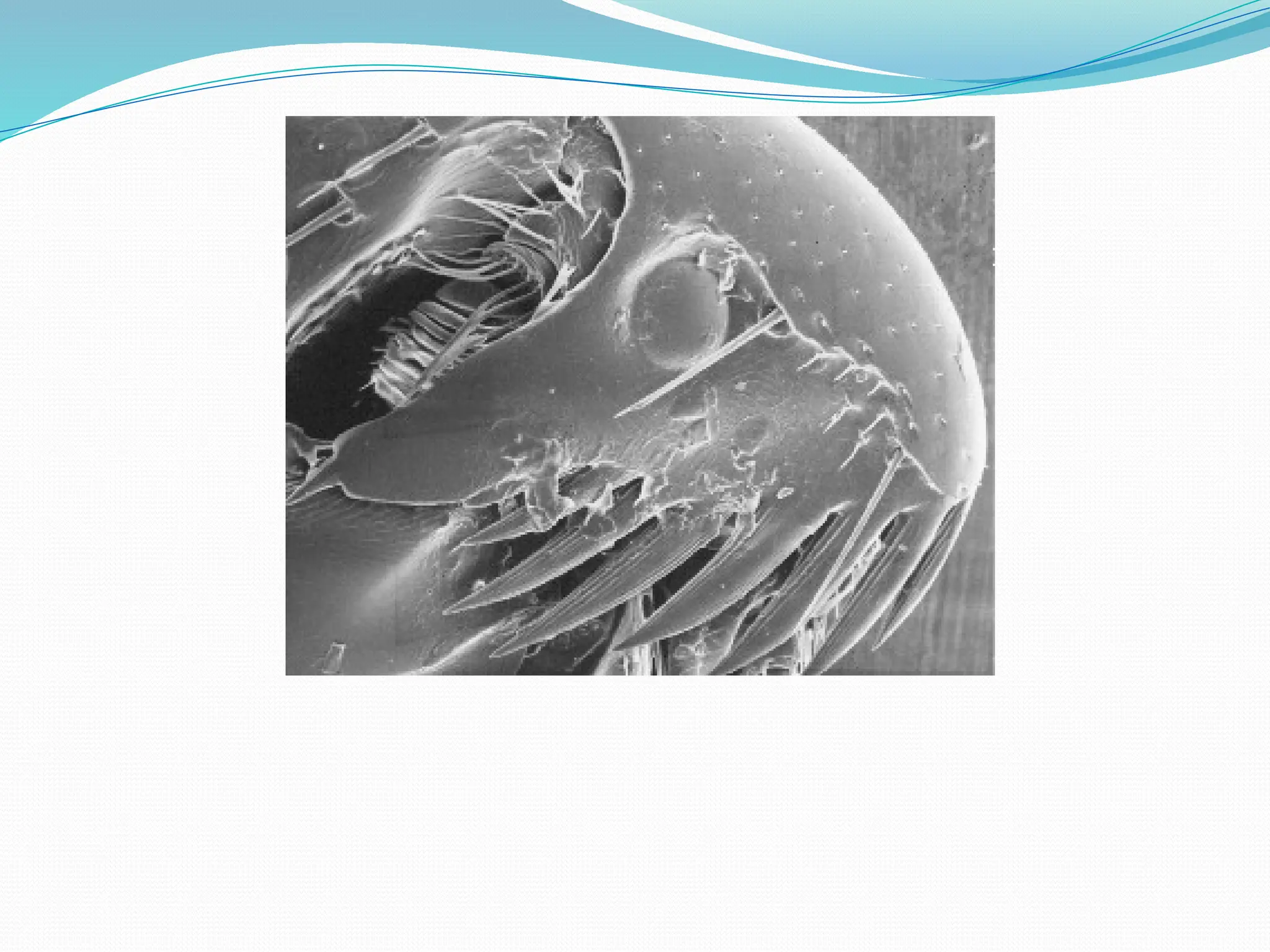
9.
Types of ElectronMicroscopes
Scanning
Electron
Microscope
(SEM)
Can magnify
up to 100,000x
11.
• Always carrywith 2 hands
• Only use lens paper for cleaning
• Do not force knobs
• Always store covered
The Light Microscope
Guidelines for Use
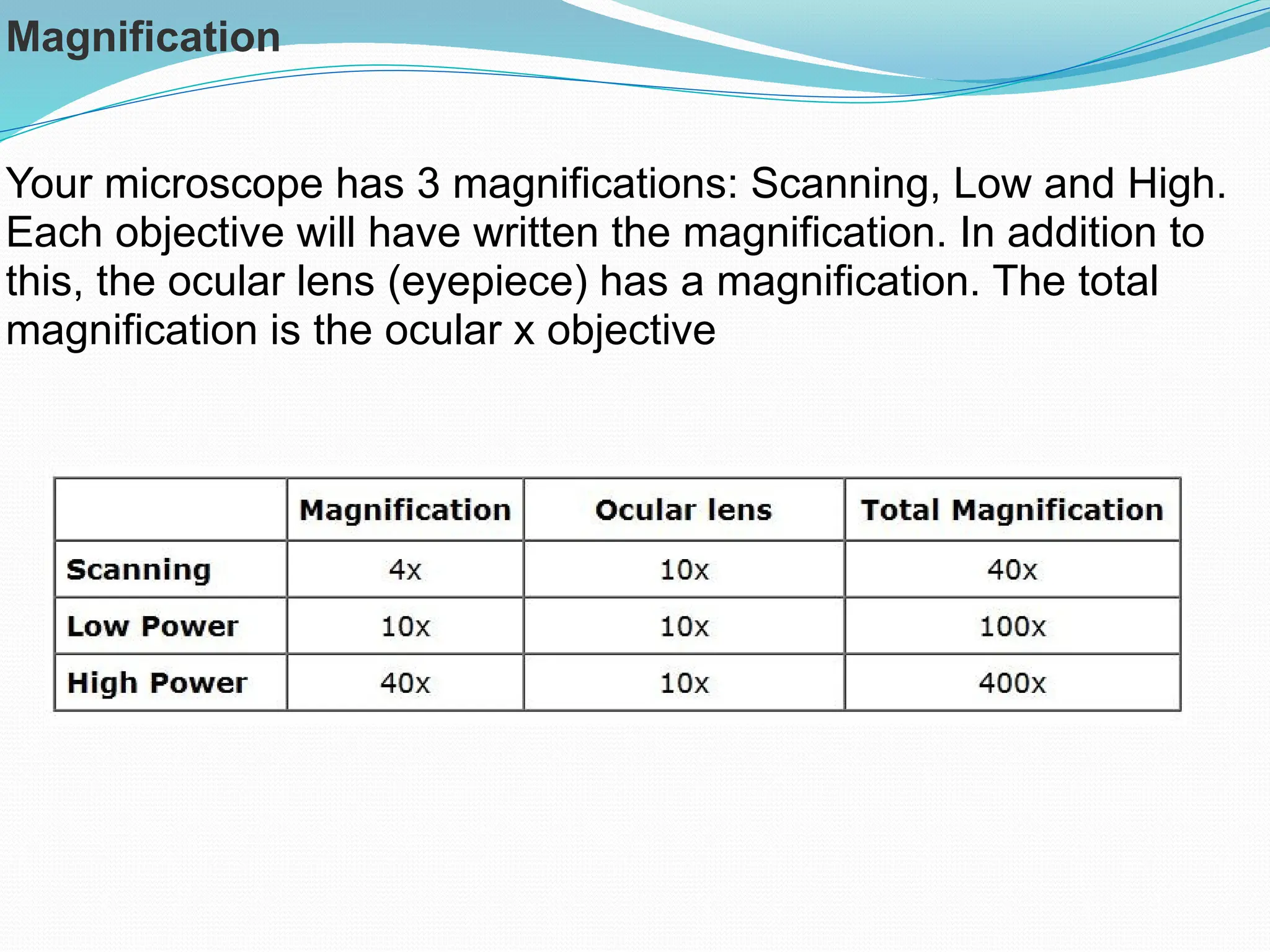
Magnification
Your microscope has3 magnifications: Scanning, Low and High.
Each objective will have written the magnification. In addition to
this, the ocular lens (eyepiece) has a magnification. The total
magnification is the ocular x objective
15.
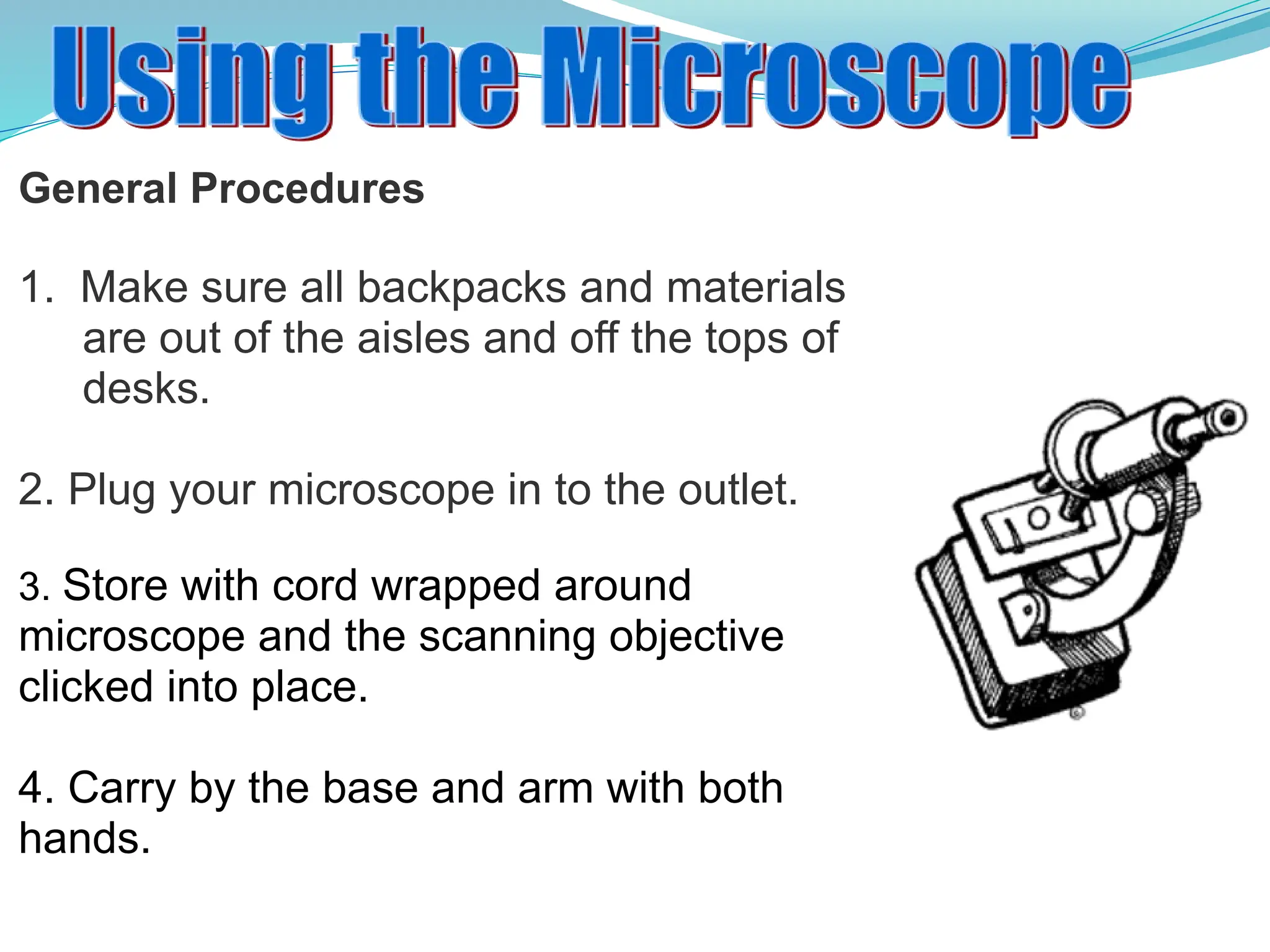
General Procedures
1. Makesure all backpacks and materials
are out of the aisles and off the tops of
desks.
2. Plug your microscope in to the outlet.
3. Store with cord wrapped around
microscope and the scanning objective
clicked into place.
4. Carry by the base and arm with both
hands.
16.
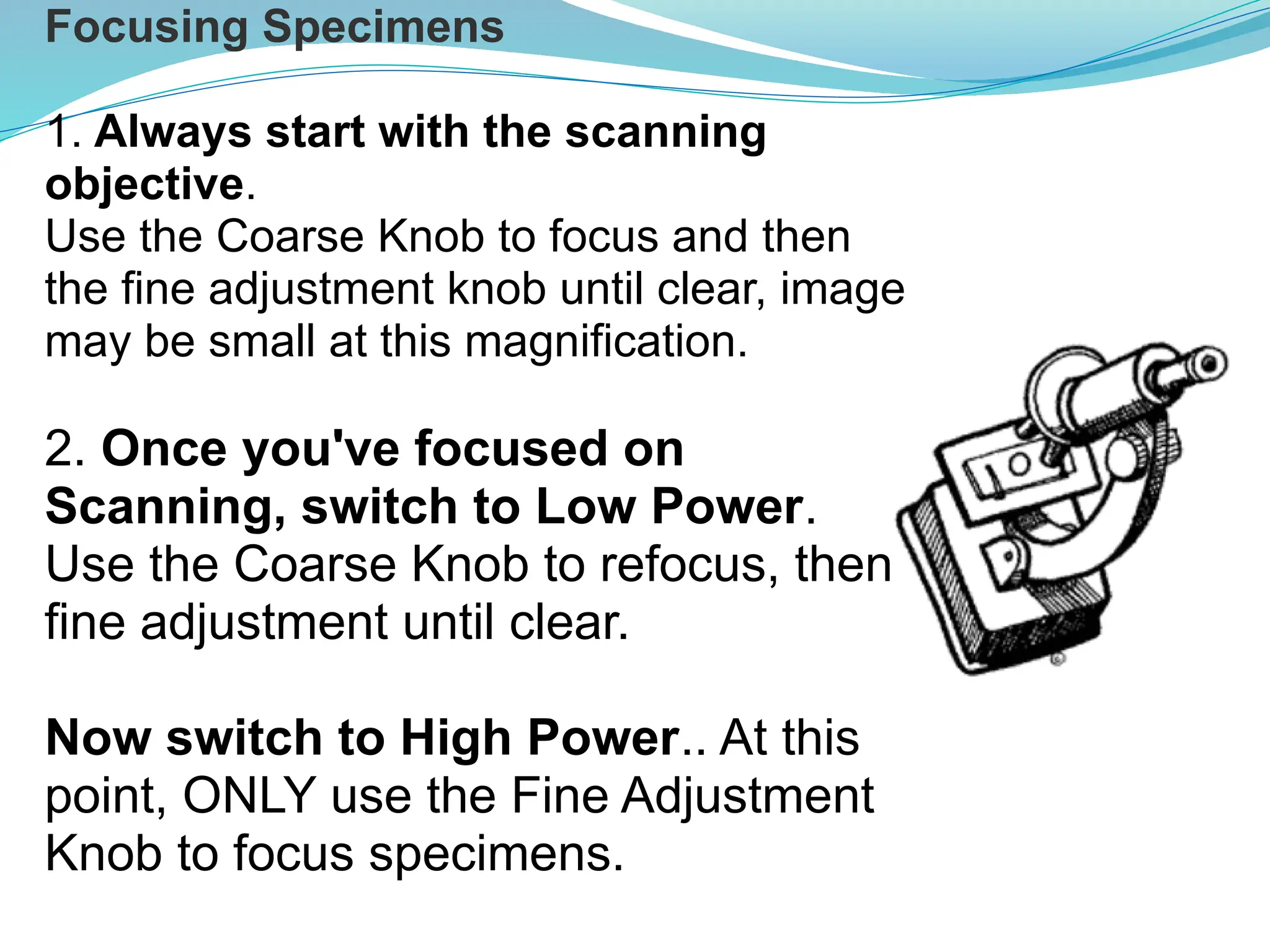
Focusing Specimens
1. Alwaysstart with the scanning
objective.
Use the Coarse Knob to focus and then
the fine adjustment knob until clear, image
may be small at this magnification.
2. Once you've focused on
Scanning, switch to Low Power.
Use the Coarse Knob to refocus, then
fine adjustment until clear.
Now switch to High Power.. At this
point, ONLY use the Fine Adjustment
Knob to focus specimens.
17.
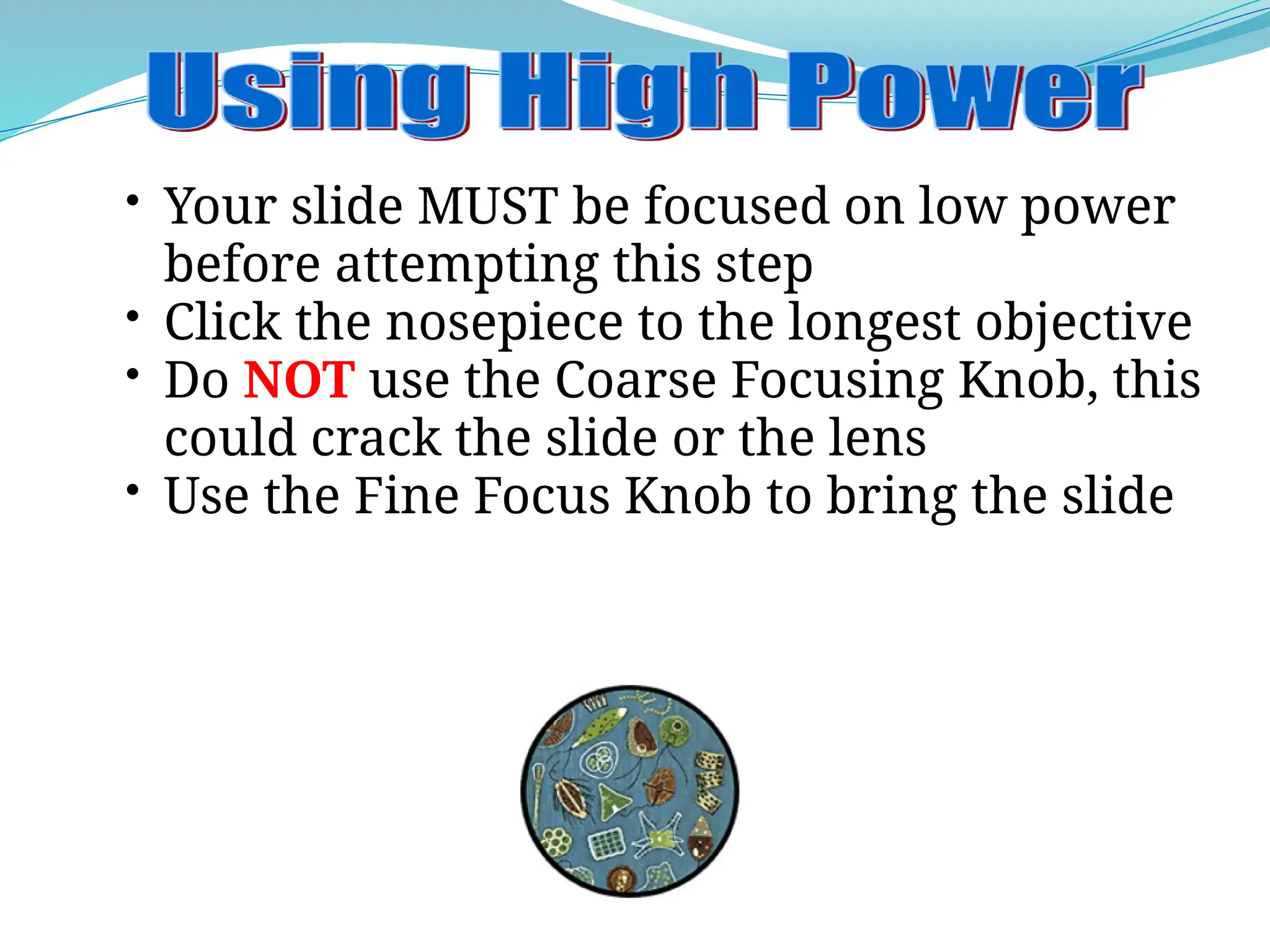
• Your slideMUST be focused on low power
before attempting this step
• Click the nosepiece to the longest objective
• Do NOT use the Coarse Focusing Knob, this
could crack the slide or the lens
• Use the Fine Focus Knob to bring the slide
18.
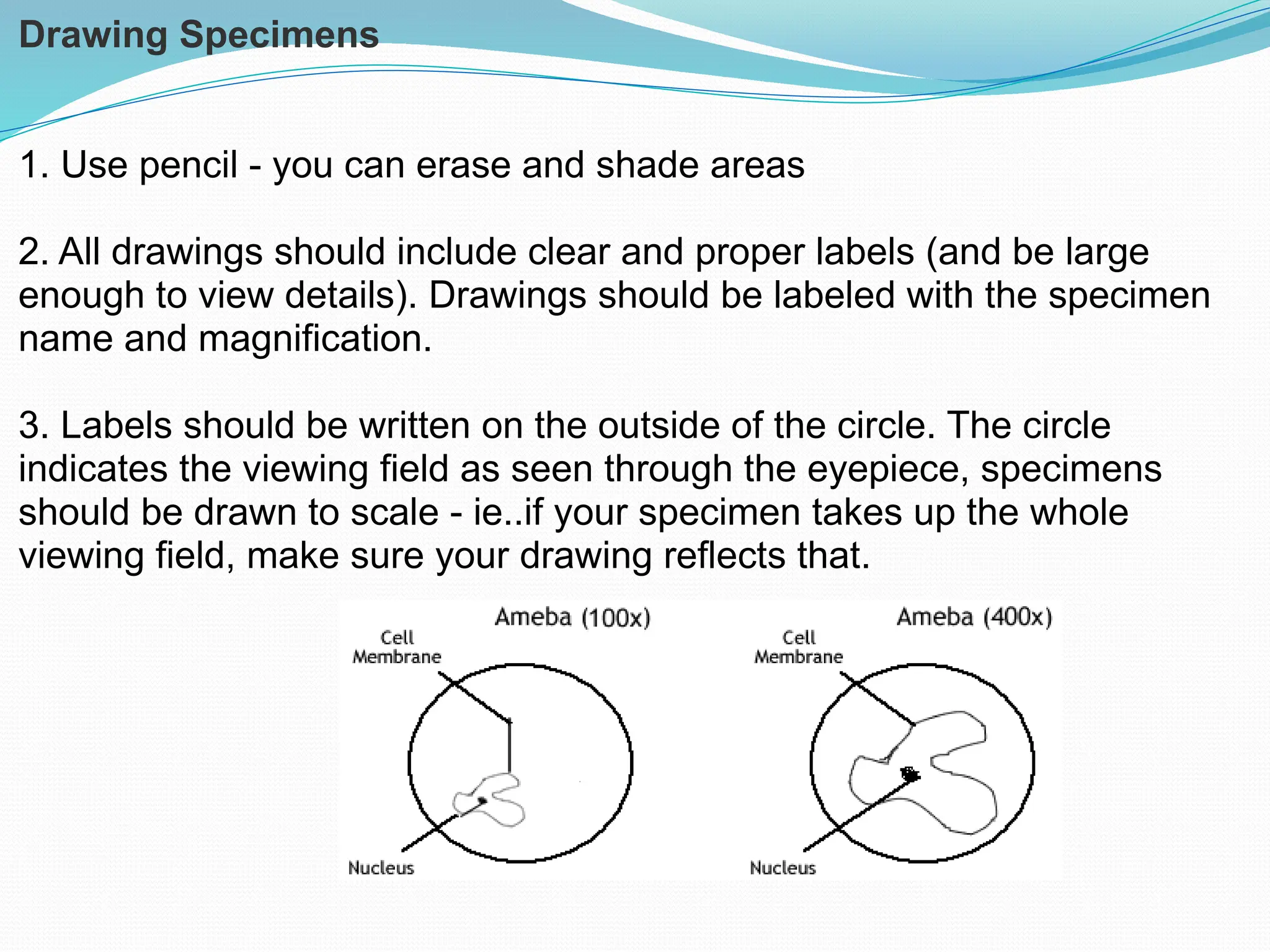
Drawing Specimens
1. Usepencil - you can erase and shade areas
2. All drawings should include clear and proper labels (and be large
enough to view details). Drawings should be labeled with the specimen
name and magnification.
3. Labels should be written on the outside of the circle. The circle
indicates the viewing field as seen through the eyepiece, specimens
should be drawn to scale - ie..if your specimen takes up the whole
viewing field, make sure your drawing reflects that.
19.
Cleanup
1. Store microscopeswith the scanning objective in place.
2. Wrap cords and cover microscopes.
*Double check to make sure you didn't leave a slide
3. Place microscopes in their designated location (probably a cabinet)
20.
Troubleshooting
Occasionally you mayhave trouble with working your microscope. Here are some
common problems and solutions.
1. Image is too dark!
Adjust the diaphragm, make sure your light is on.
2. There's a spot in my viewing field, even when I move the slide the spot stays in
the same place!
Your lens is dirty. Use lens paper, and only lens paper to carefully clean the
objective and ocular lens. The ocular lens can be removed to clean the inside.
The spot is probably a spec of dust.
3. I can't see anything under high power!
Remember the steps, if you can't focus under scanning and then low power, you
won't be able to focus anything under high power. Start at scanning and walk
through the steps again.
4. Only half of my viewing field is lit, it looks like there's a half-moon in there!
You probably don't have your objective fully clicked into place..
Quiz Over theMicroscope
1. When focusing a specimen, you should always start with the
___________________ objective.
2. When using the high power objective, only the ________
___________ knob should be used.
3. The type of microscope used in most science classes is the
_________________ microscope
4. What part of the microscope can adjust the amount of light
that hits the slide? ______________________________
23.
5. You shouldcarry the microscope by the ________ and the
__________.
6. The objectives are attached to what part of the microscope
(it can be rotated to click the lenses into place):
_______________ ________________
7. You should always store you microscope with the
________________ objective in place.
8. A microscope has an ocular objective of 10x and a high
power objective of 50x. What is this microscope's total
magnification? ____________
Editor's Notes
#11 Teacher demonstrates how to hold the microscope, where the lens paper is located and how to use it. Students will be invited to turn the knobs and observe the stage as it moves up and down. Teacher will demonstrate how to store the microscope.
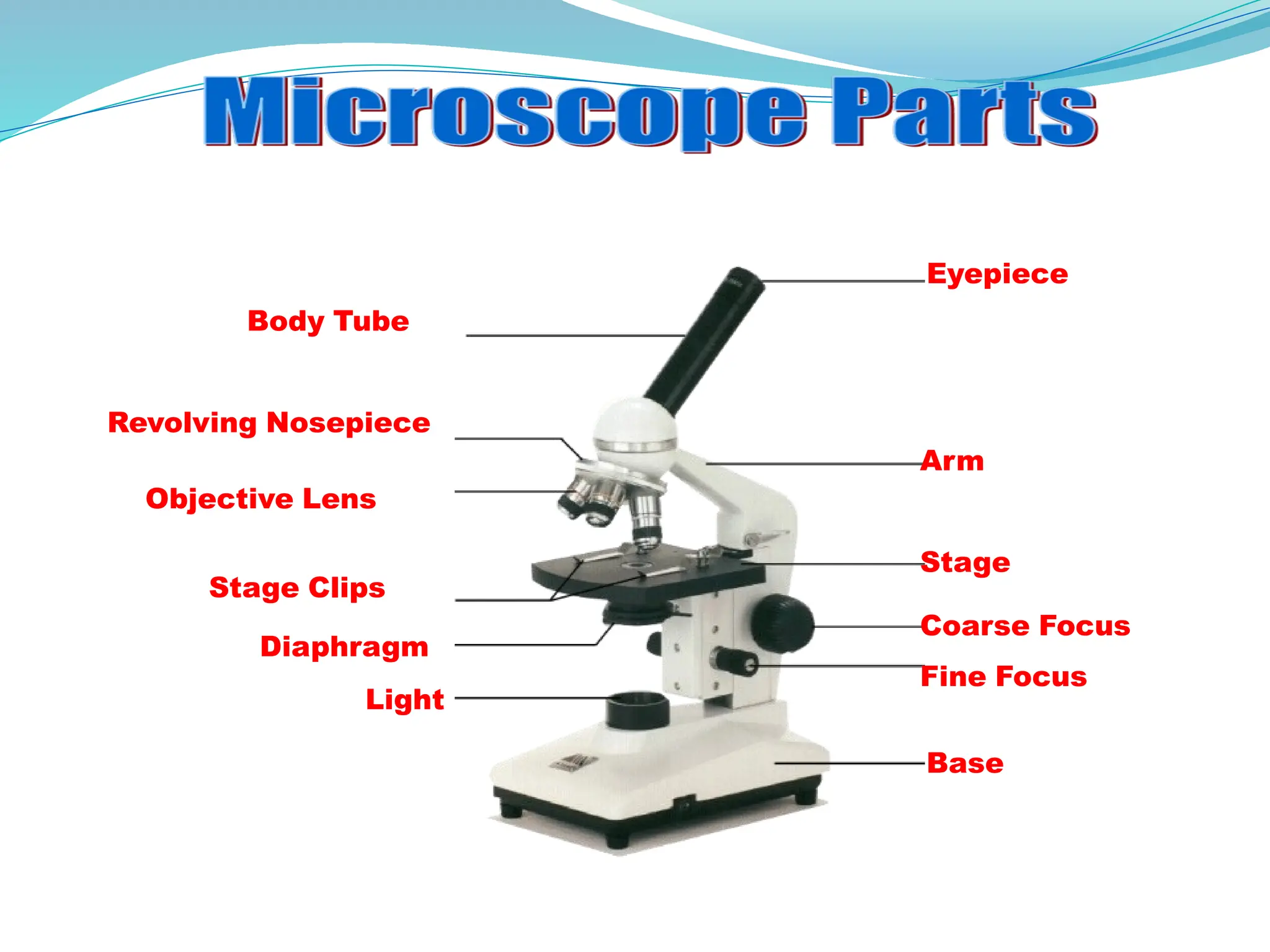
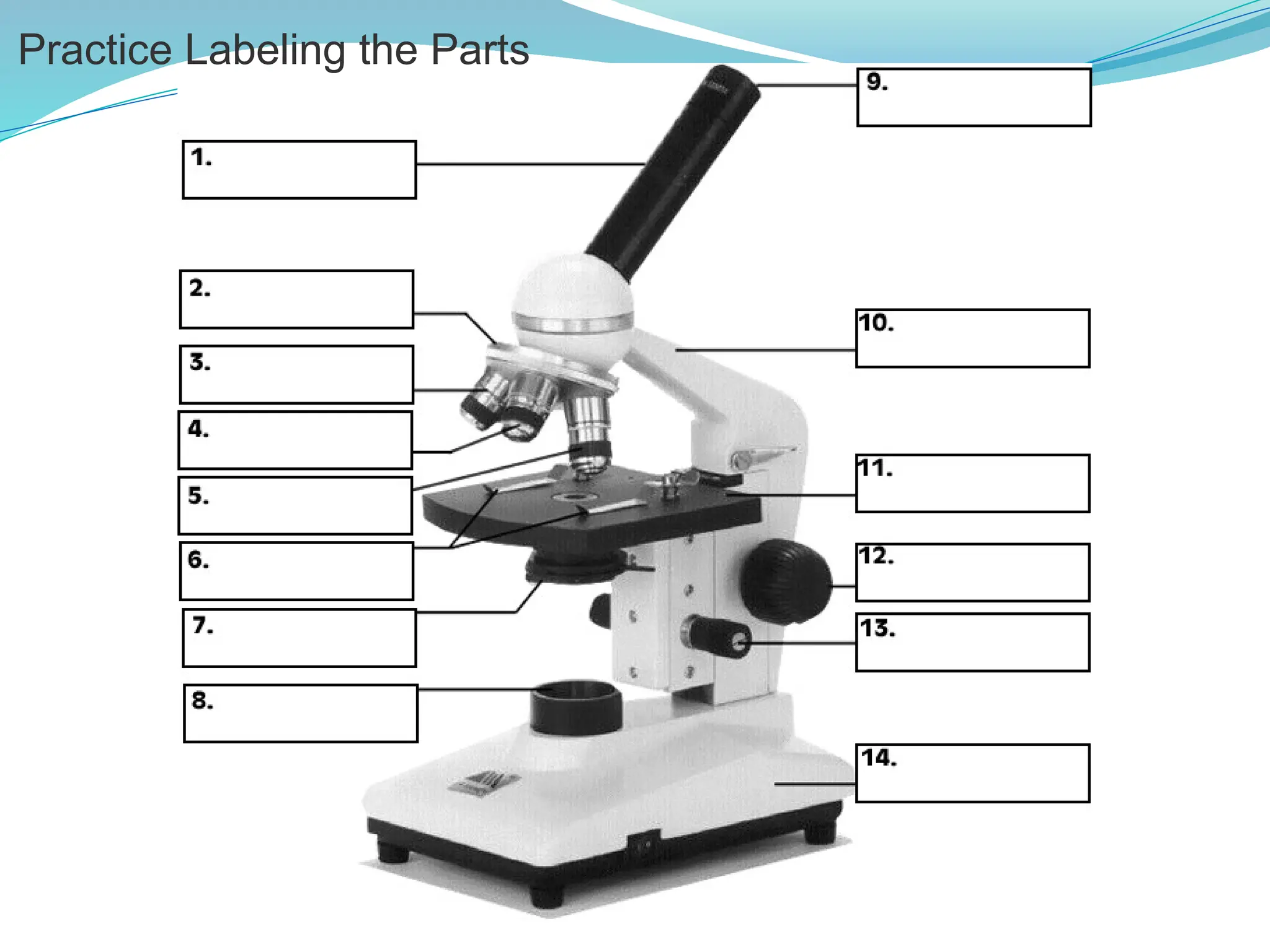
#12 This is the microscope used in class. Students will be identifying the parts on the microscopes at their desks as we go along and what their functions are.
#17 Emphasize not using the coarse objective during this process, as it will crack the slides.