Download to read offline
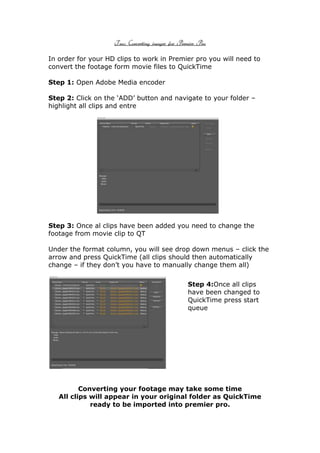


To convert movie files to QuickTime format for use in Adobe Premiere Pro, follow these steps: 1) Open Adobe Media Encoder and add all movie clips from the folder. 2) Change the format of all clips from movie to QuickTime by selecting it from the format drop down menu. 3) Once all clips have been converted to QuickTime, start the queue to process the files and save them back in the original folder for importing into Premiere Pro.


![Vibe productions headed_paper[1]](https://cdn.slidesharecdn.com/ss_thumbnails/vibeproductionsheadedpaper1-121218091720-phpapp01-thumbnail.jpg?width=640&height=640&fit=bounds)


