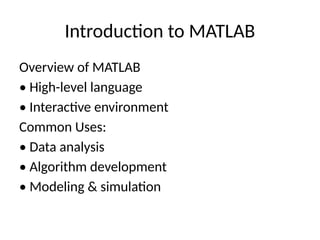
Introduction to MATLAB
Overviewof MATLAB
• High-level language
• Interactive environment
Common Uses:
• Data analysis
• Algorithm development
• Modeling & simulation
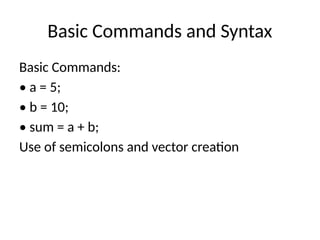
Basic Commands andSyntax
Basic Commands:
• a = 5;
• b = 10;
• sum = a + b;
Use of semicolons and vector creation
5.
Variables, Data Types,and Operators
Data Types:
• Scalars, Vectors, Matrices
• Strings, Logicals
Operators:
• +, -, *, /, ^
• ==, >, <, ~=
Example: x = [1, 2, 3]; y = x > 1;
6.
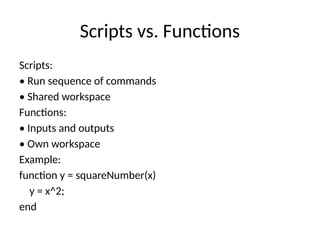
Scripts vs. Functions
Scripts:
•Run sequence of commands
• Shared workspace
Functions:
• Inputs and outputs
• Own workspace
Example:
function y = squareNumber(x)
y = x^2;
end
7.
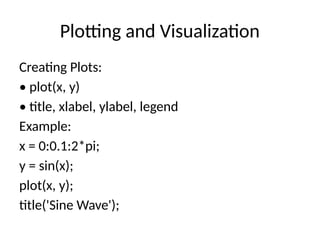
Plotting and Visualization
CreatingPlots:
• plot(x, y)
• title, xlabel, ylabel, legend
Example:
x = 0:0.1:2*pi;
y = sin(x);
plot(x, y);
title('Sine Wave');
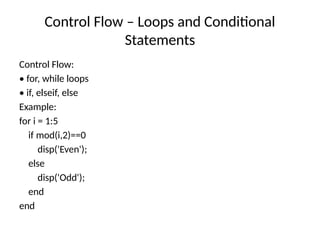
Control Flow –Loops and Conditional
Statements
Control Flow:
• for, while loops
• if, elseif, else
Example:
for i = 1:5
if mod(i,2)==0
disp('Even');
else
disp('Odd');
end
end
10.
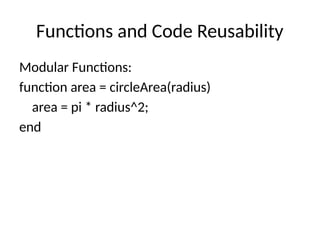
Functions and CodeReusability
Modular Functions:
function area = circleArea(radius)
area = pi * radius^2;
end
11.
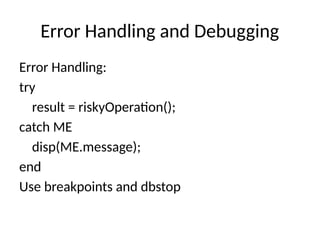
Error Handling andDebugging
Error Handling:
try
result = riskyOperation();
catch ME
disp(ME.message);
end
Use breakpoints and dbstop
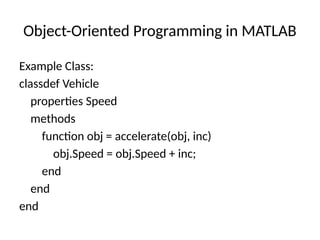
Object-Oriented Programming inMATLAB
Example Class:
classdef Vehicle
properties Speed
methods
function obj = accelerate(obj, inc)
obj.Speed = obj.Speed + inc;
end
end
end
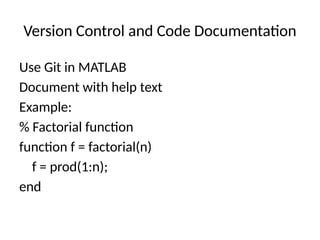
Version Control andCode Documentation
Use Git in MATLAB
Document with help text
Example:
% Factorial function
function f = factorial(n)
f = prod(1:n);
end
18.
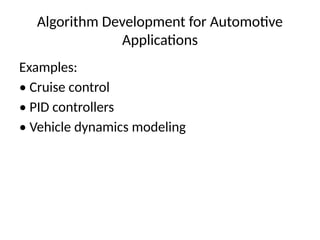
Algorithm Development forAutomotive
Applications
Examples:
• Cruise control
• PID controllers
• Vehicle dynamics modeling
19.
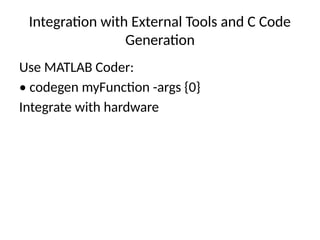
Integration with ExternalTools and C Code
Generation
Use MATLAB Coder:
• codegen myFunction -args {0}
Integrate with hardware
![Variables, Data Types, and Operators
Data Types:
• Scalars, Vectors, Matrices
• Strings, Logicals
Operators:
• +, -, *, /, ^
• ==, >, <, ~=
Example: x = [1, 2, 3]; y = x > 1;](https://image.slidesharecdn.com/matlabscriptingpresentation-250512070048-3f9afa2a/85/MATLAB_PROGRAMMING_BASICTOADVANCEDSCRIPT-5-320.jpg)
![Data Structures – Arrays, Cell Arrays,
Structures, Tables
Data Types:
• Arrays: [1,2,3]
• Cells: {1, 'a'}
• Struct: s.name = 'A';
• Table: table(vars...)](https://image.slidesharecdn.com/matlabscriptingpresentation-250512070048-3f9afa2a/85/MATLAB_PROGRAMMING_BASICTOADVANCEDSCRIPT-12-320.jpg)