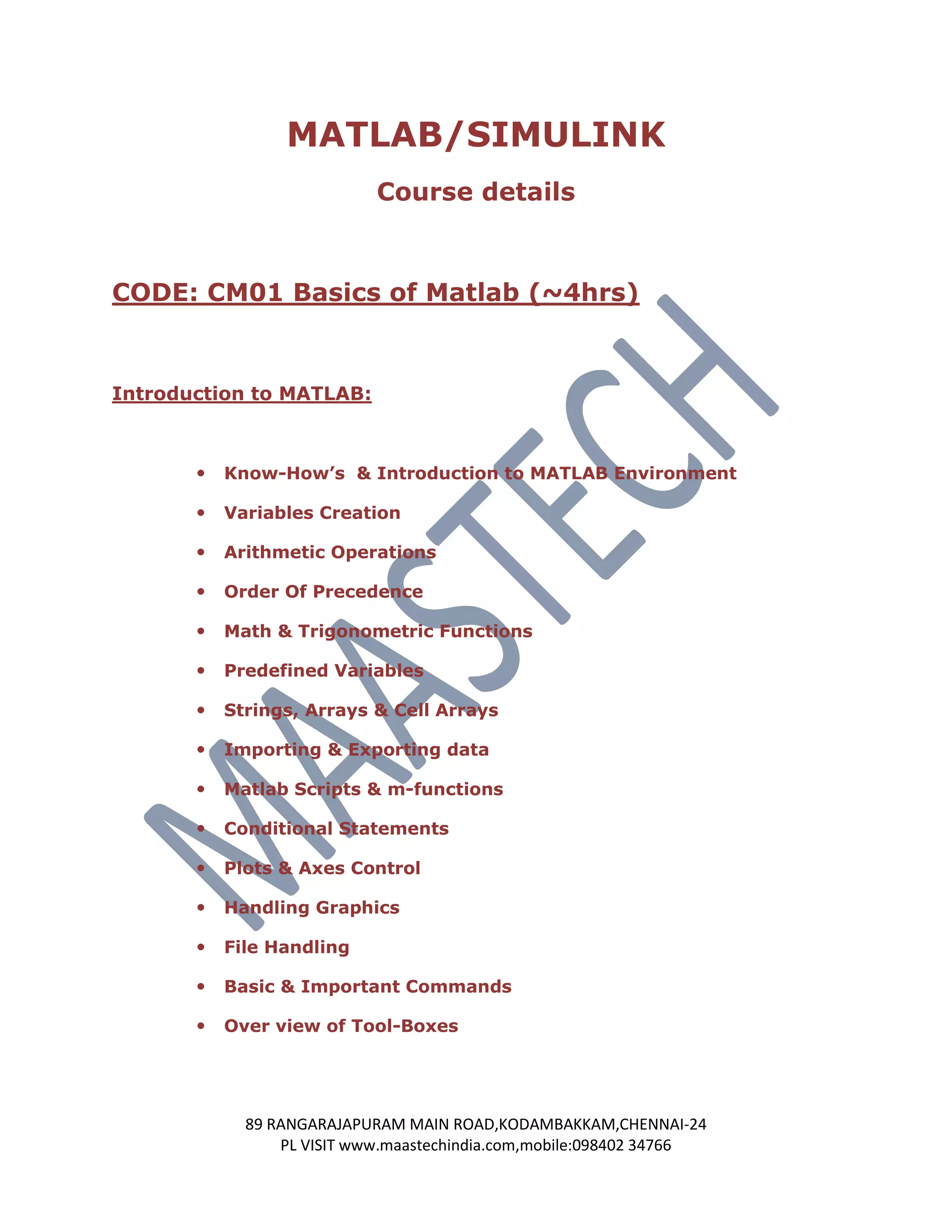
MATLAB/SIMULINK
                            Course details


CODE: CM01 Basics of Matlab (~4hrs)


Introduction to MATLAB:


          Know-How’s & Introduction to MATLAB Environment

          Variables Creation

          Arithmetic Operations

          Order Of Precedence

          Math & Trigonometric Functions

          Predefined Variables

          Strings, Arrays & Cell Arrays

          Importing & Exporting data

          Matlab Scripts & m-functions

          Conditional Statements

          Plots & Axes Control

          Handling Graphics

          File Handling

          Basic & Important Commands

          Over view of Tool-Boxes


             89 RANGARAJAPURAM MAIN ROAD,KODAMBAKKAM,CHENNAI-24
                 PL VISIT www.maastechindia.com,mobile:098402 34766
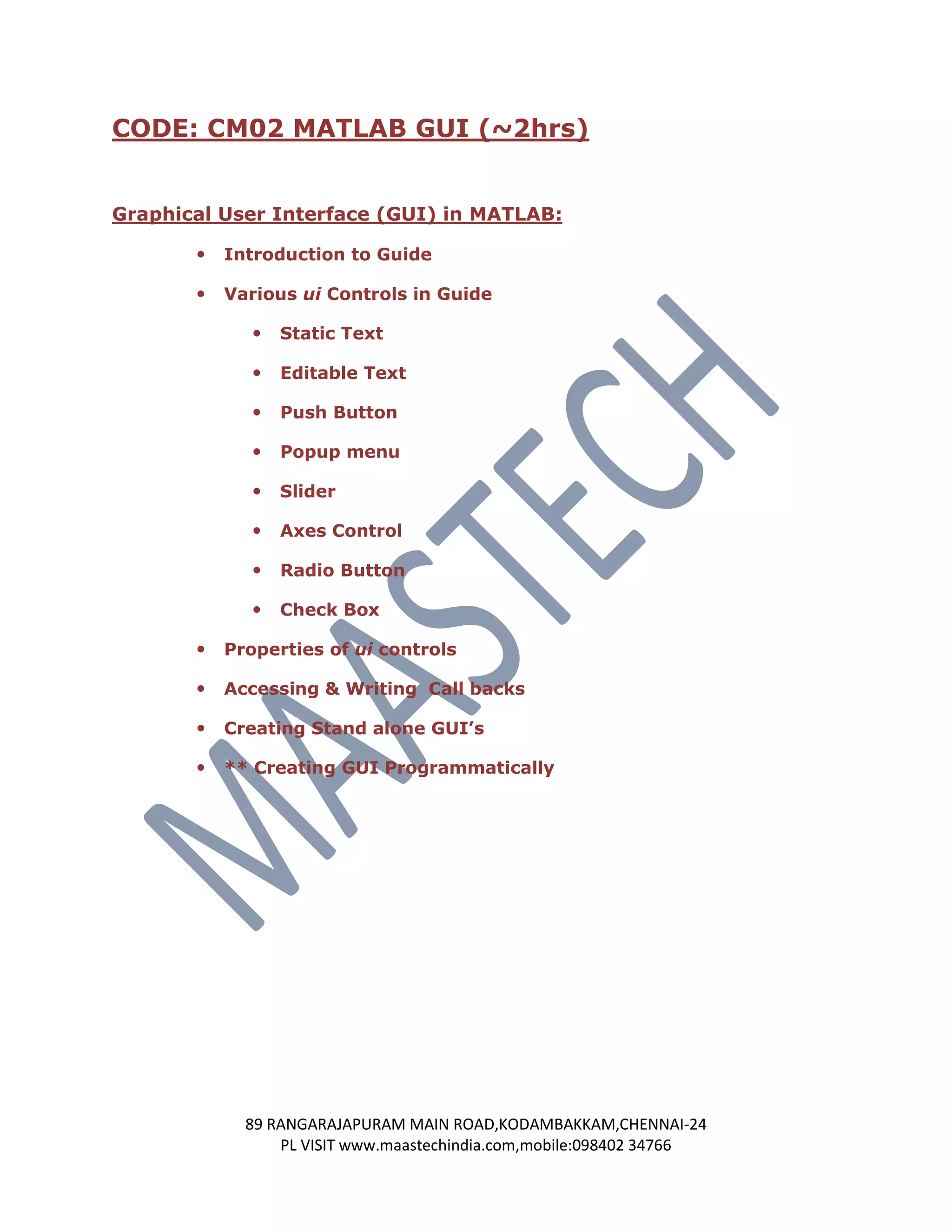
CODE: CM02 MATLAB GUI (~2hrs)


Graphical User Interface (GUI) in MATLAB:

          Introduction to Guide

          Various ui Controls in Guide

                 Static Text

                 Editable Text

                 Push Button

                 Popup menu

                 Slider

                 Axes Control

                 Radio Button

                 Check Box

          Properties of ui controls

          Accessing & Writing Call backs

          Creating Stand alone GUI’s

          ** Creating GUI Programmatically


             89 RANGARAJAPURAM MAIN ROAD,KODAMBAKKAM,CHENNAI-24
                 PL VISIT www.maastechindia.com,mobile:098402 34766
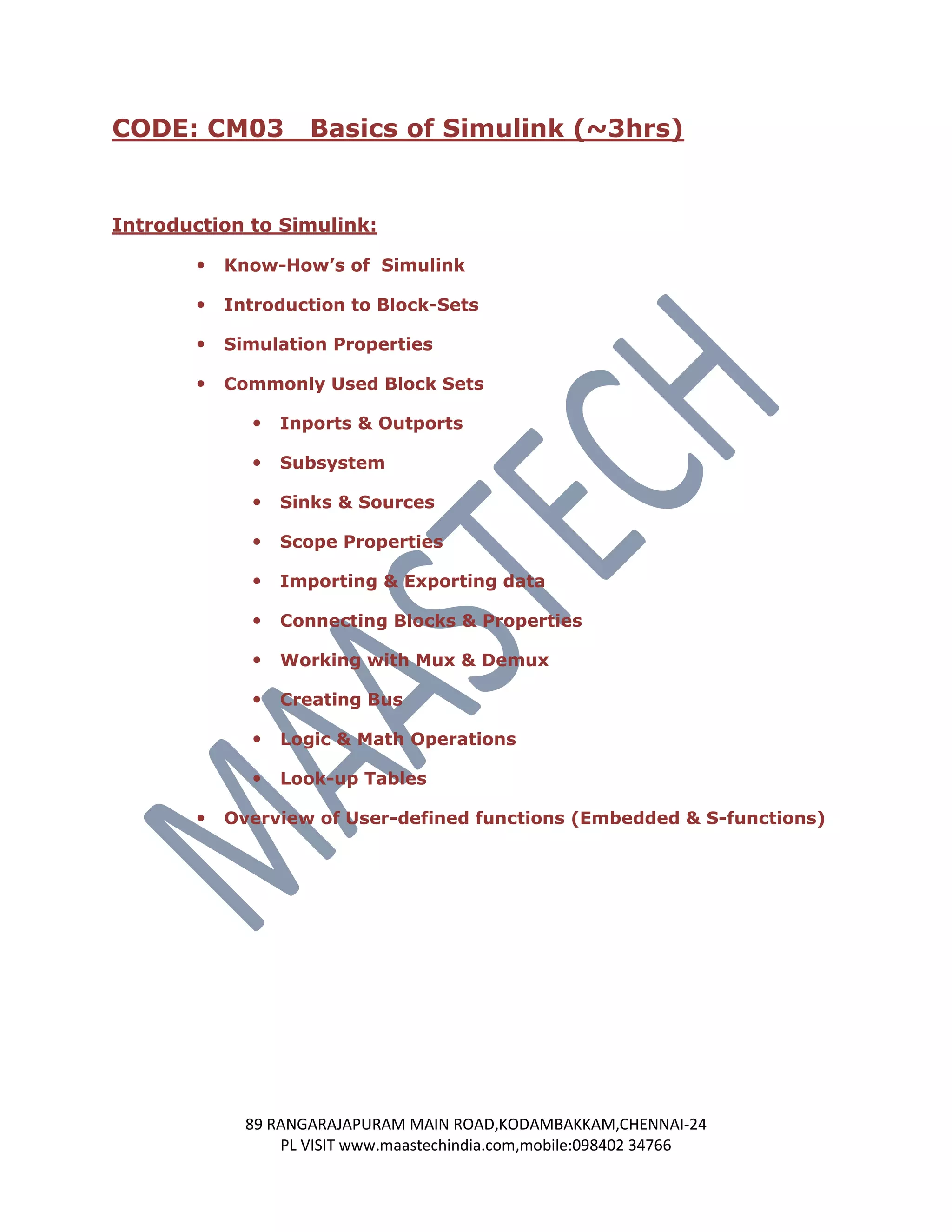
CODE: CM03          Basics of Simulink (~3hrs)


Introduction to Simulink:

          Know-How’s of Simulink

          Introduction to Block-Sets

          Simulation Properties

          Commonly Used Block Sets

                Inports & Outports

                Subsystem

                Sinks & Sources

                Scope Properties

                Importing & Exporting data

                Connecting Blocks & Properties

                Working with Mux & Demux

                Creating Bus

                Logic & Math Operations

                Look-up Tables

          Overview of User-defined functions (Embedded & S-functions)


             89 RANGARAJAPURAM MAIN ROAD,KODAMBAKKAM,CHENNAI-24
                 PL VISIT www.maastechindia.com,mobile:098402 34766
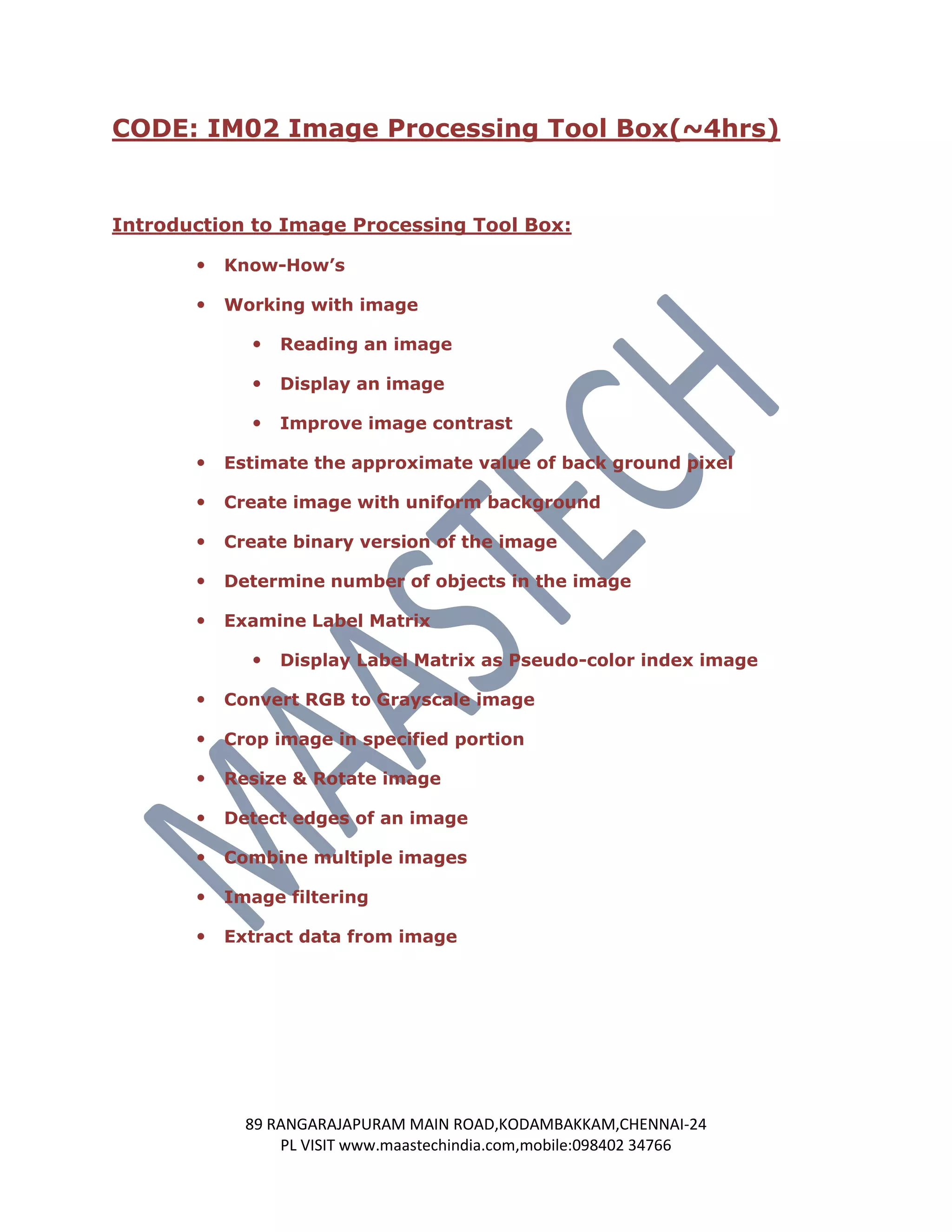
CODE: IM02 Image Processing Tool Box(~4hrs)


Introduction to Image Processing Tool Box:

          Know-How’s

          Working with image

                Reading an image

                Display an image

                Improve image contrast

          Estimate the approximate value of back ground pixel

          Create image with uniform background

          Create binary version of the image

          Determine number of objects in the image

          Examine Label Matrix

                Display Label Matrix as Pseudo-color index image

          Convert RGB to Grayscale image

          Crop image in specified portion

          Resize & Rotate image

          Detect edges of an image

          Combine multiple images

          Image filtering

          Extract data from image


             89 RANGARAJAPURAM MAIN ROAD,KODAMBAKKAM,CHENNAI-24
                 PL VISIT www.maastechindia.com,mobile:098402 34766
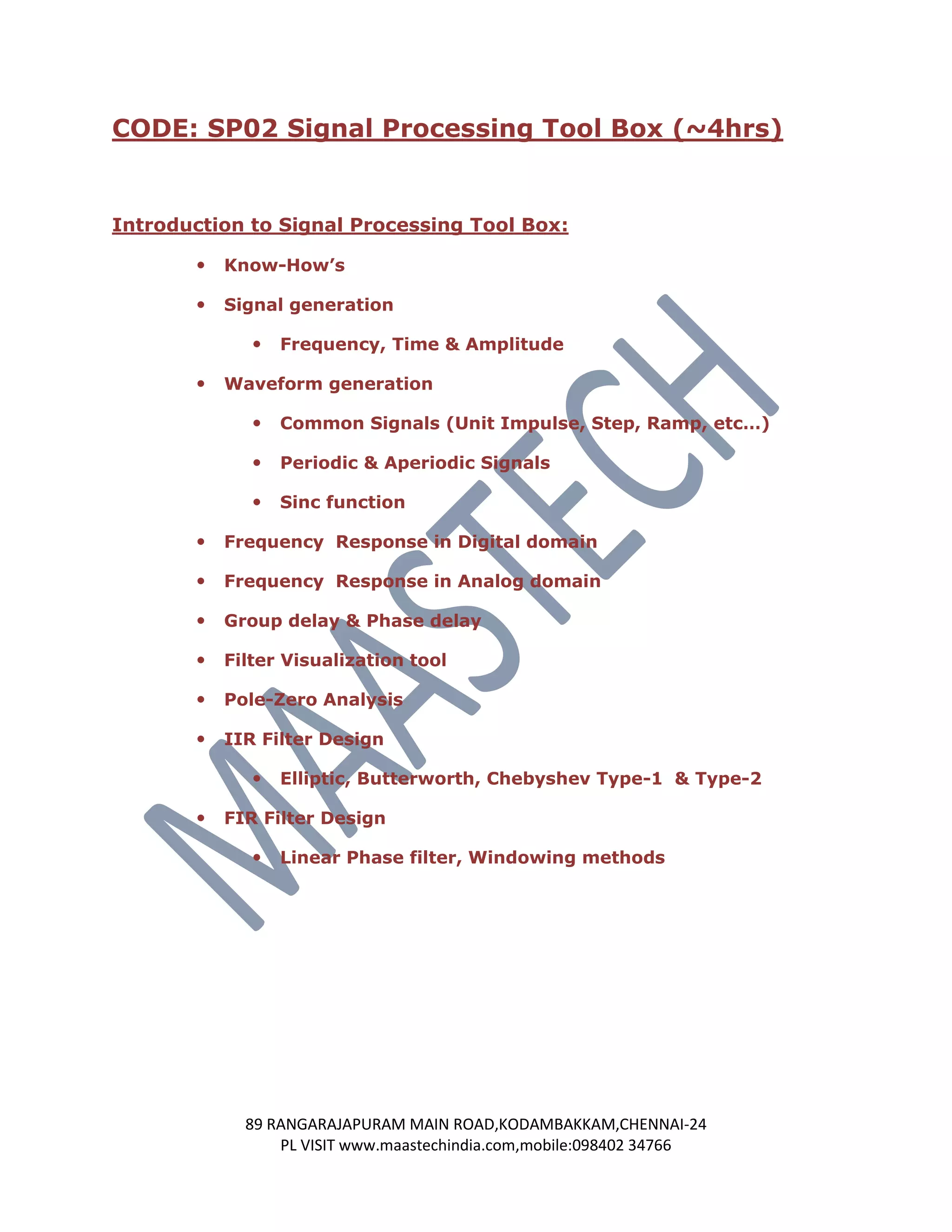
CODE: SP02 Signal Processing Tool Box (~4hrs)


Introduction to Signal Processing Tool Box:

          Know-How’s

          Signal generation

                 Frequency, Time & Amplitude

          Waveform generation

                 Common Signals (Unit Impulse, Step, Ramp, etc…)

                 Periodic & Aperiodic Signals

                 Sinc function

          Frequency Response in Digital domain

          Frequency Response in Analog domain

          Group delay & Phase delay

          Filter Visualization tool

          Pole-Zero Analysis

          IIR Filter Design

                 Elliptic, Butterworth, Chebyshev Type-1 & Type-2

          FIR Filter Design

                 Linear Phase filter, Windowing methods


             89 RANGARAJAPURAM MAIN ROAD,KODAMBAKKAM,CHENNAI-24
                 PL VISIT www.maastechindia.com,mobile:098402 34766
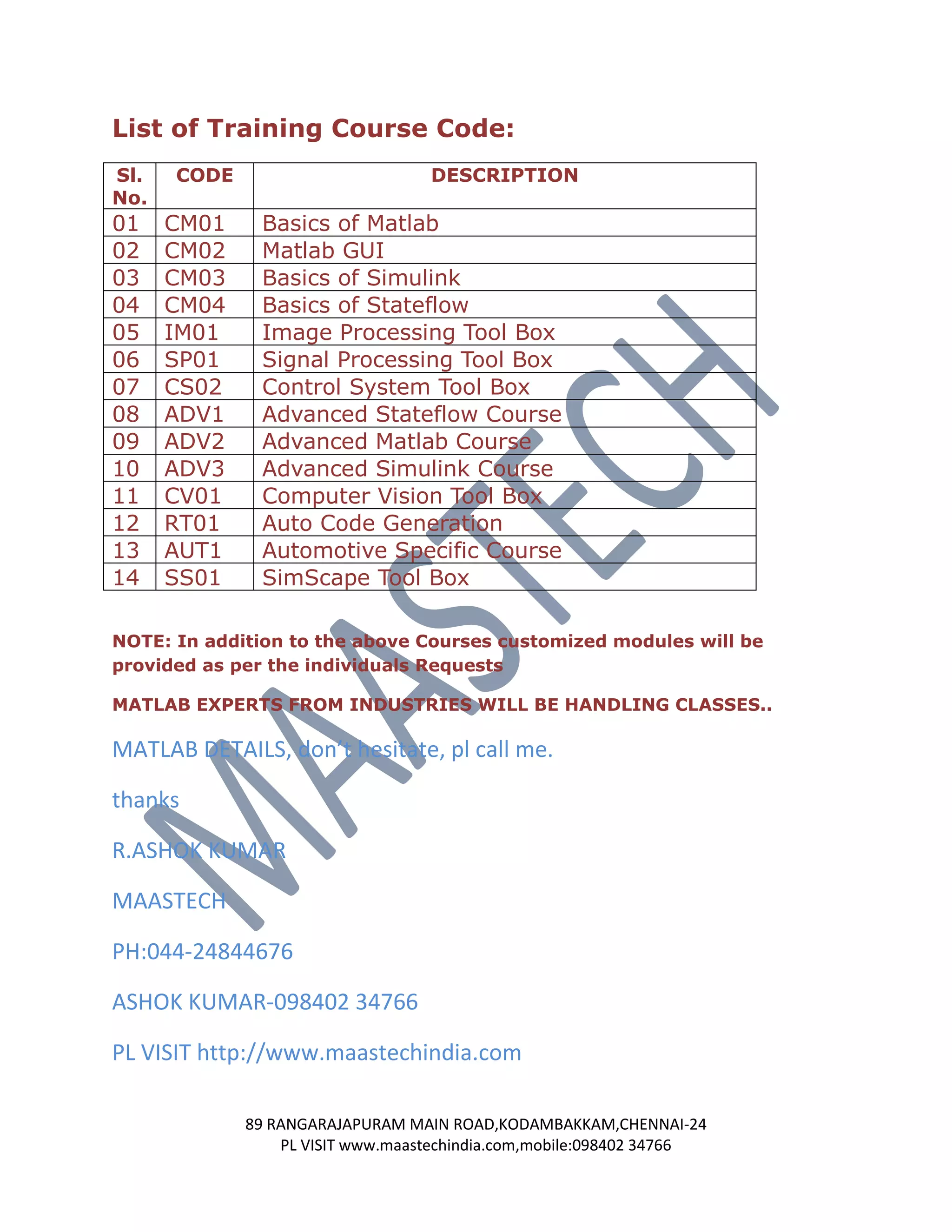
List of Training Course Code:
Sl.   CODE                        DESCRIPTION
No.
01    CM01    Basics of Matlab
02    CM02    Matlab GUI
03    CM03    Basics of Simulink
04    CM04    Basics of Stateflow
05    IM01    Image Processing Tool Box
06    SP01    Signal Processing Tool Box
07    CS02    Control System Tool Box
08    ADV1    Advanced Stateflow Course
09    ADV2    Advanced Matlab Course
10    ADV3    Advanced Simulink Course
11    CV01    Computer Vision Tool Box
12    RT01    Auto Code Generation
13    AUT1    Automotive Specific Course
14    SS01    SimScape Tool Box

NOTE: In addition to the above Courses customized modules will be
provided as per the individuals Requests

MATLAB EXPERTS FROM INDUSTRIES WILL BE HANDLING CLASSES..

MATLAB DETAILS, don’t hesitate, pl call me.

thanks

R.ASHOK KUMAR

MAASTECH

PH:044-24844676

ASHOK KUMAR-098402 34766

PL VISIT http://www.maastechindia.com

             89 RANGARAJAPURAM MAIN ROAD,KODAMBAKKAM,CHENNAI-24
                 PL VISIT www.maastechindia.com,mobile:098402 34766

Matlab training centres in chennai for engineering students

  • 1.
    MATLAB/SIMULINK Course details CODE: CM01 Basics of Matlab (~4hrs) Introduction to MATLAB:  Know-How’s & Introduction to MATLAB Environment  Variables Creation  Arithmetic Operations  Order Of Precedence  Math & Trigonometric Functions  Predefined Variables  Strings, Arrays & Cell Arrays  Importing & Exporting data  Matlab Scripts & m-functions  Conditional Statements  Plots & Axes Control  Handling Graphics  File Handling  Basic & Important Commands  Over view of Tool-Boxes 89 RANGARAJAPURAM MAIN ROAD,KODAMBAKKAM,CHENNAI-24 PL VISIT www.maastechindia.com,mobile:098402 34766
  • 2.
    CODE: CM02 MATLABGUI (~2hrs) Graphical User Interface (GUI) in MATLAB:  Introduction to Guide  Various ui Controls in Guide  Static Text  Editable Text  Push Button  Popup menu  Slider  Axes Control  Radio Button  Check Box  Properties of ui controls  Accessing & Writing Call backs  Creating Stand alone GUI’s  ** Creating GUI Programmatically 89 RANGARAJAPURAM MAIN ROAD,KODAMBAKKAM,CHENNAI-24 PL VISIT www.maastechindia.com,mobile:098402 34766
  • 3.
    CODE: CM03 Basics of Simulink (~3hrs) Introduction to Simulink:  Know-How’s of Simulink  Introduction to Block-Sets  Simulation Properties  Commonly Used Block Sets  Inports & Outports  Subsystem  Sinks & Sources  Scope Properties  Importing & Exporting data  Connecting Blocks & Properties  Working with Mux & Demux  Creating Bus  Logic & Math Operations  Look-up Tables  Overview of User-defined functions (Embedded & S-functions) 89 RANGARAJAPURAM MAIN ROAD,KODAMBAKKAM,CHENNAI-24 PL VISIT www.maastechindia.com,mobile:098402 34766
  • 4.
    CODE: IM02 ImageProcessing Tool Box(~4hrs) Introduction to Image Processing Tool Box:  Know-How’s  Working with image  Reading an image  Display an image  Improve image contrast  Estimate the approximate value of back ground pixel  Create image with uniform background  Create binary version of the image  Determine number of objects in the image  Examine Label Matrix  Display Label Matrix as Pseudo-color index image  Convert RGB to Grayscale image  Crop image in specified portion  Resize & Rotate image  Detect edges of an image  Combine multiple images  Image filtering  Extract data from image 89 RANGARAJAPURAM MAIN ROAD,KODAMBAKKAM,CHENNAI-24 PL VISIT www.maastechindia.com,mobile:098402 34766
  • 5.
    CODE: SP02 SignalProcessing Tool Box (~4hrs) Introduction to Signal Processing Tool Box:  Know-How’s  Signal generation  Frequency, Time & Amplitude  Waveform generation  Common Signals (Unit Impulse, Step, Ramp, etc…)  Periodic & Aperiodic Signals  Sinc function  Frequency Response in Digital domain  Frequency Response in Analog domain  Group delay & Phase delay  Filter Visualization tool  Pole-Zero Analysis  IIR Filter Design  Elliptic, Butterworth, Chebyshev Type-1 & Type-2  FIR Filter Design  Linear Phase filter, Windowing methods 89 RANGARAJAPURAM MAIN ROAD,KODAMBAKKAM,CHENNAI-24 PL VISIT www.maastechindia.com,mobile:098402 34766
  • 6.
    List of TrainingCourse Code: Sl. CODE DESCRIPTION No. 01 CM01 Basics of Matlab 02 CM02 Matlab GUI 03 CM03 Basics of Simulink 04 CM04 Basics of Stateflow 05 IM01 Image Processing Tool Box 06 SP01 Signal Processing Tool Box 07 CS02 Control System Tool Box 08 ADV1 Advanced Stateflow Course 09 ADV2 Advanced Matlab Course 10 ADV3 Advanced Simulink Course 11 CV01 Computer Vision Tool Box 12 RT01 Auto Code Generation 13 AUT1 Automotive Specific Course 14 SS01 SimScape Tool Box NOTE: In addition to the above Courses customized modules will be provided as per the individuals Requests MATLAB EXPERTS FROM INDUSTRIES WILL BE HANDLING CLASSES.. MATLAB DETAILS, don’t hesitate, pl call me. thanks R.ASHOK KUMAR MAASTECH PH:044-24844676 ASHOK KUMAR-098402 34766 PL VISIT http://www.maastechindia.com 89 RANGARAJAPURAM MAIN ROAD,KODAMBAKKAM,CHENNAI-24 PL VISIT www.maastechindia.com,mobile:098402 34766