Deploying Django with Buildout Marek Kuziel ,  Encode Ltd http://encode.net.nz/ [email_address]
Why Django with Buildout? Setting things up can be a  real pain in the arse Automation  of a repeatable task Having  everything  under control Deployment strategy  is  be something a  good developer  should care about You may find bugs/issues during the build process that you can  patch and submit back  to the community 5 minutes to learn. Lifetime to master.
Advantages It's a repeatable task. Things get  tested often . Great way to deal with  development ,  QA ,  staging ,  production Standalone  Python  environment , good for  security  and developer's  sanity  ;-) Great way to  keep your project up-to-date
How do we do things? Non-system-wide  Python.  Compile  Python by hand.  Don't mess  with system-wide site-packages Development ,  QA ,  Production  Buildout configs Development ,  QA ,  Staging ,  Production ,  Mobile  Django settings that load general settings.py Build Django apps as Eggs. Makes deployment to production easier.
Pre-requisities Python http://svn.zope.org/*checkout*/zc.buildout/trunk/bootstrap/bootstrap.py A terminal, because we'll do everything on a command line.
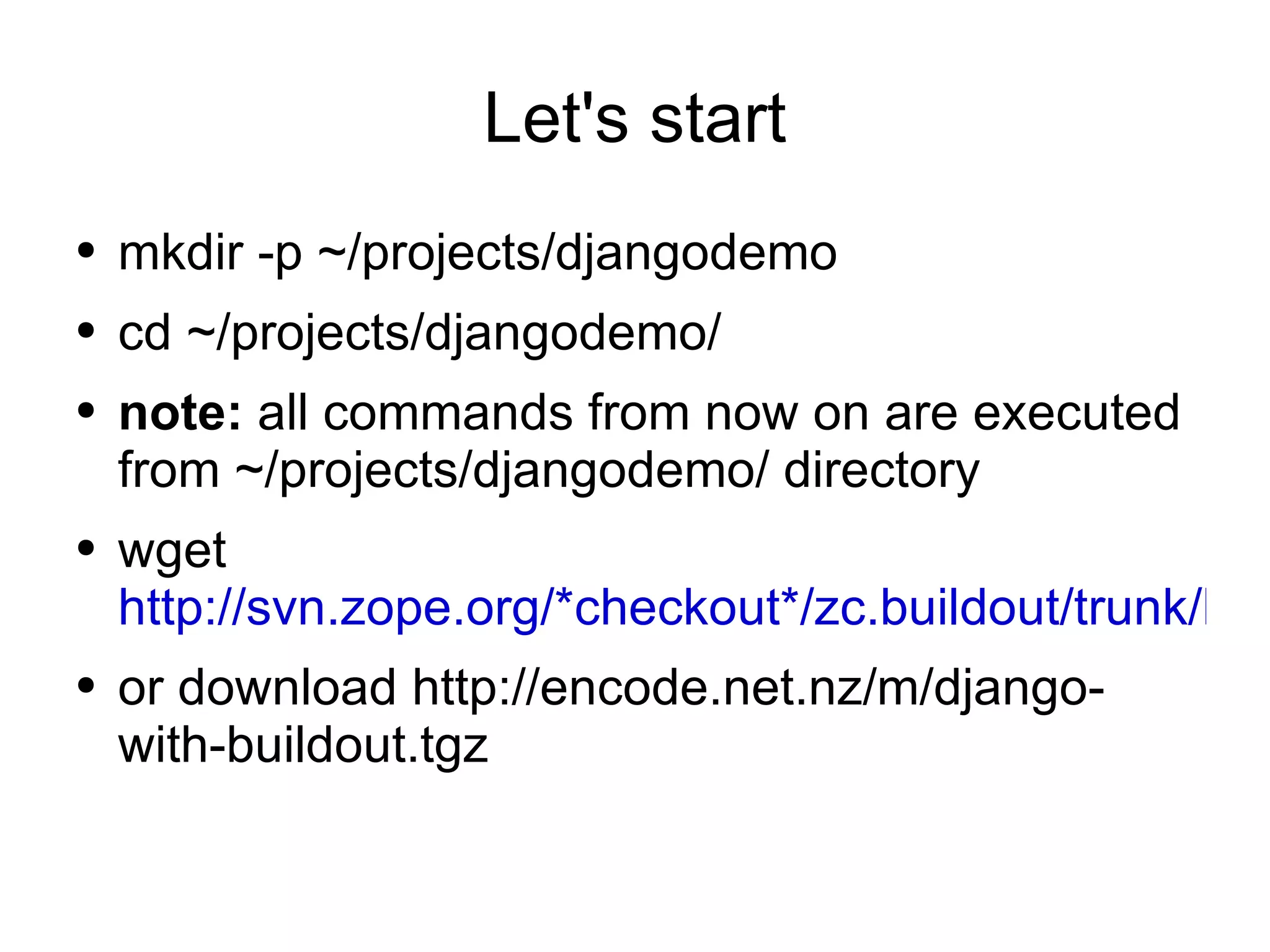
Let's start mkdir -p ~/projects/djangodemo cd ~/projects/djangodemo/ note:  all commands from now on are executed from ~/projects/djangodemo/ directory wget  http://svn.zope.org/*checkout*/zc.buildout/trunk/bootstrap/bootstrap.py or download http://encode.net.nz/m/django-with-buildout.tgz
Basic Buildout config for Django Create a new file called  buildout.cfg [buildout] parts = django [django] recipe = djangorecipe version = 1.0
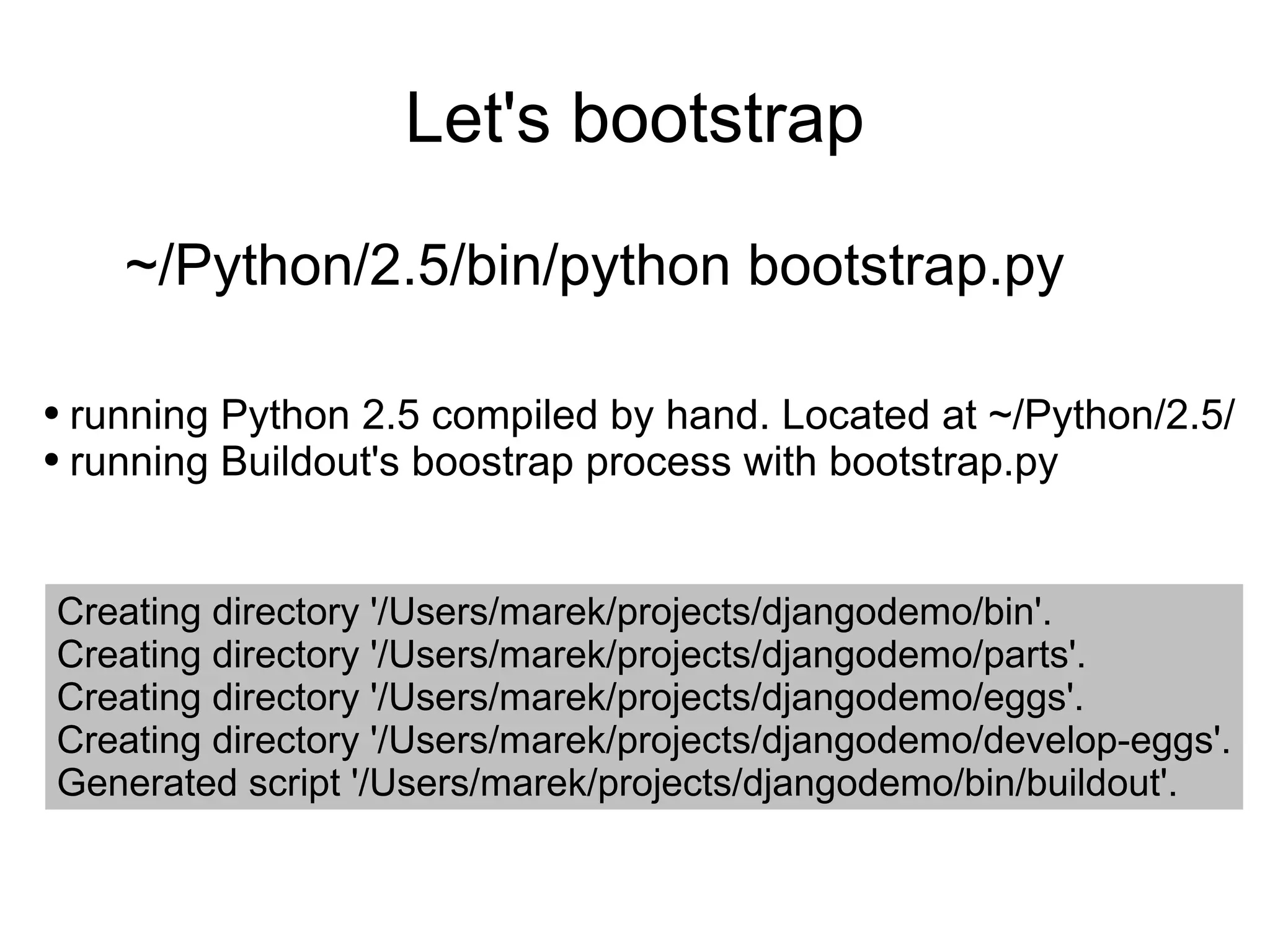
Let's bootstrap ~/Python/2.5/bin/python bootstrap.py running Python 2.5 compiled by hand. Located at ~/Python/2.5/ running Buildout's boostrap process with bootstrap.py Creating directory '/Users/marek/projects/djangodemo/bin'. Creating directory '/Users/marek/projects/djangodemo/parts'. Creating directory '/Users/marek/projects/djangodemo/eggs'. Creating directory '/Users/marek/projects/djangodemo/develop-eggs'. Generated script '/Users/marek/projects/djangodemo/bin/buildout'.
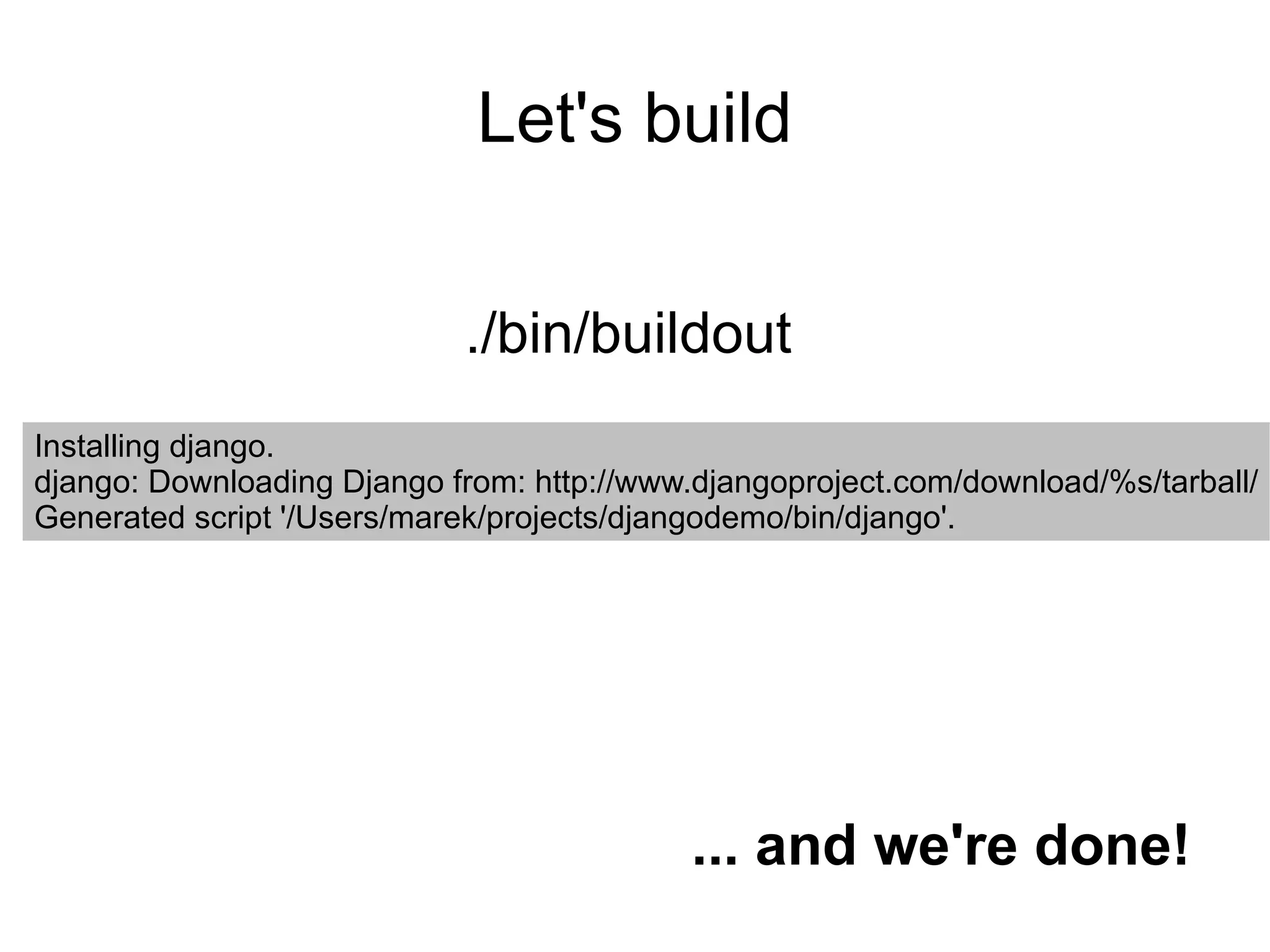
Let's build ./bin/buildout Installing django. django: Downloading Django from: http://www.djangoproject.com/download/%s/tarball/ Generated script '/Users/marek/projects/djangodemo/bin/django'. ... and we're done!
Separating development from production Create a new file called  development.cfg [buildout] extends = buildout.cfg parts += django-command-extensions eggs += Werkzeug [django] settings = development pythonpath += ${django-command-extensions:location} [django-command-extensions] recipe = infrae.subversion urls = http://django-command-extensions.googlecode.com/svn/trunk/ .
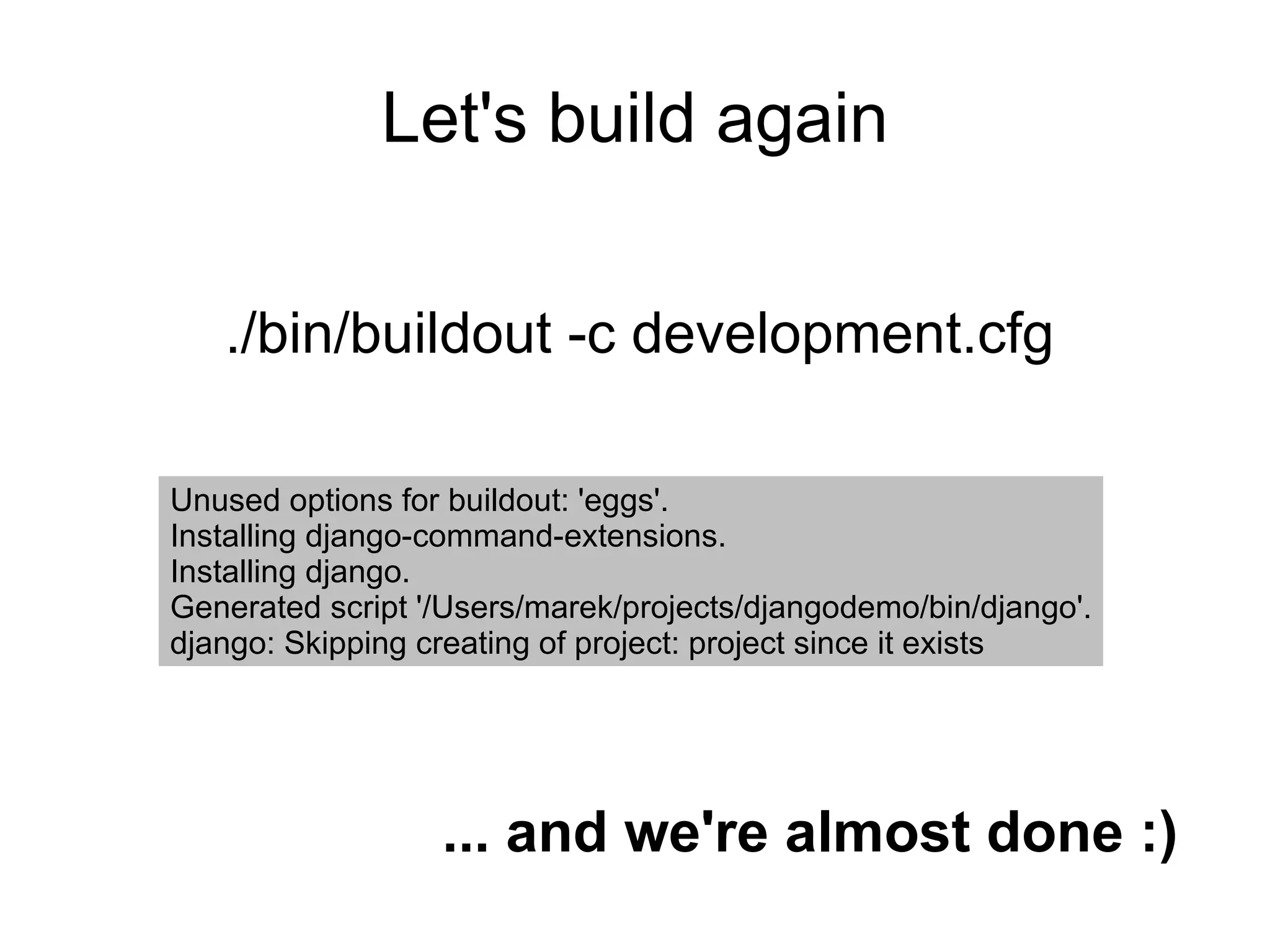
Let's build again ./bin/buildout -c development.cfg Unused options for buildout: 'eggs'. Installing django-command-extensions. Installing django. Generated script '/Users/marek/projects/djangodemo/bin/django'. django: Skipping creating of project: project since it exists ... and we're almost done :)
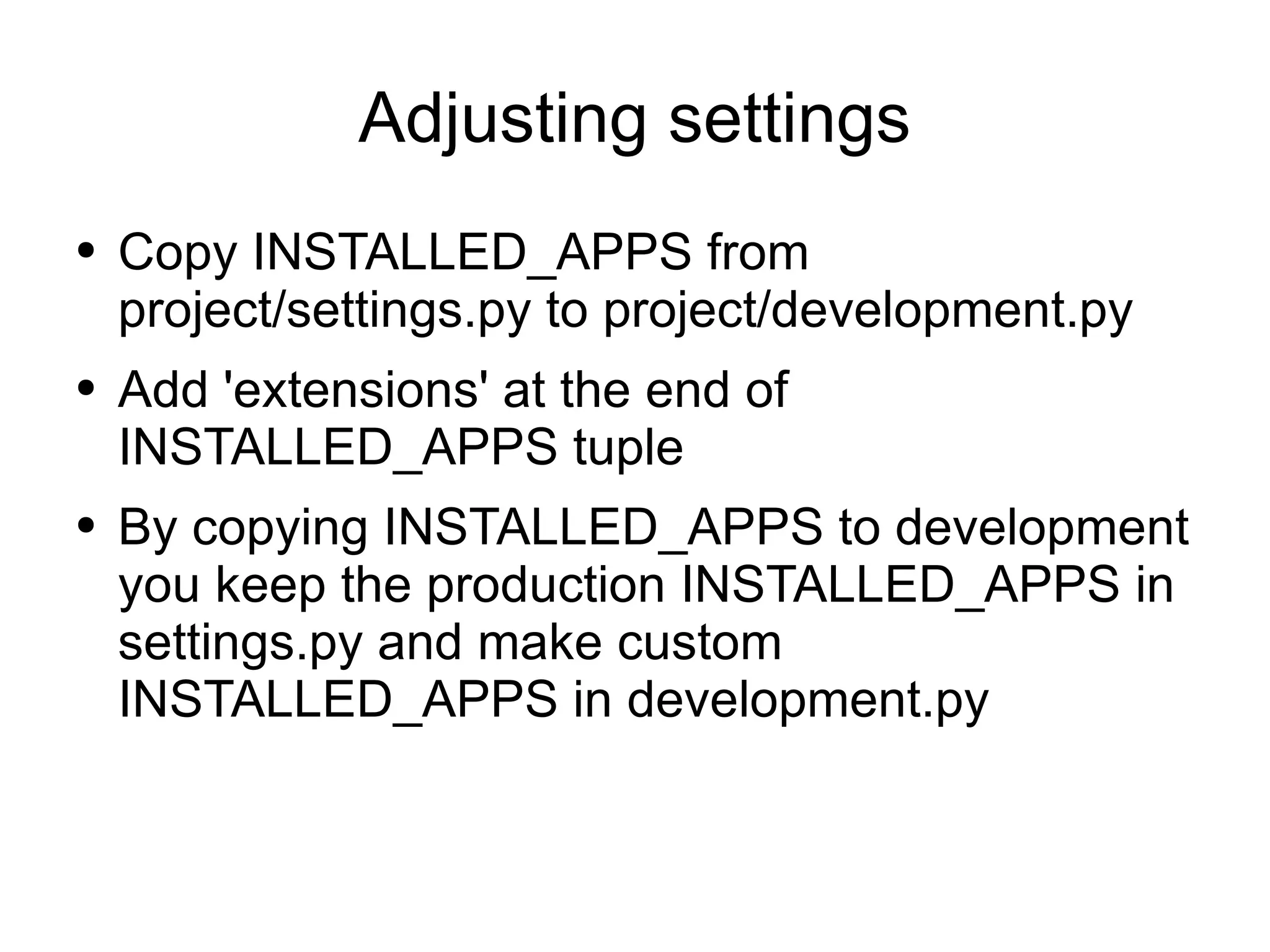
Adjusting settings Copy INSTALLED_APPS from project/settings.py to project/development.py Add 'extensions' at the end of INSTALLED_APPS tuple By copying INSTALLED_APPS to development you keep the production INSTALLED_APPS in settings.py and make custom INSTALLED_APPS in development.py
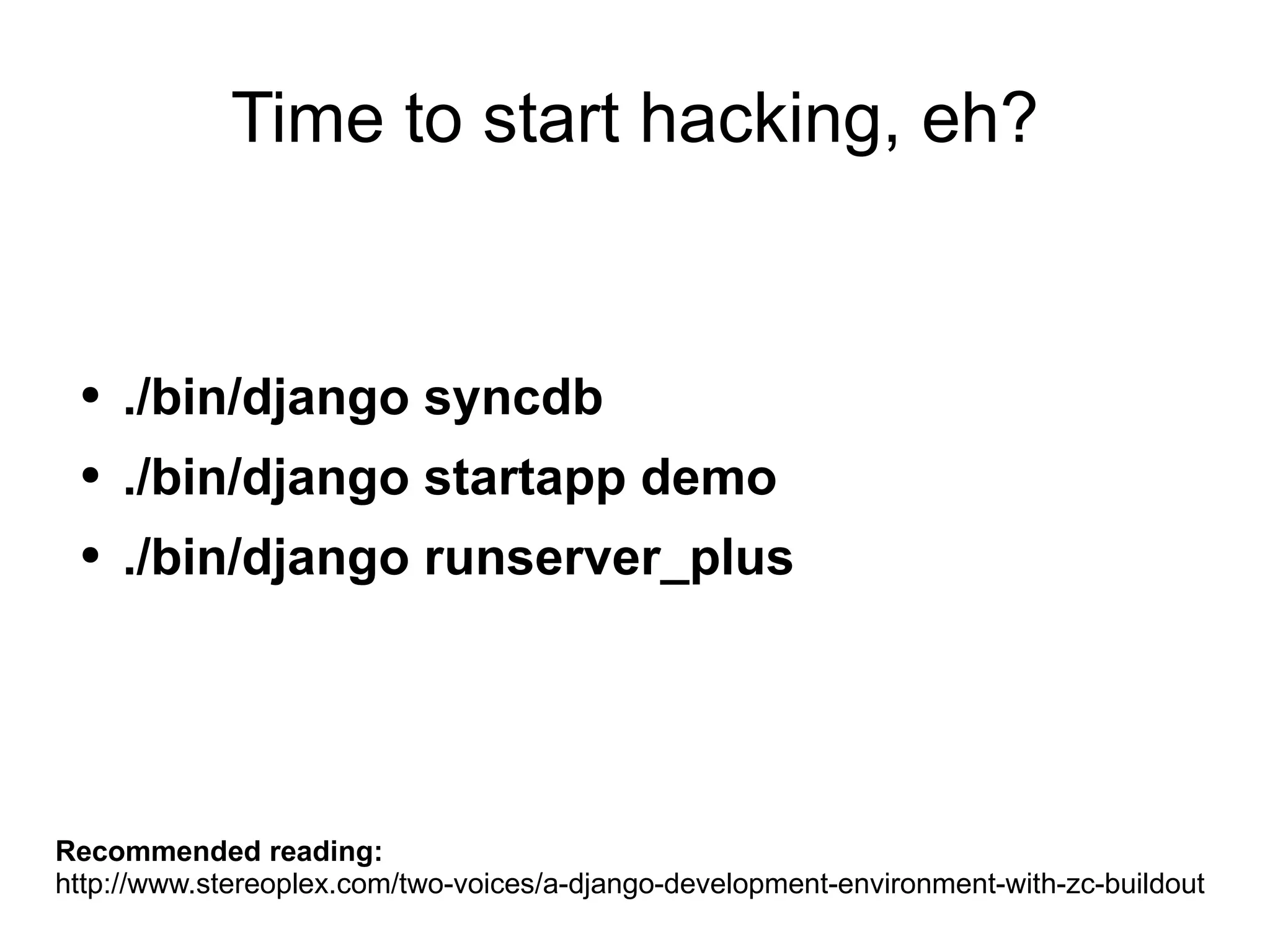
Time to start hacking, eh? ./bin/django syncdb ./bin/django startapp demo ./bin/django runserver_plus Recommended reading: http://www.stereoplex.com/two-voices/a-django-development-environment-with-zc-buildout
Thank you!

Marek Kuziel - Deploying Django with Buildout

  • 1.
    Deploying Django withBuildout Marek Kuziel , Encode Ltd http://encode.net.nz/ [email_address]
  • 2.
    Why Django withBuildout? Setting things up can be a real pain in the arse Automation of a repeatable task Having everything under control Deployment strategy is be something a good developer should care about You may find bugs/issues during the build process that you can patch and submit back to the community 5 minutes to learn. Lifetime to master.
  • 3.
    Advantages It's arepeatable task. Things get tested often . Great way to deal with development , QA , staging , production Standalone Python environment , good for security and developer's sanity ;-) Great way to keep your project up-to-date
  • 4.
    How do wedo things? Non-system-wide Python. Compile Python by hand. Don't mess with system-wide site-packages Development , QA , Production Buildout configs Development , QA , Staging , Production , Mobile Django settings that load general settings.py Build Django apps as Eggs. Makes deployment to production easier.
  • 5.
  • 6.
    Let's start mkdir-p ~/projects/djangodemo cd ~/projects/djangodemo/ note: all commands from now on are executed from ~/projects/djangodemo/ directory wget http://svn.zope.org/*checkout*/zc.buildout/trunk/bootstrap/bootstrap.py or download http://encode.net.nz/m/django-with-buildout.tgz
  • 7.
    Basic Buildout configfor Django Create a new file called buildout.cfg [buildout] parts = django [django] recipe = djangorecipe version = 1.0
  • 8.
    Let's bootstrap ~/Python/2.5/bin/pythonbootstrap.py running Python 2.5 compiled by hand. Located at ~/Python/2.5/ running Buildout's boostrap process with bootstrap.py Creating directory '/Users/marek/projects/djangodemo/bin'. Creating directory '/Users/marek/projects/djangodemo/parts'. Creating directory '/Users/marek/projects/djangodemo/eggs'. Creating directory '/Users/marek/projects/djangodemo/develop-eggs'. Generated script '/Users/marek/projects/djangodemo/bin/buildout'.
  • 9.
    Let's build ./bin/buildoutInstalling django. django: Downloading Django from: http://www.djangoproject.com/download/%s/tarball/ Generated script '/Users/marek/projects/djangodemo/bin/django'. ... and we're done!
  • 10.
    Separating development fromproduction Create a new file called development.cfg [buildout] extends = buildout.cfg parts += django-command-extensions eggs += Werkzeug [django] settings = development pythonpath += ${django-command-extensions:location} [django-command-extensions] recipe = infrae.subversion urls = http://django-command-extensions.googlecode.com/svn/trunk/ .
  • 11.
    Let's build again./bin/buildout -c development.cfg Unused options for buildout: 'eggs'. Installing django-command-extensions. Installing django. Generated script '/Users/marek/projects/djangodemo/bin/django'. django: Skipping creating of project: project since it exists ... and we're almost done :)
  • 12.
    Adjusting settings CopyINSTALLED_APPS from project/settings.py to project/development.py Add 'extensions' at the end of INSTALLED_APPS tuple By copying INSTALLED_APPS to development you keep the production INSTALLED_APPS in settings.py and make custom INSTALLED_APPS in development.py
  • 13.
    Time to starthacking, eh? ./bin/django syncdb ./bin/django startapp demo ./bin/django runserver_plus Recommended reading: http://www.stereoplex.com/two-voices/a-django-development-environment-with-zc-buildout
  • 14.