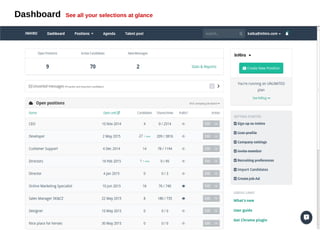
Dashboard See all your selections at glance
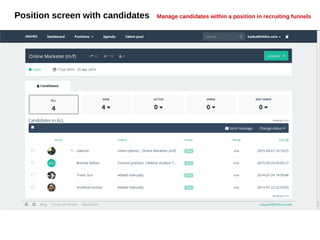
Position screen with candidates Manage candidates within a position in recruiting funnels
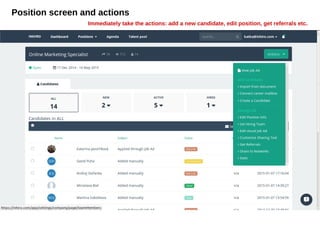
Position screen and actions
Immediately take the actions: add a new candidate, edit position, get referrals etc.
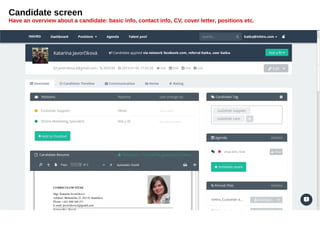
Candidate screen
Have an overview about a candidate: basic info, contact info, CV, cover letter, positions etc.
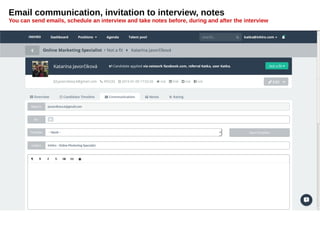
Email communication, invitation to interview, notes
You can send emails, schedule an interview and take notes before, during and after the interview
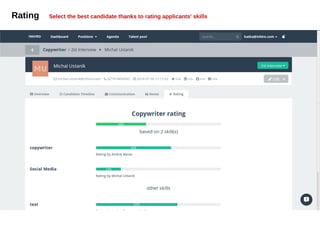
Rating Select the best candidate thanks to rating applicants' skills
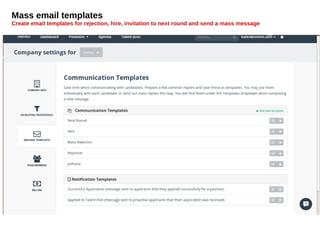
Mass email templates
Create email templates for rejection, hire, invitation to next round and send a mass message
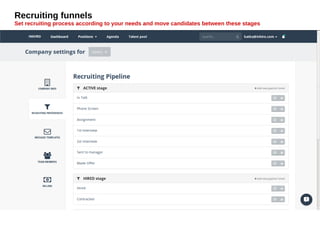
Recruiting funnels
Set recruiting process according to your needs and move candidates between these stages
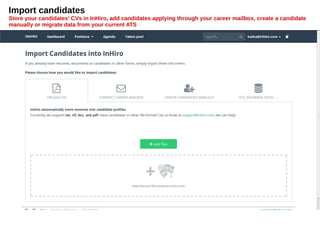
Import candidates
Store your candidates' CVs in InHiro, add candidates applying through your career mailbox, create a candidate
manually or migrate data from your current ATS
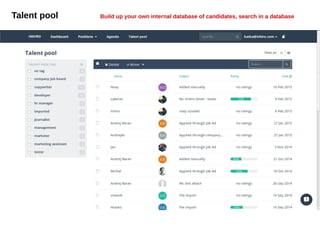
Talent pool Build up your own internal database of candidates, search in a database
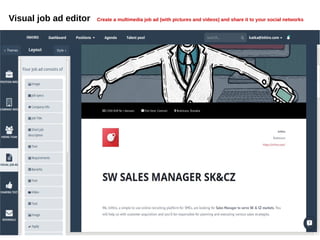
Visual job ad editor Create a multimedia job ad (with pictures and videos) and share it to your social networks
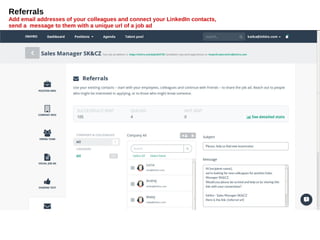
Referrals
Add email addresses of your colleagues and connect your LinkedIn contacts,
send a message to them with a unique url of a job ad
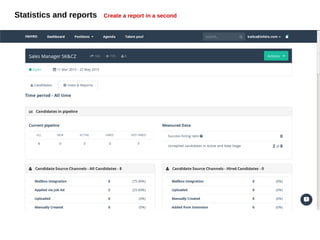
Statistics and reports Create a report in a second
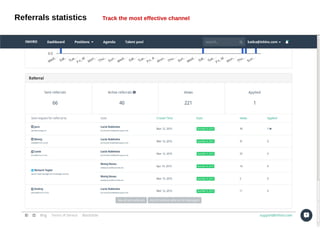
Referrals statistics Track the most effective channel
support@inhiro.com

Take tour: InHiro from inside