1
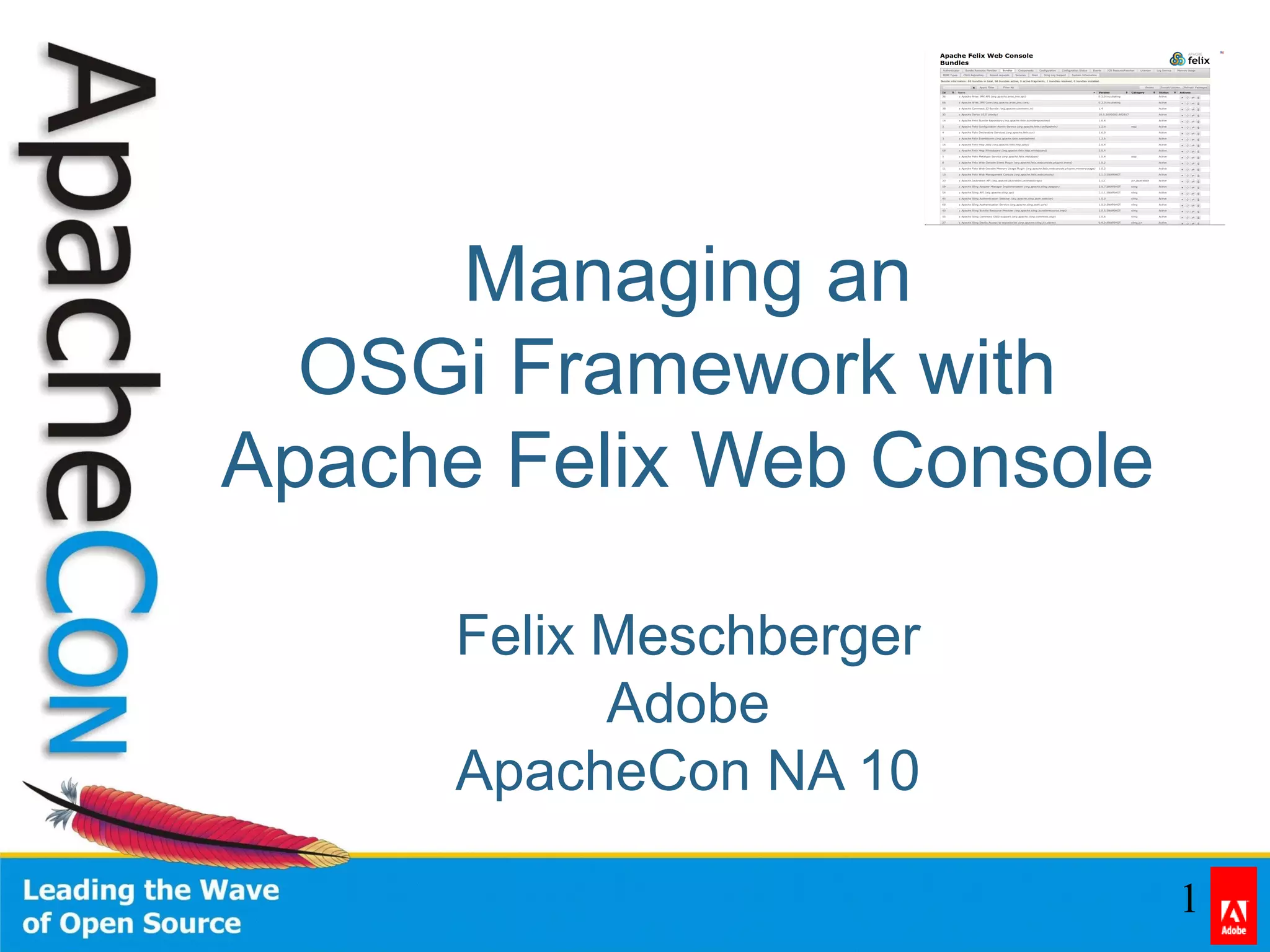
Managing an
OSGi Framework with
Apache Felix Web Console
Felix Meschberger
Adobe
ApacheCon NA 10
2
About
• Senior Developer at Adobe
• fmeschbe@apache.org
• http://blog.meschberger.ch
• Apache Projects:
– Sling
– Felix
– Jackrabbit
3
Contents
• Problem / Solutions
• History
• Features
• Install
• Use
• Extend
• Questions
4
Problem
• Manage an OSGi Framework
• Remote Access
• Ease of Use
• Extensibility
• Offline Support
5
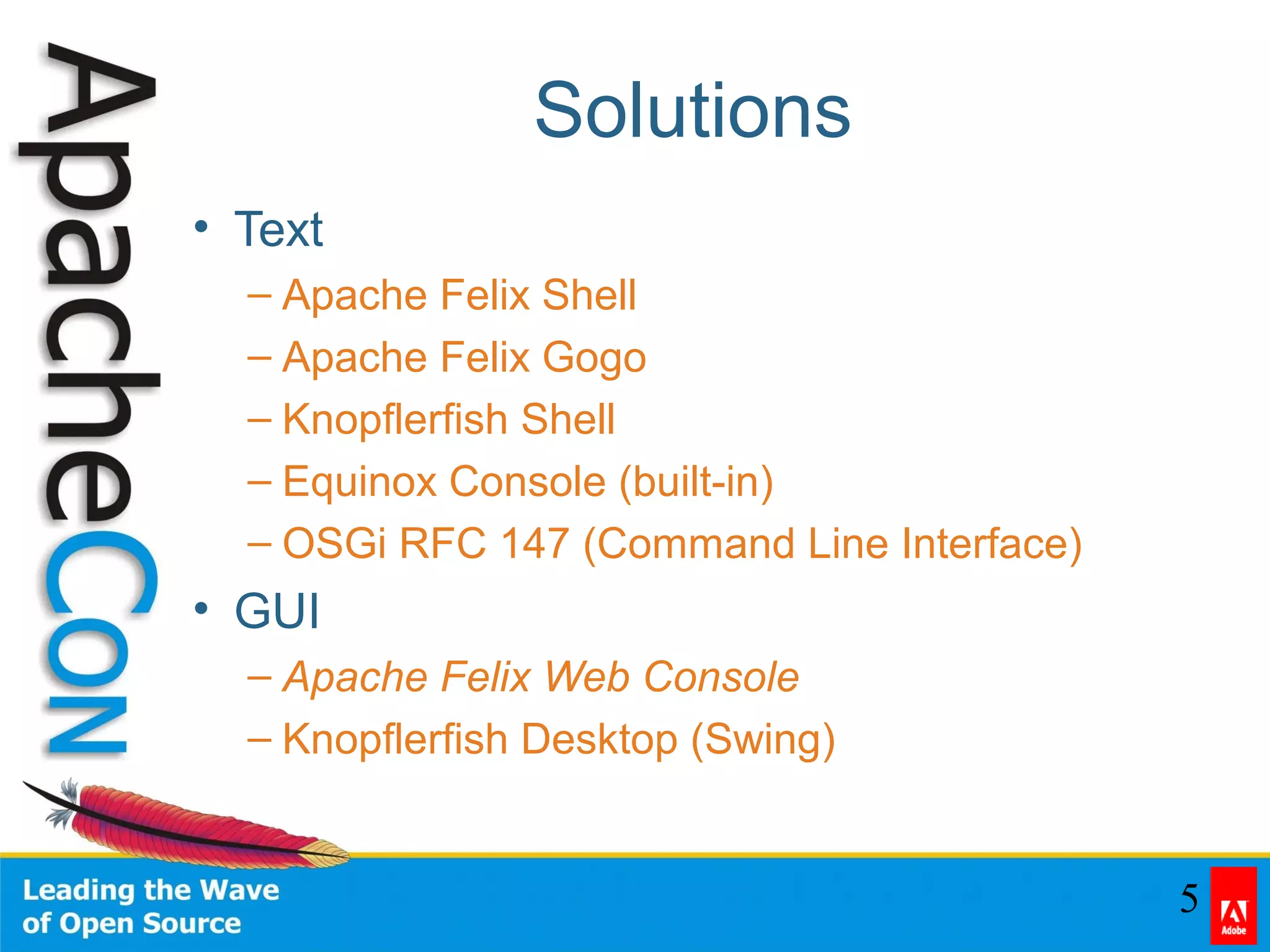
Solutions
• Text
– Apache Felix Shell
– Apache Felix Gogo
– Knopflerfish Shell
– Equinox Console (built-in)
– OSGi RFC 147 (Command Line Interface)
• GUI
– Apache Felix Web Console
– Knopflerfish Desktop (Swing)
6
Contents
• Problem / Solutions
• History
• Features
• Install
• Use
• Extend
• Questions
7
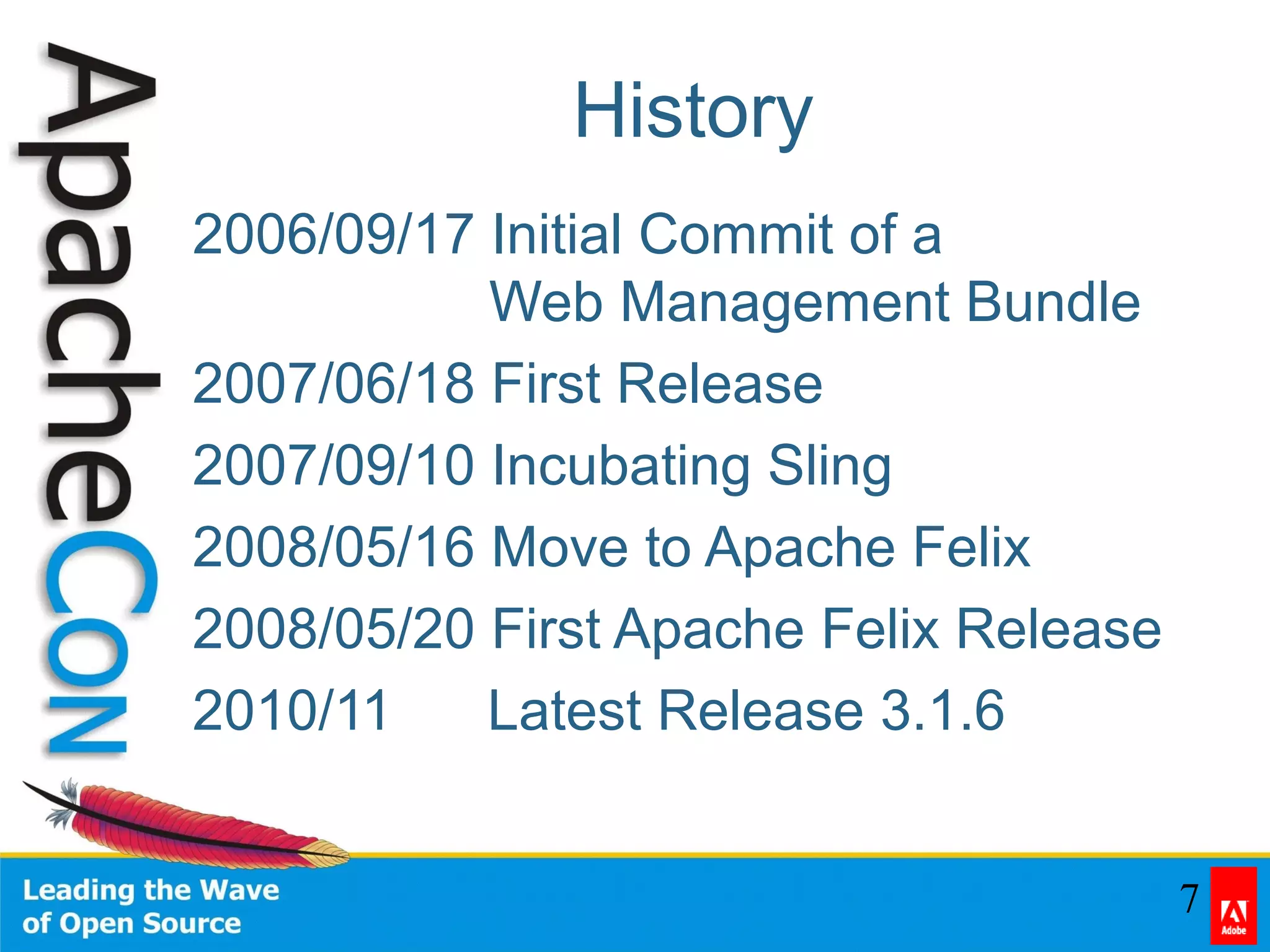
History
2006/09/17 Initial Commit of a
Web Management Bundle
2007/06/18 First Release
2007/09/10 Incubating Sling
2008/05/16 Move to Apache Felix
2008/05/20 First Apache Felix Release
2010/11/06 Latest Release 3.1.6
8
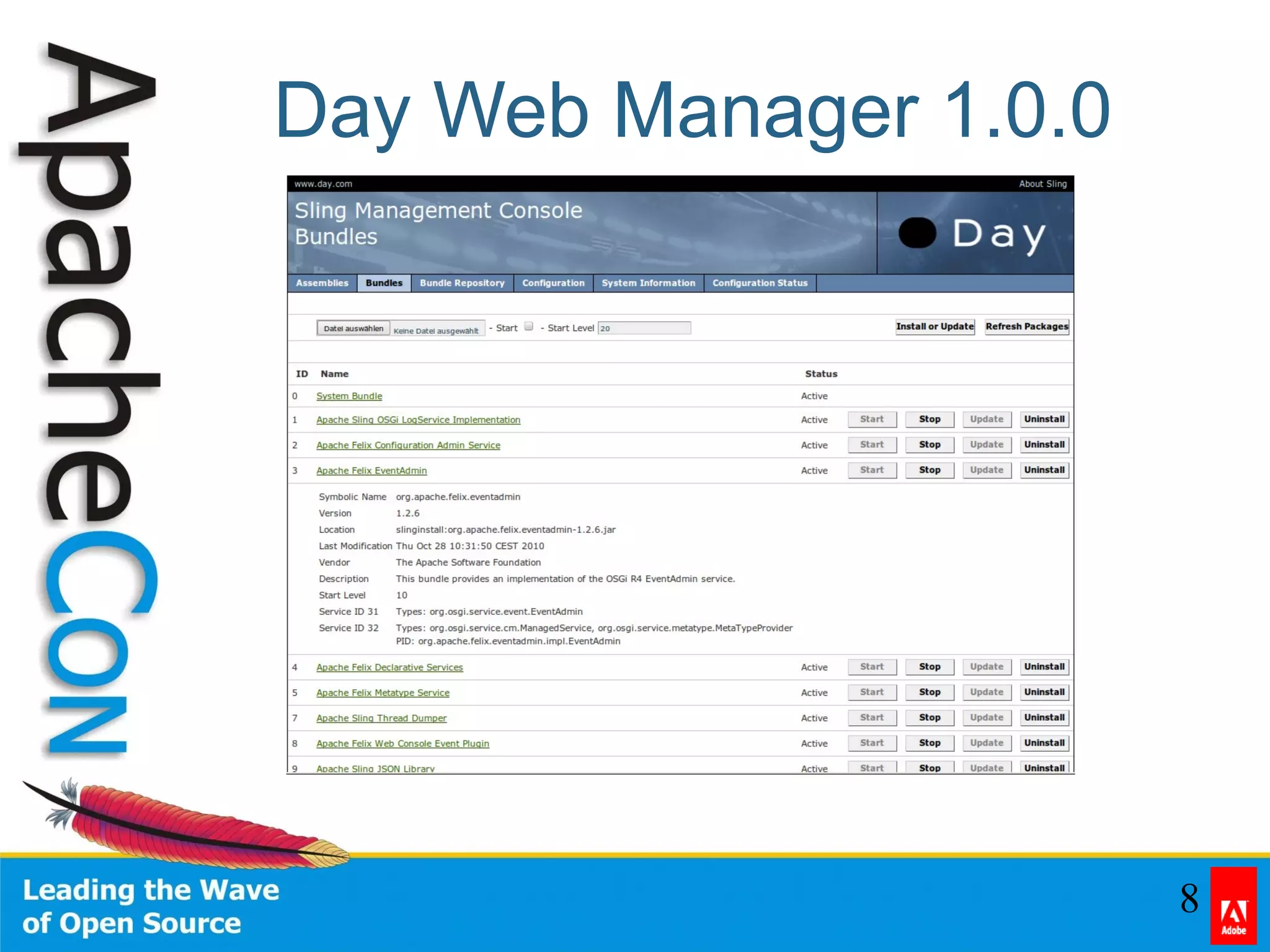
Day Web Manager 1.0.0
9
Felix Web Console 1.0.0
10
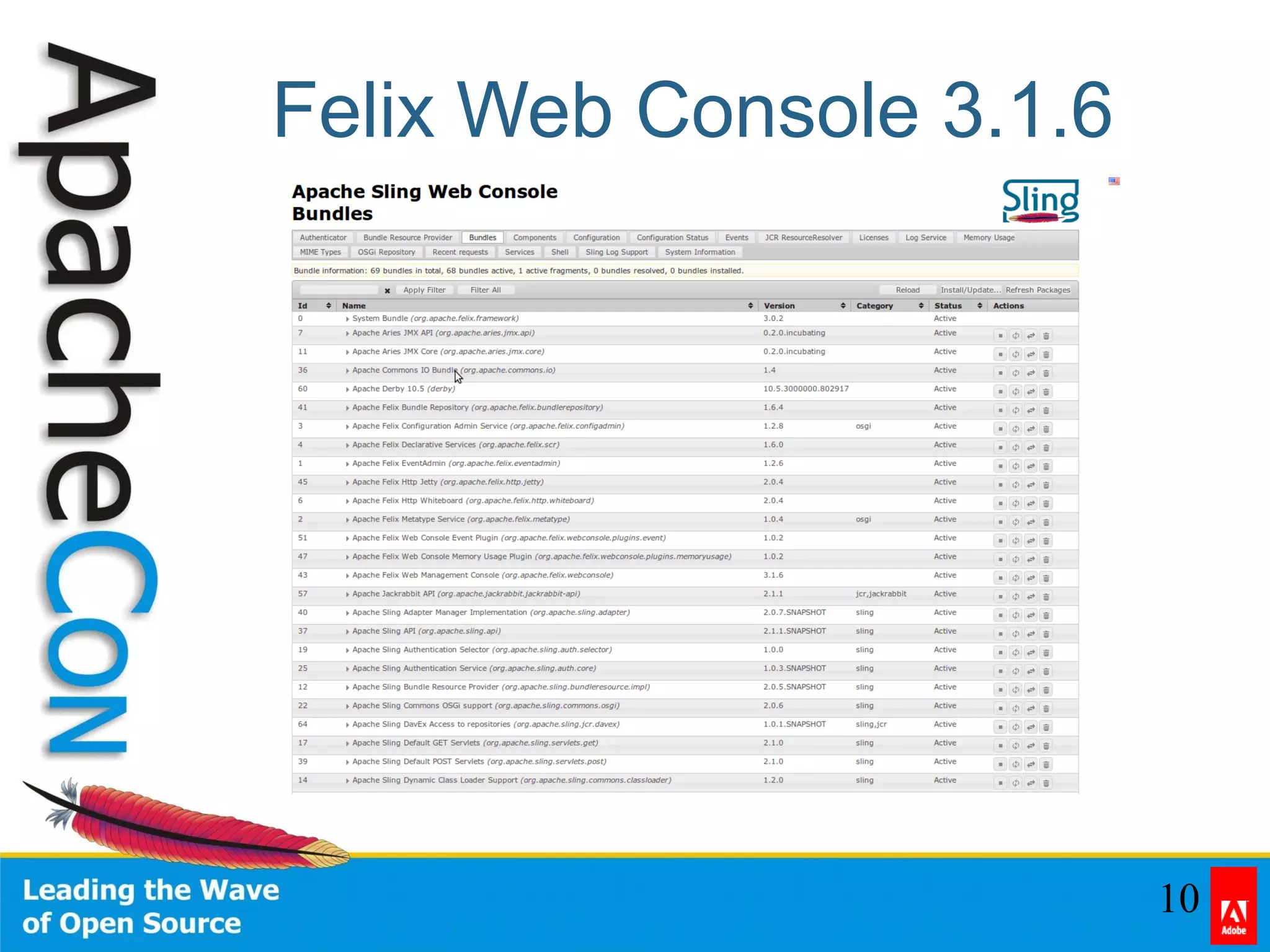
Felix Web Console 3.1.6
11
Contents
• Problem / Solutions
• History
• Features
• Install
• Use
• Extend
• Questions
12
Features
• Rich Set of Core Functionality
• JQuery UI based GUI
• REST API
• Pluggable Authentication
• Extensible
• Light-weight
13
Features (cont.)
• Manage Bundles
• List Services
• Manage DS Components
• Shell
• System Information
• Configuration Status
14
Contents
• Problem / Solutions
• History
• Features
• Install
• Use
• Extend
• Questions
15
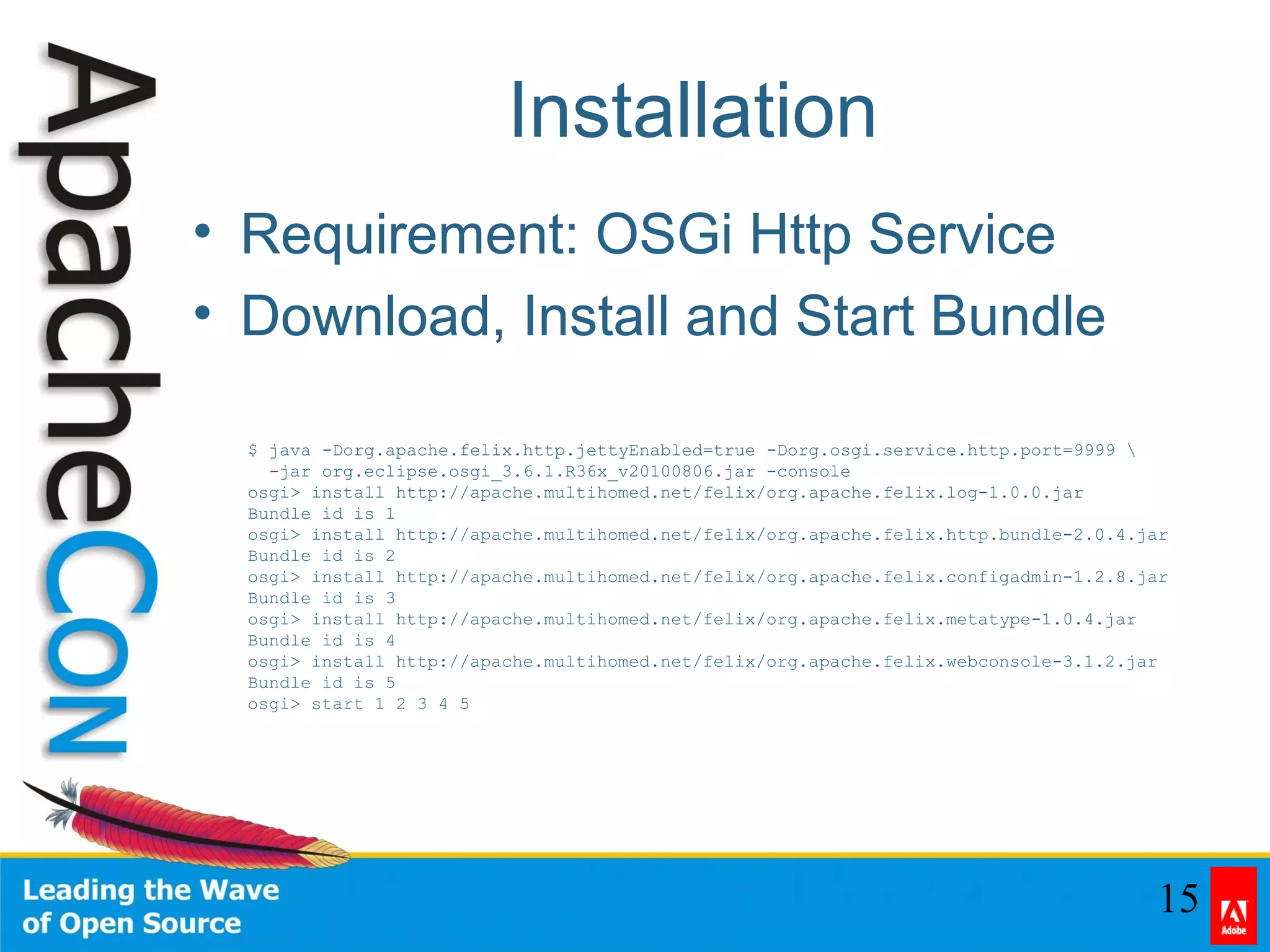
Installation
• Requirement: OSGi Http Service
• Download, Install and Start Bundle
• Requirement: OSGi Http Service
• Download, Install and Start Bundle
$ java -Dorg.apache.felix.http.jettyEnabled=true -Dorg.osgi.service.http.port=9999 
-jar org.eclipse.osgi_3.6.1.R36x_v20100806.jar -console
osgi> install http://apache.multihomed.net/felix/org.apache.felix.log-1.0.0.jar
Bundle id is 1
osgi> install http://apache.multihomed.net/felix/org.apache.felix.http.bundle-2.0.4.jar
Bundle id is 2
osgi> install http://apache.multihomed.net/felix/org.apache.felix.configadmin-1.2.8.jar
Bundle id is 3
osgi> install http://apache.multihomed.net/felix/org.apache.felix.metatype-1.0.4.jar
Bundle id is 4
osgi> install http://apache.multihomed.net/felix/org.apache.felix.webconsole-3.1.2.jar
Bundle id is 5
osgi> start 1 2 3 4 5
16
Contents
• Problem / Solutions
• History
• Features
• Use
• Extend
• Questions
17
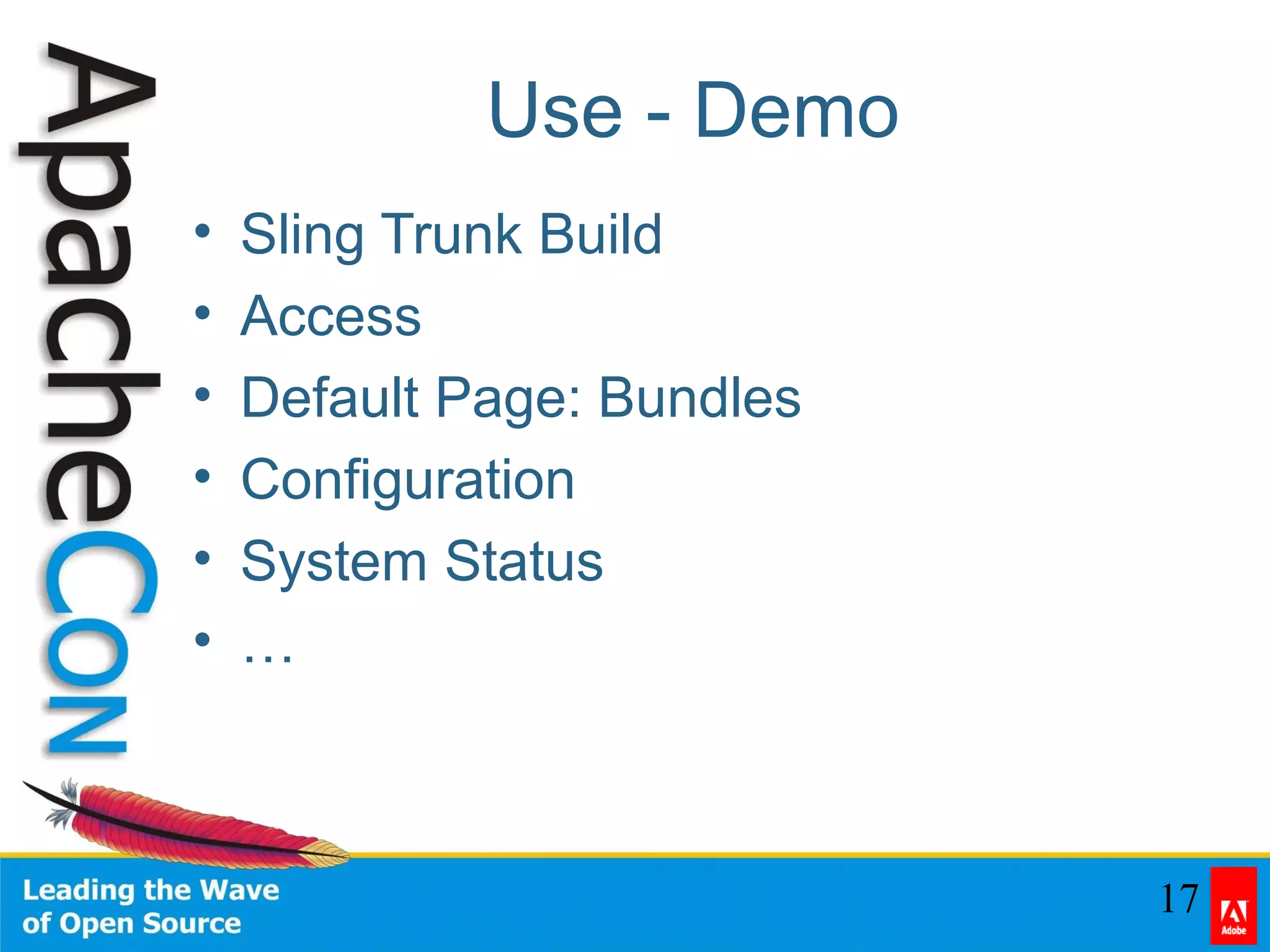
Use - Demo
• Sling Trunk Build
• Access
• Default Page: Bundles
• Configuration
• System Status
• …
18
Contents
• Problem / Solutions
• History
• Features
• Install
• Use
• Extend
• Questions
19
Extension Points
• Plugins
• Configuration Printer
• Branding
• Security Provider
• Translations
20
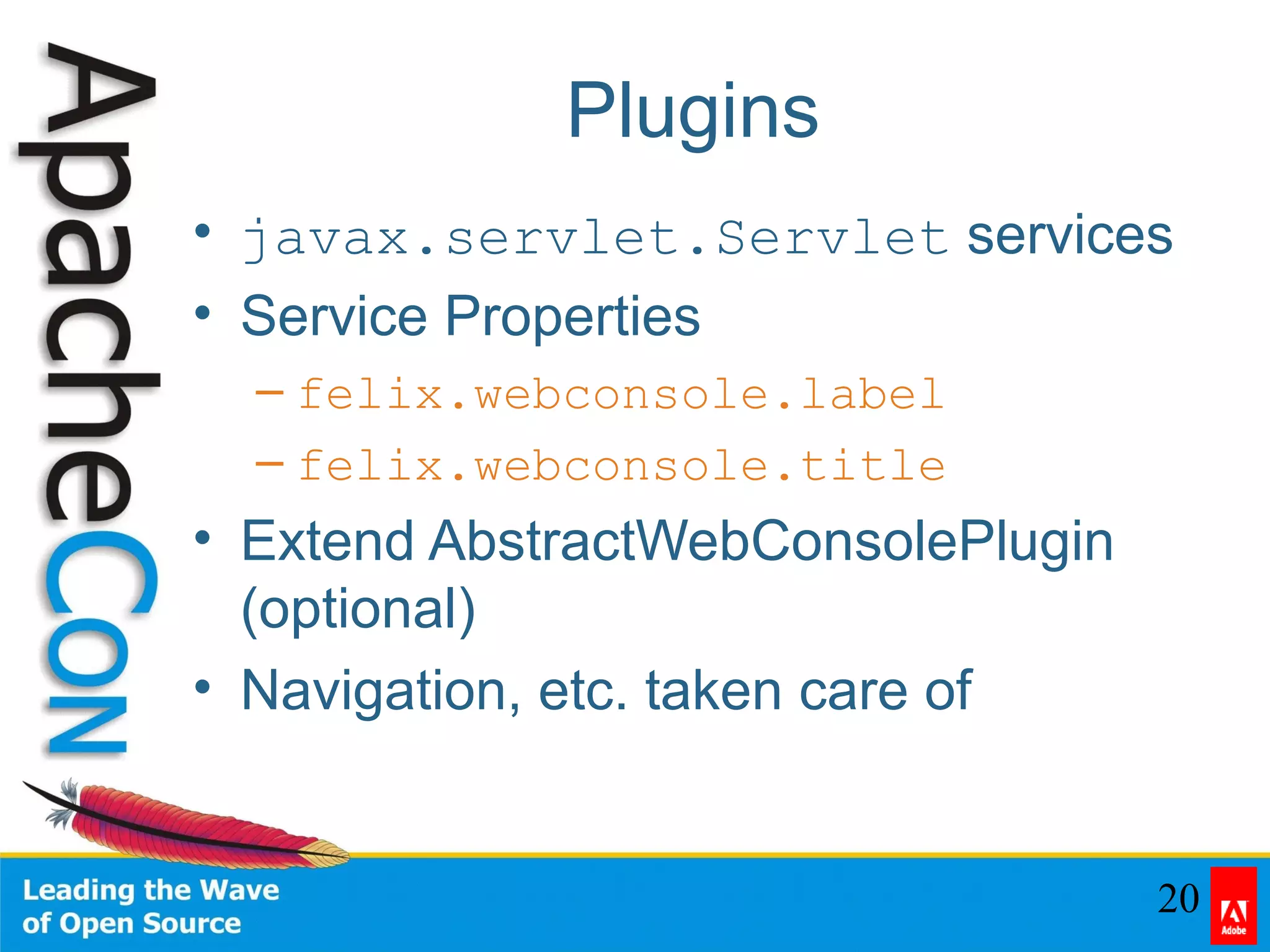
Plugins
• javax.servlet.Servlet services
• Service Properties
– felix.webconsole.label
– felix.webconsole.title
• Extend AbstractWebConsolePlugin
(optional)
• Navigation, etc. taken care of
21
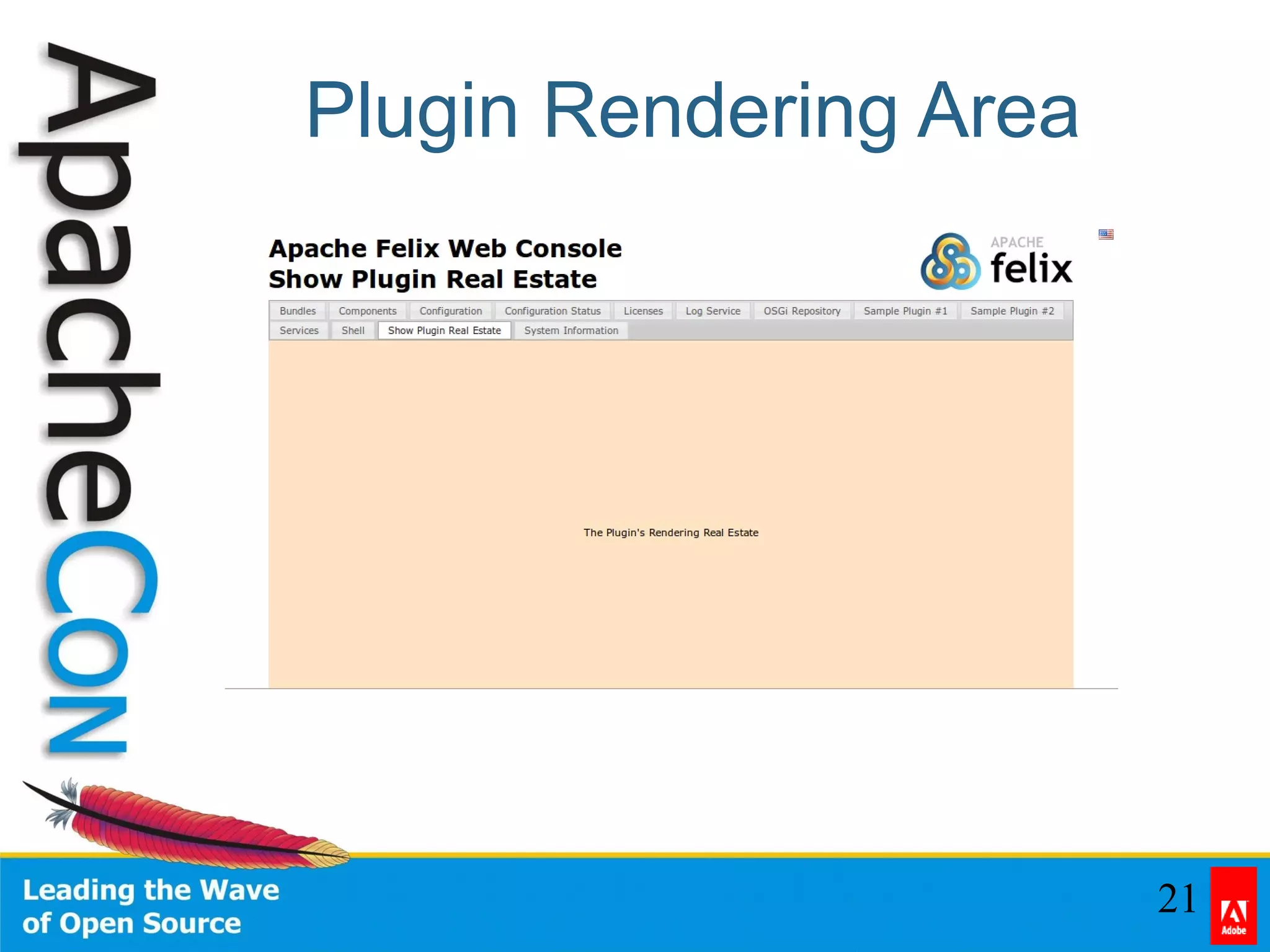
Plugin Rendering Area
22
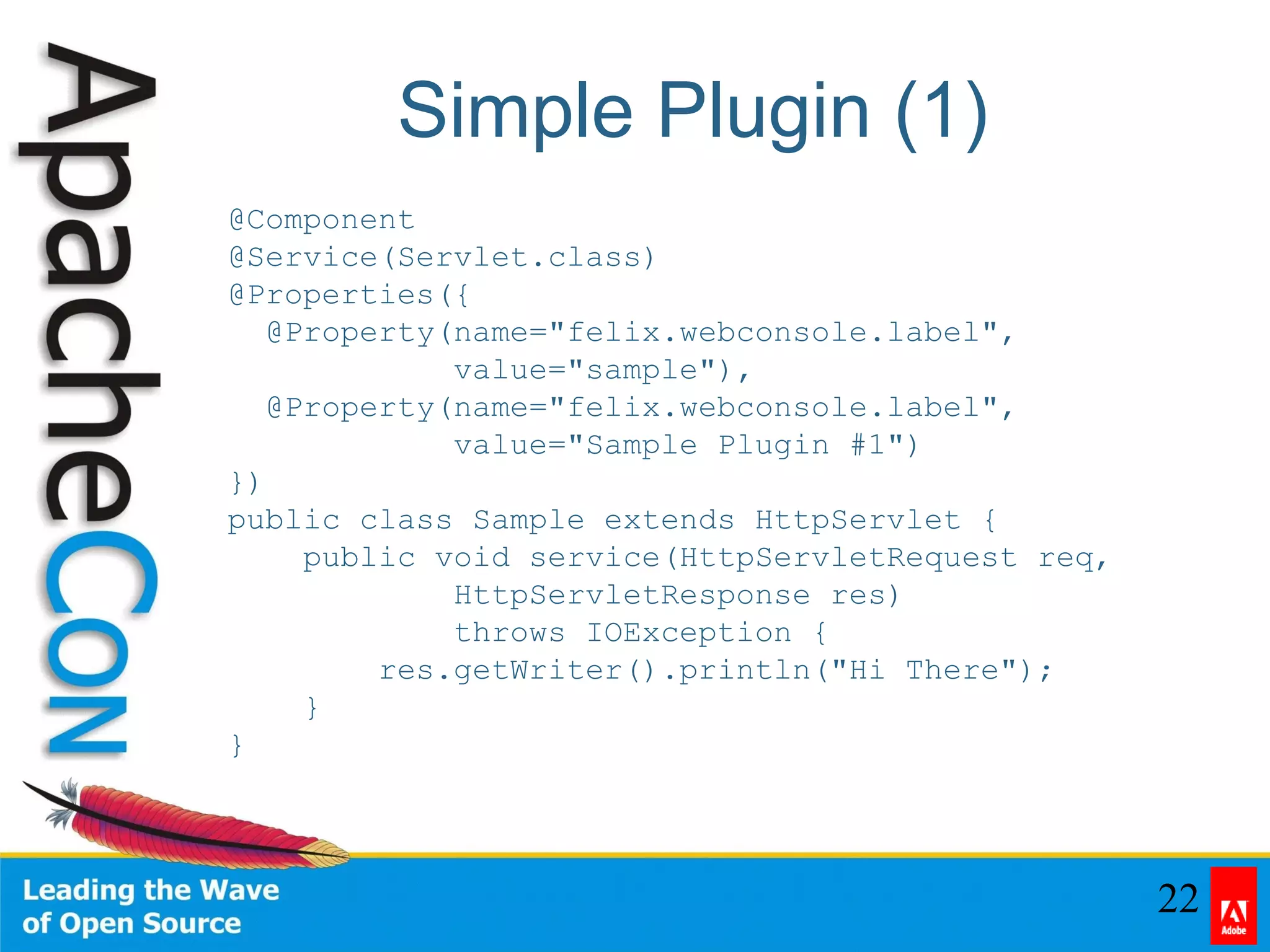
Simple Plugin (1)
@Component
@Service(Servlet.class)
@Properties({
@Property(name="felix.webconsole.label",
value="sample"),
@Property(name="felix.webconsole.label",
value="Sample Plugin #1")
})
public class Sample extends HttpServlet {
public void service(HttpServletRequest req,
HttpServletResponse res)
throws IOException {
res.getWriter().println("Hi There");
}
}
23
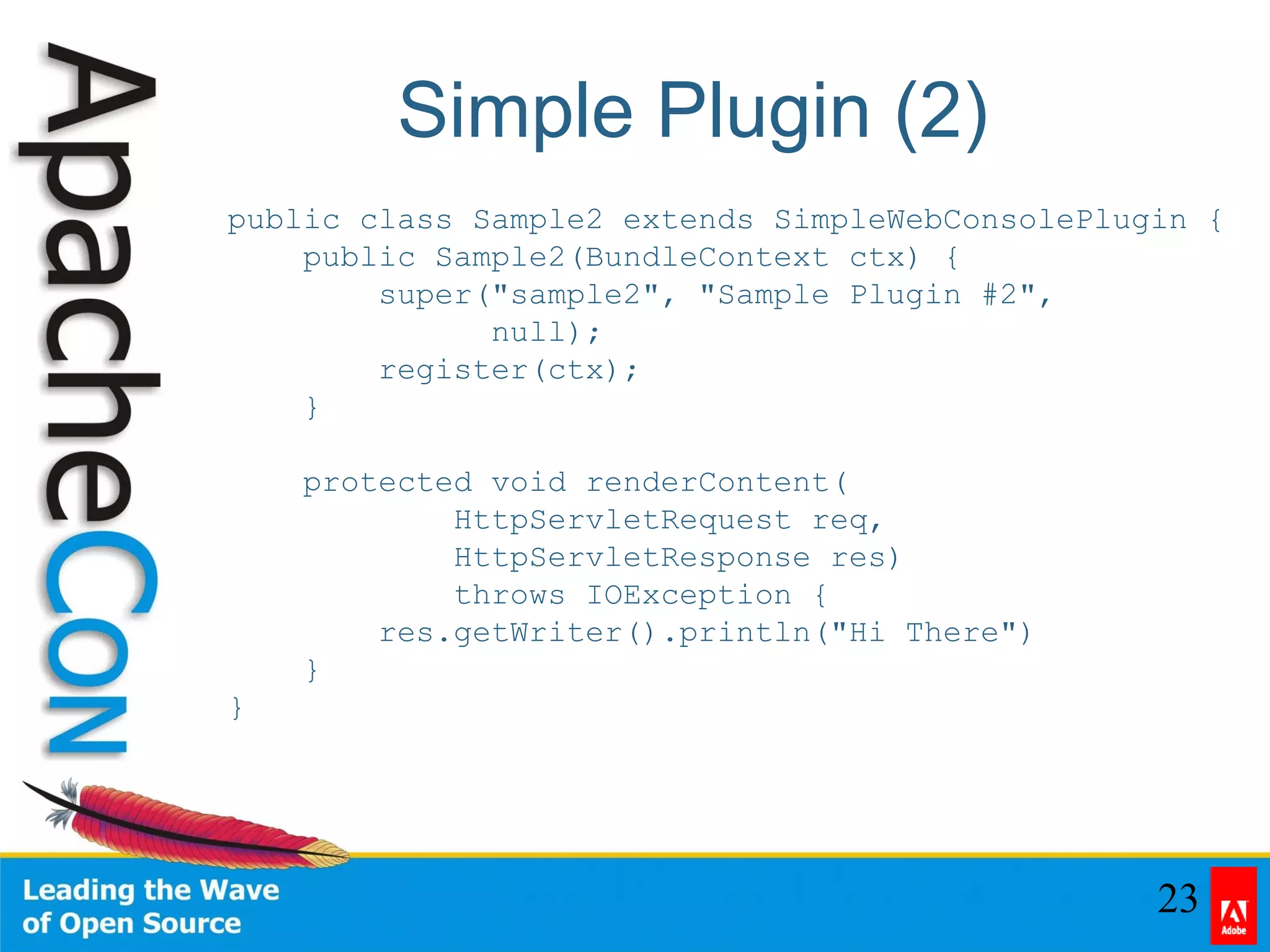
Simple Plugin (2)
public class Sample2 extends SimpleWebConsolePlugin {
public Sample2(BundleContext ctx) {
super("sample2", "Sample Plugin #2",
null);
register(ctx);
}
protected void renderContent(
HttpServletRequest req,
HttpServletResponse res)
throws IOException {
res.getWriter().println("Hi There")
}
}
24
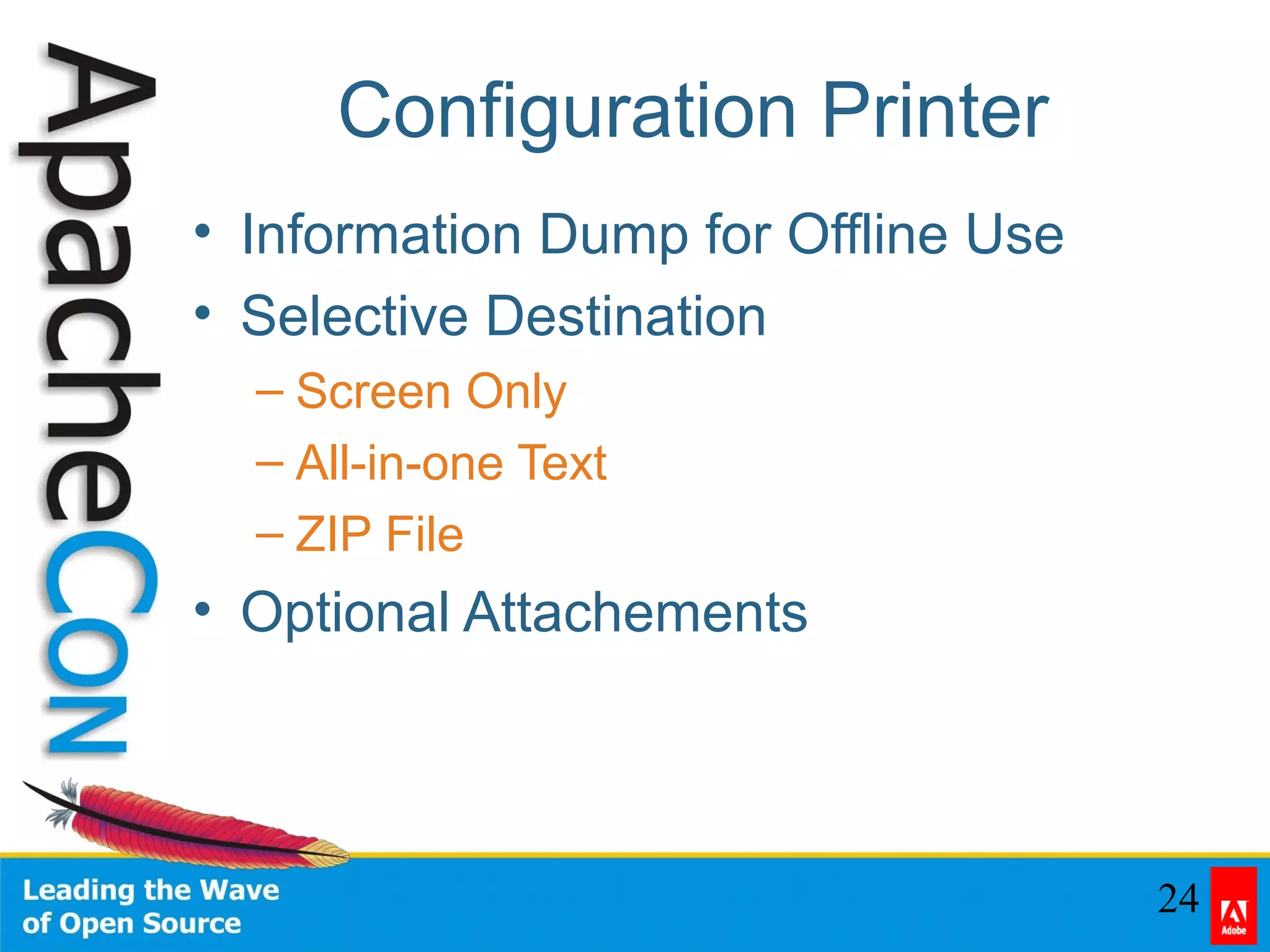
Configuration Printer
• Information Dump for Offline Use
• Selective Destination
– Screen Only
– All-in-one Text
– ZIP File
• Optional Attachements
25
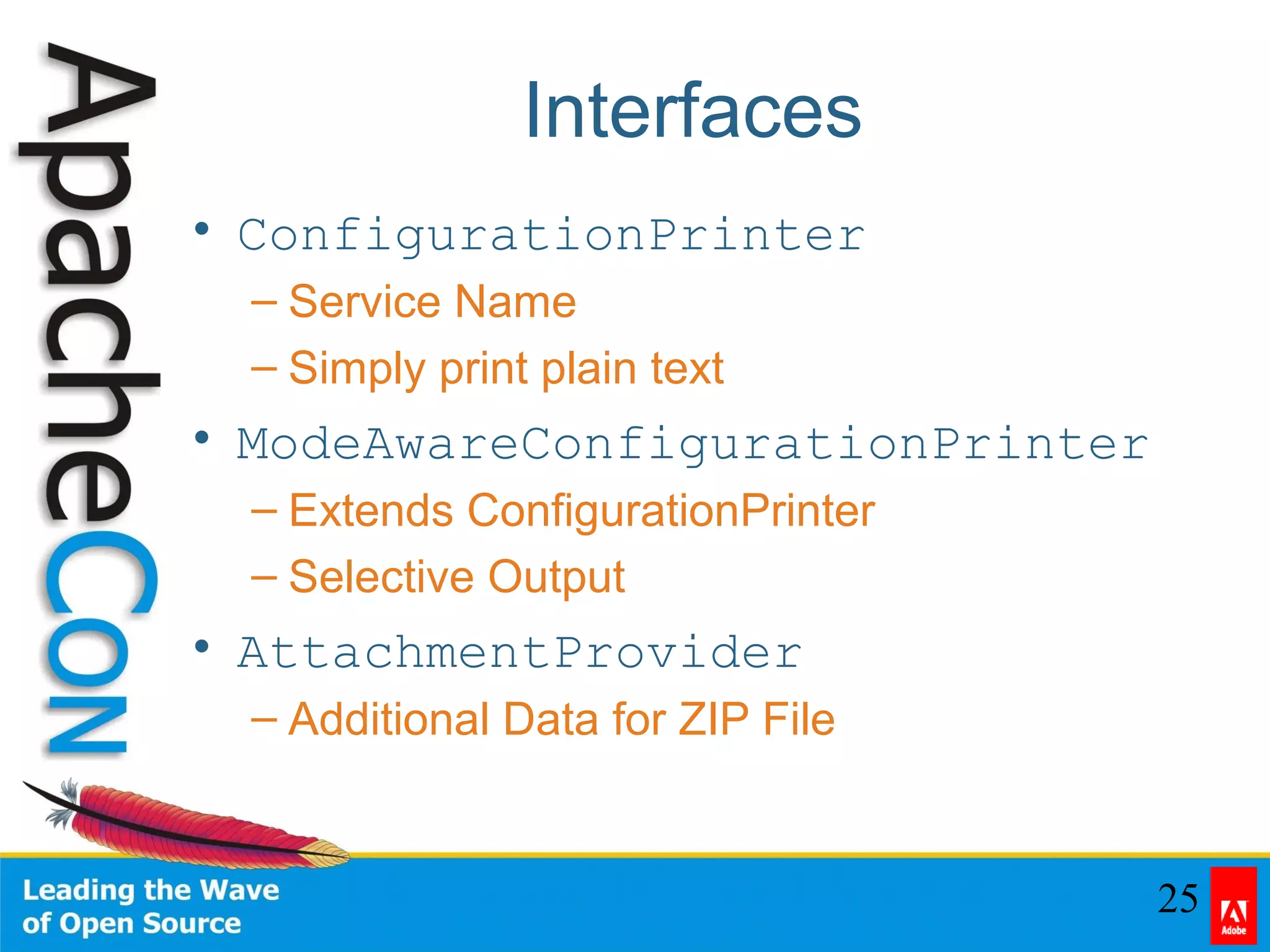
Interfaces
• ConfigurationPrinter
– Service Name
– Simply print plain text
• ModeAwareConfigurationPrinter
– Extends ConfigurationPrinter
– Selective Output
• AttachmentProvider
– Additional Data for ZIP File
26
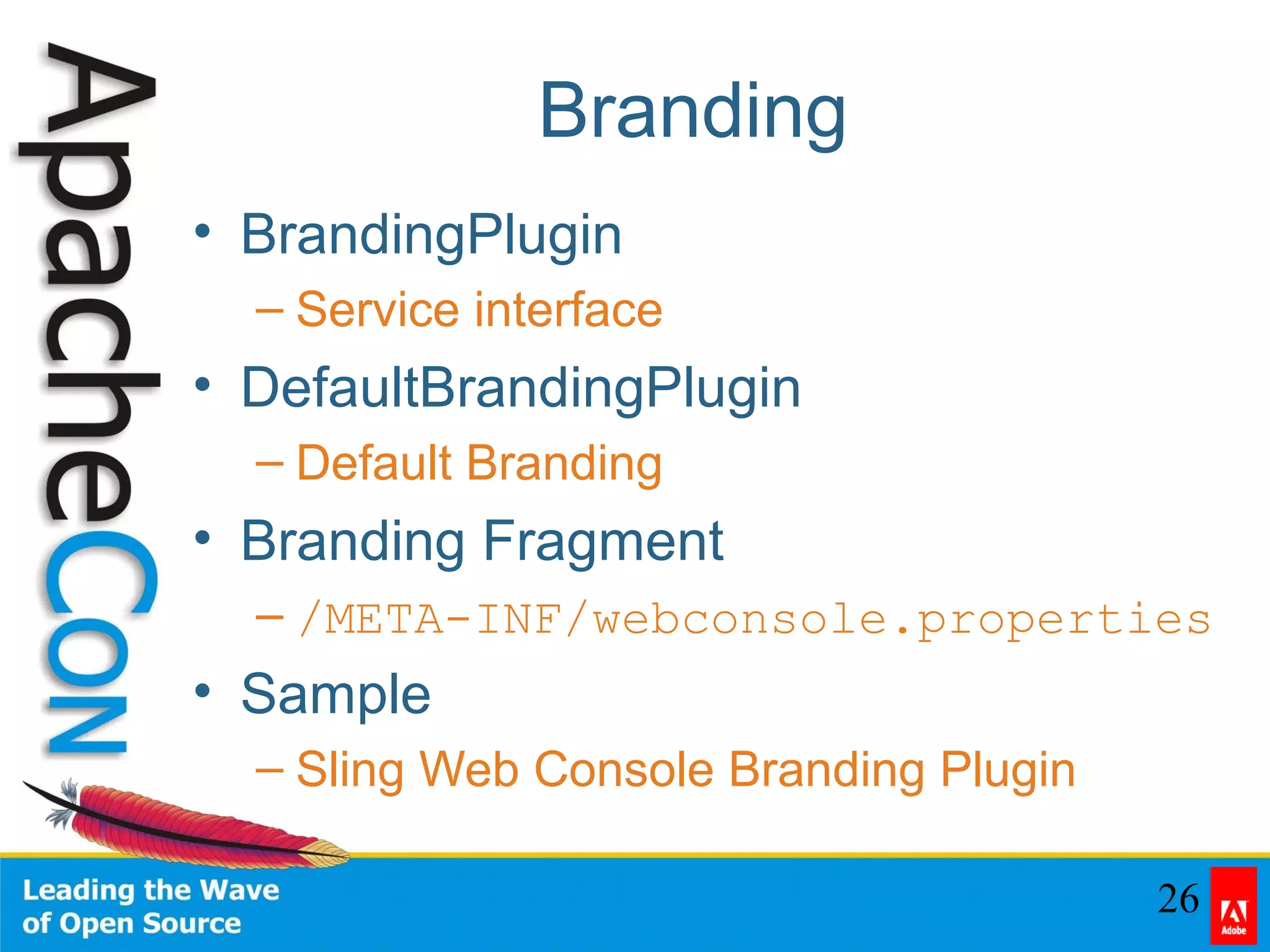
Branding
• BrandingPlugin
– Service interface
• DefaultBrandingPlugin
– Default Branding
• Branding Fragment
– /META-INF/webconsole.properties
• Sample
– Sling Web Console Branding Plugin
27
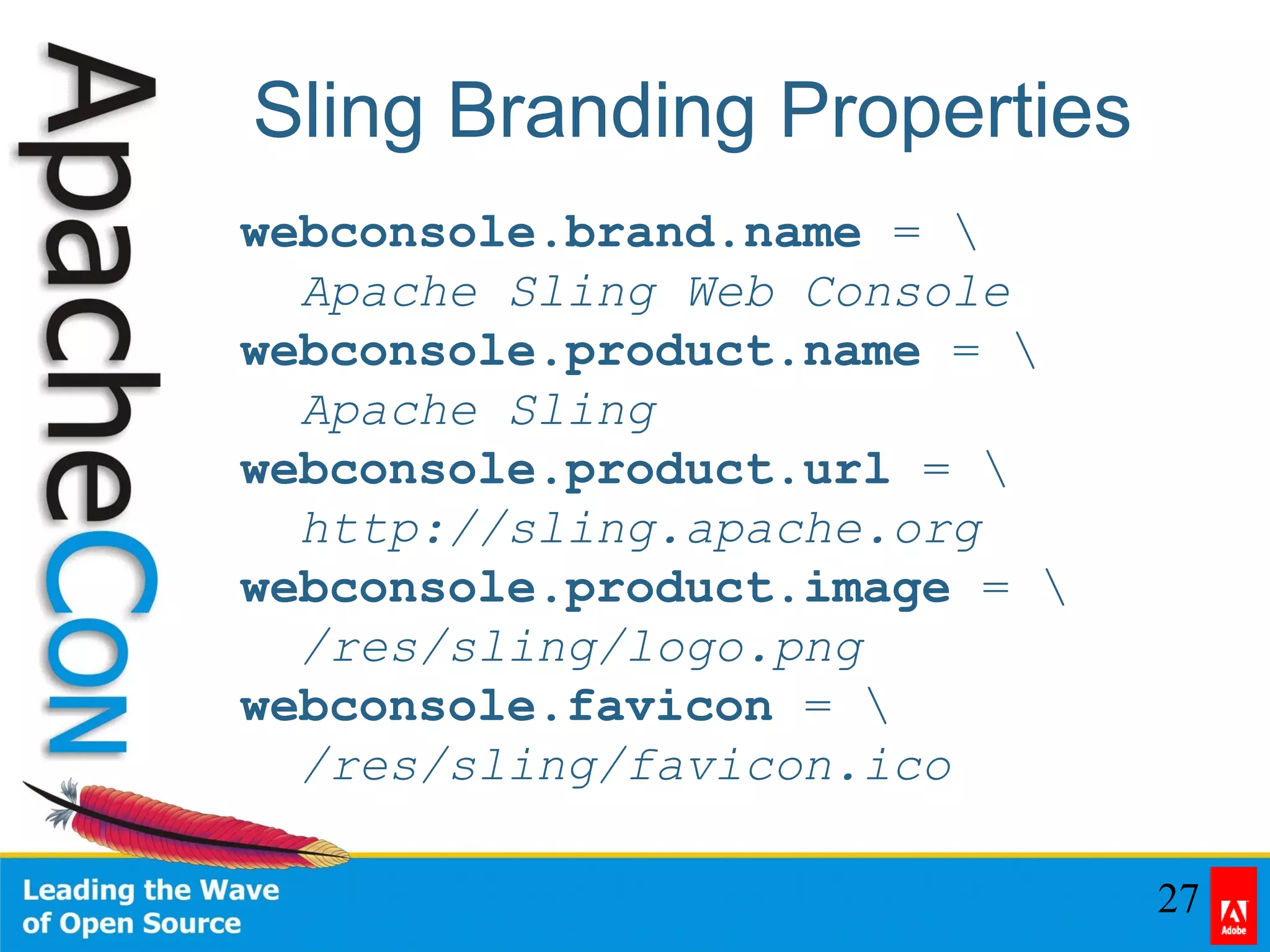
Sling Branding Properties
webconsole.brand.name = 
Apache Sling Web Console
webconsole.product.name = 
Apache Sling
webconsole.product.url = 
http://sling.apache.org
webconsole.product.image = 
/res/sling/logo.png
webconsole.favicon = 
/res/sling/favicon.ico
28
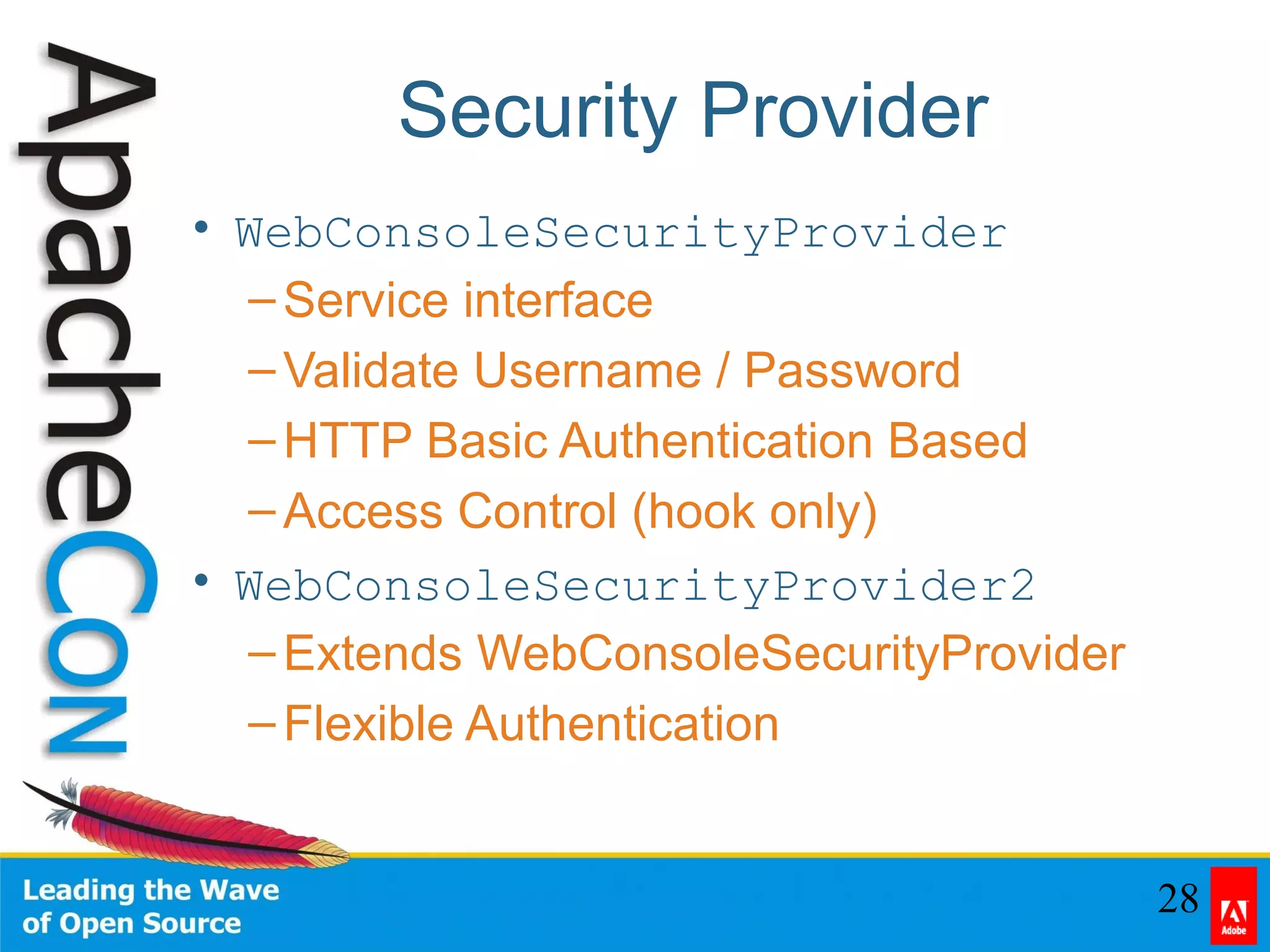
Security Provider
• WebConsoleSecurityProvider
–Service interface
–Validate Username / Password
–HTTP Basic Authentication Based
–Access Control (hook only)
• WebConsoleSecurityProvider2
–Extends WebConsoleSecurityProvider
–Flexible Authentication
29
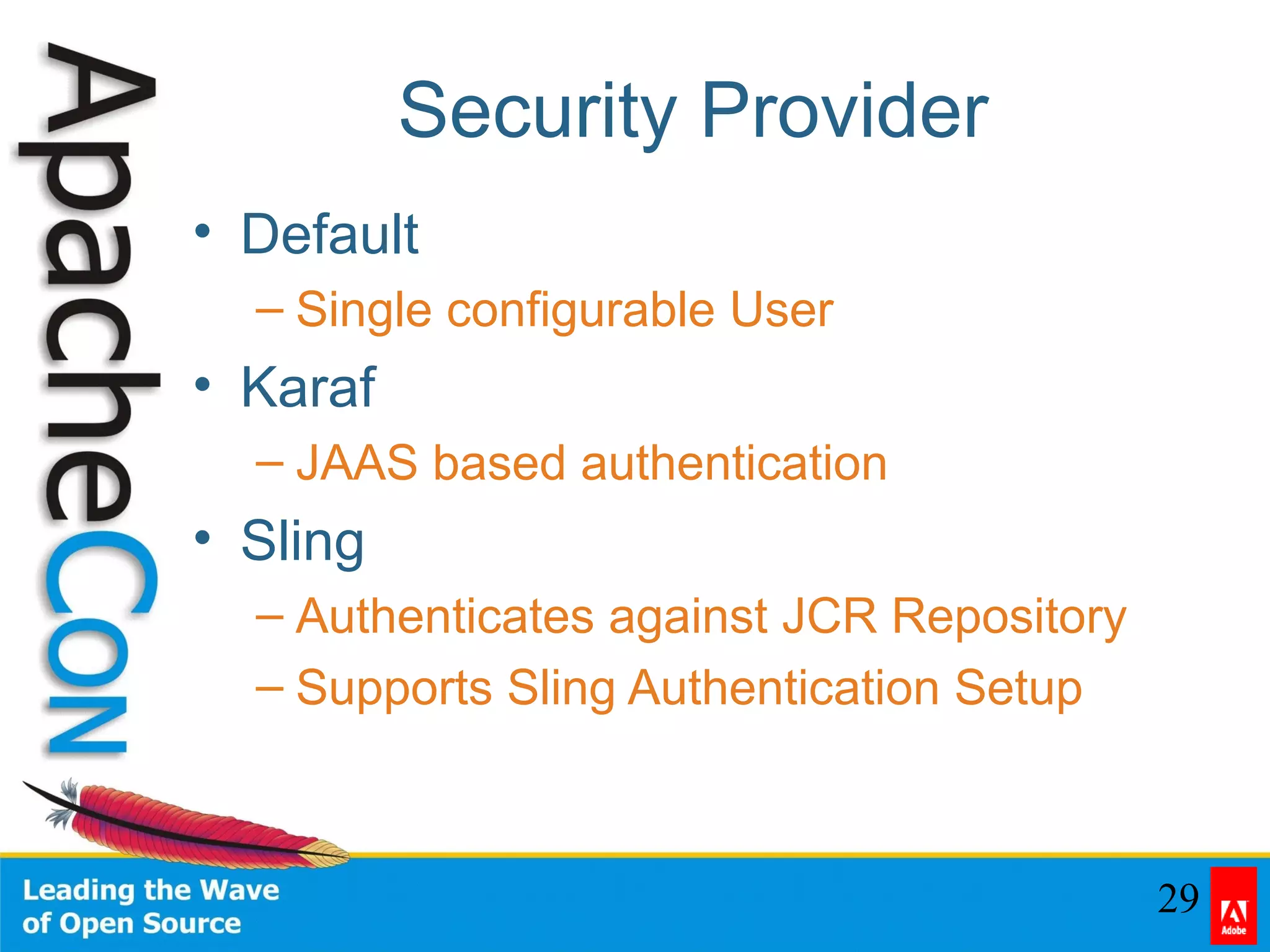
Security Provider
• Default
– Single configurable User
• Karaf
– JAAS based authentication
• Sling
– Authenticates against JCR Repository
– Supports Sling Authentication Setup
30
Translations
• Out-of-the-box
– Bulgarian, English, German, Russian
• Extensible
– Fragment to the Web Console
– Based on Standard Bundle Localization
– OSGI-INF/l10n/bundle*.properties
31
Maven Sling Plugin
• install
– Install a Bundle after a build
– Similar to deploy:deploy
• install-file
– Install a Bundle independent of a build
– Similar to deploy:deploy-file
• uninstall
– Uninstall a Bundle
• See: http://s.apache.org/yo
32
Contents
• Problem / Solutions
• History
• Features
• Install
• Use
• Extend
• Questions

Managing an OSGi Framework with Apache Felix Web Console