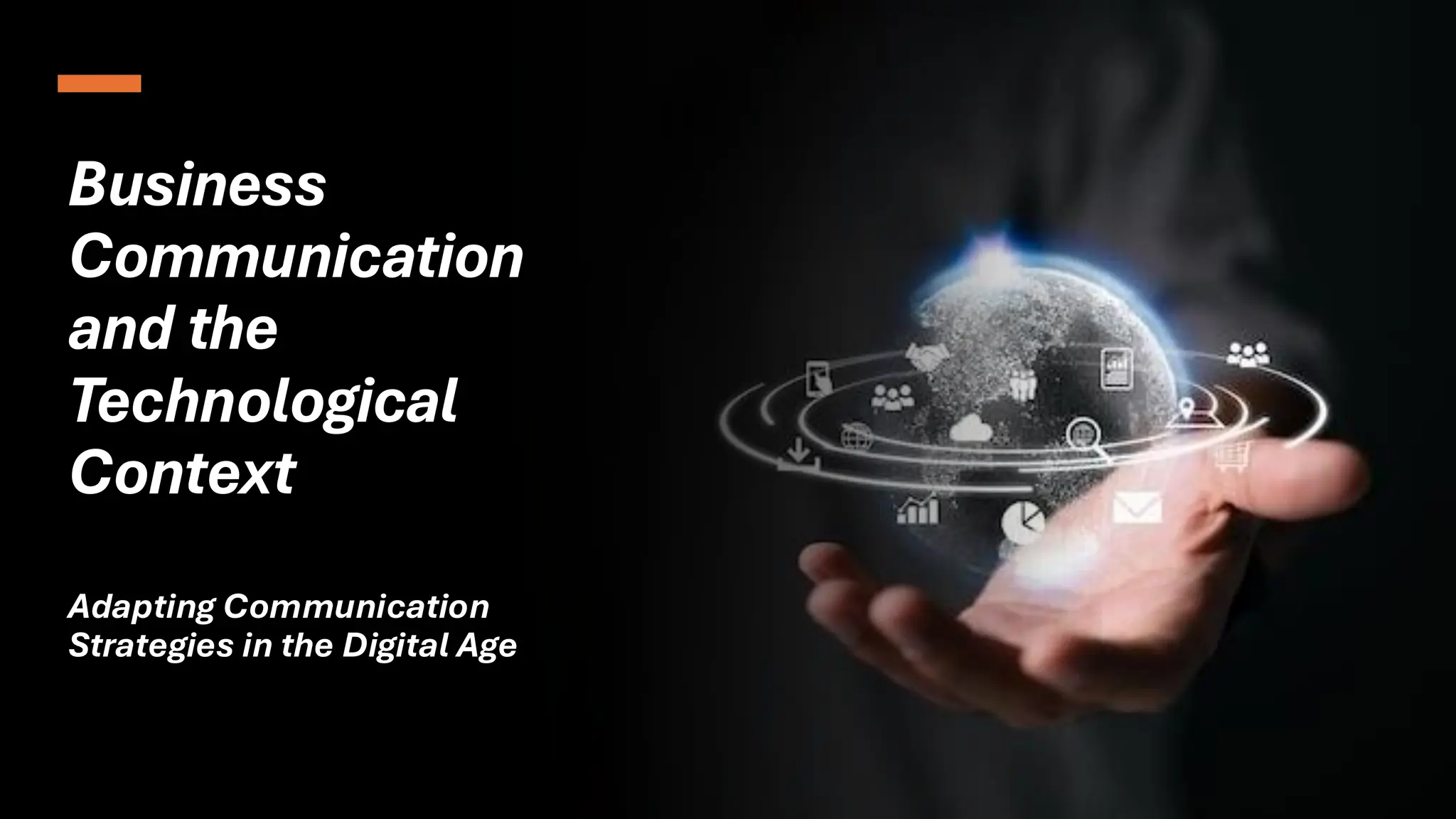
Business
Communication
and the
Technological
Context
Adapting Communication
Strategies in the Digital Age
Introduction to
Business
Communication
• It means sharing information in a
business.
• It helps with work, decisions, and
teamwork.
• Good communication makes things
clear and smooth.
• Example:
• The manager gave clear instructions
by email, so the team finished the
task without confusion.
Types of Business
Communication
• Internal Communication: Shared within the
company.
• External Communication: Shared with
outsiders.
• Formal Communication: Official messages;
Informal Communication: Casual messages.
• Example:
• Internal communication could be a team
meeting, while external communication
involves emails or phone calls with clients
Traditional
Methods of
Communication
• Face-to-Face: Direct, in-person
conversations.
• Memos/Letters: Written documents
for formal communication.
• Phone Calls: Direct verbal
communication, but limited to voice.
• Example:
• The manager used a memo to
announce new office policies to all
employees.
Introduction to
Technological
Context
• Technological Context means using
technology in business
communication.
• It includes tools like emails, video
calls, and social media.
• Technology makes communication
faster and more efficient.
• Example:The team used a video call
to discuss the project, saving time
compared to a physical meeting.
Impact of Technology on
Business Communication
• Faster Communication: Instant
messages via email, chat.
• Remote Work: Work from
anywhere using video calls.
• Better Documentation: Easy to
record and track.
• Example:
• The team used email to share
updates, enabling remote work
without delay.
Email
Communication
• Formal & Written: Used for
official messages.
• Instant & Organized: Fast
and easy to organize.
• Clear & Professional: Helps
avoid misunderstandings.
• Example:
• The manager sent an email to
the team with clear
instructions for the project
Instant
Messaging and
Collaboration
Tools
• Real-Time Chats: Tools like Slack or Teams.
• Teamwork: Easy to share files and ideas.
• Quick Responses: Instant replies for faster decisions.
• Example:
• The team used Slack to quickly discuss ideas and share
project files.
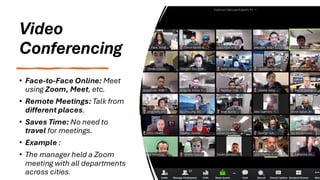
Video
Conferencing
• Face-to-Face Online: Meet
using Zoom, Meet, etc.
• Remote Meetings: Talk from
different places.
• Saves Time: No need to
travel for meetings.
• Example :
• The manager held a Zoom
meeting with all departments
across cities.
Social Media in
Business
Communication
• Public Reach: Connect with
customers online.
• Brand Image: Share updates to build
brand trust.
• Quick Feedback: Get customer views
instantly.
• Example:
• The company posted a product update
on Facebook and received customer
feedback within minutes.
Mobile
Communication
• On-the-Go Access:
Communicate from any location.
• Apps & Calls: Use mobile apps or
phone calls.
• Quick Updates: Share info
instantly.
• Example:
• The employee used WhatsApp to
update the manager while
traveling.
Cloud
Technology
• Online Storage: Save files on
the internet.
• Easy Access: Open data from
any device.
• Team Sharing: Work on files
together in real-time.
• Example:
• The team used Google Drive to
edit the same report from
different locations
Challenges in
Technological
Communication
• Technical Issues: Problems like
slow internet or app errors.
• Miscommunication: Lack of
tone or emotion in text.
• Security Risks: Data can be
hacked or leaked.
• Example :
• The meeting was delayed due to
a poor internet connection
during a video call.
Future Trends
• AI Tools: Smart replies and
chatbots for help.
• More Remote Work: Teams
using tech from home.
• Better Security: Stronger
tools to protect data.
• Example:
• Many companies now use AI
chatbots to answer customer
questions instantly.
Ethical Considerations
in Tech Communication
• Respect Privacy: Don’t share info
without permission.
• No Misinformation: Share only true
and clear facts.
• Use Responsibly: Avoid spam or
overuse of tools.
• Example:
• The employee double-checked
before sharing a client’s info over
email.
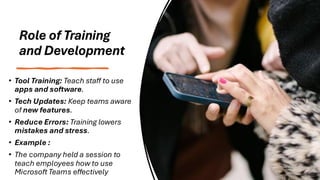
Role of Training
and Development
• Tool Training: Teach staff to use
apps and software.
• Tech Updates: Keep teams aware
of new features.
• Reduce Errors: Training lowers
mistakes and stress.
• Example :
• The company held a session to
teach employees how to use
Microsoft Teams effectively
Real-World
Examples of Tech
Use
• Slack: Used for fast team
messaging and updates.
• Zoom: Helps remote teams
with virtual meetings.
• Google Drive: Teams share
and edit files together.
• Example :
• A global team used Google
Drive and Zoom to work
smoothly across time zones.
Conclusion
• Technology makes business
communication faster and
easier.
• Tools like email, video calls, and
apps improve teamwork.
• Using tech wisely helps grow
and protect the business.
• Example:
• A company using modern tools
stayed connected and
productive during remote work.

Management presentation on Business communication

  • 1.
  • 2.
    Introduction to Business Communication • Itmeans sharing information in a business. • It helps with work, decisions, and teamwork. • Good communication makes things clear and smooth. • Example: • The manager gave clear instructions by email, so the team finished the task without confusion.
  • 3.
    Types of Business Communication •Internal Communication: Shared within the company. • External Communication: Shared with outsiders. • Formal Communication: Official messages; Informal Communication: Casual messages. • Example: • Internal communication could be a team meeting, while external communication involves emails or phone calls with clients
  • 4.
    Traditional Methods of Communication • Face-to-Face:Direct, in-person conversations. • Memos/Letters: Written documents for formal communication. • Phone Calls: Direct verbal communication, but limited to voice. • Example: • The manager used a memo to announce new office policies to all employees.
  • 5.
    Introduction to Technological Context • TechnologicalContext means using technology in business communication. • It includes tools like emails, video calls, and social media. • Technology makes communication faster and more efficient. • Example:The team used a video call to discuss the project, saving time compared to a physical meeting.
  • 6.
    Impact of Technologyon Business Communication • Faster Communication: Instant messages via email, chat. • Remote Work: Work from anywhere using video calls. • Better Documentation: Easy to record and track. • Example: • The team used email to share updates, enabling remote work without delay.
  • 7.
    Email Communication • Formal &Written: Used for official messages. • Instant & Organized: Fast and easy to organize. • Clear & Professional: Helps avoid misunderstandings. • Example: • The manager sent an email to the team with clear instructions for the project
  • 8.
    Instant Messaging and Collaboration Tools • Real-TimeChats: Tools like Slack or Teams. • Teamwork: Easy to share files and ideas. • Quick Responses: Instant replies for faster decisions. • Example: • The team used Slack to quickly discuss ideas and share project files.
  • 9.
    Video Conferencing • Face-to-Face Online:Meet using Zoom, Meet, etc. • Remote Meetings: Talk from different places. • Saves Time: No need to travel for meetings. • Example : • The manager held a Zoom meeting with all departments across cities.
  • 10.
    Social Media in Business Communication •Public Reach: Connect with customers online. • Brand Image: Share updates to build brand trust. • Quick Feedback: Get customer views instantly. • Example: • The company posted a product update on Facebook and received customer feedback within minutes.
  • 11.
    Mobile Communication • On-the-Go Access: Communicatefrom any location. • Apps & Calls: Use mobile apps or phone calls. • Quick Updates: Share info instantly. • Example: • The employee used WhatsApp to update the manager while traveling.
  • 12.
    Cloud Technology • Online Storage:Save files on the internet. • Easy Access: Open data from any device. • Team Sharing: Work on files together in real-time. • Example: • The team used Google Drive to edit the same report from different locations
  • 13.
    Challenges in Technological Communication • TechnicalIssues: Problems like slow internet or app errors. • Miscommunication: Lack of tone or emotion in text. • Security Risks: Data can be hacked or leaked. • Example : • The meeting was delayed due to a poor internet connection during a video call.
  • 14.
    Future Trends • AITools: Smart replies and chatbots for help. • More Remote Work: Teams using tech from home. • Better Security: Stronger tools to protect data. • Example: • Many companies now use AI chatbots to answer customer questions instantly.
  • 15.
    Ethical Considerations in TechCommunication • Respect Privacy: Don’t share info without permission. • No Misinformation: Share only true and clear facts. • Use Responsibly: Avoid spam or overuse of tools. • Example: • The employee double-checked before sharing a client’s info over email.
  • 16.
    Role of Training andDevelopment • Tool Training: Teach staff to use apps and software. • Tech Updates: Keep teams aware of new features. • Reduce Errors: Training lowers mistakes and stress. • Example : • The company held a session to teach employees how to use Microsoft Teams effectively
  • 17.
    Real-World Examples of Tech Use •Slack: Used for fast team messaging and updates. • Zoom: Helps remote teams with virtual meetings. • Google Drive: Teams share and edit files together. • Example : • A global team used Google Drive and Zoom to work smoothly across time zones.
  • 18.
    Conclusion • Technology makesbusiness communication faster and easier. • Tools like email, video calls, and apps improve teamwork. • Using tech wisely helps grow and protect the business. • Example: • A company using modern tools stayed connected and productive during remote work.