Manage your infrastructure
with PowerShell
@Jaap_BrasserJaap Brasser
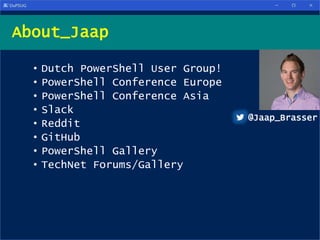
• Dutch PowerShell User Group!
• PowerShell Conference Europe
• PowerShell Conference Asia
• Slack
• Reddit
• GitHub
• PowerShell Gallery
• TechNet Forums/Gallery
About_Jaap
@Jaap_Brasser
Agenda
• Structured output – Objects!
• Hostname of the system
• Domain name of system
• OS info
• Memory info
• System disk
• Pagefile
• Create a function
Building the tools
Demo 1 - Retrieve hostname
Demo
Summary
• Found the host name of the system
• Looked at PowerShell drives
• Explored the Env: drive
• Found the hostname of the system
• Created a PowerShell object
• Exported the object to csv
• Opened csv in Excel
Demo 2 – Get System Domain
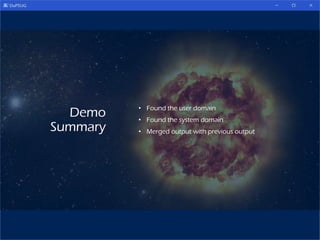
Demo
Summary
• Found the user domain
• Found the system domain
• Merged output with previous output
Demo 3 – OS Information
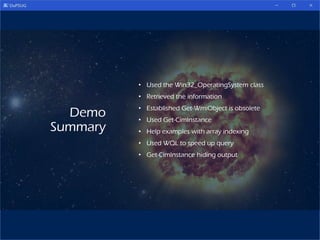
Demo
Summary
• Used the Win32_OperatingSystem class
• Retrieved the information
• Established Get-WmiObject is obsolete
• Used Get-CimInstance
• Help examples with array indexing
• Used WQL to speed up query
• Get-CimInstance hiding output
Demo 4 – Memory Information
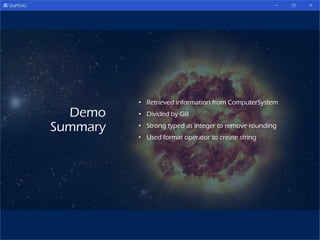
Demo
Summary
• Retrieved information from ComputerSystem
• Divided by GB
• Strong typed as integer to remove rounding
• Used format operator to create string
Demo 5 - Timezones
Demo
Summary
• Used the Get-TimeZone cmdlet
• Found out that the timezone description does
not take DST into account
• Used [datetime] type accelerator
• UtcNow
• Now
• Calculated actual time difference
• Combined output into a single string
Demo 6 – System Disk Size
Demo
Summary
• Find out which disk is the system disk
• Find out how big the disk is
• Create the correct WQL query
• Format output into a string
• Set number of decimals for size in GB with
[math]::round
Demo 7 – Pagefile from registry
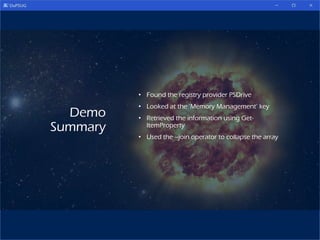
Demo
Summary
• Found the registry provider PSDrive
• Looked at the ‘Memory Management’ key
• Retrieved the information using Get-
ItemProperty
• Used the –join operator to collapse the array
Demo 8 – Create the function
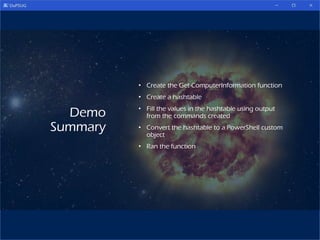
Demo
Summary
• Create the Get-ComputerInformation function
• Create a hashtable
• Fill the values in the hashtable using output
from the commands created
• Convert the hashtable to a PowerShell custom
object
• Ran the function
Questions?

Manage your infrastructure with PowerShell

  • 1.
    Manage your infrastructure withPowerShell @Jaap_BrasserJaap Brasser
  • 2.
    • Dutch PowerShellUser Group! • PowerShell Conference Europe • PowerShell Conference Asia • Slack • Reddit • GitHub • PowerShell Gallery • TechNet Forums/Gallery About_Jaap @Jaap_Brasser
  • 4.
  • 5.
    • Structured output– Objects! • Hostname of the system • Domain name of system • OS info • Memory info • System disk • Pagefile • Create a function Building the tools
  • 6.
    Demo 1 -Retrieve hostname
  • 7.
    Demo Summary • Found thehost name of the system • Looked at PowerShell drives • Explored the Env: drive • Found the hostname of the system • Created a PowerShell object • Exported the object to csv • Opened csv in Excel
  • 8.
    Demo 2 –Get System Domain
  • 9.
    Demo Summary • Found theuser domain • Found the system domain • Merged output with previous output
  • 10.
    Demo 3 –OS Information
  • 11.
    Demo Summary • Used theWin32_OperatingSystem class • Retrieved the information • Established Get-WmiObject is obsolete • Used Get-CimInstance • Help examples with array indexing • Used WQL to speed up query • Get-CimInstance hiding output
  • 12.
    Demo 4 –Memory Information
  • 13.
    Demo Summary • Retrieved informationfrom ComputerSystem • Divided by GB • Strong typed as integer to remove rounding • Used format operator to create string
  • 14.
    Demo 5 -Timezones
  • 15.
    Demo Summary • Used theGet-TimeZone cmdlet • Found out that the timezone description does not take DST into account • Used [datetime] type accelerator • UtcNow • Now • Calculated actual time difference • Combined output into a single string
  • 16.
    Demo 6 –System Disk Size
  • 17.
    Demo Summary • Find outwhich disk is the system disk • Find out how big the disk is • Create the correct WQL query • Format output into a string • Set number of decimals for size in GB with [math]::round
  • 18.
    Demo 7 –Pagefile from registry
  • 19.
    Demo Summary • Found theregistry provider PSDrive • Looked at the ‘Memory Management’ key • Retrieved the information using Get- ItemProperty • Used the –join operator to collapse the array
  • 20.
    Demo 8 –Create the function
  • 21.
    Demo Summary • Create theGet-ComputerInformation function • Create a hashtable • Fill the values in the hashtable using output from the commands created • Convert the hashtable to a PowerShell custom object • Ran the function
  • 22.