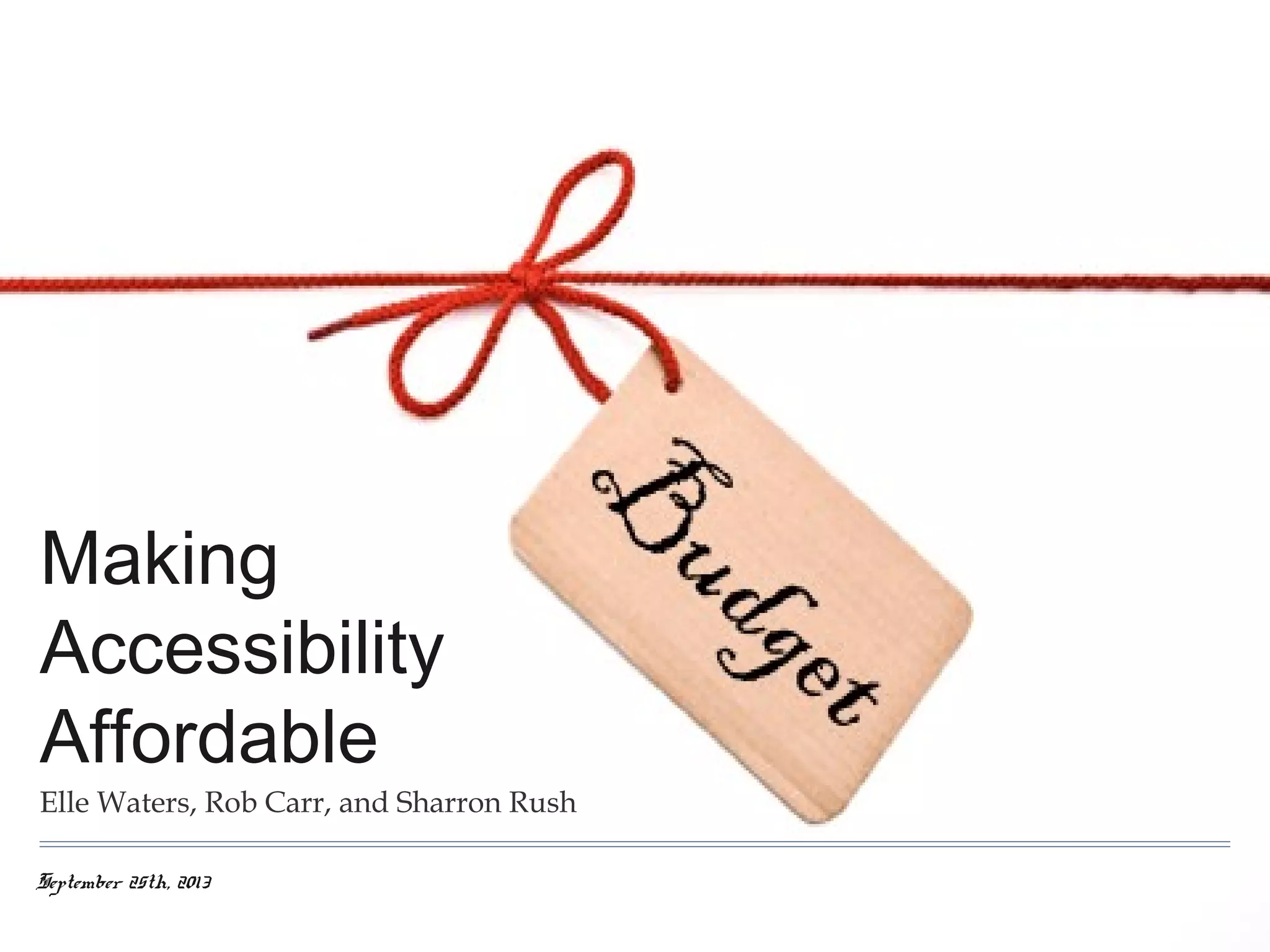

Making
Accessibility
Affordable
Elle Waters, Rob Carr, and Sharron Rush
September 25th, 2013
Winning the Business Case
Elle Waters :: @Nethermind :: elle@simplyaccessible.com
September 25th, 2013
The first 10 questions you should ask yourself

1. What kind of organization are we? What are my organization’s values?
2. What project or innovation would my leaders consider game changing? What are my organization’s primary compliance
risks, and how do those get prioritized? How does the budget work? Who are the deciders?
3. How good are my relationships with others? What are their key measures of success for job performance?
4. What’s my endgame vision?
5. How do I fit into all of this?
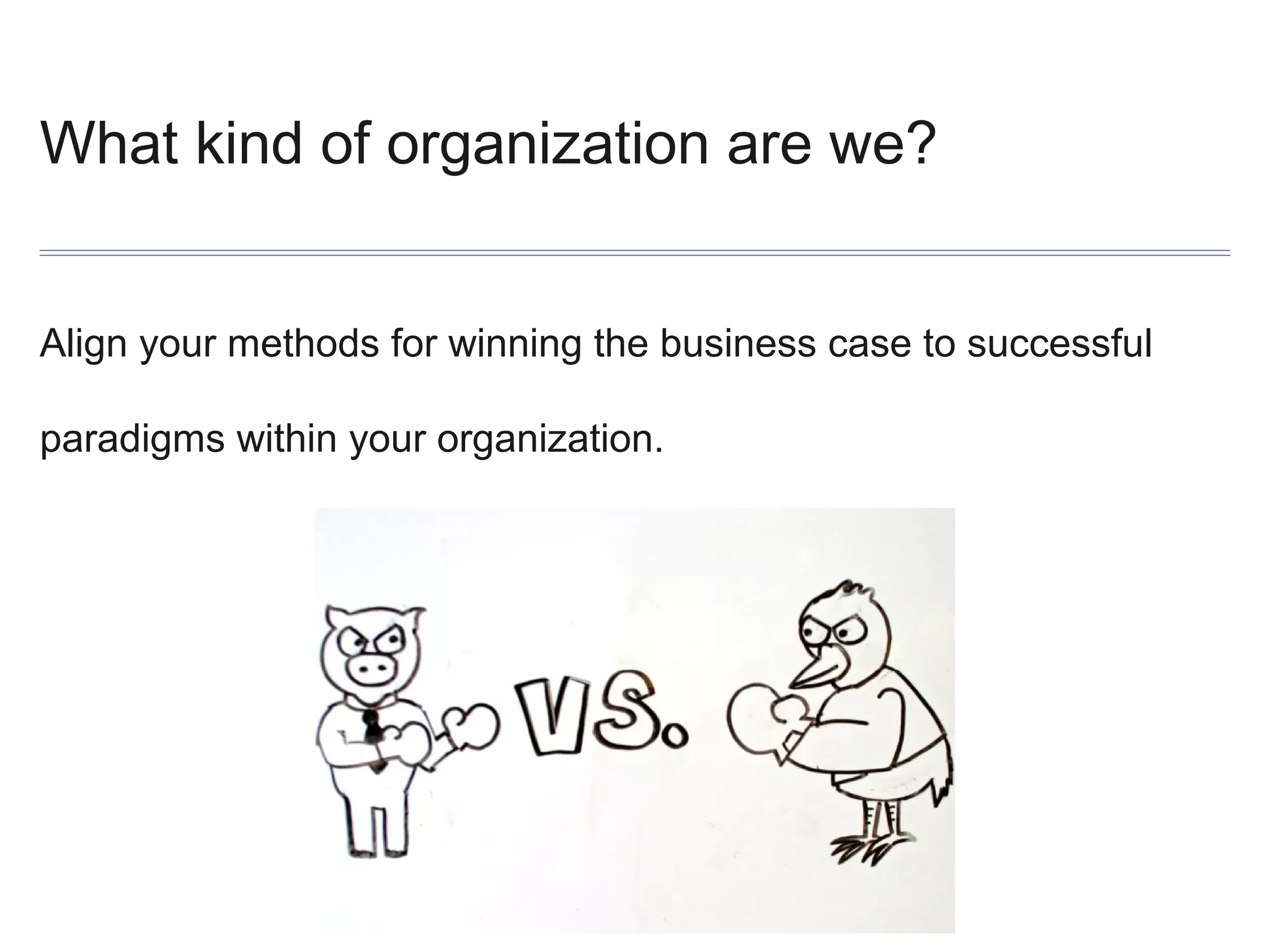
What kind of organization are we?
Align your methods for winning the business case to successful
paradigms within your organization.
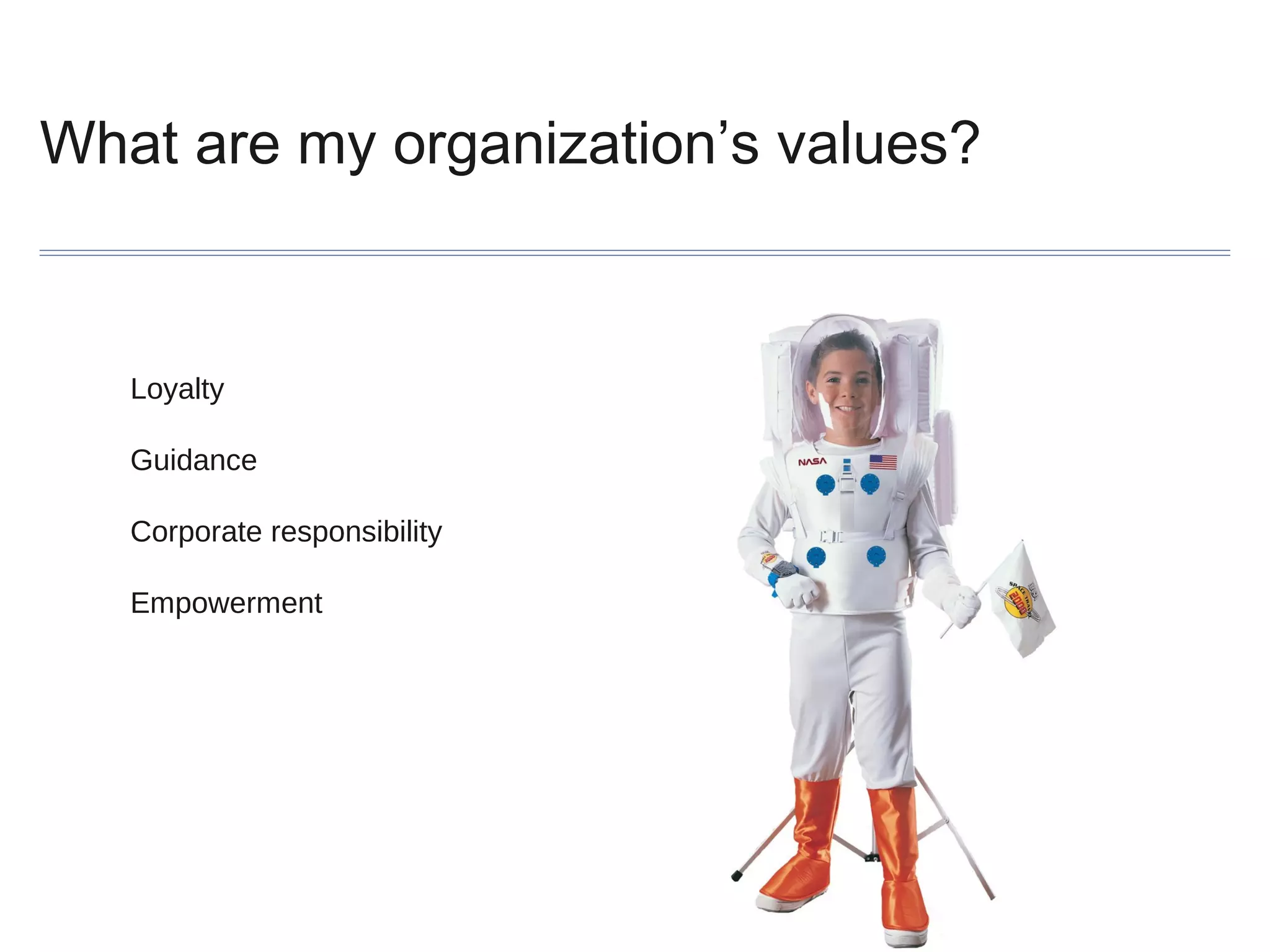
What are my organization’s values?

Loyalty
Guidance
Corporate responsibility
Empowerment
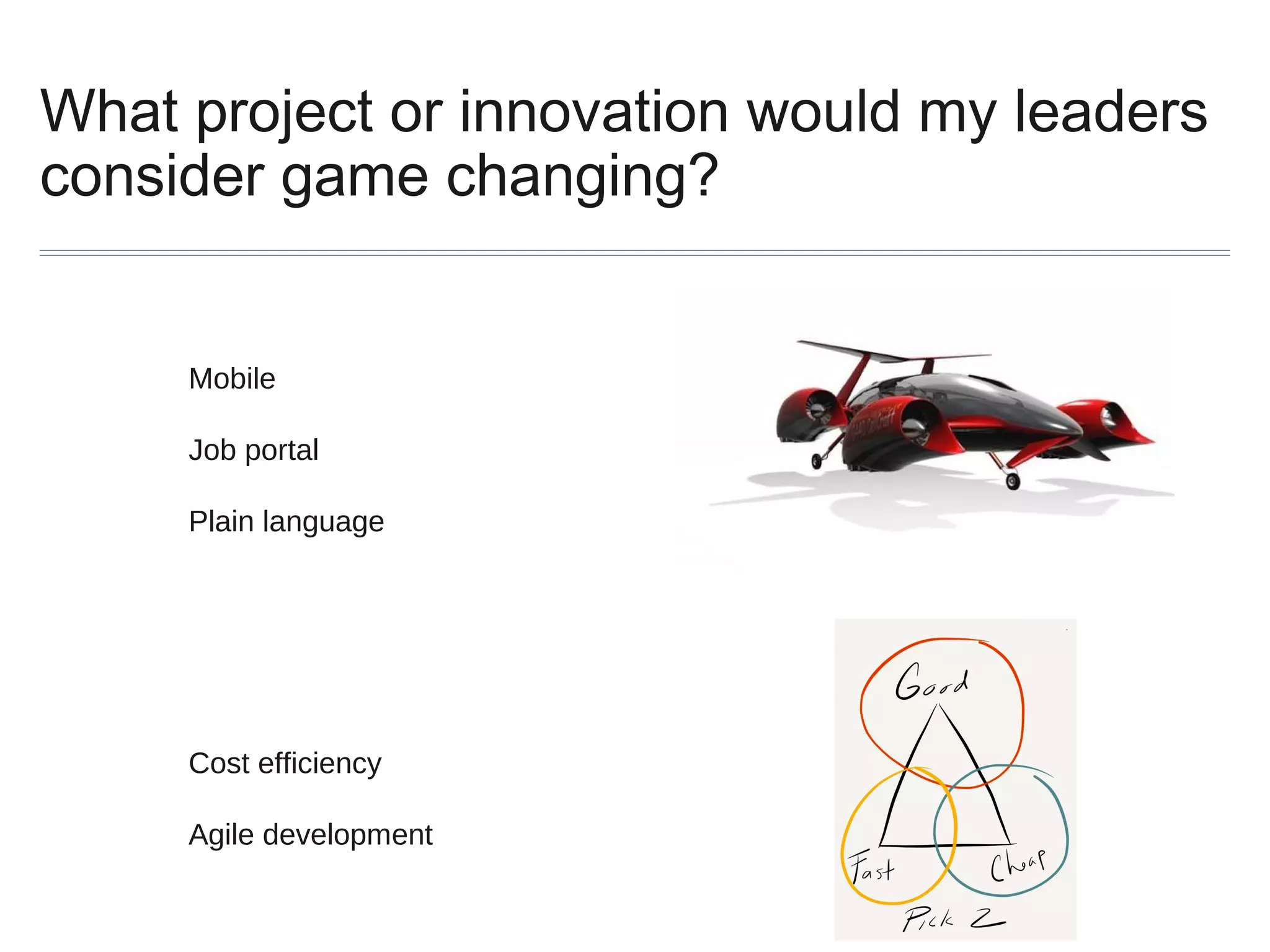
What project or innovation would my leaders
consider game changing?

Mobile
Job portal
Plain language

Cost efficiency
Agile development
What are my organizations primary
compliance risks, and how do these get
prioritized?
Highest
Risk

Lowest
Risk

VISIBILITY

REGULATORYOVERSIGHT
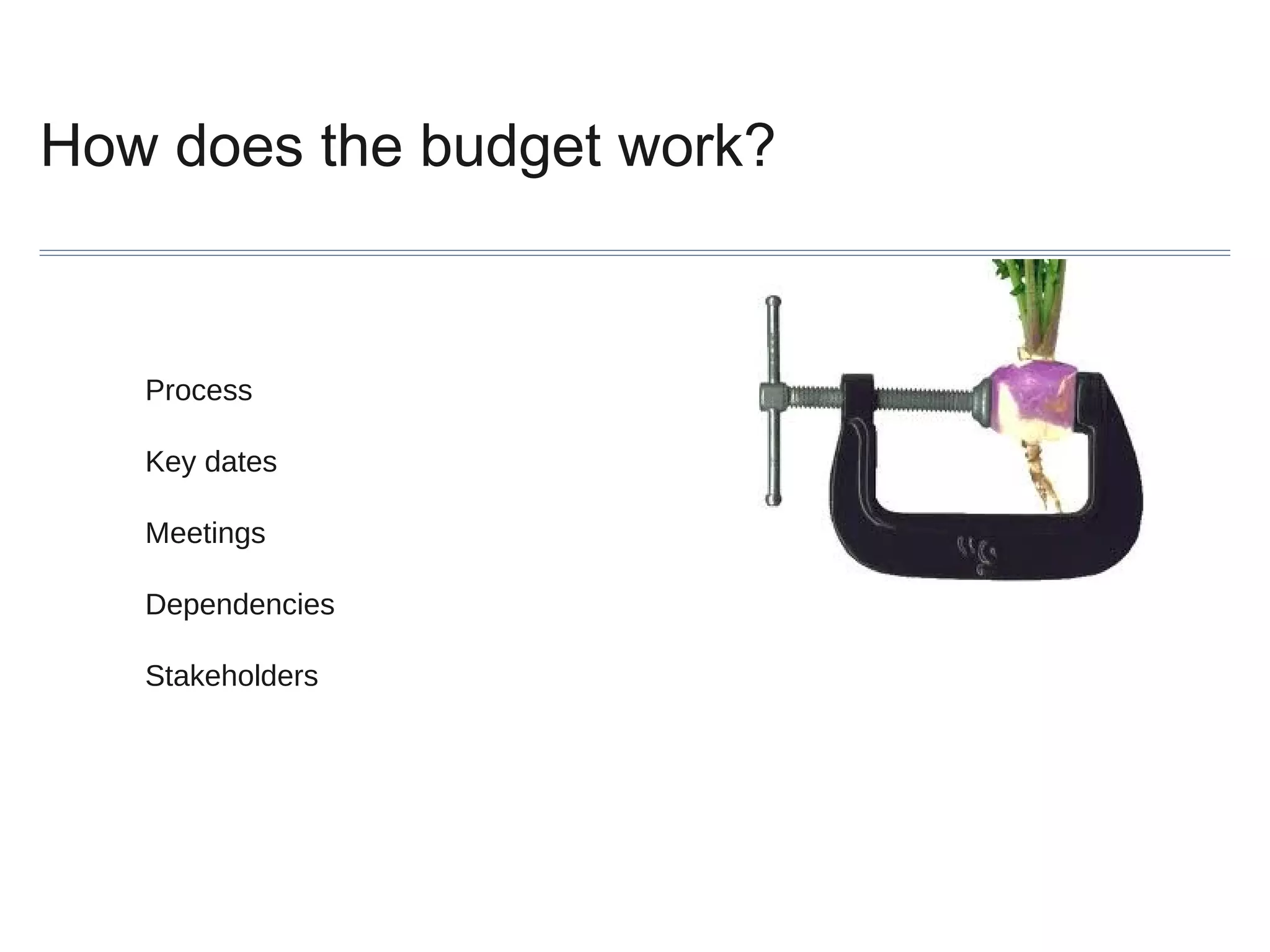
How does the budget work?

Process
Key dates
Meetings
Dependencies
Stakeholders
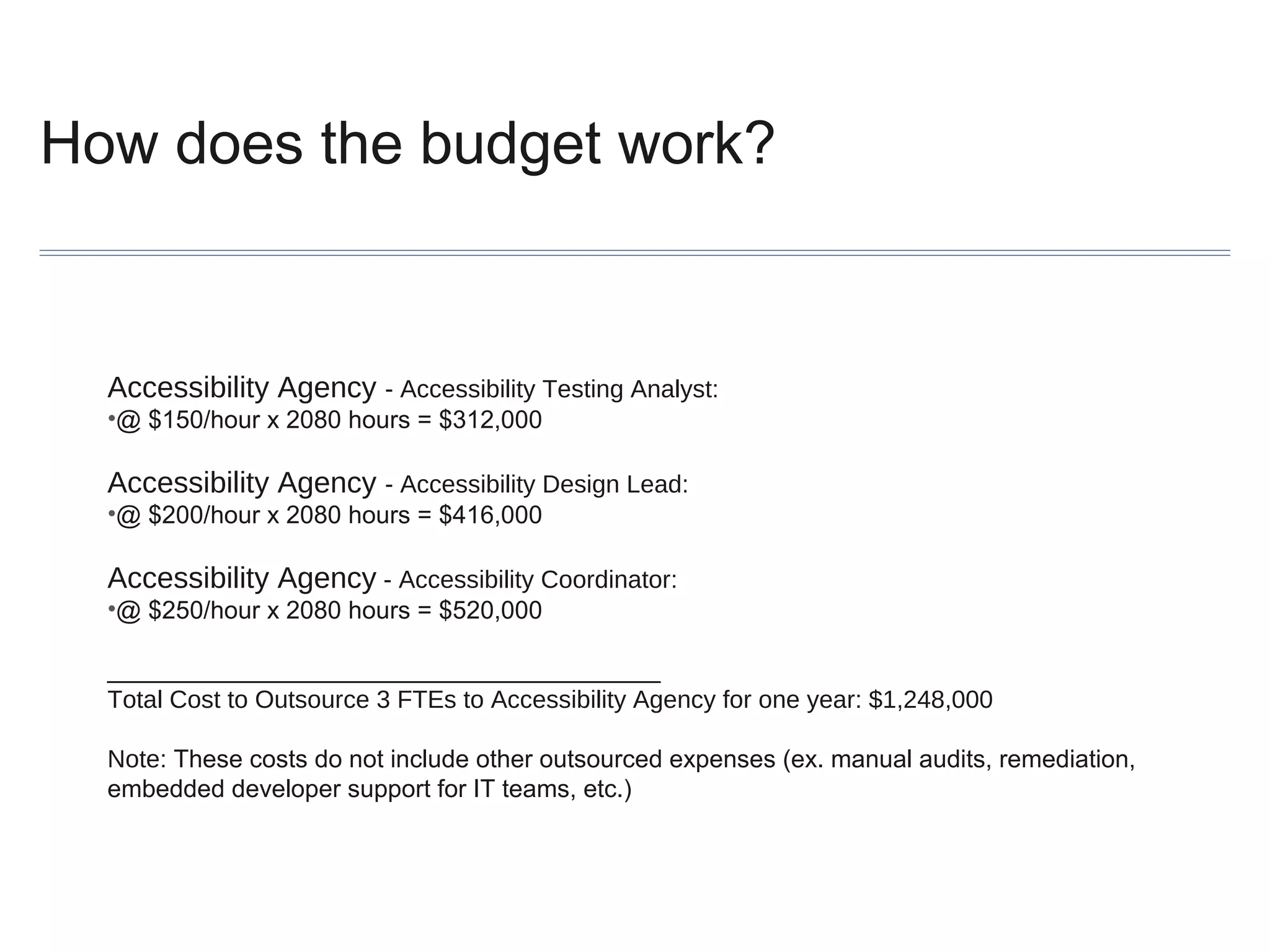
How does the budget work?

Accessibility Agency - Accessibility Testing Analyst:
•@ $150/hour x 2080 hours = $312,000

Accessibility Agency - Accessibility Design Lead:
•@ $200/hour x 2080 hours = $416,000

Accessibility Agency - Accessibility Coordinator:
•@ $250/hour x 2080 hours = $520,000
________________________________________
Total Cost to Outsource 3 FTEs to Accessibility Agency for one year: $1,248,000
Note: These costs do not include other outsourced expenses (ex. manual audits, remediation,
embedded developer support for IT teams, etc.)
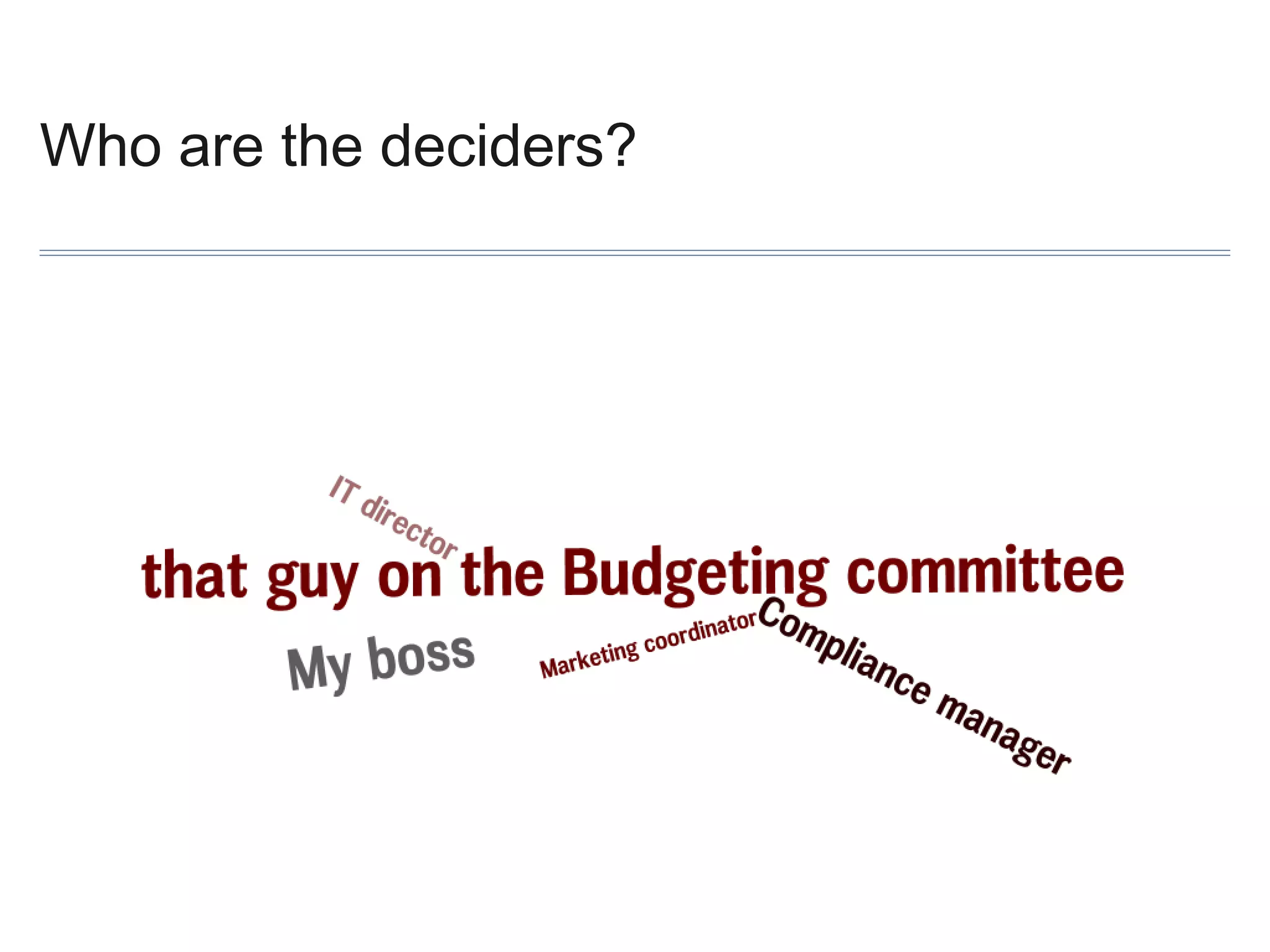
Who are the deciders?
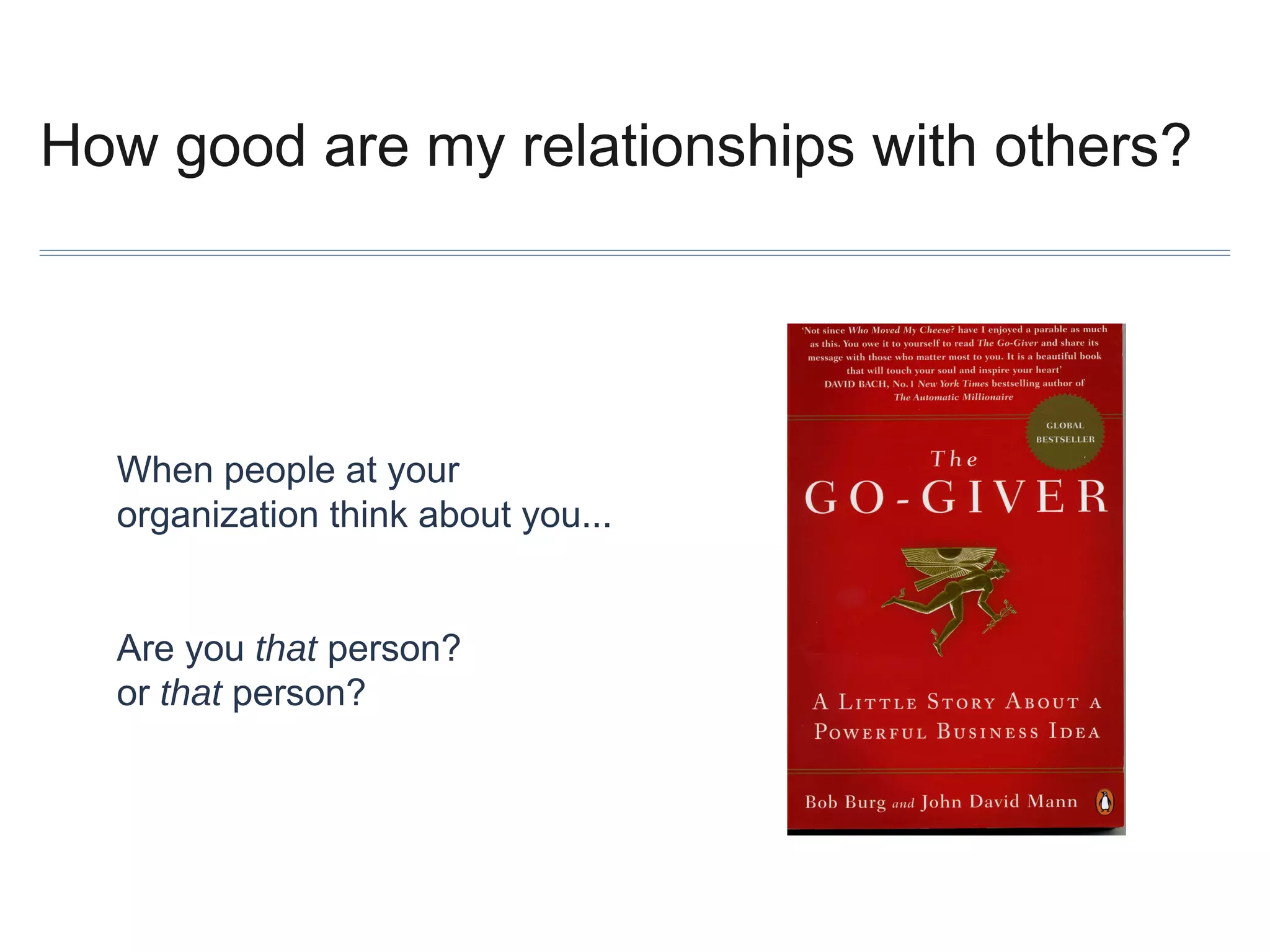
How good are my relationships with others?

When people at your
organization think about you...
Are you that person?
or that person?
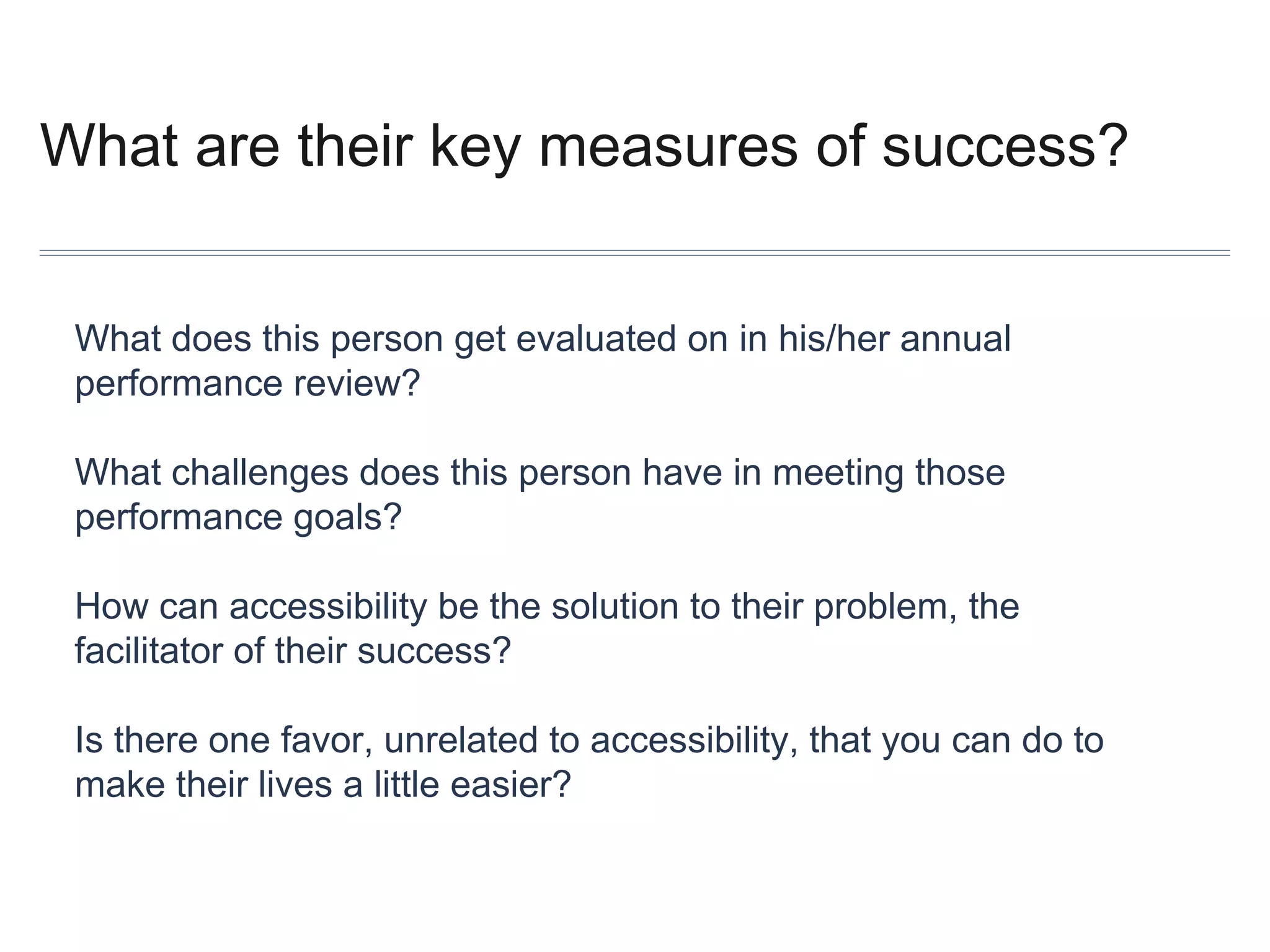
What are their key measures of success?
What does this person get evaluated on in his/her annual
performance review?
What challenges does this person have in meeting those
performance goals?
How can accessibility be the solution to their problem, the
facilitator of their success?
Is there one favor, unrelated to accessibility, that you can do to
make their lives a little easier?
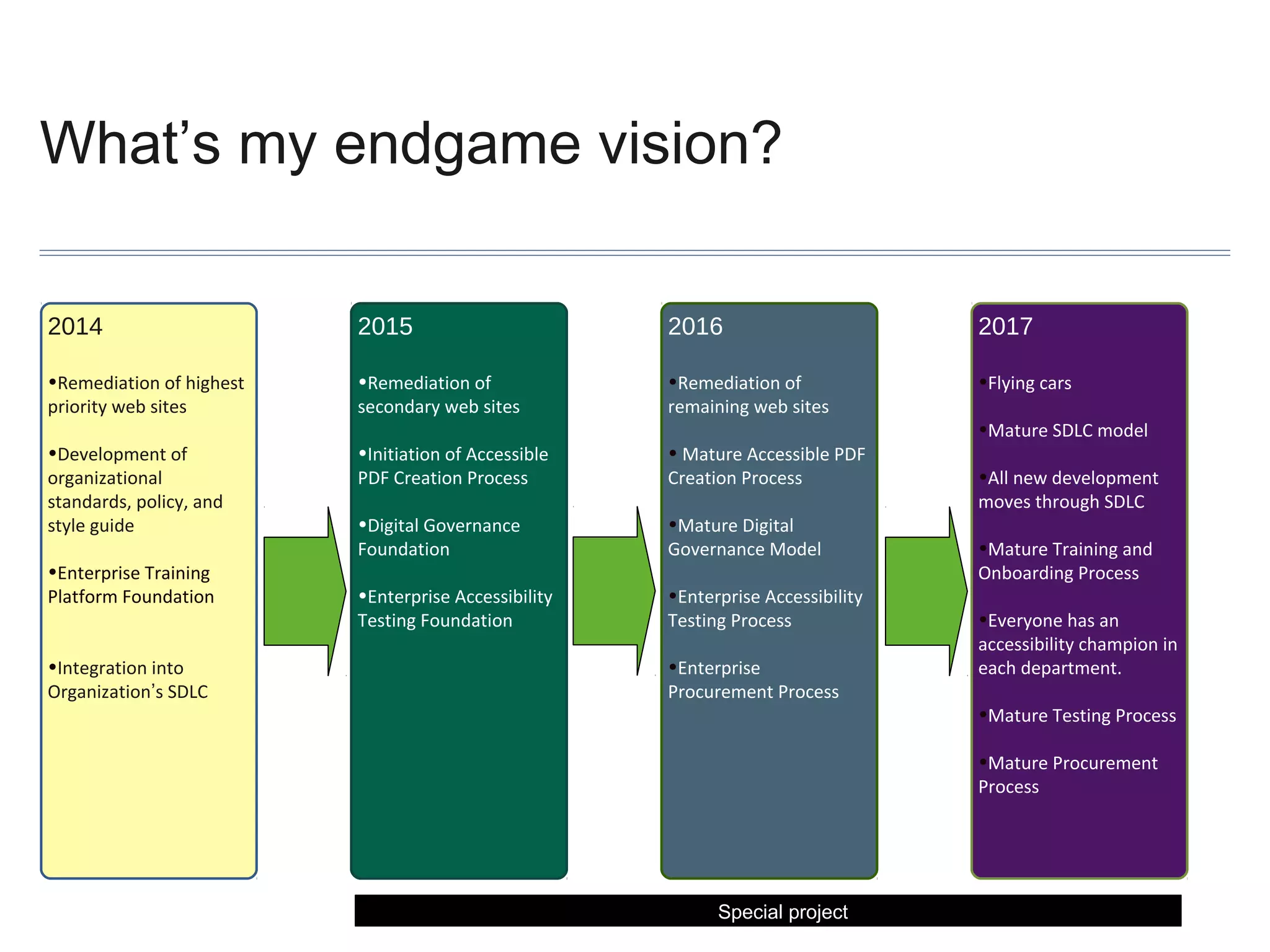
What’s my endgame vision?
2014

2015

2016

2017

•Remediation of highest
priority web sites

•Remediation of
secondary web sites

•Remediation of
remaining web sites

•Flying cars

•Development of
organizational
standards, policy, and
style guide

•Initiation of Accessible
PDF Creation Process

• Mature Accessible PDF
Creation Process

•Digital Governance
Foundation

•Mature Digital
Governance Model

•Enterprise Accessibility
Testing Foundation

•Enterprise Accessibility
Testing Process

•Enterprise Training
Platform Foundation
•Integration into
Organization’s SDLC

•Enterprise
Procurement Process

•Mature SDLC model
•All new development
moves through SDLC
•Mature Training and
Onboarding Process
•Everyone has an
accessibility champion in
each department.
•Mature Testing Process
•Mature Procurement
Process

Special project
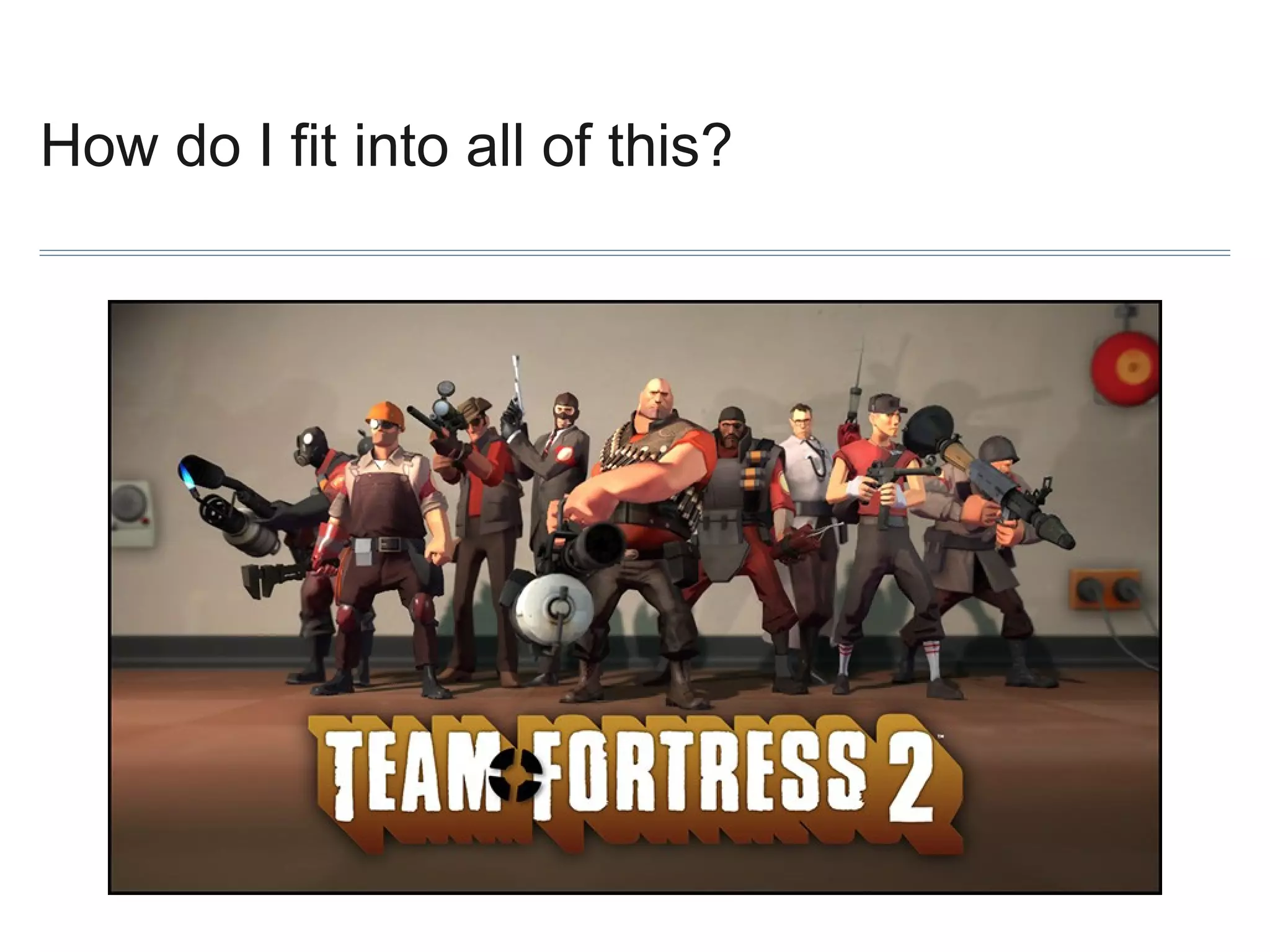
How do I fit into all of this?
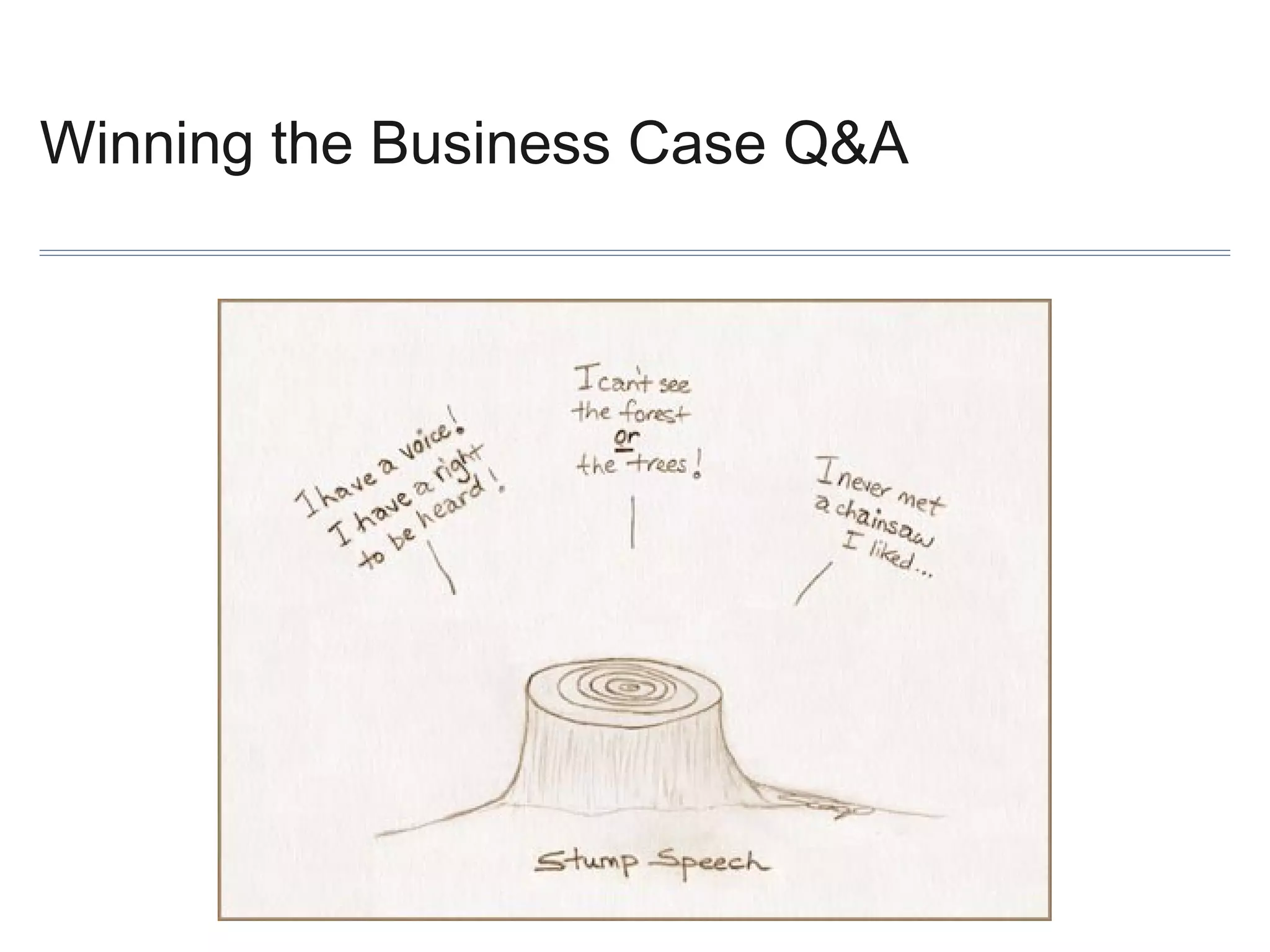
Winning the Business Case Q&A
Policy and Training
Sharron Rush :: @Knowbility :: srush@knowbility.org
September 25th, 2013
The 6 questions you should ask about training
1. What are the training needs/goals?
2. How do they fit into the bigger picture?
3. Who needs training…and what skills?
4. What internal resources are available?
5. What free resources are reliable?
6. What are low cost options can fill the gaps?
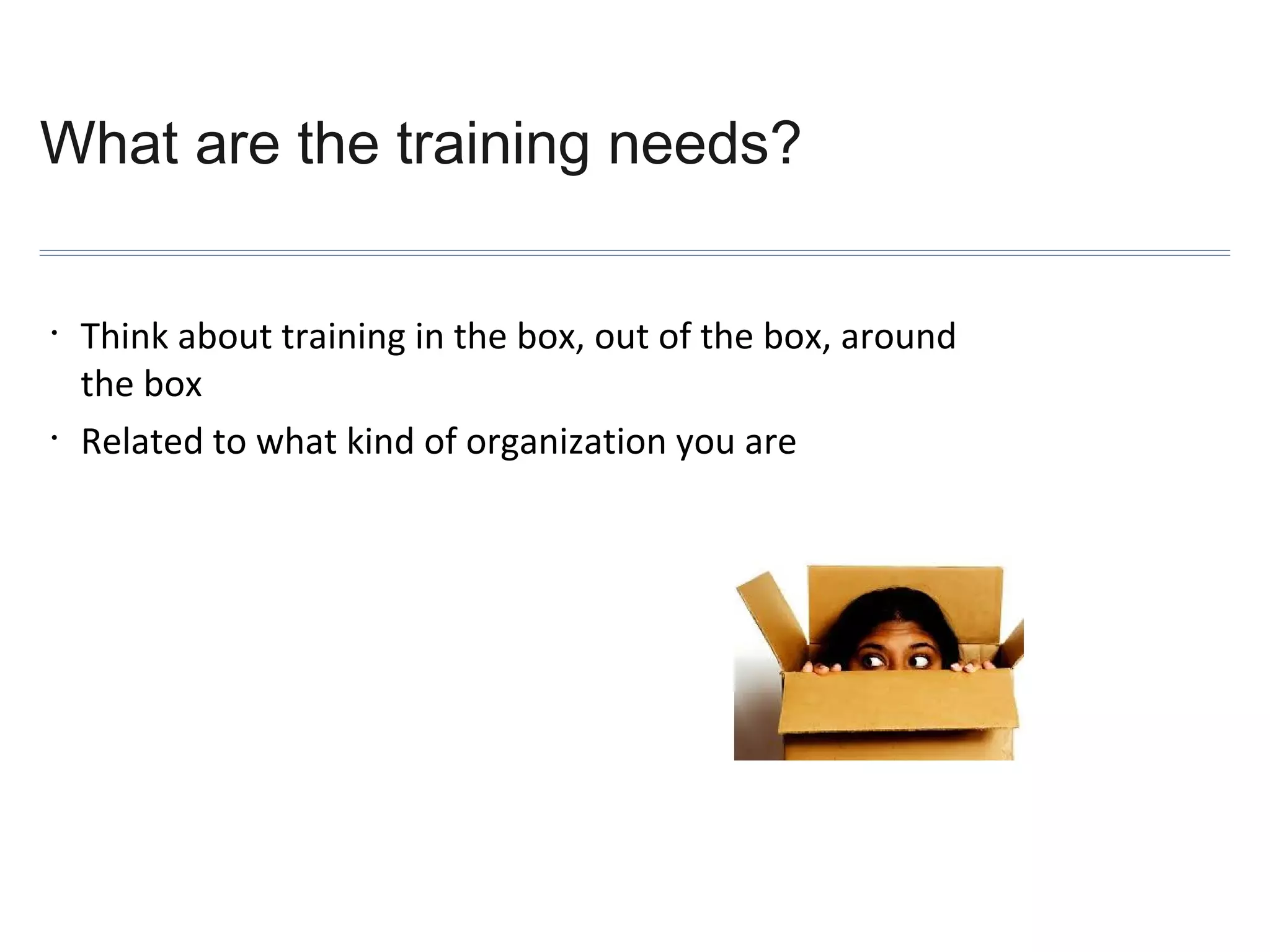
What are the training needs?
•

•

Think about training in the box, out of the box, around
the box
Related to what kind of organization you are
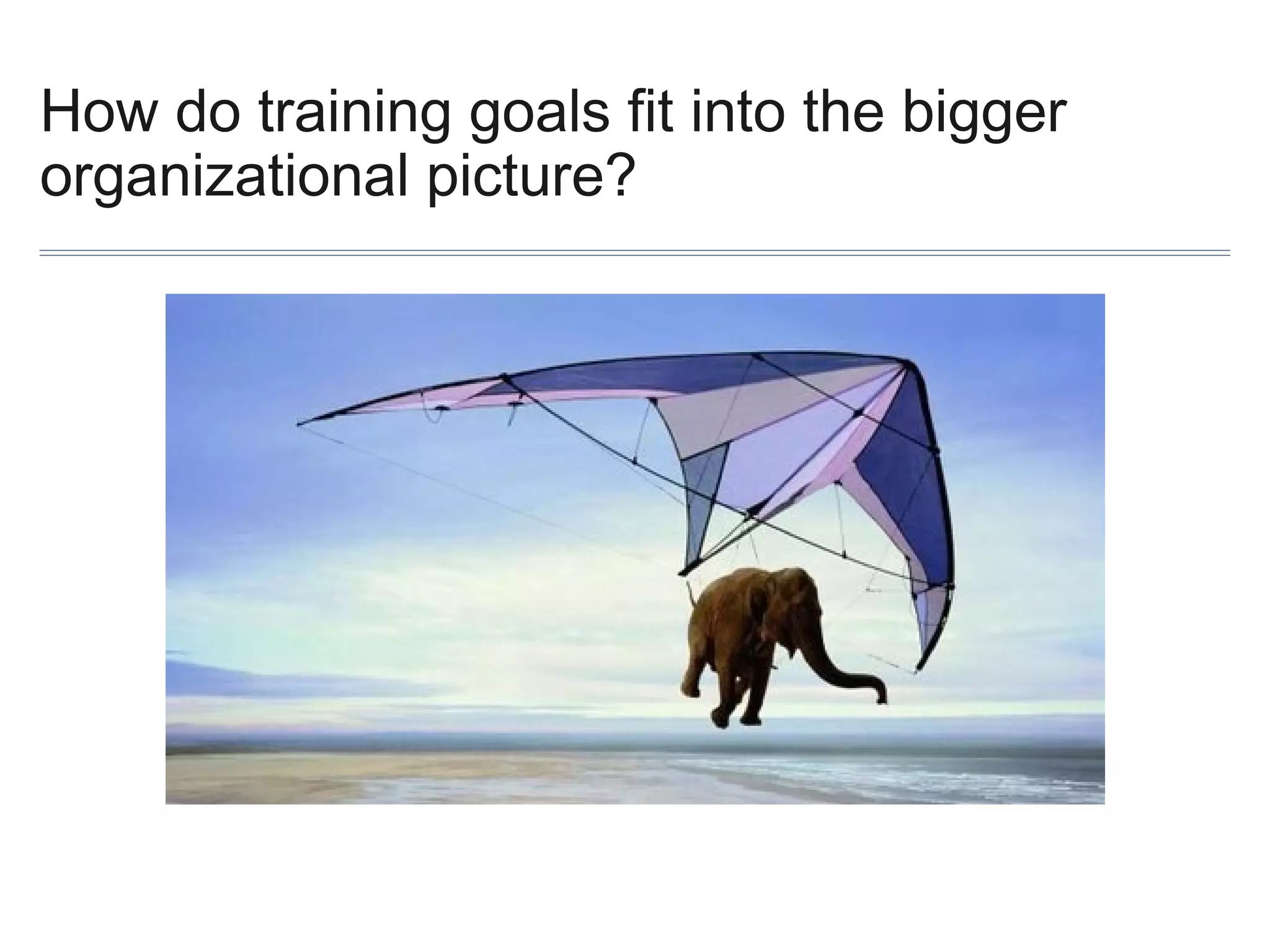
How do training goals fit into the bigger
organizational picture?
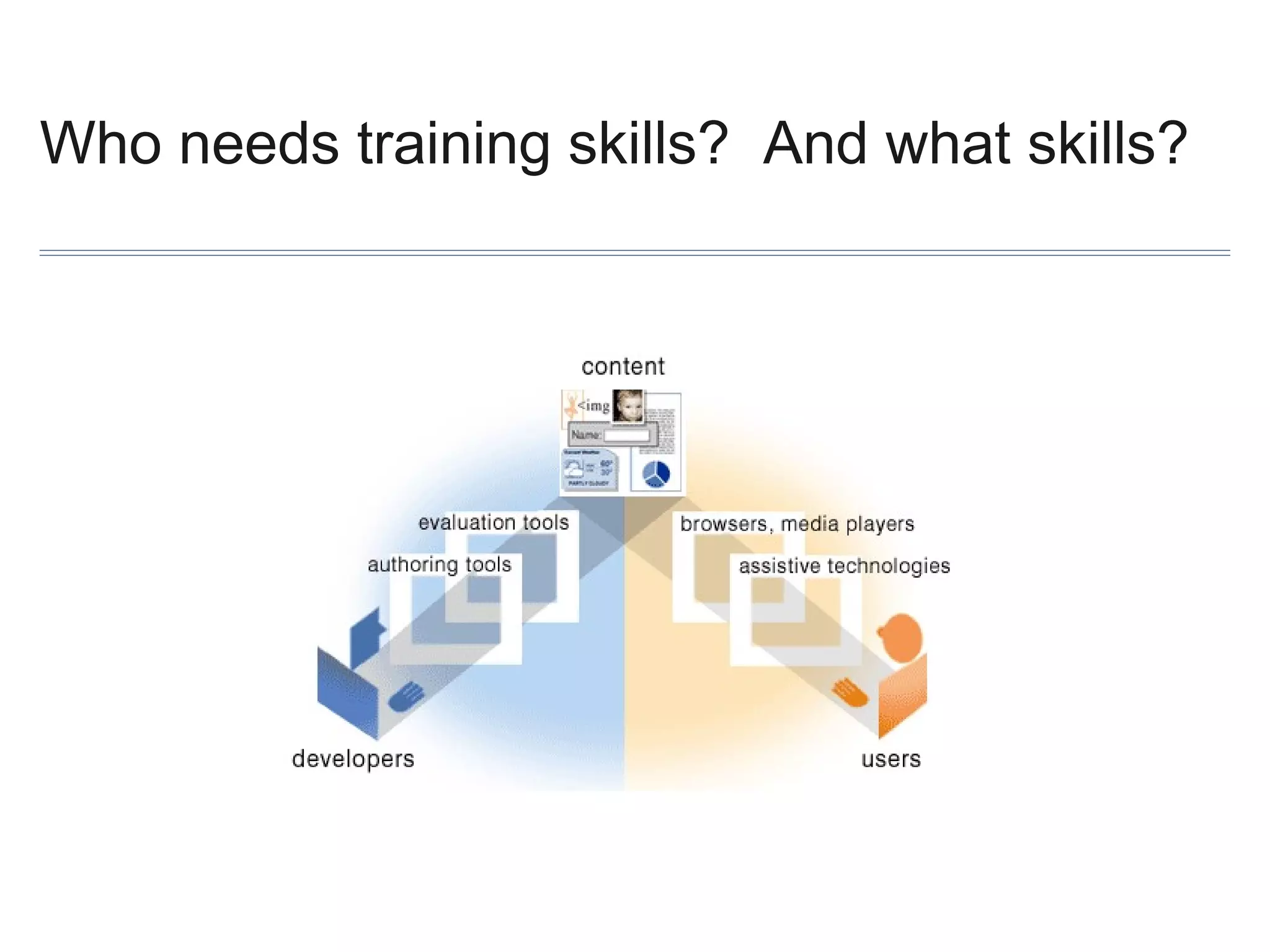
Who needs training skills? And what skills?
What internal resources are available?

• Show up to all planning and goal setting meetings or groups – talk
about accessibility
• Use every opportunity to integrate accessibility considerations into
professional development, budgeting, purchasing, redesign cycles etc
• Brown bag lunches, happy hours, AT demos, use videos of PWD
• Games: competitions between departments, colleges, business units
What free resources are reliable?

Start with W3C’s Web Accessibility Initiative:
http://www.w3.org/WAI/
What low cost options can fill the gaps?
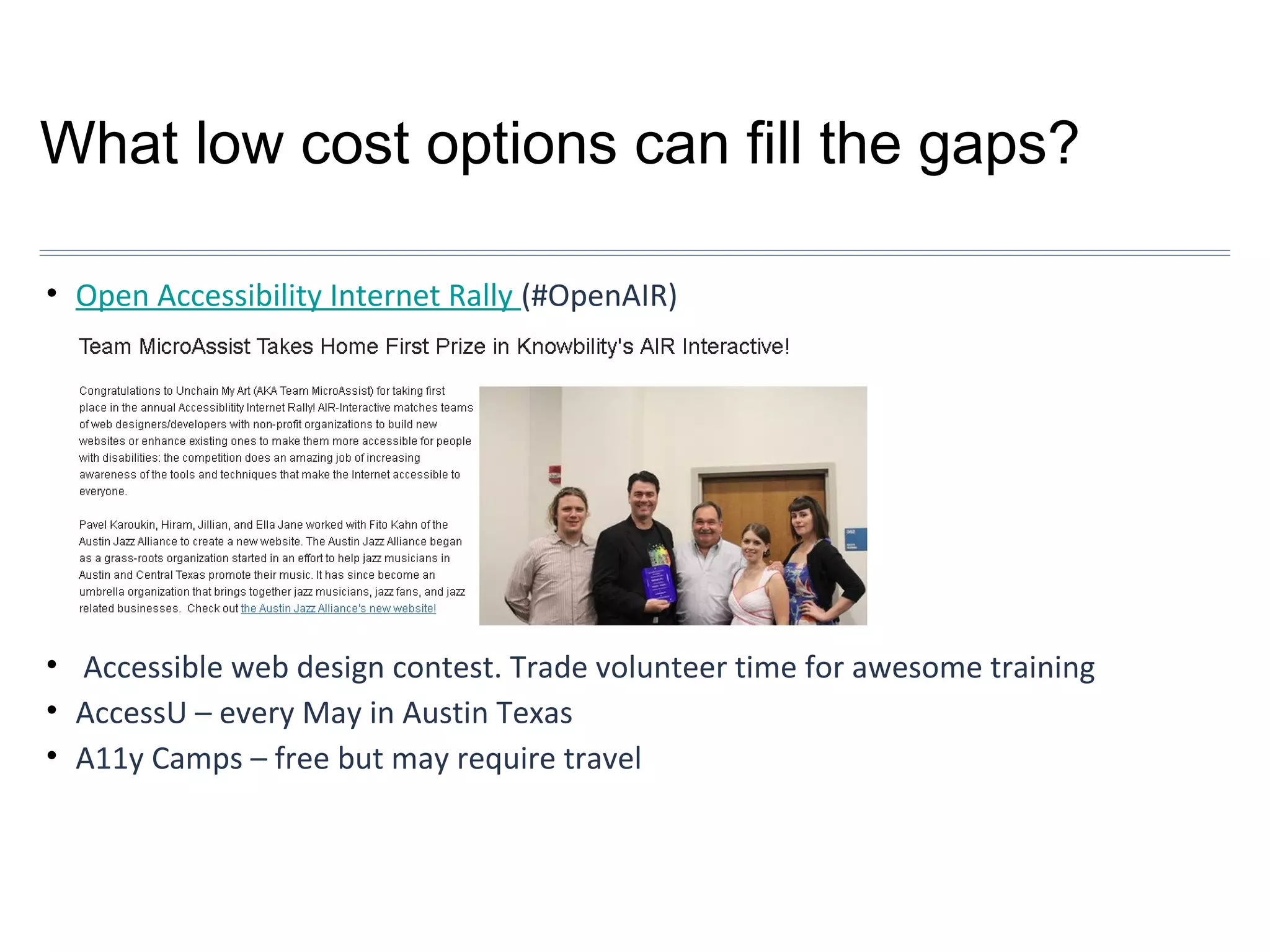
• Open Accessibility Internet Rally (#OpenAIR)

• Accessible web design contest. Trade volunteer time for awesome training
• AccessU – every May in Austin Texas
• A11y Camps – free but may require travel
Policy and Training Q&A
Process and Implementation
Rob Carr :: @rgcarrjr :: rgcarr@okstate.edu
September 25th, 2013
The last 4 questions you will ever need...?

1. Who do we need to involve to create a sustainable initiative?
2. What will the initiative look like?
3. How do we set our organizational goals?
4. How does an organization make it happen?
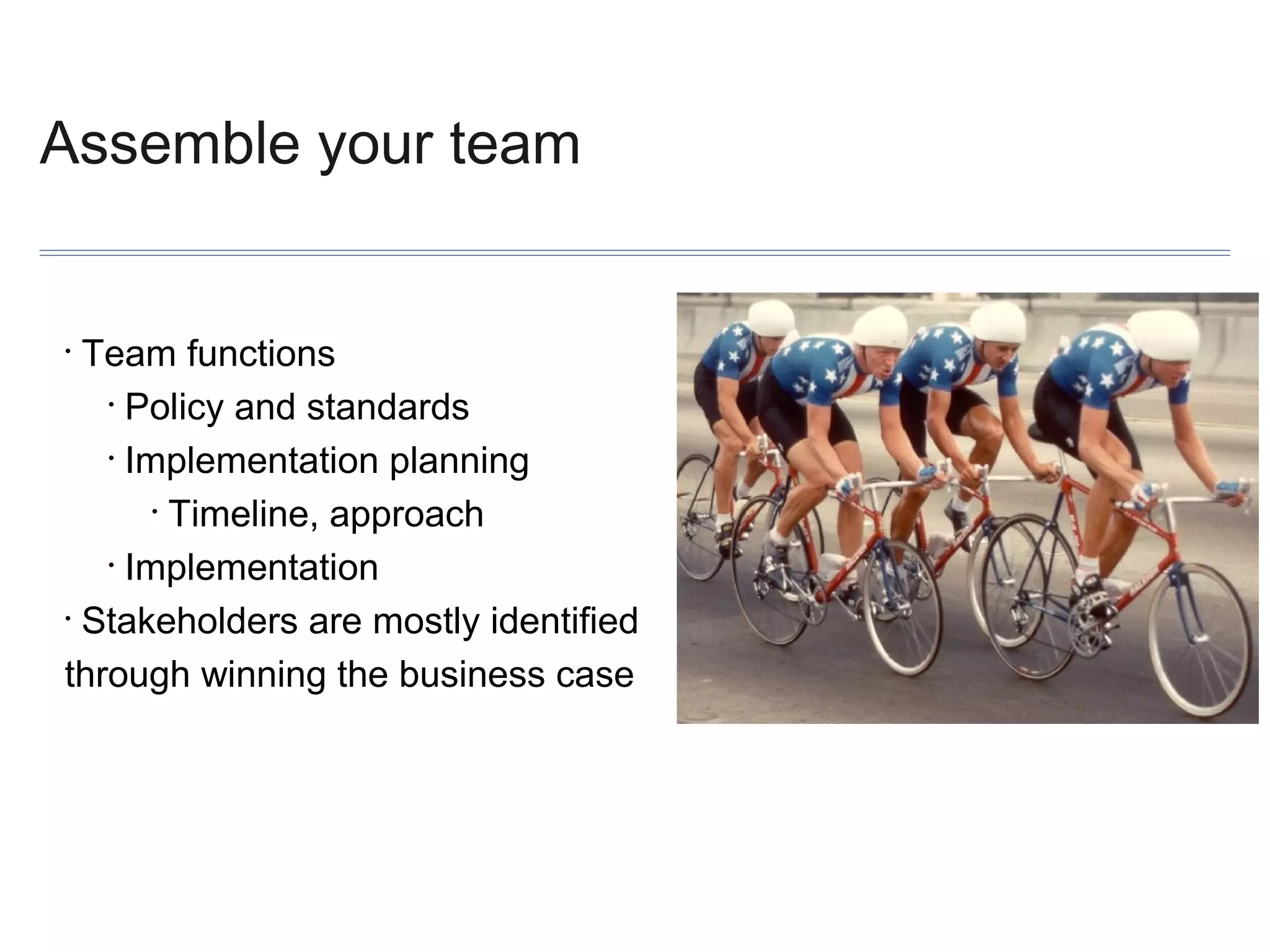
Assemble your team

Team functions
• Policy and standards
• Implementation planning
• Timeline, approach
• Implementation
• Stakeholders are mostly identified
through winning the business case
•
Get the right folks
•

Identify other functional areas vital to accessibility efforts
•
Leadership
•
Technical
•
Content authors/managers
•
Policy process gurus
•
Legal
•
Procurement/purchasing
•
Human Relations
•
Keep an open mind…
Process, or...
How to Stop Worrying and Love Red Tape
Create core team and working groups, and
add to them as you go
• Make process educational
• Create advocates and champions
• Identify policy goals
• Separate policy and implementation plan
• Look for existing policy(-ies)
• Sometimes, let the conversation go
• Make it practical
•
Make it so... Implementation planning

The cart and the horse
• Integration is key
• Bake it in, don’t bolt it on
• Work with what you already have
• This is going to get detailed
•
For example
Work with what you already have
• Requirements, wireframing
• Prototyping and development
• QA and testing
• Design templates, code libraries
• Existing trainings, style guides, standards documents
• Accessibility can present a chance to make changes
•
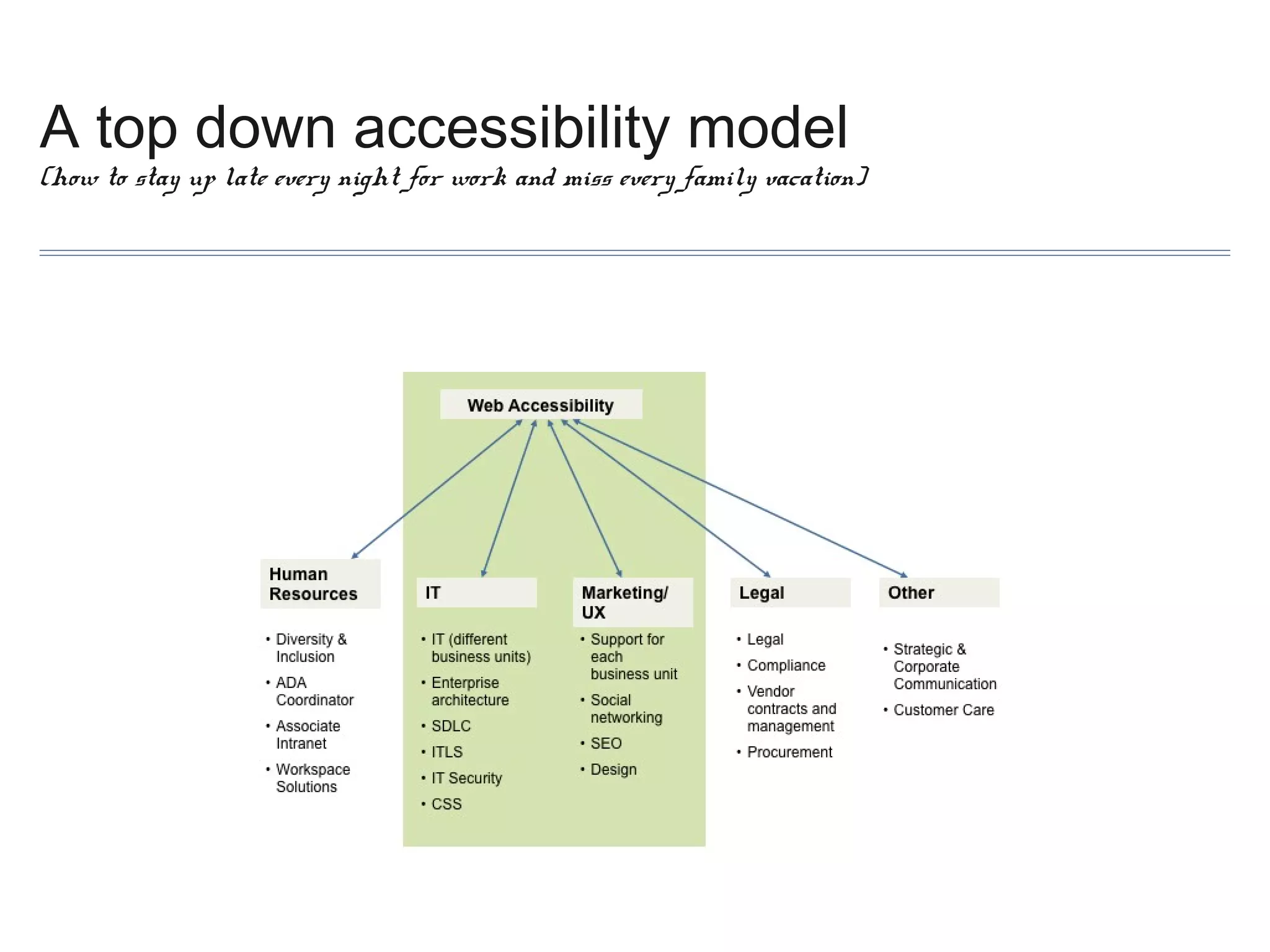
A top down accessibility model

(how to stay up late every night for work and miss every family vacation)
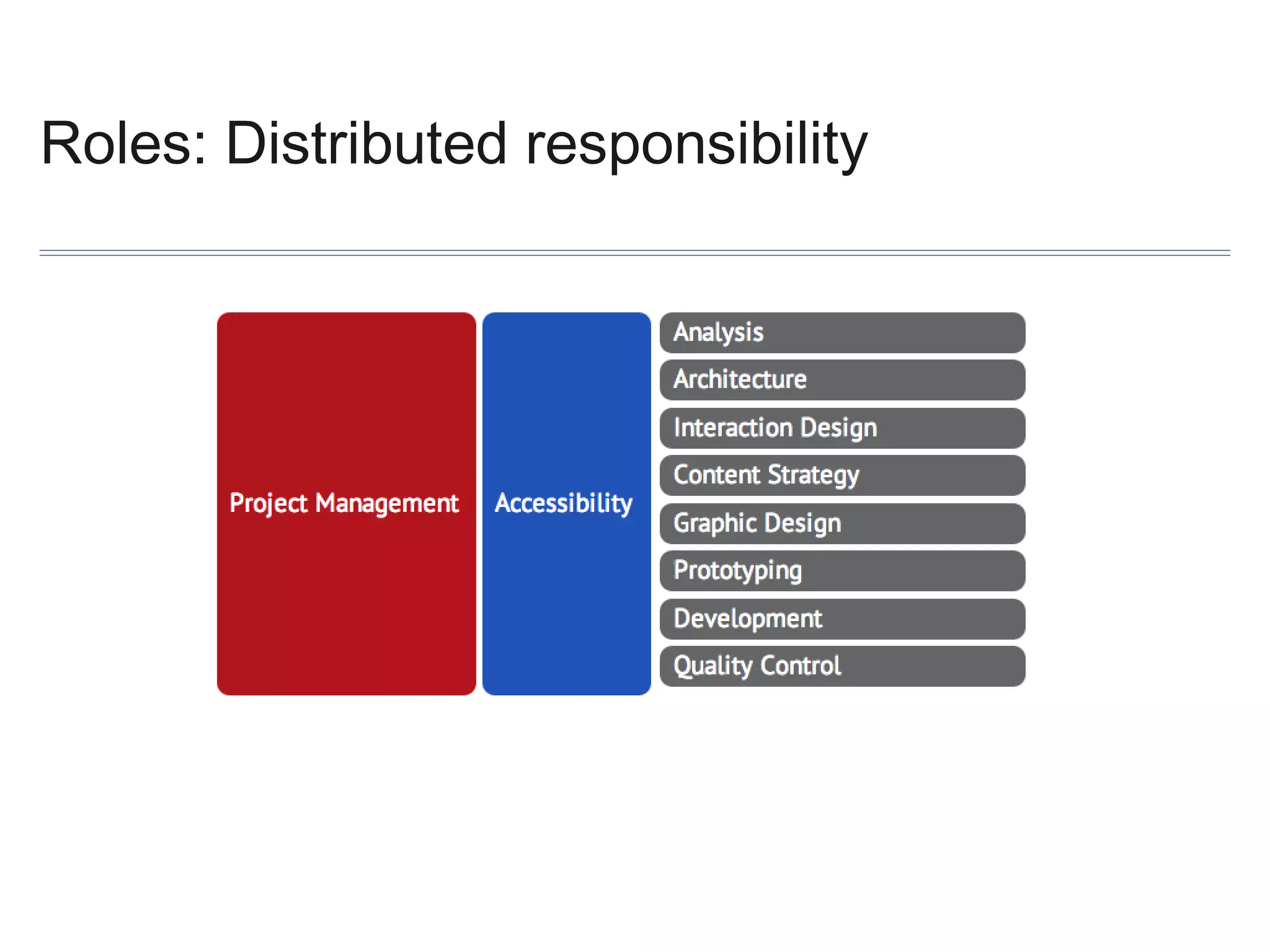
Roles: Distributed responsibility
Role types

Human Relations
• Hiring
• Procurement
• Vetting accessibility in software purchases
• Project Management
• Overseeing accessibility in projects (timelines, training needs, etc.)
•
Nuts and bolts
Raise awareness
• Set priority
• Critical touch points
• ID’s, bill pay, emergency info., utilities, zoning, permits
• Audience
• Traffic
• Content: Narrow the field
• PDF? Multimedia?
• Vendor relations and procurement
•
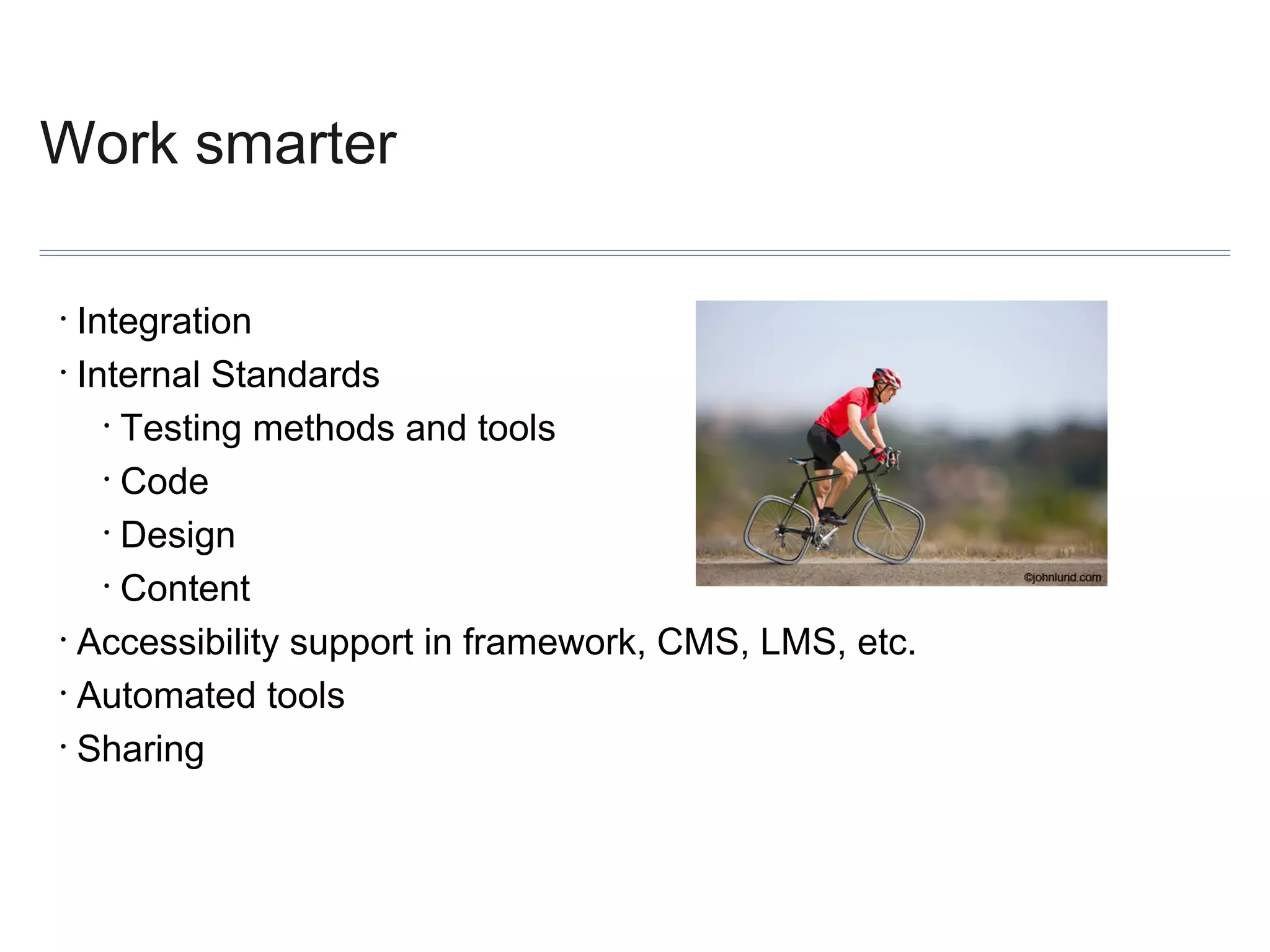
Work smarter
Integration
• Internal Standards
• Testing methods and tools
• Code
• Design
• Content
• Accessibility support in framework, CMS, LMS, etc.
• Automated tools
• Sharing
•
Process and Implementation Q&A
Thanks!
Elle@SimplyAccessible.com :: RGCarr@OKState.edu :: SRush@Knowbility.org
Resources for Winning the Business Case
• http://www.w3.org/WAI/bcase/
• http://askearn.org/refdesk/Inclusive_Workplaces/Business_Case
• http://www.cio.com.au/article/433382/how_make_winning_business_case/
Resource for Policy Making
Building a public facing accessibility information page
Common features:

• organizational commitment
• standards and policy
• features
• feedback
Some examples:

• http://www.bbc.co.uk/accessibility/
• http://architecture.hhsc.state.tx.us/myweb/accessibility/index.asp
• http://www.ontario.ca/government/accessibility
•http://www.calstate.edu/accessibility/
• http://www.starbucks.com/about-us/company-information/online-policies/web-accessibility
Free Resources for Training
Basic Coding Skills/Checklists
•WebAIM articles http://webaim.org/articles/
•WAI Training Resource Suite http://www.w3.org/WAI/training/Overview.html
Design
•Infographic from WebAIM http://webaim.org/blog/accessibility-for-designers/
Quick Checks/Testing
•WebAIM 508 Checklist http://webaim.org/standards/508/checklist/
•WAI Easy Checks http://www.w3.org/WAI/eval/preliminary
•Before and After Demo http://www.w3.org/WAI/demos/bad/
Procurement
•Purchase Accessible Learning Materials PALM Initiative from CAST http://aim.cast.org/learn/practice/palm
•Procurement sample language includes RFP and contract with accessibility milestones http://wiki.knowbility.org/
procurement-resources/
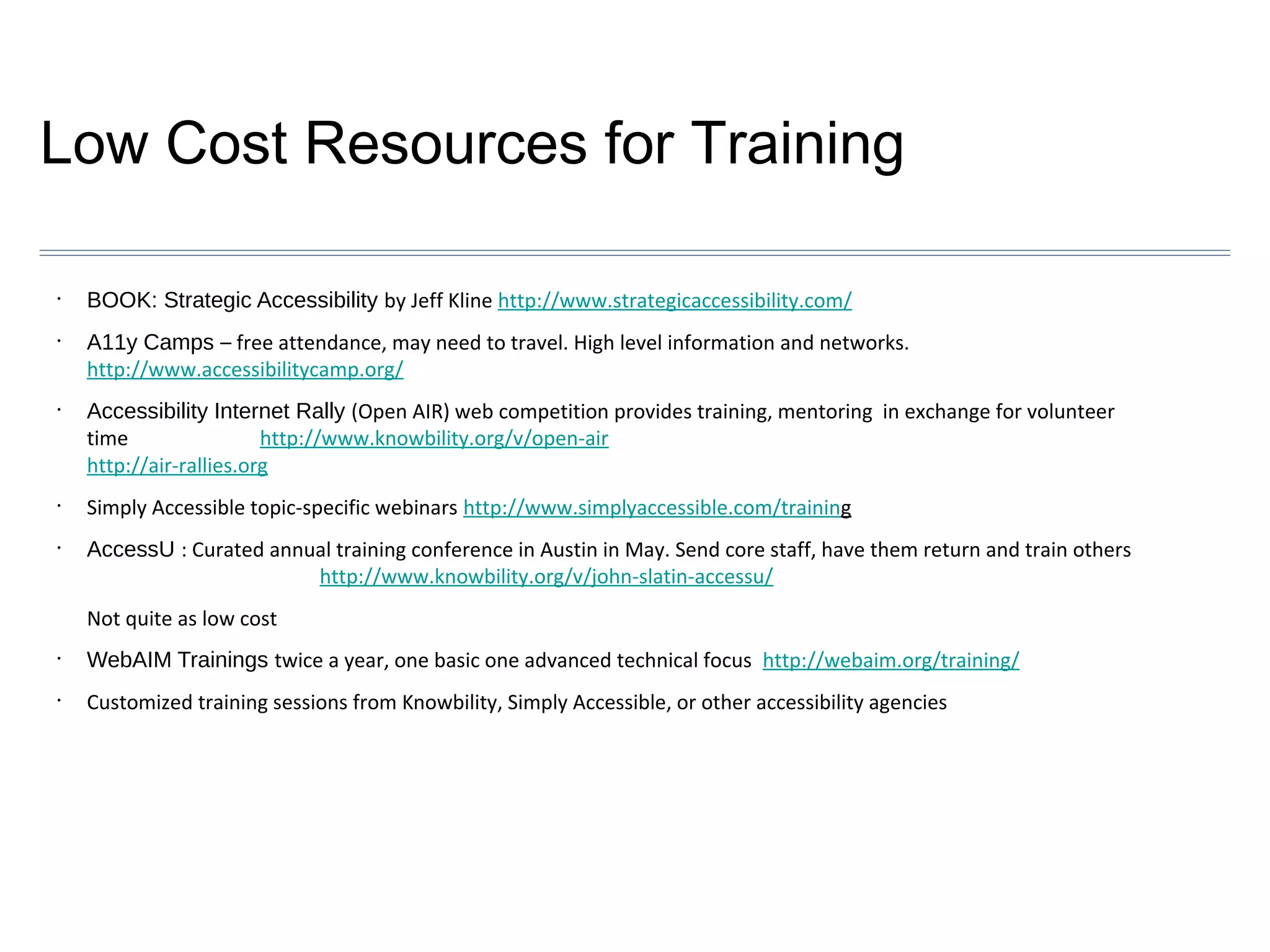
Low Cost Resources for Training
•

•

•

•

•

BOOK: Strategic Accessibility by Jeff Kline http://www.strategicaccessibility.com/
A11y Camps – free attendance, may need to travel. High level information and networks.
http://www.accessibilitycamp.org/
Accessibility Internet Rally (Open AIR) web competition provides training, mentoring in exchange for volunteer
time
http://www.knowbility.org/v/open-air
http://air-rallies.org
Simply Accessible topic-specific webinars http://www.simplyaccessible.com/training
AccessU : Curated annual training conference in Austin in May. Send core staff, have them return and train others
http://www.knowbility.org/v/john-slatin-accessu/
Not quite as low cost

•

WebAIM Trainings twice a year, one basic one advanced technical focus http://webaim.org/training/

•

Customized training sessions from Knowbility, Simply Accessible, or other accessibility agencies
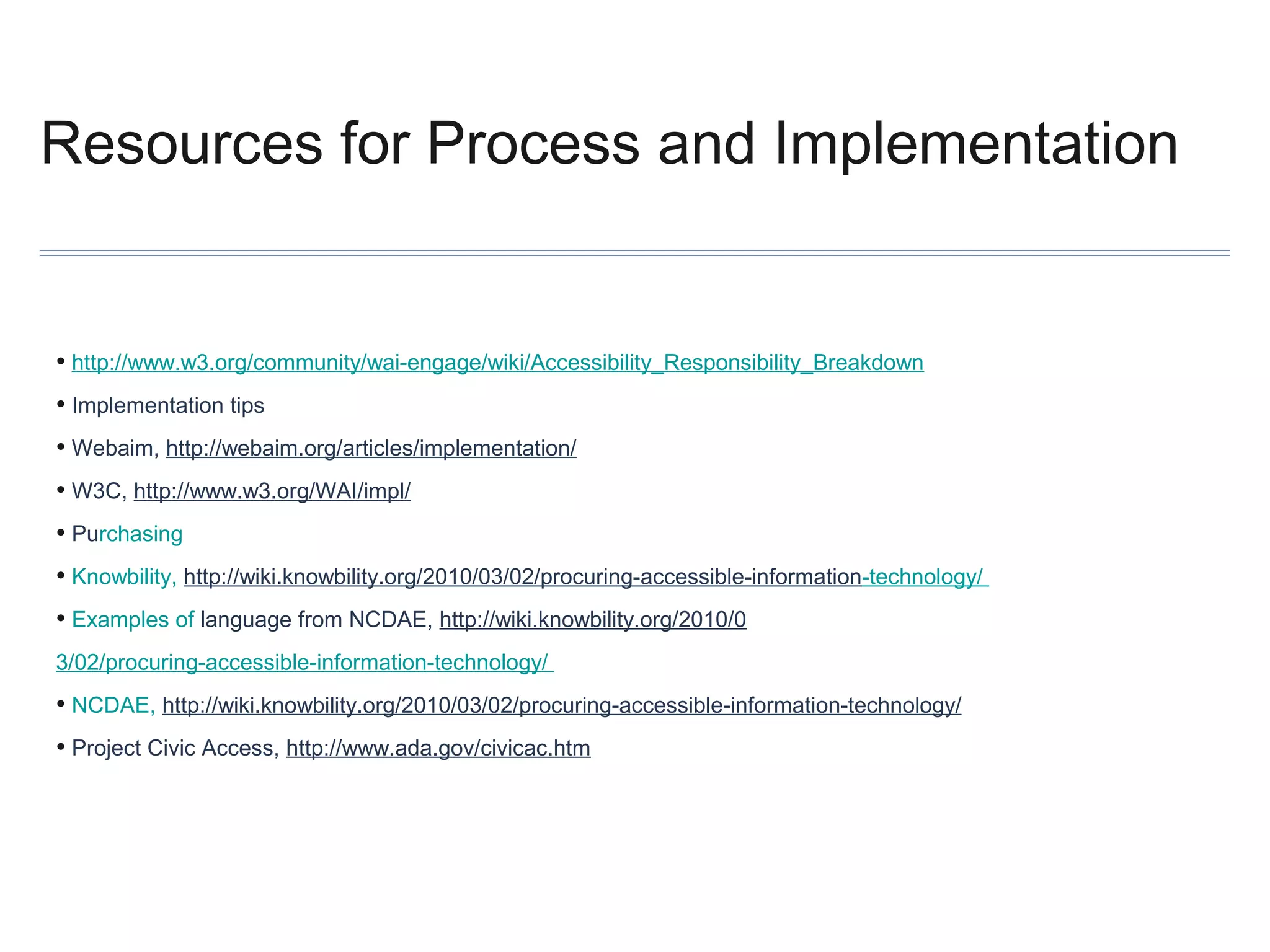
Resources for Process and Implementation

• http://www.w3.org/community/wai-engage/wiki/Accessibility_Responsibility_Breakdown
• Implementation tips
• Webaim, http://webaim.org/articles/implementation/
• W3C, http://www.w3.org/WAI/impl/
• Purchasing
• Knowbility, http://wiki.knowbility.org/2010/03/02/procuring-accessible-information-technology/
• Examples of language from NCDAE, http://wiki.knowbility.org/2010/0
3/02/procuring-accessible-information-technology/

• NCDAE, http://wiki.knowbility.org/2010/03/02/procuring-accessible-information-technology/
• Project Civic Access, http://www.ada.gov/civicac.htm
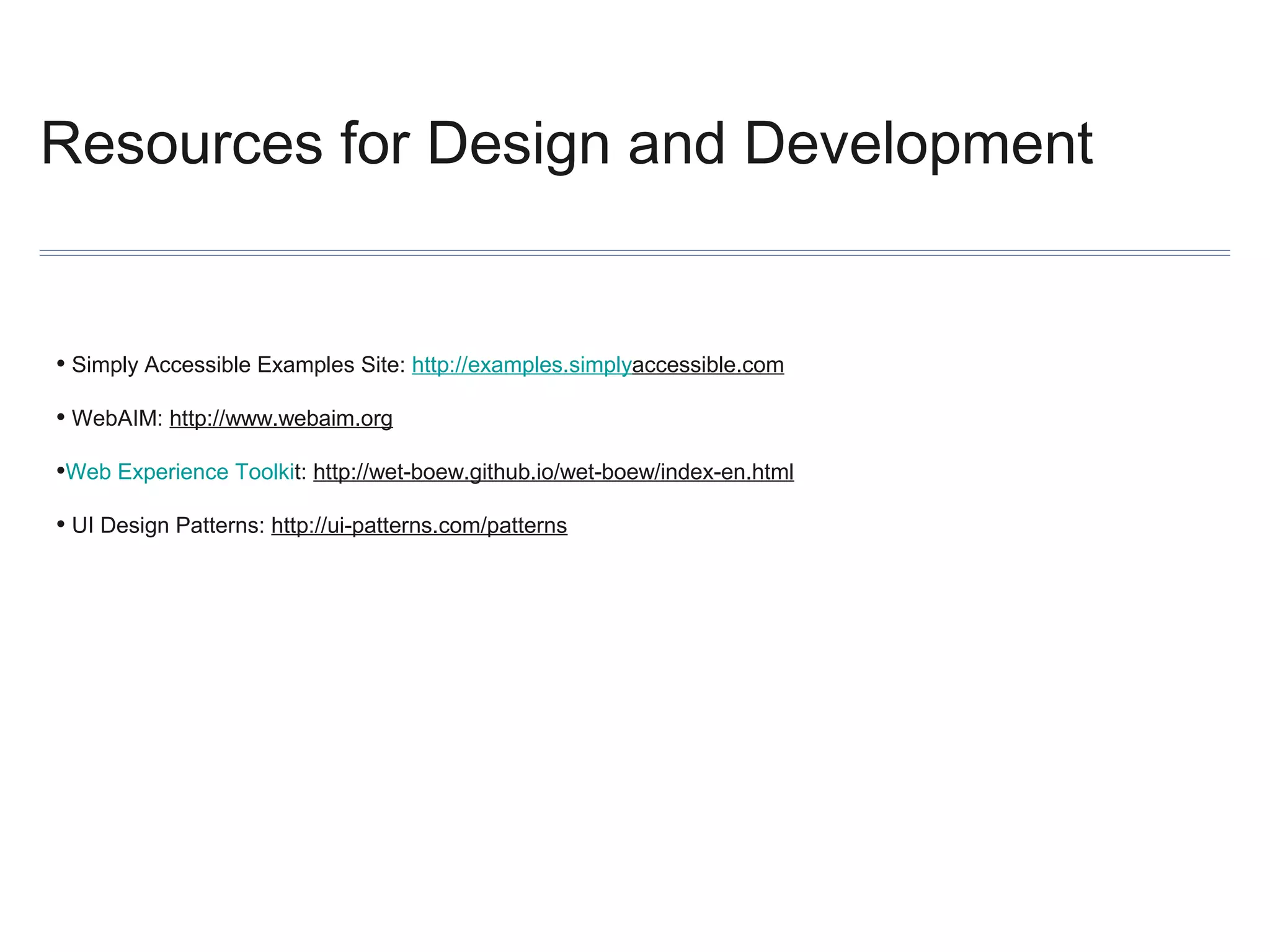
Resources for Design and Development

• Simply Accessible Examples Site: http://examples.simplyaccessible.com
• WebAIM: http://www.webaim.org
•Web Experience Toolkit: http://wet-boew.github.io/wet-boew/index-en.html
• UI Design Patterns: http://ui-patterns.com/patterns
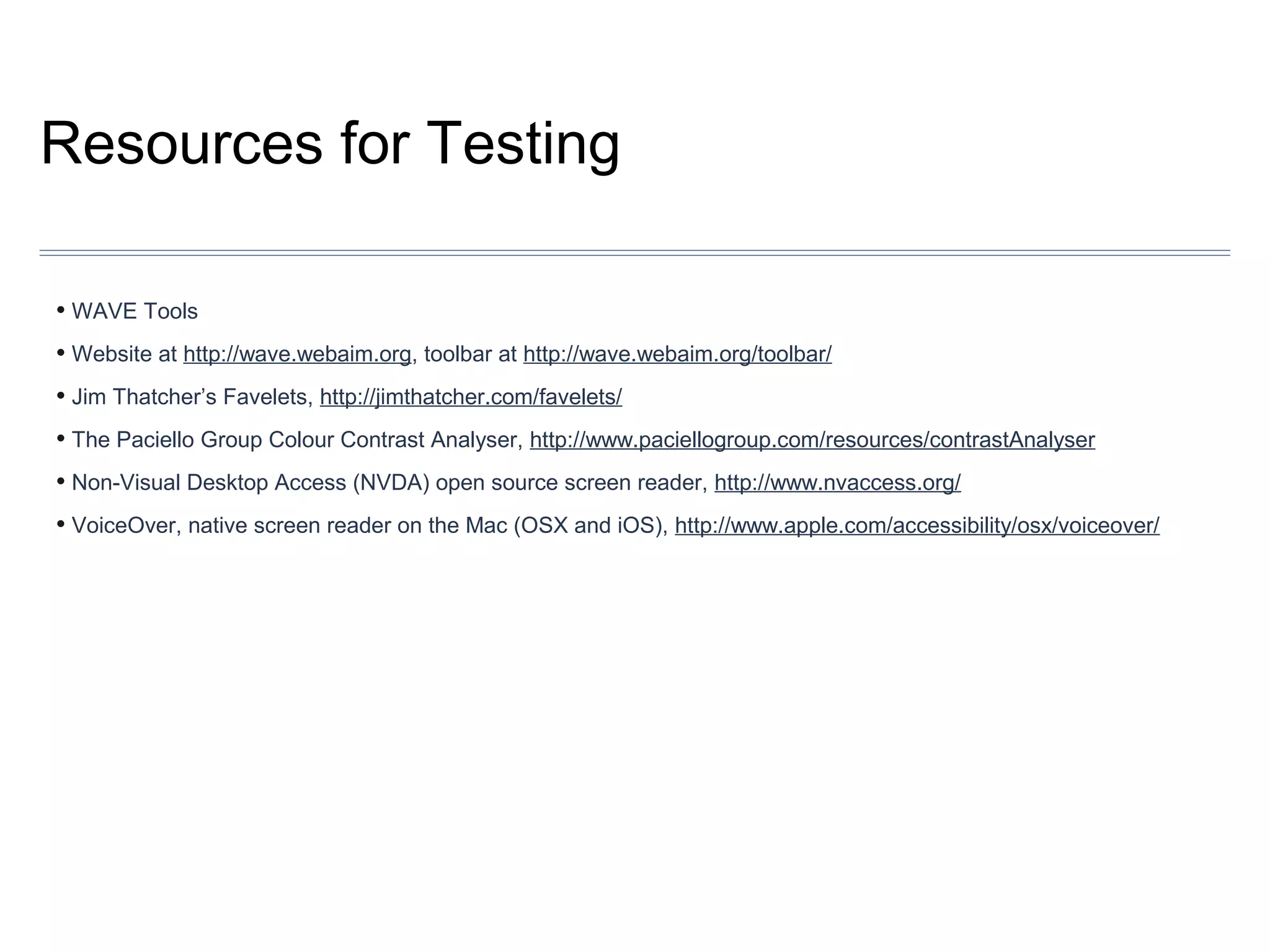
Resources for Testing
• WAVE Tools
• Website at http://wave.webaim.org, toolbar at http://wave.webaim.org/toolbar/
• Jim Thatcher’s Favelets, http://jimthatcher.com/favelets/
• The Paciello Group Colour Contrast Analyser, http://www.paciellogroup.com/resources/contrastAnalyser
• Non-Visual Desktop Access (NVDA) open source screen reader, http://www.nvaccess.org/
• VoiceOver, native screen reader on the Mac (OSX and iOS), http://www.apple.com/accessibility/osx/voiceover/
General Resources: Sites to Bookmark
•http://knowbility.org
•http://simplyaccessible.com
• http://ncdae.org
•http://lflegal.com/
•http://www.webaim.com

Making Accessibility Affordable - NAGW 2013

  • 1.
    Making Accessibility Affordable Elle Waters, RobCarr, and Sharron Rush September 25th, 2013
  • 2.
    Winning the BusinessCase Elle Waters :: @Nethermind :: elle@simplyaccessible.com September 25th, 2013
  • 3.
    The first 10questions you should ask yourself 1. What kind of organization are we? What are my organization’s values? 2. What project or innovation would my leaders consider game changing? What are my organization’s primary compliance risks, and how do those get prioritized? How does the budget work? Who are the deciders? 3. How good are my relationships with others? What are their key measures of success for job performance? 4. What’s my endgame vision? 5. How do I fit into all of this?
  • 4.
    What kind oforganization are we?
  • 5.
    What kind oforganization are we? Align your methods for winning the business case to successful paradigms within your organization.
  • 6.
    What are myorganization’s values? Loyalty Guidance Corporate responsibility Empowerment
  • 7.
    What project orinnovation would my leaders consider game changing? Mobile Job portal Plain language Cost efficiency Agile development
  • 8.
    What are myorganizations primary compliance risks, and how do these get prioritized? Highest Risk Lowest Risk VISIBILITY REGULATORYOVERSIGHT
  • 9.
    How does thebudget work? Process Key dates Meetings Dependencies Stakeholders
  • 10.
    How does thebudget work? Accessibility Agency - Accessibility Testing Analyst: •@ $150/hour x 2080 hours = $312,000 Accessibility Agency - Accessibility Design Lead: •@ $200/hour x 2080 hours = $416,000 Accessibility Agency - Accessibility Coordinator: •@ $250/hour x 2080 hours = $520,000 ________________________________________ Total Cost to Outsource 3 FTEs to Accessibility Agency for one year: $1,248,000 Note: These costs do not include other outsourced expenses (ex. manual audits, remediation, embedded developer support for IT teams, etc.)
  • 11.
    Who are thedeciders?
  • 12.
    How good aremy relationships with others? When people at your organization think about you... Are you that person? or that person?
  • 13.
    What are theirkey measures of success? What does this person get evaluated on in his/her annual performance review? What challenges does this person have in meeting those performance goals? How can accessibility be the solution to their problem, the facilitator of their success? Is there one favor, unrelated to accessibility, that you can do to make their lives a little easier?
  • 14.
    What’s my endgamevision? 2014 2015 2016 2017 •Remediation of highest priority web sites •Remediation of secondary web sites •Remediation of remaining web sites •Flying cars •Development of organizational standards, policy, and style guide •Initiation of Accessible PDF Creation Process • Mature Accessible PDF Creation Process •Digital Governance Foundation •Mature Digital Governance Model •Enterprise Accessibility Testing Foundation •Enterprise Accessibility Testing Process •Enterprise Training Platform Foundation •Integration into Organization’s SDLC •Enterprise Procurement Process •Mature SDLC model •All new development moves through SDLC •Mature Training and Onboarding Process •Everyone has an accessibility champion in each department. •Mature Testing Process •Mature Procurement Process Special project
  • 15.
    How do Ifit into all of this?
  • 16.
  • 17.
    Policy and Training SharronRush :: @Knowbility :: srush@knowbility.org September 25th, 2013
  • 18.
    The 6 questionsyou should ask about training 1. What are the training needs/goals? 2. How do they fit into the bigger picture? 3. Who needs training…and what skills? 4. What internal resources are available? 5. What free resources are reliable? 6. What are low cost options can fill the gaps?
  • 19.
    What are thetraining needs? • • Think about training in the box, out of the box, around the box Related to what kind of organization you are
  • 20.
    How do traininggoals fit into the bigger organizational picture?
  • 21.
    Who needs trainingskills? And what skills?
  • 22.
    What internal resourcesare available? • Show up to all planning and goal setting meetings or groups – talk about accessibility • Use every opportunity to integrate accessibility considerations into professional development, budgeting, purchasing, redesign cycles etc • Brown bag lunches, happy hours, AT demos, use videos of PWD • Games: competitions between departments, colleges, business units
  • 23.
    What free resourcesare reliable? Start with W3C’s Web Accessibility Initiative: http://www.w3.org/WAI/
  • 24.
    What low costoptions can fill the gaps? • Open Accessibility Internet Rally (#OpenAIR) • Accessible web design contest. Trade volunteer time for awesome training • AccessU – every May in Austin Texas • A11y Camps – free but may require travel
  • 25.
  • 26.
    Process and Implementation RobCarr :: @rgcarrjr :: rgcarr@okstate.edu September 25th, 2013
  • 27.
    The last 4questions you will ever need...? 1. Who do we need to involve to create a sustainable initiative? 2. What will the initiative look like? 3. How do we set our organizational goals? 4. How does an organization make it happen?
  • 28.
    Assemble your team Teamfunctions • Policy and standards • Implementation planning • Timeline, approach • Implementation • Stakeholders are mostly identified through winning the business case •
  • 29.
    Get the rightfolks • Identify other functional areas vital to accessibility efforts • Leadership • Technical • Content authors/managers • Policy process gurus • Legal • Procurement/purchasing • Human Relations • Keep an open mind…
  • 30.
    Process, or... How toStop Worrying and Love Red Tape Create core team and working groups, and add to them as you go • Make process educational • Create advocates and champions • Identify policy goals • Separate policy and implementation plan • Look for existing policy(-ies) • Sometimes, let the conversation go • Make it practical •
  • 31.
    Make it so...Implementation planning The cart and the horse • Integration is key • Bake it in, don’t bolt it on • Work with what you already have • This is going to get detailed •
  • 32.
    For example Work withwhat you already have • Requirements, wireframing • Prototyping and development • QA and testing • Design templates, code libraries • Existing trainings, style guides, standards documents • Accessibility can present a chance to make changes •
  • 33.
    A top downaccessibility model (how to stay up late every night for work and miss every family vacation)
  • 34.
  • 35.
    Role types Human Relations •Hiring • Procurement • Vetting accessibility in software purchases • Project Management • Overseeing accessibility in projects (timelines, training needs, etc.) •
  • 36.
    Nuts and bolts Raiseawareness • Set priority • Critical touch points • ID’s, bill pay, emergency info., utilities, zoning, permits • Audience • Traffic • Content: Narrow the field • PDF? Multimedia? • Vendor relations and procurement •
  • 37.
    Work smarter Integration • InternalStandards • Testing methods and tools • Code • Design • Content • Accessibility support in framework, CMS, LMS, etc. • Automated tools • Sharing •
  • 38.
  • 39.
  • 40.
    Resources for Winningthe Business Case • http://www.w3.org/WAI/bcase/ • http://askearn.org/refdesk/Inclusive_Workplaces/Business_Case • http://www.cio.com.au/article/433382/how_make_winning_business_case/
  • 41.
    Resource for PolicyMaking Building a public facing accessibility information page Common features: • organizational commitment • standards and policy • features • feedback Some examples: • http://www.bbc.co.uk/accessibility/ • http://architecture.hhsc.state.tx.us/myweb/accessibility/index.asp • http://www.ontario.ca/government/accessibility •http://www.calstate.edu/accessibility/ • http://www.starbucks.com/about-us/company-information/online-policies/web-accessibility
  • 42.
    Free Resources forTraining Basic Coding Skills/Checklists •WebAIM articles http://webaim.org/articles/ •WAI Training Resource Suite http://www.w3.org/WAI/training/Overview.html Design •Infographic from WebAIM http://webaim.org/blog/accessibility-for-designers/ Quick Checks/Testing •WebAIM 508 Checklist http://webaim.org/standards/508/checklist/ •WAI Easy Checks http://www.w3.org/WAI/eval/preliminary •Before and After Demo http://www.w3.org/WAI/demos/bad/ Procurement •Purchase Accessible Learning Materials PALM Initiative from CAST http://aim.cast.org/learn/practice/palm •Procurement sample language includes RFP and contract with accessibility milestones http://wiki.knowbility.org/ procurement-resources/
  • 43.
    Low Cost Resourcesfor Training • • • • • BOOK: Strategic Accessibility by Jeff Kline http://www.strategicaccessibility.com/ A11y Camps – free attendance, may need to travel. High level information and networks. http://www.accessibilitycamp.org/ Accessibility Internet Rally (Open AIR) web competition provides training, mentoring in exchange for volunteer time http://www.knowbility.org/v/open-air http://air-rallies.org Simply Accessible topic-specific webinars http://www.simplyaccessible.com/training AccessU : Curated annual training conference in Austin in May. Send core staff, have them return and train others http://www.knowbility.org/v/john-slatin-accessu/ Not quite as low cost • WebAIM Trainings twice a year, one basic one advanced technical focus http://webaim.org/training/ • Customized training sessions from Knowbility, Simply Accessible, or other accessibility agencies
  • 44.
    Resources for Processand Implementation • http://www.w3.org/community/wai-engage/wiki/Accessibility_Responsibility_Breakdown • Implementation tips • Webaim, http://webaim.org/articles/implementation/ • W3C, http://www.w3.org/WAI/impl/ • Purchasing • Knowbility, http://wiki.knowbility.org/2010/03/02/procuring-accessible-information-technology/ • Examples of language from NCDAE, http://wiki.knowbility.org/2010/0 3/02/procuring-accessible-information-technology/ • NCDAE, http://wiki.knowbility.org/2010/03/02/procuring-accessible-information-technology/ • Project Civic Access, http://www.ada.gov/civicac.htm
  • 45.
    Resources for Designand Development • Simply Accessible Examples Site: http://examples.simplyaccessible.com • WebAIM: http://www.webaim.org •Web Experience Toolkit: http://wet-boew.github.io/wet-boew/index-en.html • UI Design Patterns: http://ui-patterns.com/patterns
  • 46.
    Resources for Testing •WAVE Tools • Website at http://wave.webaim.org, toolbar at http://wave.webaim.org/toolbar/ • Jim Thatcher’s Favelets, http://jimthatcher.com/favelets/ • The Paciello Group Colour Contrast Analyser, http://www.paciellogroup.com/resources/contrastAnalyser • Non-Visual Desktop Access (NVDA) open source screen reader, http://www.nvaccess.org/ • VoiceOver, native screen reader on the Mac (OSX and iOS), http://www.apple.com/accessibility/osx/voiceover/
  • 47.
    General Resources: Sitesto Bookmark •http://knowbility.org •http://simplyaccessible.com • http://ncdae.org •http://lflegal.com/ •http://www.webaim.com