Developing UX-Centered Processes
Introduction
Collin Olson
Product Manager
1-800 CONTACTS
As the world’s largest contact lens provider, 1-800
CONTACTS is dedicated to providing our customers
with a simple, hassle-free way to order contact
lenses.
Founded in 1995, our Utah-based company is built
on providing our millions of customers with award-
winning service and unbeatable savings.
Traditional Project Documentation
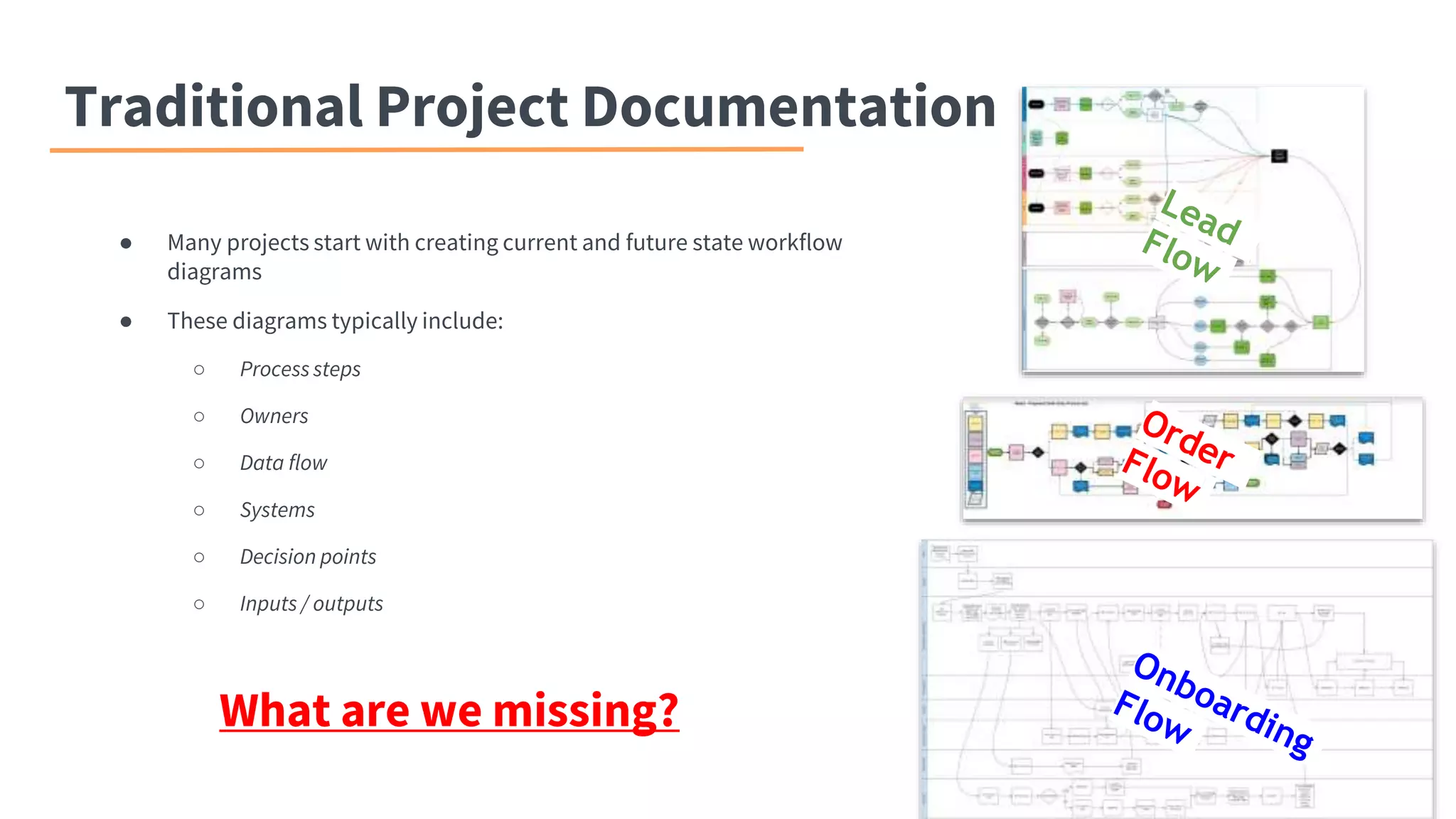
● Many projects start with creating current and future state workflow
diagrams
● These diagrams typically include:
○ Process steps
○ Owners
○ Data flow
○ Systems
○ Decision points
○ Inputs / outputs
What are we missing?
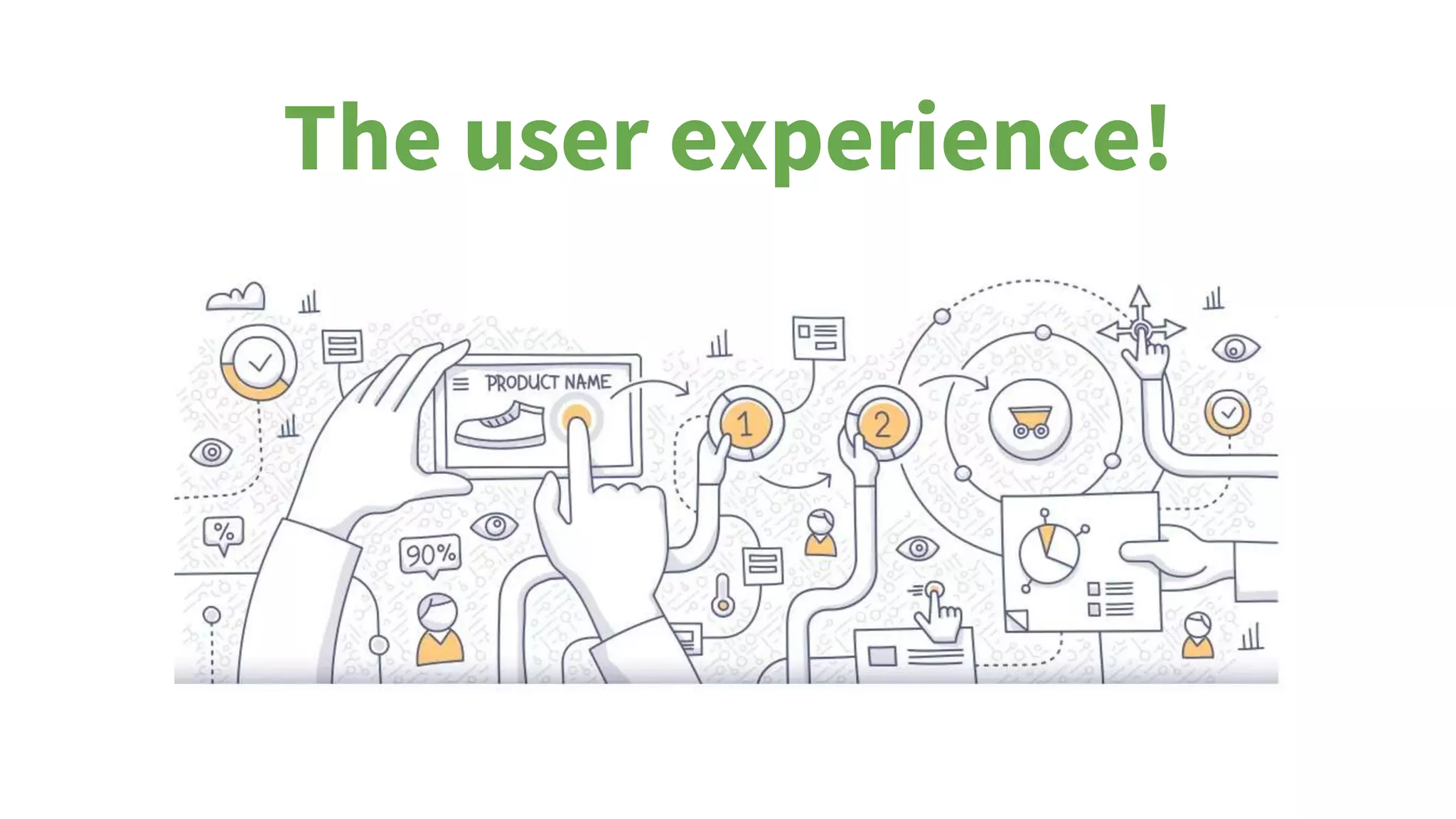
The user experience!
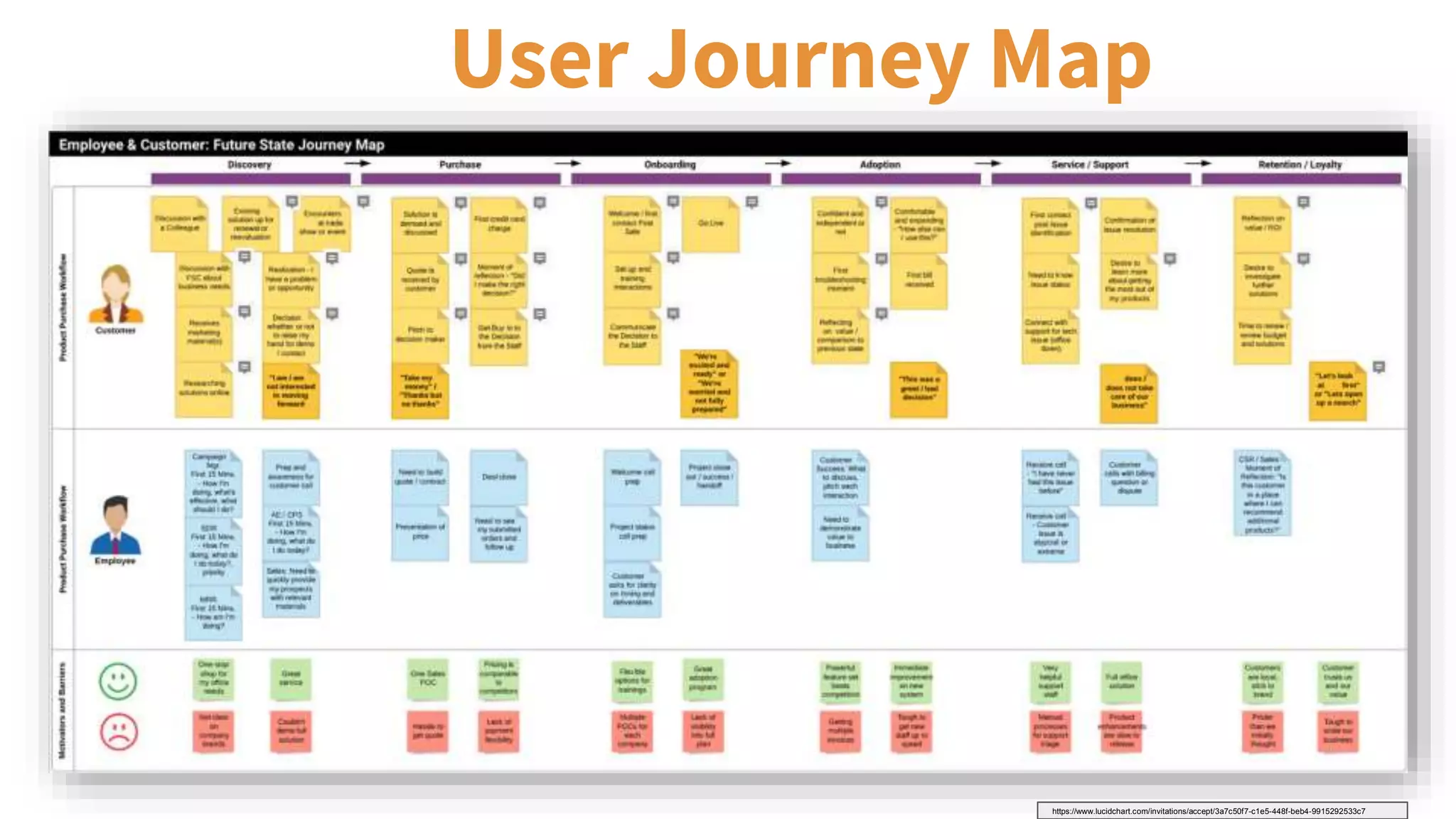
User Journey Map
https://www.lucidchart.com/invitations/accept/3a7c50f7-c1e5-448f-beb4-9915292533c7
Journey Maps with Lucidchart
Tools
● Basic Flowchart with Swimlanes
(template)
● Sticky Notes (shape)
● Notes (function)
● Present Mode
Activities
● Brainstorming Workshop(s)
● Interviews
● Observations
● Surveys
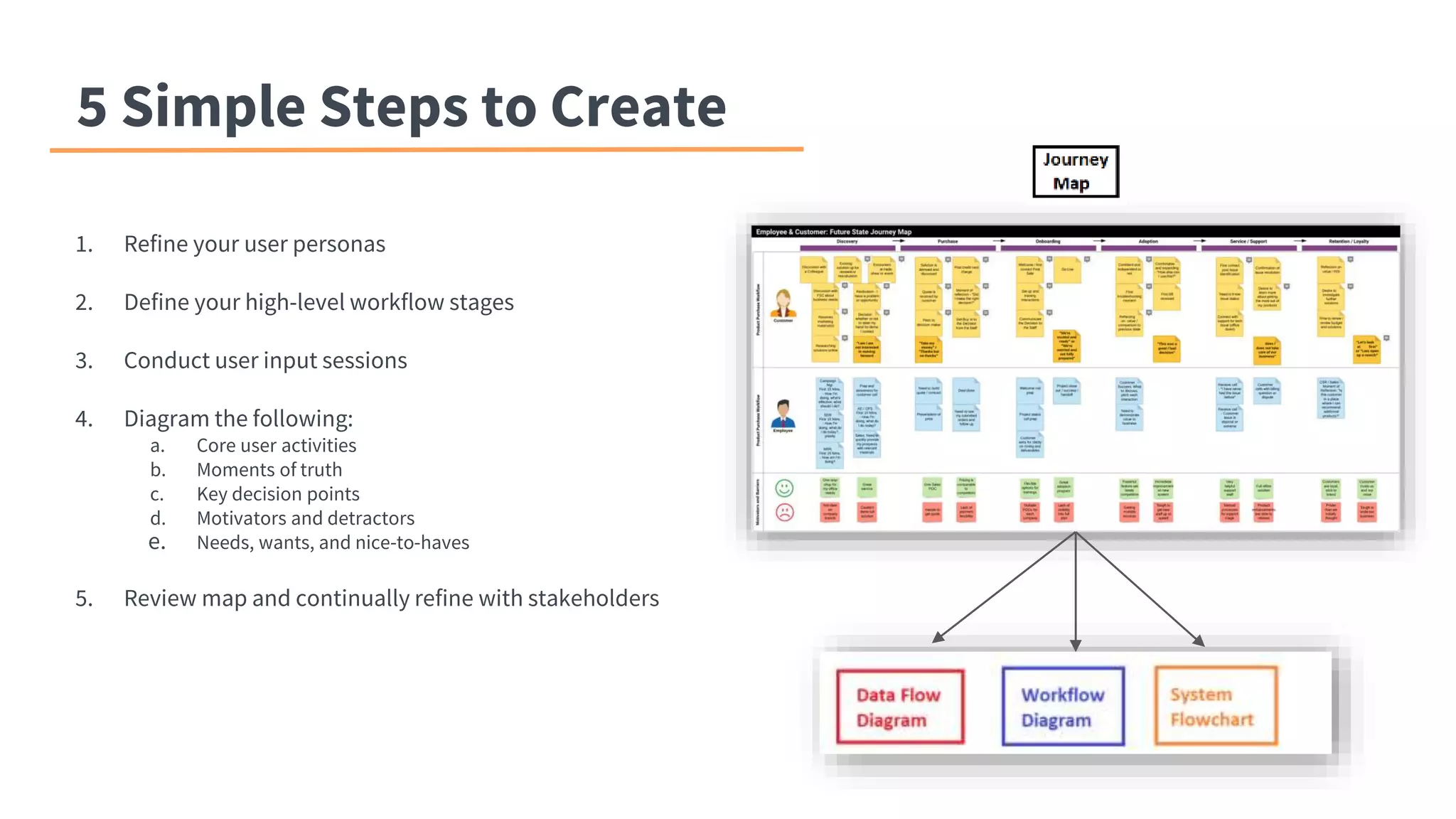
5 Simple Steps to Create
1. Refine your user personas
2. Define your high-level workflow stages
3. Conduct user input sessions
4. Diagram the following:
a. Core user activities
b. Moments of truth
c. Key decision points
d. Motivators and detractors
e. Needs, wants, and nice-to-haves
5. Review map and continually refine with stakeholders
Method Comparison
Journey Map First
● “What would benefit our users most?”
● Focused on long-term adoption and retention
● Centers project on your users (we want them to
stick around)
● Easy to compare before / after
No Journey Map
● “How do we make this change?”
● Focused on getting something working
● Centers project on your process (we want those to
continually change and improve)
● Difficult to compare before / after CXE
Thank you!
Collin Olson
1-800 Contacts
colson3@1800contacts.com
https://www.linkedin.com/in/collinolson/

Lucidchart Connect Salt Lake City: Collin Olson, Developing UX-Centered Processes

  • 1.
  • 2.
    Introduction Collin Olson Product Manager 1-800CONTACTS As the world’s largest contact lens provider, 1-800 CONTACTS is dedicated to providing our customers with a simple, hassle-free way to order contact lenses. Founded in 1995, our Utah-based company is built on providing our millions of customers with award- winning service and unbeatable savings.
  • 3.
    Traditional Project Documentation ●Many projects start with creating current and future state workflow diagrams ● These diagrams typically include: ○ Process steps ○ Owners ○ Data flow ○ Systems ○ Decision points ○ Inputs / outputs What are we missing?
  • 4.
  • 5.
  • 6.
    Journey Maps withLucidchart Tools ● Basic Flowchart with Swimlanes (template) ● Sticky Notes (shape) ● Notes (function) ● Present Mode Activities ● Brainstorming Workshop(s) ● Interviews ● Observations ● Surveys
  • 7.
    5 Simple Stepsto Create 1. Refine your user personas 2. Define your high-level workflow stages 3. Conduct user input sessions 4. Diagram the following: a. Core user activities b. Moments of truth c. Key decision points d. Motivators and detractors e. Needs, wants, and nice-to-haves 5. Review map and continually refine with stakeholders
  • 8.
    Method Comparison Journey MapFirst ● “What would benefit our users most?” ● Focused on long-term adoption and retention ● Centers project on your users (we want them to stick around) ● Easy to compare before / after No Journey Map ● “How do we make this change?” ● Focused on getting something working ● Centers project on your process (we want those to continually change and improve) ● Difficult to compare before / after CXE
  • 9.
    Thank you! Collin Olson 1-800Contacts colson3@1800contacts.com https://www.linkedin.com/in/collinolson/

Editor's Notes

  • #2 Here’s the basic outline you should follow: A Lucidchart team member will take a minute or so to introduce you. Present the problem you faced (1 min) Lucidchart use case (3-4 min) Share example Lucidchart diagrams (feel free to strip out sensitive content) Results / what was accomplished (1-2 min) *After all guest speakers share their use cases, a Lucidchart team member will conduct a panel-format Q&A for about 5 minutes. If time permits, we will open it up to the audience for Q&A for the remaining couple of minutes.
  • #4  Complex processes Diverse stakeholders Competing visions Lack of coordination Multiple diagrams to decipher and combine Internally focused
  • #5 How do we ensure our documentation captures not only the logistical elements of our changes, but also how this affects our end-user’s experience (customers and employees)?
  • #8 Processes that focus on just accomplishing a task miss the bigger picture - will our users respond positively, adopt, and drive the right business outcomes?
  • #9 Journey Map Capturing emotions, questions, motivators, and moments of truth Before documenting the “How?”, figure out your “Why?” Benefits Focuses on your key “Whys” Builds team consensus User experience informs process-building decisions Emphasizes strategic decision making Mindset Rather than “How do we make this change?” Pivot to “Will this change positively impact my user’s experience?” Connect process steps with customer emotions, moments of truth Shared docs encourage collaboration and input from different teams Presentation mode to walk through diagram with stakeholders Digital stickies and comments for interactive brainstorm session Create a living, breathing document that you can iterate upon