
Local information management: The end-user revolution Jean Graef The Montague Institute Jean.graef at montague.com (413) 367-0245
Agenda What is “end-user development” Examples Why do it? How to do it Tools & techniques Implications for info pros
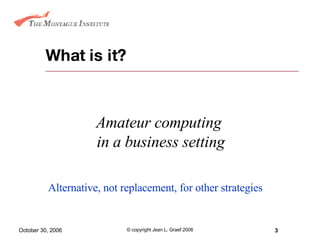
What is it? Amateur computing  in a business setting Alternative, not replacement, for other strategies
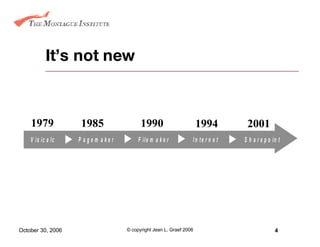
It’s not new 1979 1985 1990 1994 2001
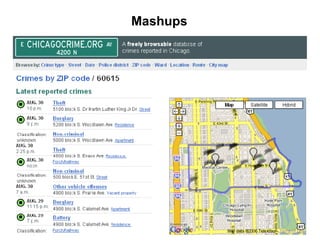
Mashups
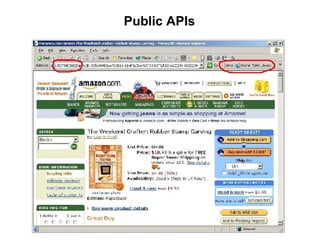
Public APIs
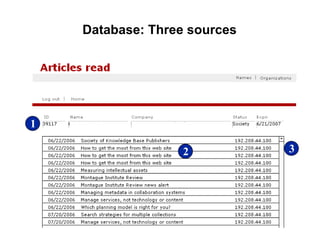
Database: Three sources 1 2 3
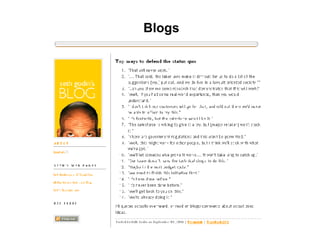
Blogs
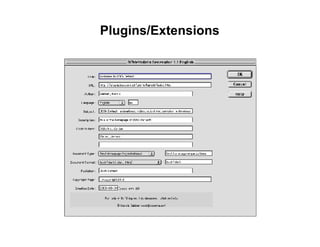
Plugins/Extensions
Who does it? University staff Field scientists Telecommuters Anyone with aptitude, desire, lack of access to IT resources
Why do they do it? They can More knowledgeable Instant help on the Internet Free or low cost downloadable “widgets” Tools are easier to use, more sophisticated
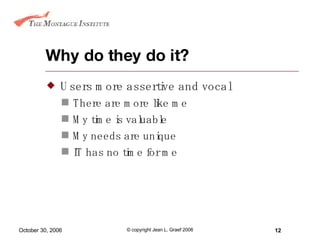
Why do they do it? Users more assertive and vocal There are more like me My time is valuable My needs are unique IT has no time for me
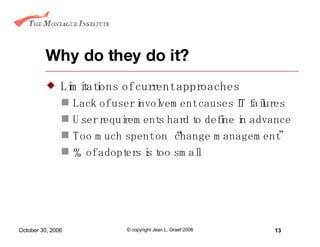
Why do they do it? Limitations of current approaches Lack of user involvement causes IT failures User requirements hard to define in advance Too much spent on “change management” % of adopters is too small
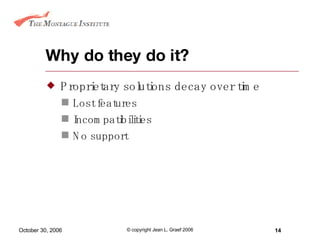
Why do they do it? Proprietary solutions decay over time Lost features Incompatibilities  No support
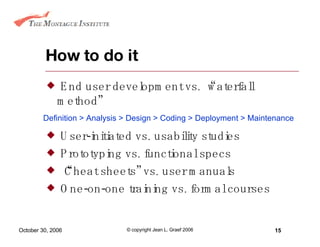
How to do it End user development vs. “waterfall method” User-initiated vs. usability studies Prototyping vs. functional specs “Cheat sheets” vs. user manuals One-on-one training vs. formal courses Definition  > Analysis  > Design > Coding > Deployment > Maintenance
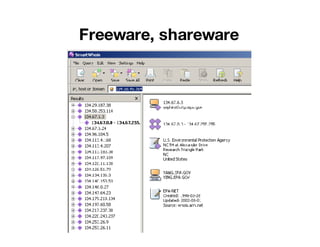
Tools & techniques Databases Plugins, extensions, macros Freeware, shareware Commercial services
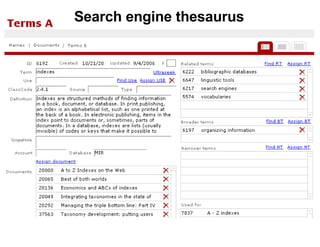
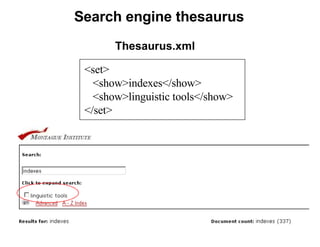
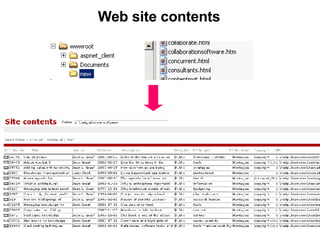
Databases Search engine thesaurus (XML) Search engine search from thesaurus (calculation) Site contents (text processing/import)
Search engine thesaurus
<set> <show>indexes</show> <show>linguistic tools</show> </set> Thesaurus.xml Search engine thesaurus
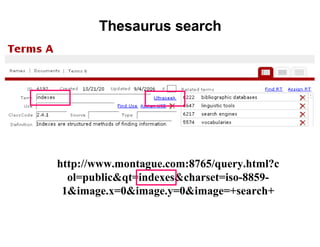
http://www.montague.com:8765/query.html?col=public&qt=indexes&charset=iso-8859-1&image.x=0&image.y=0&image=+search+ Thesaurus search
Web site contents
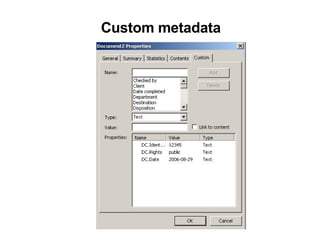
Plugins, extensions, macros Text processing (Word)  Custom metadata (Word)
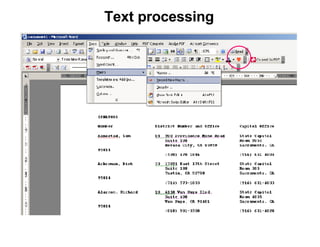
Text processing
Custom metadata
Freeware, shareware
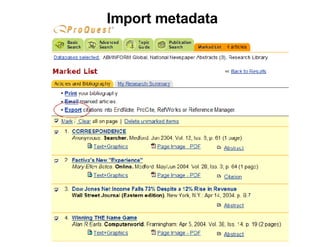
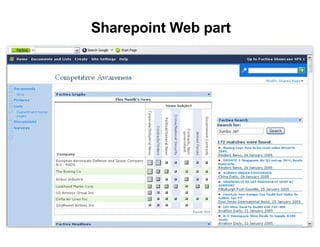
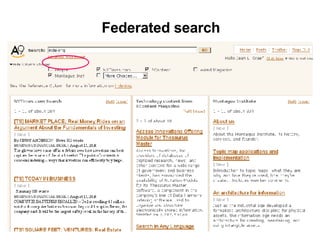
Commercial services ProQuest (import metadata) Factiva (Sharepoint Web part) Amazon (Federated search)
Import metadata
Sharepoint Web part
Federated search
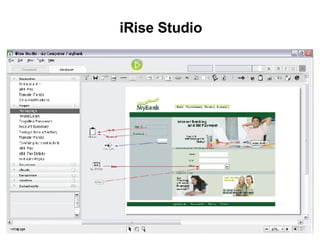
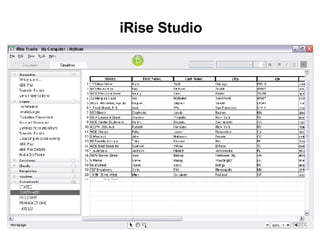
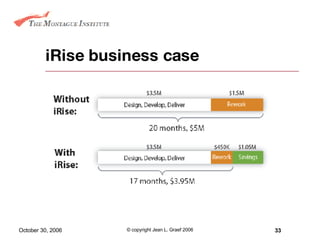
Commercial application iRise Studio Application simulator Starts at $250,000 Reduce rework costs Reduce time-to-market Customers: Agilent, Wachovia, Watson-Wyatt
iRise Studio
iRise Studio
iRise business case
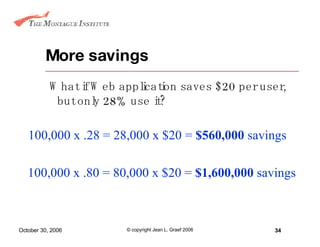
More savings What if Web application saves $20 per user, but only 28% use it? 100,000 x .28 = 28,000 x $20 =  $560,000  savings 100,000 x .80 = 80,000 x $20 =  $1,600,000  savings
Mentored development Montague Institute courses Project-oriented Theory + Lab Interdisciplinary teams See how your data behaves Information modeling with custom Lab Written specifications Implementation
On the other hand Users lack the tools Users lack training & help Code & data can’t easily be reused Lack of quality assurance & data standards
How to support them New business model Communities of practice Standards Interfaces
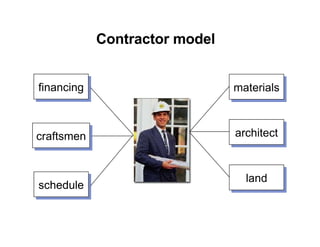
materials architect land financing craftsmen schedule Contractor model
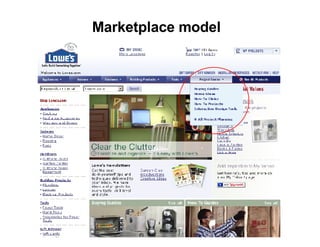
Marketplace model
Marketplace model Project ideas Special interests (wood projects for gardens) Buying guide How-to guides Interactive planners “Green” & healthy tips
Tips Communities of practice + written reference tools Allow time for development activities Recognition & incentives Segment the “market” Professional vs. amateur “ Agile” programming http://agilemanifesto.org
More tips Cultivate “boundary spanners” Focus on the gaps Data normalization & transformation Application integration Inter-departmental workflows Target the business unit manager Speak business, not technology
“ Lite” support practices Software versions, embedded comments, non-technical “cheat sheet” Searchable support KB for each developer Data cleanup services Use cross-platform development tools Make test files and computer available
More info Montague Institute Review http://www.montague.com/review/review.html
 

Local information management: the end user revolution

Editor's Notes

  • #2 In this presentation, we’ll talk about the best of two worlds: How a metadata repository and A – Z index complements a search engine How search complements browse