LINUX
OS
Prepared by: Balla Sabir
Outline:
1. Introduction
2. Evolution of Linux OS
3. Structure Of Linux Operating System:
Kernel
4. Linux Commands
Introduction to LINUX
Linux is an open-source operating system like other operating systems such as
Microsoft Windows, Apple Mac OS, iOS, Google android, etc. An operating system is
a software that enables the communication between computer hardware and
software. It conveys input to get processed by the processor and brings output to
the hardware to display it. This is the basic function of an operating system.
Although it performs many other important tasks, let's not talk about that.
Linux is around us since the mid-90s. It can be used from wristwatches to
supercomputers. It is everywhere in our phones, laptops, PCs, cars and even in
refrigerators. It is very much famous among developers and normal computer
users.
Evolution of LINUX
The Linux OS was developed by Linus Torvalds in 1991, which sprouted as
an idea to improve the UNIX OS. He suggested improvements but was rejected
by UNIX designers. Therefore, he thought of launching an OS, designed in a
way that could be modified by its users.
Nowadays, Linux is the fastest-growing OS. It is used from phones to
supercomputers by almost all major hardware devices.
Structure Of Linux Operating System
An operating system is a collection of software, each designed for a specific
function.
Linux OS has following components:
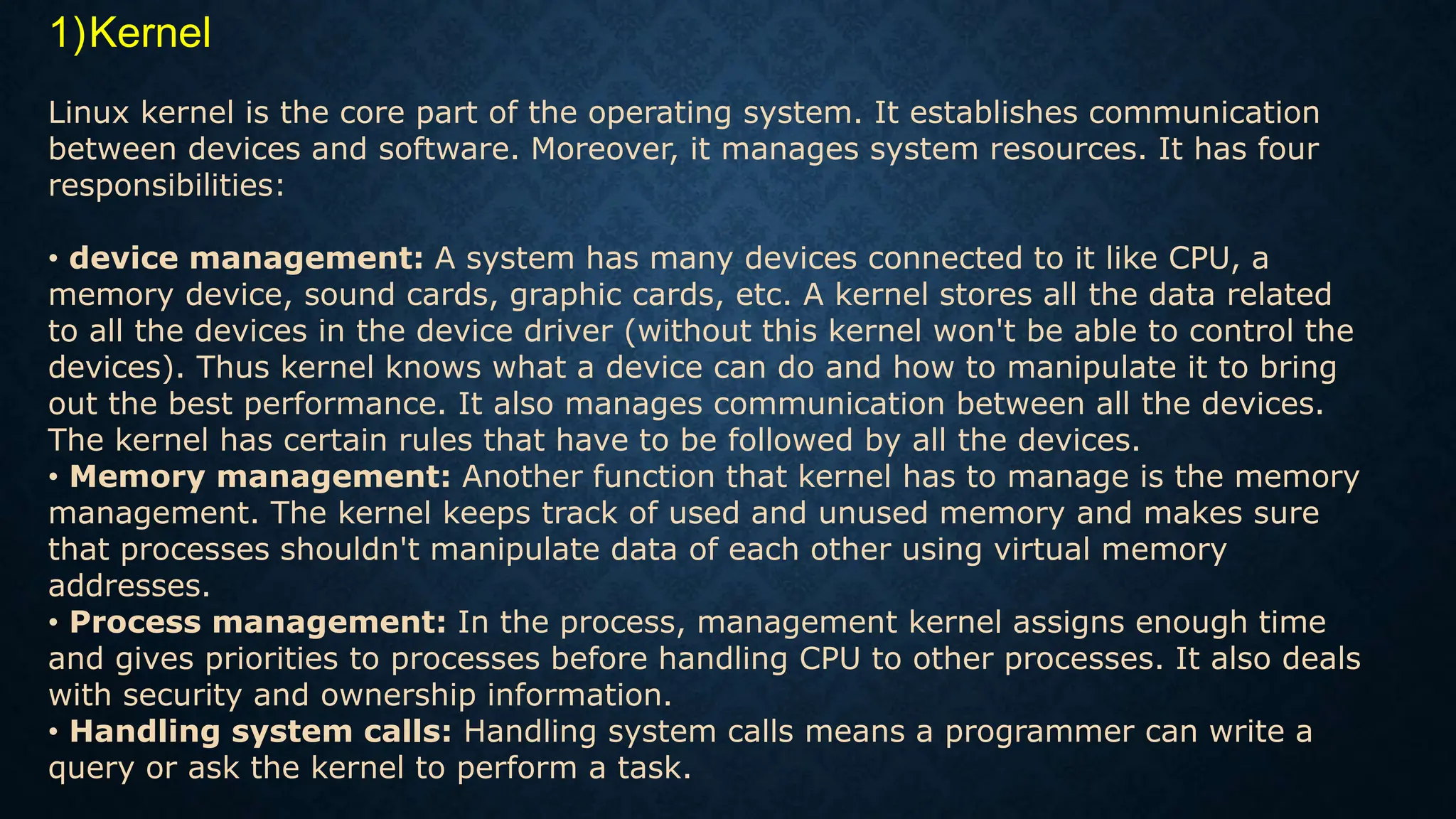
1)Kernel
Linux kernel is the core part of the operating system. It establishes communication
between devices and software. Moreover, it manages system resources. It has four
responsibilities:
• device management: A system has many devices connected to it like CPU, a
memory device, sound cards, graphic cards, etc. A kernel stores all the data related
to all the devices in the device driver (without this kernel won't be able to control the
devices). Thus kernel knows what a device can do and how to manipulate it to bring
out the best performance. It also manages communication between all the devices.
The kernel has certain rules that have to be followed by all the devices.
• Memory management: Another function that kernel has to manage is the memory
management. The kernel keeps track of used and unused memory and makes sure
that processes shouldn't manipulate data of each other using virtual memory
addresses.
• Process management: In the process, management kernel assigns enough time
and gives priorities to processes before handling CPU to other processes. It also deals
with security and ownership information.
• Handling system calls: Handling system calls means a programmer can write a
query or ask the kernel to perform a task.
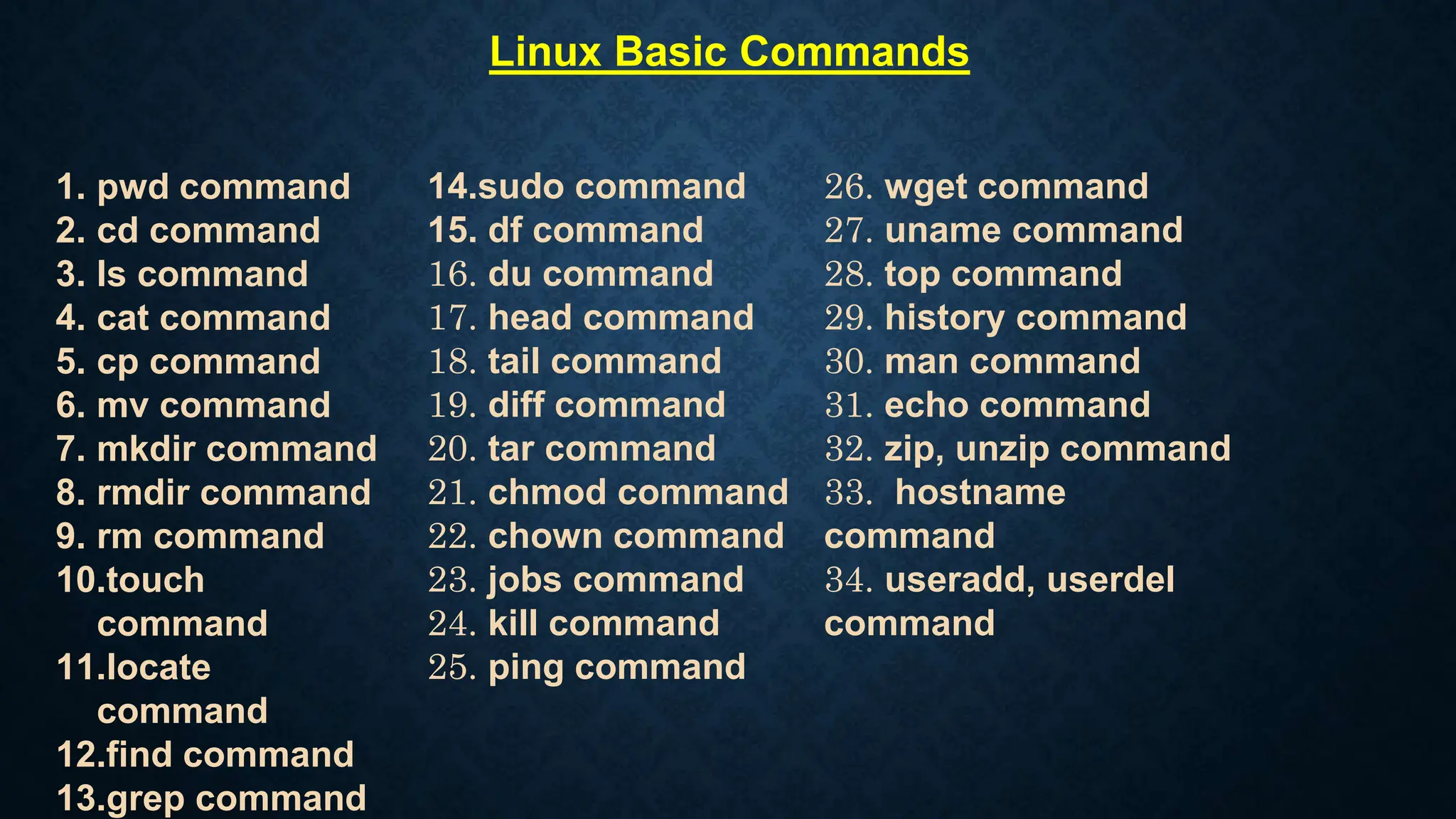
Linux Basic Commands
1. pwd command
2. cd command
3. ls command
4. cat command
5. cp command
6. mv command
7. mkdir command
8. rmdir command
9. rm command
10.touch
command
11.locate
command
12.find command
13.grep command
14.sudo command
15. df command
16. du command
17. head command
18. tail command
19. diff command
20. tar command
21. chmod command
22. chown command
23. jobs command
24. kill command
25. ping command
26. wget command
27. uname command
28. top command
29. history command
30. man command
31. echo command
32. zip, unzip command
33. hostname
command
34. useradd, userdel
command
Reference:
1. https://www.geeksforgeeks.org/introduction-to-linux-operating-
system/
2. https://www.guru99.com/introduction-linux.html#5
3. https://www.digitalocean.com/community/tutorials/an-
introduction-to-linux-basics
Thank You For Watching

Linux OS ppt cyber security power point .pptx

  • 1.
  • 2.
    Outline: 1. Introduction 2. Evolutionof Linux OS 3. Structure Of Linux Operating System: Kernel 4. Linux Commands
  • 3.
    Introduction to LINUX Linuxis an open-source operating system like other operating systems such as Microsoft Windows, Apple Mac OS, iOS, Google android, etc. An operating system is a software that enables the communication between computer hardware and software. It conveys input to get processed by the processor and brings output to the hardware to display it. This is the basic function of an operating system. Although it performs many other important tasks, let's not talk about that. Linux is around us since the mid-90s. It can be used from wristwatches to supercomputers. It is everywhere in our phones, laptops, PCs, cars and even in refrigerators. It is very much famous among developers and normal computer users.
  • 4.
    Evolution of LINUX TheLinux OS was developed by Linus Torvalds in 1991, which sprouted as an idea to improve the UNIX OS. He suggested improvements but was rejected by UNIX designers. Therefore, he thought of launching an OS, designed in a way that could be modified by its users. Nowadays, Linux is the fastest-growing OS. It is used from phones to supercomputers by almost all major hardware devices.
  • 5.
    Structure Of LinuxOperating System An operating system is a collection of software, each designed for a specific function. Linux OS has following components:
  • 6.
    1)Kernel Linux kernel isthe core part of the operating system. It establishes communication between devices and software. Moreover, it manages system resources. It has four responsibilities: • device management: A system has many devices connected to it like CPU, a memory device, sound cards, graphic cards, etc. A kernel stores all the data related to all the devices in the device driver (without this kernel won't be able to control the devices). Thus kernel knows what a device can do and how to manipulate it to bring out the best performance. It also manages communication between all the devices. The kernel has certain rules that have to be followed by all the devices. • Memory management: Another function that kernel has to manage is the memory management. The kernel keeps track of used and unused memory and makes sure that processes shouldn't manipulate data of each other using virtual memory addresses. • Process management: In the process, management kernel assigns enough time and gives priorities to processes before handling CPU to other processes. It also deals with security and ownership information. • Handling system calls: Handling system calls means a programmer can write a query or ask the kernel to perform a task.
  • 7.
    Linux Basic Commands 1.pwd command 2. cd command 3. ls command 4. cat command 5. cp command 6. mv command 7. mkdir command 8. rmdir command 9. rm command 10.touch command 11.locate command 12.find command 13.grep command 14.sudo command 15. df command 16. du command 17. head command 18. tail command 19. diff command 20. tar command 21. chmod command 22. chown command 23. jobs command 24. kill command 25. ping command 26. wget command 27. uname command 28. top command 29. history command 30. man command 31. echo command 32. zip, unzip command 33. hostname command 34. useradd, userdel command
  • 8.
  • 9.
    Thank You ForWatching