Getting Started on
Presented by Andrejs Penikis
December 10, 2013
What is LinkedIn?
A business social
networking site
Mainly used for
professional networking
A social network for
professionals (not
companies)
A “virtual industry event”
It’s your personal brand
on the web








2
Why is LinkedIn important?
The digital future is here!
You have no digital privacy.
You are what the Internet says you are.
LinkedIn is your personal brand on the web.
Manage your reputation!








3
Who might find LinkedIn useful?
People looking for work.
People seeking to expand their professional
networks.
People wishing to help others find work.
People seeking to enhance their professional
reputations






4
Introductions
Who am I?
What are my qualifications?
No introductions are necessary.






5
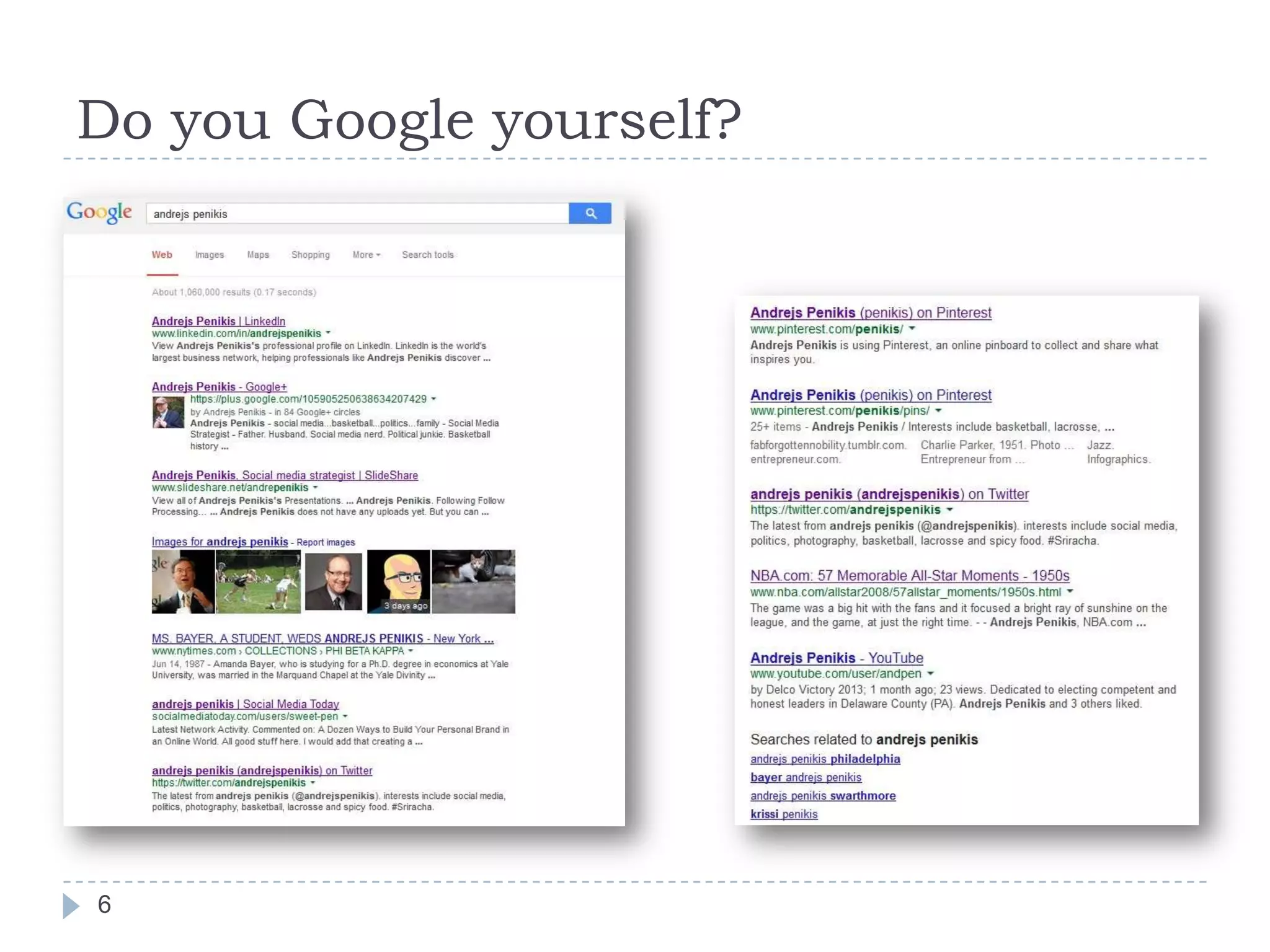
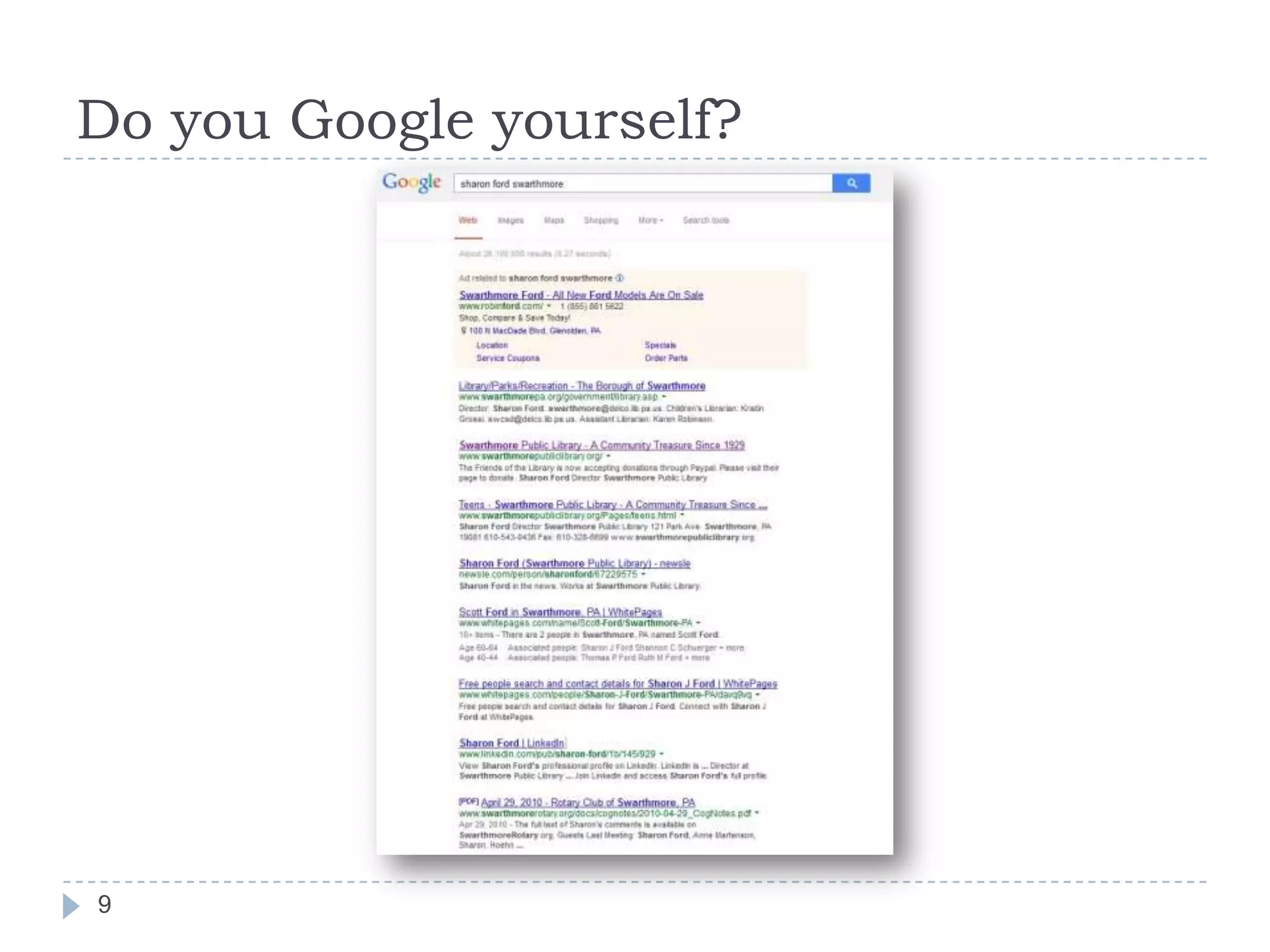
Do you Google yourself?

6
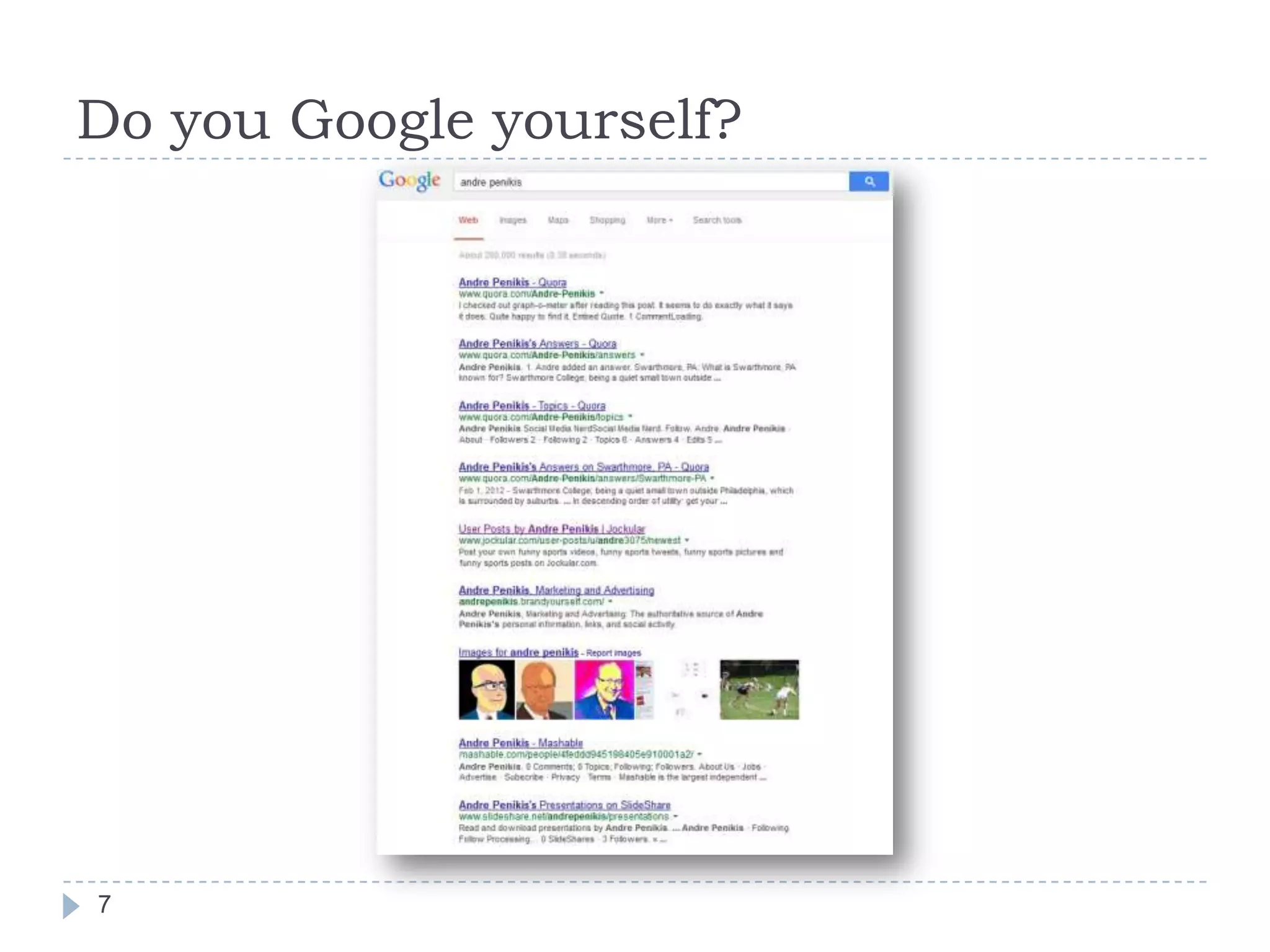
Do you Google yourself?

7
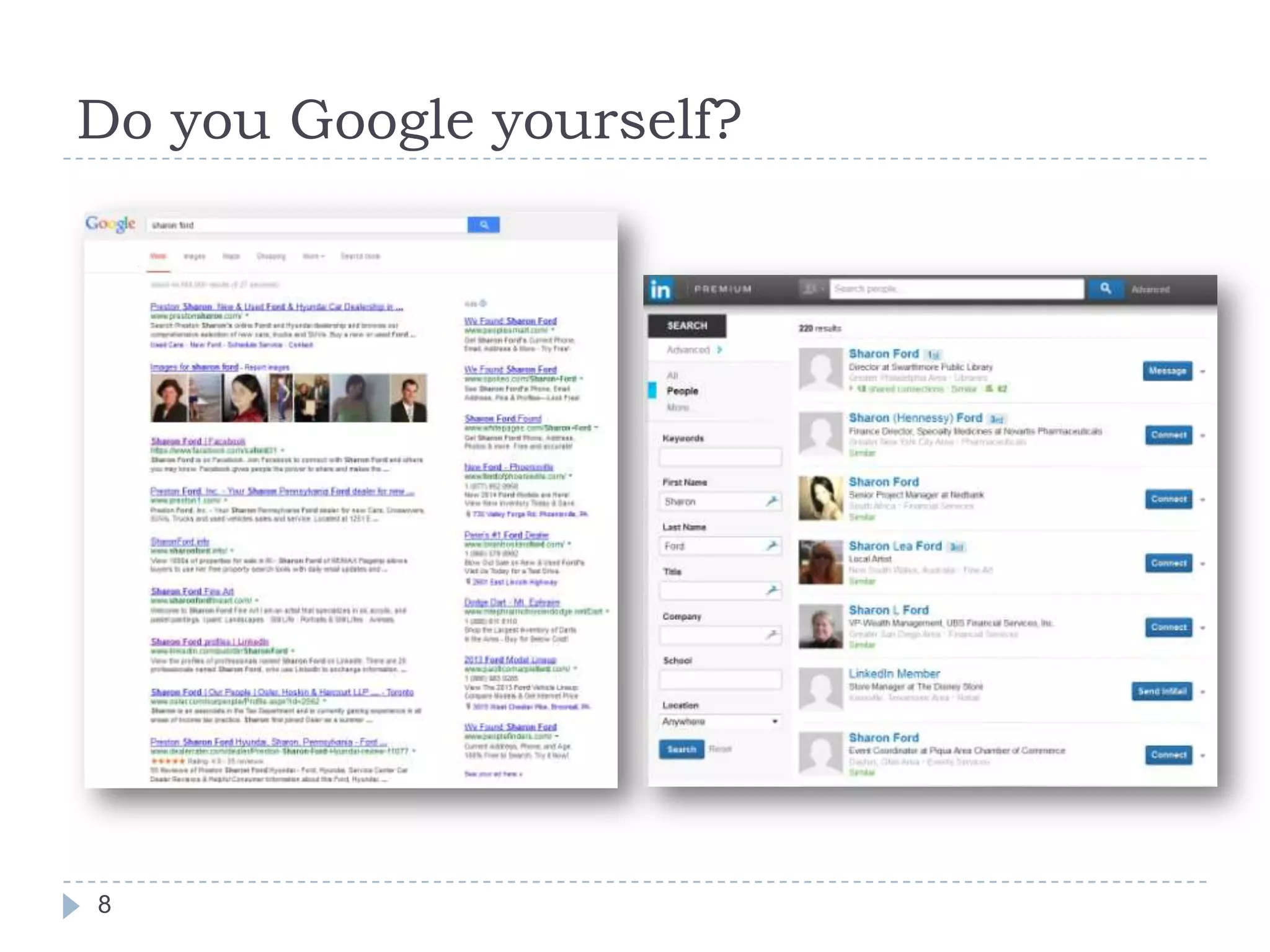
Do you Google yourself?

8
Do you Google yourself?

9
LinkedIn by the Numbers*









259 million + users worldwide
84 million U.S. users
2.3 million U.S. visitors daily
65% male
68% ages 25-54
85 of Fortune 100 companies hire through it
Largest industry segments: IT, Financial Services,
Higher Education

10

*As of 12/7/13
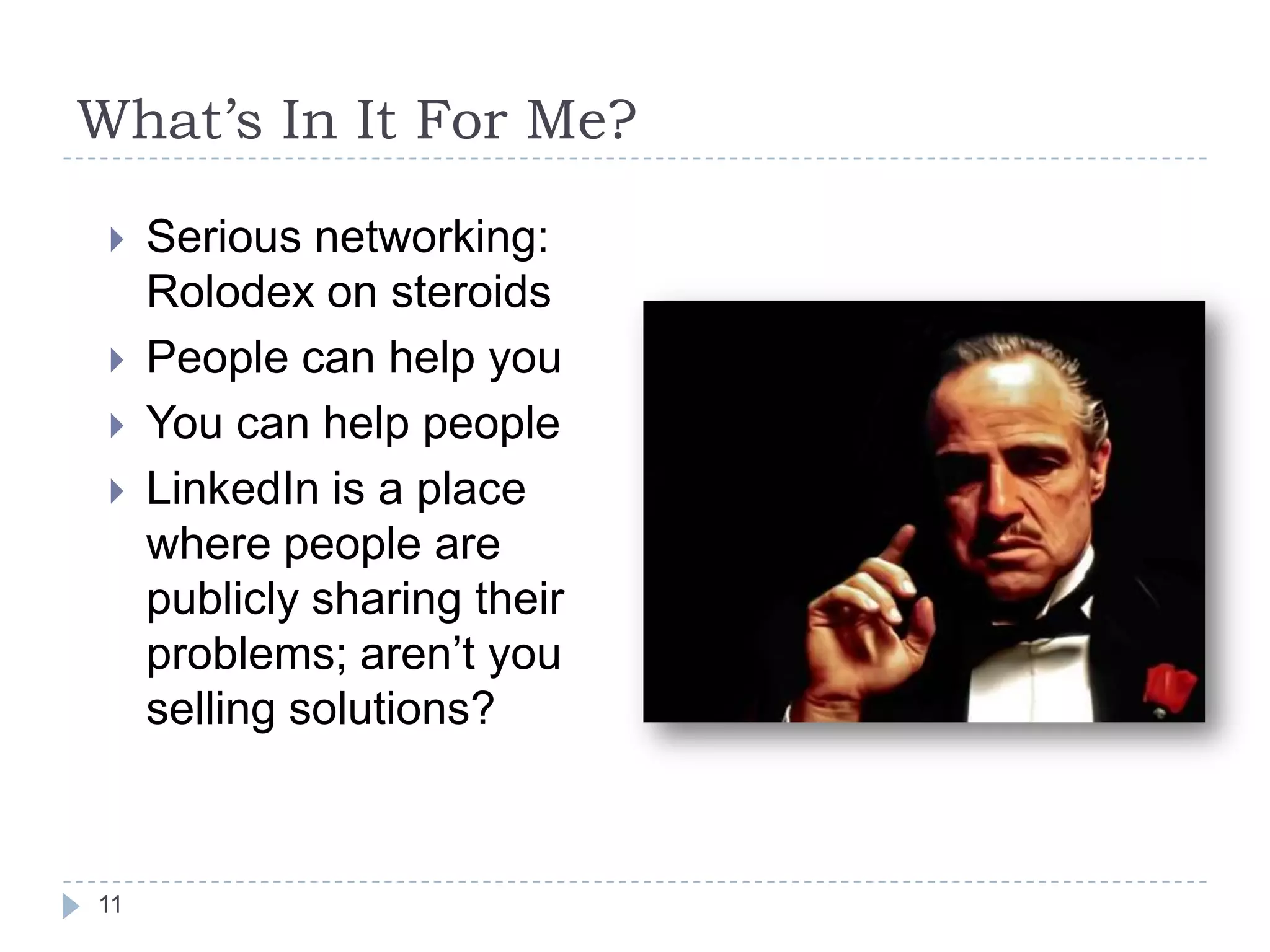
What’s In It For Me?





11

Serious networking:
Rolodex on steroids
People can help you
You can help people
LinkedIn is a place
where people are
publicly sharing their
problems; aren’t you
selling solutions?
What’s In It For My Company?*








8th most visited site in the world
8th most visited site in the US
Free Yellow Pages
Connect to decision-makers
Collect business intelligence
Do you have an employee social media use policy?

12

*As of 12/7/13
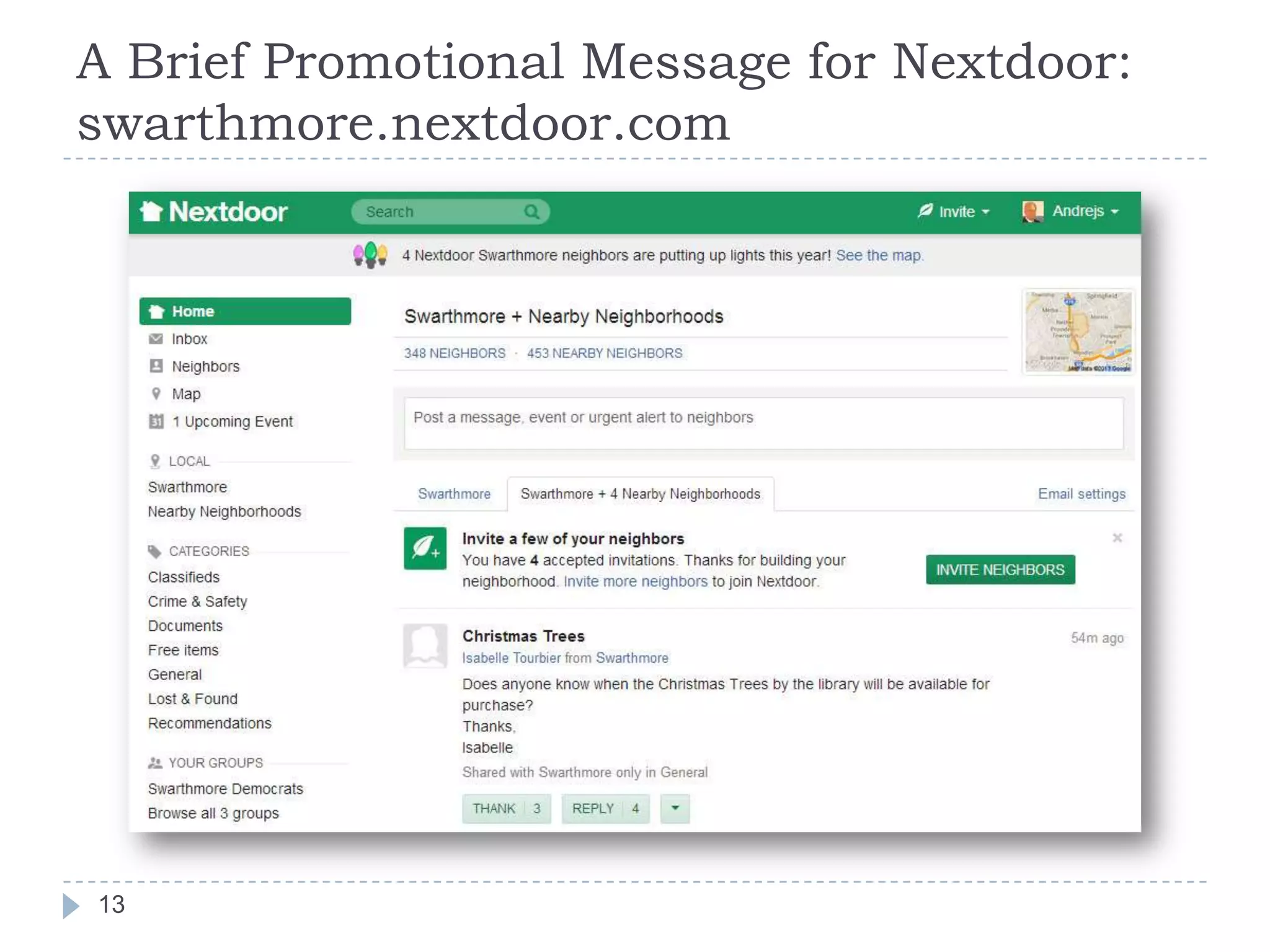
A Brief Promotional Message for Nextdoor:
swarthmore.nextdoor.com

13
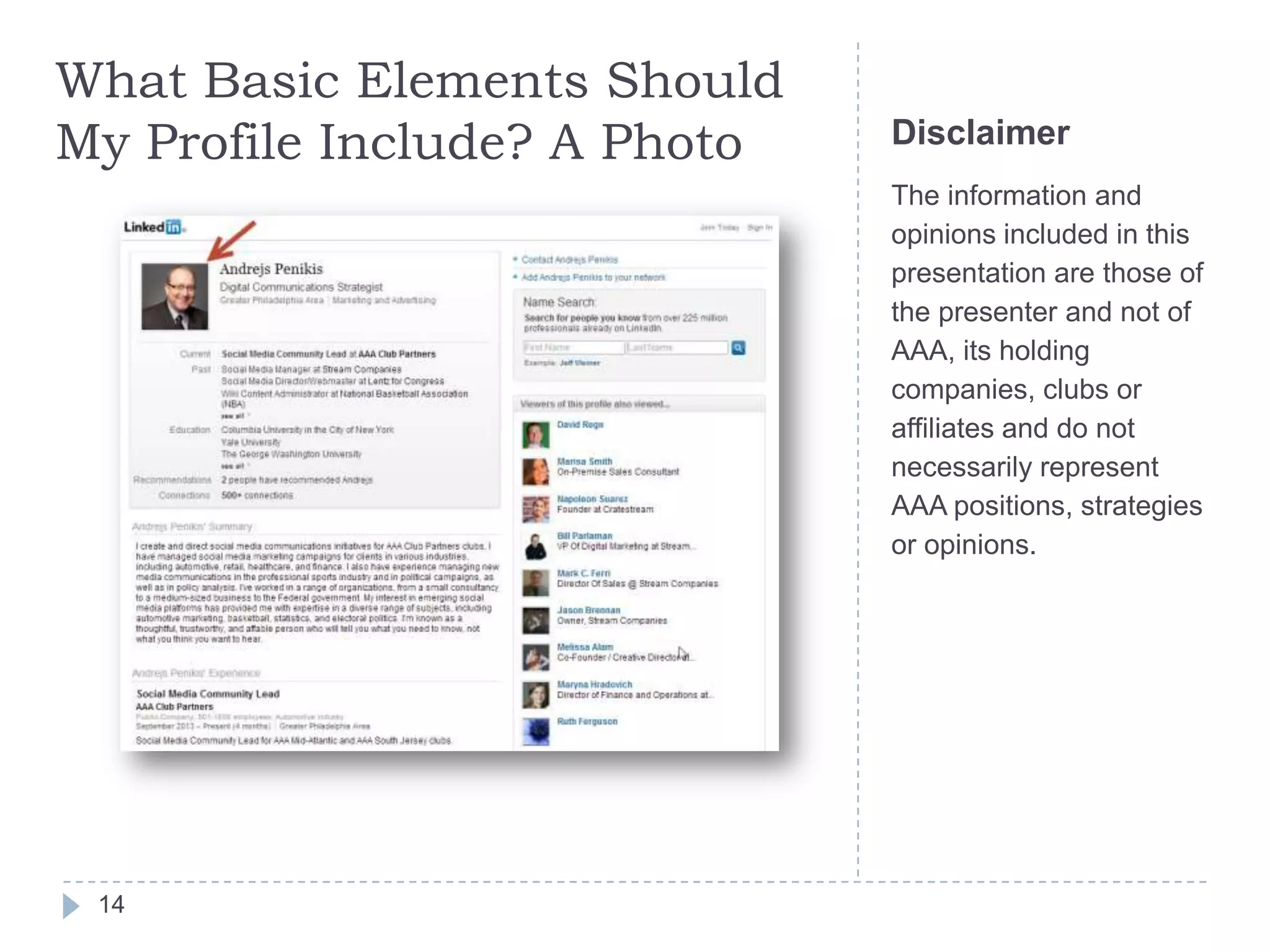
What Basic Elements Should
My Profile Include? A Photo

Disclaimer
The information and
opinions included in this
presentation are those of
the presenter and not of
AAA, its holding
companies, clubs or
affiliates and do not
necessarily represent
AAA positions, strategies
or opinions.

14
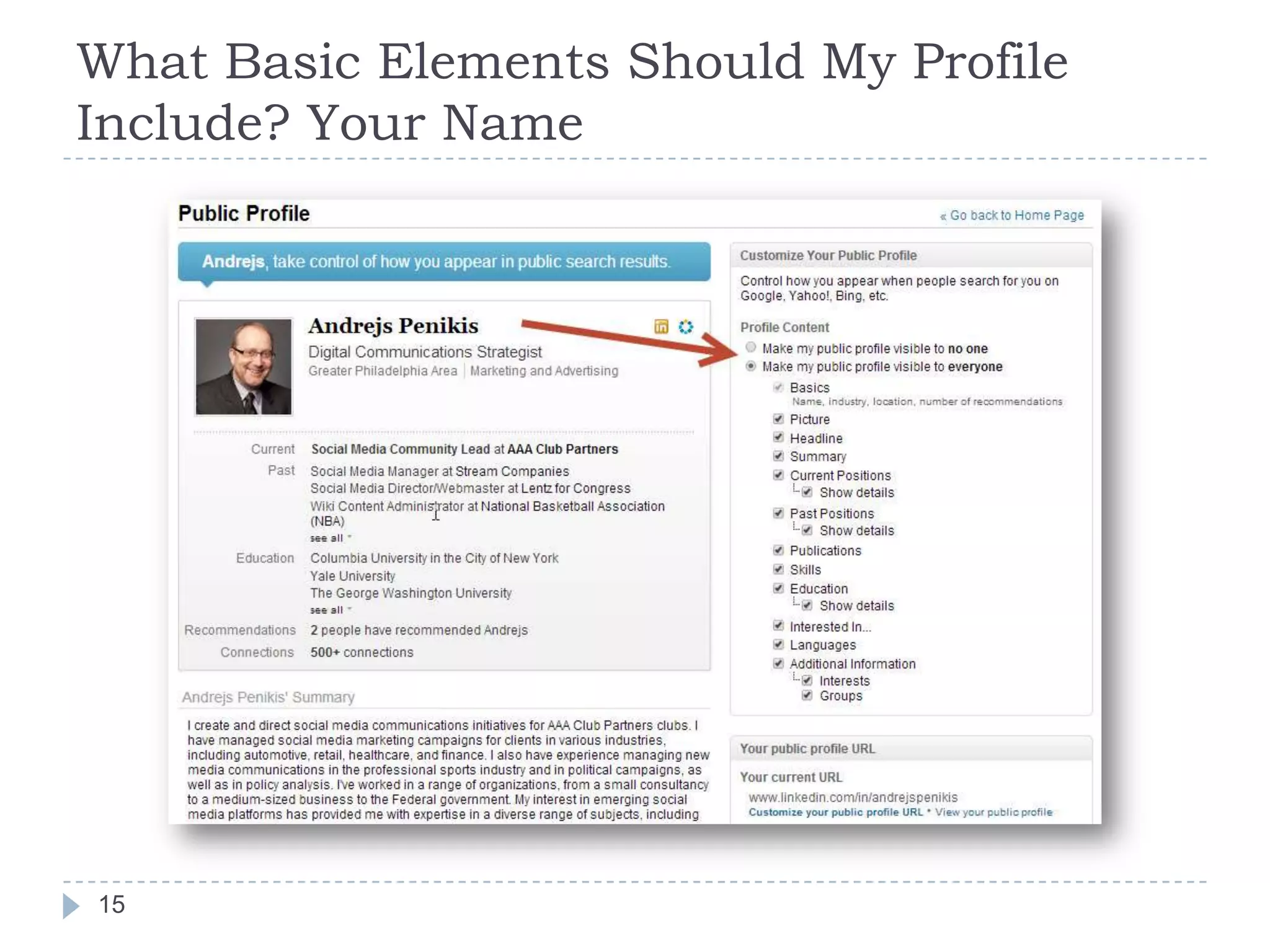
What Basic Elements Should My Profile
Include? Your Name

15
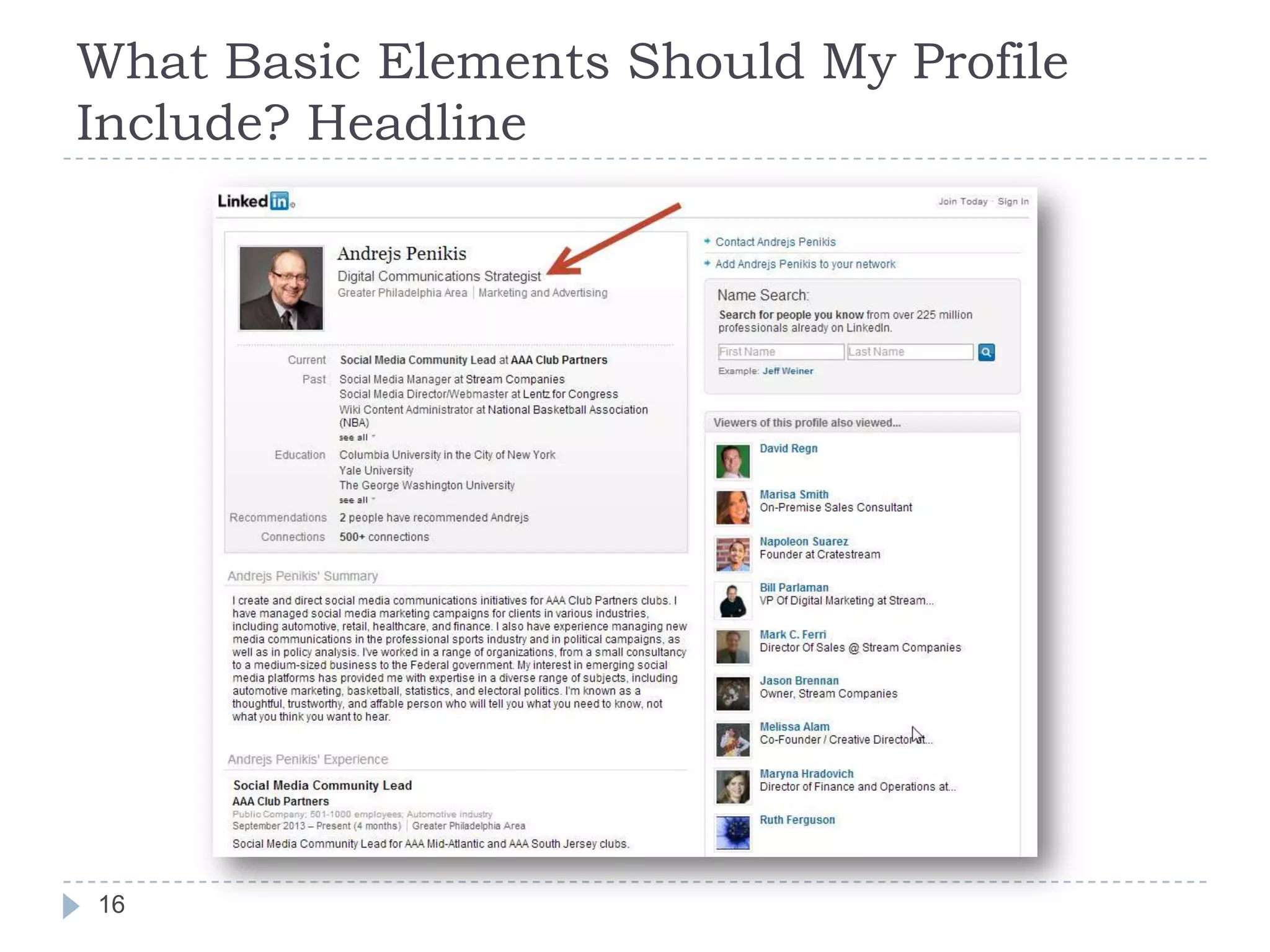
What Basic Elements Should My Profile
Include? Headline
16
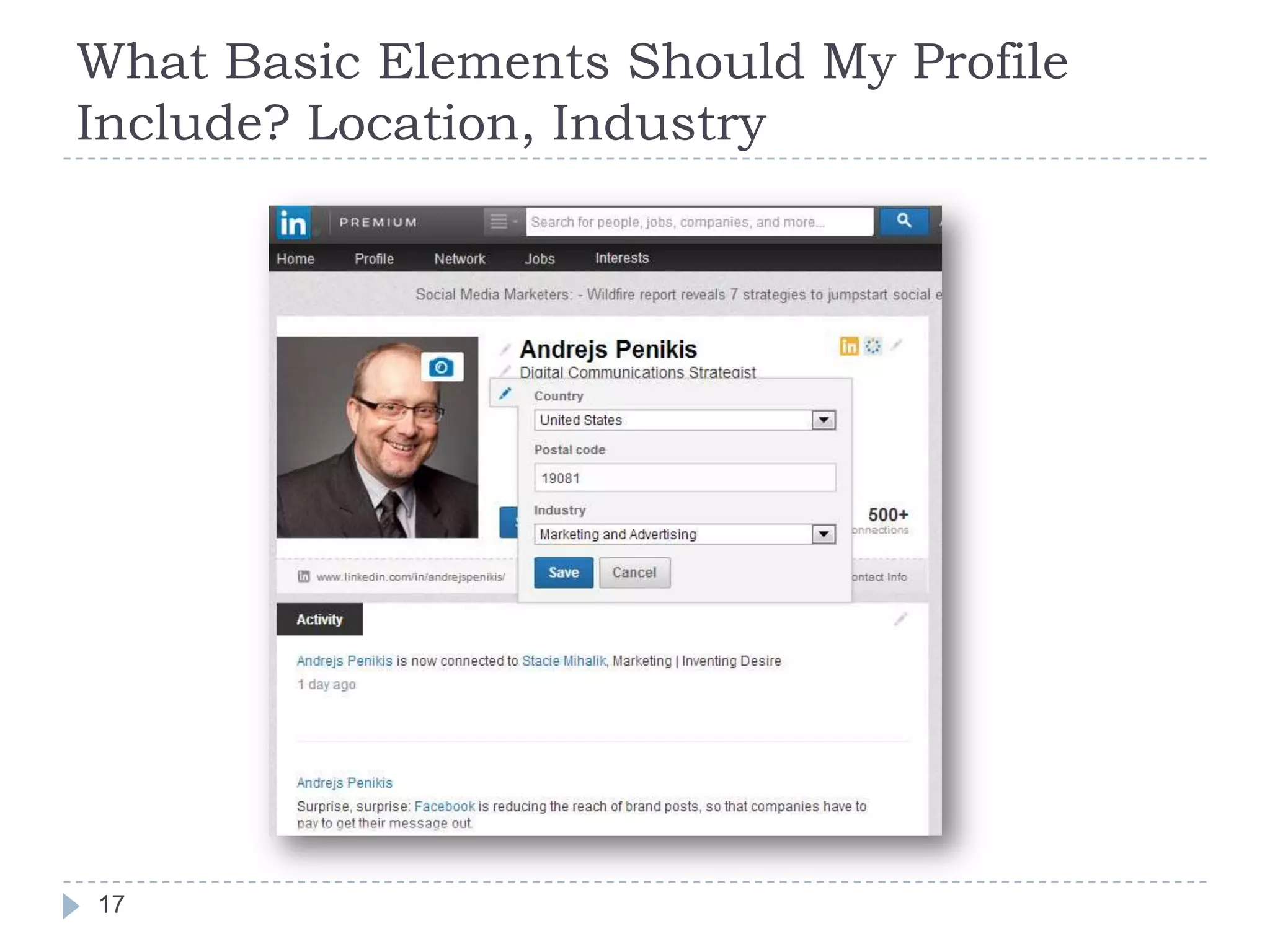
What Basic Elements Should My Profile
Include? Location, Industry

17
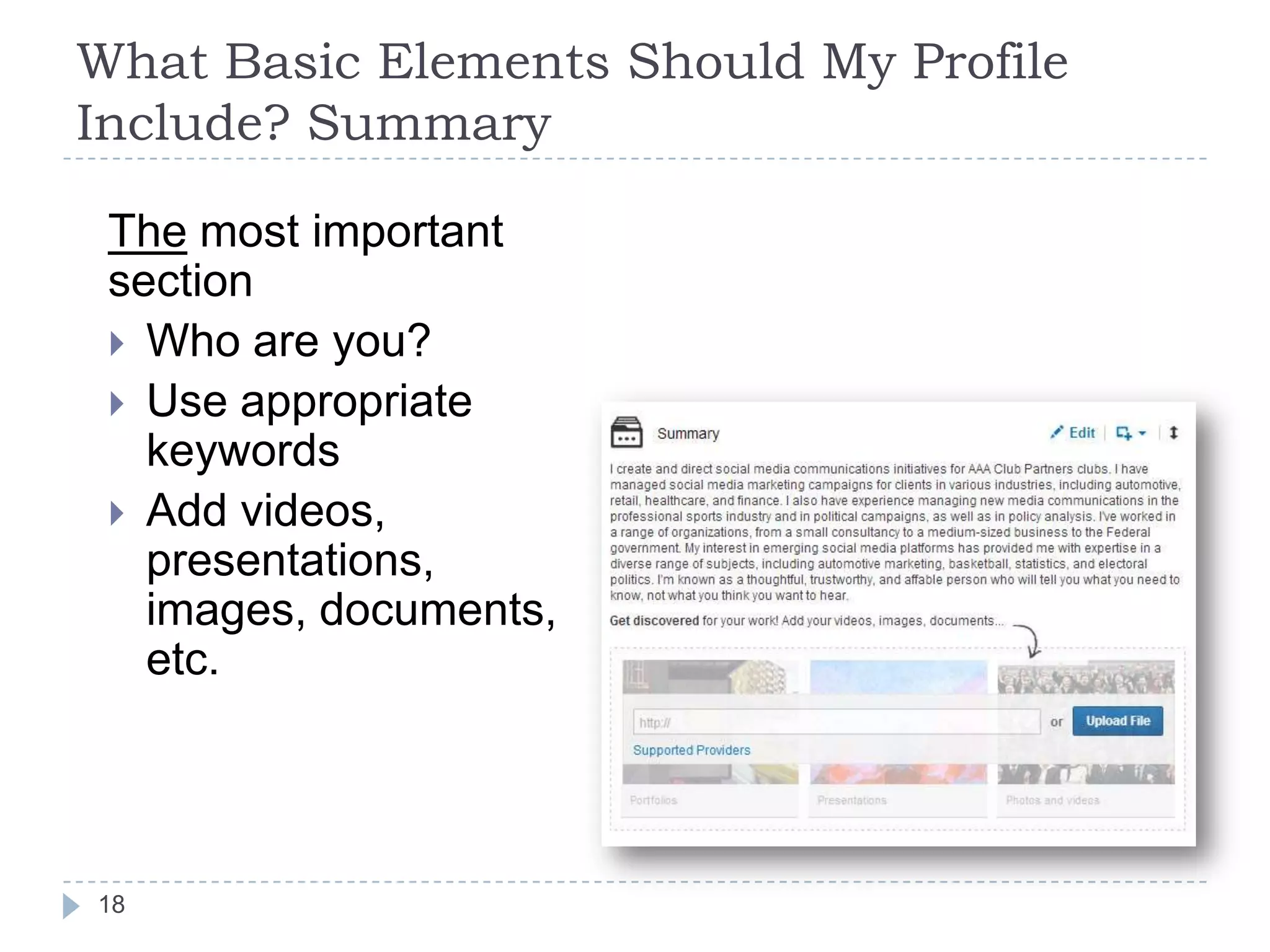
What Basic Elements Should My Profile
Include? Summary
The most important
section
 Who are you?
 Use appropriate
keywords
 Add videos,
presentations,
images, documents,
etc.

18
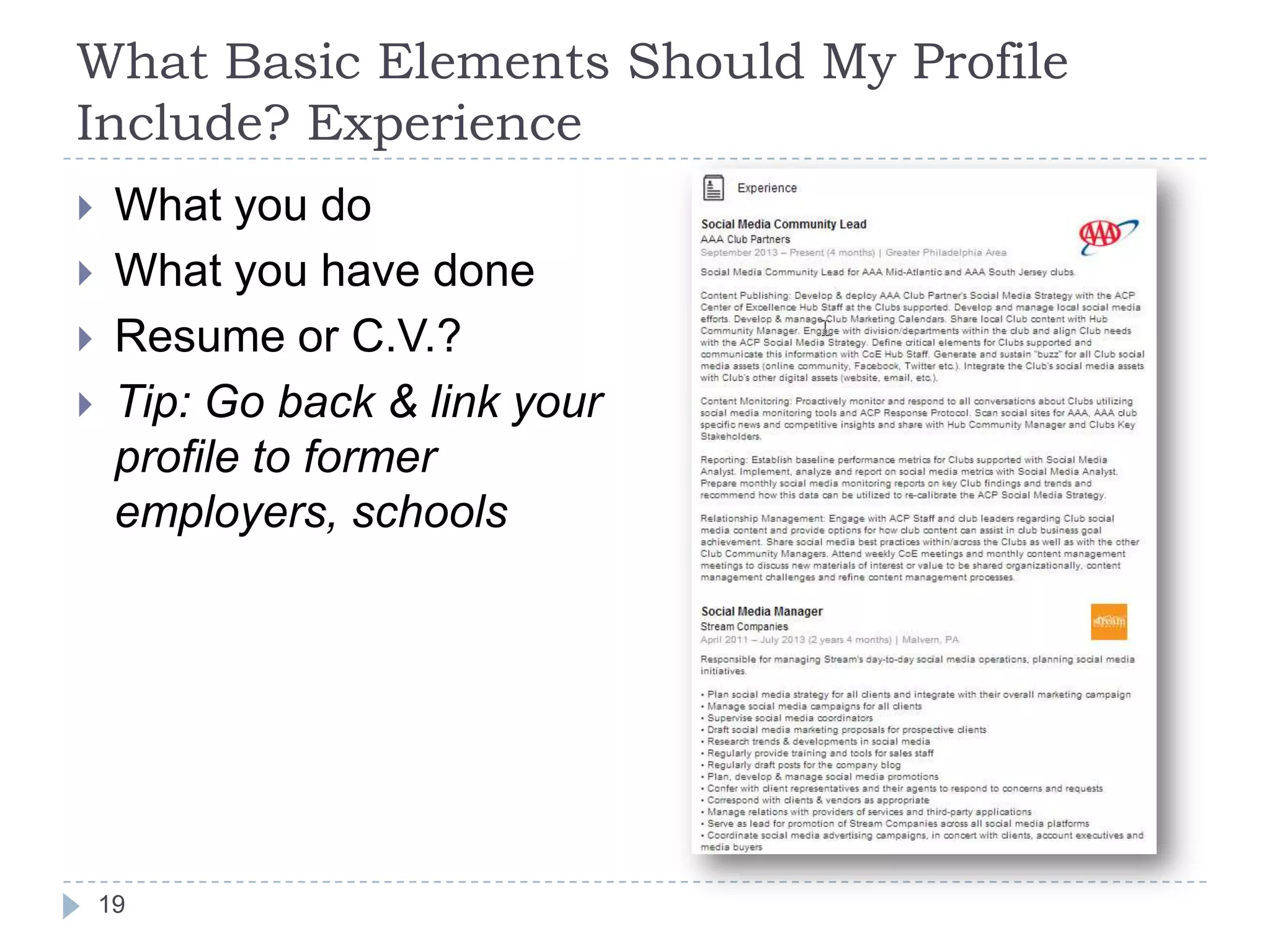
What Basic Elements Should My Profile
Include? Experience






What you do
What you have done
Resume or C.V.?
Tip: Go back & link your
profile to former
employers, schools

19
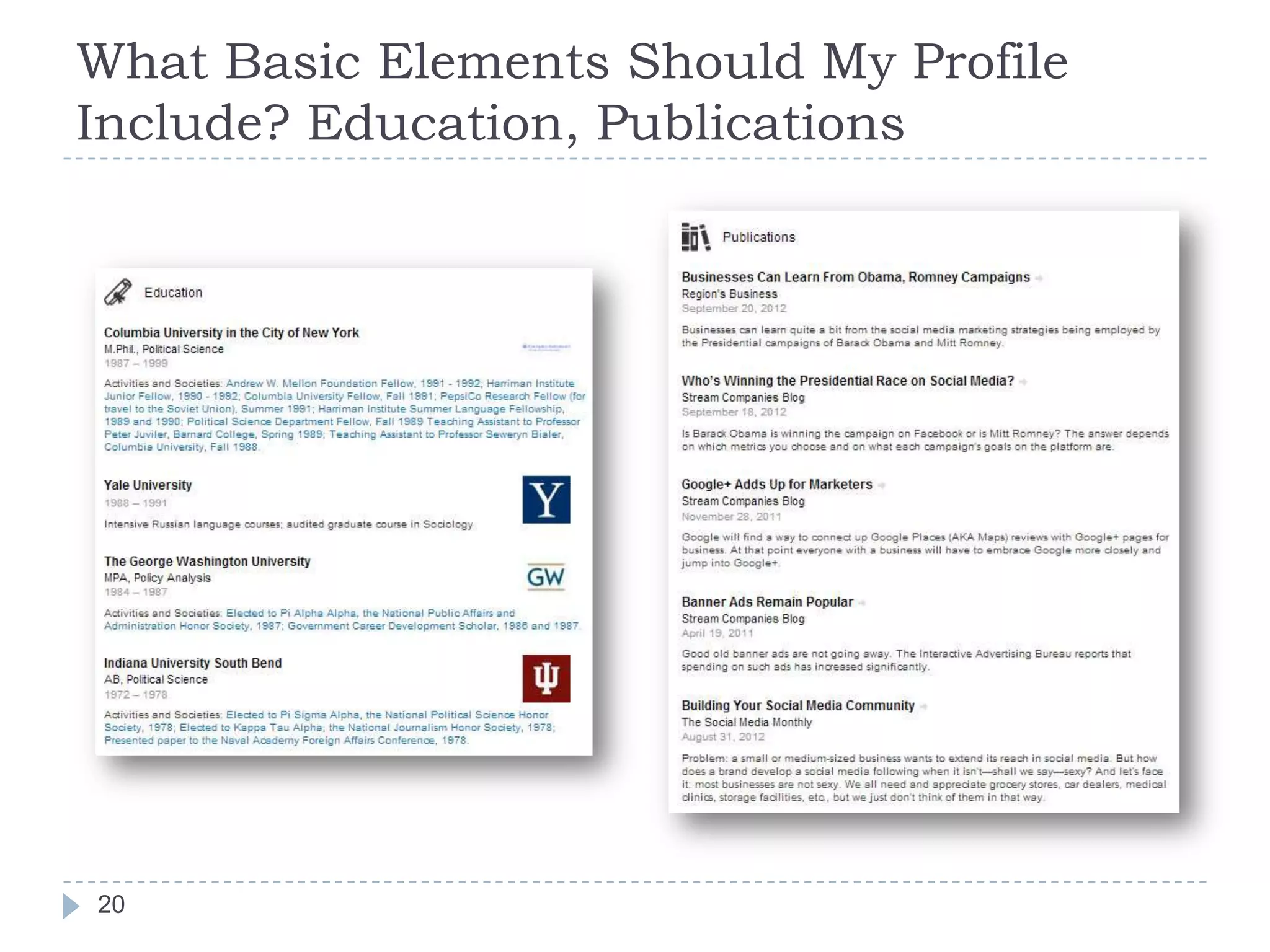
What Basic Elements Should My Profile
Include? Education, Publications

20
What Basic Elements Should My Profile
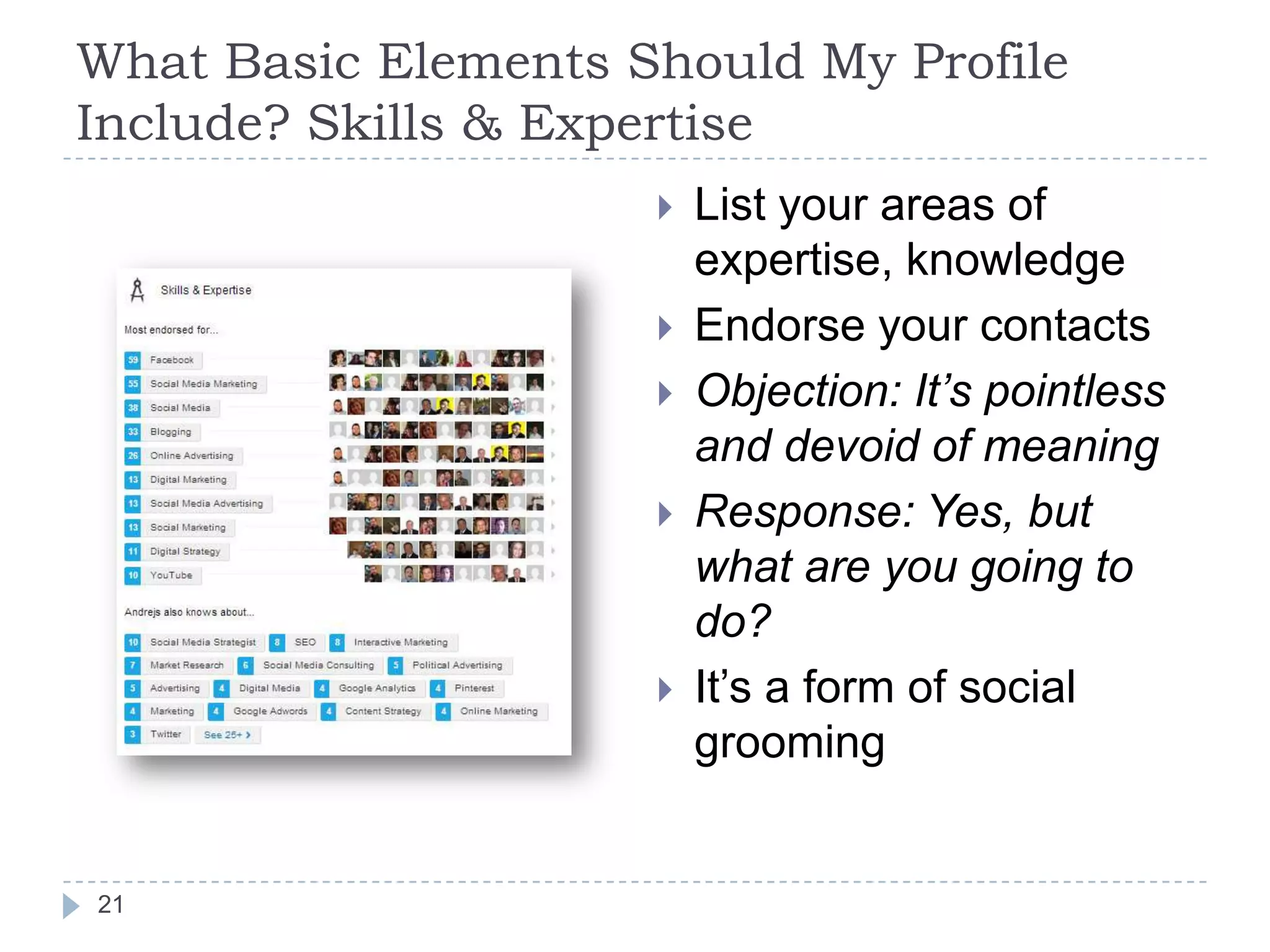
Include? Skills & Expertise







21

List your areas of
expertise, knowledge
Endorse your contacts
Objection: It’s pointless
and devoid of meaning
Response: Yes, but
what are you going to
do?
It’s a form of social
grooming
What Basic Elements Should My Profile
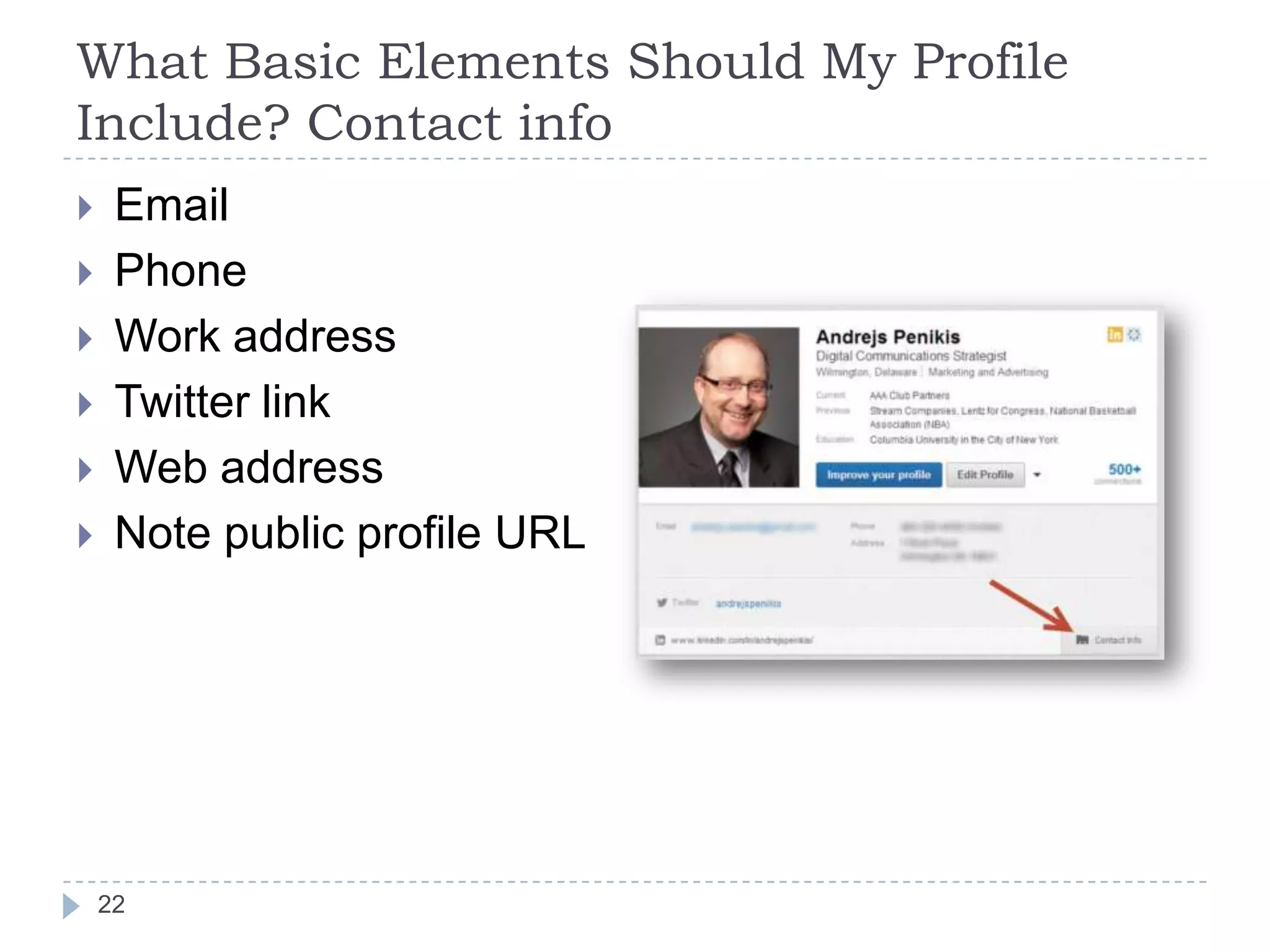
Include? Contact info








Email
Phone
Work address
Twitter link
Web address
Note public profile URL

22
What Basic Elements Should My Profile
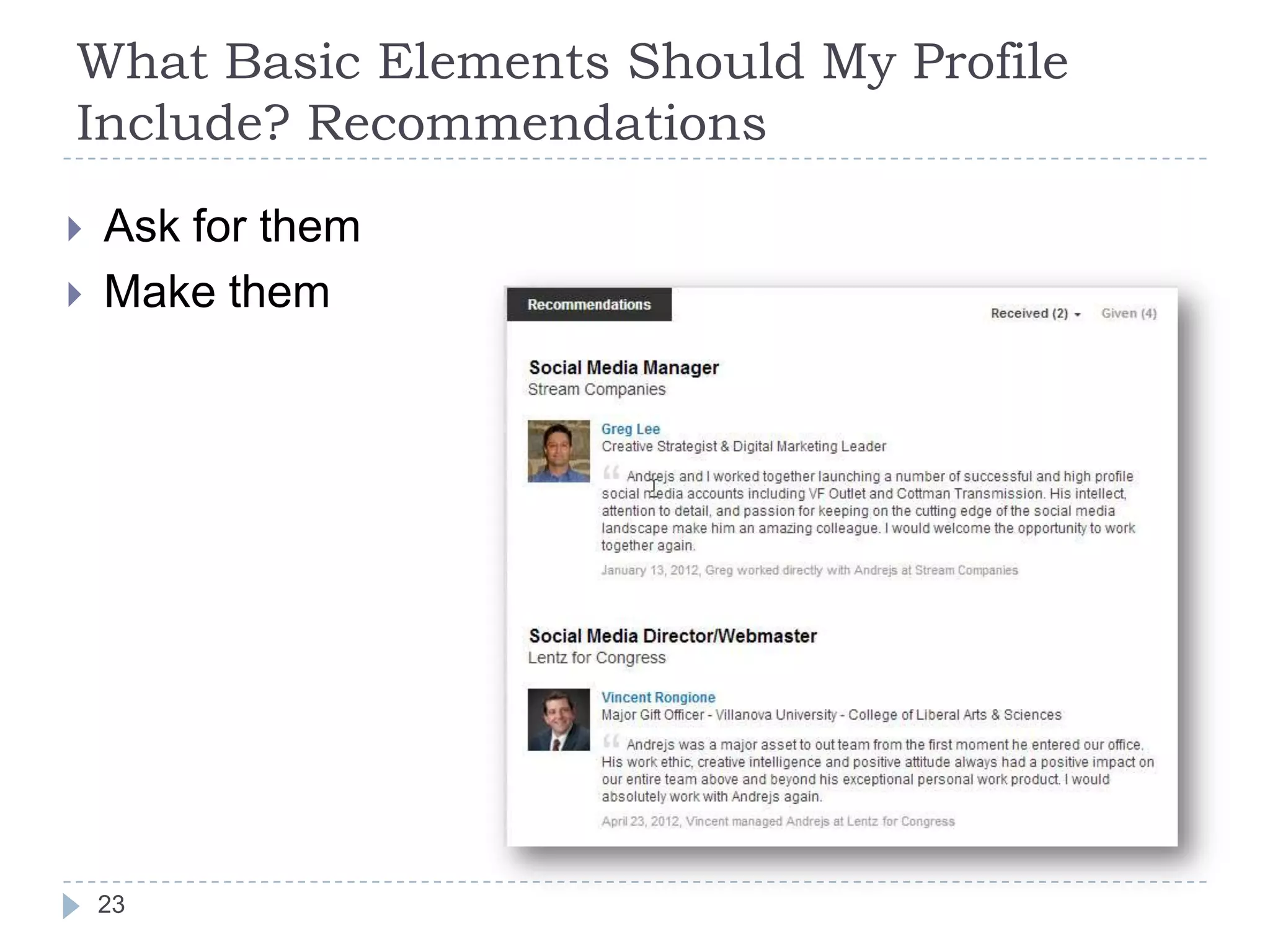
Include? Recommendations



Ask for them
Make them

23
Reality Check







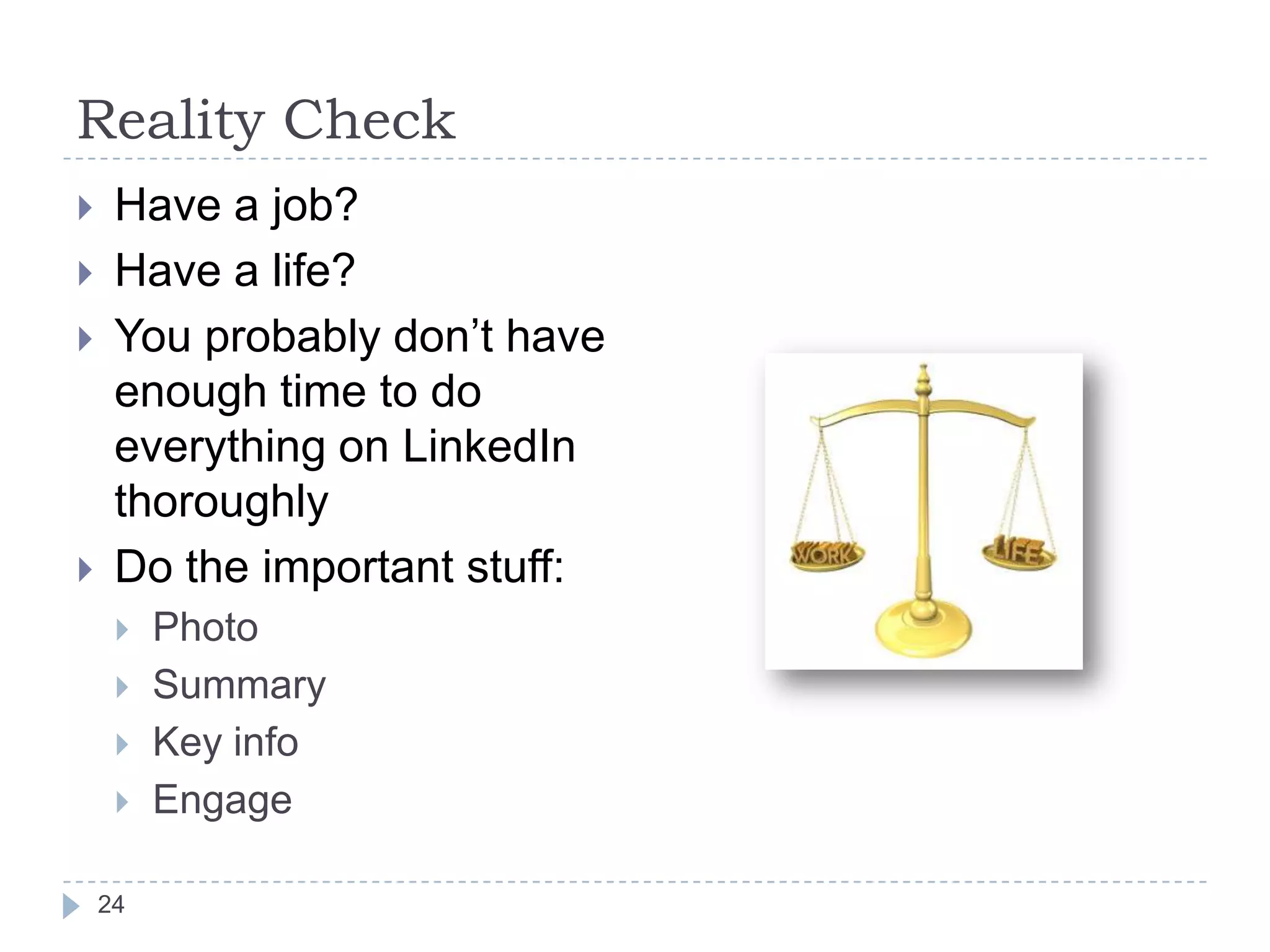
Have a job?
Have a life?
You probably don’t have
enough time to do
everything on LinkedIn
thoroughly
Do the important stuff:




24

Photo
Summary
Key info
Engage
Connect!
LinkedIn is all about networking, after all.
Cast a wide net?
OR
Connect only to trusted people?

25
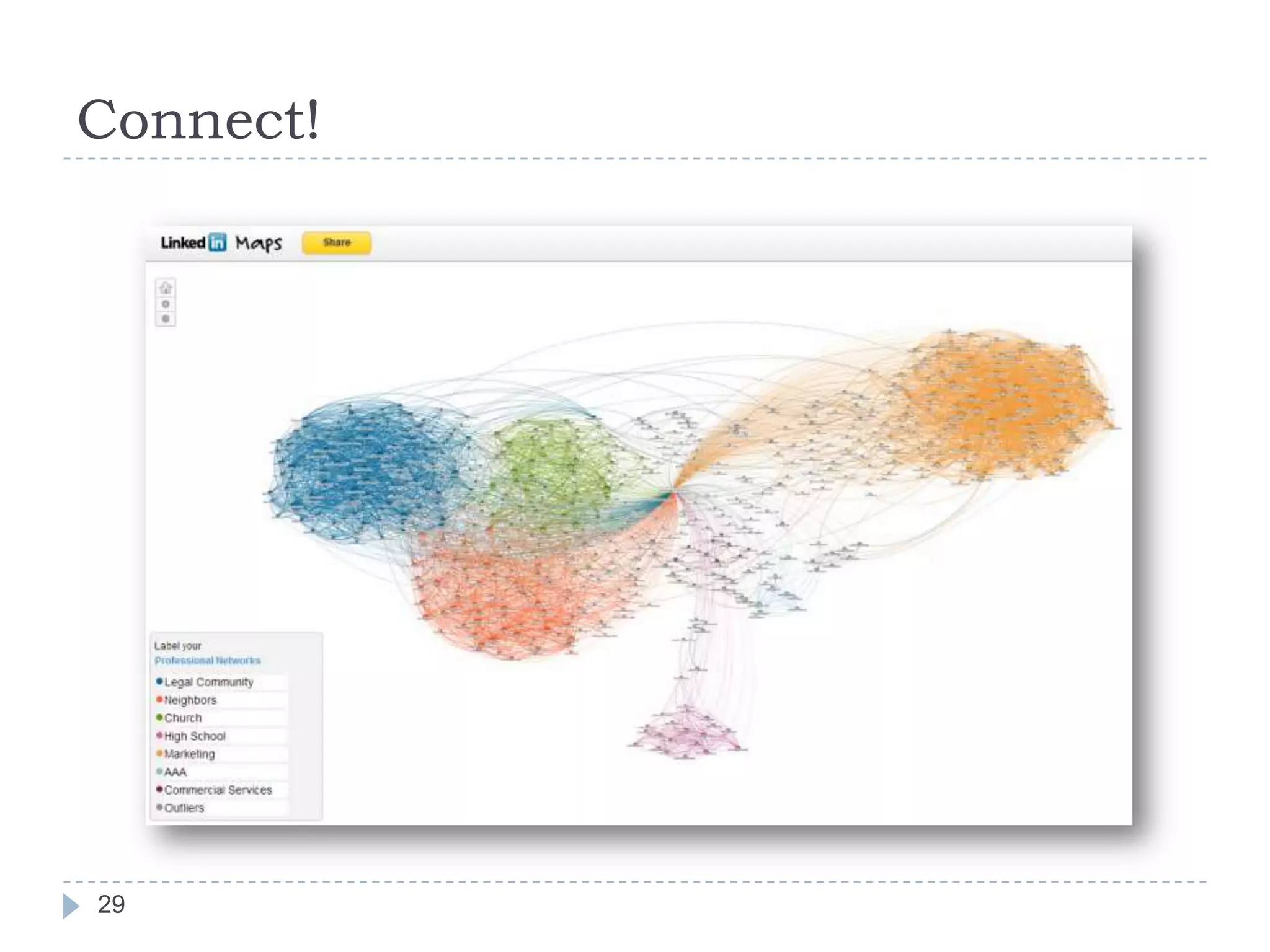
Connect!

It’s not about who you
know.
It’s about who
your connections know.
26
Connect!


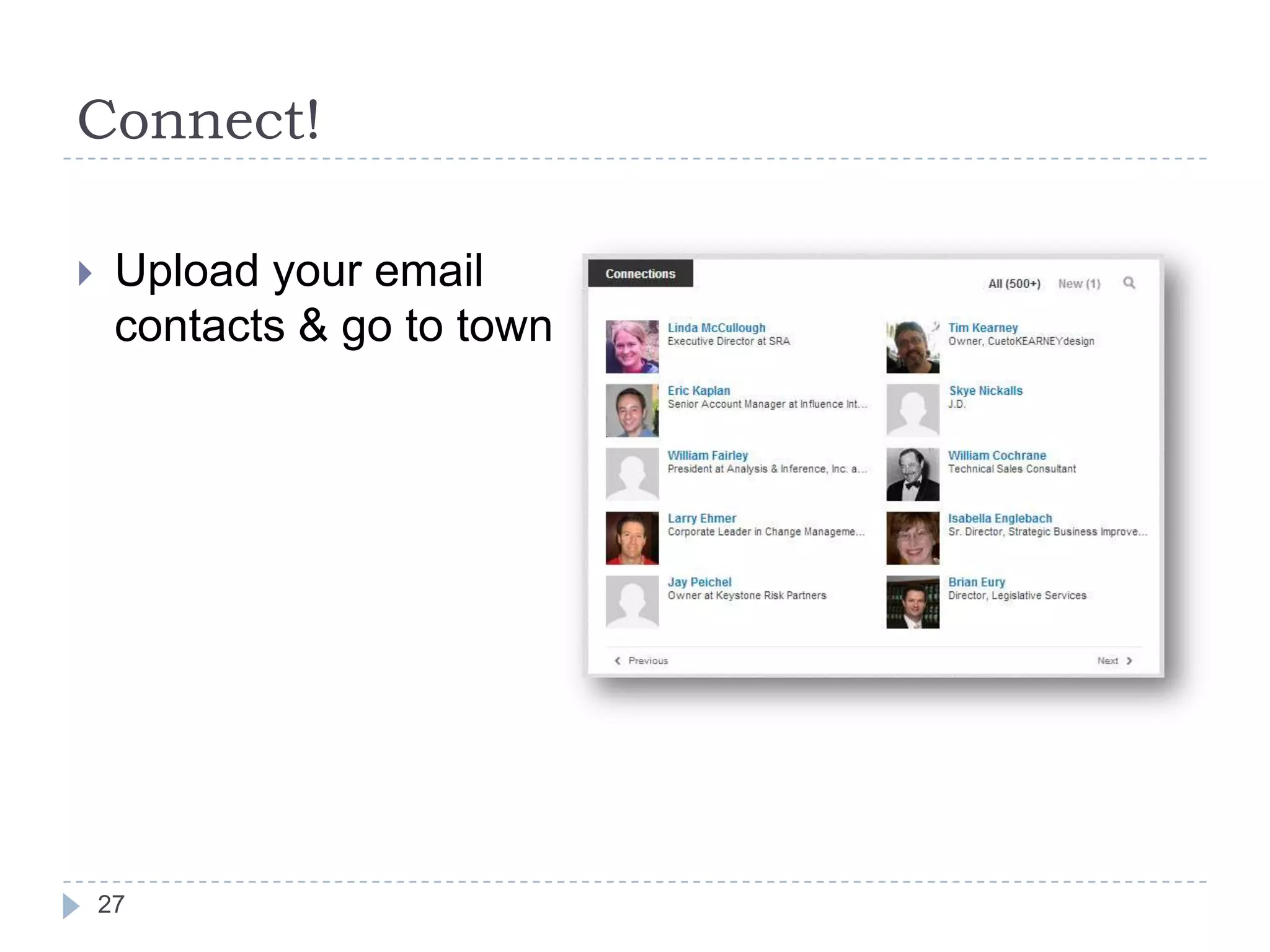
Upload your email
contacts & go to town

27
Connect!
With whom should I connect?
 Co-workers & former co-workers
 Clients & former clients
 Classmates
 Neighbors
 Industry leaders
Also follow some influencers who interest you

28
Connect!

29
Be Active!




30

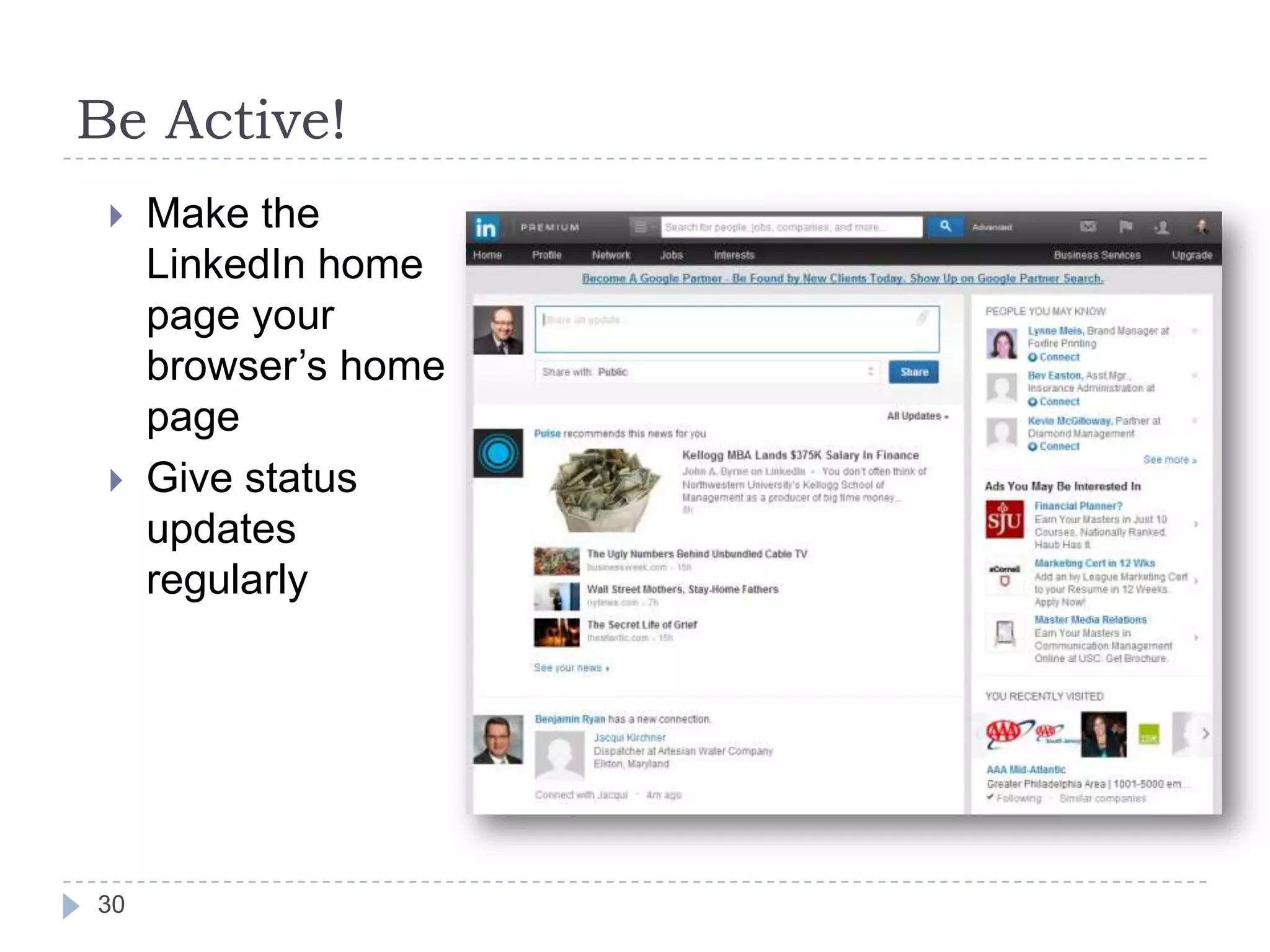
Make the
LinkedIn home
page your
browser’s home
page
Give status
updates
regularly
Be Active!







31

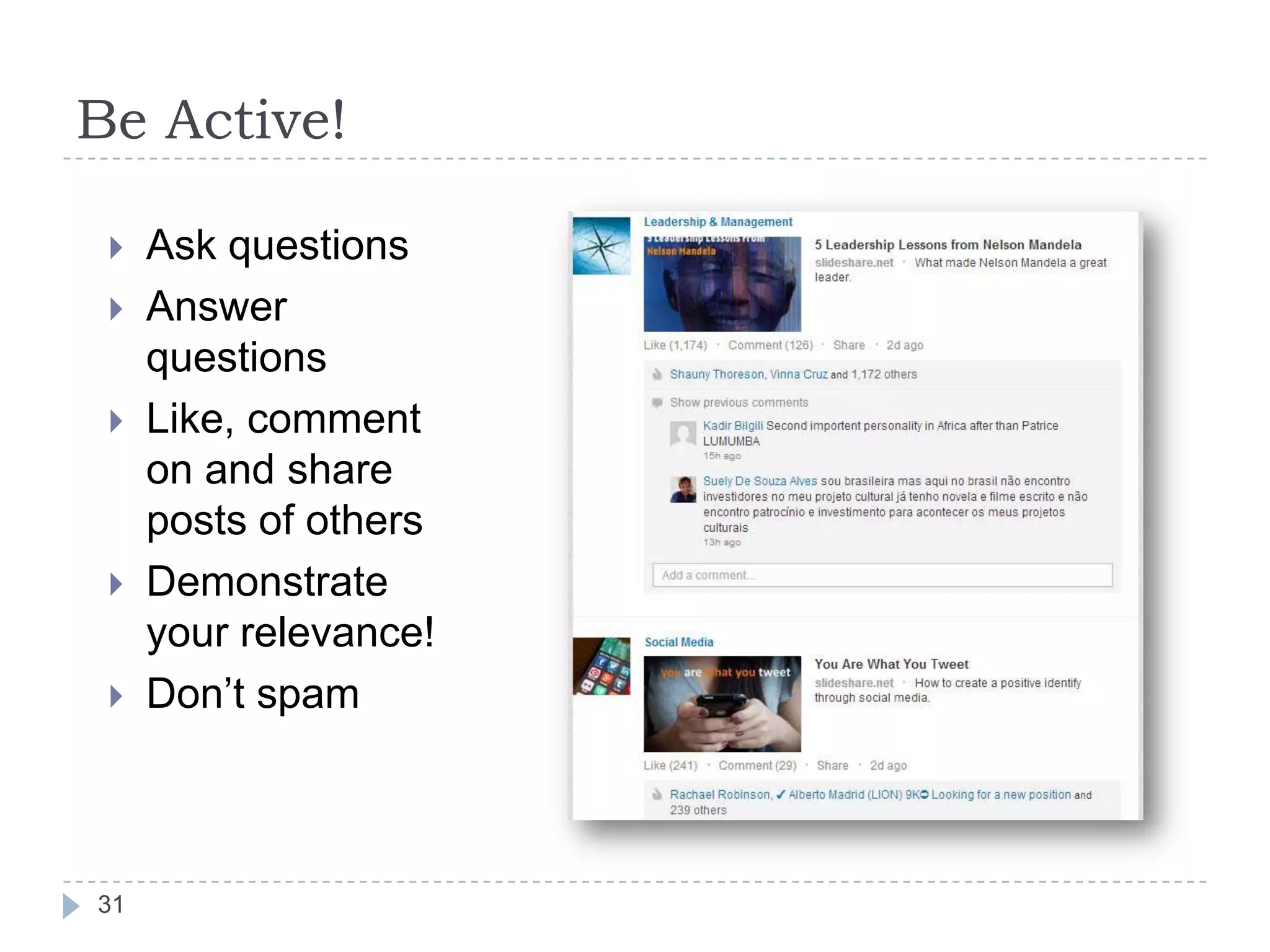
Ask questions
Answer
questions
Like, comment
on and share
posts of others
Demonstrate
your relevance!
Don’t spam
Join Groups & Participate






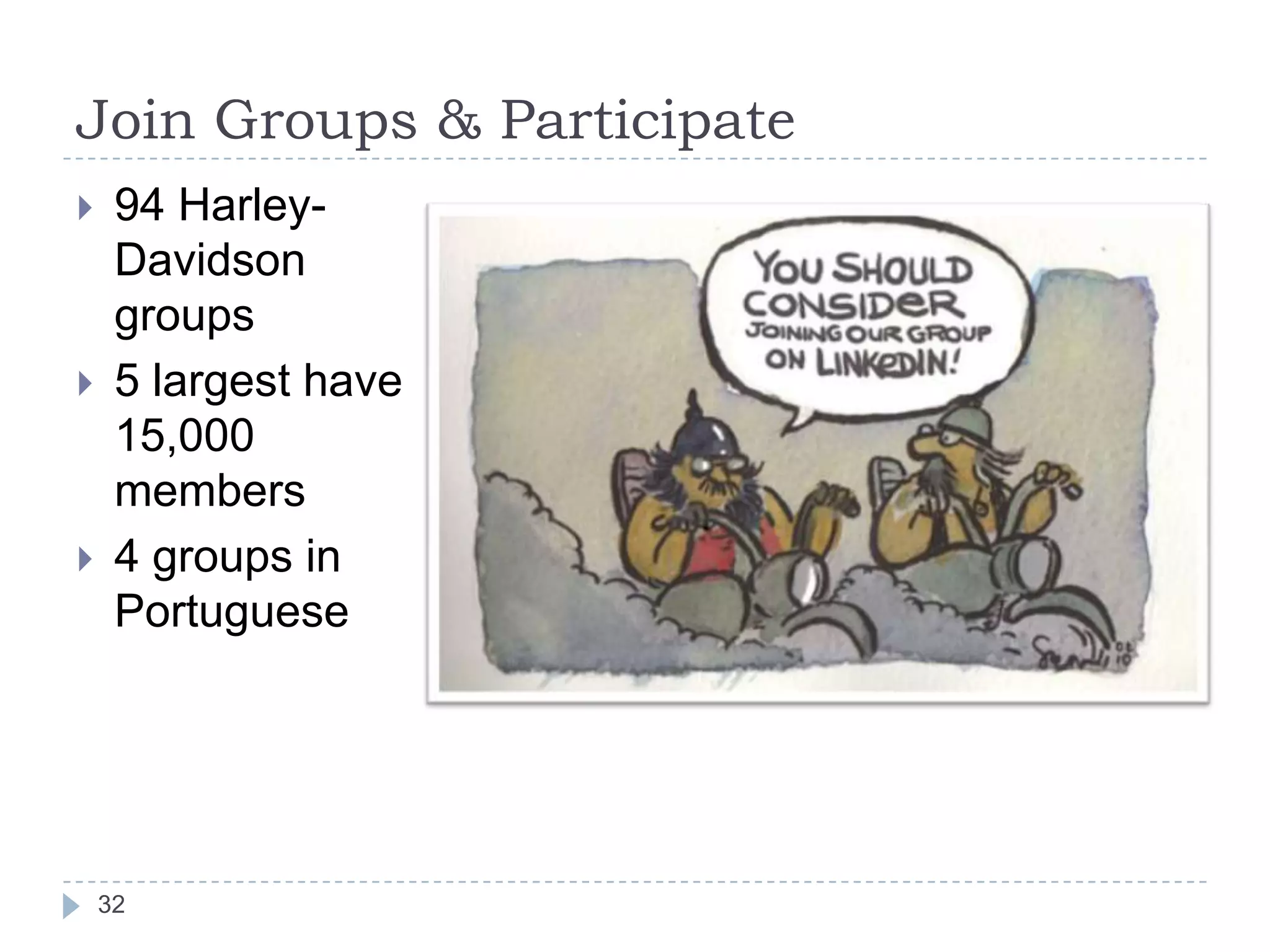
94 HarleyDavidson
groups
5 largest have
15,000
members
4 groups in
Portuguese

32
Join Groups & Participate
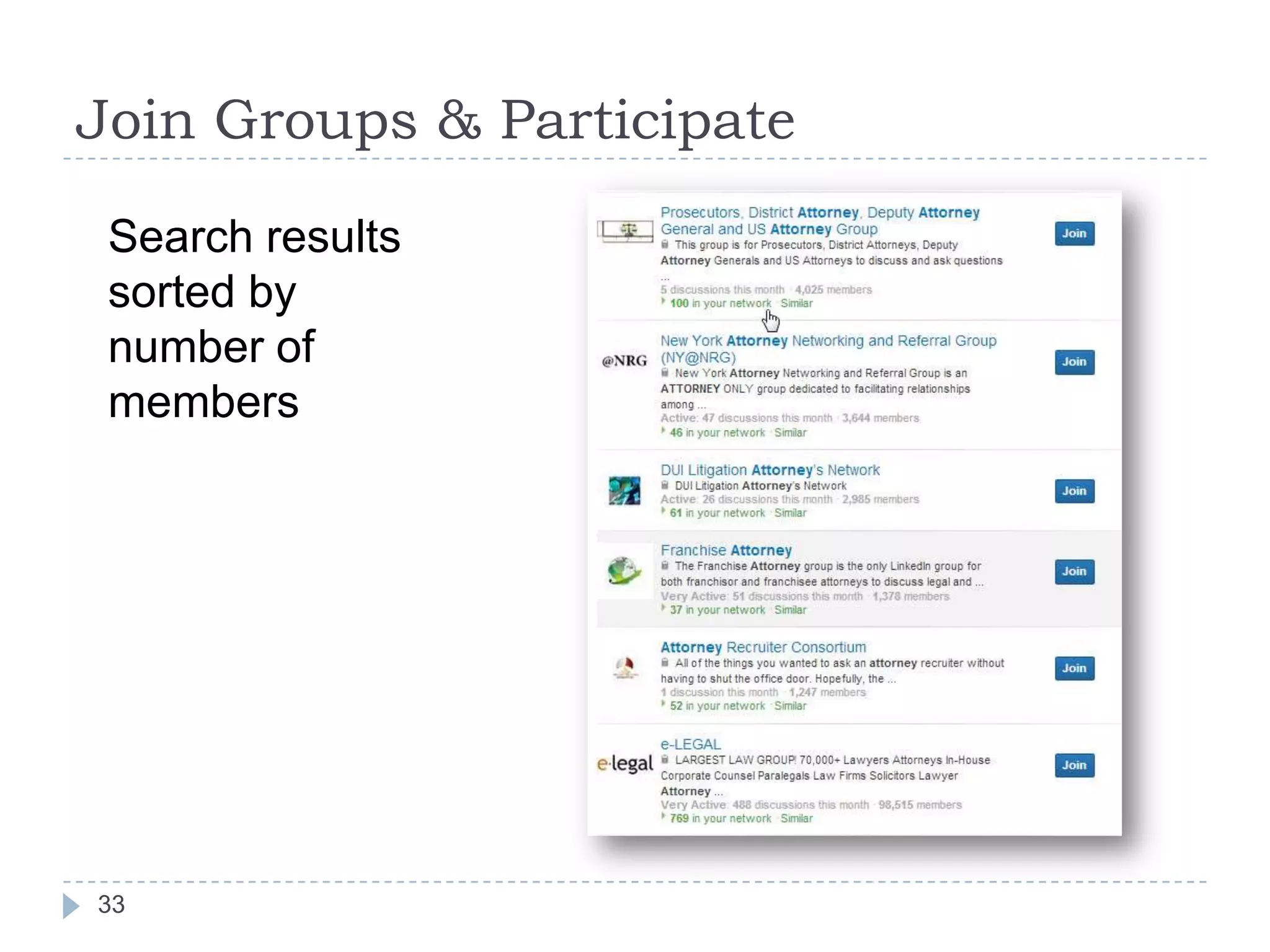
Search results
sorted by
number of
members

33
Join Groups & Participate






34

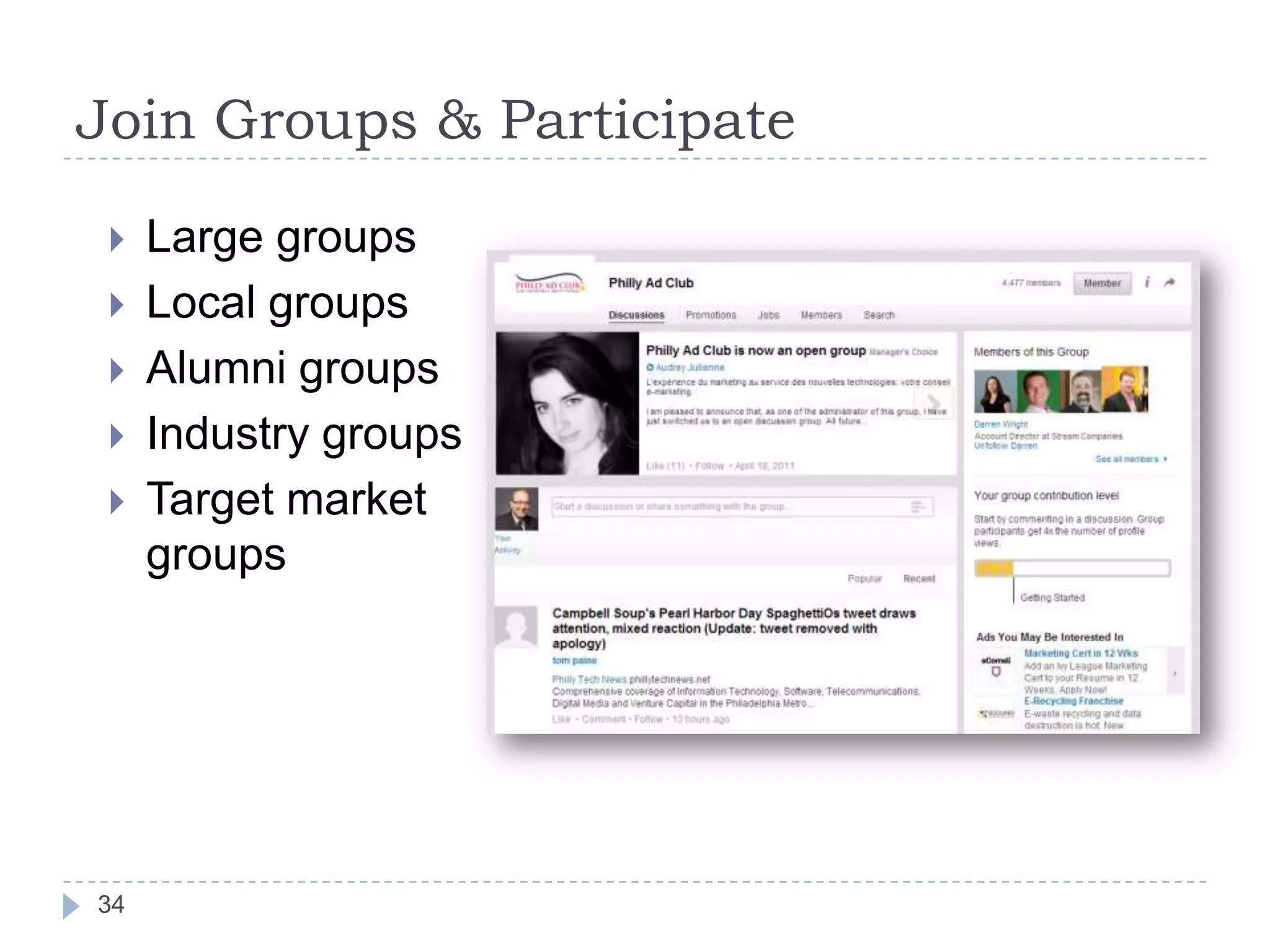
Large groups
Local groups
Alumni groups
Industry groups
Target market
groups
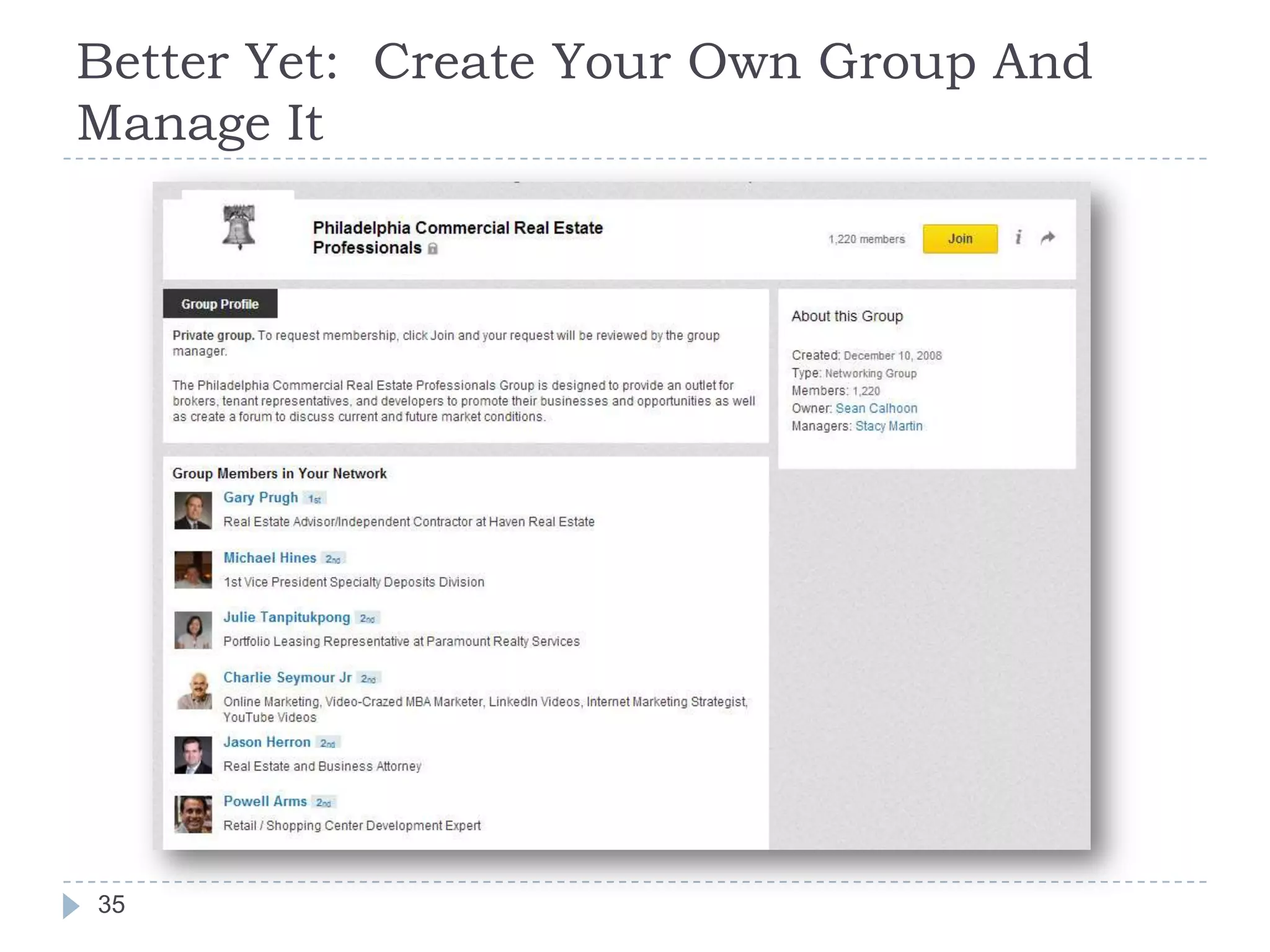
Better Yet: Create Your Own Group And
Manage It

35
Incorporate LinkedIn in Your Planning






36

Host an event
Start a blog
Offer a White Paper
Start a group around it
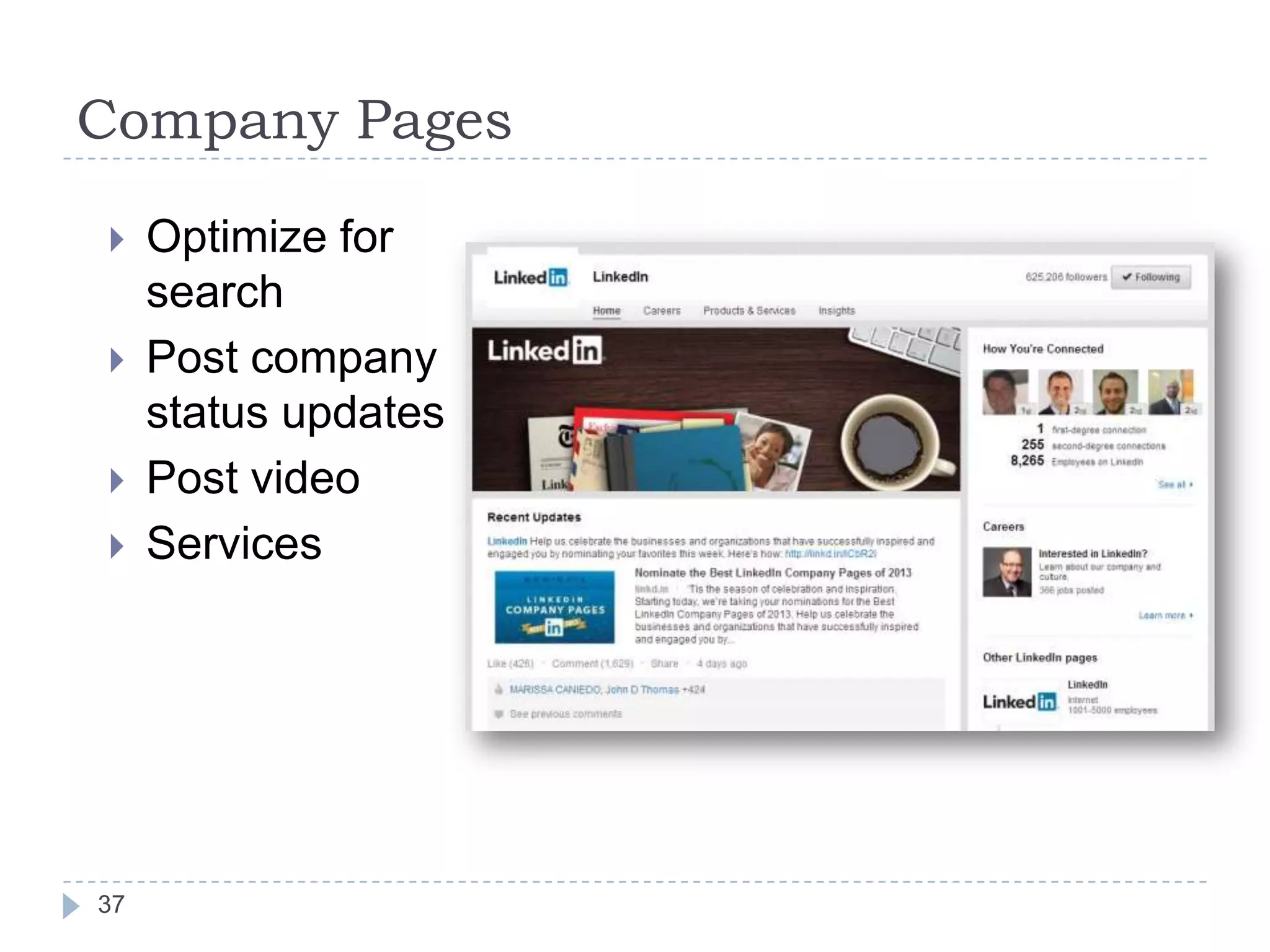
Company Pages





37

Optimize for
search
Post company
status updates
Post video
Services
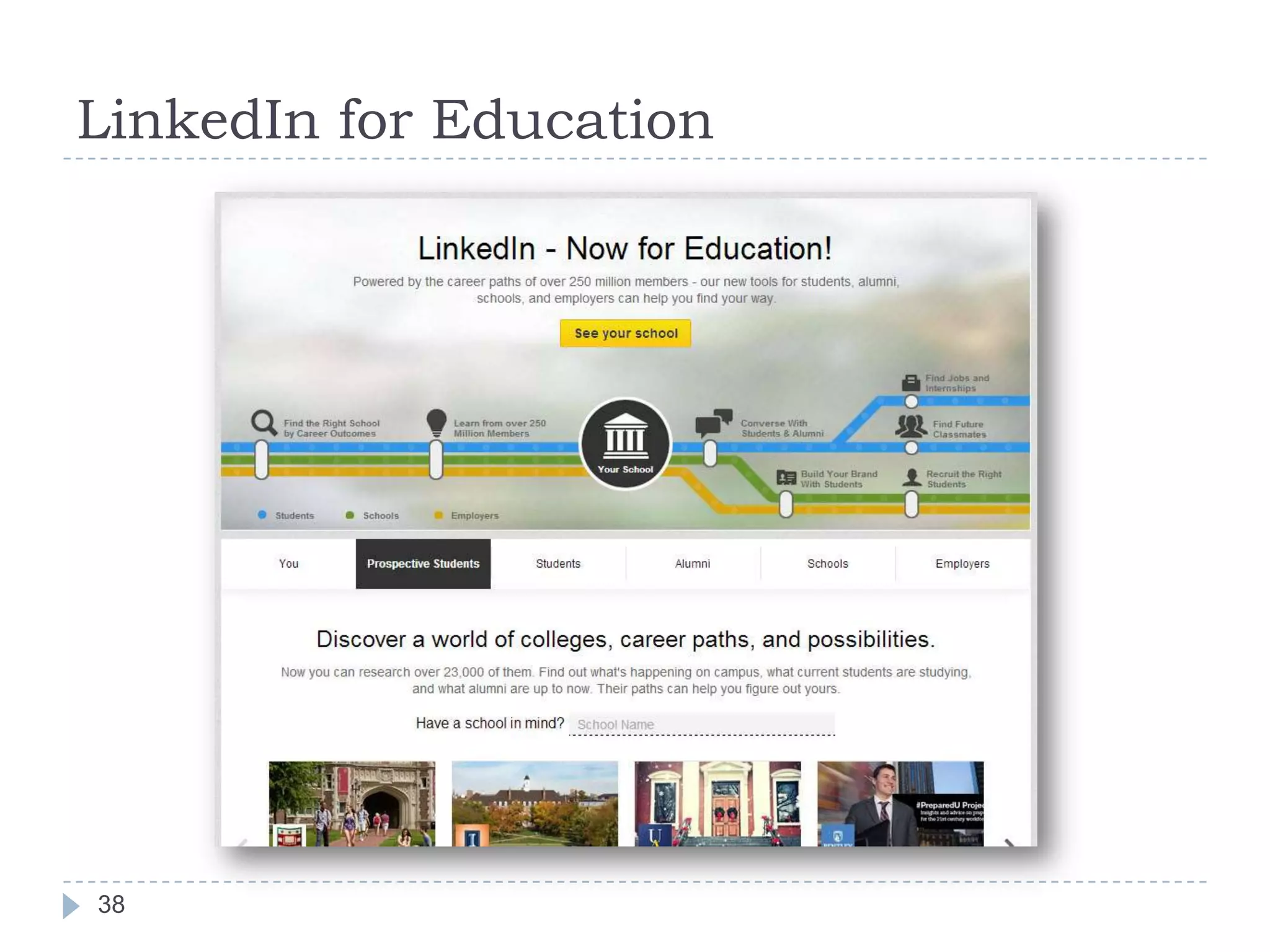
LinkedIn for Education

38
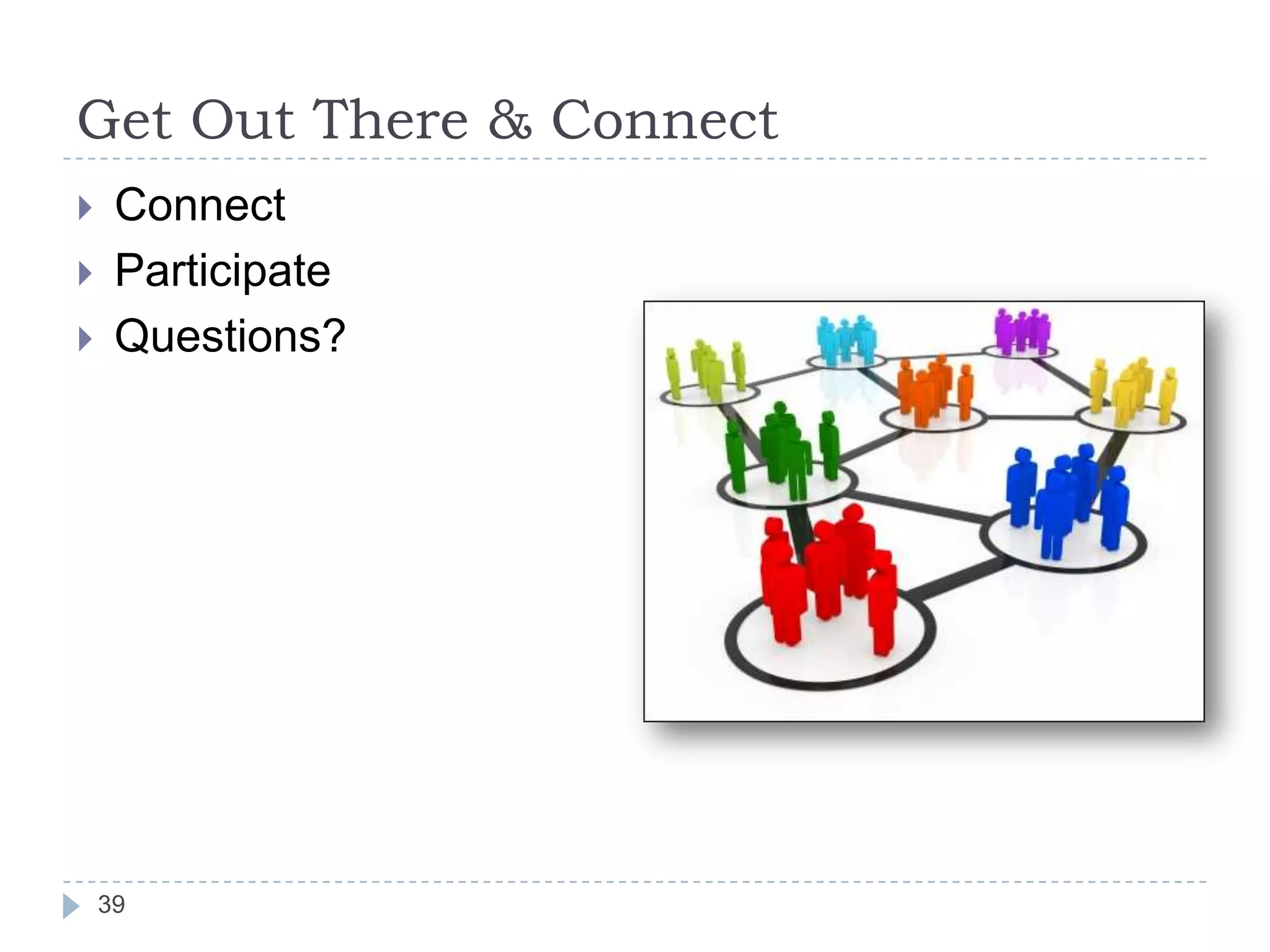
Get Out There & Connect





Connect
Participate
Questions?

39

Getting Started on LinkedIn

  • 1.
    Getting Started on Presentedby Andrejs Penikis December 10, 2013
  • 2.
    What is LinkedIn? Abusiness social networking site Mainly used for professional networking A social network for professionals (not companies) A “virtual industry event” It’s your personal brand on the web      2
  • 3.
    Why is LinkedInimportant? The digital future is here! You have no digital privacy. You are what the Internet says you are. LinkedIn is your personal brand on the web. Manage your reputation!      3
  • 4.
    Who might findLinkedIn useful? People looking for work. People seeking to expand their professional networks. People wishing to help others find work. People seeking to enhance their professional reputations     4
  • 5.
    Introductions Who am I? Whatare my qualifications? No introductions are necessary.    5
  • 6.
    Do you Googleyourself? 6
  • 7.
    Do you Googleyourself? 7
  • 8.
    Do you Googleyourself? 8
  • 9.
    Do you Googleyourself? 9
  • 10.
    LinkedIn by theNumbers*        259 million + users worldwide 84 million U.S. users 2.3 million U.S. visitors daily 65% male 68% ages 25-54 85 of Fortune 100 companies hire through it Largest industry segments: IT, Financial Services, Higher Education 10 *As of 12/7/13
  • 11.
    What’s In ItFor Me?     11 Serious networking: Rolodex on steroids People can help you You can help people LinkedIn is a place where people are publicly sharing their problems; aren’t you selling solutions?
  • 12.
    What’s In ItFor My Company?*       8th most visited site in the world 8th most visited site in the US Free Yellow Pages Connect to decision-makers Collect business intelligence Do you have an employee social media use policy? 12 *As of 12/7/13
  • 13.
    A Brief PromotionalMessage for Nextdoor: swarthmore.nextdoor.com 13
  • 14.
    What Basic ElementsShould My Profile Include? A Photo Disclaimer The information and opinions included in this presentation are those of the presenter and not of AAA, its holding companies, clubs or affiliates and do not necessarily represent AAA positions, strategies or opinions. 14
  • 15.
    What Basic ElementsShould My Profile Include? Your Name 15
  • 16.
    What Basic ElementsShould My Profile Include? Headline 16
  • 17.
    What Basic ElementsShould My Profile Include? Location, Industry 17
  • 18.
    What Basic ElementsShould My Profile Include? Summary The most important section  Who are you?  Use appropriate keywords  Add videos, presentations, images, documents, etc. 18
  • 19.
    What Basic ElementsShould My Profile Include? Experience     What you do What you have done Resume or C.V.? Tip: Go back & link your profile to former employers, schools 19
  • 20.
    What Basic ElementsShould My Profile Include? Education, Publications 20
  • 21.
    What Basic ElementsShould My Profile Include? Skills & Expertise      21 List your areas of expertise, knowledge Endorse your contacts Objection: It’s pointless and devoid of meaning Response: Yes, but what are you going to do? It’s a form of social grooming
  • 22.
    What Basic ElementsShould My Profile Include? Contact info       Email Phone Work address Twitter link Web address Note public profile URL 22
  • 23.
    What Basic ElementsShould My Profile Include? Recommendations   Ask for them Make them 23
  • 24.
    Reality Check     Have ajob? Have a life? You probably don’t have enough time to do everything on LinkedIn thoroughly Do the important stuff:     24 Photo Summary Key info Engage
  • 25.
    Connect! LinkedIn is allabout networking, after all. Cast a wide net? OR Connect only to trusted people? 25
  • 26.
    Connect! It’s not aboutwho you know. It’s about who your connections know. 26
  • 27.
  • 28.
    Connect! With whom shouldI connect?  Co-workers & former co-workers  Clients & former clients  Classmates  Neighbors  Industry leaders Also follow some influencers who interest you 28
  • 29.
  • 30.
    Be Active!   30 Make the LinkedInhome page your browser’s home page Give status updates regularly
  • 31.
    Be Active!      31 Ask questions Answer questions Like,comment on and share posts of others Demonstrate your relevance! Don’t spam
  • 32.
    Join Groups &Participate    94 HarleyDavidson groups 5 largest have 15,000 members 4 groups in Portuguese 32
  • 33.
    Join Groups &Participate Search results sorted by number of members 33
  • 34.
    Join Groups &Participate      34 Large groups Local groups Alumni groups Industry groups Target market groups
  • 35.
    Better Yet: CreateYour Own Group And Manage It 35
  • 36.
    Incorporate LinkedIn inYour Planning     36 Host an event Start a blog Offer a White Paper Start a group around it
  • 37.
    Company Pages     37 Optimize for search Postcompany status updates Post video Services
  • 38.
  • 39.
    Get Out There& Connect    Connect Participate Questions? 39

Editor's Notes