Limore
Presentation
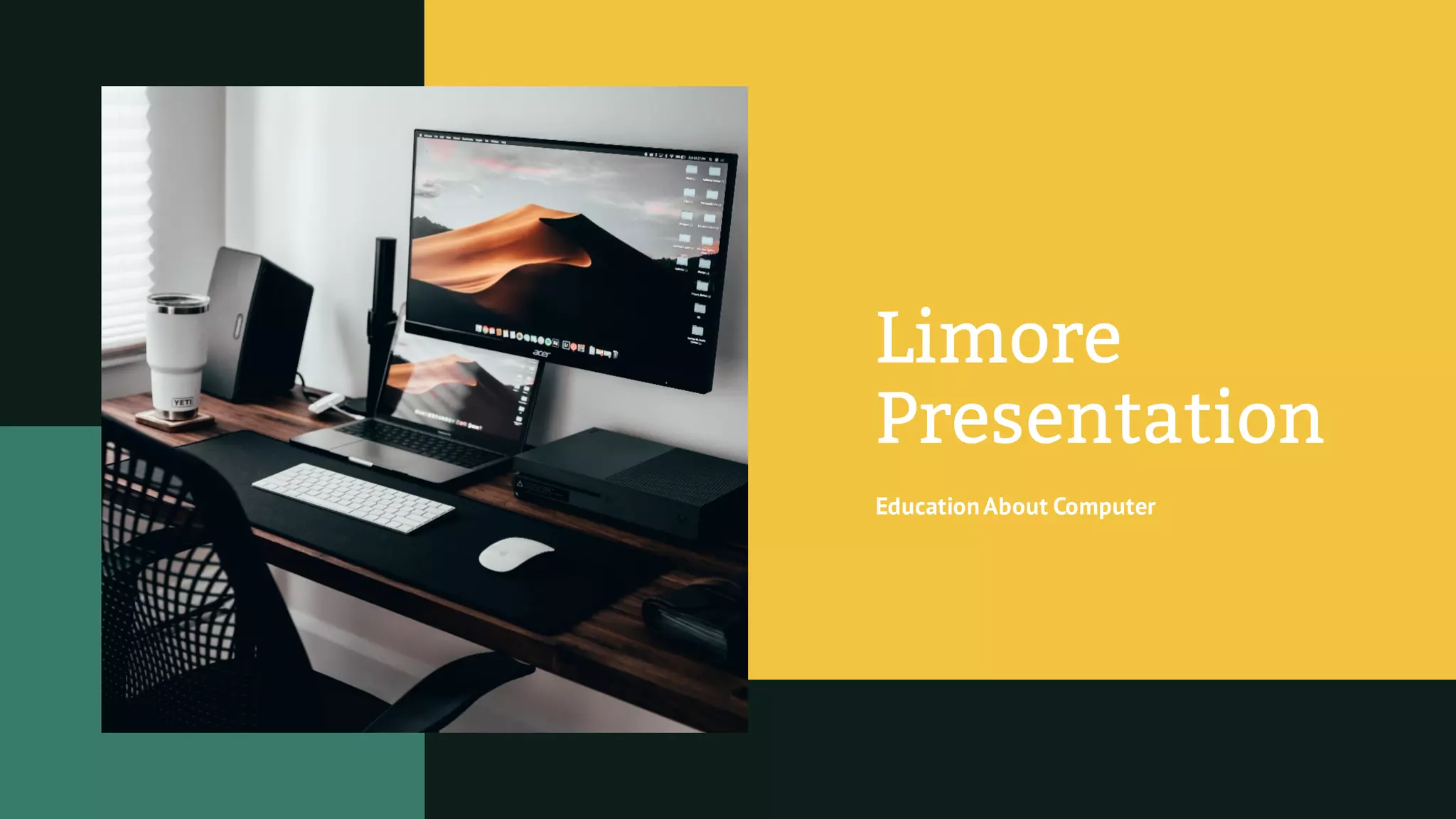
EducationAbout Computer
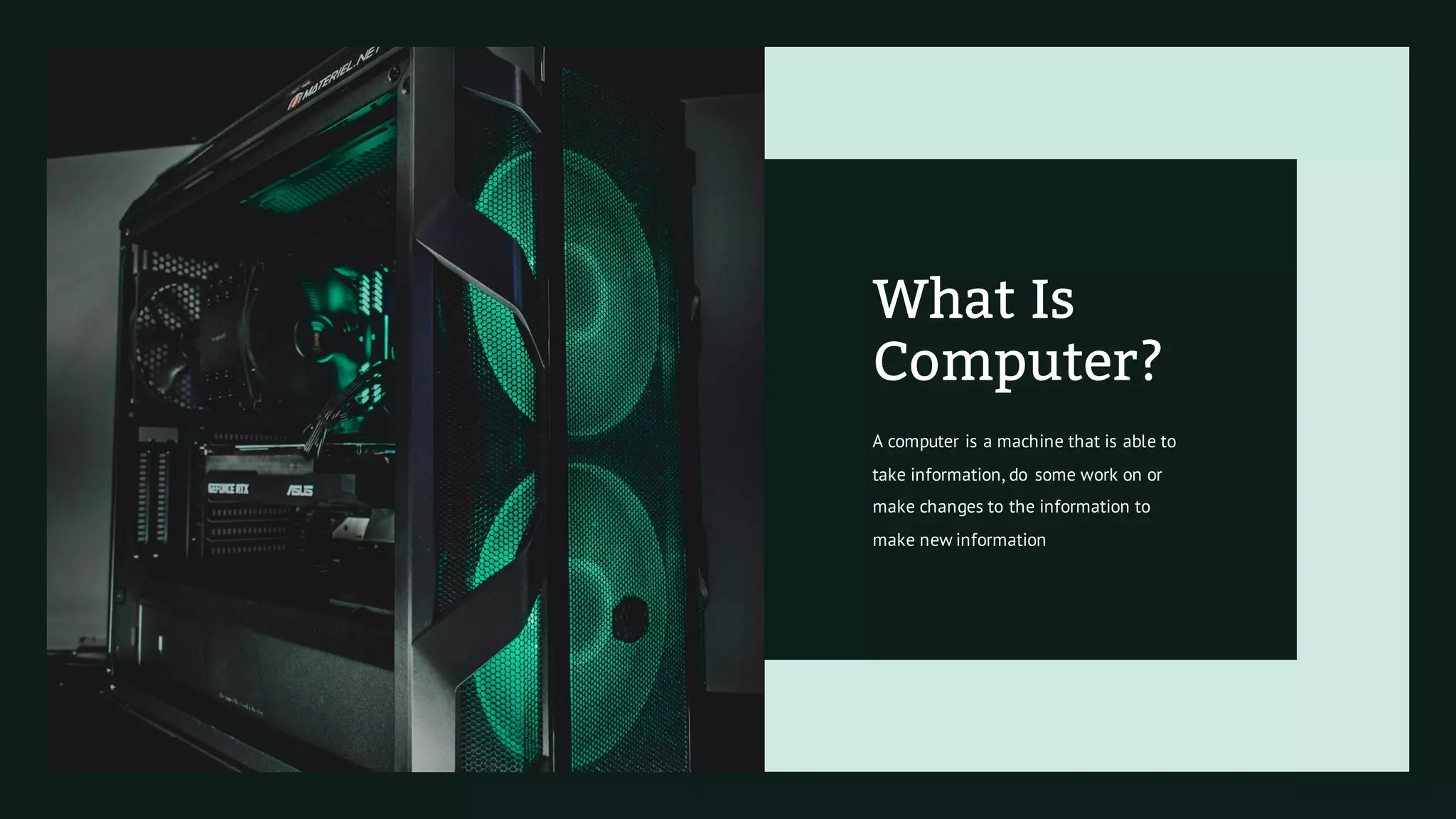
A computer is a machine that is able to
take information, do some work on or
make changes to the information to
make new information
What Is
Computer?
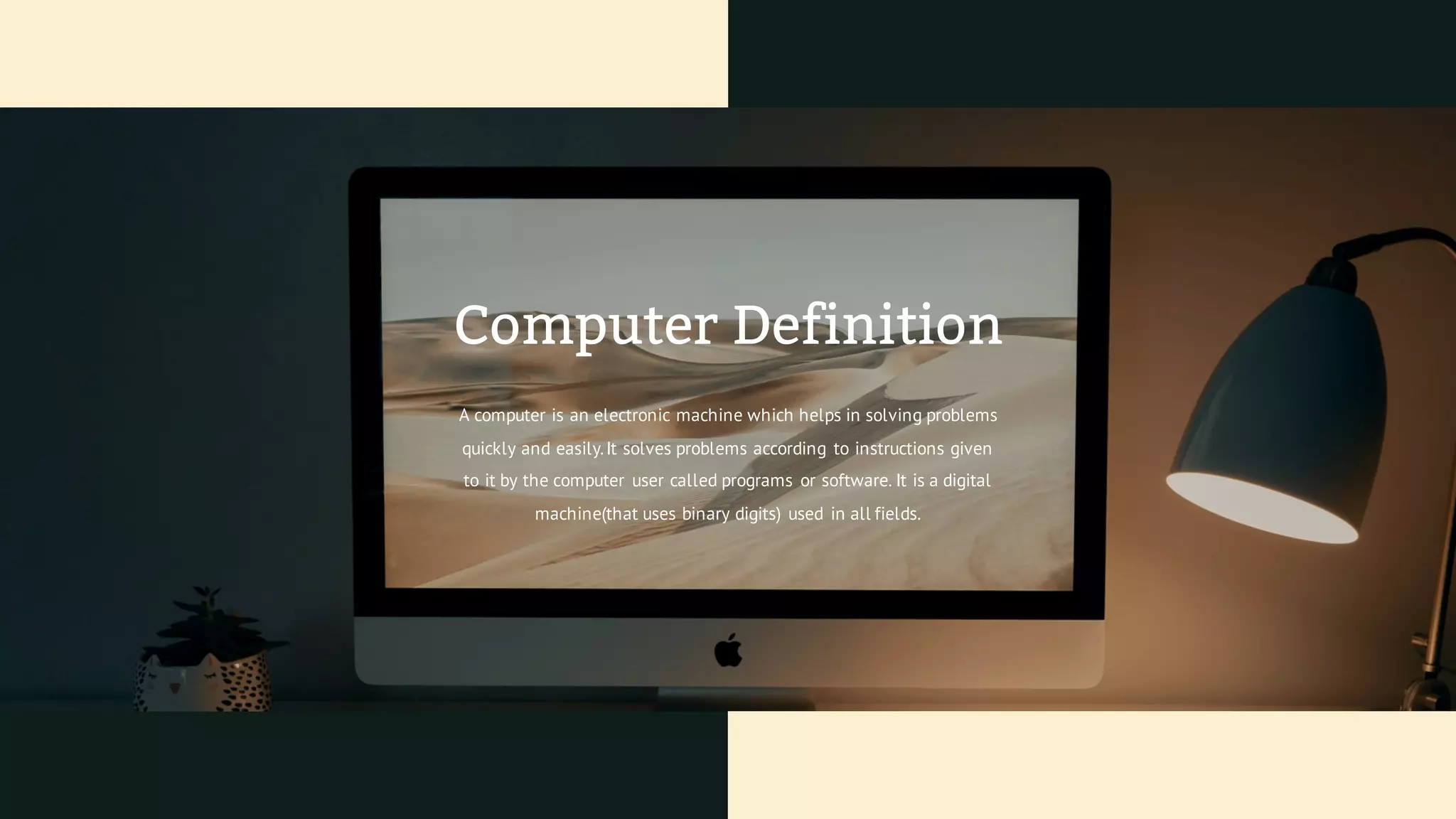
A computer is an electronic machine which helps in solving problems
quickly and easily.It solves problems according to instructions given
to it by the computer user called programs or software. It is a digital
machine(that uses binary digits) used in all fields.
Computer Definition
Primacy
Of Computer
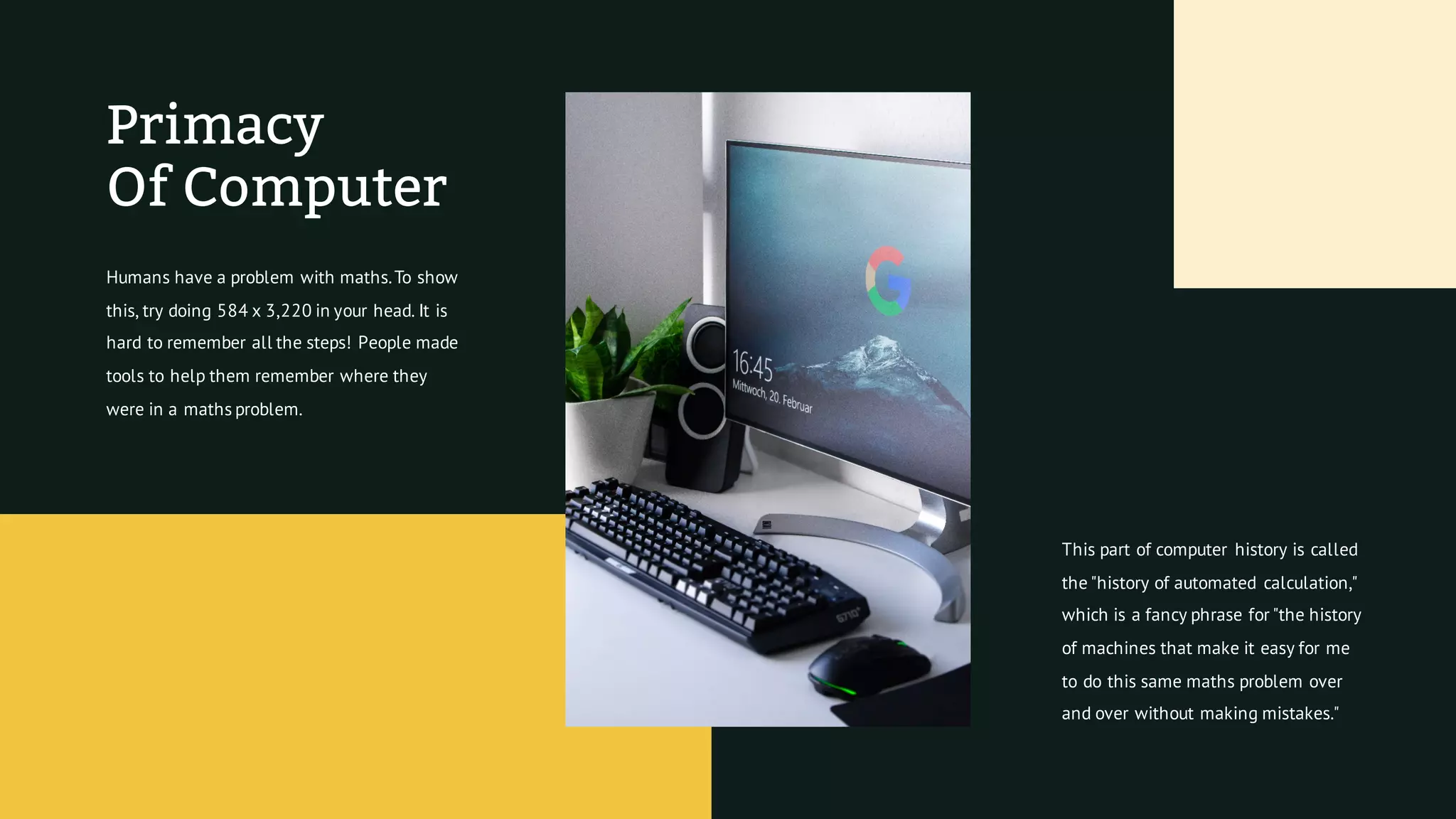
Humans have a problem with maths.To show
this, try doing 584 x 3,220 in your head. It is
hard to remember all the steps! People made
tools to help them remember where they
were in a maths problem.
This part of computer history is called
the "history of automated calculation,"
which is a fancy phrase for "the history
of machines that make it easy for me
to do this same maths problem over
and over without making mistakes."
Programming
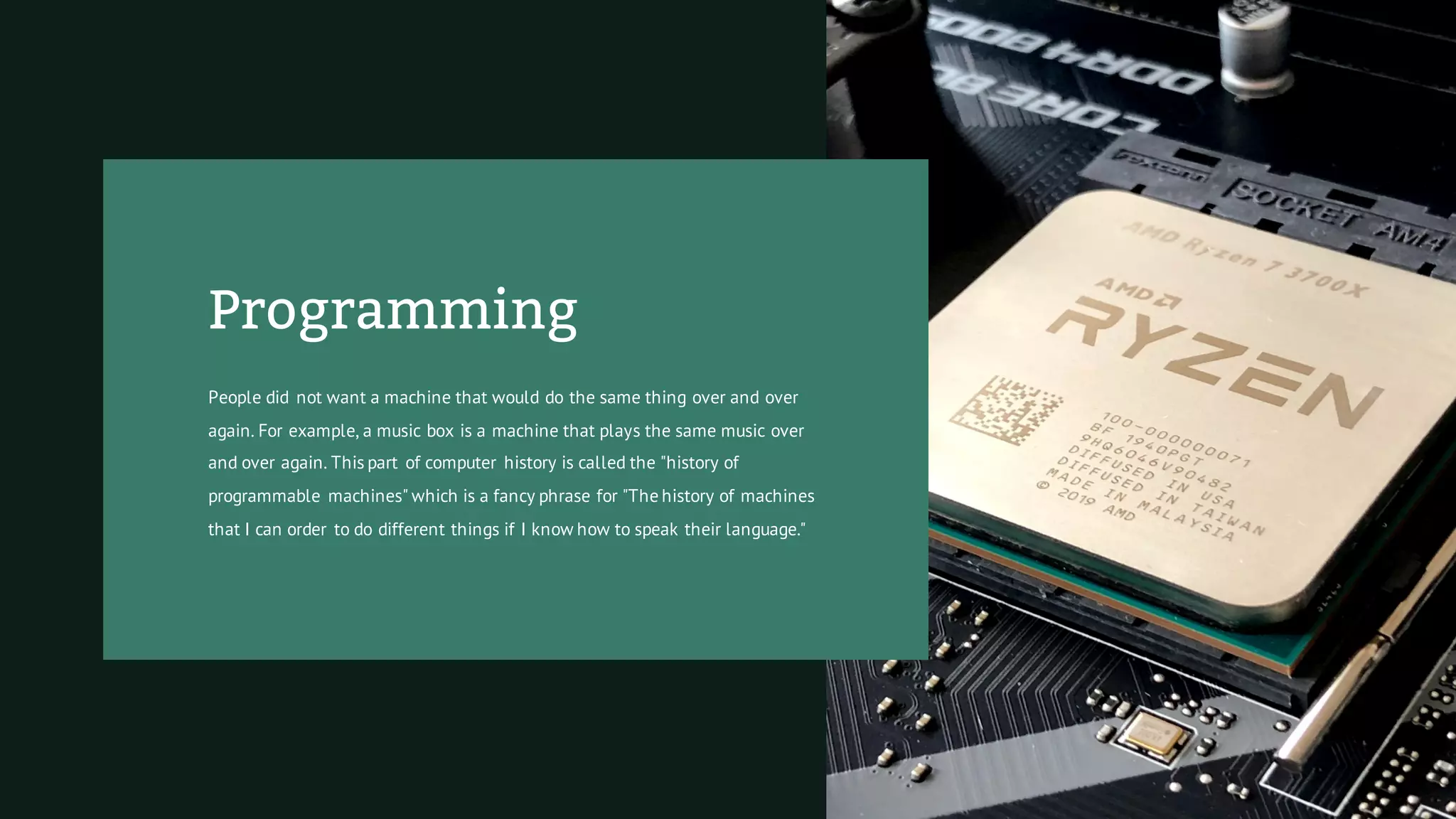
People did not want a machine that would do the same thing over and over
again. For example, a music box is a machine that plays the same music over
and over again. This part of computer history is called the "history of
programmable machines" which is a fancy phrase for "The history of machines
that I can order to do different things if I know how to speak their language."
Analog And Digital
Computers
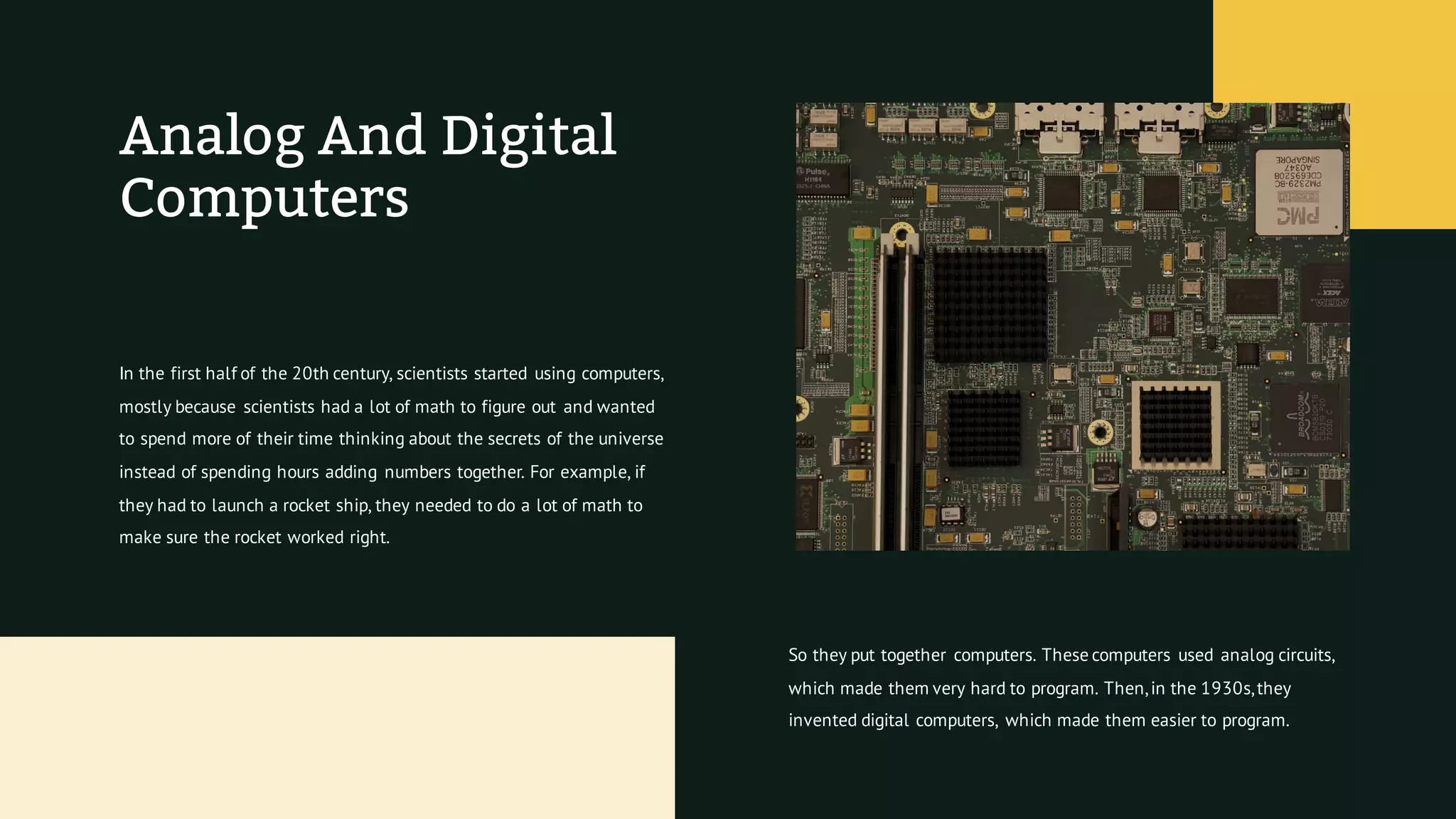
In the first half of the 20th century, scientists started using computers,
mostly because scientists had a lot of math to figure out and wanted
to spend more of their time thinking about the secrets of the universe
instead of spending hours adding numbers together. For example, if
they had to launch a rocket ship, they needed to do a lot of math to
make sure the rocket worked right.
So they put together computers. These computers used analog circuits,
which made them very hard to program. Then,in the 1930s,they
invented digital computers, which made them easier to program.
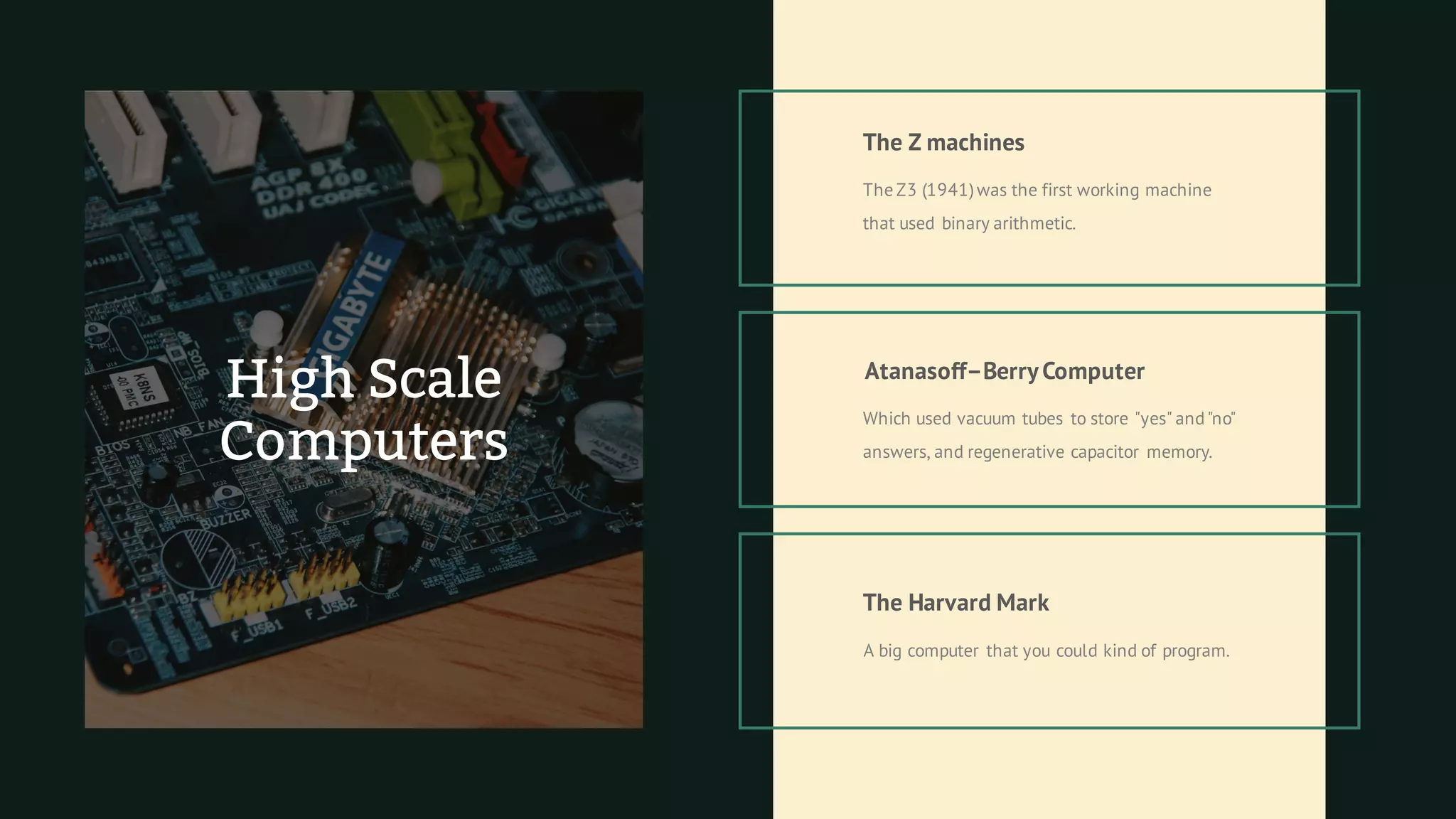
The Z3 (1941)was the first working machine
that used binary arithmetic.
The Z machines
Atanasoff–BerryComputer
Which used vacuum tubes to store "yes" and"no"
answers, and regenerative capacitor memory.
The Harvard Mark
A big computer that you could kind of program.
High Scale
Computers
Kinds
OfComputers
Mainframe
Personal Computer
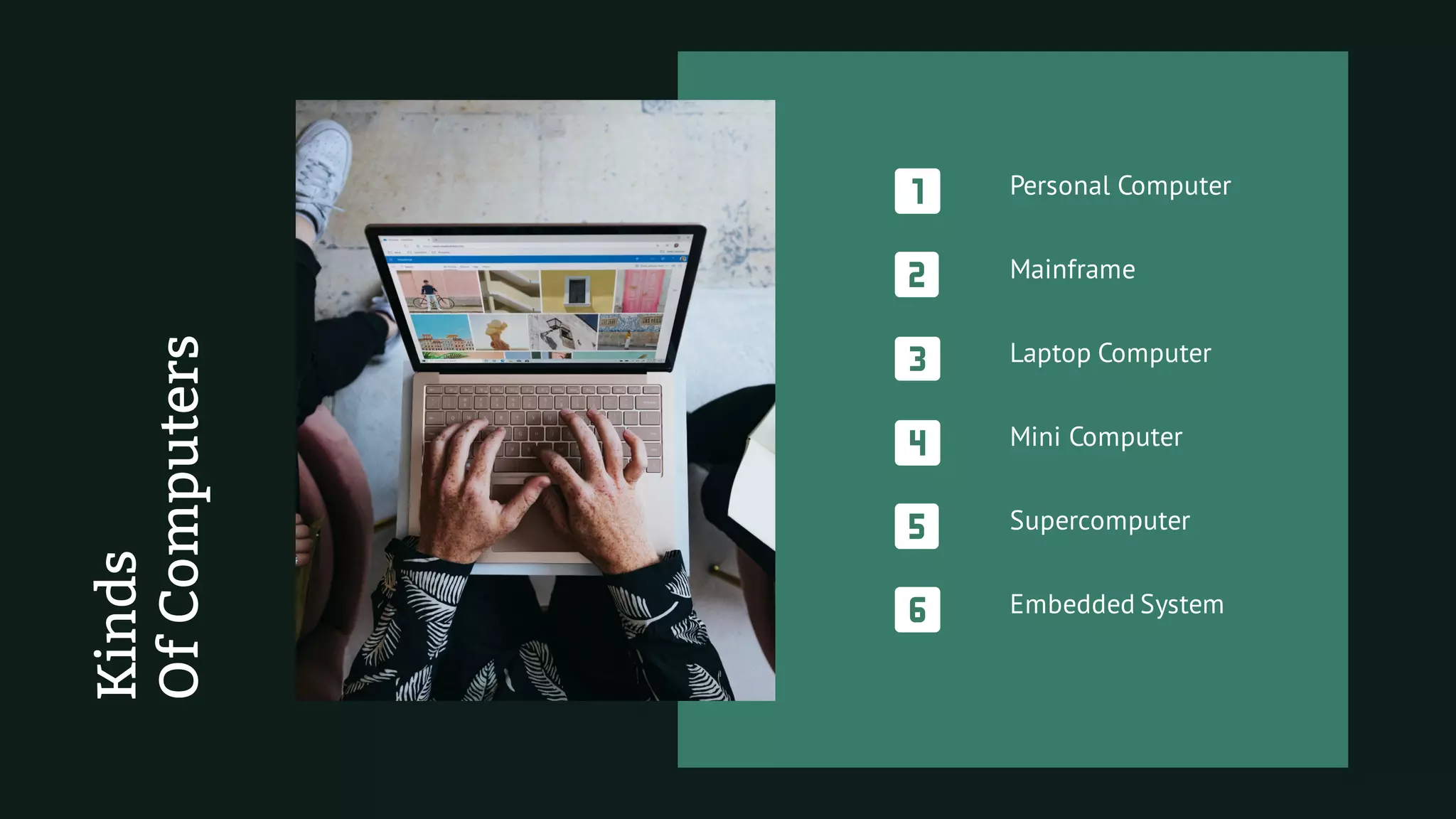
Laptop Computer
Supercomputer
Embedded System
Mini Computer
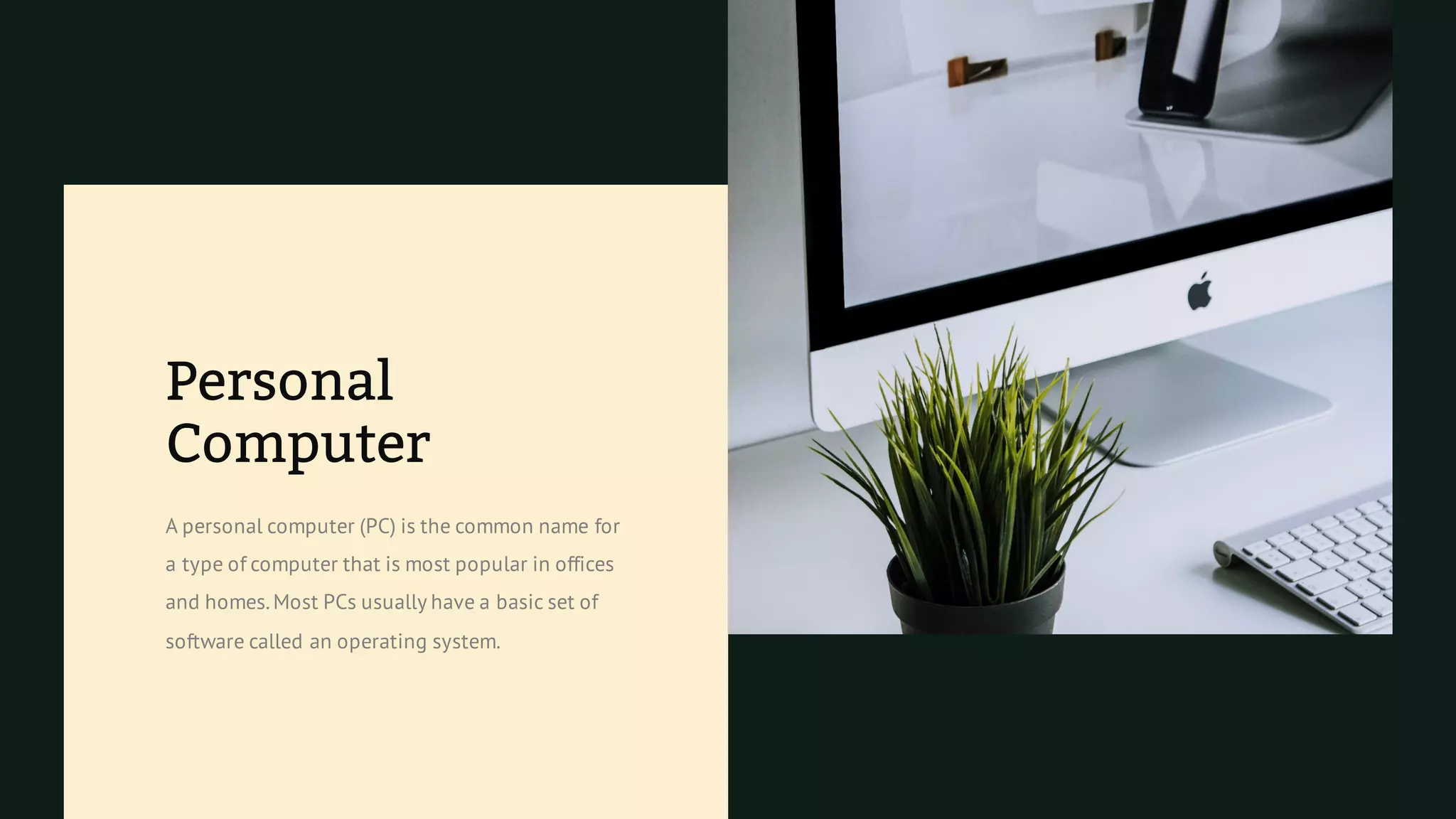
Personal
Computer
A personal computer (PC) is the common name for
a type of computer that is most popular in offices
and homes.Most PCs usually have a basic set of
software called an operating system.
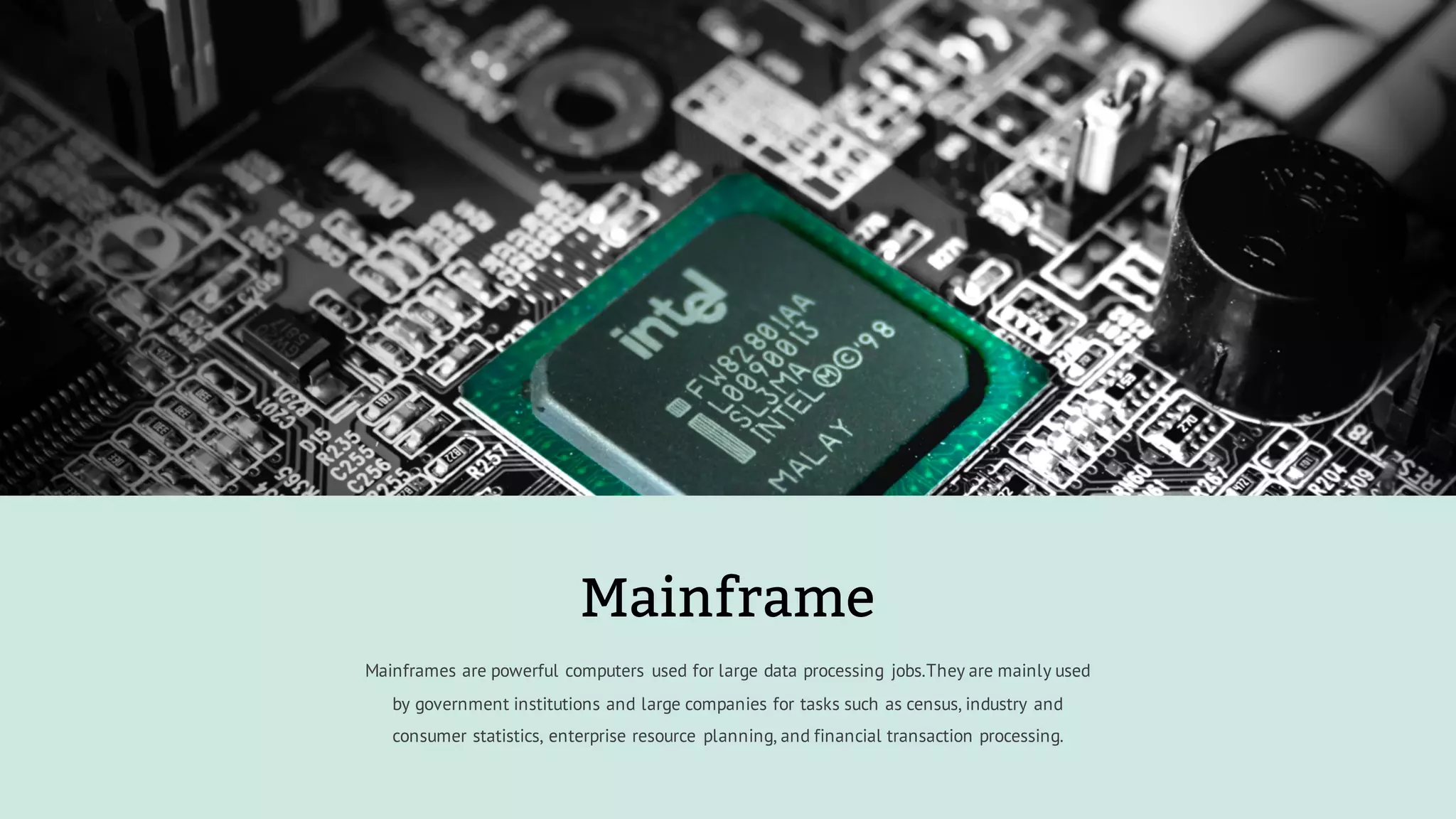
Mainframes are powerful computers used for large data processing jobs.They are mainly used
by government institutions and large companies for tasks such as census, industry and
consumer statistics, enterprise resource planning, and financial transaction processing.
Mainframe
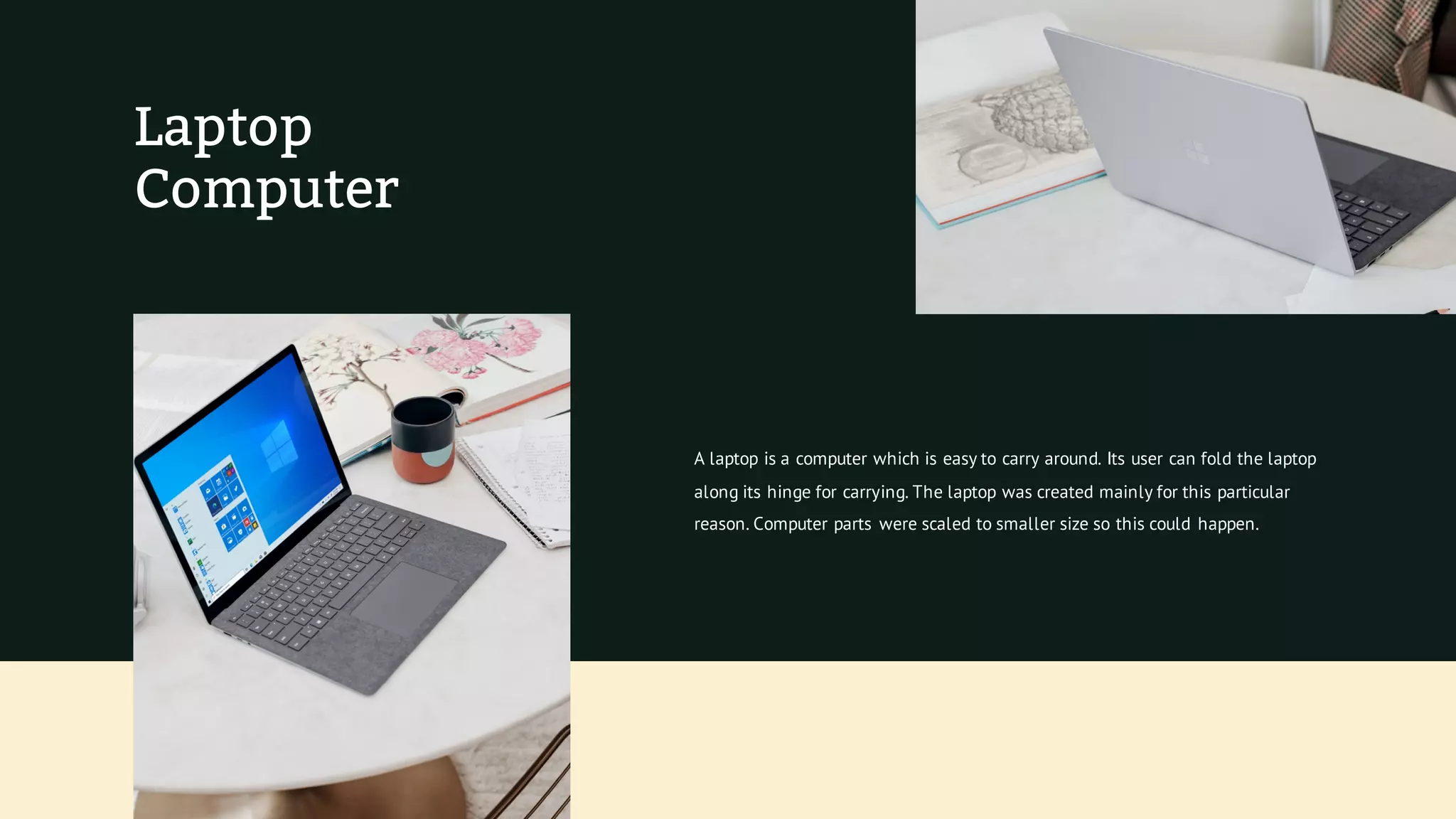
Laptop
Computer
A laptop is a computer which is easy to carry around. Its user can fold the laptop
along its hinge for carrying. The laptop was created mainly for this particular
reason. Computer parts were scaled to smaller size so this could happen.
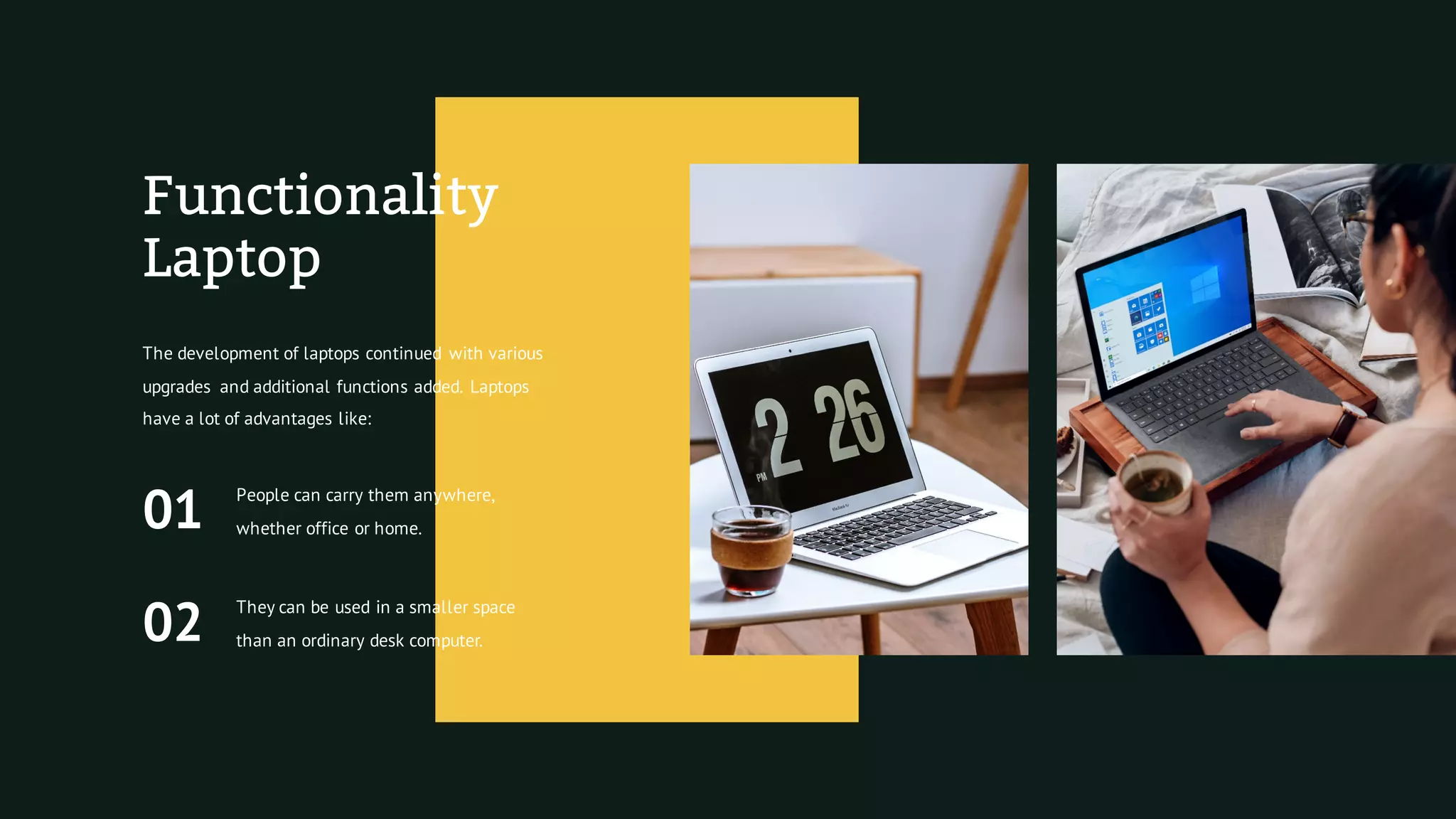
Functionality
Laptop
The development of laptops continued with various
upgrades and additional functions added. Laptops
have a lot of advantages like:
01
People can carry them anywhere,
whether office or home.
02
They can be used in a smaller space
than an ordinary desk computer.
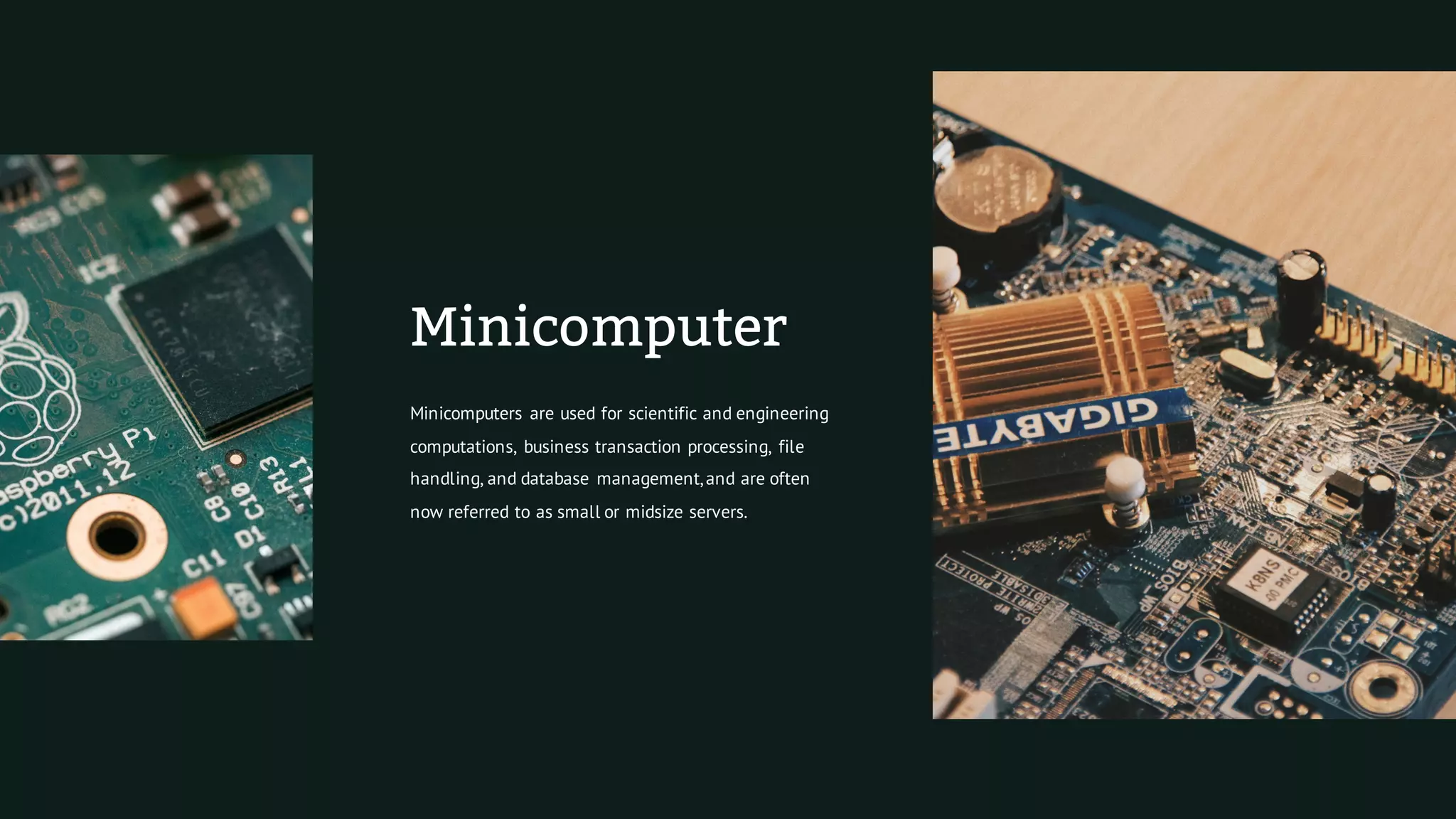
Minicomputer
Minicomputers are used for scientific and engineering
computations, business transaction processing, file
handling, and database management,and are often
now referred to as small or midsize servers.
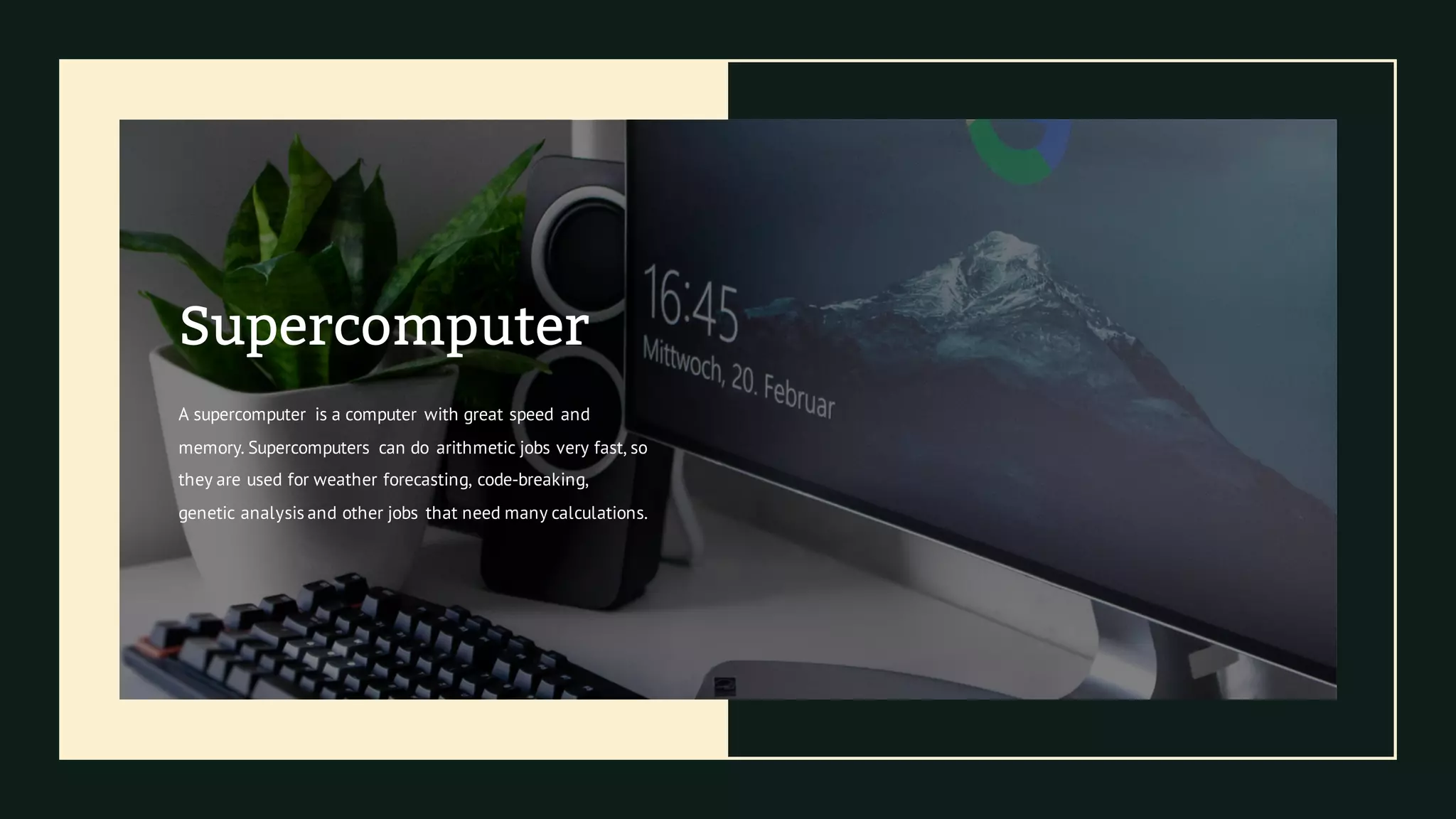
Supercomputer
A supercomputer is a computer with great speed and
memory. Supercomputers can do arithmetic jobs very fast, so
they are used for weather forecasting, code-breaking,
genetic analysis and other jobs that need many calculations.
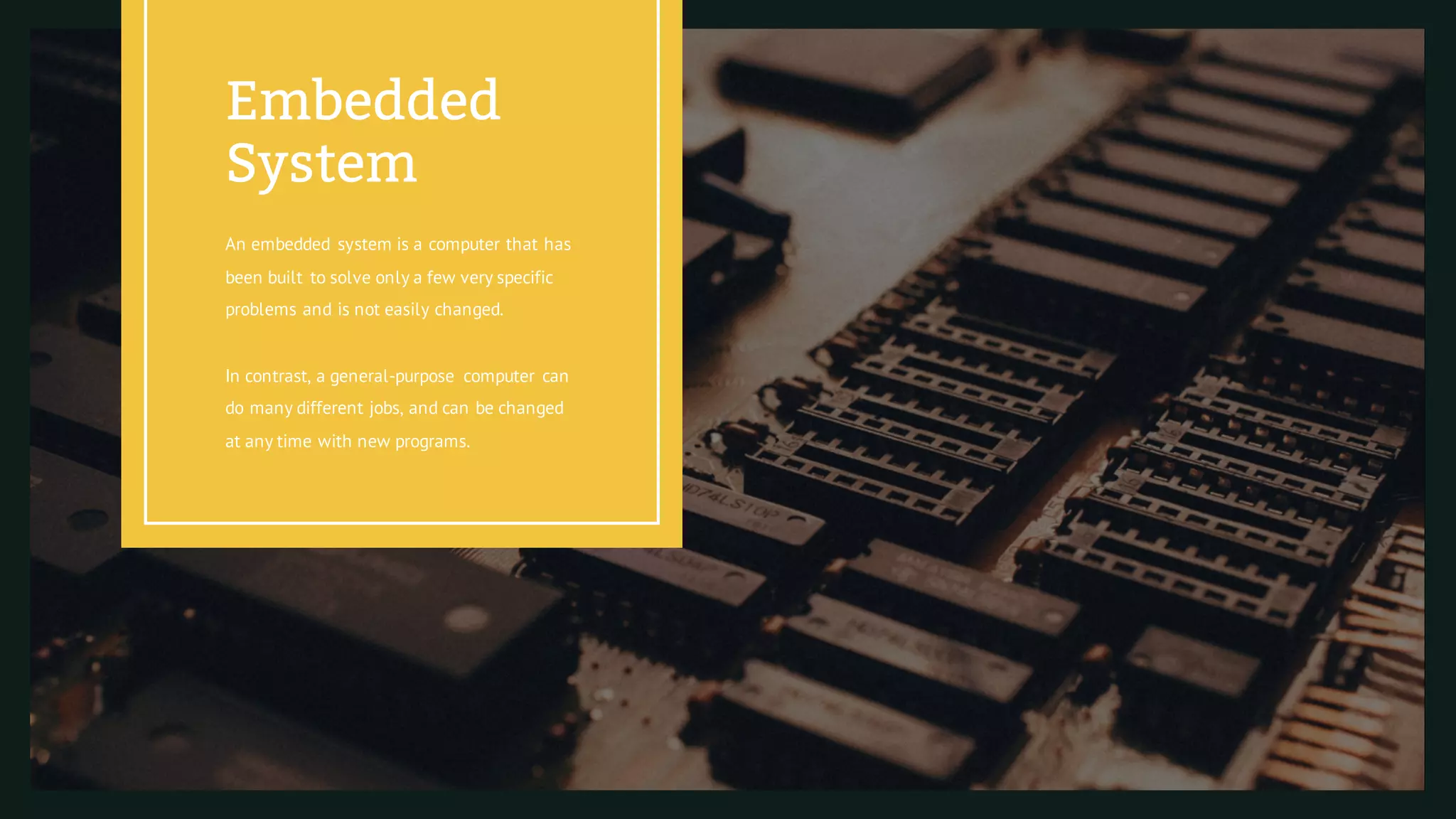
An embedded system is a computer that has
been built to solve only a few very specific
problems and is not easily changed.
In contrast, a general-purpose computer can
do many different jobs, and can be changed
at any time with new programs.
Embedded
System
This Is Break Section
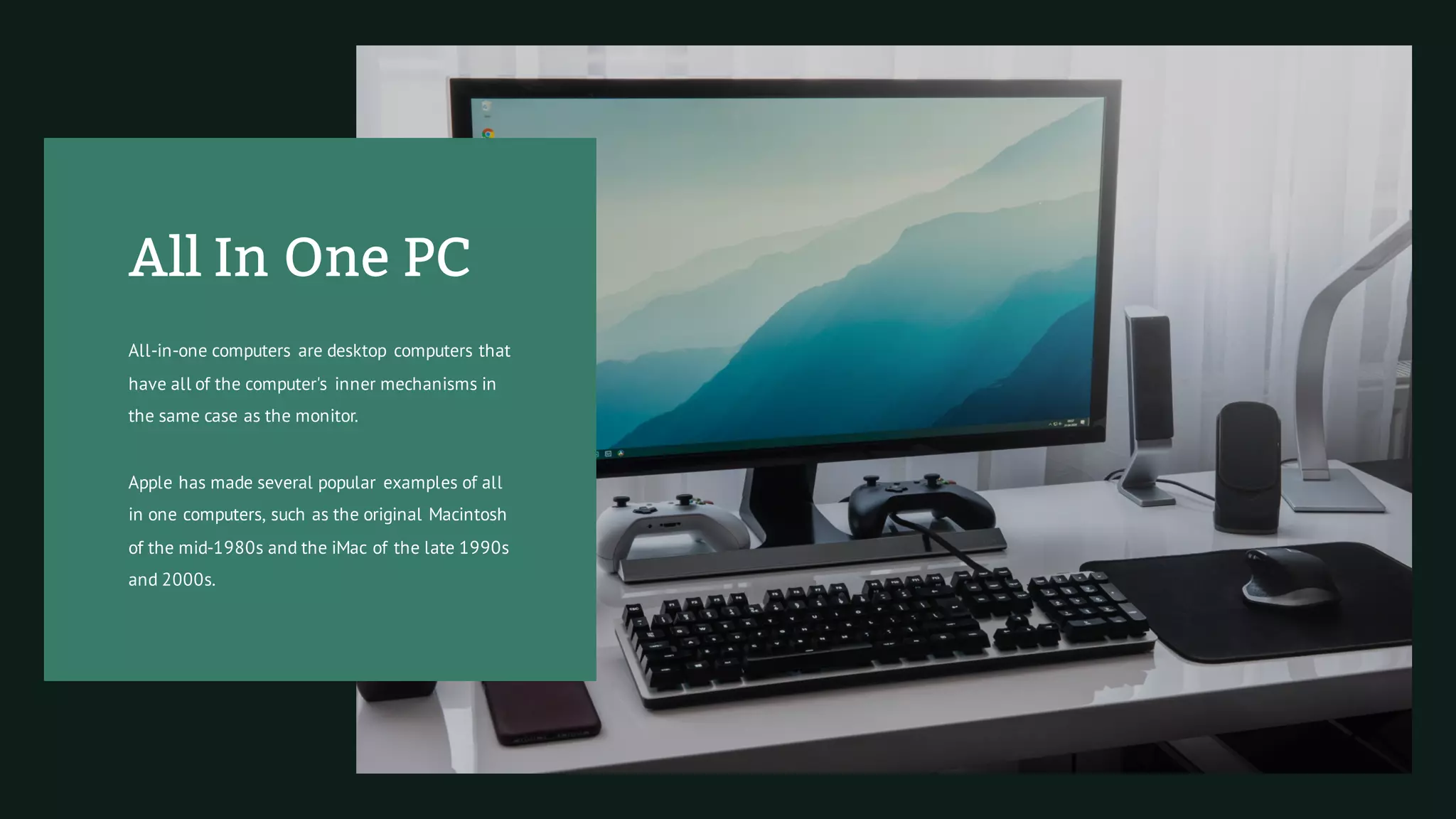
All In One PC
All-in-one computers are desktop computers that
have all of the computer's inner mechanisms in
the same case as the monitor.
Apple has made several popular examples of all
in one computers, such as the original Macintosh
of the mid-1980s and the iMac of the late 1990s
and 2000s.
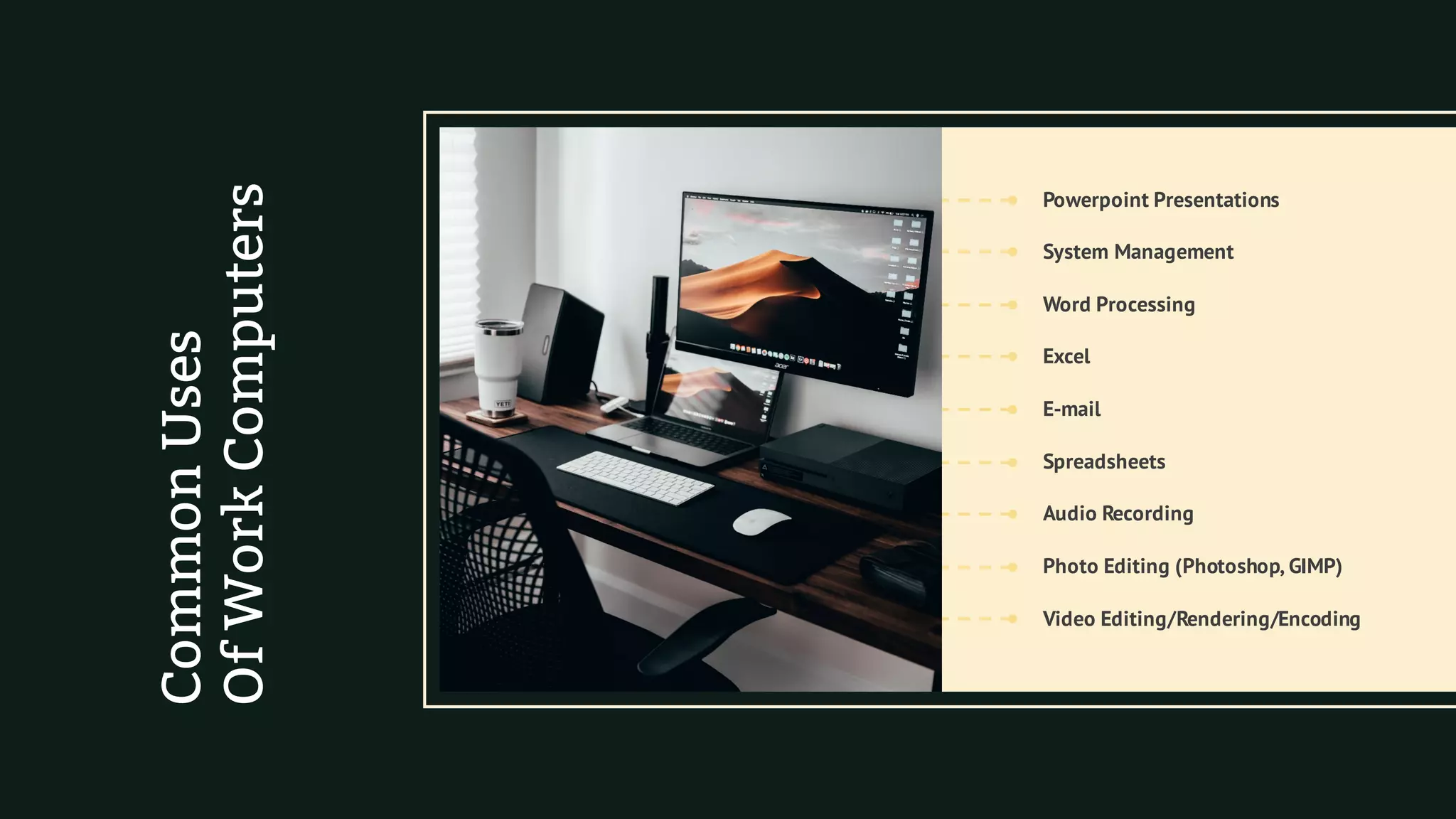
Word Processing
Powerpoint Presentations
Photo Editing (Photoshop, GIMP)
Spreadsheets
E-mail
Audio Recording
Video Editing/Rendering/Encoding
Excel
System Management
CommonUses
OfWorkComputers
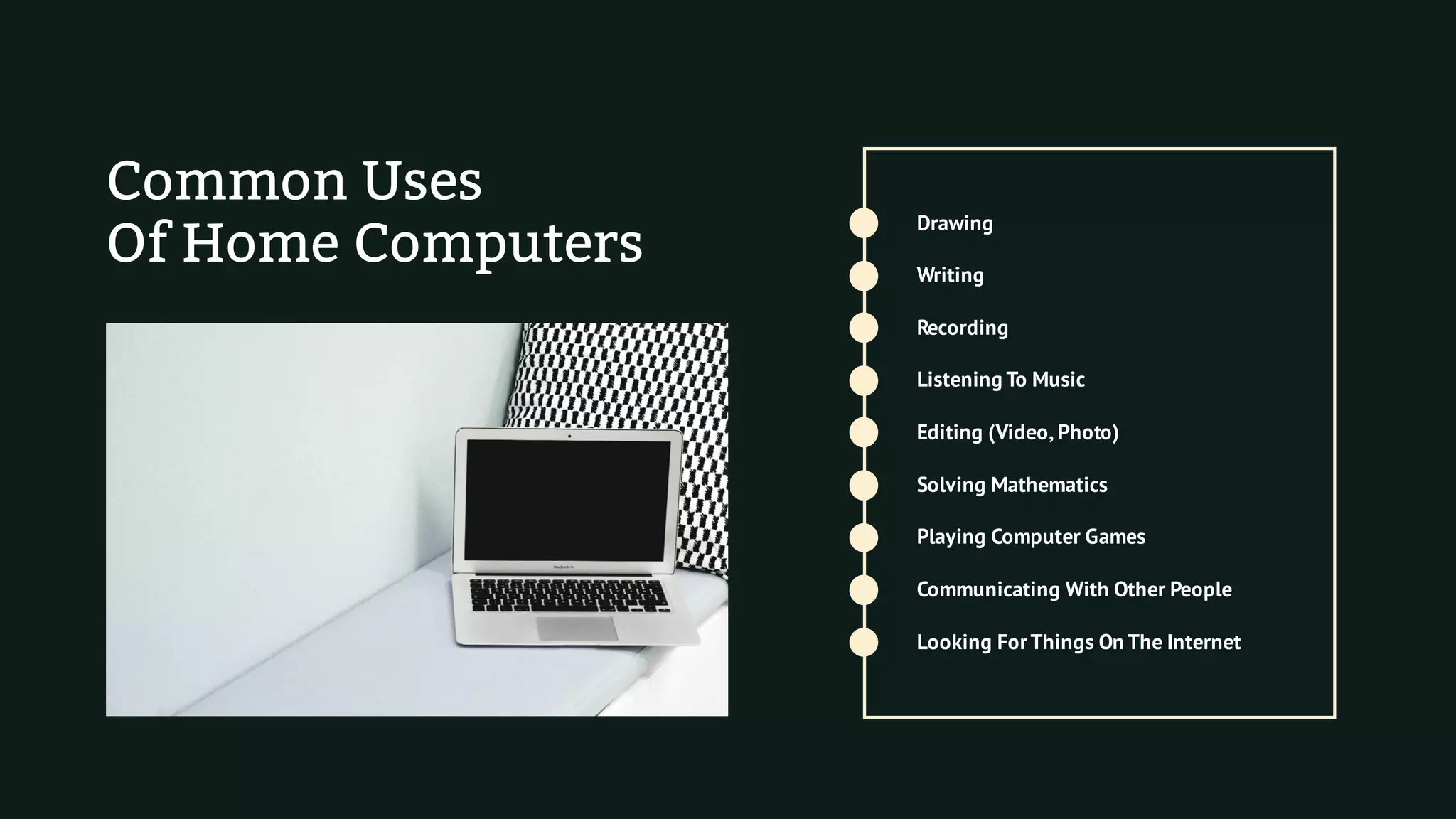
Common Uses
Of Home Computers
Recording
Drawing
Communicating With Other People
Solving Mathematics
Editing (Video, Photo)
Playing Computer Games
Looking ForThings On The Internet
Listening To Music
Writing
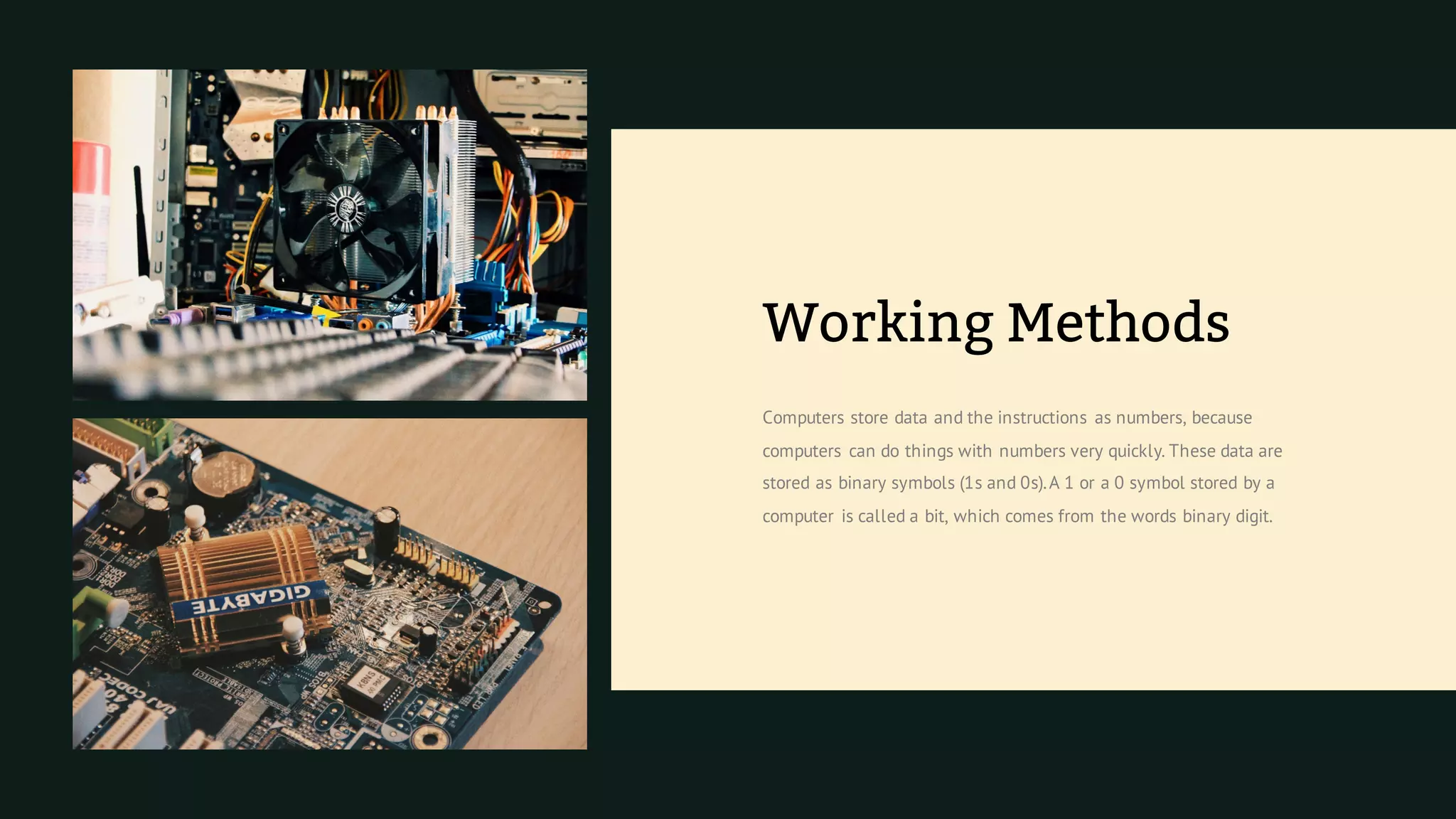
Computers store data and the instructions as numbers, because
computers can do things with numbers very quickly. These data are
stored as binary symbols (1s and 0s).A 1 or a 0 symbol stored by a
computer is called a bit, which comes from the words binary digit.
Working Methods
The
Internet
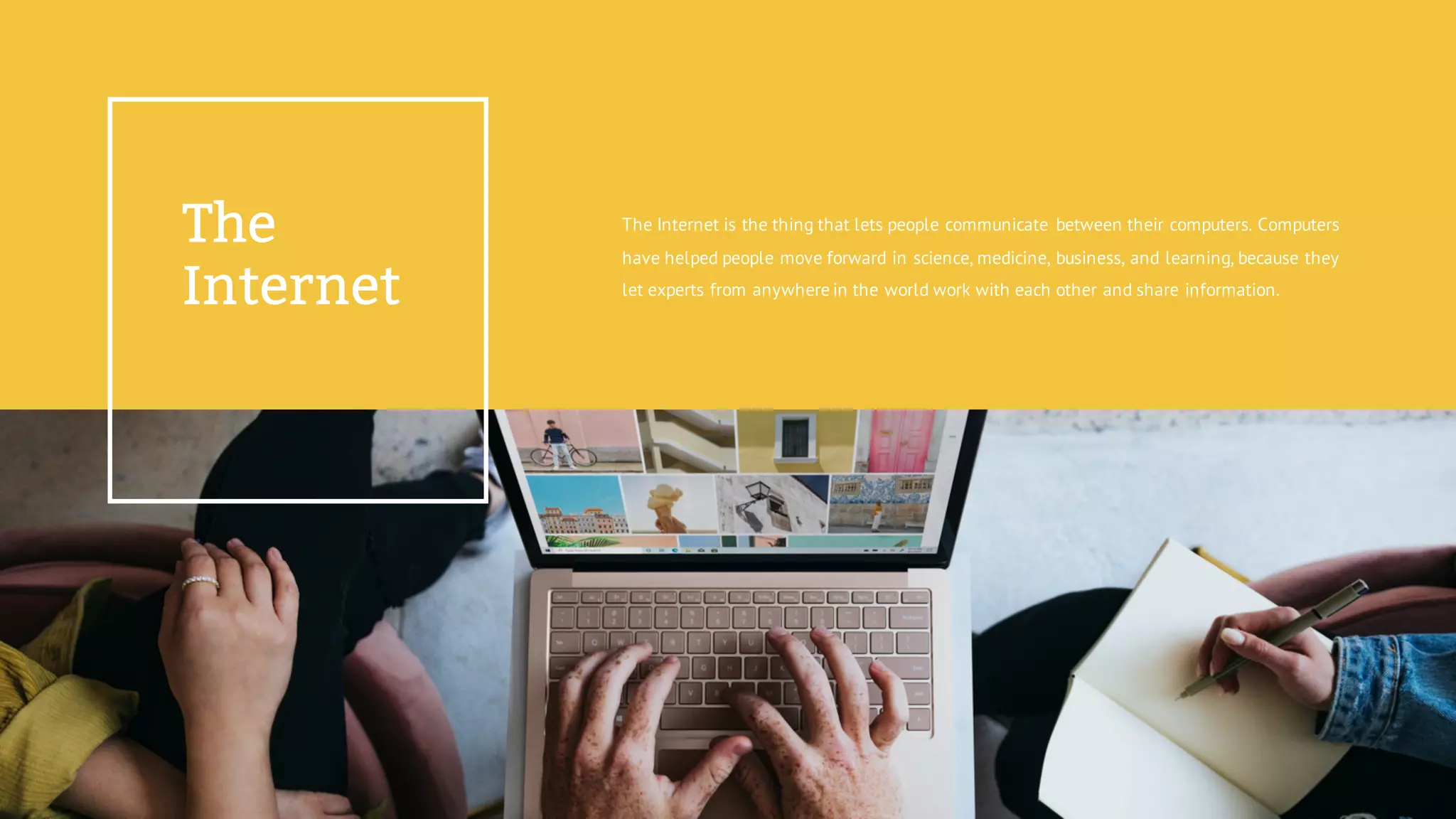
The Internet is the thing that lets people communicate between their computers. Computers
have helped people move forward in science, medicine, business, and learning, because they
let experts from anywhere in the world work with each other and share information.
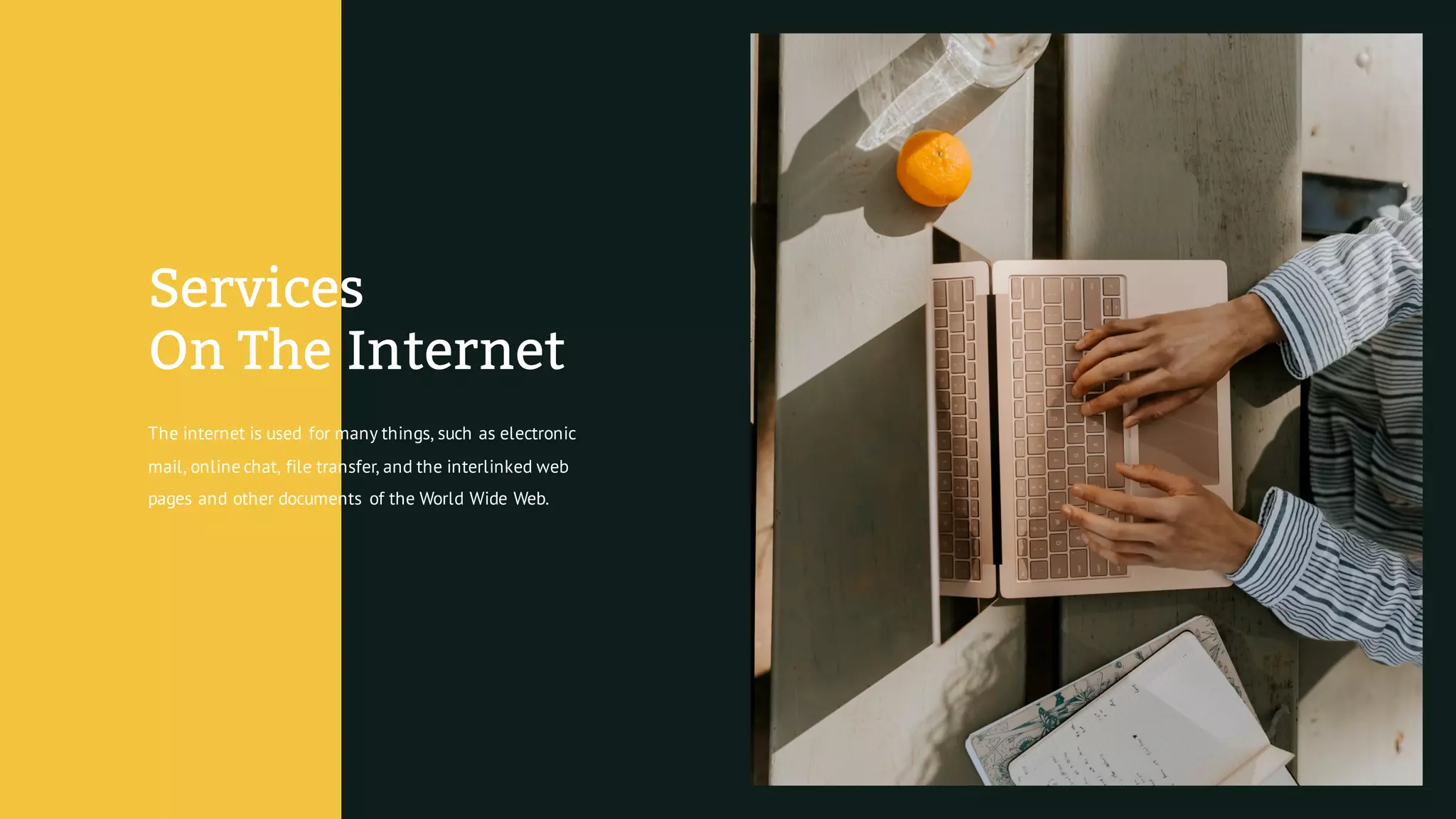
The internet is used for many things, such as electronic
mail, online chat, file transfer, and the interlinked web
pages and other documents of the World Wide Web.
Services
On The Internet
Computers And Waste
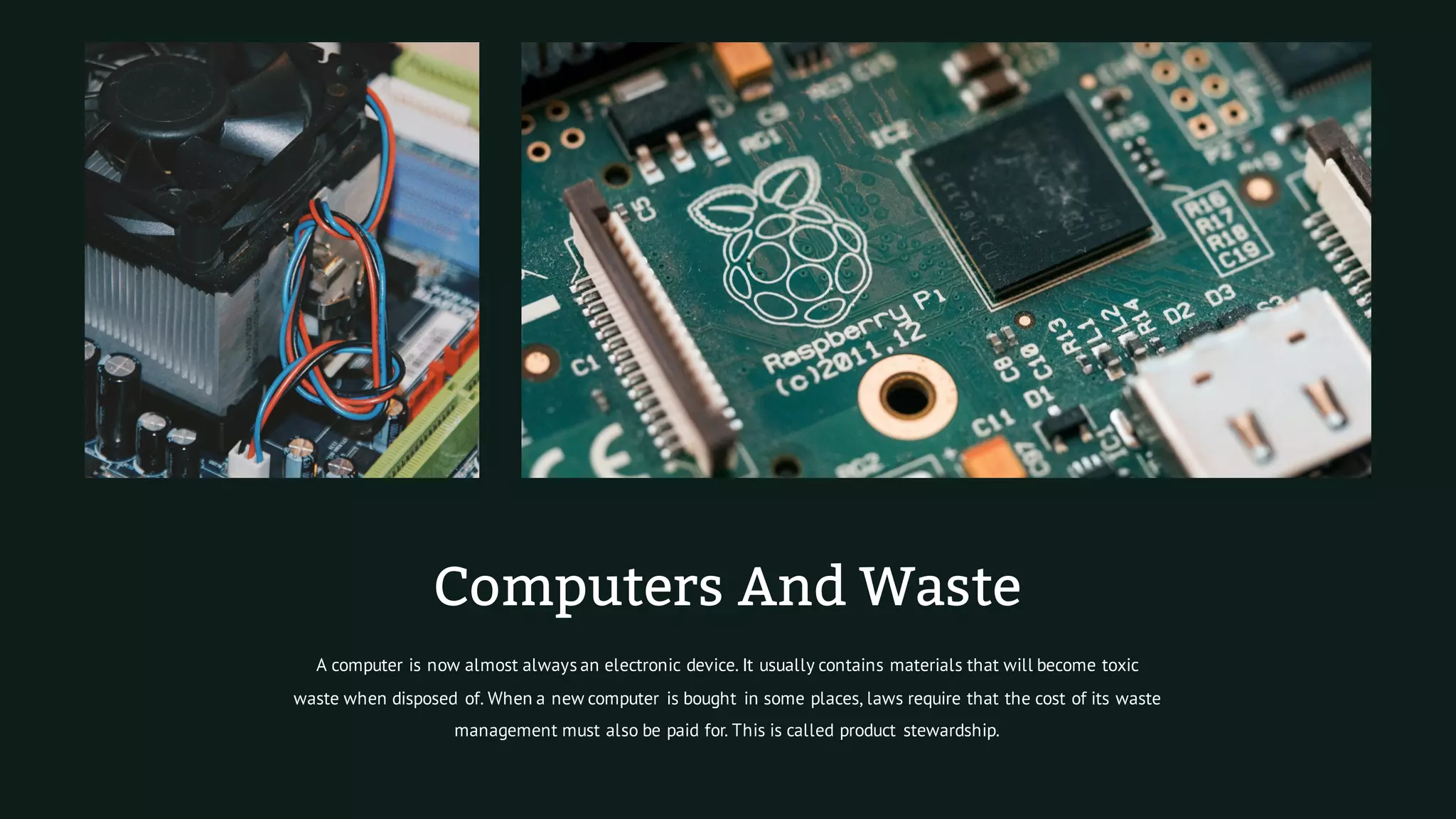
A computer is now almost always an electronic device. It usually contains materials that will become toxic
waste when disposed of. When a new computer is bought in some places, laws require that the cost of its waste
management must also be paid for. This is called product stewardship.
Main
Hardware
All computers have some form of
memory.These are usually chips
which can hold information.
Many computers have some kind
of display device, which lets
them show output.
All computers have some kind of data
bus which lets them get inputs or
output things to the environment.
Many computers have some kind of
sensors, which lets them get input
from their environment.
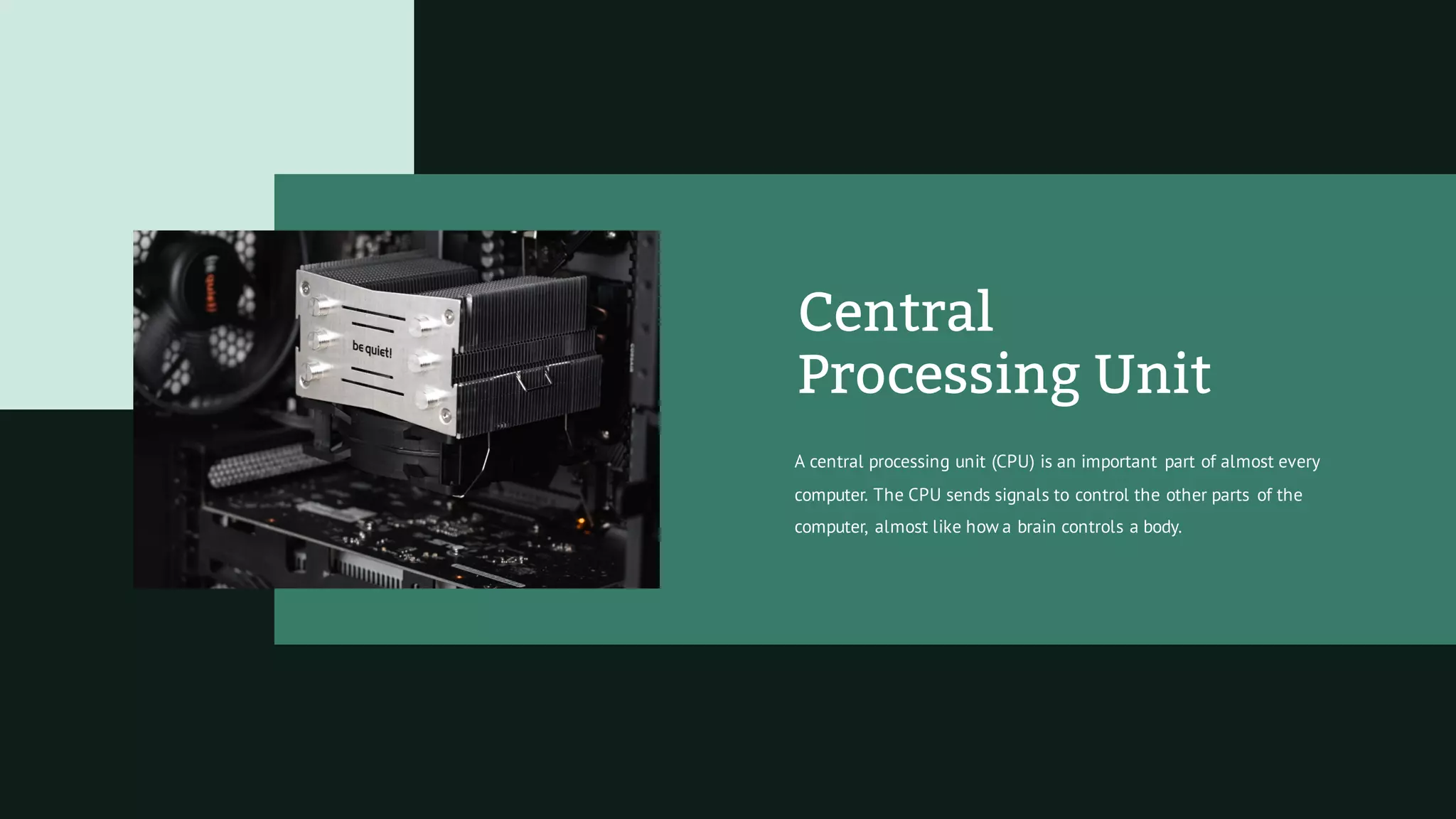
Central
Processing Unit
A central processing unit (CPU) is an important part of almost every
computer. The CPU sends signals to control the other parts of the
computer, almost like how a brain controls a body.
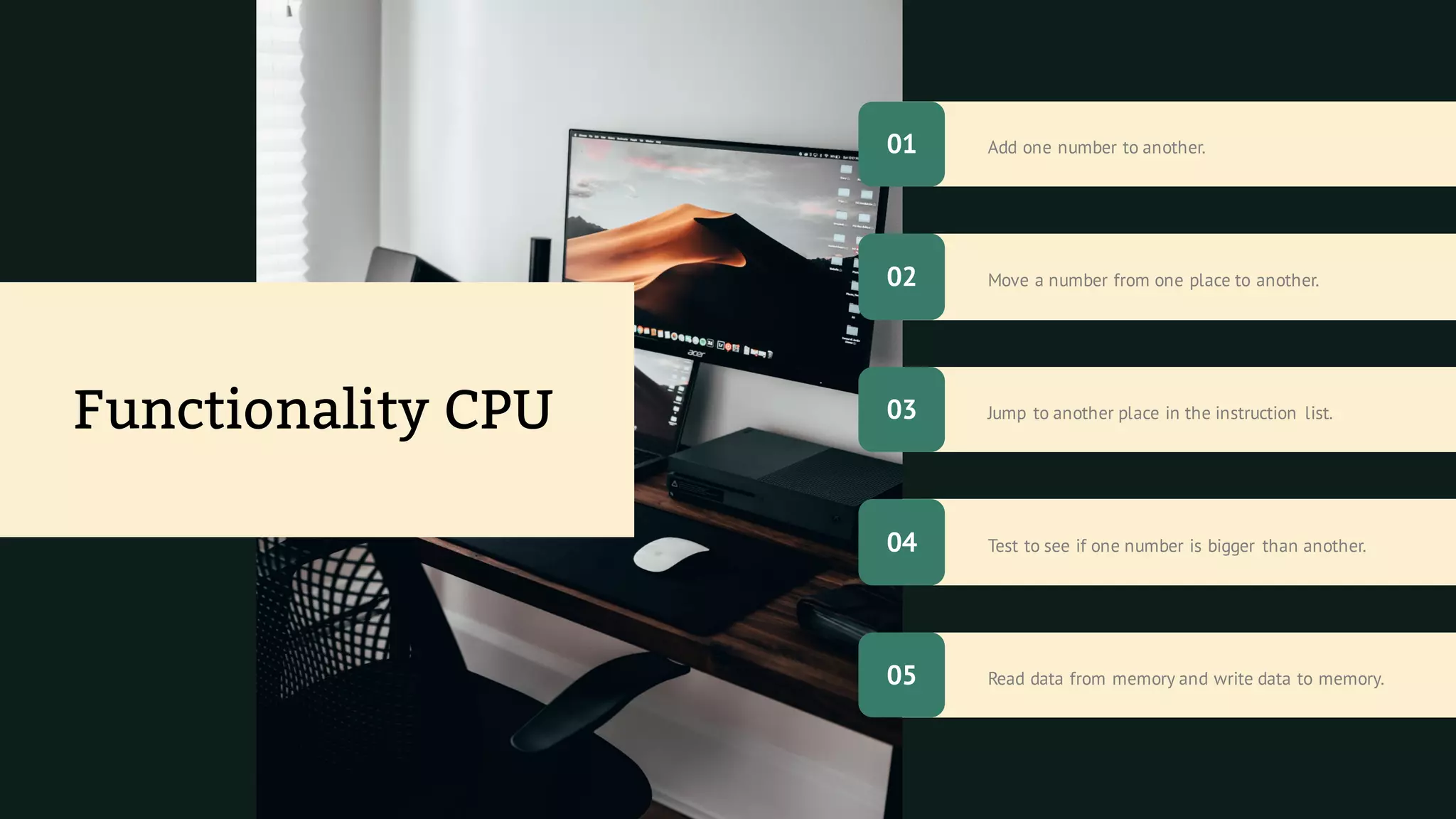
Read data from memory and write data to memory.
Add one number to another.
Test to see if one number is bigger than another.
Move a number from one place to another.
Jump to another place in the instruction list.
Functionality CPU
01
05
02
04
03
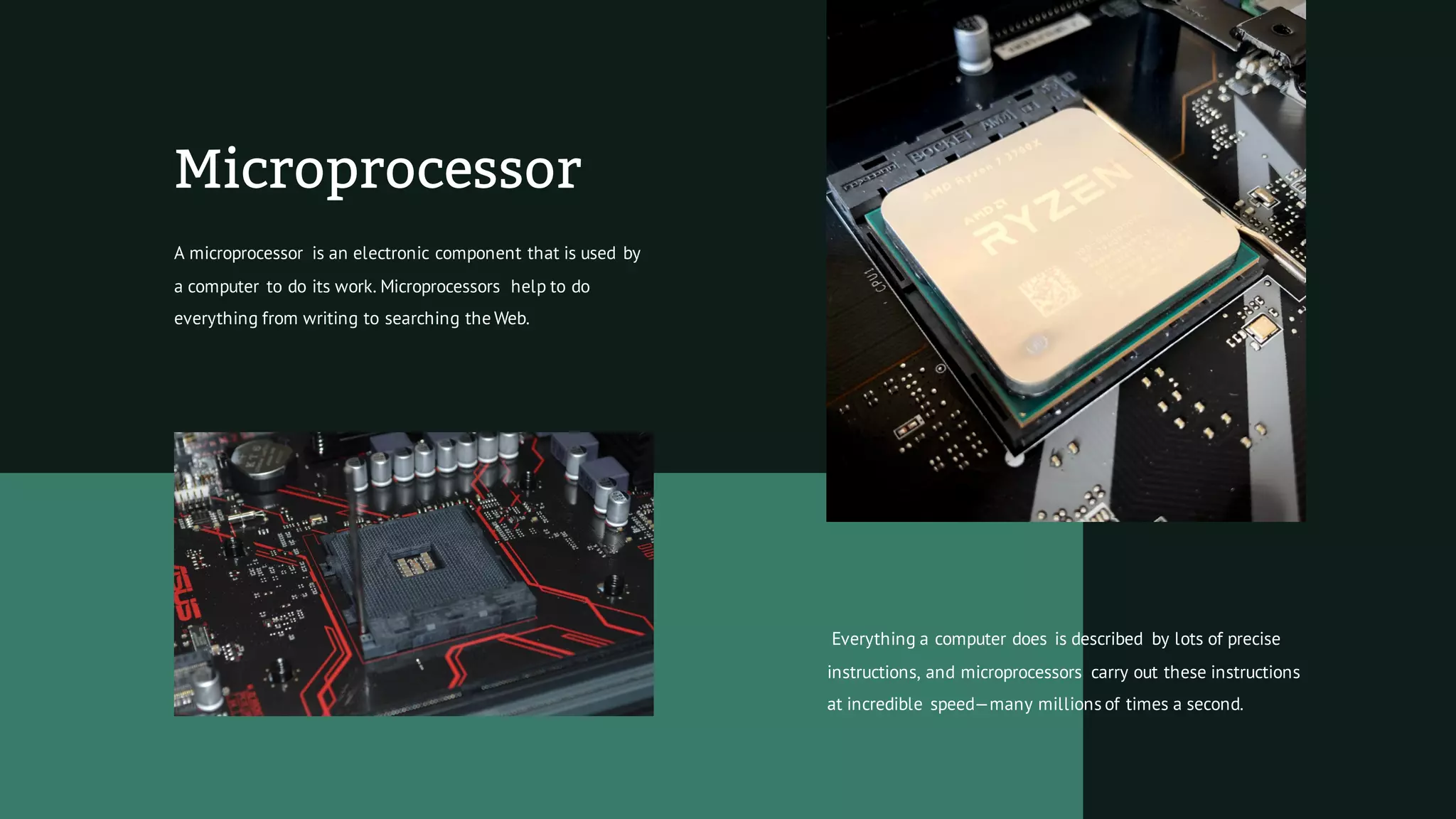
Microprocessor
A microprocessor is an electronic component that is used by
a computer to do its work. Microprocessors help to do
everything from writing to searching the Web.
Everything a computer does is described by lots of precise
instructions, and microprocessors carry out these instructions
at incredible speed—many millions of times a second.
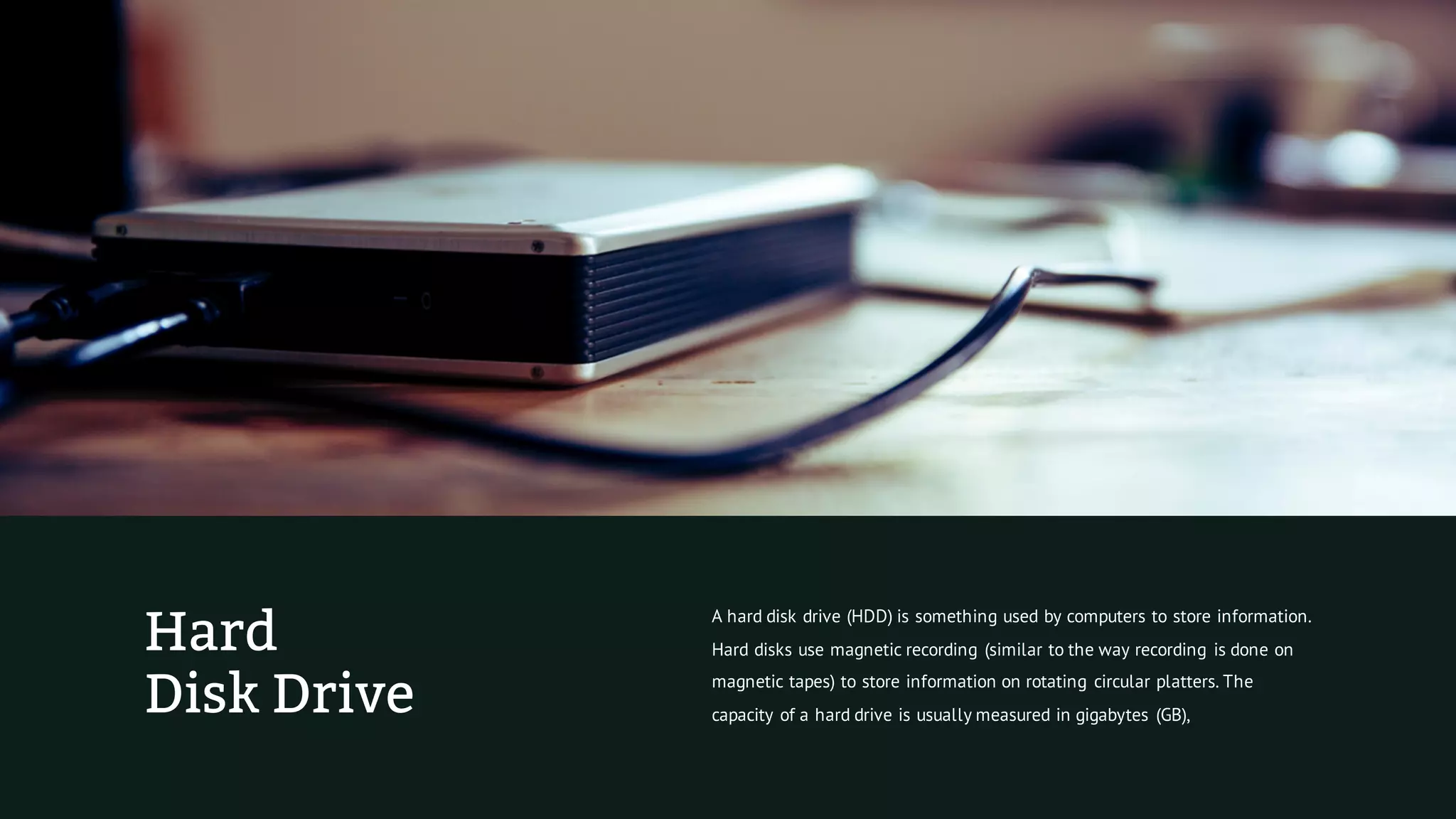
Hard
Disk Drive
A hard disk drive (HDD) is something used by computers to store information.
Hard disks use magnetic recording (similar to the way recording is done on
magnetic tapes) to store information on rotating circular platters. The
capacity of a hard drive is usually measured in gigabytes (GB),
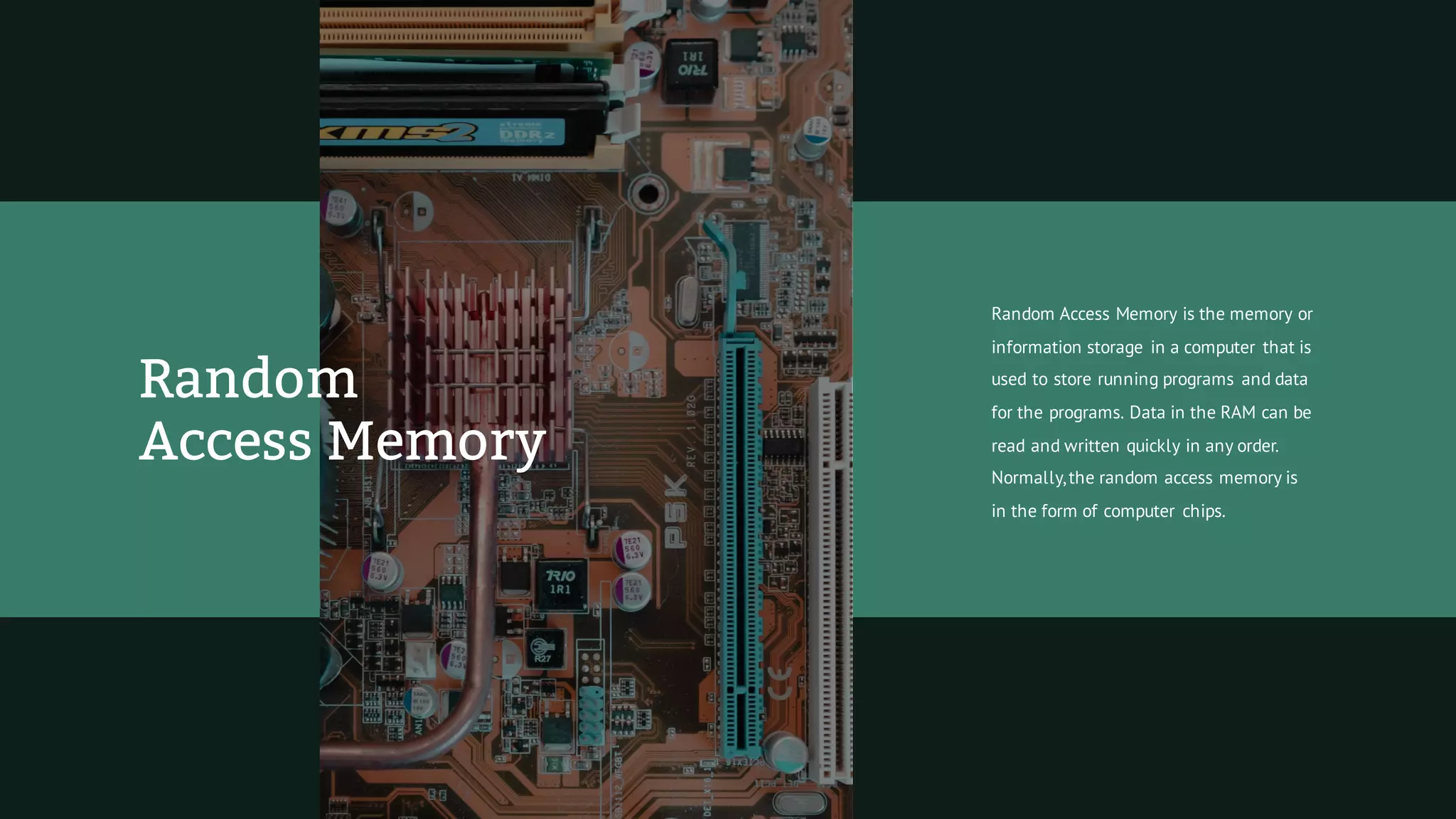
Random Access Memory is the memory or
information storage in a computer that is
used to store running programs and data
for the programs. Data in the RAM can be
read and written quickly in any order.
Normally,the random access memory is
in the form of computer chips.
Random
Access Memory
Thanks
For Watching
Limore Presentation : Dark Color Version

Limore Presentation : Dark Color Version

  • 1.
  • 2.
    A computer isa machine that is able to take information, do some work on or make changes to the information to make new information What Is Computer?
  • 3.
    A computer isan electronic machine which helps in solving problems quickly and easily.It solves problems according to instructions given to it by the computer user called programs or software. It is a digital machine(that uses binary digits) used in all fields. Computer Definition
  • 4.
    Primacy Of Computer Humans havea problem with maths.To show this, try doing 584 x 3,220 in your head. It is hard to remember all the steps! People made tools to help them remember where they were in a maths problem. This part of computer history is called the "history of automated calculation," which is a fancy phrase for "the history of machines that make it easy for me to do this same maths problem over and over without making mistakes."
  • 5.
    Programming People did notwant a machine that would do the same thing over and over again. For example, a music box is a machine that plays the same music over and over again. This part of computer history is called the "history of programmable machines" which is a fancy phrase for "The history of machines that I can order to do different things if I know how to speak their language."
  • 6.
    Analog And Digital Computers Inthe first half of the 20th century, scientists started using computers, mostly because scientists had a lot of math to figure out and wanted to spend more of their time thinking about the secrets of the universe instead of spending hours adding numbers together. For example, if they had to launch a rocket ship, they needed to do a lot of math to make sure the rocket worked right. So they put together computers. These computers used analog circuits, which made them very hard to program. Then,in the 1930s,they invented digital computers, which made them easier to program.
  • 7.
    The Z3 (1941)wasthe first working machine that used binary arithmetic. The Z machines Atanasoff–BerryComputer Which used vacuum tubes to store "yes" and"no" answers, and regenerative capacitor memory. The Harvard Mark A big computer that you could kind of program. High Scale Computers
  • 8.
  • 9.
    Personal Computer A personal computer(PC) is the common name for a type of computer that is most popular in offices and homes.Most PCs usually have a basic set of software called an operating system.
  • 10.
    Mainframes are powerfulcomputers used for large data processing jobs.They are mainly used by government institutions and large companies for tasks such as census, industry and consumer statistics, enterprise resource planning, and financial transaction processing. Mainframe
  • 11.
    Laptop Computer A laptop isa computer which is easy to carry around. Its user can fold the laptop along its hinge for carrying. The laptop was created mainly for this particular reason. Computer parts were scaled to smaller size so this could happen.
  • 12.
    Functionality Laptop The development oflaptops continued with various upgrades and additional functions added. Laptops have a lot of advantages like: 01 People can carry them anywhere, whether office or home. 02 They can be used in a smaller space than an ordinary desk computer.
  • 13.
    Minicomputer Minicomputers are usedfor scientific and engineering computations, business transaction processing, file handling, and database management,and are often now referred to as small or midsize servers.
  • 14.
    Supercomputer A supercomputer isa computer with great speed and memory. Supercomputers can do arithmetic jobs very fast, so they are used for weather forecasting, code-breaking, genetic analysis and other jobs that need many calculations.
  • 15.
    An embedded systemis a computer that has been built to solve only a few very specific problems and is not easily changed. In contrast, a general-purpose computer can do many different jobs, and can be changed at any time with new programs. Embedded System
  • 16.
  • 17.
    All In OnePC All-in-one computers are desktop computers that have all of the computer's inner mechanisms in the same case as the monitor. Apple has made several popular examples of all in one computers, such as the original Macintosh of the mid-1980s and the iMac of the late 1990s and 2000s.
  • 18.
    Word Processing Powerpoint Presentations PhotoEditing (Photoshop, GIMP) Spreadsheets E-mail Audio Recording Video Editing/Rendering/Encoding Excel System Management CommonUses OfWorkComputers
  • 19.
    Common Uses Of HomeComputers Recording Drawing Communicating With Other People Solving Mathematics Editing (Video, Photo) Playing Computer Games Looking ForThings On The Internet Listening To Music Writing
  • 20.
    Computers store dataand the instructions as numbers, because computers can do things with numbers very quickly. These data are stored as binary symbols (1s and 0s).A 1 or a 0 symbol stored by a computer is called a bit, which comes from the words binary digit. Working Methods
  • 21.
    The Internet The Internet isthe thing that lets people communicate between their computers. Computers have helped people move forward in science, medicine, business, and learning, because they let experts from anywhere in the world work with each other and share information.
  • 22.
    The internet isused for many things, such as electronic mail, online chat, file transfer, and the interlinked web pages and other documents of the World Wide Web. Services On The Internet
  • 23.
    Computers And Waste Acomputer is now almost always an electronic device. It usually contains materials that will become toxic waste when disposed of. When a new computer is bought in some places, laws require that the cost of its waste management must also be paid for. This is called product stewardship.
  • 24.
    Main Hardware All computers havesome form of memory.These are usually chips which can hold information. Many computers have some kind of display device, which lets them show output. All computers have some kind of data bus which lets them get inputs or output things to the environment. Many computers have some kind of sensors, which lets them get input from their environment.
  • 25.
    Central Processing Unit A centralprocessing unit (CPU) is an important part of almost every computer. The CPU sends signals to control the other parts of the computer, almost like how a brain controls a body.
  • 26.
    Read data frommemory and write data to memory. Add one number to another. Test to see if one number is bigger than another. Move a number from one place to another. Jump to another place in the instruction list. Functionality CPU 01 05 02 04 03
  • 27.
    Microprocessor A microprocessor isan electronic component that is used by a computer to do its work. Microprocessors help to do everything from writing to searching the Web. Everything a computer does is described by lots of precise instructions, and microprocessors carry out these instructions at incredible speed—many millions of times a second.
  • 28.
    Hard Disk Drive A harddisk drive (HDD) is something used by computers to store information. Hard disks use magnetic recording (similar to the way recording is done on magnetic tapes) to store information on rotating circular platters. The capacity of a hard drive is usually measured in gigabytes (GB),
  • 29.
    Random Access Memoryis the memory or information storage in a computer that is used to store running programs and data for the programs. Data in the RAM can be read and written quickly in any order. Normally,the random access memory is in the form of computer chips. Random Access Memory
  • 30.