Remember these they work in our editor
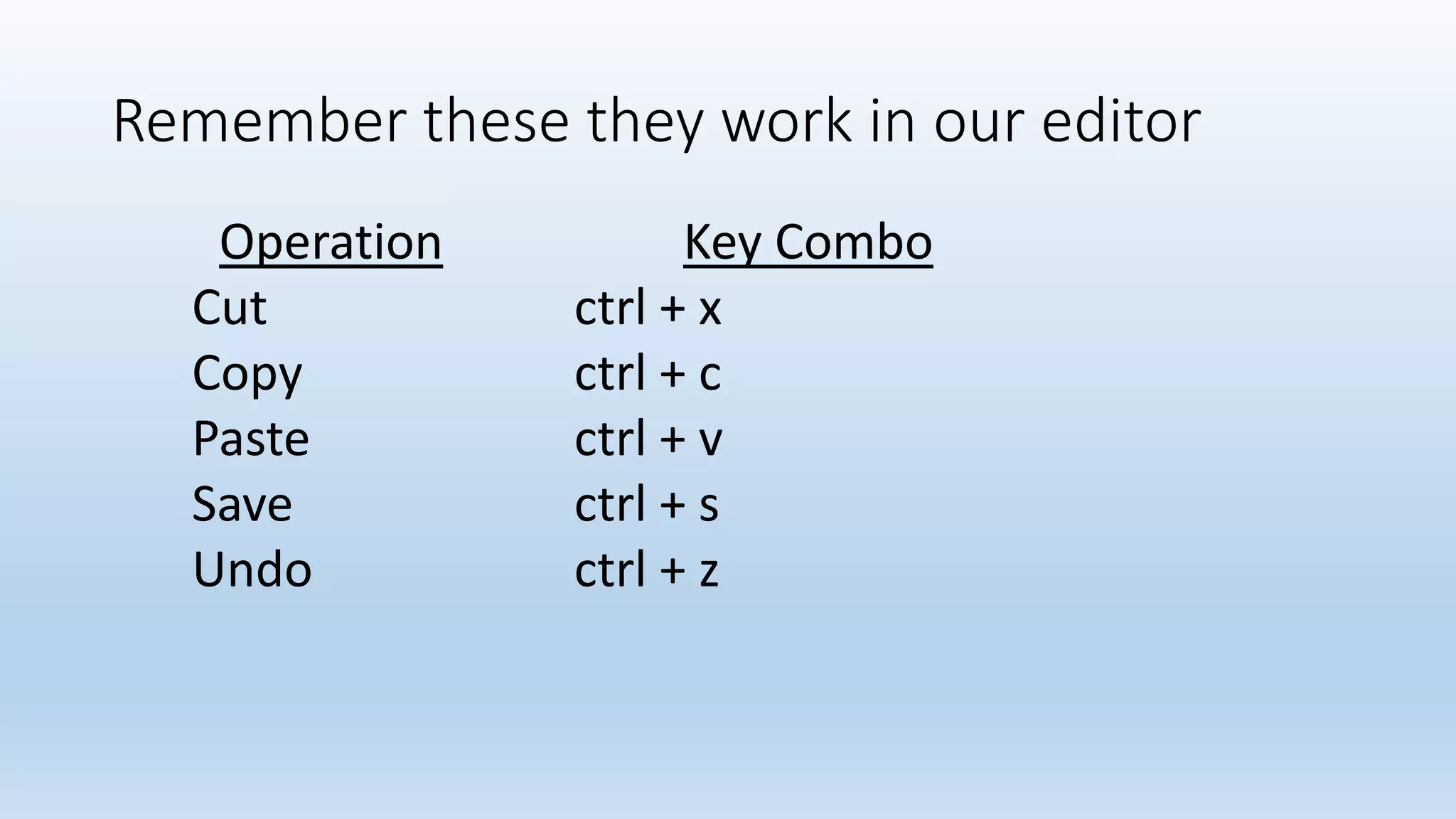
Operation Key Combo
Cut ctrl + x
Copy ctrl + c
Paste ctrl + v
Save ctrl + s
Undo ctrl + z
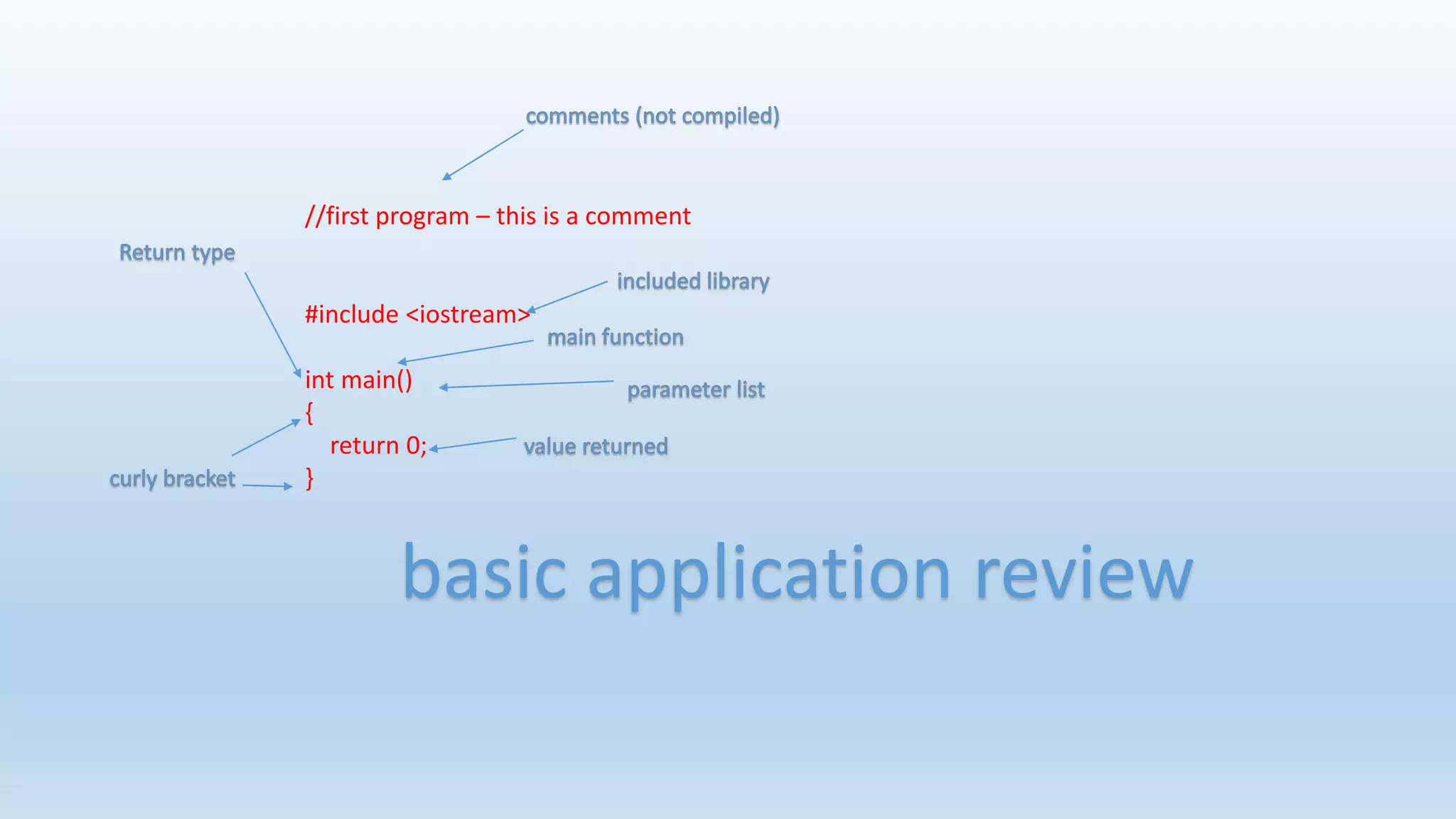
//first program – this is a comment
#include <iostream>
int main()
{
return 0;
}
basic application review
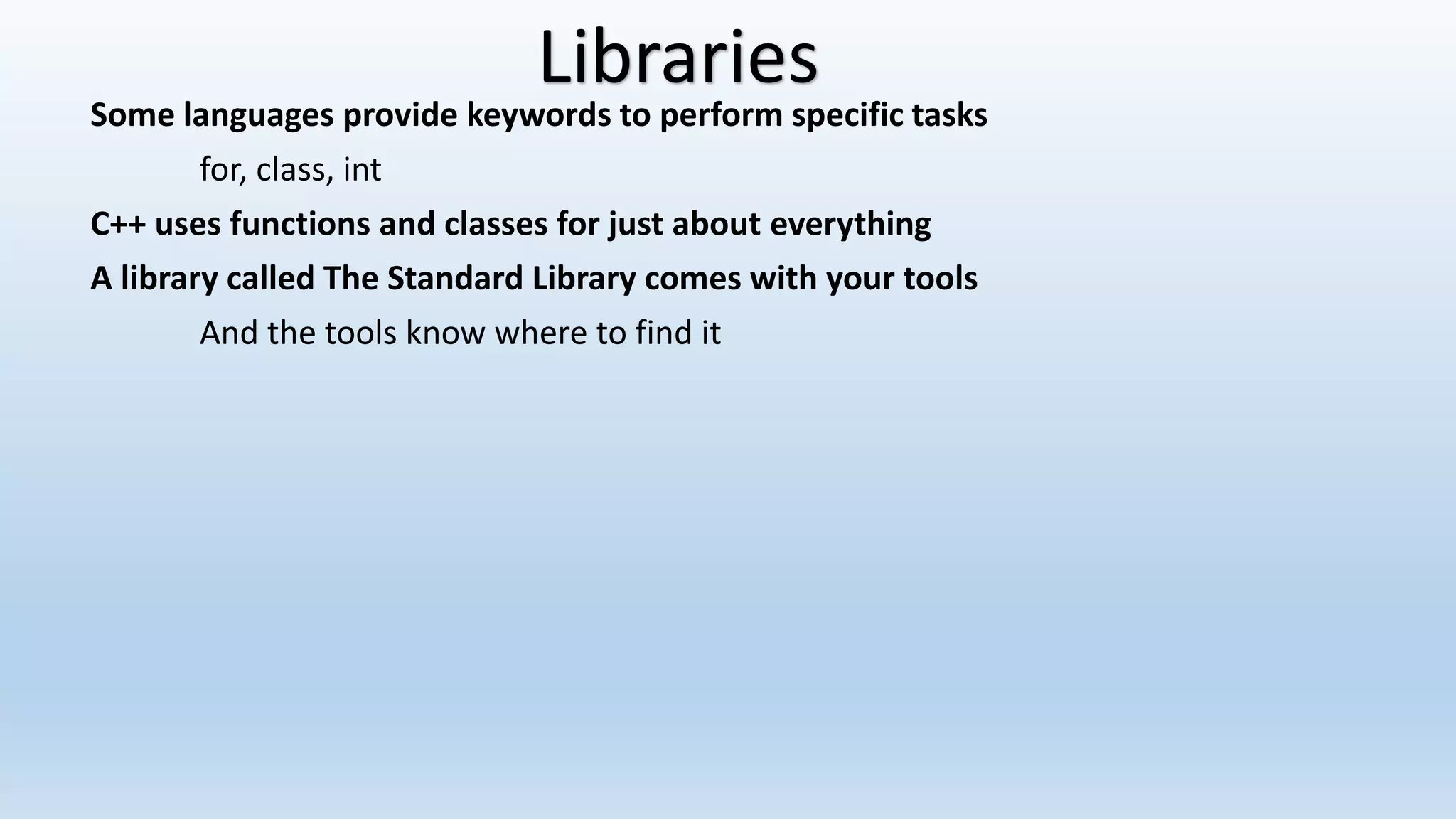
Some languages provide keywords to perform specific tasks
for, class, int
C++ uses functions and classes for just about everything
A library called The Standard Library comes with your tools
And the tools know where to find it
Libraries
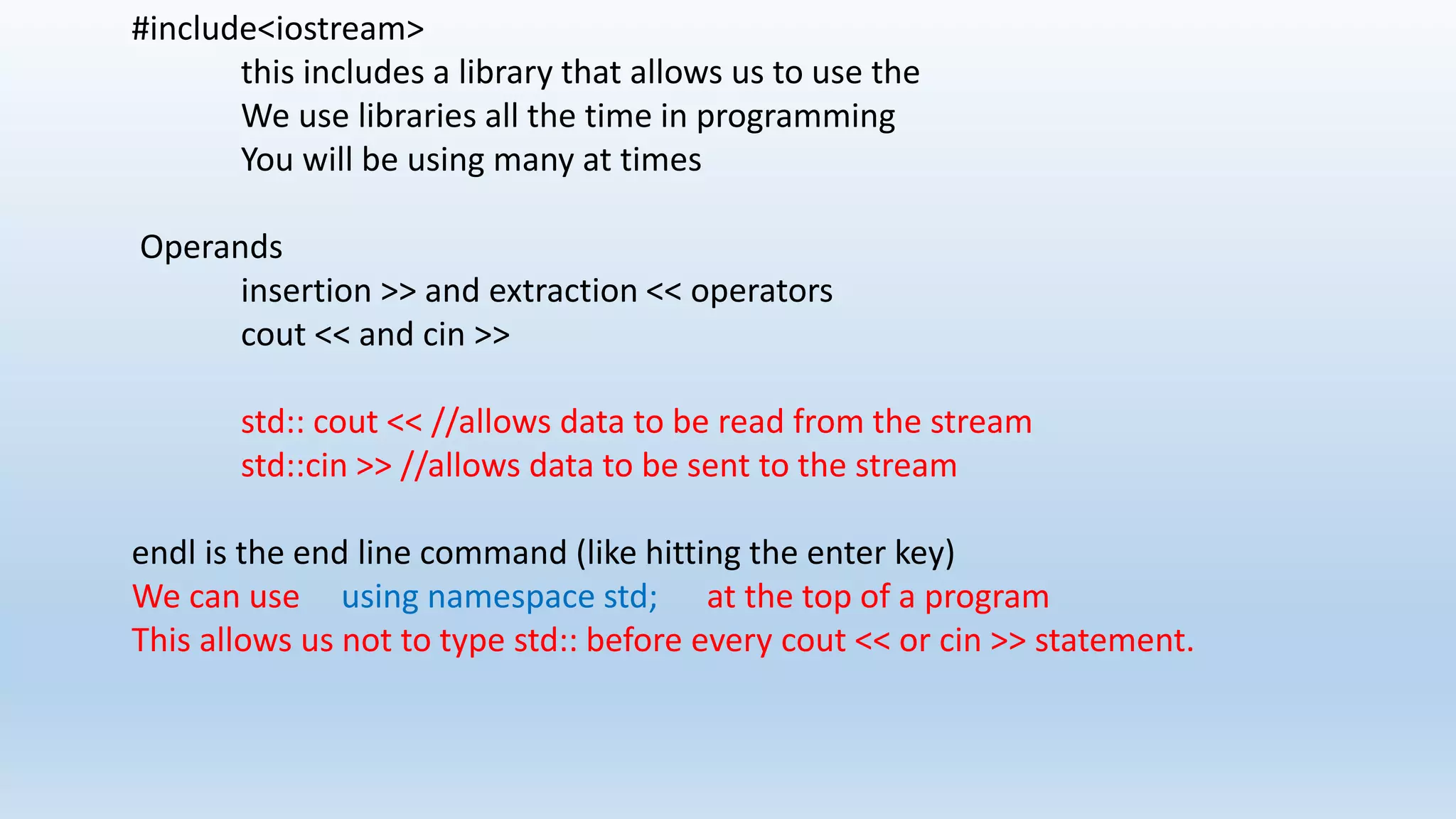
#include<iostream>
this includes a library that allows us to use the
We use libraries all the time in programming
You will be using many at times
Operands
insertion >> and extraction << operators
cout << and cin >>
std:: cout << //allows data to be read from the stream
std::cin >> //allows data to be sent to the stream
endl is the end line command (like hitting the enter key)
We can use using namespace std; at the top of a program
This allows us not to type std:: before every cout << or cin >> statement.
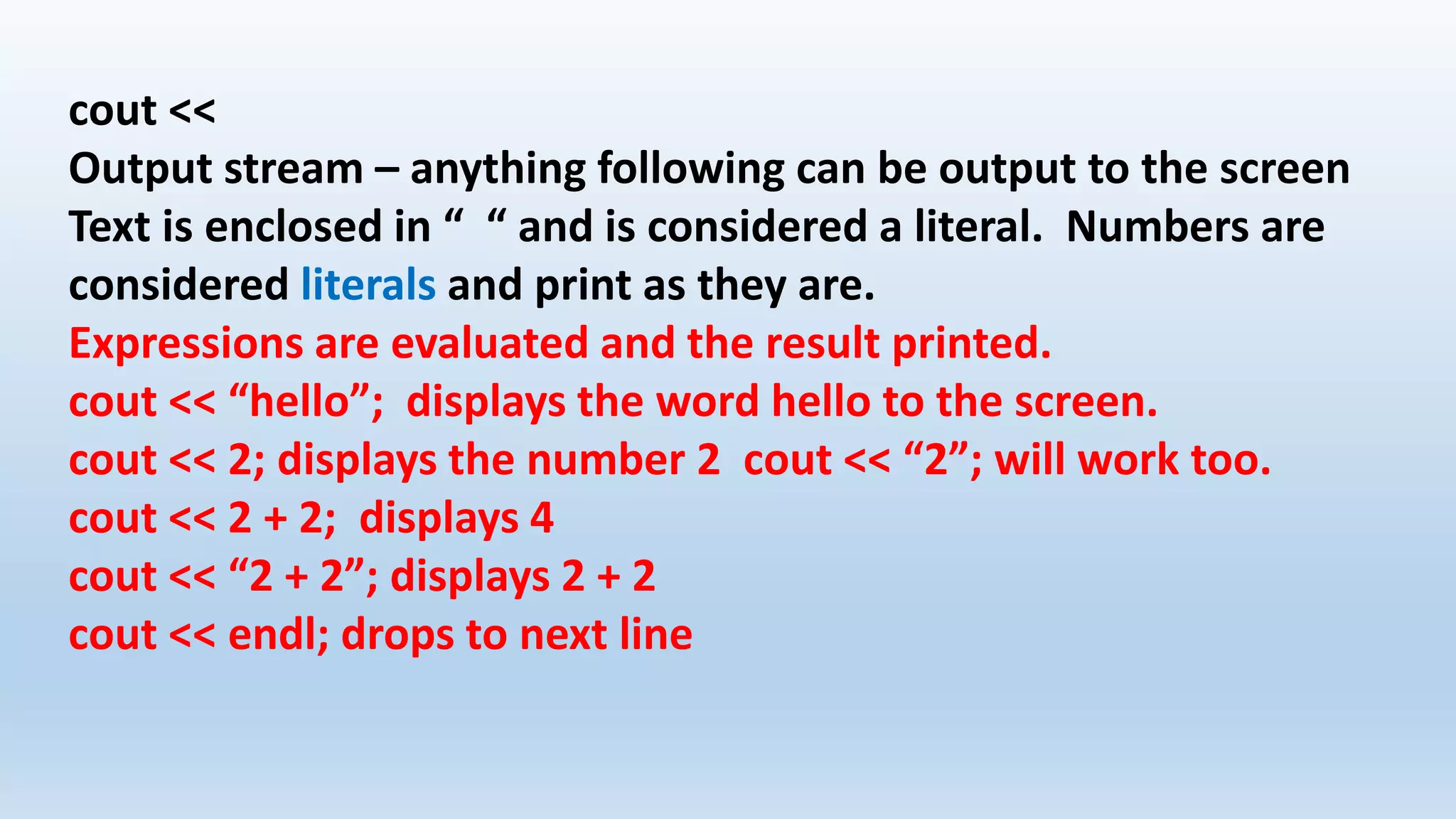
cout <<
Output stream – anything following can be output to the screen
Text is enclosed in “ “ and is considered a literal. Numbers are
considered literals and print as they are.
Expressions are evaluated and the result printed.
cout << “hello”; displays the word hello to the screen.
cout << 2; displays the number 2 cout << “2”; will work too.
cout << 2 + 2; displays 4
cout << “2 + 2”; displays 2 + 2
cout << endl; drops to next line
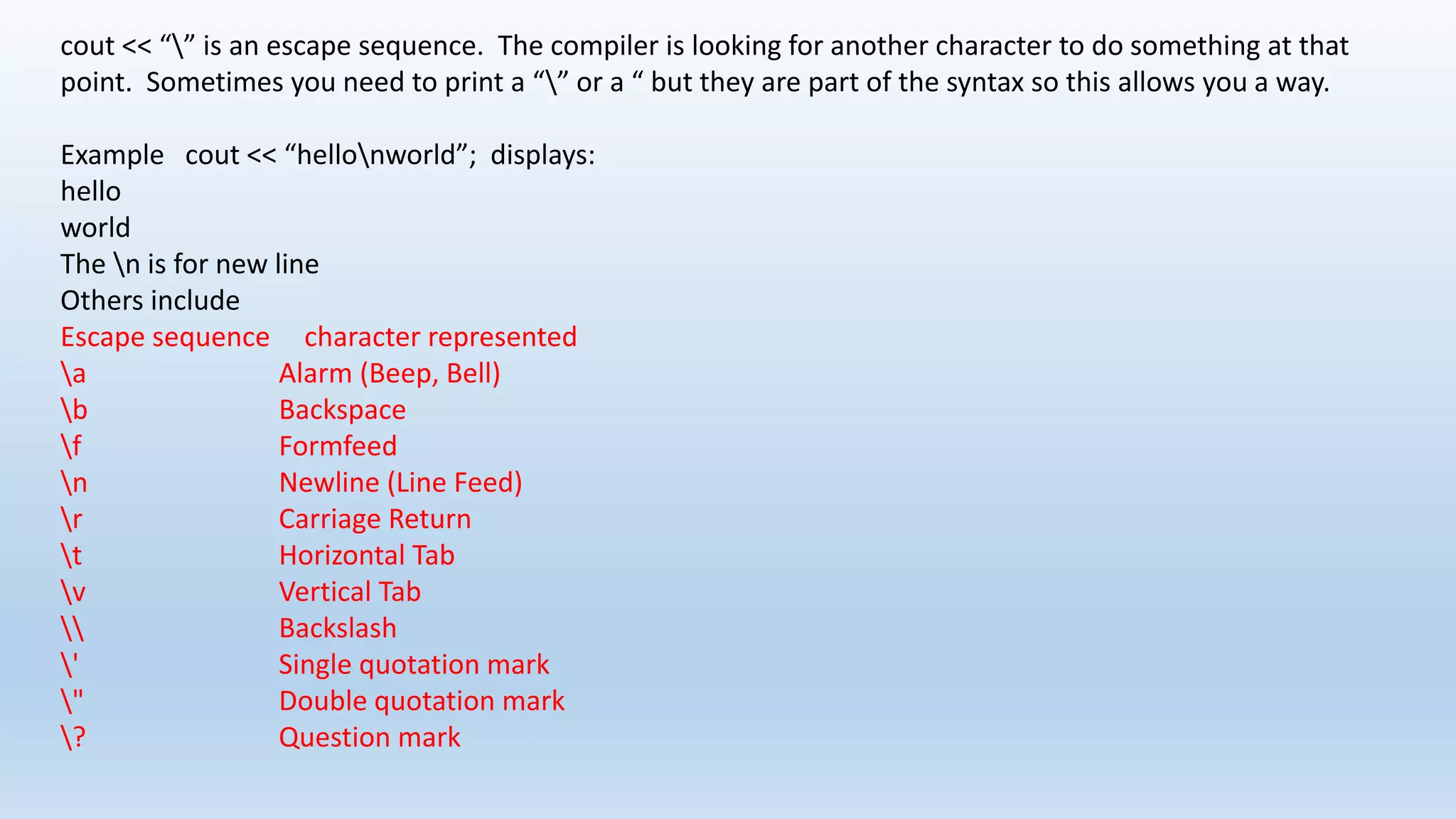
cout << “” is an escape sequence. The compiler is looking for another character to do something at that
point. Sometimes you need to print a “” or a “ but they are part of the syntax so this allows you a way.
Example cout << “hellonworld”; displays:
hello
world
The n is for new line
Others include
Escape sequence character represented
a Alarm (Beep, Bell)
b Backspace
f Formfeed
n Newline (Line Feed)
r Carriage Return
t Horizontal Tab
v Vertical Tab
 Backslash
' Single quotation mark
" Double quotation mark
? Question mark
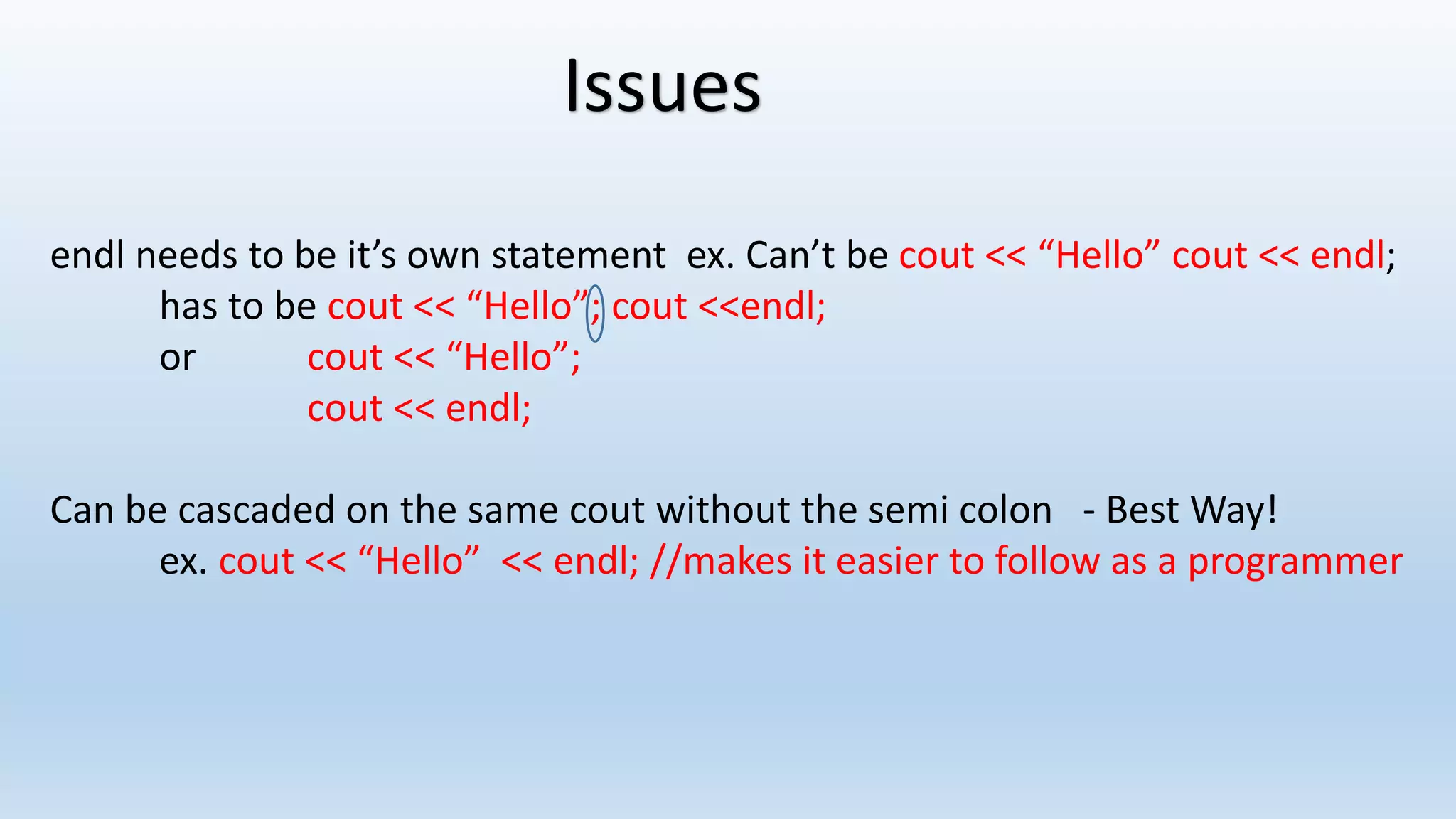
Issues
endl needs to be it’s own statement ex. Can’t be cout << “Hello” cout << endl;
has to be cout << “Hello”; cout <<endl;
or cout << “Hello”;
cout << endl;
Can be cascaded on the same cout without the semi colon - Best Way!
ex. cout << “Hello” << endl; //makes it easier to follow as a programmer
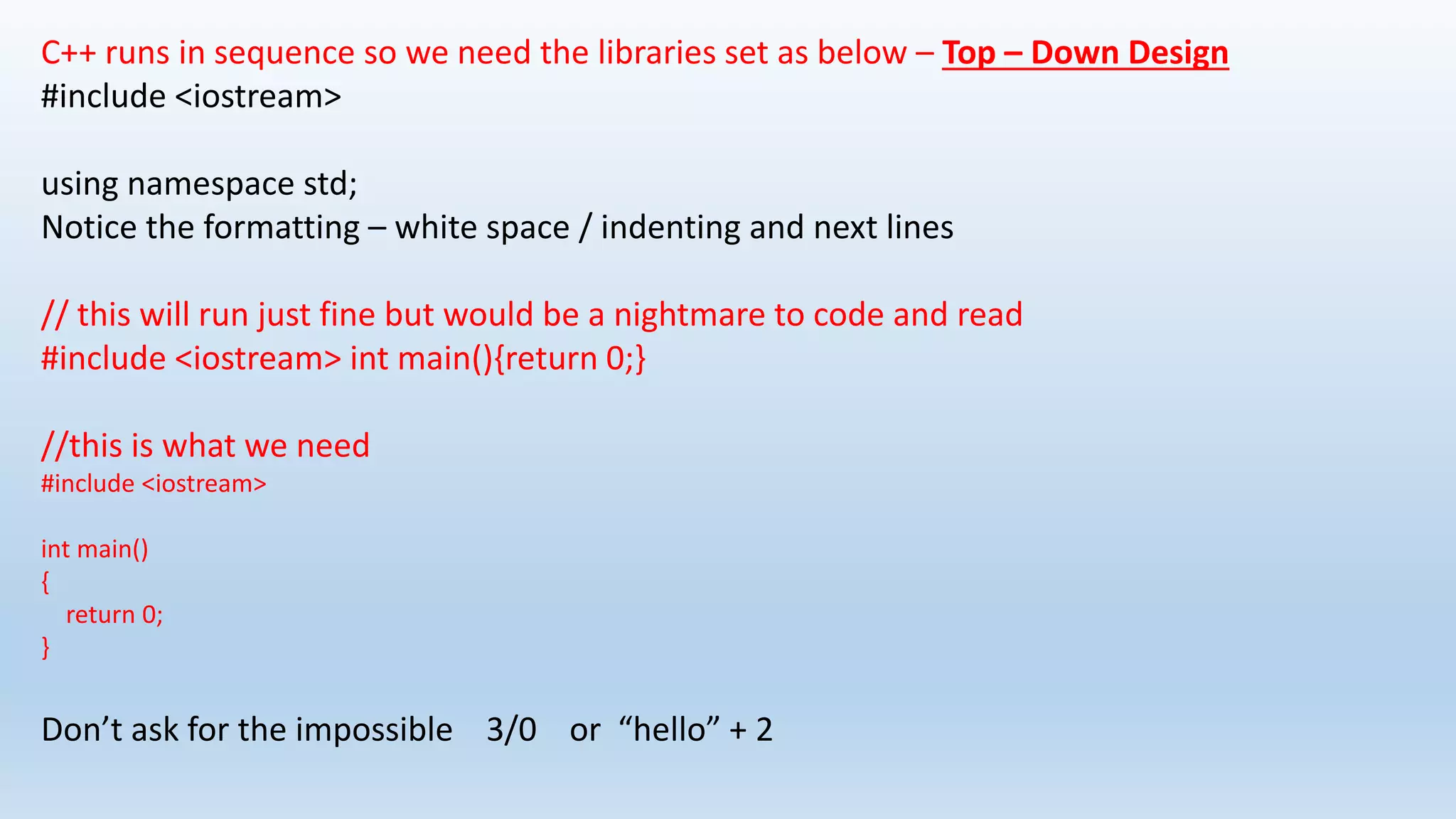
C++ runs in sequence so we need the libraries set as below – Top – Down Design
#include <iostream>
using namespace std;
Notice the formatting – white space / indenting and next lines
// this will run just fine but would be a nightmare to code and read
#include <iostream> int main(){return 0;}
//this is what we need
#include <iostream>
int main()
{
return 0;
}
Don’t ask for the impossible 3/0 or “hello” + 2
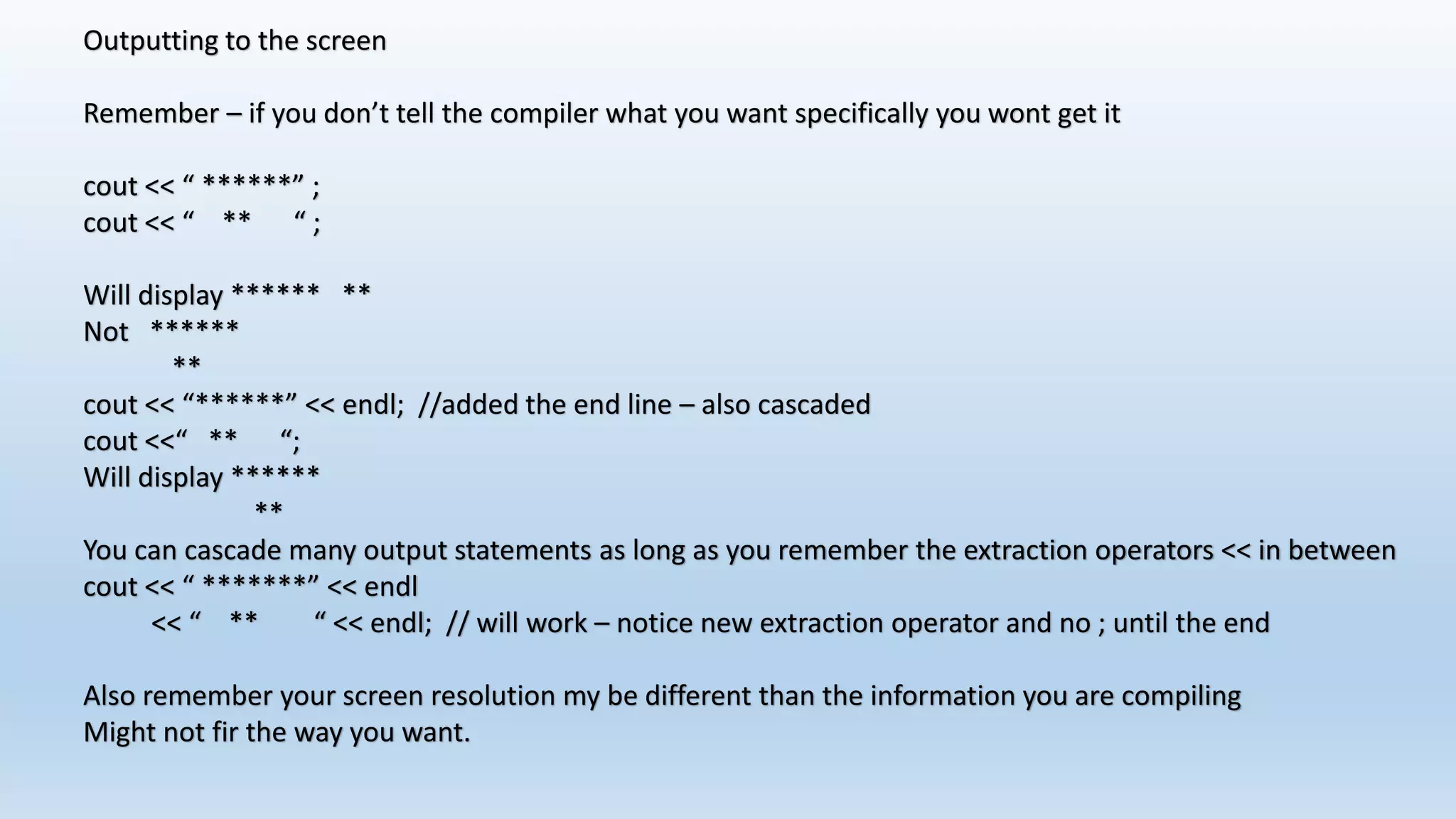
Outputting to the screen
Remember – if you don’t tell the compiler what you want specifically you wont get it
cout << “ ******” ;
cout << “ ** “ ;
Will display ****** **
Not ******
**
cout << “******” << endl; //added the end line – also cascaded
cout <<“ ** “;
Will display ******
**
You can cascade many output statements as long as you remember the extraction operators << in between
cout << “ *******” << endl
<< “ ** “ << endl; // will work – notice new extraction operator and no ; until the end
Also remember your screen resolution my be different than the information you are compiling
Might not fir the way you want.
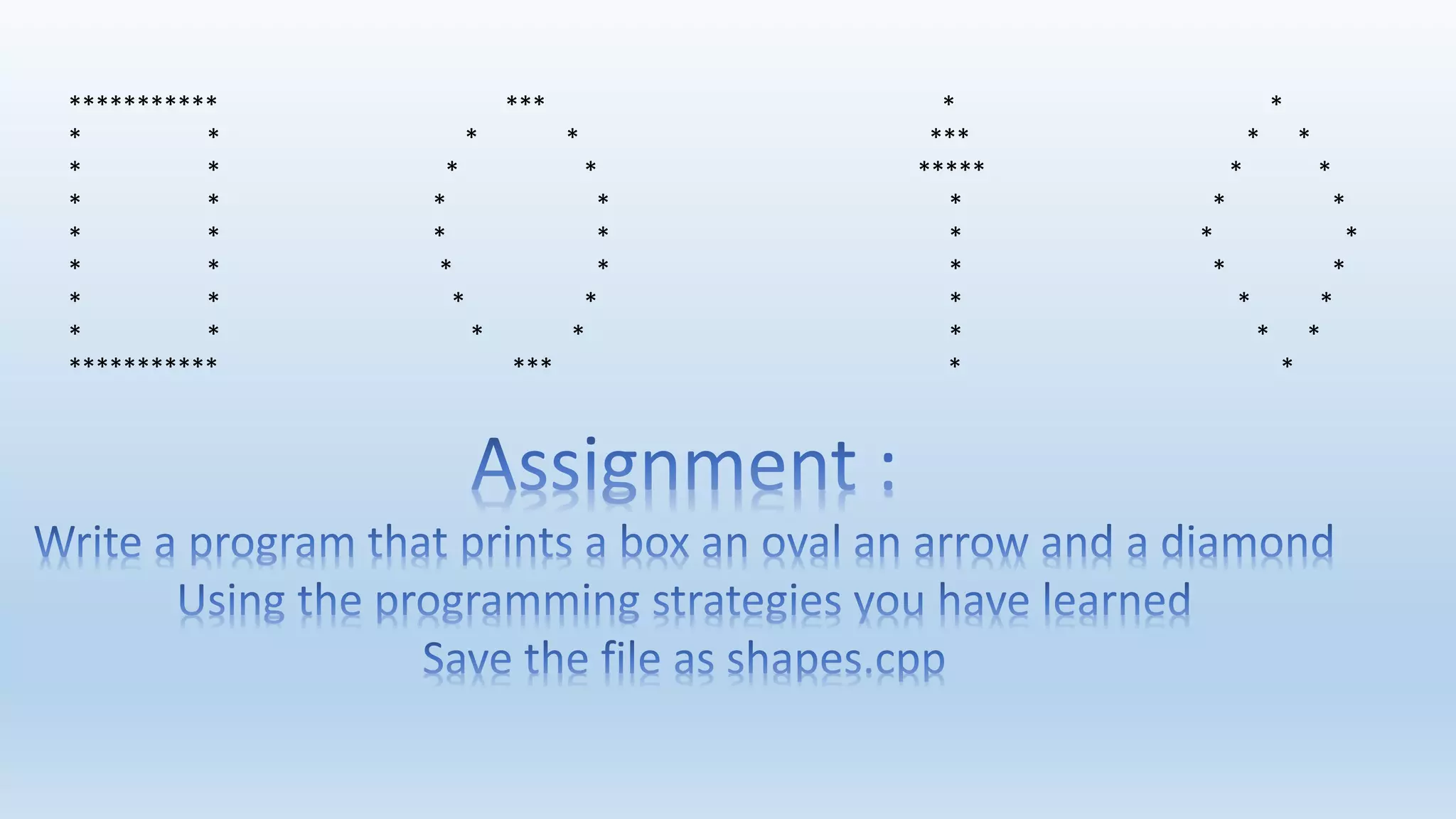
*********** *** * *
* * * * *** * *
* * * * ***** * *
* * * * * * *
* * * * * * *
* * * * * * *
* * * * * * *
* * * * * * *
*********** *** * *

Lesson 2 starting output

  • 2.
    Remember these theywork in our editor Operation Key Combo Cut ctrl + x Copy ctrl + c Paste ctrl + v Save ctrl + s Undo ctrl + z
  • 3.
    //first program –this is a comment #include <iostream> int main() { return 0; } basic application review
  • 4.
    Some languages providekeywords to perform specific tasks for, class, int C++ uses functions and classes for just about everything A library called The Standard Library comes with your tools And the tools know where to find it Libraries
  • 5.
    #include<iostream> this includes alibrary that allows us to use the We use libraries all the time in programming You will be using many at times Operands insertion >> and extraction << operators cout << and cin >> std:: cout << //allows data to be read from the stream std::cin >> //allows data to be sent to the stream endl is the end line command (like hitting the enter key) We can use using namespace std; at the top of a program This allows us not to type std:: before every cout << or cin >> statement.
  • 6.
    cout << Output stream– anything following can be output to the screen Text is enclosed in “ “ and is considered a literal. Numbers are considered literals and print as they are. Expressions are evaluated and the result printed. cout << “hello”; displays the word hello to the screen. cout << 2; displays the number 2 cout << “2”; will work too. cout << 2 + 2; displays 4 cout << “2 + 2”; displays 2 + 2 cout << endl; drops to next line
  • 7.
    cout << “”is an escape sequence. The compiler is looking for another character to do something at that point. Sometimes you need to print a “” or a “ but they are part of the syntax so this allows you a way. Example cout << “hellonworld”; displays: hello world The n is for new line Others include Escape sequence character represented a Alarm (Beep, Bell) b Backspace f Formfeed n Newline (Line Feed) r Carriage Return t Horizontal Tab v Vertical Tab Backslash ' Single quotation mark " Double quotation mark ? Question mark
  • 8.
    Issues endl needs tobe it’s own statement ex. Can’t be cout << “Hello” cout << endl; has to be cout << “Hello”; cout <<endl; or cout << “Hello”; cout << endl; Can be cascaded on the same cout without the semi colon - Best Way! ex. cout << “Hello” << endl; //makes it easier to follow as a programmer
  • 9.
    C++ runs insequence so we need the libraries set as below – Top – Down Design #include <iostream> using namespace std; Notice the formatting – white space / indenting and next lines // this will run just fine but would be a nightmare to code and read #include <iostream> int main(){return 0;} //this is what we need #include <iostream> int main() { return 0; } Don’t ask for the impossible 3/0 or “hello” + 2
  • 10.
    Outputting to thescreen Remember – if you don’t tell the compiler what you want specifically you wont get it cout << “ ******” ; cout << “ ** “ ; Will display ****** ** Not ****** ** cout << “******” << endl; //added the end line – also cascaded cout <<“ ** “; Will display ****** ** You can cascade many output statements as long as you remember the extraction operators << in between cout << “ *******” << endl << “ ** “ << endl; // will work – notice new extraction operator and no ; until the end Also remember your screen resolution my be different than the information you are compiling Might not fir the way you want.
  • 11.
    *********** *** ** * * * * *** * * * * * * ***** * * * * * * * * * * * * * * * * * * * * * * * * * * * * * * * * * * * * * *********** *** * *