Download as PDF, PPTX
![Lecture 8: Recap
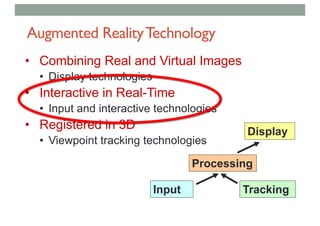
• Augmented Reality
• Defining Characteristics [Azuma 97]:
•Combines Real andVirtual Images
• Both can be seen at the same time
•Interactive in real-time
• The virtual content can be interacted with
•Registered in 3D
• Virtual objects appear fixed in space](https://image.slidesharecdn.com/lecture9-arinteractionslideshare-181208230236/85/COMP-4010-Lecture9-AR-Interaction-2-320.jpg)
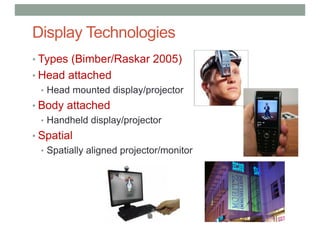
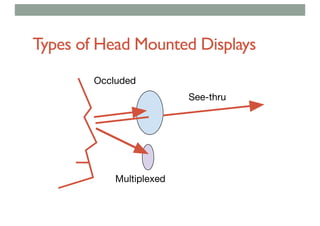
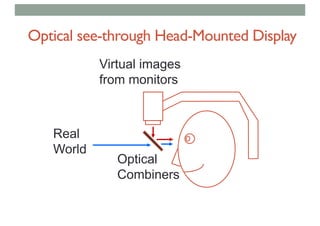
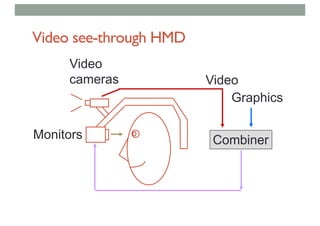
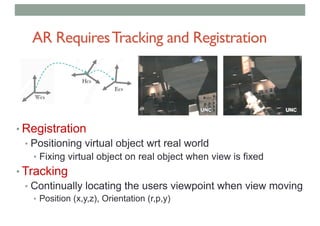
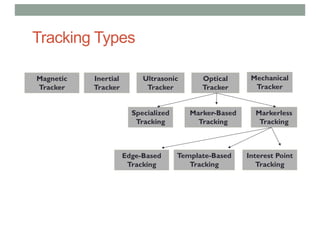
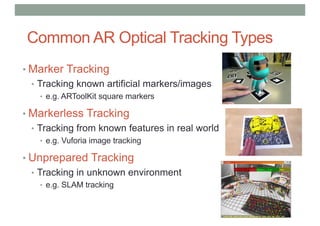
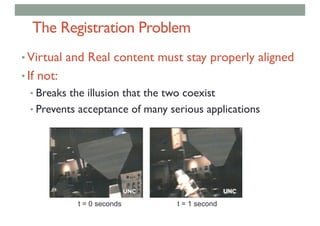

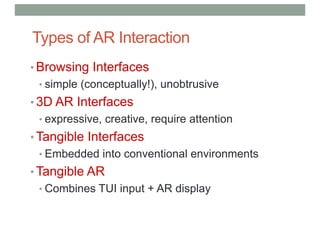
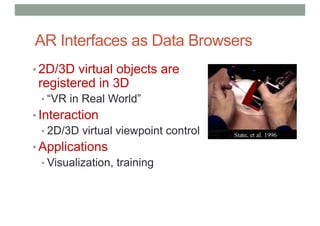
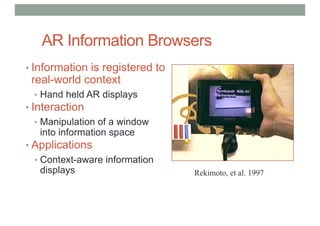
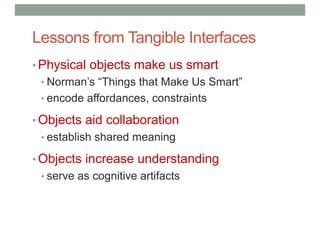
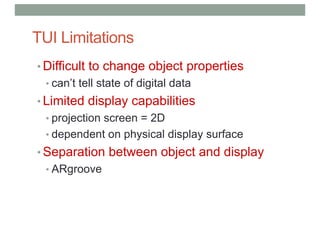
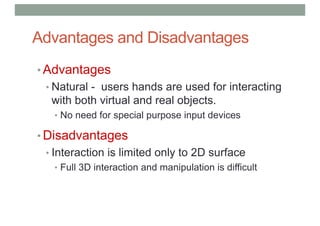
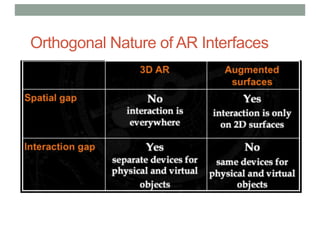
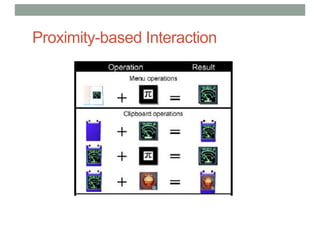
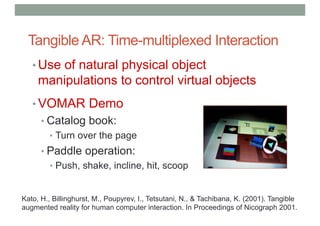
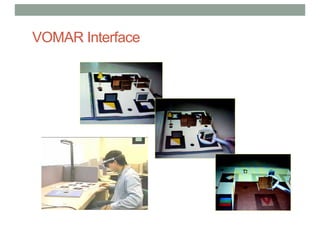
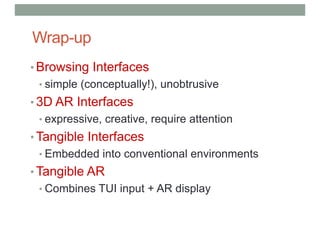
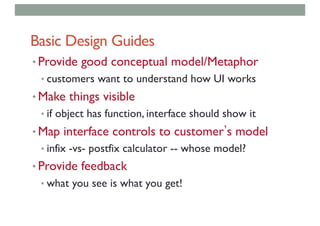
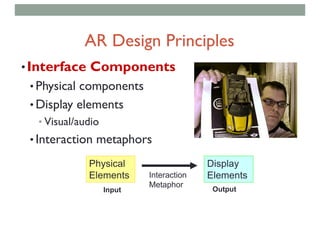

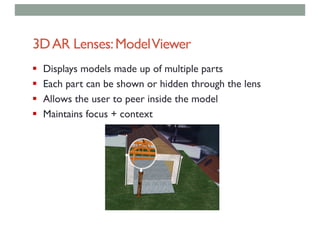
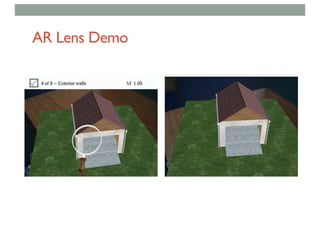
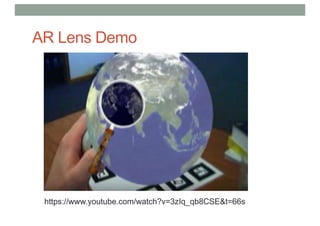
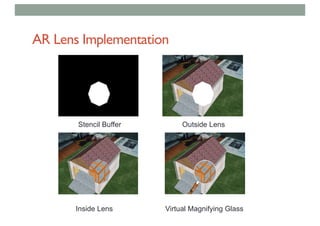
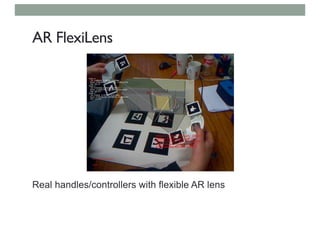
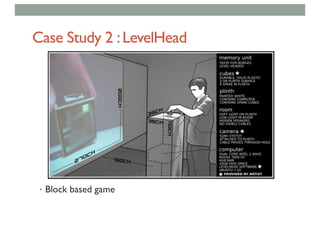
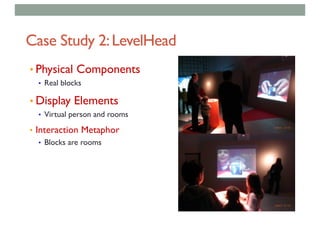
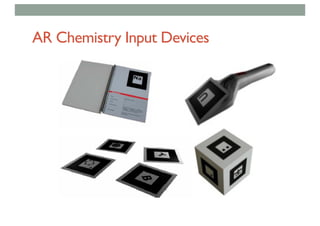
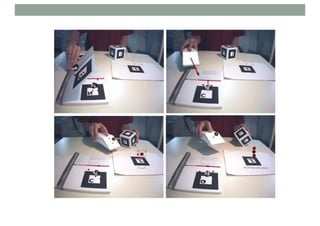
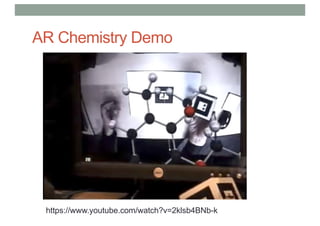
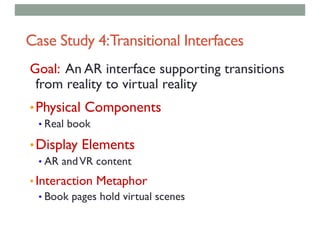
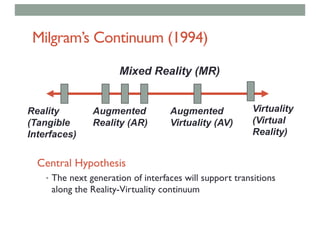


The document discusses augmented reality (AR) technology, emphasizing the combination of real and virtual images, tracking, and registration as critical components in AR interaction design. Various types of AR display technologies and interaction methods, including browsing interfaces and tangible user interfaces, are explored, highlighting their advantages and disadvantages. It also provides case studies demonstrating the application of AR in different fields, such as education and entertainment.


