Data Types
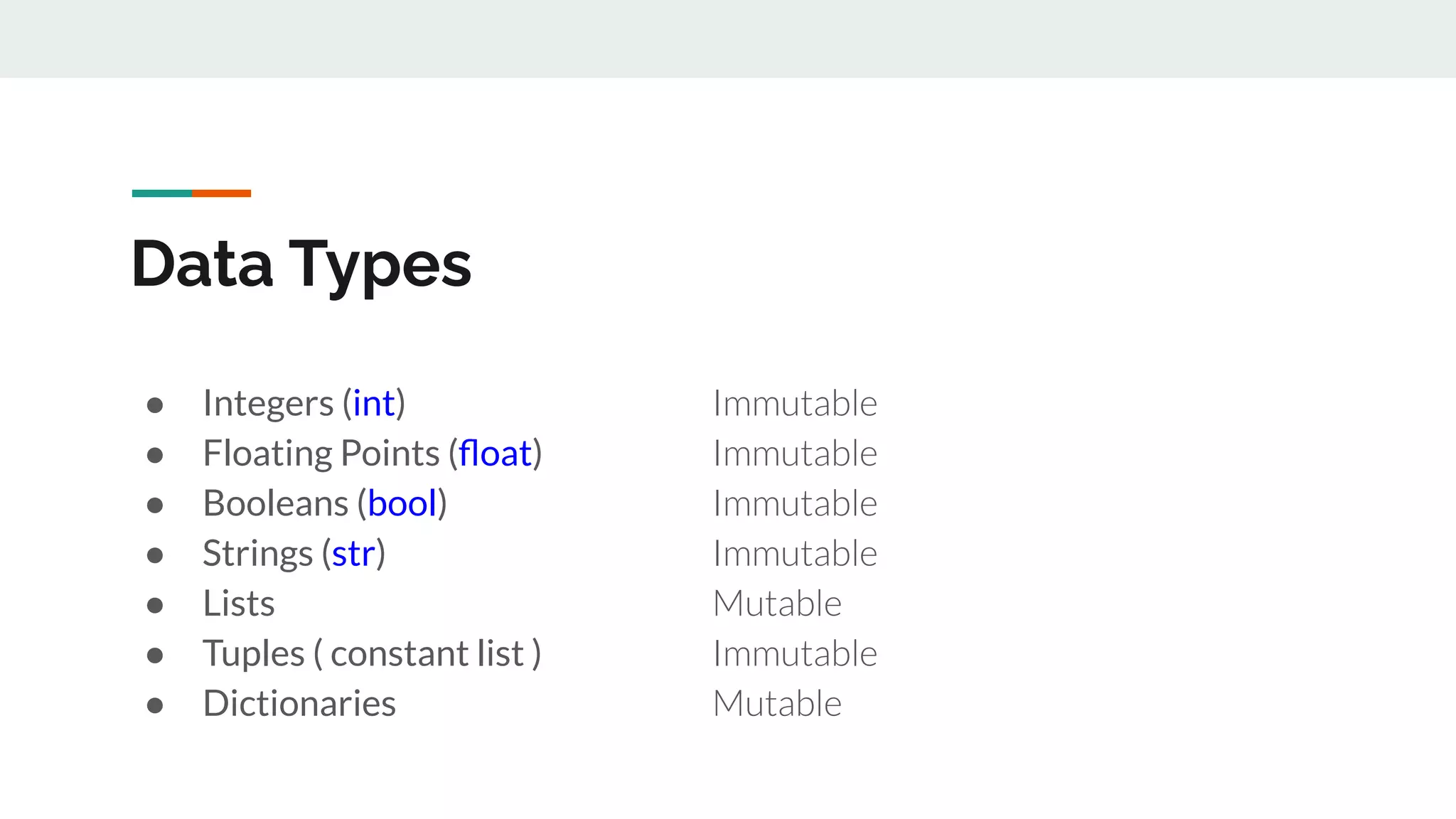
● Integers (int) Immutable
● Floating Points (float) Immutable
● Booleans (bool) Immutable
● Strings (str) Immutable
● Lists Mutable
● Tuples ( constant list ) Immutable
● Dictionaries Mutable
Variables & Assignments
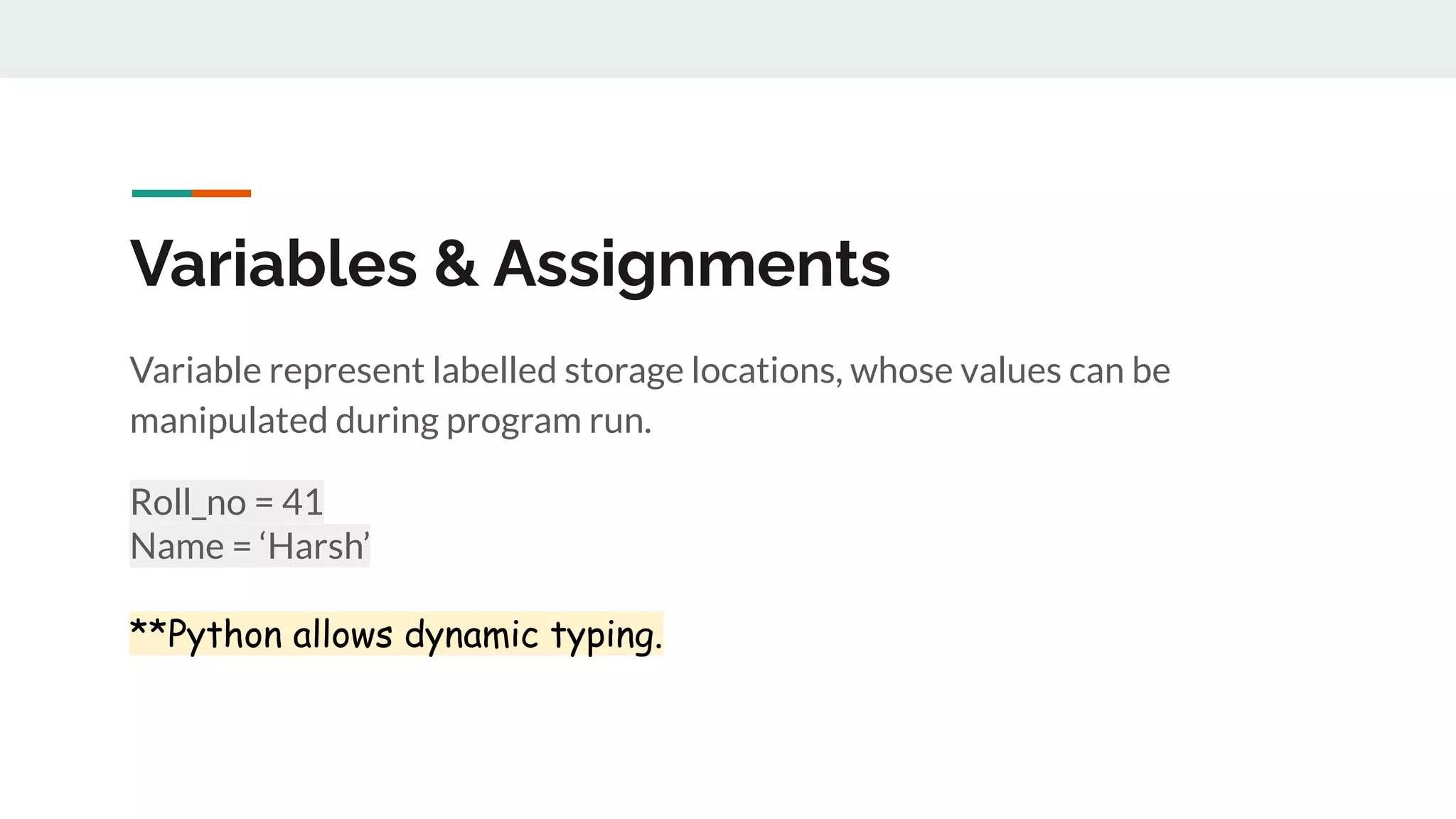
Variable represent labelled storage locations, whose values can be
manipulated during program run.
Roll_no = 41
Name = ‘Harsh’
**Python allows dynamic typing.
Mutable & Immutable Variables
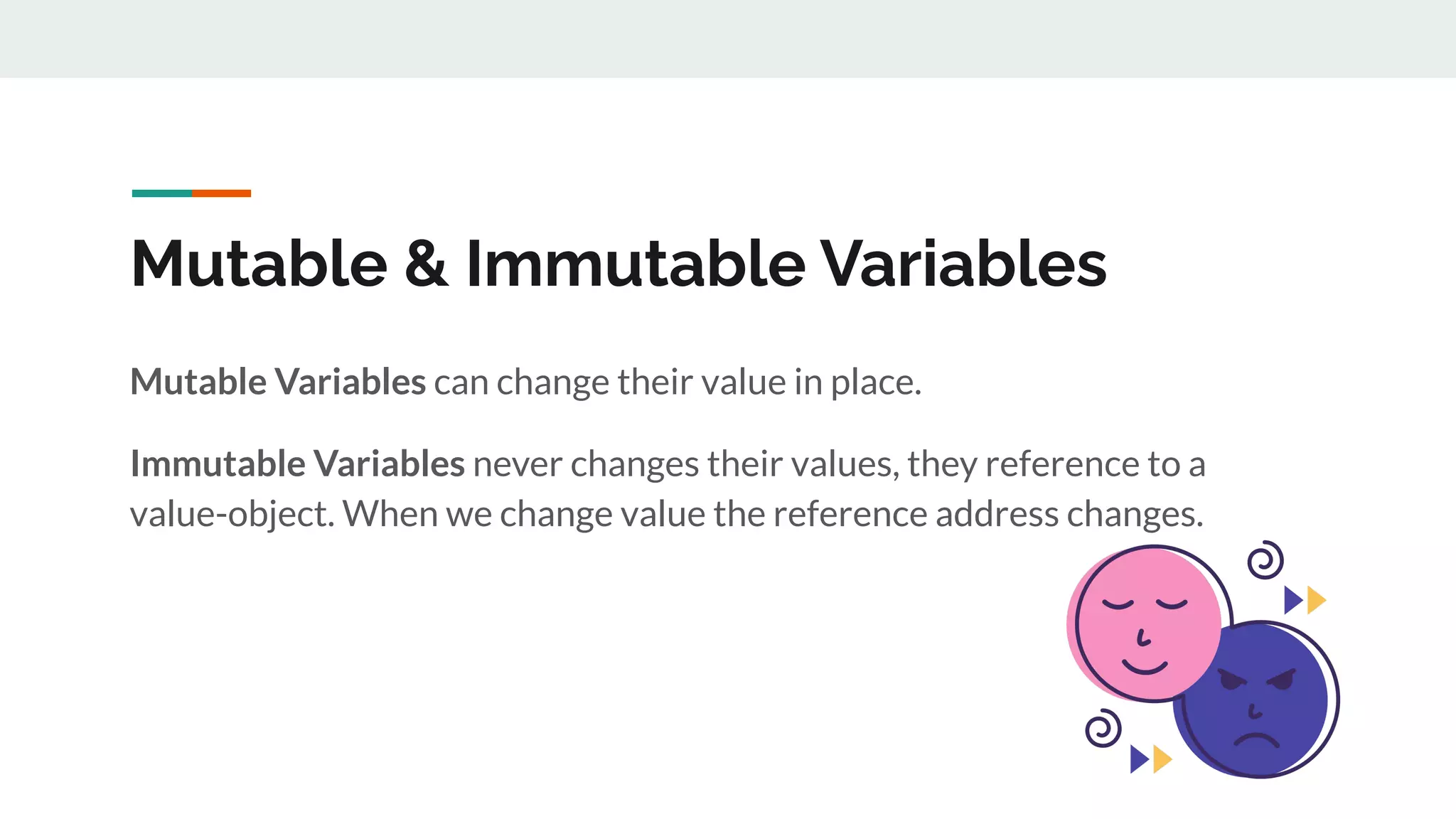
Mutable Variables can change their value in place.
Immutable Variables never changes their values, they reference to a
value-object. When we change value the reference address changes.
Some Terms
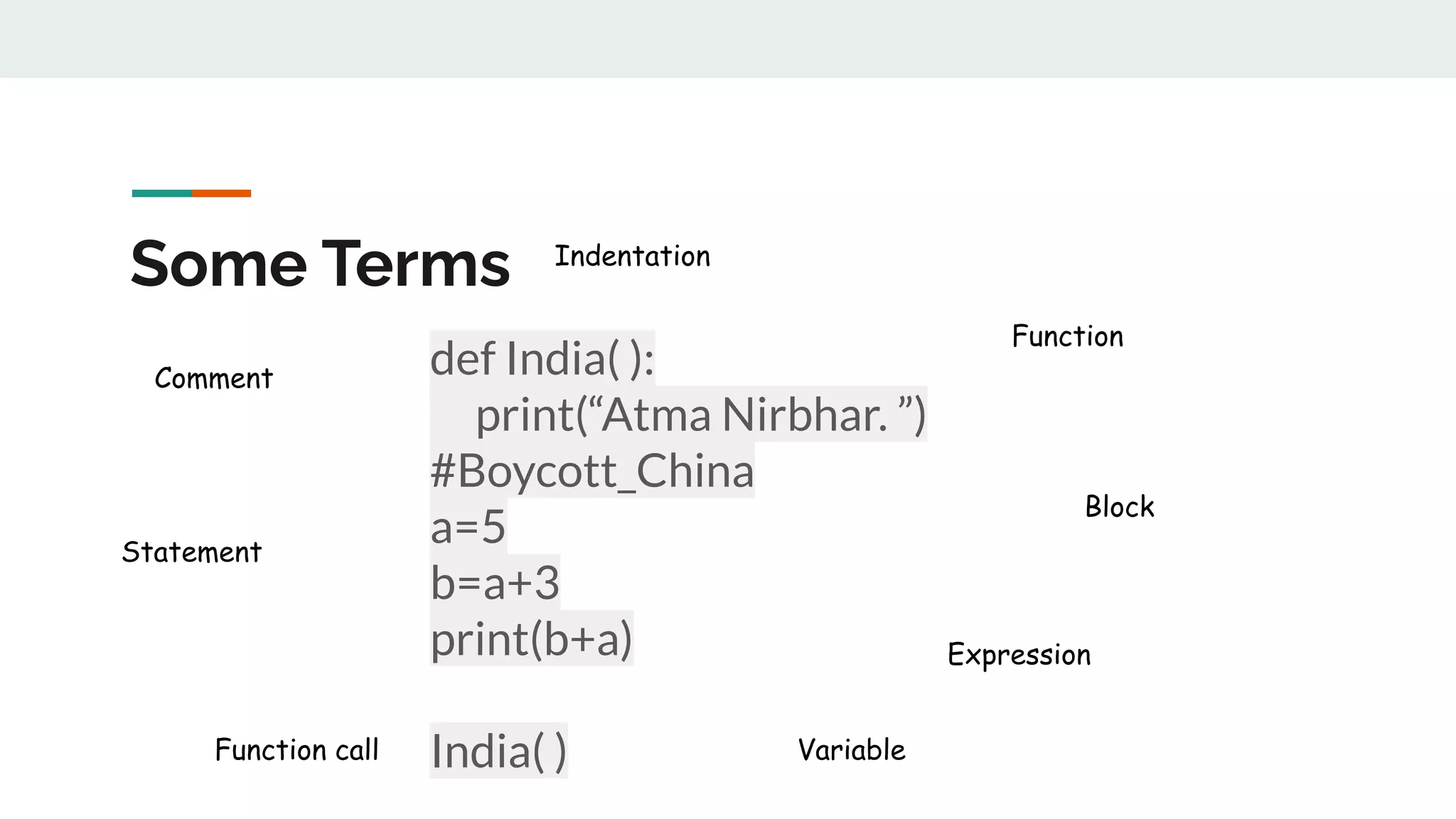
def India( ):
. print(“Atma Nirbhar. ”)
#Boycott_China
a=5
b=a+3
print(b+a)
India( )
Comment
Statement
Indentation
Function
Expression
Function call
Block
Variable
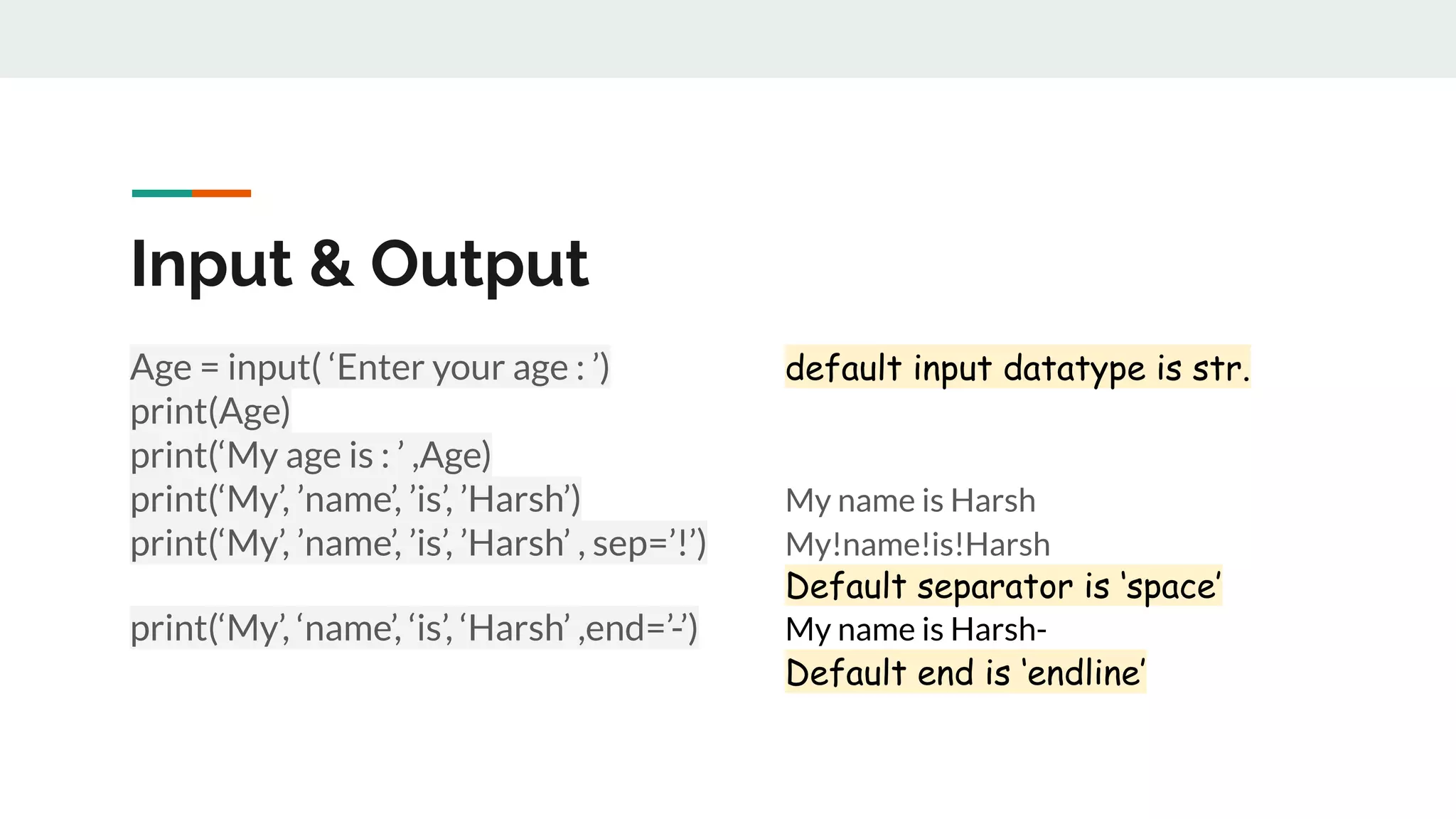
Age = input( ‘Enter your age : ’) default input datatype is str.
print(Age)
print(‘My age is : ’ ,Age)
print(‘My’, ’name’, ’is’, ’Harsh’) My name is Harsh
print(‘My’, ’name’, ’is’, ’Harsh’ , sep=’!’) My!name!is!Harsh
Default separator is ‘space’
print(‘My’, ‘name’, ‘is’, ‘Harsh’ ,end=’-’) My name is Harsh-
Default end is ‘endline’
Input & Output
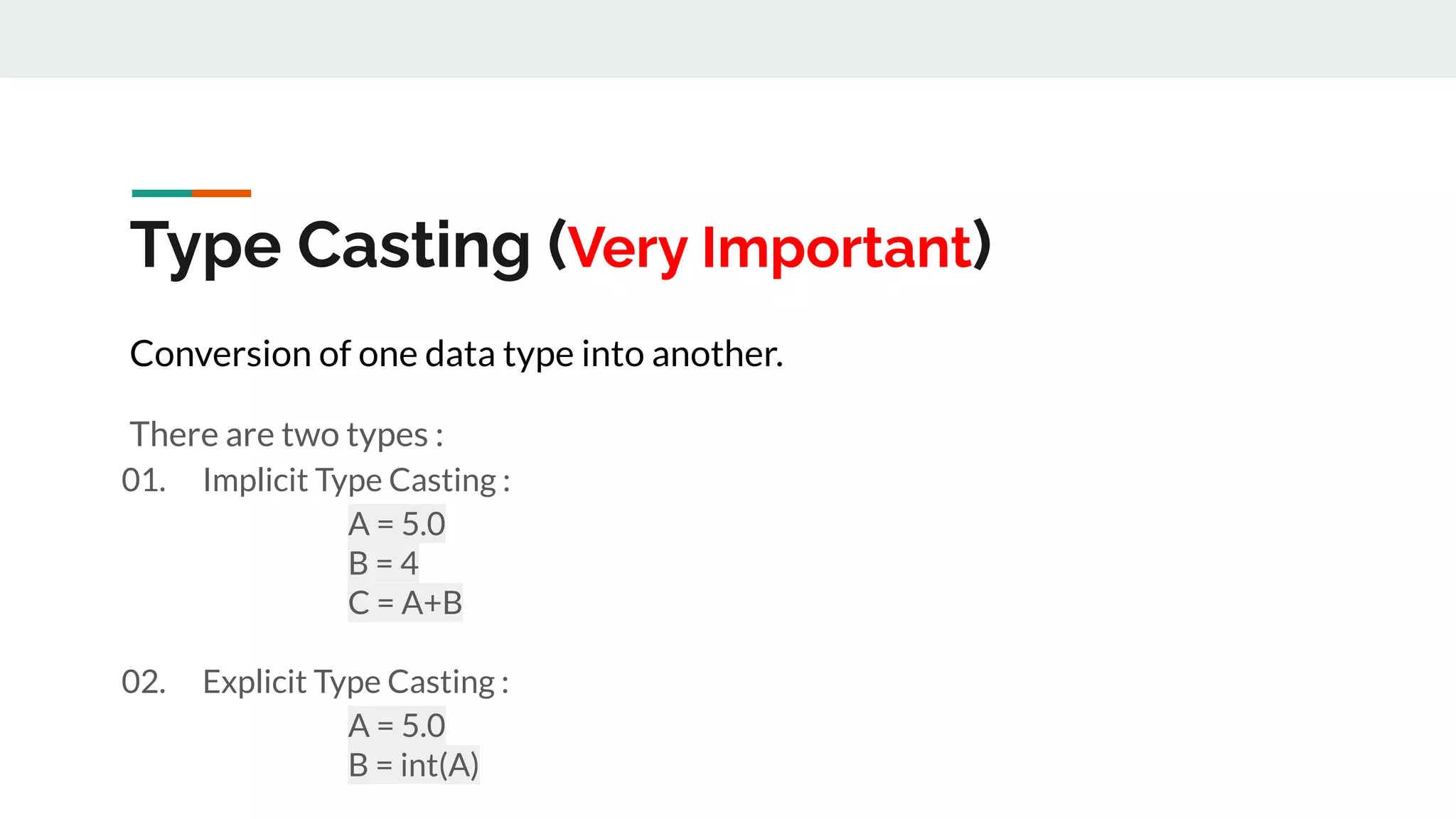
Type Casting (Very Important)
Conversion of one data type into another.
There are two types :
01. Implicit Type Casting :
A = 5.0
B = 4
C = A+B
02. Explicit Type Casting :
A = 5.0
B = int(A)

Lecture-2.pdf

  • 1.
    Data Types ● Integers(int) Immutable ● Floating Points (float) Immutable ● Booleans (bool) Immutable ● Strings (str) Immutable ● Lists Mutable ● Tuples ( constant list ) Immutable ● Dictionaries Mutable
  • 2.
    Variables & Assignments Variablerepresent labelled storage locations, whose values can be manipulated during program run. Roll_no = 41 Name = ‘Harsh’ **Python allows dynamic typing.
  • 3.
    Mutable & ImmutableVariables Mutable Variables can change their value in place. Immutable Variables never changes their values, they reference to a value-object. When we change value the reference address changes.
  • 4.
    Some Terms def India(): . print(“Atma Nirbhar. ”) #Boycott_China a=5 b=a+3 print(b+a) India( ) Comment Statement Indentation Function Expression Function call Block Variable
  • 5.
    Age = input(‘Enter your age : ’) default input datatype is str. print(Age) print(‘My age is : ’ ,Age) print(‘My’, ’name’, ’is’, ’Harsh’) My name is Harsh print(‘My’, ’name’, ’is’, ’Harsh’ , sep=’!’) My!name!is!Harsh Default separator is ‘space’ print(‘My’, ‘name’, ‘is’, ‘Harsh’ ,end=’-’) My name is Harsh- Default end is ‘endline’ Input & Output
  • 6.
    Type Casting (VeryImportant) Conversion of one data type into another. There are two types : 01. Implicit Type Casting : A = 5.0 B = 4 C = A+B 02. Explicit Type Casting : A = 5.0 B = int(A)