Download to read offline

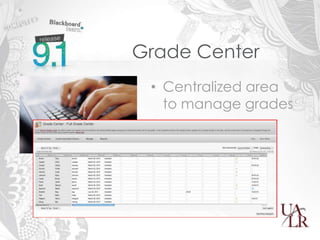
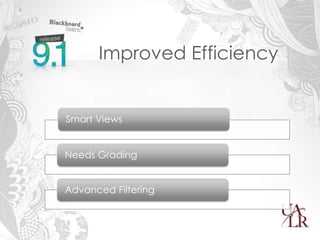
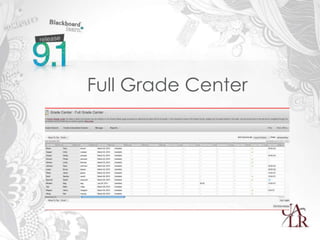
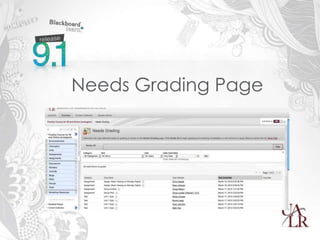
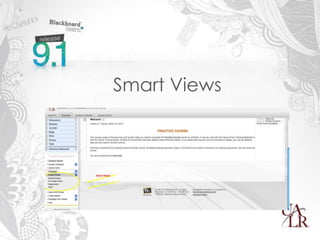
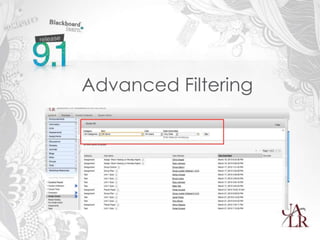
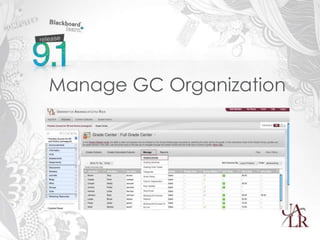
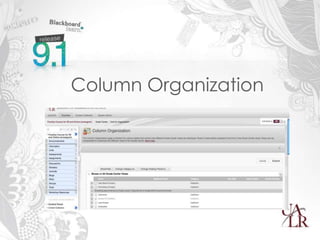
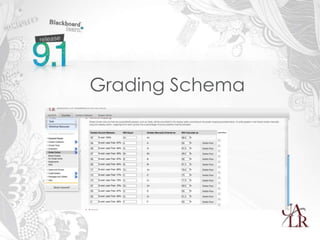
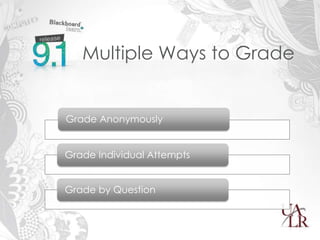
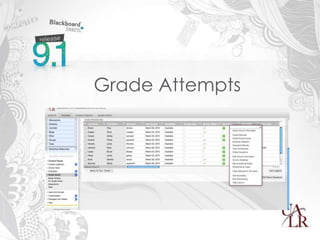
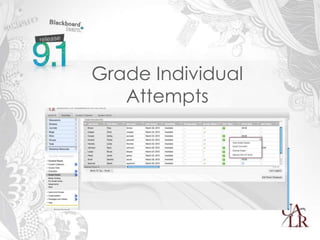
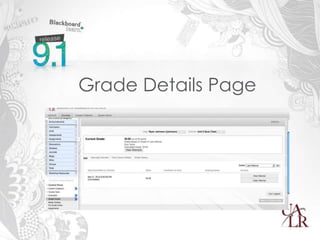
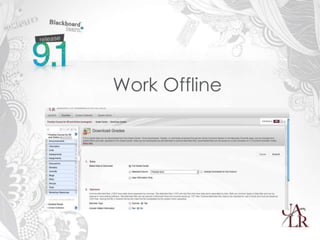


This agenda outlines features and functionality of the Grade Center tool in Blackboard including: an introduction; demonstrations of new features like Needs Grading, Smart Views, and Advanced Filtering; a Q&A session; and resources for further information. Key areas that will be demonstrated include the Needs Grading page for efficiently grading student work, Smart Views for organizing the display of grades, and Advanced Filtering for finding specific students or assignments. The full functionality of the Grade Center for organizing grades, calculated columns, and interactive rubrics will also be discussed.


