HEI Teachers take on
the challenge of
Flexible Learning!
WV PATROLLER
LEA TINGSON
CHED CENTRAL OFFICE
QUEZON CITY
GENEVIEVE CONJUSTA
WEST VISAYAS STATE UNIVERSITY
ILOILO CITY, ILOILO
LMS and
Digital Tools: A
Trend in the
New Normal
WV PATROLLER
JUNE CARL SERAN
UNIVERSITY OF ST. LA SALLE
BACOLOD CITY, NEGROS OCCIDENTAL
JOANN MUYONG
ILOILO SCIENCE AND TECHNOLOGY UNIVERSITY
MIAG-AO, ILOILO
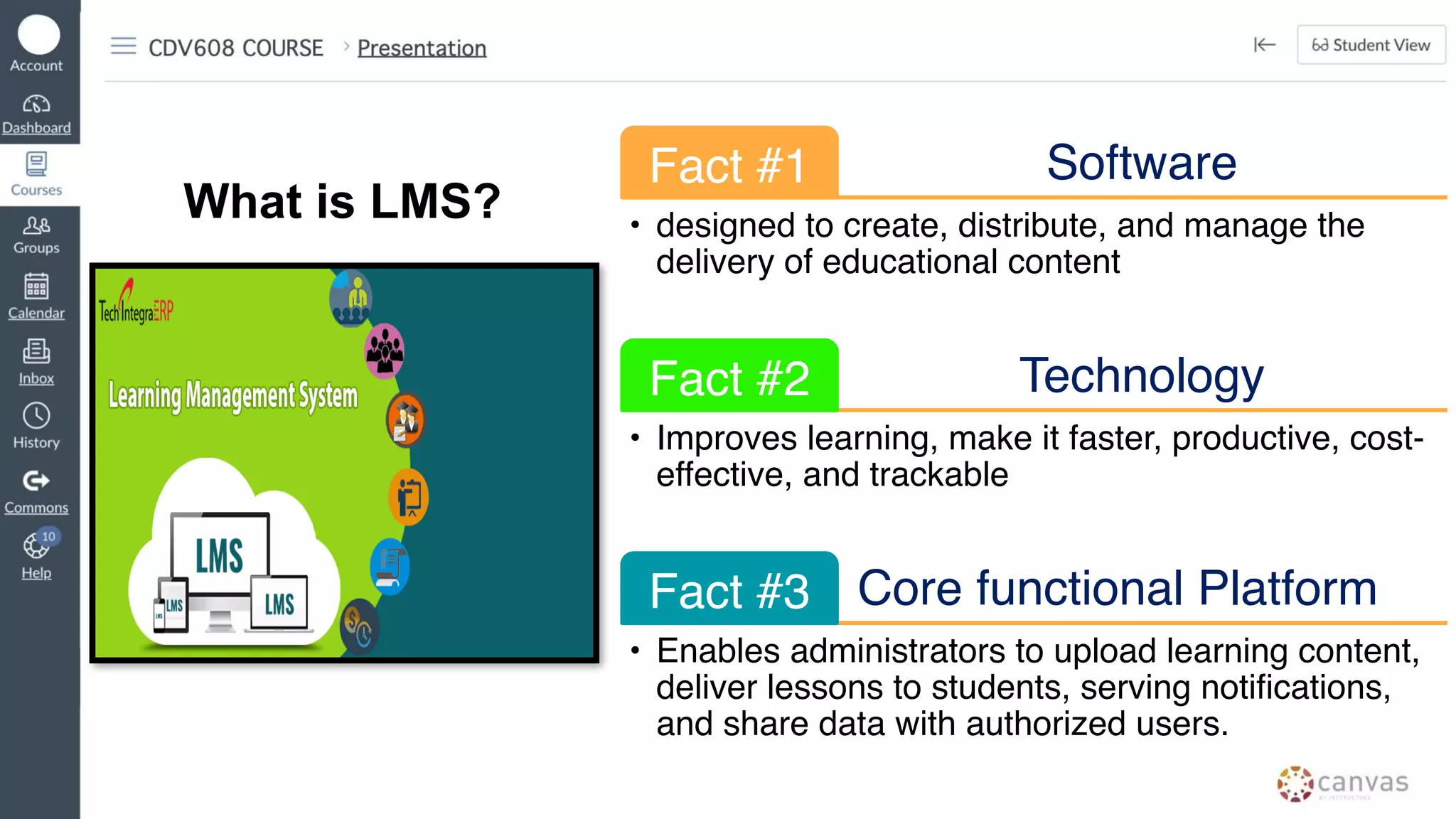
What is LMS?
Software
Fact #1
• designed to create, distribute, and manage the
delivery of educational content
Technology
Fact #2
• Improves learning, make it faster, productive, cost-
effective, and trackable
Core functional Platform
Fact #3
• Enables administrators to upload learning content,
deliver lessons to students, serving notifications,
and share data with authorized users.
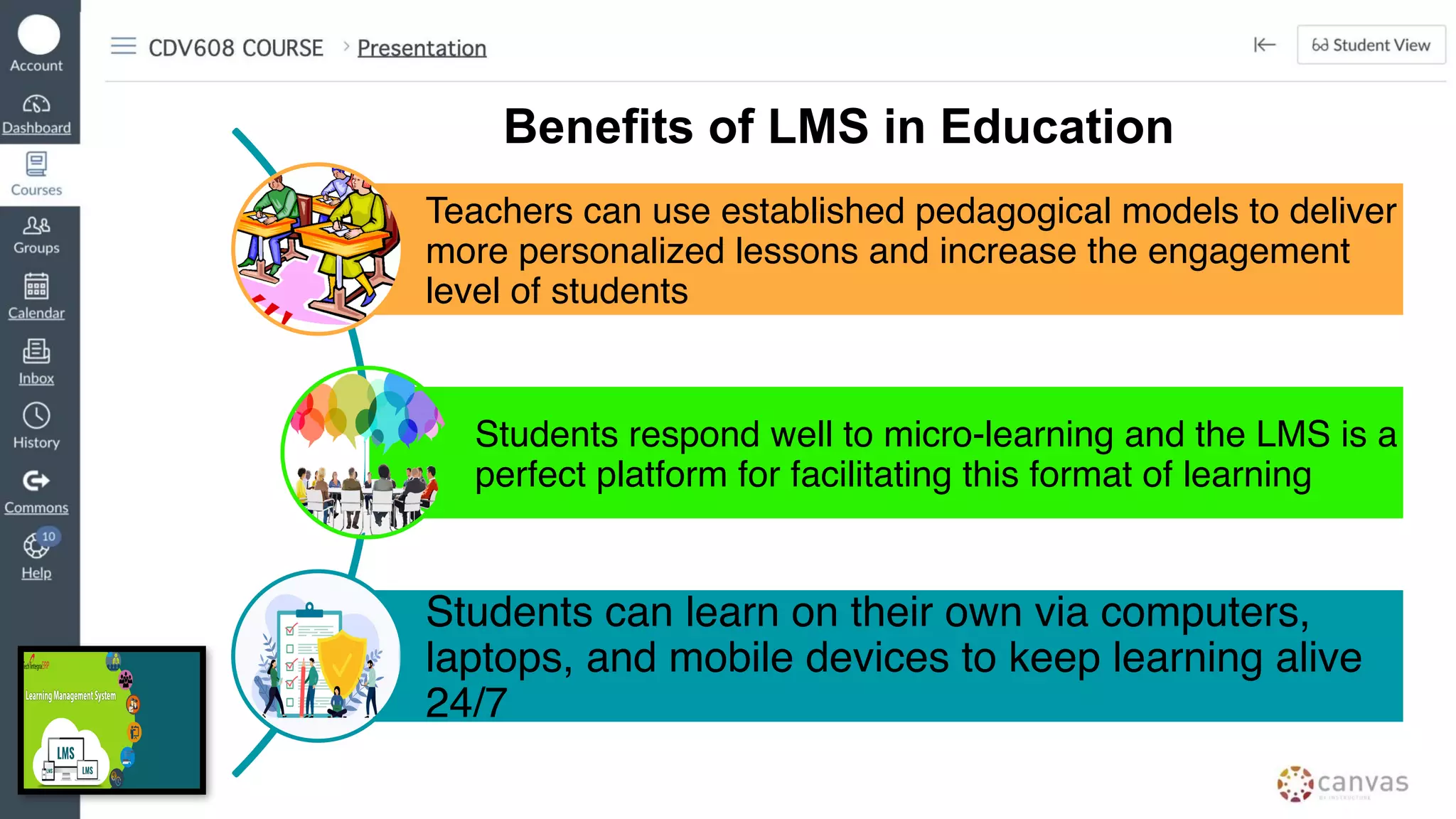
Teachers can use established pedagogical models to deliver
more personalized lessons and increase the engagement
level of students
Students respond well to micro-learning and the LMS is a
perfect platform for facilitating this format of learning
Students can learn on their own via computers,
laptops, and mobile devices to keep learning alive
24/7
Benefits of LMS in Education
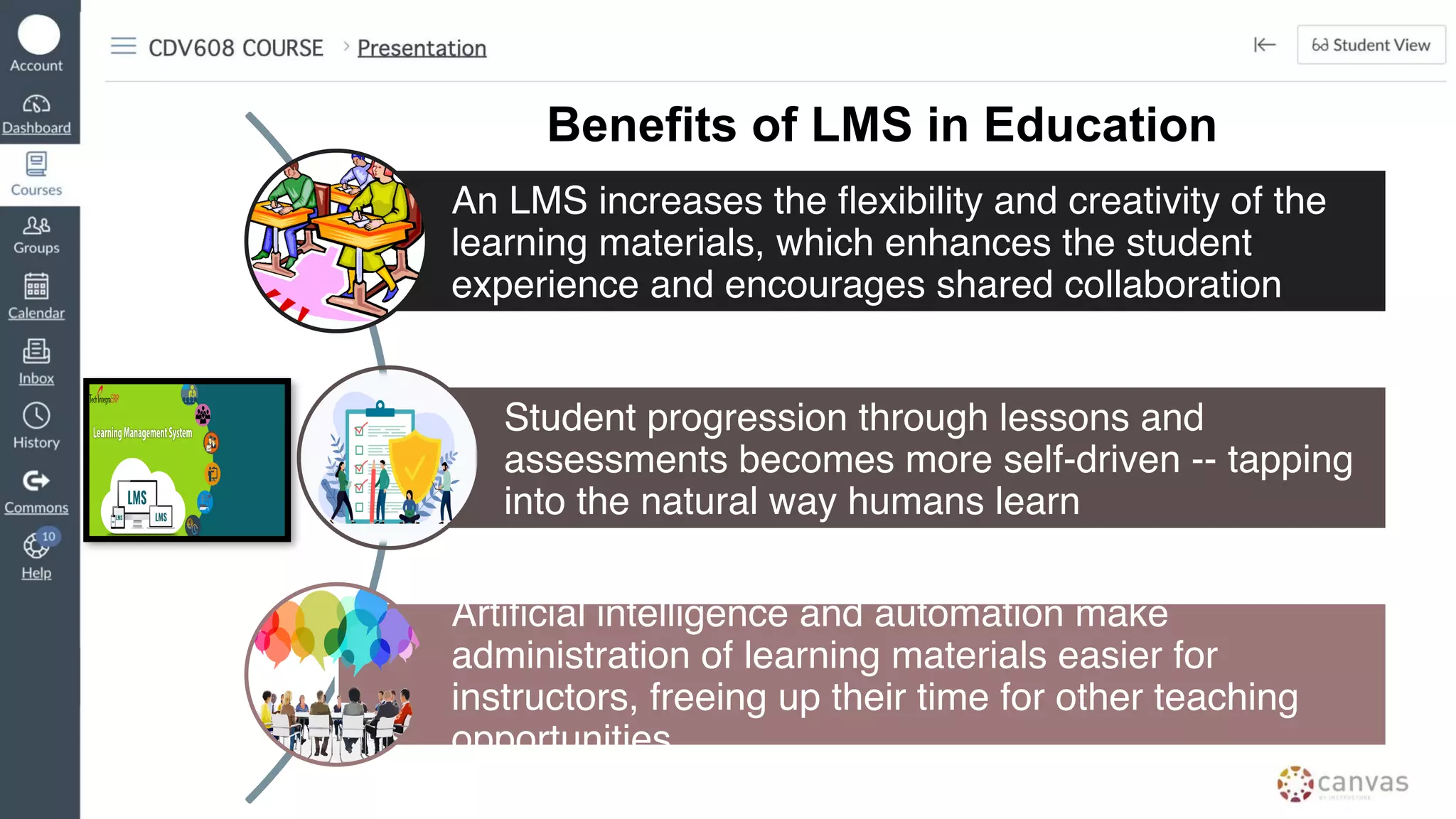
An LMS increases the flexibility and creativity of the
learning materials, which enhances the student
experience and encourages shared collaboration
Student progression through lessons and
assessments becomes more self-driven -- tapping
into the natural way humans learn
Artificial intelligence and automation make
administration of learning materials easier for
instructors, freeing up their time for other teaching
opportunities
Benefits of LMS in Education
Flipgrid is a video tool
that allows teachers
to post "Topics" that
are essentially videos
with some
accompanying text.
Kahoot is an
online game
based learning
platform
Mentimeter is a
web-based polling
tool designed to
assist users with
creating interactive
meetings and
presentations
Padlet
Padlet is a digital
tool that can help
teachers and
students in class
and beyond by
offering a single
place for a notice
board
Quizziz is an online
assessment tool that
allows to teachers
and students to
create and use one
another’s quizzes
Features of Learning
Management System
1.Simple and easy to use
The user experience is clean, simple, and designed forrapid
adoptionon all devices. With features like drag and drop content into
courses, automate common tasks, and send feedbackquickly. But for
some of the more in-depth features look for training
and services offered by the LMS provider.
2. Accessible by anyone anywhere
Whether in class, at home or on the bus; using a laptop or hand-me-
down smartphone, today’s LMS platforms need to work anytime,
anywhere. Perhaps, more important it needs to be accessible for any
user regardless of physical limitations and usable by people with
disabilities and interoperable with assistive technologies.
3. Plays well with others
What takes a learning management system to the next level and
become a learning management platform is the ability for you to
continue to use the tools you love with support for single sign-on and
built-in integrations into tools like Google Drive™, and plug and play
SIS integration.
4. Provides personalized learning
Your learning management platform needs to adapt to the way you
teach, and the way your students learn. Course delivery should be able
to adapt toindividualneeds based onwhat alearnerdoes – or doesn’t
do – using automated methods to personalise learning – saving time
will providing customised support to learners.
Advantages of the use of
Learning Management
System
1. Access learning
on the go
- Easy accessibility via any
mobile device to capture
opportunities for learning
2. Flexibility in
learning pathways
- Ability to set up specific
learning pathways for
students and training plans
for adults
3. Analyze learning
patterns
- Analytics that provide a
progress report of every
user and proof of
knowledge
4. Use a variety of
learning materials
- Bringing together learning
materials from a wide range
of sources, from MOOCs to
user-shared materials
5. Learning Automation
- Automation of many learning
processes, including scheduling,
invitations, and follow-up support
The Higher Education Space
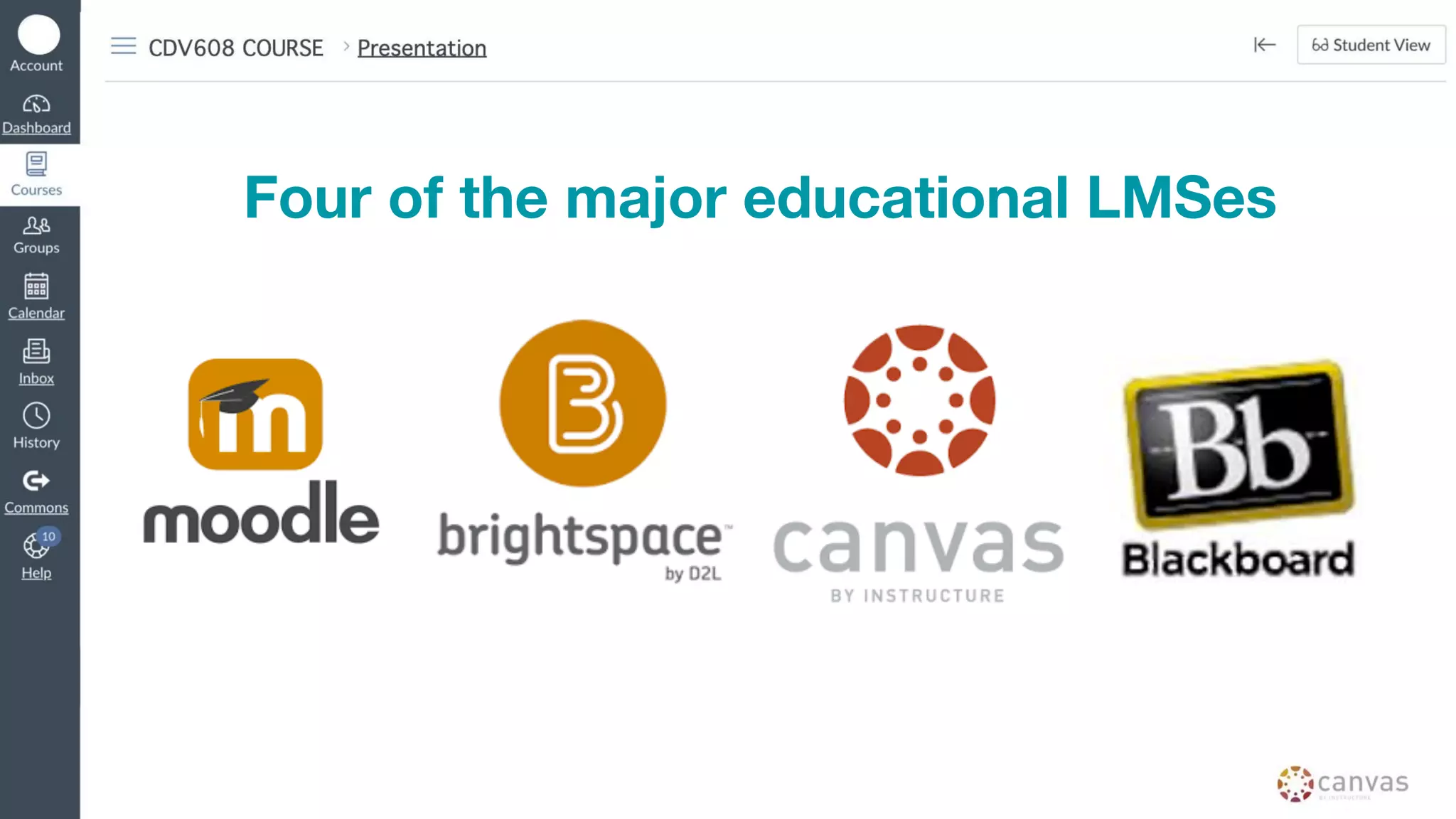
Four of the major educational LMSes
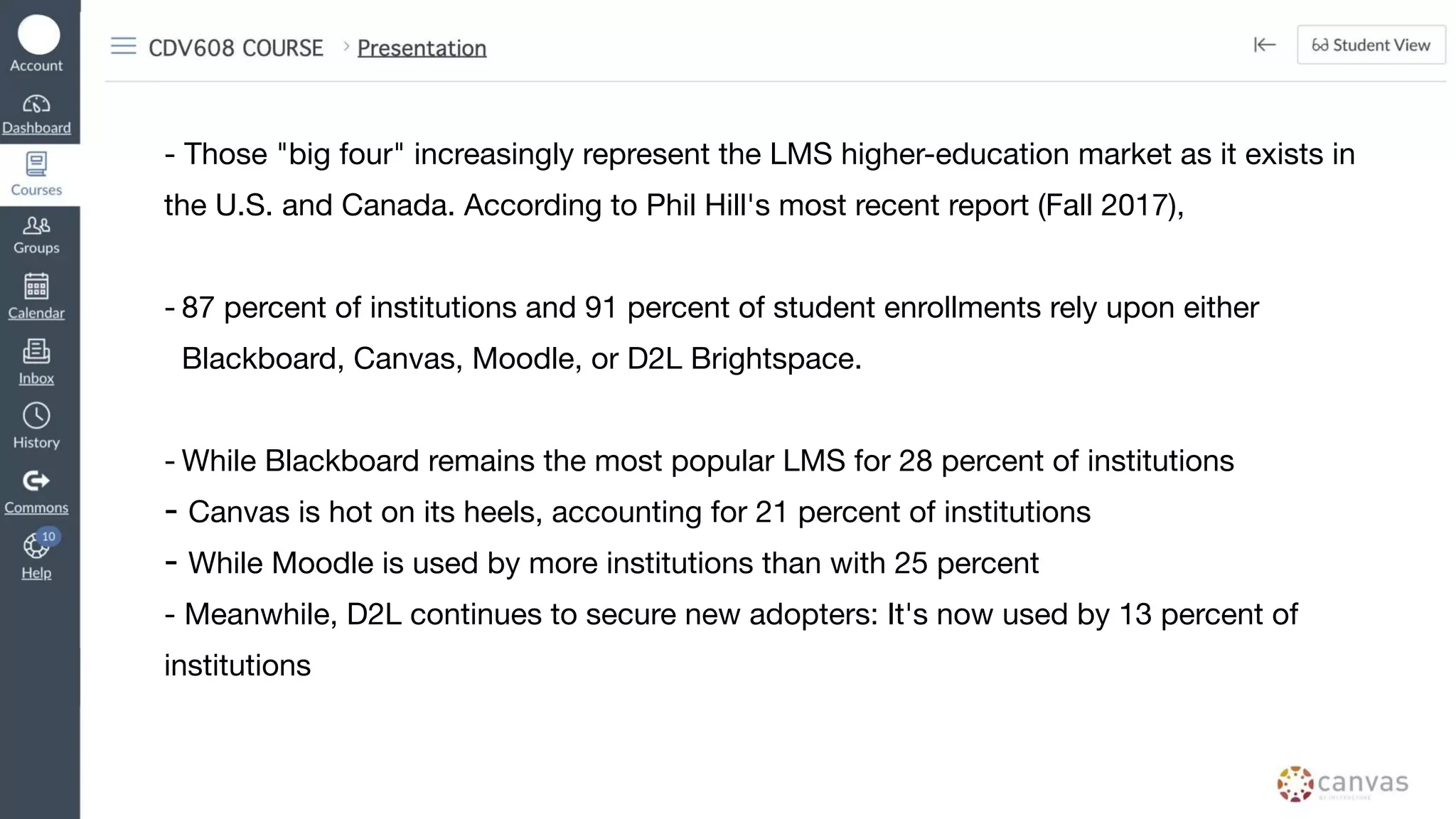
- Those "big four" increasingly represent the LMS higher-education market as it exists in
the U.S. and Canada. According to Phil Hill's most recent report (Fall 2017),
- 87 percent of institutions and 91 percent of student enrollments rely upon either
Blackboard, Canvas, Moodle, or D2L Brightspace.
- While Blackboard remains the most popular LMS for 28 percent of institutions
- Canvas is hot on its heels, accounting for 21 percent of institutions
- While Moodle is used by more institutions than with 25 percent
- Meanwhile, D2L continues to secure new adopters: It's now used by 13 percent of
institutions
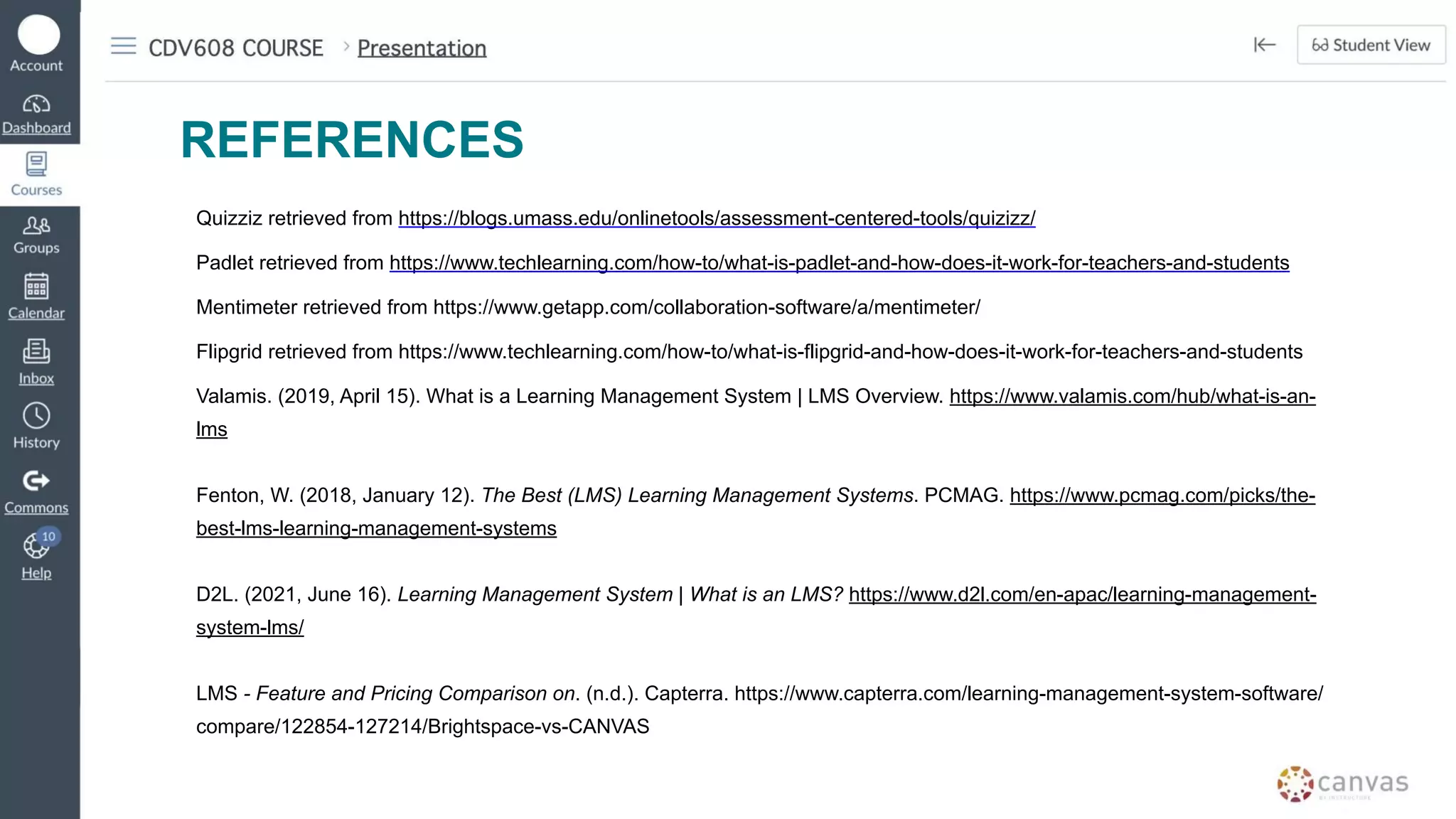
REFERENCES
Quizziz retrieved from https://blogs.umass.edu/onlinetools/assessment-centered-tools/quizizz/
Padlet retrieved from https://www.techlearning.com/how-to/what-is-padlet-and-how-does-it-work-for-teachers-and-students
Mentimeter retrieved from https://www.getapp.com/collaboration-software/a/mentimeter/
Flipgrid retrieved from https://www.techlearning.com/how-to/what-is-flipgrid-and-how-does-it-work-for-teachers-and-students
Valamis. (2019, April 15). What is a Learning Management System | LMS Overview. https://www.valamis.com/hub/what-is-an-
lms
Fenton, W. (2018, January 12). The Best (LMS) Learning Management Systems. PCMAG. https://www.pcmag.com/picks/the-
best-lms-learning-management-systems
D2L. (2021, June 16). Learning Management System | What is an LMS? https://www.d2l.com/en-apac/learning-management-
system-lms/
LMS - Feature and Pricing Comparison on. (n.d.). Capterra. https://www.capterra.com/learning-management-system-software/
compare/122854-127214/Brightspace-vs-CANVAS

Learning Management System.pdf

  • 1.
    HEI Teachers takeon the challenge of Flexible Learning!
  • 2.
    WV PATROLLER LEA TINGSON CHEDCENTRAL OFFICE QUEZON CITY GENEVIEVE CONJUSTA WEST VISAYAS STATE UNIVERSITY ILOILO CITY, ILOILO
  • 3.
    LMS and Digital Tools:A Trend in the New Normal
  • 4.
    WV PATROLLER JUNE CARLSERAN UNIVERSITY OF ST. LA SALLE BACOLOD CITY, NEGROS OCCIDENTAL JOANN MUYONG ILOILO SCIENCE AND TECHNOLOGY UNIVERSITY MIAG-AO, ILOILO
  • 5.
    What is LMS? Software Fact#1 • designed to create, distribute, and manage the delivery of educational content Technology Fact #2 • Improves learning, make it faster, productive, cost- effective, and trackable Core functional Platform Fact #3 • Enables administrators to upload learning content, deliver lessons to students, serving notifications, and share data with authorized users.
  • 6.
    Teachers can useestablished pedagogical models to deliver more personalized lessons and increase the engagement level of students Students respond well to micro-learning and the LMS is a perfect platform for facilitating this format of learning Students can learn on their own via computers, laptops, and mobile devices to keep learning alive 24/7 Benefits of LMS in Education
  • 7.
    An LMS increasesthe flexibility and creativity of the learning materials, which enhances the student experience and encourages shared collaboration Student progression through lessons and assessments becomes more self-driven -- tapping into the natural way humans learn Artificial intelligence and automation make administration of learning materials easier for instructors, freeing up their time for other teaching opportunities Benefits of LMS in Education
  • 8.
    Flipgrid is avideo tool that allows teachers to post "Topics" that are essentially videos with some accompanying text.
  • 9.
    Kahoot is an onlinegame based learning platform
  • 10.
    Mentimeter is a web-basedpolling tool designed to assist users with creating interactive meetings and presentations
  • 11.
    Padlet Padlet is adigital tool that can help teachers and students in class and beyond by offering a single place for a notice board
  • 12.
    Quizziz is anonline assessment tool that allows to teachers and students to create and use one another’s quizzes
  • 13.
  • 14.
    1.Simple and easyto use The user experience is clean, simple, and designed forrapid adoptionon all devices. With features like drag and drop content into courses, automate common tasks, and send feedbackquickly. But for some of the more in-depth features look for training and services offered by the LMS provider.
  • 15.
    2. Accessible byanyone anywhere Whether in class, at home or on the bus; using a laptop or hand-me- down smartphone, today’s LMS platforms need to work anytime, anywhere. Perhaps, more important it needs to be accessible for any user regardless of physical limitations and usable by people with disabilities and interoperable with assistive technologies.
  • 16.
    3. Plays wellwith others What takes a learning management system to the next level and become a learning management platform is the ability for you to continue to use the tools you love with support for single sign-on and built-in integrations into tools like Google Drive™, and plug and play SIS integration.
  • 17.
    4. Provides personalizedlearning Your learning management platform needs to adapt to the way you teach, and the way your students learn. Course delivery should be able to adapt toindividualneeds based onwhat alearnerdoes – or doesn’t do – using automated methods to personalise learning – saving time will providing customised support to learners.
  • 18.
    Advantages of theuse of Learning Management System
  • 19.
    1. Access learning onthe go - Easy accessibility via any mobile device to capture opportunities for learning 2. Flexibility in learning pathways - Ability to set up specific learning pathways for students and training plans for adults
  • 20.
    3. Analyze learning patterns -Analytics that provide a progress report of every user and proof of knowledge 4. Use a variety of learning materials - Bringing together learning materials from a wide range of sources, from MOOCs to user-shared materials
  • 21.
    5. Learning Automation -Automation of many learning processes, including scheduling, invitations, and follow-up support
  • 22.
  • 23.
    Four of themajor educational LMSes
  • 24.
    - Those "bigfour" increasingly represent the LMS higher-education market as it exists in the U.S. and Canada. According to Phil Hill's most recent report (Fall 2017), - 87 percent of institutions and 91 percent of student enrollments rely upon either Blackboard, Canvas, Moodle, or D2L Brightspace. - While Blackboard remains the most popular LMS for 28 percent of institutions - Canvas is hot on its heels, accounting for 21 percent of institutions - While Moodle is used by more institutions than with 25 percent - Meanwhile, D2L continues to secure new adopters: It's now used by 13 percent of institutions
  • 25.
    REFERENCES Quizziz retrieved fromhttps://blogs.umass.edu/onlinetools/assessment-centered-tools/quizizz/ Padlet retrieved from https://www.techlearning.com/how-to/what-is-padlet-and-how-does-it-work-for-teachers-and-students Mentimeter retrieved from https://www.getapp.com/collaboration-software/a/mentimeter/ Flipgrid retrieved from https://www.techlearning.com/how-to/what-is-flipgrid-and-how-does-it-work-for-teachers-and-students Valamis. (2019, April 15). What is a Learning Management System | LMS Overview. https://www.valamis.com/hub/what-is-an- lms Fenton, W. (2018, January 12). The Best (LMS) Learning Management Systems. PCMAG. https://www.pcmag.com/picks/the- best-lms-learning-management-systems D2L. (2021, June 16). Learning Management System | What is an LMS? https://www.d2l.com/en-apac/learning-management- system-lms/ LMS - Feature and Pricing Comparison on. (n.d.). Capterra. https://www.capterra.com/learning-management-system-software/ compare/122854-127214/Brightspace-vs-CANVAS