hajimiri & rahimi.vi
C:UserslenovoDesktopmechatronic projectlabviwhajimiri & rahimi.vi
Last modified on 01/19/2014 at 07:49 ‫ظ.ق‬
Printed on 01/19/2014 at 10:37 ‫ظ.ق‬
Page 1
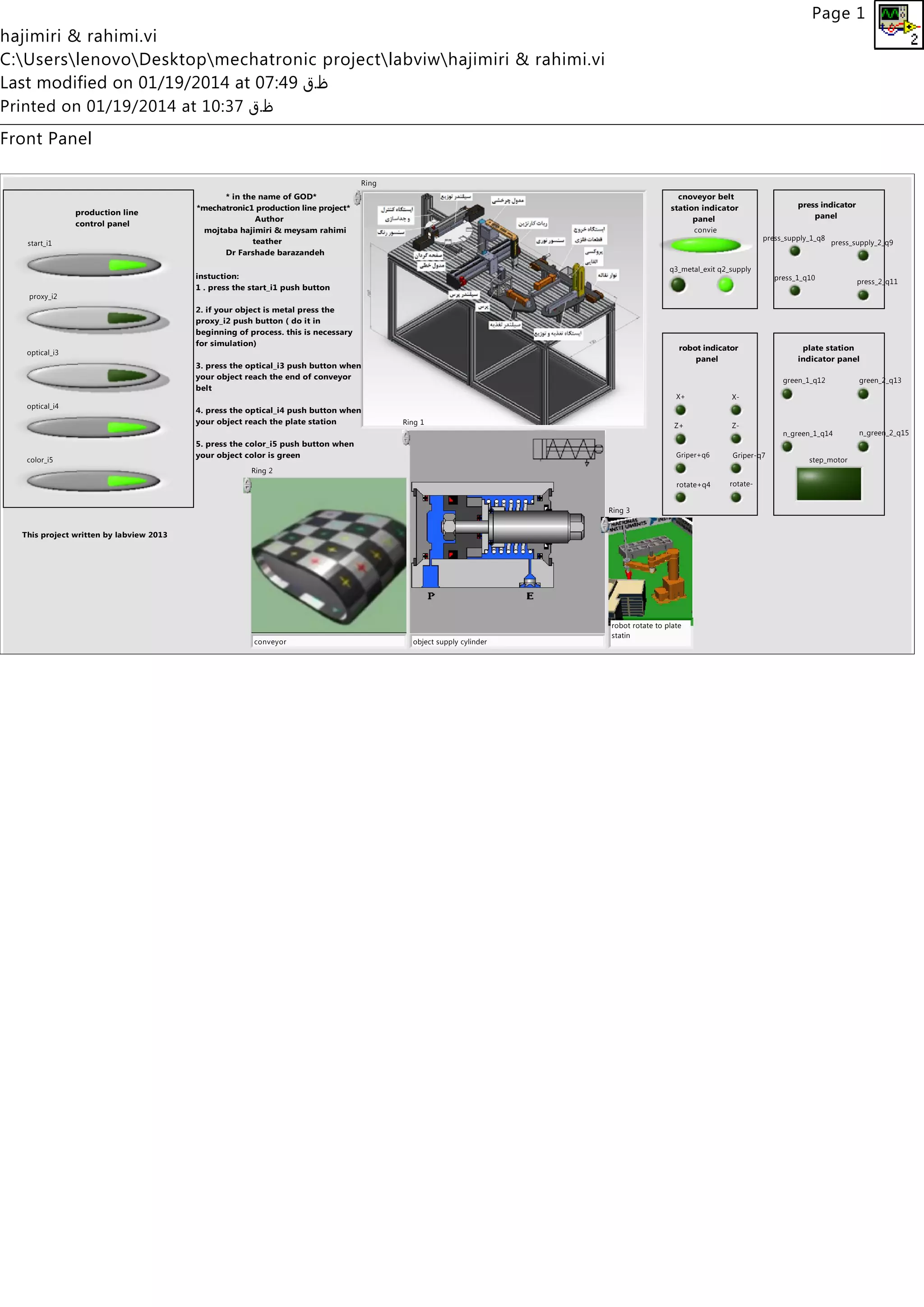
Front Panel
start_i1
convie
q2_supply
optical_i3
proxy_i2
q3_metal_exit
X+ X-
Z+ Z-
Griper+q6 Griper-q7
rotate+q4 rotate-
press_supply_1_q8
press_supply_2_q9
press_1_q10
press_2_q11
optical_i4
color_i5 step_motor
green_1_q12 green_2_q13
n_green_1_q14 n_green_2_q15
Ring
object supply cylinder
Ring 1
conveyor
Ring 2
robot rotate to plate
statin
Ring 3
* in the name of GOD*
*mechatronic1 production line project*
Author
mojtaba hajimiri & meysam rahimi
teather
Dr Farshade barazandeh
robot indicator
panel
cnoveyor belt
station indicator
panel
plate station
indicator panel
press indicator
panel
instuction:
1 . press the start_i1 push button
2. if your object is metal press the
proxy_i2 push button ( do it in
beginning of process. this is necessary
for simulation)
3. press the optical_i3 push button when
your object reach the end of conveyor
belt
4. press the optical_i4 push button when
your object reach the plate station
5. press the color_i5 push button when
your object color is green
production line
control panel
This project written by labview 2013

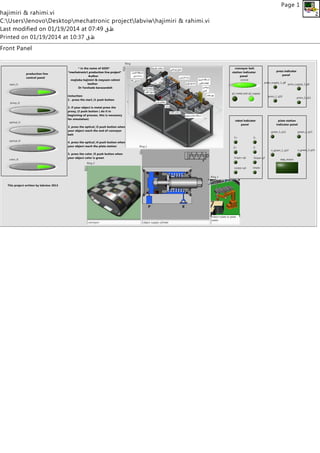
Labview front panel

  • 1.
    hajimiri & rahimi.vi C:UserslenovoDesktopmechatronicprojectlabviwhajimiri & rahimi.vi Last modified on 01/19/2014 at 07:49 ‫ظ.ق‬ Printed on 01/19/2014 at 10:37 ‫ظ.ق‬ Page 1 Front Panel start_i1 convie q2_supply optical_i3 proxy_i2 q3_metal_exit X+ X- Z+ Z- Griper+q6 Griper-q7 rotate+q4 rotate- press_supply_1_q8 press_supply_2_q9 press_1_q10 press_2_q11 optical_i4 color_i5 step_motor green_1_q12 green_2_q13 n_green_1_q14 n_green_2_q15 Ring object supply cylinder Ring 1 conveyor Ring 2 robot rotate to plate statin Ring 3 * in the name of GOD* *mechatronic1 production line project* Author mojtaba hajimiri & meysam rahimi teather Dr Farshade barazandeh robot indicator panel cnoveyor belt station indicator panel plate station indicator panel press indicator panel instuction: 1 . press the start_i1 push button 2. if your object is metal press the proxy_i2 push button ( do it in beginning of process. this is necessary for simulation) 3. press the optical_i3 push button when your object reach the end of conveyor belt 4. press the optical_i4 push button when your object reach the plate station 5. press the color_i5 push button when your object color is green production line control panel This project written by labview 2013