KFC Self-Service
Video content:
https://www.facebook.com/dony.riyanto.9/videos/vb.1035403186/10204844753212042
TABLE OF CONTENTS
• Technical Interface Architecture
• Hardware Specification
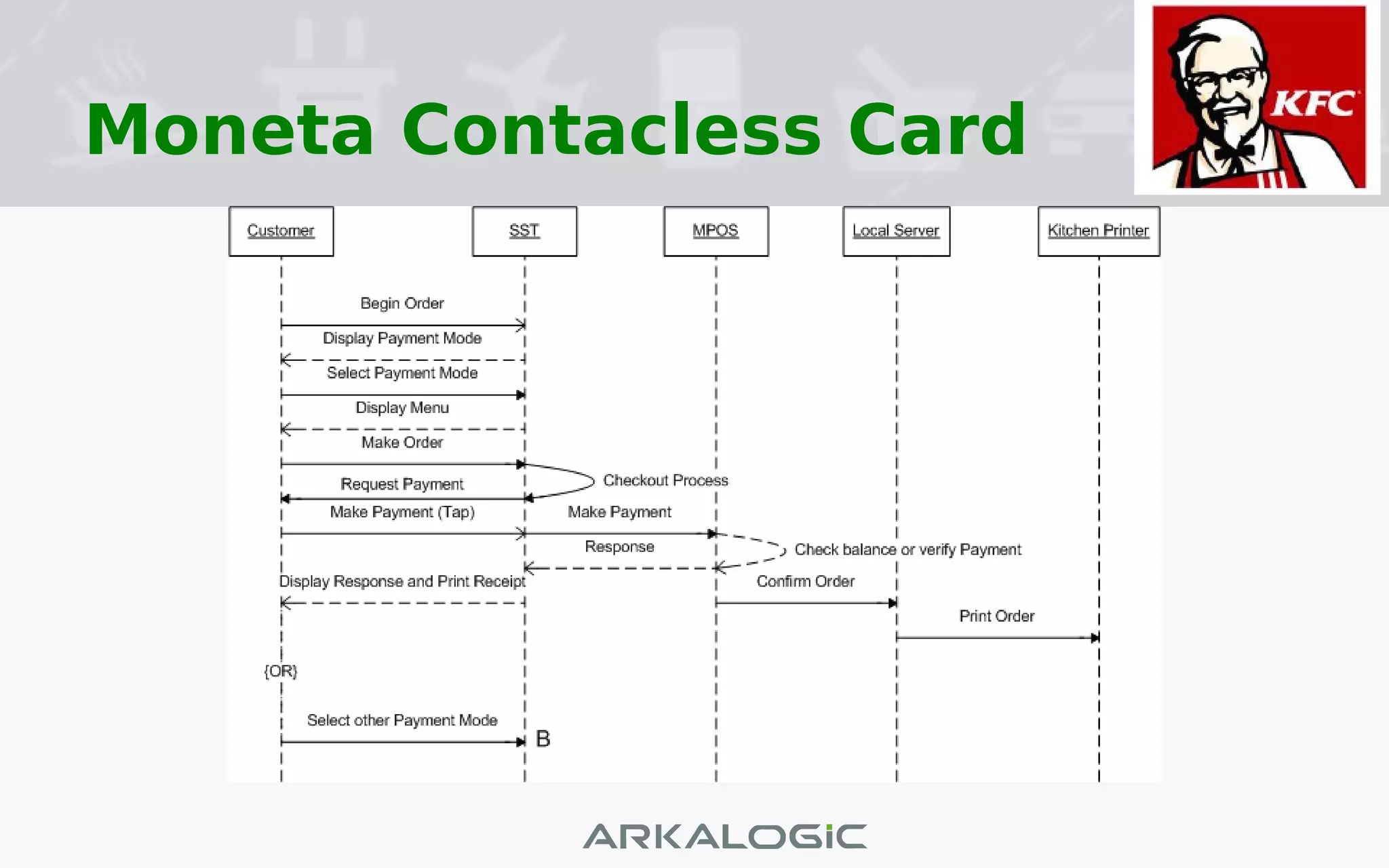
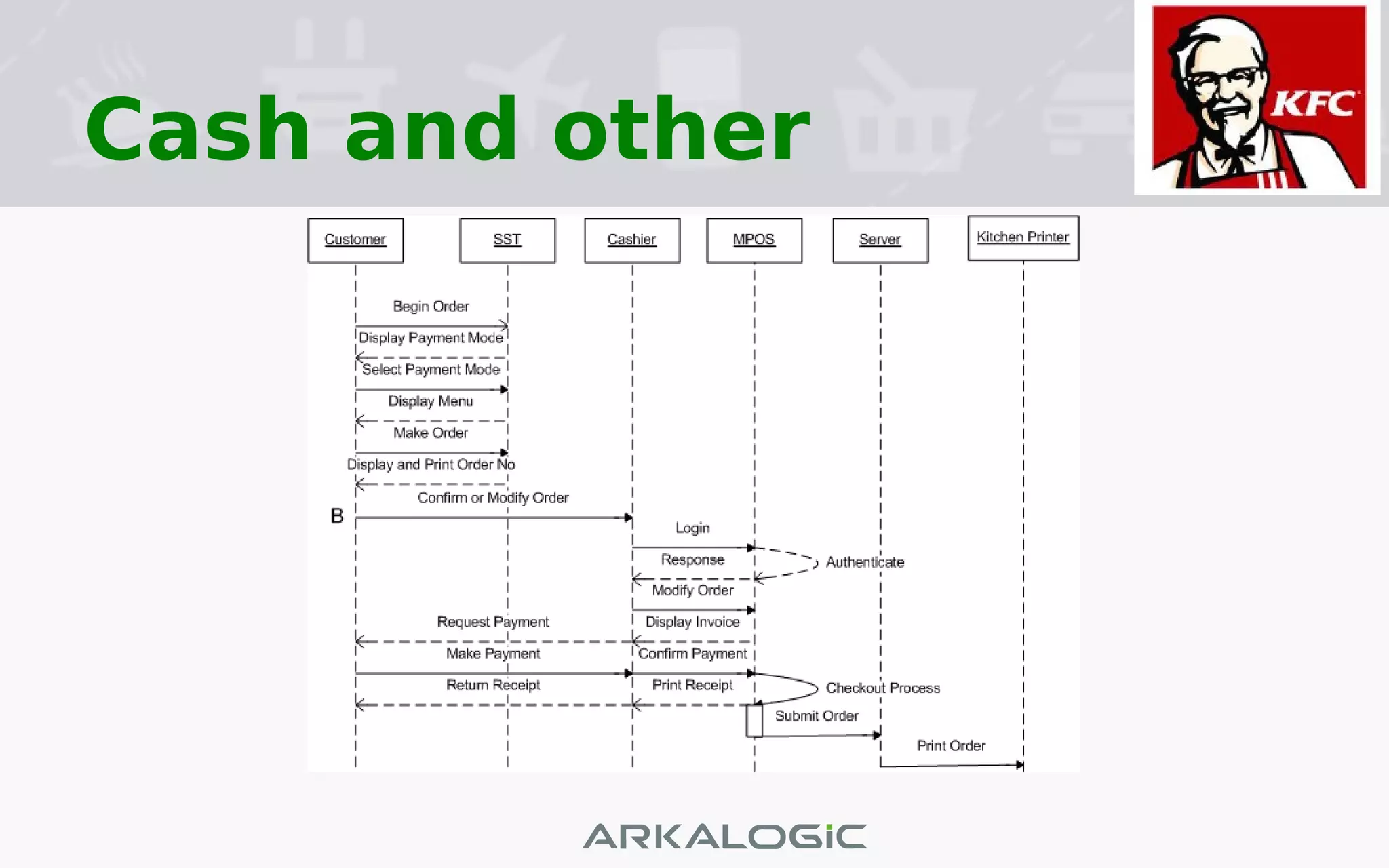
• Sequence Diagram
• Screens
• Content Management Screens
• Self-Service Terminal
• MPOS Tablet Screen
• Q&A
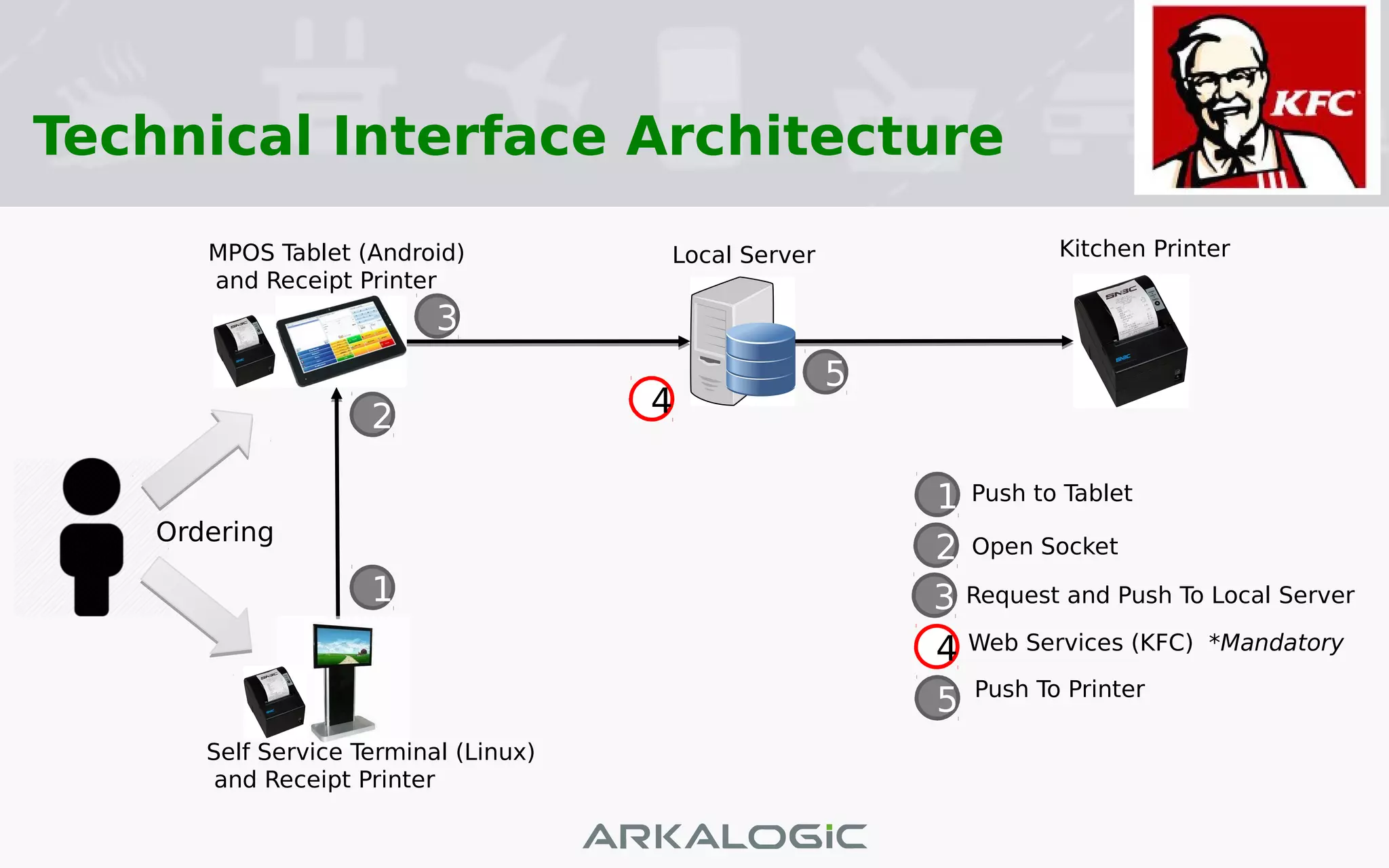
Technical Interface Architecture
Self Service Terminal (Linux)
and Receipt Printer
1
42
3
5
1
2
3
4
5
Push to Tablet
Open Socket
Request and Push To Local Server
Web Services (KFC) *Mandatory
Push To Printer
MPOS Tablet (Android)
and Receipt Printer
Local Server Kitchen Printer
Ordering
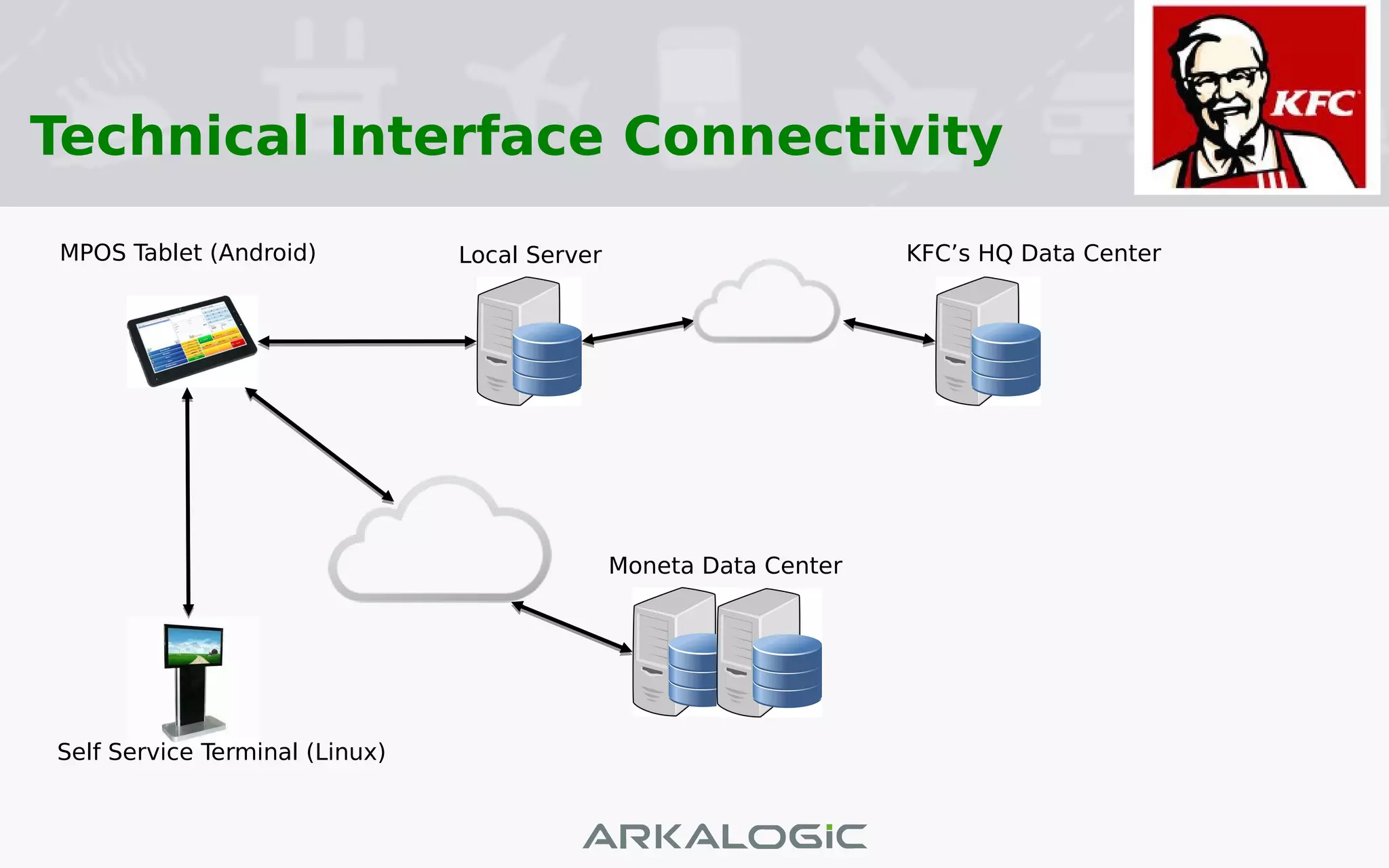
Technical Interface Connectivity
Self Service Terminal (Linux)
MPOS Tablet (Android) Local Server
Moneta Data Center
KFC’s HQ Data Center
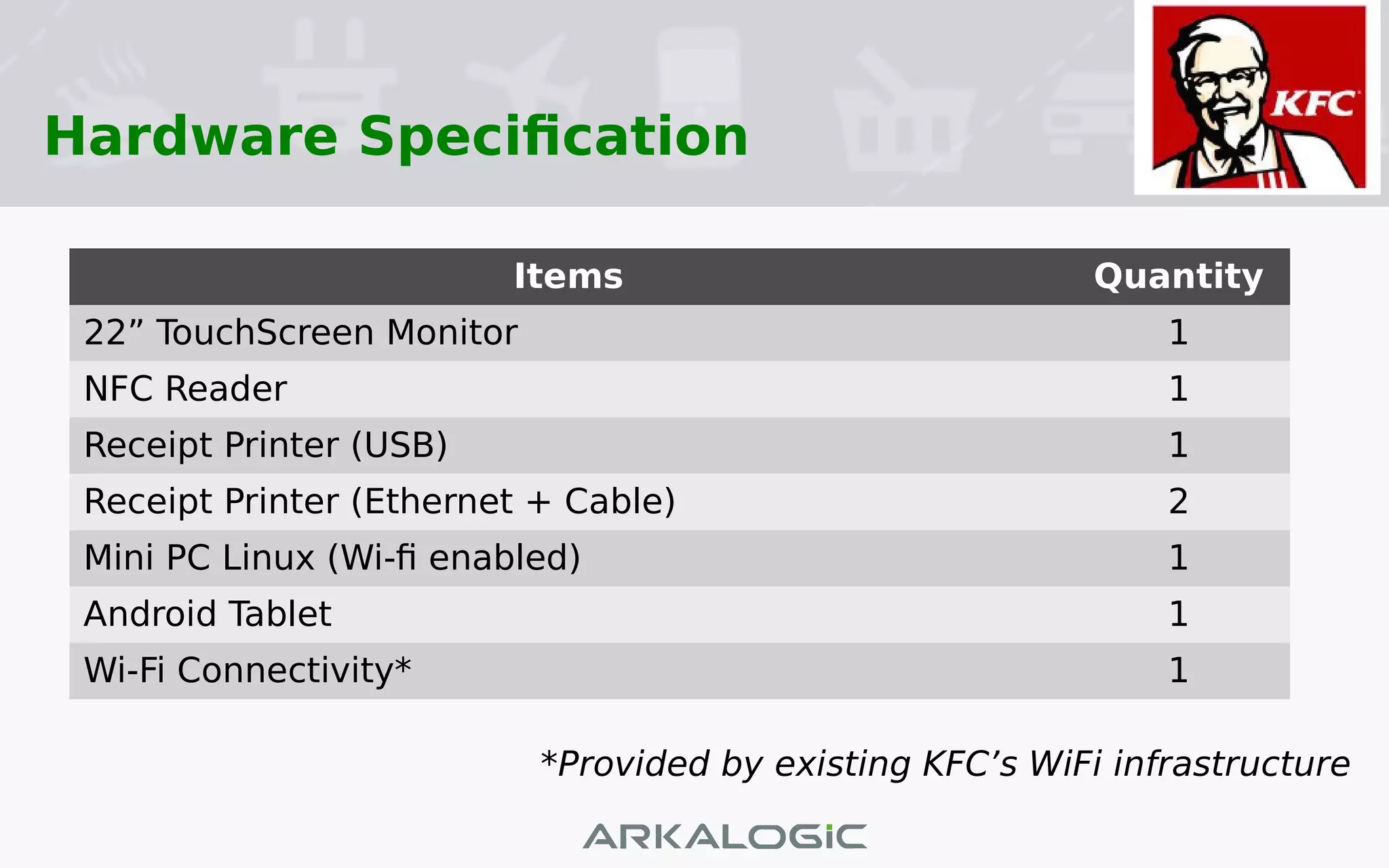
Hardware Specification
Items Quantity
22” TouchScreen Monitor 1
NFC Reader 1
Receipt Printer (USB) 1
Receipt Printer (Ethernet + Cable) 2
Mini PC Linux (Wi-fi enabled) 1
Android Tablet 1
Wi-Fi Connectivity* 1
*Provided by existing KFC’s WiFi infrastructure
Sequence Diagram
Moneta Contacless Card
Cash and other
Screens
Content Management Screens
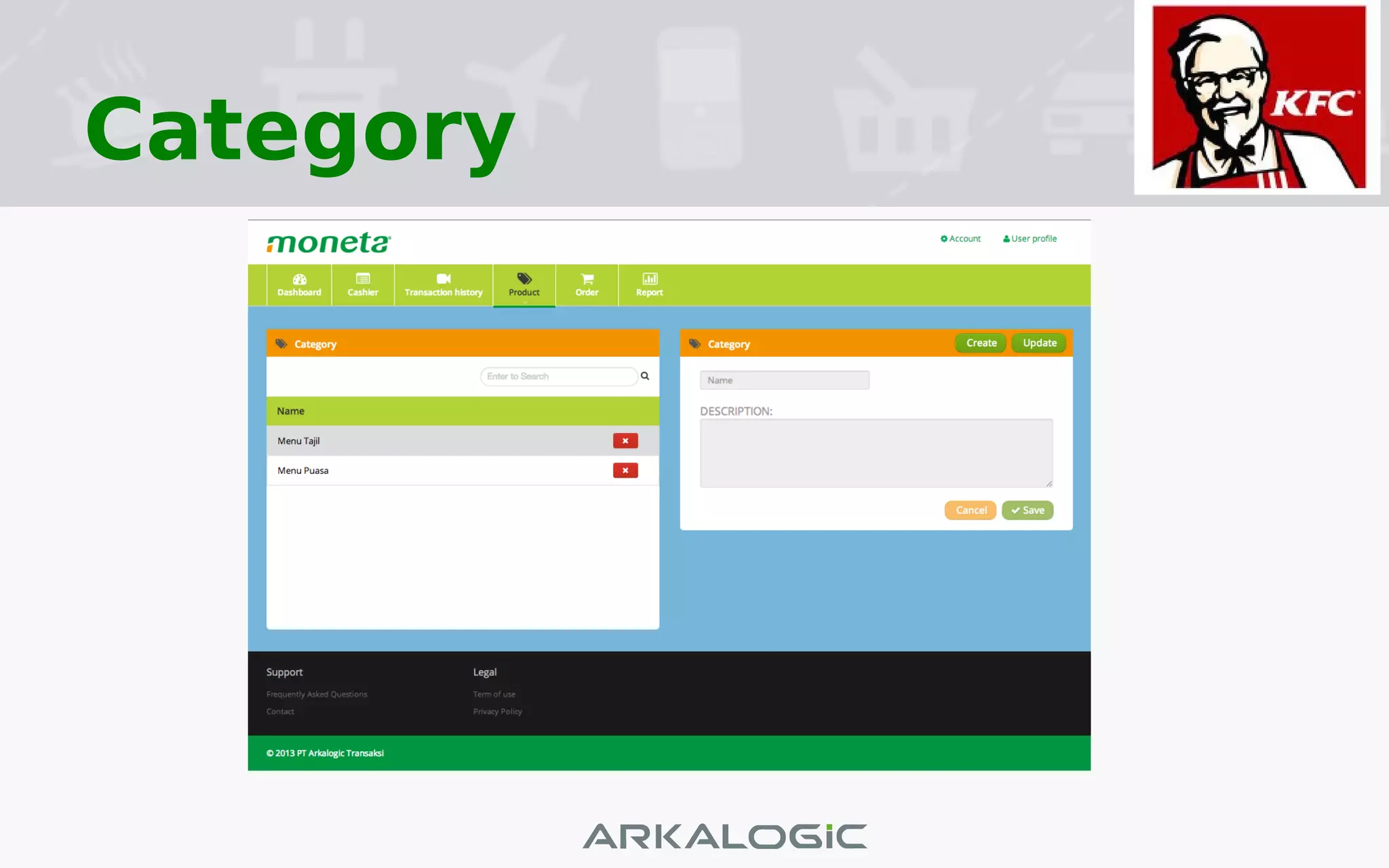
Category
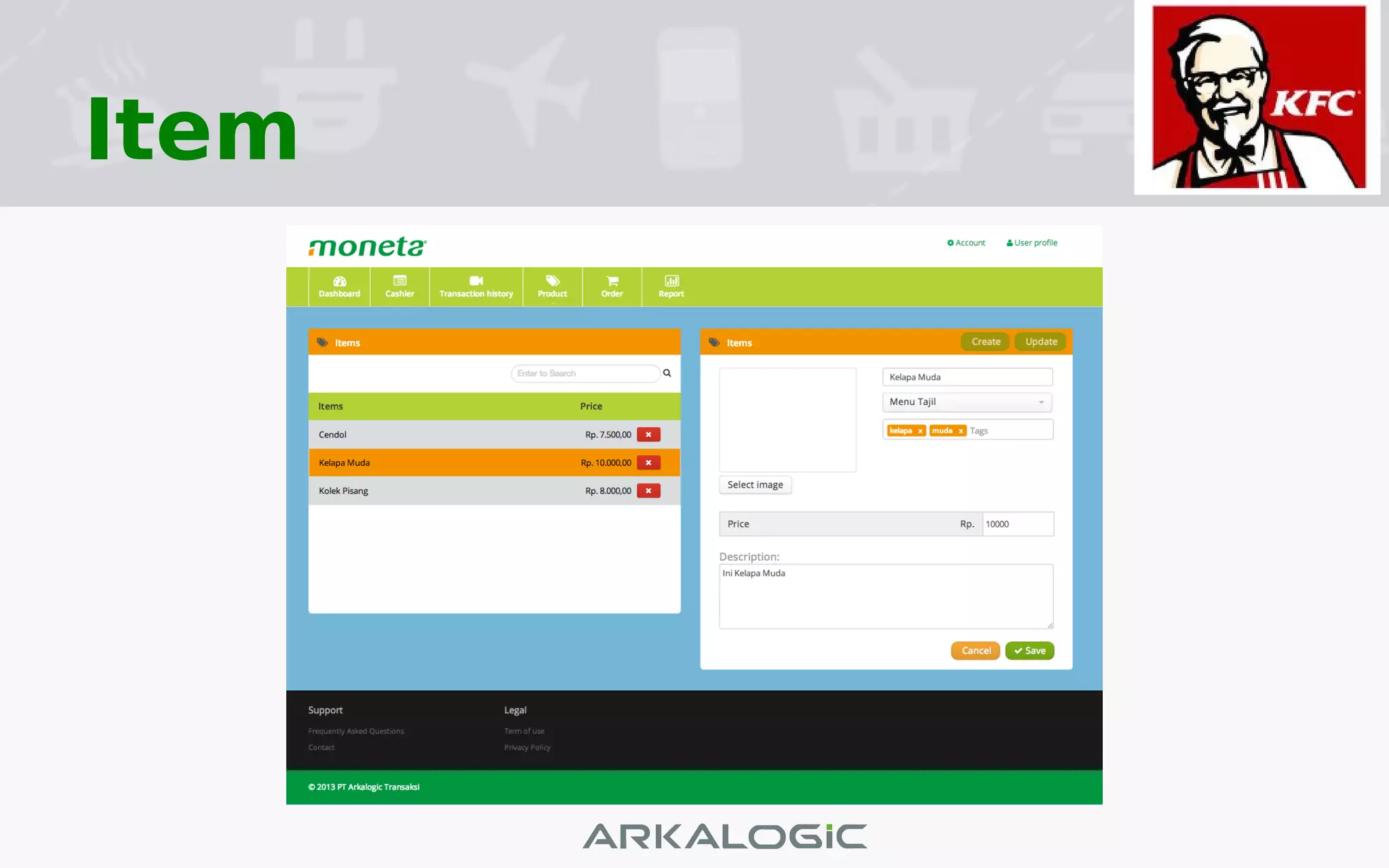
Item
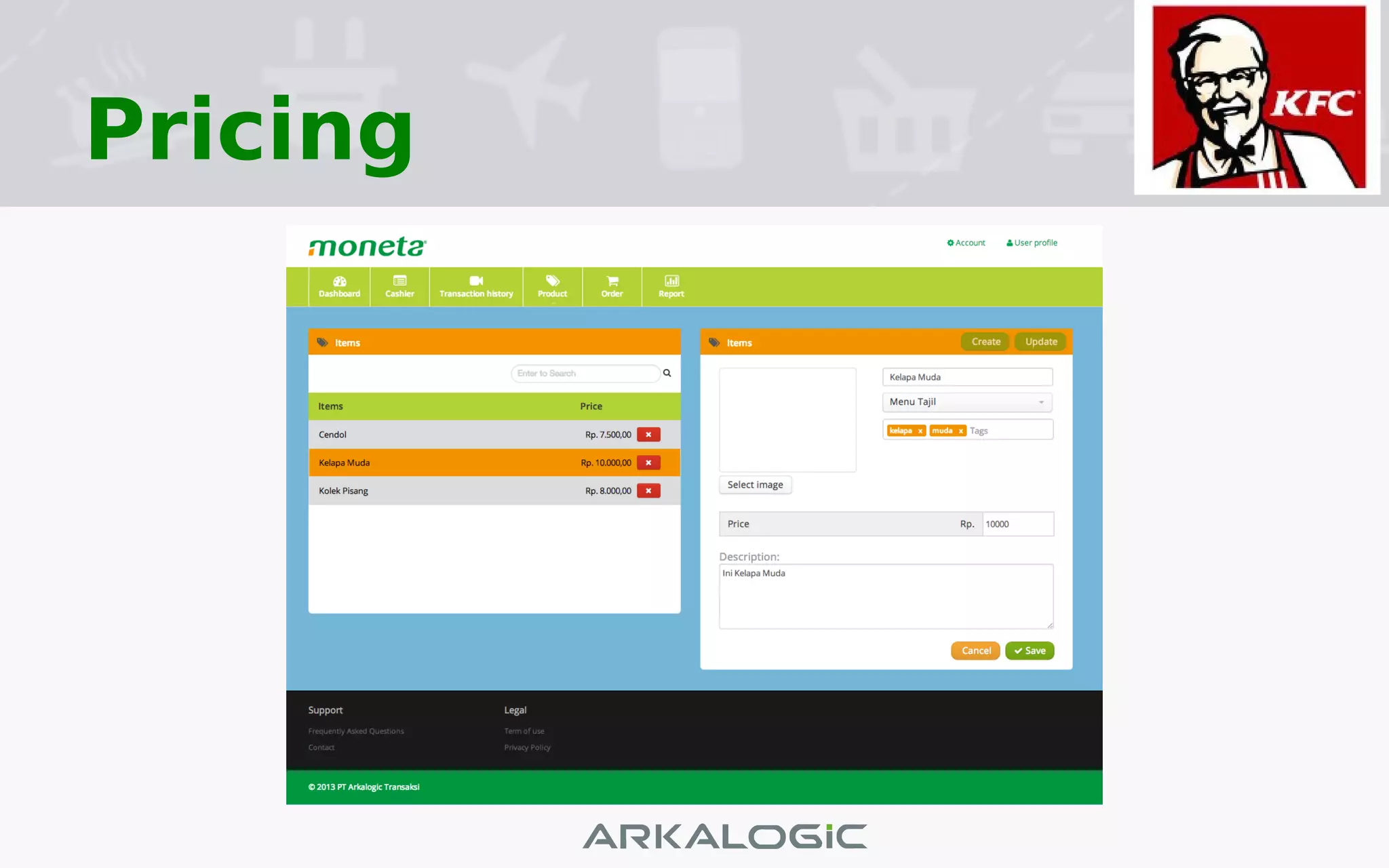
Pricing
Self-Service Terminal Screen Flow
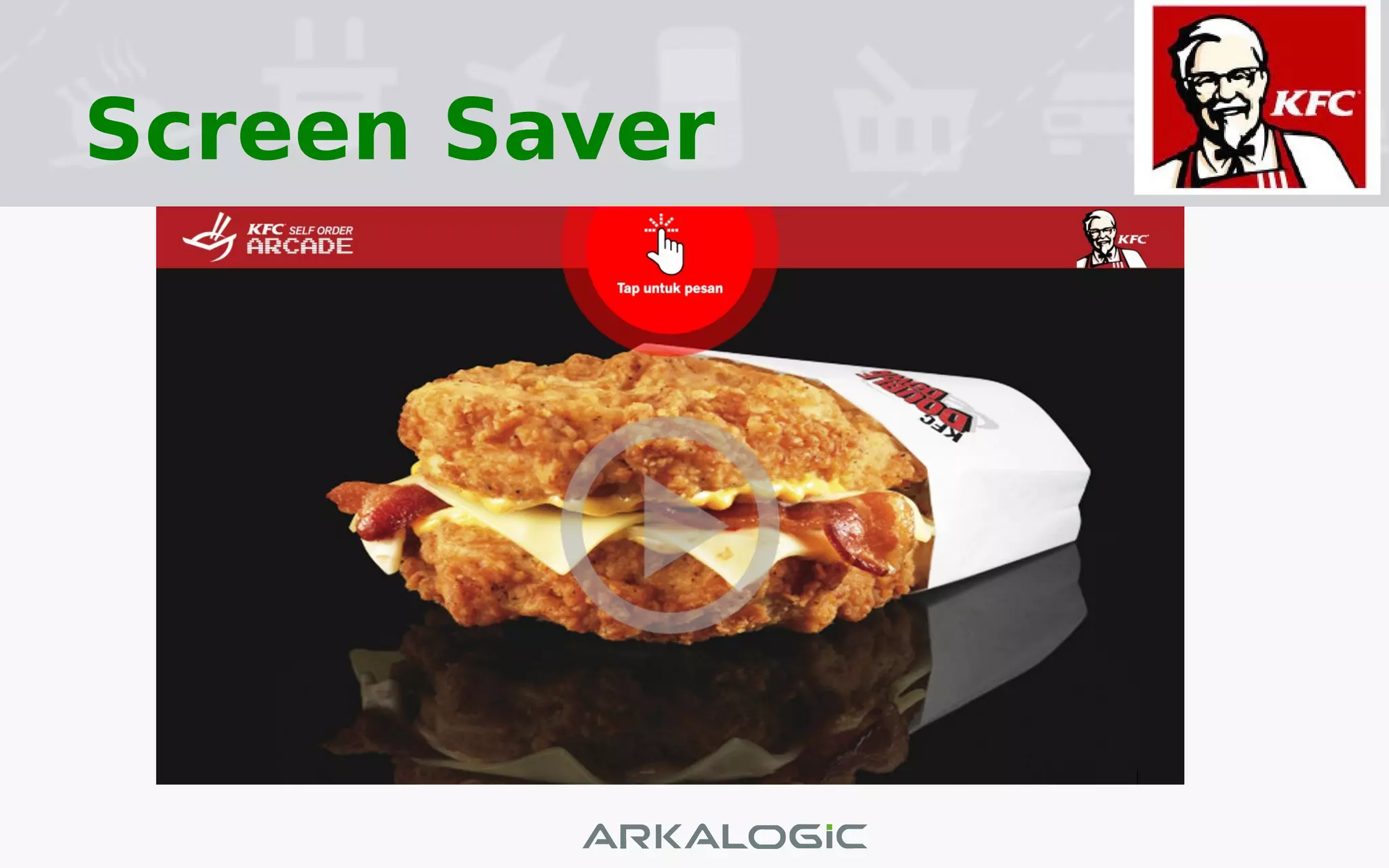
Screen Saver
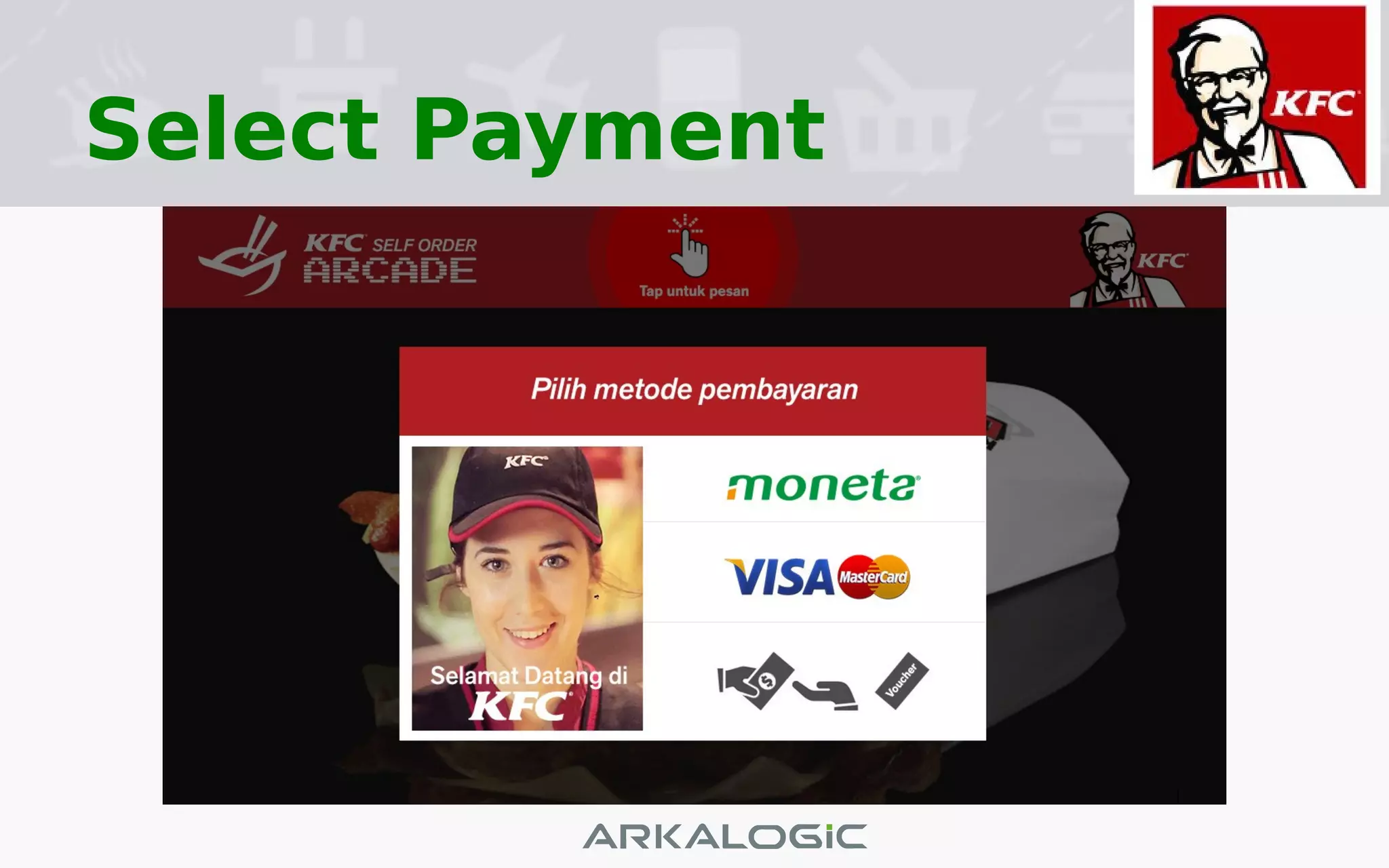
Select Payment
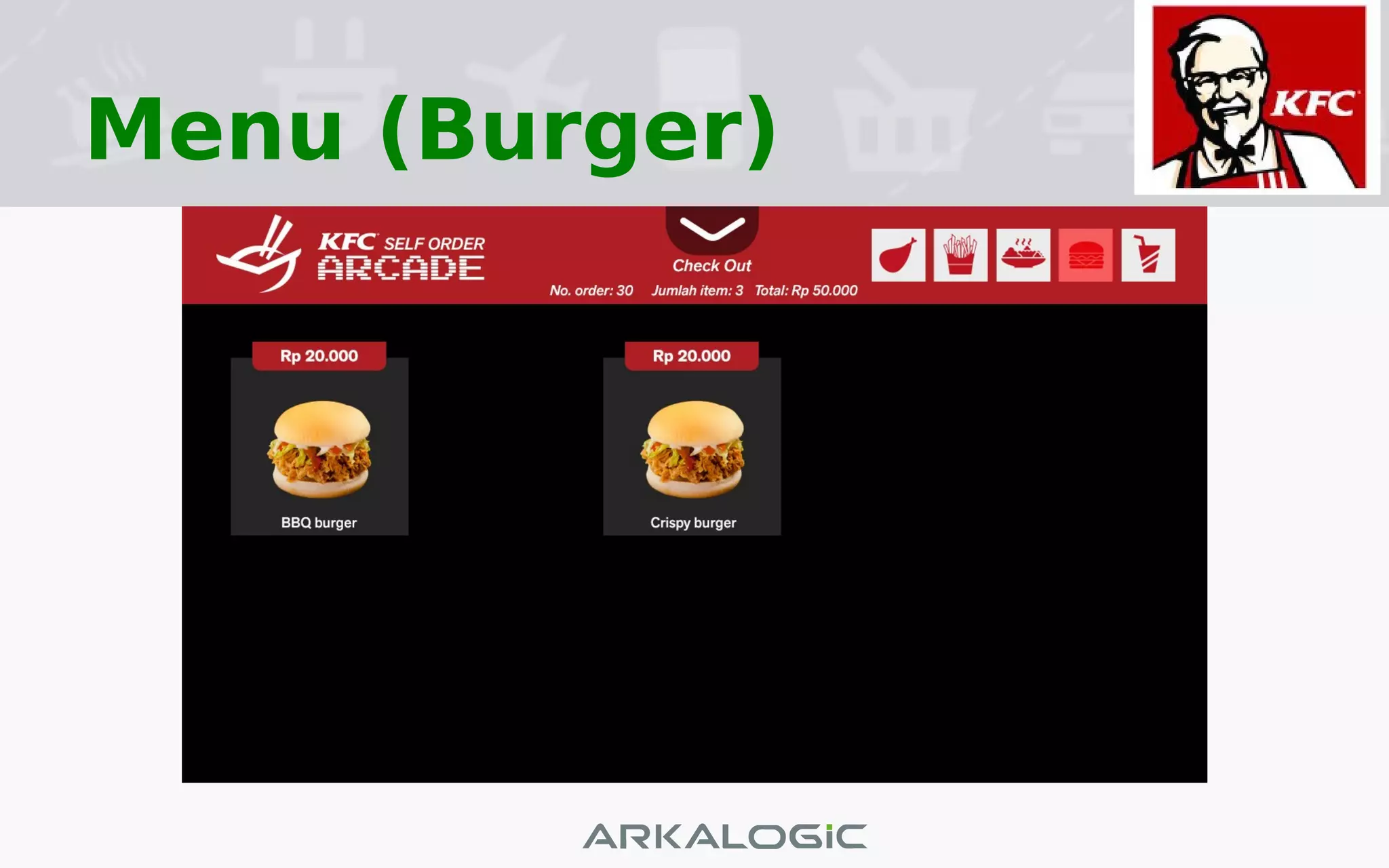
Menu (Burger)
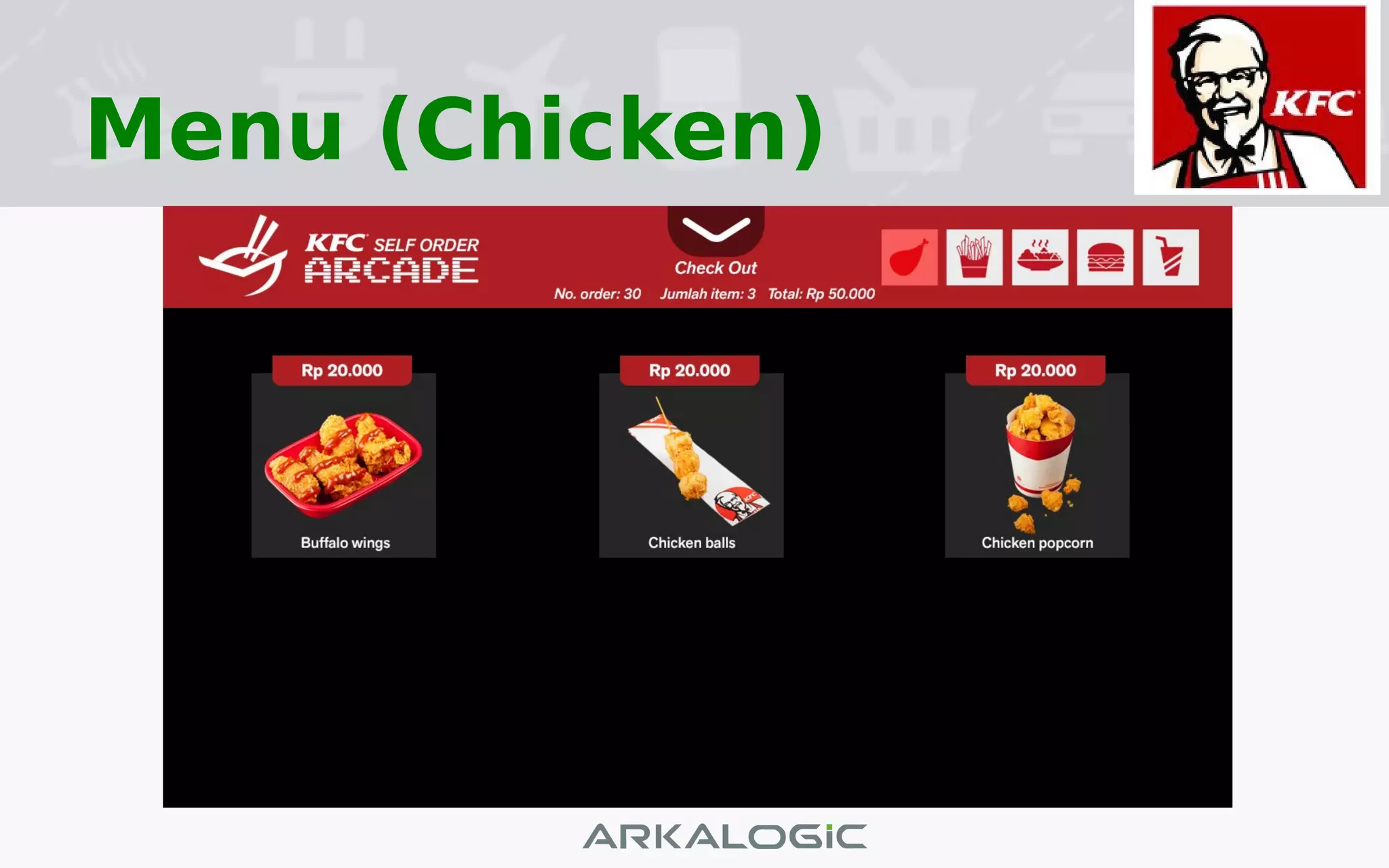
Menu (Chicken)
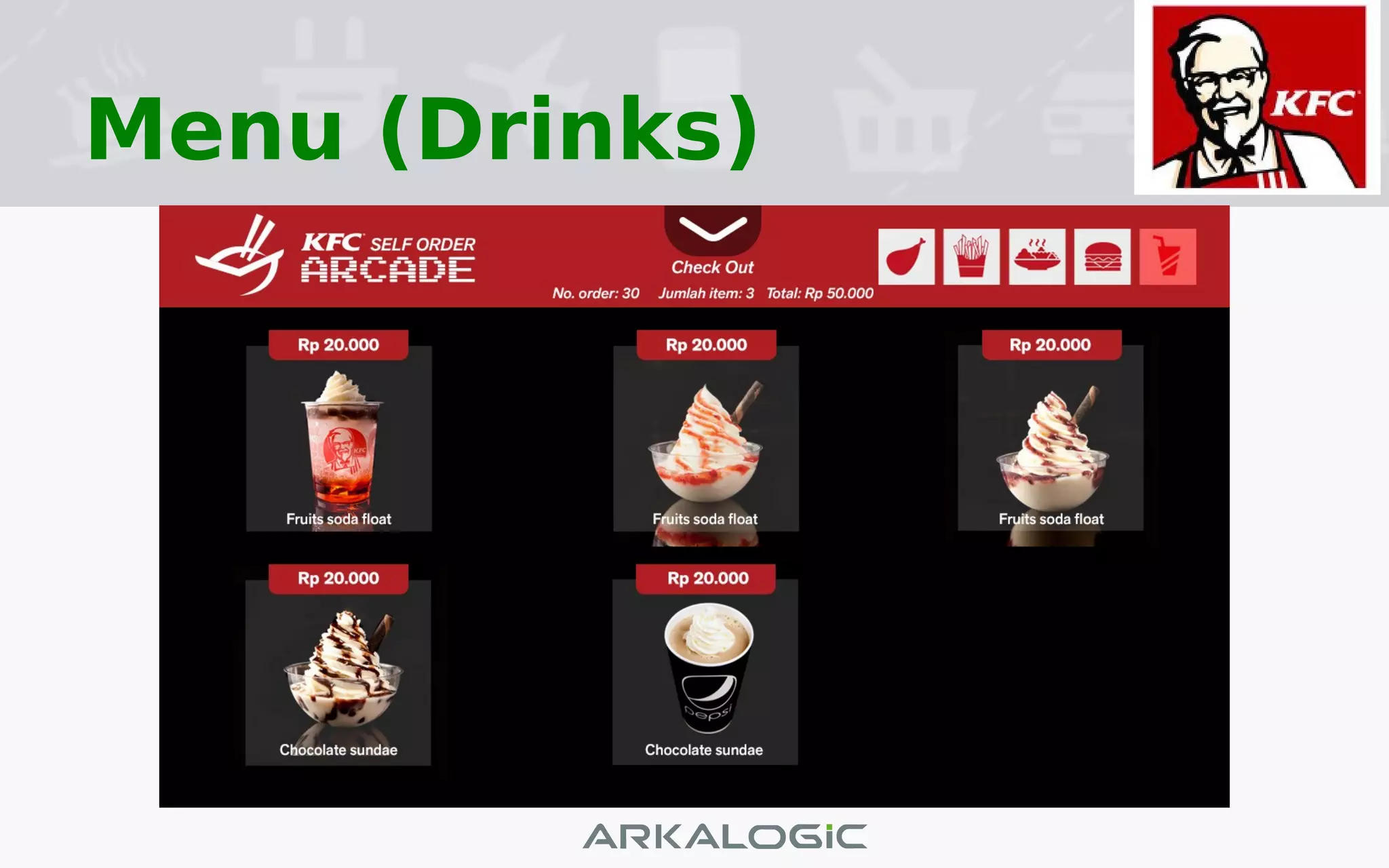
Menu (Drinks)
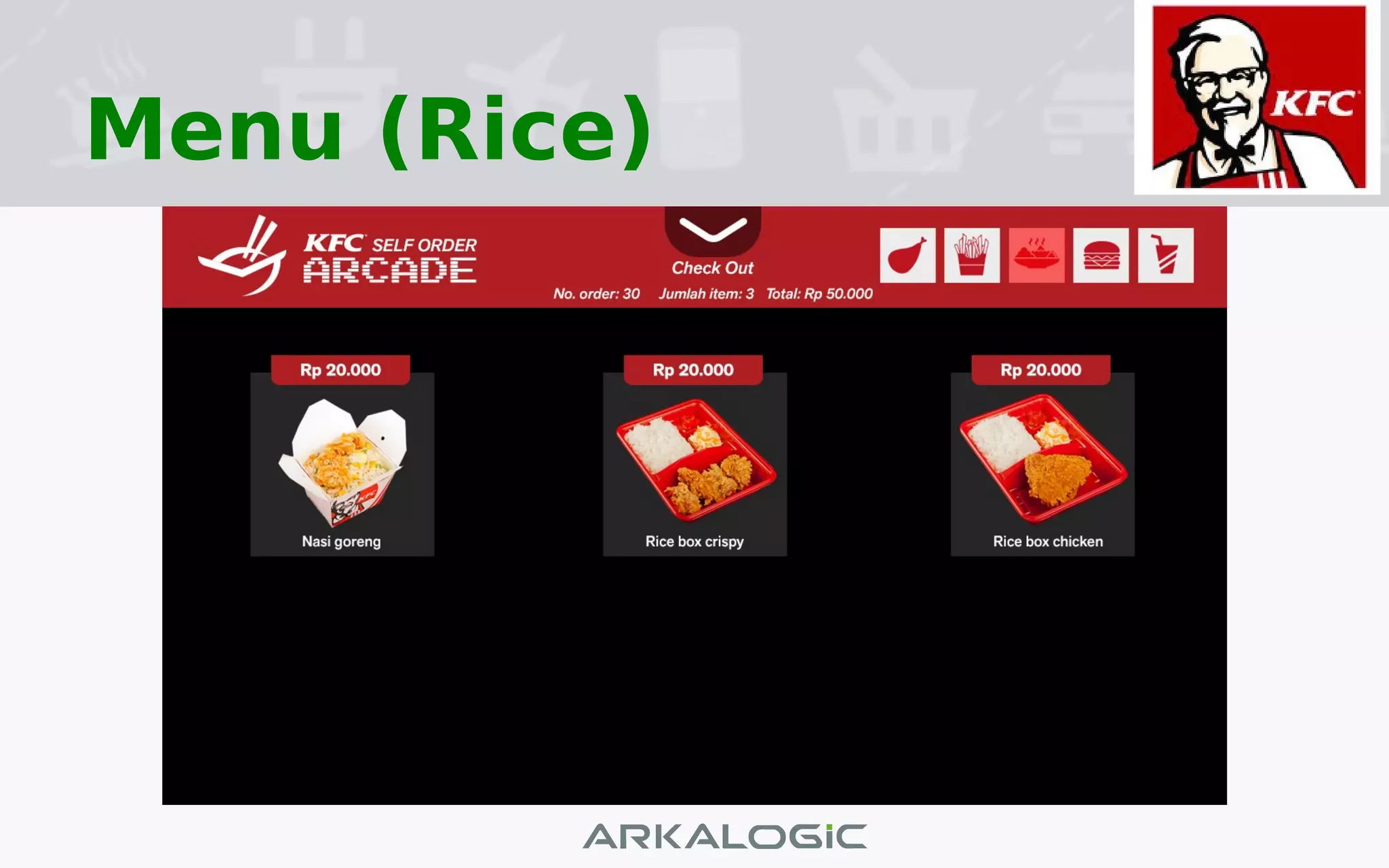
Menu (Rice)
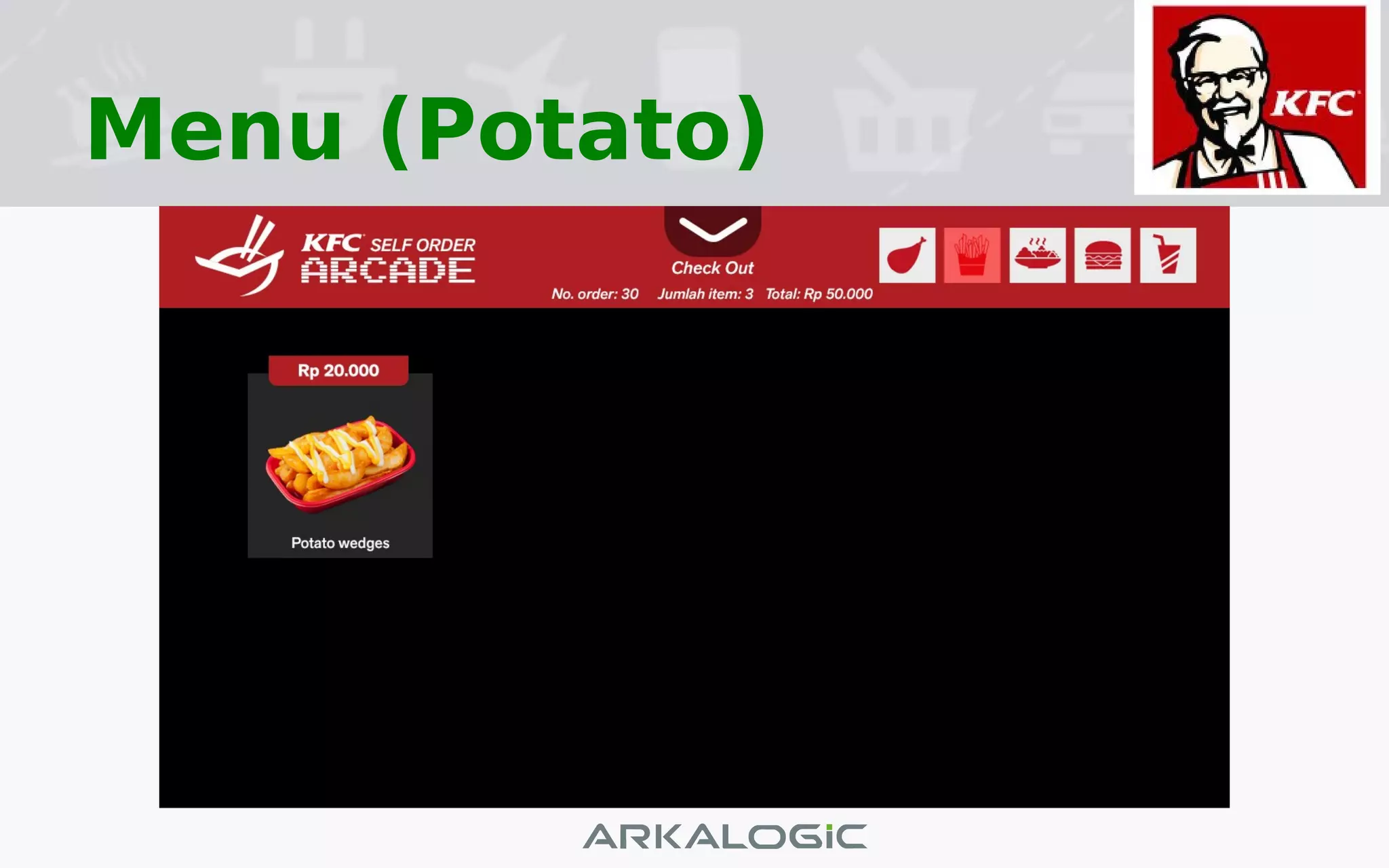
Menu (Potato)
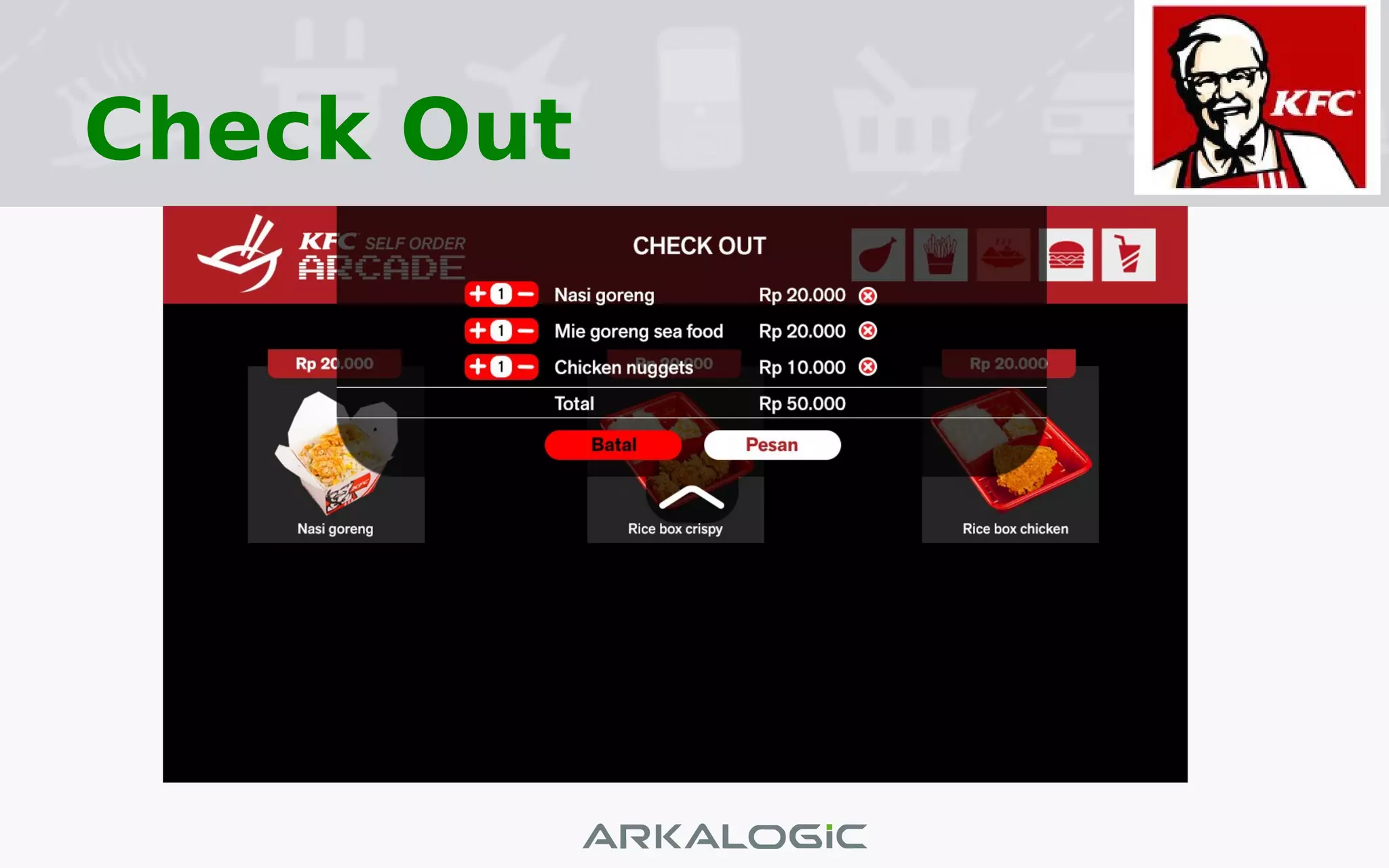
Check Out
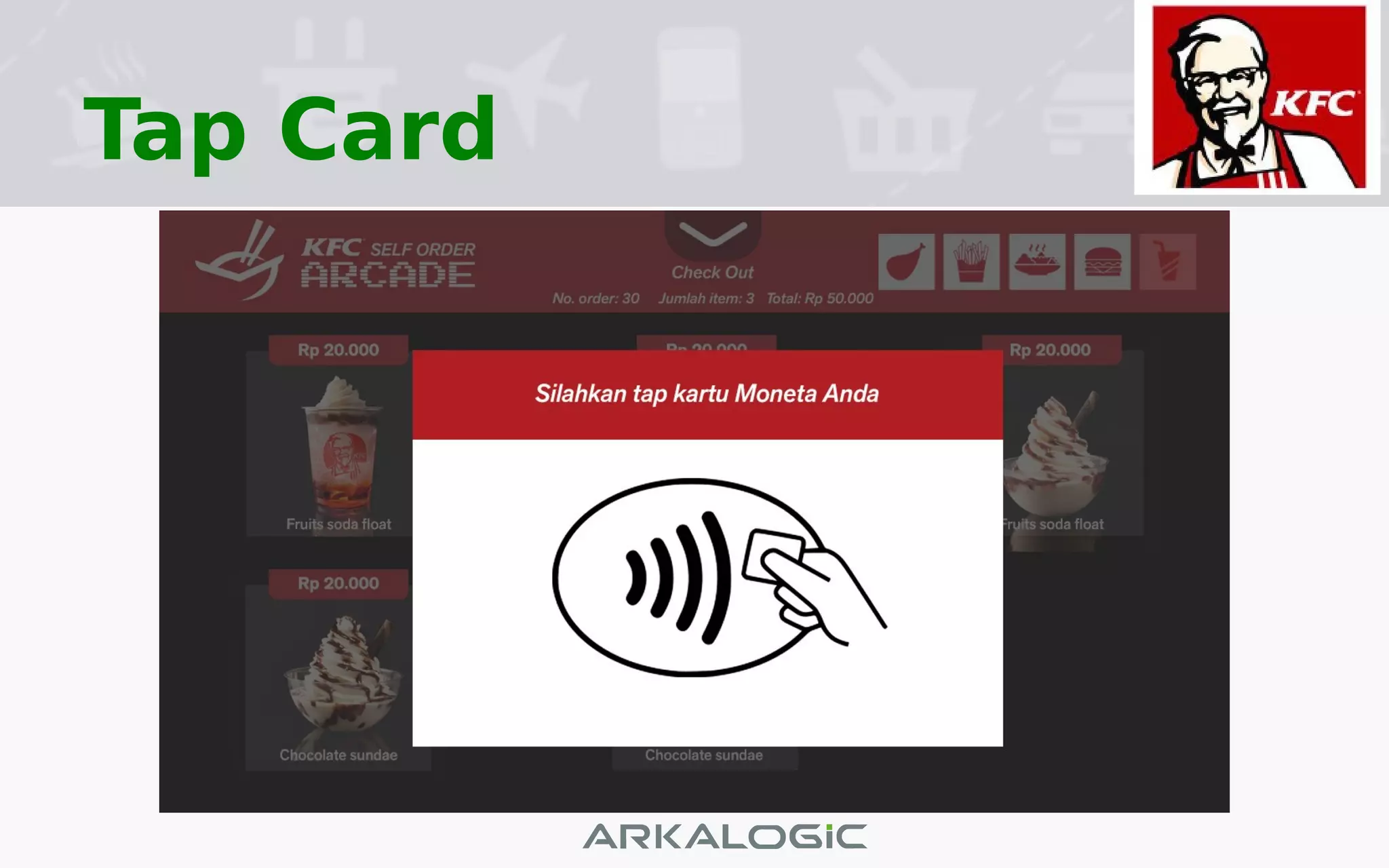
Tap Card
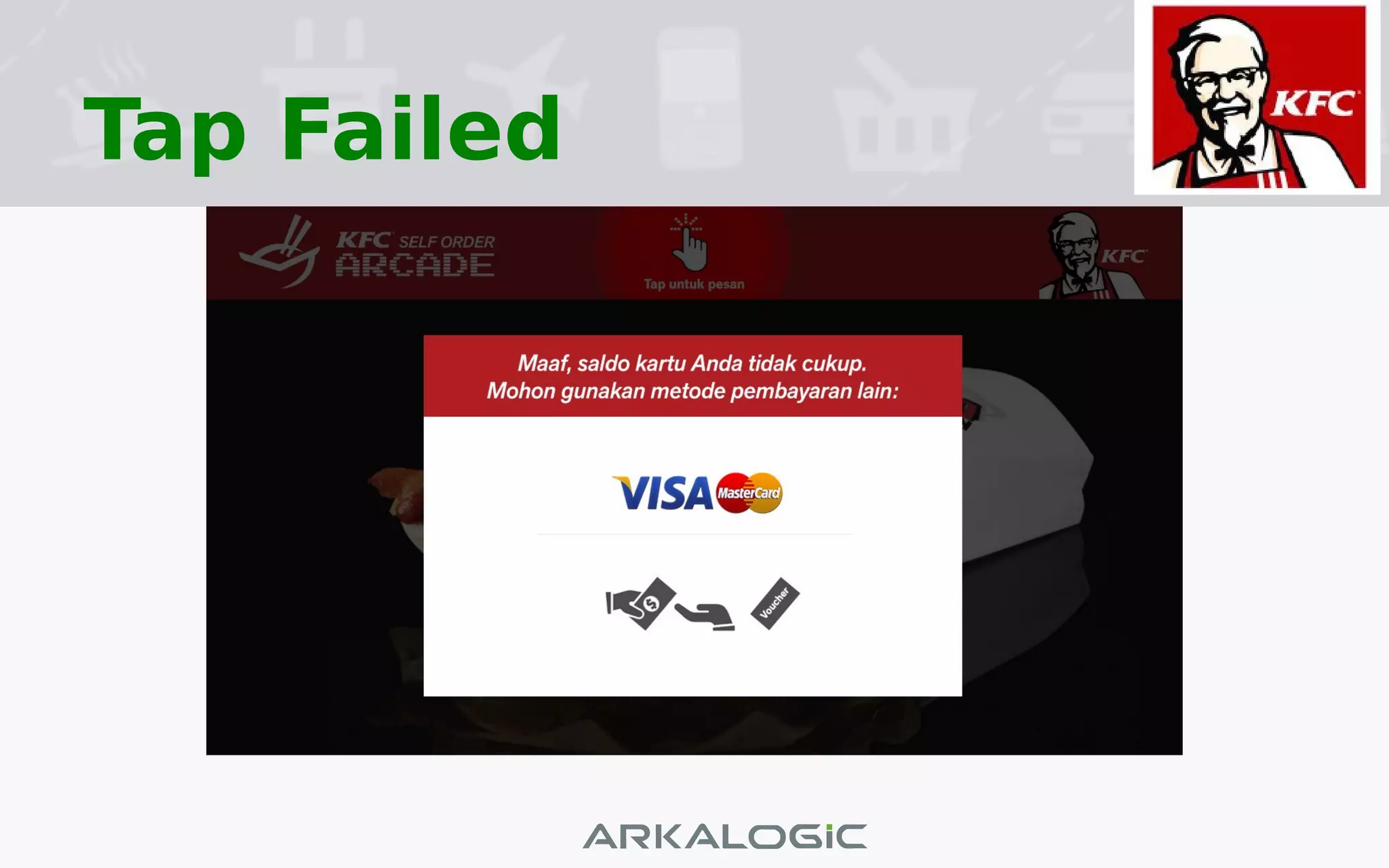
Tap Failed
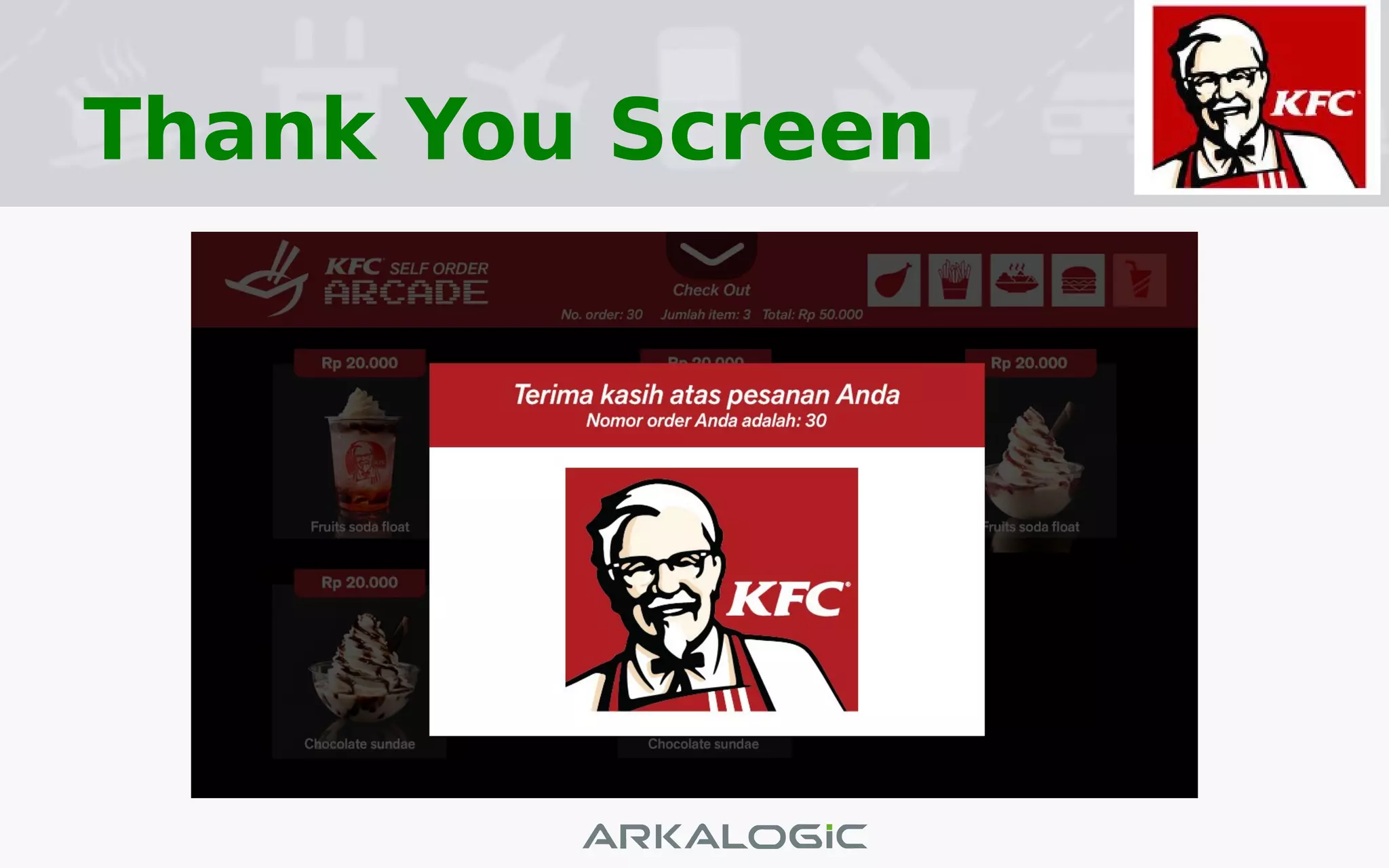
Thank You Screen
MPOS Screen
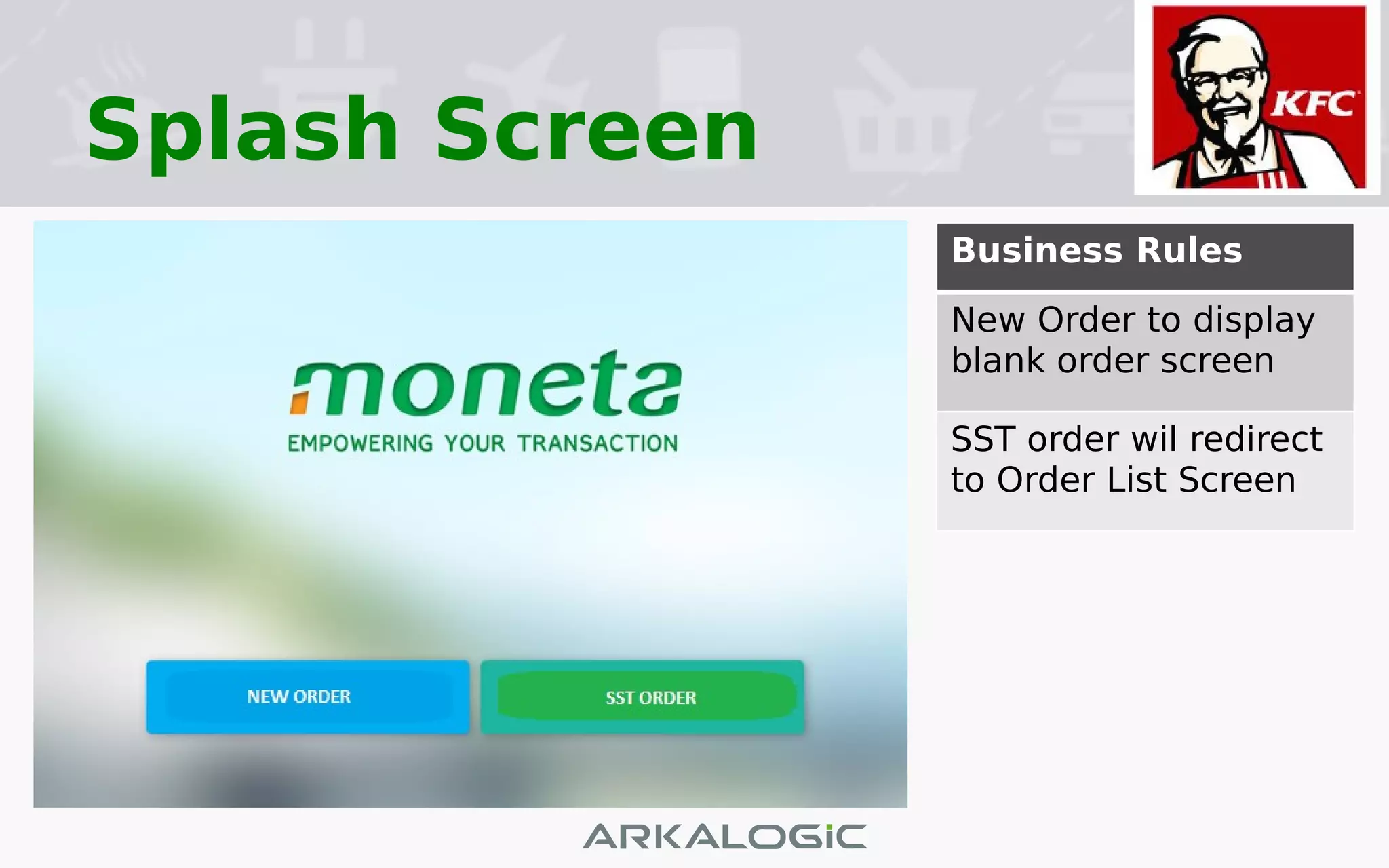
Splash Screen
:
Business Rules
New Order to display
blank order screen
SST order wil redirect
to Order List Screen
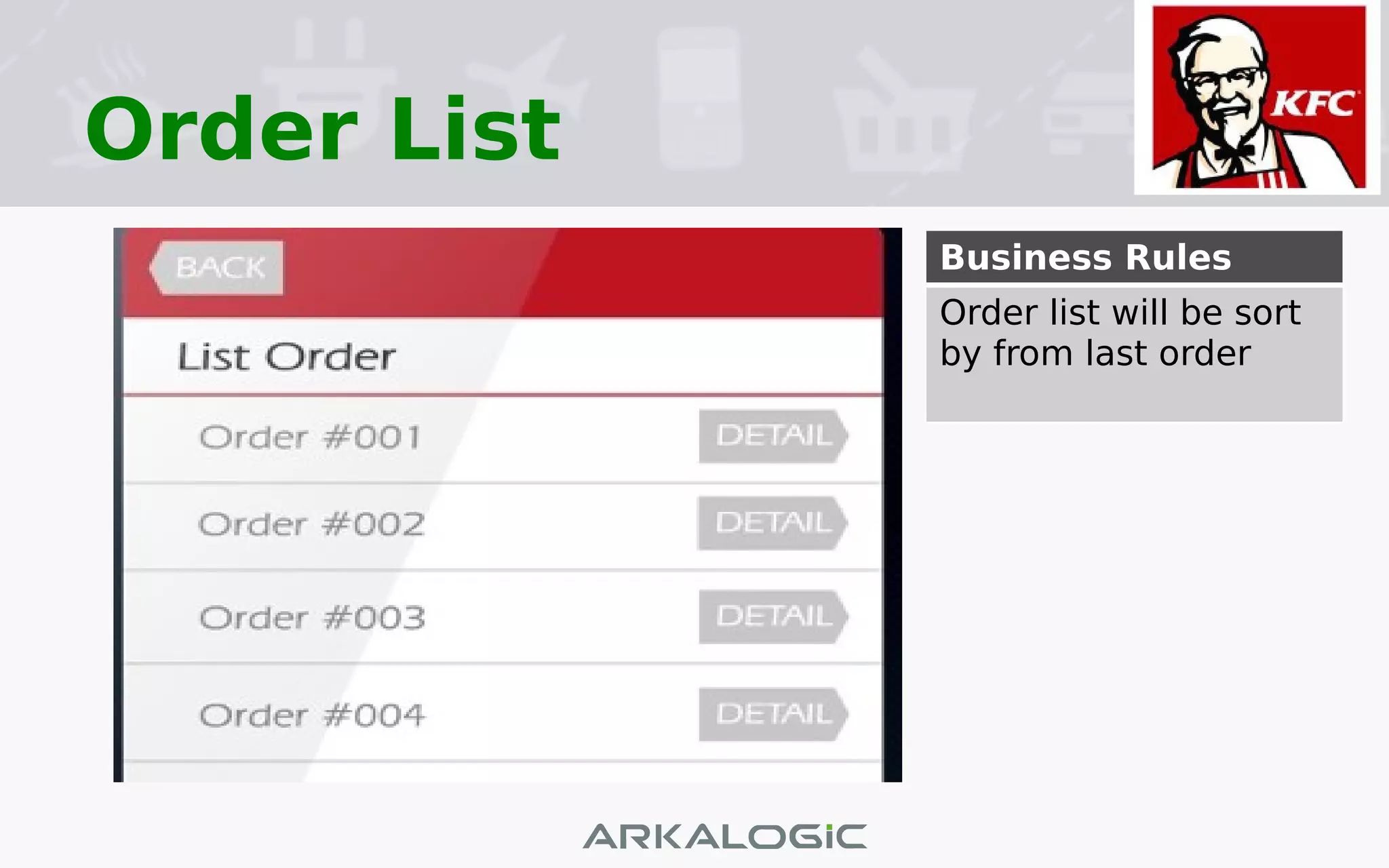
Order List
Business Rules
Order list will be sort
by from last order
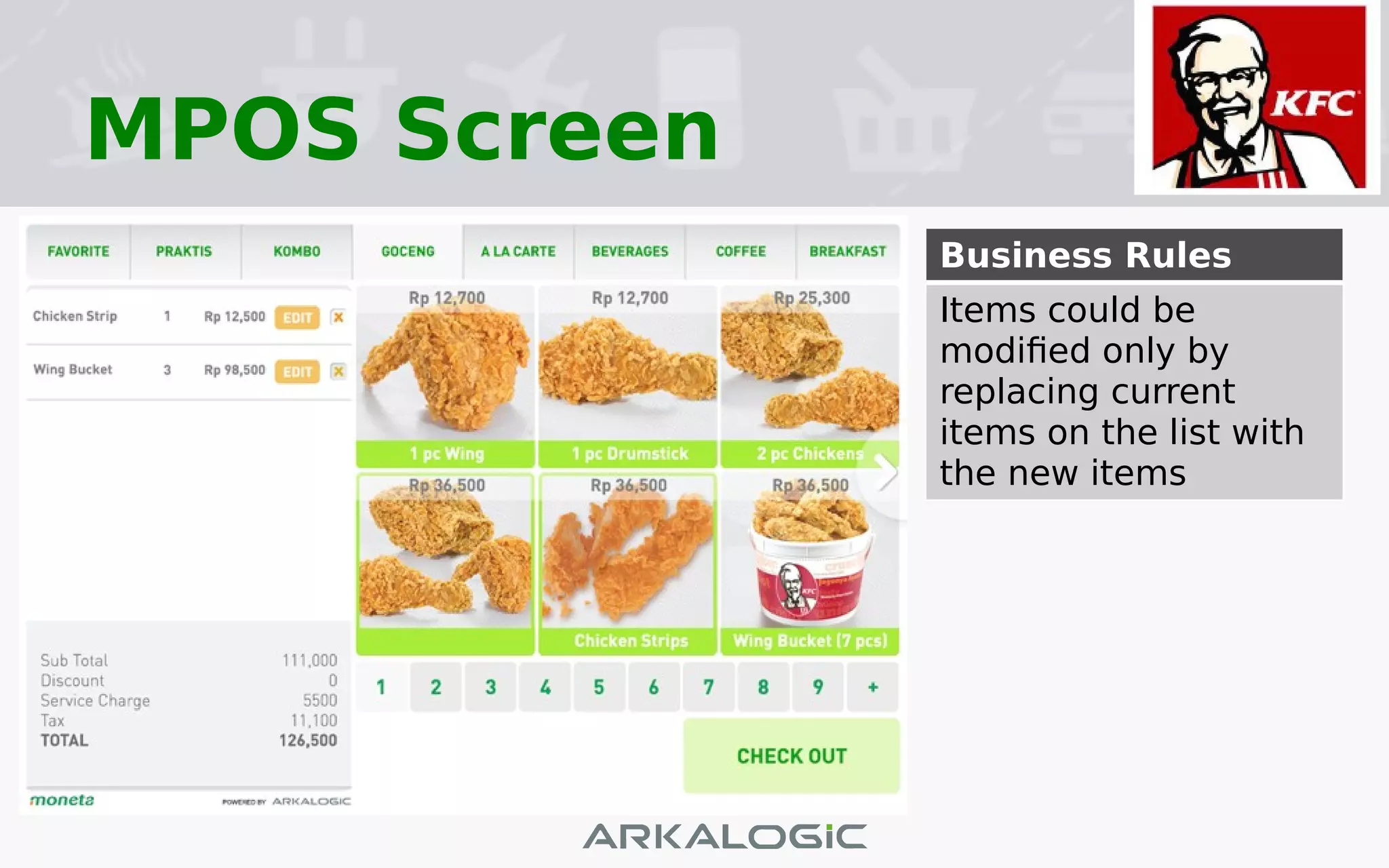
MPOS Screen
Business Rules
Items could be
modified only by
replacing current
items on the list with
the new items
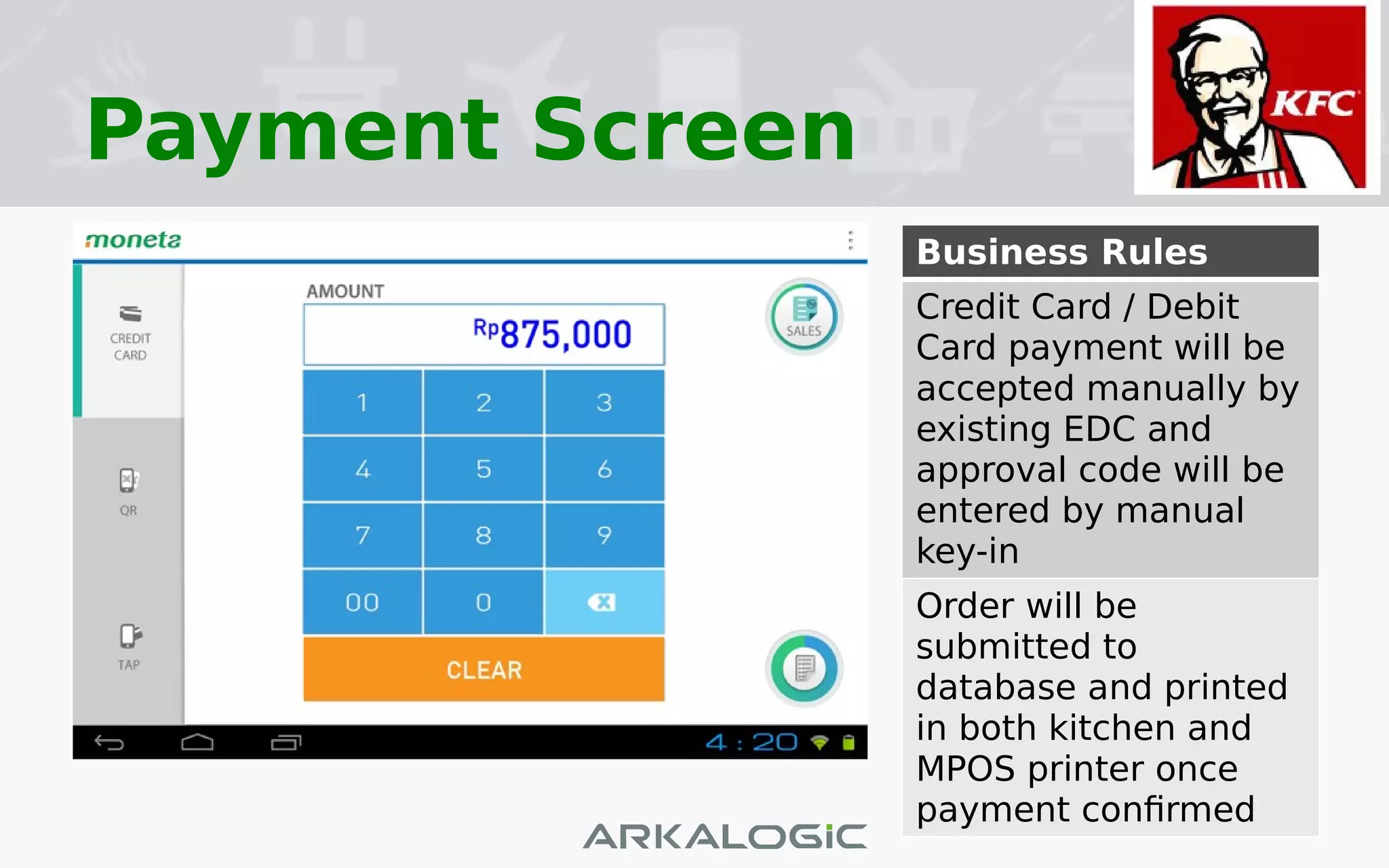
Payment Screen
Business Rules
Credit Card / Debit
Card payment will be
accepted manually by
existing EDC and
approval code will be
entered by manual
key-in
Order will be
submitted to
database and printed
in both kitchen and
MPOS printer once
payment confirmed

KFC Self Service Terminal