Jelastic UI
Overview
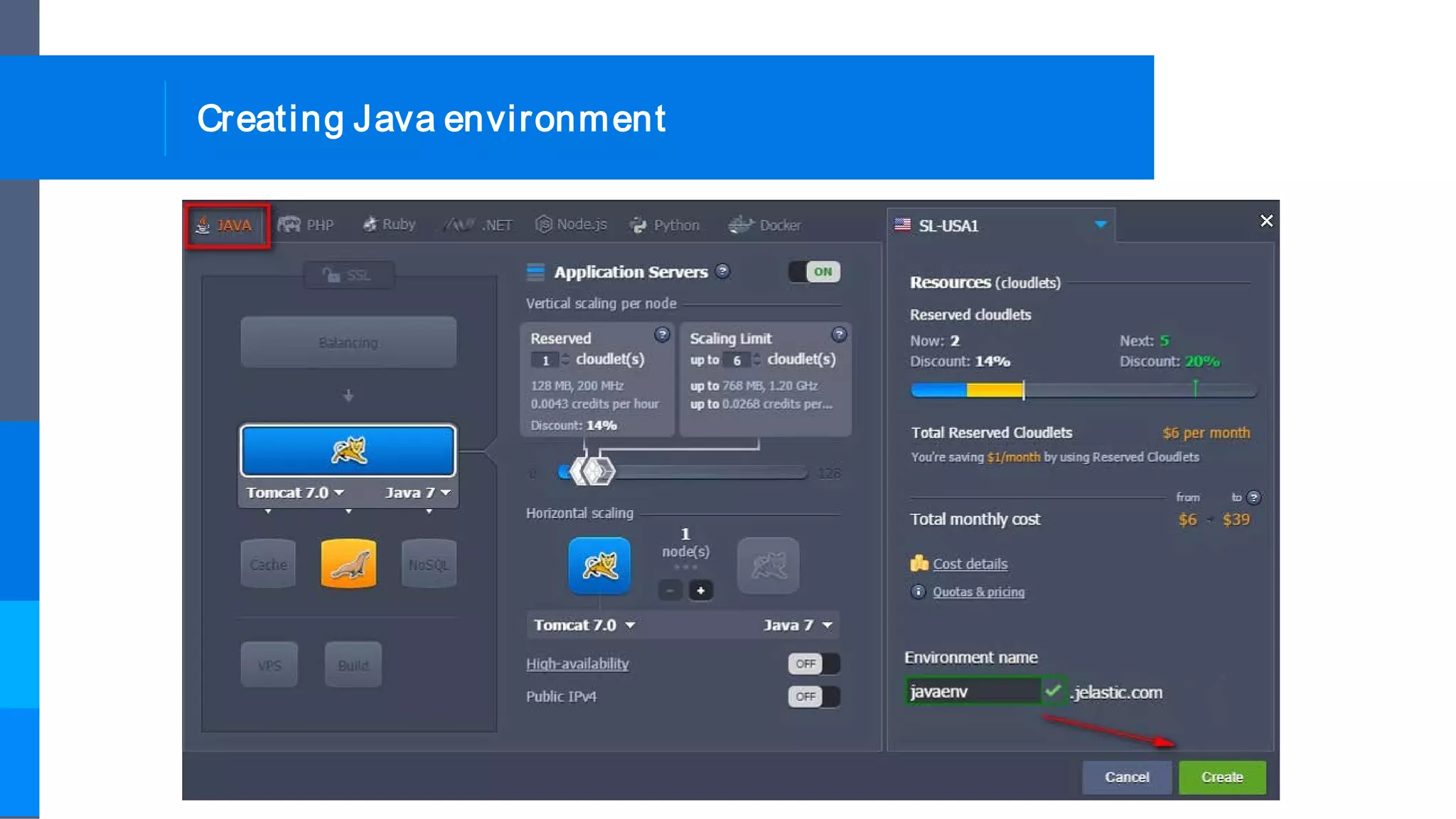
Creating Java environment
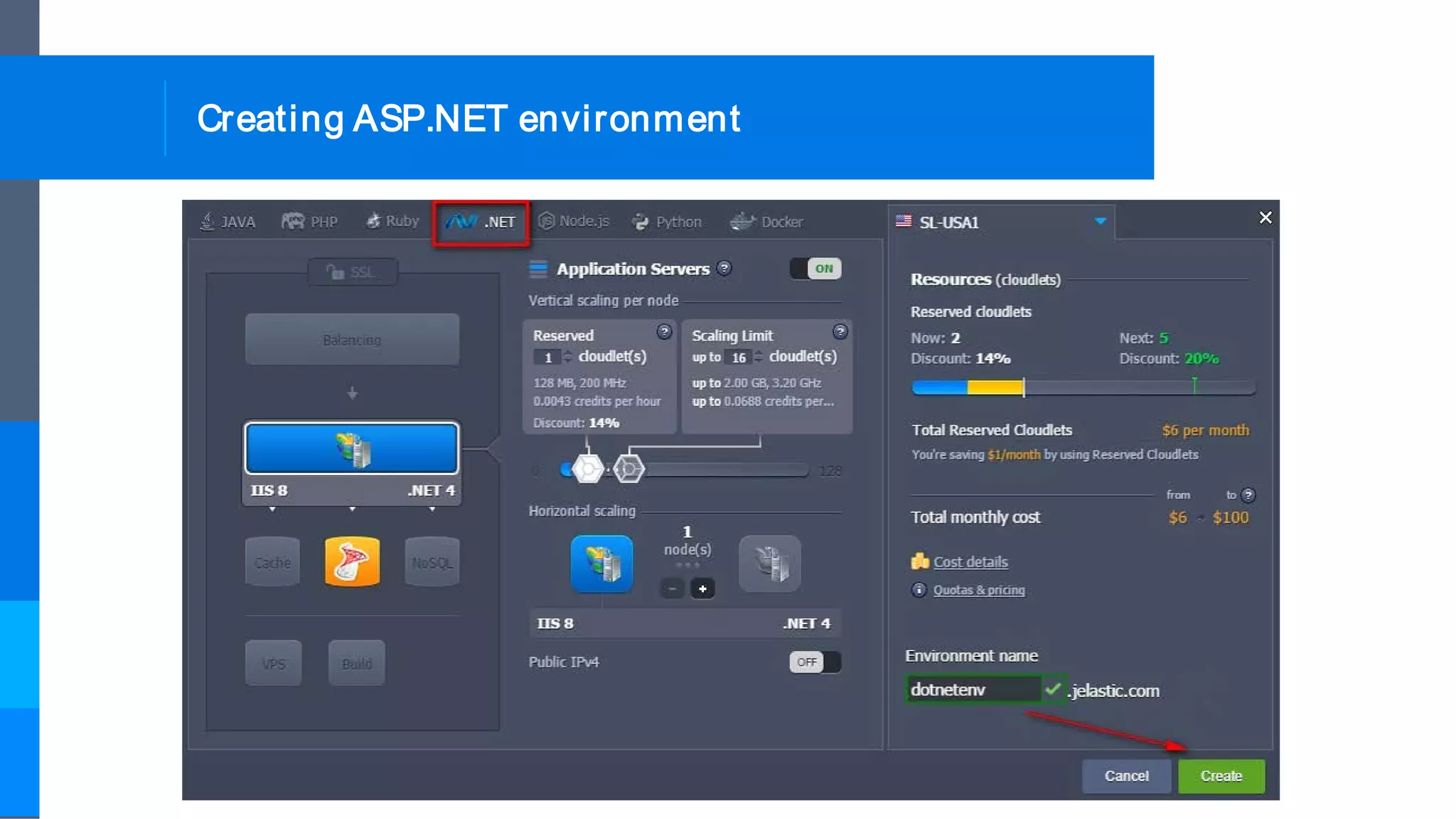
Creating ASP.NET environment
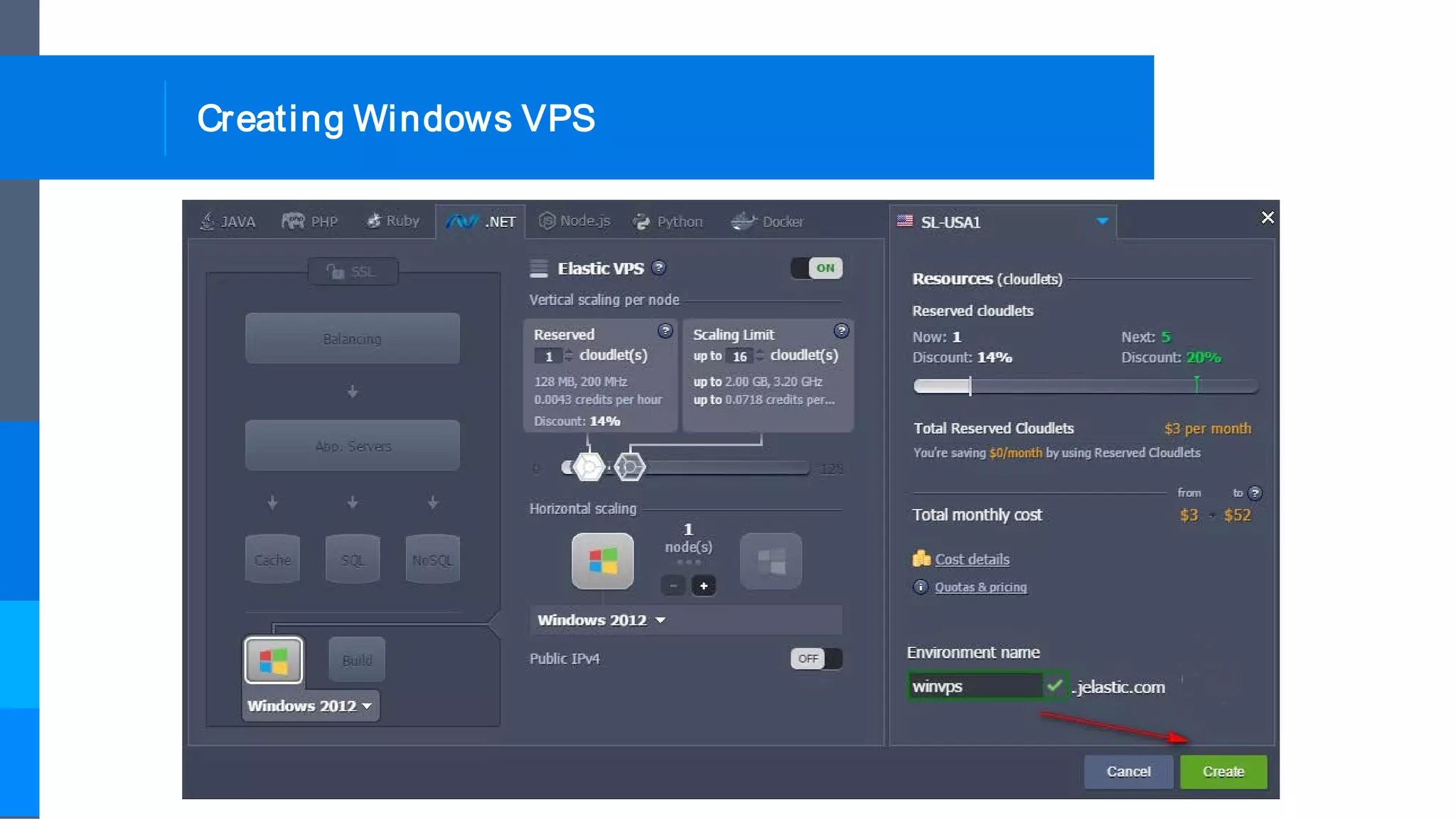
Creating Windows VPS
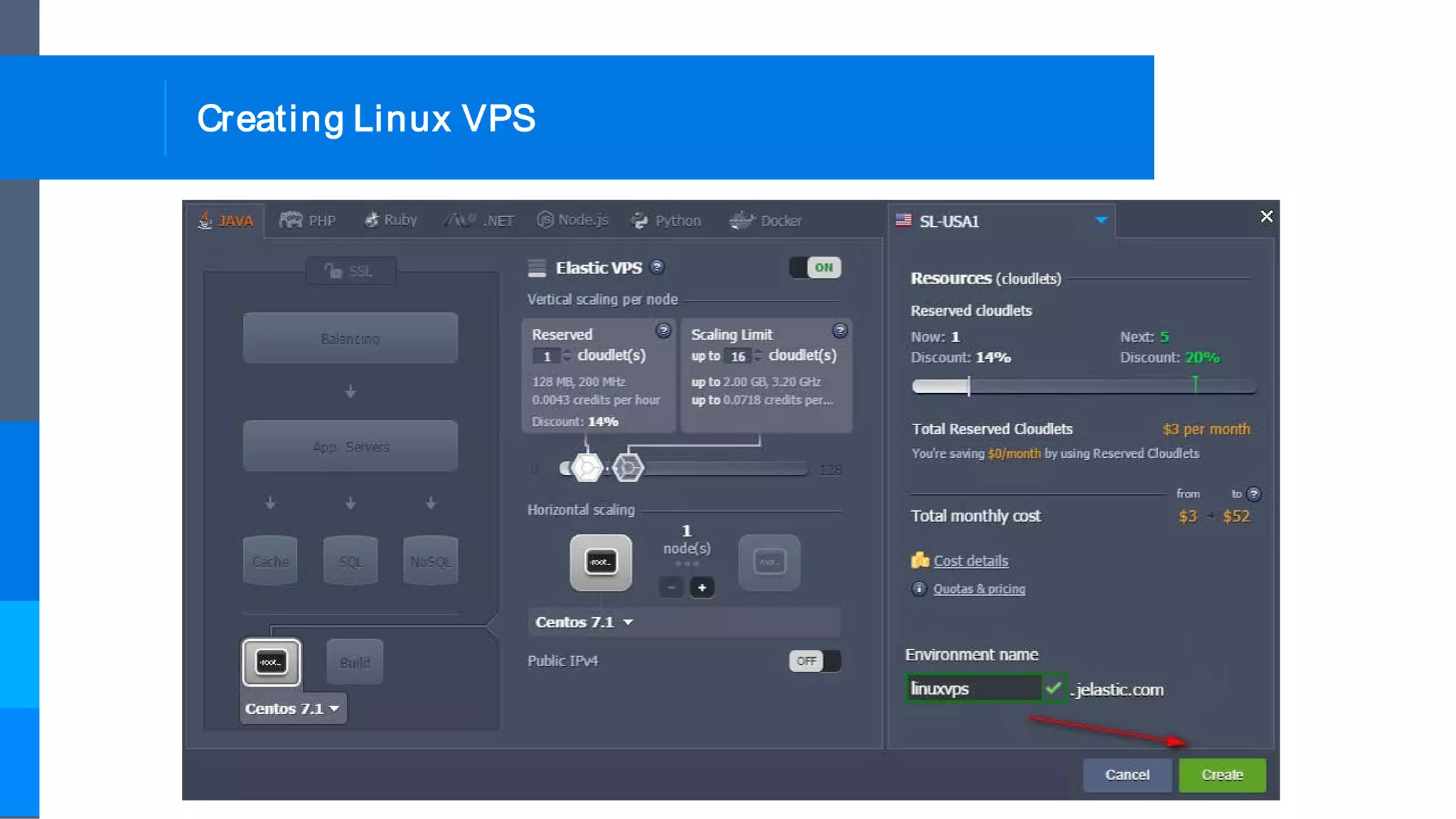
Creating Linux VPS
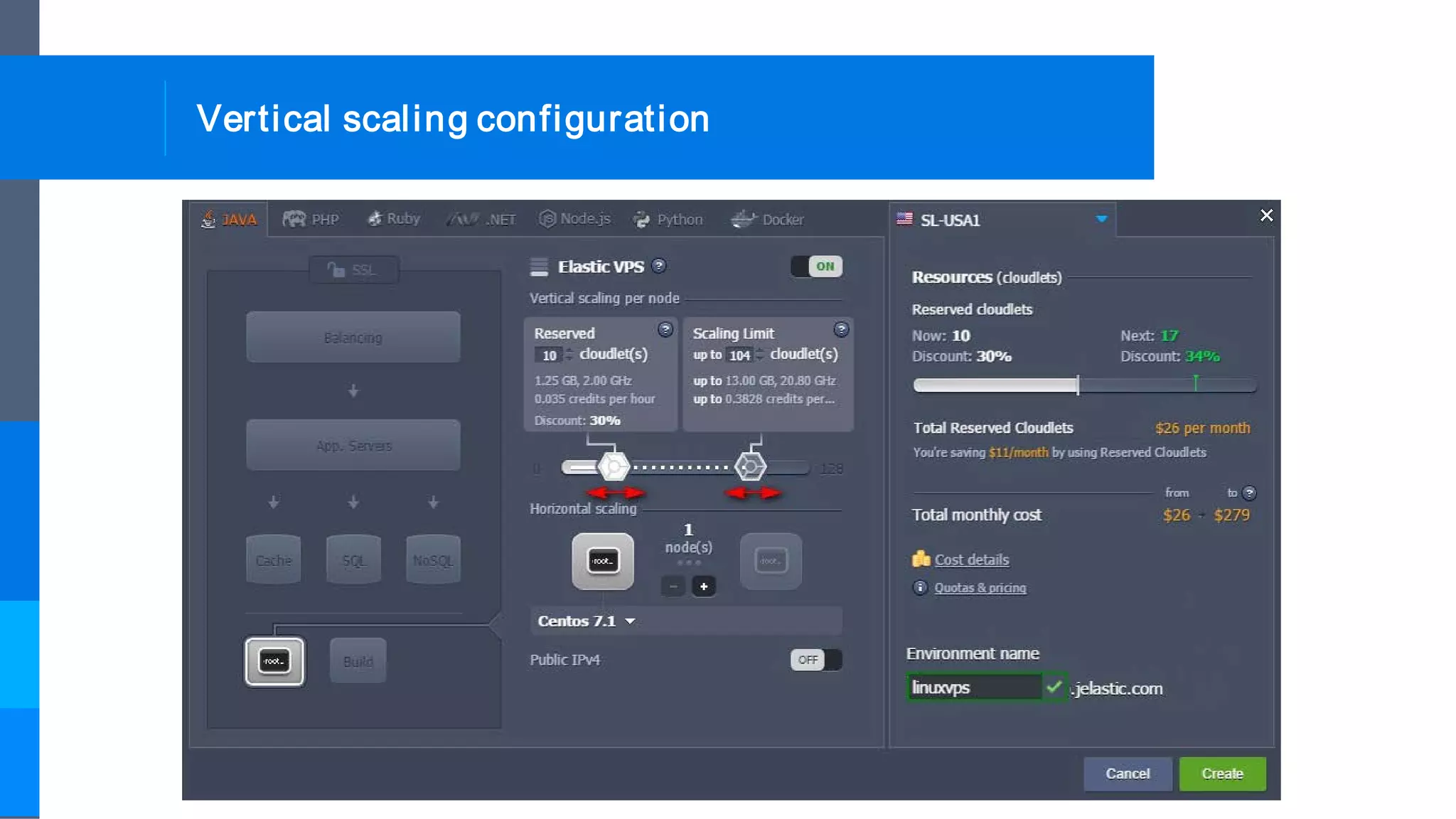
Vertical scaling configuration
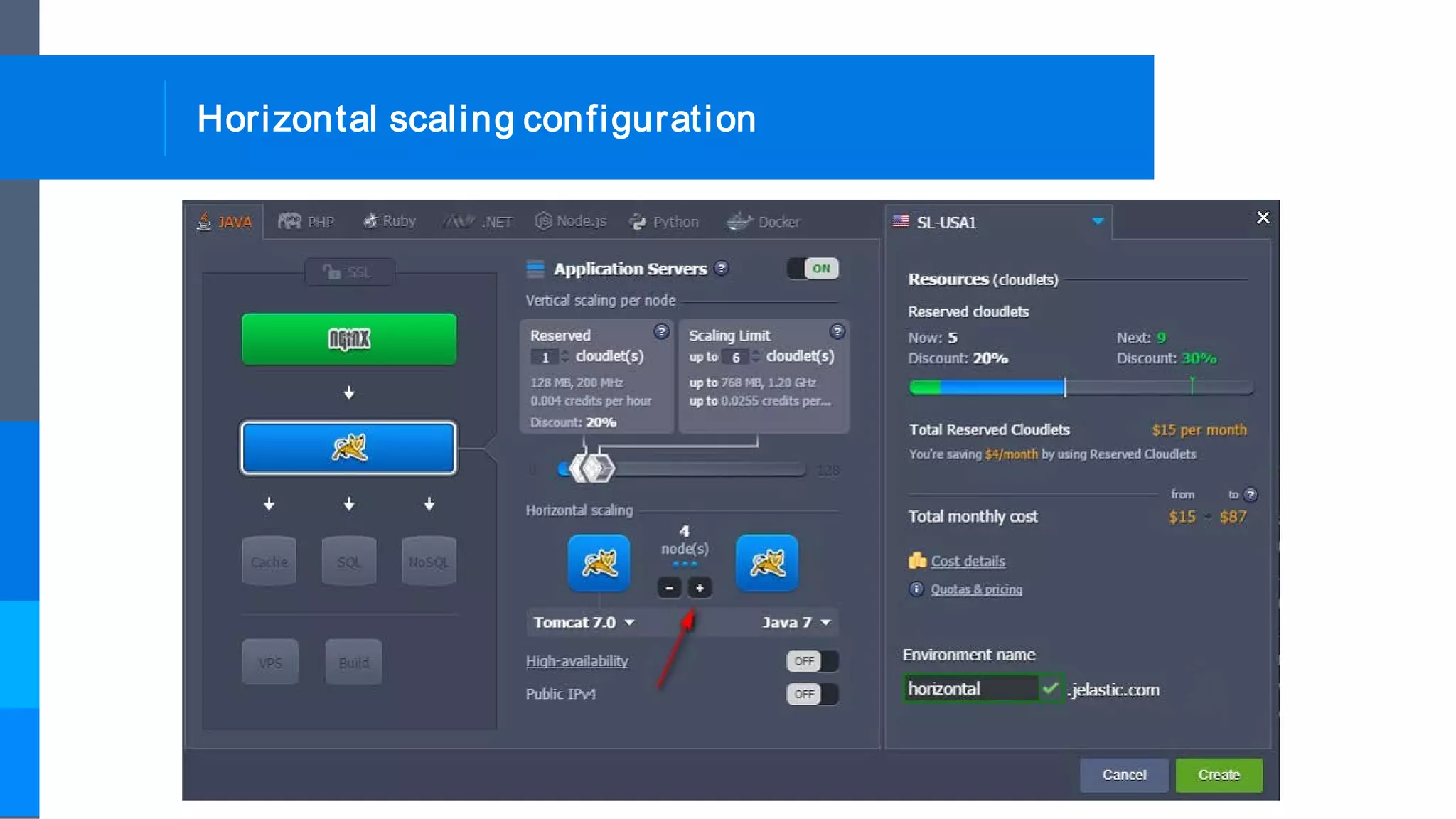
Horizontal scaling configuration
Auto horizontal scaling configuration
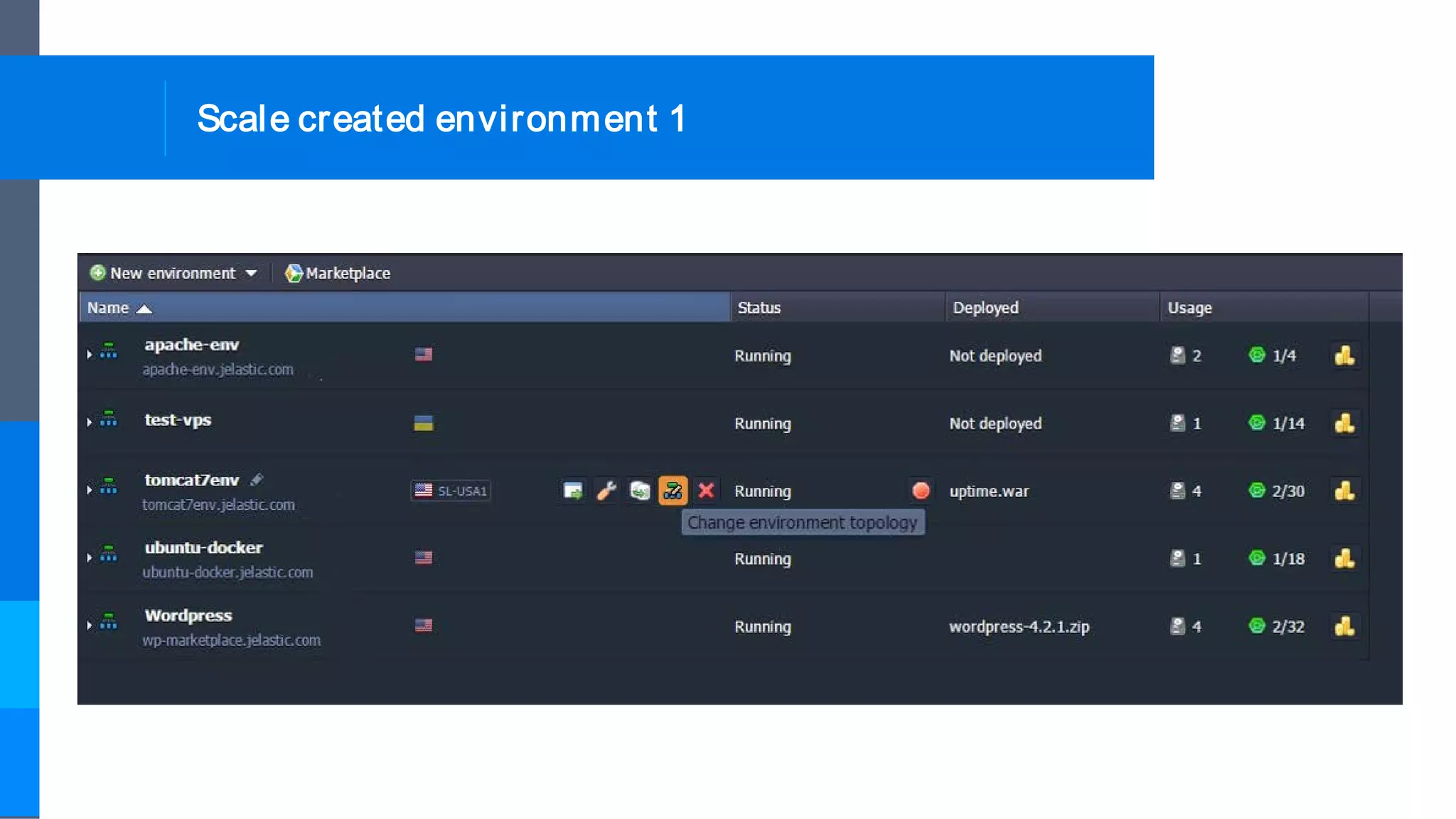
Scale created environment 1
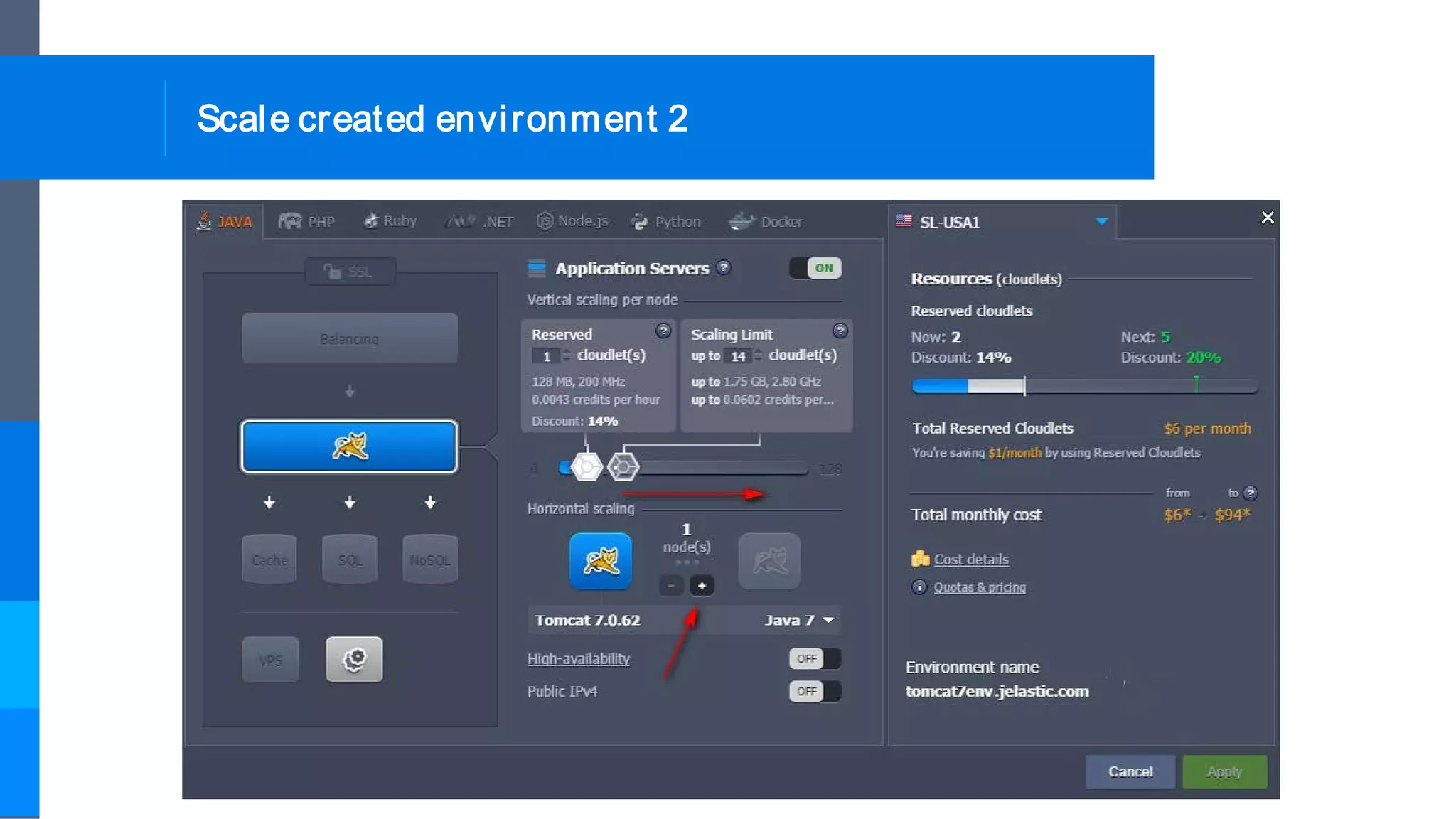
Scale created environment 2
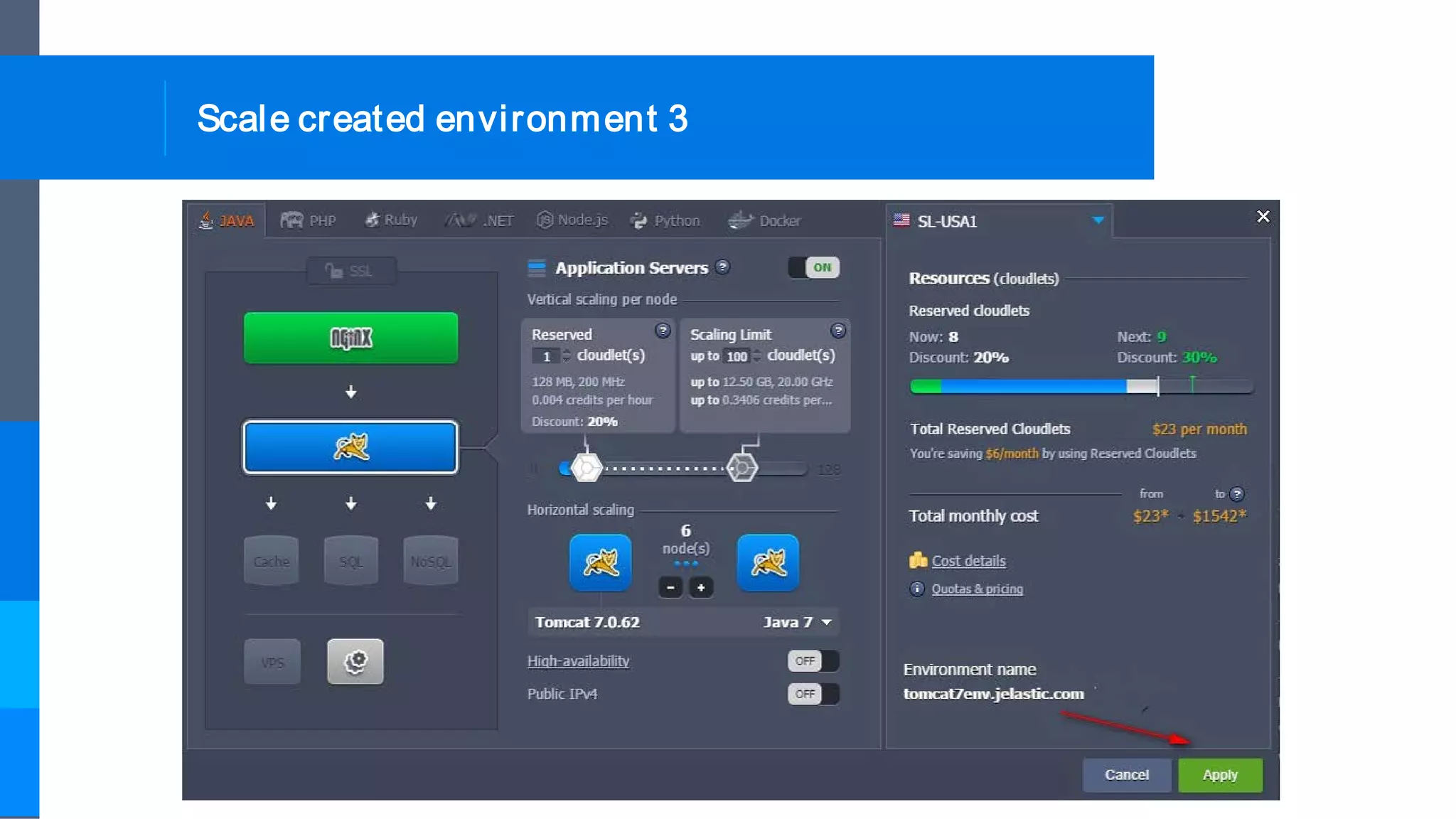
Scale created environment 3
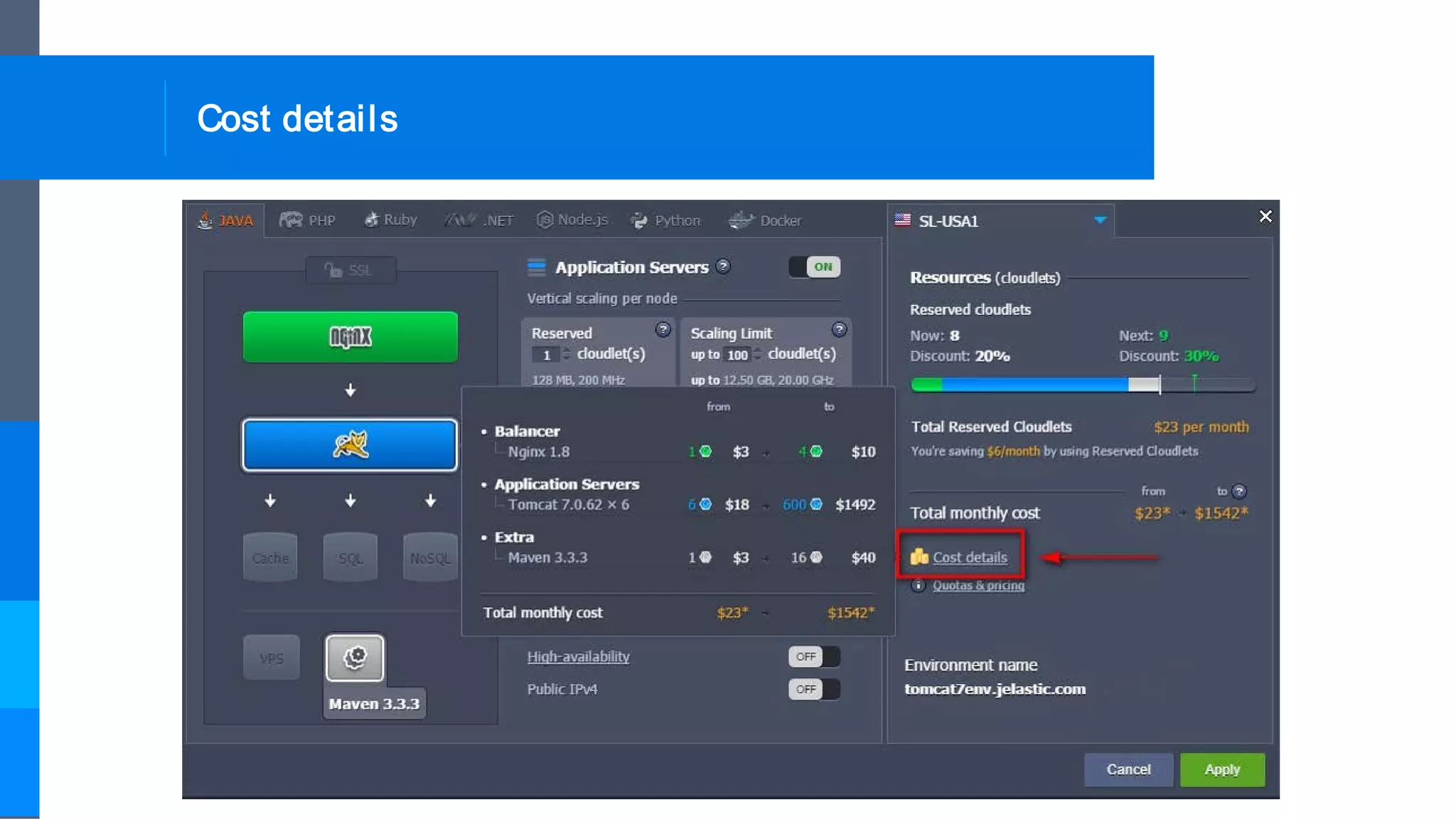
Cost details
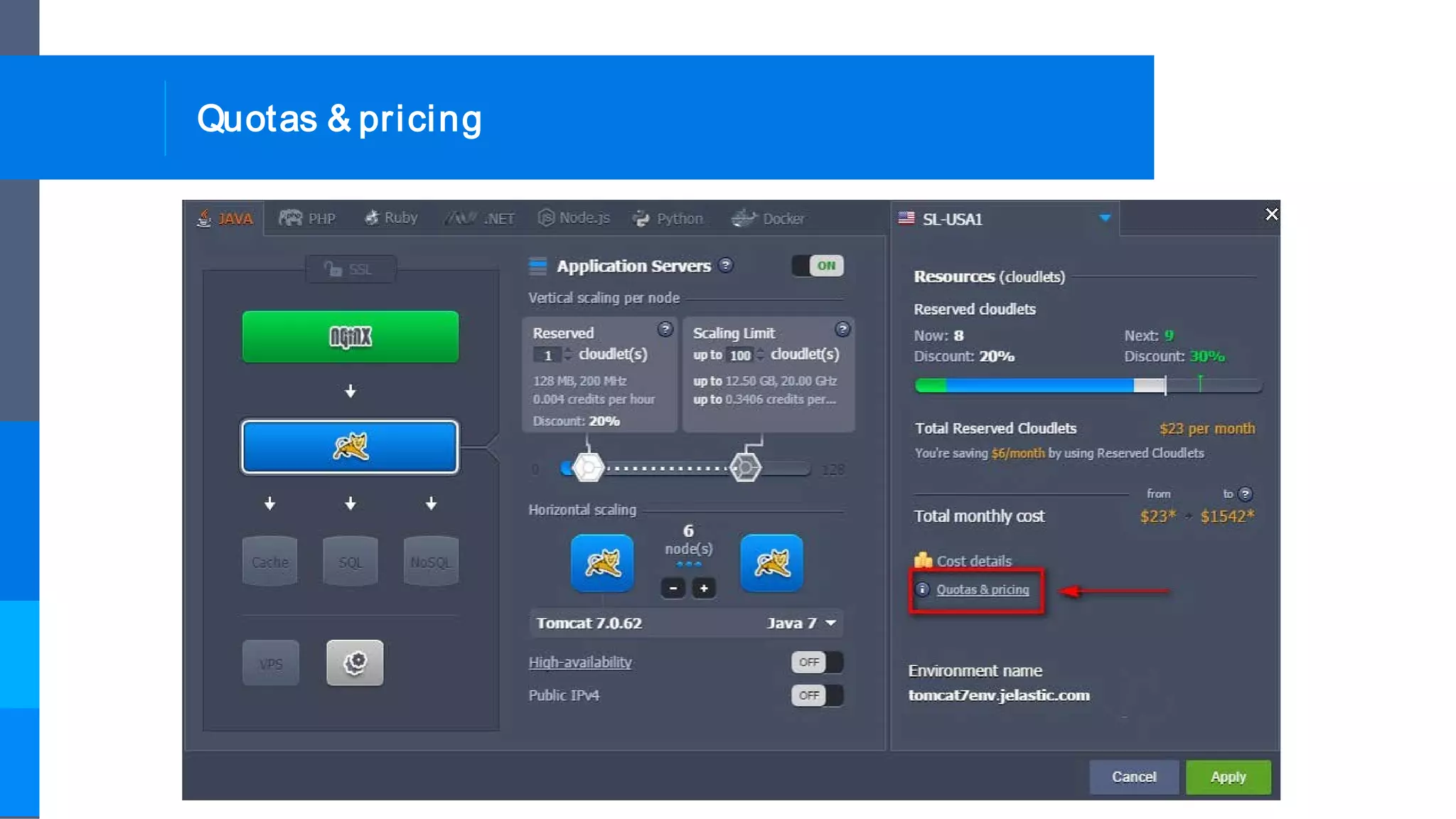
Quotas & pricing
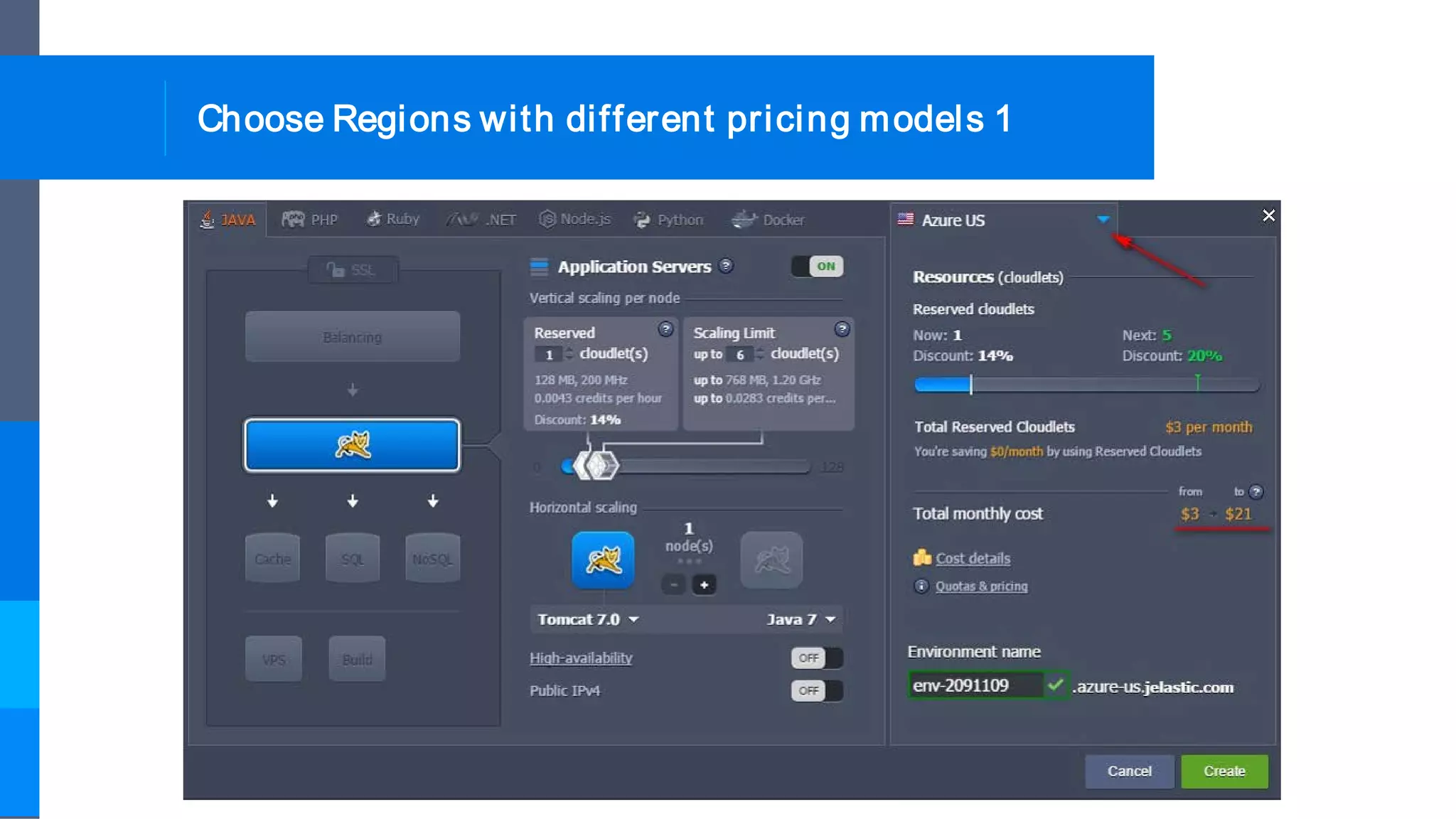
Choose Regions with different pricing models 1
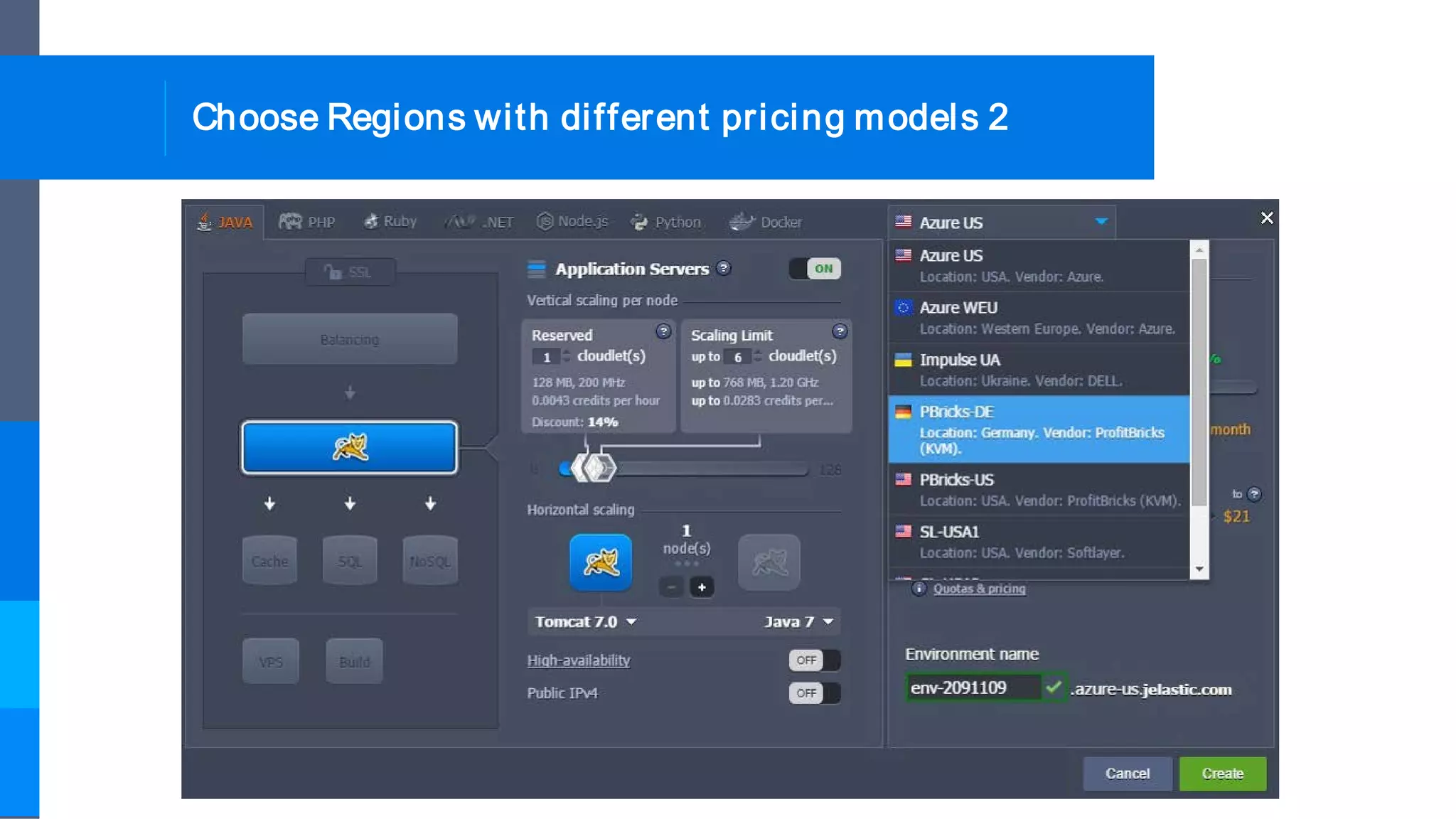
Choose Regions with different pricing models 2
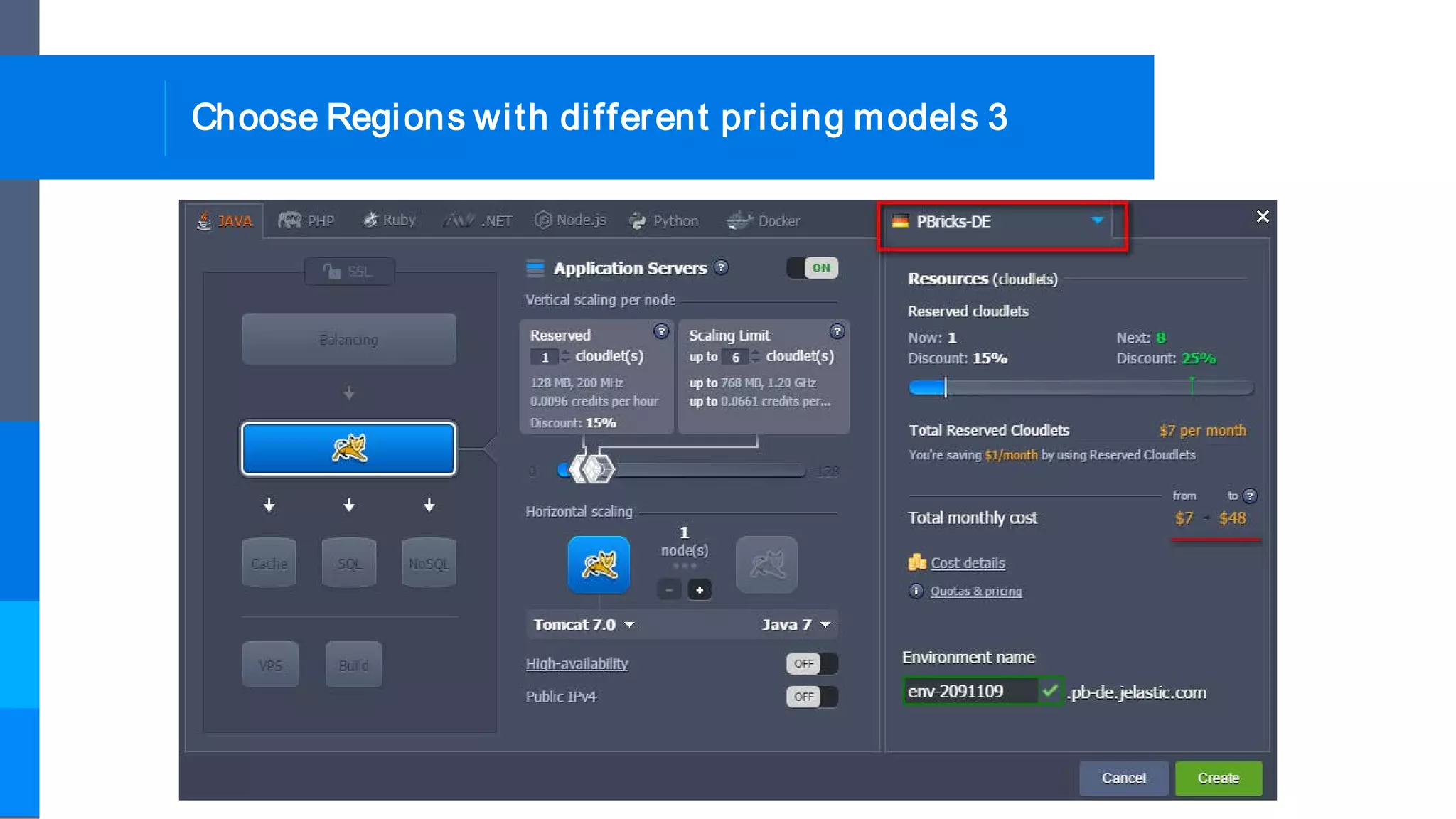
Choose Regions with different pricing models 3
Billing history of particular environment 1
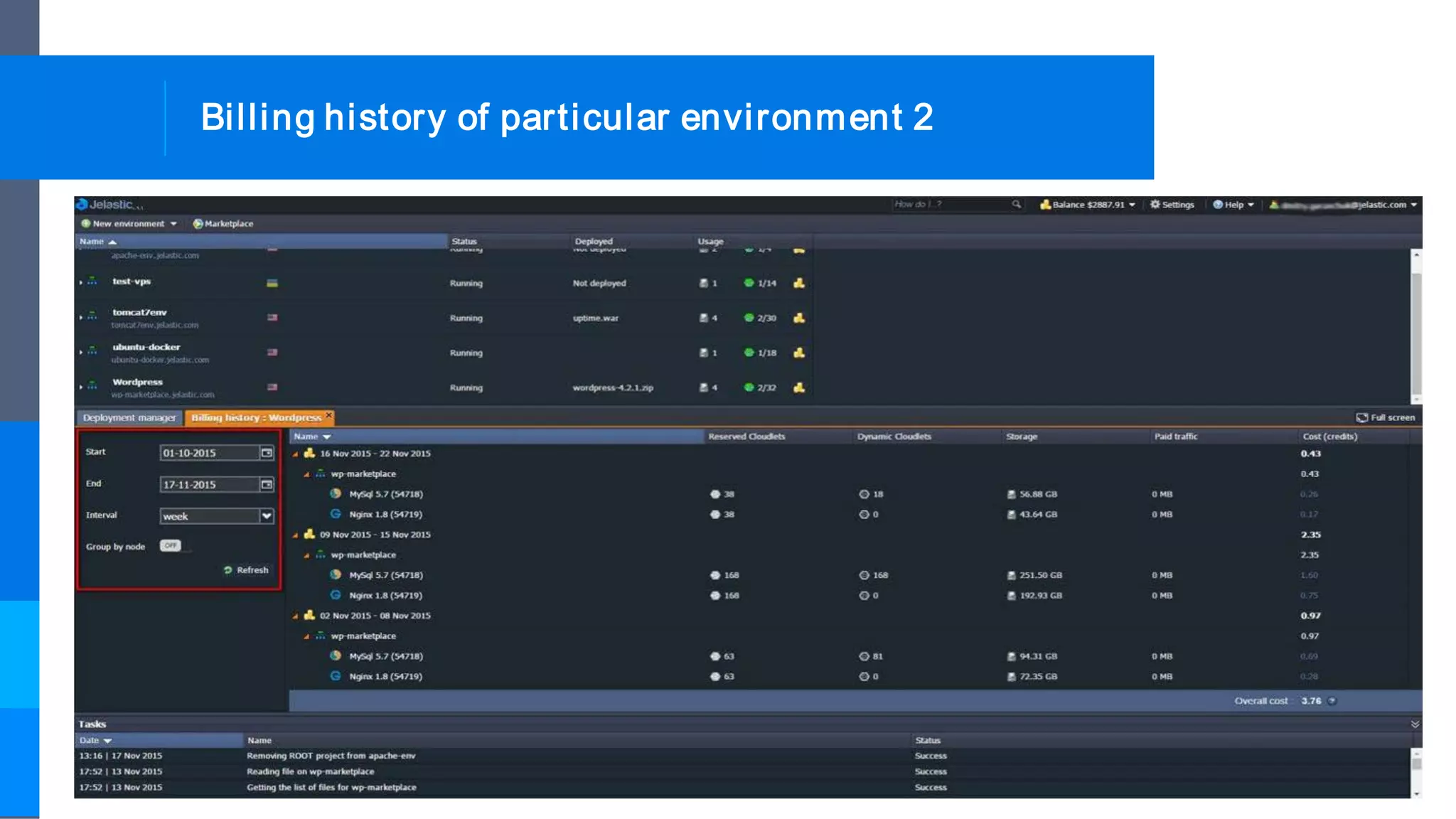
Billing history of particular environment 2
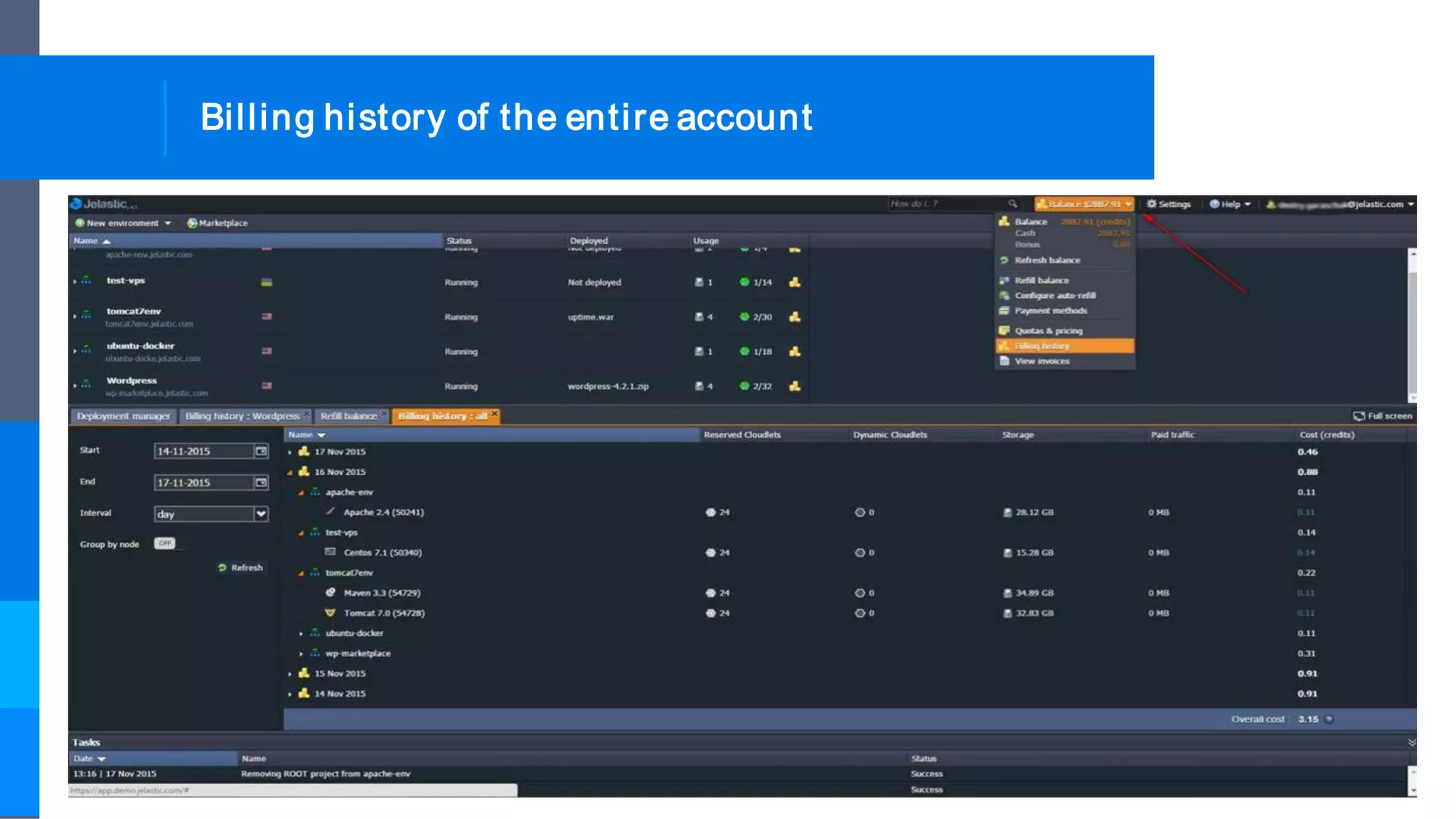
Billing history of the entire account
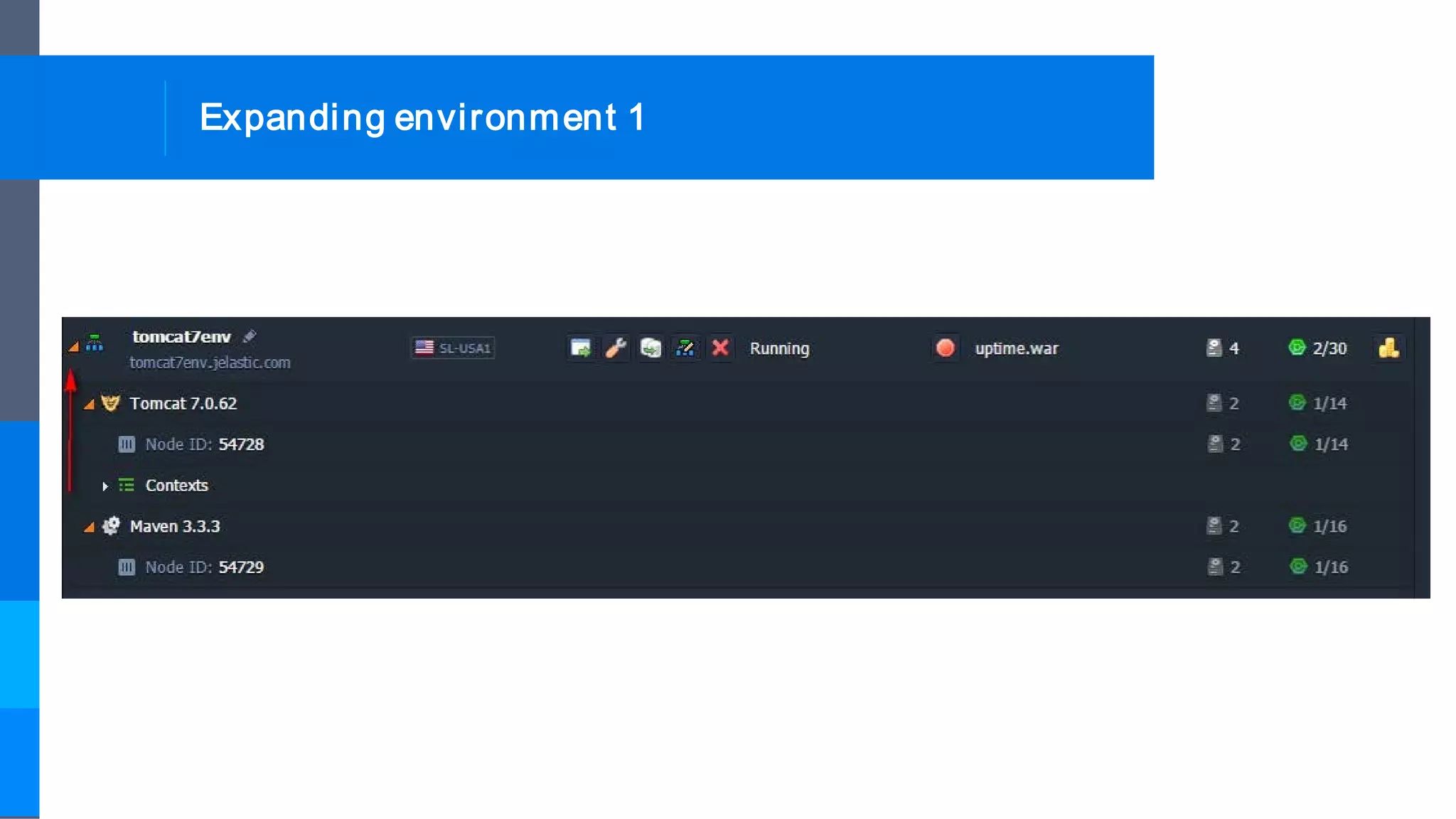
Expanding environment 1
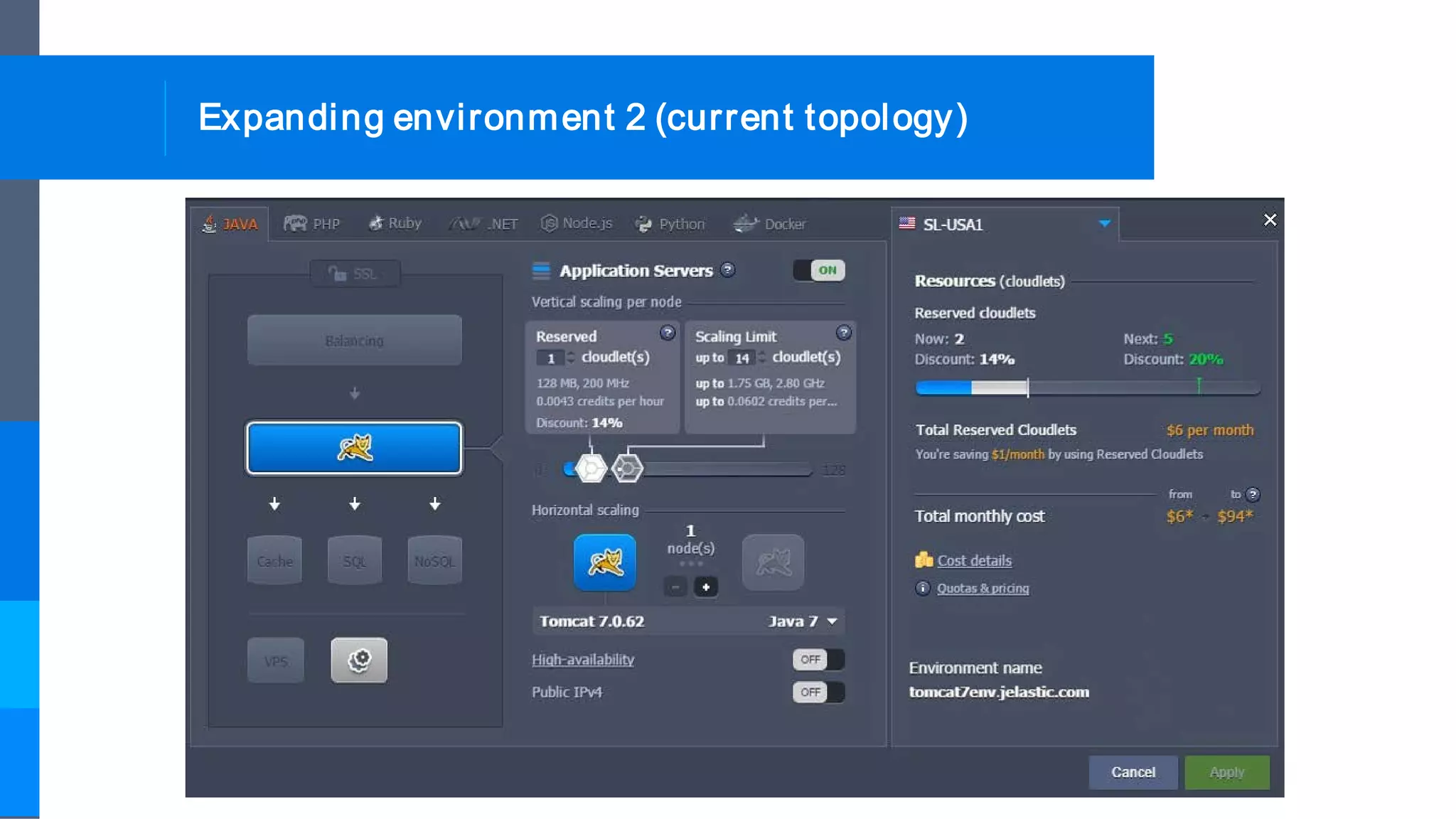
Expanding environment 2 (current topology)
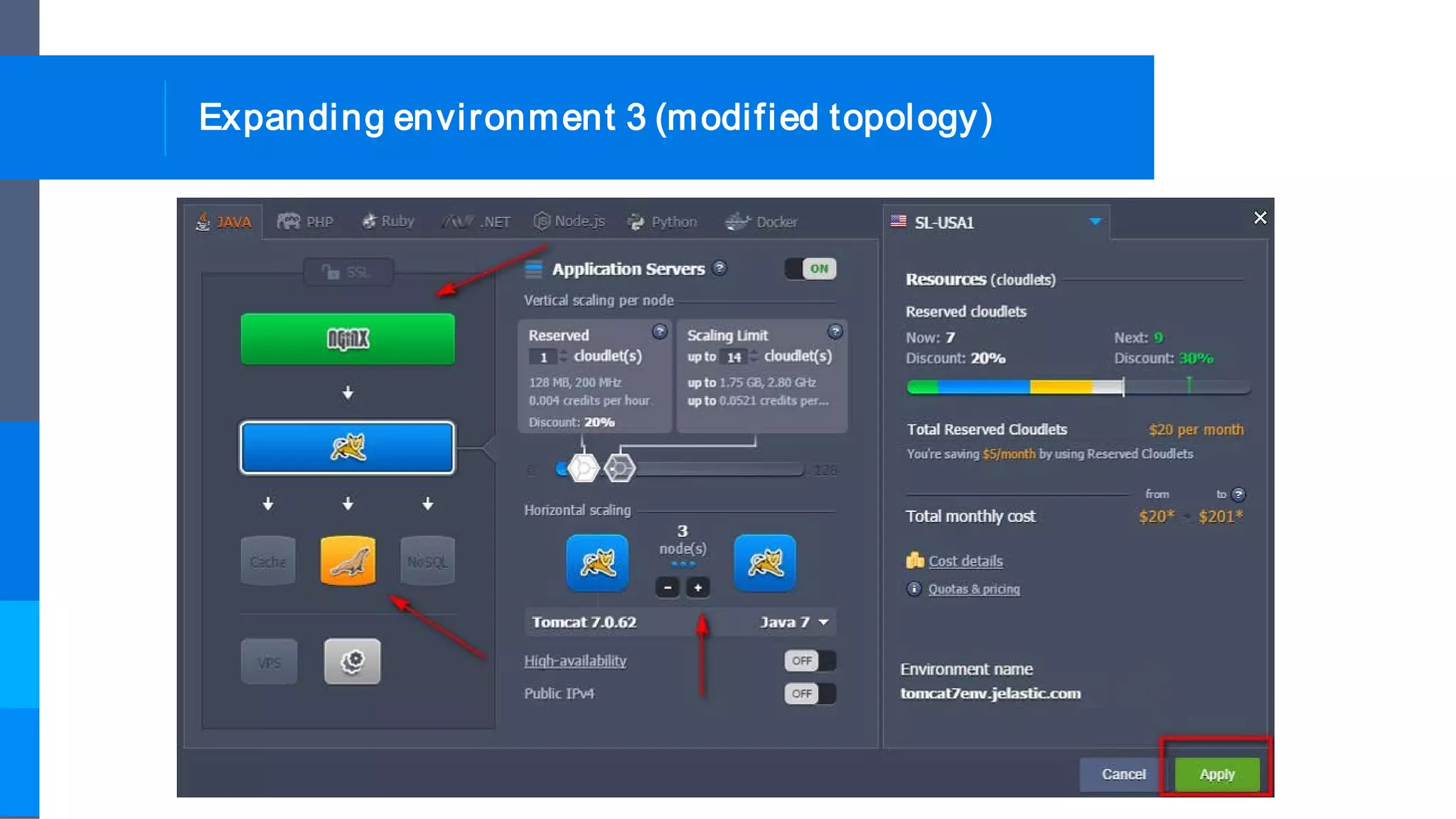
Expanding environment 3 (modified topology)
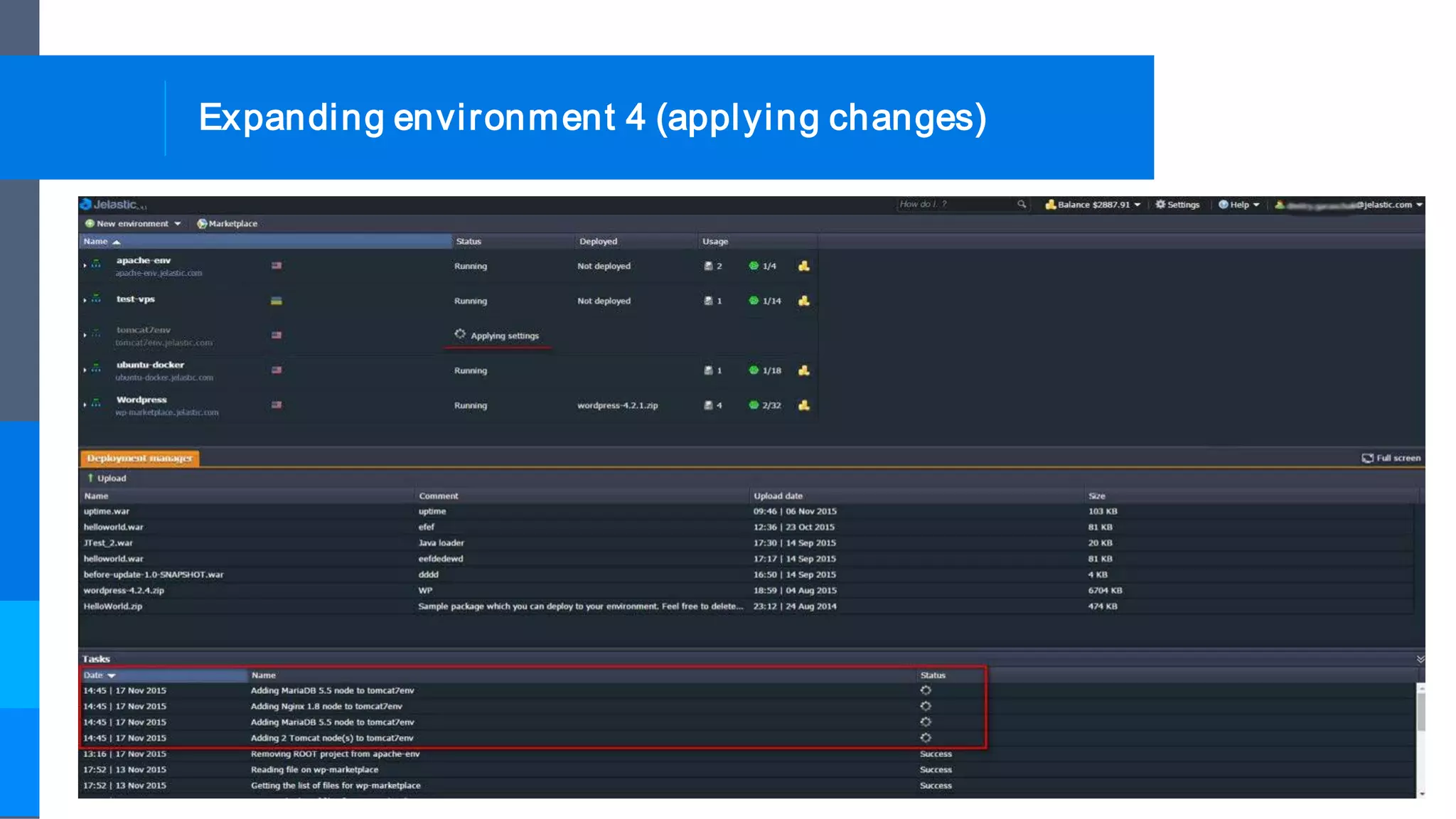
Expanding environment 4 (applying changes)
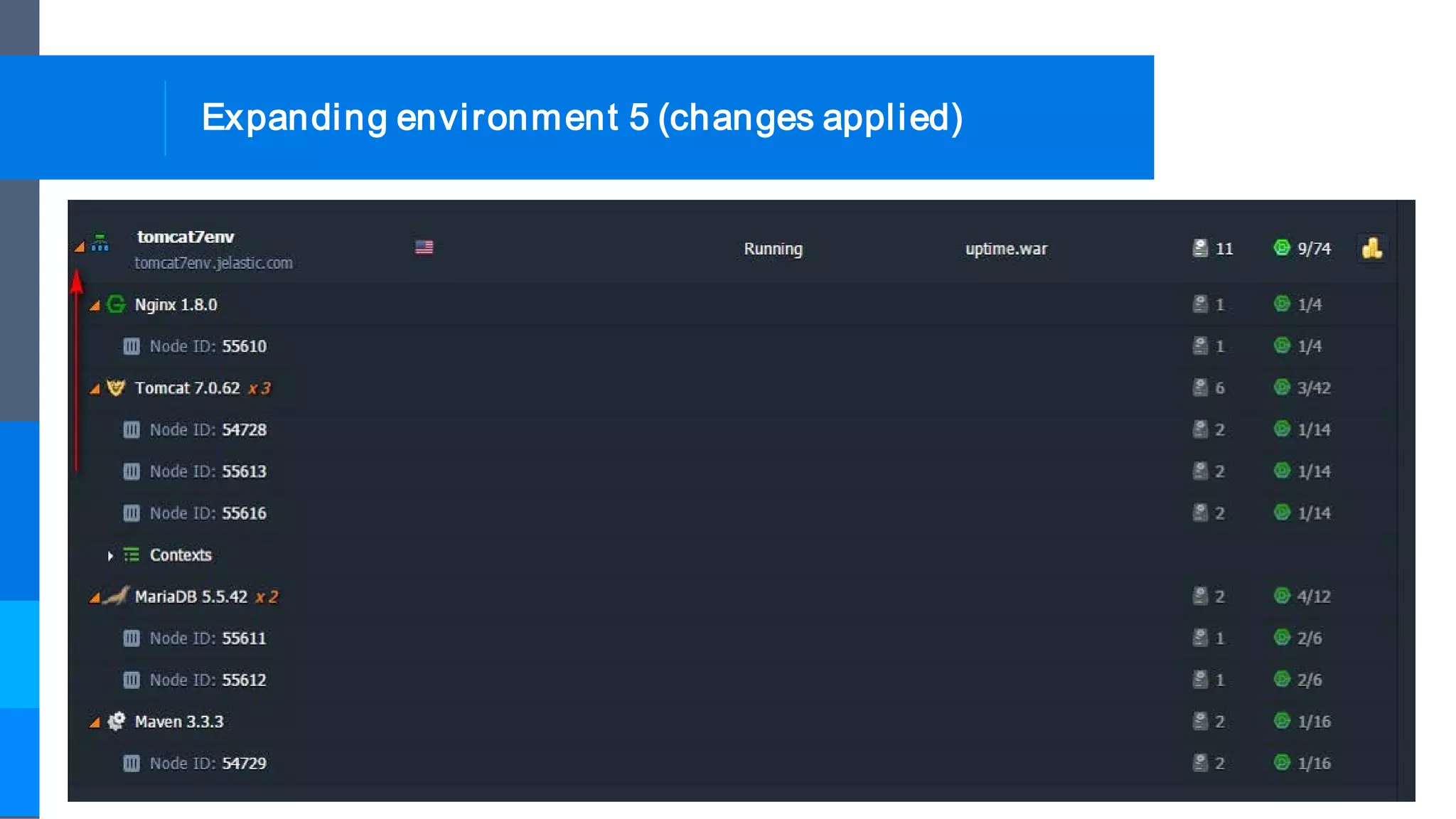
Expanding environment 5 (changes applied)
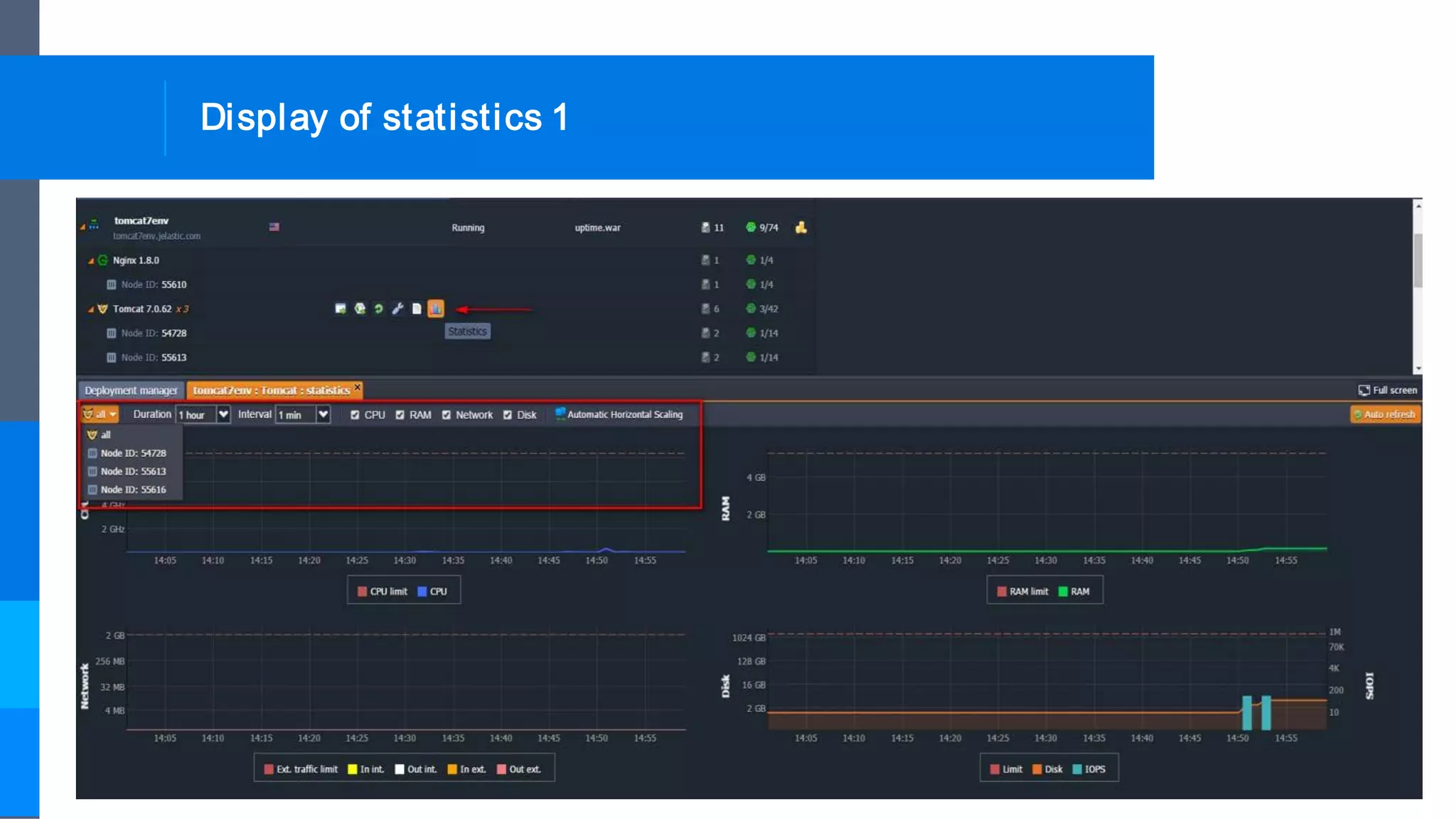
Display of statistics 1
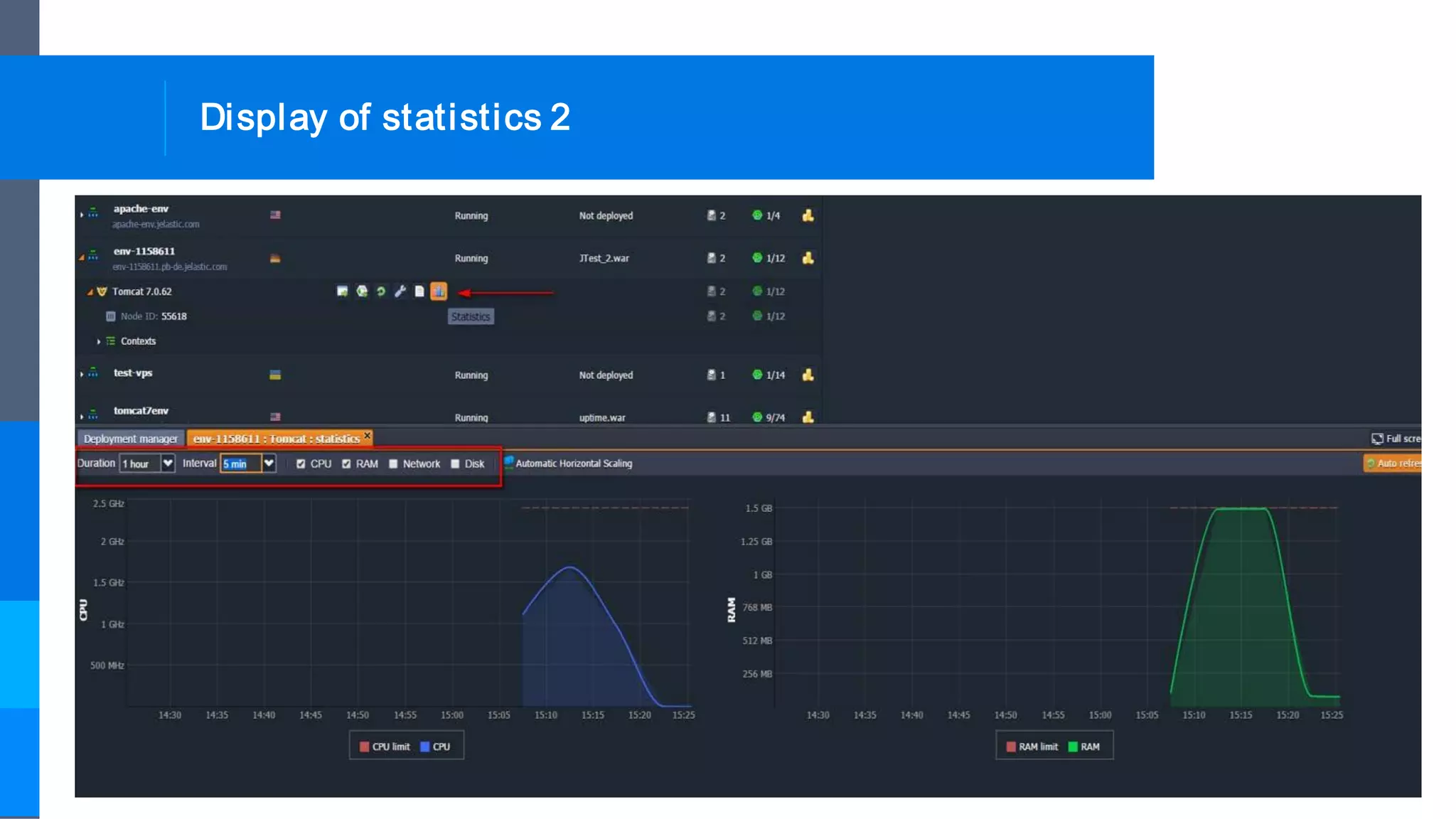
Display of statistics 2
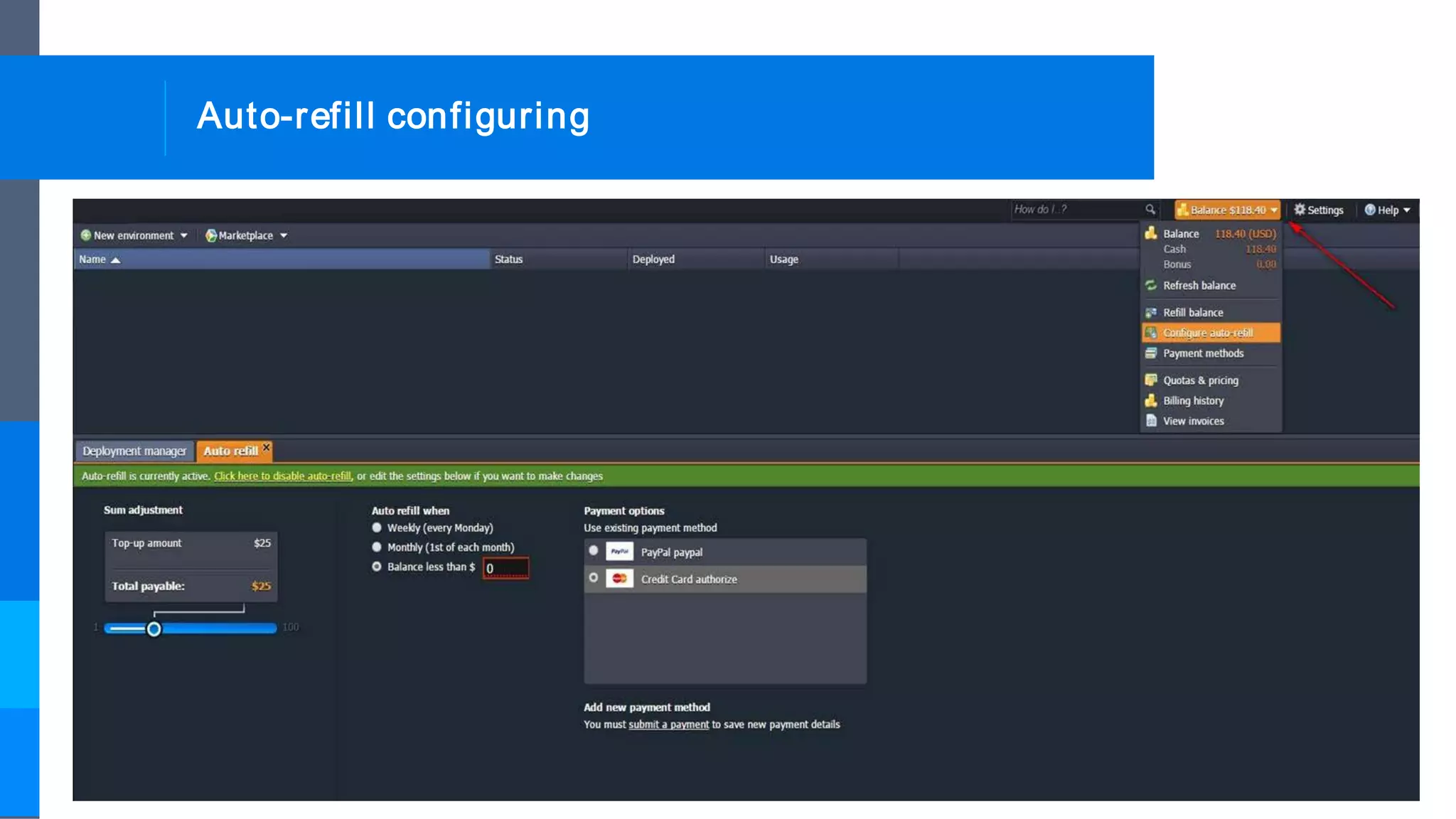
Auto-refill configuring
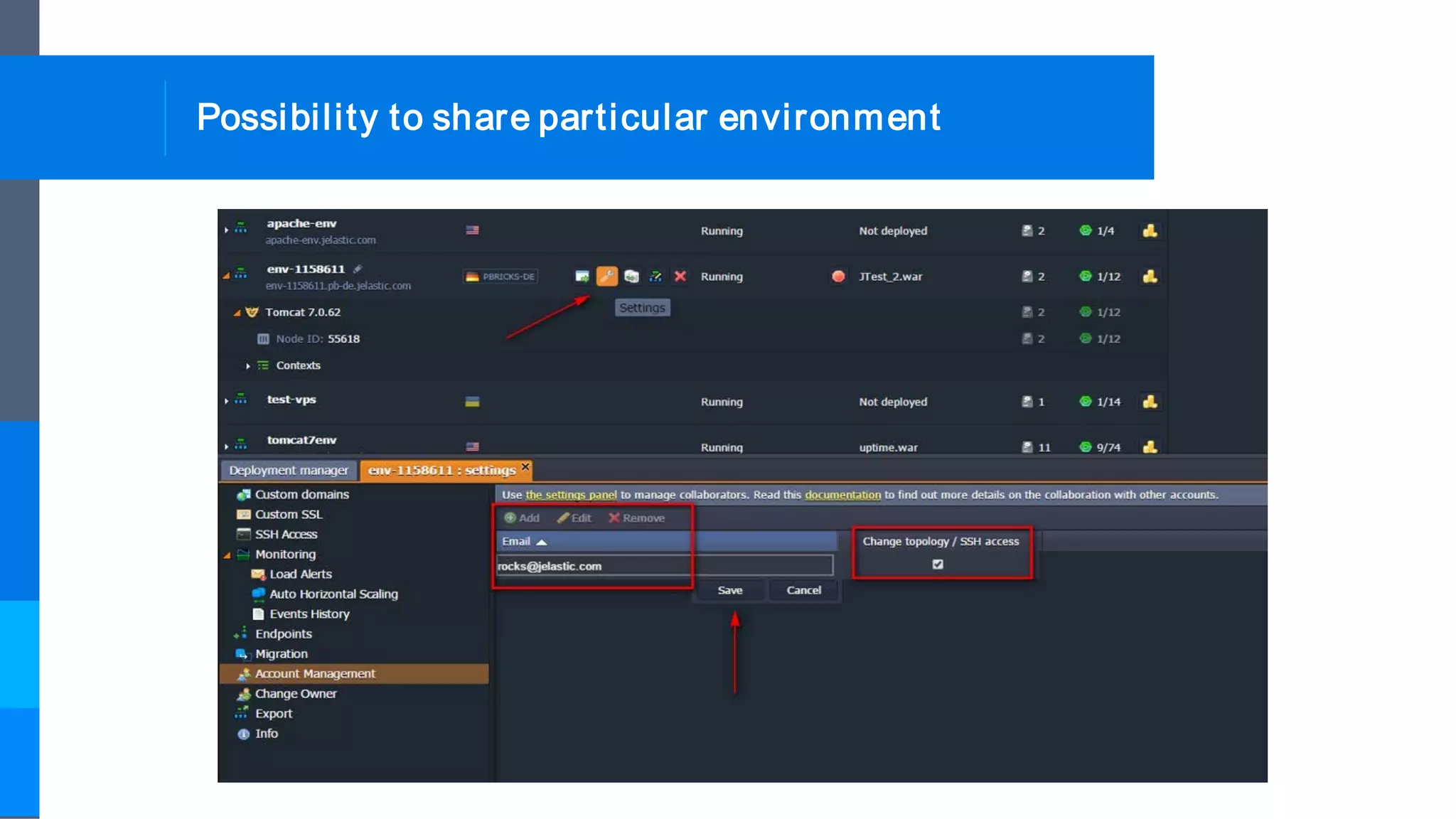
Possibility to share particular environment
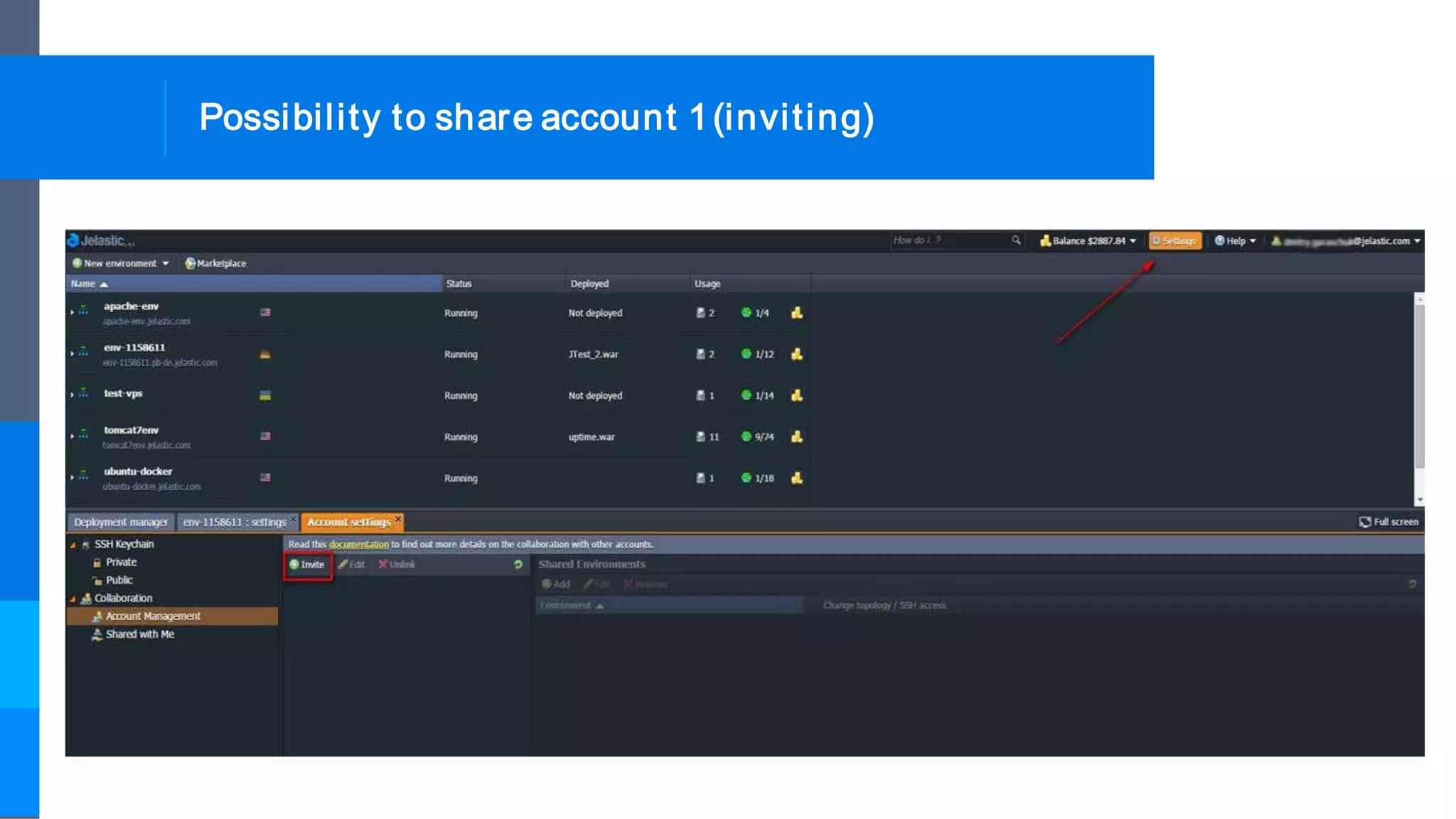
Possibility to share account 1(inviting)
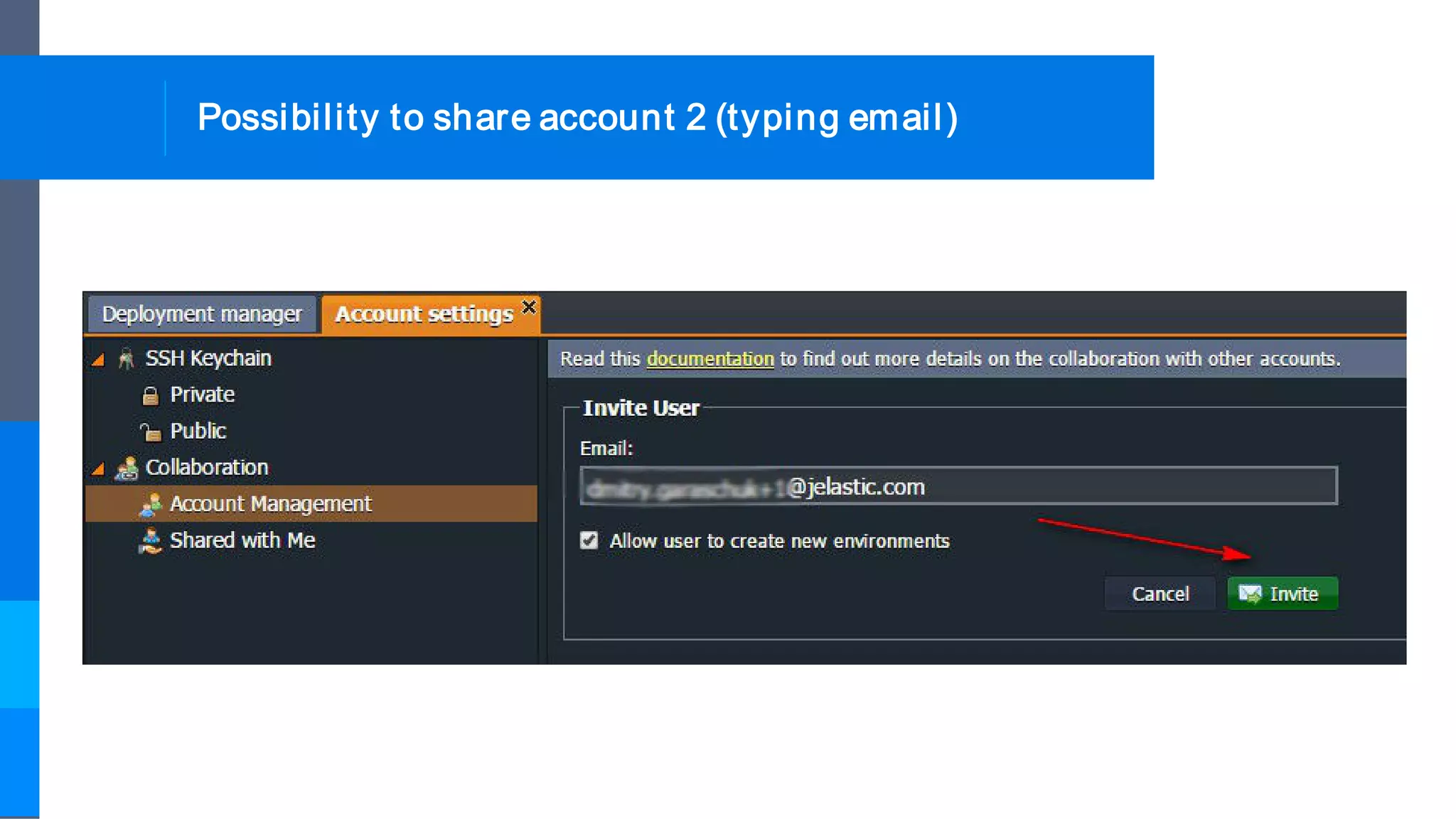
Possibility to share account 2 (typing email)
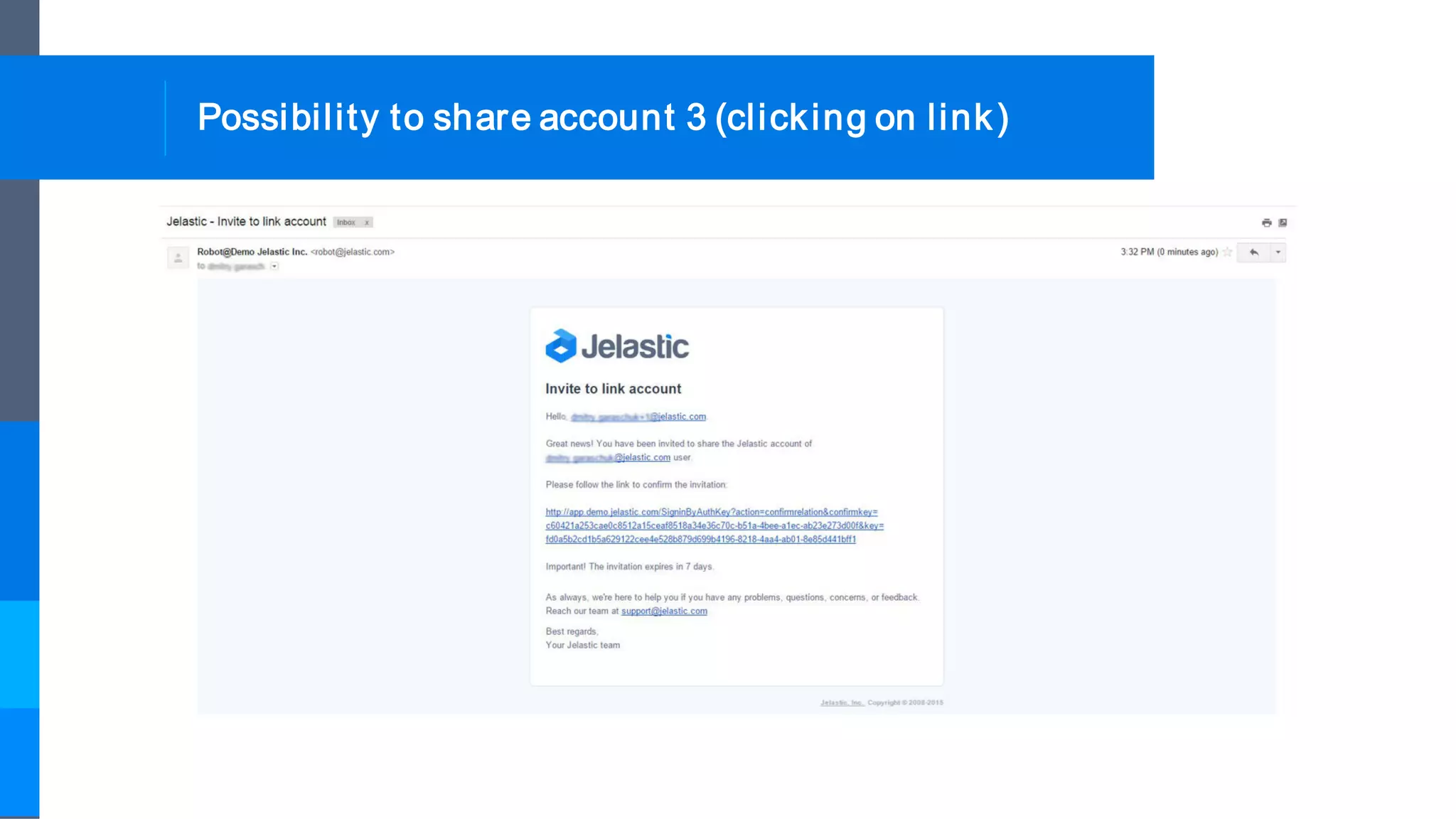
Possibility to share account 3 (clicking on link)
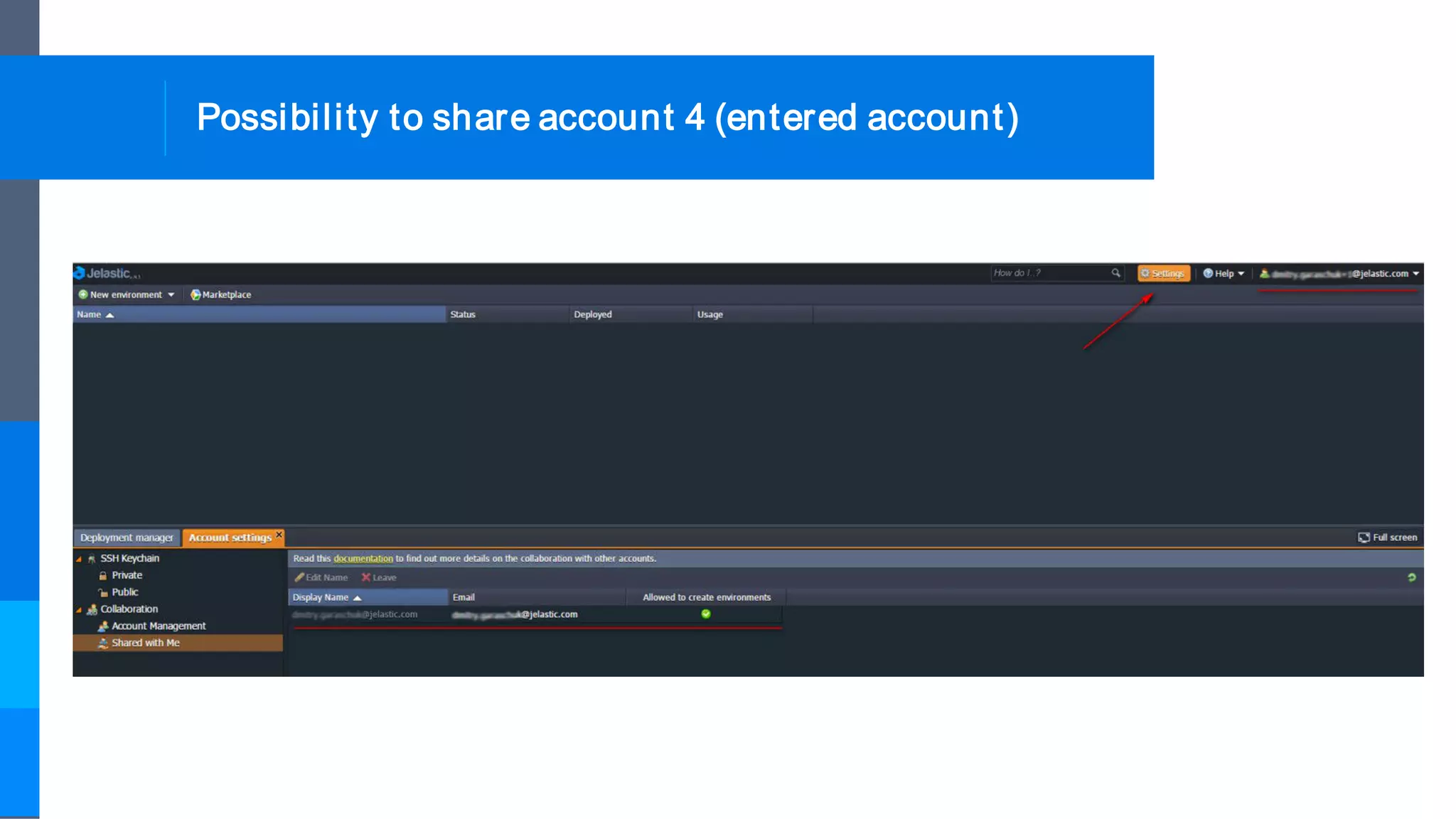
Possibility to share account 4 (entered account)
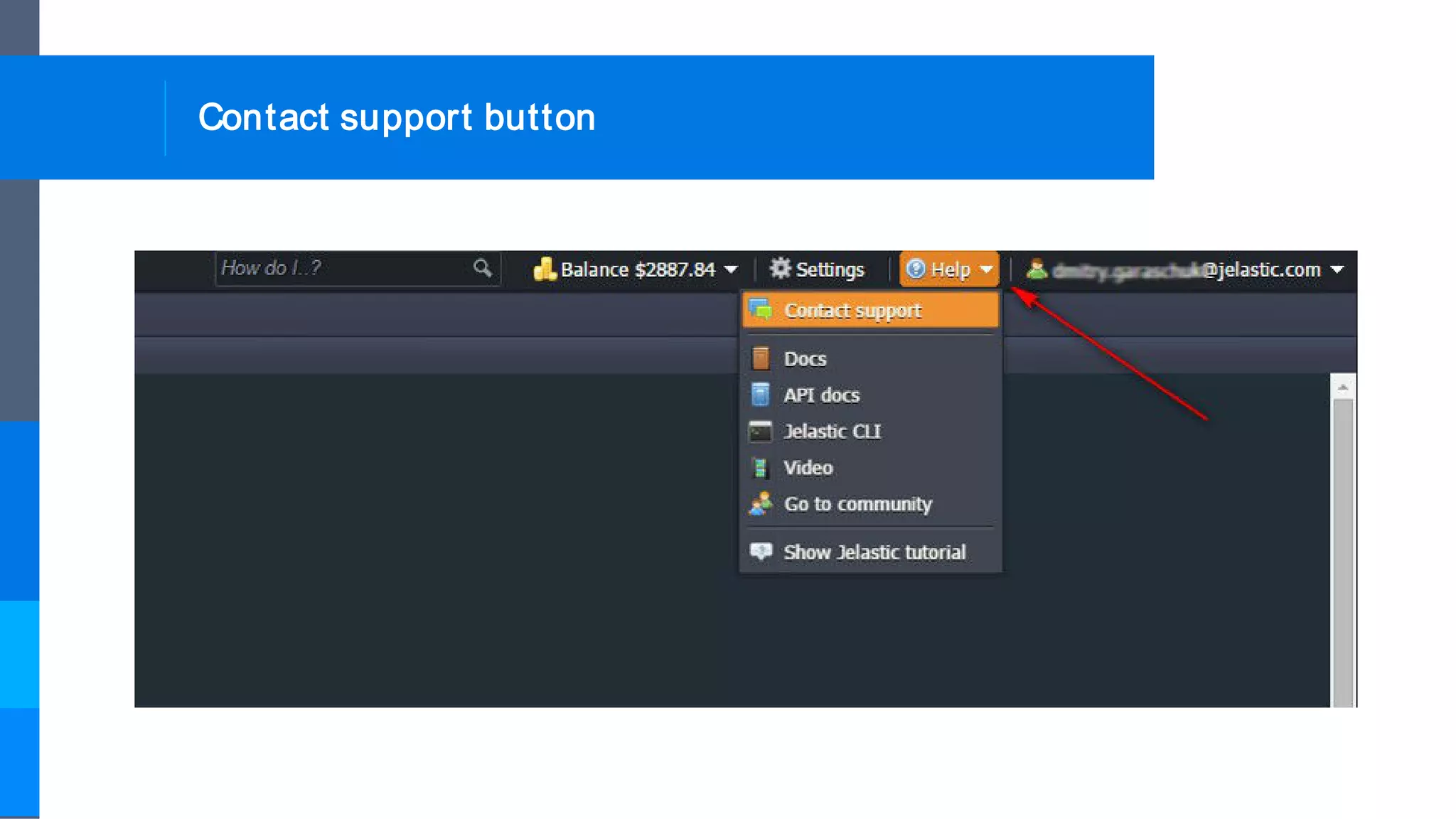
Contact support button
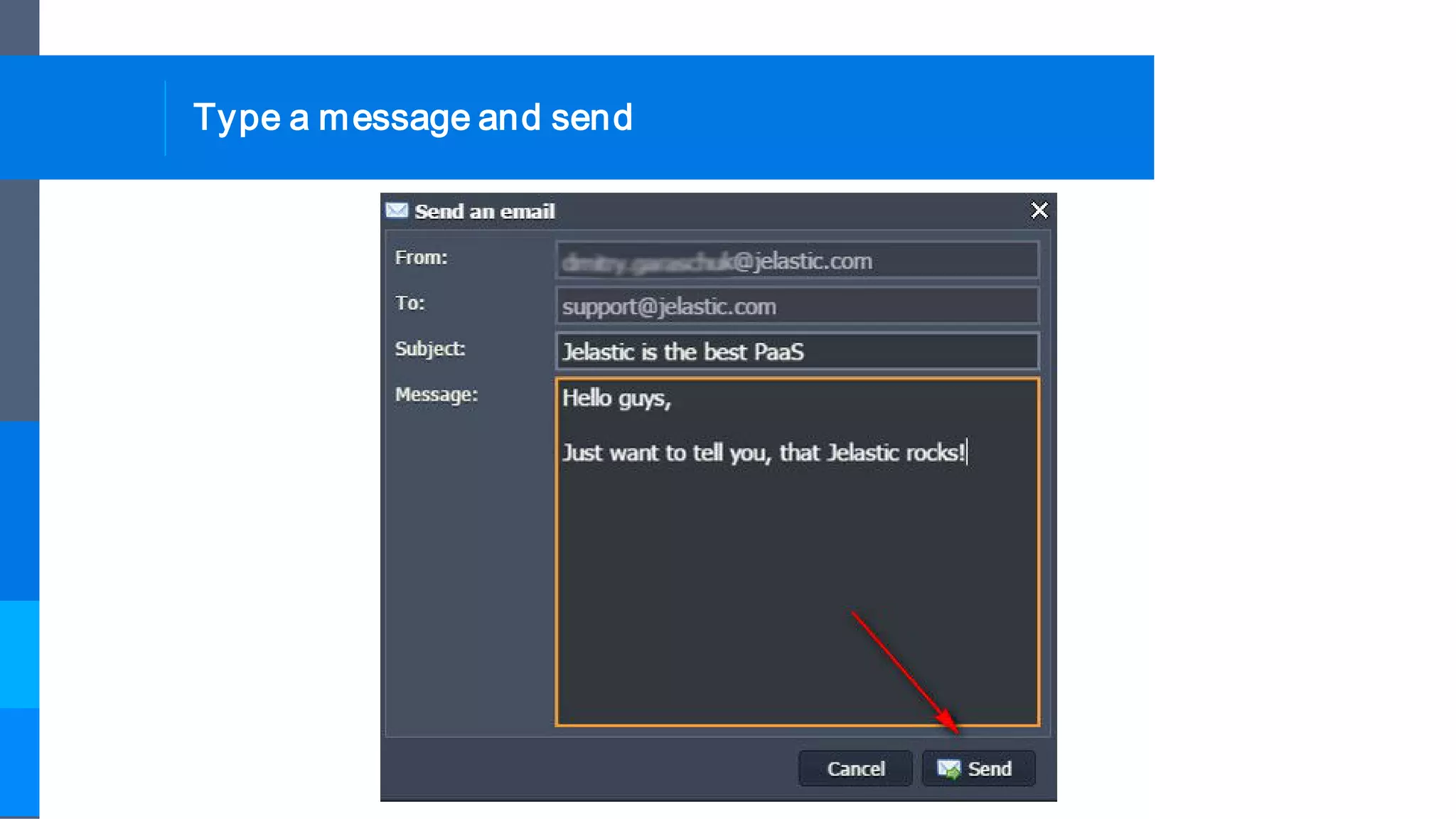
Type a message and send
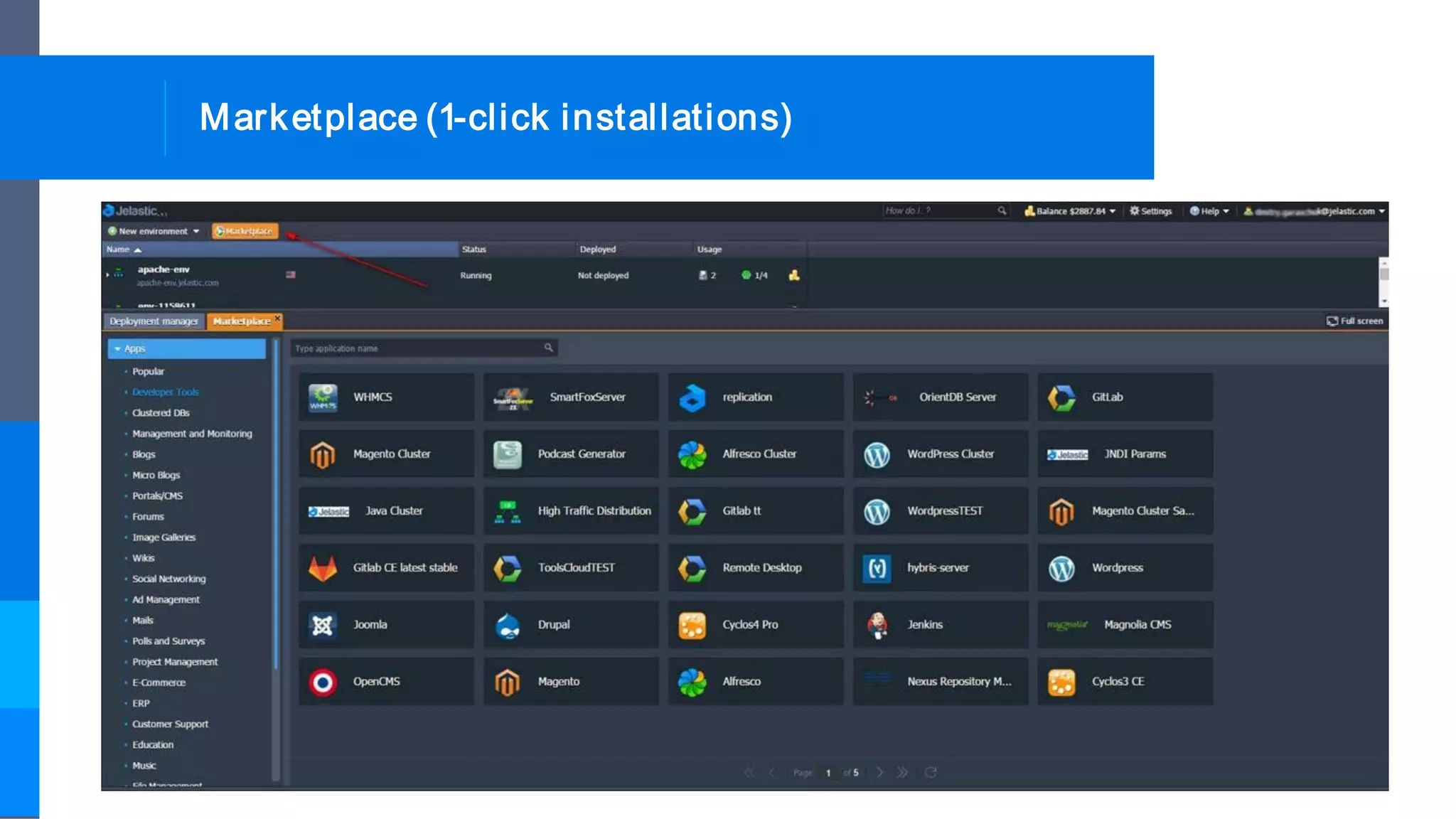
Marketplace (1-click installations)
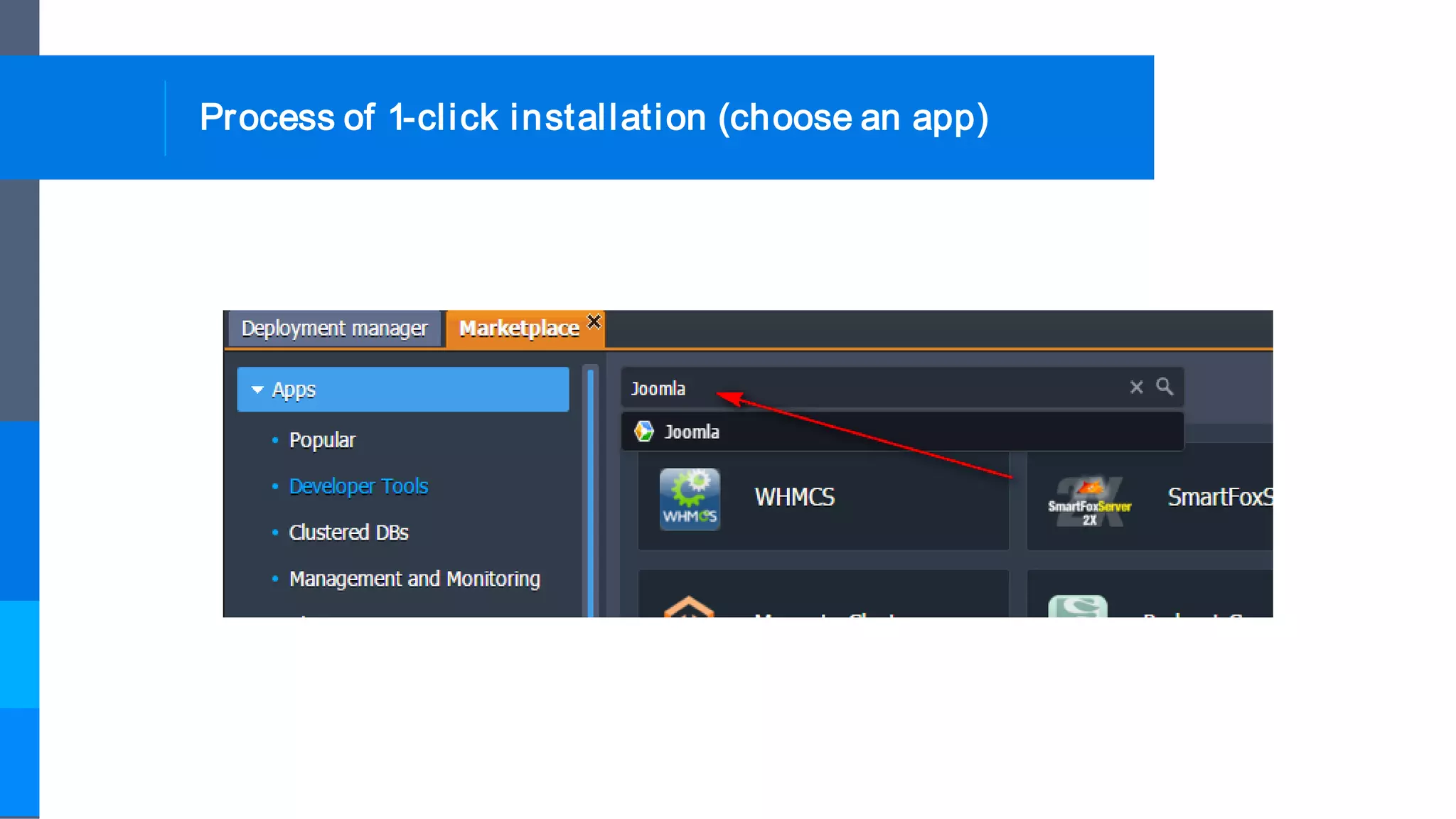
Process of 1-click installation (choose an app)
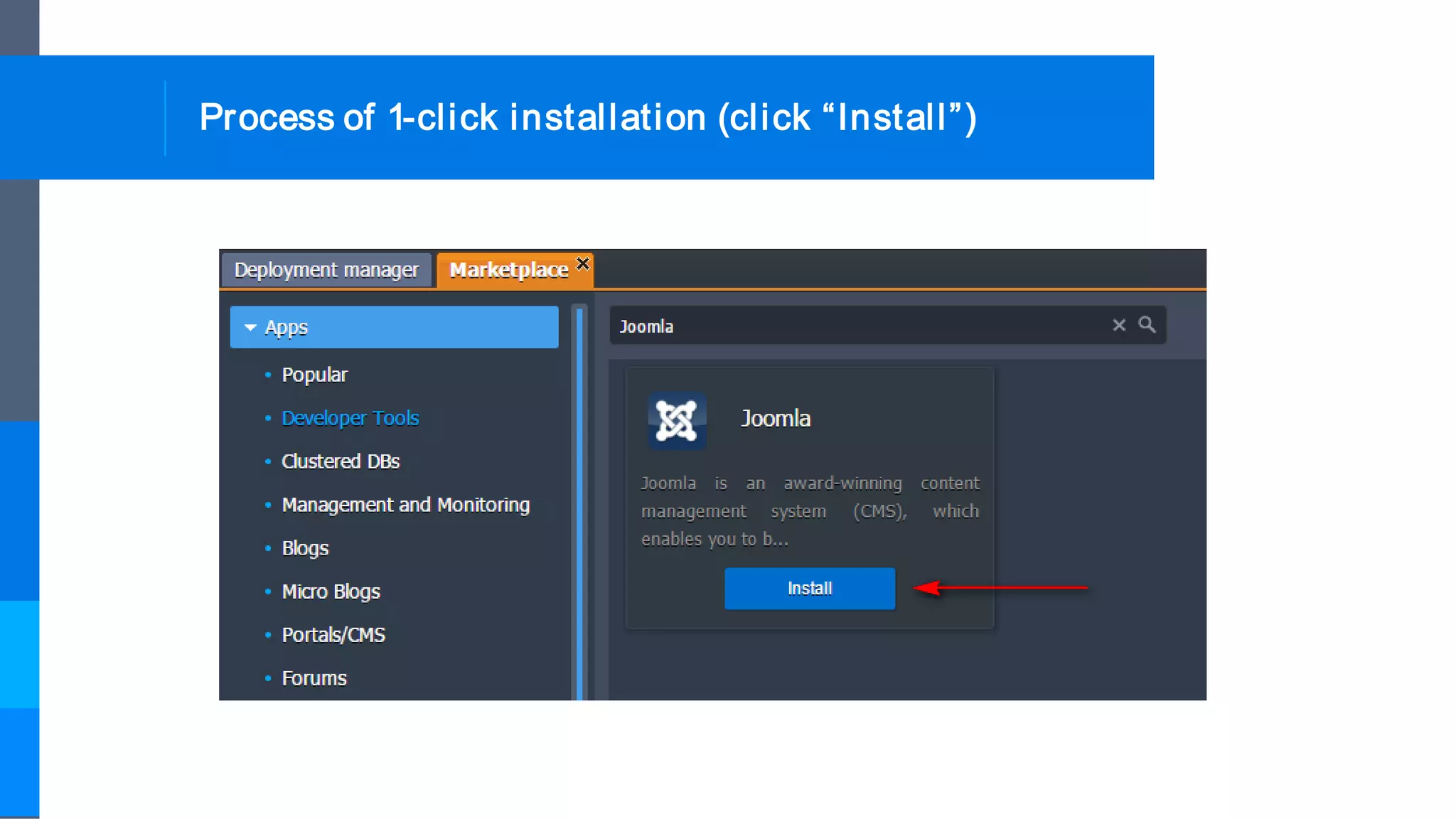
Process of 1-click installation (click “Install”)
Process of 1-click installation
(enter hostname and choose Region to deploy)
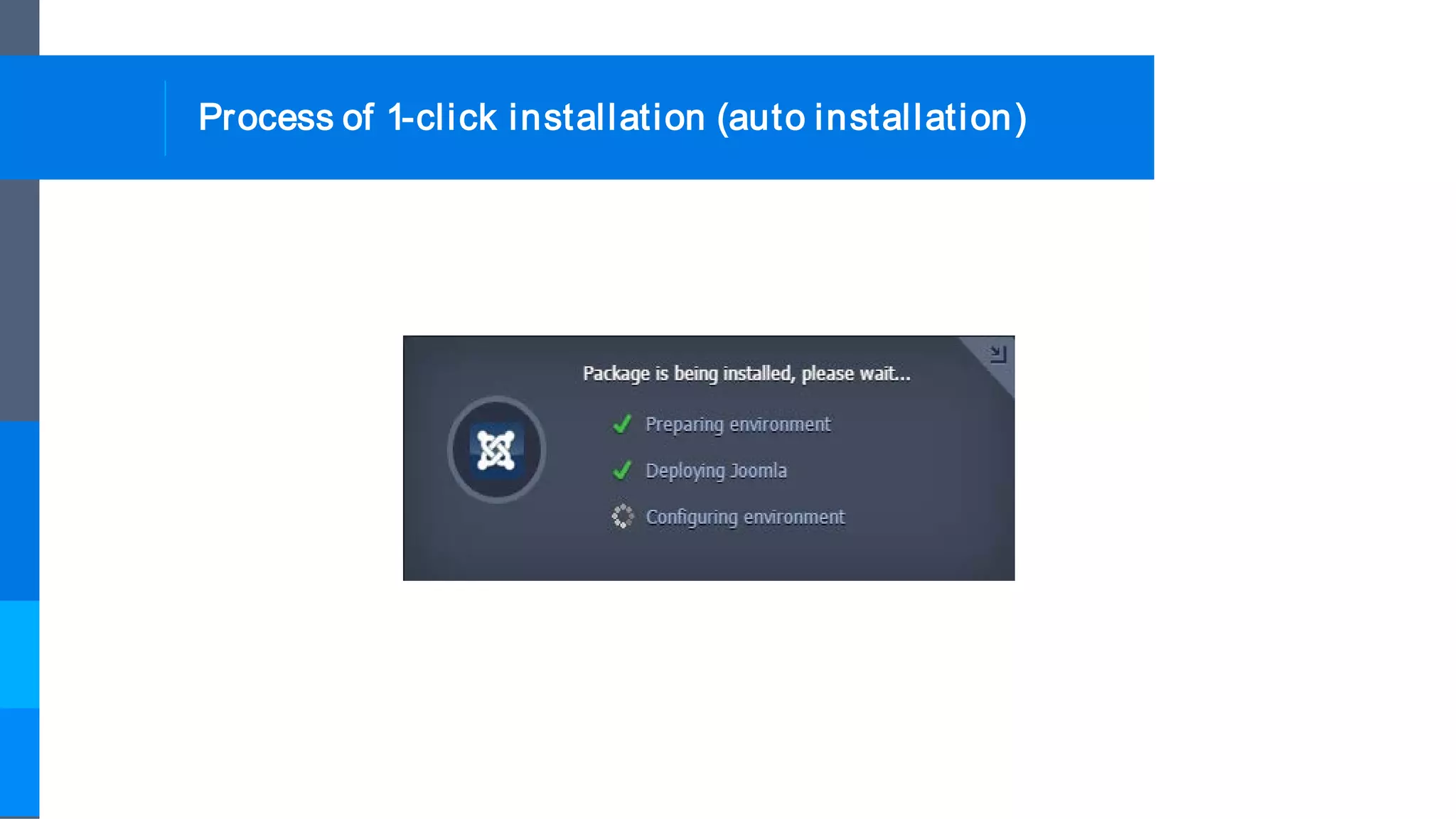
Process of 1-click installation (auto installation)
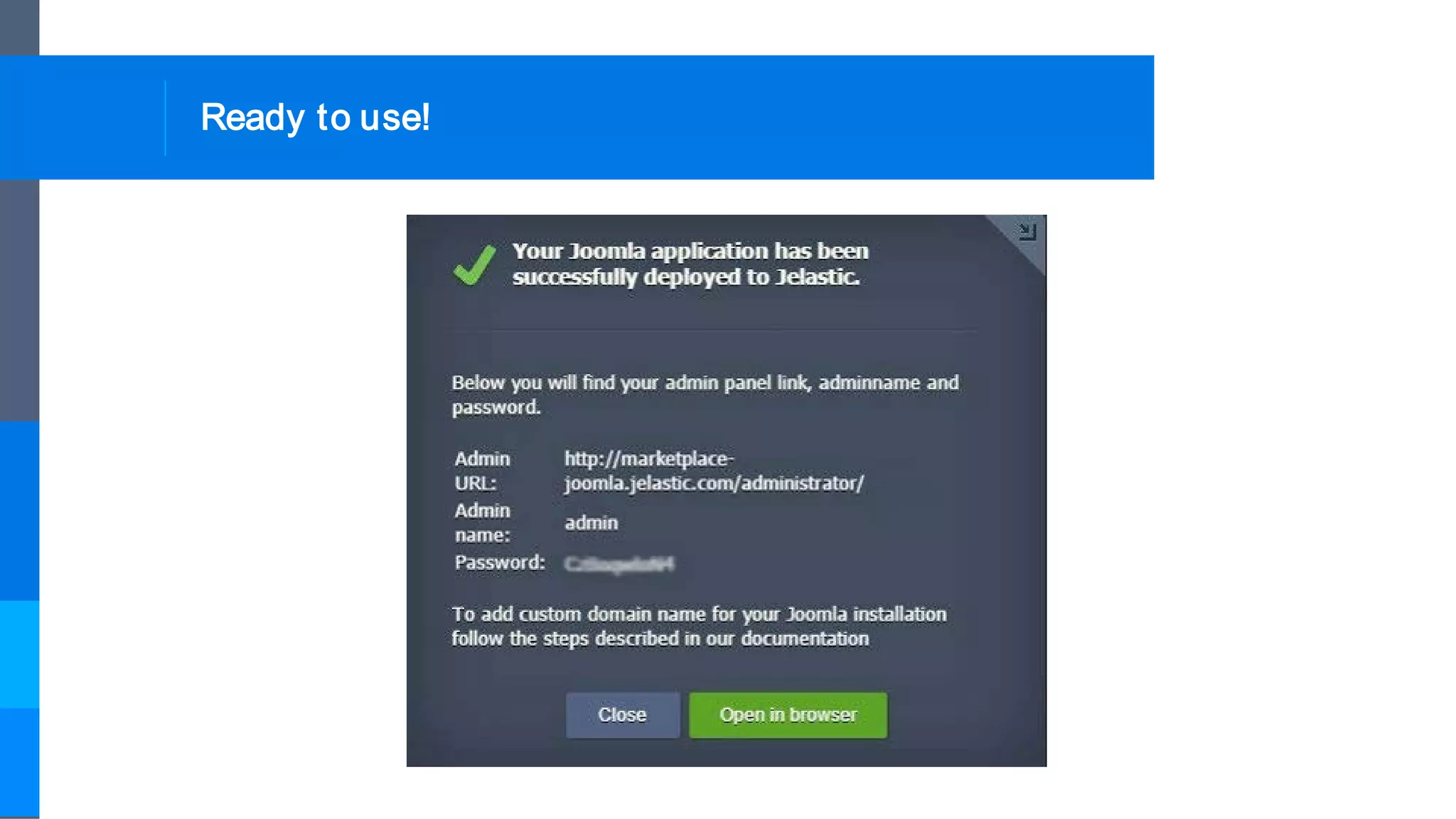
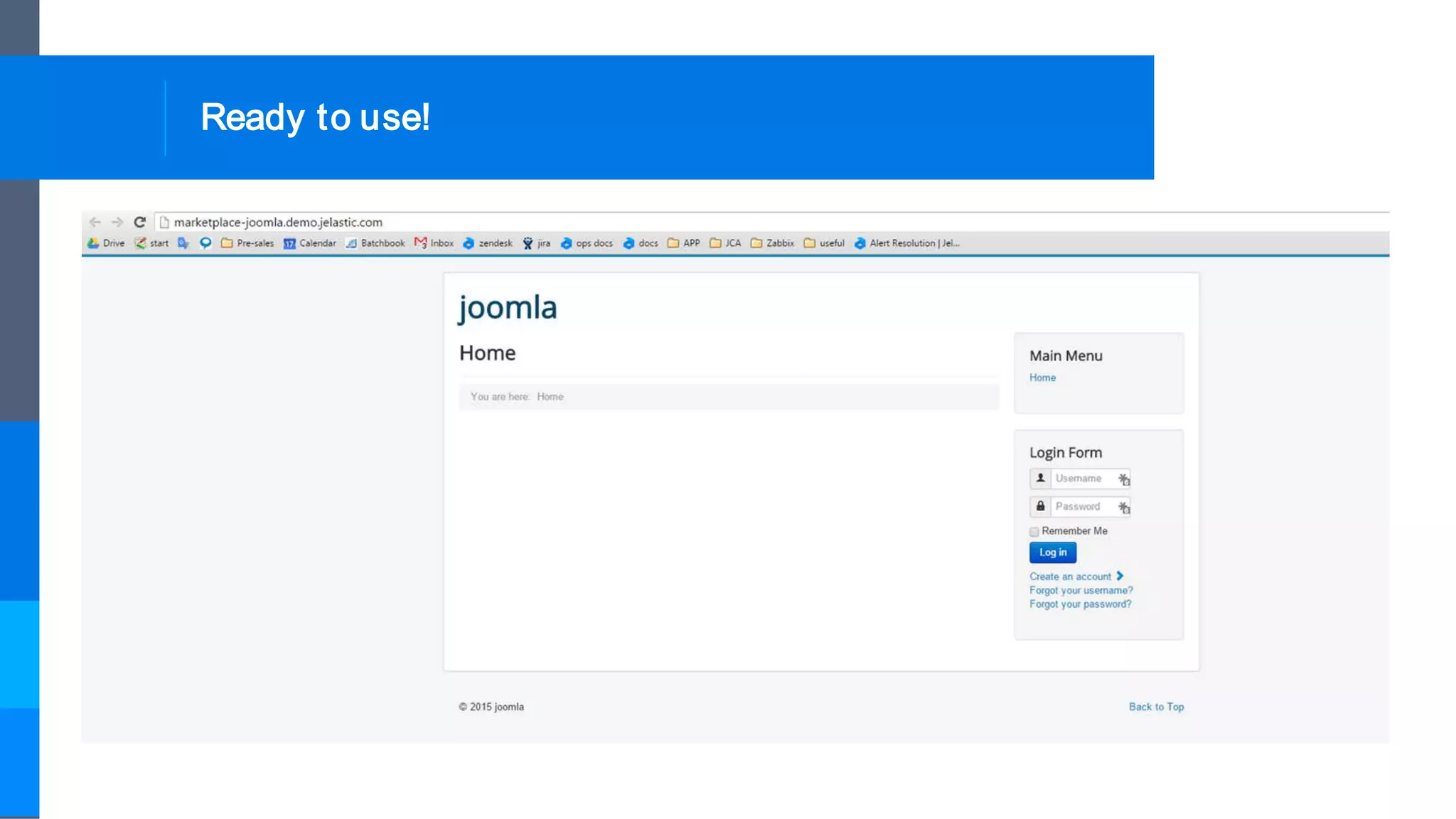
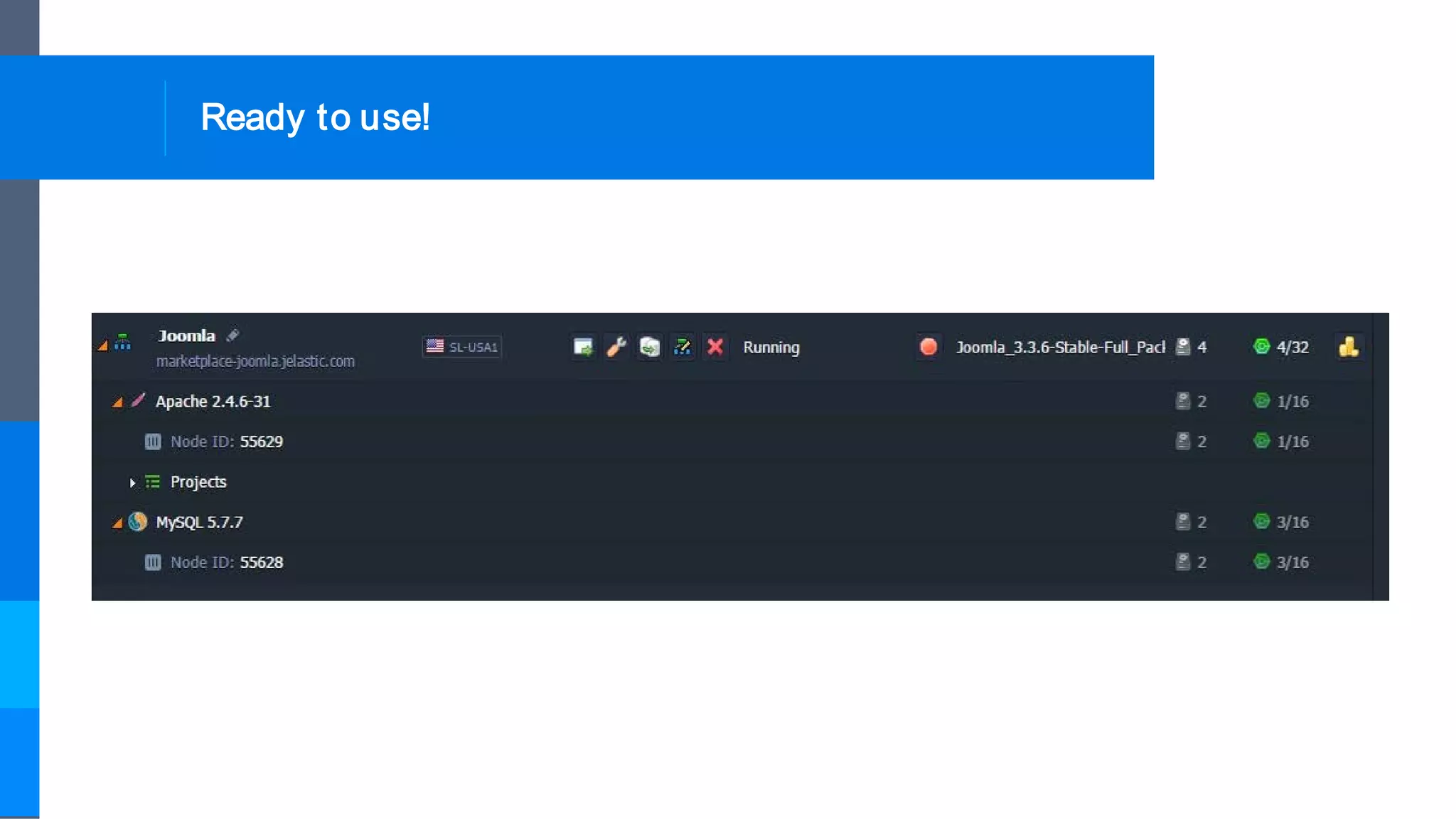
Ready to use!
Ready to use!
Ready to use!
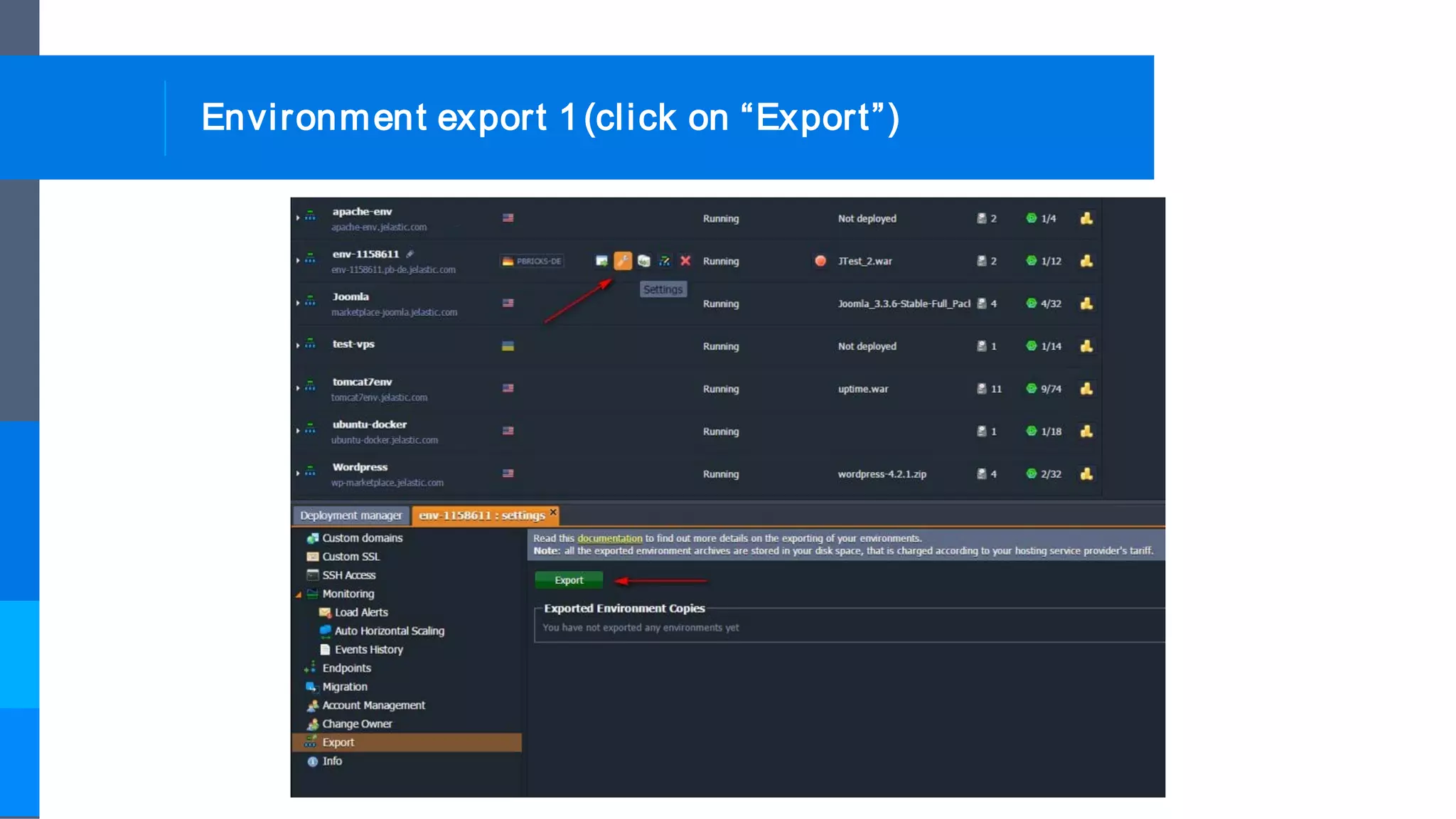
Environment export 1(click on “Export”)
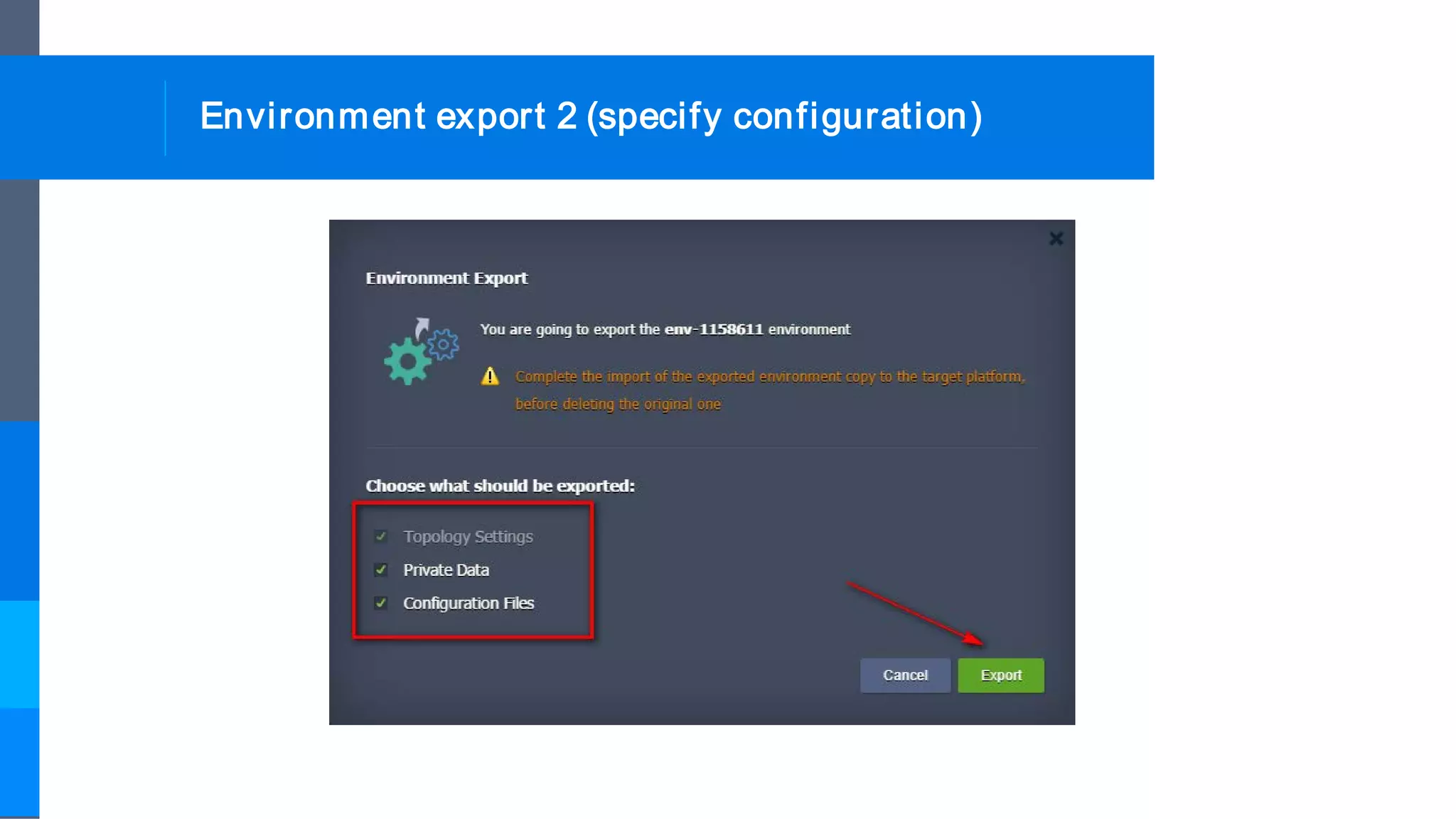
Environment export 2 (specify configuration)
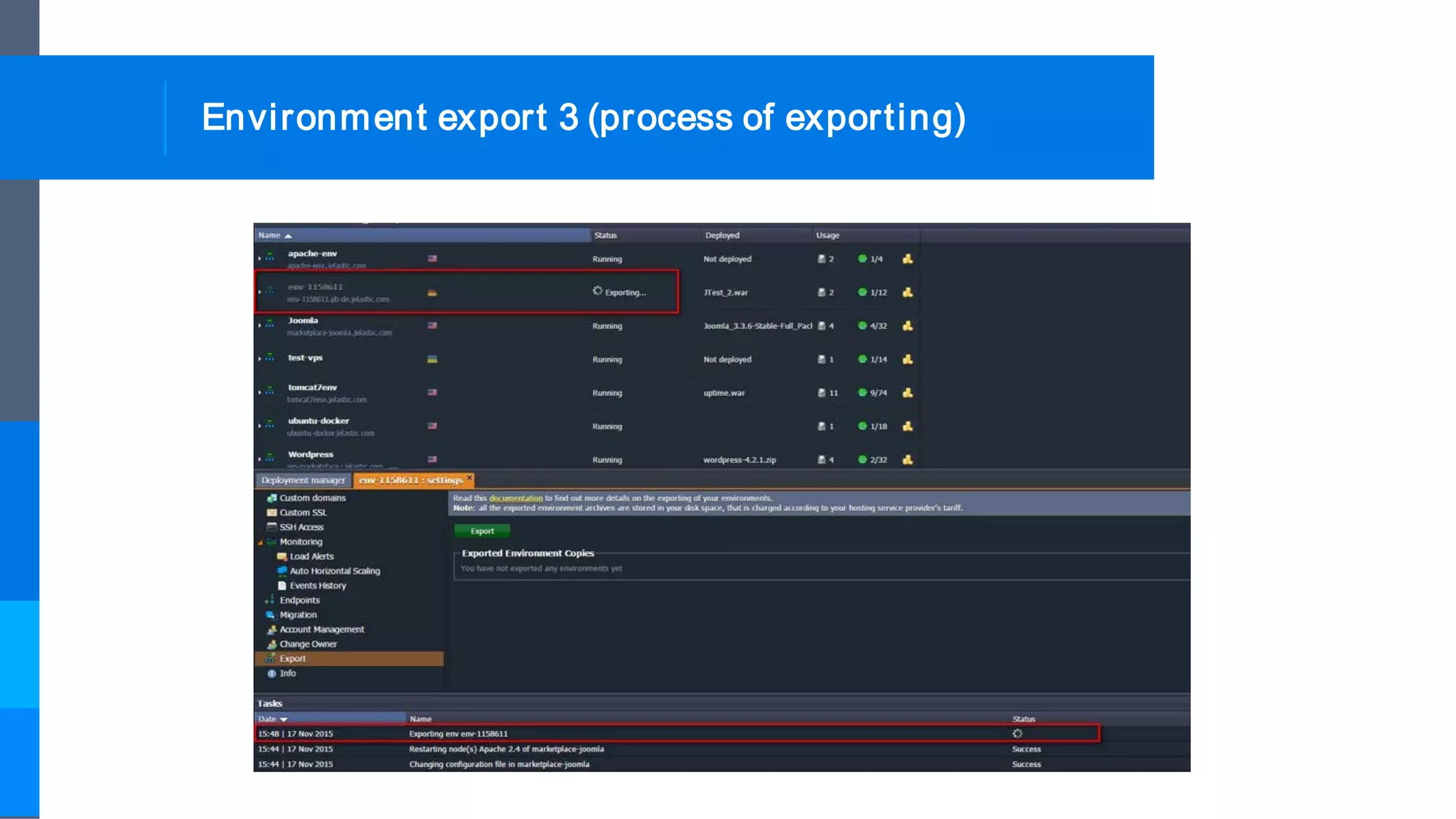
Environment export 3 (process of exporting)
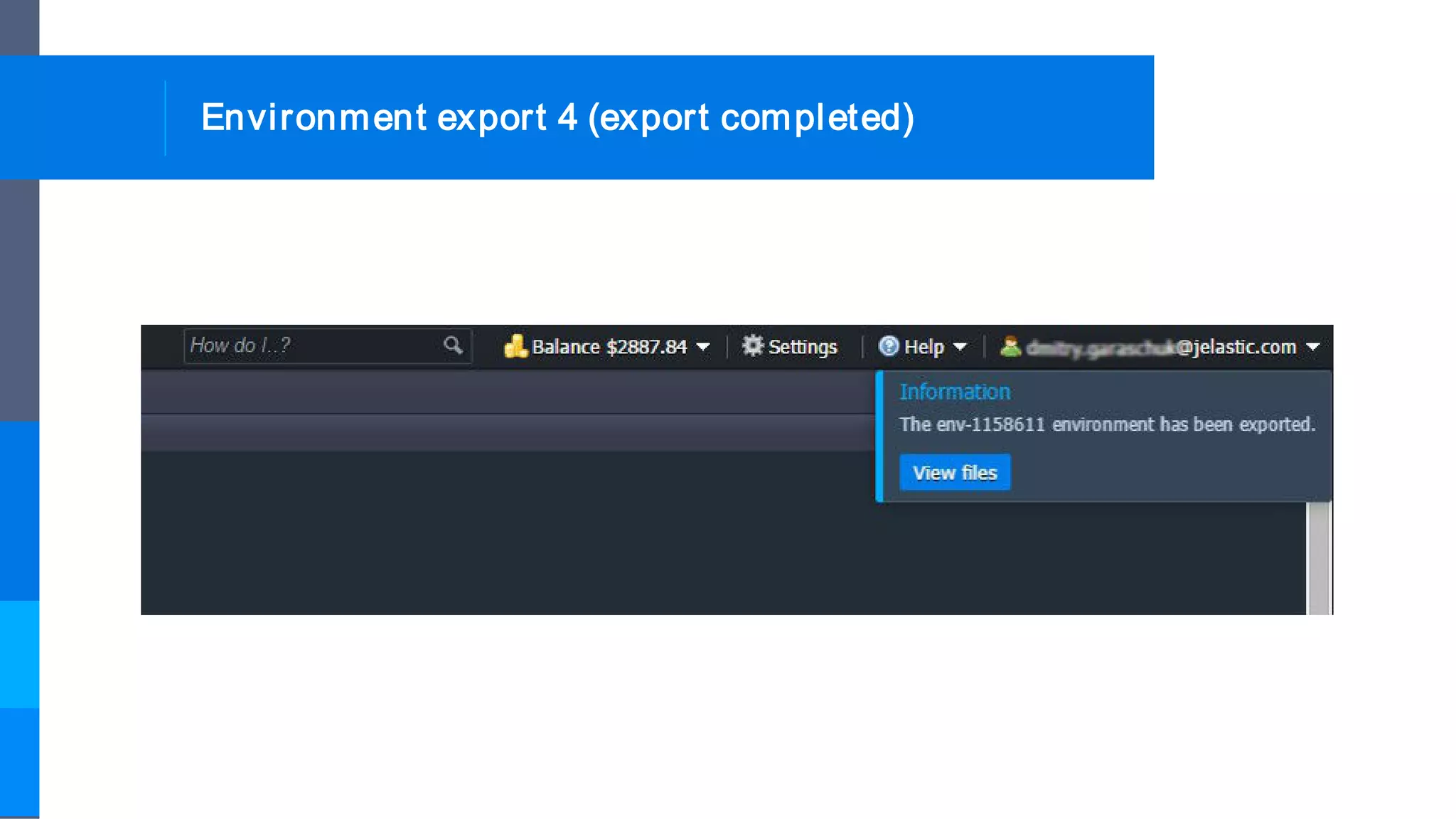
Environment export 4 (export completed)
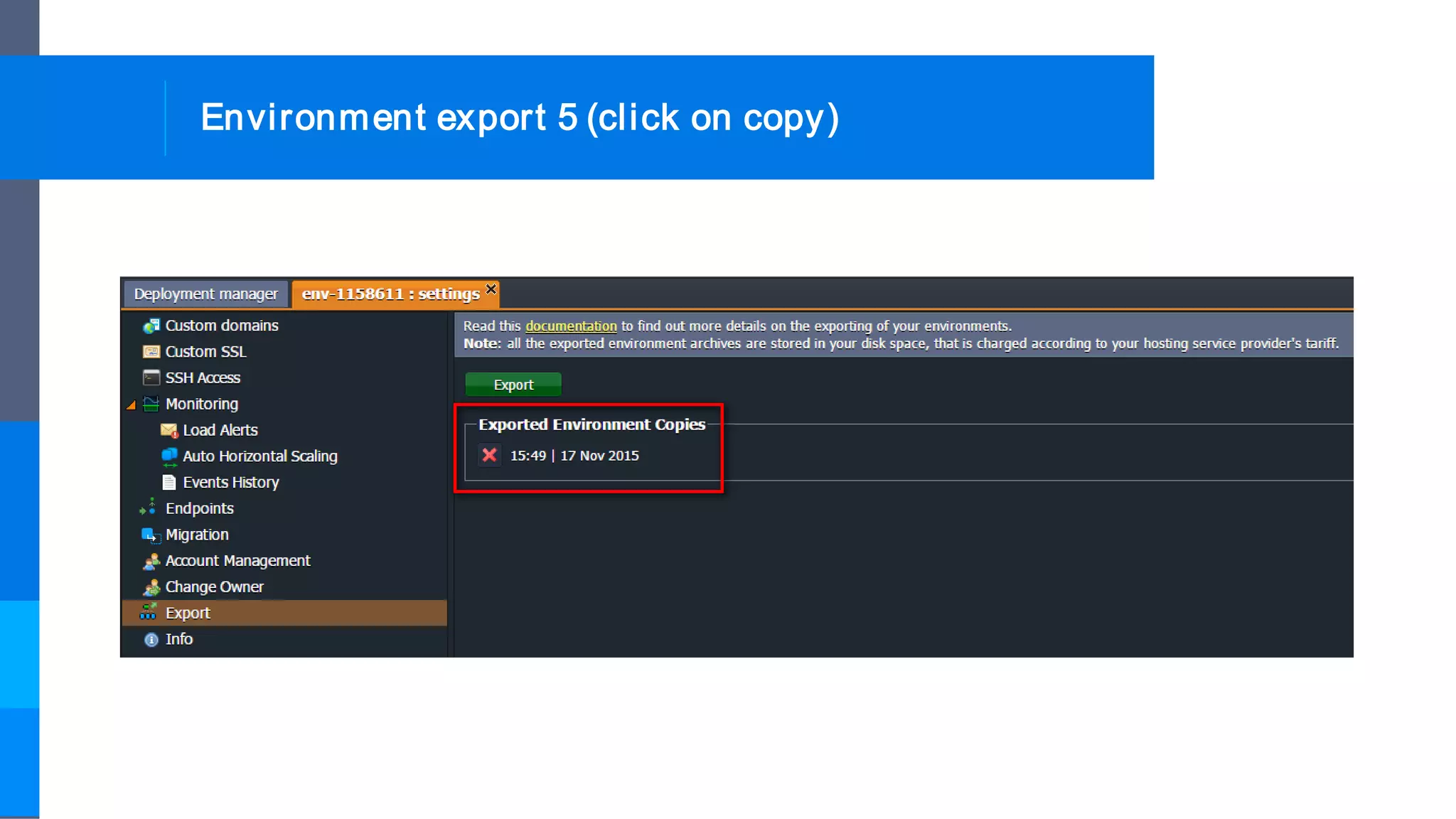
Environment export 5 (click on copy)
Environment export 6 (.json will be downloaded)
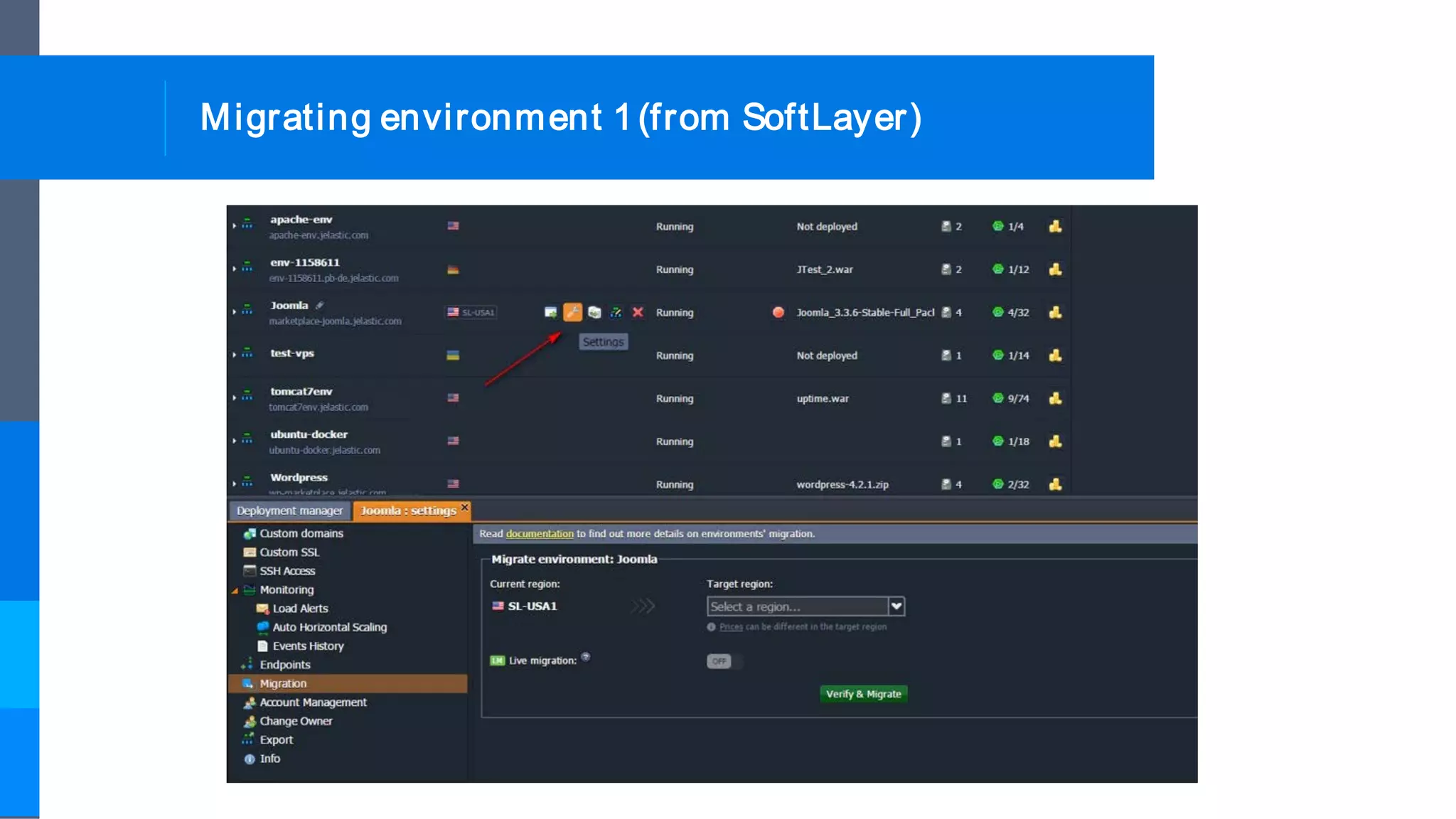
Migrating environment 1(from SoftLayer)
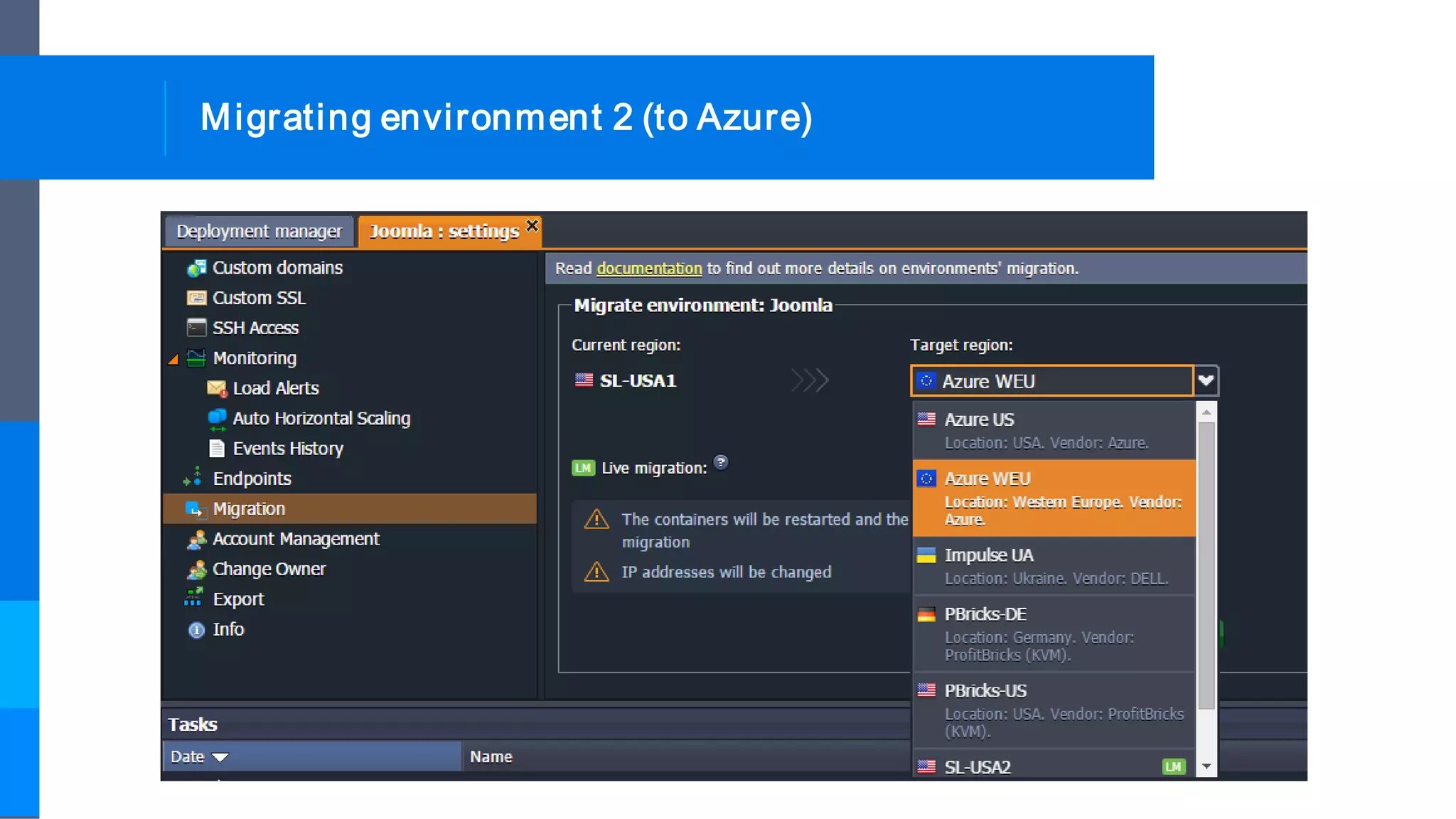
Migrating environment 2 (to Azure)
Migrating environment 3 (migration completed)
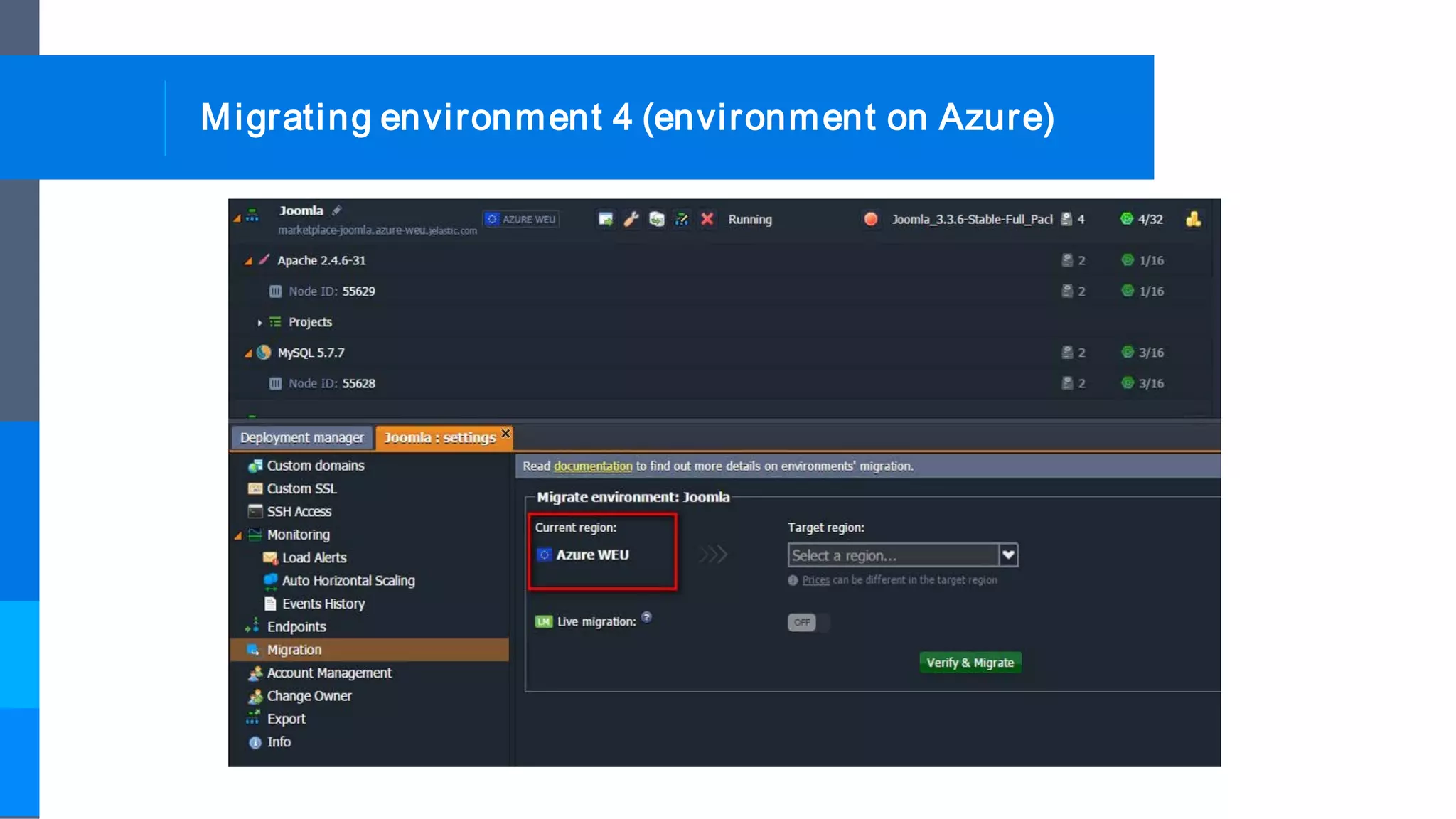
Migrating environment 4 (environment on Azure)
Migrating environment 5 (email with details)
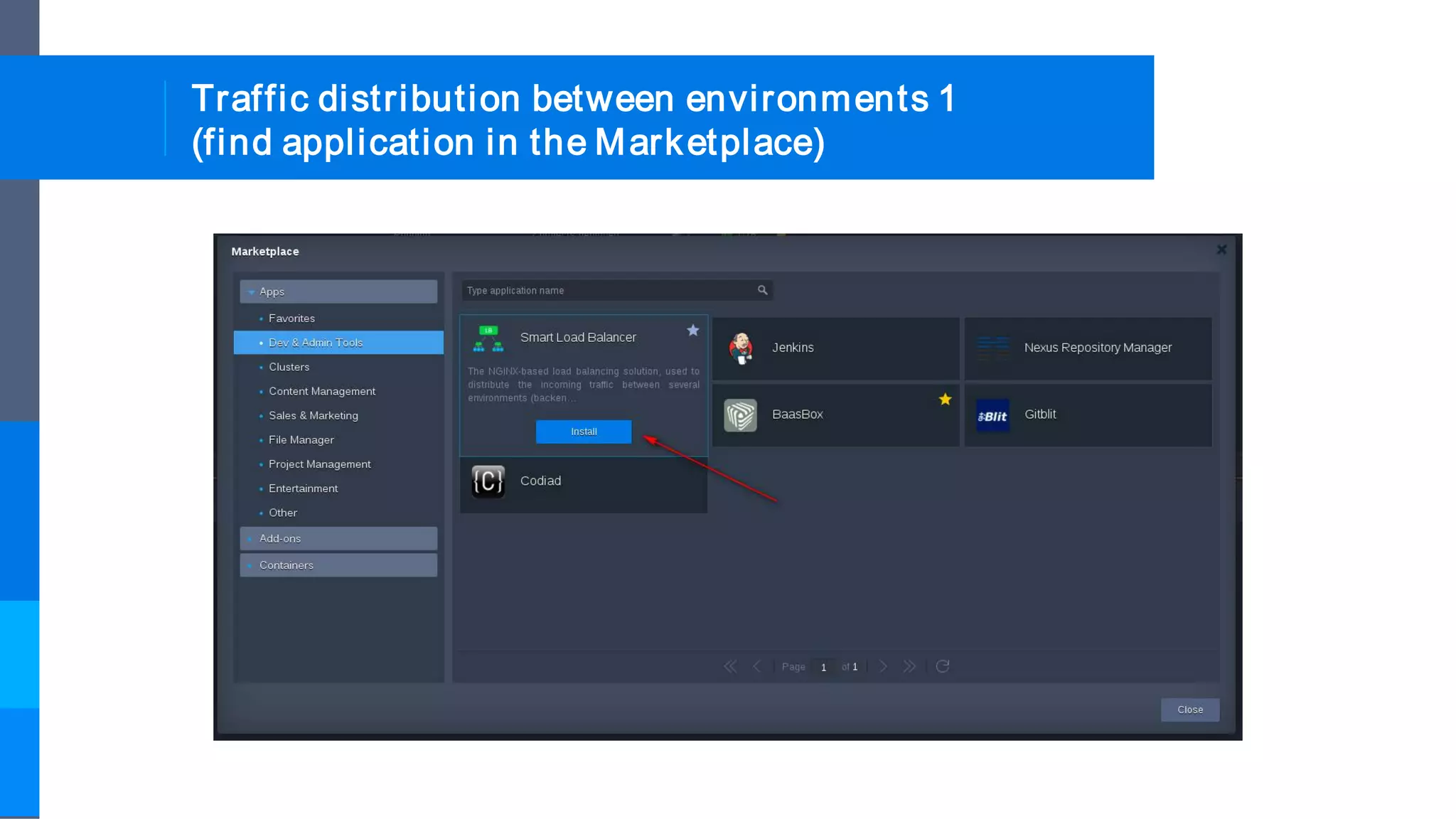
Traffic distribution between environments 1
(find application in the Marketplace)
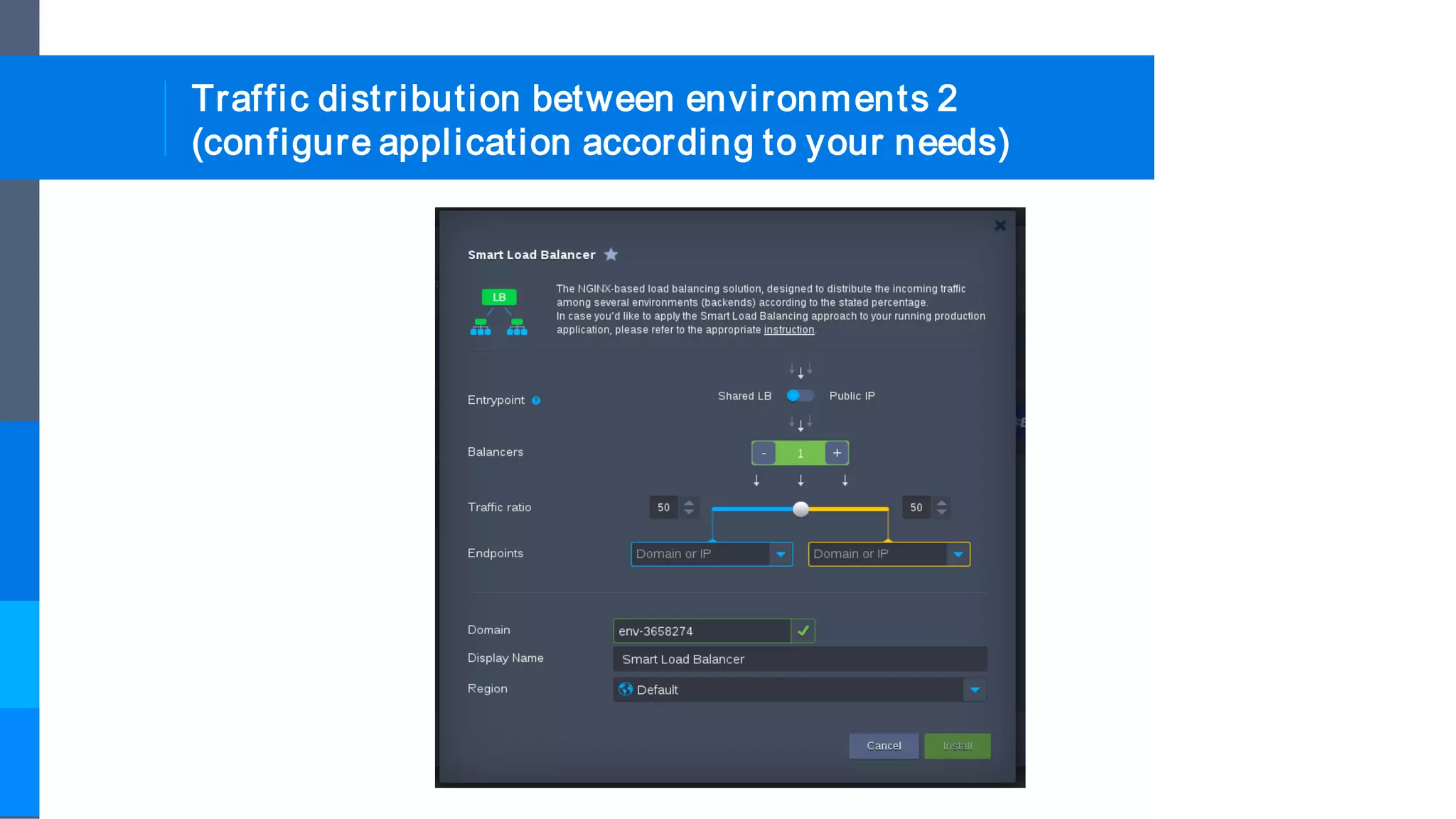
Traffic distribution between environments 2
(configure application according to your needs)
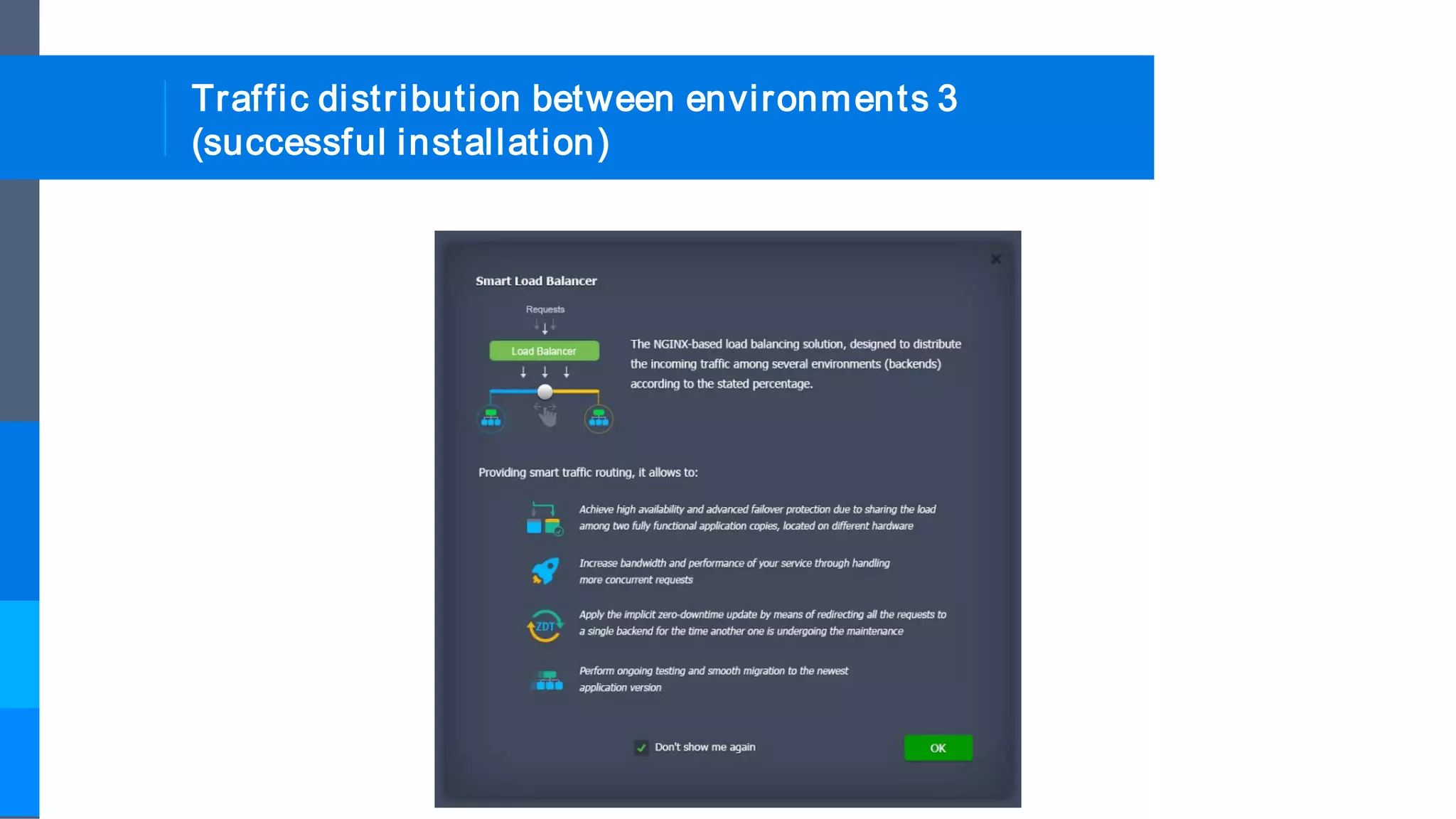
Traffic distribution between environments 3
(successful installation)
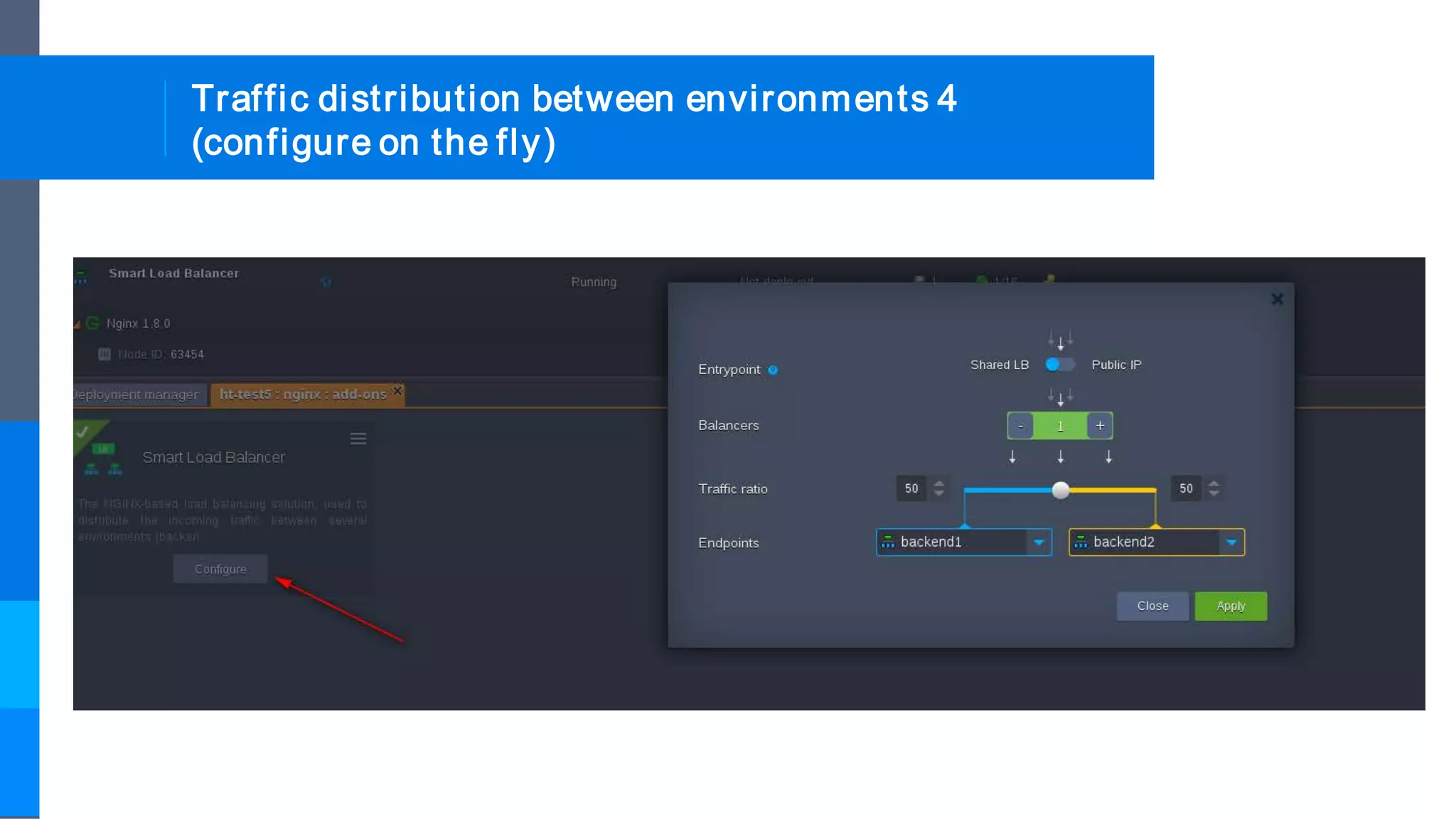
Traffic distribution between environments 4
(configure on the fly)
For more information, contact us at
info@jelastic.com

Jelastic Developers Self-Service Portal Overview