@hedgehogjim | blog.jwhh.com | jimw@jwhh.com
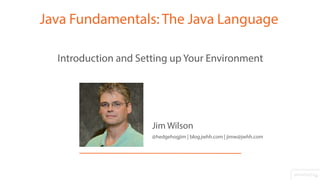
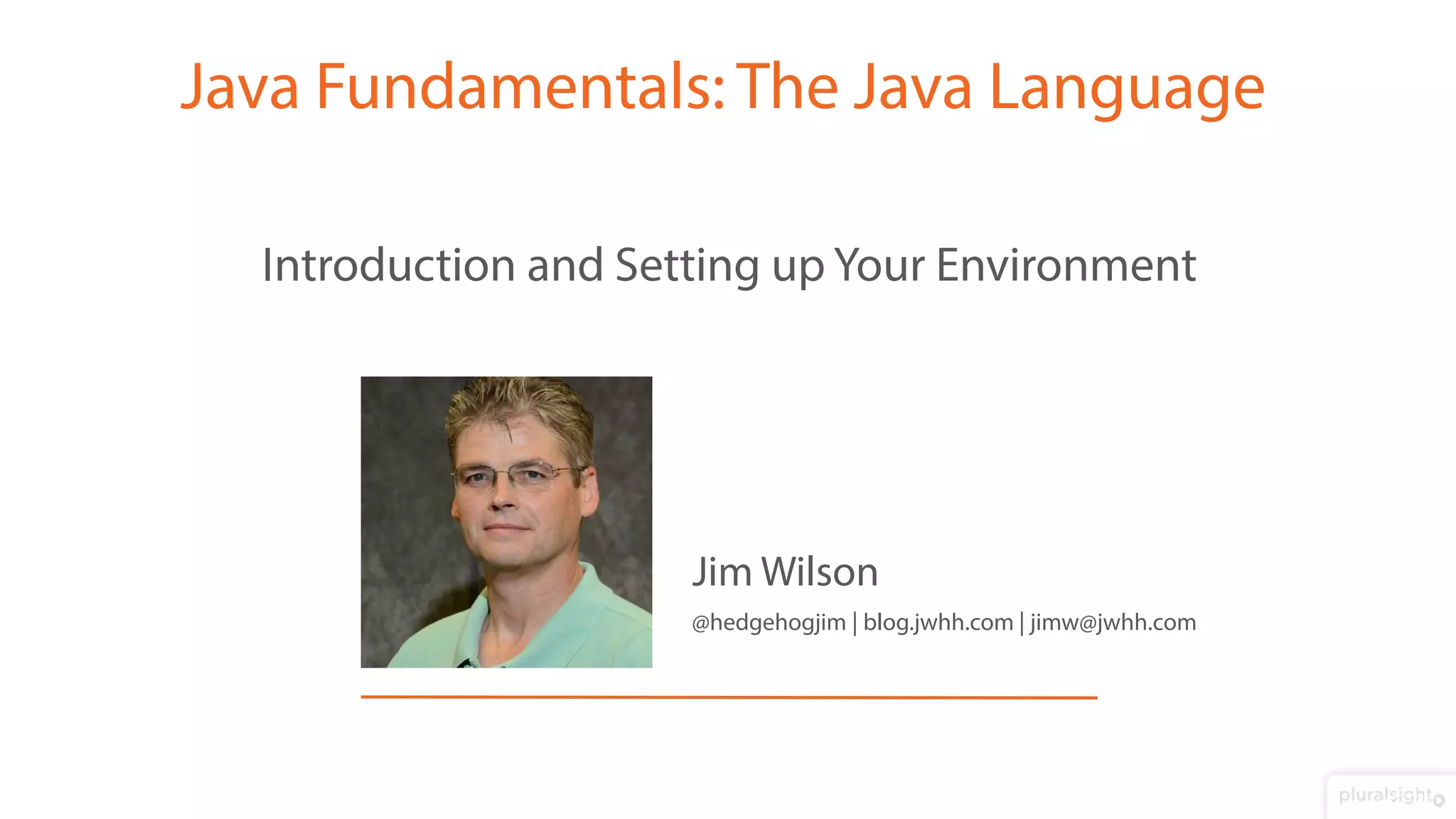
Jim Wilson
Introduction and Setting up Your Environment
Java Fundamentals: The Java Language
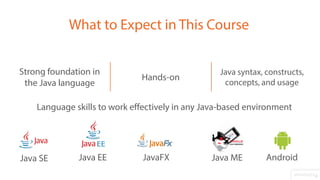
Java syntax, constructs,
concepts, and usage
Hands-on
Strong foundation in
the Java language
What to Expect in This Course
Language skills to work effectively in any Java-based environment
Java SE Java EE Java MEJavaFX Android
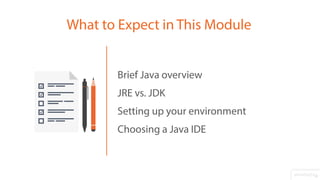
Brief Java overview
JRE vs. JDK
Setting up your environment
Choosing a Java IDE
What to Expect in This Module
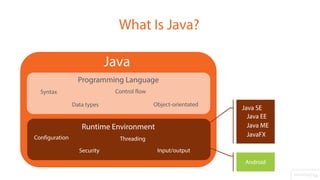
Java
What Is Java?
Programming Language
Runtime Environment
Syntax
Configuration
Data types
Control flow
Object-orientated
Threading
Security Input/output
Java SE
Java EE
Java ME
JavaFX
Android
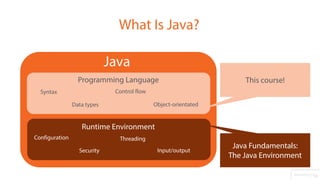
What Is Java?
Java
Programming Language
Runtime Environment
Syntax
Configuration
Data types
Control flow
Object-orientated
Threading
Security Input/output
This course!
Java Fundamentals:
The Java Environment
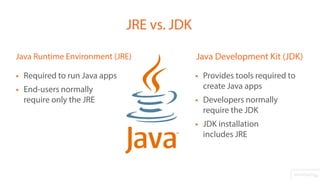
 Provides tools required to
create Java apps
 Developers normally
require the JDK
 JDK installation
includes JRE
Java Development Kit (JDK)
 Required to run Java apps
 End-users normally
require only the JRE
Java Runtime Environment (JRE)
JRE vs. JDK
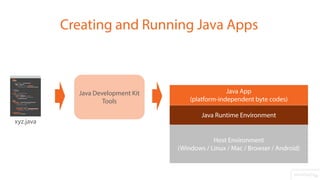
Creating and Running Java Apps
Host Environment
(Windows / Linux / Mac / Browser / Android)
Java Runtime Environment
Java App
(platform-independent byte codes)
Java Development Kit
Tools
xyz.java
Latest version of JDK available at
http://bit.ly/psjdkdownload
JDK May be labeled“Java Platform”
Demo
Setting up the JDK
Integrated Development Environment (IDE)
Many choices!
Both available for free
Provided by Oracle for free
Available with support for Java SE/EE/ME
and JavaFX at no extra cost
Does not support Android
An installer containing the JDK and the
Java SE bundle of NetBeans is available
NetBeans IDE
Free version of a commercial product
Supports Java SE and Android
Projects compatible w/ commercial version
(adds Java EE, server debugging, etc.)
IntelliJ IDEA Community Edition
Available with the JDK at
http://bit.ly/psjdkdownload
Available stand-alone with varying Java
platform support at
https://netbeans.org/downloads
Demo
Setting up NetBeans IDE
Latest version available at
http://bit.ly/intellijdownload
Demo
Setting up IntelliJ IDEA Community Edition
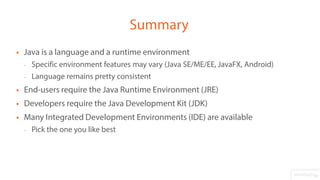
 Java is a language and a runtime environment
- Specific environment features may vary (Java SE/ME/EE, JavaFX, Android)
- Language remains pretty consistent
 End-users require the Java Runtime Environment (JRE)
 Developers require the Java Development Kit (JDK)
 Many Integrated Development Environments (IDE) are available
- Pick the one you like best
Summary

Java Fundamentals

  • 1.
    @hedgehogjim | blog.jwhh.com| jimw@jwhh.com Jim Wilson Introduction and Setting up Your Environment Java Fundamentals: The Java Language
  • 2.
    Java syntax, constructs, concepts,and usage Hands-on Strong foundation in the Java language What to Expect in This Course Language skills to work effectively in any Java-based environment Java SE Java EE Java MEJavaFX Android
  • 3.
    Brief Java overview JREvs. JDK Setting up your environment Choosing a Java IDE What to Expect in This Module
  • 4.
    Java What Is Java? ProgrammingLanguage Runtime Environment Syntax Configuration Data types Control flow Object-orientated Threading Security Input/output Java SE Java EE Java ME JavaFX Android
  • 5.
    What Is Java? Java ProgrammingLanguage Runtime Environment Syntax Configuration Data types Control flow Object-orientated Threading Security Input/output This course! Java Fundamentals: The Java Environment
  • 6.
     Provides toolsrequired to create Java apps  Developers normally require the JDK  JDK installation includes JRE Java Development Kit (JDK)  Required to run Java apps  End-users normally require only the JRE Java Runtime Environment (JRE) JRE vs. JDK
  • 7.
    Creating and RunningJava Apps Host Environment (Windows / Linux / Mac / Browser / Android) Java Runtime Environment Java App (platform-independent byte codes) Java Development Kit Tools xyz.java
  • 8.
    Latest version ofJDK available at http://bit.ly/psjdkdownload JDK May be labeled“Java Platform” Demo Setting up the JDK
  • 9.
    Integrated Development Environment(IDE) Many choices! Both available for free
  • 10.
    Provided by Oraclefor free Available with support for Java SE/EE/ME and JavaFX at no extra cost Does not support Android An installer containing the JDK and the Java SE bundle of NetBeans is available NetBeans IDE
  • 11.
    Free version ofa commercial product Supports Java SE and Android Projects compatible w/ commercial version (adds Java EE, server debugging, etc.) IntelliJ IDEA Community Edition
  • 12.
    Available with theJDK at http://bit.ly/psjdkdownload Available stand-alone with varying Java platform support at https://netbeans.org/downloads Demo Setting up NetBeans IDE
  • 13.
    Latest version availableat http://bit.ly/intellijdownload Demo Setting up IntelliJ IDEA Community Edition
  • 14.
     Java isa language and a runtime environment - Specific environment features may vary (Java SE/ME/EE, JavaFX, Android) - Language remains pretty consistent  End-users require the Java Runtime Environment (JRE)  Developers require the Java Development Kit (JDK)  Many Integrated Development Environments (IDE) are available - Pick the one you like best Summary