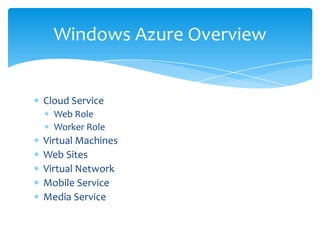
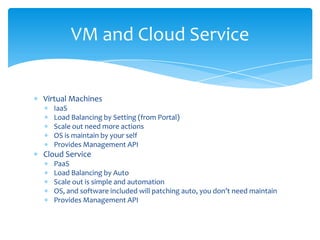
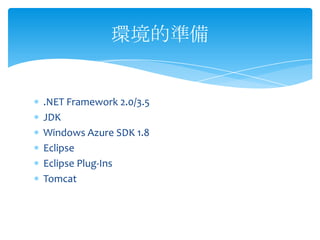
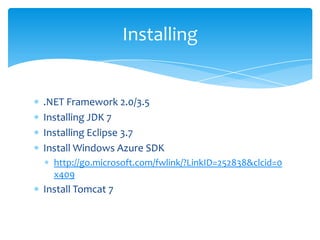
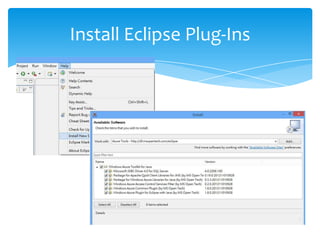

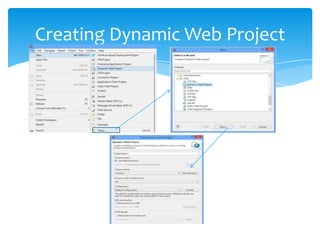
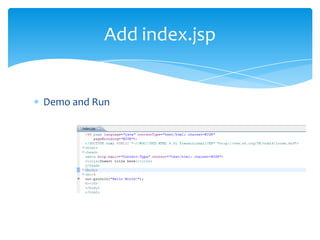
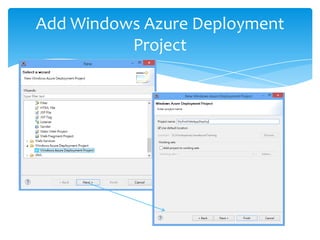
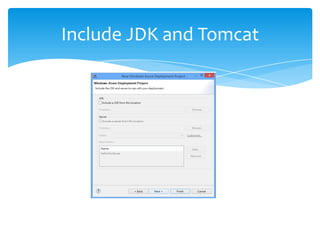
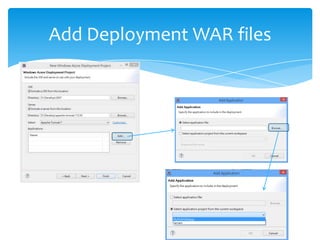

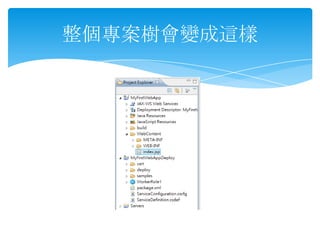
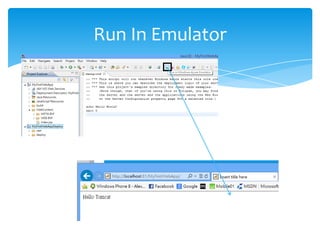
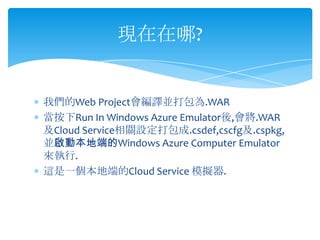
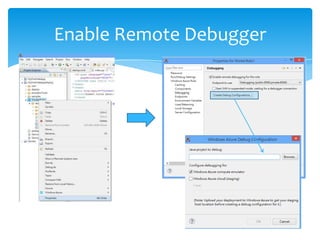
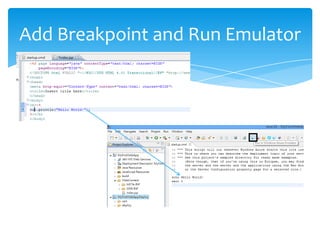
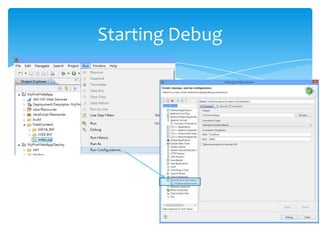
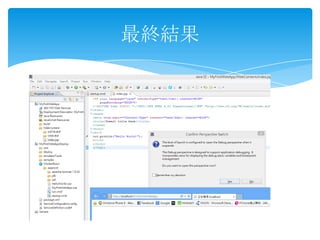
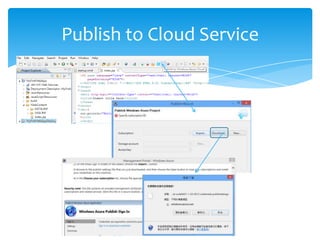
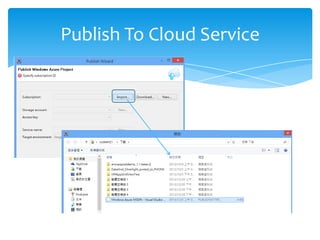
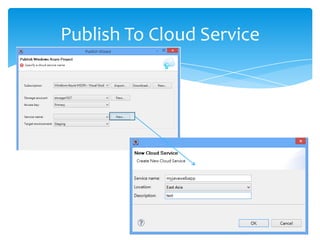
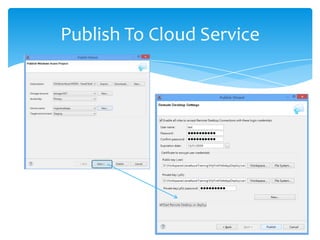
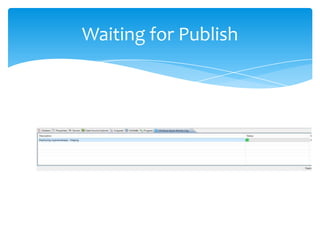
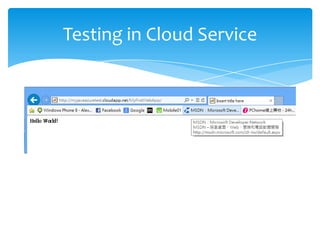
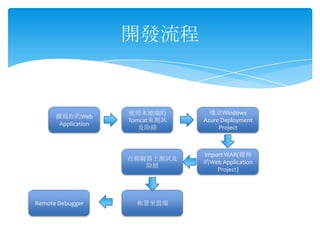
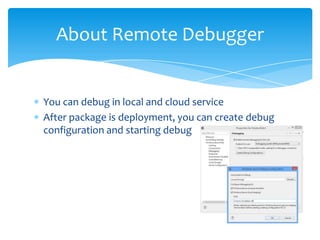

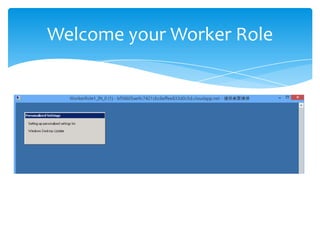
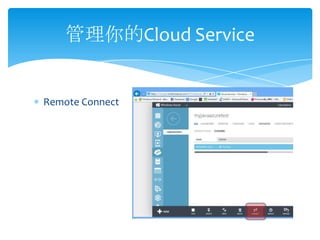
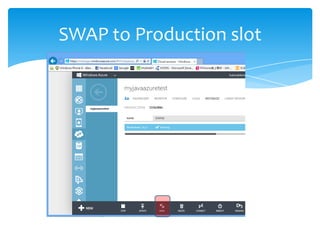
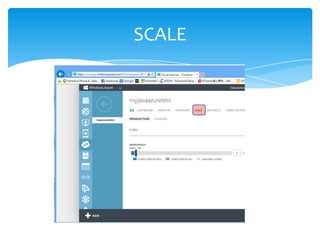
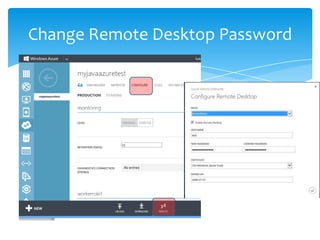
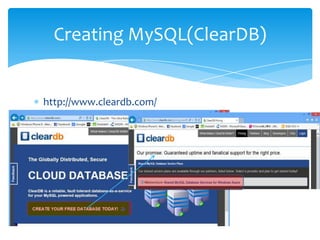
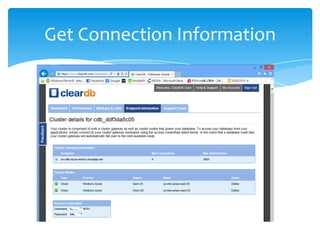
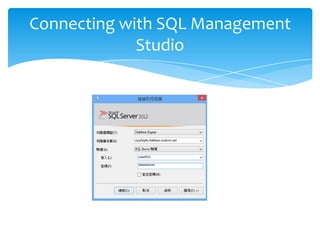
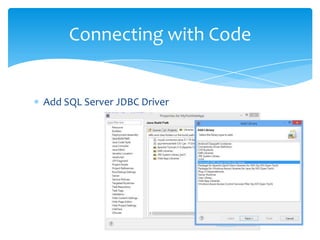
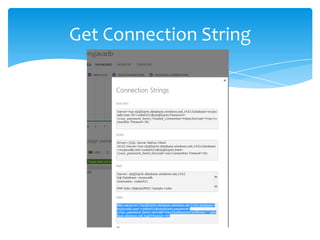
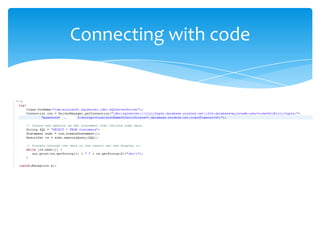

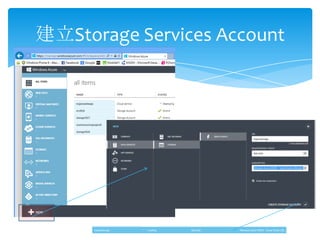
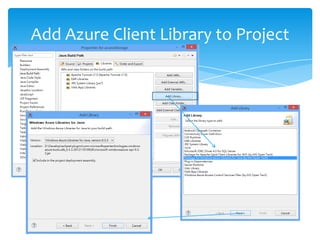
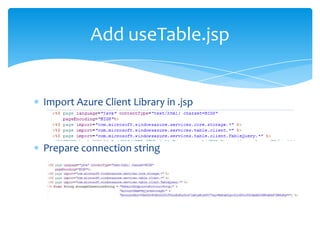
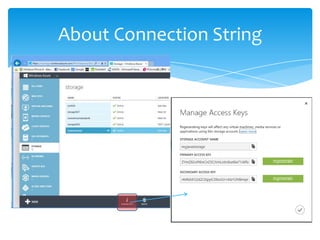
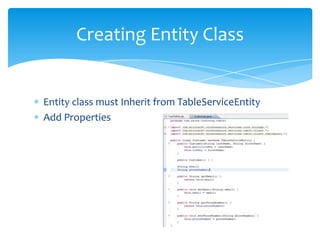
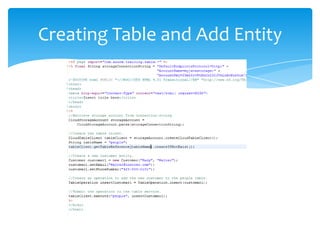
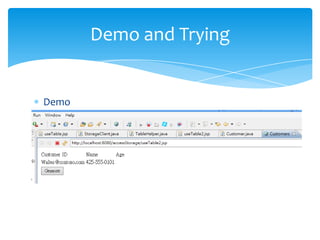
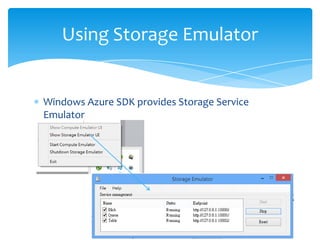
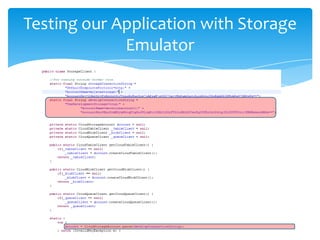
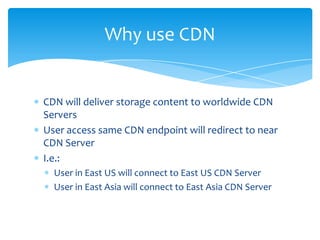
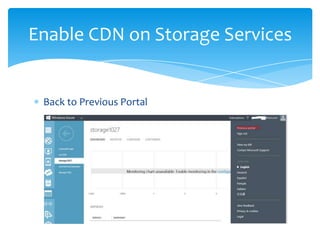
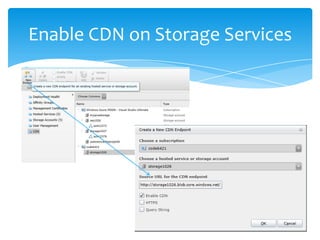
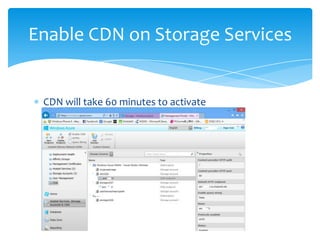
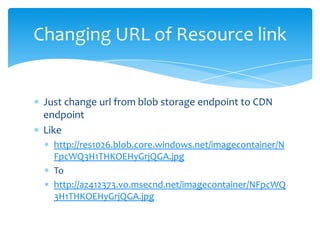
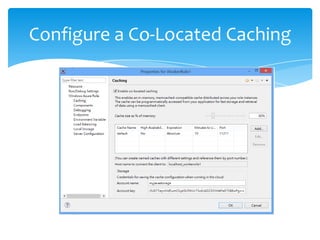
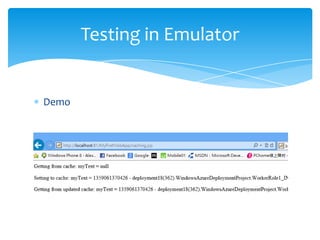
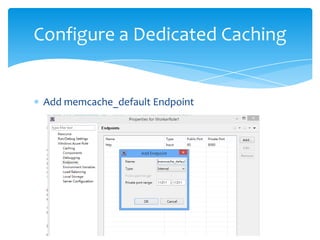
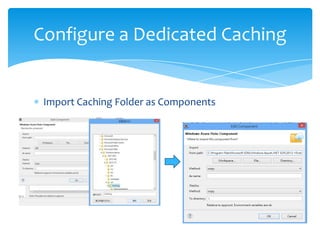
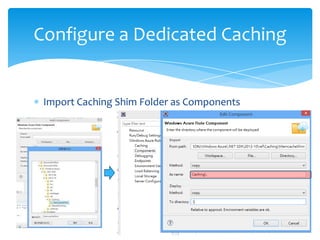
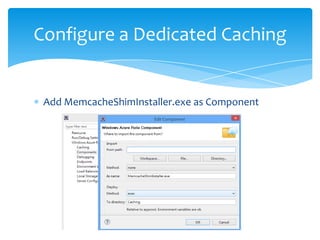
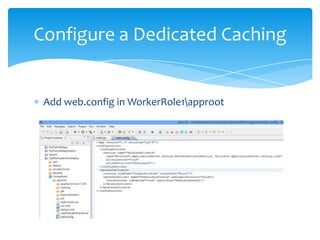
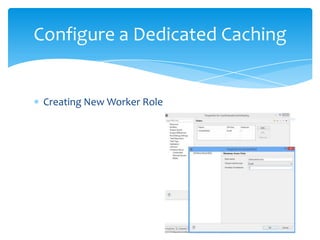
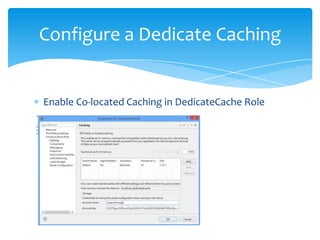
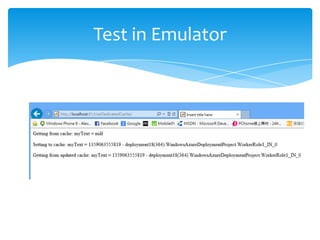
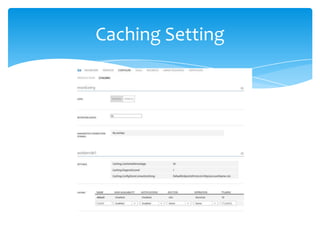
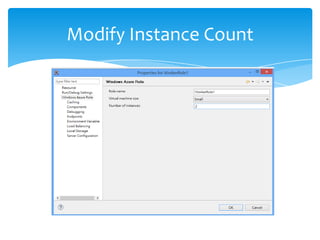
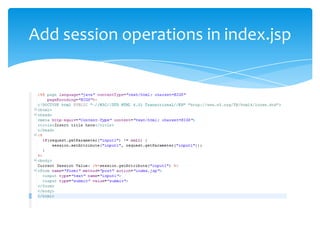
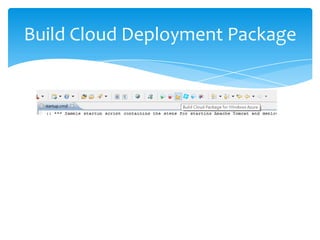
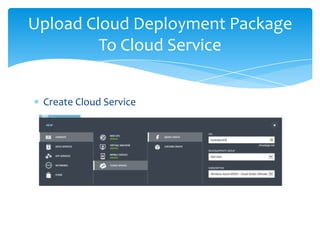
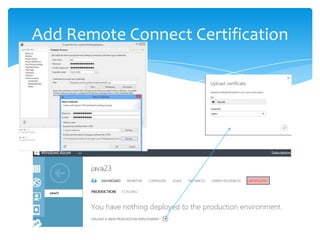
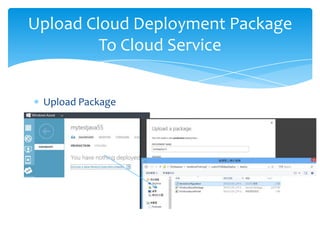
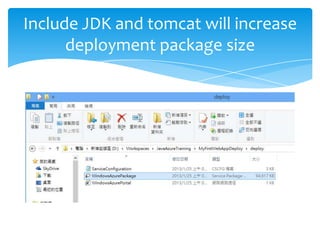
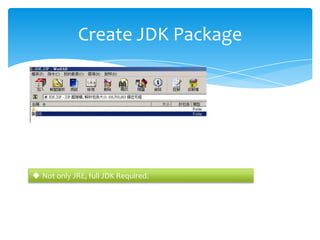
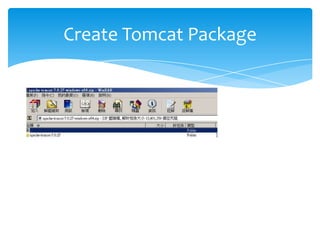
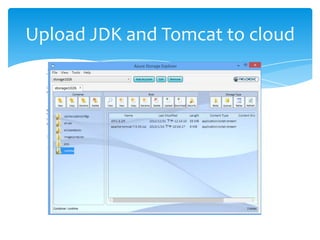
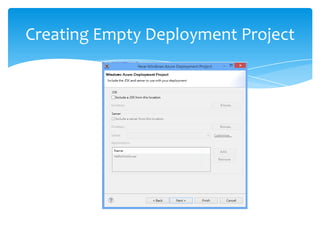
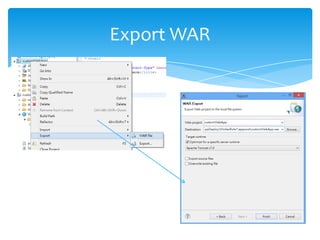
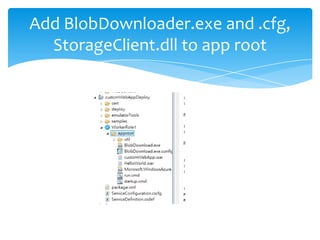
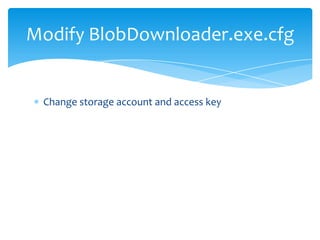
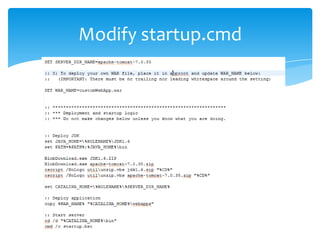
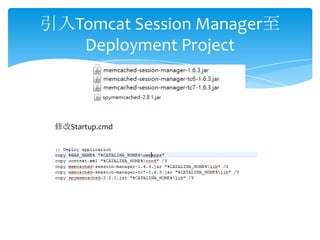
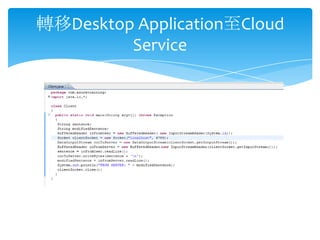
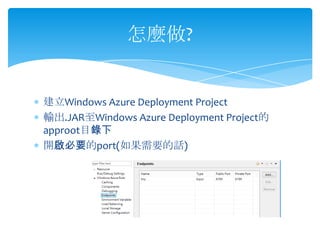
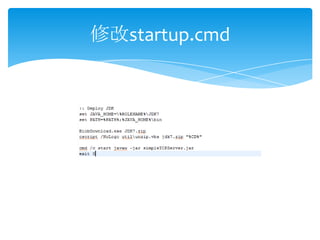

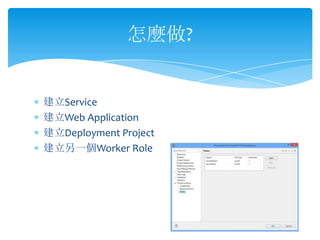
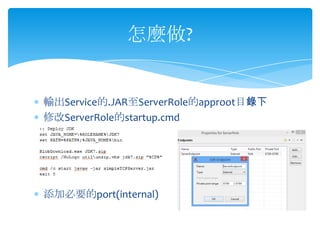
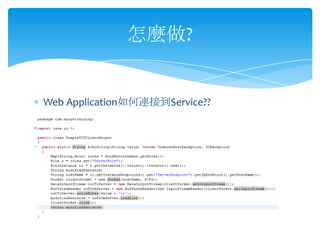
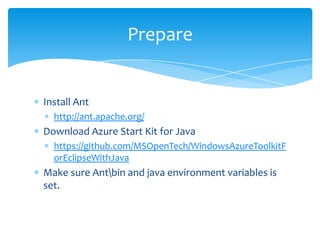
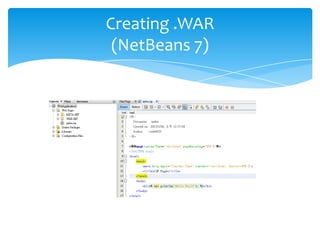
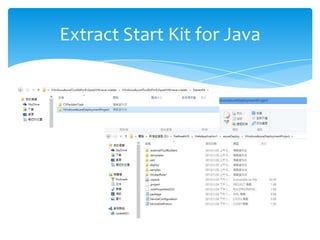
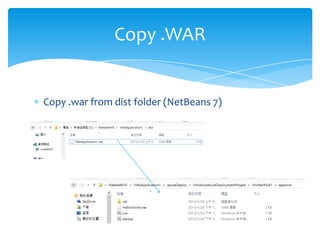
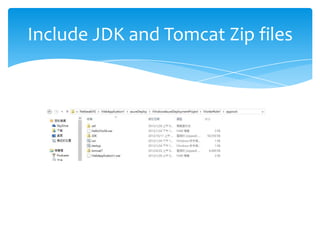
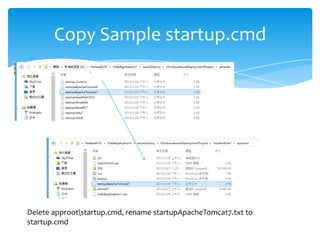
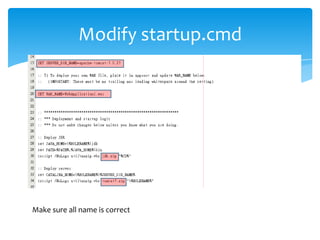
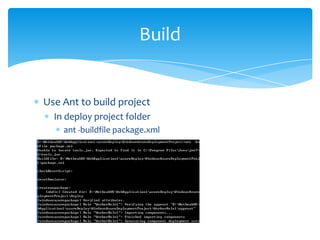
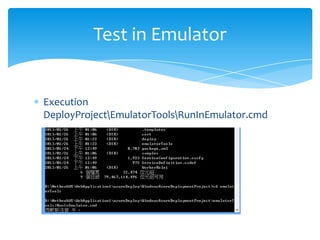
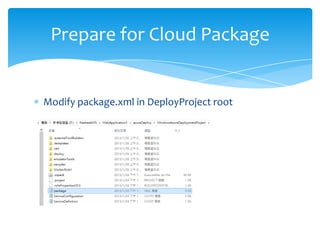
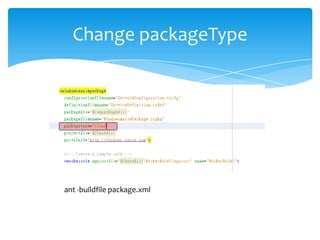
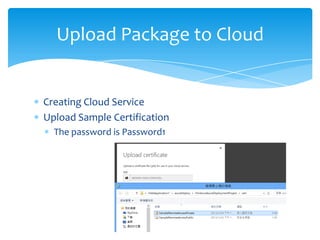
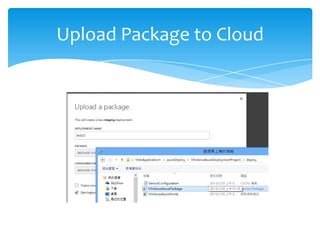


This document discusses how to deploy a Java web application to Windows Azure Cloud Services. It covers: - Setting up the development environment with Java, Eclipse, and the Azure SDK. - Creating a dynamic web project and adding the Azure deployment project. - Configuring the deployment to include the JDK, Tomcat, and WAR files. - Testing the application locally using the Azure emulator. - Publishing the application to the Azure cloud. - Additional topics like remote debugging, managing the cloud service, and using Azure services like SQL, storage, caching and CDN.


