Itemscript A declarative language based on JSON
Vision Simple   schema  data store application markup Applications from components De-couple technical details Lean development Business agility
Itemscript is Declarative Separates design ( what )  from construction  ( how ) Simple API Lends itself to iterative development Technical details are hidden Controls are exposed Swap components without breaking the API
 
 
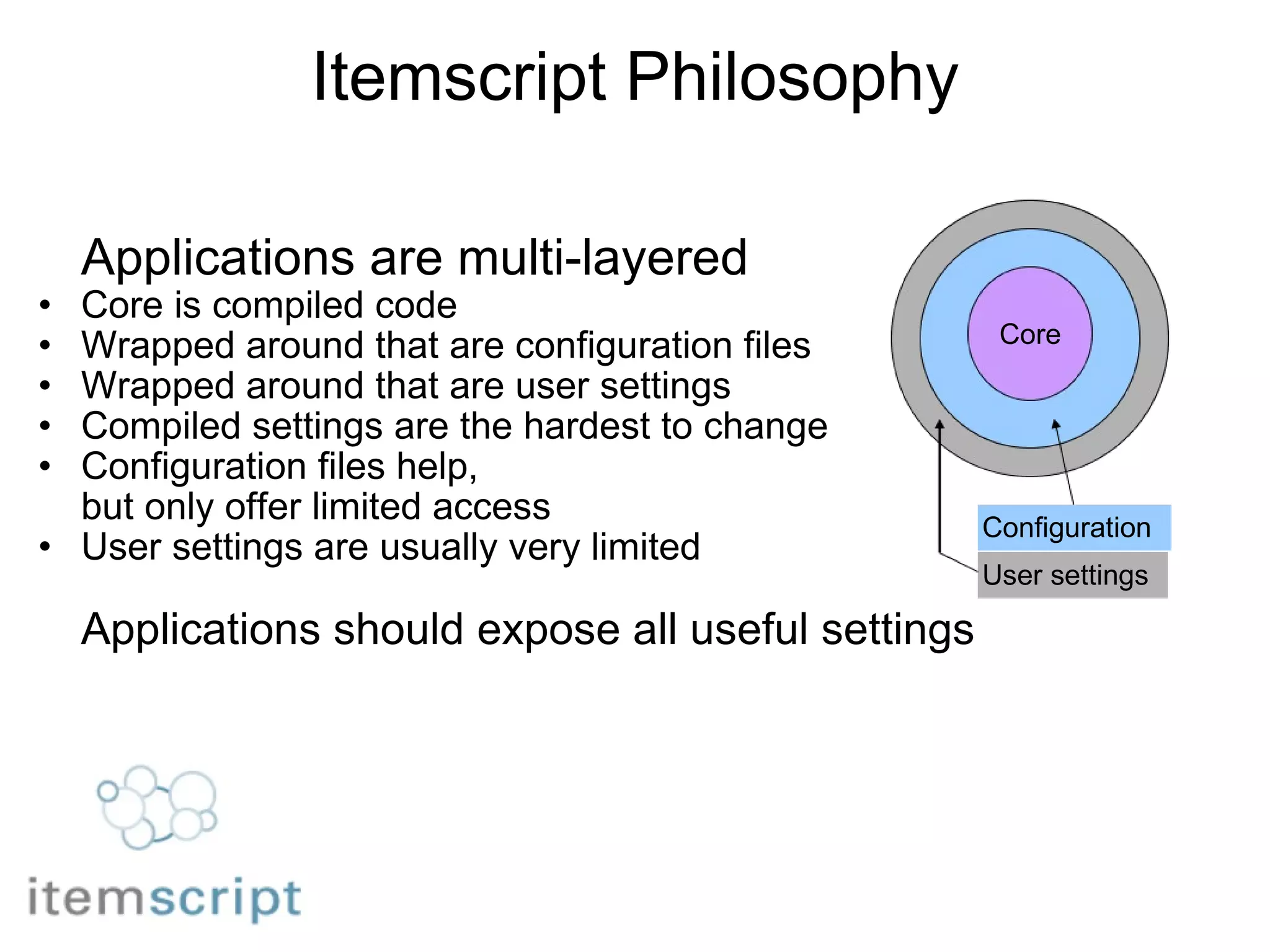
Itemscript Philosophy Applications are multi-layered Core is compiled code Wrapped around that are configuration files Wrapped around that are user settings     Compiled settings are the hardest to change Configuration files help,  but only offer limited access User settings are usually very limited Applications should expose all useful settings Core Configuration User settings
Itemscript is JSON JSON is simple JSON has widespread support JSON is an ideal data-interchange language
JSON easily maps to native objects JSON Objects Native objects & packages Nested object graphs Maps/hashes/dictionaries Databases Key-value stores Cloud databases        JSON Arrays Lists/arrays/sets Query results
Extending JSON Deal with more data than fits in memory Databases Queries Handle references Manage local and remote data Handle identifiers Support schemas Manage persistence Handle events
Semantics Itemscript Schema      JSON Schema language         Itemscript JAM   JSON Application Markup
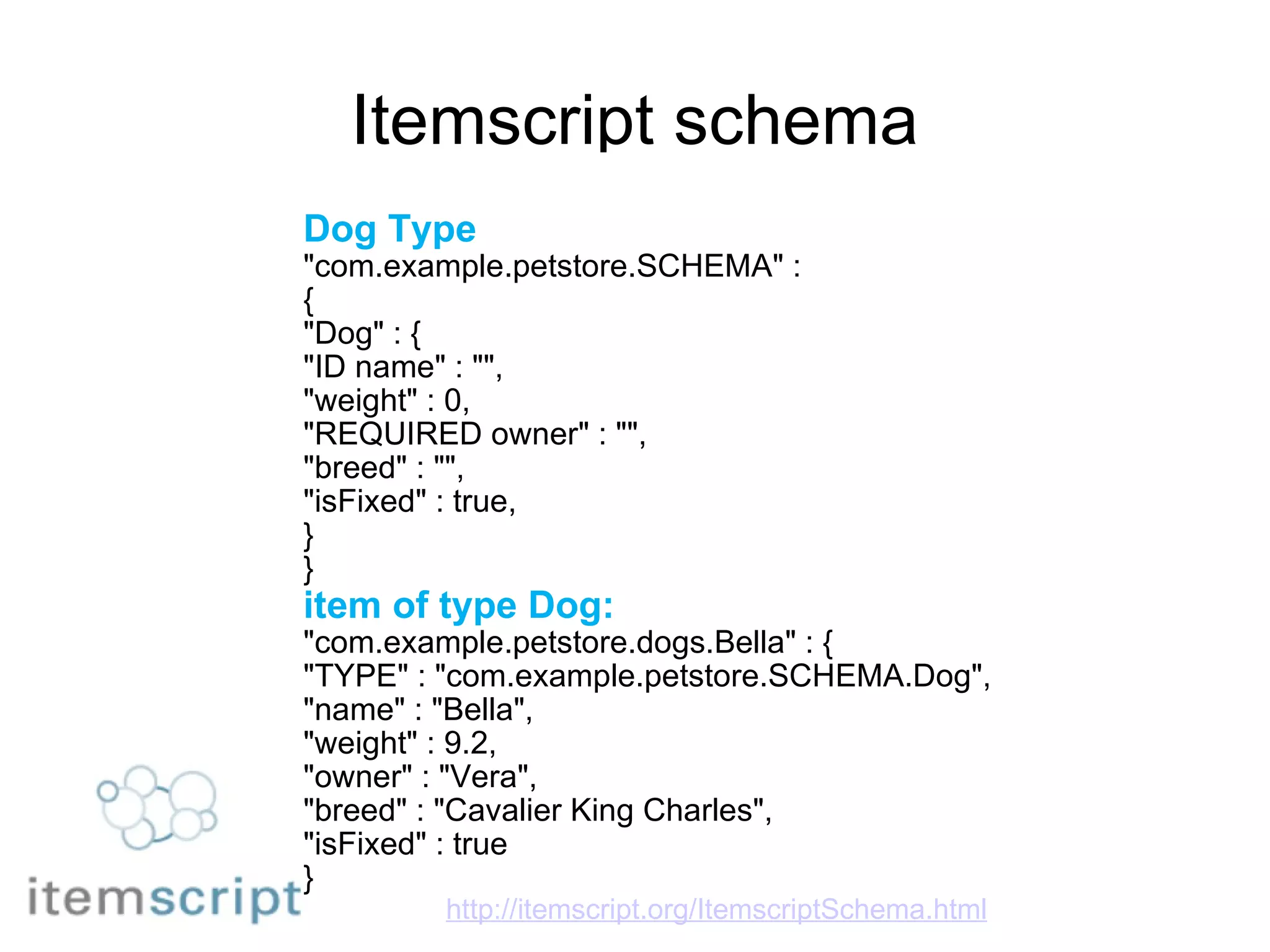
Itemscript schema Dog Type "com.example.petstore.SCHEMA" : { "Dog" : { "ID name" : "", "weight" : 0, "REQUIRED owner" : "", "breed" : "", "isFixed" : true, } } item of type Dog: "com.example.petstore.dogs.Bella" : { "TYPE" : "com.example.petstore.SCHEMA.Dog", "name" : "Bella", "weight" : 9.2, "owner" : "Vera", "breed" : "Cavalier King Charles", "isFixed" : true } http://itemscript.org/ItemscriptSchema.html
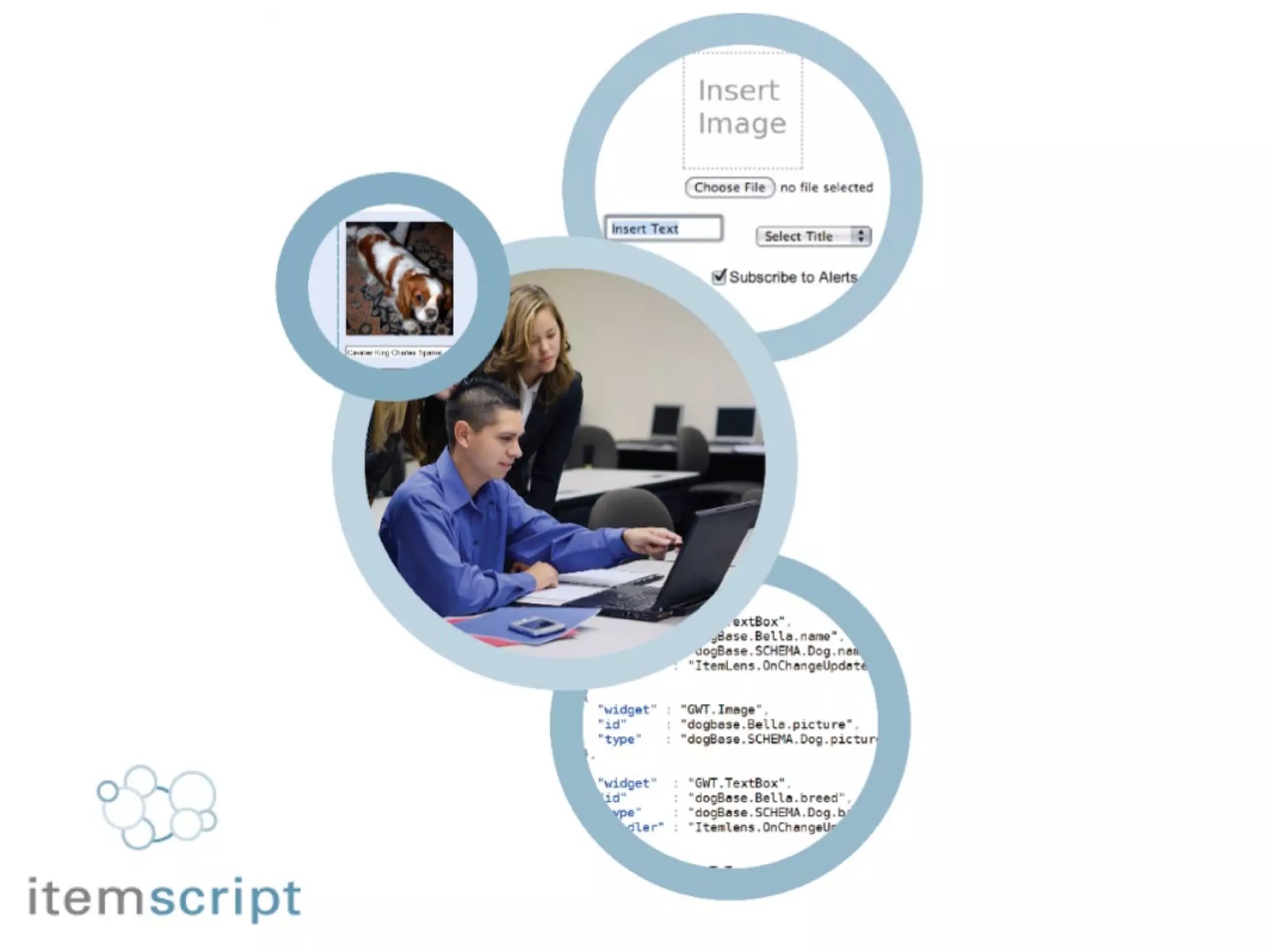
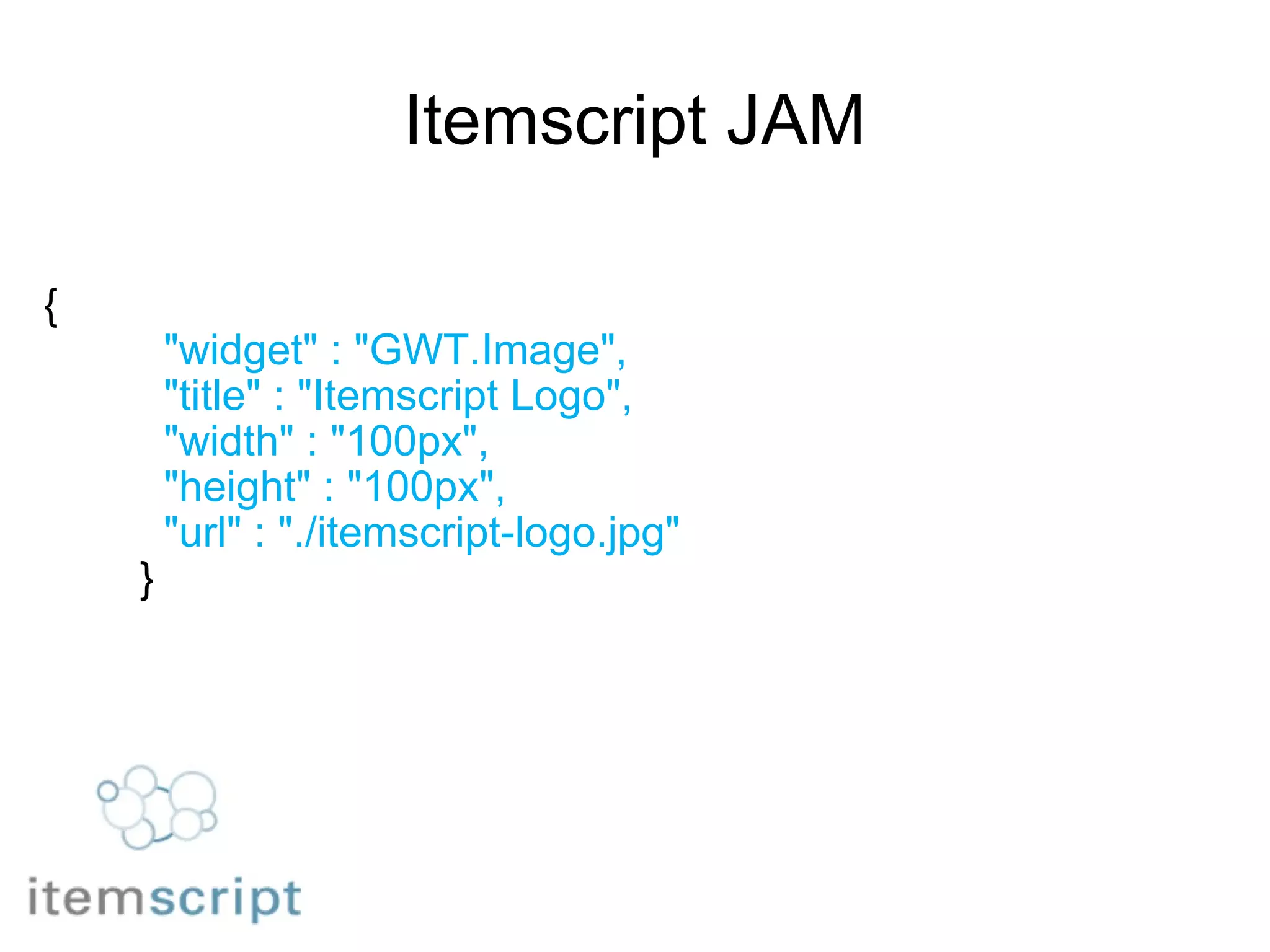
Itemscript JAM {            "widget" : "GWT.Image",            "title" : "Itemscript Logo",            "width" : "100px",            "height" : "100px",            "url" : "./itemscript-logo.jpg"          }
 
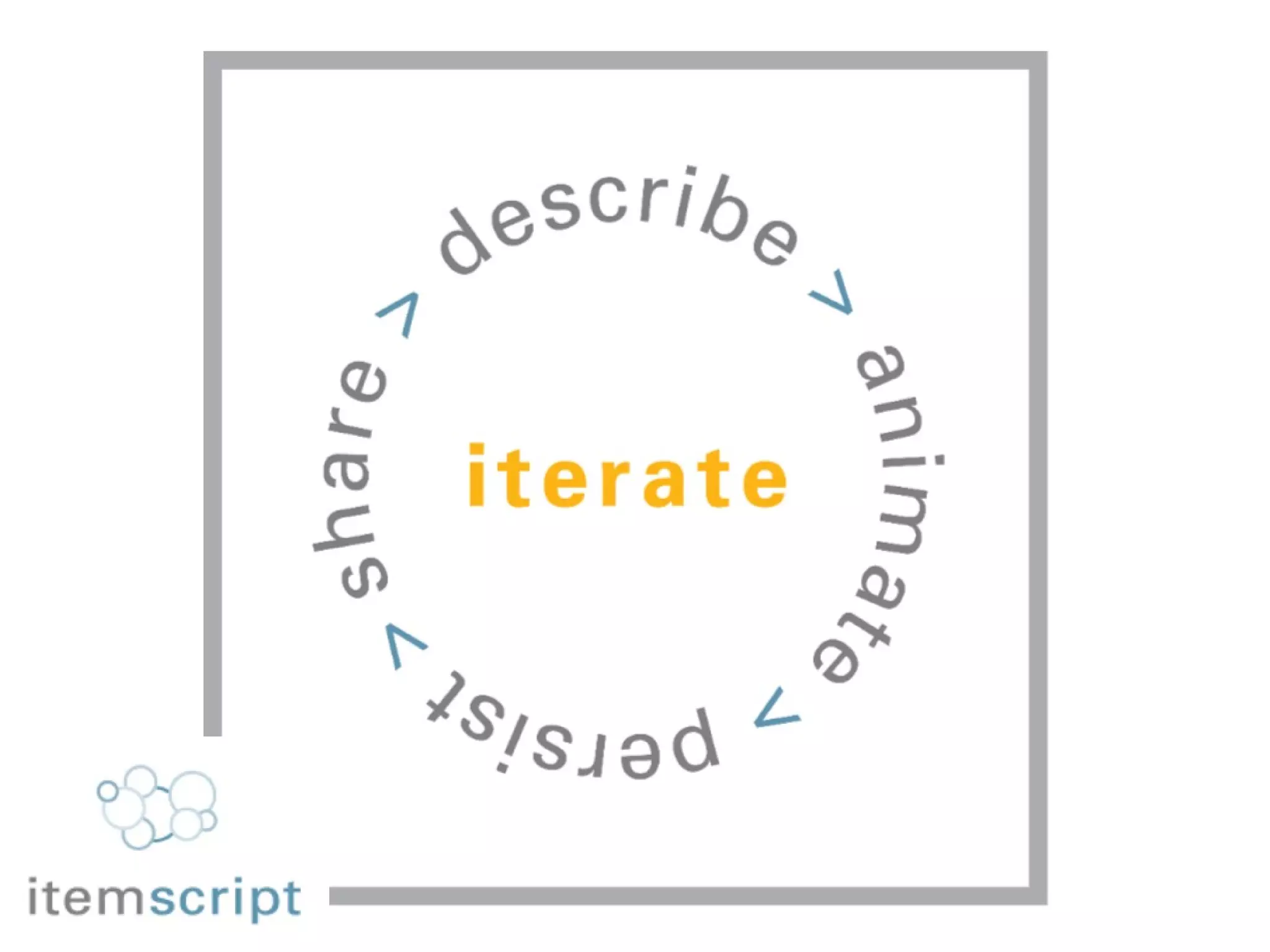
Business agility Lean development using declarations Developer & user iterate together Discover needs as you develop solutions Iterate applications as requirements develop Add elements & event handlers as you need them Trade up as better options arrive
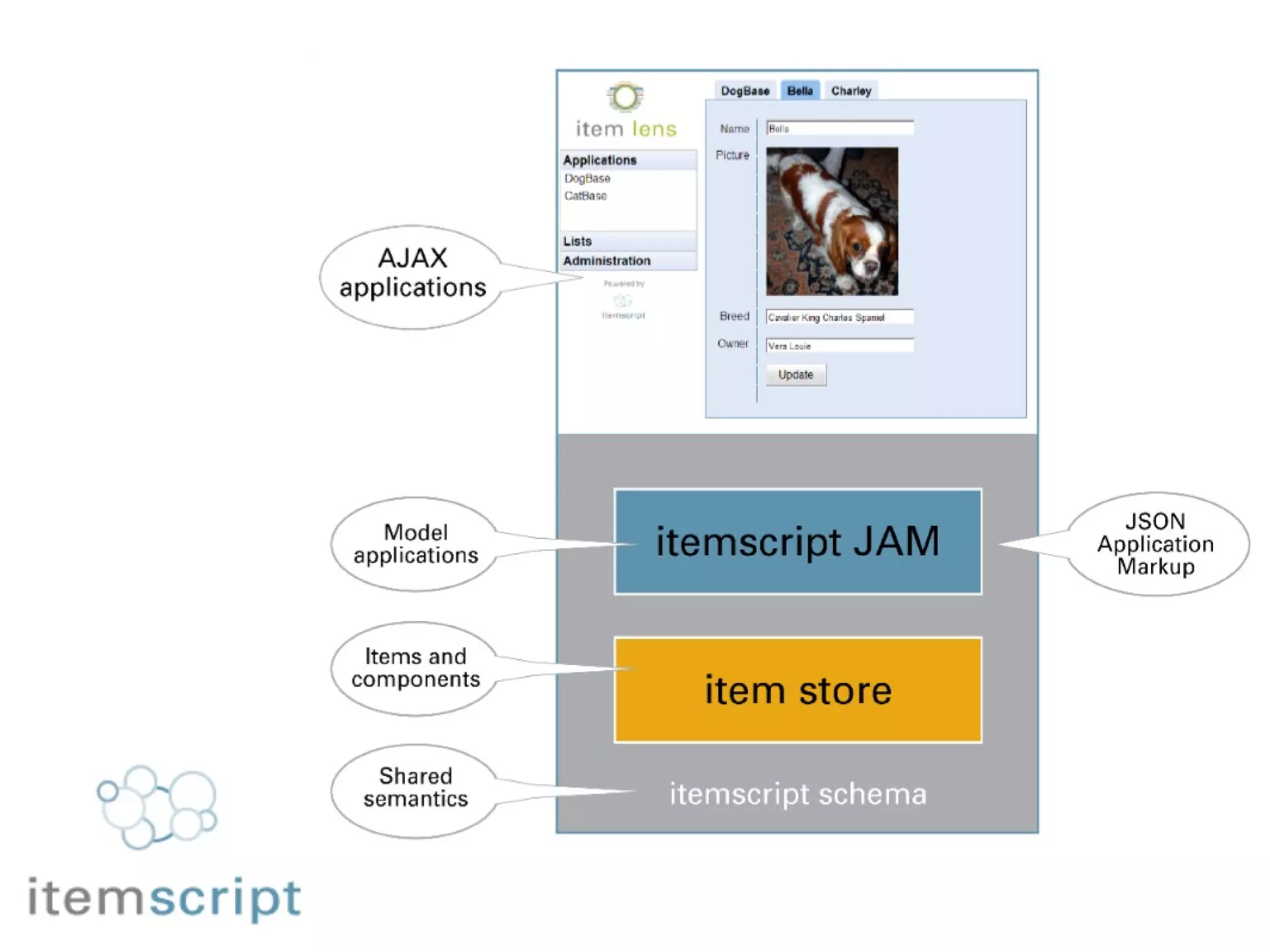
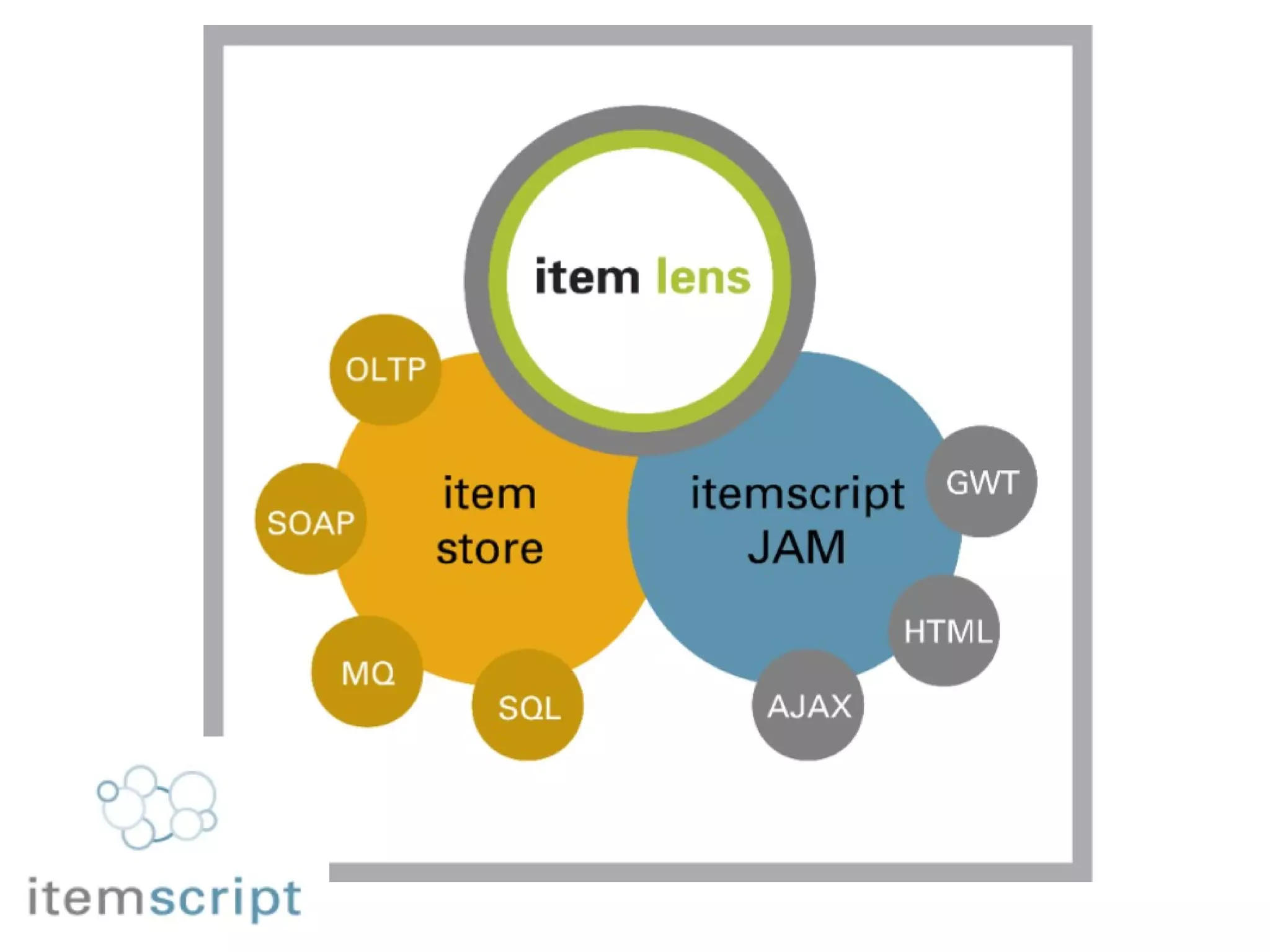
Proof of Concept Item Lens  ( JAM animator ) rich web UI based on Google GWT Item Store  ( Column store ) persistence based on Apache Derby            Item Hash  (Model application) item tracker built using  Itemscript JAM
 
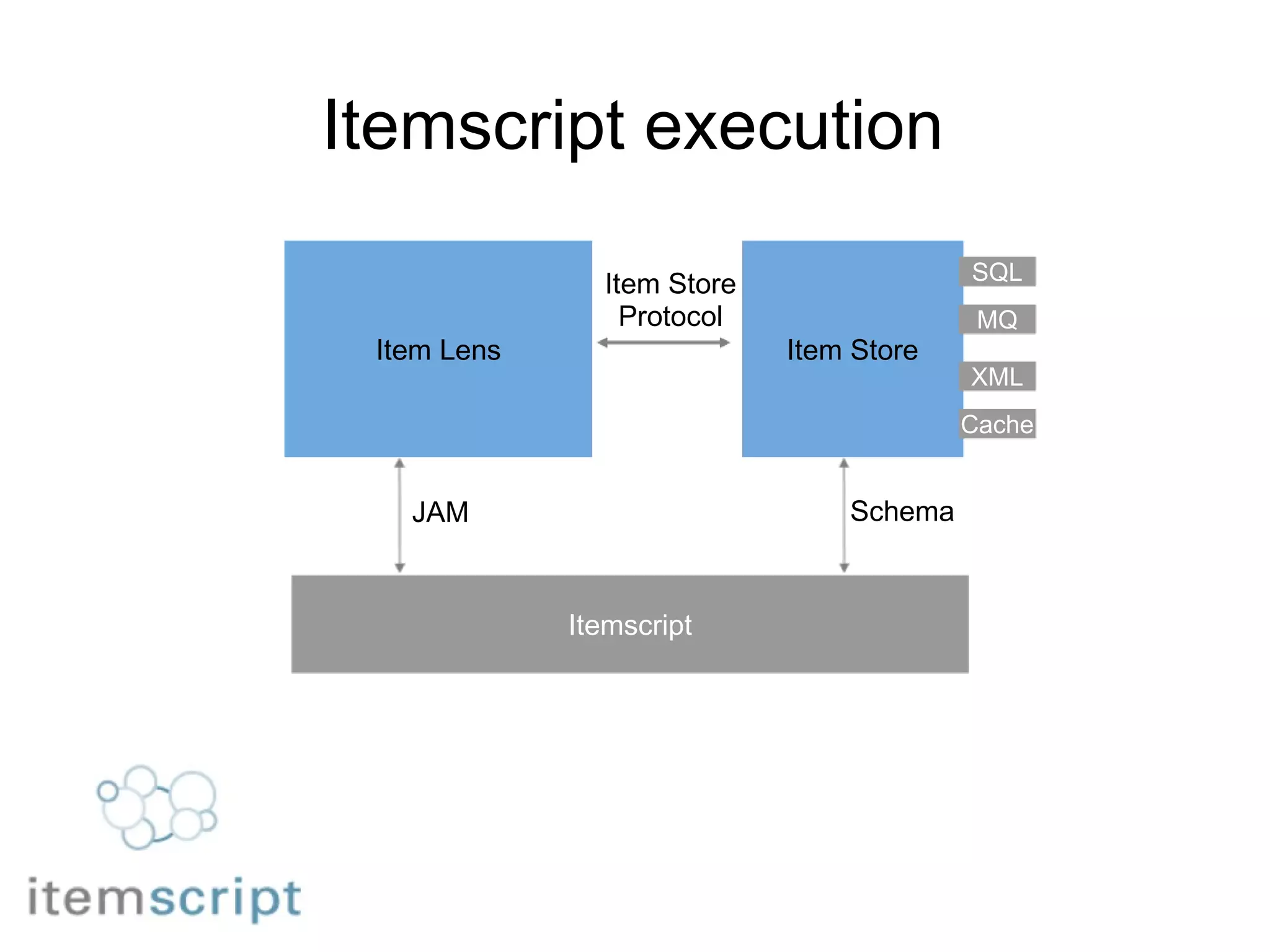
Itemscript execution Itemscript Item Lens Item Store Schema JAM Item Store Protocol SQL MQ Cache XML
Itemscript Applications “ Small pieces loosely joined” a collection of Lego bricks Compiled objects are managed in libraries, by type All "wiring-up" is done using JSON declarations No sharp distinction between  application-building,  configuration, or  user settings http://www. smallpieces .com
How we built it Build objects that can be configured using JSON. Use semantics that describe the domain              widget, handler, page ticket, priority, status white    For each object type,  build a factory that trades JSON for an object instance. For each class of object ( e.g. widget ), combine the factories into a foundry. Factor out common code.
Itemscript System Each system has one "root" JSON object Acts as shared in-memory database for your application. Application configuration Application state You can load additional Items - hold as long as needed, natively-garbage-collected. Load system and initial configuration Load Item from remote datastore Copy part of Item to current application state Discard Item
The Item The smallest unit of transferrable data. Guaranteed to be transmitted as a whole. Guaranteed to be fully navigable locally/synchronously.       Consists of a JSON Object, including nested other objects. Metadata and data live together in the JSON Object. _ prefix denotes metadata . _CONNECTION  key tells you where this Item came from. _ID  key gives you the GUID key for an Item. _PARENT_ID  key gives you the GUID key for a parent
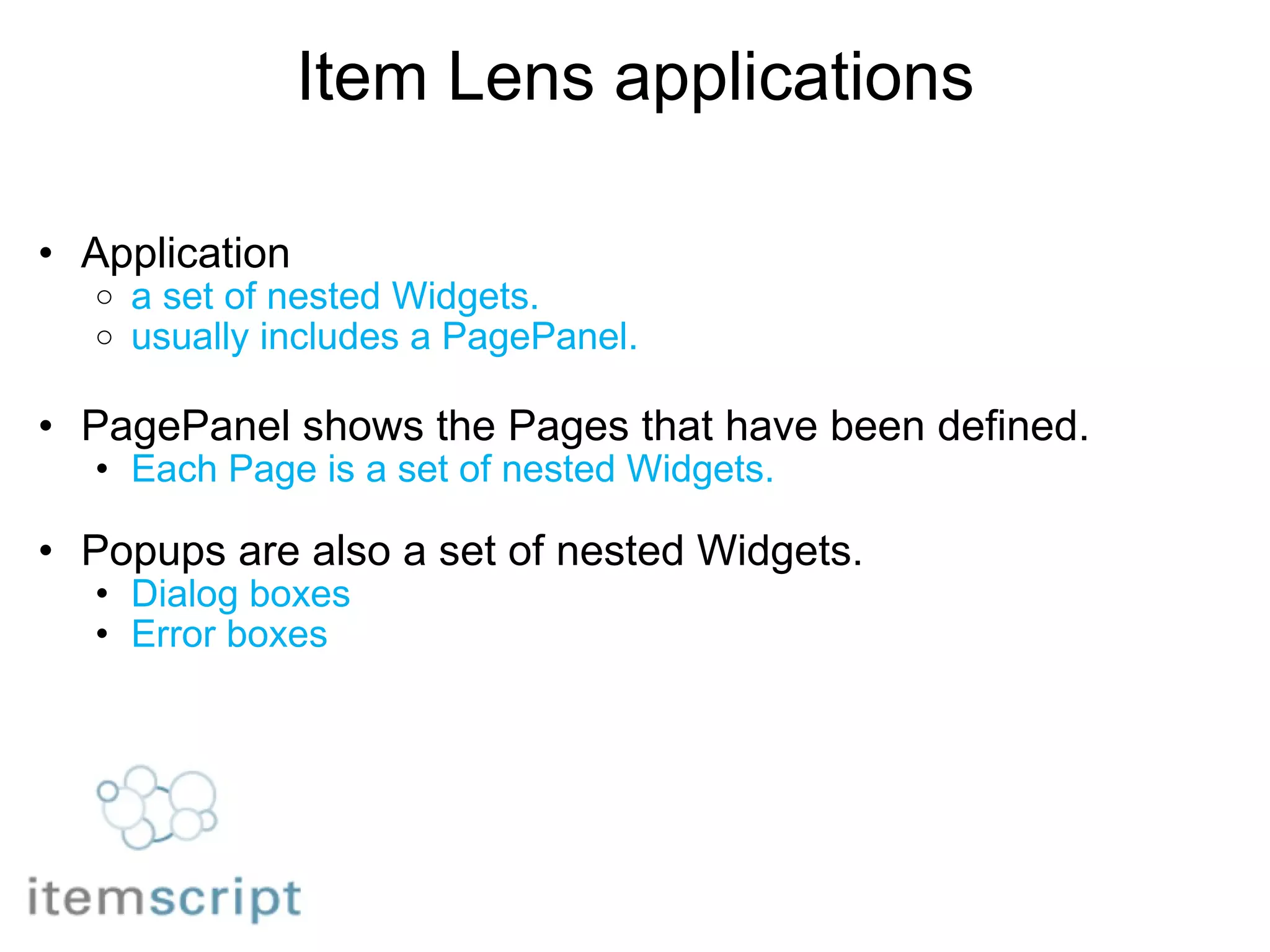
Item Lens applications Application  a set of nested Widgets. usually includes a PagePanel. PagePanel shows the Pages that have been defined. Each Page is a set of nested Widgets. Popups are also a set of nested Widgets. Dialog boxes Error boxes  
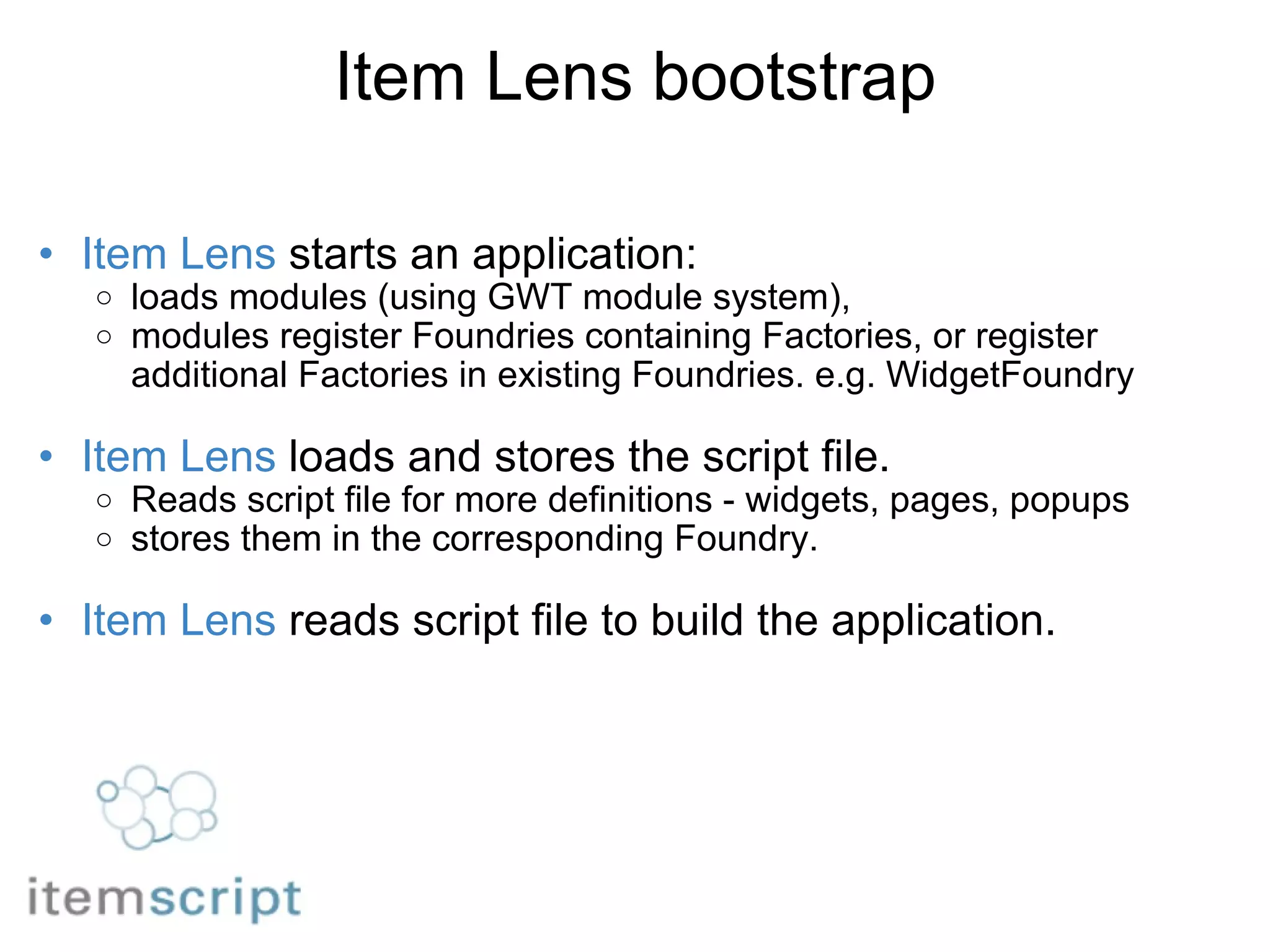
Item Lens bootstrap Item Lens  starts an application:  loads modules (using GWT module system),  modules register Foundries containing Factories, or register additional Factories in existing Foundries. e.g. WidgetFoundry   Item Lens  loads and stores the script file. Reads script file for more definitions - widgets, pages, popups stores them in the corresponding Foundry.   Item Lens  reads script file to build the application.  
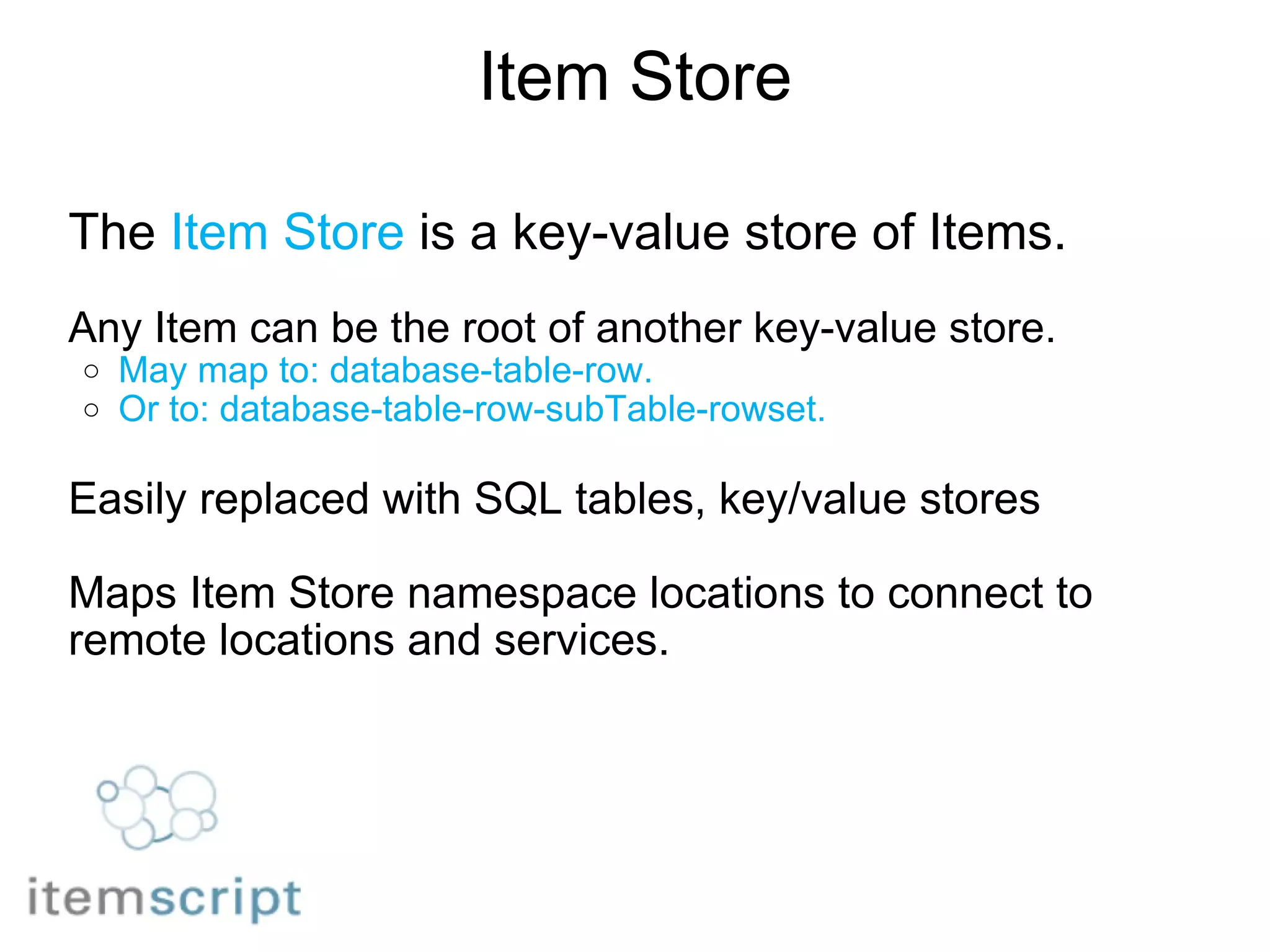
Item Store The  Item Store  is a key-value store of Items.   Any Item can be the root of another key-value store. May map to: database-table-row. Or to: database-table-row-subTable-rowset.   Easily replaced with SQL tables, key/value stores   Maps Item Store namespace locations to connect to remote locations and services.
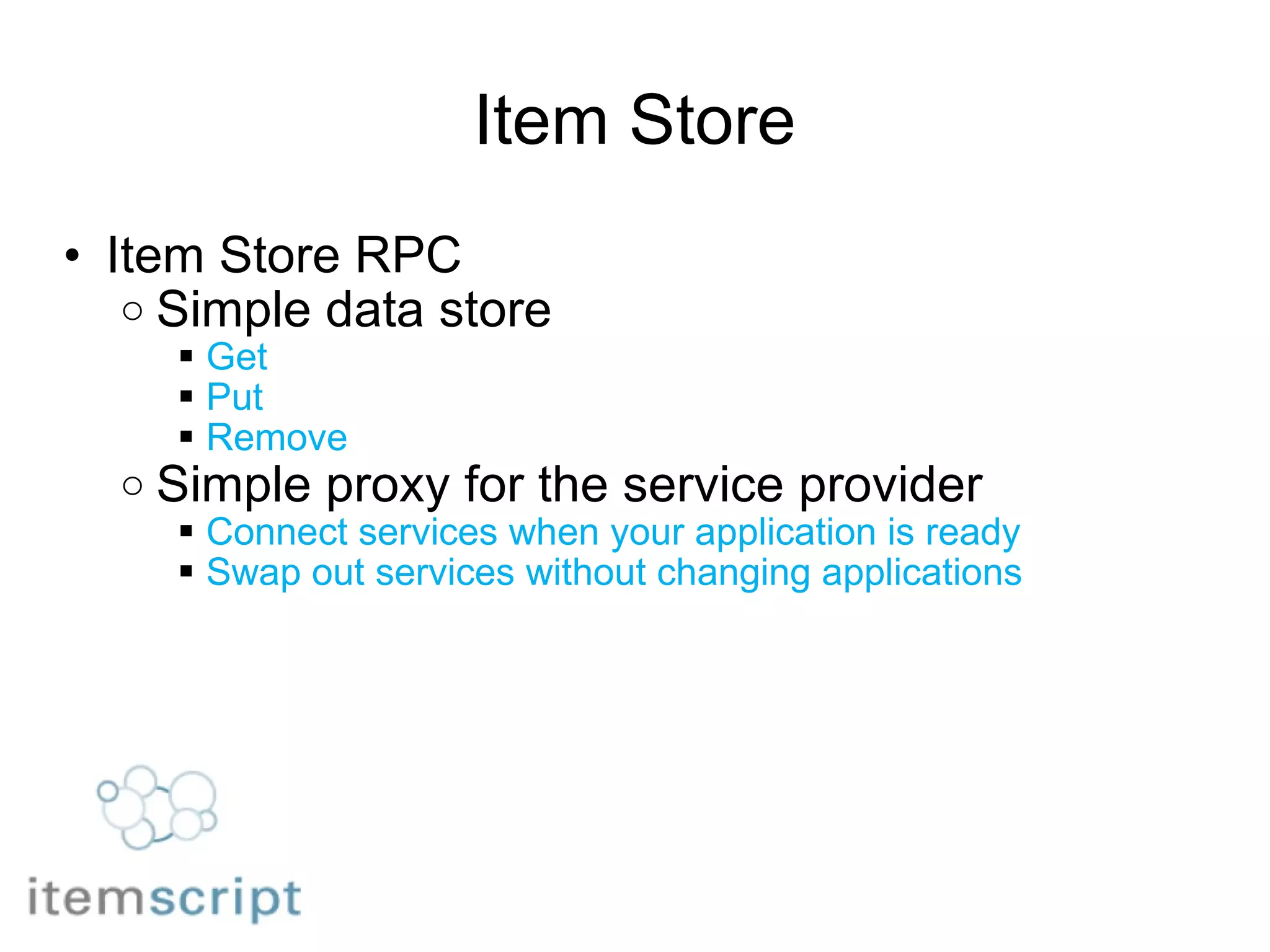
Item Store Item Store RPC Simple data store Get Put Remove  Simple proxy for the service provider Connect services when your application is ready Swap out services without changing applications
Developing Itemscript applications Client side Wrap widgets and components in Itemscript Wire up components to build interfaces Server side Declare Itemscript data types  Assign types to locations Connect locations to services
Item Hash Building the model application   item hash use case item hash design process pulldown list example date picker example event example adding a new field adding a new event handler
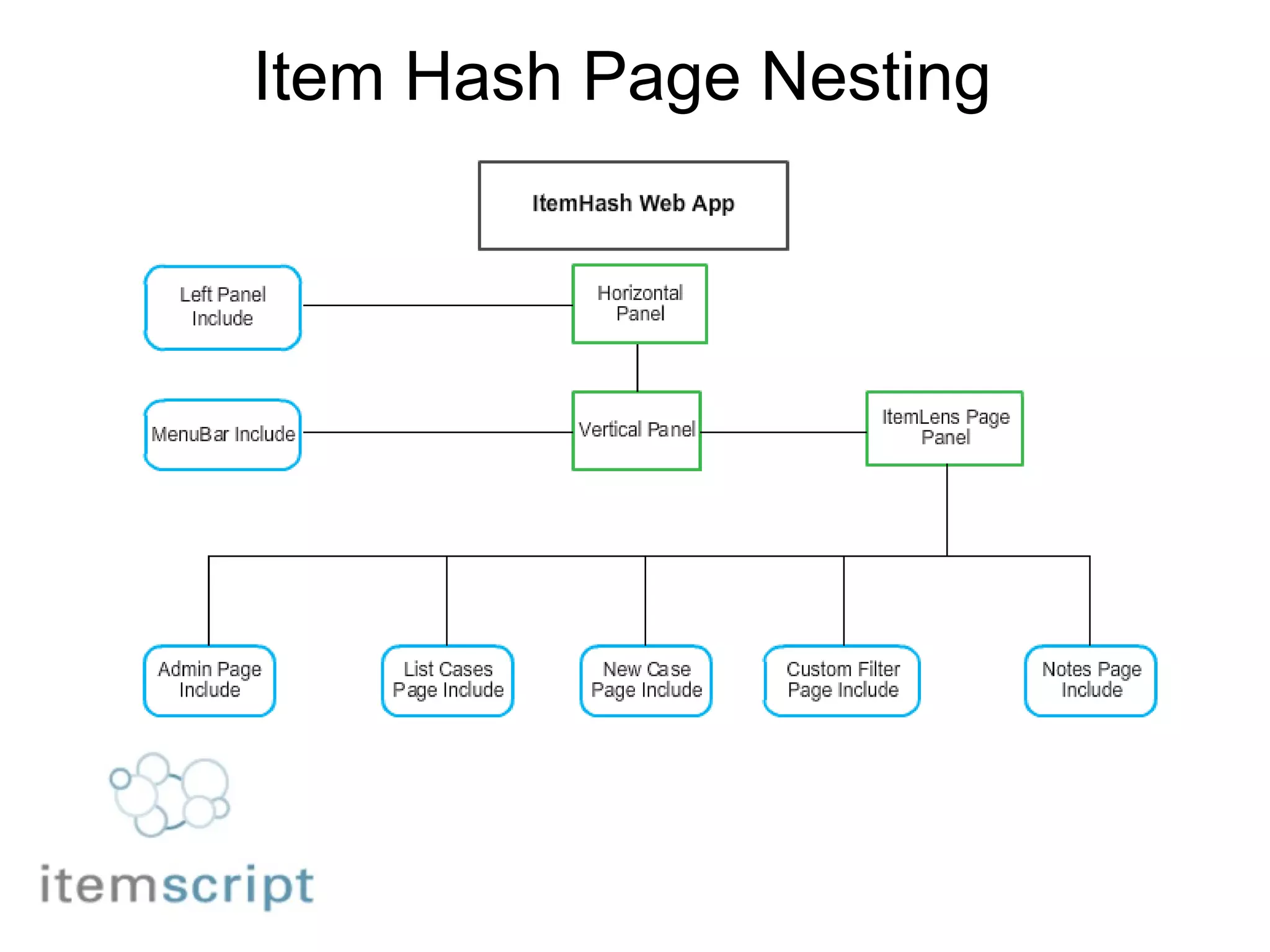
Item Hash Page Nesting
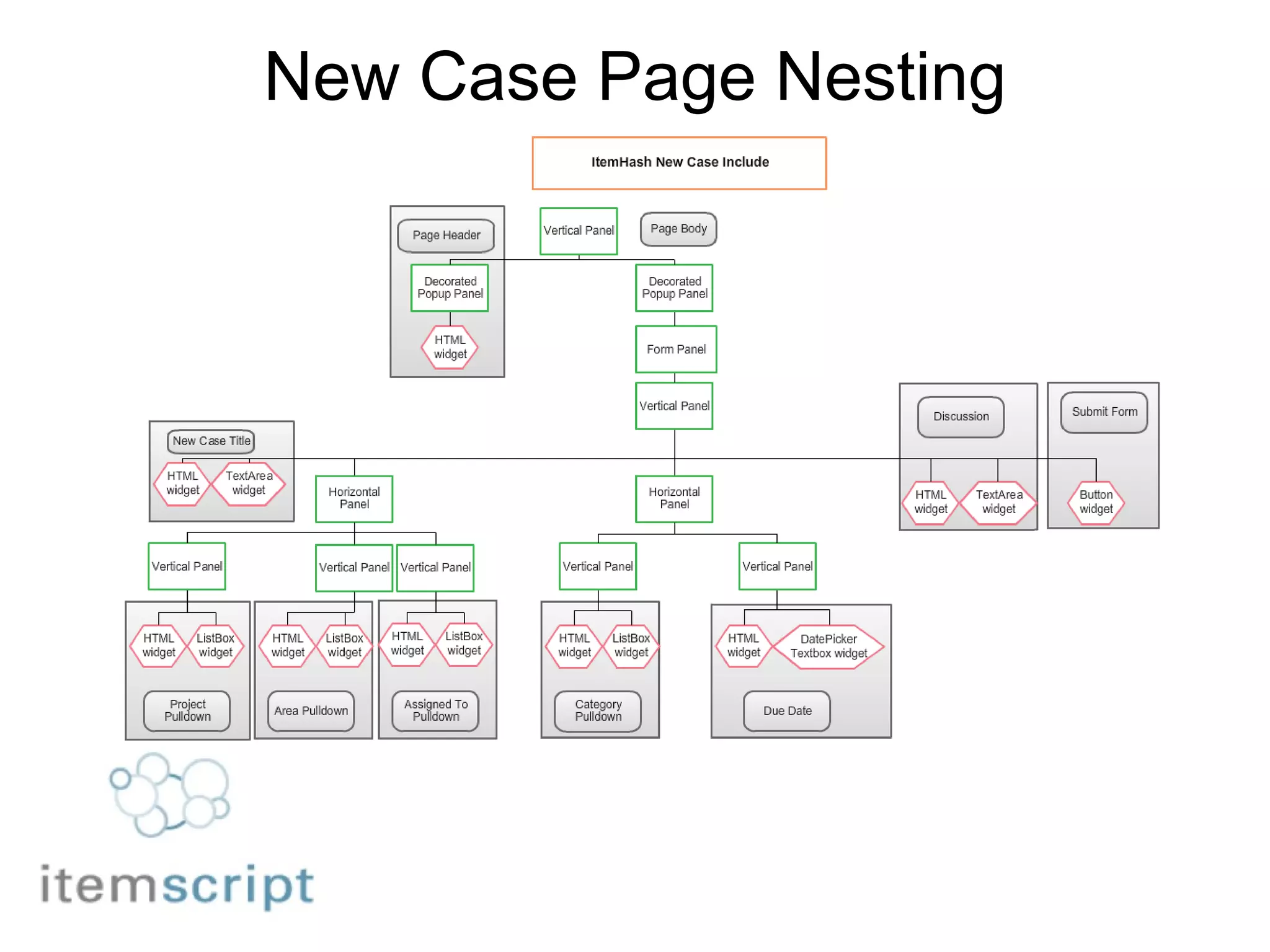
New Case Page Nesting
Editing the Form                    {                                 &quot;widget&quot; : &quot;GWT.VerticalPanel&quot;,                                     &quot;contents&quot; : [                         {                           &quot;widget&quot; : &quot;GWT.Html&quot;,                           &quot;html&quot; : &quot;<small>Priority</small>&quot;                           &quot;id&quot; : &quot;Priority&quot;                         },                         {                          &quot;widget&quot; : &quot;GWT.ListBox&quot;,                          &quot;width&quot; : &quot;200px&quot;,                          &quot;height&quot; : &quot;20px&quot;                          &quot;data&quot; : &quot;ItemHash.db/priorities&quot;                          }                      ]                   }
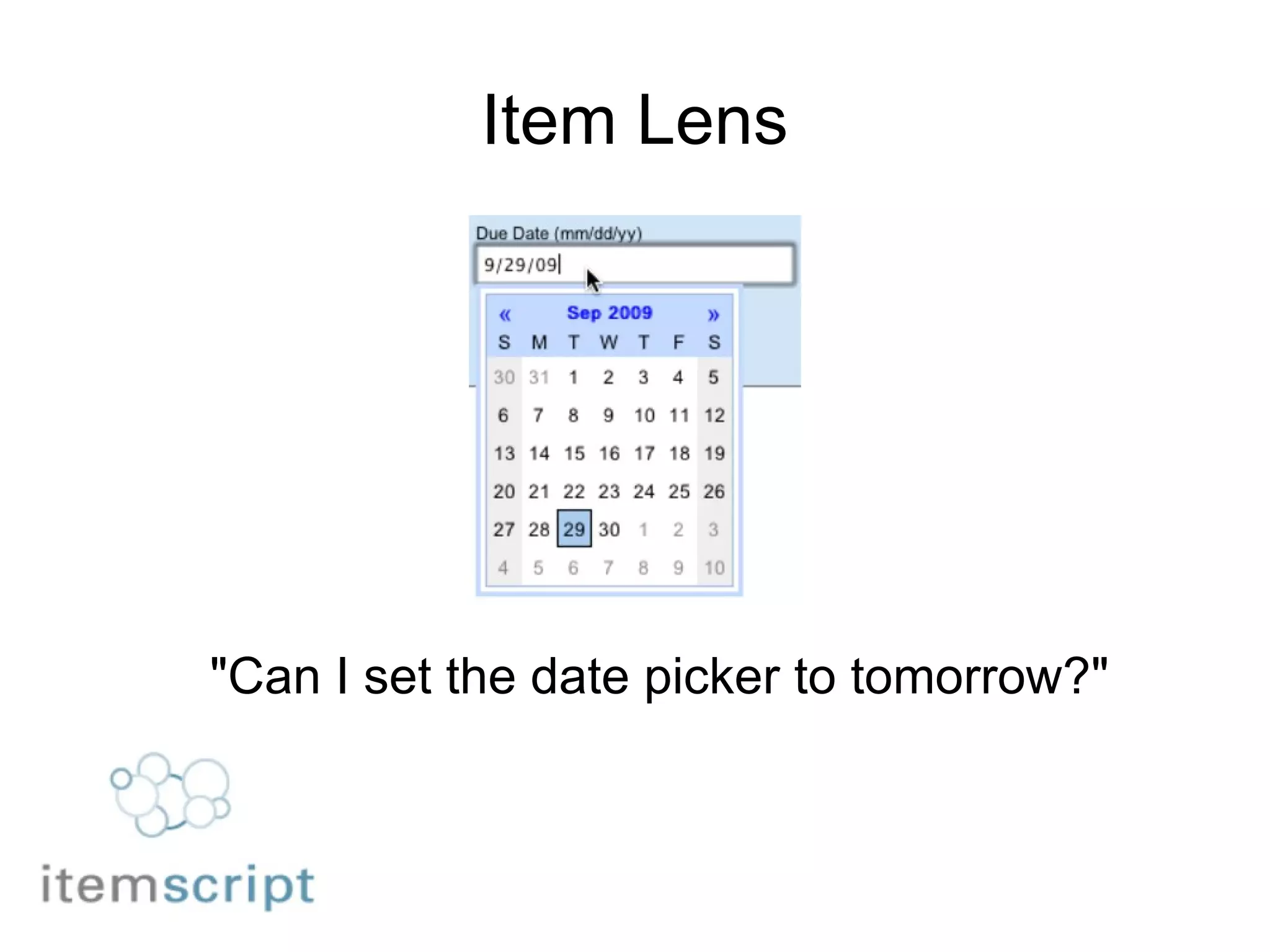
Item Lens &quot;Can I set the date picker to tomorrow?&quot;
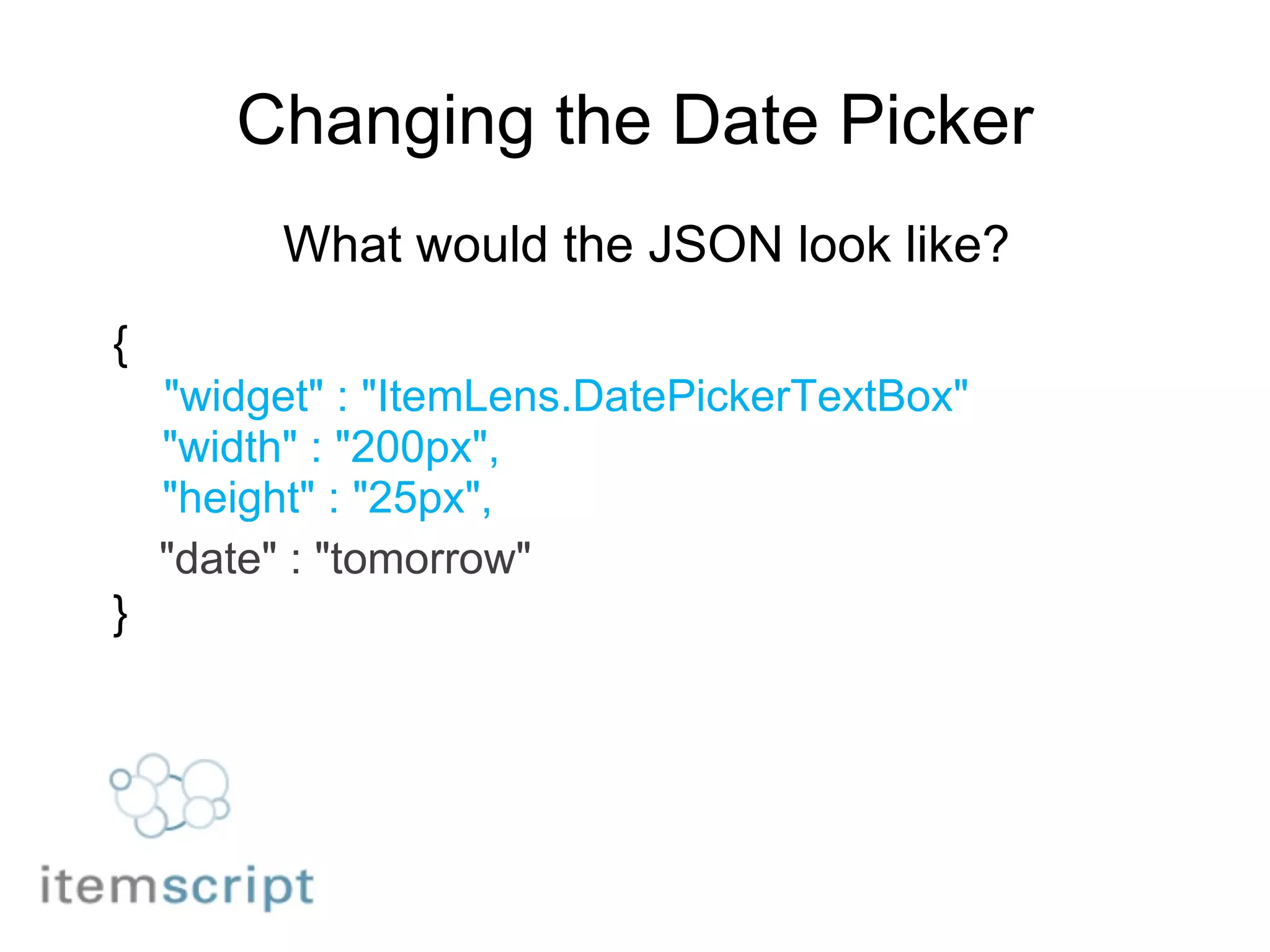
Changing the Date Picker What would the JSON look like? {      &quot;widget&quot; : &quot;ItemLens.DatePickerTextBox&quot;      &quot;width&quot; : &quot;200px&quot;,      &quot;height&quot; : &quot;25px&quot;,     &quot;date&quot; : &quot;tomorrow&quot; }
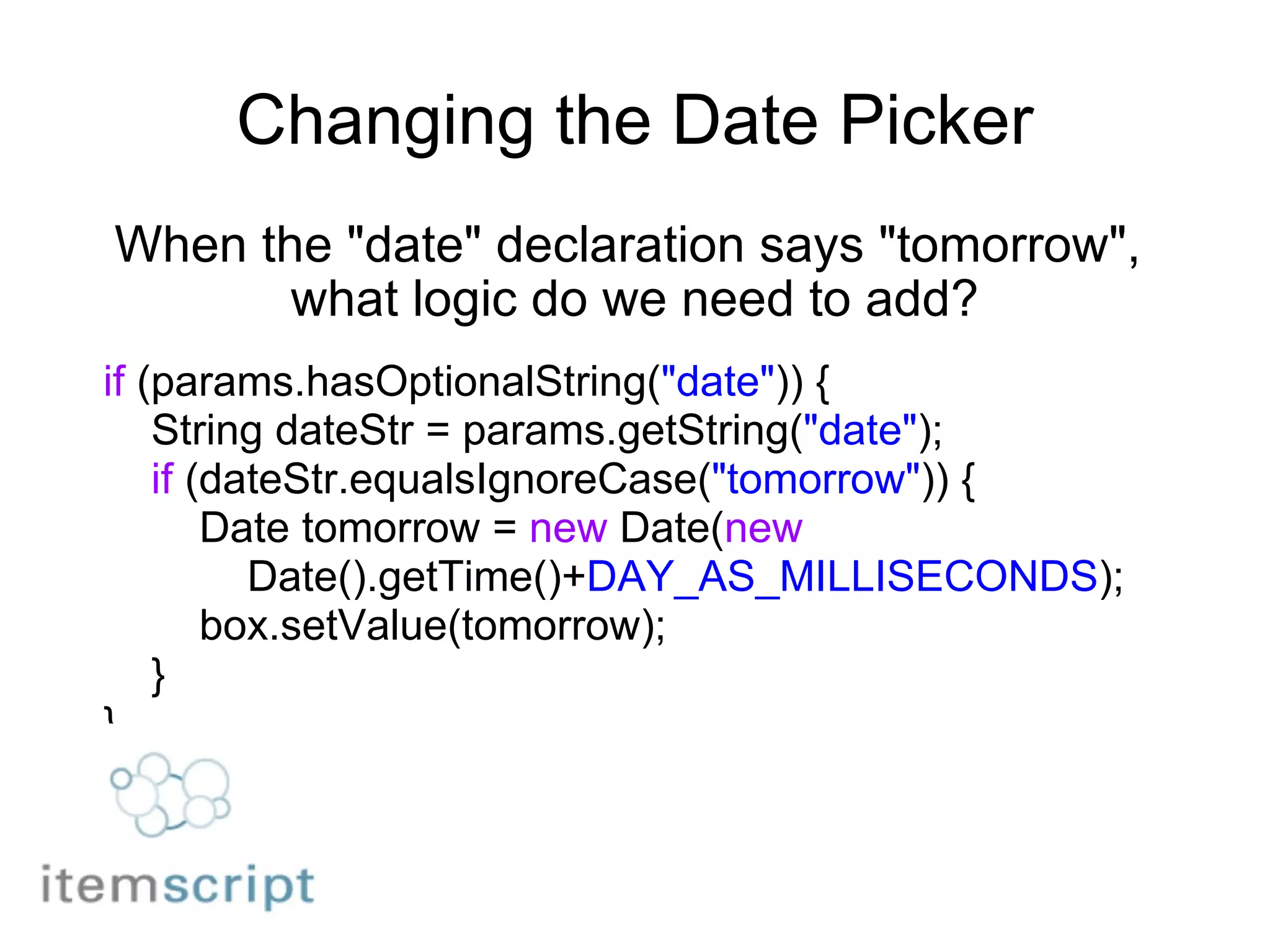
Changing the Date Picker When the &quot;date&quot; declaration says &quot;tomorrow&quot;,  what logic do we need to add? if  (params.hasOptionalString( &quot;date&quot; )) {      String dateStr = params.getString( &quot;date&quot; );      if  (dateStr.equalsIgnoreCase( &quot;tomorrow&quot; )) {          Date tomorrow =  new  Date( new              Date().getTime()+ DAY_AS_MILLISECONDS );          box.setValue(tomorrow);      } }
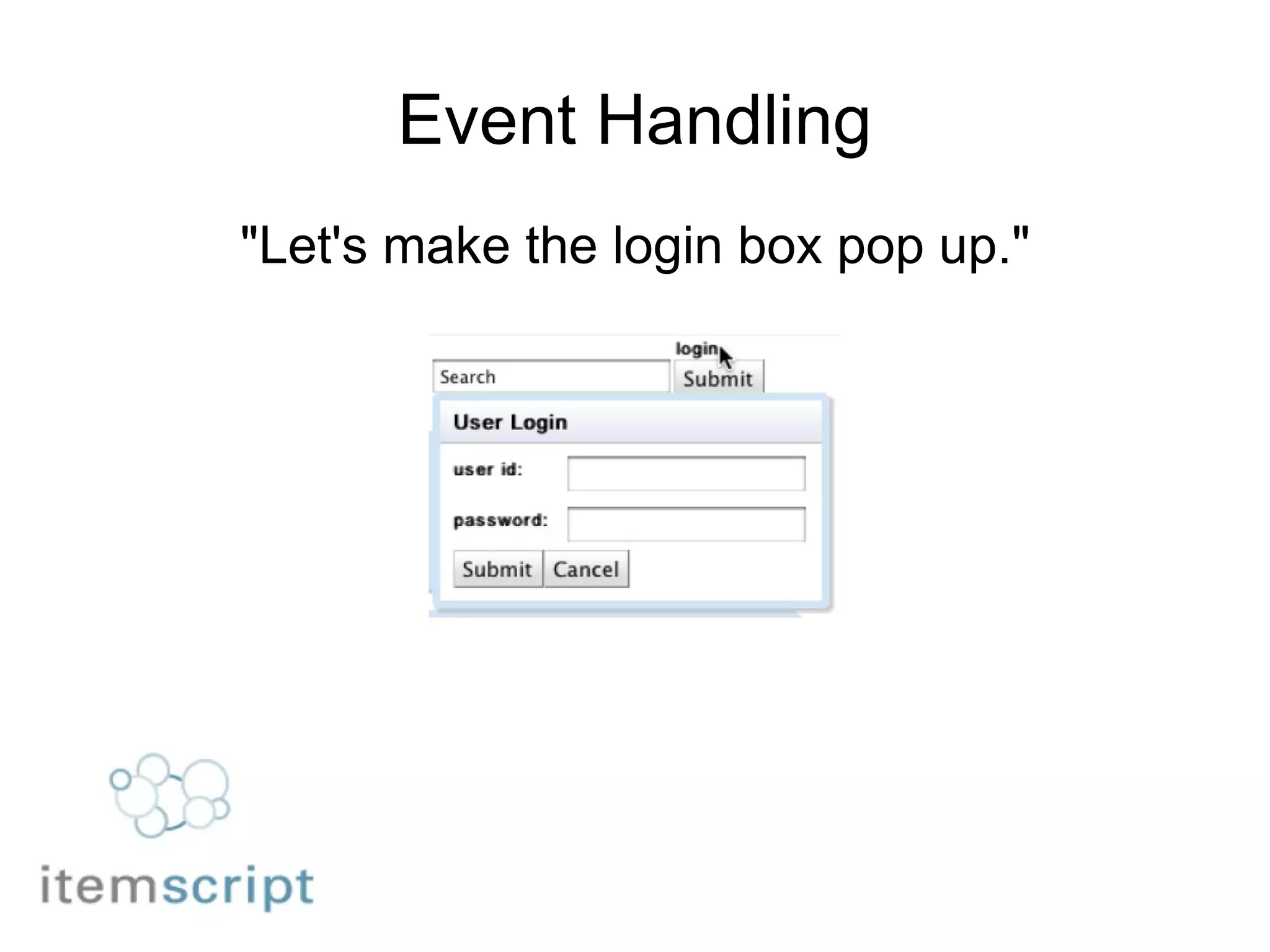
Event Handling &quot;Let's make the login box pop up.&quot;
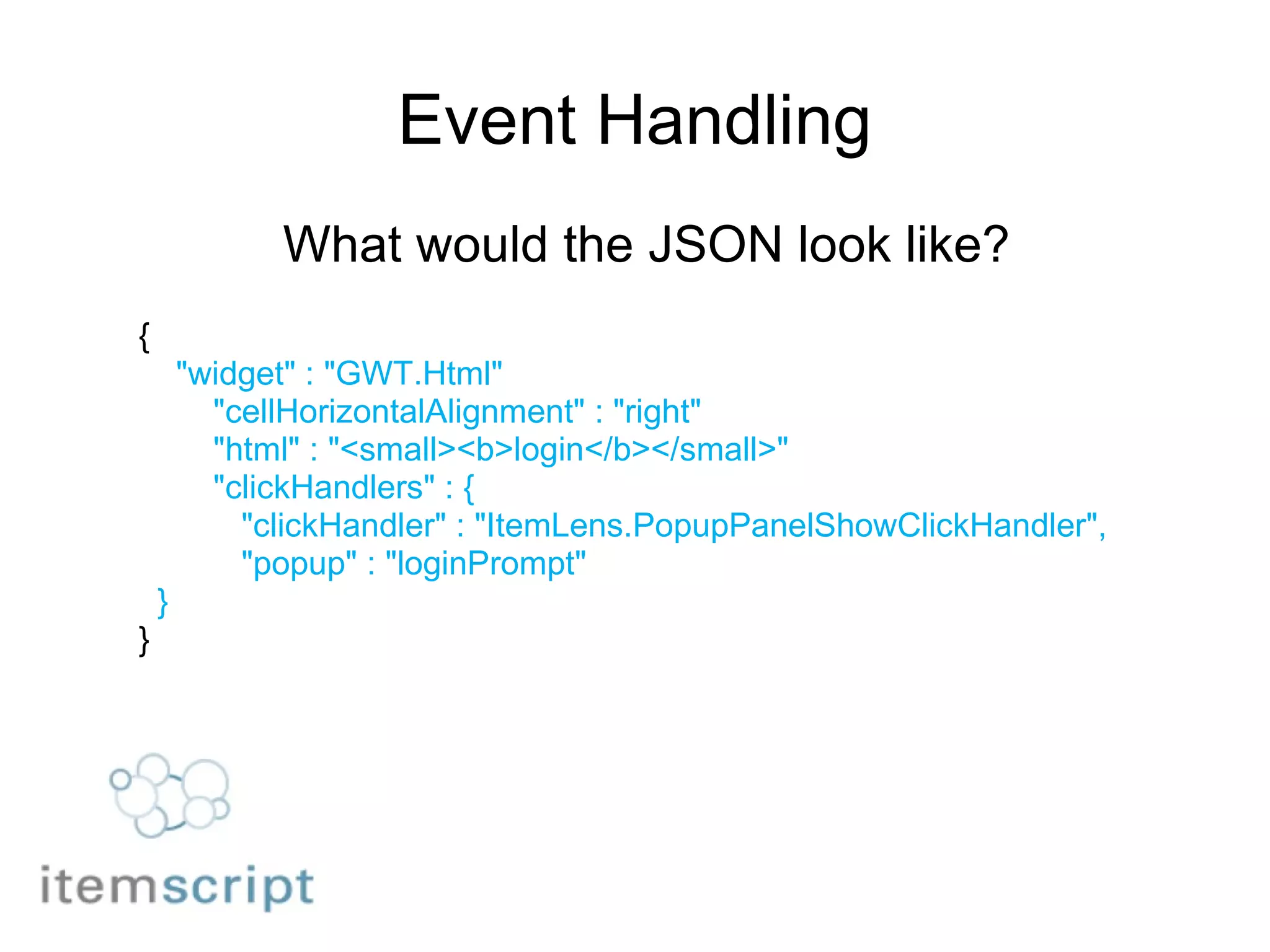
Event Handling What would the JSON look like? {      &quot;widget&quot; : &quot;GWT.Html&quot;         &quot;cellHorizontalAlignment&quot; : &quot;right&quot;         &quot;html&quot; : &quot;<small><b>login</b></small>&quot;         &quot;clickHandlers&quot; : {           &quot;clickHandler&quot; : &quot;ItemLens.PopupPanelShowClickHandler&quot;,           &quot;popup&quot; : &quot;loginPrompt&quot;    } }
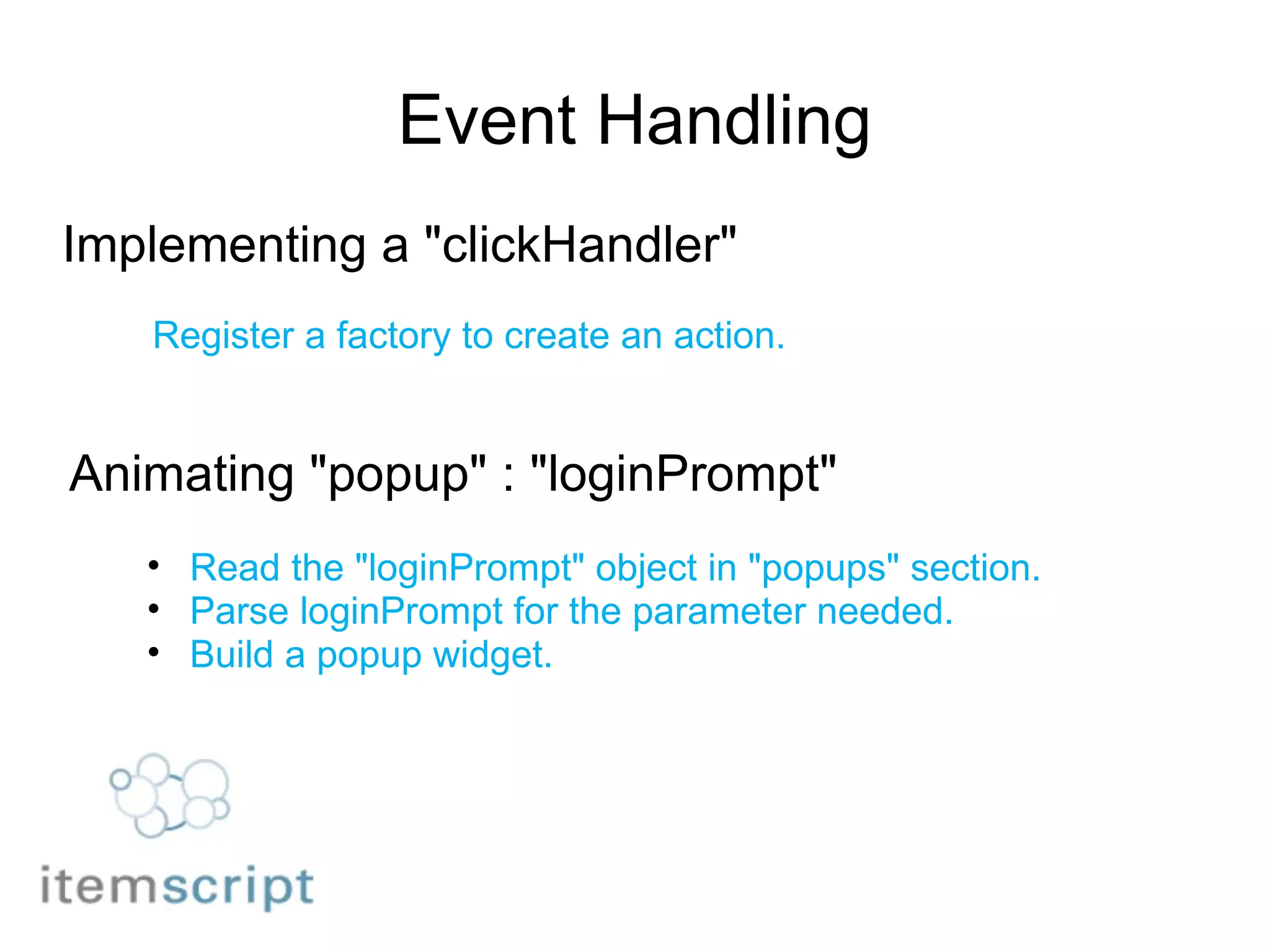
Event Handling Implementing a &quot;clickHandler&quot; Register a factory to create an action. Animating &quot;popup&quot; : &quot;loginPrompt&quot; Read the &quot;loginPrompt&quot; object in &quot;popups&quot; section. Parse loginPrompt for the parameter needed. Build a popup widget.
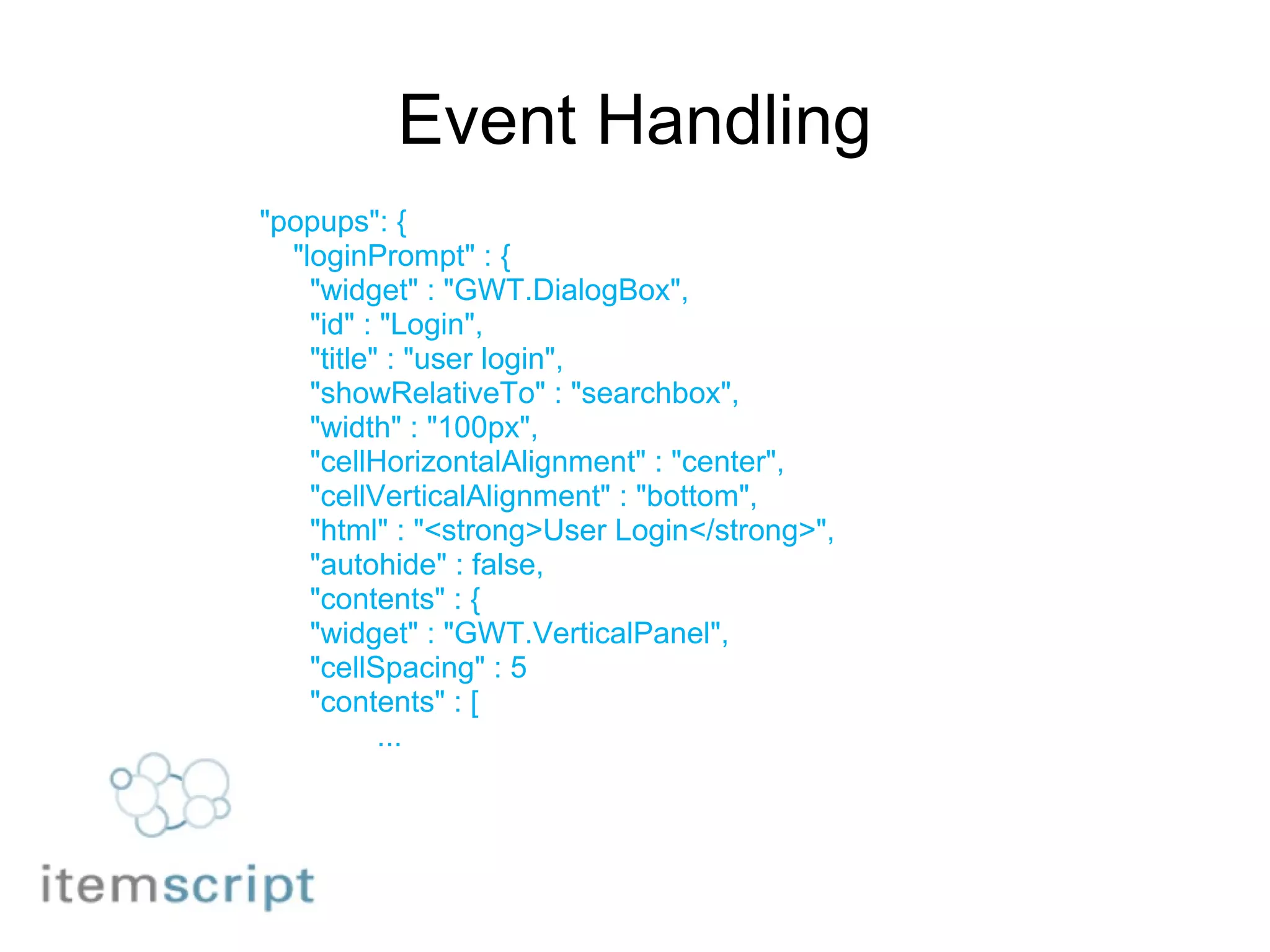
Event Handling &quot;popups&quot;: {      &quot;loginPrompt&quot; : {        &quot;widget&quot; : &quot;GWT.DialogBox&quot;,        &quot;id&quot; : &quot;Login&quot;,        &quot;title&quot; : &quot;user login&quot;,        &quot;showRelativeTo&quot; : &quot;searchbox&quot;,        &quot;width&quot; : &quot;100px&quot;,        &quot;cellHorizontalAlignment&quot; : &quot;center&quot;,        &quot;cellVerticalAlignment&quot; : &quot;bottom&quot;,        &quot;html&quot; : &quot;<strong>User Login</strong>&quot;,        &quot;autohide&quot; : false,        &quot;contents&quot; : {        &quot;widget&quot; : &quot;GWT.VerticalPanel&quot;,        &quot;cellSpacing&quot; : 5        &quot;contents&quot; : [                ...
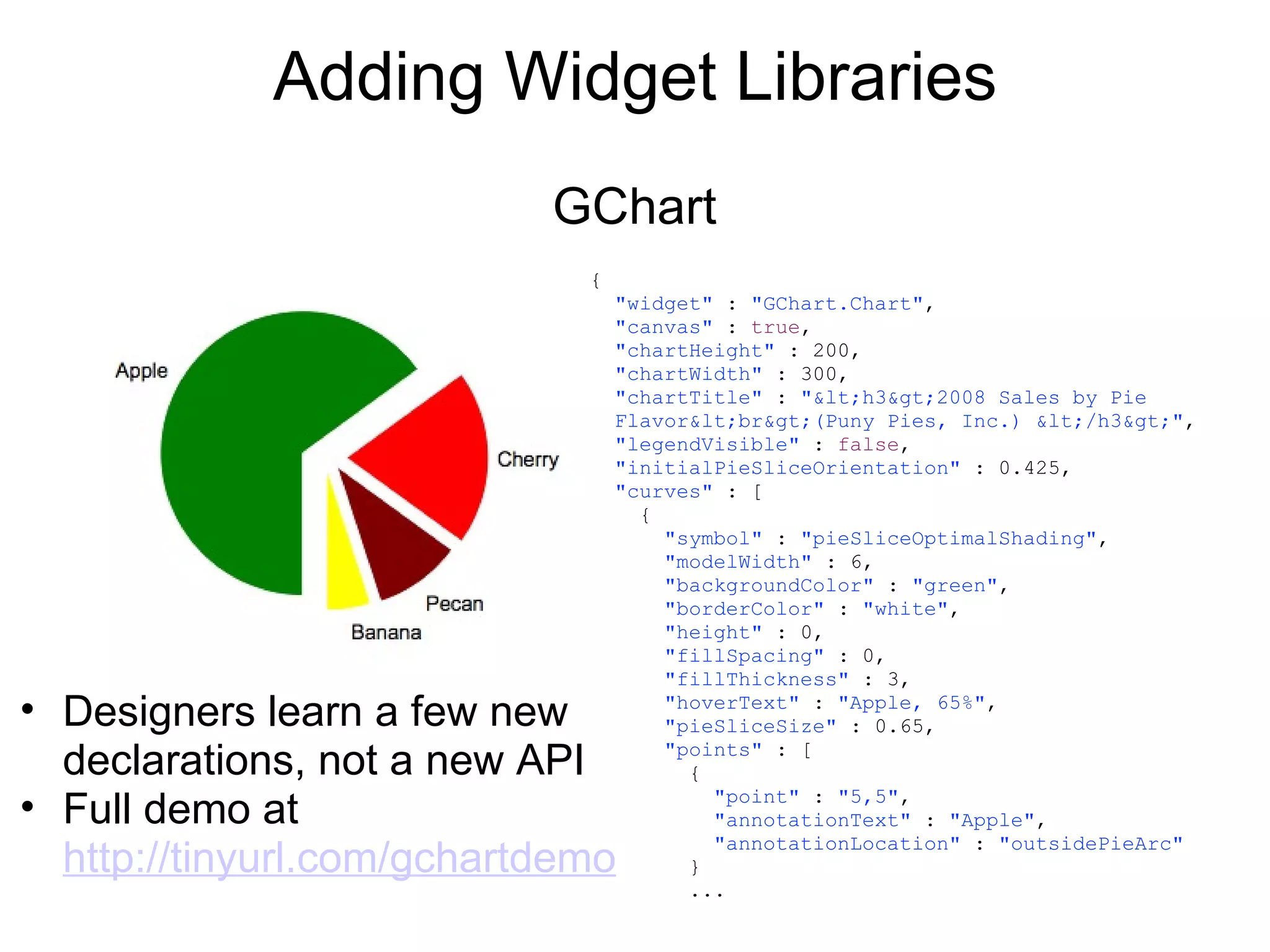
Adding Widget Libraries GChart {    &quot;widget&quot;  :  &quot;GChart.Chart&quot; ,    &quot;canvas&quot;  :  true ,    &quot;chartHeight&quot;  : 200,    &quot;chartWidth&quot;  : 300,    &quot;chartTitle&quot;  :  &quot;&lt;h3&gt;2008 Sales by Pie    Flavor&lt;br&gt;(Puny Pies, Inc.) &lt;/h3&gt;&quot; ,    &quot;legendVisible&quot;  :  false ,    &quot;initialPieSliceOrientation&quot;  : 0.425,    &quot;curves&quot;  : [       {        &quot;symbol&quot;  :  &quot;pieSliceOptimalShading&quot; ,        &quot;modelWidth&quot;  : 6,        &quot;backgroundColor&quot;  :  &quot;green&quot; ,        &quot;borderColor&quot;  :  &quot;white&quot; ,        &quot;height&quot;  : 0,        &quot;fillSpacing&quot;  : 0,        &quot;fillThickness&quot;  : 3,        &quot;hoverText&quot;  :  &quot;Apple, 65%&quot; ,        &quot;pieSliceSize&quot;  : 0.65,        &quot;points&quot;  : [          {            &quot;point&quot;  :  &quot;5,5&quot; ,            &quot;annotationText&quot;  :  &quot;Apple&quot; ,            &quot;annotationLocation&quot;  :  &quot;outsidePieArc&quot;          }          ... Designers learn a few new declarations, not a new API Full demo at  http://tinyurl.com/gchartdemo
Downloads Item Lens            AJAX using Google GWT          Components from Google Maps, Gchart, GWT Widget library Itemscript Core Libraries          Convenient JSON library for Java & GWT applications
What's Next? Item Store  Itemscript schema validator Declarative security model    Hosted Service Application exchange
Working with Itemscript Project pages http://itemscript.org http://code.google.com/p/itemscript/ Twitter updates http://twitter.com/itemscript FAQ http://code.google.com/p/itemscript/wiki/itemscriptfaq

Itemscript, a specification for RESTful JSON integration

  • 1.
    Itemscript A declarativelanguage based on JSON
  • 2.
    Vision Simple schema  data store application markup Applications from components De-couple technical details Lean development Business agility
  • 3.
    Itemscript is DeclarativeSeparates design ( what )  from construction  ( how ) Simple API Lends itself to iterative development Technical details are hidden Controls are exposed Swap components without breaking the API
  • 4.
  • 5.
  • 6.
    Itemscript Philosophy Applicationsare multi-layered Core is compiled code Wrapped around that are configuration files Wrapped around that are user settings     Compiled settings are the hardest to change Configuration files help, but only offer limited access User settings are usually very limited Applications should expose all useful settings Core Configuration User settings
  • 7.
    Itemscript is JSONJSON is simple JSON has widespread support JSON is an ideal data-interchange language
  • 8.
    JSON easily mapsto native objects JSON Objects Native objects & packages Nested object graphs Maps/hashes/dictionaries Databases Key-value stores Cloud databases       JSON Arrays Lists/arrays/sets Query results
  • 9.
    Extending JSON Dealwith more data than fits in memory Databases Queries Handle references Manage local and remote data Handle identifiers Support schemas Manage persistence Handle events
  • 10.
    Semantics Itemscript Schema     JSON Schema language         Itemscript JAM   JSON Application Markup
  • 11.
    Itemscript schema DogType &quot;com.example.petstore.SCHEMA&quot; : { &quot;Dog&quot; : { &quot;ID name&quot; : &quot;&quot;, &quot;weight&quot; : 0, &quot;REQUIRED owner&quot; : &quot;&quot;, &quot;breed&quot; : &quot;&quot;, &quot;isFixed&quot; : true, } } item of type Dog: &quot;com.example.petstore.dogs.Bella&quot; : { &quot;TYPE&quot; : &quot;com.example.petstore.SCHEMA.Dog&quot;, &quot;name&quot; : &quot;Bella&quot;, &quot;weight&quot; : 9.2, &quot;owner&quot; : &quot;Vera&quot;, &quot;breed&quot; : &quot;Cavalier King Charles&quot;, &quot;isFixed&quot; : true } http://itemscript.org/ItemscriptSchema.html
  • 12.
    Itemscript JAM {           &quot;widget&quot; : &quot;GWT.Image&quot;,            &quot;title&quot; : &quot;Itemscript Logo&quot;,            &quot;width&quot; : &quot;100px&quot;,            &quot;height&quot; : &quot;100px&quot;,            &quot;url&quot; : &quot;./itemscript-logo.jpg&quot;          }
  • 13.
  • 14.
    Business agility Leandevelopment using declarations Developer & user iterate together Discover needs as you develop solutions Iterate applications as requirements develop Add elements & event handlers as you need them Trade up as better options arrive
  • 15.
    Proof of ConceptItem Lens ( JAM animator ) rich web UI based on Google GWT Item Store ( Column store ) persistence based on Apache Derby            Item Hash (Model application) item tracker built using Itemscript JAM
  • 16.
  • 17.
    Itemscript execution ItemscriptItem Lens Item Store Schema JAM Item Store Protocol SQL MQ Cache XML
  • 18.
    Itemscript Applications “Small pieces loosely joined” a collection of Lego bricks Compiled objects are managed in libraries, by type All &quot;wiring-up&quot; is done using JSON declarations No sharp distinction between application-building, configuration, or user settings http://www. smallpieces .com
  • 19.
    How we builtit Build objects that can be configured using JSON. Use semantics that describe the domain             widget, handler, page ticket, priority, status white  For each object type, build a factory that trades JSON for an object instance. For each class of object ( e.g. widget ), combine the factories into a foundry. Factor out common code.
  • 20.
    Itemscript System Eachsystem has one &quot;root&quot; JSON object Acts as shared in-memory database for your application. Application configuration Application state You can load additional Items - hold as long as needed, natively-garbage-collected. Load system and initial configuration Load Item from remote datastore Copy part of Item to current application state Discard Item
  • 21.
    The Item Thesmallest unit of transferrable data. Guaranteed to be transmitted as a whole. Guaranteed to be fully navigable locally/synchronously.       Consists of a JSON Object, including nested other objects. Metadata and data live together in the JSON Object. _ prefix denotes metadata . _CONNECTION key tells you where this Item came from. _ID key gives you the GUID key for an Item. _PARENT_ID key gives you the GUID key for a parent
  • 22.
    Item Lens applicationsApplication a set of nested Widgets. usually includes a PagePanel. PagePanel shows the Pages that have been defined. Each Page is a set of nested Widgets. Popups are also a set of nested Widgets. Dialog boxes Error boxes  
  • 23.
    Item Lens bootstrapItem Lens starts an application: loads modules (using GWT module system), modules register Foundries containing Factories, or register additional Factories in existing Foundries. e.g. WidgetFoundry   Item Lens loads and stores the script file. Reads script file for more definitions - widgets, pages, popups stores them in the corresponding Foundry.   Item Lens reads script file to build the application.  
  • 24.
    Item Store The Item Store is a key-value store of Items.   Any Item can be the root of another key-value store. May map to: database-table-row. Or to: database-table-row-subTable-rowset.   Easily replaced with SQL tables, key/value stores   Maps Item Store namespace locations to connect to remote locations and services.
  • 25.
    Item Store ItemStore RPC Simple data store Get Put Remove Simple proxy for the service provider Connect services when your application is ready Swap out services without changing applications
  • 26.
    Developing Itemscript applicationsClient side Wrap widgets and components in Itemscript Wire up components to build interfaces Server side Declare Itemscript data types  Assign types to locations Connect locations to services
  • 27.
    Item Hash Buildingthe model application  item hash use case item hash design process pulldown list example date picker example event example adding a new field adding a new event handler
  • 28.
  • 29.
  • 30.
    Editing the Form                  {                                &quot;widget&quot; : &quot;GWT.VerticalPanel&quot;,                                    &quot;contents&quot; : [                         {                           &quot;widget&quot; : &quot;GWT.Html&quot;,                           &quot;html&quot; : &quot;<small>Priority</small>&quot;                           &quot;id&quot; : &quot;Priority&quot;                         },                         {                          &quot;widget&quot; : &quot;GWT.ListBox&quot;,                          &quot;width&quot; : &quot;200px&quot;,                          &quot;height&quot; : &quot;20px&quot;                          &quot;data&quot; : &quot;ItemHash.db/priorities&quot;                         }                      ]                   }
  • 31.
    Item Lens &quot;CanI set the date picker to tomorrow?&quot;
  • 32.
    Changing the DatePicker What would the JSON look like? {      &quot;widget&quot; : &quot;ItemLens.DatePickerTextBox&quot;      &quot;width&quot; : &quot;200px&quot;,      &quot;height&quot; : &quot;25px&quot;,    &quot;date&quot; : &quot;tomorrow&quot; }
  • 33.
    Changing the DatePicker When the &quot;date&quot; declaration says &quot;tomorrow&quot;, what logic do we need to add? if (params.hasOptionalString( &quot;date&quot; )) {      String dateStr = params.getString( &quot;date&quot; );      if (dateStr.equalsIgnoreCase( &quot;tomorrow&quot; )) {          Date tomorrow = new Date( new              Date().getTime()+ DAY_AS_MILLISECONDS );          box.setValue(tomorrow);      } }
  • 34.
    Event Handling &quot;Let'smake the login box pop up.&quot;
  • 35.
    Event Handling Whatwould the JSON look like? {      &quot;widget&quot; : &quot;GWT.Html&quot;        &quot;cellHorizontalAlignment&quot; : &quot;right&quot;        &quot;html&quot; : &quot;<small><b>login</b></small>&quot;        &quot;clickHandlers&quot; : {          &quot;clickHandler&quot; : &quot;ItemLens.PopupPanelShowClickHandler&quot;,          &quot;popup&quot; : &quot;loginPrompt&quot;    } }
  • 36.
    Event Handling Implementinga &quot;clickHandler&quot; Register a factory to create an action. Animating &quot;popup&quot; : &quot;loginPrompt&quot; Read the &quot;loginPrompt&quot; object in &quot;popups&quot; section. Parse loginPrompt for the parameter needed. Build a popup widget.
  • 37.
    Event Handling &quot;popups&quot;:{     &quot;loginPrompt&quot; : {       &quot;widget&quot; : &quot;GWT.DialogBox&quot;,       &quot;id&quot; : &quot;Login&quot;,       &quot;title&quot; : &quot;user login&quot;,       &quot;showRelativeTo&quot; : &quot;searchbox&quot;,       &quot;width&quot; : &quot;100px&quot;,       &quot;cellHorizontalAlignment&quot; : &quot;center&quot;,       &quot;cellVerticalAlignment&quot; : &quot;bottom&quot;,       &quot;html&quot; : &quot;<strong>User Login</strong>&quot;,       &quot;autohide&quot; : false,       &quot;contents&quot; : {       &quot;widget&quot; : &quot;GWT.VerticalPanel&quot;,       &quot;cellSpacing&quot; : 5       &quot;contents&quot; : [                ...
  • 38.
    Adding Widget LibrariesGChart {   &quot;widget&quot; : &quot;GChart.Chart&quot; ,    &quot;canvas&quot; : true ,    &quot;chartHeight&quot; : 200,    &quot;chartWidth&quot; : 300,    &quot;chartTitle&quot; : &quot;&lt;h3&gt;2008 Sales by Pie    Flavor&lt;br&gt;(Puny Pies, Inc.) &lt;/h3&gt;&quot; ,    &quot;legendVisible&quot; : false ,    &quot;initialPieSliceOrientation&quot; : 0.425,    &quot;curves&quot; : [       {        &quot;symbol&quot; : &quot;pieSliceOptimalShading&quot; ,        &quot;modelWidth&quot; : 6,        &quot;backgroundColor&quot; : &quot;green&quot; ,        &quot;borderColor&quot; : &quot;white&quot; ,        &quot;height&quot; : 0,        &quot;fillSpacing&quot; : 0,        &quot;fillThickness&quot; : 3,        &quot;hoverText&quot; : &quot;Apple, 65%&quot; ,        &quot;pieSliceSize&quot; : 0.65,        &quot;points&quot; : [          {            &quot;point&quot; : &quot;5,5&quot; ,            &quot;annotationText&quot; : &quot;Apple&quot; ,            &quot;annotationLocation&quot; : &quot;outsidePieArc&quot;          }          ... Designers learn a few new declarations, not a new API Full demo at  http://tinyurl.com/gchartdemo
  • 39.
    Downloads Item Lens           AJAX using Google GWT          Components from Google Maps, Gchart, GWT Widget library Itemscript Core Libraries          Convenient JSON library for Java & GWT applications
  • 40.
    What's Next? ItemStore Itemscript schema validator Declarative security model    Hosted Service Application exchange
  • 41.
    Working with ItemscriptProject pages http://itemscript.org http://code.google.com/p/itemscript/ Twitter updates http://twitter.com/itemscript FAQ http://code.google.com/p/itemscript/wiki/itemscriptfaq