MySQL, LINQ and the ADO.NET Entity Framework Reggie Burnett, MySQL David Sceppa, Microsoft
Agenda From DataSets to data access layers Introducing LINQ Using LINQ to access your data The ADO.NET Entity Framework Introducing ADO.NET Data Services Summary
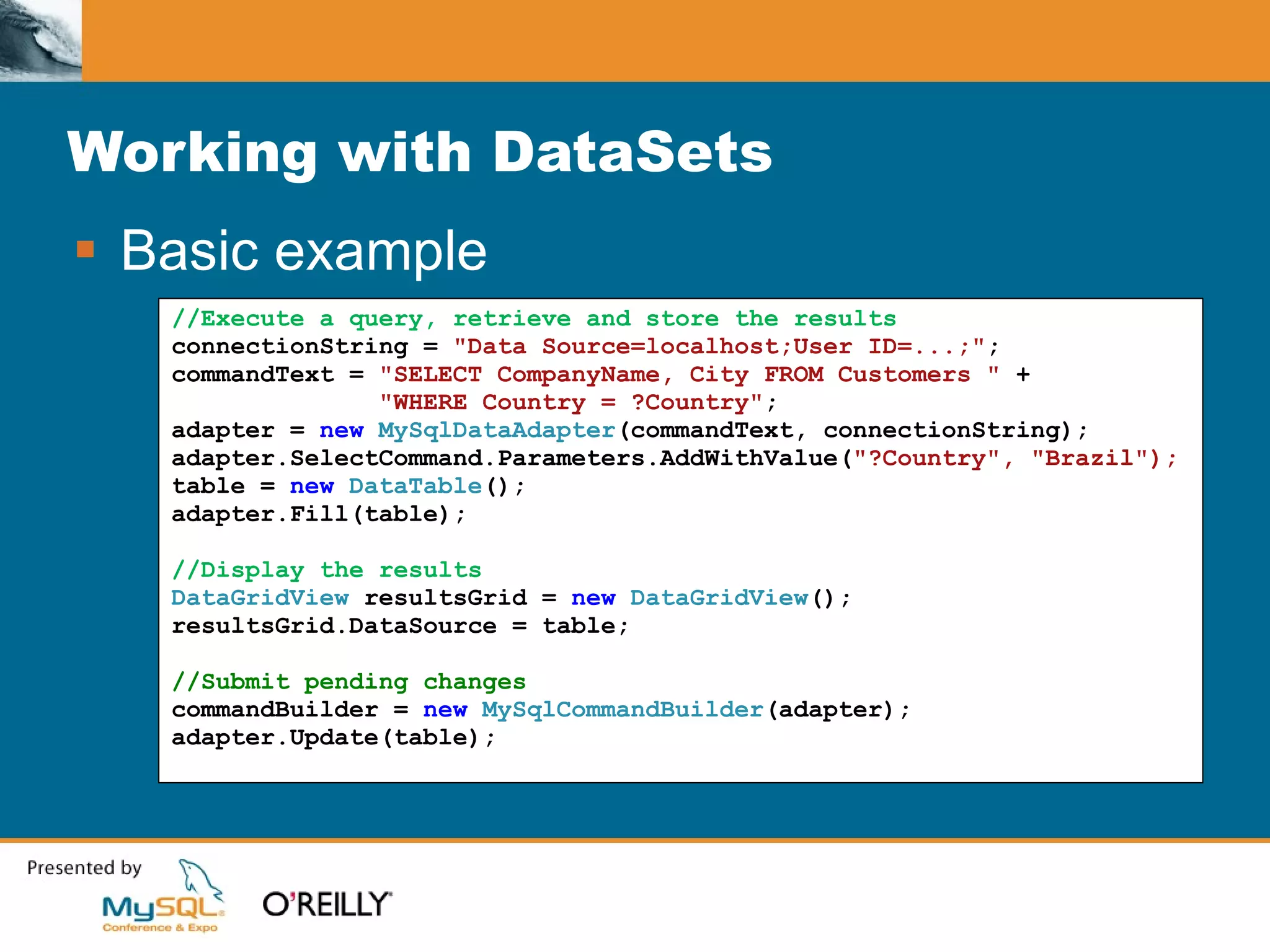
Working with DataSets Basic example //Execute a query, retrieve and store the results connectionString =  "Data Source=localhost;User ID=...;" ; commandText =  "SELECT CompanyName, City FROM Customers "  + "WHERE Country = ?Country" ; adapter =  new  MySqlDataAdapter (commandText, connectionString); adapter.SelectCommand.Parameters.AddWithValue( "?Country", "Brazil"); table =  new  DataTable (); adapter.Fill(table); //Display the results DataGridView  resultsGrid =  new  DataGridView (); resultsGrid.DataSource = table; //Submit pending changes commandBuilder =  new  MySqlCommandBuilder (adapter); adapter.Update(table);
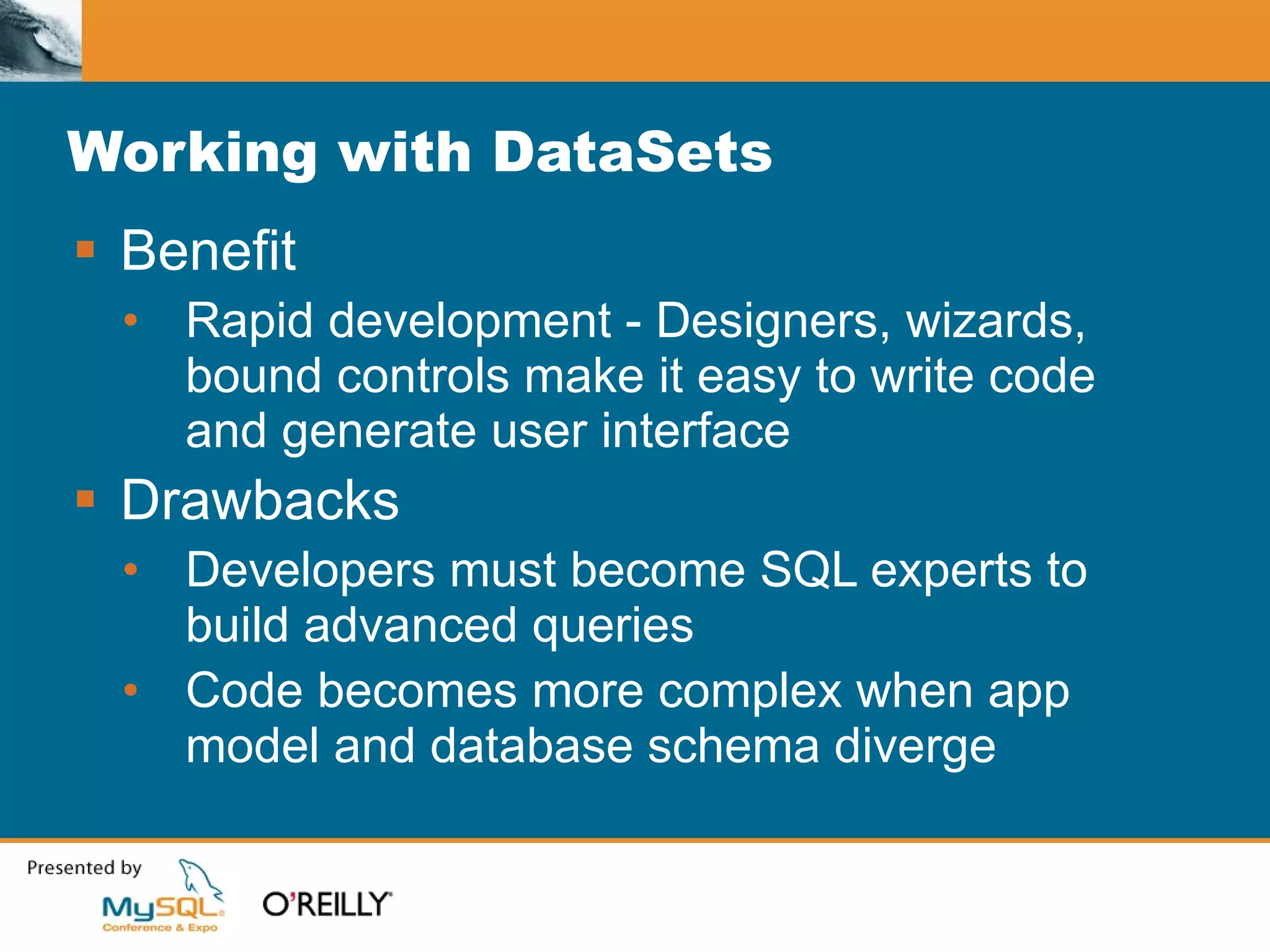
Working with DataSets Benefit Rapid development - Designers, wizards, bound controls make it easy to write code and generate user interface Drawbacks Developers must become SQL experts to build advanced queries Code becomes more complex when app model and database schema diverge
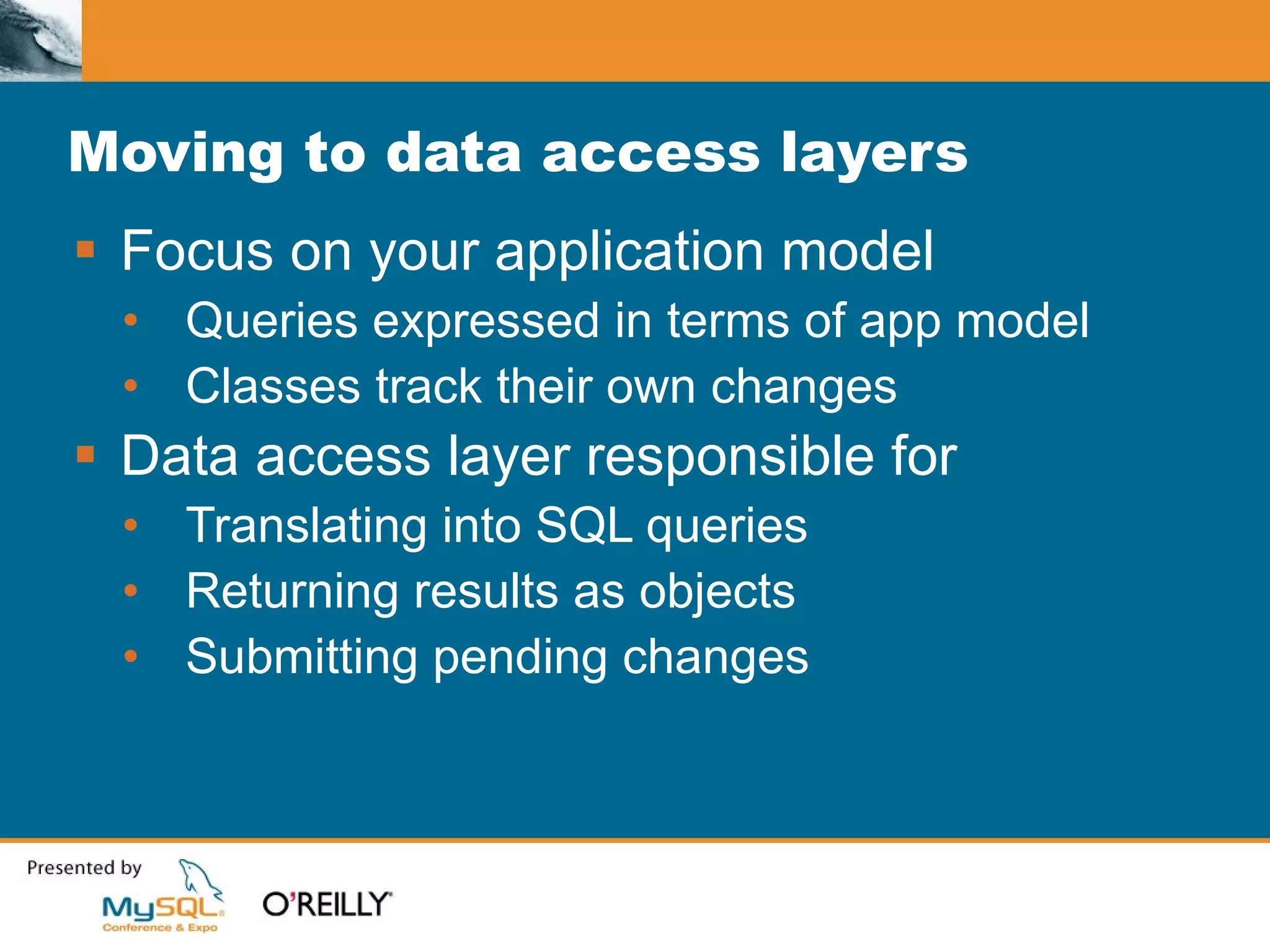
Moving to data access layers Focus on your application model Queries expressed in terms of app model Classes track their own changes Data access layer responsible for Translating into SQL queries Returning results as objects Submitting pending changes
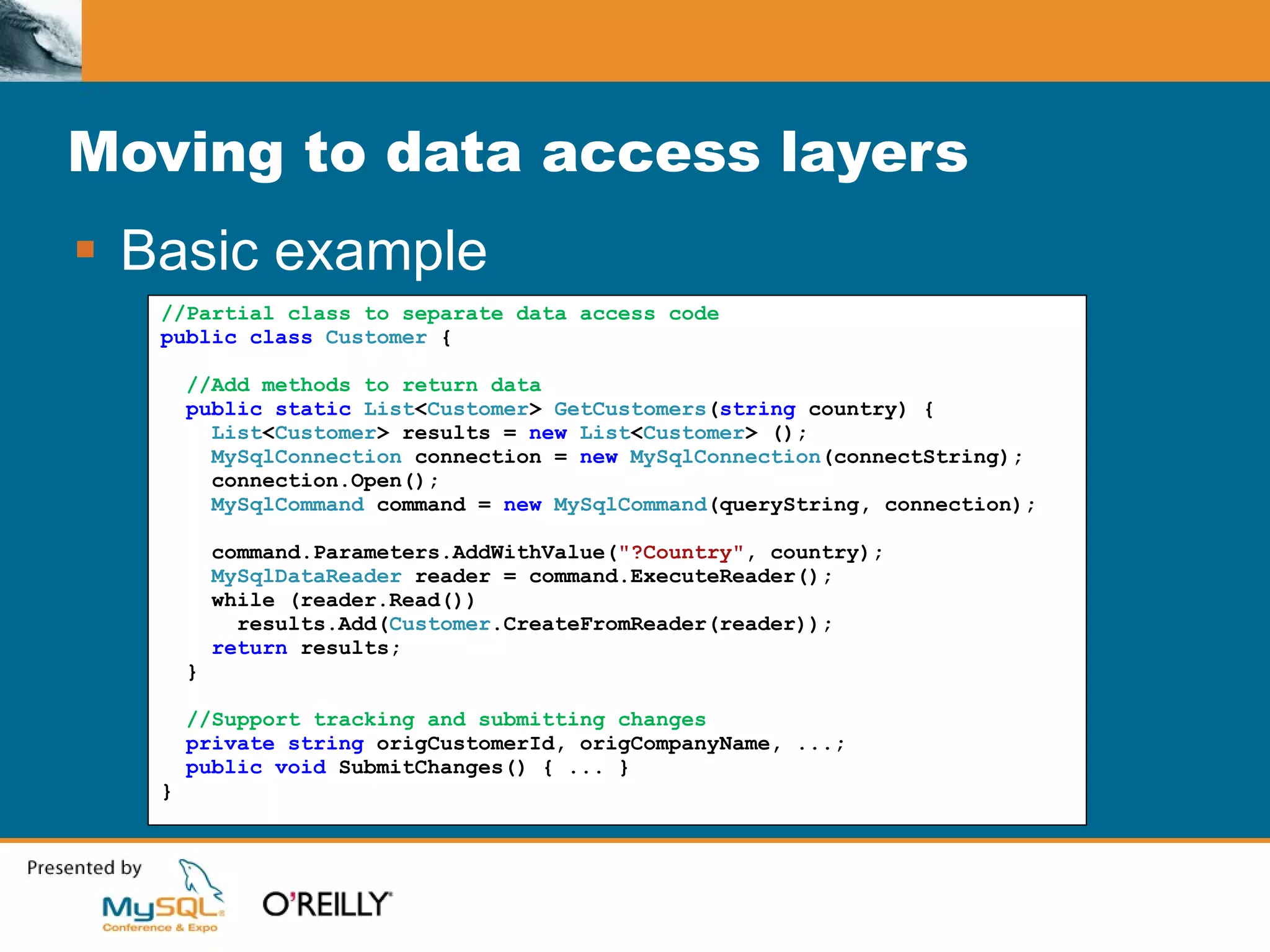
Moving to data access layers Basic example //Partial class to separate data access code public class  Customer  { //Add methods to return data public static  List < Customer >  GetCustomers ( string   country) { List < Customer > results =  new  List < Customer >   (); MySqlConnection  connection =  new  MySqlConnection (connectString); connection.Open(); MySqlCommand  command =  new  MySqlCommand (queryString, connection);  command.Parameters.AddWithValue( &quot;?Country&quot; , country); MySqlDataReader  reader = command.ExecuteReader(); while (reader.Read()) results.Add( Customer .CreateFromReader(reader)); return  results; } //Support tracking and submitting changes private string  origCustomerId, origCompanyName, ...; public void  SubmitChanges() { ... } }
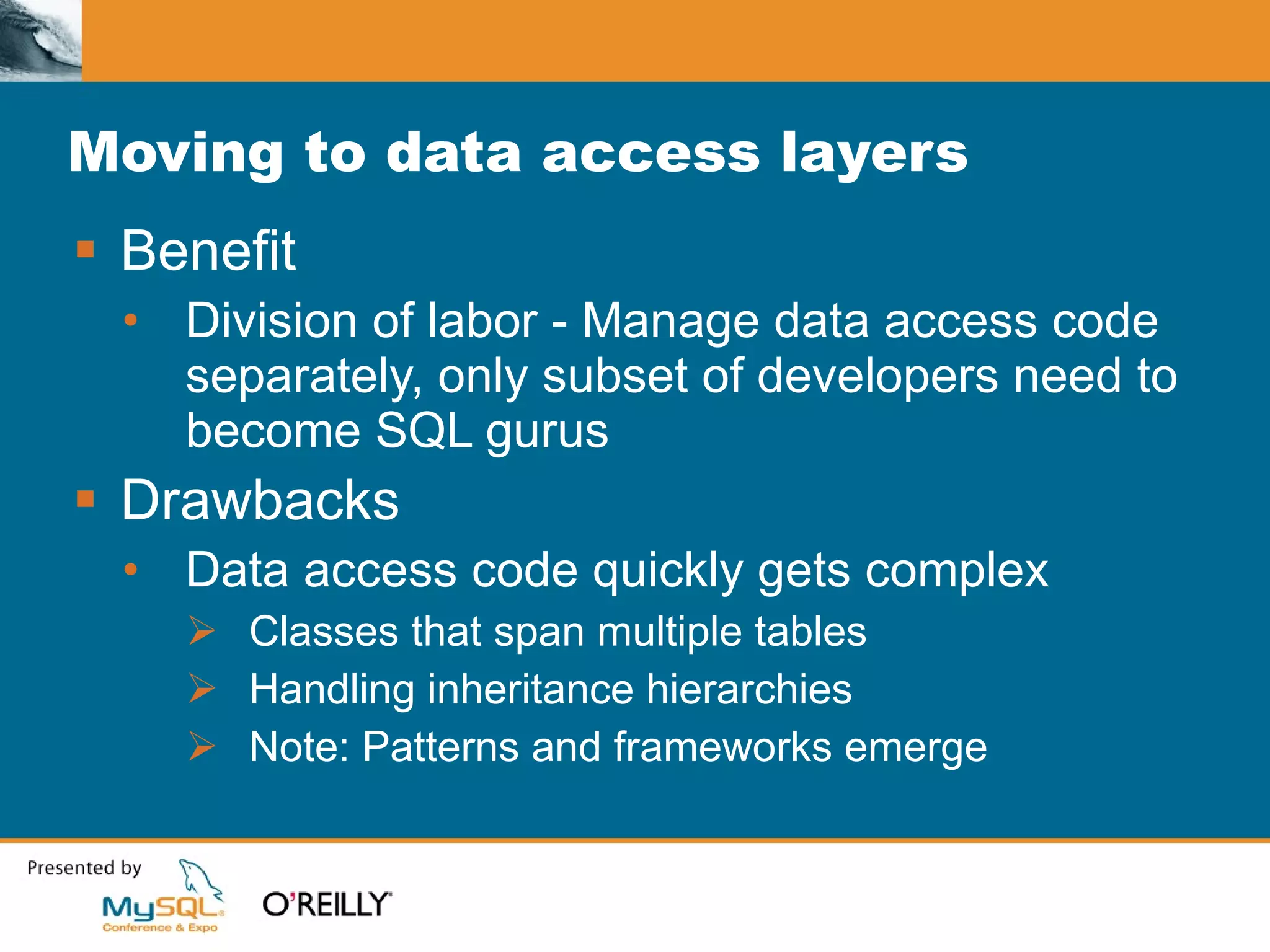
Moving to data access layers Benefit Division of labor - Manage data access code separately, only subset of developers need to become SQL gurus Drawbacks Data access code quickly gets complex Classes that span multiple tables Handling inheritance hierarchies Note: Patterns and frameworks emerge
Introducing LINQ What is LINQ? Stands for Language INtegrated Query Allows developers to query data structures using SQL-like syntax from within their application’s code Is available to both C# and Visual Basic developers in Visual Studio 2008
Introducing LINQ LINQ Example - Querying an array //Create an array of integers int [] myarray =  new   int [] { 49, 28, 20, 15, 25, 23, 24, 10, 7, 34 }; //Create a query for odd numbers var  oddNumbers =  from  i  in  myarray  where  i % 2 == 1 select  i; //Display the results of the query foreach  ( int  i  in  oddNumbers) Console .WriteLine(i); //Create a query for odd numbers, sorted var  oddNumbers =  from  i  in  myarray  where  i % 2 == 1 orderby  i select  i; //Create a query for odd numbers, sorted in descending order var  oddNumbers =  from  i  in  myarray  where  i % 2 == 1 orderby  i  descending  select  i; //Create a query for odd numbers var  oddNumbers =  from  i  in  myarray  where  i % 2 == 1  select  i; //Compose the original query to create a query for odd numbers var  sorted =  from  i  in  oddNumbers  orderby  i  descending select  i;
LINQ-enabled classes Collection classes extended Arrays, Hashtable, List<T>, etc.  LINQ to DataSet Extended for untyped and strongly typed LINQ to XML Data access technologies LINQ to SQL LINQ to Entities
Agenda From DataSets to data access layers Introducing LINQ Using LINQ to access your data The ADO.NET Entity Framework Introducing ADO.NET Data Services Summary
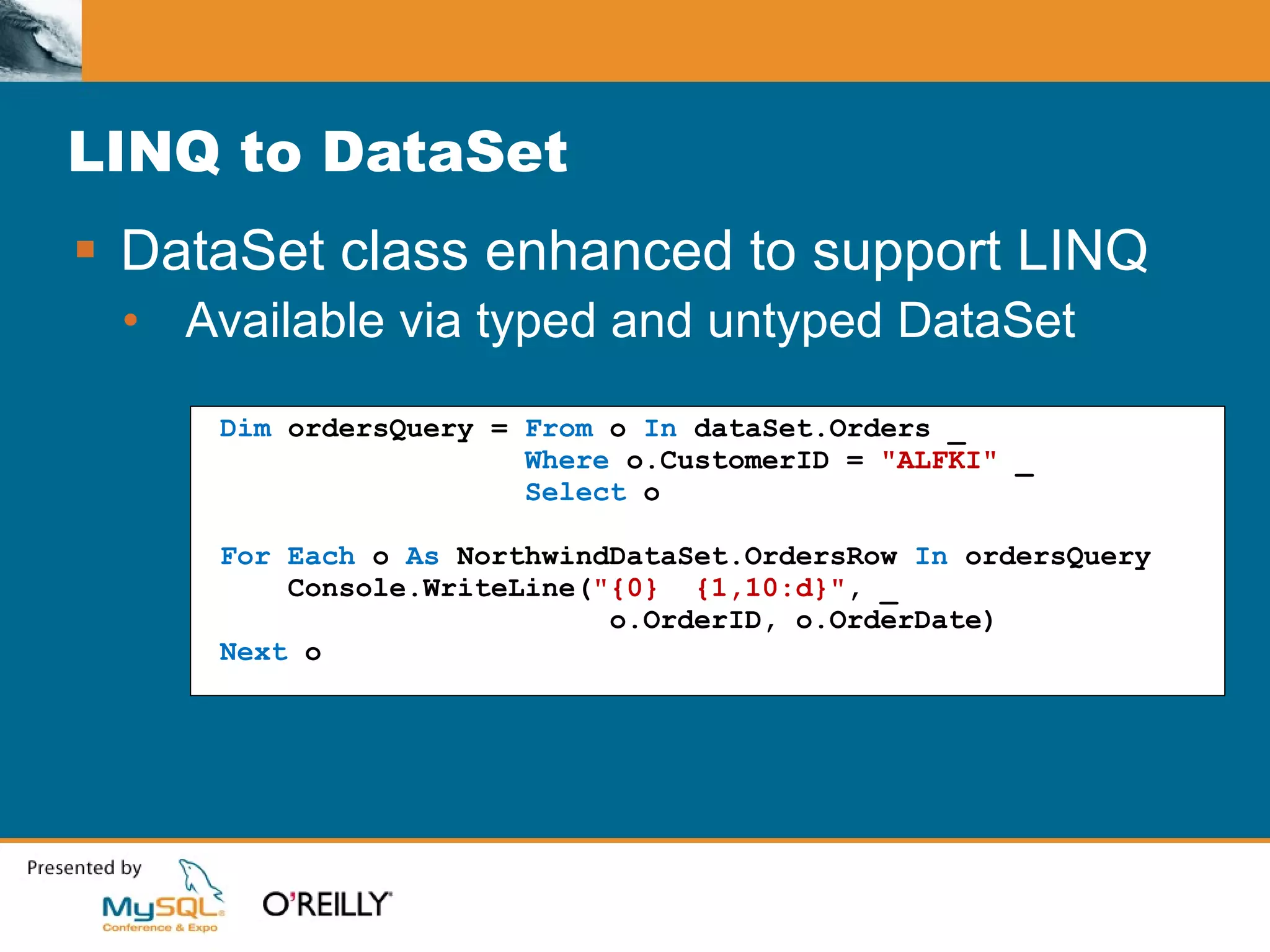
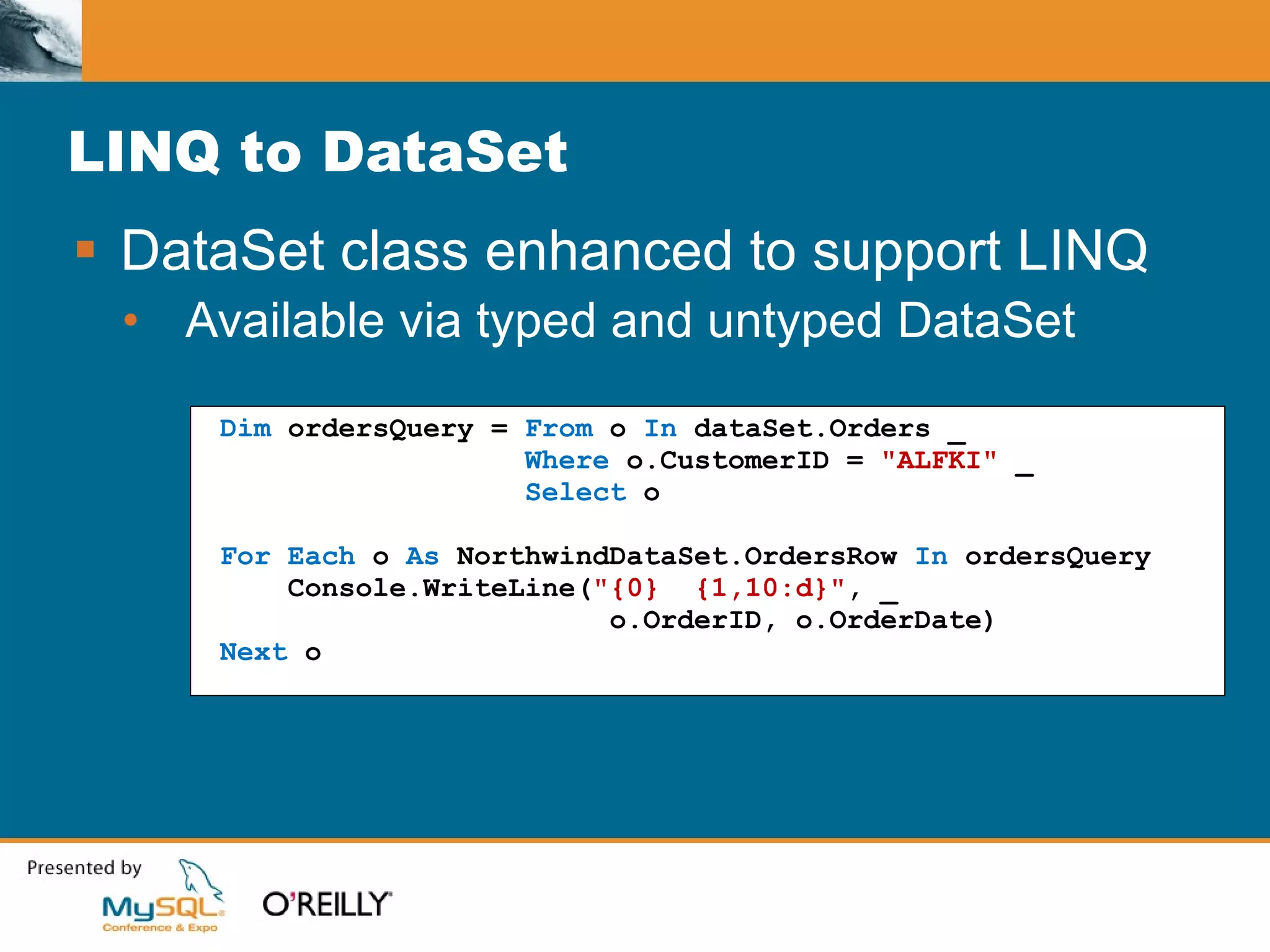
LINQ to DataSet DataSet class enhanced to support LINQ Available via typed and untyped DataSet Dim  ordersQuery =  From  o  In  dataSet.Orders _ Where  o.CustomerID =  &quot;ALFKI&quot;  _ Select  o For   Each  o  As  NorthwindDataSet.OrdersRow  In  ordersQuery Console.WriteLine( &quot;{0}  {1,10:d}&quot; , _ o.OrderID, o.OrderDate) Next  o
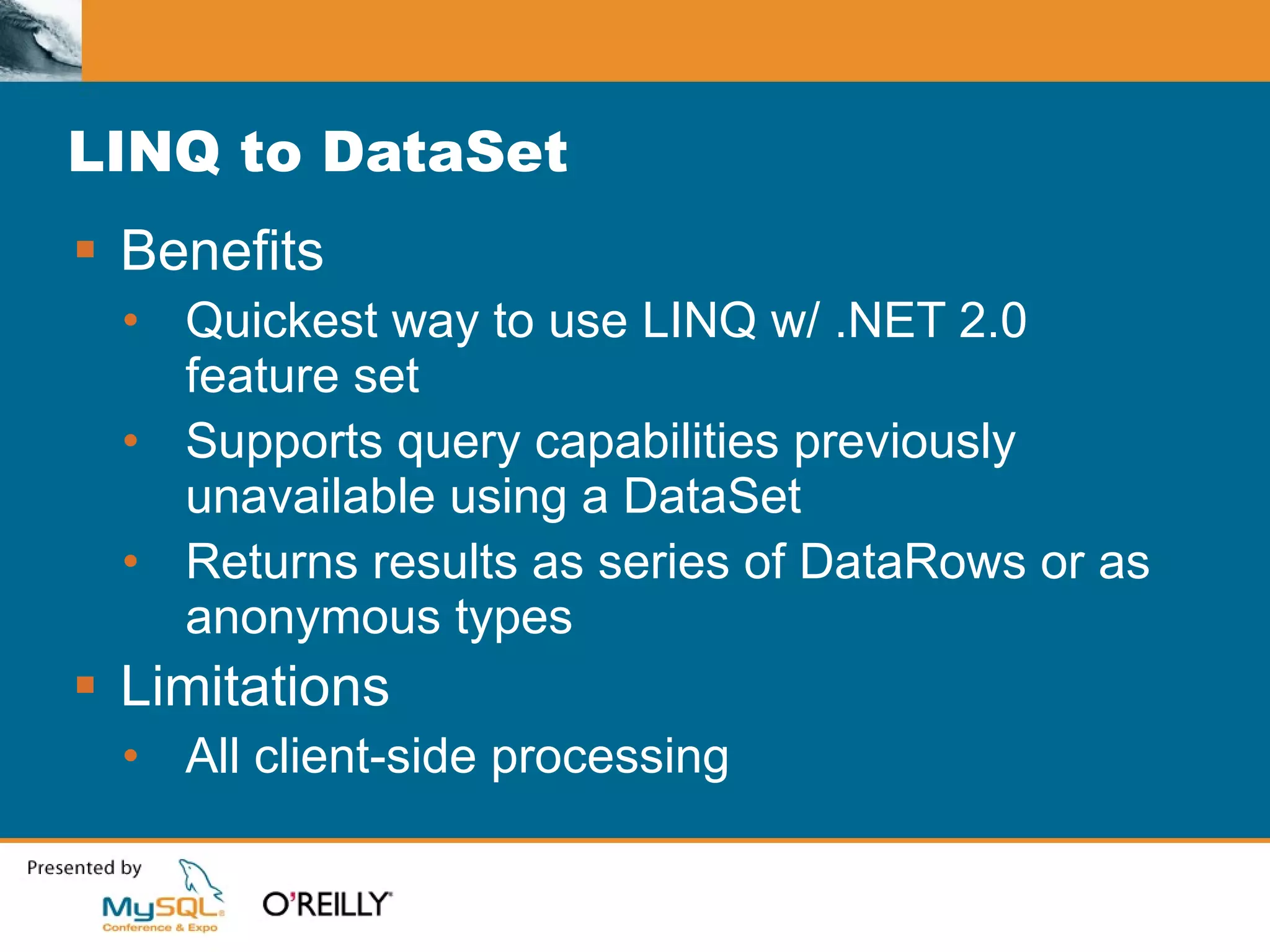
LINQ to DataSet Benefits Quickest way to use LINQ w/ .NET 2.0 feature set Supports query capabilities previously unavailable using a DataSet Returns results as series of DataRows or as anonymous types Limitations All client-side processing
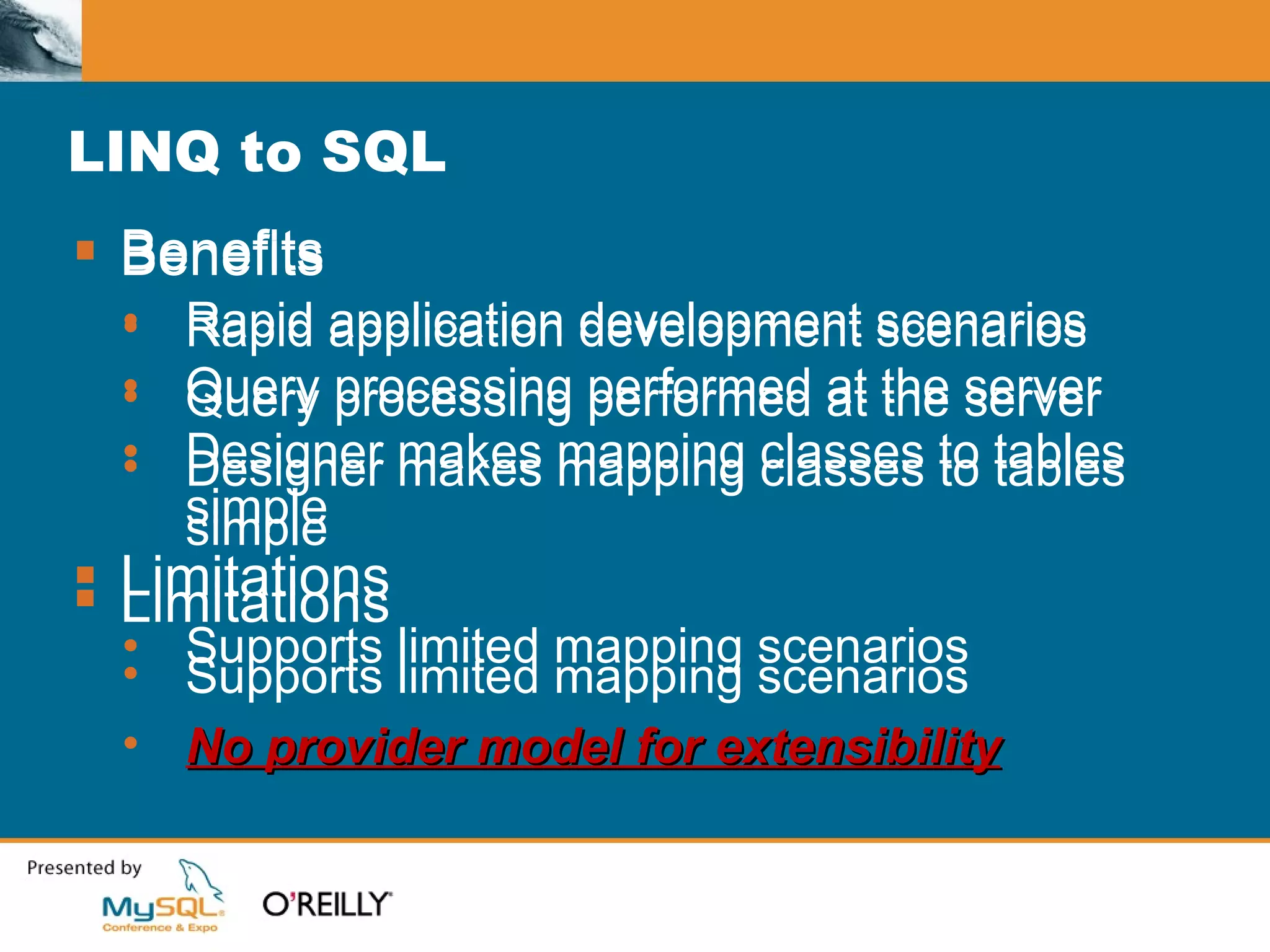
LINQ to SQL Benefits Rapid application development scenarios Query processing performed at the server Designer makes mapping classes to tables simple Limitations Supports limited mapping scenarios Benefits Rapid application development scenarios Query processing performed at the server Designer makes mapping classes to tables simple Limitations Supports limited mapping scenarios No provider model for extensibility
Agenda From DataSets to data access layers Introducing LINQ Using LINQ to access your data The ADO.NET Entity Framework Introducing ADO.NET Data Services Summary
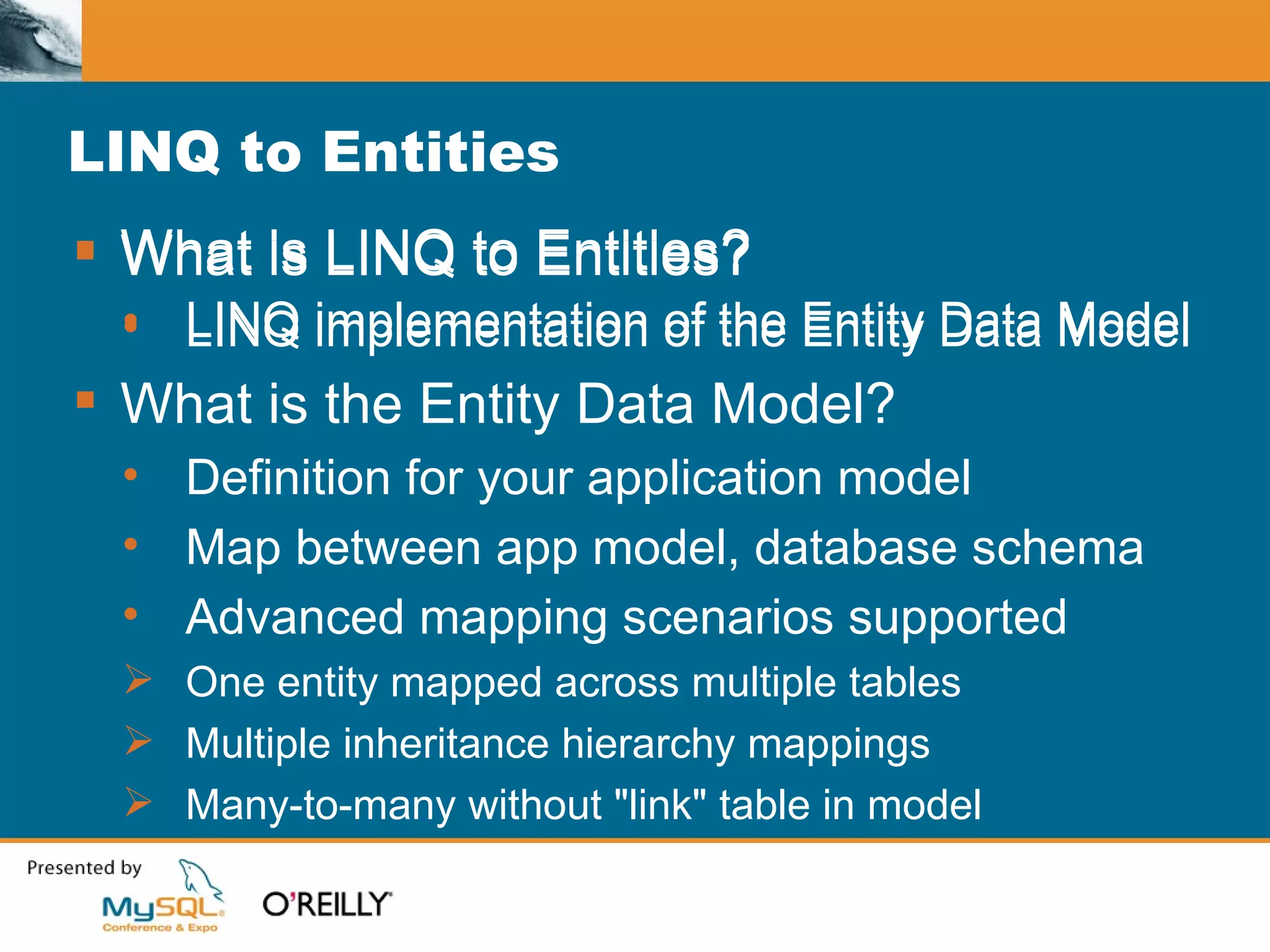
What is LINQ to Entities? LINQ implementation of the Entity Data Model LINQ to Entities What is LINQ to Entities? LINQ implementation of the Entity Data Model What is the Entity Data Model? Definition for your application model Map between app model, database schema Advanced mapping scenarios supported One entity mapped across multiple tables Multiple inheritance hierarchy mappings Many-to-many without &quot;link&quot; table in model
LINQ to DataSet DataSet class enhanced to support LINQ Available via typed and untyped DataSet Dim  ordersQuery =  From  o  In  dataSet.Orders _ Where  o.CustomerID =  &quot;ALFKI&quot;  _ Select  o For   Each  o  As  NorthwindDataSet.OrdersRow  In  ordersQuery Console.WriteLine( &quot;{0}  {1,10:d}&quot; , _ o.OrderID, o.OrderDate) Next  o
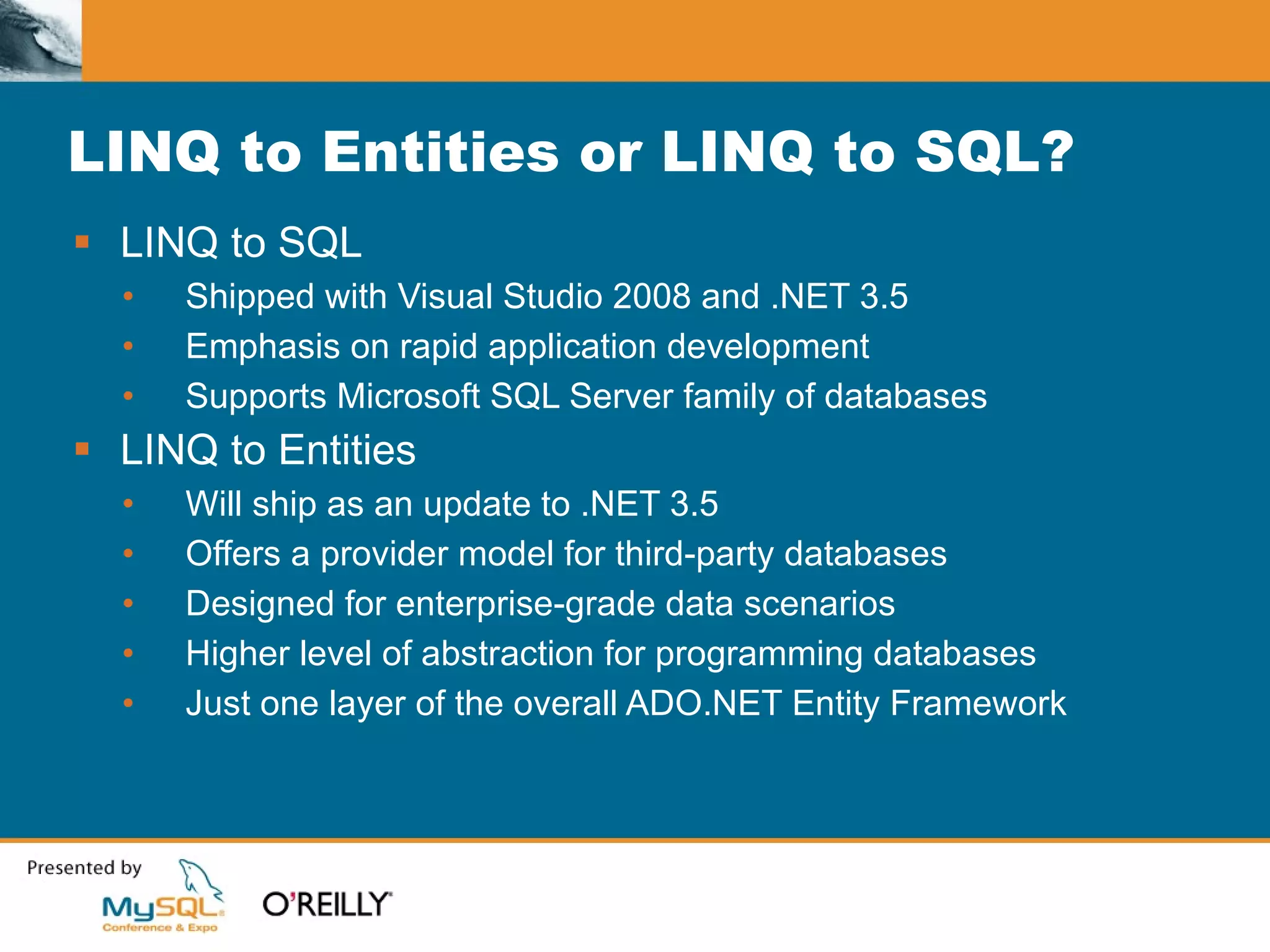
LINQ to Entities or LINQ to SQL? LINQ to SQL Shipped with Visual Studio 2008 and .NET 3.5 Emphasis on rapid application development Supports Microsoft SQL Server family of databases LINQ to Entities Will ship as an update to .NET 3.5 Offers a provider model for third-party databases Designed for enterprise-grade data scenarios Higher level of abstraction for programming databases Just one layer of the overall ADO.NET Entity Framework
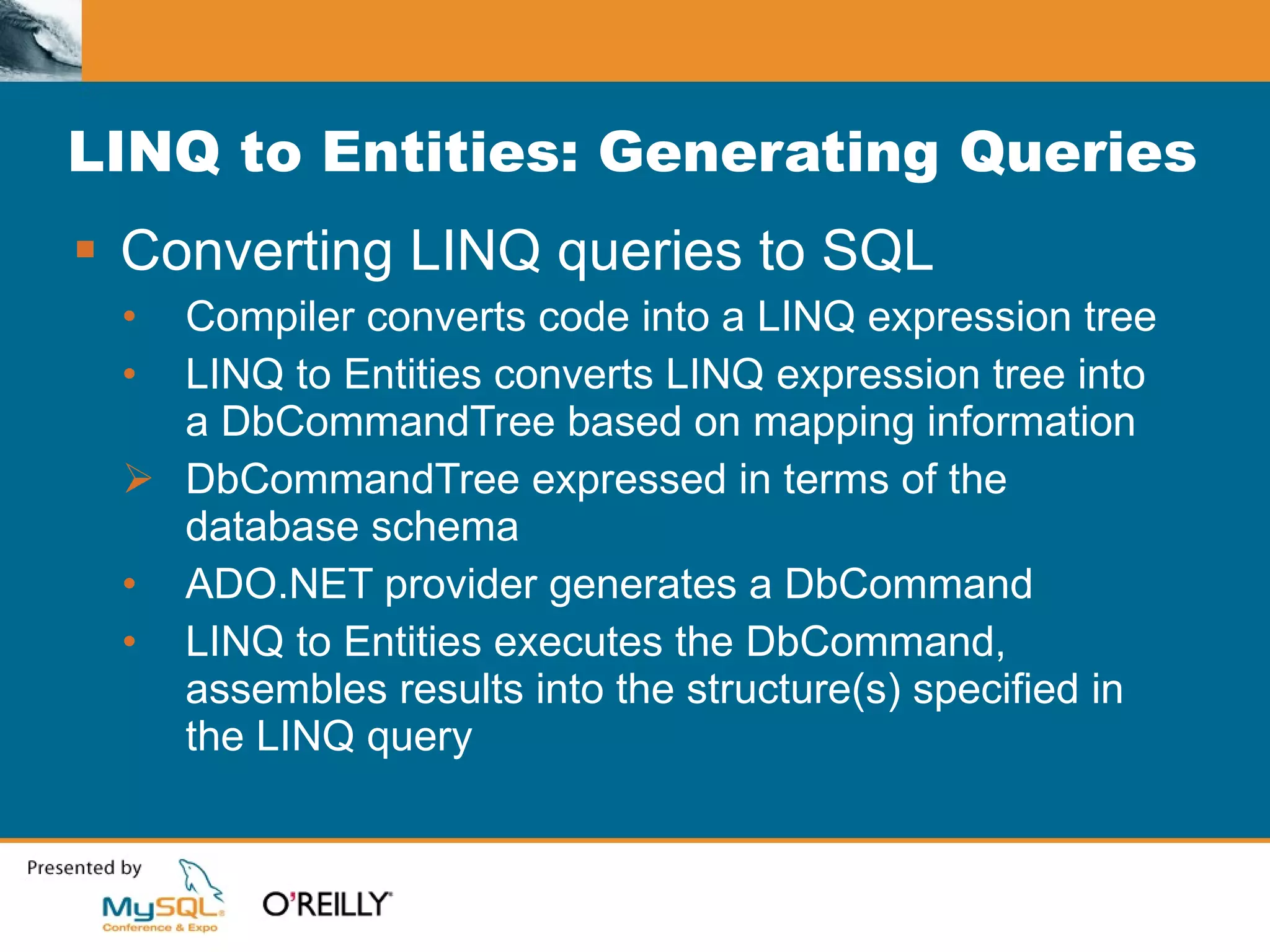
LINQ to Entities: Generating Queries Converting LINQ queries to SQL Compiler converts code into a LINQ expression tree LINQ to Entities converts LINQ expression tree into a DbCommandTree based on mapping information DbCommandTree expressed in terms of the database schema ADO.NET provider generates a DbCommand LINQ to Entities executes the DbCommand, assembles results into the structure(s) specified in the LINQ query
Agenda From DataSets to data access layers Introducing LINQ Using LINQ to access your data The ADO.NET Entity Framework Introducing ADO.NET Data Services Summary
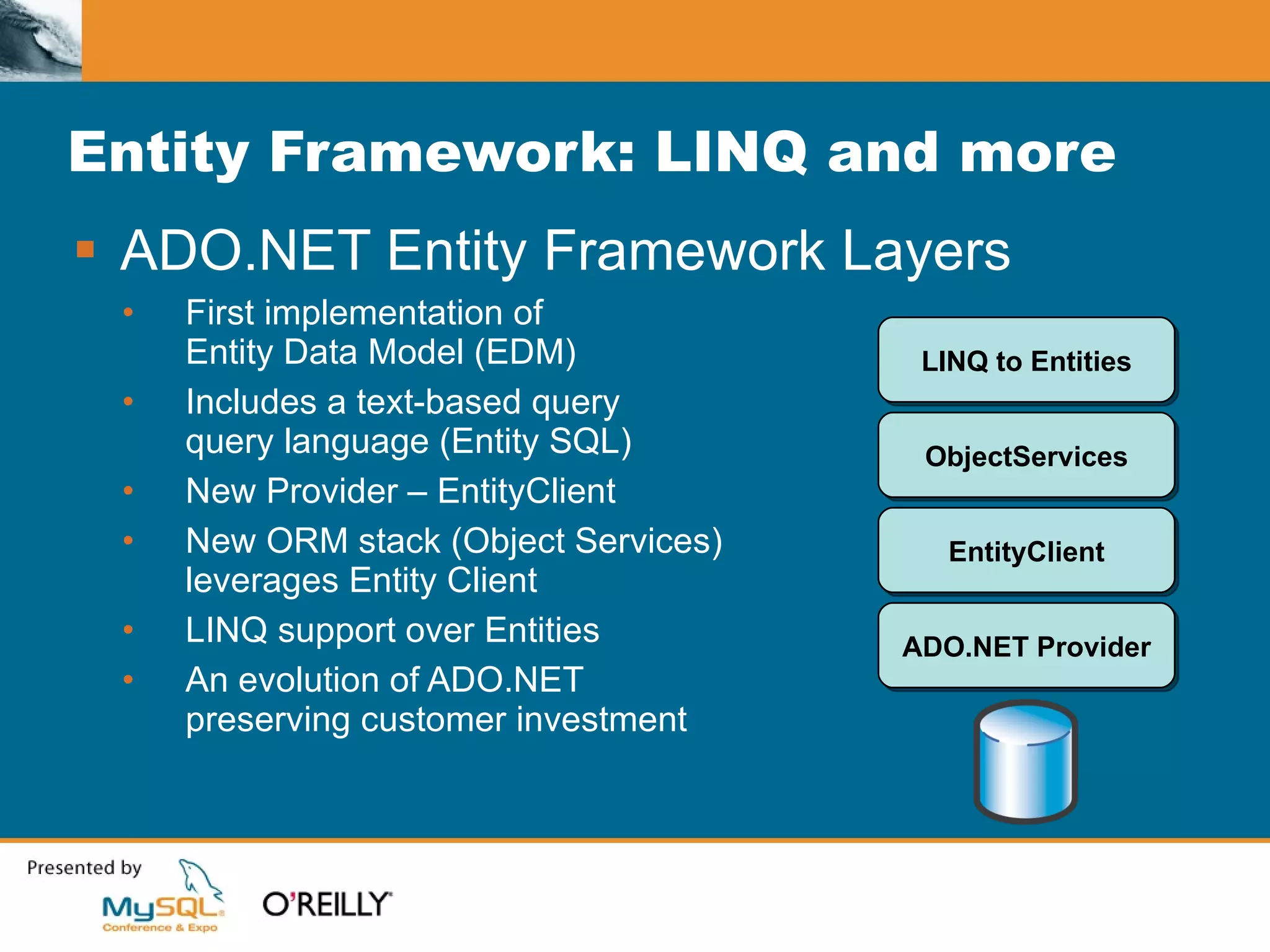
Entity Framework: LINQ and more ADO.NET Entity Framework Layers First implementation of  Entity Data Model (EDM) Includes a text-based query query language (Entity SQL) New Provider – EntityClient New ORM stack (Object Services)  leverages Entity Client LINQ support over Entities An evolution of ADO.NET  preserving customer investment ADO.NET Provider EntityClient ObjectServices LINQ to Entities
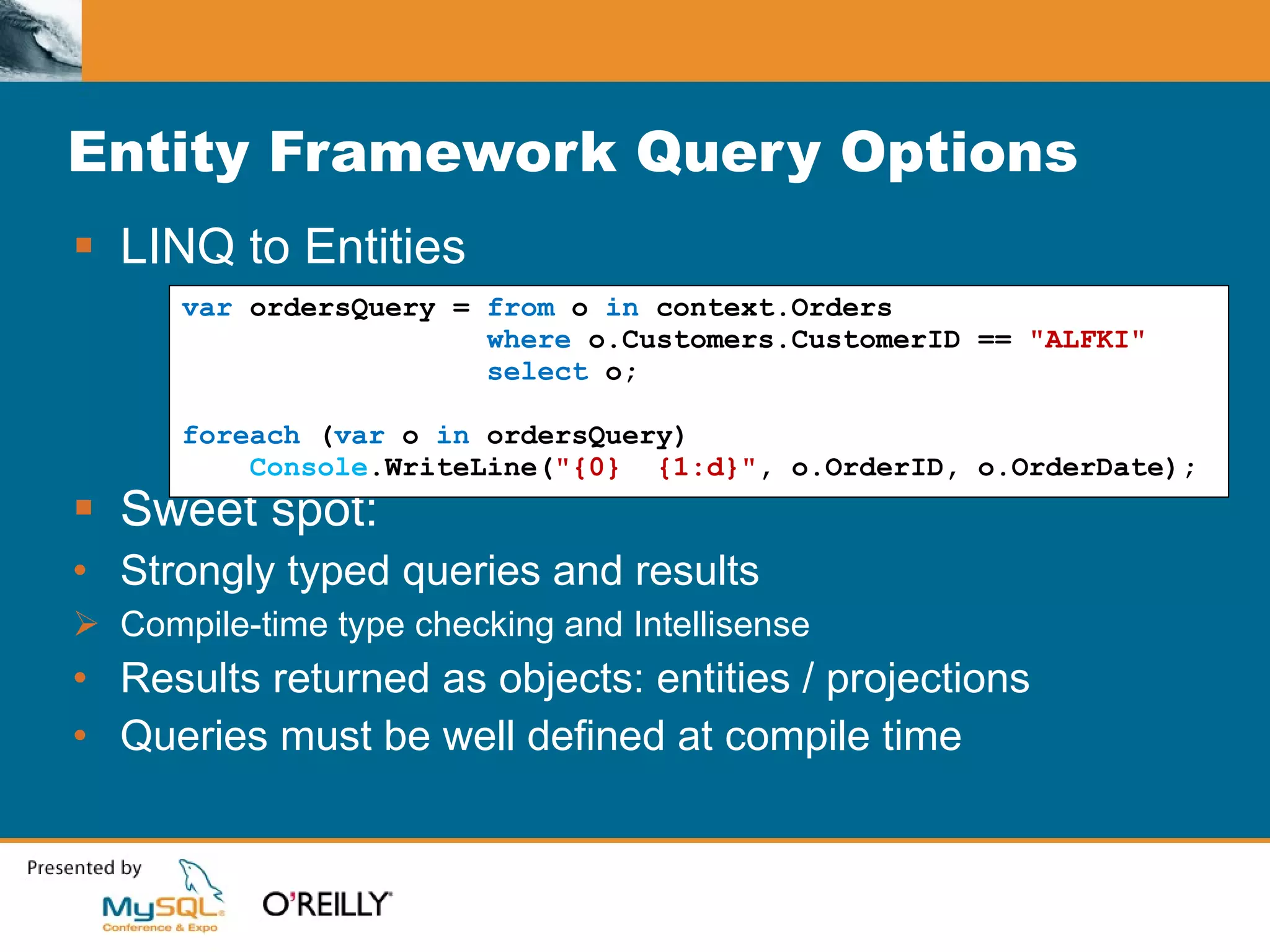
Entity Framework Query Options LINQ to Entities Sweet spot: Strongly typed queries and results Compile-time type checking and Intellisense Results returned as objects: entities / projections Queries must be well defined at compile time var  ordersQuery =  from  o  in  context.Orders where  o.Customers.CustomerID ==  &quot;ALFKI&quot; select  o; foreach  ( var  o  in  ordersQuery) Console .WriteLine( &quot;{0}  {1:d}&quot; , o.OrderID, o.OrderDate);
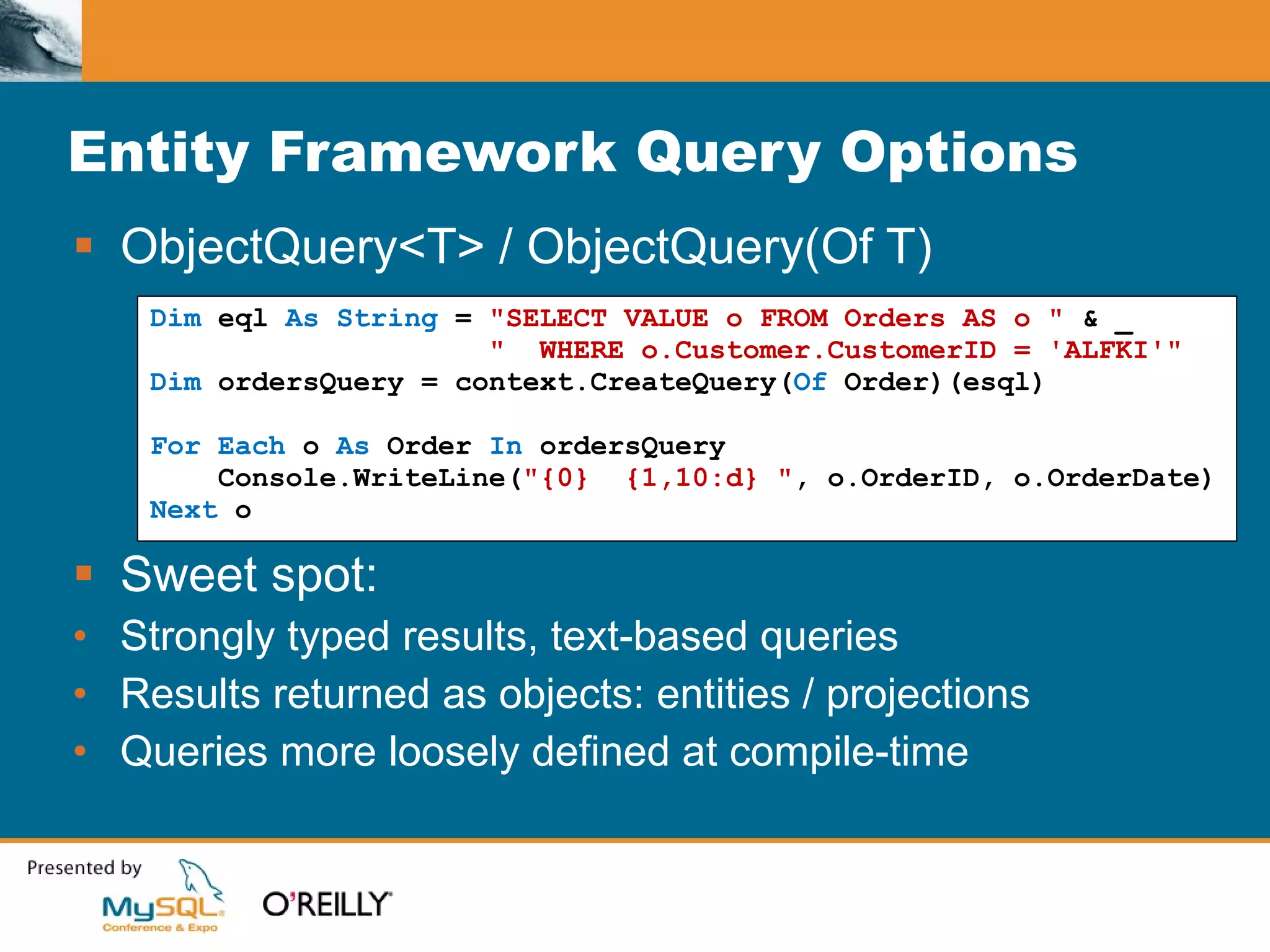
Entity Framework Query Options ObjectQuery<T> / ObjectQuery(Of T) Sweet spot: Strongly typed results, text-based queries Results returned as objects: entities / projections Queries more loosely defined at compile-time Dim  eql  As String  =  &quot;SELECT VALUE o FROM Orders AS o &quot;  & _ &quot;  WHERE o.Customer.CustomerID = 'ALFKI'&quot; Dim  ordersQuery = context.CreateQuery( Of  Order)(esql) For Each  o  As  Order  In  ordersQuery Console.WriteLine( &quot;{0}  {1,10:d} &quot; , o.OrderID, o.OrderDate) Next  o
Entity Framework Query Options EntityClient Provider Sweet spot: Untyped queries and results Results returned as DataReaders Queries can be generated purely at run time No application model classes needed at compile time string  eSql =  &quot;SELECT VALUE o FROM NorthwindEntities.Orders AS o &quot;  + &quot;WHERE o.Customers.CustomerID = 'ALFKI'&quot; ; EntityCommand  cmd =  new   EntityCommand (eSql, connectionString); EntityDataReader  rdr = cmd.ExecuteReader(); while  (rdr.Read()) Console .WriteLine( &quot;{0} {1:d}&quot; , rdr[ &quot;OrderID&quot; ], rdr[ &quot;OrderDate&quot; ]);
Agenda From DataSets to data access layers Introducing LINQ Using LINQ to access your data The ADO.NET Entity Framework Introducing ADO.NET Data Services Summary
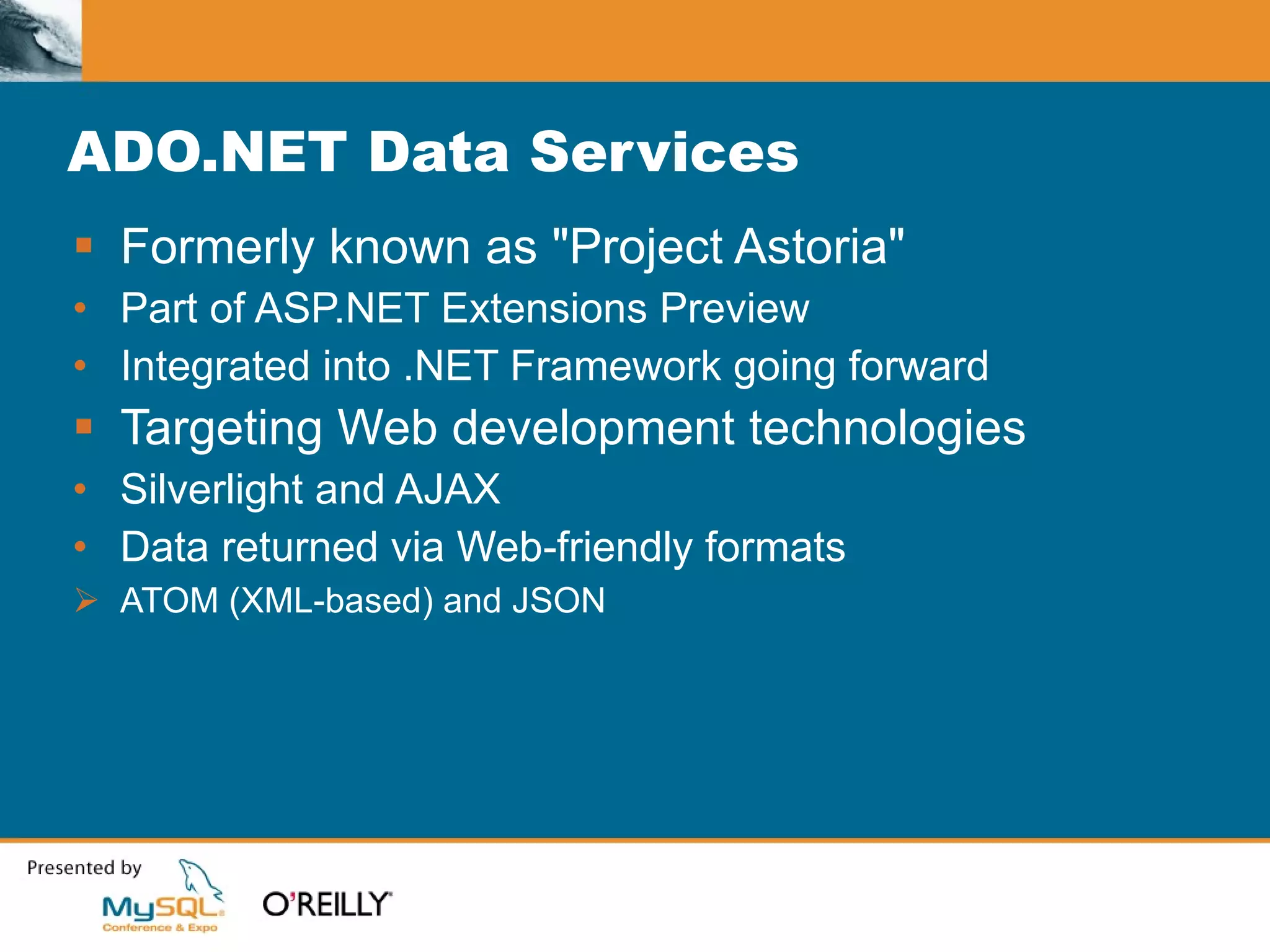
ADO.NET Data Services Formerly known as &quot;Project Astoria&quot; Part of ASP.NET Extensions Preview Integrated into .NET Framework going forward Targeting Web development technologies Silverlight and AJAX Data returned via Web-friendly formats ATOM (XML-based) and JSON
ADO.NET Data Services Service exposed via lightweight data access API Supply both location and query as a URI: http://myserver/data.svc/Customers[ALFKI]/Orders Query converted to LINQ inside of service Supports submitting changes Specialized Entity Framework logic for submitting changes Online data hosting service available For more information: http://astoria.mslivelabs.com
Agenda From DataSets to data access layers Introducing LINQ Using LINQ to access your data The ADO.NET Entity Framework Introducing ADO.NET Data Services Summary
Summary - LINQ Represents a revolution for developers Query your objects using SQL-like syntax LINQ to DataSet Rich query scenarios for data residing in a DataSet LINQ to Entities Provider model for working with other data stores Supports enterprise mapping scenarios
Summary - ADO.NET Entity Framework More than just LINQ to Entities Also supports text-based query language – ESQL ObjectQuery<T> for strongly typed results EntityClient for reader-based results Enterprise-grade data scenarios Provider model for working with other data stores
Summary - ADO.NET Data Services Designed for Silverlight, AJAX environments Lightweight API, connect and query via URI Retrieve results via familiar formats ATOM JSON
Questions?

B_110500002

  • 1.
    MySQL, LINQ andthe ADO.NET Entity Framework Reggie Burnett, MySQL David Sceppa, Microsoft
  • 2.
    Agenda From DataSetsto data access layers Introducing LINQ Using LINQ to access your data The ADO.NET Entity Framework Introducing ADO.NET Data Services Summary
  • 3.
    Working with DataSetsBasic example //Execute a query, retrieve and store the results connectionString = &quot;Data Source=localhost;User ID=...;&quot; ; commandText = &quot;SELECT CompanyName, City FROM Customers &quot; + &quot;WHERE Country = ?Country&quot; ; adapter = new MySqlDataAdapter (commandText, connectionString); adapter.SelectCommand.Parameters.AddWithValue( &quot;?Country&quot;, &quot;Brazil&quot;); table = new DataTable (); adapter.Fill(table); //Display the results DataGridView resultsGrid = new DataGridView (); resultsGrid.DataSource = table; //Submit pending changes commandBuilder = new MySqlCommandBuilder (adapter); adapter.Update(table);
  • 4.
    Working with DataSetsBenefit Rapid development - Designers, wizards, bound controls make it easy to write code and generate user interface Drawbacks Developers must become SQL experts to build advanced queries Code becomes more complex when app model and database schema diverge
  • 5.
    Moving to dataaccess layers Focus on your application model Queries expressed in terms of app model Classes track their own changes Data access layer responsible for Translating into SQL queries Returning results as objects Submitting pending changes
  • 6.
    Moving to dataaccess layers Basic example //Partial class to separate data access code public class Customer { //Add methods to return data public static List < Customer > GetCustomers ( string country) { List < Customer > results = new List < Customer > (); MySqlConnection connection = new MySqlConnection (connectString); connection.Open(); MySqlCommand command = new MySqlCommand (queryString, connection); command.Parameters.AddWithValue( &quot;?Country&quot; , country); MySqlDataReader reader = command.ExecuteReader(); while (reader.Read()) results.Add( Customer .CreateFromReader(reader)); return results; } //Support tracking and submitting changes private string origCustomerId, origCompanyName, ...; public void SubmitChanges() { ... } }
  • 7.
    Moving to dataaccess layers Benefit Division of labor - Manage data access code separately, only subset of developers need to become SQL gurus Drawbacks Data access code quickly gets complex Classes that span multiple tables Handling inheritance hierarchies Note: Patterns and frameworks emerge
  • 8.
    Introducing LINQ Whatis LINQ? Stands for Language INtegrated Query Allows developers to query data structures using SQL-like syntax from within their application’s code Is available to both C# and Visual Basic developers in Visual Studio 2008
  • 9.
    Introducing LINQ LINQExample - Querying an array //Create an array of integers int [] myarray = new int [] { 49, 28, 20, 15, 25, 23, 24, 10, 7, 34 }; //Create a query for odd numbers var oddNumbers = from i in myarray where i % 2 == 1 select i; //Display the results of the query foreach ( int i in oddNumbers) Console .WriteLine(i); //Create a query for odd numbers, sorted var oddNumbers = from i in myarray where i % 2 == 1 orderby i select i; //Create a query for odd numbers, sorted in descending order var oddNumbers = from i in myarray where i % 2 == 1 orderby i descending select i; //Create a query for odd numbers var oddNumbers = from i in myarray where i % 2 == 1 select i; //Compose the original query to create a query for odd numbers var sorted = from i in oddNumbers orderby i descending select i;
  • 10.
    LINQ-enabled classes Collectionclasses extended Arrays, Hashtable, List<T>, etc. LINQ to DataSet Extended for untyped and strongly typed LINQ to XML Data access technologies LINQ to SQL LINQ to Entities
  • 11.
    Agenda From DataSetsto data access layers Introducing LINQ Using LINQ to access your data The ADO.NET Entity Framework Introducing ADO.NET Data Services Summary
  • 12.
    LINQ to DataSetDataSet class enhanced to support LINQ Available via typed and untyped DataSet Dim ordersQuery = From o In dataSet.Orders _ Where o.CustomerID = &quot;ALFKI&quot; _ Select o For Each o As NorthwindDataSet.OrdersRow In ordersQuery Console.WriteLine( &quot;{0} {1,10:d}&quot; , _ o.OrderID, o.OrderDate) Next o
  • 13.
    LINQ to DataSetBenefits Quickest way to use LINQ w/ .NET 2.0 feature set Supports query capabilities previously unavailable using a DataSet Returns results as series of DataRows or as anonymous types Limitations All client-side processing
  • 14.
    LINQ to SQLBenefits Rapid application development scenarios Query processing performed at the server Designer makes mapping classes to tables simple Limitations Supports limited mapping scenarios Benefits Rapid application development scenarios Query processing performed at the server Designer makes mapping classes to tables simple Limitations Supports limited mapping scenarios No provider model for extensibility
  • 15.
    Agenda From DataSetsto data access layers Introducing LINQ Using LINQ to access your data The ADO.NET Entity Framework Introducing ADO.NET Data Services Summary
  • 16.
    What is LINQto Entities? LINQ implementation of the Entity Data Model LINQ to Entities What is LINQ to Entities? LINQ implementation of the Entity Data Model What is the Entity Data Model? Definition for your application model Map between app model, database schema Advanced mapping scenarios supported One entity mapped across multiple tables Multiple inheritance hierarchy mappings Many-to-many without &quot;link&quot; table in model
  • 17.
    LINQ to DataSetDataSet class enhanced to support LINQ Available via typed and untyped DataSet Dim ordersQuery = From o In dataSet.Orders _ Where o.CustomerID = &quot;ALFKI&quot; _ Select o For Each o As NorthwindDataSet.OrdersRow In ordersQuery Console.WriteLine( &quot;{0} {1,10:d}&quot; , _ o.OrderID, o.OrderDate) Next o
  • 18.
    LINQ to Entitiesor LINQ to SQL? LINQ to SQL Shipped with Visual Studio 2008 and .NET 3.5 Emphasis on rapid application development Supports Microsoft SQL Server family of databases LINQ to Entities Will ship as an update to .NET 3.5 Offers a provider model for third-party databases Designed for enterprise-grade data scenarios Higher level of abstraction for programming databases Just one layer of the overall ADO.NET Entity Framework
  • 19.
    LINQ to Entities:Generating Queries Converting LINQ queries to SQL Compiler converts code into a LINQ expression tree LINQ to Entities converts LINQ expression tree into a DbCommandTree based on mapping information DbCommandTree expressed in terms of the database schema ADO.NET provider generates a DbCommand LINQ to Entities executes the DbCommand, assembles results into the structure(s) specified in the LINQ query
  • 20.
    Agenda From DataSetsto data access layers Introducing LINQ Using LINQ to access your data The ADO.NET Entity Framework Introducing ADO.NET Data Services Summary
  • 21.
    Entity Framework: LINQand more ADO.NET Entity Framework Layers First implementation of Entity Data Model (EDM) Includes a text-based query query language (Entity SQL) New Provider – EntityClient New ORM stack (Object Services) leverages Entity Client LINQ support over Entities An evolution of ADO.NET preserving customer investment ADO.NET Provider EntityClient ObjectServices LINQ to Entities
  • 22.
    Entity Framework QueryOptions LINQ to Entities Sweet spot: Strongly typed queries and results Compile-time type checking and Intellisense Results returned as objects: entities / projections Queries must be well defined at compile time var ordersQuery = from o in context.Orders where o.Customers.CustomerID == &quot;ALFKI&quot; select o; foreach ( var o in ordersQuery) Console .WriteLine( &quot;{0} {1:d}&quot; , o.OrderID, o.OrderDate);
  • 23.
    Entity Framework QueryOptions ObjectQuery<T> / ObjectQuery(Of T) Sweet spot: Strongly typed results, text-based queries Results returned as objects: entities / projections Queries more loosely defined at compile-time Dim eql As String = &quot;SELECT VALUE o FROM Orders AS o &quot; & _ &quot; WHERE o.Customer.CustomerID = 'ALFKI'&quot; Dim ordersQuery = context.CreateQuery( Of Order)(esql) For Each o As Order In ordersQuery Console.WriteLine( &quot;{0} {1,10:d} &quot; , o.OrderID, o.OrderDate) Next o
  • 24.
    Entity Framework QueryOptions EntityClient Provider Sweet spot: Untyped queries and results Results returned as DataReaders Queries can be generated purely at run time No application model classes needed at compile time string eSql = &quot;SELECT VALUE o FROM NorthwindEntities.Orders AS o &quot; + &quot;WHERE o.Customers.CustomerID = 'ALFKI'&quot; ; EntityCommand cmd = new EntityCommand (eSql, connectionString); EntityDataReader rdr = cmd.ExecuteReader(); while (rdr.Read()) Console .WriteLine( &quot;{0} {1:d}&quot; , rdr[ &quot;OrderID&quot; ], rdr[ &quot;OrderDate&quot; ]);
  • 25.
    Agenda From DataSetsto data access layers Introducing LINQ Using LINQ to access your data The ADO.NET Entity Framework Introducing ADO.NET Data Services Summary
  • 26.
    ADO.NET Data ServicesFormerly known as &quot;Project Astoria&quot; Part of ASP.NET Extensions Preview Integrated into .NET Framework going forward Targeting Web development technologies Silverlight and AJAX Data returned via Web-friendly formats ATOM (XML-based) and JSON
  • 27.
    ADO.NET Data ServicesService exposed via lightweight data access API Supply both location and query as a URI: http://myserver/data.svc/Customers[ALFKI]/Orders Query converted to LINQ inside of service Supports submitting changes Specialized Entity Framework logic for submitting changes Online data hosting service available For more information: http://astoria.mslivelabs.com
  • 28.
    Agenda From DataSetsto data access layers Introducing LINQ Using LINQ to access your data The ADO.NET Entity Framework Introducing ADO.NET Data Services Summary
  • 29.
    Summary - LINQRepresents a revolution for developers Query your objects using SQL-like syntax LINQ to DataSet Rich query scenarios for data residing in a DataSet LINQ to Entities Provider model for working with other data stores Supports enterprise mapping scenarios
  • 30.
    Summary - ADO.NETEntity Framework More than just LINQ to Entities Also supports text-based query language – ESQL ObjectQuery<T> for strongly typed results EntityClient for reader-based results Enterprise-grade data scenarios Provider model for working with other data stores
  • 31.
    Summary - ADO.NETData Services Designed for Silverlight, AJAX environments Lightweight API, connect and query via URI Retrieve results via familiar formats ATOM JSON
  • 32.