Dojo – from web page to web application Yoav Rubin, IBM Research – Haifa, yoav@il.ibm.com
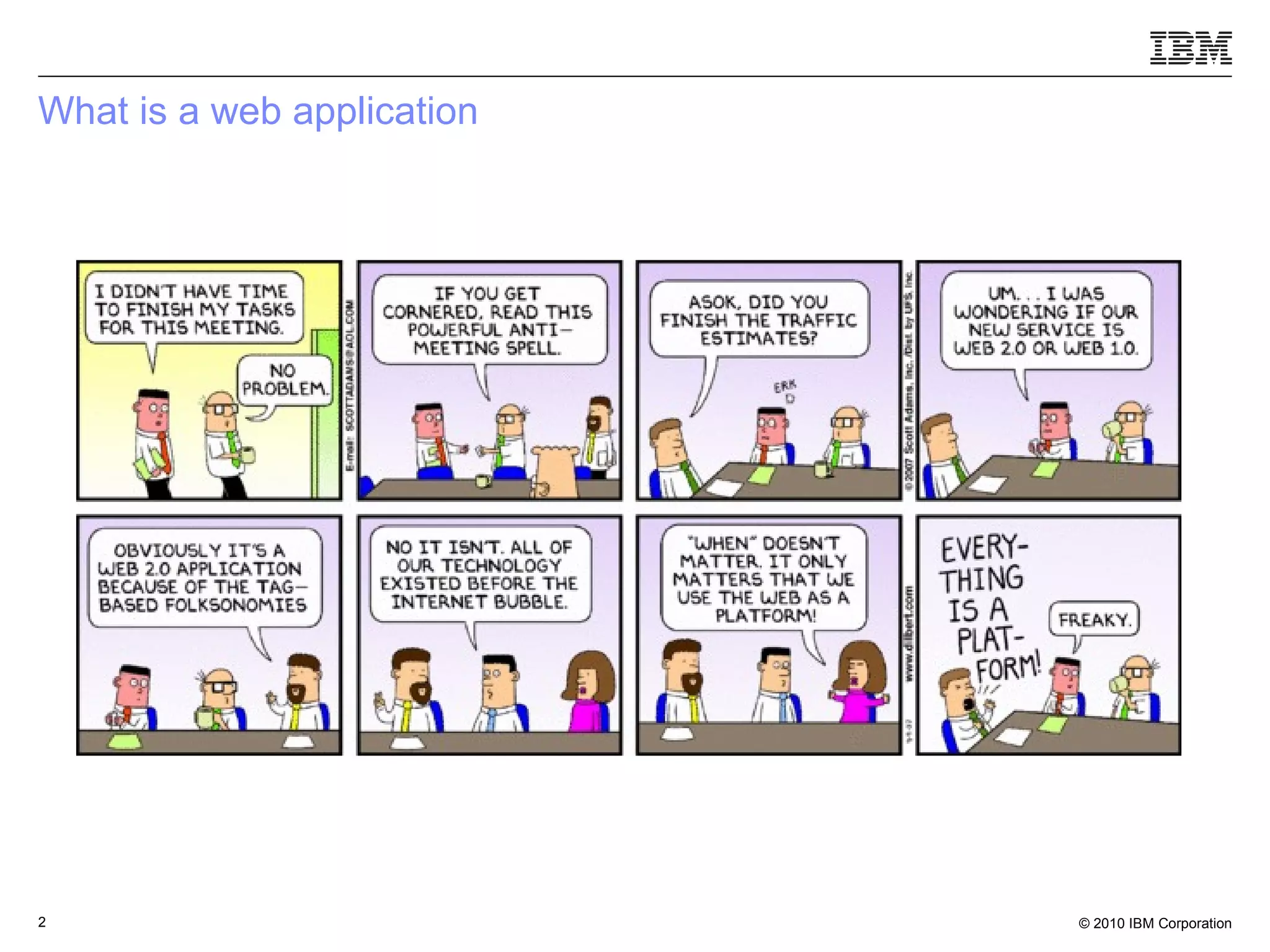
What is a web application
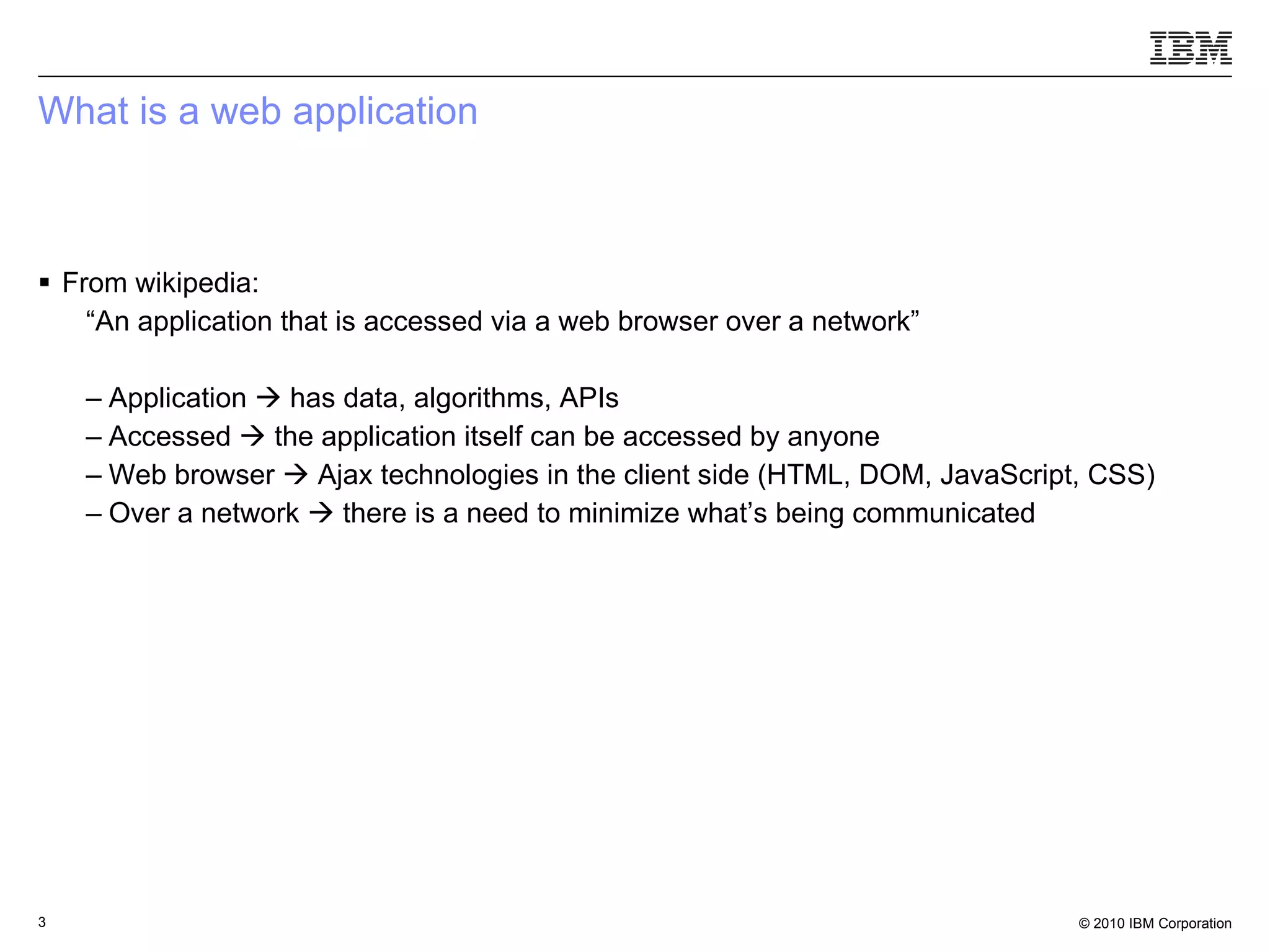
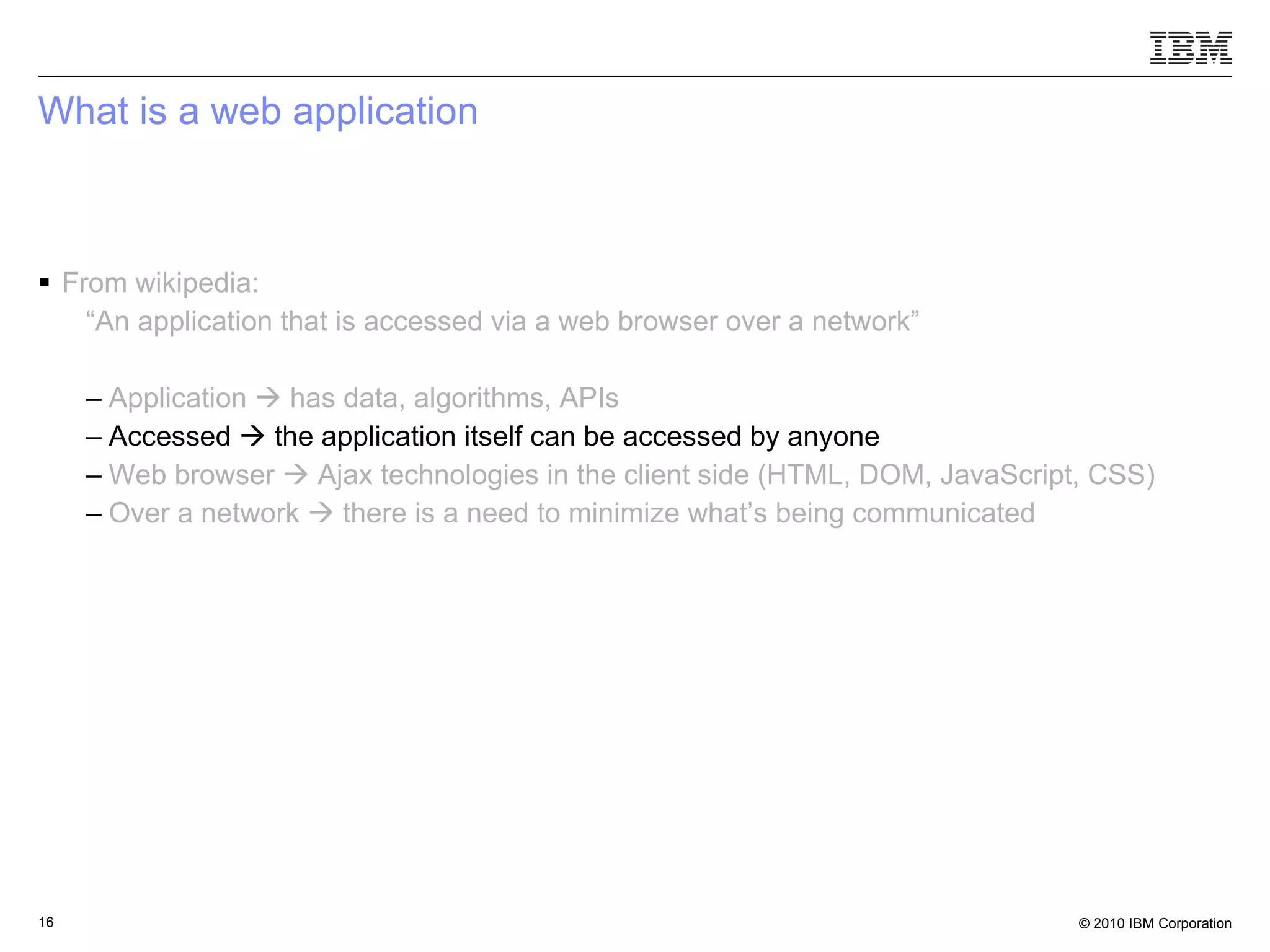
What is a web application From wikipedia: “ An application that is accessed via a web browser over a network” Application    has data, algorithms, APIs Accessed    the application itself can be accessed by anyone  Web browser    Ajax technologies in the client side (HTML, DOM, JavaScript, CSS) Over a network    there is a need to minimize what’s being communicated
How does Dojo relates to it
What is a web application From wikipedia: “ An application that is accessed via a web browser over a network” Application    has data, algorithms, APIs Accessed    the application itself can be accessed by anyone   Web browser    Ajax technologies in the client side (HTML, DOM, JavaScript, CSS) Over a network    there is a need to minimize what’s being communicated
Dojo.data A data access layer Hides underlying data structures and formats  set of APIs/interfaces for writing data stores Unique way to handle data with widgets
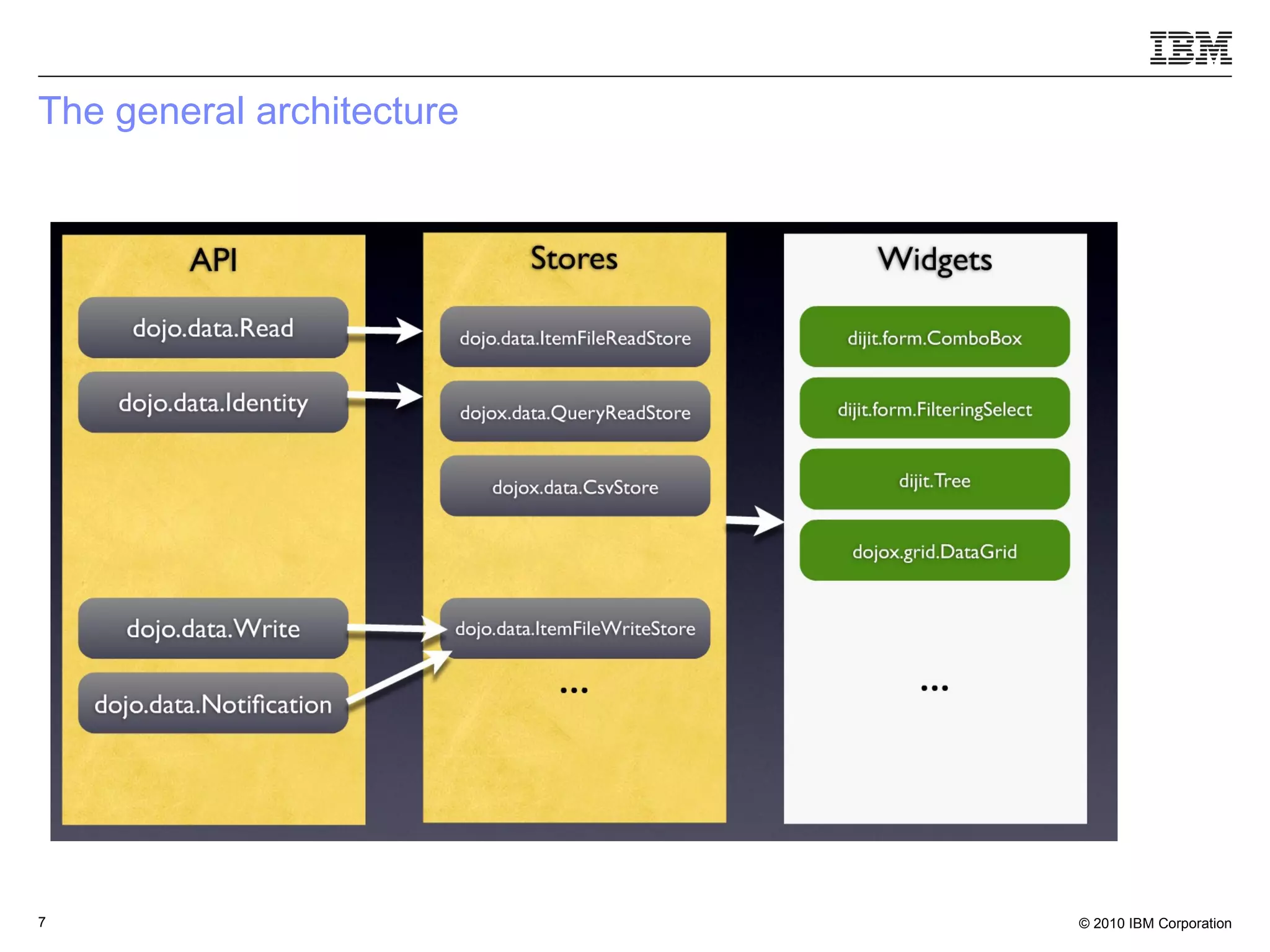
The general architecture
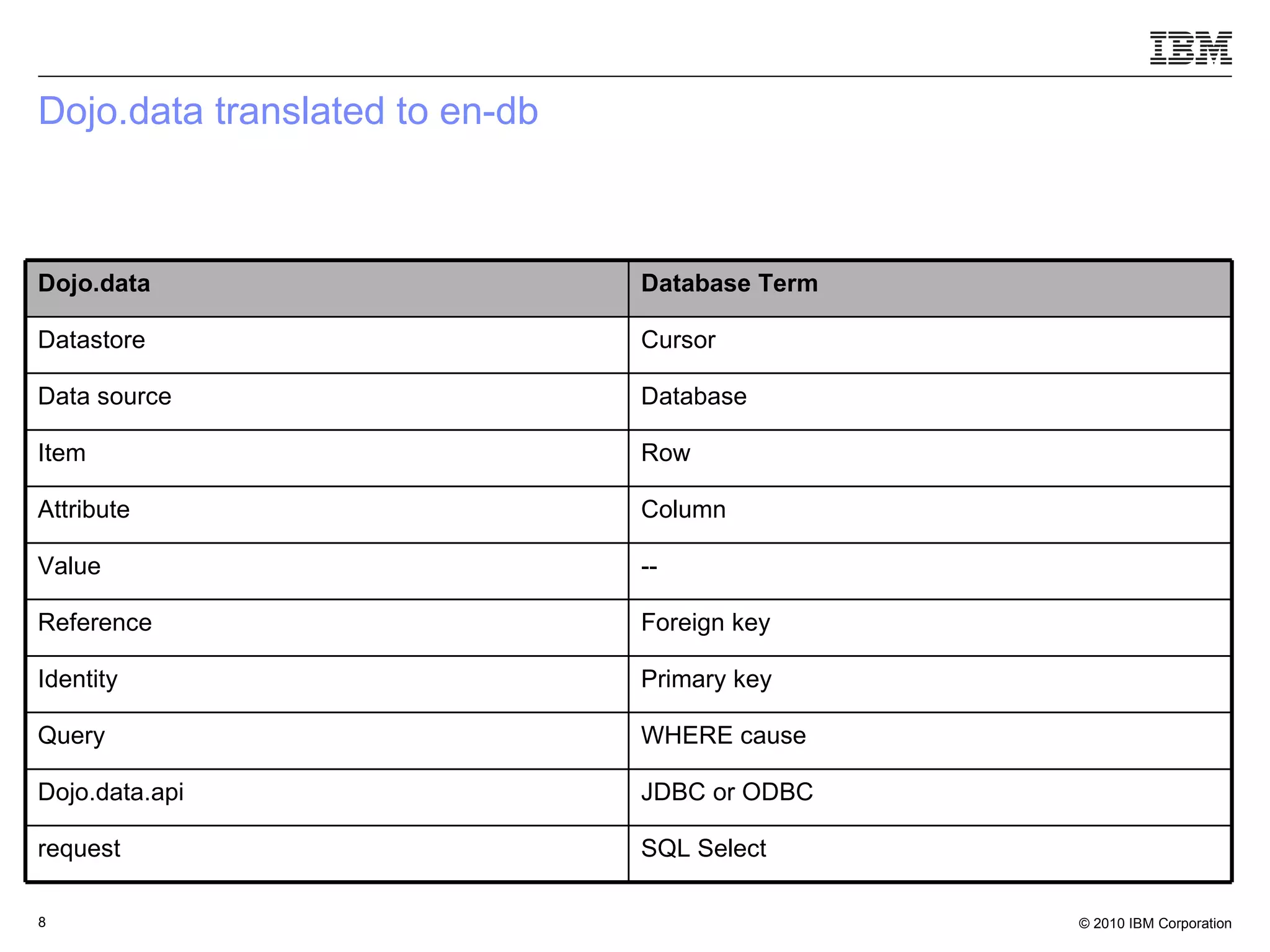
Dojo.data translated to en-db SQL Select request JDBC or ODBC Dojo.data.api WHERE cause Query Primary key Identity Foreign key Reference -- Value Column Attribute Row Item Database Data source Cursor Datastore Database Term Dojo.data
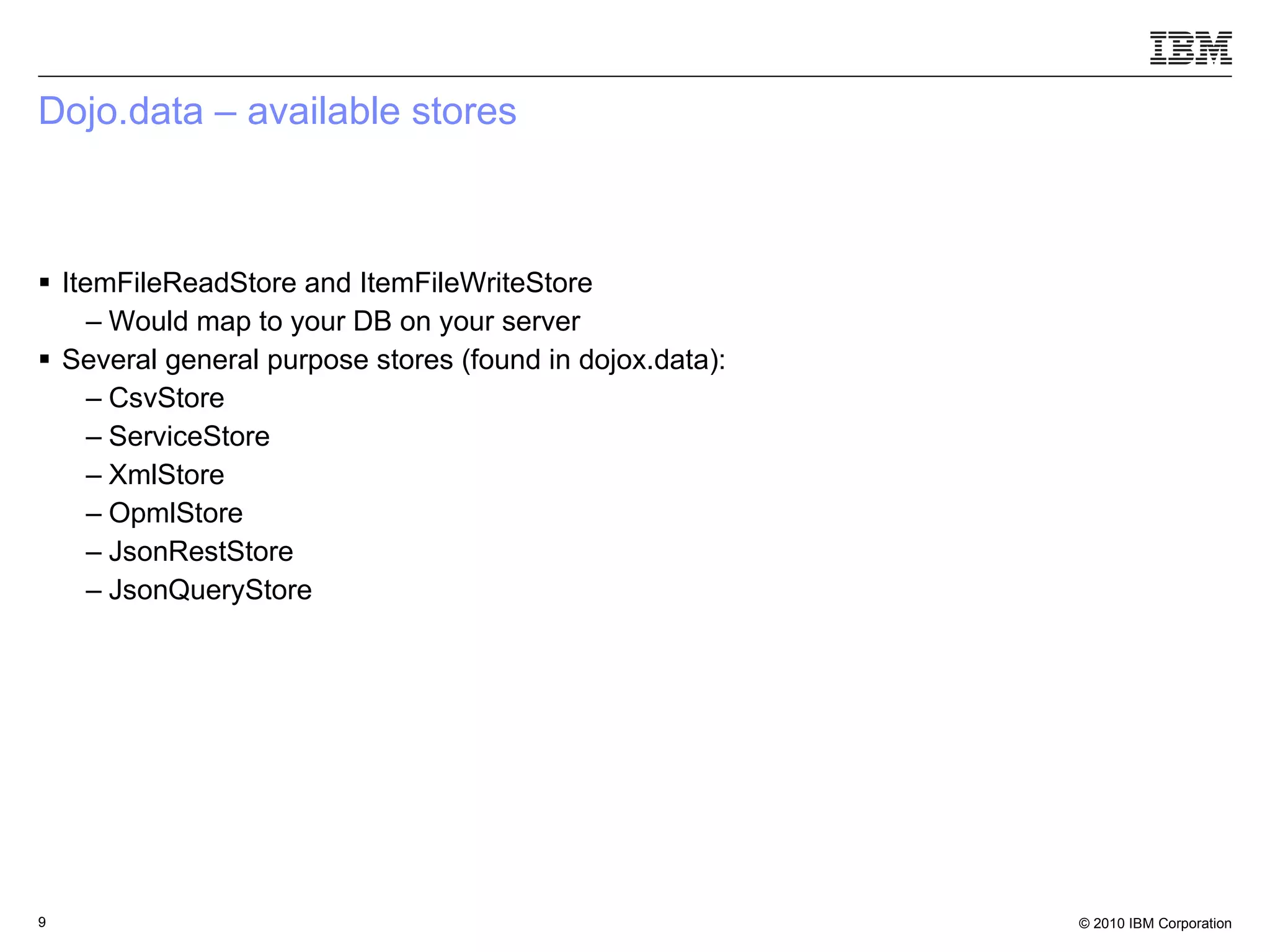
Dojo.data – available stores  ItemFileReadStore and ItemFileWriteStore Would map to your DB on your server Several general purpose stores (found in dojox.data): CsvStore ServiceStore XmlStore OpmlStore JsonRestStore JsonQueryStore
But there are other kinds of possible data sources / applications
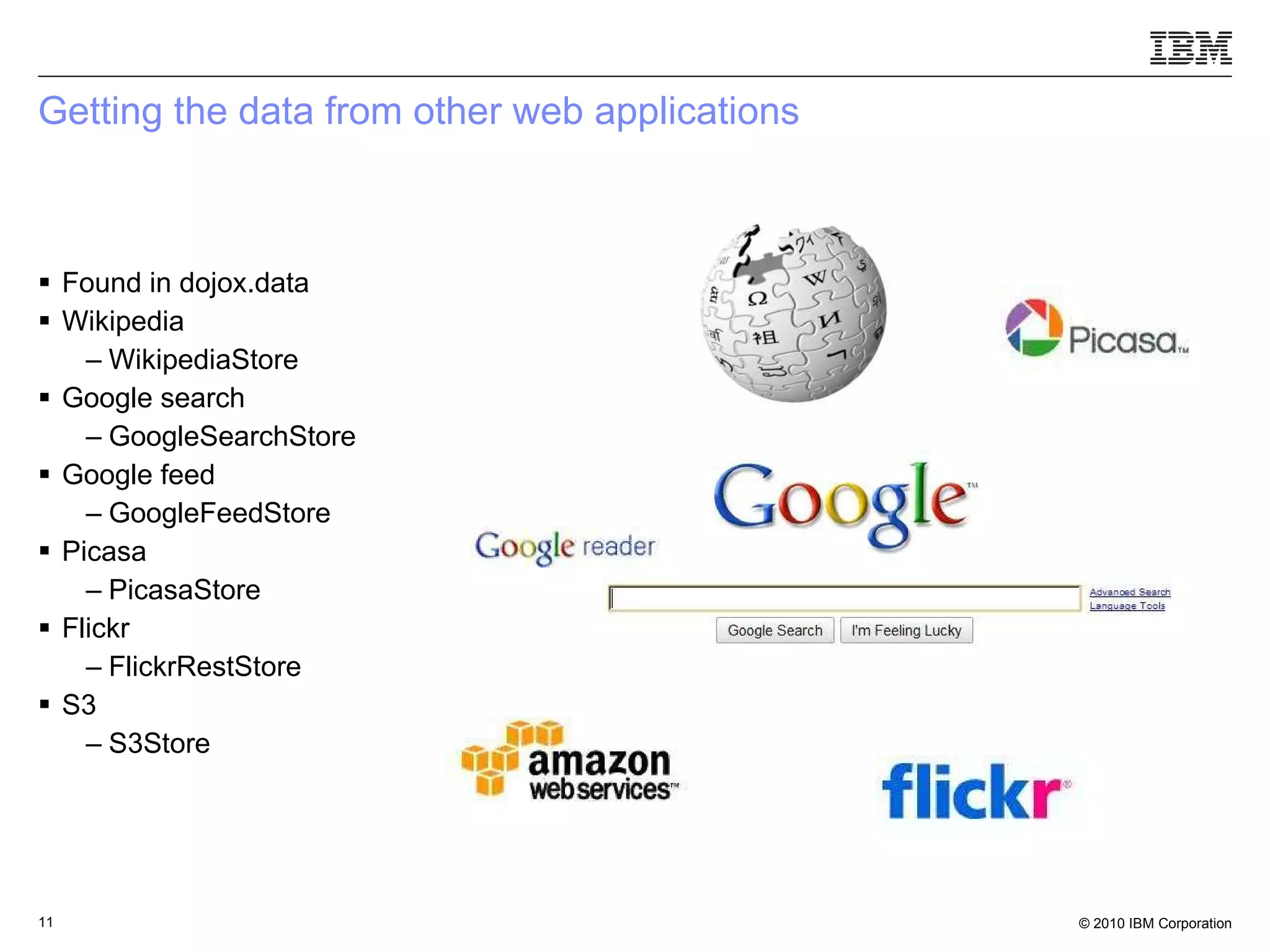
Getting the data from other web applications Found in dojox.data Wikipedia WikipediaStore Google search GoogleSearchStore Google feed GoogleFeedStore Picasa PicasaStore Flickr FlickrRestStore S3 S3Store
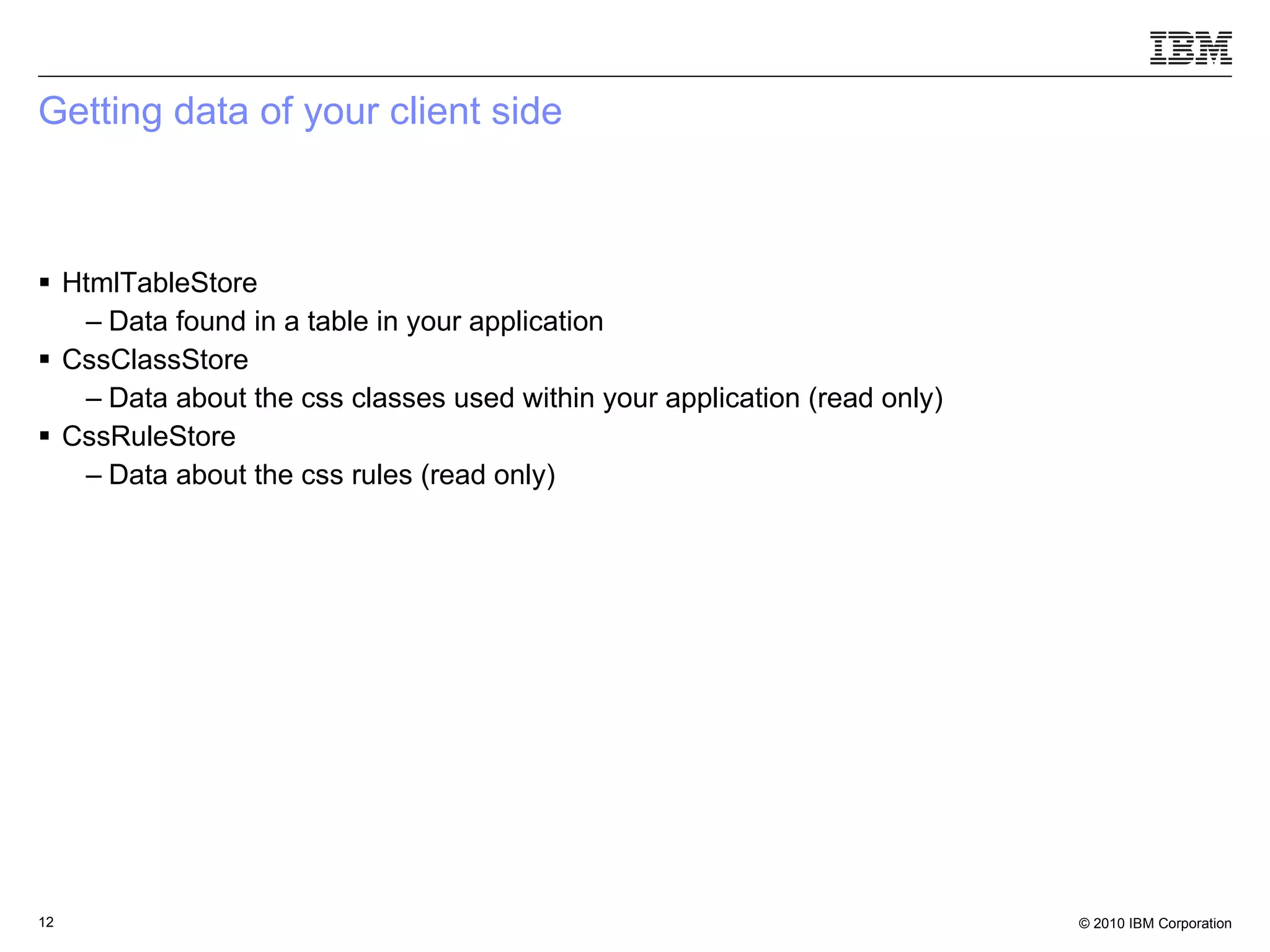
Getting data of your client side  HtmlTableStore Data found in a table in your application CssClassStore Data about the css classes used within your application (read only) CssRuleStore Data about the css rules (read only)
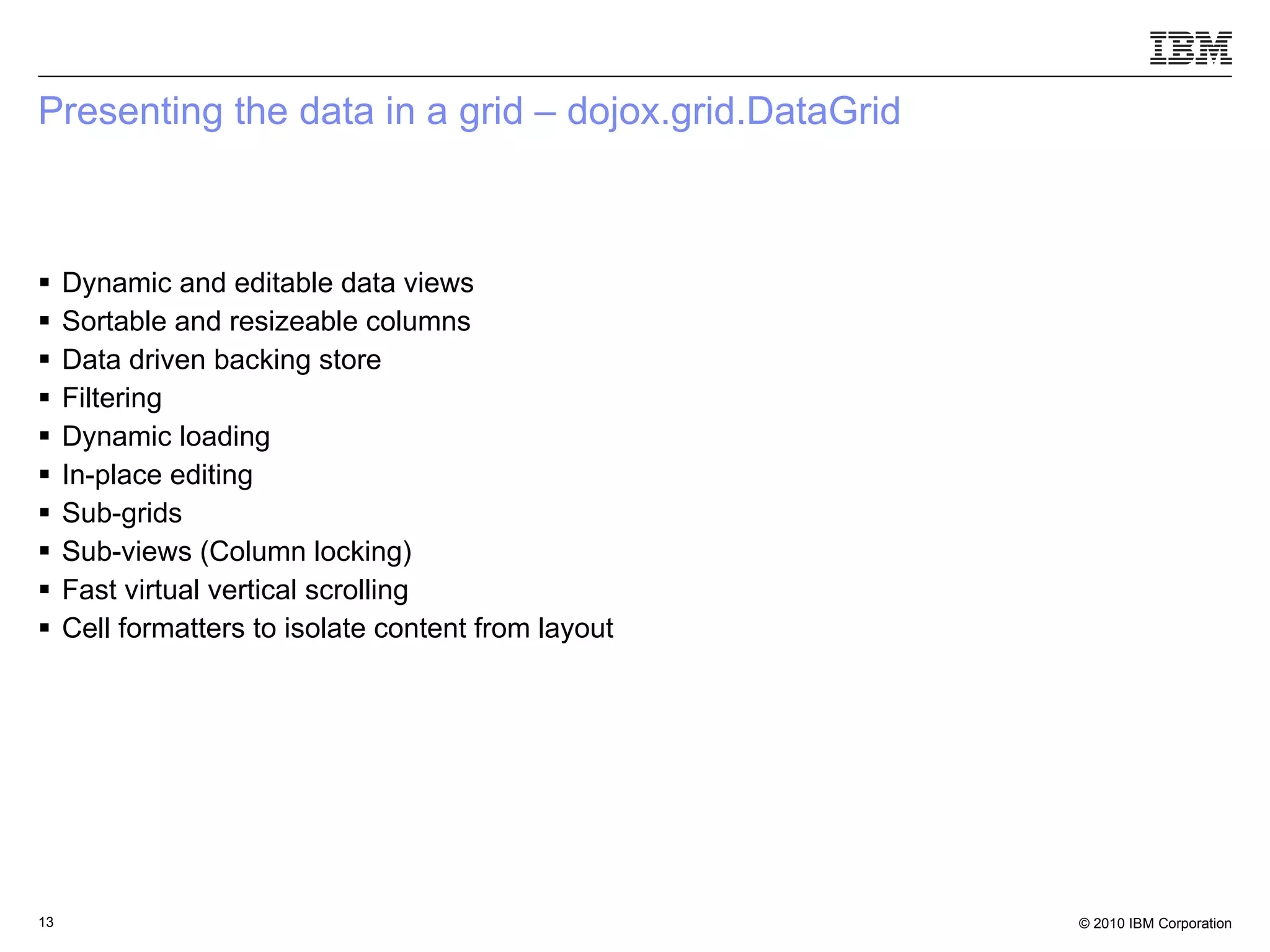
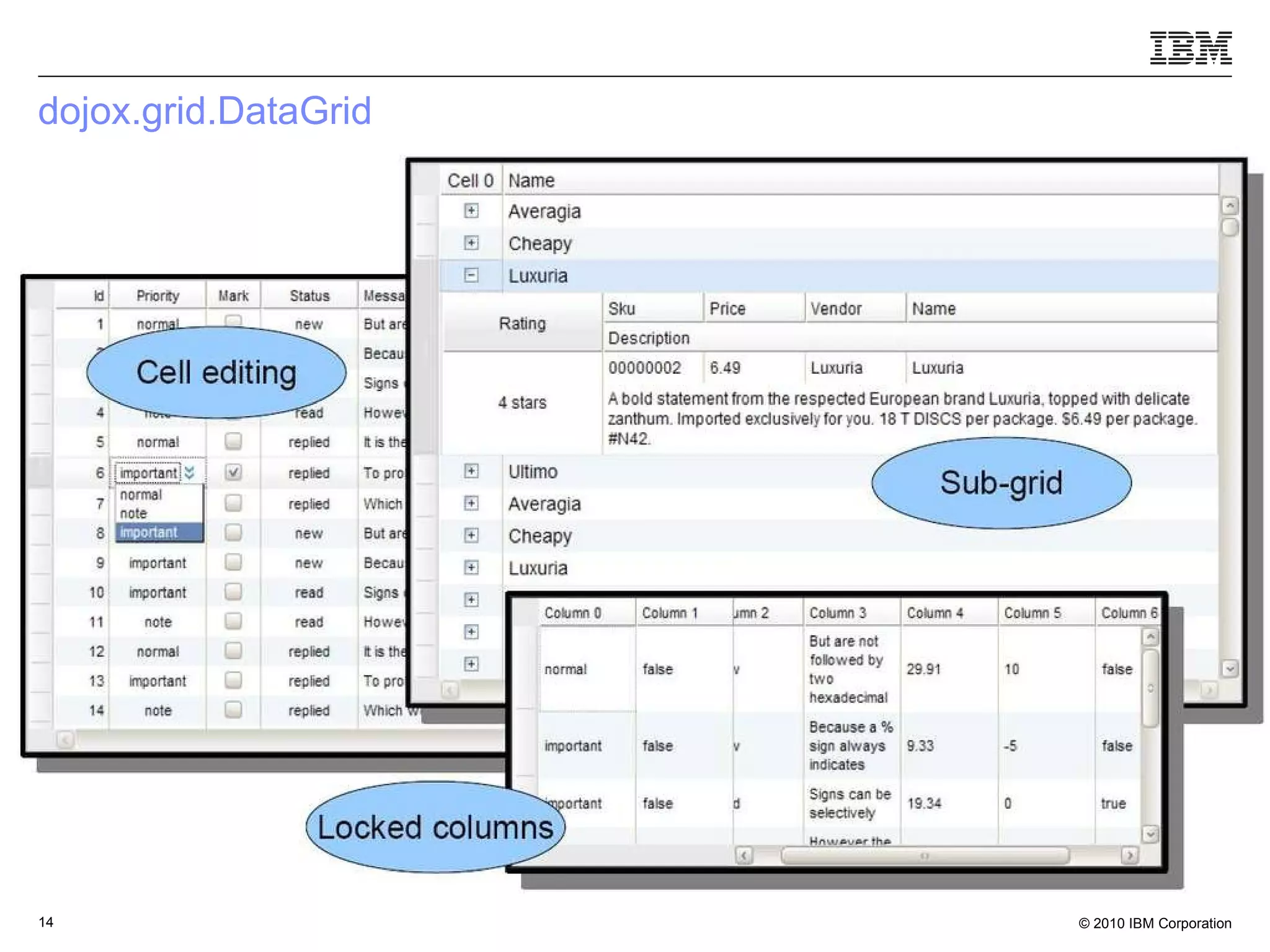
Presenting the data in a grid – dojox.grid.DataGrid Dynamic and editable data views Sortable and resizeable columns Data driven backing store Filtering Dynamic loading In-place editing Sub-grids Sub-views (Column locking) ‏ Fast virtual vertical scrolling Cell formatters to isolate content from layout
dojox.grid.DataGrid
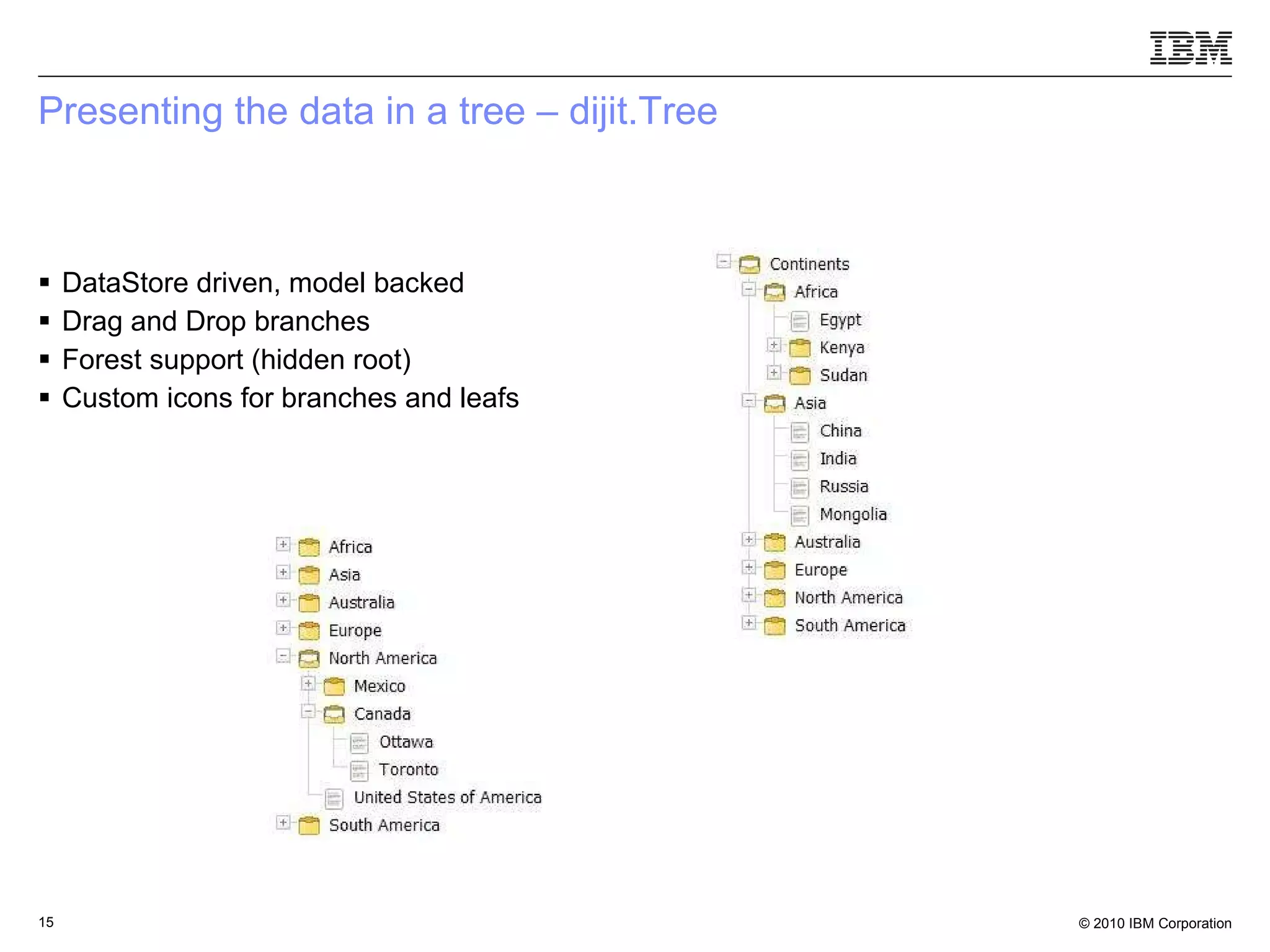
Presenting the data in a tree – dijit.Tree DataStore driven, model backed Drag and Drop branches Forest support (hidden root) Custom icons for branches and leafs
What is a web application From wikipedia: “ An application that is accessed via a web browser over a network” Application    has data, algorithms, APIs Accessed    the application itself can be accessed by anyone  Web browser    Ajax technologies in the client side (HTML, DOM, JavaScript, CSS) Over a network    there is a need to minimize what’s being communicated
What do we know about our users – nothing What can we assume about our users – even less then that
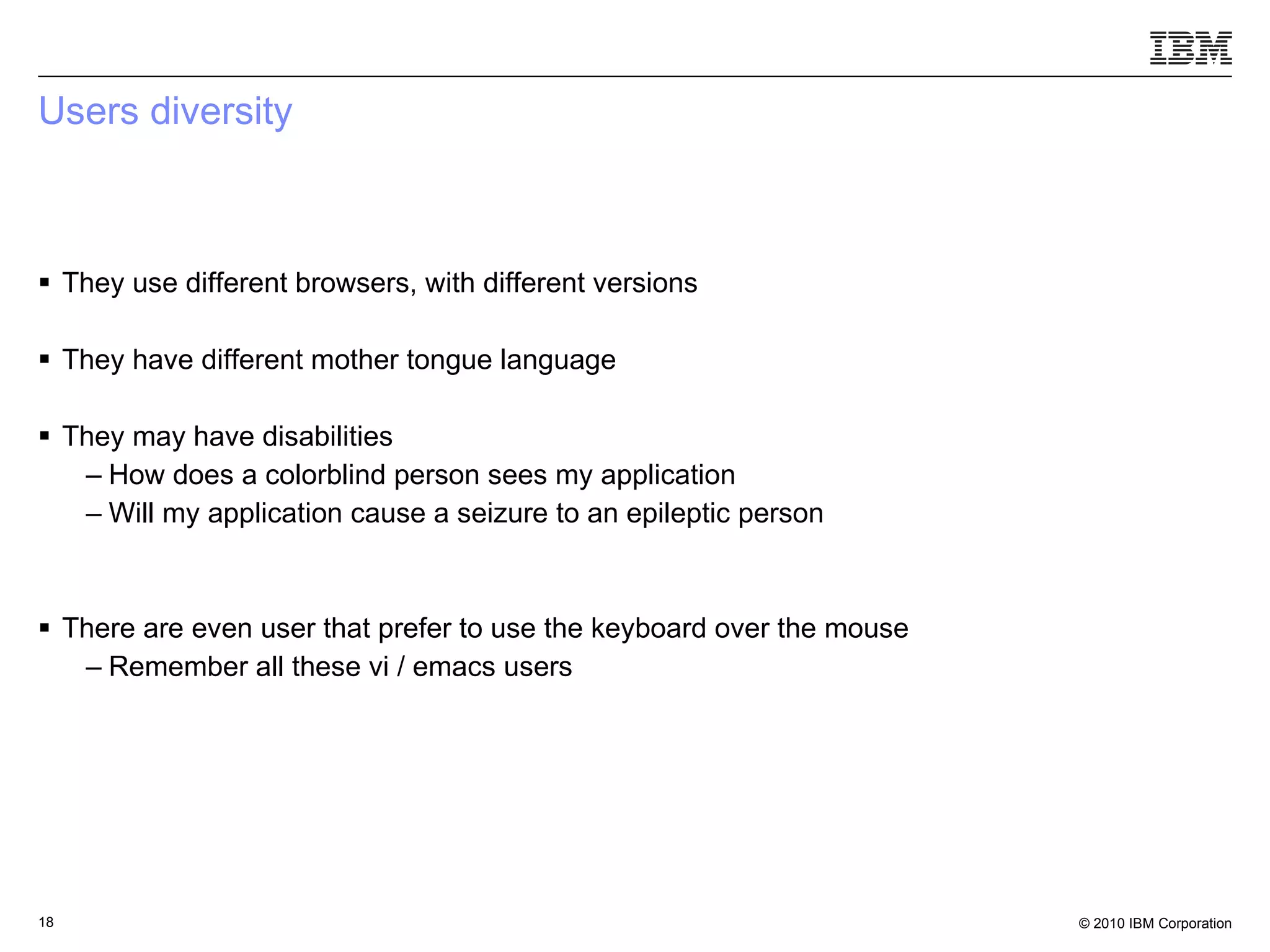
Users diversity They use different browsers, with different versions They have different mother tongue language They may have disabilities How does a colorblind person sees my application Will my application cause a seizure to an epileptic person There are even user that prefer to use the keyboard over the mouse Remember all these vi / emacs users
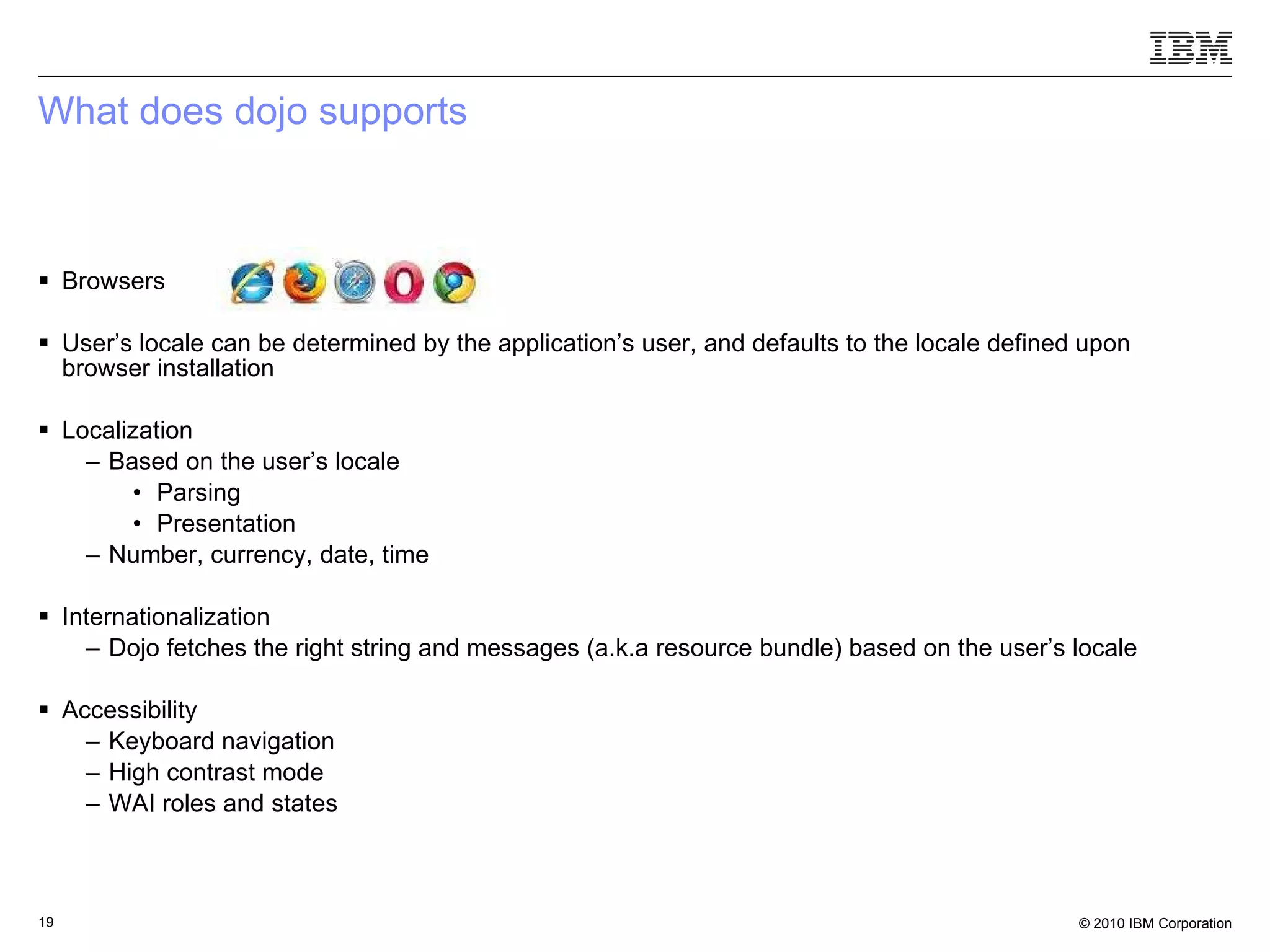
What does dojo supports Browsers User’s locale can be determined by the application’s user, and defaults to the locale defined upon browser installation Localization Based on the user’s locale Parsing Presentation  Number, currency, date, time Internationalization Dojo fetches the right string and messages (a.k.a resource bundle) based on the user’s locale Accessibility Keyboard navigation High contrast mode WAI roles and states
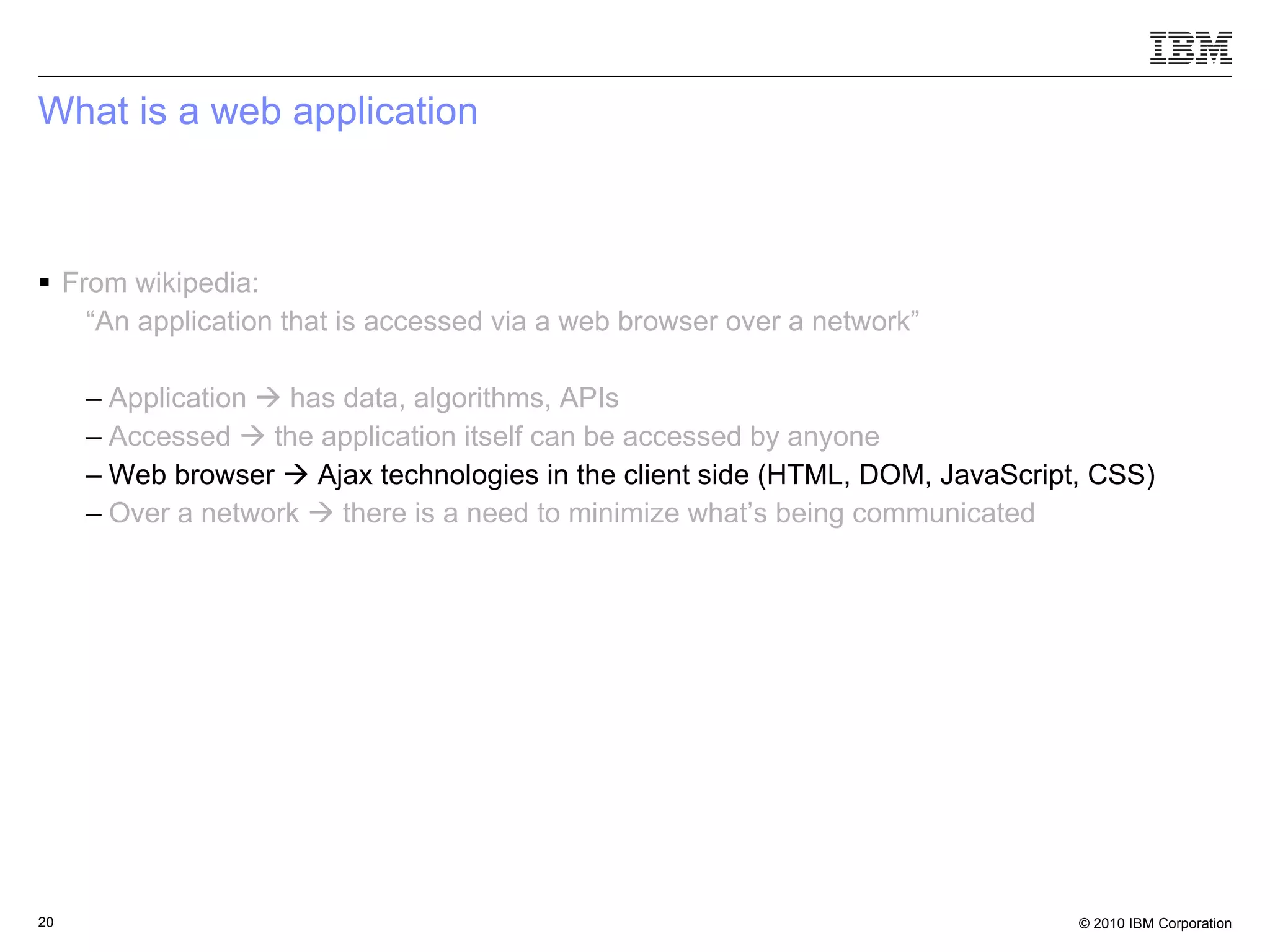
What is a web application From wikipedia: “ An application that is accessed via a web browser over a network” Application    has data, algorithms, APIs Accessed    the application itself can be accessed by anyone   Web browser    Ajax technologies in the client side (HTML, DOM, JavaScript, CSS) Over a network    there is a need to minimize what’s being communicated
 
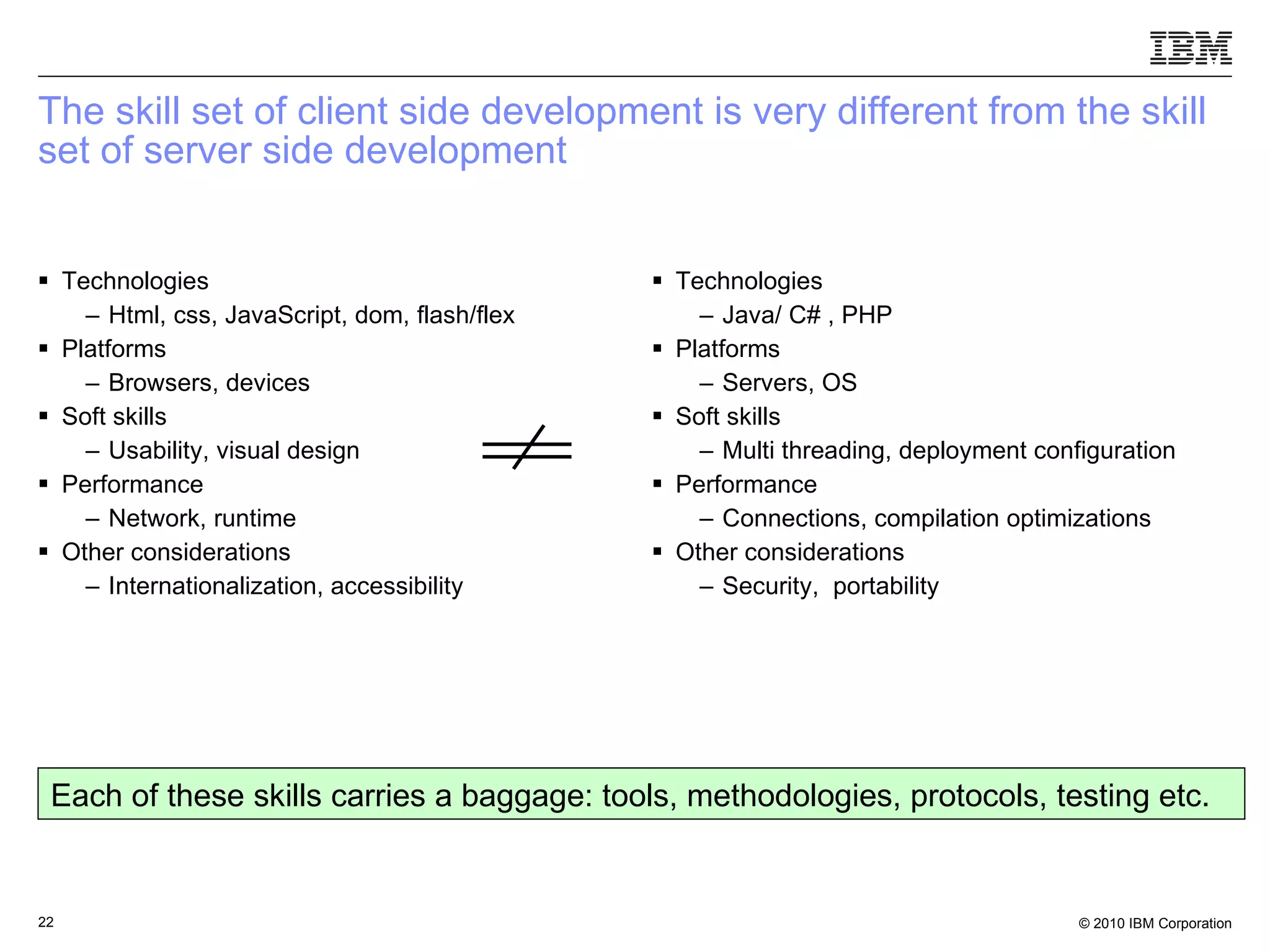
The skill set of client side development is very different from the skill set of server side development  Technologies Html, css, JavaScript, dom, flash/flex Platforms Browsers, devices Soft skills Usability, visual design Performance Network, runtime Other considerations Internationalization, accessibility  Technologies Java/ C# , PHP Platforms Servers, OS Soft skills Multi threading, deployment configuration Performance Connections, compilation optimizations Other considerations Security,  portability Each of these skills carries a baggage: tools, methodologies, protocols, testing etc.
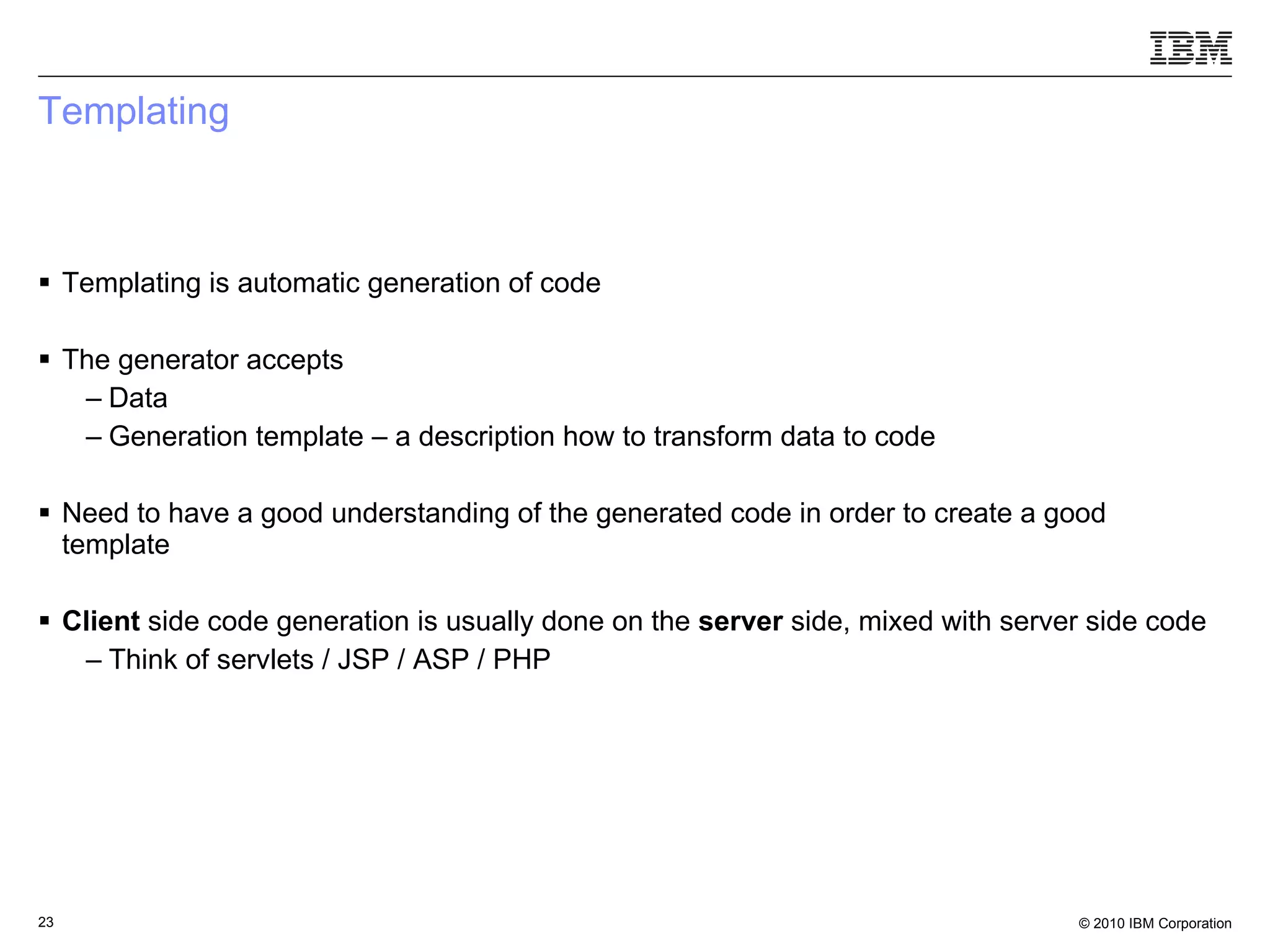
Templating Templating is automatic generation of code The generator accepts Data  Generation template – a description how to transform data to code Need to have a good understanding of the generated code in order to create a good template Client  side code generation is usually done on the  server  side, mixed with server side code Think of servlets / JSP / ASP / PHP
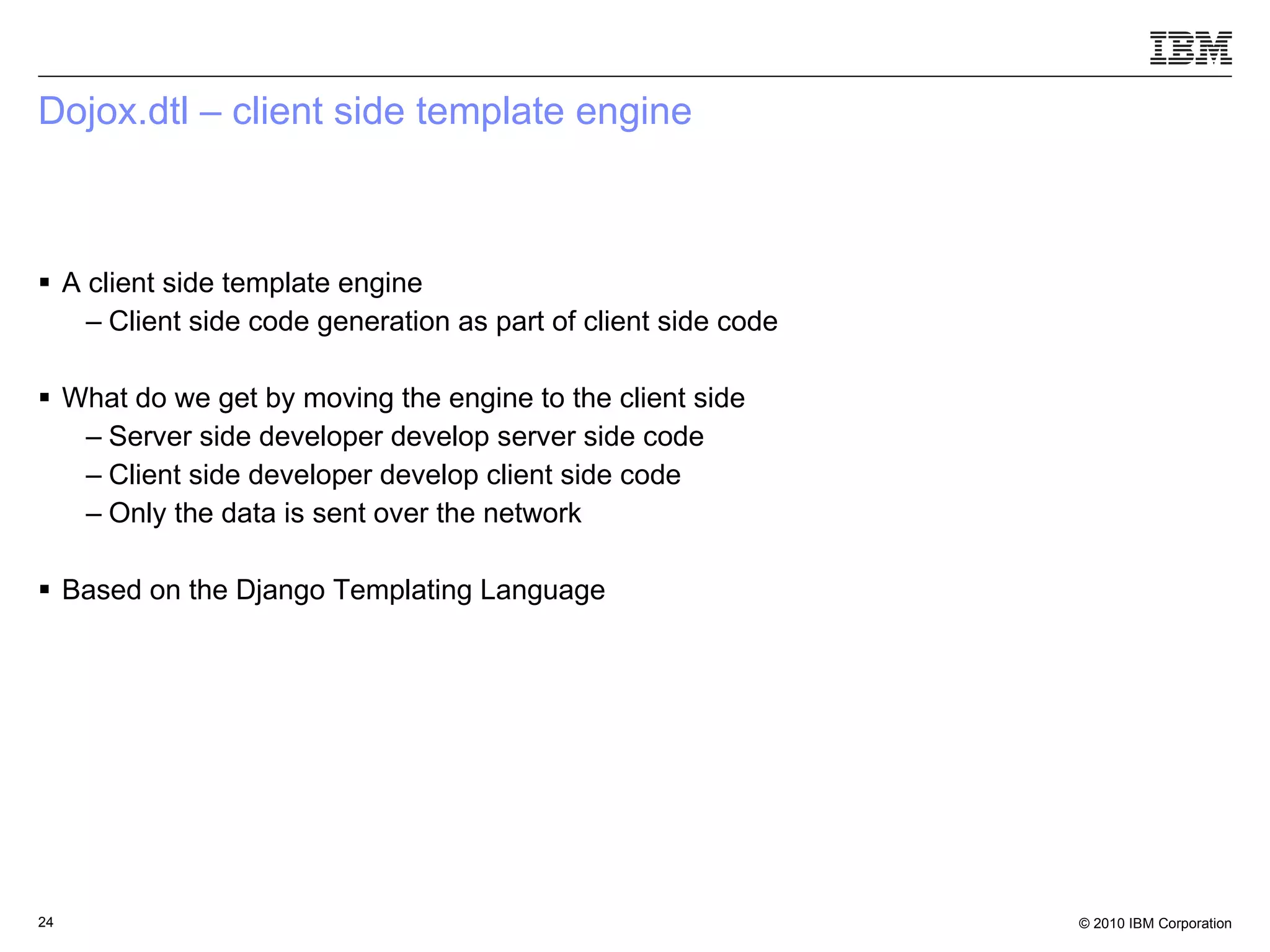
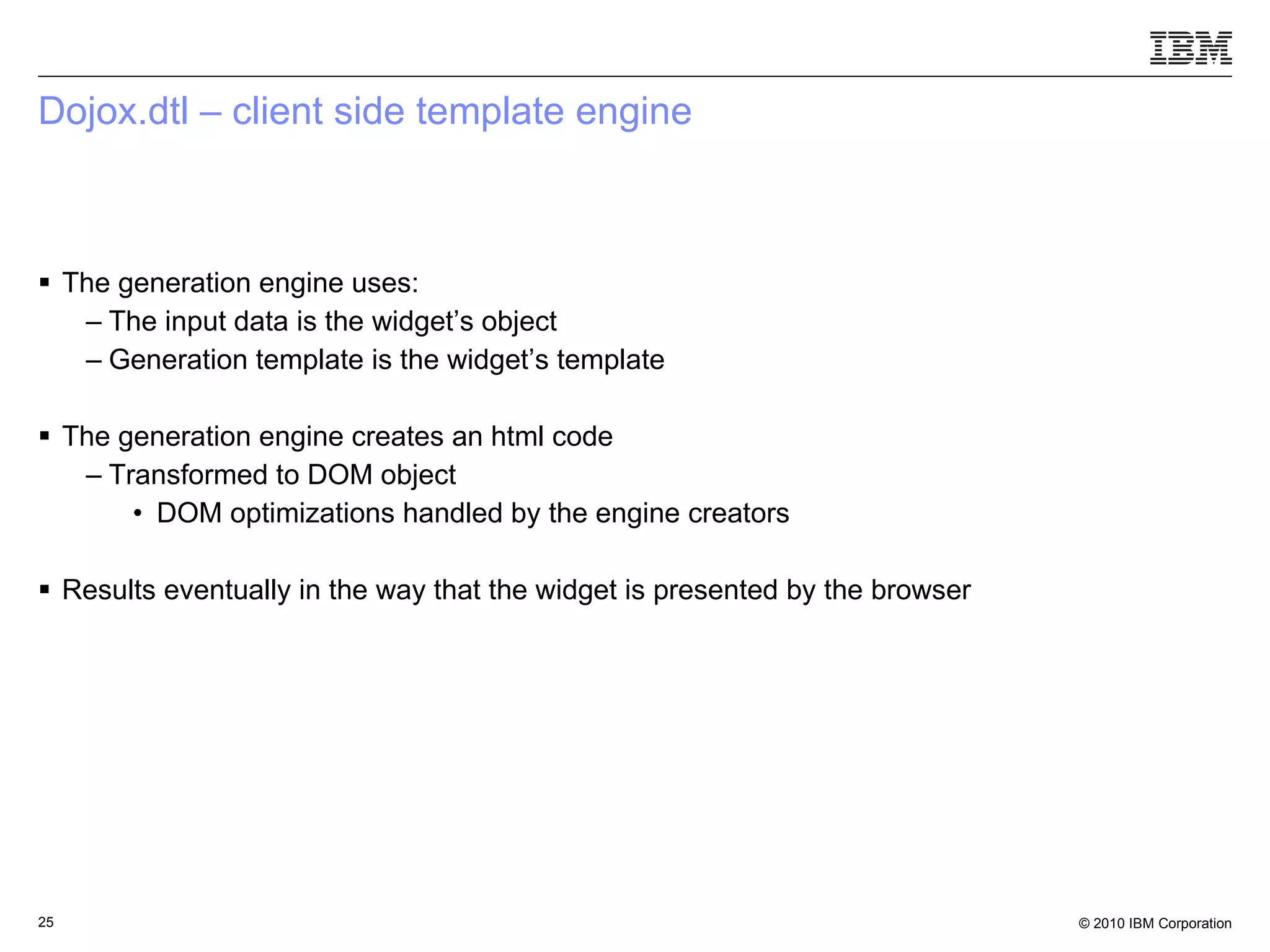
Dojox.dtl – client side template engine A client side template engine Client side code generation as part of client side code What do we get by moving the engine to the client side Server side developer develop server side code Client side developer develop client side code Only the data is sent over the network Based on the Django Templating Language
Dojox.dtl – client side template engine The generation engine uses:  The input data is the widget’s object  Generation template is the widget’s template The generation engine creates an html code Transformed to DOM object DOM optimizations handled by the engine creators  Results eventually in the way that the widget is presented by the browser
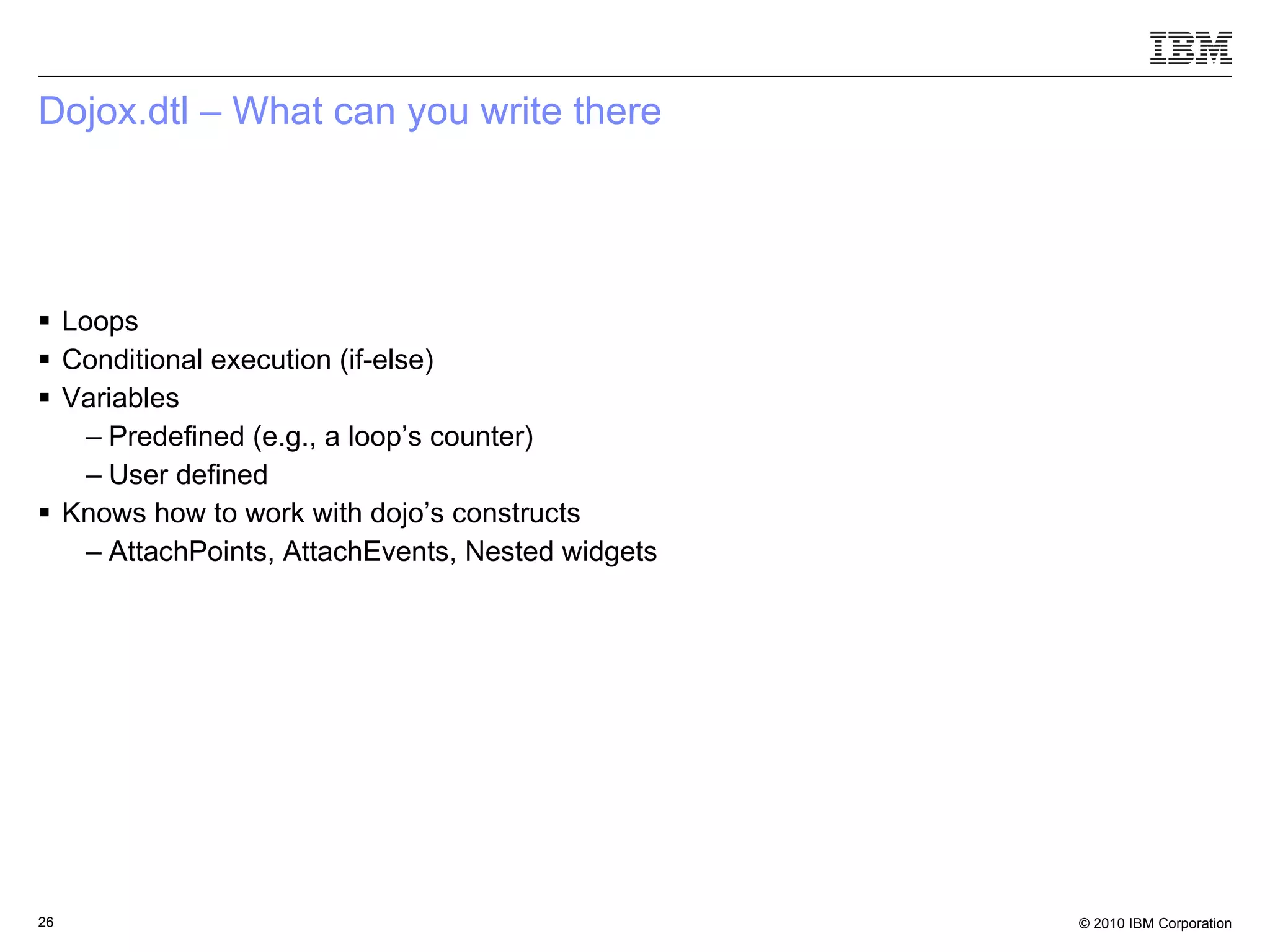
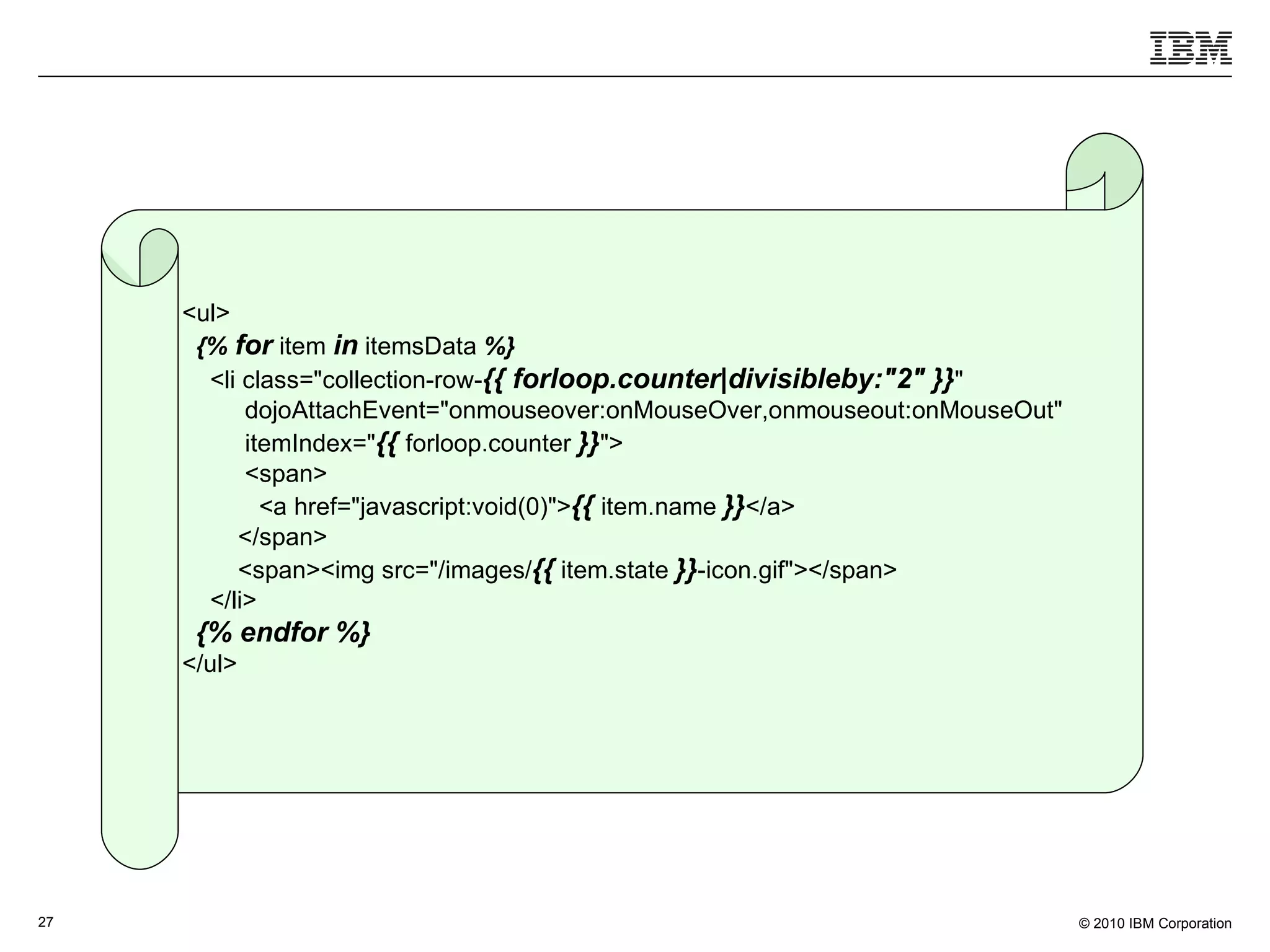
Dojox.dtl – What can you write there Loops Conditional execution (if-else) Variables Predefined (e.g., a loop’s counter) User defined Knows how to work with dojo’s constructs AttachPoints, AttachEvents, Nested widgets
<ul> {%   for  item  in  itemsData  %} <li class=&quot;collection-row- {{ forloop.counter|divisibleby:&quot;2&quot;   }} &quot; dojoAttachEvent=&quot;onmouseover:onMouseOver,onmouseout:onMouseOut&quot; itemIndex=&quot; {{  forloop.counter  }} &quot;> <span> <a href=&quot;javascript:void(0)&quot;> {{  item.name  }} </a> </span> <span><img src=&quot;/images/ {{  item.state  }} -icon.gif&quot;></span> </li> {% endfor %} </ul>
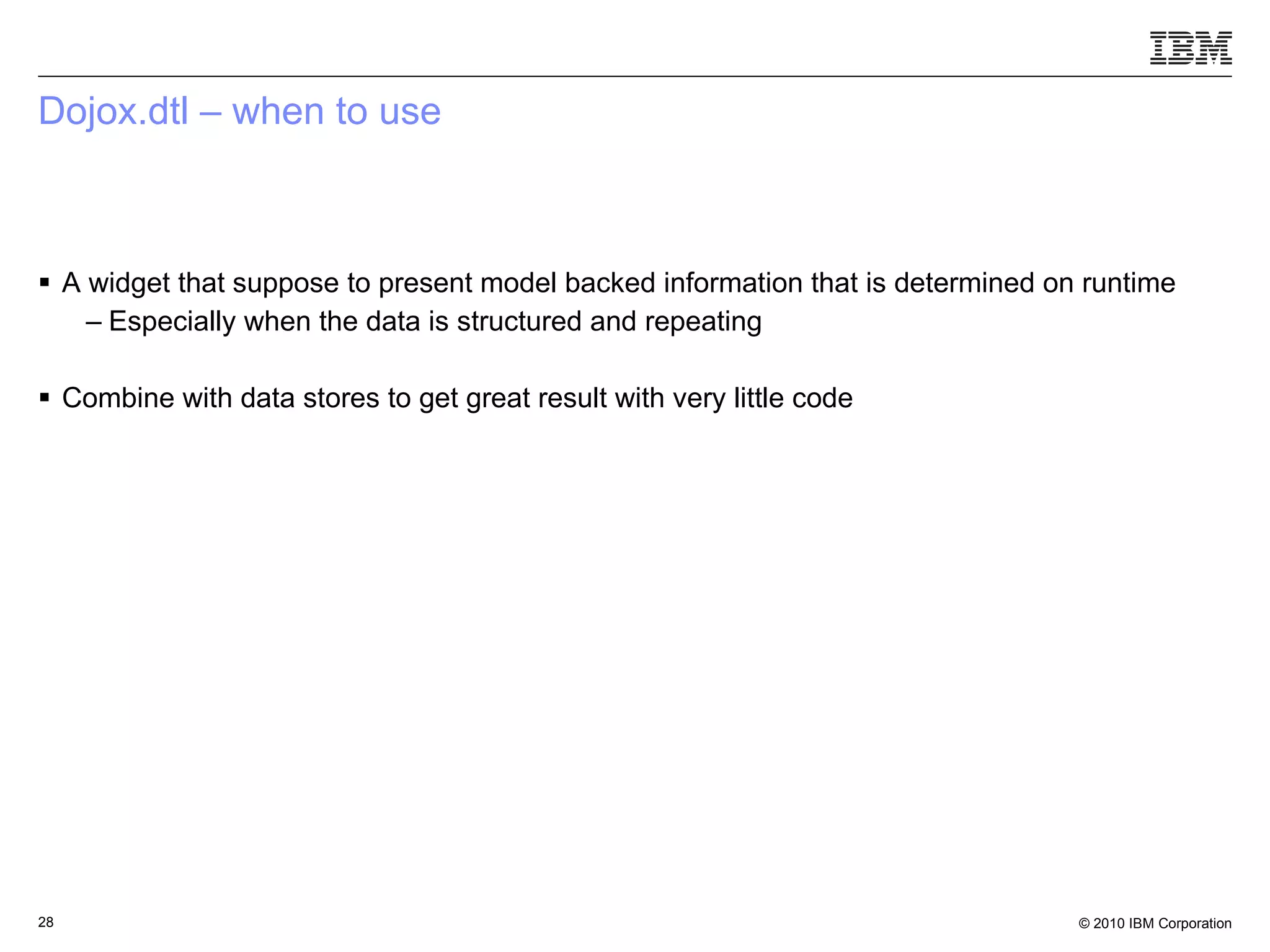
Dojox.dtl – when to use A widget that suppose to present model backed information that is determined on runtime Especially when the data is structured and repeating Combine with data stores to get great result with very little code
What is a web application From wikipedia: “ An application that is accessed via a web browser over a network” Application    has data, algorithms, APIs Accessed    the application itself can be accessed by anyone   Web browser    Ajax technologies in the client side (HTML, DOM, JavaScript, CSS) Over a network    there is a need to minimize what’s being communicated
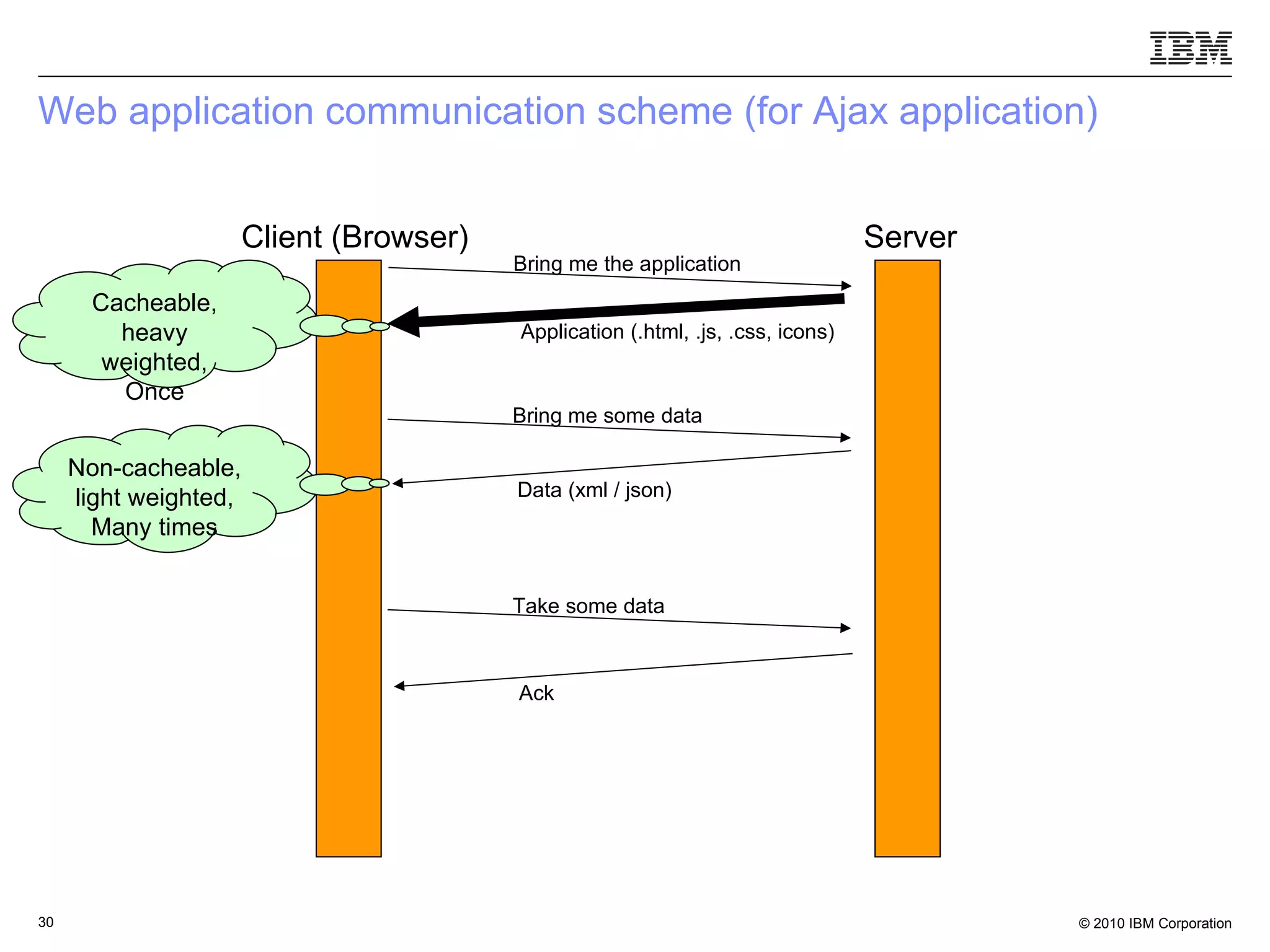
Web application communication scheme (for Ajax application) Client (Browser) Server Cacheable, heavy weighted, Once Non-cacheable, light weighted, Many times Bring me the application Application (.html, .js, .css, icons) Bring me some data Data (xml / json) Take some data Ack
How to handle the heavy weight stuff Make it less heavy (shrink it) Thus have a faster loading time Decrease the number of resources that travel over the network Each request comes along with a performance hit payload Less required resources    less requests    less time Cache as much as possible    only the first access to the application is slow
Dojo build system Minification of files using Shirnksafe Reduces whitespaces Removes comments Shortens variable names Merging of files to make a layer, which is a merge of several files needed to provide a closed functionality Based on the dojo.require call, build a dependency list and merge all of the files in that list Inline template of widgets into the .js file
How to handle the light weighted stuff Make it even lighter Reduce the processing done in the browser for each such interaction Use Json Pros: very efficient and smaller in size (when compared to XML) Cons: Can’t be protocolized (as oppose to XML schema) Agreed upon structure Verifiable contents
Dojo to the rescue – dojox.json.schema A schema based on a definition found in json-schema.org Which was already implemented in JavaScript, Java, PHP, Python, Prel, Ruby, .Net etc.  Defines a way to protocolize Json objects Dojox.json.schema.Validate Accepts a schema as an argument Accepts a Json object as an argument Performs validation
References http://www.dojotoolkit.org http://dojocampus.org http://www.slideshare.net/klipstein/dojodata-stores-and-widgets http://groups.google.com/group/json-schema/web/json-schema-implementations?pli =1

Dojo - from web page to web apps

  • 1.
    Dojo – fromweb page to web application Yoav Rubin, IBM Research – Haifa, yoav@il.ibm.com
  • 2.
    What is aweb application
  • 3.
    What is aweb application From wikipedia: “ An application that is accessed via a web browser over a network” Application  has data, algorithms, APIs Accessed  the application itself can be accessed by anyone Web browser  Ajax technologies in the client side (HTML, DOM, JavaScript, CSS) Over a network  there is a need to minimize what’s being communicated
  • 4.
    How does Dojorelates to it
  • 5.
    What is aweb application From wikipedia: “ An application that is accessed via a web browser over a network” Application  has data, algorithms, APIs Accessed  the application itself can be accessed by anyone Web browser  Ajax technologies in the client side (HTML, DOM, JavaScript, CSS) Over a network  there is a need to minimize what’s being communicated
  • 6.
    Dojo.data A dataaccess layer Hides underlying data structures and formats  set of APIs/interfaces for writing data stores Unique way to handle data with widgets
  • 7.
  • 8.
    Dojo.data translated toen-db SQL Select request JDBC or ODBC Dojo.data.api WHERE cause Query Primary key Identity Foreign key Reference -- Value Column Attribute Row Item Database Data source Cursor Datastore Database Term Dojo.data
  • 9.
    Dojo.data – availablestores ItemFileReadStore and ItemFileWriteStore Would map to your DB on your server Several general purpose stores (found in dojox.data): CsvStore ServiceStore XmlStore OpmlStore JsonRestStore JsonQueryStore
  • 10.
    But there areother kinds of possible data sources / applications
  • 11.
    Getting the datafrom other web applications Found in dojox.data Wikipedia WikipediaStore Google search GoogleSearchStore Google feed GoogleFeedStore Picasa PicasaStore Flickr FlickrRestStore S3 S3Store
  • 12.
    Getting data ofyour client side HtmlTableStore Data found in a table in your application CssClassStore Data about the css classes used within your application (read only) CssRuleStore Data about the css rules (read only)
  • 13.
    Presenting the datain a grid – dojox.grid.DataGrid Dynamic and editable data views Sortable and resizeable columns Data driven backing store Filtering Dynamic loading In-place editing Sub-grids Sub-views (Column locking) ‏ Fast virtual vertical scrolling Cell formatters to isolate content from layout
  • 14.
  • 15.
    Presenting the datain a tree – dijit.Tree DataStore driven, model backed Drag and Drop branches Forest support (hidden root) Custom icons for branches and leafs
  • 16.
    What is aweb application From wikipedia: “ An application that is accessed via a web browser over a network” Application  has data, algorithms, APIs Accessed  the application itself can be accessed by anyone Web browser  Ajax technologies in the client side (HTML, DOM, JavaScript, CSS) Over a network  there is a need to minimize what’s being communicated
  • 17.
    What do weknow about our users – nothing What can we assume about our users – even less then that
  • 18.
    Users diversity Theyuse different browsers, with different versions They have different mother tongue language They may have disabilities How does a colorblind person sees my application Will my application cause a seizure to an epileptic person There are even user that prefer to use the keyboard over the mouse Remember all these vi / emacs users
  • 19.
    What does dojosupports Browsers User’s locale can be determined by the application’s user, and defaults to the locale defined upon browser installation Localization Based on the user’s locale Parsing Presentation Number, currency, date, time Internationalization Dojo fetches the right string and messages (a.k.a resource bundle) based on the user’s locale Accessibility Keyboard navigation High contrast mode WAI roles and states
  • 20.
    What is aweb application From wikipedia: “ An application that is accessed via a web browser over a network” Application  has data, algorithms, APIs Accessed  the application itself can be accessed by anyone Web browser  Ajax technologies in the client side (HTML, DOM, JavaScript, CSS) Over a network  there is a need to minimize what’s being communicated
  • 21.
  • 22.
    The skill setof client side development is very different from the skill set of server side development Technologies Html, css, JavaScript, dom, flash/flex Platforms Browsers, devices Soft skills Usability, visual design Performance Network, runtime Other considerations Internationalization, accessibility Technologies Java/ C# , PHP Platforms Servers, OS Soft skills Multi threading, deployment configuration Performance Connections, compilation optimizations Other considerations Security, portability Each of these skills carries a baggage: tools, methodologies, protocols, testing etc.
  • 23.
    Templating Templating isautomatic generation of code The generator accepts Data Generation template – a description how to transform data to code Need to have a good understanding of the generated code in order to create a good template Client side code generation is usually done on the server side, mixed with server side code Think of servlets / JSP / ASP / PHP
  • 24.
    Dojox.dtl – clientside template engine A client side template engine Client side code generation as part of client side code What do we get by moving the engine to the client side Server side developer develop server side code Client side developer develop client side code Only the data is sent over the network Based on the Django Templating Language
  • 25.
    Dojox.dtl – clientside template engine The generation engine uses: The input data is the widget’s object Generation template is the widget’s template The generation engine creates an html code Transformed to DOM object DOM optimizations handled by the engine creators Results eventually in the way that the widget is presented by the browser
  • 26.
    Dojox.dtl – Whatcan you write there Loops Conditional execution (if-else) Variables Predefined (e.g., a loop’s counter) User defined Knows how to work with dojo’s constructs AttachPoints, AttachEvents, Nested widgets
  • 27.
    <ul> {% for item in itemsData %} <li class=&quot;collection-row- {{ forloop.counter|divisibleby:&quot;2&quot; }} &quot; dojoAttachEvent=&quot;onmouseover:onMouseOver,onmouseout:onMouseOut&quot; itemIndex=&quot; {{ forloop.counter }} &quot;> <span> <a href=&quot;javascript:void(0)&quot;> {{ item.name }} </a> </span> <span><img src=&quot;/images/ {{ item.state }} -icon.gif&quot;></span> </li> {% endfor %} </ul>
  • 28.
    Dojox.dtl – whento use A widget that suppose to present model backed information that is determined on runtime Especially when the data is structured and repeating Combine with data stores to get great result with very little code
  • 29.
    What is aweb application From wikipedia: “ An application that is accessed via a web browser over a network” Application  has data, algorithms, APIs Accessed  the application itself can be accessed by anyone Web browser  Ajax technologies in the client side (HTML, DOM, JavaScript, CSS) Over a network  there is a need to minimize what’s being communicated
  • 30.
    Web application communicationscheme (for Ajax application) Client (Browser) Server Cacheable, heavy weighted, Once Non-cacheable, light weighted, Many times Bring me the application Application (.html, .js, .css, icons) Bring me some data Data (xml / json) Take some data Ack
  • 31.
    How to handlethe heavy weight stuff Make it less heavy (shrink it) Thus have a faster loading time Decrease the number of resources that travel over the network Each request comes along with a performance hit payload Less required resources  less requests  less time Cache as much as possible  only the first access to the application is slow
  • 32.
    Dojo build systemMinification of files using Shirnksafe Reduces whitespaces Removes comments Shortens variable names Merging of files to make a layer, which is a merge of several files needed to provide a closed functionality Based on the dojo.require call, build a dependency list and merge all of the files in that list Inline template of widgets into the .js file
  • 33.
    How to handlethe light weighted stuff Make it even lighter Reduce the processing done in the browser for each such interaction Use Json Pros: very efficient and smaller in size (when compared to XML) Cons: Can’t be protocolized (as oppose to XML schema) Agreed upon structure Verifiable contents
  • 34.
    Dojo to therescue – dojox.json.schema A schema based on a definition found in json-schema.org Which was already implemented in JavaScript, Java, PHP, Python, Prel, Ruby, .Net etc. Defines a way to protocolize Json objects Dojox.json.schema.Validate Accepts a schema as an argument Accepts a Json object as an argument Performs validation
  • 35.
    References http://www.dojotoolkit.org http://dojocampus.orghttp://www.slideshare.net/klipstein/dojodata-stores-and-widgets http://groups.google.com/group/json-schema/web/json-schema-implementations?pli =1