Communicating WithCommunicating With
TechnologiesTechnologies
Meaningful Learning With TechnologyMeaningful Learning With Technology
Communicating with Technologies Chapter 7Communicating with Technologies Chapter 7
by David Jonassen, Jane Howland,by David Jonassen, Jane Howland,
Rose M. Marra and David CrismondRose M. Marra and David Crismond
By Irvin EngleBy Irvin Engle
Chinara DeGrossChinara DeGross
Carrie OlsonCarrie Olson
Media Multi-taskingMedia Multi-tasking
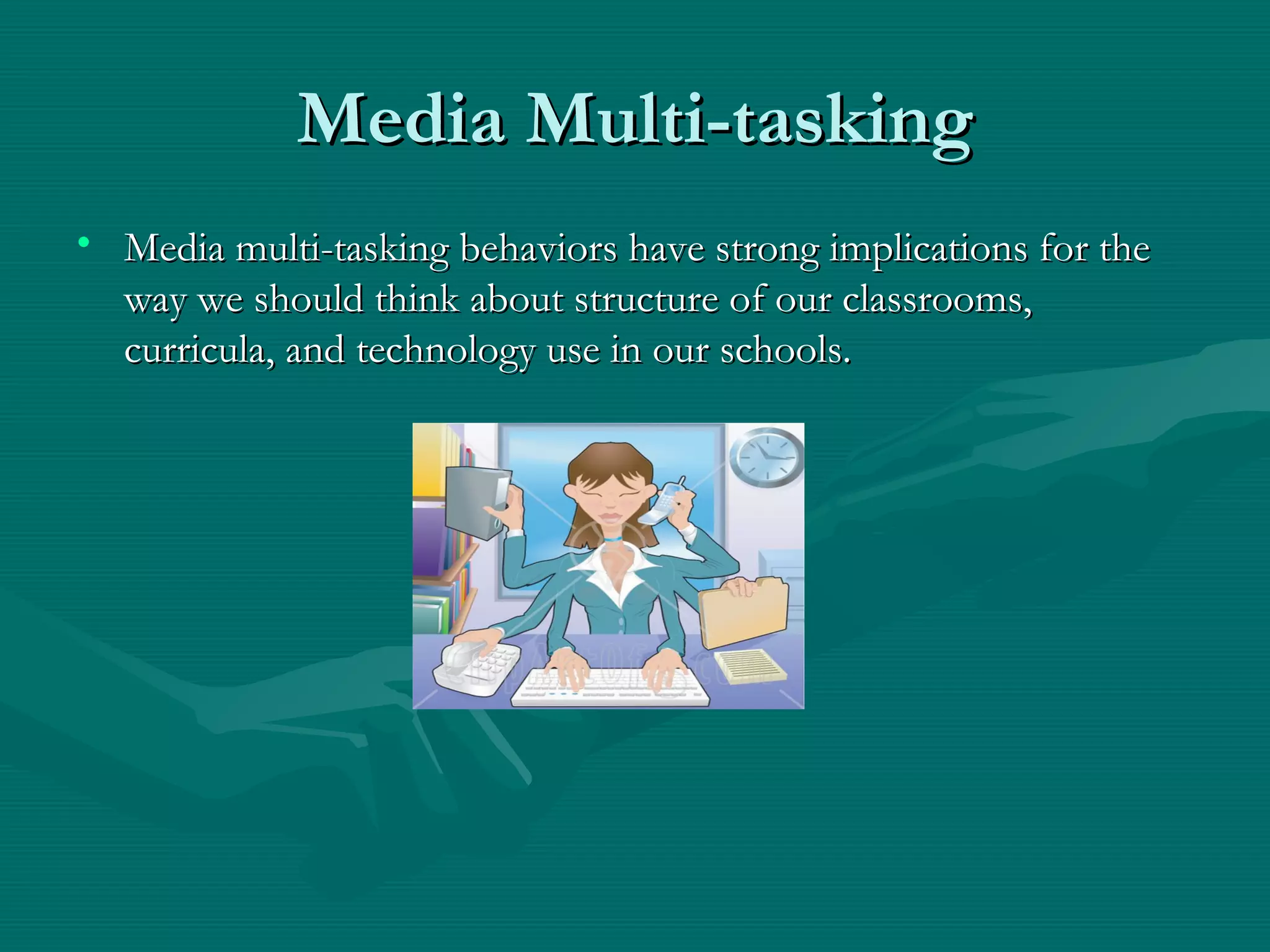
• Media multi-tasking behaviors have strong implications for theMedia multi-tasking behaviors have strong implications for the
way we should think about structure of our classrooms,way we should think about structure of our classrooms,
curricula, and technology use in our schools.curricula, and technology use in our schools.
CommunityCommunity
• Community building is a critical element ofCommunity building is a critical element of
meaningful learning.meaningful learning.
• Engaging students in social negotiation andEngaging students in social negotiation and
shared knowledge building.shared knowledge building.
CommunicationsCommunications
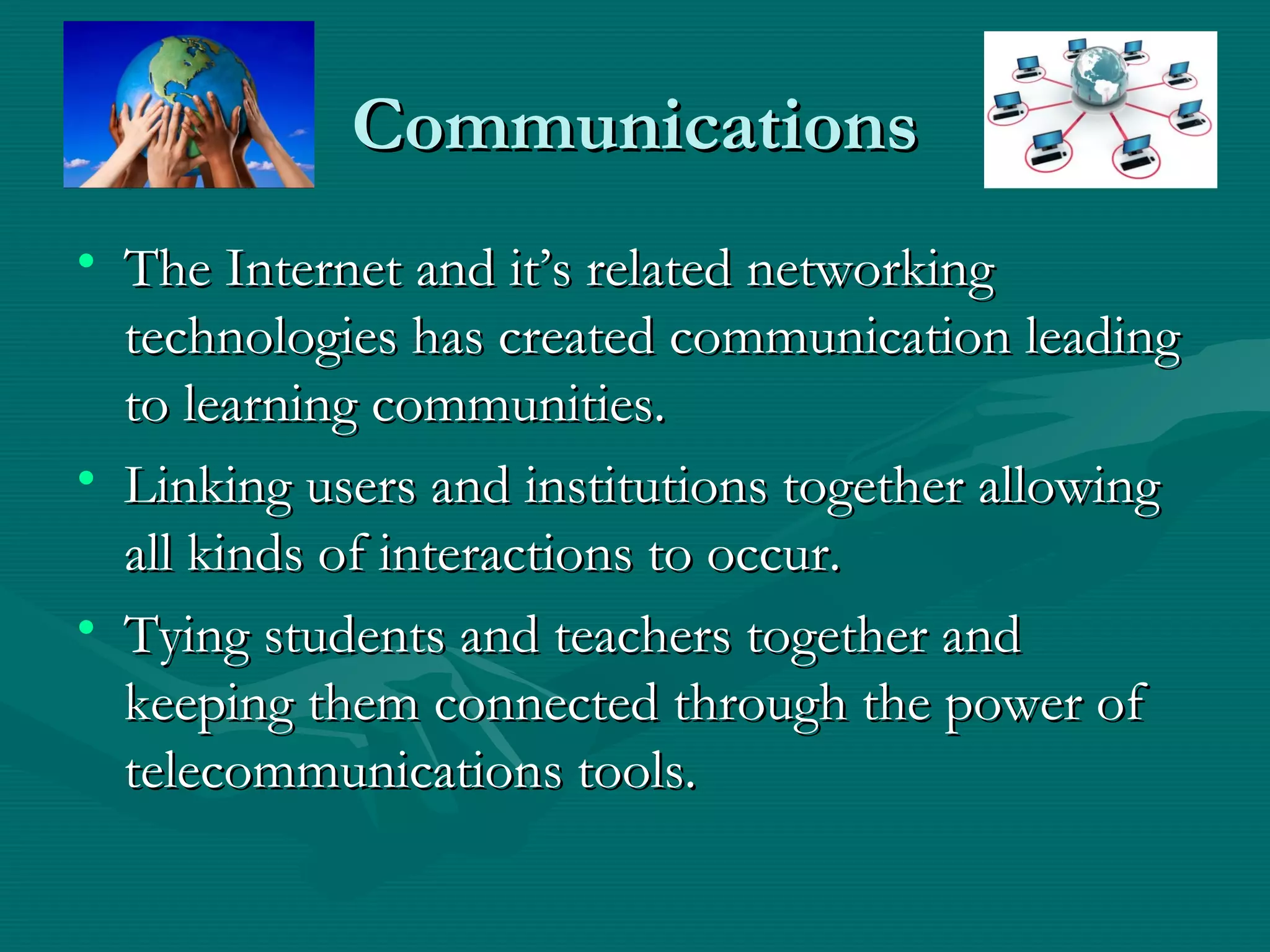
• The Internet and it’s related networkingThe Internet and it’s related networking
technologies has created communication leadingtechnologies has created communication leading
to learning communities.to learning communities.
• Linking users and institutions together allowingLinking users and institutions together allowing
all kinds of interactions to occur.all kinds of interactions to occur.
• Tying students and teachers together andTying students and teachers together and
keeping them connected through the power ofkeeping them connected through the power of
telecommunications tools.telecommunications tools.
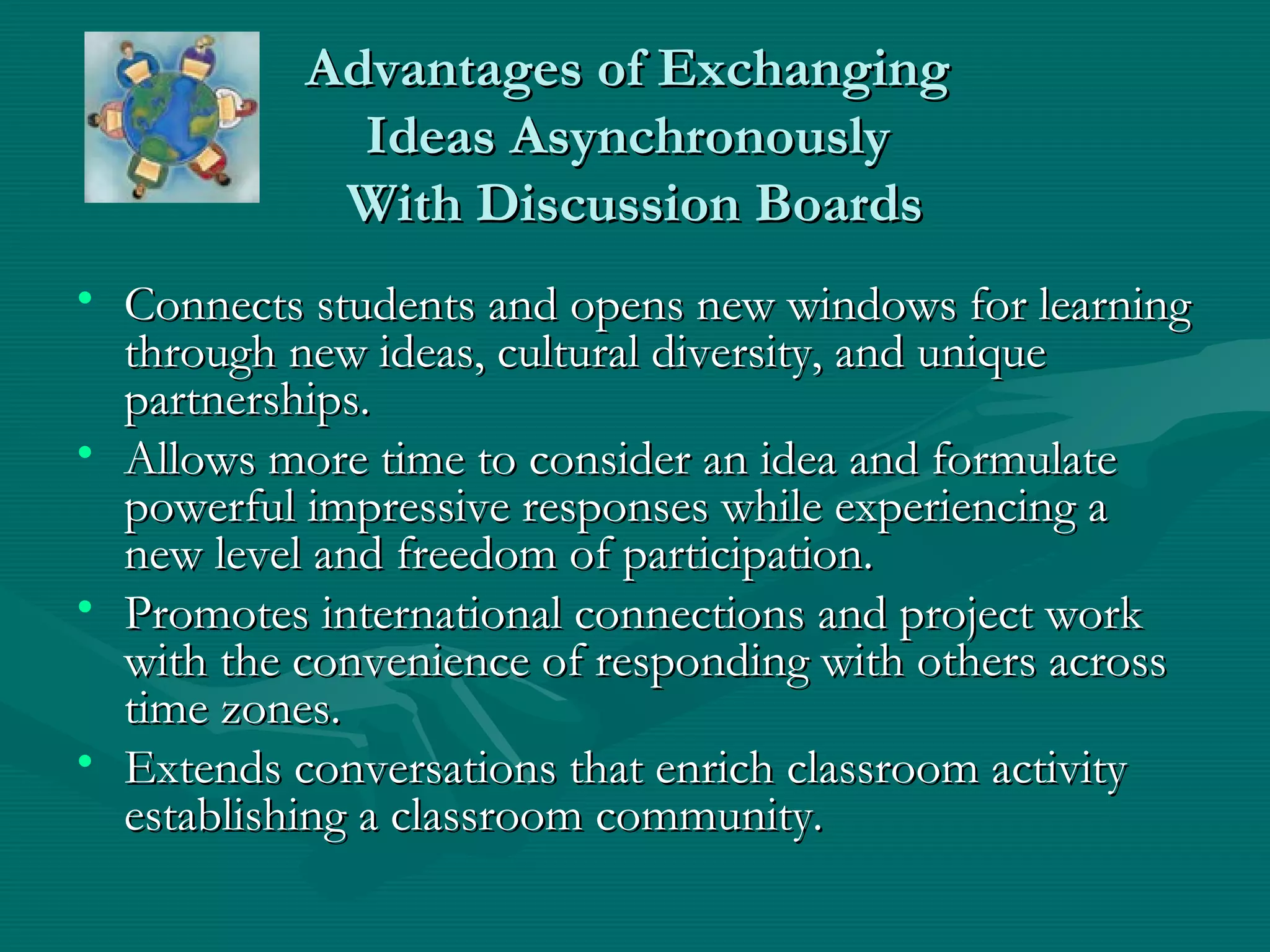
Advantages of ExchangingAdvantages of Exchanging
Ideas AsynchronouslyIdeas Asynchronously
With Discussion BoardsWith Discussion Boards
• Connects students and opens new windows for learningConnects students and opens new windows for learning
through new ideas, cultural diversity, and uniquethrough new ideas, cultural diversity, and unique
partnerships.partnerships.
• Allows more time to consider an idea and formulateAllows more time to consider an idea and formulate
powerful impressive responses while experiencing apowerful impressive responses while experiencing a
new level and freedom of participation.new level and freedom of participation.
• Promotes international connections and project workPromotes international connections and project work
with the convenience of responding with others acrosswith the convenience of responding with others across
time zones.time zones.
• Extends conversations that enrich classroom activityExtends conversations that enrich classroom activity
establishing a classroom community.establishing a classroom community.
Advantages of: ExchangingAdvantages of: Exchanging
Ideas AsynchronouslyIdeas Asynchronously
With Discussion BoardsWith Discussion Boards
• Help students’ ability to work together in collaborative groups.Help students’ ability to work together in collaborative groups.
• Applications such asApplications such as Blackboard SystemBlackboard System,, Global SchoolhouseGlobal Schoolhouse oror
ePalsePals have access to several integrated communication tools.have access to several integrated communication tools.
• Shapes and directs the discussion to higher quality subsequentShapes and directs the discussion to higher quality subsequent
postings.postings.
• Teachers can create new forums based on ideas that emergeTeachers can create new forums based on ideas that emerge
from existing ones involving students decisions.from existing ones involving students decisions.
• Helps students to concentrate on key points, identifying the mostHelps students to concentrate on key points, identifying the most
relevant ideas and steering the direction of the conversation torelevant ideas and steering the direction of the conversation to
maintain purpose.maintain purpose.
Advantages of:Advantages of:
Exchanging Ideas Synchronously withExchanging Ideas Synchronously with
Interactive Chats and MessagingInteractive Chats and Messaging
• Provides instant, real-time exchange of ideas.Provides instant, real-time exchange of ideas.
• Internet Relay Chat (IRC) is designed mainly for group (many-Internet Relay Chat (IRC) is designed mainly for group (many-
to-many) communication in discussion forums called channels asto-many) communication in discussion forums called channels as
well as for one-to-one communications.well as for one-to-one communications.
• Allows anyone to post a statement to the group by typing into aAllows anyone to post a statement to the group by typing into a
field and than clicking a button to submit the statement.field and than clicking a button to submit the statement.
• IRC client software is used for chat sessions such asIRC client software is used for chat sessions such as ColloquyColloquy oror
mIRCmIRC etc.etc.
• Four of the largestFour of the largest IRC networksIRC networks areare EFnetEFnet,, IRCnetIRCnet,, QuakeNetQuakeNet
andand UndernetUndernet (Wikipedia). One can join servers by using the(Wikipedia). One can join servers by using the
irc://irc.server.net:port/channel Web linkirc://irc.server.net:port/channel Web link
Advantages of:Advantages of:
Exchanging Ideas Synchronously withExchanging Ideas Synchronously with
Interactive Chats and MessagingInteractive Chats and Messaging
• Instant Messaging (IM) is a form of real-time communicationInstant Messaging (IM) is a form of real-time communication
between two people.between two people.
• Client programs that support IM areClient programs that support IM are ICQICQ
(I Seek You),(I Seek You), Yahoo! MessengerYahoo! Messenger,, SkypeSkype,, Google TalkGoogle Talk,,
AOL InstantAOL Instant MessengerMessenger andand MSN MessengerMSN Messenger..
• Increases communication allowing easy collaboration andIncreases communication allowing easy collaboration and
exchange of ideas with one or more individuals.exchange of ideas with one or more individuals.
• IM and IRC can serve as useful classroom tools for connectingIM and IRC can serve as useful classroom tools for connecting
students in real-time communications.students in real-time communications.
• Community-oriented Web sites such asCommunity-oriented Web sites such as Tapped InTapped In,, ePalsePals,,
Global SchoolhouseGlobal Schoolhouse andand iLearniLearn offer communication tools withoffer communication tools with
an element of secure networking.an element of secure networking.
Safety Guidelines for OnlineSafety Guidelines for Online
CommunicationsCommunications
Safety guidelines for online communication should be used toSafety guidelines for online communication should be used to
insure good secure communication lines with other users.insure good secure communication lines with other users.
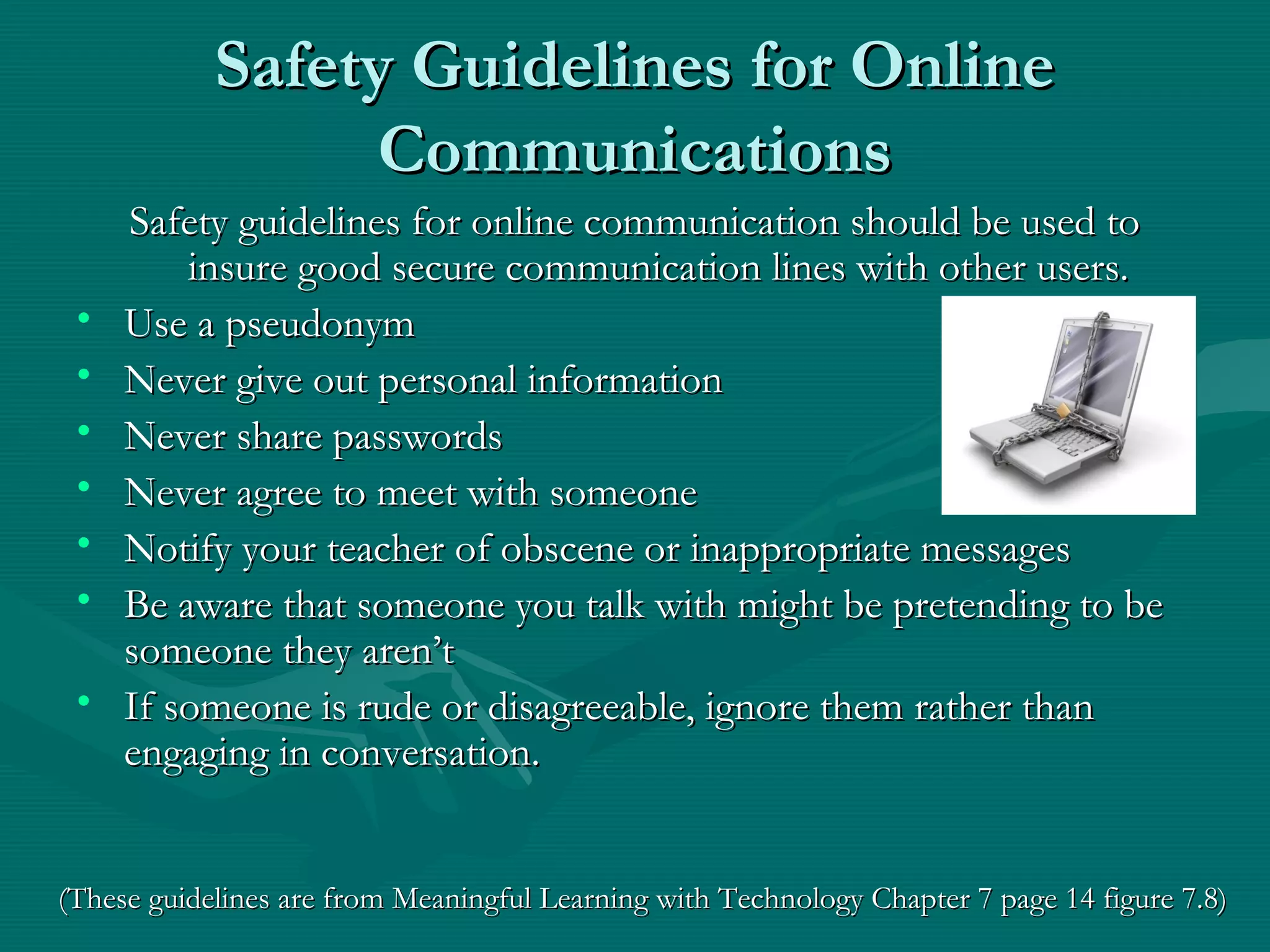
• Use a pseudonymUse a pseudonym
• Never give out personal informationNever give out personal information
• Never share passwordsNever share passwords
• Never agree to meet with someoneNever agree to meet with someone
• Notify your teacher of obscene or inappropriate messagesNotify your teacher of obscene or inappropriate messages
• Be aware that someone you talk with might be pretending to beBe aware that someone you talk with might be pretending to be
someone they aren’tsomeone they aren’t
• If someone is rude or disagreeable, ignore them rather thanIf someone is rude or disagreeable, ignore them rather than
engaging in conversation.engaging in conversation.
(These guidelines are from Meaningful Learning with Technology Chapter 7 page 14 figure 7.8)(These guidelines are from Meaningful Learning with Technology Chapter 7 page 14 figure 7.8)
Making Connections Through VideoMaking Connections Through Video
ConferencingConferencing
• Interactive videoconferencingInteractive videoconferencing
– Two or more locations interacting simultaneously by two-wayTwo or more locations interacting simultaneously by two-way
video and audio transmissionvideo and audio transmission
– Can connect students with experts and highly trainedCan connect students with experts and highly trained
professionals in various fieldsprofessionals in various fields
– Defeats costs barriers of physical travelDefeats costs barriers of physical travel
– Can serve as a bridge between school learning and real worldCan serve as a bridge between school learning and real world
experiencesexperiences
– Technology can be achieved by use of webcams,Technology can be achieved by use of webcams,
microphones, speakers and a high-speed internet connectionmicrophones, speakers and a high-speed internet connection
Making Connections Through VideoMaking Connections Through Video
ConferencingConferencing
• Video conferencing at work
– VIA Dyer
• Connected students with a weekly videoconference presentation from
astronomers at Vanderbilt Dyer Observatory
• Students saw astronomy video and were able to hear narration and
engage in meaningful dialogue with renowned experts
– Videoconferencing Weekly Topic Series (Year 3)
• Missouri high school students used technology to further knowledge on
civics
• Interacted via videoconferencing with Supreme Court judges and a
constitutional expert
• Students brainstormed important topics to discuss and opened up
dialogue to hear expert opinions
Making Connections Through VideoMaking Connections Through Video
ConferencingConferencing
• Purposes for videoconferencing
– Students taking classes not offered at their school
– Enrichment tutoring
– Virtual field trips
– Collaboration and exchange of information with other schools
– Local government hearings and court functions
– And many more!
• Things to consider:
– Teacher training needed on using the technologies
– Student coaching on using technology appropriately
– Cost of equipment
– Videoconferencing is meant to be supplemental and not substituted for
in-class content
Broadcasting with Podcasts andBroadcasting with Podcasts and
Internet RadioInternet Radio
• Podcasting~Podcasting~
– Broadcasting audio and/or video content overBroadcasting audio and/or video content over
internet sitesinternet sites
– Saved as an MP3 file and made available over theSaved as an MP3 file and made available over the
internetinternet
– Individuals may subscribe to various Podcasts postedIndividuals may subscribe to various Podcasts posted
on sites such as iTunes, Playpod, and Spider.on sites such as iTunes, Playpod, and Spider.
– Constantly expanding technology used in theConstantly expanding technology used in the
educational fieldeducational field
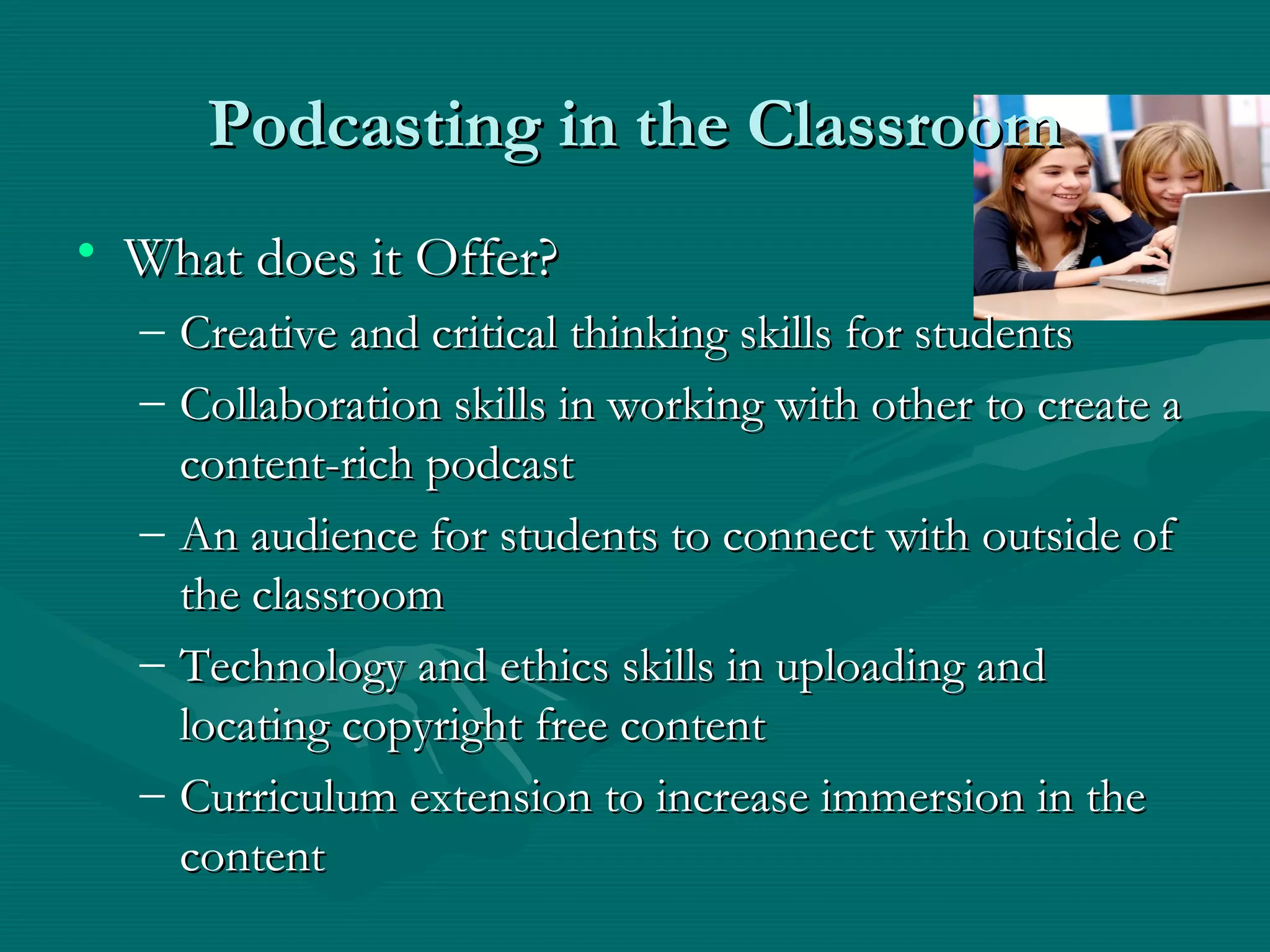
Podcasting in the ClassroomPodcasting in the Classroom
• What does it Offer?What does it Offer?
– Creative and critical thinking skills for studentsCreative and critical thinking skills for students
– Collaboration skills in working with other to create aCollaboration skills in working with other to create a
content-rich podcastcontent-rich podcast
– An audience for students to connect with outside ofAn audience for students to connect with outside of
the classroomthe classroom
– Technology and ethics skills in uploading andTechnology and ethics skills in uploading and
locating copyright free contentlocating copyright free content
– Curriculum extension to increase immersion in theCurriculum extension to increase immersion in the
contentcontent
Broadcasting with Podcasts andBroadcasting with Podcasts and
Internet RadioInternet Radio
Simple Steps to Podcast CreationSimple Steps to Podcast Creation
1. Record an audio or video clip using a computer with1. Record an audio or video clip using a computer with
audio software and microphone set up.audio software and microphone set up.
2. Files are saved in MP3 format2. Files are saved in MP3 format
3. Upload MP3 file to a Website hosting Podcasts such as3. Upload MP3 file to a Website hosting Podcasts such as
PodcastAlley.com or PodcastPickle.comPodcastAlley.com or PodcastPickle.com
Further tutorials can be found via sites such as:Further tutorials can be found via sites such as:
www.how-to-podcast-tutorial.comwww.how-to-podcast-tutorial.com
www.podcastingnews.com/articles/How-to-Podcast.htmlwww.podcastingnews.com/articles/How-to-Podcast.html
ConclusionConclusion
• Online communication is not meant to replace face-to faceOnline communication is not meant to replace face-to face
interaction but rather supplement itinteraction but rather supplement it
• Use of technology can sometimes isolate individuals fromUse of technology can sometimes isolate individuals from
personal interaction with otherspersonal interaction with others
• Brings expertise and knowledge to student’s fingertipsBrings expertise and knowledge to student’s fingertips
• Meant to engage students in meaningful dialogue and connectMeant to engage students in meaningful dialogue and connect
with diverse audienceswith diverse audiences
• Encourages students to be participants and creators of mediaEncourages students to be participants and creators of media
• ““The illiterate of the 21The illiterate of the 21stst
century will not be those who cannotcentury will not be those who cannot
read and write, but those who cannot learn, unlearn and relearn.”read and write, but those who cannot learn, unlearn and relearn.”
–Alvin Toffler (n.d.)–Alvin Toffler (n.d.)
Picture CreditsPicture Credits
• Clip Art A man Multi-taskingClip Art A man Multi-tasking
http://www.fotosearch.com/bigcomp.asp?path=FSP/FSP557/671002.jpghttp://www.fotosearch.com/bigcomp.asp?path=FSP/FSP557/671002.jpg
• Busy Multi Tasking Assistant Secretary Woman Typing, Filing, Organizing and Taking PhoneBusy Multi Tasking Assistant Secretary Woman Typing, Filing, Organizing and Taking Phone
CallsCalls http://www.clipartof.com/details/clipart/11412.htmlhttp://www.clipartof.com/details/clipart/11412.html
• Multitasking ManMultitasking Man http://www.tornado-tools.com/selfservice.htmlhttp://www.tornado-tools.com/selfservice.html
• Multi-tasking Virtual Assistant http://www.theheartof.com.au/page/virtual_assistance.htmlMulti-tasking Virtual Assistant http://www.theheartof.com.au/page/virtual_assistance.html
• Multi-tasking juggler http://successbeginstoday.org/wordpress/category/mba-on-the-run/Multi-tasking juggler http://successbeginstoday.org/wordpress/category/mba-on-the-run/
• Mom Multi-tasking www.modernmom.comMom Multi-tasking www.modernmom.com
http://www.associatedcontent.com/article/122475/more_multitasking tips.html?cat=3http://www.associatedcontent.com/article/122475/more_multitasking tips.html?cat=3
• DiscussionBoard Picyure of EinsteinDiscussionBoard Picyure of Einstein
http://www.geme.group.shef.ac.uk/discussion_introduction.htmhttp://www.geme.group.shef.ac.uk/discussion_introduction.htm
• Picture of children around globe http://www.unicef.ca/portal/GetPage.aspx?at=1383Picture of children around globe http://www.unicef.ca/portal/GetPage.aspx?at=1383
• Space Bus Picture http://www.un.org/Pubs/CyberSchoolBus/index.shtmlSpace Bus Picture http://www.un.org/Pubs/CyberSchoolBus/index.shtml
• Podcast with earphonesPodcast with earphones http://miketemple123.edublogs.org/2008/10/20/brilliant-podcasting-http://miketemple123.edublogs.org/2008/10/20/brilliant-podcasting-
with-audacity-tutorialwith-audacity-tutorial
ReferencesReferences
• Jonassen, D., Howland, J., Marra, R. N., & Crismond, D. (2008). Meaningful LearningJonassen, D., Howland, J., Marra, R. N., & Crismond, D. (2008). Meaningful Learning
With Technology 3With Technology 3rdrd
edition. Saddle River, NJ: Pearson Prentice Hall.edition. Saddle River, NJ: Pearson Prentice Hall.

Istc 655 Chapter 7 Ppt

  • 1.
    Communicating WithCommunicating With TechnologiesTechnologies MeaningfulLearning With TechnologyMeaningful Learning With Technology Communicating with Technologies Chapter 7Communicating with Technologies Chapter 7 by David Jonassen, Jane Howland,by David Jonassen, Jane Howland, Rose M. Marra and David CrismondRose M. Marra and David Crismond By Irvin EngleBy Irvin Engle Chinara DeGrossChinara DeGross Carrie OlsonCarrie Olson
  • 2.
    Media Multi-taskingMedia Multi-tasking •Media multi-tasking behaviors have strong implications for theMedia multi-tasking behaviors have strong implications for the way we should think about structure of our classrooms,way we should think about structure of our classrooms, curricula, and technology use in our schools.curricula, and technology use in our schools.
  • 3.
    CommunityCommunity • Community buildingis a critical element ofCommunity building is a critical element of meaningful learning.meaningful learning. • Engaging students in social negotiation andEngaging students in social negotiation and shared knowledge building.shared knowledge building.
  • 4.
    CommunicationsCommunications • The Internetand it’s related networkingThe Internet and it’s related networking technologies has created communication leadingtechnologies has created communication leading to learning communities.to learning communities. • Linking users and institutions together allowingLinking users and institutions together allowing all kinds of interactions to occur.all kinds of interactions to occur. • Tying students and teachers together andTying students and teachers together and keeping them connected through the power ofkeeping them connected through the power of telecommunications tools.telecommunications tools.
  • 5.
    Advantages of ExchangingAdvantagesof Exchanging Ideas AsynchronouslyIdeas Asynchronously With Discussion BoardsWith Discussion Boards • Connects students and opens new windows for learningConnects students and opens new windows for learning through new ideas, cultural diversity, and uniquethrough new ideas, cultural diversity, and unique partnerships.partnerships. • Allows more time to consider an idea and formulateAllows more time to consider an idea and formulate powerful impressive responses while experiencing apowerful impressive responses while experiencing a new level and freedom of participation.new level and freedom of participation. • Promotes international connections and project workPromotes international connections and project work with the convenience of responding with others acrosswith the convenience of responding with others across time zones.time zones. • Extends conversations that enrich classroom activityExtends conversations that enrich classroom activity establishing a classroom community.establishing a classroom community.
  • 6.
    Advantages of: ExchangingAdvantagesof: Exchanging Ideas AsynchronouslyIdeas Asynchronously With Discussion BoardsWith Discussion Boards • Help students’ ability to work together in collaborative groups.Help students’ ability to work together in collaborative groups. • Applications such asApplications such as Blackboard SystemBlackboard System,, Global SchoolhouseGlobal Schoolhouse oror ePalsePals have access to several integrated communication tools.have access to several integrated communication tools. • Shapes and directs the discussion to higher quality subsequentShapes and directs the discussion to higher quality subsequent postings.postings. • Teachers can create new forums based on ideas that emergeTeachers can create new forums based on ideas that emerge from existing ones involving students decisions.from existing ones involving students decisions. • Helps students to concentrate on key points, identifying the mostHelps students to concentrate on key points, identifying the most relevant ideas and steering the direction of the conversation torelevant ideas and steering the direction of the conversation to maintain purpose.maintain purpose.
  • 7.
    Advantages of:Advantages of: ExchangingIdeas Synchronously withExchanging Ideas Synchronously with Interactive Chats and MessagingInteractive Chats and Messaging • Provides instant, real-time exchange of ideas.Provides instant, real-time exchange of ideas. • Internet Relay Chat (IRC) is designed mainly for group (many-Internet Relay Chat (IRC) is designed mainly for group (many- to-many) communication in discussion forums called channels asto-many) communication in discussion forums called channels as well as for one-to-one communications.well as for one-to-one communications. • Allows anyone to post a statement to the group by typing into aAllows anyone to post a statement to the group by typing into a field and than clicking a button to submit the statement.field and than clicking a button to submit the statement. • IRC client software is used for chat sessions such asIRC client software is used for chat sessions such as ColloquyColloquy oror mIRCmIRC etc.etc. • Four of the largestFour of the largest IRC networksIRC networks areare EFnetEFnet,, IRCnetIRCnet,, QuakeNetQuakeNet andand UndernetUndernet (Wikipedia). One can join servers by using the(Wikipedia). One can join servers by using the irc://irc.server.net:port/channel Web linkirc://irc.server.net:port/channel Web link
  • 8.
    Advantages of:Advantages of: ExchangingIdeas Synchronously withExchanging Ideas Synchronously with Interactive Chats and MessagingInteractive Chats and Messaging • Instant Messaging (IM) is a form of real-time communicationInstant Messaging (IM) is a form of real-time communication between two people.between two people. • Client programs that support IM areClient programs that support IM are ICQICQ (I Seek You),(I Seek You), Yahoo! MessengerYahoo! Messenger,, SkypeSkype,, Google TalkGoogle Talk,, AOL InstantAOL Instant MessengerMessenger andand MSN MessengerMSN Messenger.. • Increases communication allowing easy collaboration andIncreases communication allowing easy collaboration and exchange of ideas with one or more individuals.exchange of ideas with one or more individuals. • IM and IRC can serve as useful classroom tools for connectingIM and IRC can serve as useful classroom tools for connecting students in real-time communications.students in real-time communications. • Community-oriented Web sites such asCommunity-oriented Web sites such as Tapped InTapped In,, ePalsePals,, Global SchoolhouseGlobal Schoolhouse andand iLearniLearn offer communication tools withoffer communication tools with an element of secure networking.an element of secure networking.
  • 9.
    Safety Guidelines forOnlineSafety Guidelines for Online CommunicationsCommunications Safety guidelines for online communication should be used toSafety guidelines for online communication should be used to insure good secure communication lines with other users.insure good secure communication lines with other users. • Use a pseudonymUse a pseudonym • Never give out personal informationNever give out personal information • Never share passwordsNever share passwords • Never agree to meet with someoneNever agree to meet with someone • Notify your teacher of obscene or inappropriate messagesNotify your teacher of obscene or inappropriate messages • Be aware that someone you talk with might be pretending to beBe aware that someone you talk with might be pretending to be someone they aren’tsomeone they aren’t • If someone is rude or disagreeable, ignore them rather thanIf someone is rude or disagreeable, ignore them rather than engaging in conversation.engaging in conversation. (These guidelines are from Meaningful Learning with Technology Chapter 7 page 14 figure 7.8)(These guidelines are from Meaningful Learning with Technology Chapter 7 page 14 figure 7.8)
  • 10.
    Making Connections ThroughVideoMaking Connections Through Video ConferencingConferencing • Interactive videoconferencingInteractive videoconferencing – Two or more locations interacting simultaneously by two-wayTwo or more locations interacting simultaneously by two-way video and audio transmissionvideo and audio transmission – Can connect students with experts and highly trainedCan connect students with experts and highly trained professionals in various fieldsprofessionals in various fields – Defeats costs barriers of physical travelDefeats costs barriers of physical travel – Can serve as a bridge between school learning and real worldCan serve as a bridge between school learning and real world experiencesexperiences – Technology can be achieved by use of webcams,Technology can be achieved by use of webcams, microphones, speakers and a high-speed internet connectionmicrophones, speakers and a high-speed internet connection
  • 11.
    Making Connections ThroughVideoMaking Connections Through Video ConferencingConferencing • Video conferencing at work – VIA Dyer • Connected students with a weekly videoconference presentation from astronomers at Vanderbilt Dyer Observatory • Students saw astronomy video and were able to hear narration and engage in meaningful dialogue with renowned experts – Videoconferencing Weekly Topic Series (Year 3) • Missouri high school students used technology to further knowledge on civics • Interacted via videoconferencing with Supreme Court judges and a constitutional expert • Students brainstormed important topics to discuss and opened up dialogue to hear expert opinions
  • 12.
    Making Connections ThroughVideoMaking Connections Through Video ConferencingConferencing • Purposes for videoconferencing – Students taking classes not offered at their school – Enrichment tutoring – Virtual field trips – Collaboration and exchange of information with other schools – Local government hearings and court functions – And many more! • Things to consider: – Teacher training needed on using the technologies – Student coaching on using technology appropriately – Cost of equipment – Videoconferencing is meant to be supplemental and not substituted for in-class content
  • 13.
    Broadcasting with PodcastsandBroadcasting with Podcasts and Internet RadioInternet Radio • Podcasting~Podcasting~ – Broadcasting audio and/or video content overBroadcasting audio and/or video content over internet sitesinternet sites – Saved as an MP3 file and made available over theSaved as an MP3 file and made available over the internetinternet – Individuals may subscribe to various Podcasts postedIndividuals may subscribe to various Podcasts posted on sites such as iTunes, Playpod, and Spider.on sites such as iTunes, Playpod, and Spider. – Constantly expanding technology used in theConstantly expanding technology used in the educational fieldeducational field
  • 14.
    Podcasting in theClassroomPodcasting in the Classroom • What does it Offer?What does it Offer? – Creative and critical thinking skills for studentsCreative and critical thinking skills for students – Collaboration skills in working with other to create aCollaboration skills in working with other to create a content-rich podcastcontent-rich podcast – An audience for students to connect with outside ofAn audience for students to connect with outside of the classroomthe classroom – Technology and ethics skills in uploading andTechnology and ethics skills in uploading and locating copyright free contentlocating copyright free content – Curriculum extension to increase immersion in theCurriculum extension to increase immersion in the contentcontent
  • 15.
    Broadcasting with PodcastsandBroadcasting with Podcasts and Internet RadioInternet Radio Simple Steps to Podcast CreationSimple Steps to Podcast Creation 1. Record an audio or video clip using a computer with1. Record an audio or video clip using a computer with audio software and microphone set up.audio software and microphone set up. 2. Files are saved in MP3 format2. Files are saved in MP3 format 3. Upload MP3 file to a Website hosting Podcasts such as3. Upload MP3 file to a Website hosting Podcasts such as PodcastAlley.com or PodcastPickle.comPodcastAlley.com or PodcastPickle.com Further tutorials can be found via sites such as:Further tutorials can be found via sites such as: www.how-to-podcast-tutorial.comwww.how-to-podcast-tutorial.com www.podcastingnews.com/articles/How-to-Podcast.htmlwww.podcastingnews.com/articles/How-to-Podcast.html
  • 16.
    ConclusionConclusion • Online communicationis not meant to replace face-to faceOnline communication is not meant to replace face-to face interaction but rather supplement itinteraction but rather supplement it • Use of technology can sometimes isolate individuals fromUse of technology can sometimes isolate individuals from personal interaction with otherspersonal interaction with others • Brings expertise and knowledge to student’s fingertipsBrings expertise and knowledge to student’s fingertips • Meant to engage students in meaningful dialogue and connectMeant to engage students in meaningful dialogue and connect with diverse audienceswith diverse audiences • Encourages students to be participants and creators of mediaEncourages students to be participants and creators of media • ““The illiterate of the 21The illiterate of the 21stst century will not be those who cannotcentury will not be those who cannot read and write, but those who cannot learn, unlearn and relearn.”read and write, but those who cannot learn, unlearn and relearn.” –Alvin Toffler (n.d.)–Alvin Toffler (n.d.)
  • 17.
    Picture CreditsPicture Credits •Clip Art A man Multi-taskingClip Art A man Multi-tasking http://www.fotosearch.com/bigcomp.asp?path=FSP/FSP557/671002.jpghttp://www.fotosearch.com/bigcomp.asp?path=FSP/FSP557/671002.jpg • Busy Multi Tasking Assistant Secretary Woman Typing, Filing, Organizing and Taking PhoneBusy Multi Tasking Assistant Secretary Woman Typing, Filing, Organizing and Taking Phone CallsCalls http://www.clipartof.com/details/clipart/11412.htmlhttp://www.clipartof.com/details/clipart/11412.html • Multitasking ManMultitasking Man http://www.tornado-tools.com/selfservice.htmlhttp://www.tornado-tools.com/selfservice.html • Multi-tasking Virtual Assistant http://www.theheartof.com.au/page/virtual_assistance.htmlMulti-tasking Virtual Assistant http://www.theheartof.com.au/page/virtual_assistance.html • Multi-tasking juggler http://successbeginstoday.org/wordpress/category/mba-on-the-run/Multi-tasking juggler http://successbeginstoday.org/wordpress/category/mba-on-the-run/ • Mom Multi-tasking www.modernmom.comMom Multi-tasking www.modernmom.com http://www.associatedcontent.com/article/122475/more_multitasking tips.html?cat=3http://www.associatedcontent.com/article/122475/more_multitasking tips.html?cat=3 • DiscussionBoard Picyure of EinsteinDiscussionBoard Picyure of Einstein http://www.geme.group.shef.ac.uk/discussion_introduction.htmhttp://www.geme.group.shef.ac.uk/discussion_introduction.htm • Picture of children around globe http://www.unicef.ca/portal/GetPage.aspx?at=1383Picture of children around globe http://www.unicef.ca/portal/GetPage.aspx?at=1383 • Space Bus Picture http://www.un.org/Pubs/CyberSchoolBus/index.shtmlSpace Bus Picture http://www.un.org/Pubs/CyberSchoolBus/index.shtml • Podcast with earphonesPodcast with earphones http://miketemple123.edublogs.org/2008/10/20/brilliant-podcasting-http://miketemple123.edublogs.org/2008/10/20/brilliant-podcasting- with-audacity-tutorialwith-audacity-tutorial
  • 18.
    ReferencesReferences • Jonassen, D.,Howland, J., Marra, R. N., & Crismond, D. (2008). Meaningful LearningJonassen, D., Howland, J., Marra, R. N., & Crismond, D. (2008). Meaningful Learning With Technology 3With Technology 3rdrd edition. Saddle River, NJ: Pearson Prentice Hall.edition. Saddle River, NJ: Pearson Prentice Hall.