IPAM Security
Considerations
N3K Expert Webinar Series
Andreas Taudte
Principal DDI Consultant
Last updated August 2023
www.n3k.com 2
Housekeeping
• Timing, Schedule, Q&A Session
• Online Etiquette (microphones, distracting activities)
• Recording and Privacy
www.n3k.com 3
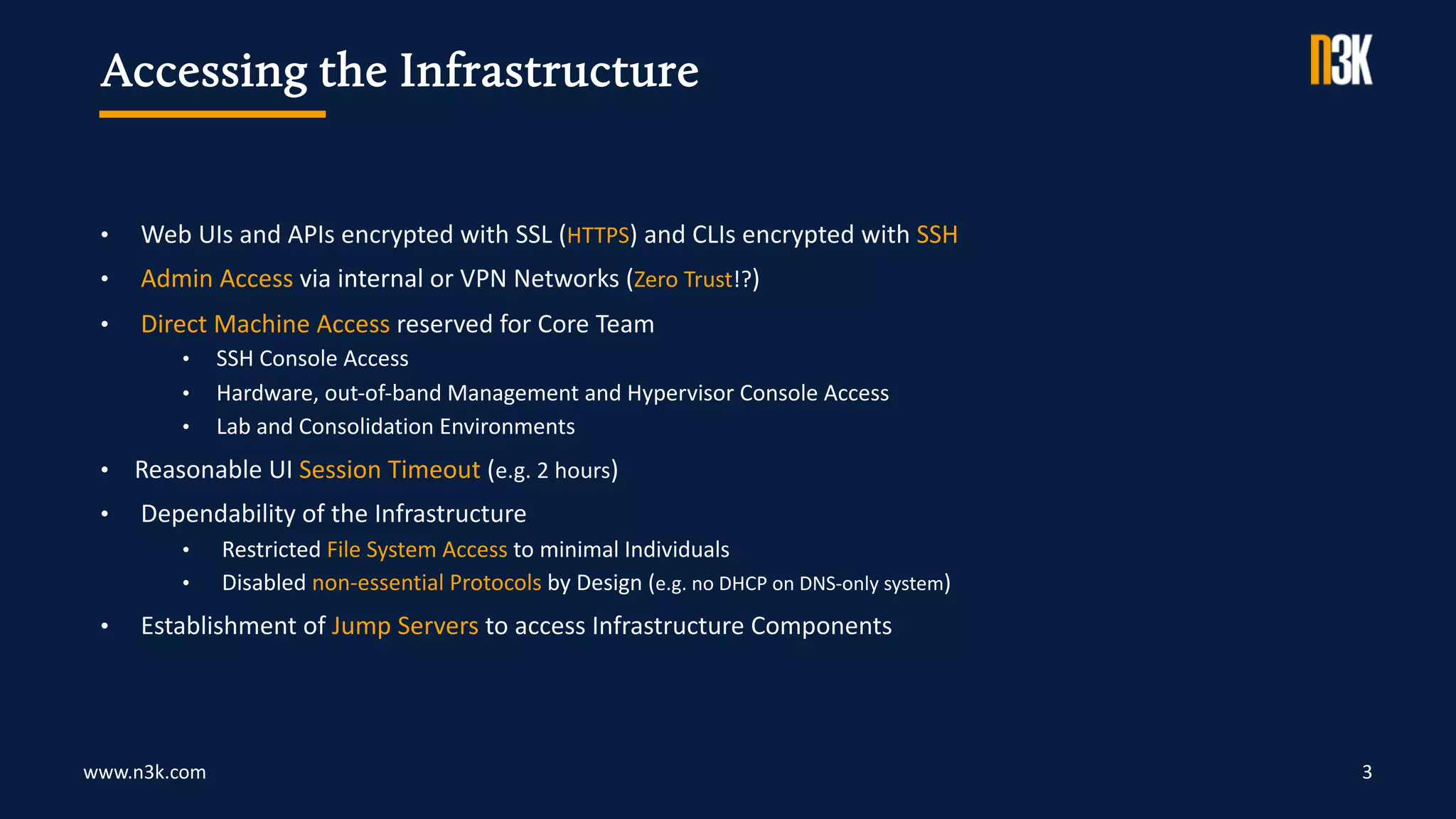
• Web UIs and APIs encrypted with SSL (HTTPS) and CLIs encrypted with SSH
• Admin Access via internal or VPN Networks (Zero Trust!?)
• Direct Machine Access reserved for Core Team
• SSH Console Access
• Hardware, out-of-band Management and Hypervisor Console Access
• Lab and Consolidation Environments
• Reasonable UI Session Timeout (e.g. 2 hours)
• Dependability of the Infrastructure
• Restricted File System Access to minimal Individuals
• Disabled non-essential Protocols by Design (e.g. no DHCP on DNS-only system)
• Establishment of Jump Servers to access Infrastructure Components
Accessing the Infrastructure
www.n3k.com 4
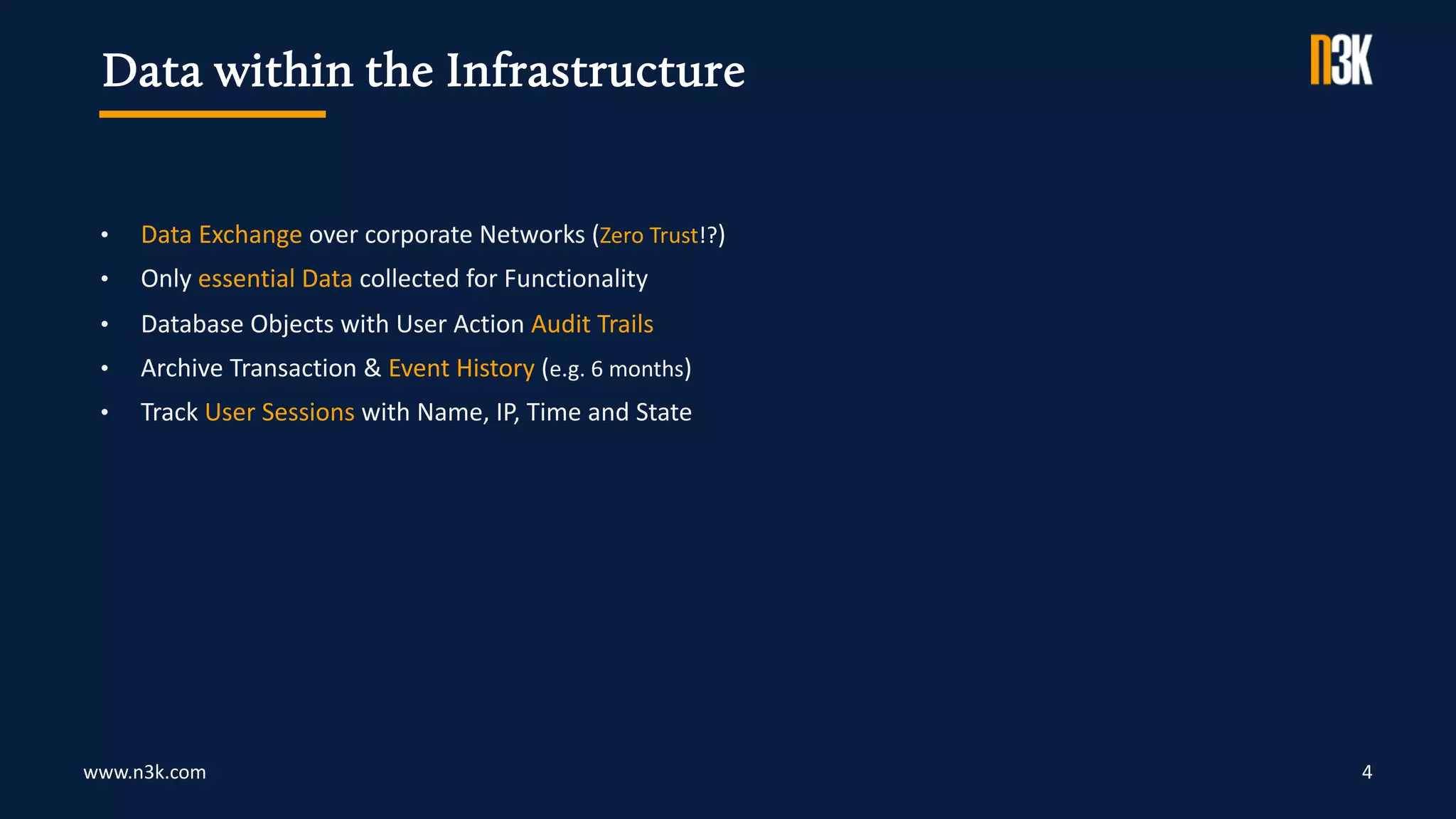
• Data Exchange over corporate Networks (Zero Trust!?)
• Only essential Data collected for Functionality
• Database Objects with User Action Audit Trails
• Archive Transaction & Event History (e.g. 6 months)
• Track User Sessions with Name, IP, Time and State
Data within the Infrastructure
www.n3k.com 5
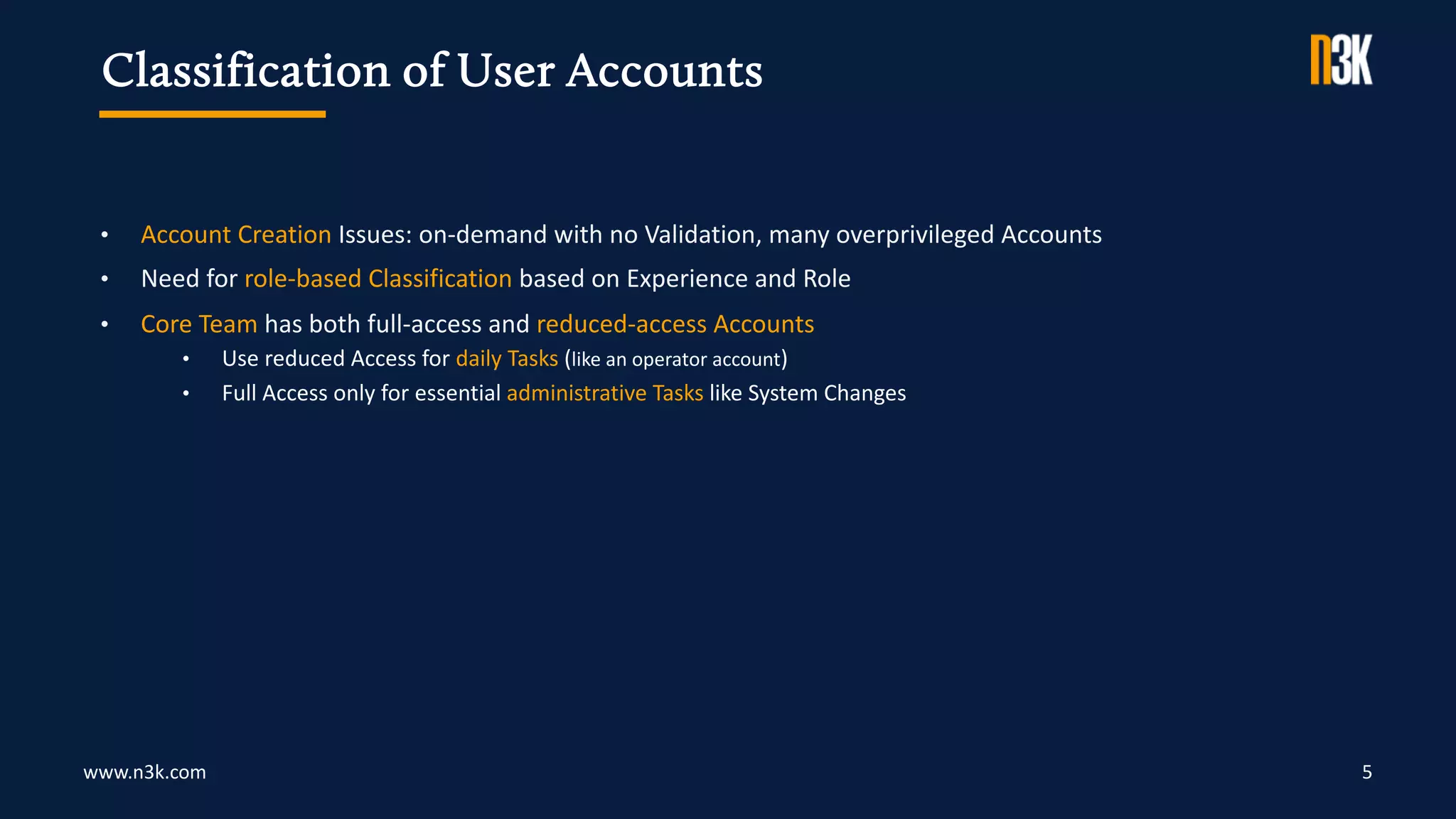
• Account Creation Issues: on-demand with no Validation, many overprivileged Accounts
• Need for role-based Classification based on Experience and Role
• Core Team has both full-access and reduced-access Accounts
• Use reduced Access for daily Tasks (like an operator account)
• Full Access only for essential administrative Tasks like System Changes
Classification of User Accounts
www.n3k.com 6
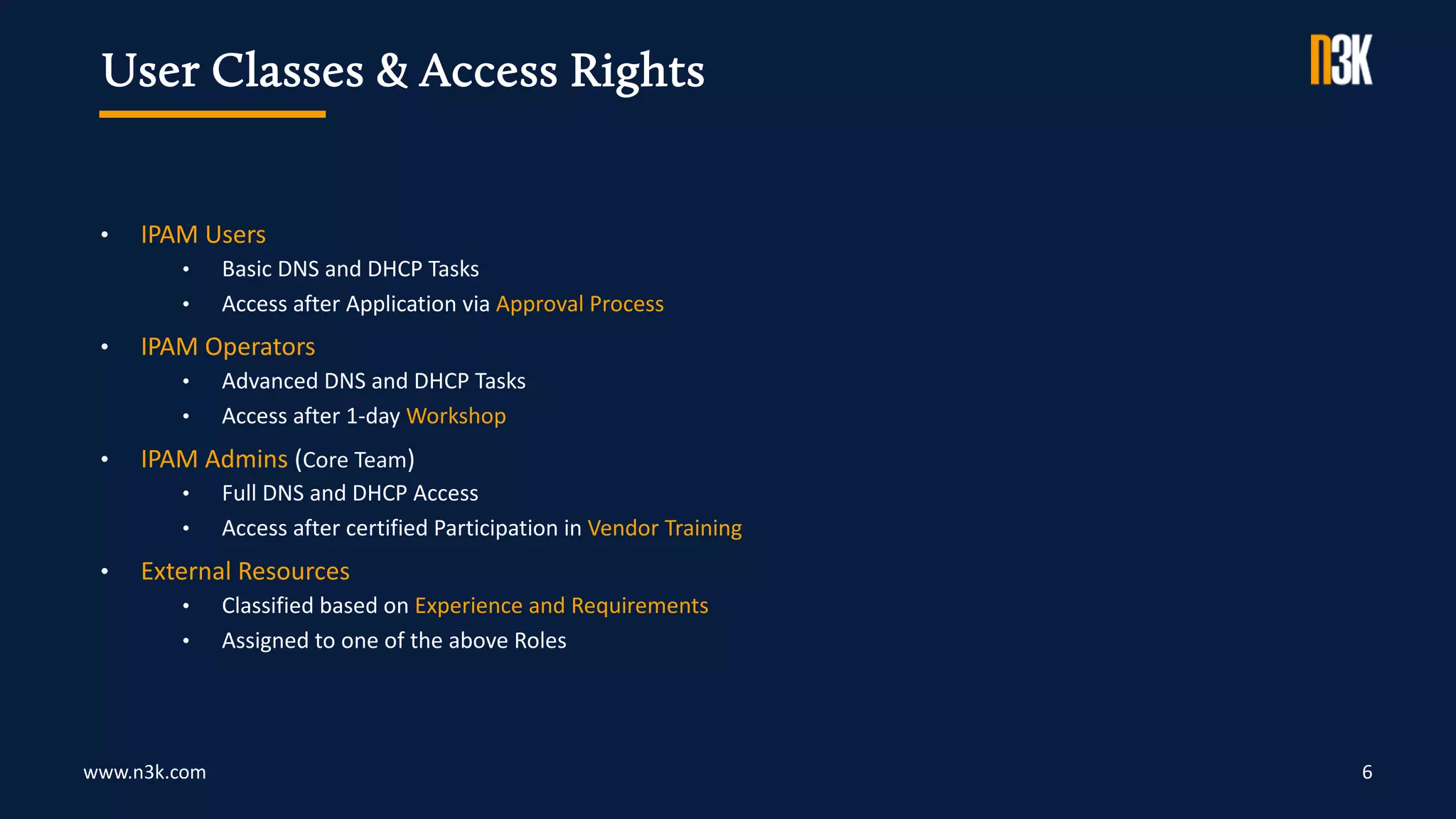
• IPAM Users
• Basic DNS and DHCP Tasks
• Access after Application via Approval Process
• IPAM Operators
• Advanced DNS and DHCP Tasks
• Access after 1-day Workshop
• IPAM Admins (Core Team)
• Full DNS and DHCP Access
• Access after certified Participation in Vendor Training
• External Resources
• Classified based on Experience and Requirements
• Assigned to one of the above Roles
User Classes & Access Rights
www.n3k.com 7
• External Authentication doesn't replace in-database User Management
• External Authentication Systems often DNS-dependent
• IPAM Admins should not rely solely on external Services
• Allow Core Network Management even if Authentication System fails
External Authentication
www.n3k.com 8
• IPAM Users and Operators
• Access via Group Membership in external Authentication System
• Adjust Account if Department Changes or User leaves the Company
• IPAM Administrators
• Regular Access like other Users via external Authentication System
• Emergency Accounts need immediate Action (update, revoke, delete)
Revocation of granted Access
www.n3k.com 9
• Centralized Management of Credentials in official Password Vault
• Password Vault used for complex Passwords Creation
• Enforcement of proper Password Complexity in IPAM Systems
• Implementation of Password Rotation (quarterly/semi-annual/annual)
• Automated Backup of Password Vault to safe Place
Password Life Cycle
www.n3k.com
Types of Software Releases
10
• Major significant Changes and Improvements from previous Major Version
• Minor non-severe Changes and Improvements from previous Minor Version
• Maintenance only applies to the current Releases (Major or Minor)
• Hotfix addresses current and critical Problem in the Product
Patch and Update Management
www.n3k.com
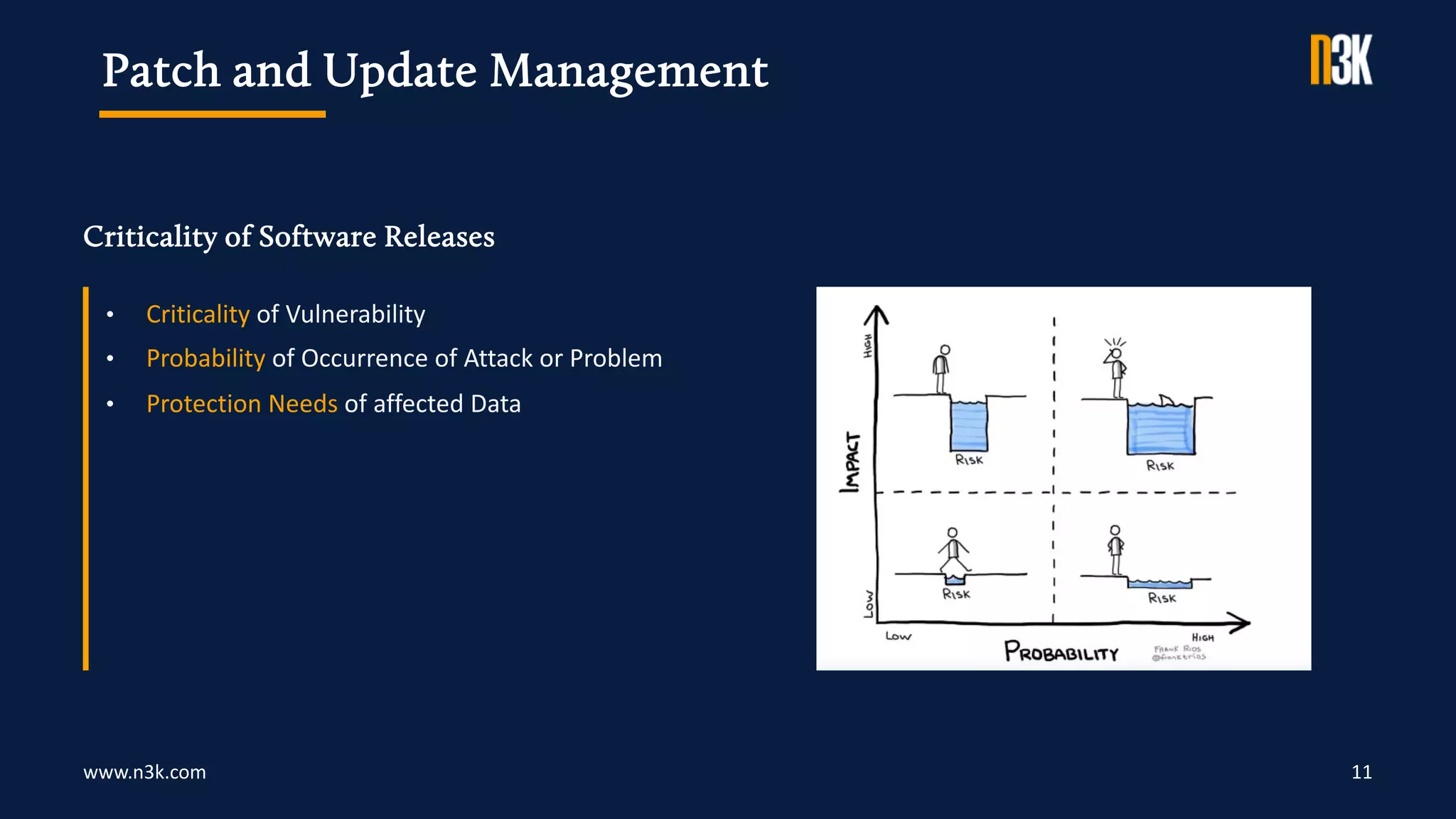
Criticality of Software Releases
11
• Criticality of Vulnerability
• Probability of Occurrence of Attack or Problem
• Protection Needs of affected Data
Patch and Update Management
www.n3k.com
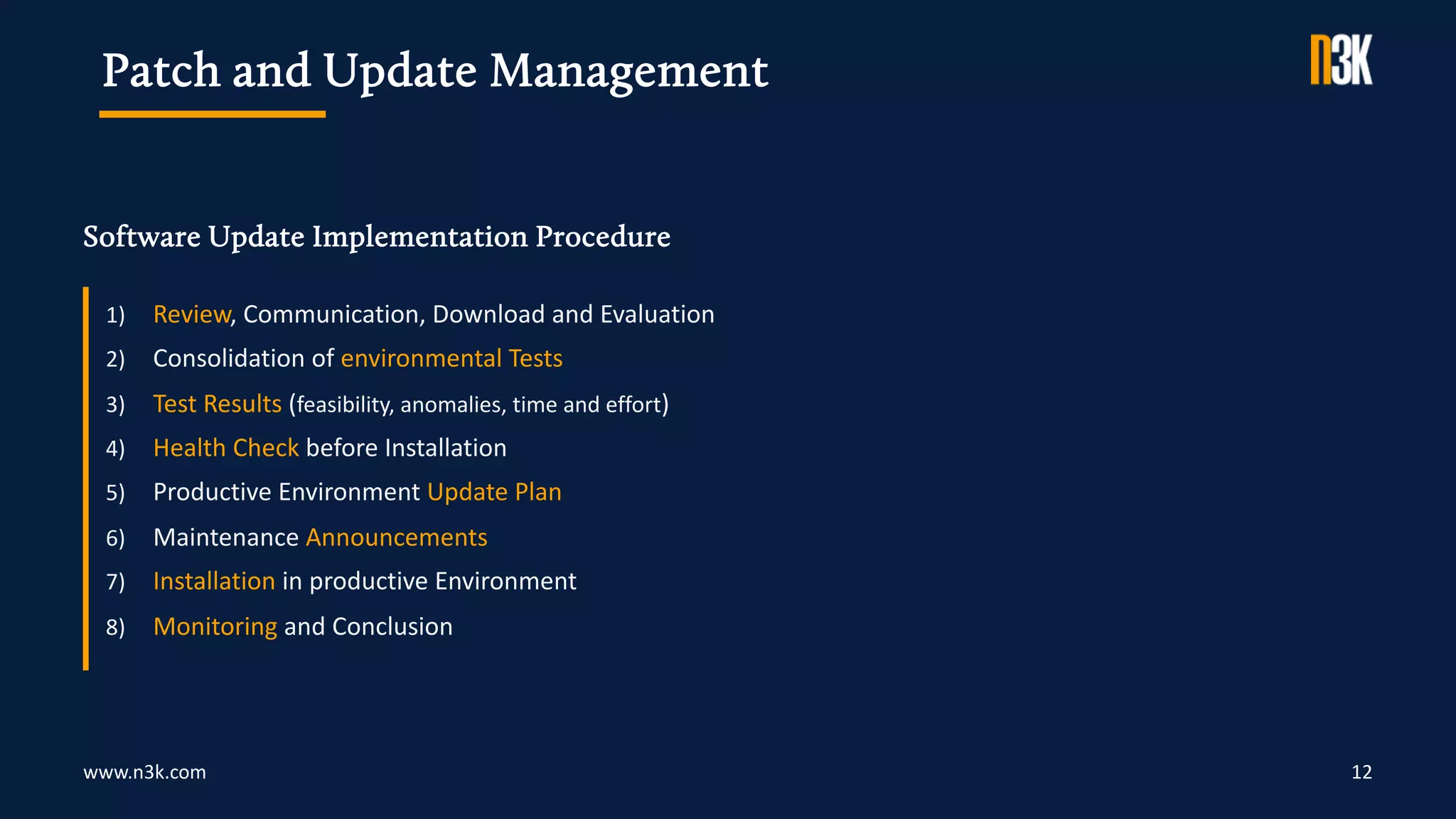
Software Update Implementation Procedure
12
1) Review, Communication, Download and Evaluation
2) Consolidation of environmental Tests
3) Test Results (feasibility, anomalies, time and effort)
4) Health Check before Installation
5) Productive Environment Update Plan
6) Maintenance Announcements
7) Installation in productive Environment
8) Monitoring and Conclusion
Patch and Update Management
www.n3k.com
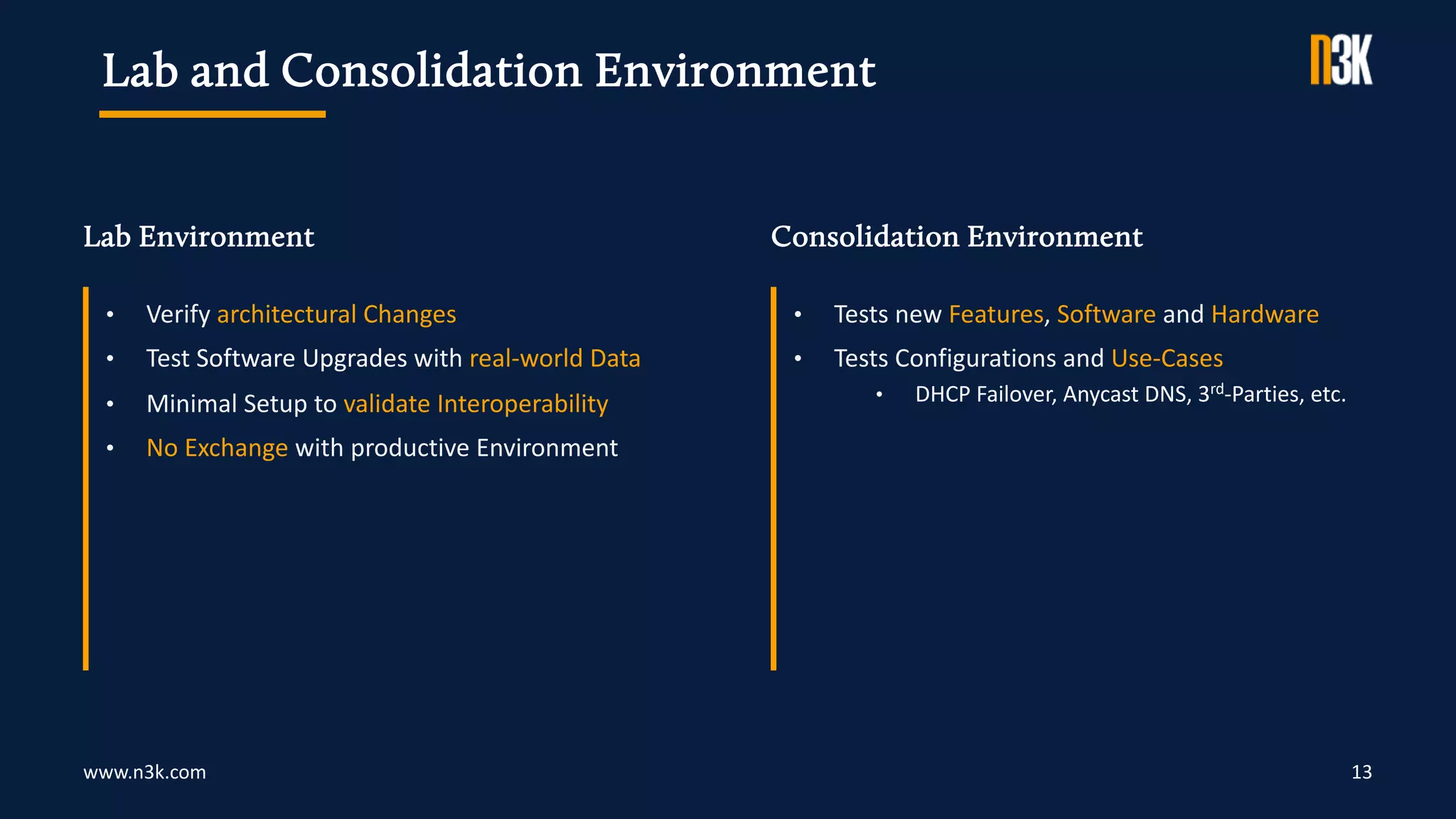
Lab Environment Consolidation Environment
13
• Verify architectural Changes
• Test Software Upgrades with real-world Data
• Minimal Setup to validate Interoperability
• No Exchange with productive Environment
• Tests new Features, Software and Hardware
• Tests Configurations and Use-Cases
• DHCP Failover, Anycast DNS, 3rd-Parties, etc.
Lab and Consolidation Environment
www.n3k.com 14
• Health Checks regularly by Core Team (monthly/quarterly)
• Security Reviews regularly by Security Department incl. the Core Team (quarterly/semi-annually)
• Architecture Reviews annually by Core Team (best practices, DNS/DHCP legacies, authorization concept)
Frequent Inspection
www.n3k.com 15
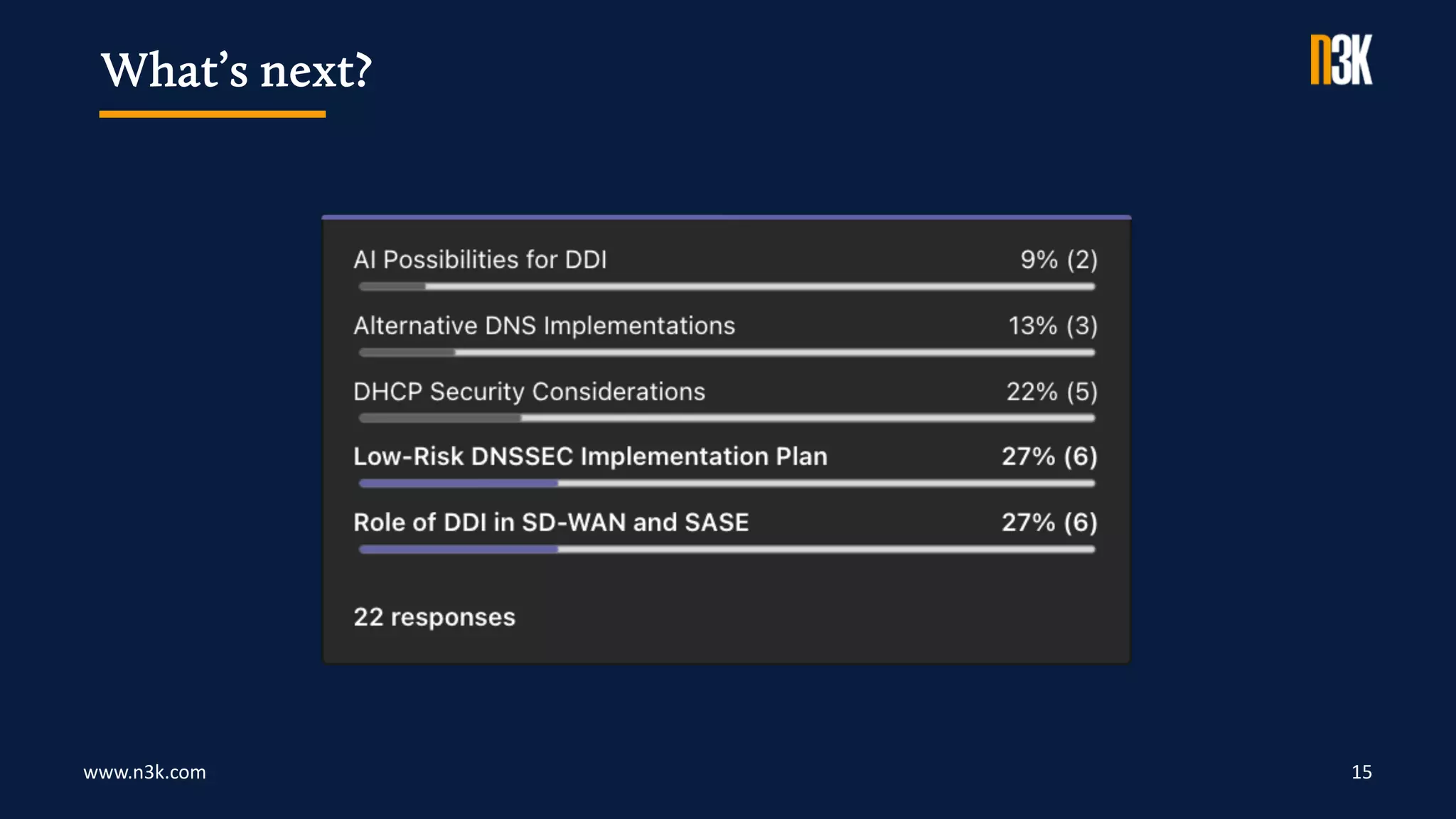
What’s next?
www.n3k.com 16
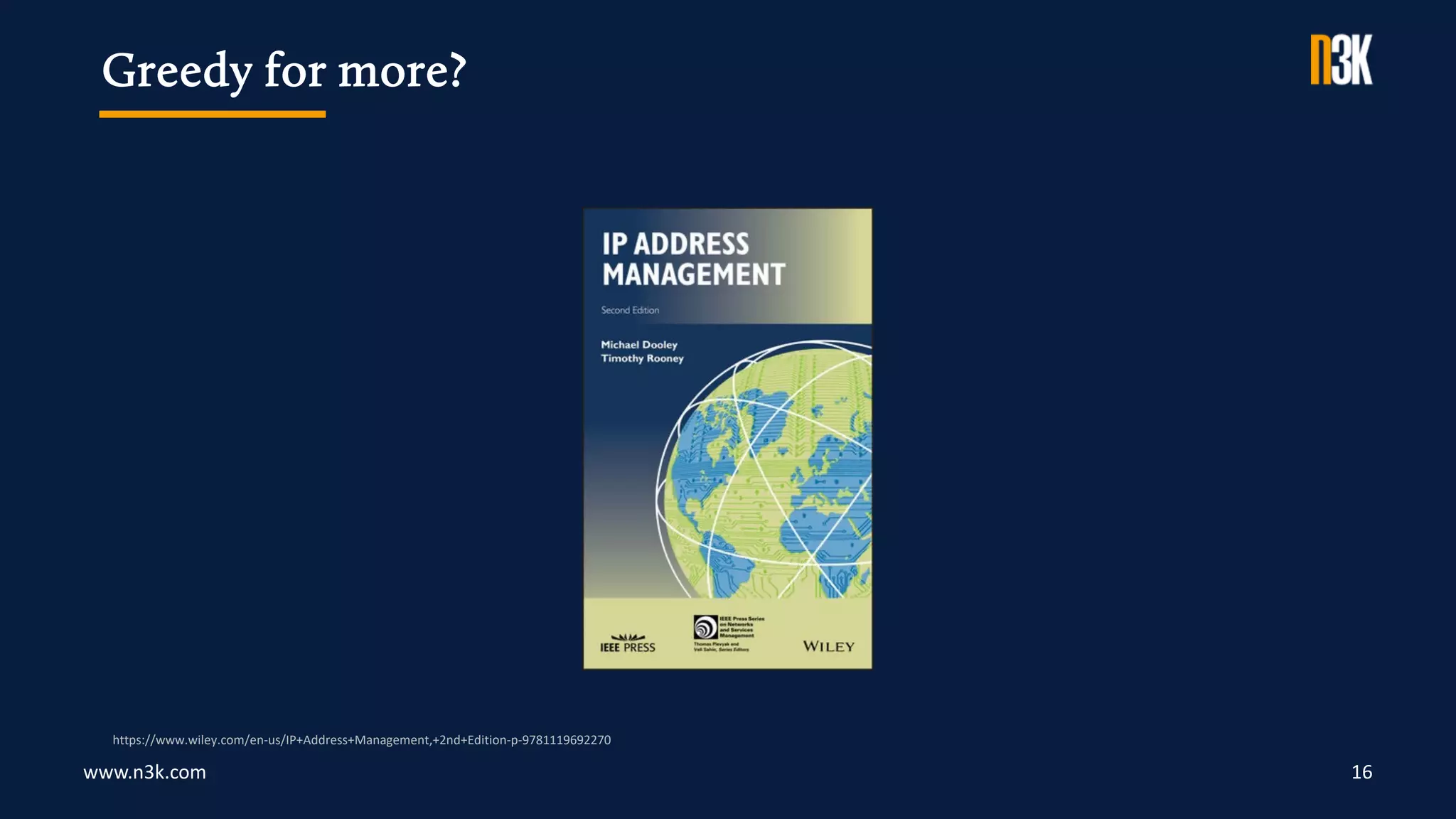
Greedy for more?
https://www.wiley.com/en-us/IP+Address+Management,+2nd+Edition-p-9781119692270
N3K Network Systems
Ferdinand-Braun-Straße 2/1 | 74074 Heilbronn
+49 7131 594 95 0
info@n3k.de
Thank you for your Time.
17

IPAM Security Considerations

  • 1.
    IPAM Security Considerations N3K ExpertWebinar Series Andreas Taudte Principal DDI Consultant Last updated August 2023
  • 2.
    www.n3k.com 2 Housekeeping • Timing,Schedule, Q&A Session • Online Etiquette (microphones, distracting activities) • Recording and Privacy
  • 3.
    www.n3k.com 3 • WebUIs and APIs encrypted with SSL (HTTPS) and CLIs encrypted with SSH • Admin Access via internal or VPN Networks (Zero Trust!?) • Direct Machine Access reserved for Core Team • SSH Console Access • Hardware, out-of-band Management and Hypervisor Console Access • Lab and Consolidation Environments • Reasonable UI Session Timeout (e.g. 2 hours) • Dependability of the Infrastructure • Restricted File System Access to minimal Individuals • Disabled non-essential Protocols by Design (e.g. no DHCP on DNS-only system) • Establishment of Jump Servers to access Infrastructure Components Accessing the Infrastructure
  • 4.
    www.n3k.com 4 • DataExchange over corporate Networks (Zero Trust!?) • Only essential Data collected for Functionality • Database Objects with User Action Audit Trails • Archive Transaction & Event History (e.g. 6 months) • Track User Sessions with Name, IP, Time and State Data within the Infrastructure
  • 5.
    www.n3k.com 5 • AccountCreation Issues: on-demand with no Validation, many overprivileged Accounts • Need for role-based Classification based on Experience and Role • Core Team has both full-access and reduced-access Accounts • Use reduced Access for daily Tasks (like an operator account) • Full Access only for essential administrative Tasks like System Changes Classification of User Accounts
  • 6.
    www.n3k.com 6 • IPAMUsers • Basic DNS and DHCP Tasks • Access after Application via Approval Process • IPAM Operators • Advanced DNS and DHCP Tasks • Access after 1-day Workshop • IPAM Admins (Core Team) • Full DNS and DHCP Access • Access after certified Participation in Vendor Training • External Resources • Classified based on Experience and Requirements • Assigned to one of the above Roles User Classes & Access Rights
  • 7.
    www.n3k.com 7 • ExternalAuthentication doesn't replace in-database User Management • External Authentication Systems often DNS-dependent • IPAM Admins should not rely solely on external Services • Allow Core Network Management even if Authentication System fails External Authentication
  • 8.
    www.n3k.com 8 • IPAMUsers and Operators • Access via Group Membership in external Authentication System • Adjust Account if Department Changes or User leaves the Company • IPAM Administrators • Regular Access like other Users via external Authentication System • Emergency Accounts need immediate Action (update, revoke, delete) Revocation of granted Access
  • 9.
    www.n3k.com 9 • CentralizedManagement of Credentials in official Password Vault • Password Vault used for complex Passwords Creation • Enforcement of proper Password Complexity in IPAM Systems • Implementation of Password Rotation (quarterly/semi-annual/annual) • Automated Backup of Password Vault to safe Place Password Life Cycle
  • 10.
    www.n3k.com Types of SoftwareReleases 10 • Major significant Changes and Improvements from previous Major Version • Minor non-severe Changes and Improvements from previous Minor Version • Maintenance only applies to the current Releases (Major or Minor) • Hotfix addresses current and critical Problem in the Product Patch and Update Management
  • 11.
    www.n3k.com Criticality of SoftwareReleases 11 • Criticality of Vulnerability • Probability of Occurrence of Attack or Problem • Protection Needs of affected Data Patch and Update Management
  • 12.
    www.n3k.com Software Update ImplementationProcedure 12 1) Review, Communication, Download and Evaluation 2) Consolidation of environmental Tests 3) Test Results (feasibility, anomalies, time and effort) 4) Health Check before Installation 5) Productive Environment Update Plan 6) Maintenance Announcements 7) Installation in productive Environment 8) Monitoring and Conclusion Patch and Update Management
  • 13.
    www.n3k.com Lab Environment ConsolidationEnvironment 13 • Verify architectural Changes • Test Software Upgrades with real-world Data • Minimal Setup to validate Interoperability • No Exchange with productive Environment • Tests new Features, Software and Hardware • Tests Configurations and Use-Cases • DHCP Failover, Anycast DNS, 3rd-Parties, etc. Lab and Consolidation Environment
  • 14.
    www.n3k.com 14 • HealthChecks regularly by Core Team (monthly/quarterly) • Security Reviews regularly by Security Department incl. the Core Team (quarterly/semi-annually) • Architecture Reviews annually by Core Team (best practices, DNS/DHCP legacies, authorization concept) Frequent Inspection
  • 15.
  • 16.
    www.n3k.com 16 Greedy formore? https://www.wiley.com/en-us/IP+Address+Management,+2nd+Edition-p-9781119692270
  • 17.
    N3K Network Systems Ferdinand-Braun-Straße2/1 | 74074 Heilbronn +49 7131 594 95 0 info@n3k.de Thank you for your Time. 17