How do iPads work in my
classroom?
 Independent vs. group use
 Various purposes
 Communication/Behavior/Social
Skills
 Skill Practice
 Leisure
 Teacher use
Independent Use
 Build skills in
independence
 Provide choice of
activities
 Must be aware of
students’ behavior
 Games, ebooks, or
leisure apps
Group Use
 Support academic
work in small groups
 Teacher choice of
activity
 Easier to supervise
.
 Structured lessons,
presentations,
flashcards, etc.
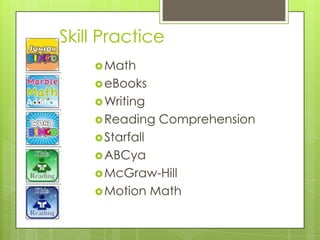
Skill Practice
Math
eBooks
Writing
Reading Comprehension
Starfall
ABCya
McGraw-Hill
Motion Math
Some Favorites
Math:
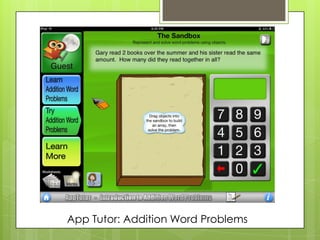
 App Tutor
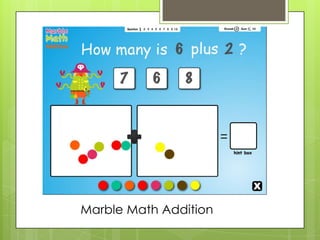
 Marble Math:
Addition
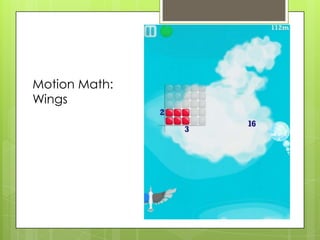
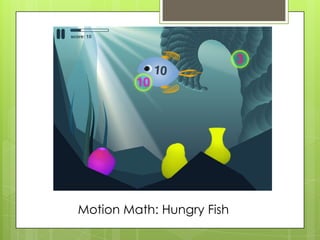
 Motion Math
(Wings and Hungry
Fish)
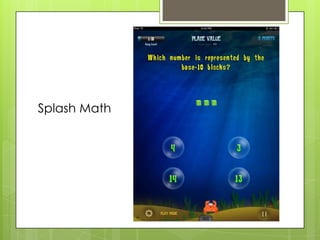
 Splash Math
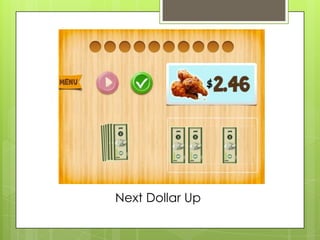
 Next Dollar Up
Literacy:
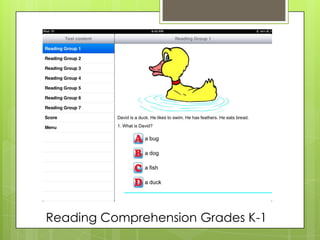
 Reading
Comprehension
Grades K-1
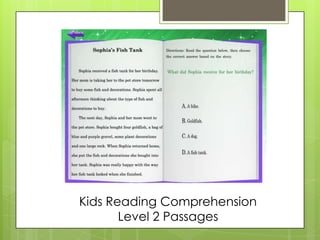
 Reading
Comprehension Level
1 (or 2) Passages
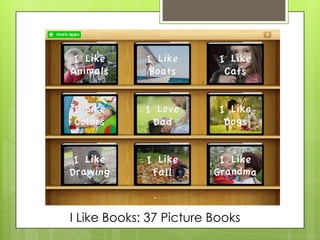
 I Like Books
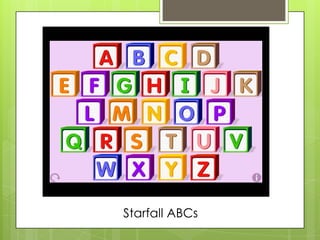
 Starfall ABCs
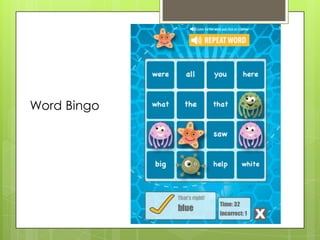
 Word Bingo
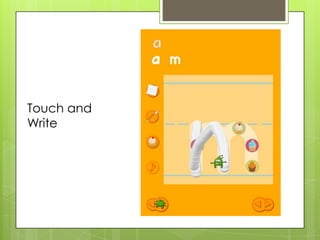
 Touch and Write
App Tutor: Addition Word Problems
Marble Math Addition
Motion Math:
Wings
Motion Math: Hungry Fish
Splash Math
Next Dollar Up
Reading Comprehension Grades K-1
Kids Reading Comprehension
Level 2 Passages
I Like Books: 37 Picture Books
Starfall ABCs
Word Bingo
Touch and
Write
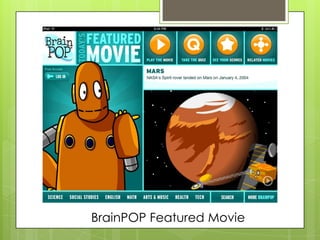
BrainPOP Featured Movie
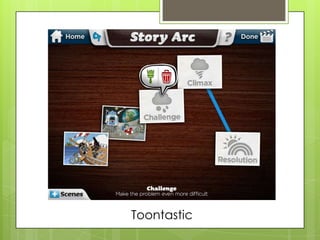
Toontastic
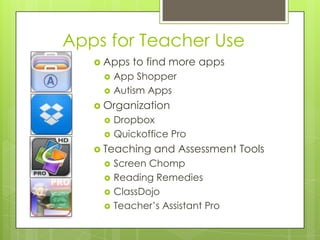
Apps for Teacher Use
 Apps to find more apps
 App Shopper
 Autism Apps
 Organization
 Dropbox
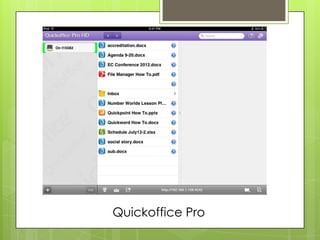
 Quickoffice Pro
 Teaching and Assessment Tools
 Screen Chomp
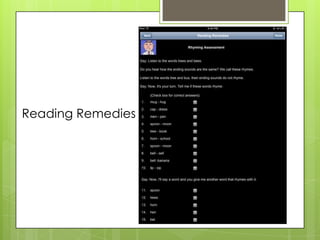
 Reading Remedies
 ClassDojo
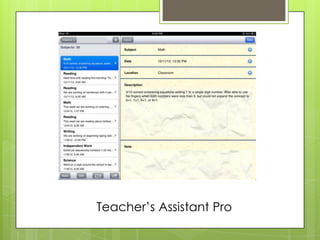
 Teacher’s Assistant Pro
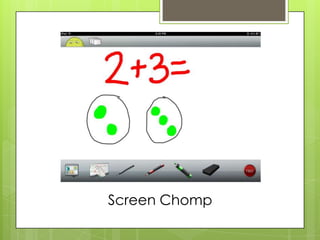
Screen Chomp
Reading Remedies
Quickoffice Pro
Teacher’s Assistant Pro

Ipads