Invoke Component in Anypoint
Platform
By Srilatha Kante
Invoke Component
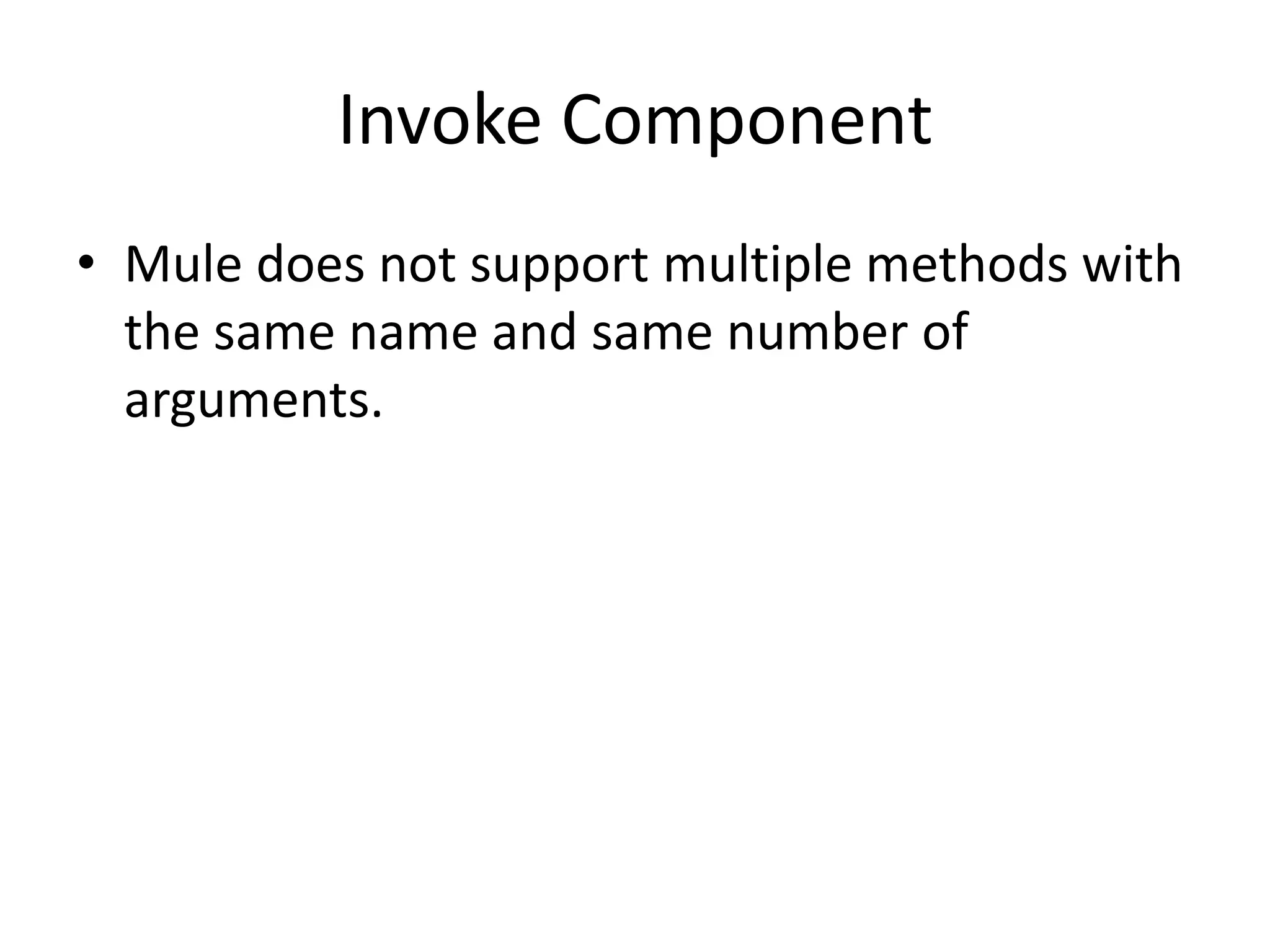
• The Invoke component invokes a method of
an object defined in a Spring bean. You can
provide an array of argument expressions to
map the message to the method arguments.
Mule determines which method to use via the
method name, along with the number of
argument expressions provided. Mule
automatically transforms the results of the
argument expressions to match the method
argument type, where possible.
Invoke Component
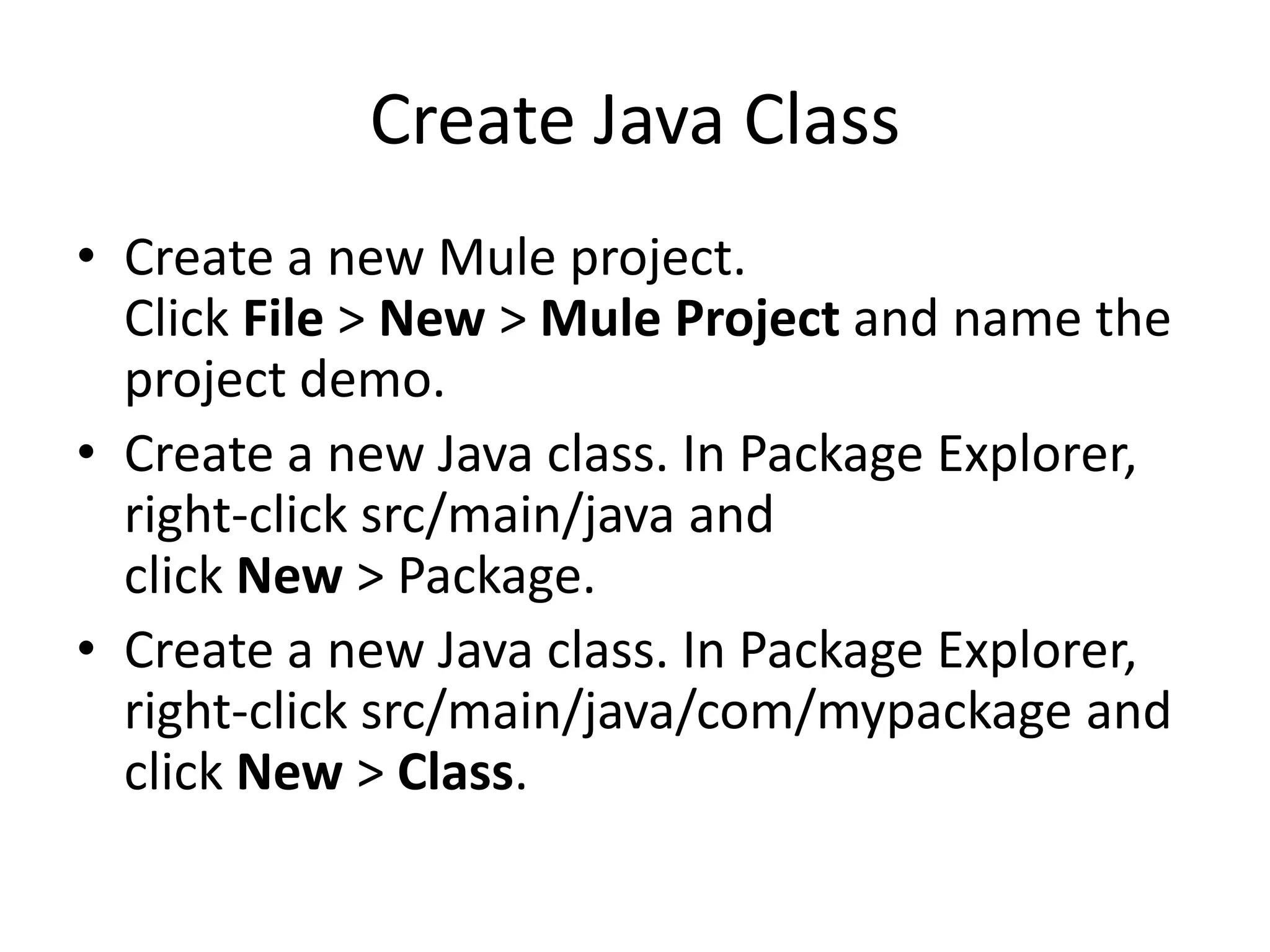
• Mule does not support multiple methods with
the same name and same number of
arguments.
Create Java Class
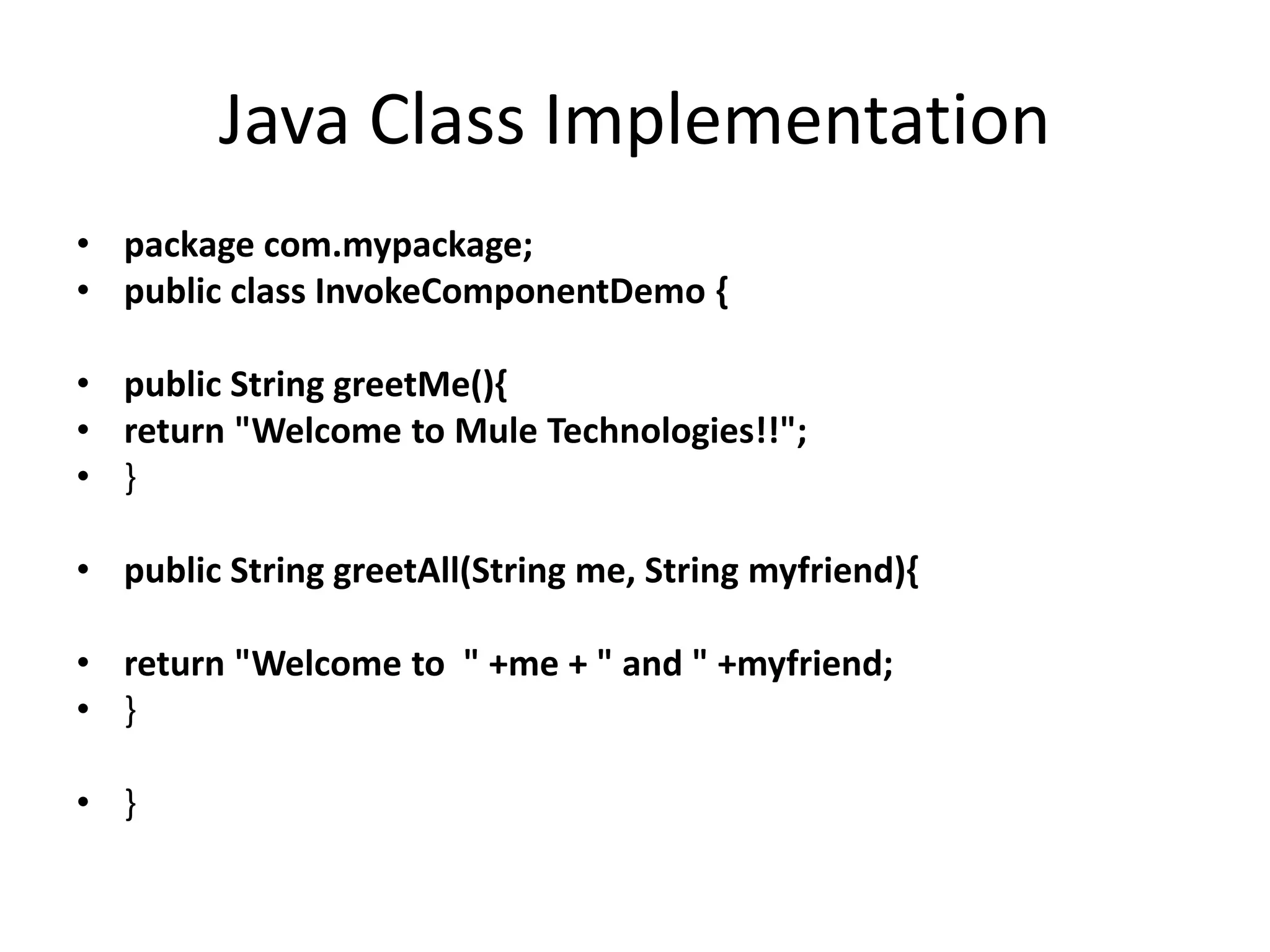
• Create a new Mule project.
Click File > New > Mule Project and name the
project demo.
• Create a new Java class. In Package Explorer,
right-click src/main/java and
click New > Package.
• Create a new Java class. In Package Explorer,
right-click src/main/java/com/mypackage and
click New > Class.
Java Class Implementation
• package com.mypackage;
• public class InvokeComponentDemo {
• public String greetMe(){
• return "Welcome to Mule Technologies!!";
• }
• public String greetAll(String me, String myfriend){
• return "Welcome to " +me + " and " +myfriend;
• }
• }
Start..
• In the package explorer right click on your
project and select New > Class
• Name your class, and make the
package org.mule.transformers
• You can use the basic class as a skeleton to
construct a simple Java Component:
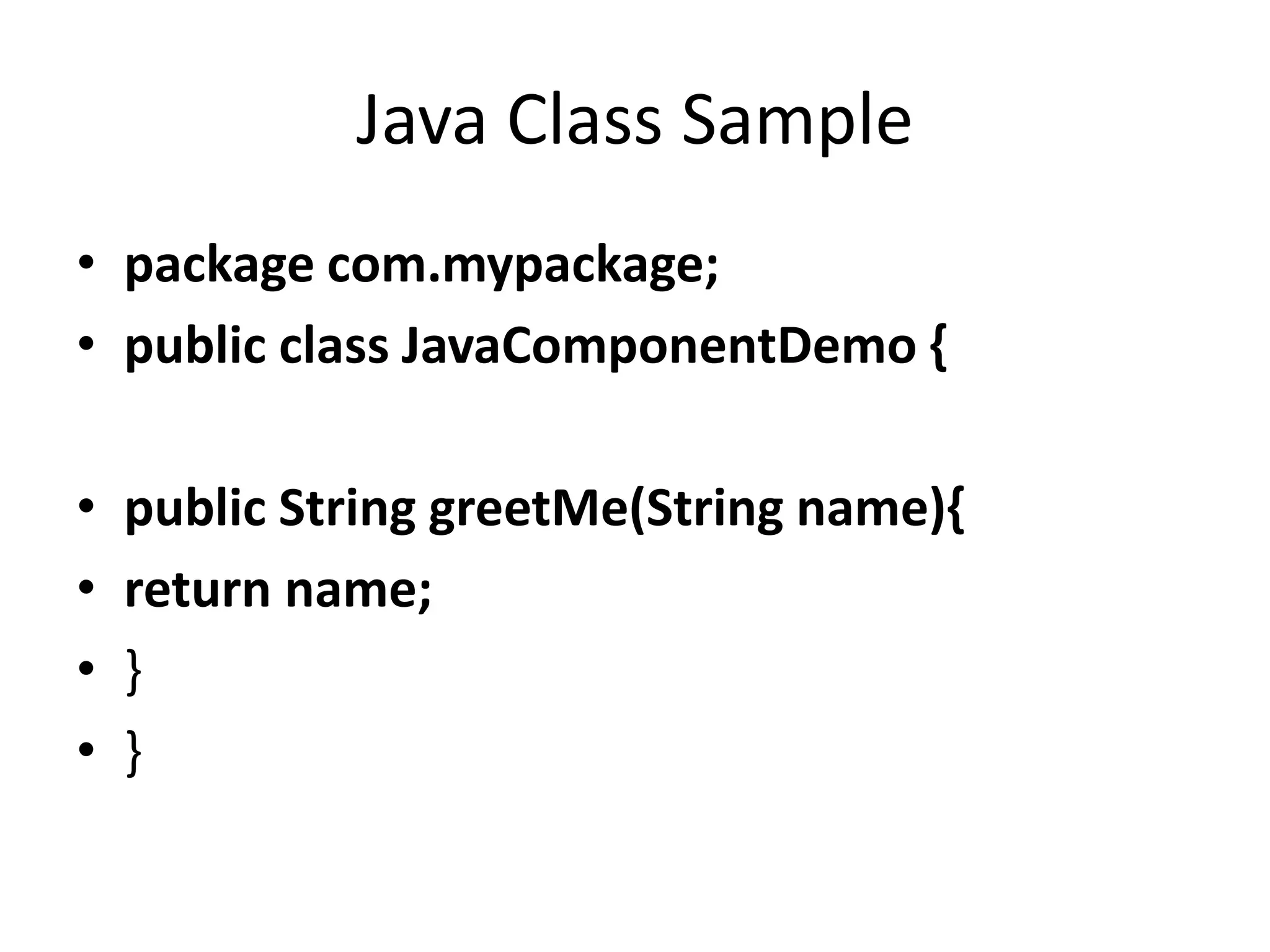
Java Class Sample
• package com.mypackage;
• public class JavaComponentDemo {
• public String greetMe(String name){
• return name;
• }
• }
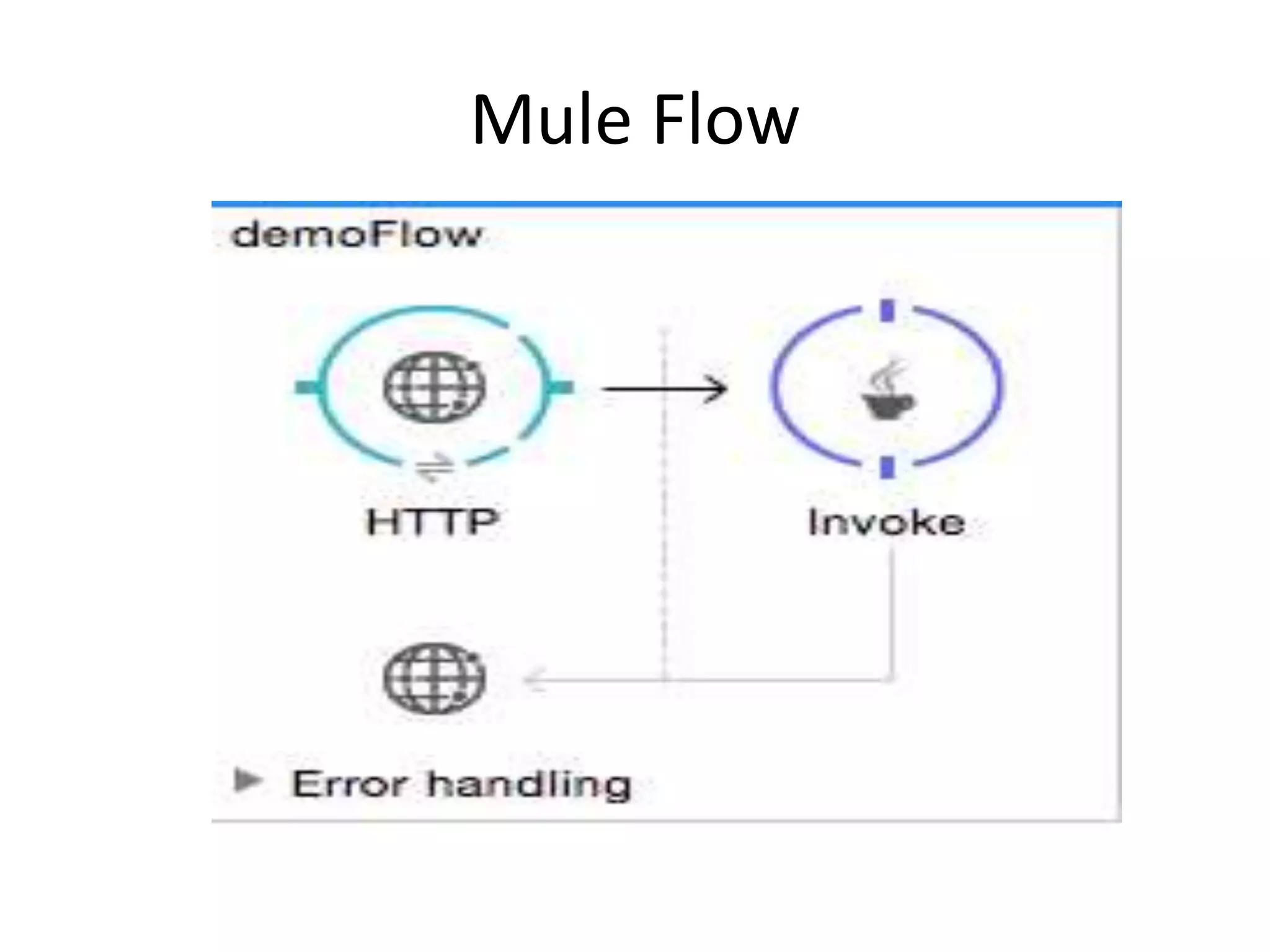
Mule Flow
Creating Spring Bean
• In Anypoint Studio, click Global Element at the
bottom of the Canvas.
• In the Global Mule Configuration Elements
screen, click Create.
• In the Choose Global Type screen, expand
Beans, select Bean, and click OK.
• In the Global Element Properties menu, enter
the class name.
Invoke Configurations
• In Invoke Configurations Add
• Set Object Ref to the object containing the
method to be invoked, in this
case, InvokeComponentDemo.
• Set Method to the method to invoke, in this
case, greetAll.
• Set Method
Arguments to #[message.inboundProperties.'http
.query.params'.name],
#[message.inboundProperties.'http.query.params
'.friend].

Invoke component

  • 1.
    Invoke Component inAnypoint Platform By Srilatha Kante
  • 2.
    Invoke Component • TheInvoke component invokes a method of an object defined in a Spring bean. You can provide an array of argument expressions to map the message to the method arguments. Mule determines which method to use via the method name, along with the number of argument expressions provided. Mule automatically transforms the results of the argument expressions to match the method argument type, where possible.
  • 3.
    Invoke Component • Muledoes not support multiple methods with the same name and same number of arguments.
  • 4.
    Create Java Class •Create a new Mule project. Click File > New > Mule Project and name the project demo. • Create a new Java class. In Package Explorer, right-click src/main/java and click New > Package. • Create a new Java class. In Package Explorer, right-click src/main/java/com/mypackage and click New > Class.
  • 5.
    Java Class Implementation •package com.mypackage; • public class InvokeComponentDemo { • public String greetMe(){ • return "Welcome to Mule Technologies!!"; • } • public String greetAll(String me, String myfriend){ • return "Welcome to " +me + " and " +myfriend; • } • }
  • 6.
    Start.. • In thepackage explorer right click on your project and select New > Class • Name your class, and make the package org.mule.transformers • You can use the basic class as a skeleton to construct a simple Java Component:
  • 7.
    Java Class Sample •package com.mypackage; • public class JavaComponentDemo { • public String greetMe(String name){ • return name; • } • }
  • 8.
  • 9.
    Creating Spring Bean •In Anypoint Studio, click Global Element at the bottom of the Canvas. • In the Global Mule Configuration Elements screen, click Create. • In the Choose Global Type screen, expand Beans, select Bean, and click OK. • In the Global Element Properties menu, enter the class name.
  • 10.
    Invoke Configurations • InInvoke Configurations Add • Set Object Ref to the object containing the method to be invoked, in this case, InvokeComponentDemo. • Set Method to the method to invoke, in this case, greetAll. • Set Method Arguments to #[message.inboundProperties.'http .query.params'.name], #[message.inboundProperties.'http.query.params '.friend].