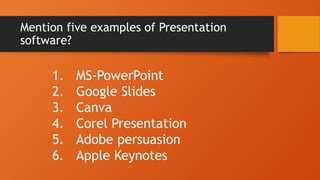
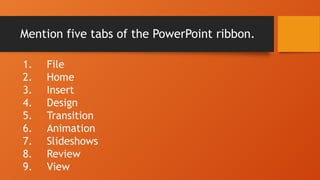
Mention five tabsof the PowerPoint ribbon.
1. File
2. Home
3. Insert
4. Design
5. Transition
6. Animation
7. Slideshows
8. Review
9. View
7.
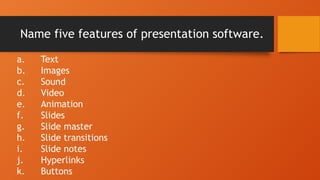
Name five featuresof presentation software.
a. Text
b. Images
c. Sound
d. Video
e. Animation
f. Slides
g. Slide master
h. Slide transitions
i. Slide notes
j. Hyperlinks
k. Buttons
8.
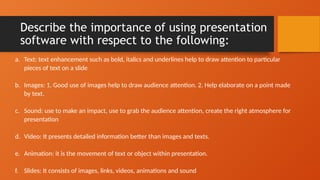
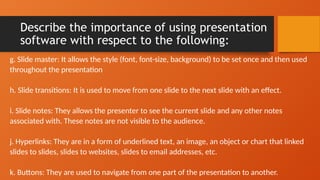
Describe the importanceof using presentation
software with respect to the following:
a. Text: text enhancement such as bold, italics and underlines help to draw attention to particular
pieces of text on a slide
b. Images: 1. Good use of images help to draw audience attention. 2. Help elaborate on a point made
by text.
c. Sound: use to make an impact, use to grab the audience attention, create the right atmosphere for
presentation
d. Video: It presents detailed information better than images and texts.
e. Animation: it is the movement of text or object within presentation.
f. Slides: It consists of images, links, videos, animations and sound
9.
Describe the importanceof using presentation
software with respect to the following:
g. Slide master: It allows the style (font, font-size, background) to be set once and then used
throughout the presentation
h. Slide transitions: It is used to move from one slide to the next slide with an effect.
i. Slide notes: They allows the presenter to see the current slide and any other notes
associated with. These notes are not visible to the audience.
j. Hyperlinks: They are in a form of underlined text, an image, an object or chart that linked
slides to slides, slides to websites, slides to email addresses, etc.
k. Buttons: They are used to navigate from one part of the presentation to another.
10.
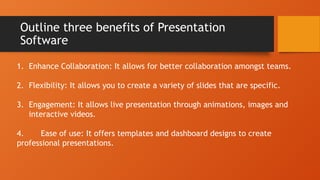
Outline three benefitsof Presentation
Software
1. Enhance Collaboration: It allows for better collaboration amongst teams.
2. Flexibility: It allows you to create a variety of slides that are specific.
3. Engagement: It allows live presentation through animations, images and
interactive videos.
4. Ease of use: It offers templates and dashboard designs to create
professional presentations.
11.
Note:
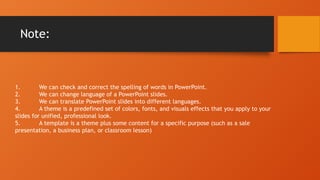
1. We cancheck and correct the spelling of words in PowerPoint.
2. We can change language of a PowerPoint slides.
3. We can translate PowerPoint slides into different languages.
4. A theme is a predefined set of colors, fonts, and visuals effects that you apply to your
slides for unified, professional look.
5. A template is a theme plus some content for a specific purpose (such as a sale
presentation, a business plan, or classroom lesson)
12.
Home Work
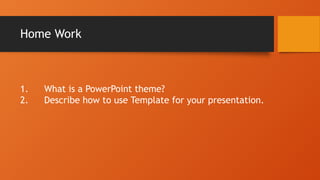
1. Whatis a PowerPoint theme?
2. Describe how to use Template for your presentation.