Title: Understanding FilesystemTypes
ext-4, XFS and ZFS
Introduction to Intelligent Security
(Lecture-5)
Digital Forensics
Abdul Razaque, PhD & Postdoc
2.
2
AGENDA
Introduction toFile systems
Filesystem Types
Ext4
Ext4 with Journaling
Overhead Reduction and Disabling of Journaling
Recommended journal size for different workloads
Extended File System (XFS)
Managing XFS
Inode64
ZFS and Features
Key Features of ext4, XFS and ZFS
Conclusion
3.
3
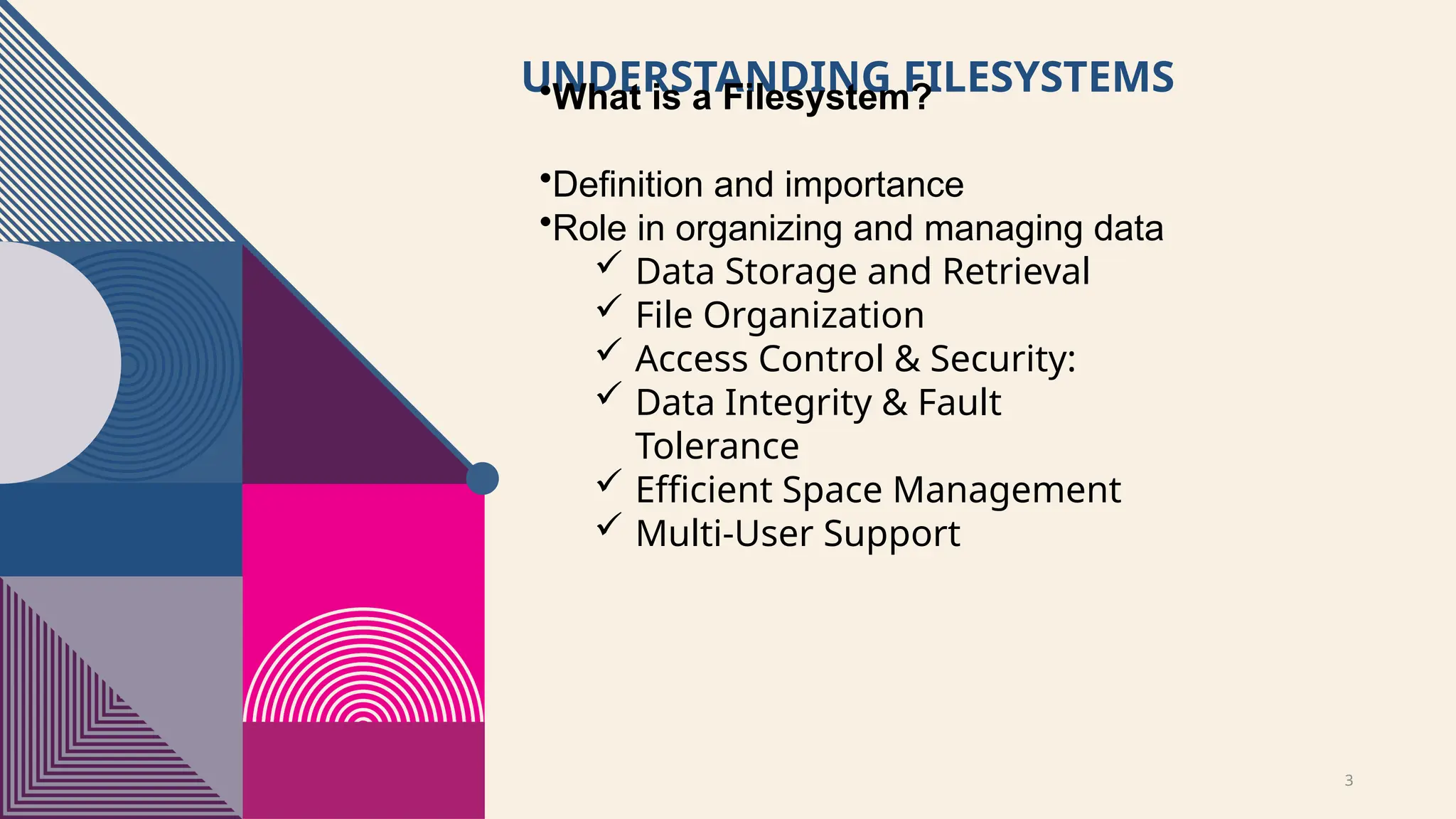
UNDERSTANDING FILESYSTEMS
•What isa Filesystem?
•Definition and importance
•Role in organizing and managing data
Data Storage and Retrieval
File Organization
Access Control & Security:
Data Integrity & Fault
Tolerance
Efficient Space Management
Multi-User Support
4.
4
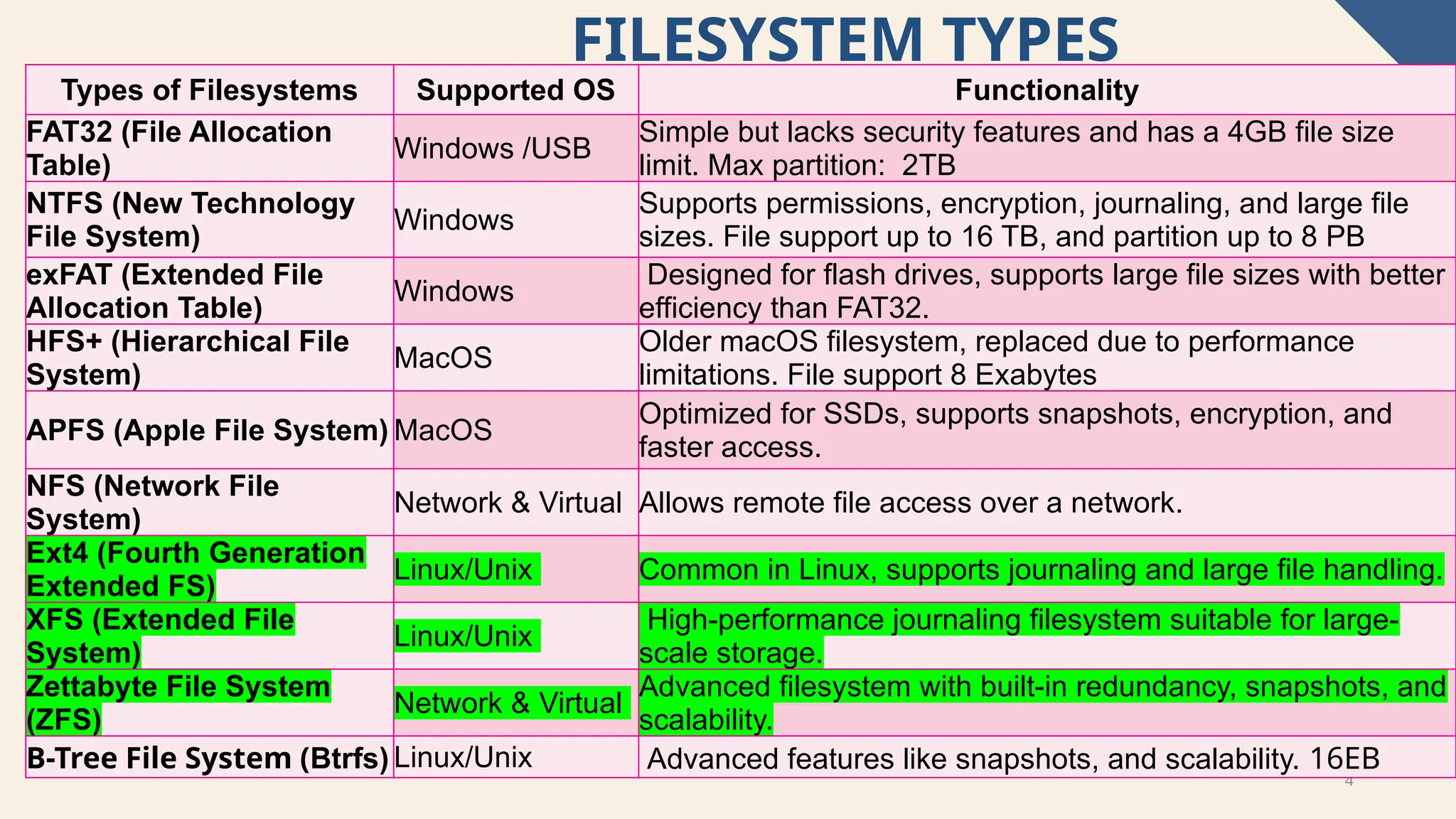
FILESYSTEM TYPES
Types ofFilesystems Supported OS Functionality
FAT32 (File Allocation
Table)
Windows /USB
Simple but lacks security features and has a 4GB file size
limit. Max partition: 2TB
NTFS (New Technology
File System)
Windows
Supports permissions, encryption, journaling, and large file
sizes. File support up to 16 TB, and partition up to 8 PB
exFAT (Extended File
Allocation Table)
Windows
Designed for flash drives, supports large file sizes with better
efficiency than FAT32.
HFS+ (Hierarchical File
System)
MacOS
Older macOS filesystem, replaced due to performance
limitations. File support 8 Exabytes
APFS (Apple File System) MacOS
Optimized for SSDs, supports snapshots, encryption, and
faster access.
NFS (Network File
System)
Network & Virtual Allows remote file access over a network.
Ext4 (Fourth Generation
Extended FS)
Linux/Unix Common in Linux, supports journaling and large file handling.
XFS (Extended File
System)
Linux/Unix
High-performance journaling filesystem suitable for large-
scale storage.
Zettabyte File System
(ZFS)
Network & Virtual
Advanced filesystem with built-in redundancy, snapshots, and
scalability.
B-Tree File System (Btrfs) Linux/Unix Advanced features like snapshots, and scalability. 16EB
5.
5
EXT4 (FOURTH EXTENDEDFILE SYSTEM)
Supports max file: 16 TB
Max file system size: 1 Exabyte
Moderate performance for large files
Supports Metadata Journaling
Defragmentation limited
No support for Snapshot (Logical Volume Manager)
[LVM]
Best for general purposes workload
6.
6
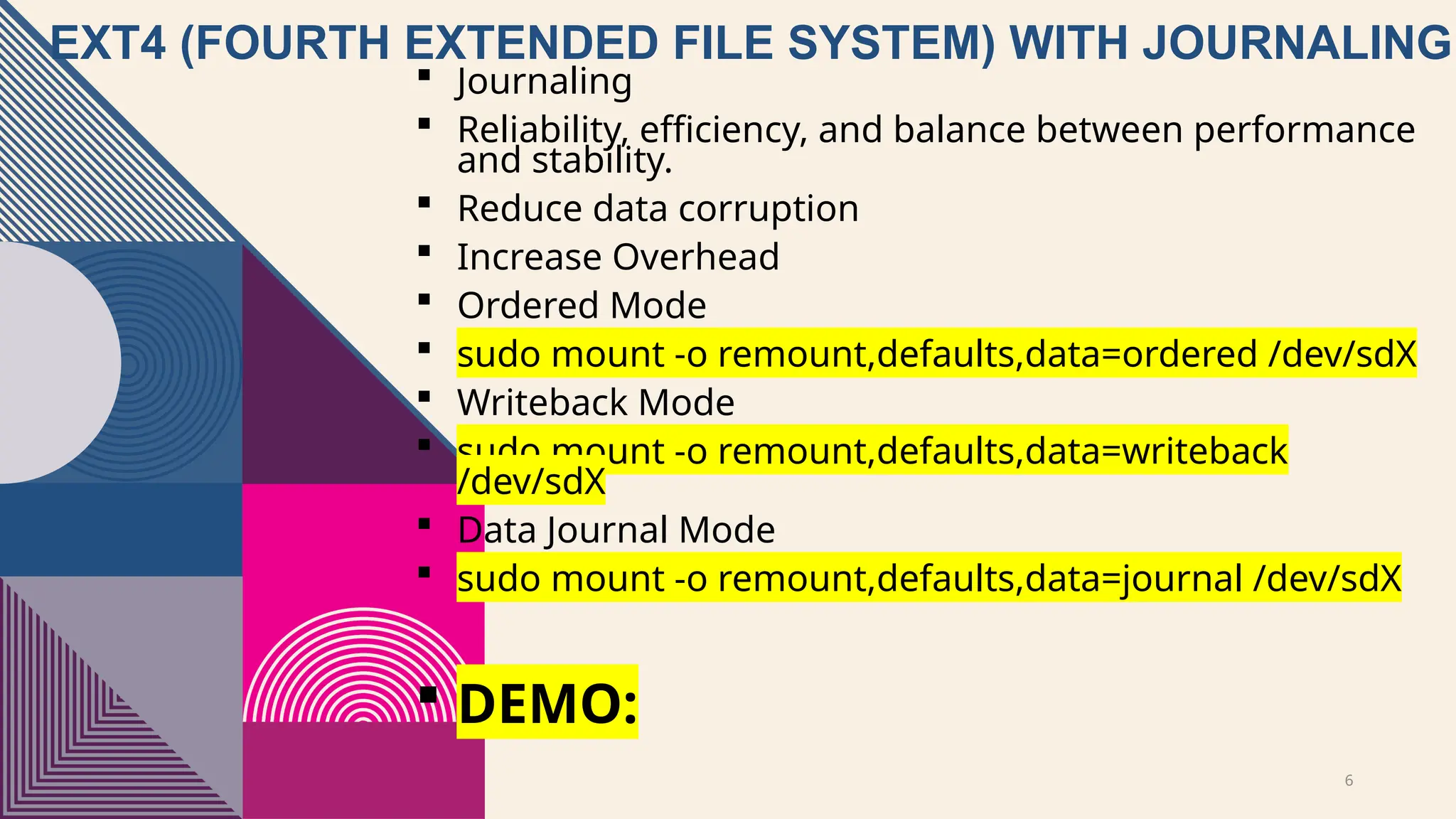
EXT4 (FOURTH EXTENDEDFILE SYSTEM) WITH JOURNALING
Journaling
Reliability, efficiency, and balance between performance
and stability.
Reduce data corruption
Increase Overhead
Ordered Mode
sudo mount -o remount,defaults,data=ordered /dev/sdX
Writeback Mode
sudo mount -o remount,defaults,data=writeback
/dev/sdX
Data Journal Mode
sudo mount -o remount,defaults,data=journal /dev/sdX
DEMO:
7.
7
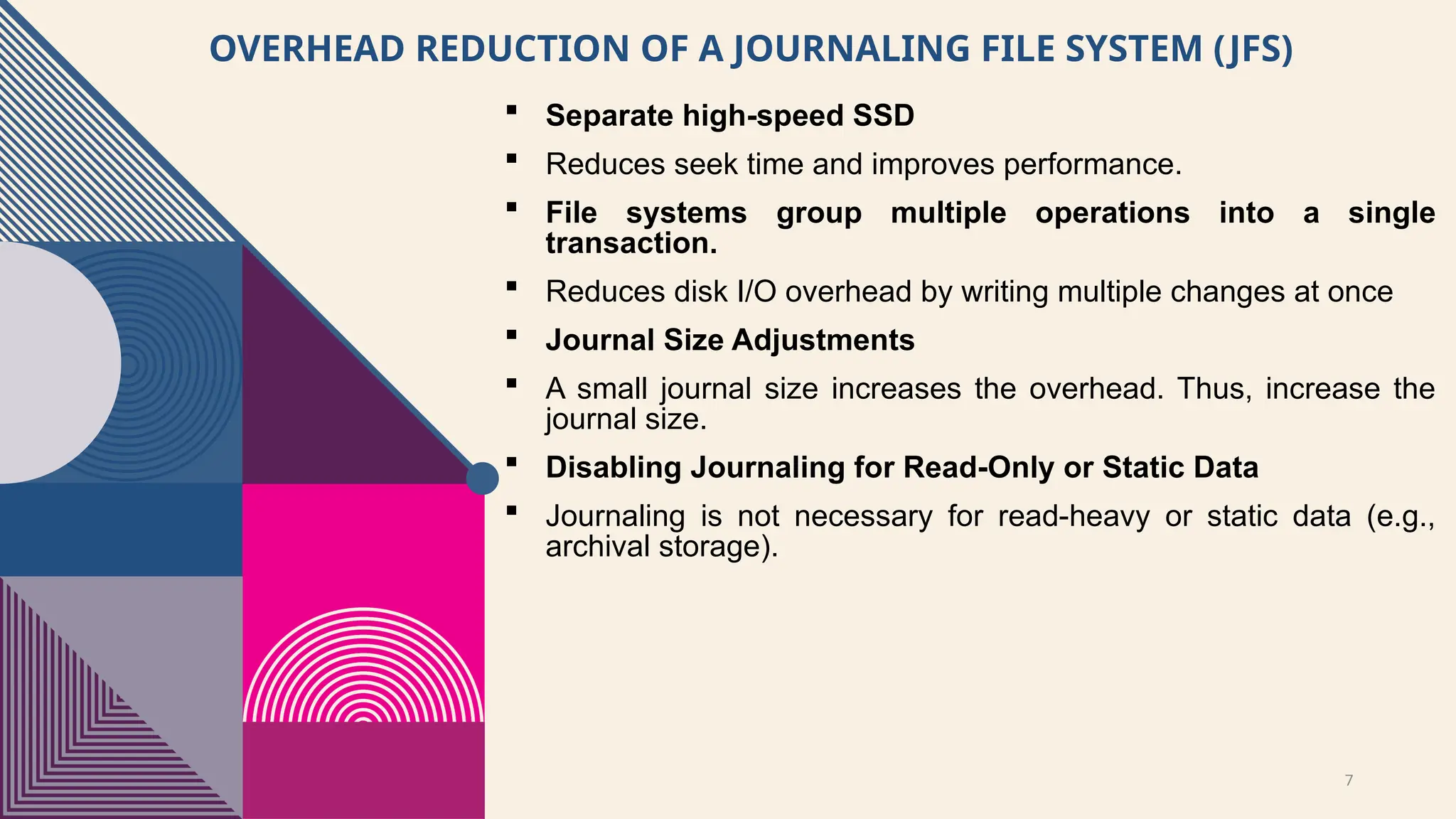
OVERHEAD REDUCTION OFA JOURNALING FILE SYSTEM (JFS)
Separate high-speed SSD
Reduces seek time and improves performance.
File systems group multiple operations into a single
transaction.
Reduces disk I/O overhead by writing multiple changes at once
Journal Size Adjustments
A small journal size increases the overhead. Thus, increase the
journal size.
Disabling Journaling for Read-Only or Static Data
Journaling is not necessary for read-heavy or static data (e.g.,
archival storage).
8.
8
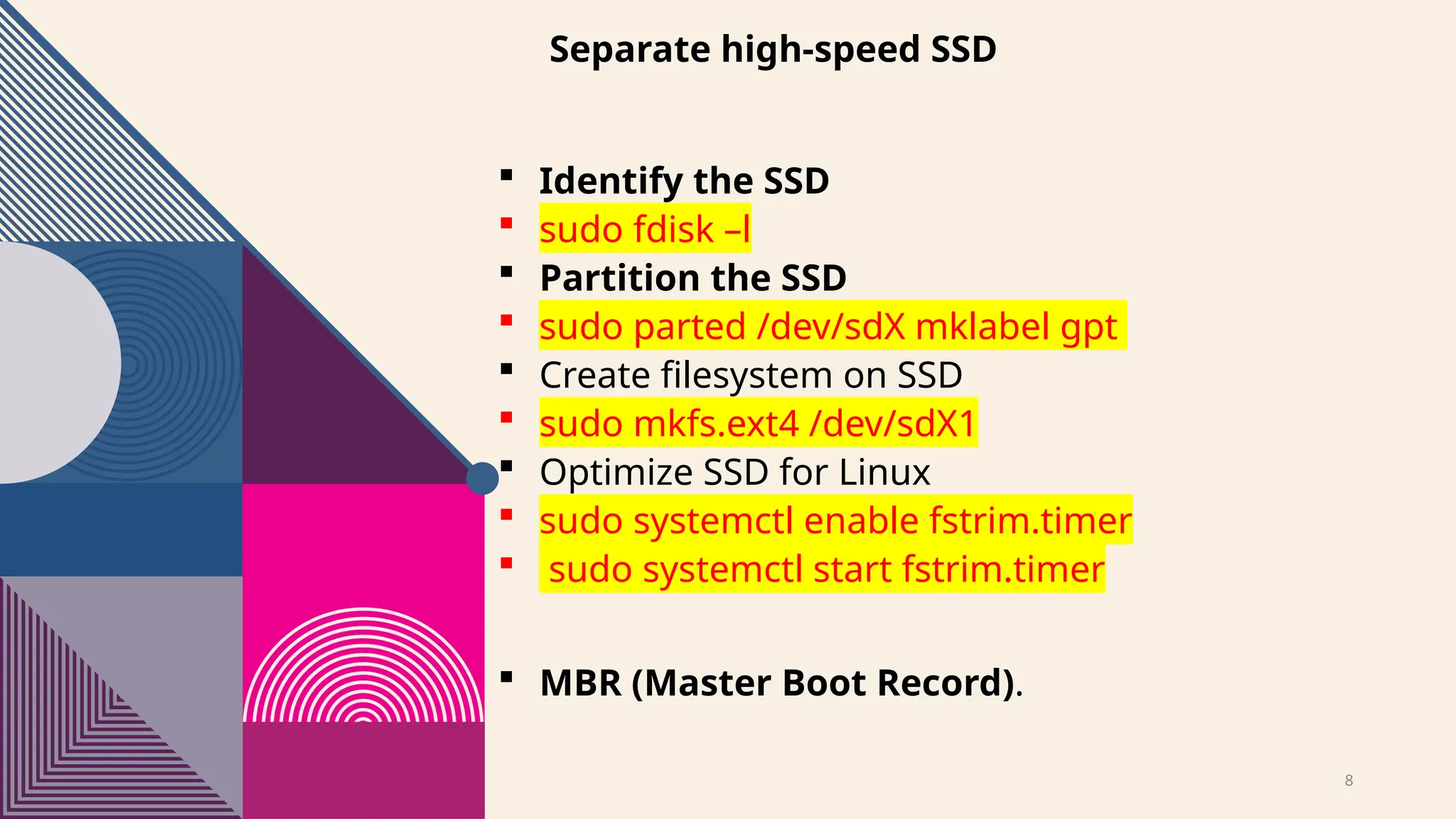
Separate high-speed SSD
Identify the SSD
sudo fdisk –l
Partition the SSD
sudo parted /dev/sdX mklabel gpt
Create filesystem on SSD
sudo mkfs.ext4 /dev/sdX1
Optimize SSD for Linux
sudo systemctl enable fstrim.timer
sudo systemctl start fstrim.timer
MBR (Master Boot Record).
9.
9
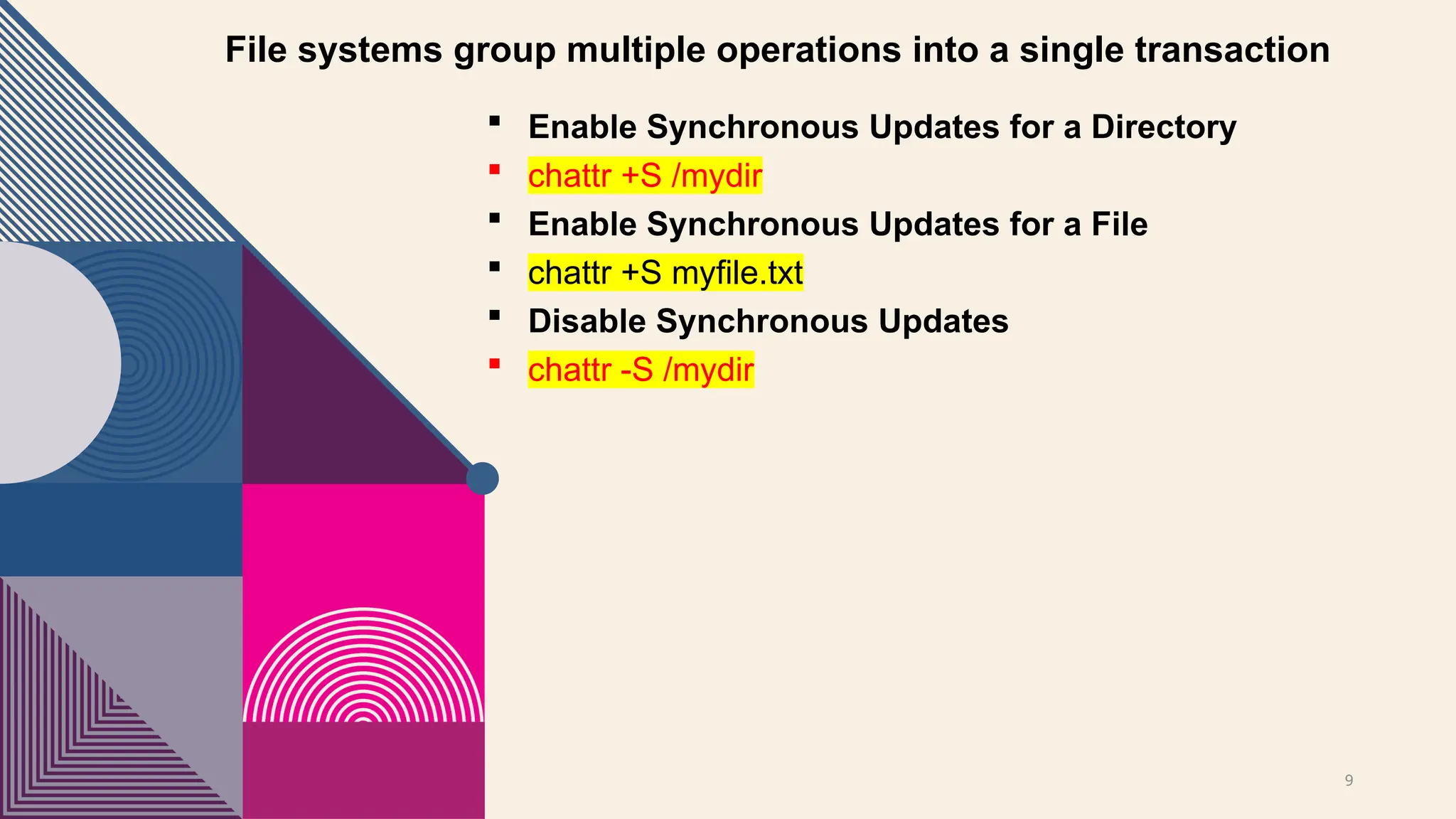
File systems groupmultiple operations into a single transaction
Enable Synchronous Updates for a Directory
chattr +S /mydir
Enable Synchronous Updates for a File
chattr +S myfile.txt
Disable Synchronous Updates
chattr -S /mydir
10.
10
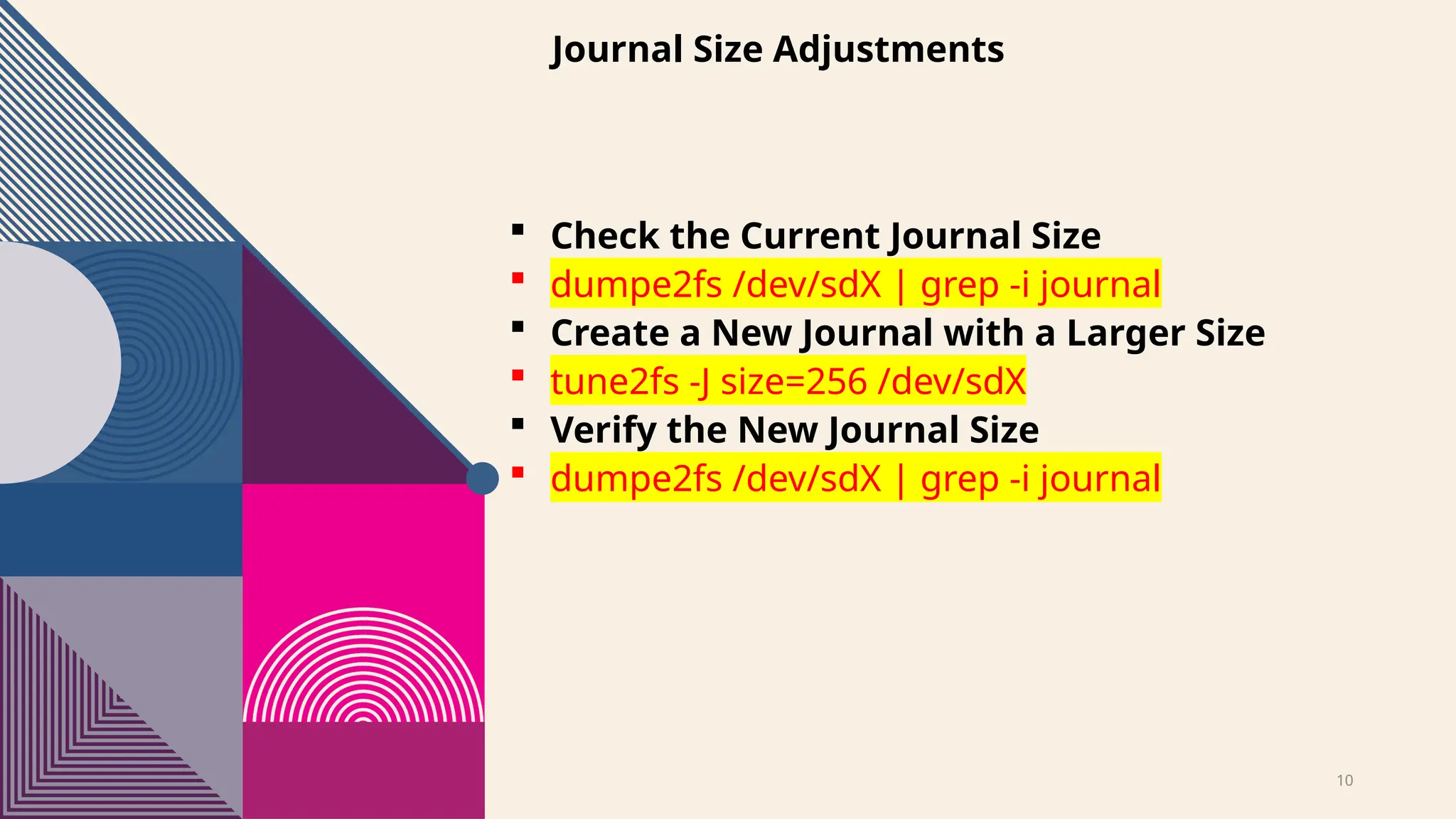
Journal Size Adjustments
Check the Current Journal Size
dumpe2fs /dev/sdX | grep -i journal
Create a New Journal with a Larger Size
tune2fs -J size=256 /dev/sdX
Verify the New Journal Size
dumpe2fs /dev/sdX | grep -i journal
11.
11
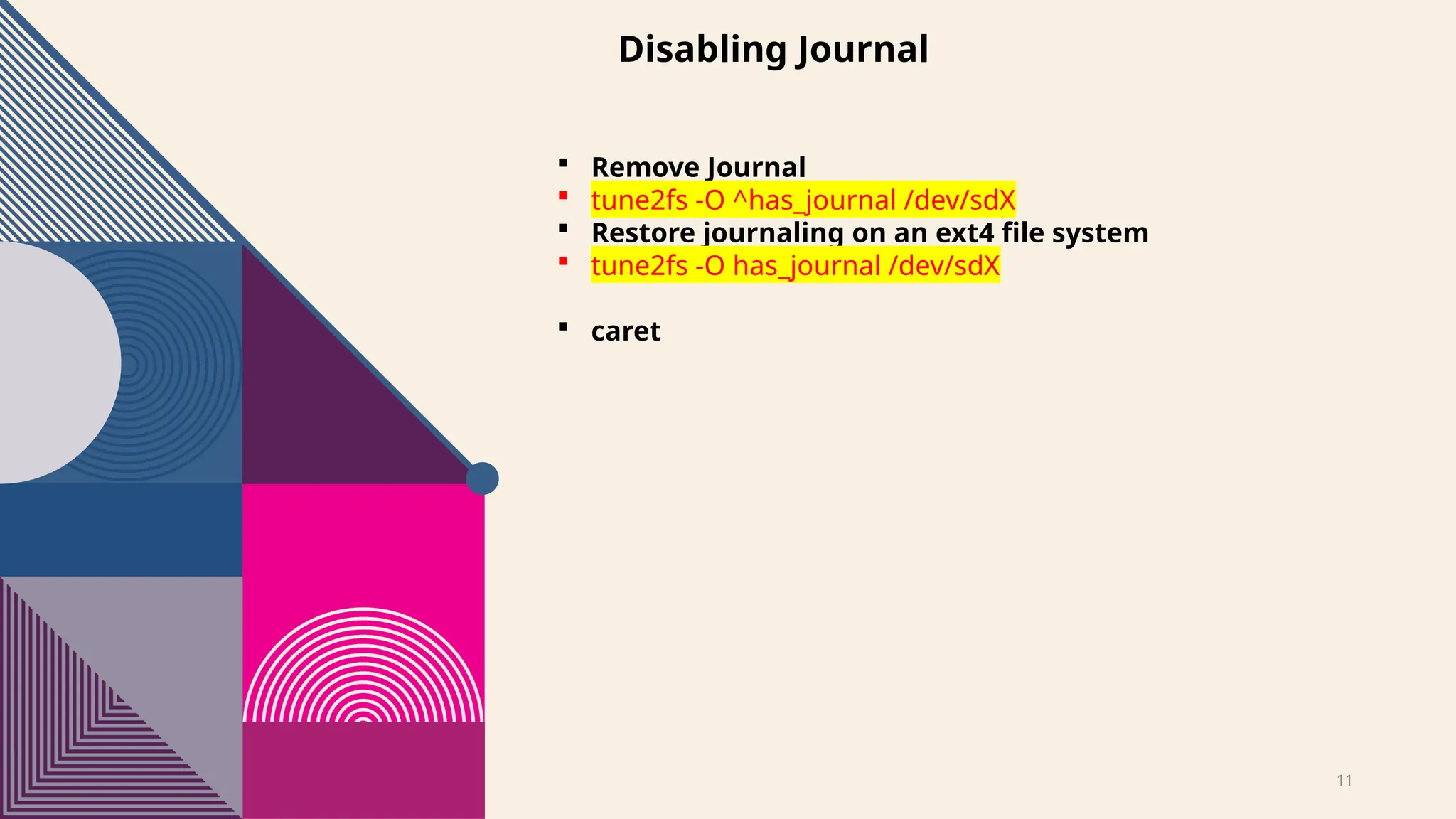
Disabling Journal
RemoveJournal
tune2fs -O ^has_journal /dev/sdX
Restore journaling on an ext4 file system
tune2fs -O has_journal /dev/sdX
caret
12.
12
RECOMMENDED JOURNAL SIZEFOR
DIFFERENT WORKLOADS [EXT4]
Workload Type Recommended Journal Size
Light Workload (e.g., Home PC, Minimal Writes) 32MB – 128MB
General Desktop Use 128MB – 256MB
Web Servers, Application Servers 256MB – 512MB
Database Servers, Logging Systems 512MB – 1GB
High-Performance Systems, Virtual Machines 1GB – 2GB
Large File Transfers (e.g., Multimedia, Backup
Storage)
512MB – 1GB
14
Extended File System(XFS)
Supports max file: 8 Exabytes
Max storage size: up to 16 Exabyte
High performance for large files
Supports Metadata Journaling
Compatibility support for inode64
Supports for defragmentation
Supports snapshots using Logical Volume
Manager (LVM)
Best for scientific research, simulations, and
large-scale backups.
CONS:
General desktop use [ No ideal]
Small file handling [can be inefficient]
Flexibility (resize) [Cannot be shrink]
15.
15
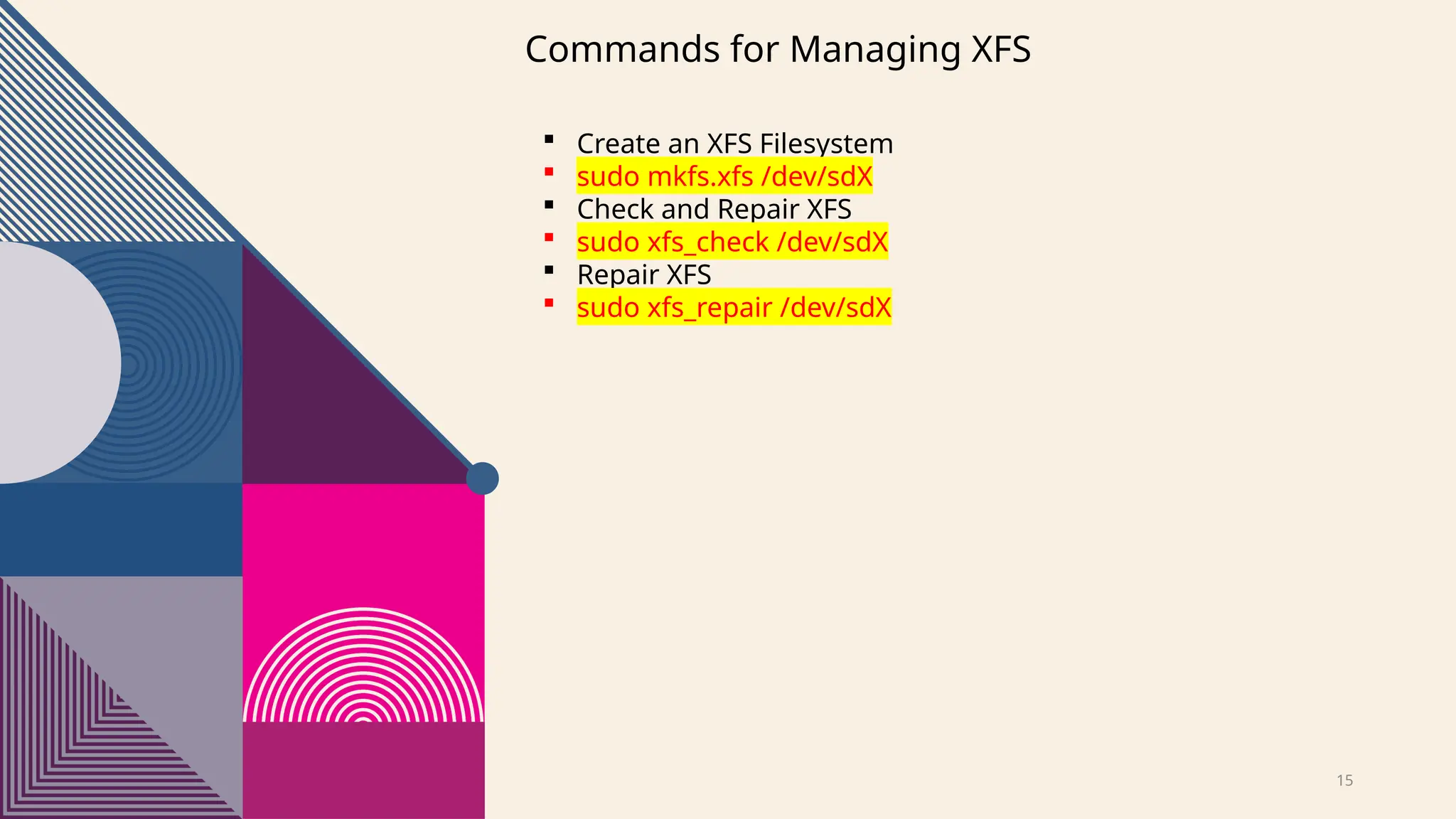
Commands for ManagingXFS
Create an XFS Filesystem
sudo mkfs.xfs /dev/sdX
Check and Repair XFS
sudo xfs_check /dev/sdX
Repair XFS
sudo xfs_repair /dev/sdX
16.
16
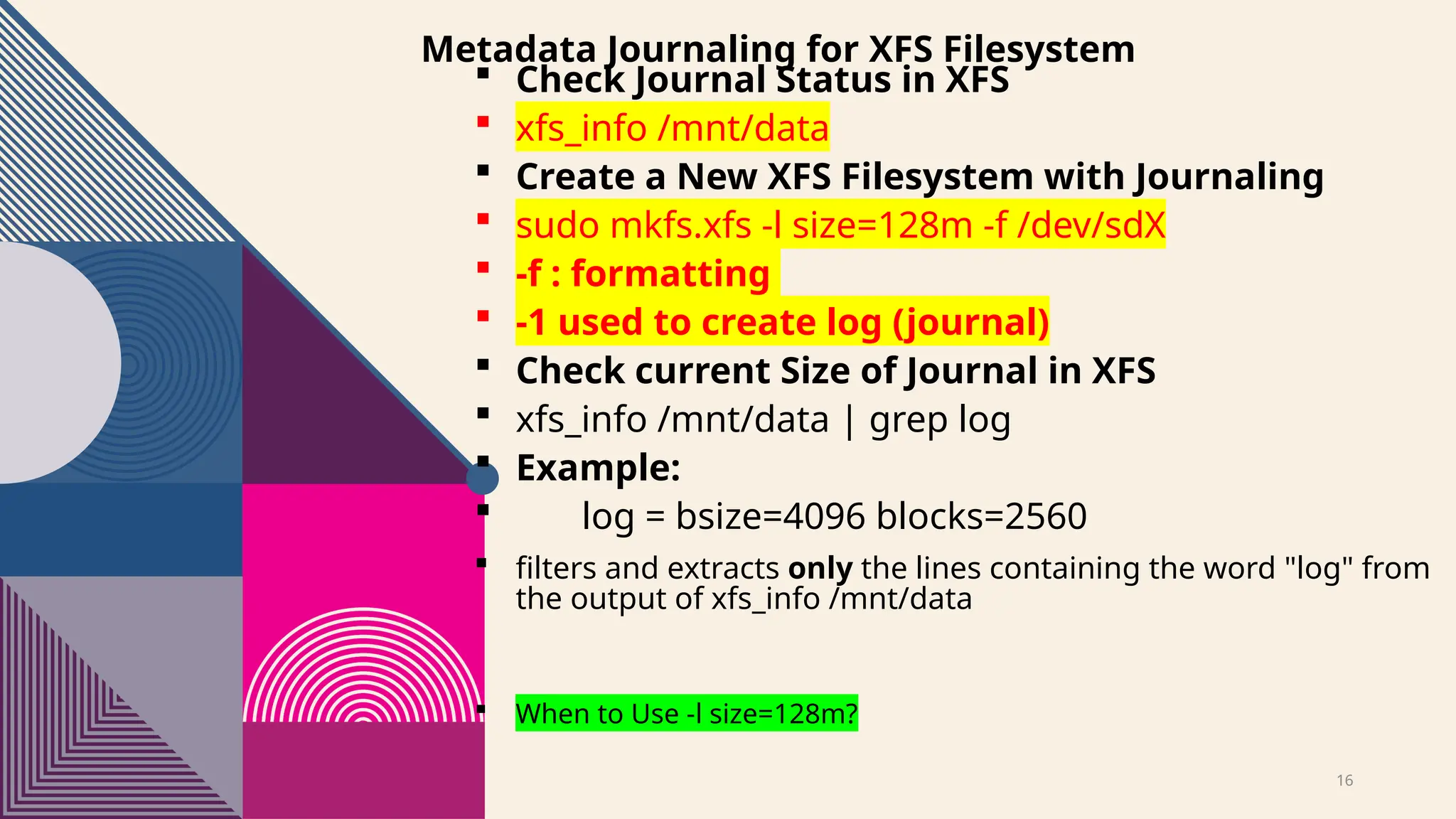
Metadata Journaling forXFS Filesystem
Check Journal Status in XFS
xfs_info /mnt/data
Create a New XFS Filesystem with Journaling
sudo mkfs.xfs -l size=128m -f /dev/sdX
-f : formatting
-1 used to create log (journal)
Check current Size of Journal in XFS
xfs_info /mnt/data | grep log
Example:
log = bsize=4096 blocks=2560
filters and extracts only the lines containing the word "log" from
the output of xfs_info /mnt/data
When to Use -l size=128m?
17.
17
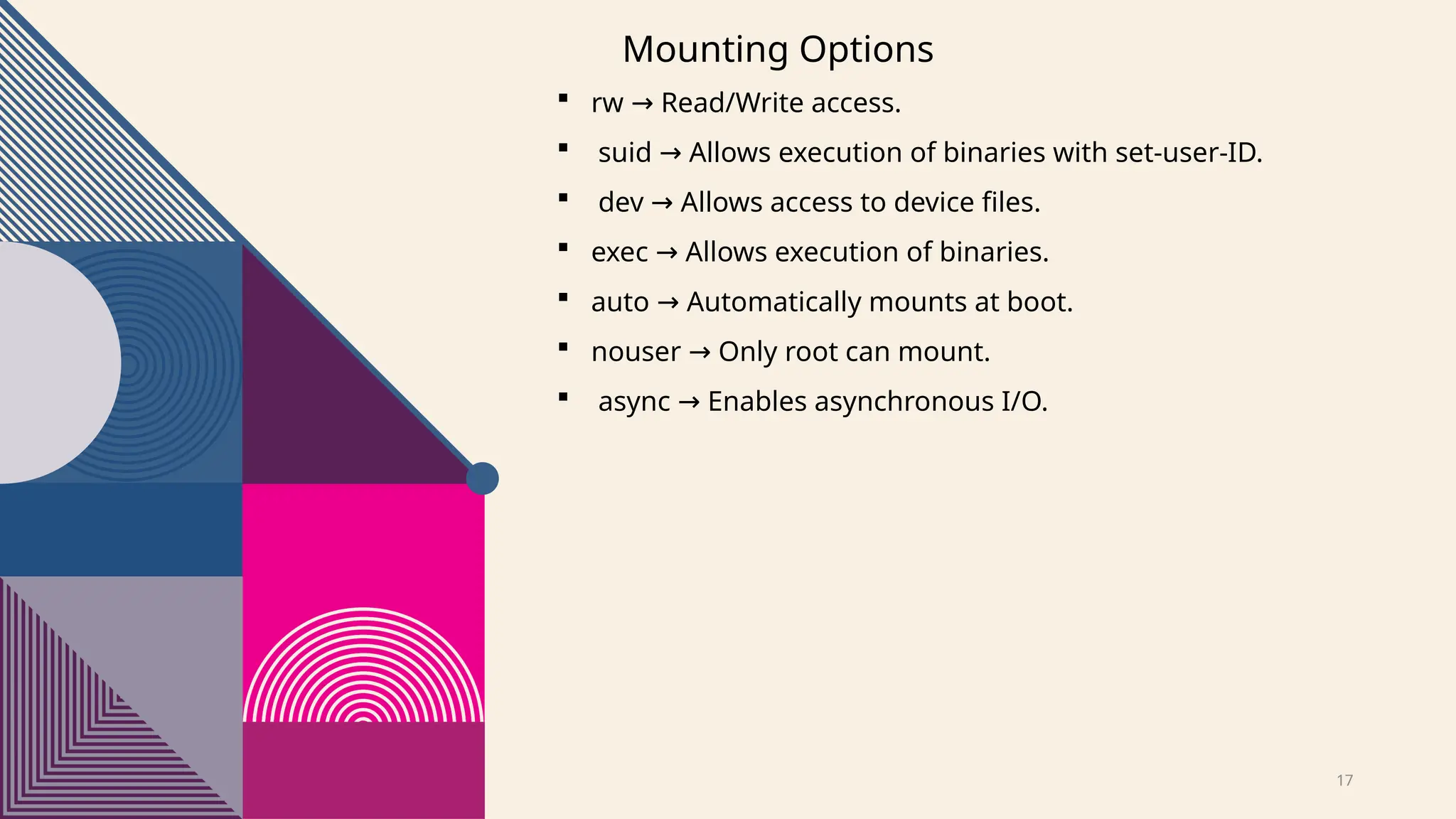
Mounting Options
rwRead/Write access.
→
suid Allows execution of binaries with set-user-ID.
→
dev Allows access to device files.
→
exec Allows execution of binaries.
→
auto Automatically mounts at boot.
→
nouser Only root can mount.
→
async Enables asynchronous I/O.
→
18.
18
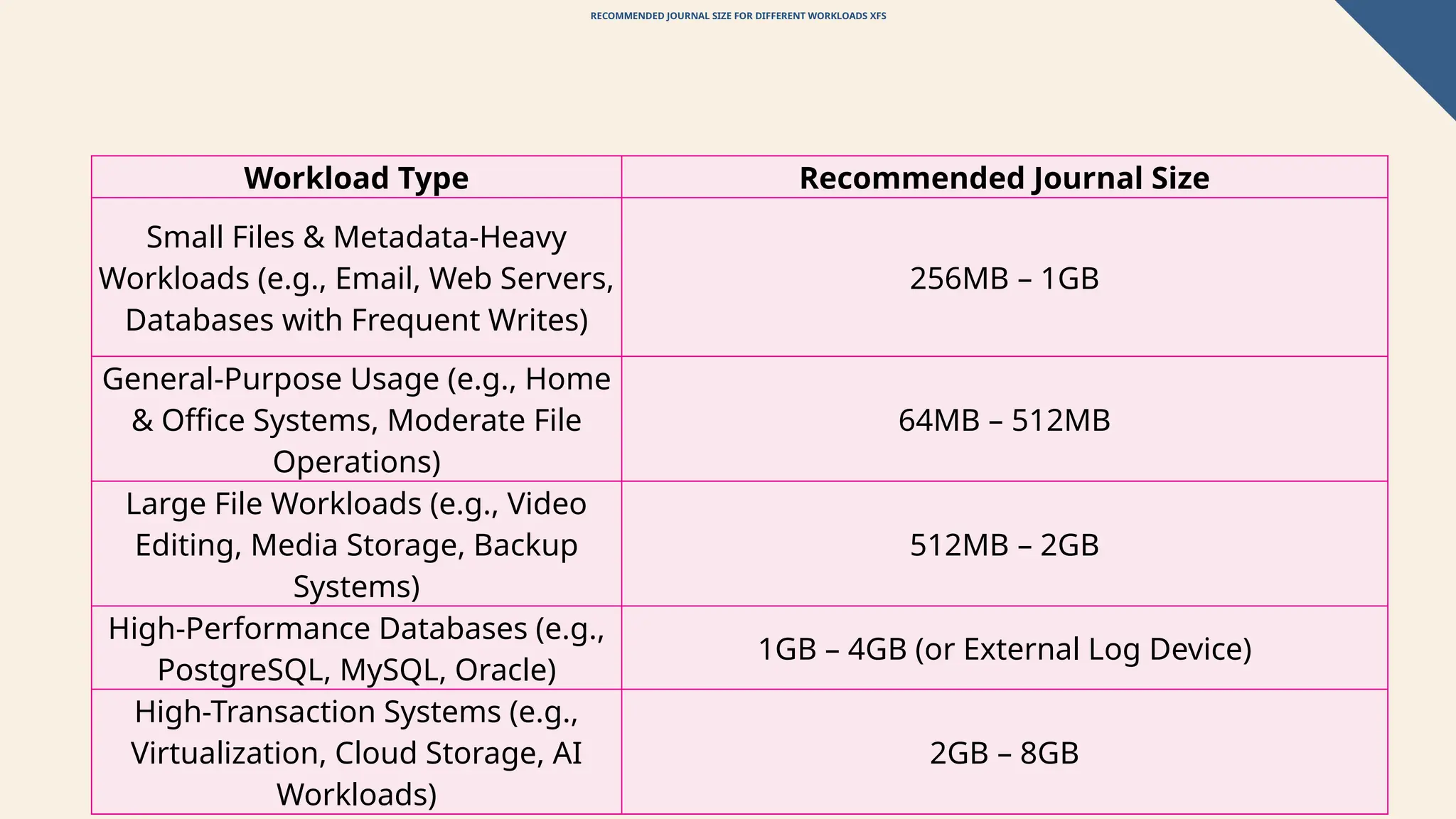
RECOMMENDED JOURNAL SIZEFOR DIFFERENT WORKLOADS XFS
Workload Type Recommended Journal Size
Small Files & Metadata-Heavy
Workloads (e.g., Email, Web Servers,
Databases with Frequent Writes)
256MB – 1GB
General-Purpose Usage (e.g., Home
& Office Systems, Moderate File
Operations)
64MB – 512MB
Large File Workloads (e.g., Video
Editing, Media Storage, Backup
Systems)
512MB – 2GB
High-Performance Databases (e.g.,
PostgreSQL, MySQL, Oracle)
1GB – 4GB (or External Log Device)
High-Transaction Systems (e.g.,
Virtualization, Cloud Storage, AI
Workloads)
2GB – 8GB
19.
19
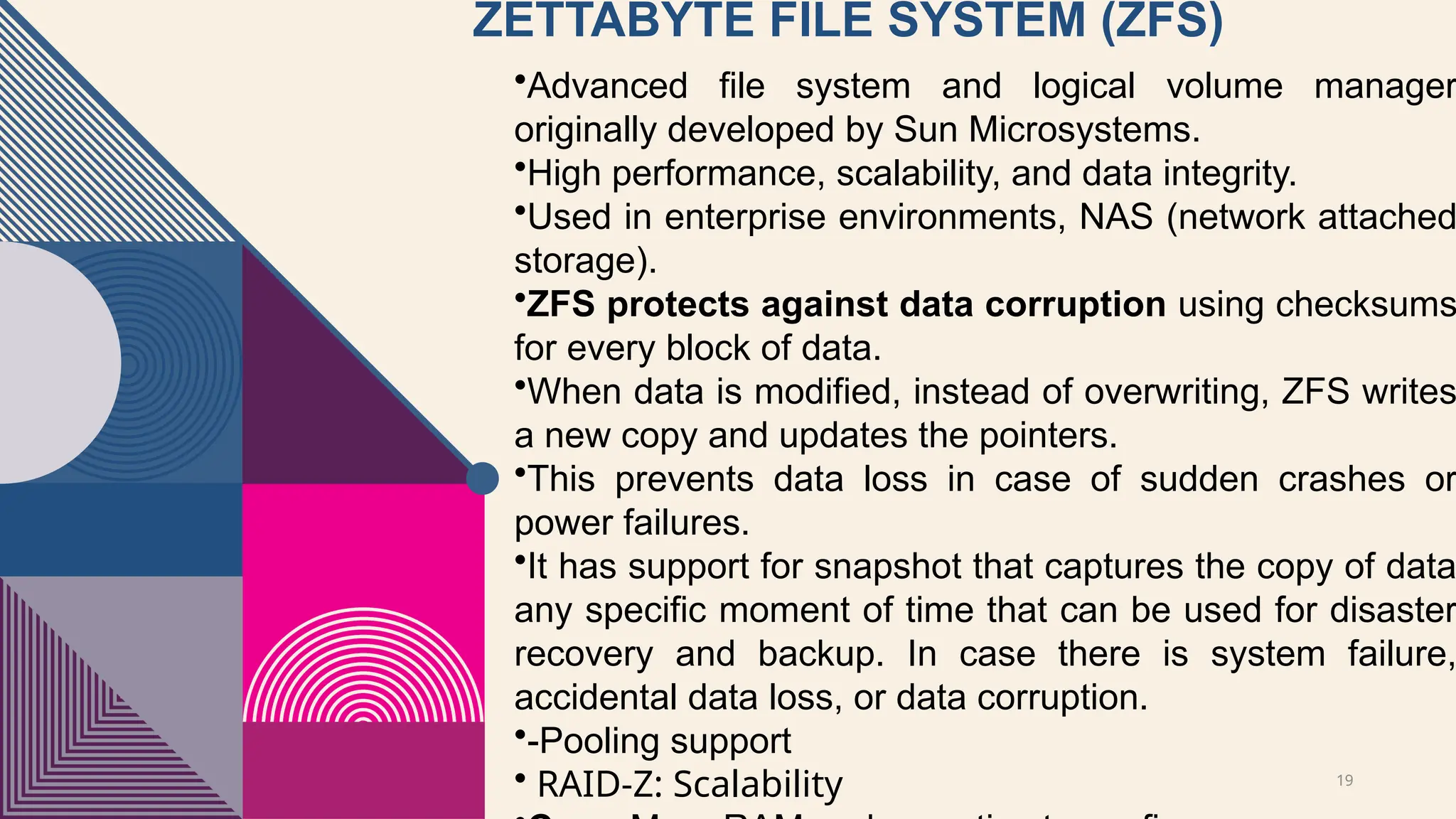
ZETTABYTE FILE SYSTEM(ZFS)
•Advanced file system and logical volume manager
originally developed by Sun Microsystems.
•High performance, scalability, and data integrity.
•Used in enterprise environments, NAS (network attached
storage).
•ZFS protects against data corruption using checksums
for every block of data.
•When data is modified, instead of overwriting, ZFS writes
a new copy and updates the pointers.
•This prevents data loss in case of sudden crashes or
power failures.
•It has support for snapshot that captures the copy of data
any specific moment of time that can be used for disaster
recovery and backup. In case there is system failure,
accidental data loss, or data corruption.
•-Pooling support
• RAID-Z: Scalability
20.
20
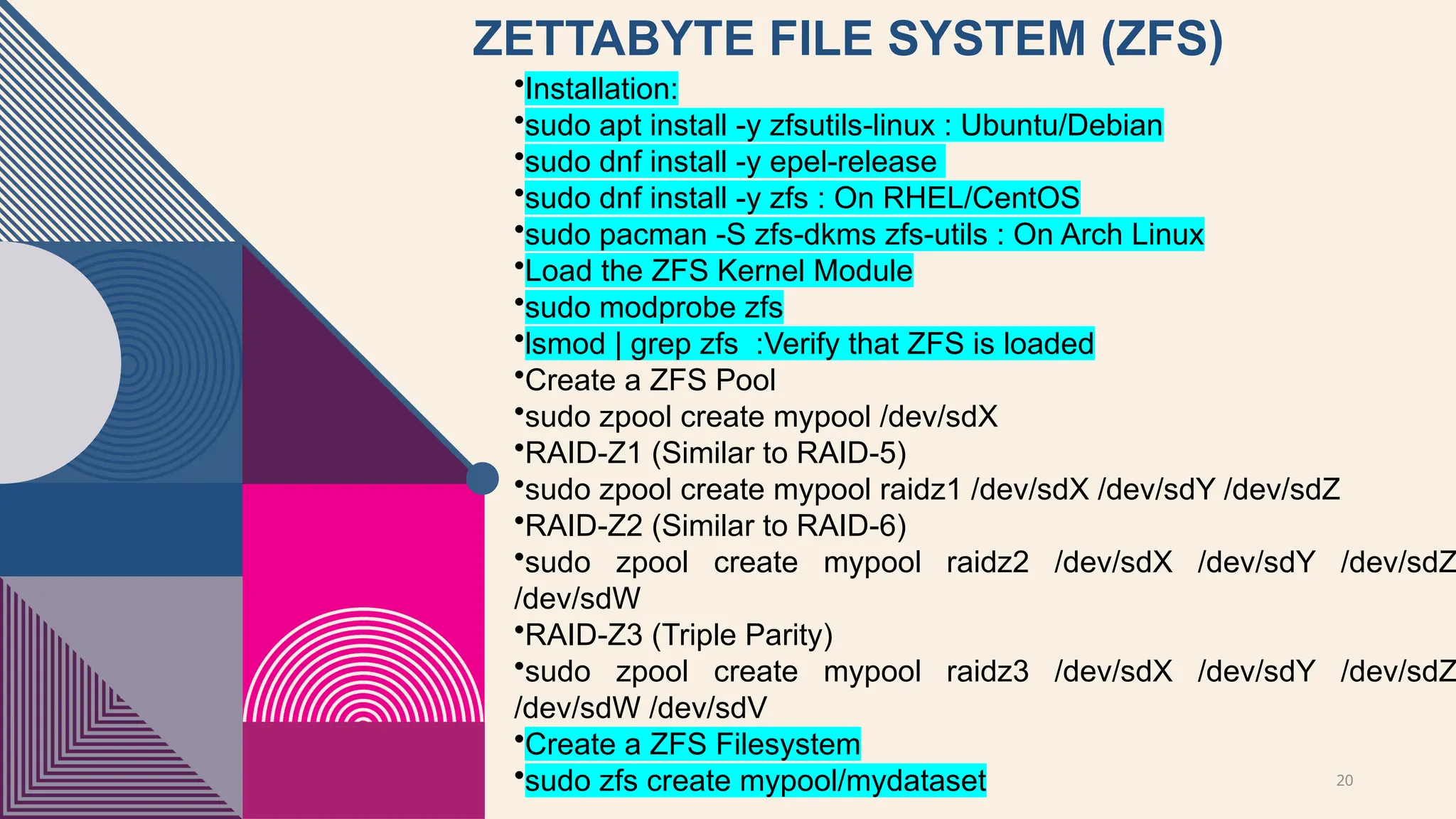
ZETTABYTE FILE SYSTEM(ZFS)
•Installation:
•sudo apt install -y zfsutils-linux : Ubuntu/Debian
•sudo dnf install -y epel-release
•sudo dnf install -y zfs : On RHEL/CentOS
•sudo pacman -S zfs-dkms zfs-utils : On Arch Linux
•Load the ZFS Kernel Module
•sudo modprobe zfs
•lsmod | grep zfs :Verify that ZFS is loaded
•Create a ZFS Pool
•sudo zpool create mypool /dev/sdX
•RAID-Z1 (Similar to RAID-5)
•sudo zpool create mypool raidz1 /dev/sdX /dev/sdY /dev/sdZ
•RAID-Z2 (Similar to RAID-6)
•sudo zpool create mypool raidz2 /dev/sdX /dev/sdY /dev/sdZ
/dev/sdW
•RAID-Z3 (Triple Parity)
•sudo zpool create mypool raidz3 /dev/sdX /dev/sdY /dev/sdZ
/dev/sdW /dev/sdV
•Create a ZFS Filesystem
•sudo zfs create mypool/mydataset
21.
21
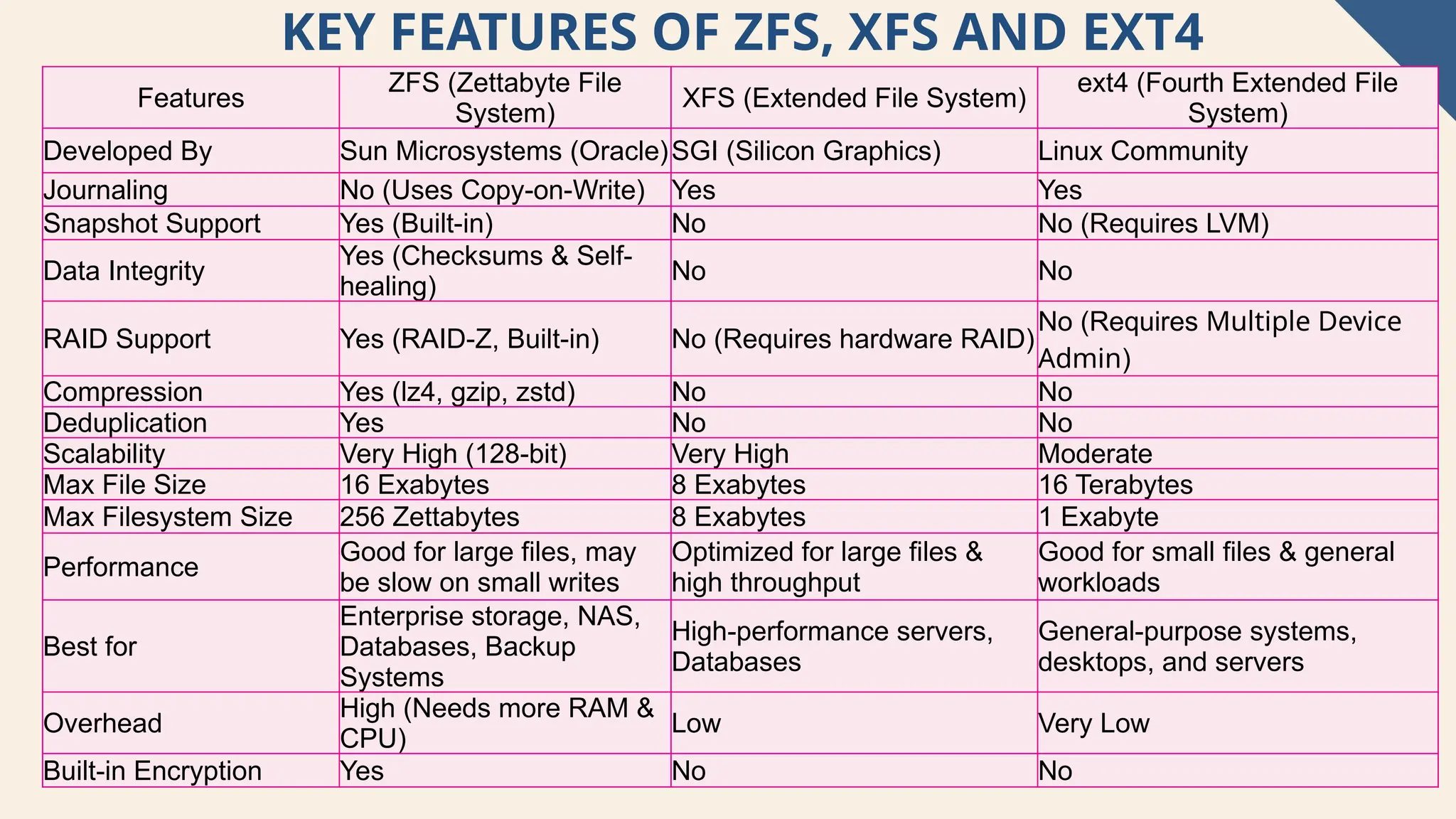
KEY FEATURES OFZFS, XFS AND EXT4
Features
ZFS (Zettabyte File
System)
XFS (Extended File System)
ext4 (Fourth Extended File
System)
Developed By Sun Microsystems (Oracle)SGI (Silicon Graphics) Linux Community
Journaling No (Uses Copy-on-Write) Yes Yes
Snapshot Support Yes (Built-in) No No (Requires LVM)
Data Integrity
Yes (Checksums & Self-
healing)
No No
RAID Support Yes (RAID-Z, Built-in) No (Requires hardware RAID)
No (Requires Multiple Device
Admin)
Compression Yes (lz4, gzip, zstd) No No
Deduplication Yes No No
Scalability Very High (128-bit) Very High Moderate
Max File Size 16 Exabytes 8 Exabytes 16 Terabytes
Max Filesystem Size 256 Zettabytes 8 Exabytes 1 Exabyte
Performance
Good for large files, may
be slow on small writes
Optimized for large files &
high throughput
Good for small files & general
workloads
Best for
Enterprise storage, NAS,
Databases, Backup
Systems
High-performance servers,
Databases
General-purpose systems,
desktops, and servers
Overhead
High (Needs more RAM &
CPU)
Low Very Low
Built-in Encryption Yes No No
22.
22
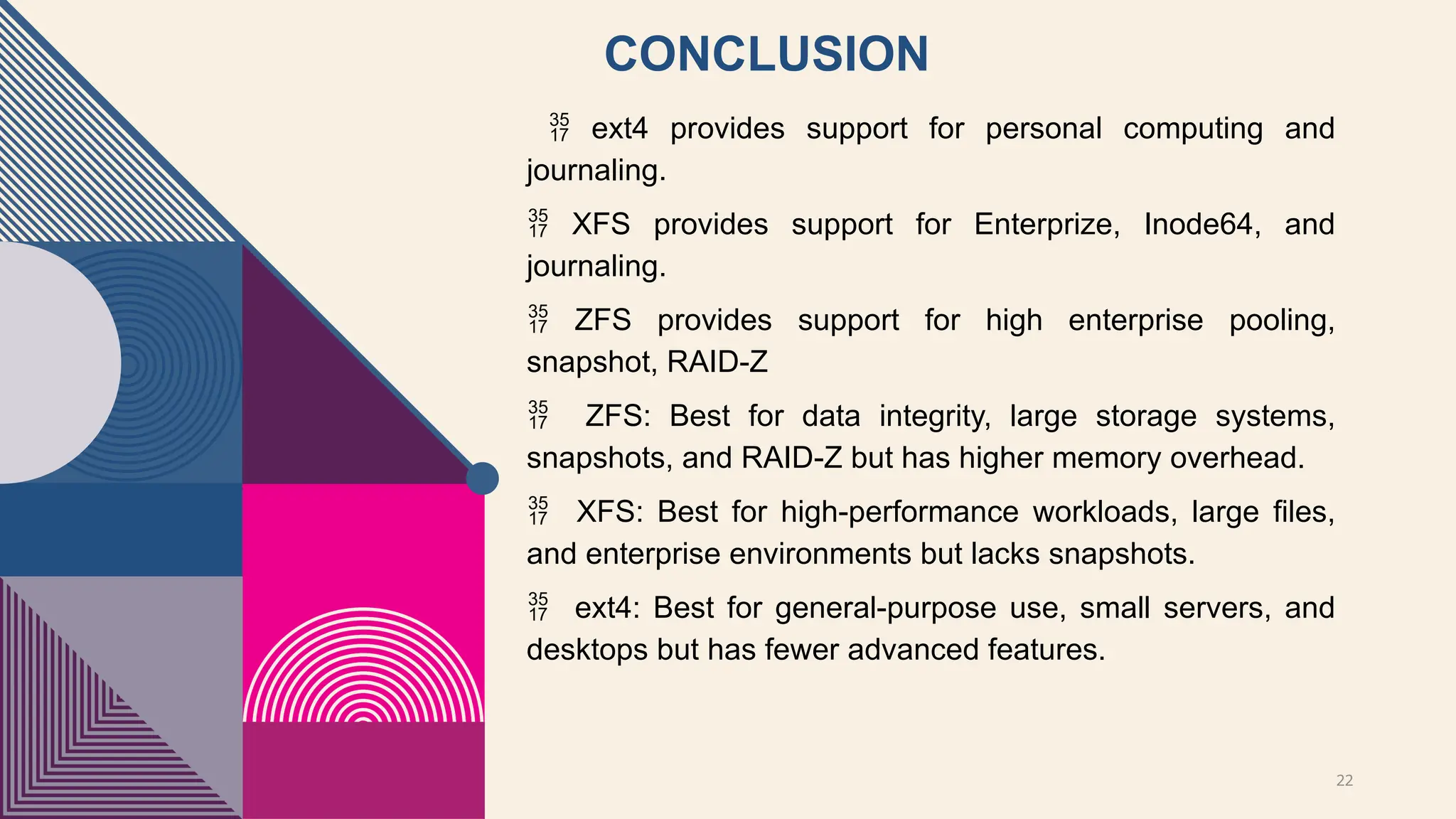
CONCLUSION
ext4 providessupport for personal computing and
journaling.
XFS provides support for Enterprize, Inode64, and
journaling.
ZFS provides support for high enterprise pooling,
snapshot, RAID-Z
ZFS: Best for data integrity, large storage systems,
snapshots, and RAID-Z but has higher memory overhead.
XFS: Best for high-performance workloads, large files,
and enterprise environments but lacks snapshots.
ext4: Best for general-purpose use, small servers, and
desktops but has fewer advanced features.
23.
23
INTRODUCTION OF NEWCOURSES AT UNW
1) IoT Security and
Forensics (Elective
Course)
Expected Main
Topics:
• IoT Network
Architectures and
Security Protocols
• Threat Modeling for
IoT Devices
• IoT-Specific
Malware and
Vulnerabilities
• Digital Forensics
Techniques for IoT
Devices
• Case Studies on
Smart Cities,
Healthcare, and
Industrial IoT
Attacks
• Hands-on Labs: IoT
Traffic Analysis,
Device Tampering,
and Forensic Data
Recovery
[Tools:
Autopsy &
Ghidra]
Why this course is
needed: With the rise
of smart homes,
industrial IoT, and
autonomous vehicles,
this course bridges the
gap between
cybersecurity and
forensic investigations
in IoT.
2) AI-Driven Cyber Threat
Intelligence and Digital Forensics
(Elective Course)
Expected Main Topics:
Fundamentals of Cyber Threat
Intelligence (CTI)
AI in Malware Analysis and
Threat Detection
Deep Learning for Anomaly-
Based Intrusion Detection
AI-Powered Digital Forensics:
Automated Evidence Analysis
Hands-on Labs: Training AI
Models for Cyber Attack
Prediction
Case Studies: AI-Driven
Cybercrime Investigations
[Tools: MITRE ATT&CK
Navigator & TheHive &
Cortex
Why this course is needed: AI is
rapidly transforming cybersecurity
and digital forensics, yet most
universities still lack dedicated
courses on AI-driven cyber defense
strategies.
✔ KEEP ITINTERACTIVE – ENGAGE FACULTY AS IF THEY
WERE STUDENTS.
USE VISUALS (SLIDES, LIVE DEMOS, EXAMPLES) – AVOID
✔
TEXT-HEAVY SLIDES.
TIME MANAGEMENT – STICK TO THE ALLOTTED TIME.
✔
SHOW ENTHUSIASM – PASSION FOR TEACHING IS KEY!
✔
🔹 GOAL: DEMONSTRATE THAT YOU ARE AN EFFECTIVE,
ENGAGING, AND ADAPTABLE EDUCATOR WHO CAN
ENHANCE THE DEPARTMENT’S TEACHING MISSION.
![5
EXT4 (FOURTH EXTENDED FILE SYSTEM)
Supports max file: 16 TB
Max file system size: 1 Exabyte
Moderate performance for large files
Supports Metadata Journaling
Defragmentation limited
No support for Snapshot (Logical Volume Manager)
[LVM]
Best for general purposes workload](https://image.slidesharecdn.com/lecture-4updated-250314032126-6b211f8f/75/Introduction-to-intelligence-cybersecurity_4-5-2048.jpg)
![12
RECOMMENDED JOURNAL SIZE FOR
DIFFERENT WORKLOADS [EXT4]
Workload Type Recommended Journal Size
Light Workload (e.g., Home PC, Minimal Writes) 32MB – 128MB
General Desktop Use 128MB – 256MB
Web Servers, Application Servers 256MB – 512MB
Database Servers, Logging Systems 512MB – 1GB
High-Performance Systems, Virtual Machines 1GB – 2GB
Large File Transfers (e.g., Multimedia, Backup
Storage)
512MB – 1GB](https://image.slidesharecdn.com/lecture-4updated-250314032126-6b211f8f/75/Introduction-to-intelligence-cybersecurity_4-12-2048.jpg)
![13
JOURNAL SIZE AND STORAGE TYPE
[EXT4]
Storage Type Optimal Journal Size
HDD (Traditional Hard Drive) 256MB – 512MB
SSD (Solid-State Drive) 512MB – 2GB
Non-Volatile Memory Express (NVMe)
SSD (High-Speed SSDs)
1GB – 2GB
SD Card / Flash Drive 32MB – 128MB](https://image.slidesharecdn.com/lecture-4updated-250314032126-6b211f8f/75/Introduction-to-intelligence-cybersecurity_4-13-2048.jpg)
![14
Extended File System (XFS)
Supports max file: 8 Exabytes
Max storage size: up to 16 Exabyte
High performance for large files
Supports Metadata Journaling
Compatibility support for inode64
Supports for defragmentation
Supports snapshots using Logical Volume
Manager (LVM)
Best for scientific research, simulations, and
large-scale backups.
CONS:
General desktop use [ No ideal]
Small file handling [can be inefficient]
Flexibility (resize) [Cannot be shrink]](https://image.slidesharecdn.com/lecture-4updated-250314032126-6b211f8f/75/Introduction-to-intelligence-cybersecurity_4-14-2048.jpg)
![23
INTRODUCTION OF NEW COURSES AT UNW
1) IoT Security and
Forensics (Elective
Course)
Expected Main
Topics:
• IoT Network
Architectures and
Security Protocols
• Threat Modeling for
IoT Devices
• IoT-Specific
Malware and
Vulnerabilities
• Digital Forensics
Techniques for IoT
Devices
• Case Studies on
Smart Cities,
Healthcare, and
Industrial IoT
Attacks
• Hands-on Labs: IoT
Traffic Analysis,
Device Tampering,
and Forensic Data
Recovery
[Tools:
Autopsy &
Ghidra]
Why this course is
needed: With the rise
of smart homes,
industrial IoT, and
autonomous vehicles,
this course bridges the
gap between
cybersecurity and
forensic investigations
in IoT.
2) AI-Driven Cyber Threat
Intelligence and Digital Forensics
(Elective Course)
Expected Main Topics:
Fundamentals of Cyber Threat
Intelligence (CTI)
AI in Malware Analysis and
Threat Detection
Deep Learning for Anomaly-
Based Intrusion Detection
AI-Powered Digital Forensics:
Automated Evidence Analysis
Hands-on Labs: Training AI
Models for Cyber Attack
Prediction
Case Studies: AI-Driven
Cybercrime Investigations
[Tools: MITRE ATT&CK
Navigator & TheHive &
Cortex
Why this course is needed: AI is
rapidly transforming cybersecurity
and digital forensics, yet most
universities still lack dedicated
courses on AI-driven cyber defense
strategies.](https://image.slidesharecdn.com/lecture-4updated-250314032126-6b211f8f/75/Introduction-to-intelligence-cybersecurity_4-23-2048.jpg)