z
Introduction to
HTML
(Hypertext Markup Language)
z
Brief History of HTML
Hypertext Markup Language (HTML)
- most popular and most frequently used language for
developing websites.
- Invented in 1990 by Tim Berners-Lee.
- HTML 2.0 is the base set standard established by World Wide
Web Consortium (W3C)
- HTML 4.0 has integrated the use of CSS or Cascading Style
Sheets and Dynamic HTML (DHTML)
z
HTML Editing Software
1. Notepad ++ (Windows) - free source-code
editor that supports various programming
and markup language.
2. Sublime Text – sophisticated text editor with
useful features. License Software
3. Brackets - modern open-source code editor
written in HTML/ Developed by Adobe
Systems under the MIT (Massachusett’s
Institute of Technology) License.
z
HMTL Editing Software
1. Google Web Designer – created by Google
for engaging and interactive HTML content.
2. Adobe Muse – code-free web design tool
that lets the designer create incredible
responsive web design with ease.
3. Adobe Dreamweaver – is a flexible coding
engine for web designers and front-end
developers. It creates responsive websites
across different screen sizes.
z
Web Browsers
Google Chrome
Internet Explorer / Edge
Mozilla Firefox
Apple Safari
Opera
z
Overview of HTML
Hypertext Markup Language (HTML) – based on larger document
processing system called Standard Generalized Markup
Language (SGML)
- Hypertext – means the text that points to other pages and
objects on the web.
- Markup – means simple codes that provide details about HTML
elements.
- Language – refers to how HTML elements are put together in
order to create a document that meets the criteria or rules.
z
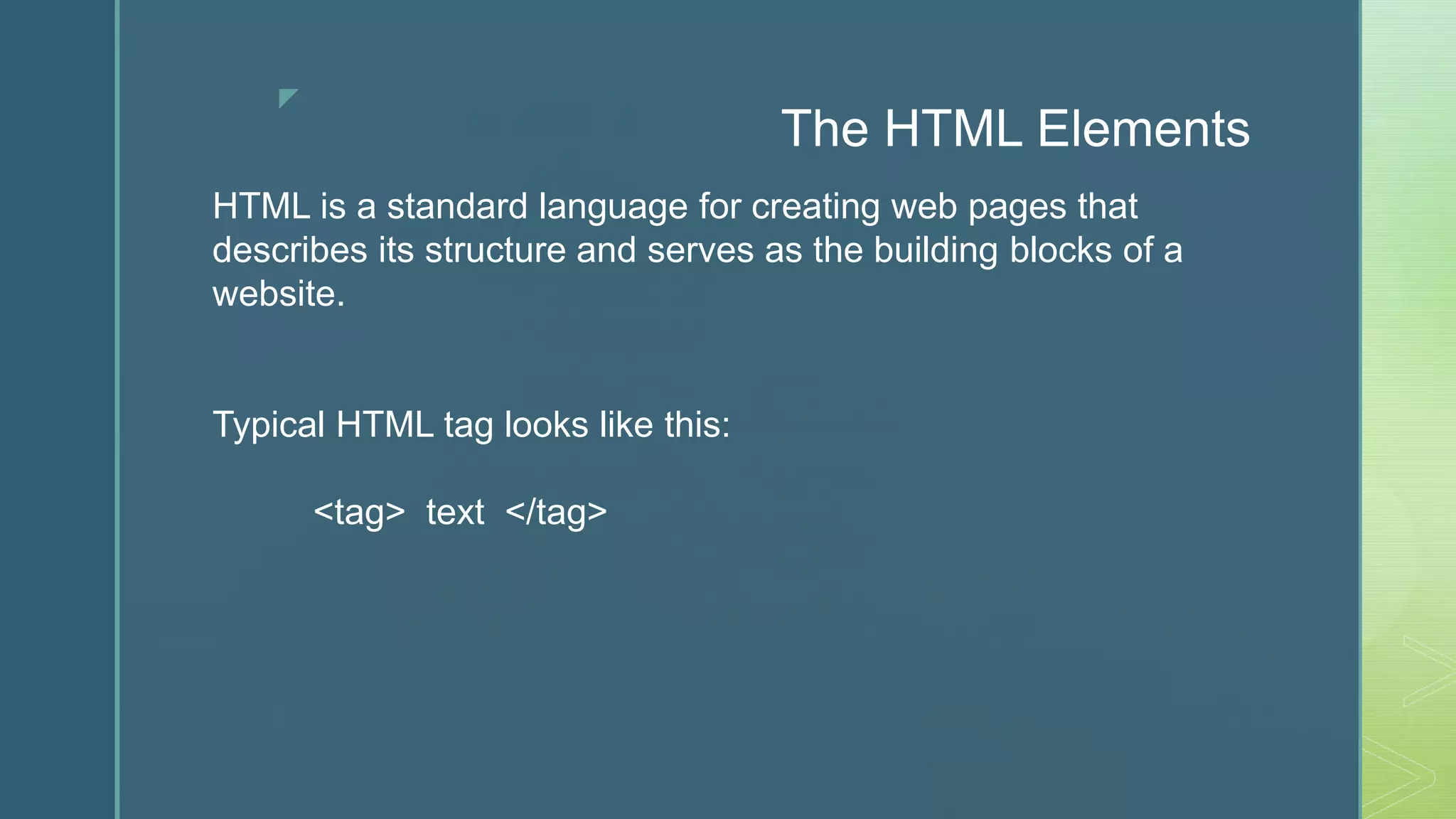
The HTML Elements
HTML is a standard language for creating web pages that
describes its structure and serves as the building blocks of a
website.
Typical HTML tag looks like this:
<tag> text </tag>
z
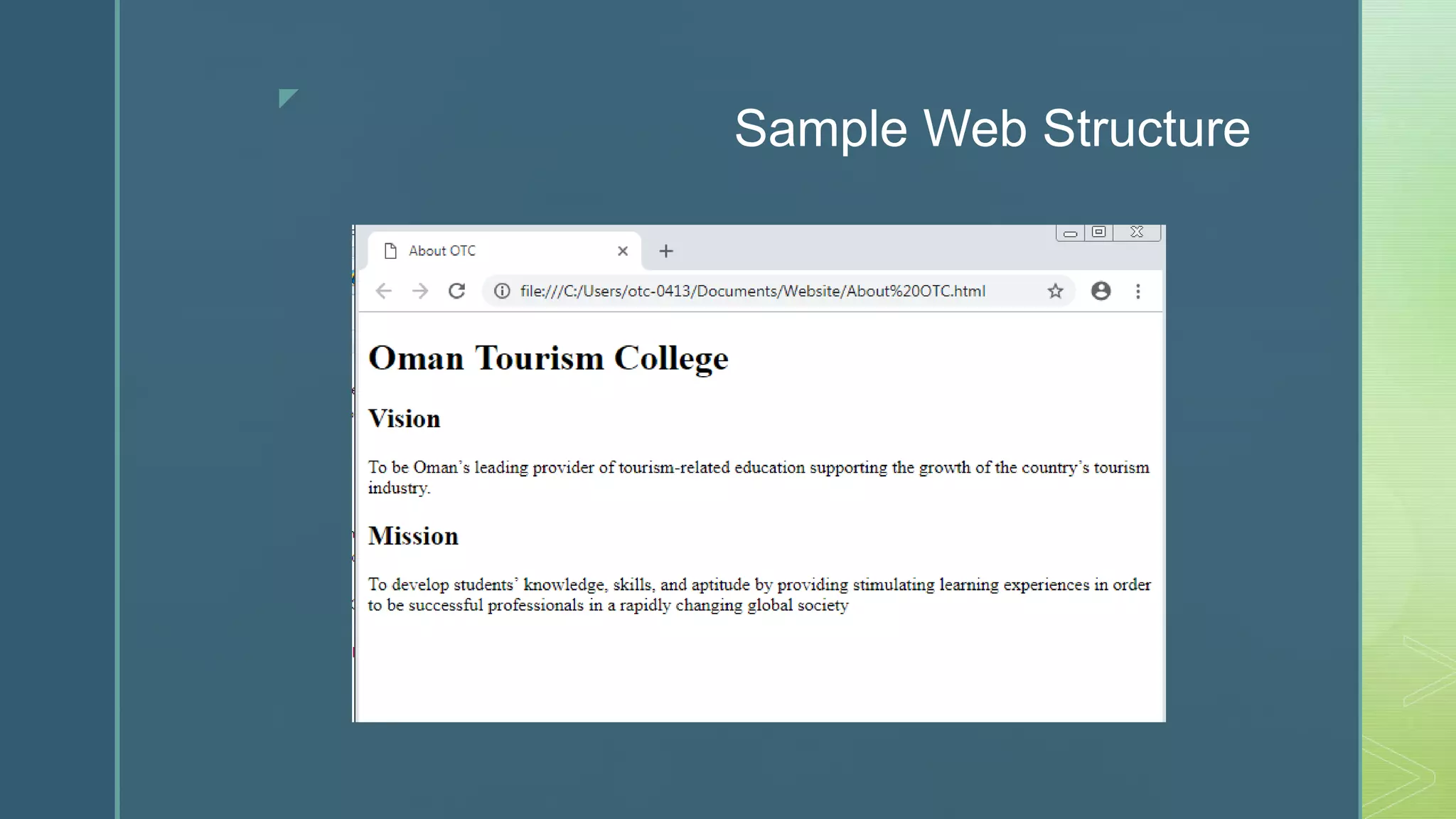
Sample Web Structure
z
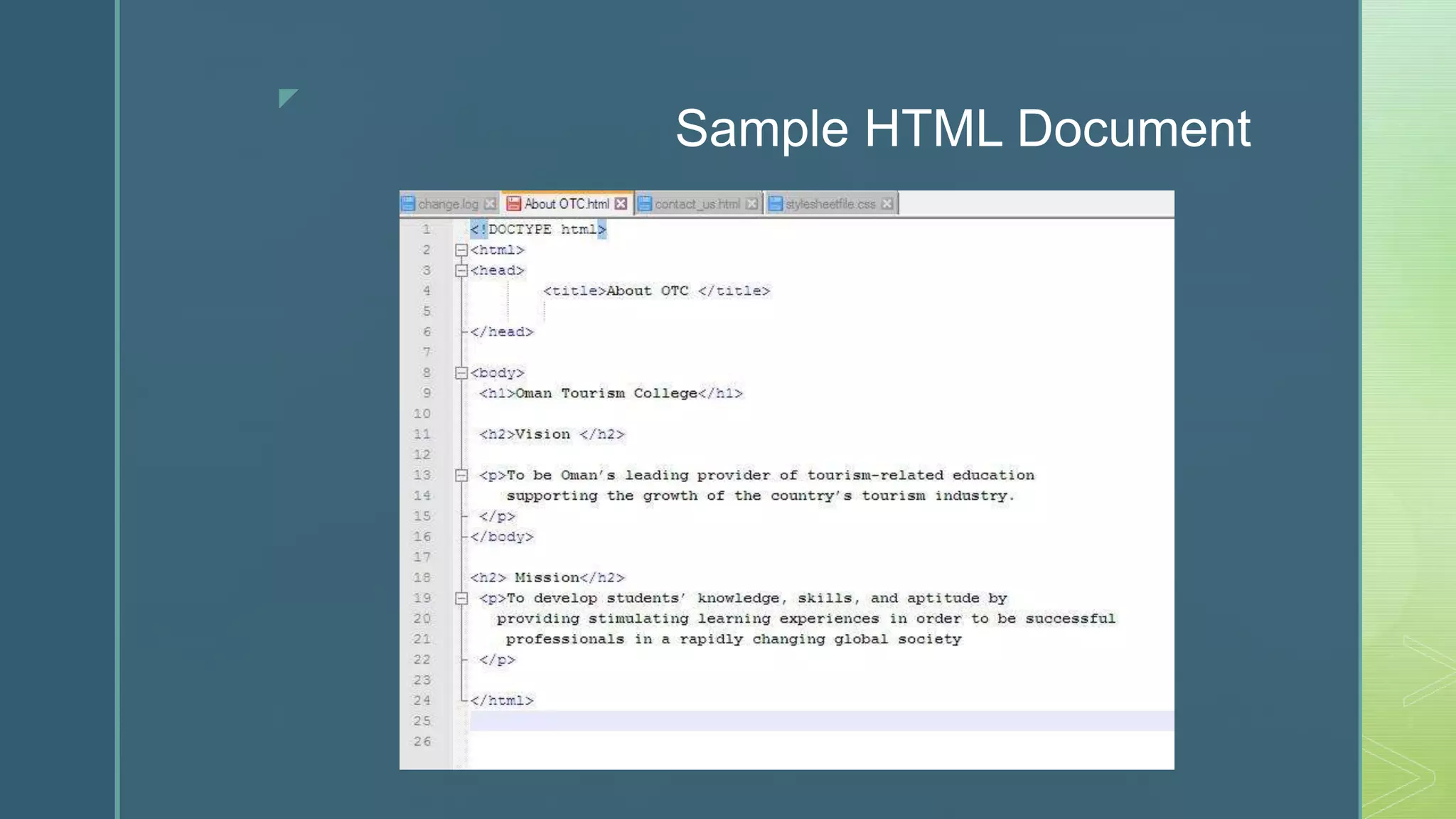
Sample HTML Document

Introduction to HTML

  • 1.
  • 2.
    z Brief History ofHTML Hypertext Markup Language (HTML) - most popular and most frequently used language for developing websites. - Invented in 1990 by Tim Berners-Lee. - HTML 2.0 is the base set standard established by World Wide Web Consortium (W3C) - HTML 4.0 has integrated the use of CSS or Cascading Style Sheets and Dynamic HTML (DHTML)
  • 3.
    z HTML Editing Software 1.Notepad ++ (Windows) - free source-code editor that supports various programming and markup language. 2. Sublime Text – sophisticated text editor with useful features. License Software 3. Brackets - modern open-source code editor written in HTML/ Developed by Adobe Systems under the MIT (Massachusett’s Institute of Technology) License.
  • 4.
    z HMTL Editing Software 1.Google Web Designer – created by Google for engaging and interactive HTML content. 2. Adobe Muse – code-free web design tool that lets the designer create incredible responsive web design with ease. 3. Adobe Dreamweaver – is a flexible coding engine for web designers and front-end developers. It creates responsive websites across different screen sizes.
  • 5.
    z Web Browsers Google Chrome InternetExplorer / Edge Mozilla Firefox Apple Safari Opera
  • 6.
    z Overview of HTML HypertextMarkup Language (HTML) – based on larger document processing system called Standard Generalized Markup Language (SGML) - Hypertext – means the text that points to other pages and objects on the web. - Markup – means simple codes that provide details about HTML elements. - Language – refers to how HTML elements are put together in order to create a document that meets the criteria or rules.
  • 7.
    z The HTML Elements HTMLis a standard language for creating web pages that describes its structure and serves as the building blocks of a website. Typical HTML tag looks like this: <tag> text </tag>
  • 8.
  • 9.