AmplifyJS
Visnupriya. J. R

© Spritle Software Private Limited | http://www.spritle.com
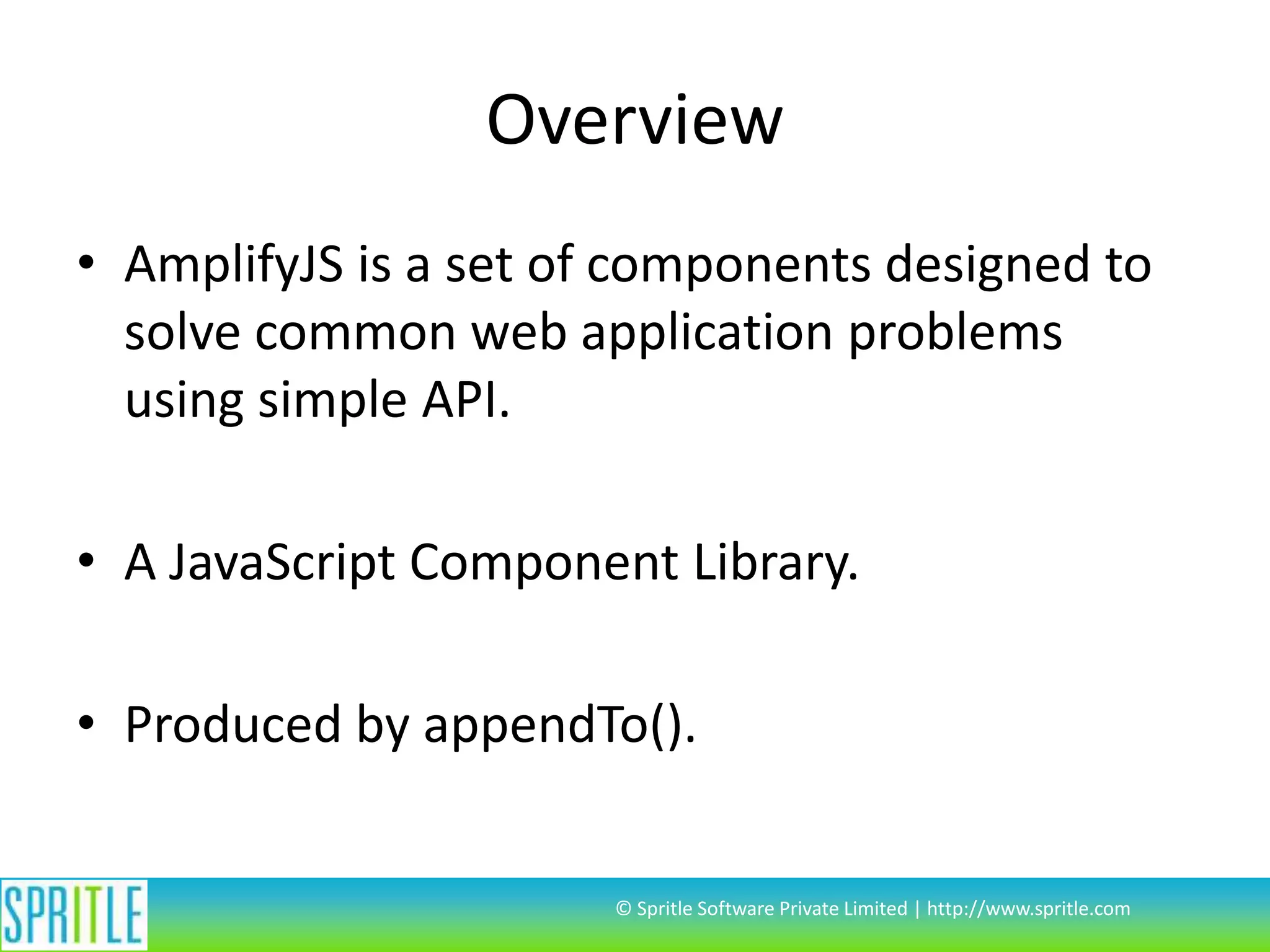
Overview
• AmplifyJS is a set of components designed to
solve common web application problems
using simple API.

• A JavaScript Component Library.
• Produced by appendTo().

© Spritle Software Private Limited | http://www.spritle.com
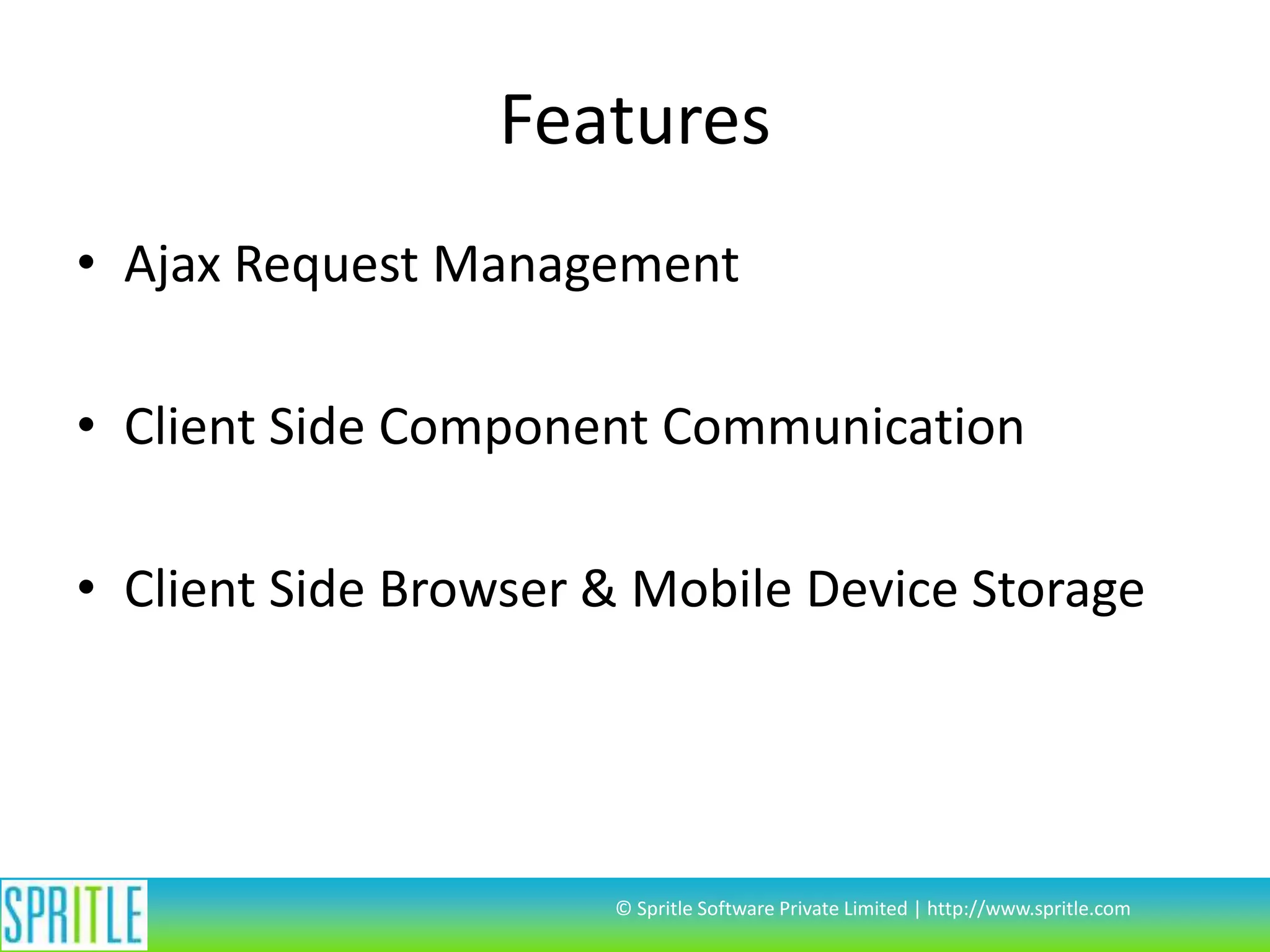
Features
• Ajax Request Management
• Client Side Component Communication
• Client Side Browser & Mobile Device Storage

© Spritle Software Private Limited | http://www.spritle.com
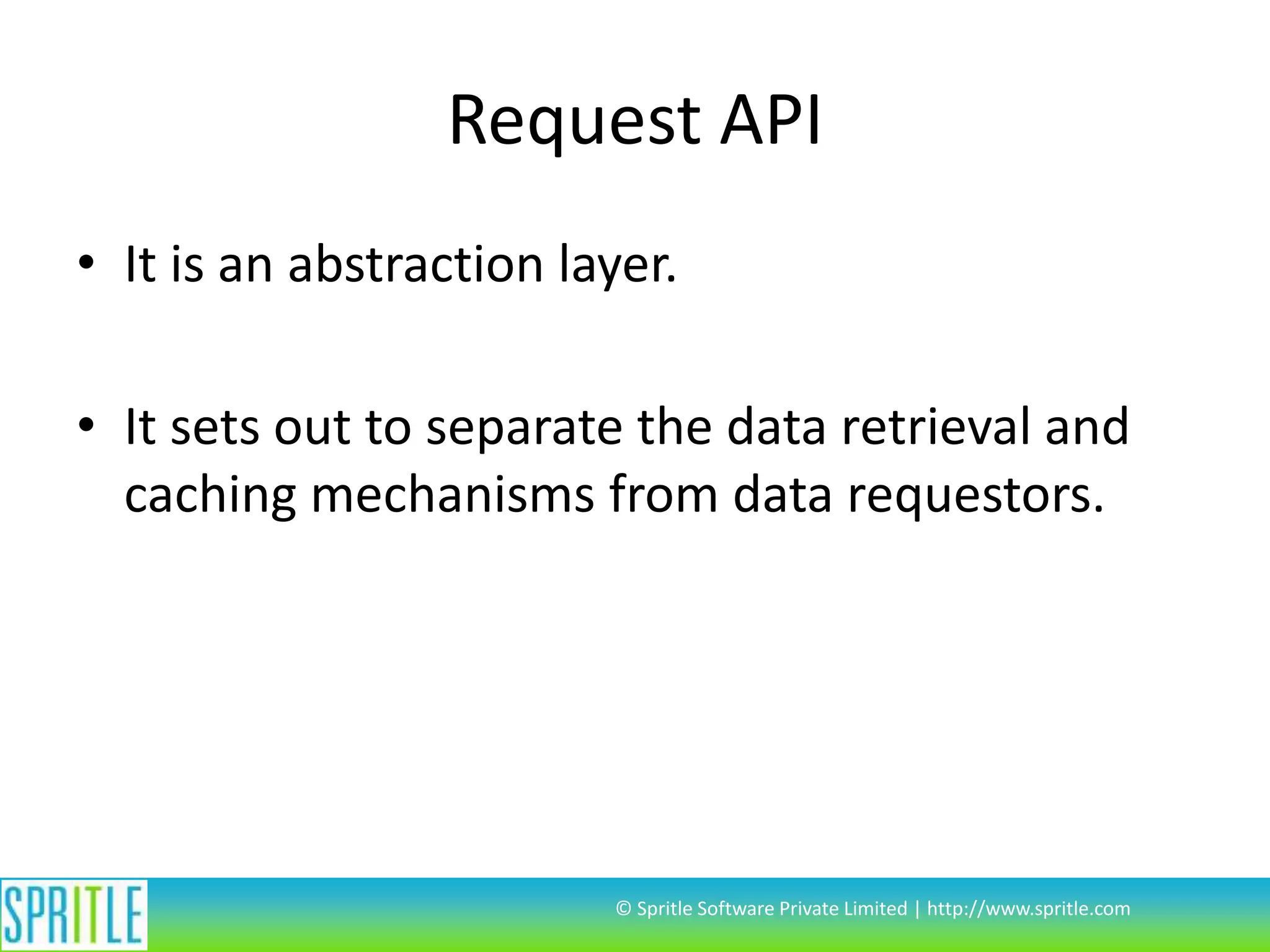
Request API
• It is an abstraction layer.
• It sets out to separate the data retrieval and
caching mechanisms from data requestors.

© Spritle Software Private Limited | http://www.spritle.com
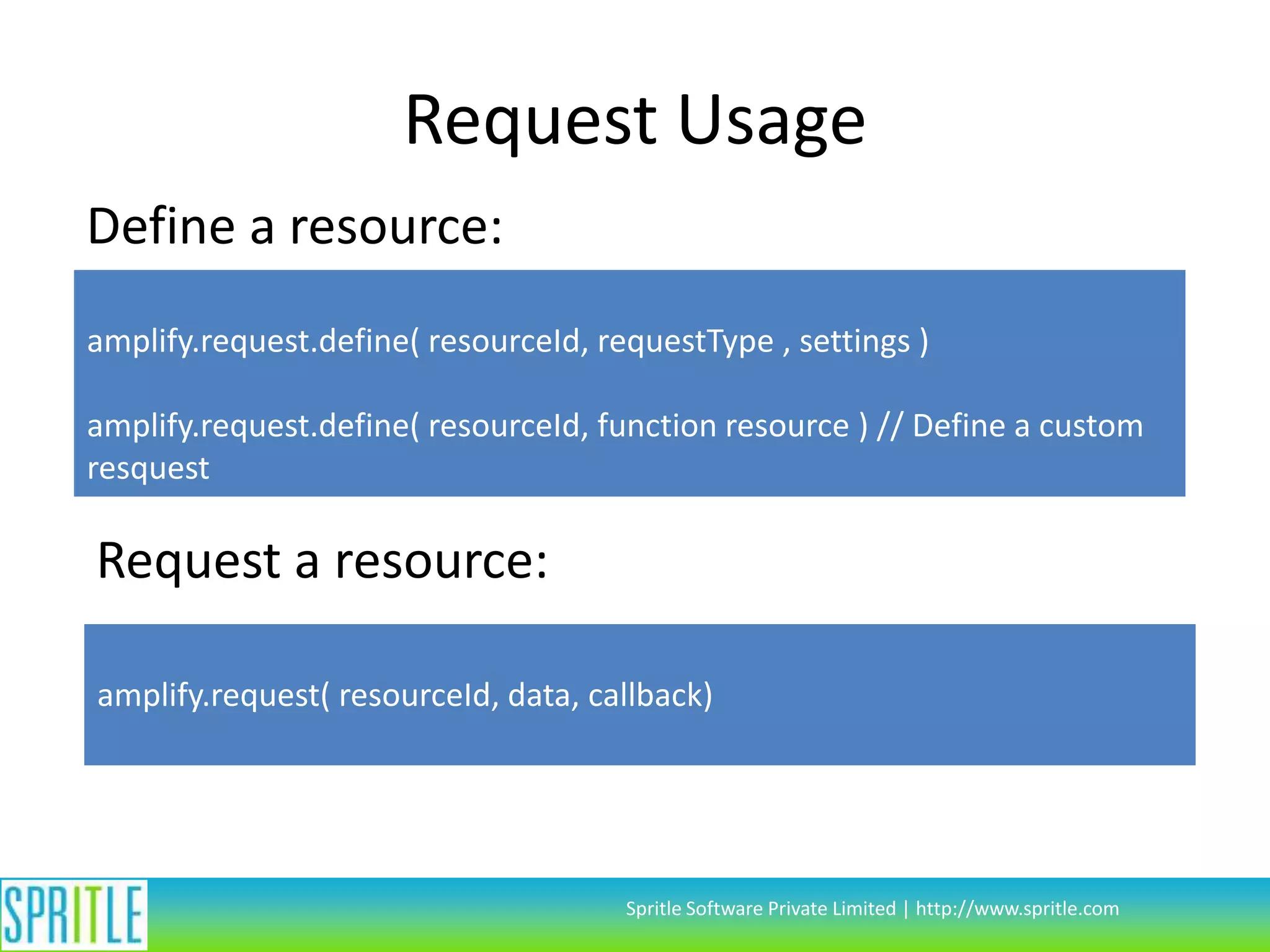
Request Usage
Define a resource:
amplify.request.define( resourceId, requestType , settings )
amplify.request.define( resourceId, function resource ) // Define a custom
resquest

Request a resource:
amplify.request( resourceId, data, callback)

Spritle Software Private Limited | http://www.spritle.com
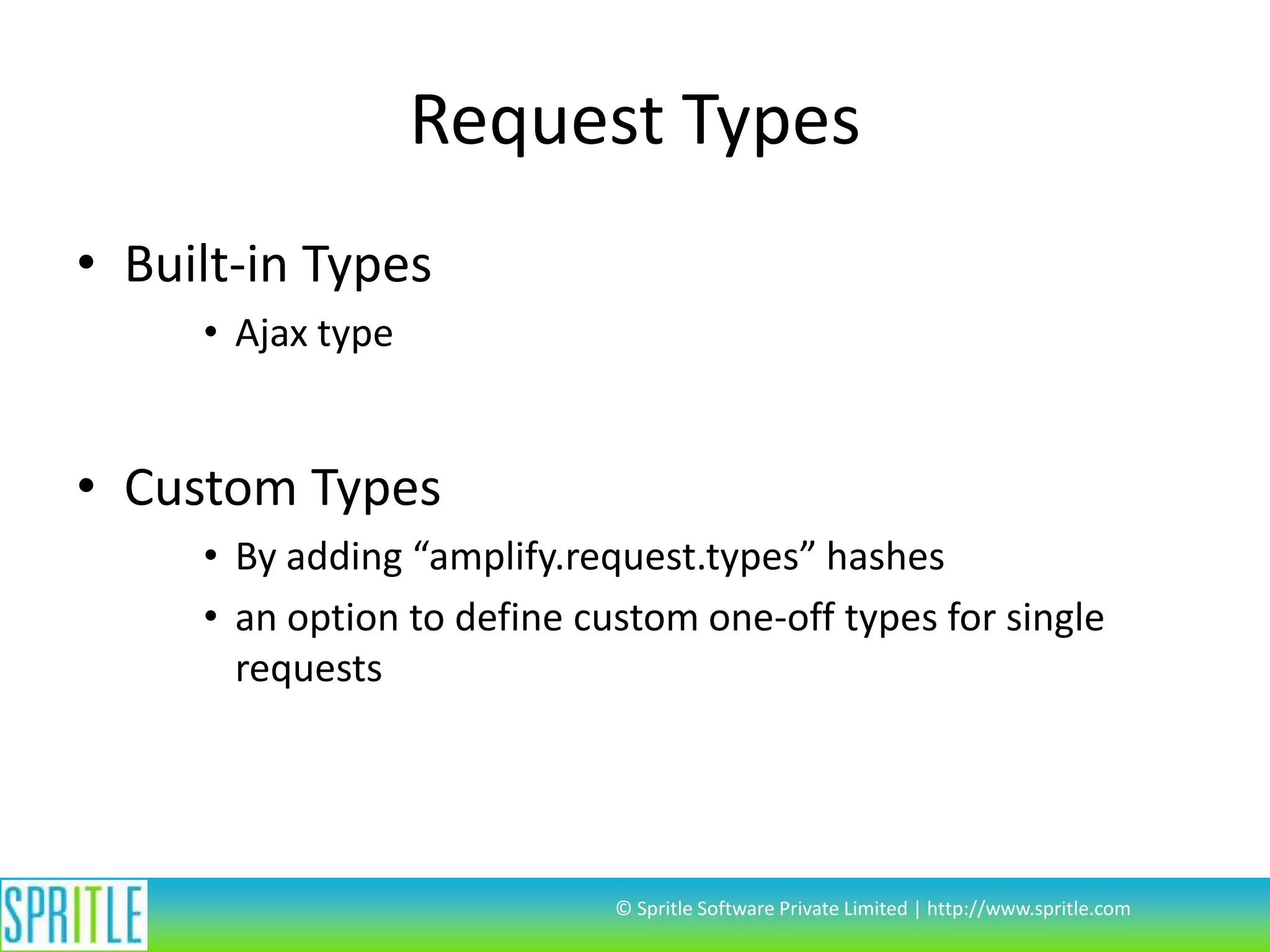
Request Types
• Built-in Types
• Ajax type

• Custom Types
• By adding “amplify.request.types” hashes
• an option to define custom one-off types for single
requests

© Spritle Software Private Limited | http://www.spritle.com
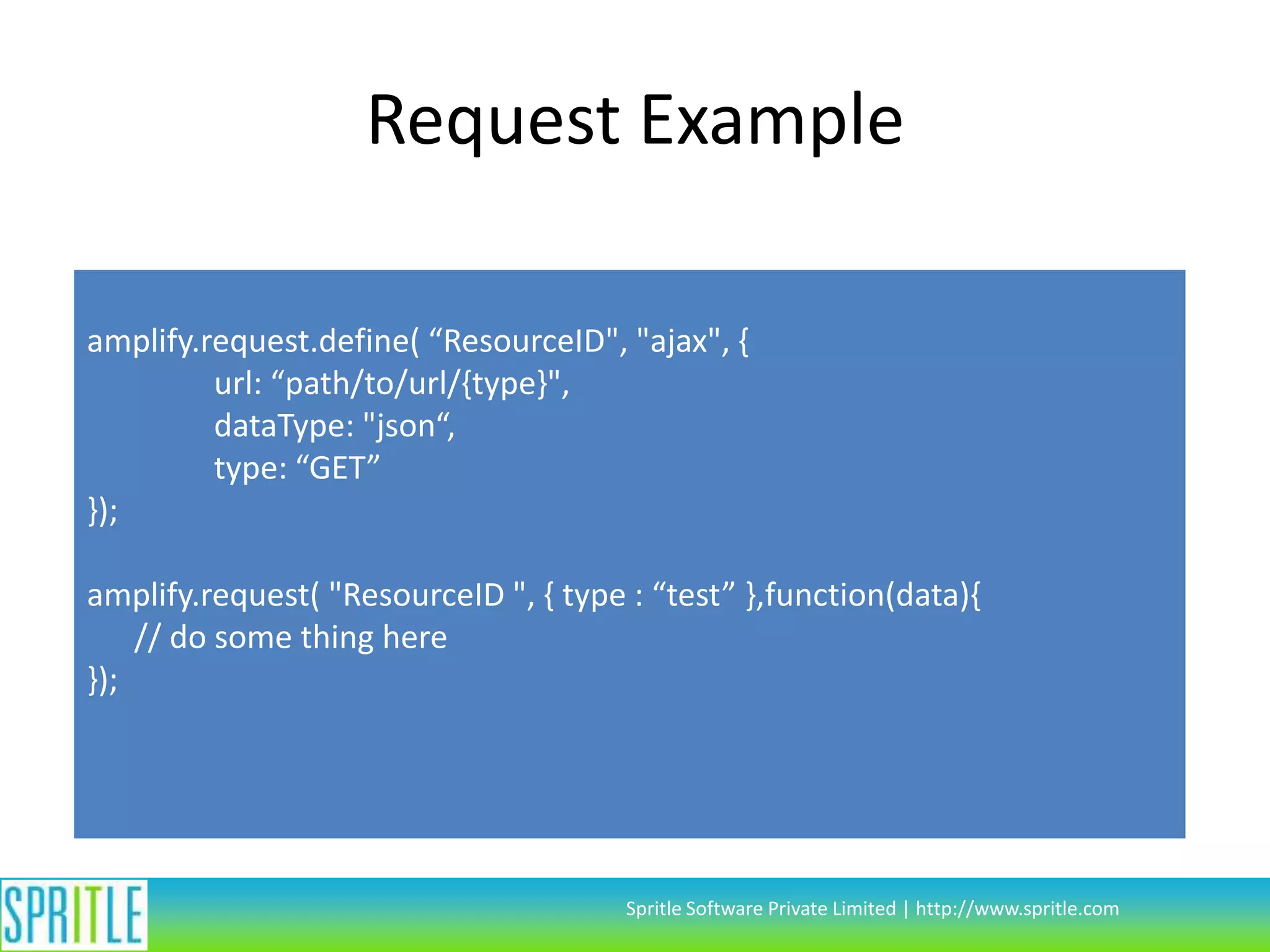
Request Example
amplify.request.define( “ResourceID", "ajax", {
url: “path/to/url/{type}",
dataType: "json“,
type: “GET”
});
amplify.request( "ResourceID ", { type : “test” },function(data){
// do some thing here
});

Spritle Software Private Limited | http://www.spritle.com
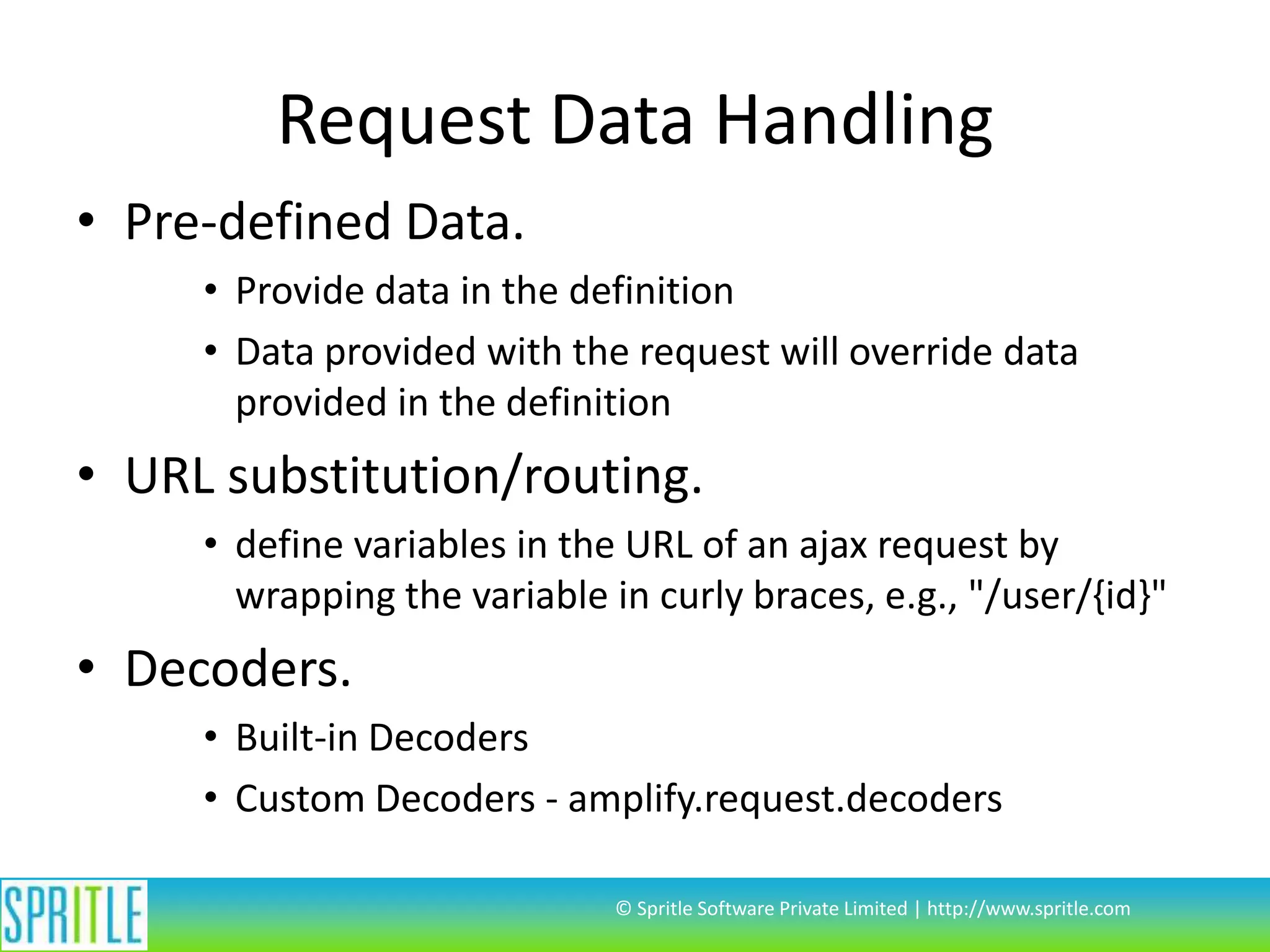
Request Data Handling
• Pre-defined Data.
• Provide data in the definition
• Data provided with the request will override data
provided in the definition

• URL substitution/routing.
• define variables in the URL of an ajax request by
wrapping the variable in curly braces, e.g., "/user/{id}"

• Decoders.
• Built-in Decoders
• Custom Decoders - amplify.request.decoders
© Spritle Software Private Limited | http://www.spritle.com
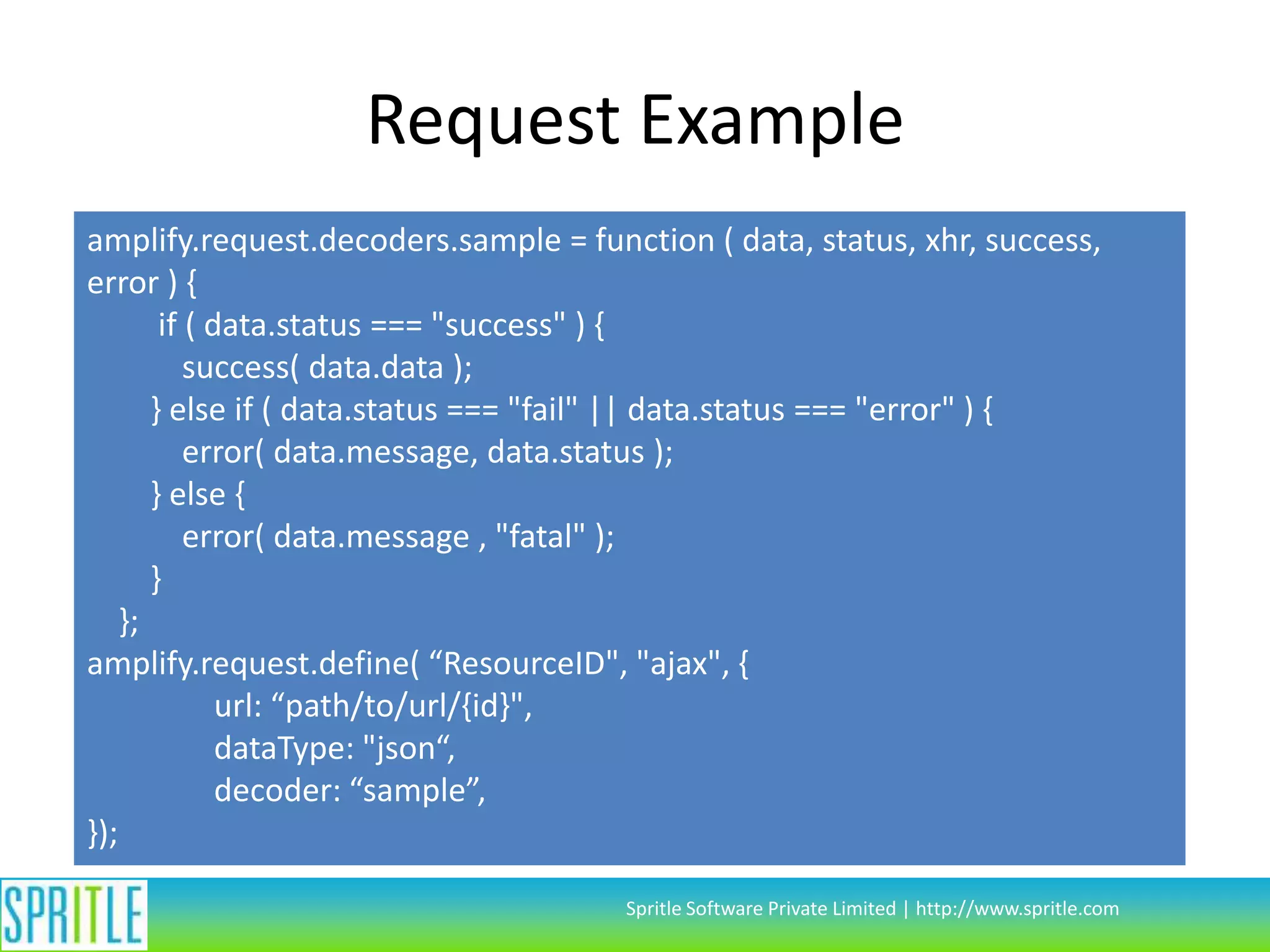
Request Example
amplify.request.decoders.sample = function ( data, status, xhr, success,
error ) {
if ( data.status === "success" ) {
success( data.data );
} else if ( data.status === "fail" || data.status === "error" ) {
error( data.message, data.status );
} else {
error( data.message , "fatal" );
}
};
amplify.request.define( “ResourceID", "ajax", {
url: “path/to/url/{id}",
dataType: "json“,
decoder: “sample”,
});
Spritle Software Private Limited | http://www.spritle.com
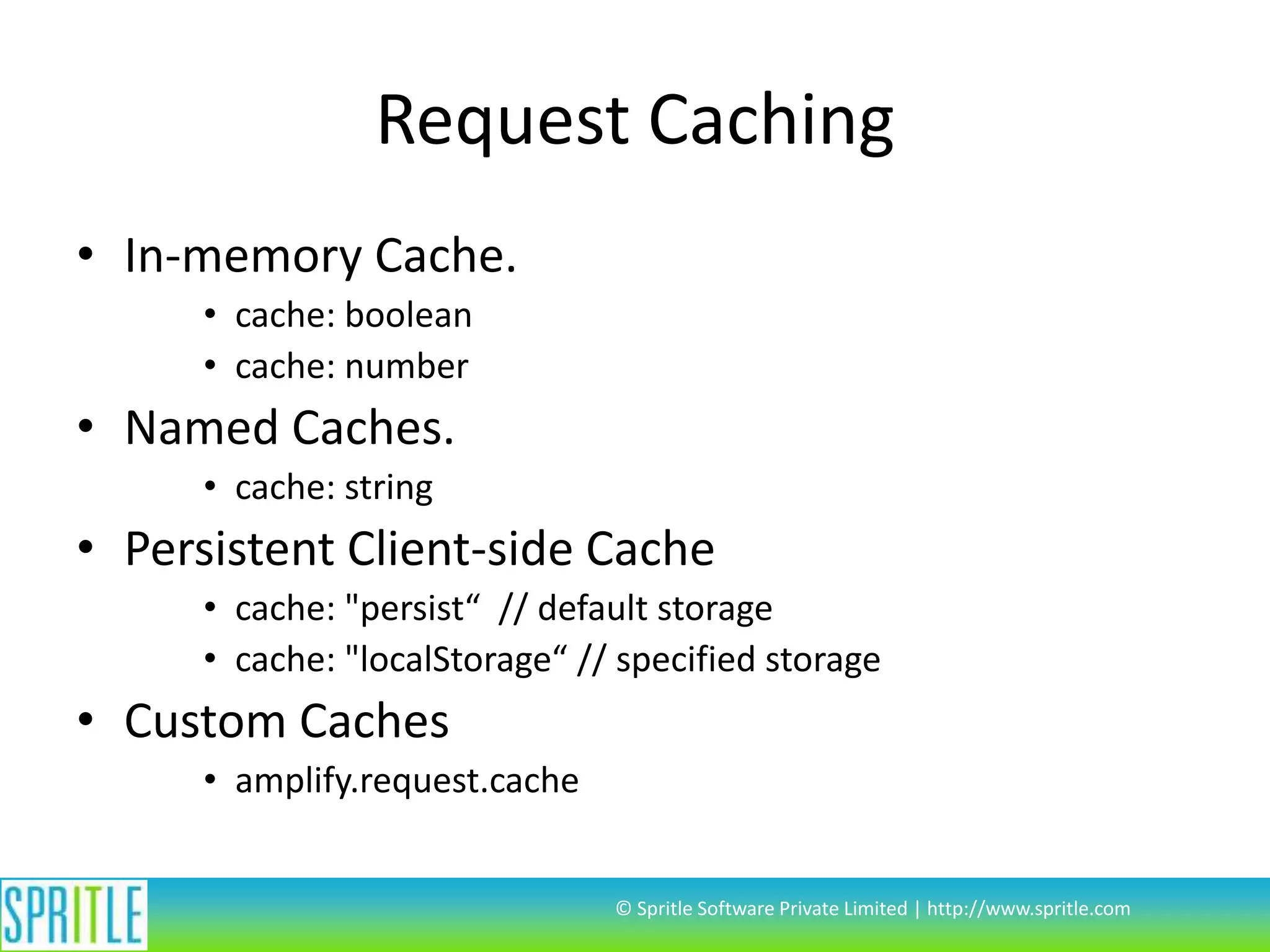
Request Caching
• In-memory Cache.
• cache: boolean
• cache: number

• Named Caches.
• cache: string

• Persistent Client-side Cache
• cache: "persist“ // default storage
• cache: "localStorage“ // specified storage

• Custom Caches
• amplify.request.cache

© Spritle Software Private Limited | http://www.spritle.com
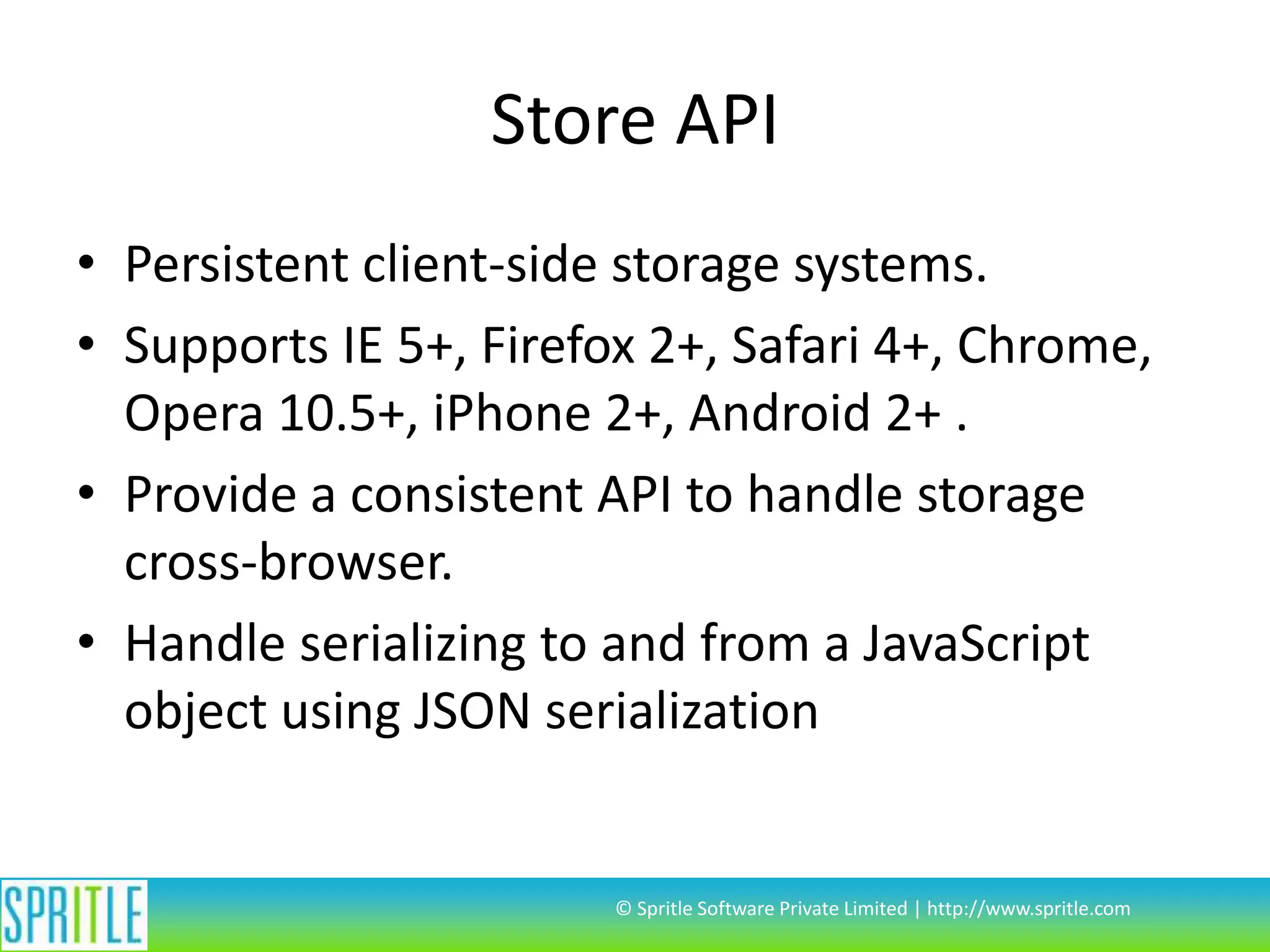
Store API
• Persistent client-side storage systems.
• Supports IE 5+, Firefox 2+, Safari 4+, Chrome,
Opera 10.5+, iPhone 2+, Android 2+ .
• Provide a consistent API to handle storage
cross-browser.
• Handle serializing to and from a JavaScript
object using JSON serialization

© Spritle Software Private Limited | http://www.spritle.com
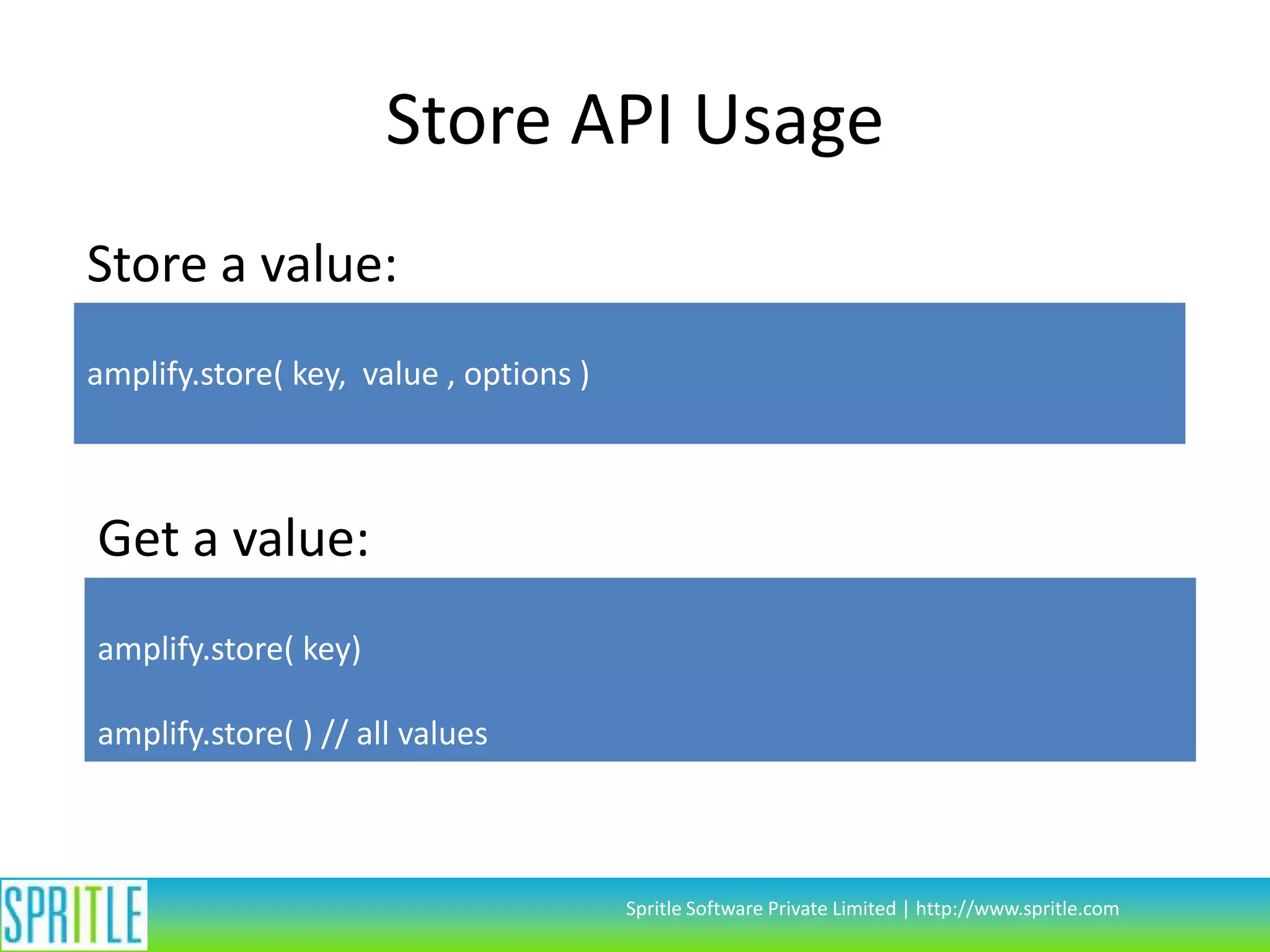
Store API Usage
Store a value:
amplify.store( key, value , options )

Get a value:
amplify.store( key)
amplify.store( ) // all values

Spritle Software Private Limited | http://www.spritle.com
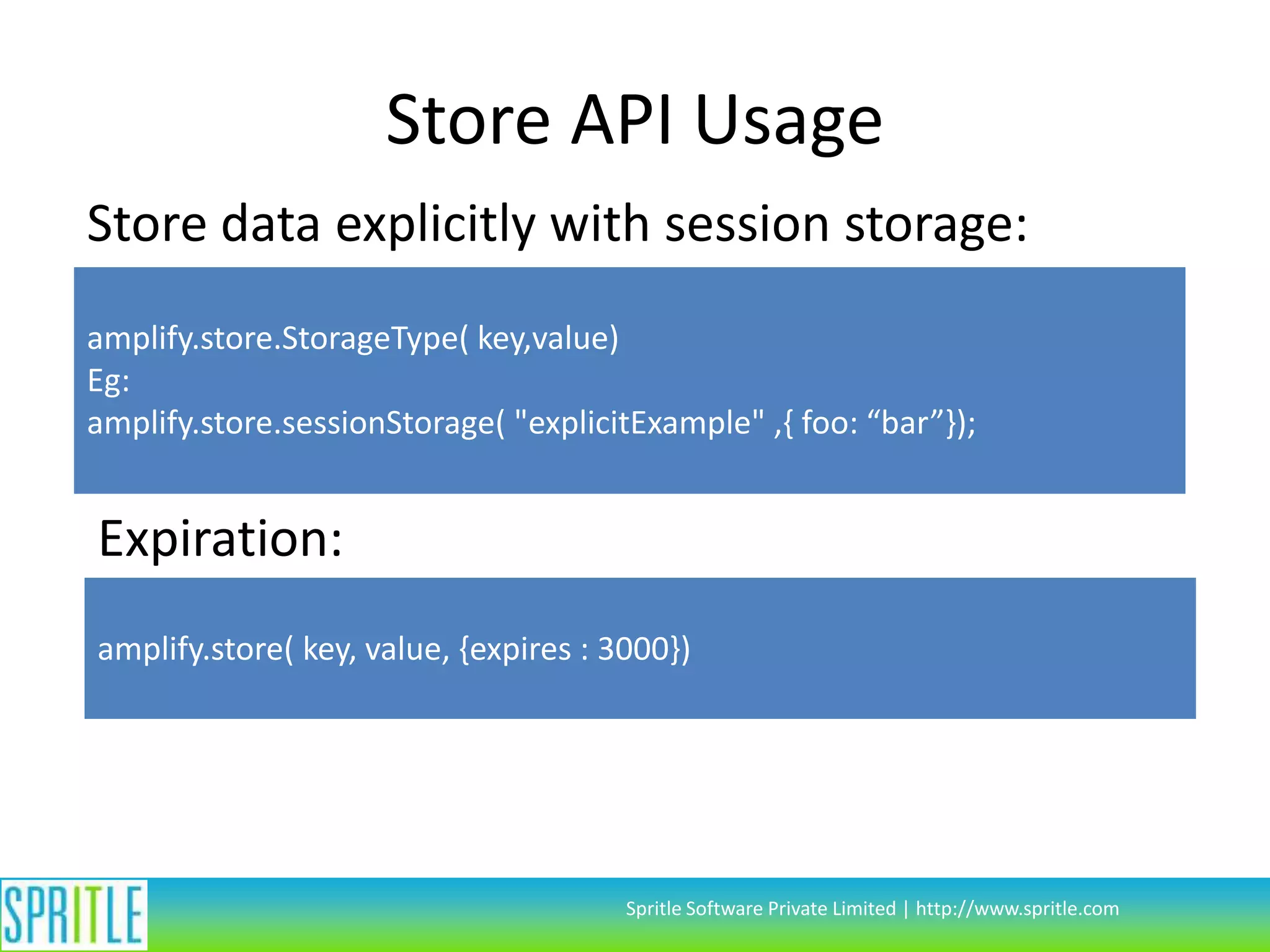
Store API Usage
Store data explicitly with session storage:
amplify.store.StorageType( key,value)
Eg:
amplify.store.sessionStorage( "explicitExample" ,{ foo: “bar”});

Expiration:
amplify.store( key, value, {expires : 3000})

Spritle Software Private Limited | http://www.spritle.com
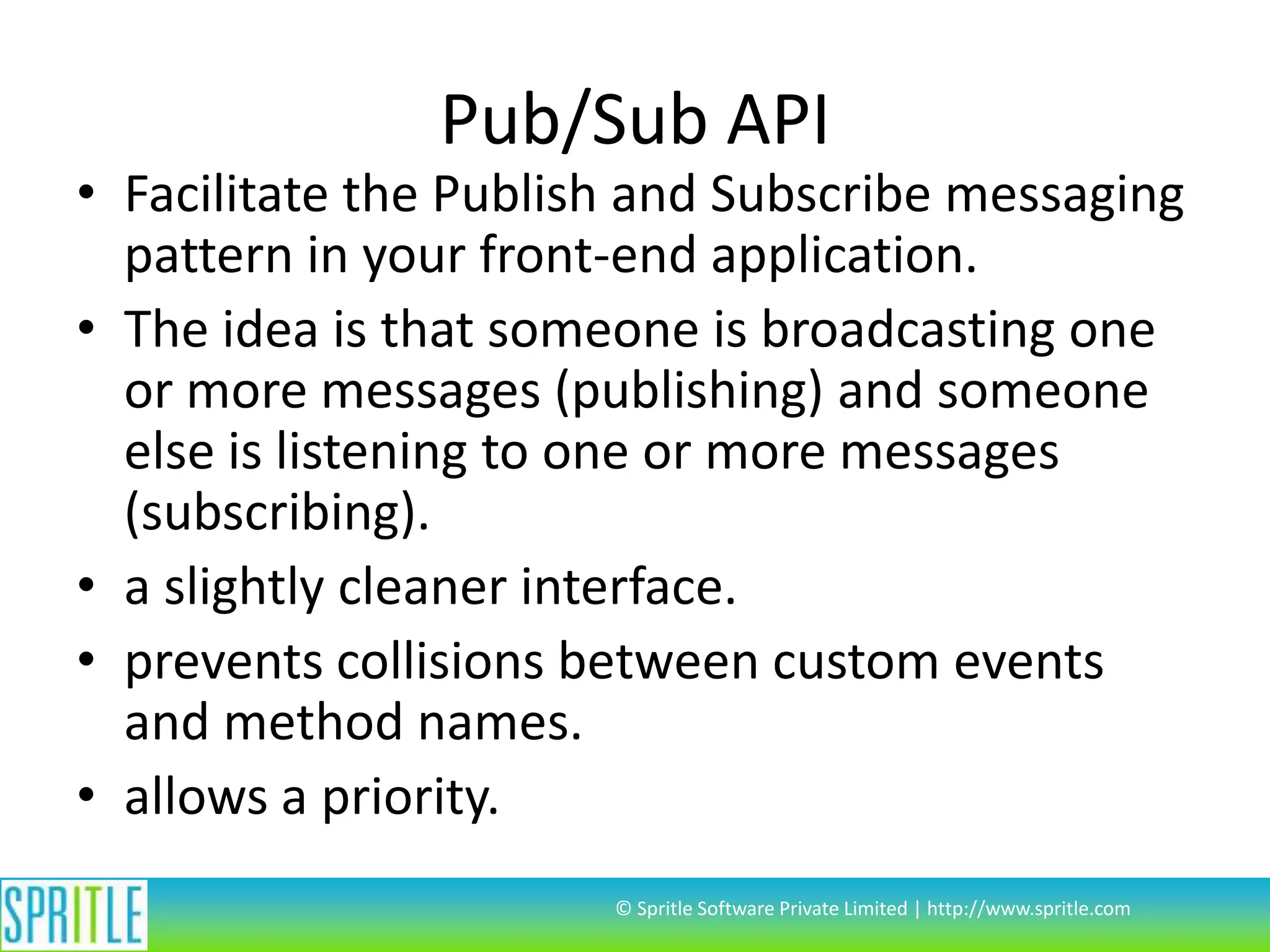
Pub/Sub API

• Facilitate the Publish and Subscribe messaging
pattern in your front-end application.
• The idea is that someone is broadcasting one
or more messages (publishing) and someone
else is listening to one or more messages
(subscribing).
• a slightly cleaner interface.
• prevents collisions between custom events
and method names.
• allows a priority.
© Spritle Software Private Limited | http://www.spritle.com
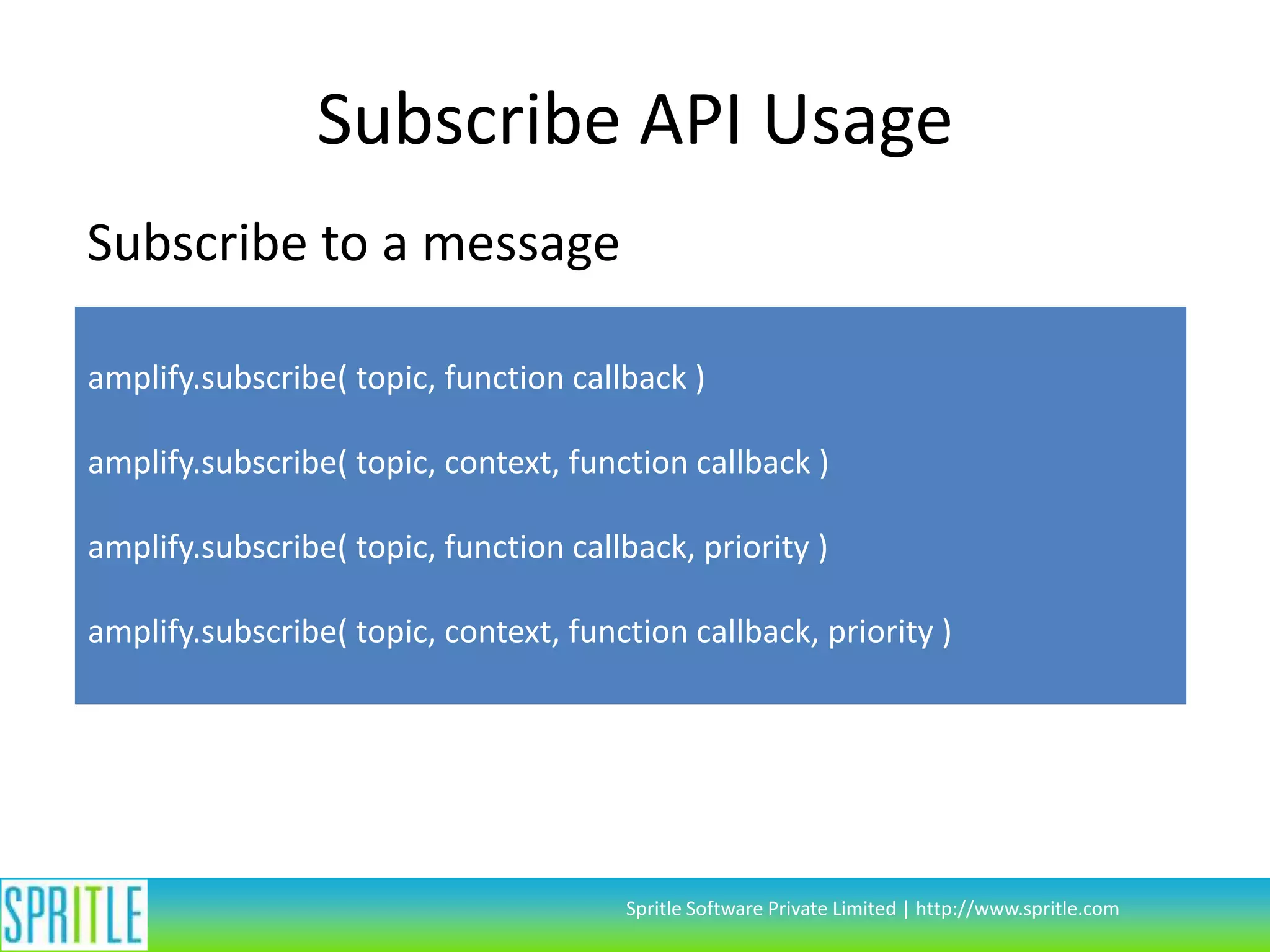
Subscribe API Usage
Subscribe to a message
amplify.subscribe( topic, function callback )
amplify.subscribe( topic, context, function callback )

amplify.subscribe( topic, function callback, priority )
amplify.subscribe( topic, context, function callback, priority )

Spritle Software Private Limited | http://www.spritle.com
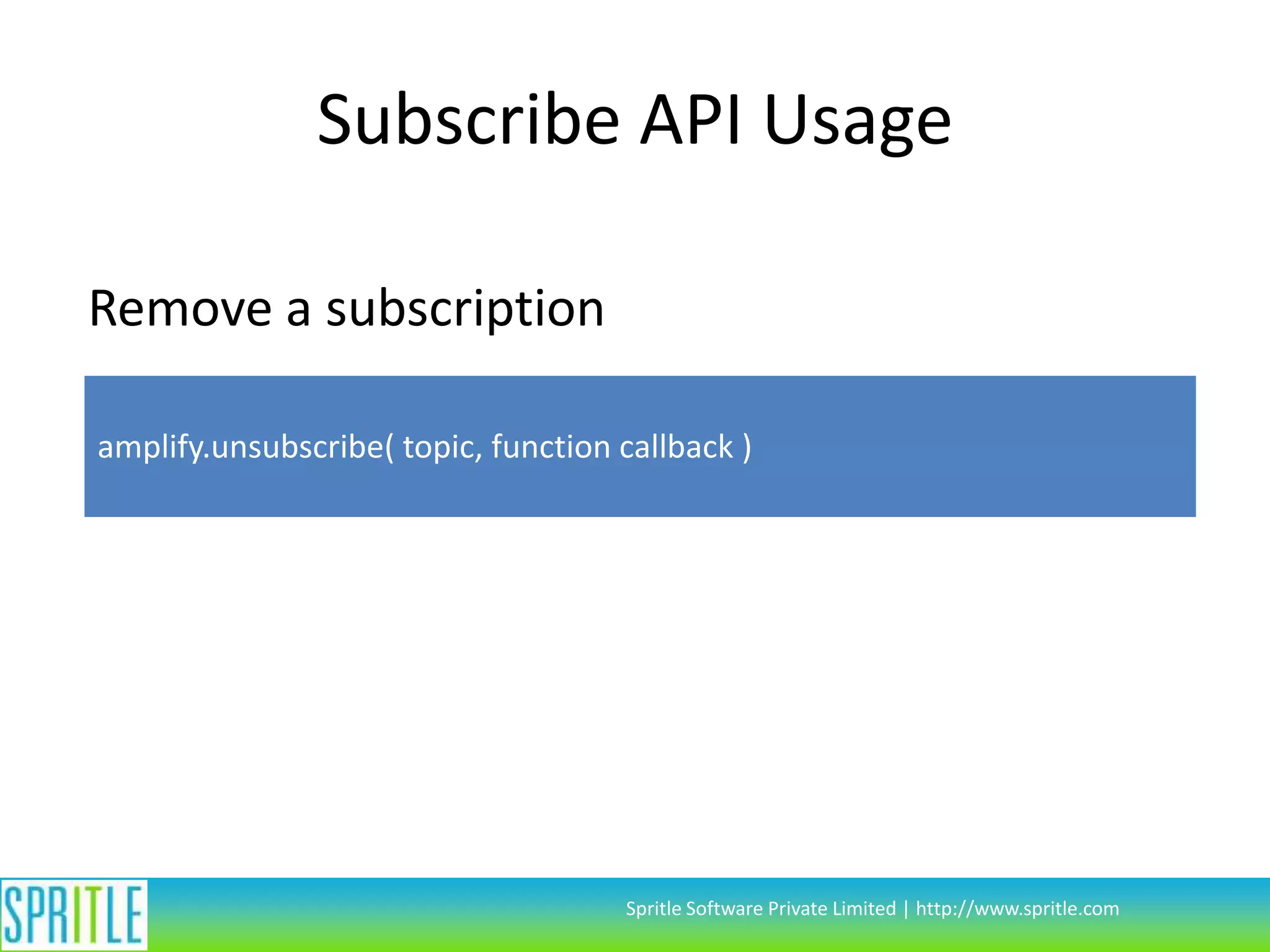
Subscribe API Usage
Remove a subscription
amplify.unsubscribe( topic, function callback )

Spritle Software Private Limited | http://www.spritle.com
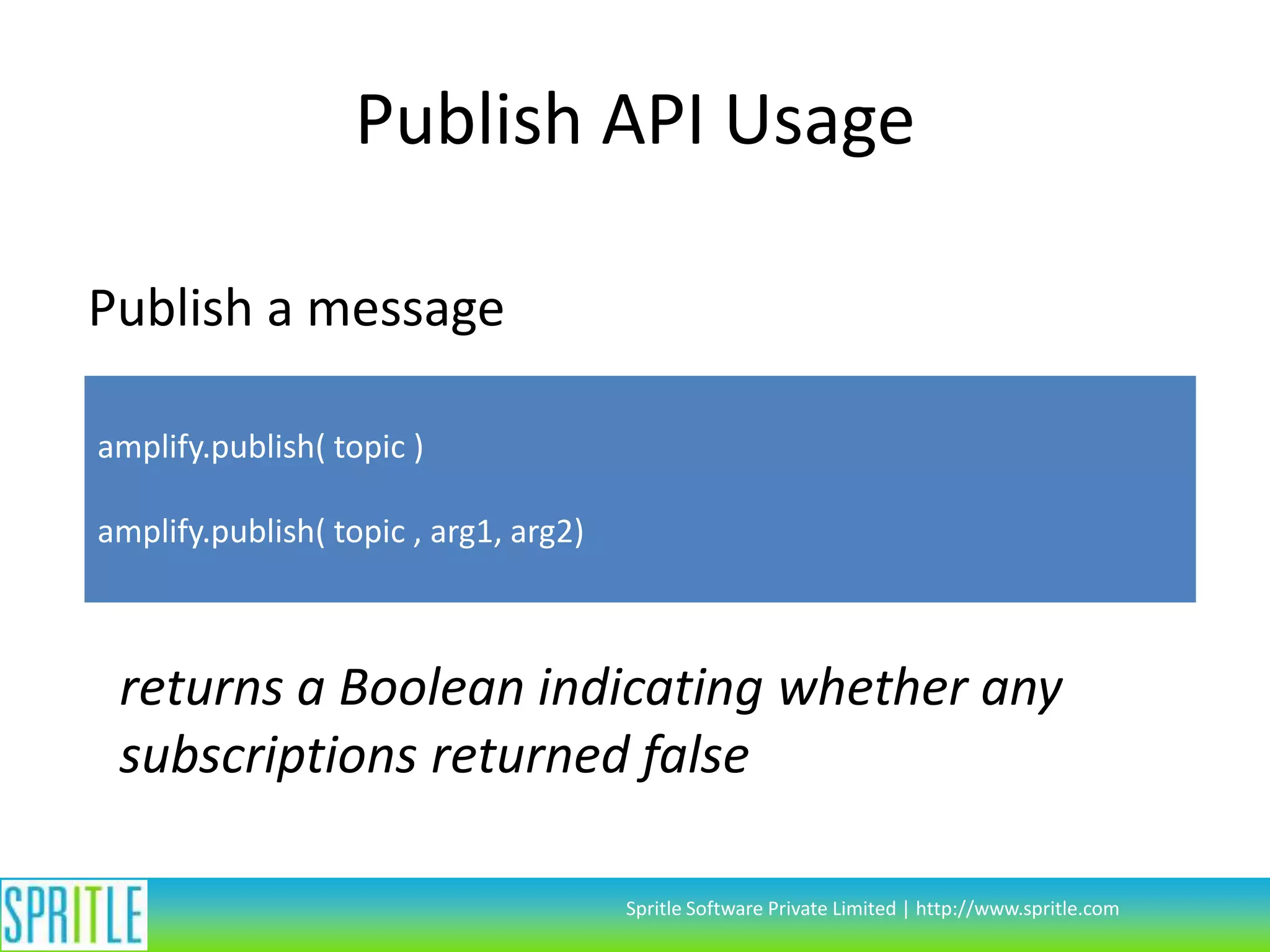
Publish API Usage
Publish a message
amplify.publish( topic )
amplify.publish( topic , arg1, arg2)

returns a Boolean indicating whether any
subscriptions returned false
Spritle Software Private Limited | http://www.spritle.com
Code Walk-through with Samples

© Spritle Software Private Limited | http://www.spritle.com
Questions?
Thank you

© Spritle Software Private Limited | http://www.spritle.com

Intro to Amplifyjs by Visnupriya

  • 1.
    AmplifyJS Visnupriya. J. R ©Spritle Software Private Limited | http://www.spritle.com
  • 2.
    Overview • AmplifyJS isa set of components designed to solve common web application problems using simple API. • A JavaScript Component Library. • Produced by appendTo(). © Spritle Software Private Limited | http://www.spritle.com
  • 3.
    Features • Ajax RequestManagement • Client Side Component Communication • Client Side Browser & Mobile Device Storage © Spritle Software Private Limited | http://www.spritle.com
  • 4.
    Request API • Itis an abstraction layer. • It sets out to separate the data retrieval and caching mechanisms from data requestors. © Spritle Software Private Limited | http://www.spritle.com
  • 5.
    Request Usage Define aresource: amplify.request.define( resourceId, requestType , settings ) amplify.request.define( resourceId, function resource ) // Define a custom resquest Request a resource: amplify.request( resourceId, data, callback) Spritle Software Private Limited | http://www.spritle.com
  • 6.
    Request Types • Built-inTypes • Ajax type • Custom Types • By adding “amplify.request.types” hashes • an option to define custom one-off types for single requests © Spritle Software Private Limited | http://www.spritle.com
  • 7.
    Request Example amplify.request.define( “ResourceID","ajax", { url: “path/to/url/{type}", dataType: "json“, type: “GET” }); amplify.request( "ResourceID ", { type : “test” },function(data){ // do some thing here }); Spritle Software Private Limited | http://www.spritle.com
  • 8.
    Request Data Handling •Pre-defined Data. • Provide data in the definition • Data provided with the request will override data provided in the definition • URL substitution/routing. • define variables in the URL of an ajax request by wrapping the variable in curly braces, e.g., "/user/{id}" • Decoders. • Built-in Decoders • Custom Decoders - amplify.request.decoders © Spritle Software Private Limited | http://www.spritle.com
  • 9.
    Request Example amplify.request.decoders.sample =function ( data, status, xhr, success, error ) { if ( data.status === "success" ) { success( data.data ); } else if ( data.status === "fail" || data.status === "error" ) { error( data.message, data.status ); } else { error( data.message , "fatal" ); } }; amplify.request.define( “ResourceID", "ajax", { url: “path/to/url/{id}", dataType: "json“, decoder: “sample”, }); Spritle Software Private Limited | http://www.spritle.com
  • 10.
    Request Caching • In-memoryCache. • cache: boolean • cache: number • Named Caches. • cache: string • Persistent Client-side Cache • cache: "persist“ // default storage • cache: "localStorage“ // specified storage • Custom Caches • amplify.request.cache © Spritle Software Private Limited | http://www.spritle.com
  • 11.
    Store API • Persistentclient-side storage systems. • Supports IE 5+, Firefox 2+, Safari 4+, Chrome, Opera 10.5+, iPhone 2+, Android 2+ . • Provide a consistent API to handle storage cross-browser. • Handle serializing to and from a JavaScript object using JSON serialization © Spritle Software Private Limited | http://www.spritle.com
  • 12.
    Store API Usage Storea value: amplify.store( key, value , options ) Get a value: amplify.store( key) amplify.store( ) // all values Spritle Software Private Limited | http://www.spritle.com
  • 13.
    Store API Usage Storedata explicitly with session storage: amplify.store.StorageType( key,value) Eg: amplify.store.sessionStorage( "explicitExample" ,{ foo: “bar”}); Expiration: amplify.store( key, value, {expires : 3000}) Spritle Software Private Limited | http://www.spritle.com
  • 14.
    Pub/Sub API • Facilitatethe Publish and Subscribe messaging pattern in your front-end application. • The idea is that someone is broadcasting one or more messages (publishing) and someone else is listening to one or more messages (subscribing). • a slightly cleaner interface. • prevents collisions between custom events and method names. • allows a priority. © Spritle Software Private Limited | http://www.spritle.com
  • 15.
    Subscribe API Usage Subscribeto a message amplify.subscribe( topic, function callback ) amplify.subscribe( topic, context, function callback ) amplify.subscribe( topic, function callback, priority ) amplify.subscribe( topic, context, function callback, priority ) Spritle Software Private Limited | http://www.spritle.com
  • 16.
    Subscribe API Usage Removea subscription amplify.unsubscribe( topic, function callback ) Spritle Software Private Limited | http://www.spritle.com
  • 17.
    Publish API Usage Publisha message amplify.publish( topic ) amplify.publish( topic , arg1, arg2) returns a Boolean indicating whether any subscriptions returned false Spritle Software Private Limited | http://www.spritle.com
  • 18.
    Code Walk-through withSamples © Spritle Software Private Limited | http://www.spritle.com
  • 19.
    Questions? Thank you © SpritleSoftware Private Limited | http://www.spritle.com