Library Research
Step by Step
For International Studies
Before you start searching
• The licenses for most of our research tools
require that users are on UCSD IP addresses
– Are you on the wireless network at UCSD?
• Make sure you’re using the UCSD-PROTECTED network.
– Are you off-campus?
• Make sure you’re using the VPN or Proxy
Choose your topic and keywords.
• Develop your research question, hypothesis, or
thesis statement
– I'm interested in factory fires in Pakistan and
Bangladesh and how the garment industry supply
chain helps or hurts development in the country.
• Break that statement into key concepts,
– factories, fires, Pakistan/Bangladesh, garment
industry
• Think of other ways to phrase those concepts. Use
synonyms. Consider more specific words (to
narrow your focus) or more general terms (to
expand your search), e.g.
– factories: factory, factories, industrial, workers…
– fires: fire, hazards, safety, …
– Pakistan/Bangladesh: Pakistan, Bangladesh, Asia,
developing countries, third world…
– Garment industry: garment, clothing, fashion…
Construct a basic search strategy.
• In most databases, you can combine terms
with and (both terms must appear in the
hit)and or (one term must appear in the hit—for
synonyms or evenly weighted terms)
– Pakistan and garment industry; garment or fashion
• In many databases, you can use a symbol such as
* or ! to take the place of letters to get hits with
multiple endings of a word
– cloth*
• Example search:
(Pakistan or Bangladesh) and (cloth* or
garment or fashion) and (fire or safety or
hazard)
Choose the kinds of resources you
want to find and the best tools to find
them.
• Each tool helps you find a
specific, limited kind and
amount of information.
• Knowing which tools might
help you find what you're
looking for will save you a lot
of time.
Books
Books typically cover a single topic in depth.
Look in an online library catalog like
(UC San Diego’s library catalog)
• Tip: Many of the Library’s books are now
ebooks. Use to find the link.
• Tip: Not enough at UC San Diego, or the
book you want checked out?
– Try to request books from other
San Diego libraries
– Try to request books from other
University of California libraries
Scholarly Articles
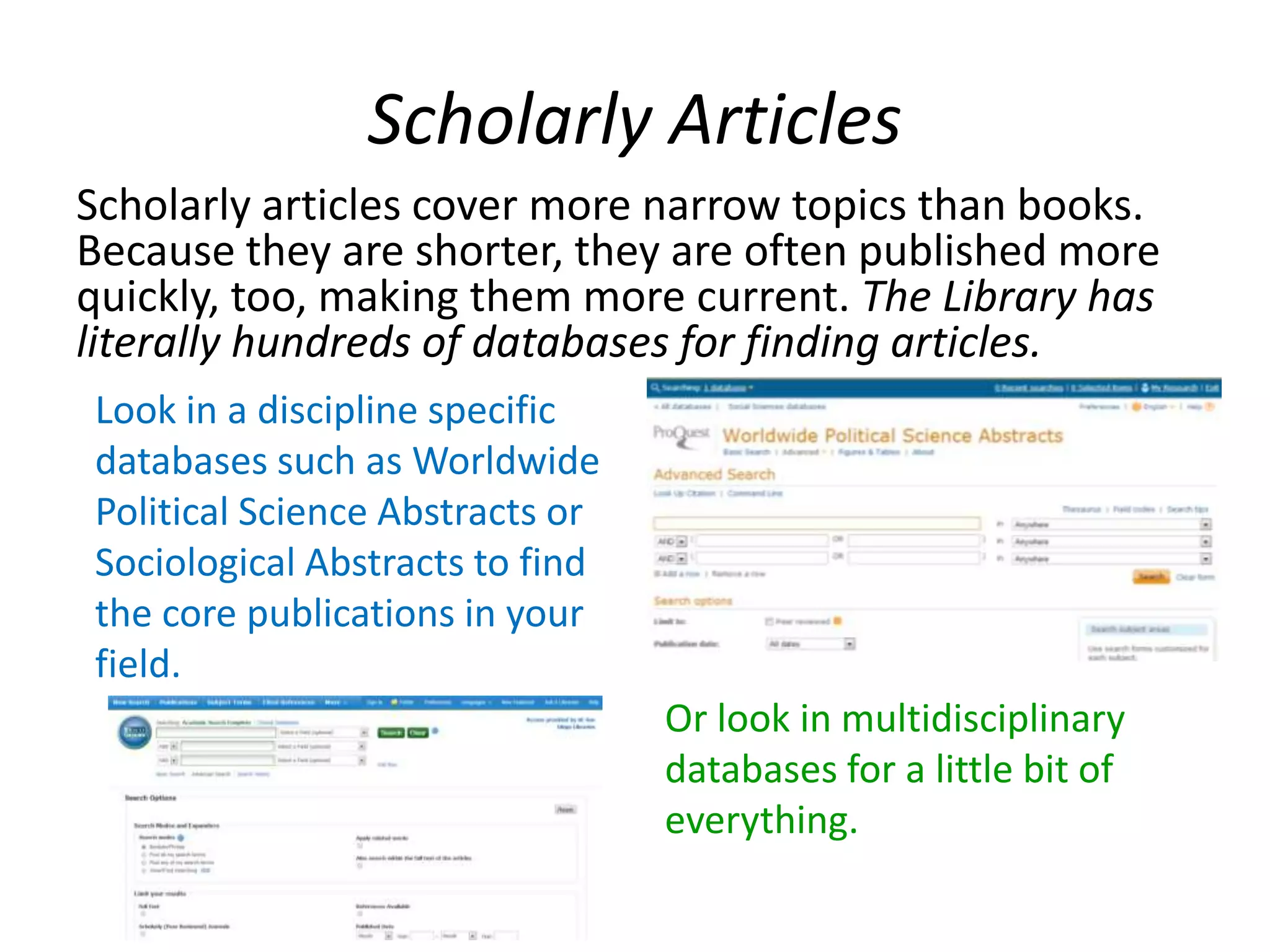
Scholarly articles cover more narrow topics than books.
Because they are shorter, they are often published more
quickly, too, making them more current. The Library has
literally hundreds of databases for finding articles.
Look in a discipline specific
databases such as Worldwide
Political Science Abstracts or
Sociological Abstracts to find
the core publications in your
field.
Or look in multidisciplinary
databases for a little bit of
everything.
Primary Sources
Primary sources are materials that
document the event when it
happened—or as close to when it
happened as possible.
Items in the Library are cataloged in
and other resources are
available in specialized databases.
Examples include:
• News: traditional and social media
• Government publications and
official documents
• First person accounts: diaries,
letters, oral histories, blogs…
Datasets
Generally available in specialized databases or
directly from the researchers as
• Aggregate/statistics (numbers already
analyzed)
• Microdata (lowest level of collection)
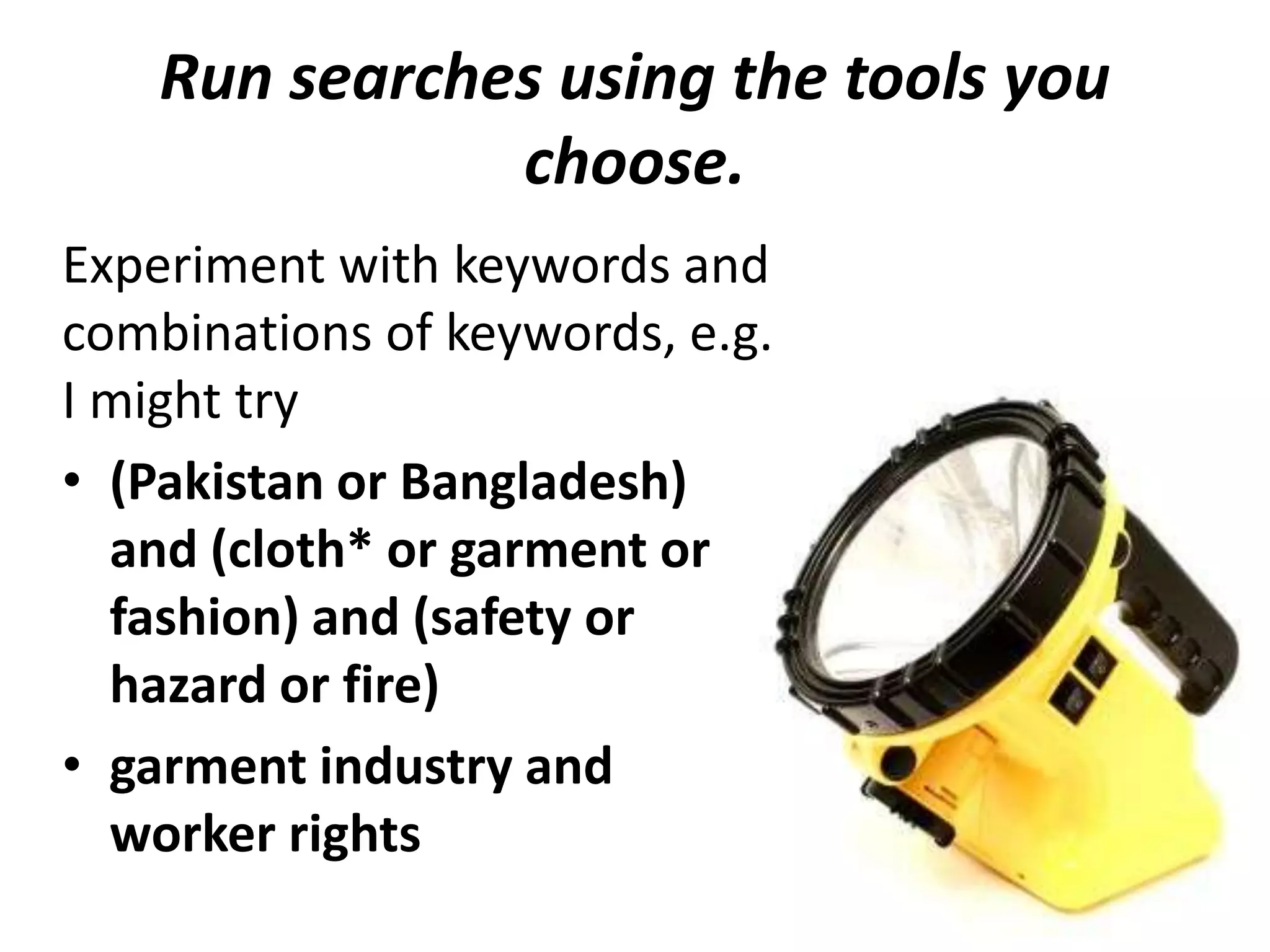
Run searches using the tools you
choose.
Experiment with keywords and
combinations of keywords, e.g.
I might try
• (Pakistan or Bangladesh)
and (cloth* or garment or
fashion) and (safety or
hazard or fire)
• garment industry and
worker rights
Try different tools.
• Check the help screens or guides to each
database for specifics on combining your
terms and whether your results are ranked by
date or relevance.
• When you find good hits, look at the subject
headings/descriptors. Try running new
searches using those terms.
Get the citation information. You
need this for your bibliography.
You list the works you cite so that readers
interested in your research can find and read the
resources you used to draw your conclusions.
• Email records to yourself as a backup.
• Some databases can export the citation in a
specific format (e.g. APA, Chicago, MLA)
• Use RefWorks (free to UCSD students) to
manage, store, and format your citations.
Get the actual item.
• If the full text isn’t available in your search
results. Look for the button.
• Link to full text if available.
• No full text?
– Try for the print
• No UCSD access at all?
– You can usually request the item from another
library using the link.
– For books, try or
Evaluate the source
• Does it answer the
question?
• What are the
author’s credentials?
– And what sources do
they cite?
• Is the source current
enough for the kind
of research you're
doing?

Library research for International Studies at UCSD

  • 1.
    Library Research Step byStep For International Studies
  • 2.
    Before you startsearching • The licenses for most of our research tools require that users are on UCSD IP addresses – Are you on the wireless network at UCSD? • Make sure you’re using the UCSD-PROTECTED network. – Are you off-campus? • Make sure you’re using the VPN or Proxy
  • 3.
    Choose your topicand keywords. • Develop your research question, hypothesis, or thesis statement – I'm interested in factory fires in Pakistan and Bangladesh and how the garment industry supply chain helps or hurts development in the country. • Break that statement into key concepts, – factories, fires, Pakistan/Bangladesh, garment industry • Think of other ways to phrase those concepts. Use synonyms. Consider more specific words (to narrow your focus) or more general terms (to expand your search), e.g. – factories: factory, factories, industrial, workers… – fires: fire, hazards, safety, … – Pakistan/Bangladesh: Pakistan, Bangladesh, Asia, developing countries, third world… – Garment industry: garment, clothing, fashion…
  • 4.
    Construct a basicsearch strategy. • In most databases, you can combine terms with and (both terms must appear in the hit)and or (one term must appear in the hit—for synonyms or evenly weighted terms) – Pakistan and garment industry; garment or fashion • In many databases, you can use a symbol such as * or ! to take the place of letters to get hits with multiple endings of a word – cloth* • Example search: (Pakistan or Bangladesh) and (cloth* or garment or fashion) and (fire or safety or hazard)
  • 5.
    Choose the kindsof resources you want to find and the best tools to find them. • Each tool helps you find a specific, limited kind and amount of information. • Knowing which tools might help you find what you're looking for will save you a lot of time.
  • 6.
    Books Books typically covera single topic in depth. Look in an online library catalog like (UC San Diego’s library catalog) • Tip: Many of the Library’s books are now ebooks. Use to find the link. • Tip: Not enough at UC San Diego, or the book you want checked out? – Try to request books from other San Diego libraries – Try to request books from other University of California libraries
  • 7.
    Scholarly Articles Scholarly articlescover more narrow topics than books. Because they are shorter, they are often published more quickly, too, making them more current. The Library has literally hundreds of databases for finding articles. Look in a discipline specific databases such as Worldwide Political Science Abstracts or Sociological Abstracts to find the core publications in your field. Or look in multidisciplinary databases for a little bit of everything.
  • 8.
    Primary Sources Primary sourcesare materials that document the event when it happened—or as close to when it happened as possible. Items in the Library are cataloged in and other resources are available in specialized databases. Examples include: • News: traditional and social media • Government publications and official documents • First person accounts: diaries, letters, oral histories, blogs…
  • 9.
    Datasets Generally available inspecialized databases or directly from the researchers as • Aggregate/statistics (numbers already analyzed) • Microdata (lowest level of collection)
  • 10.
    Run searches usingthe tools you choose. Experiment with keywords and combinations of keywords, e.g. I might try • (Pakistan or Bangladesh) and (cloth* or garment or fashion) and (safety or hazard or fire) • garment industry and worker rights
  • 11.
    Try different tools. •Check the help screens or guides to each database for specifics on combining your terms and whether your results are ranked by date or relevance. • When you find good hits, look at the subject headings/descriptors. Try running new searches using those terms.
  • 12.
    Get the citationinformation. You need this for your bibliography. You list the works you cite so that readers interested in your research can find and read the resources you used to draw your conclusions. • Email records to yourself as a backup. • Some databases can export the citation in a specific format (e.g. APA, Chicago, MLA) • Use RefWorks (free to UCSD students) to manage, store, and format your citations.
  • 13.
    Get the actualitem. • If the full text isn’t available in your search results. Look for the button. • Link to full text if available. • No full text? – Try for the print • No UCSD access at all? – You can usually request the item from another library using the link. – For books, try or
  • 14.
    Evaluate the source •Does it answer the question? • What are the author’s credentials? – And what sources do they cite? • Is the source current enough for the kind of research you're doing?