INTRODUCTION TO THE INTERNET
Introduction
The Internet or “Net” (network of networks) is
the largest computer network in the world that
connects billions of computer users.
The word internet comes from combination
between “interconnection” and “Network”
Network is a collection of computers and
devices connected via communication
channels and transmission media allow to
share resources (hardware, software, data,
information).
Generally nobody own internet.
Introduction
The vast collection of computer
networks which form and act as a single
huge networks for transport of data and
messages across distances which can
be anywhere from the same office to
anywhere in the world
Brief History (cont…)
ARPA – Advanced Research Project Agency.
1969 January 2 – started an experimental
Computer Network.
Concept – No Server, but equal
importance/participation to every computer in
the Network.
Even if, one or two node destroyed that will
not affect the Network.
Brief History (cont…)
In 1982 the word internet started.
1986: First “freenet” created in Case Western
Reserve University
1991: US government allowed business
agencies to connect to internet.
Now all peoples can connect to internet and
improve their life and work quality.
The internet support various aspects in our
life.
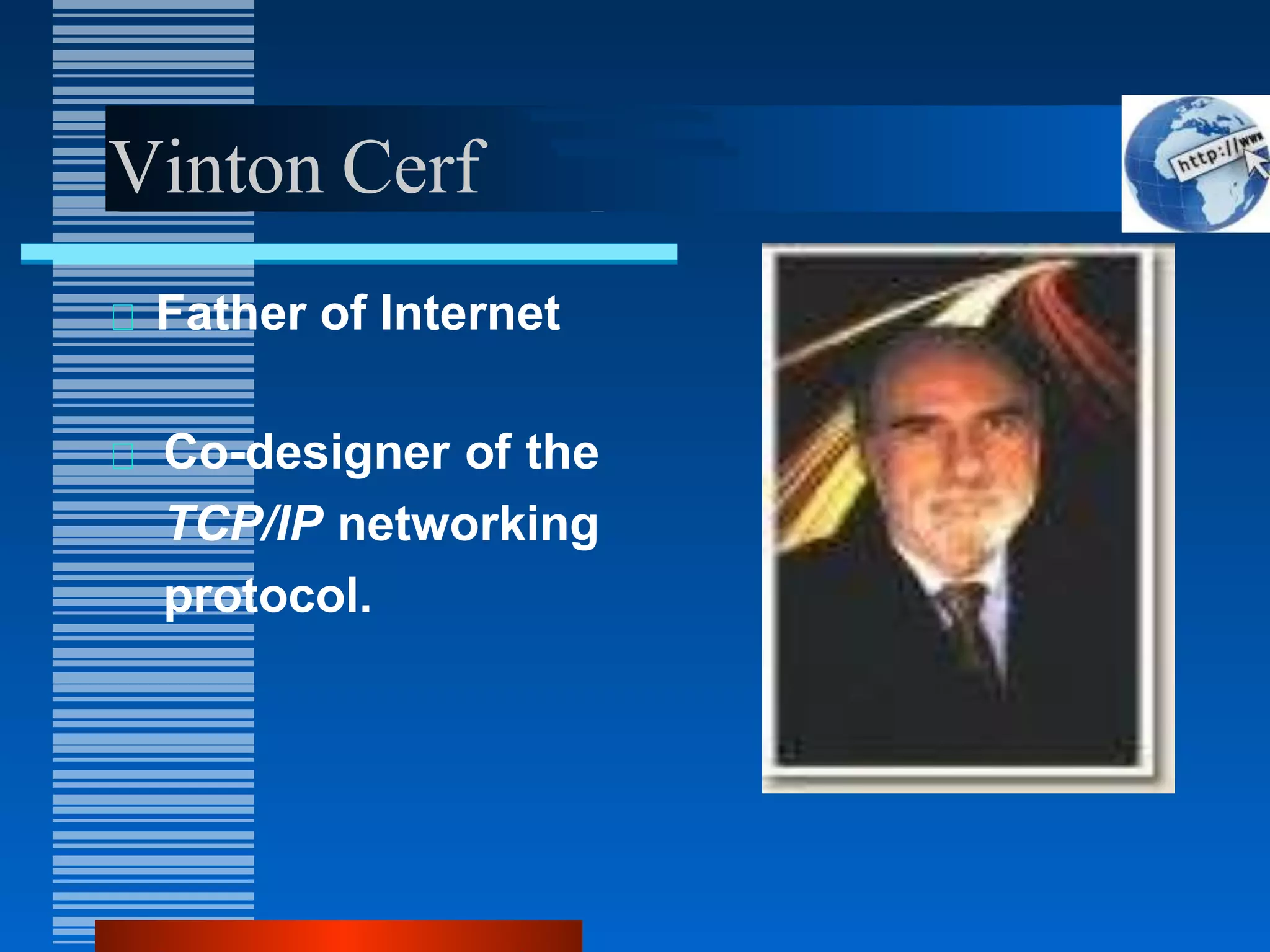
Vinton Cerf
Father of Internet
Co-designer of the
TCP/IP networking
protocol.
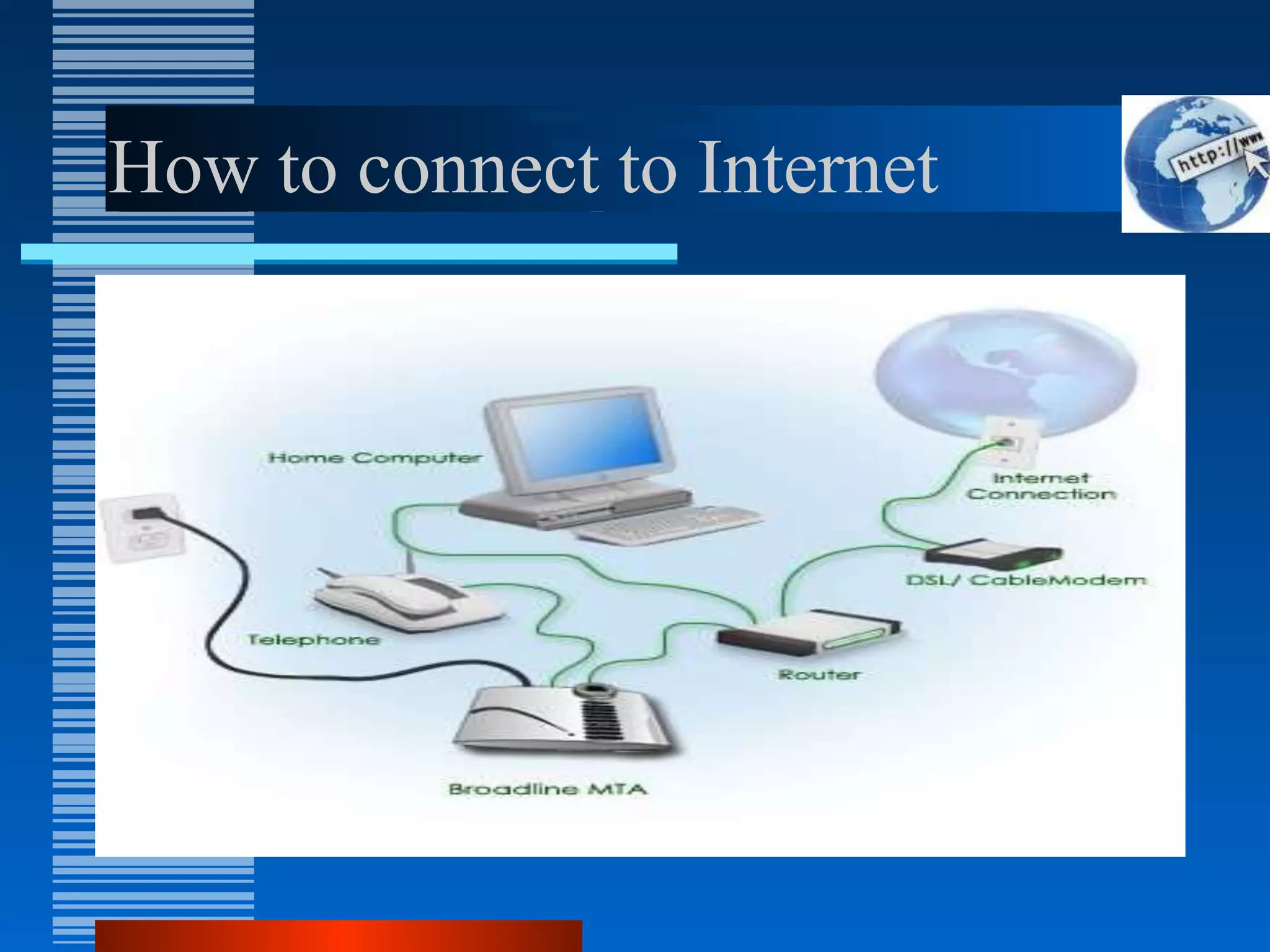
How to connect to Internet
Internet Services
WWW
Webpage / Homepage
Web Publishing
Web browser
Search Engine
Protocol
Internet protocol
DNS
HTTP
URL
ISP
FTP
HTML
E-mail
Newsgroup
Video conferencing
Telnet
Forum
WWW
The World Wide Web, commonly known as the Web,
is a system of interlinked hypertext/hypermedia
documents accessed via the Internet.
Hypertext is text displayed on a computer or other
electronic device with references to other text that the
reader can immediately access, usually by a mouse
click or key press sequence.
Hypermedia is used as a logical extension of the term
hypertext in which graphics, audio, video, plain text
and hyperlinks intertwine to create a generally non-
linear medium of information.
Creator: Timm Berners-Lee, 1989.
Tim Berners-Lee
Father of W W W.
Invented WWW while working
at CERN, the European
Particle Physics Laboratory
Difference b/wthe Web and
Internet
Internet = collection of networks that
connect millions of businesses,
government agencies, educational
institutions, and individuals.
WWW = the means we use to access
information over the internet
– Different communication protocols
– Special link (hyperlink) that enable users to
jump from one place to another on the
web.
Web Page
A web page is a document or resource of information
that is suitable for the World Wide Web and can be
accessed through a web browser and displayed on a
monitor or mobile device.
This information is usually in HTML or XHTML format,
and may provide navigation to other webpages via
hypertext links.
It can contain text, graphics, audio, video and has built-
in connection or links to other web documents.
A web page has a unique address called a Uniform
Resource Locator (URL).
Web Browser
A software application for retrieving, presenting, and
traversing information resources on the World Wide
Web.
It allows to locate, view, and navigate the web.
It can have a Graphical User Interface, meaning they
can display pictures (graphics) in addition to text and
other forms of multimedia such as sound and video
like Internet Explorer, Mozilla Firefox, Chrome and
Opera, or can be text-based, like Lynx or Links.
First web browser was develop in 1991: Mosaic
develop by Marc Andreessen.
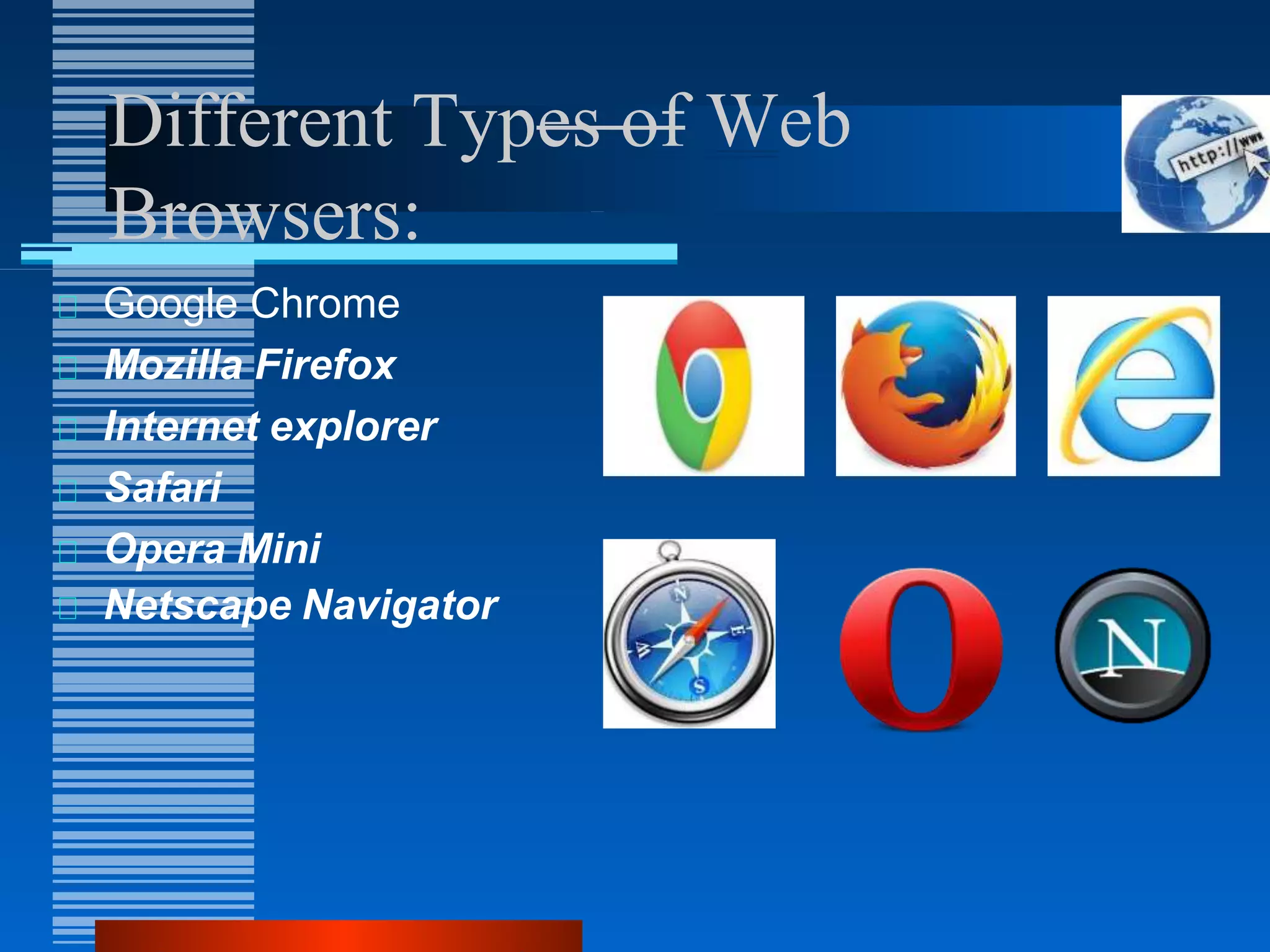
Different Types of Web
Browsers:
Google Chrome
Mozilla Firefox
Internet explorer
Safari
Opera Mini
Netscape Navigator
Protocol
A set of guidelines or rules.
Communications protocol is a formal description of
message formats and the rules for exchanging those
messages.
Format that agreed to transfer data between two
devices.
Hypertext Transfer Protocol(HTTP)
Internet Protocol(IP)
File transfer protocol(FTP)
Simple Mail Transfer Protocol(SMTP)
Networks News File Transfer Protocol(NNTP)
Transmission Control Protocol (TCP); Normally use
together with IP
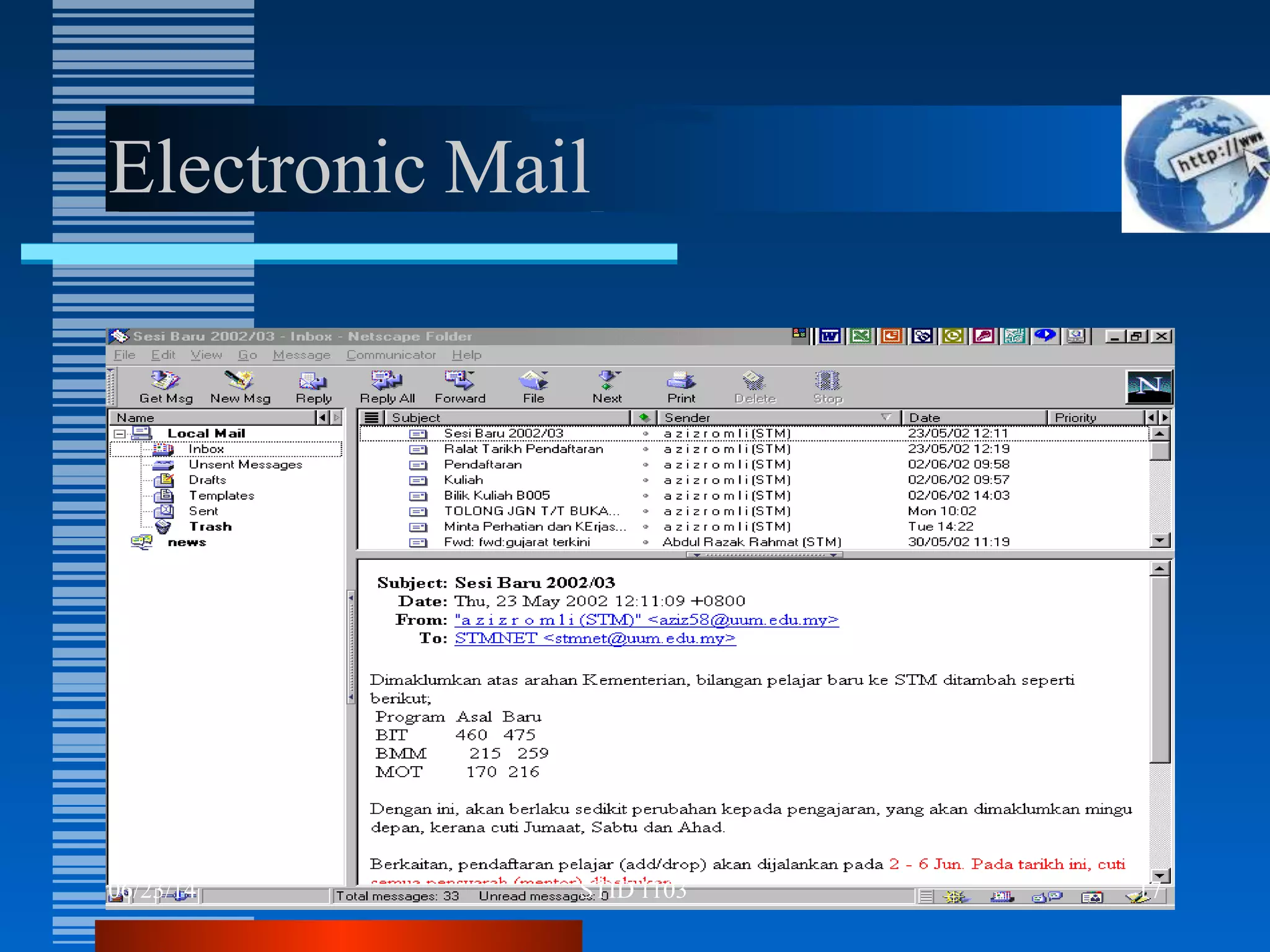
Electronic Mail
A written message that is sent and received over the Internet.
The message can be formatted and enhanced with graphics
and may also include other files as attachments.
Like ordinary mail, email have address,
E.g. s12345@e-web.uum.edu.my
An e-mail address identifies an e-mail box to which e-mail
messages may be delivered.
Most e-mail on the Internet uses the Simple Mail Transfer
Protocol (SMTP).
Electronic Mail
06/23/14 17
STID 1103
Advantages of Internet
Communication
Research
Education
Financial transactions
For Updates
Advantages
Communication:
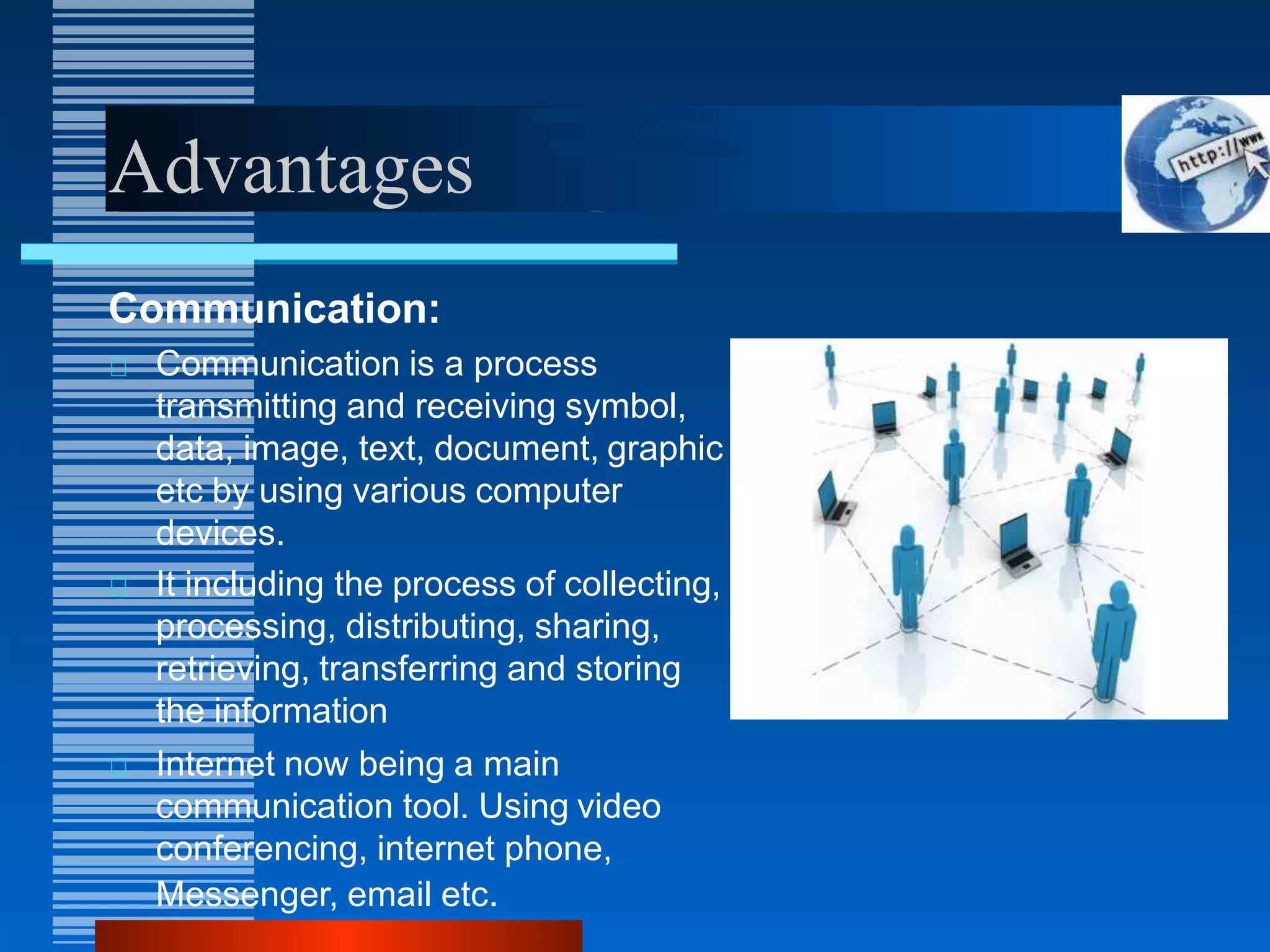
Communication is a process
transmitting and receiving symbol,
data, image, text, document, graphic
etc by using various computer
devices.
It including the process of collecting,
processing, distributing, sharing,
retrieving, transferring and storing
the information
Internet now being a main
communication tool. Using video
conferencing, internet phone,
Messenger, email etc.
Advantages
Research:
In order to do research you
need to go through hundreds
of books as well as the
references and that was one
of the most difficult jobs to do
earlier.
Research is one such thing
which has got lots of benefit
from this evolution of internet.
Advantages
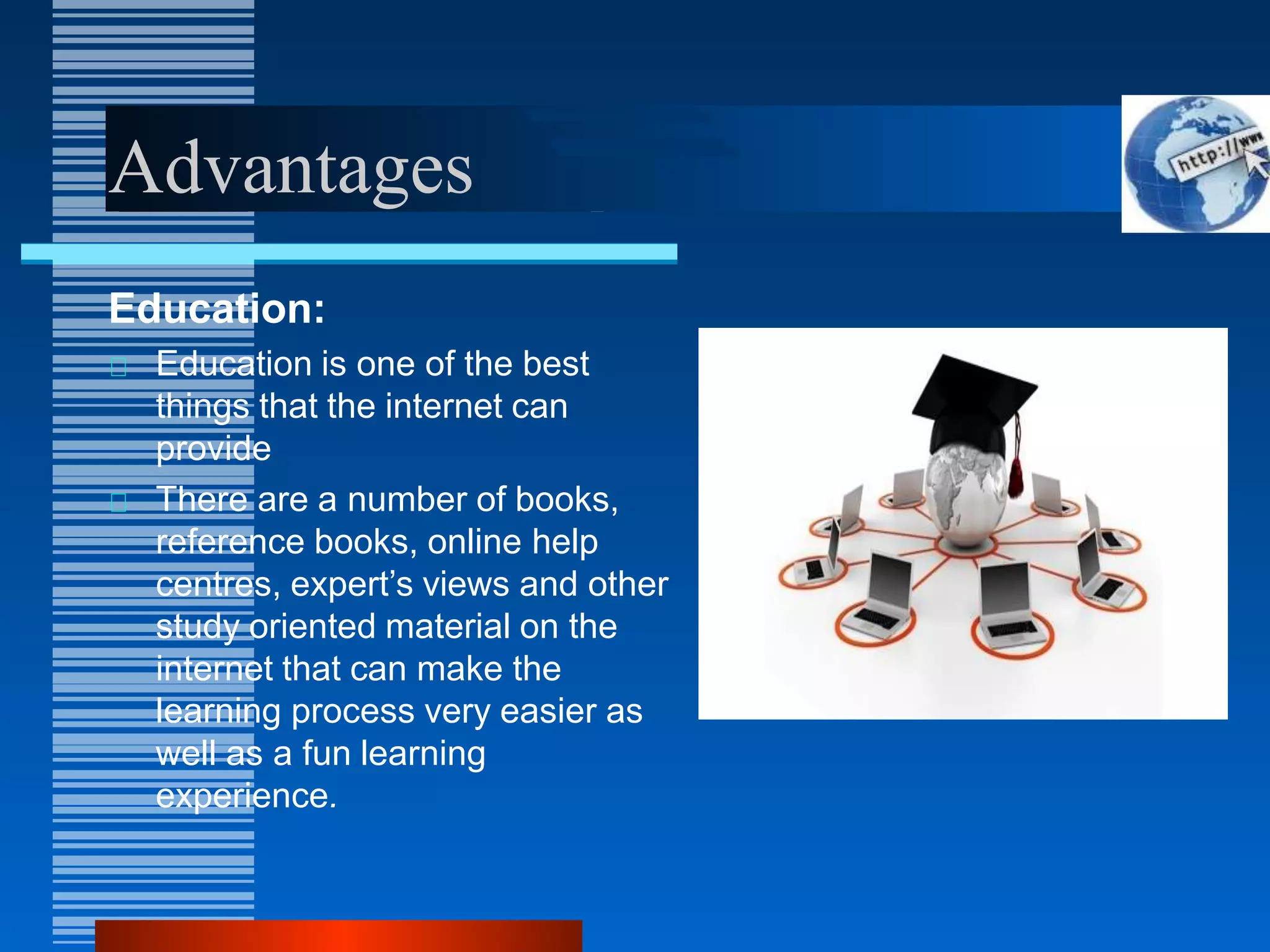
Education:
Education is one of the best
things that the internet can
provide
There are a number of books,
reference books, online help
centres, expert’s views and other
study oriented material on the
internet that can make the
learning process very easier as
well as a fun learning
experience.
Advantages
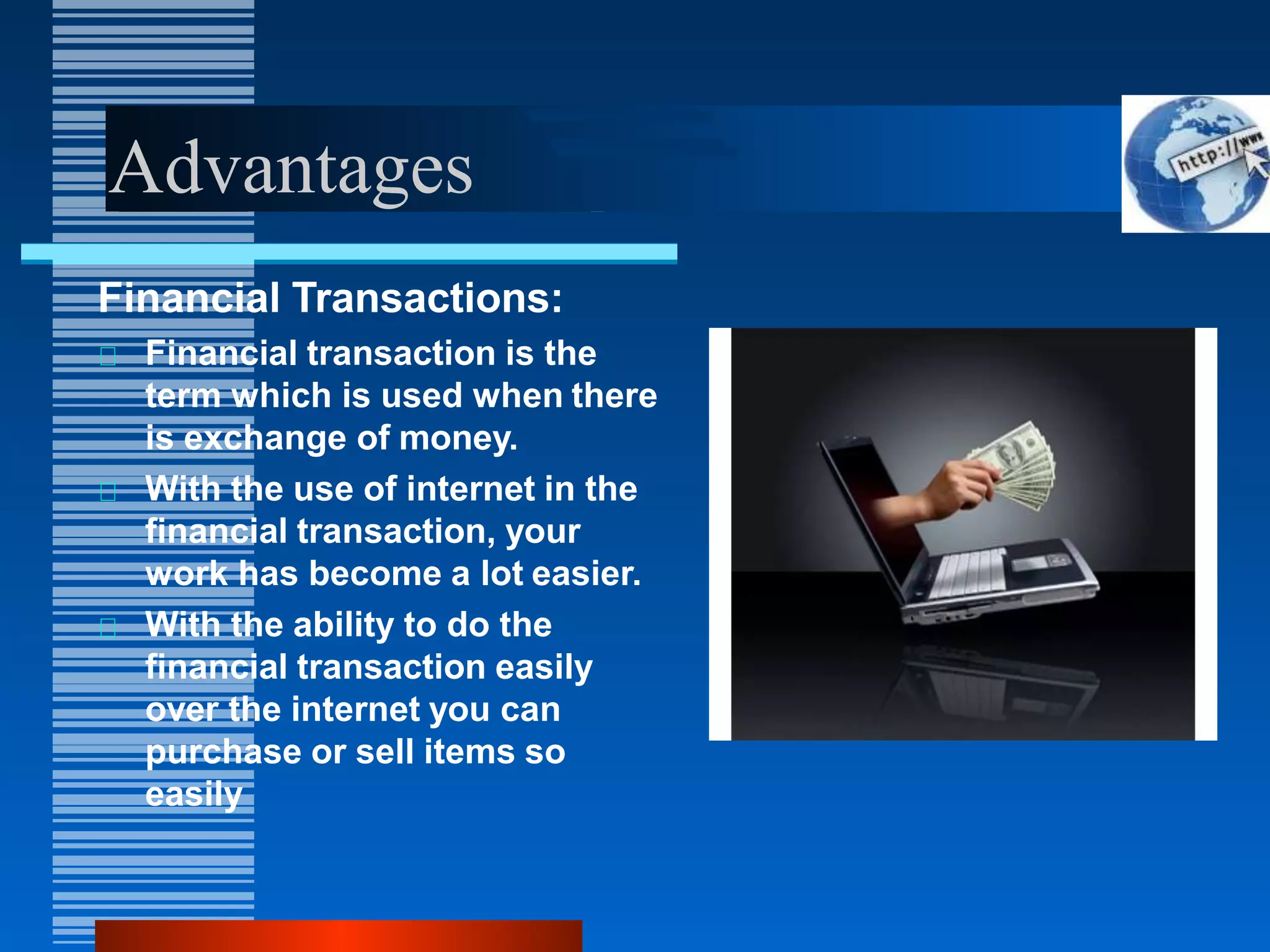
Financial Transactions:
Financial transaction is the
term which is used when there
is exchange of money.
With the use of internet in the
financial transaction, your
work has become a lot easier.
With the ability to do the
financial transaction easily
over the internet you can
purchase or sell items so
easily
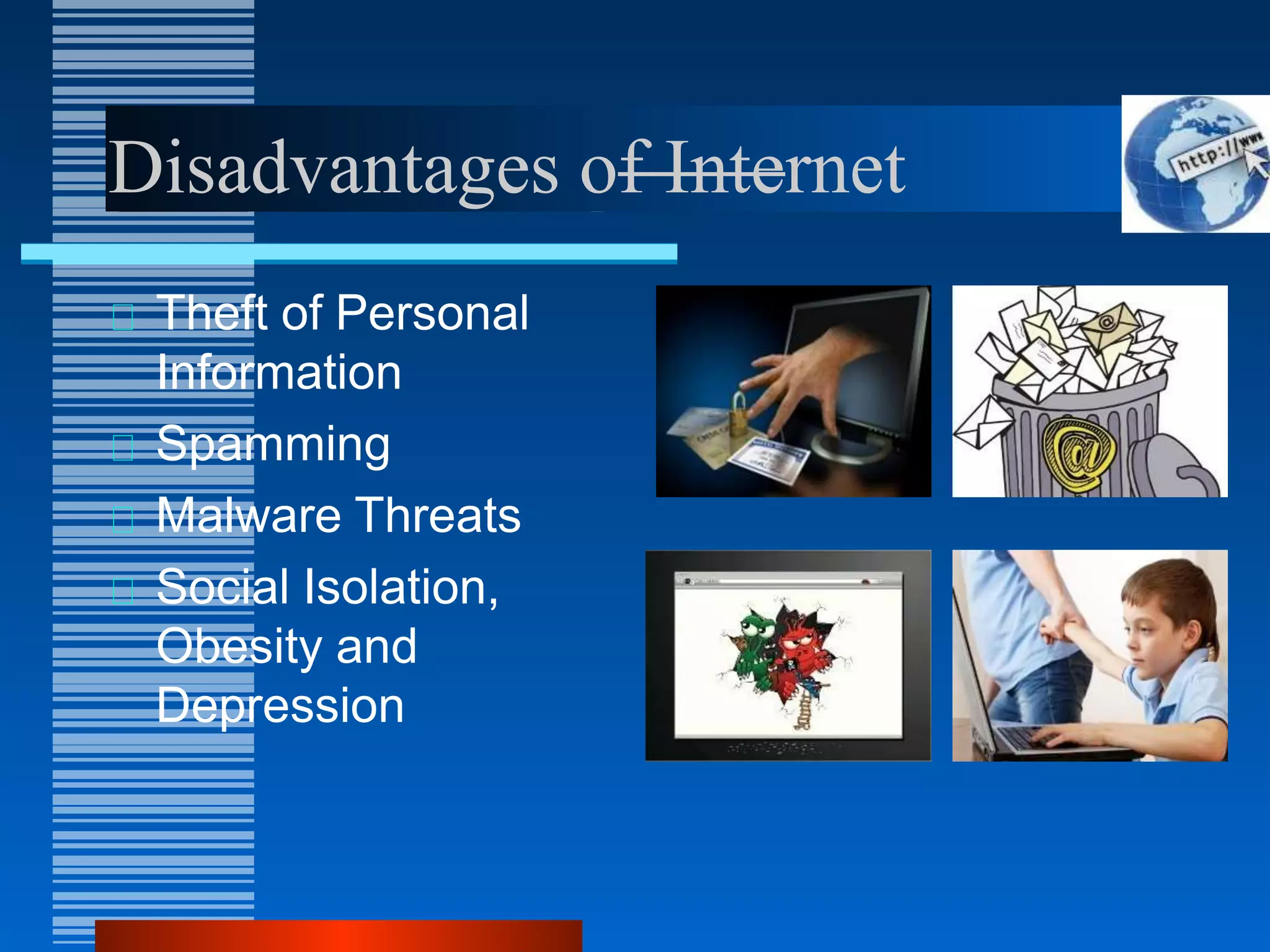
Disadvantages of Internet
Theft of Personal
Information
Spamming
Malware Threats
Social Isolation,
Obesity and
Depression
Disadvantages
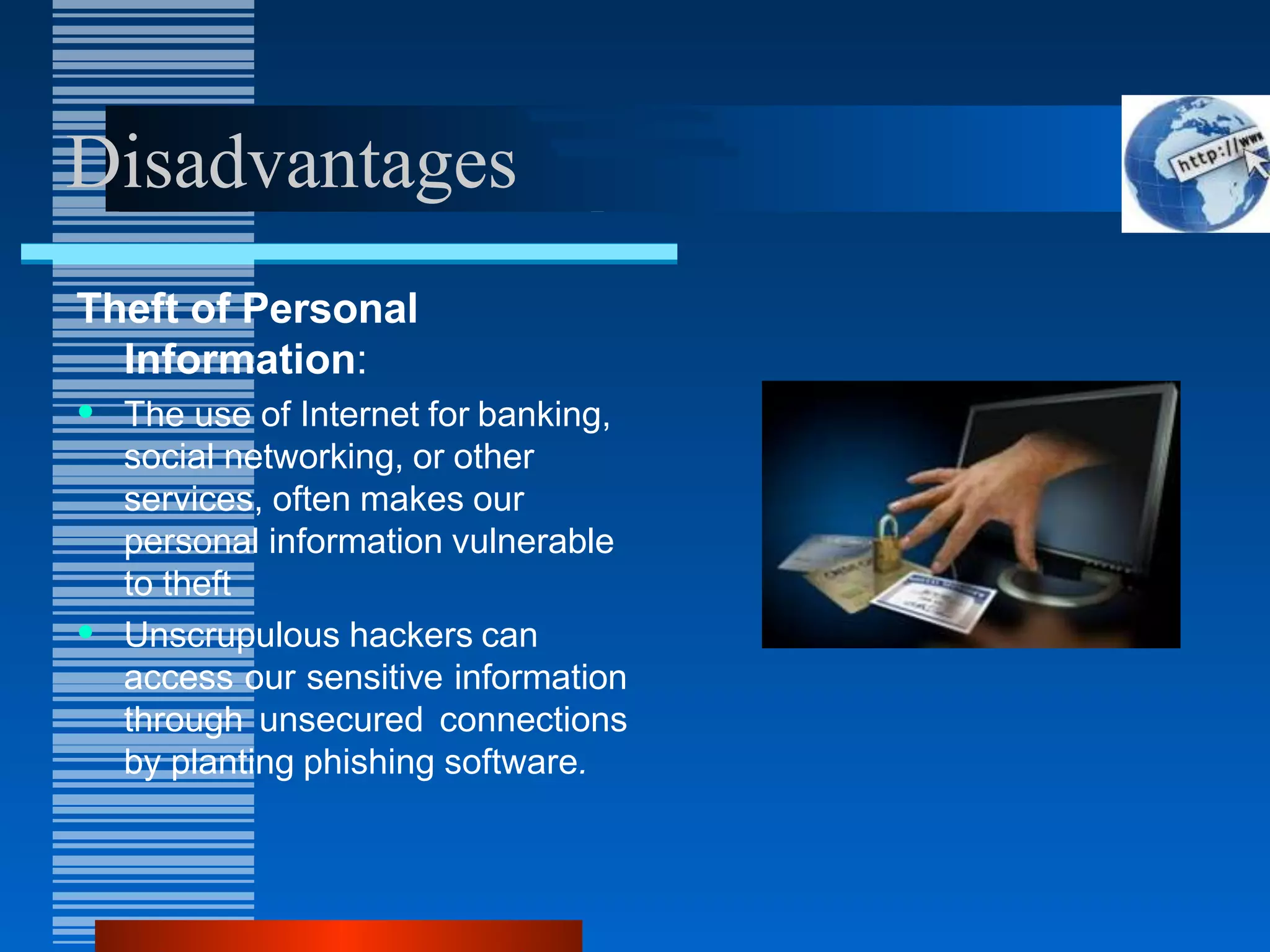
Theft of Personal
Information:
• The use of Internet for banking,
social networking, or other
services, often makes our
personal information vulnerable
to theft
• Unscrupulous hackers can
access our sensitive information
through unsecured connections
by planting phishing software.
Disadvantages
Spamming:
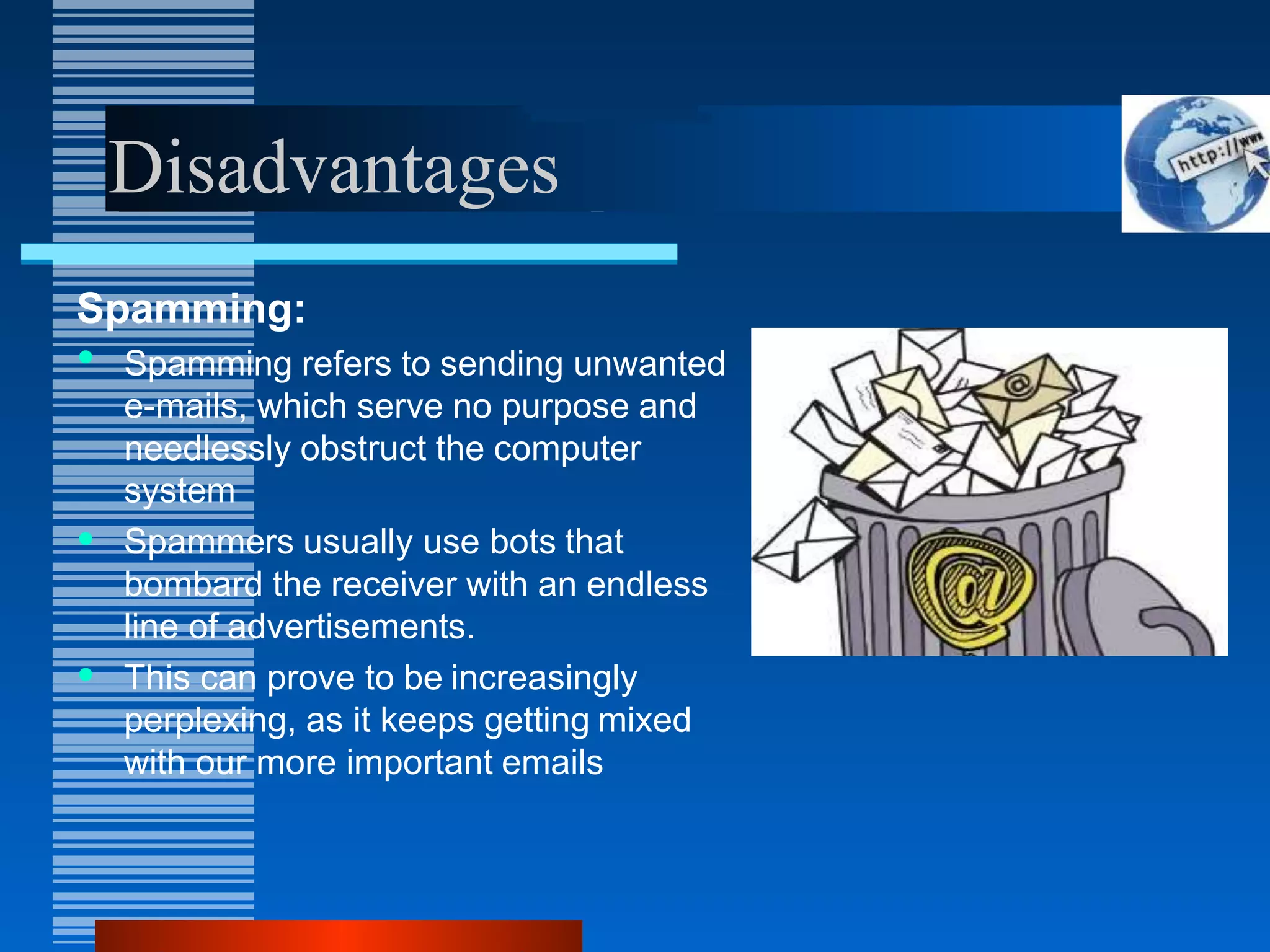
• Spamming refers to sending unwanted
e-mails, which serve no purpose and
needlessly obstruct the computer
system
• Spammers usually use bots that
bombard the receiver with an endless
line of advertisements.
• This can prove to be increasingly
perplexing, as it keeps getting mixed
with our more important emails
Disadvantages
Malware Threats :
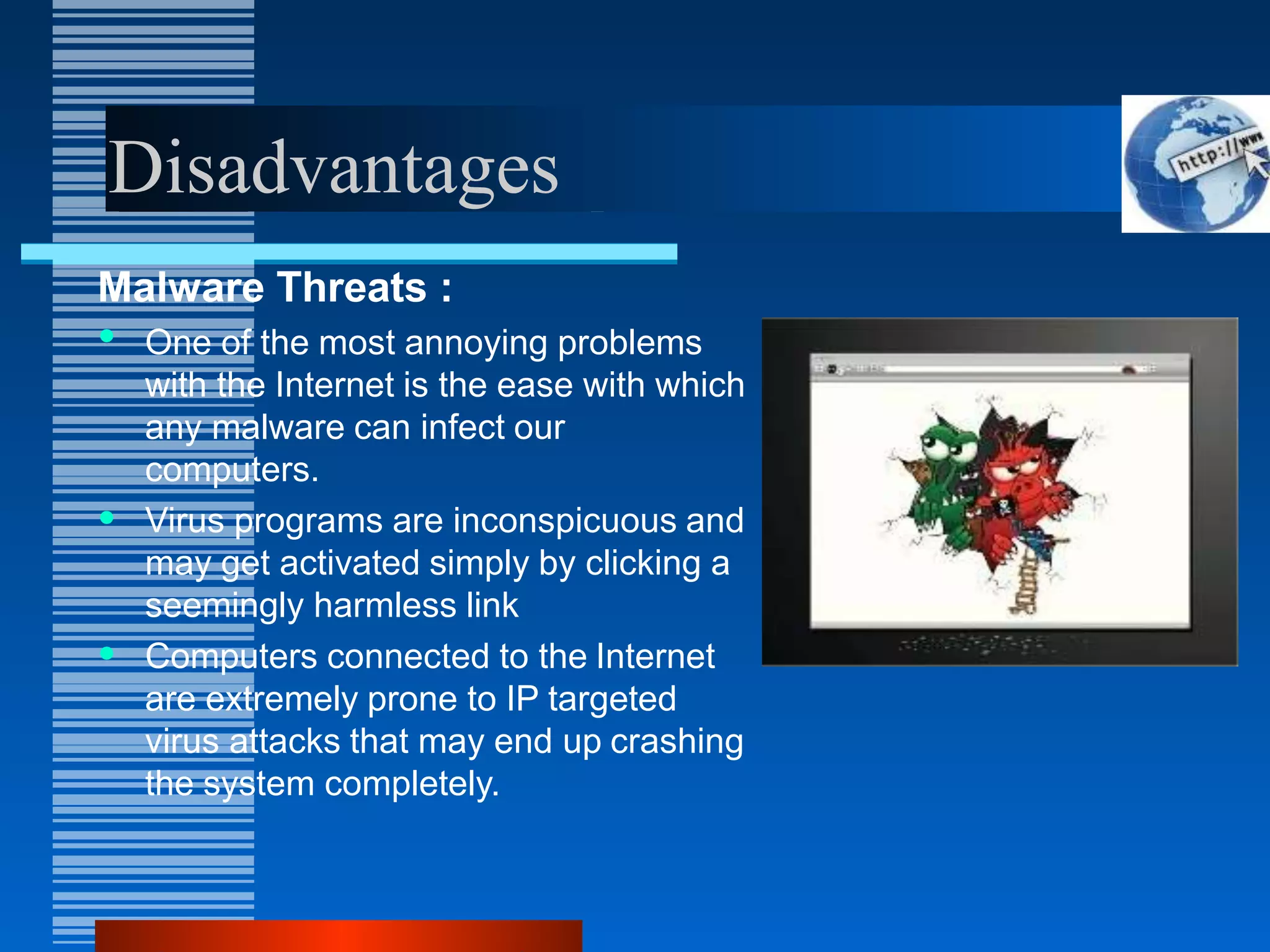
• One of the most annoying problems
with the Internet is the ease with which
any malware can infect our
computers.
• Virus programs are inconspicuous and
may get activated simply by clicking a
seemingly harmless link
• Computers connected to the Internet
are extremely prone to IP targeted
virus attacks that may end up crashing
the system completely.
Disadvantages
Social Isolation,Obesity and
Depression:
• The biggest problem with having the
Internet is, its ability to create rifts
between the real and virtual world.
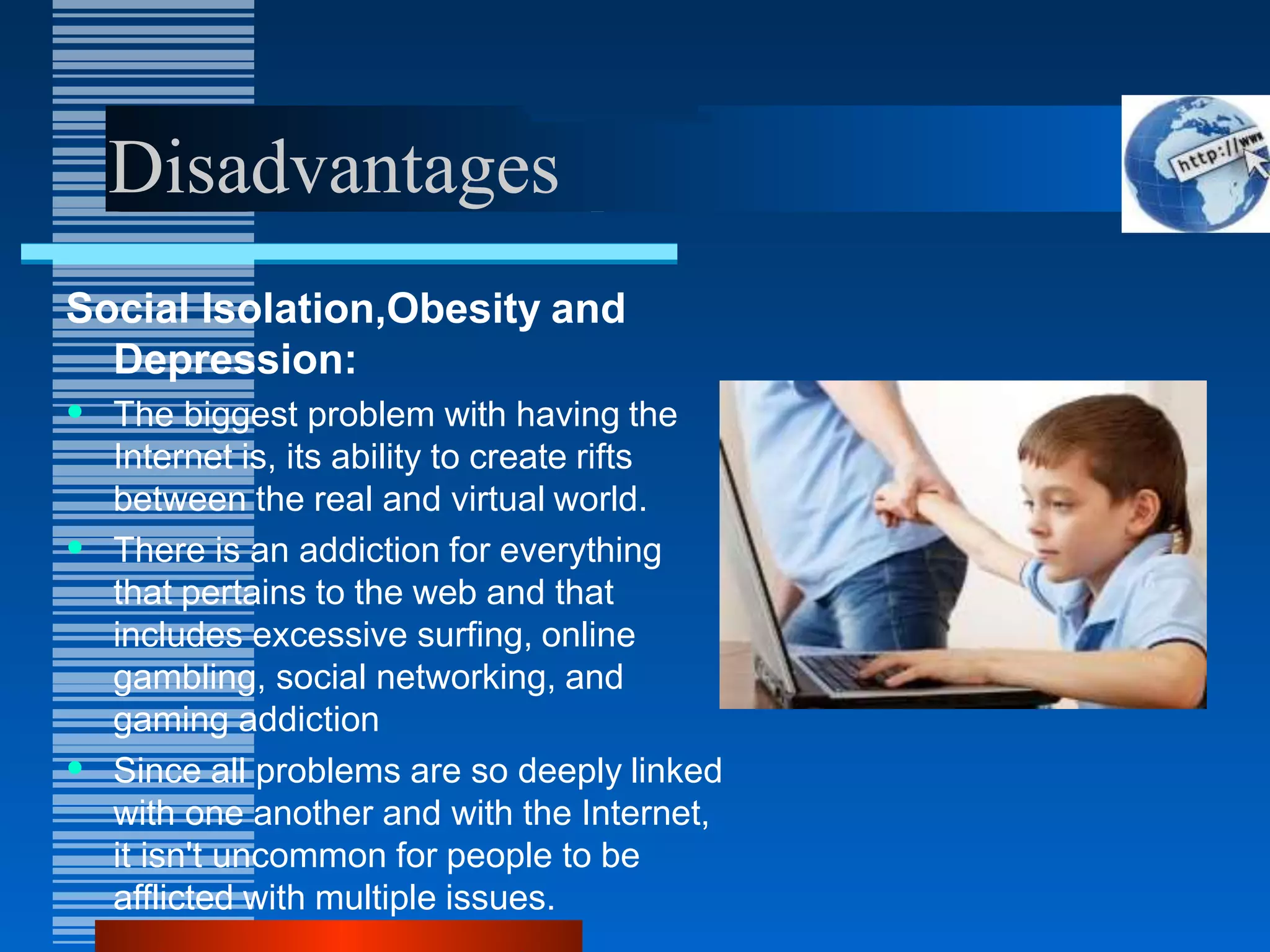
• There is an addiction for everything
that pertains to the web and that
includes excessive surfing, online
gambling, social networking, and
gaming addiction
• Since all problems are so deeply linked
with one another and with the Internet,
it isn't uncommon for people to be
afflicted with multiple issues.
Conclusion
On one hand make best use of internet with careful
planning and proper management, putting a business on
the internet can make it more effective and productive.
However understanding and knowing how the rapid
changes and various complex issues that can be
encountered in getting the business onto the net is
imperative to its success.
Presentation By:
R Abhishek
P Chandra Shekar
P Raja Shekar
P Naveena
N Hemanth Reddy
Thank you

internetppt-140623104336-phpapp02.pptx

  • 1.
  • 2.
    Introduction The Internet or“Net” (network of networks) is the largest computer network in the world that connects billions of computer users. The word internet comes from combination between “interconnection” and “Network” Network is a collection of computers and devices connected via communication channels and transmission media allow to share resources (hardware, software, data, information). Generally nobody own internet.
  • 3.
    Introduction The vast collectionof computer networks which form and act as a single huge networks for transport of data and messages across distances which can be anywhere from the same office to anywhere in the world
  • 4.
    Brief History (cont…) ARPA– Advanced Research Project Agency. 1969 January 2 – started an experimental Computer Network. Concept – No Server, but equal importance/participation to every computer in the Network. Even if, one or two node destroyed that will not affect the Network.
  • 5.
    Brief History (cont…) In1982 the word internet started. 1986: First “freenet” created in Case Western Reserve University 1991: US government allowed business agencies to connect to internet. Now all peoples can connect to internet and improve their life and work quality. The internet support various aspects in our life.
  • 6.
    Vinton Cerf Father ofInternet Co-designer of the TCP/IP networking protocol.
  • 7.
    How to connectto Internet
  • 8.
    Internet Services WWW Webpage /Homepage Web Publishing Web browser Search Engine Protocol Internet protocol DNS HTTP URL ISP FTP HTML E-mail Newsgroup Video conferencing Telnet Forum
  • 9.
    WWW The World WideWeb, commonly known as the Web, is a system of interlinked hypertext/hypermedia documents accessed via the Internet. Hypertext is text displayed on a computer or other electronic device with references to other text that the reader can immediately access, usually by a mouse click or key press sequence. Hypermedia is used as a logical extension of the term hypertext in which graphics, audio, video, plain text and hyperlinks intertwine to create a generally non- linear medium of information. Creator: Timm Berners-Lee, 1989.
  • 10.
    Tim Berners-Lee Father ofW W W. Invented WWW while working at CERN, the European Particle Physics Laboratory
  • 11.
    Difference b/wthe Weband Internet Internet = collection of networks that connect millions of businesses, government agencies, educational institutions, and individuals. WWW = the means we use to access information over the internet – Different communication protocols – Special link (hyperlink) that enable users to jump from one place to another on the web.
  • 12.
    Web Page A webpage is a document or resource of information that is suitable for the World Wide Web and can be accessed through a web browser and displayed on a monitor or mobile device. This information is usually in HTML or XHTML format, and may provide navigation to other webpages via hypertext links. It can contain text, graphics, audio, video and has built- in connection or links to other web documents. A web page has a unique address called a Uniform Resource Locator (URL).
  • 13.
    Web Browser A softwareapplication for retrieving, presenting, and traversing information resources on the World Wide Web. It allows to locate, view, and navigate the web. It can have a Graphical User Interface, meaning they can display pictures (graphics) in addition to text and other forms of multimedia such as sound and video like Internet Explorer, Mozilla Firefox, Chrome and Opera, or can be text-based, like Lynx or Links. First web browser was develop in 1991: Mosaic develop by Marc Andreessen.
  • 14.
    Different Types ofWeb Browsers: Google Chrome Mozilla Firefox Internet explorer Safari Opera Mini Netscape Navigator
  • 15.
    Protocol A set ofguidelines or rules. Communications protocol is a formal description of message formats and the rules for exchanging those messages. Format that agreed to transfer data between two devices. Hypertext Transfer Protocol(HTTP) Internet Protocol(IP) File transfer protocol(FTP) Simple Mail Transfer Protocol(SMTP) Networks News File Transfer Protocol(NNTP) Transmission Control Protocol (TCP); Normally use together with IP
  • 16.
    Electronic Mail A writtenmessage that is sent and received over the Internet. The message can be formatted and enhanced with graphics and may also include other files as attachments. Like ordinary mail, email have address, E.g. s12345@e-web.uum.edu.my An e-mail address identifies an e-mail box to which e-mail messages may be delivered. Most e-mail on the Internet uses the Simple Mail Transfer Protocol (SMTP).
  • 17.
  • 18.
  • 19.
    Advantages Communication: Communication is aprocess transmitting and receiving symbol, data, image, text, document, graphic etc by using various computer devices. It including the process of collecting, processing, distributing, sharing, retrieving, transferring and storing the information Internet now being a main communication tool. Using video conferencing, internet phone, Messenger, email etc.
  • 20.
    Advantages Research: In order todo research you need to go through hundreds of books as well as the references and that was one of the most difficult jobs to do earlier. Research is one such thing which has got lots of benefit from this evolution of internet.
  • 21.
    Advantages Education: Education is oneof the best things that the internet can provide There are a number of books, reference books, online help centres, expert’s views and other study oriented material on the internet that can make the learning process very easier as well as a fun learning experience.
  • 22.
    Advantages Financial Transactions: Financial transactionis the term which is used when there is exchange of money. With the use of internet in the financial transaction, your work has become a lot easier. With the ability to do the financial transaction easily over the internet you can purchase or sell items so easily
  • 23.
    Disadvantages of Internet Theftof Personal Information Spamming Malware Threats Social Isolation, Obesity and Depression
  • 24.
    Disadvantages Theft of Personal Information: •The use of Internet for banking, social networking, or other services, often makes our personal information vulnerable to theft • Unscrupulous hackers can access our sensitive information through unsecured connections by planting phishing software.
  • 25.
    Disadvantages Spamming: • Spamming refersto sending unwanted e-mails, which serve no purpose and needlessly obstruct the computer system • Spammers usually use bots that bombard the receiver with an endless line of advertisements. • This can prove to be increasingly perplexing, as it keeps getting mixed with our more important emails
  • 26.
    Disadvantages Malware Threats : •One of the most annoying problems with the Internet is the ease with which any malware can infect our computers. • Virus programs are inconspicuous and may get activated simply by clicking a seemingly harmless link • Computers connected to the Internet are extremely prone to IP targeted virus attacks that may end up crashing the system completely.
  • 27.
    Disadvantages Social Isolation,Obesity and Depression: •The biggest problem with having the Internet is, its ability to create rifts between the real and virtual world. • There is an addiction for everything that pertains to the web and that includes excessive surfing, online gambling, social networking, and gaming addiction • Since all problems are so deeply linked with one another and with the Internet, it isn't uncommon for people to be afflicted with multiple issues.
  • 28.
    Conclusion On one handmake best use of internet with careful planning and proper management, putting a business on the internet can make it more effective and productive. However understanding and knowing how the rapid changes and various complex issues that can be encountered in getting the business onto the net is imperative to its success.
  • 29.
    Presentation By: R Abhishek PChandra Shekar P Raja Shekar P Naveena N Hemanth Reddy
  • 30.