
Instructional Design for Distance Education
Objectives Create dynamic sessions using five design components Adapt traditional formats Analyze what works, what doesn’t Plan a lesson
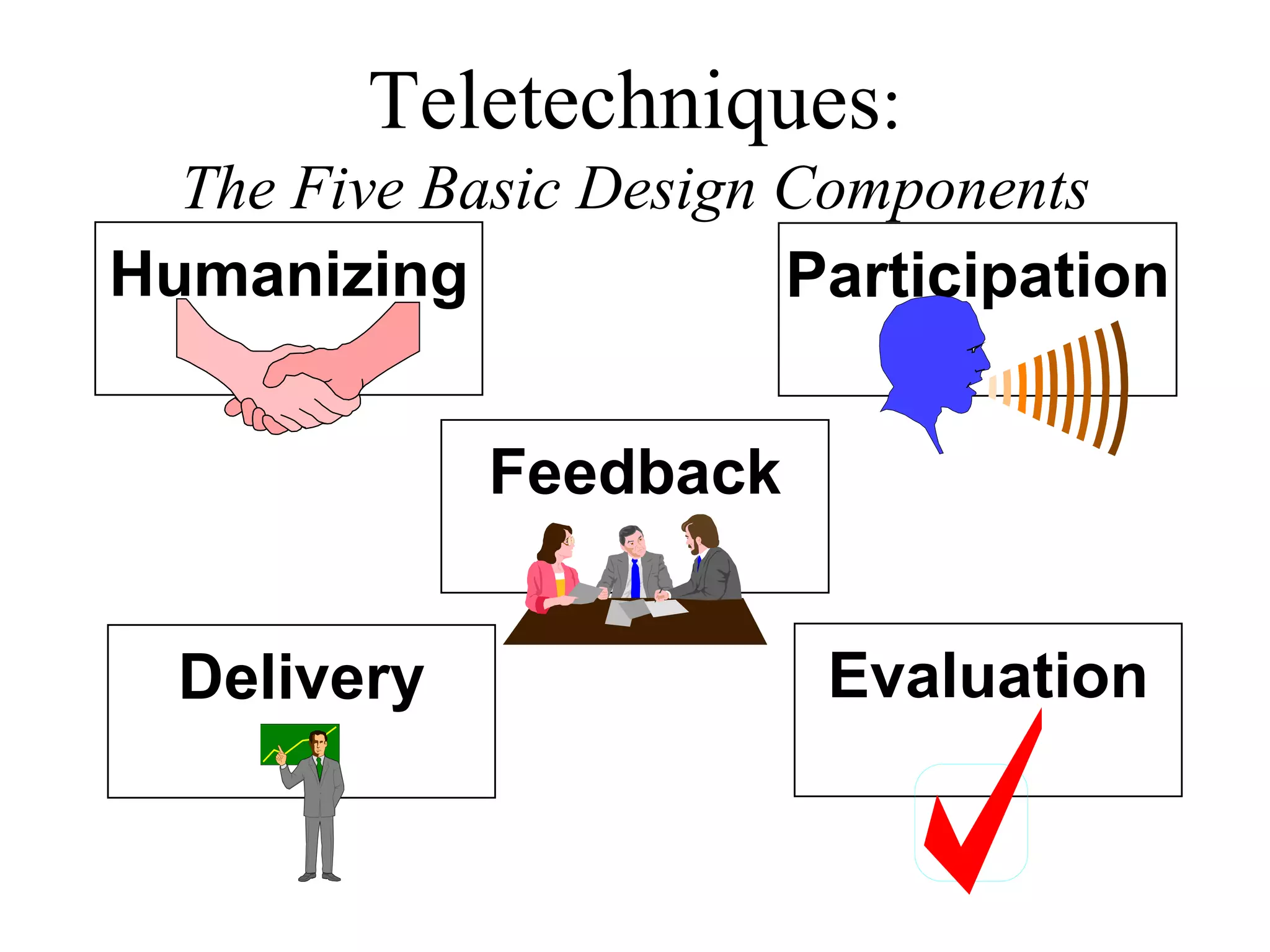
Teletechniques : The Five Basic Design Components Participation Humanizing Feedback Delivery Evaluation
The process of creating an atmosphere which focuses on the importance of the individual and overcomes distance by generating group rapport. Humanizing
Humanizing Gives the “first impression” Allows everyone to get acquainted Shows genuine concern for individual Learners may have different expectations Why is it important?
Humanizing Welcome letter Feature sites, students Gather data about learners, sites Recognize special occasions SMILE! Use music or sound effects Visit sites Suggested Humanizing Techniques
Participation The process of getting beyond the technology by providing opportunities for spontaneous interaction  between participants.
Participation Increases learning Affects creativity Influences opinion change Should happen within first 5 minutes Can be physical or mental activity Is vital in distance learning Why is it important?
Participation Directed or planted questions Reports & assignments Role-playing & skits Games & competitions Self-test to start & end sessions Pre-class and post class sessions Debates, pro & con discussions Suggested Participation Techniques
Presenting what’s to be said in such a way that it will be received, understood and remembered. Message Delivery
Message Delivery We think faster than we listen. Concentrated listening should be presented in “short bits.” Variety helps maintain interest. Previewing helps engage learners. Repetition reinforces key points. Media should guide learners & reinforce verbal message. Why is it important?
Message Delivery Gain attention (video, personal story, show stopper) Advance organizers (syllabus, course outline) Verbal cues:  (“Now this is important ...”) Print & media support Suggested Delivery Techniques
More Suggestions Short segments (10-15 minutes long) Vary pacing Team teach for variety of voices  & styles Use instructional videos & multimedia
Feedback Tells the learner “the degree of correctness” with respect to understanding content.
Feedback Reinforces learners Provides opportunity to correct misunderstandings or add omissions Improves effectiveness  Gauges learner progress Why is it important?
Feedback Must be timely Positive feedback more useful Should be specific Maintain confidentiality Conditions for Effective Feedback
Feedback Acknowledge learner responses Help learners to form correct responses Use check points in materials Evaluate performance Have learners self-evaluate Suggested Feedback Techniques
Evaluation Taking the pulse of learners.
Evaluation Answers questions like: Interesting or boring? Comprehensive? Omissions? Why is it important?
Evaluation Verbal group feedback Ask about the value of information Use group questions View tapes Written and electronic evaluation forms Ask others for their opinions Suggested Evaluation Techniques
Humanizing Summary: Is directly related to satisfaction. Provides for needed social    conventions. Sets expectations.
Participation Summary: Increases learning. Can be “doing” or “thinking.” Taps the full capabilities of  technology.
Message Delivery  Summary: Needs to be well-organized. Should provide variety through pacing, support media, activities. Should be in short segments.
Feedback & Evaluation  Summary: Important in communicating,  learning and motivating Should be part of every session Can be verbal, nonverbal, written, electronic Comes from ourselves or others

Instructional Design For Distance Education

  • 1.
    Instructional Design forDistance Education
  • 2.
    Objectives Create dynamicsessions using five design components Adapt traditional formats Analyze what works, what doesn’t Plan a lesson
  • 3.
    Teletechniques : TheFive Basic Design Components Participation Humanizing Feedback Delivery Evaluation
  • 4.
    The process ofcreating an atmosphere which focuses on the importance of the individual and overcomes distance by generating group rapport. Humanizing
  • 5.
    Humanizing Gives the“first impression” Allows everyone to get acquainted Shows genuine concern for individual Learners may have different expectations Why is it important?
  • 6.
    Humanizing Welcome letterFeature sites, students Gather data about learners, sites Recognize special occasions SMILE! Use music or sound effects Visit sites Suggested Humanizing Techniques
  • 7.
    Participation The processof getting beyond the technology by providing opportunities for spontaneous interaction between participants.
  • 8.
    Participation Increases learningAffects creativity Influences opinion change Should happen within first 5 minutes Can be physical or mental activity Is vital in distance learning Why is it important?
  • 9.
    Participation Directed orplanted questions Reports & assignments Role-playing & skits Games & competitions Self-test to start & end sessions Pre-class and post class sessions Debates, pro & con discussions Suggested Participation Techniques
  • 10.
    Presenting what’s tobe said in such a way that it will be received, understood and remembered. Message Delivery
  • 11.
    Message Delivery Wethink faster than we listen. Concentrated listening should be presented in “short bits.” Variety helps maintain interest. Previewing helps engage learners. Repetition reinforces key points. Media should guide learners & reinforce verbal message. Why is it important?
  • 12.
    Message Delivery Gainattention (video, personal story, show stopper) Advance organizers (syllabus, course outline) Verbal cues: (“Now this is important ...”) Print & media support Suggested Delivery Techniques
  • 13.
    More Suggestions Shortsegments (10-15 minutes long) Vary pacing Team teach for variety of voices & styles Use instructional videos & multimedia
  • 14.
    Feedback Tells thelearner “the degree of correctness” with respect to understanding content.
  • 15.
    Feedback Reinforces learnersProvides opportunity to correct misunderstandings or add omissions Improves effectiveness Gauges learner progress Why is it important?
  • 16.
    Feedback Must betimely Positive feedback more useful Should be specific Maintain confidentiality Conditions for Effective Feedback
  • 17.
    Feedback Acknowledge learnerresponses Help learners to form correct responses Use check points in materials Evaluate performance Have learners self-evaluate Suggested Feedback Techniques
  • 18.
    Evaluation Taking thepulse of learners.
  • 19.
    Evaluation Answers questionslike: Interesting or boring? Comprehensive? Omissions? Why is it important?
  • 20.
    Evaluation Verbal groupfeedback Ask about the value of information Use group questions View tapes Written and electronic evaluation forms Ask others for their opinions Suggested Evaluation Techniques
  • 21.
    Humanizing Summary: Isdirectly related to satisfaction. Provides for needed social conventions. Sets expectations.
  • 22.
    Participation Summary: Increaseslearning. Can be “doing” or “thinking.” Taps the full capabilities of technology.
  • 23.
    Message Delivery Summary: Needs to be well-organized. Should provide variety through pacing, support media, activities. Should be in short segments.
  • 24.
    Feedback & Evaluation Summary: Important in communicating, learning and motivating Should be part of every session Can be verbal, nonverbal, written, electronic Comes from ourselves or others

Editor's Notes

  • #2 This lesson should answer the question about “how to go about creating your lesson for the distance classroom”.