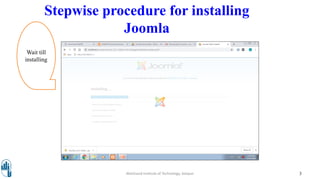
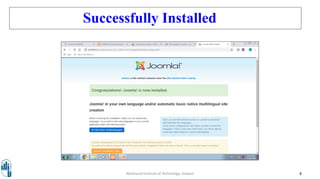
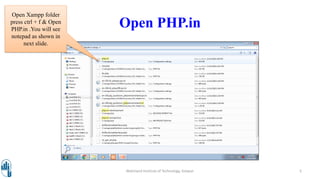
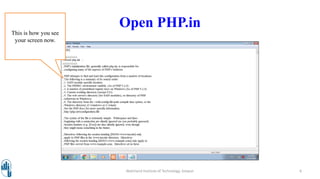
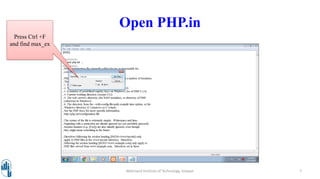
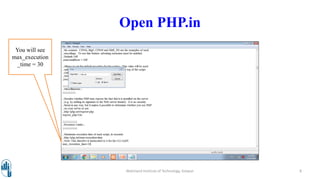
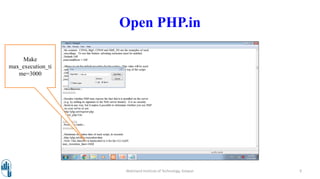
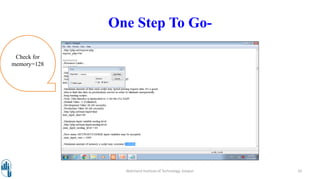
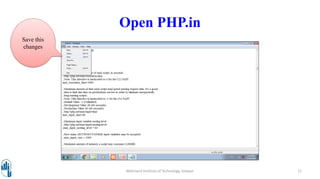
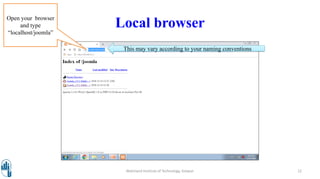
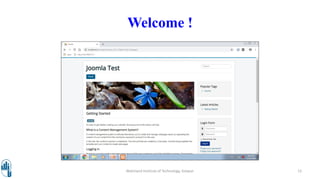
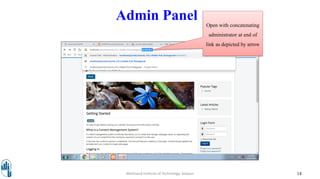
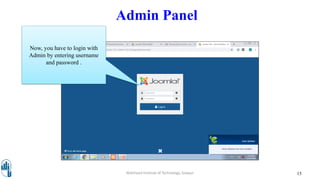
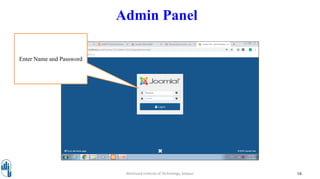
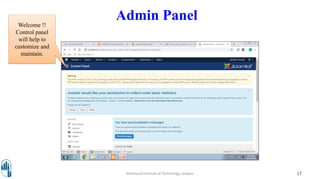
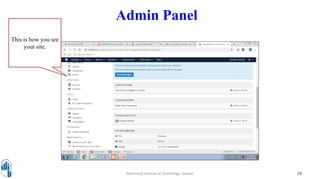
The document discusses installing Joomla using XAMPP. It provides step-by-step instructions for installing Joomla locally. This includes opening PHP.ini to increase max execution time and memory limits, navigating to localhost/joomla to access the site, and concatenating "administrator" to login to the admin panel. Real-world uses of Joomla are also listed, such as for corporate websites, magazines, and non-profits. Key features of Joomla like user management, content management, and polls are highlighted.