INFORMATION AND COMPUTER SECURITY
Q. What is information and computer security?
 Information & computer security: is the protection
of computer systems & networks from information
disclosure, theft of or damage to their hardware,
software, or electronic data, as well as from the
disruption or misdirection of the services they provide .
1
INFORMATION AND COMPUTER …
Responsible Behavior in the Computer Lab
 A computer laboratory is a special place which contains
delicate and expensive equipment .
2
Fig1: Students in a
computer lab
INFORMATION AND COMPUTER …
 We need to follow some guidelines for responsible
behavior in the Computer Lab. These are:
3
i. Students are not allowed in computer lab unless
directly supervised by a computer teacher or any
other staff member.
ii. Never share your password, even with your best
friend.
iii. Listen to directions given by your computer
teacher.
iv. Only use the Internet as instructed. Do not click
on links that seem suspicious or are offers of
“free” anything.
v. Do not use the mouse or keyboard as a toy.
INFORMATION AND COMPUTER …
NOTE:
Do not give own or another’s data to anyone .
E-mail address should not be given to anyone.
Always stick to safe on-line behaviour.
4
INFORMATION AND COMPUTER …
CHALLENGES OF COMPUTER & INFORMATION
TECHNOLOGY
5
INFORMATION AND COMPUTER …
 When we use internet, share file & download
files malicious software may get in to our
device . Some of them are :
6
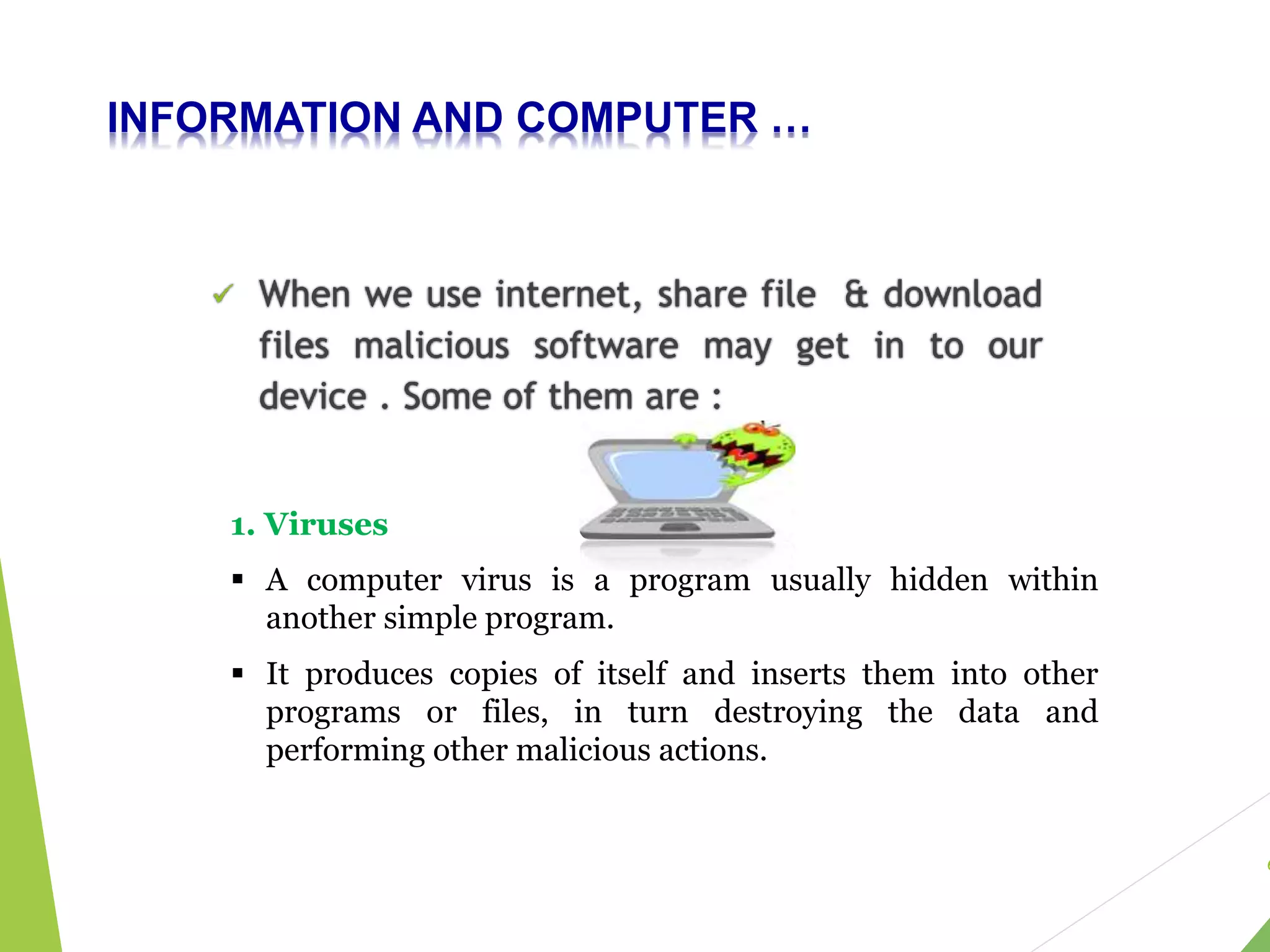
1. Viruses
 A computer virus is a program usually hidden within
another simple program.
 It produces copies of itself and inserts them into other
programs or files, in turn destroying the data and
performing other malicious actions.
INFORMATION AND COMPUTER …
Macro Viruses
 is series of programming steps that are stored in
single location.
 allows automation of many actions with only a
single keystroke.
 The virus using macro files are most popular as
they are:
 Easy to write
 Can infect more people faster as they exchange
documents and data frequently
 Can easily infect any computer capable of running Office
and Internet
7
 Macro viruses can do a lot of different damage in a
lot of different ways.
INFORMATION AND COMPUTER …
2. Worms
 A computer worm is a type of malware that spreads
copies of itself from computer to computer.
8
A worm can replicate itself without any human
interaction (usually to other computer systems via
network connections) and,
 it does not need to attach itself to a software
program in order to cause damage.
INFORMATION AND COMPUTER …
2. Trojan horses
 It is a program that claims to rid your computer
of viruses but instead introduces viruses into
the system.
9
Since they look like sincere programs they are
referred as Trojan like the “Trojan Horse” of Greek
mythology .
They are mostly spread through internet
downloads and online gaming programs .
INFORMATION AND COMPUTER …
4. Spyware
 As its name suggests, it is a program used to spy
on the computer system.
 It tries to get all confidential & sensitive information
such as your bank account numbers, passwords etc.
 Then, this confidential data is misused to access user’s
accounts.
10
5. Malware
 Malware is short for “malicious software.”
 It is any kind of unwanted software that is installed
without your adequate consent.
In fact all the threats mentioned above such as
Virus, Trojans etc are examples of Malware
INFORMATION AND COMPUTER …
6. Spams
 The term “spam” refers to unsolicited
commercial email (UCE) or unsolicited bulk
email (UBE).
 The most common spams are:
 “Get Rich Quick” and
 “Make Money Fast” (MMF) schemes
11
 Spam emails is not only unwanted, it clogs
your email accounts and uses unnecessary
server space.
INFORMATION AND COMPUTER …
7. Hackers and crackers
 Hackers & crackers: software programmers who
use dubious ways to get control over your
computer and systems.
 Intent of both is to gain control over your
computer so that they can get the sensitive
confidential information .
12
So we can see that our computer may be
affected by many malicious software so we
will see how to prevent our computer from
this malicious software .
INFORMATION AND COMPUTER …
HOW TO PREVENT MALICIOUS SOFTWARES FROM OUR
DIVICE ?
 Install Anti-virus software
 Regularly update software
 Only buy Apps from trusted sources
 Don’t click on suspicious links or download
attachments from unknown sources
 Back up data regularly & Install Firewall
13
14

INFORMATION AND COMPUTER SECURITY.pptx

  • 1.
    INFORMATION AND COMPUTERSECURITY Q. What is information and computer security?  Information & computer security: is the protection of computer systems & networks from information disclosure, theft of or damage to their hardware, software, or electronic data, as well as from the disruption or misdirection of the services they provide . 1
  • 2.
    INFORMATION AND COMPUTER… Responsible Behavior in the Computer Lab  A computer laboratory is a special place which contains delicate and expensive equipment . 2 Fig1: Students in a computer lab
  • 3.
    INFORMATION AND COMPUTER…  We need to follow some guidelines for responsible behavior in the Computer Lab. These are: 3 i. Students are not allowed in computer lab unless directly supervised by a computer teacher or any other staff member. ii. Never share your password, even with your best friend. iii. Listen to directions given by your computer teacher. iv. Only use the Internet as instructed. Do not click on links that seem suspicious or are offers of “free” anything. v. Do not use the mouse or keyboard as a toy.
  • 4.
    INFORMATION AND COMPUTER… NOTE: Do not give own or another’s data to anyone . E-mail address should not be given to anyone. Always stick to safe on-line behaviour. 4
  • 5.
    INFORMATION AND COMPUTER… CHALLENGES OF COMPUTER & INFORMATION TECHNOLOGY 5
  • 6.
    INFORMATION AND COMPUTER…  When we use internet, share file & download files malicious software may get in to our device . Some of them are : 6 1. Viruses  A computer virus is a program usually hidden within another simple program.  It produces copies of itself and inserts them into other programs or files, in turn destroying the data and performing other malicious actions.
  • 7.
    INFORMATION AND COMPUTER… Macro Viruses  is series of programming steps that are stored in single location.  allows automation of many actions with only a single keystroke.  The virus using macro files are most popular as they are:  Easy to write  Can infect more people faster as they exchange documents and data frequently  Can easily infect any computer capable of running Office and Internet 7  Macro viruses can do a lot of different damage in a lot of different ways.
  • 8.
    INFORMATION AND COMPUTER… 2. Worms  A computer worm is a type of malware that spreads copies of itself from computer to computer. 8 A worm can replicate itself without any human interaction (usually to other computer systems via network connections) and,  it does not need to attach itself to a software program in order to cause damage.
  • 9.
    INFORMATION AND COMPUTER… 2. Trojan horses  It is a program that claims to rid your computer of viruses but instead introduces viruses into the system. 9 Since they look like sincere programs they are referred as Trojan like the “Trojan Horse” of Greek mythology . They are mostly spread through internet downloads and online gaming programs .
  • 10.
    INFORMATION AND COMPUTER… 4. Spyware  As its name suggests, it is a program used to spy on the computer system.  It tries to get all confidential & sensitive information such as your bank account numbers, passwords etc.  Then, this confidential data is misused to access user’s accounts. 10 5. Malware  Malware is short for “malicious software.”  It is any kind of unwanted software that is installed without your adequate consent. In fact all the threats mentioned above such as Virus, Trojans etc are examples of Malware
  • 11.
    INFORMATION AND COMPUTER… 6. Spams  The term “spam” refers to unsolicited commercial email (UCE) or unsolicited bulk email (UBE).  The most common spams are:  “Get Rich Quick” and  “Make Money Fast” (MMF) schemes 11  Spam emails is not only unwanted, it clogs your email accounts and uses unnecessary server space.
  • 12.
    INFORMATION AND COMPUTER… 7. Hackers and crackers  Hackers & crackers: software programmers who use dubious ways to get control over your computer and systems.  Intent of both is to gain control over your computer so that they can get the sensitive confidential information . 12 So we can see that our computer may be affected by many malicious software so we will see how to prevent our computer from this malicious software .
  • 13.
    INFORMATION AND COMPUTER… HOW TO PREVENT MALICIOUS SOFTWARES FROM OUR DIVICE ?  Install Anti-virus software  Regularly update software  Only buy Apps from trusted sources  Don’t click on suspicious links or download attachments from unknown sources  Back up data regularly & Install Firewall 13
  • 14.