Computer Security and Cyber Security
on
28.11.2022
By
Dayanandam Gudipudi
Government College for Men(A)::Kadapa
Guest Lecture on
Importance of Cyber Security
“The only system which is truly secure is one which is
switched off and unplugged, locked in a titanium safe,
buried in a concrete bunker, and is surrounded by
nerve gas and very highly paid armed guards. Even
then, I wouldn’t stake my life on it.”
- Professor Gene Spafford
https://spaf.cerias.purdue.edu/
Importance of Cyber Security
The Internet allows an attacker to work from anywhere on
the planet.
Risks caused by poor security knowledge and practice:
Identity Theft
Monetary Theft
Legal Ramifications (for yourself and your organization)
Sanctions or termination if policies are not followed
According to the SANS Institute, the top vectors for
vulnerabilities available to a cyber criminal are:
Web Browser
IM Clients
Web Applications
Excessive User Rights
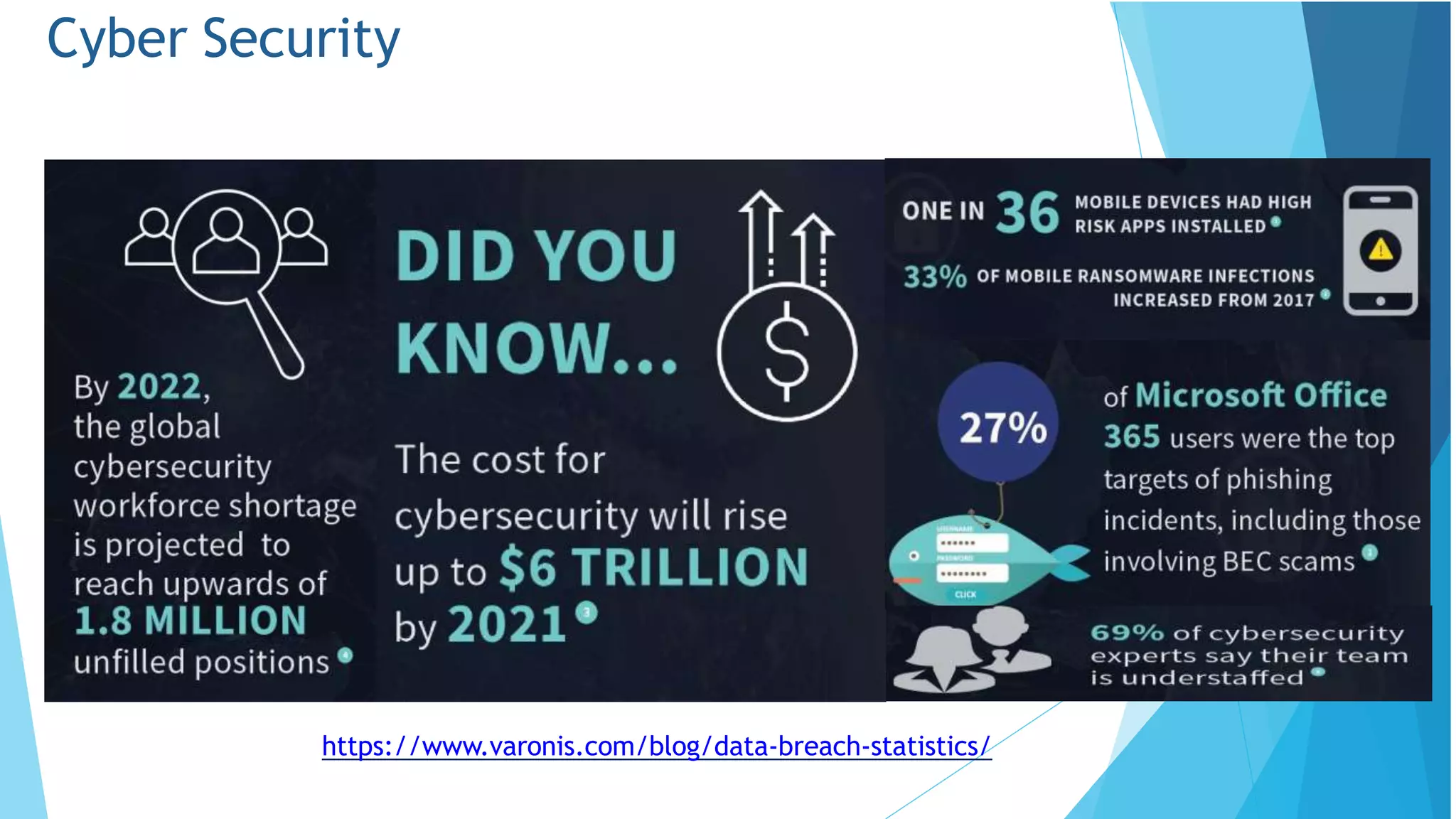
Cyber Security
https://www.varonis.com/blog/data-breach-statistics/
Cyber Security is Safety
• Security:We must protect our computers and data in
the same way that we secure the doors to our homes.
• Safety: We must behave in ways that protect us
against risks and threats that come with technology.
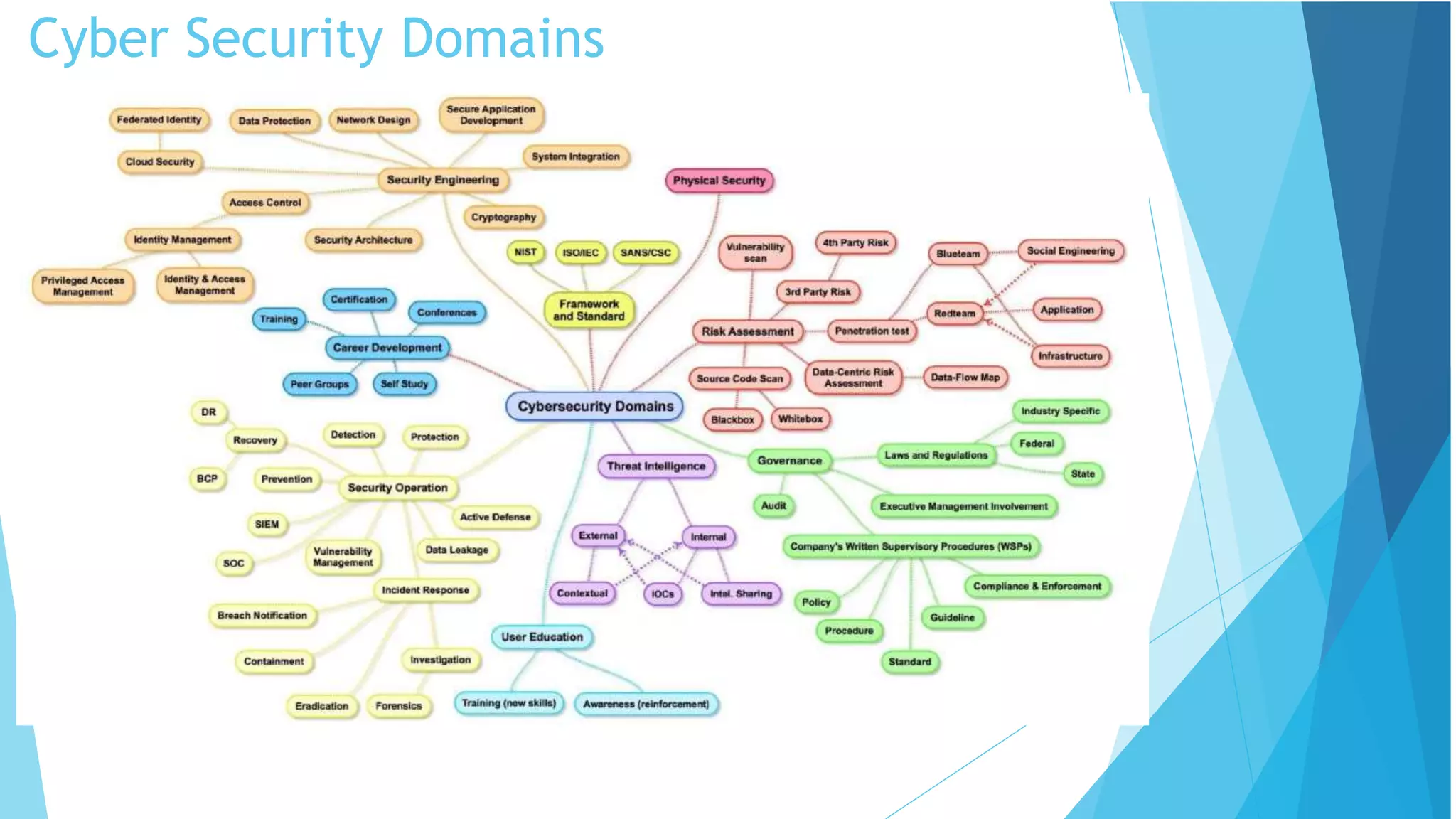
Cyber Security Domains
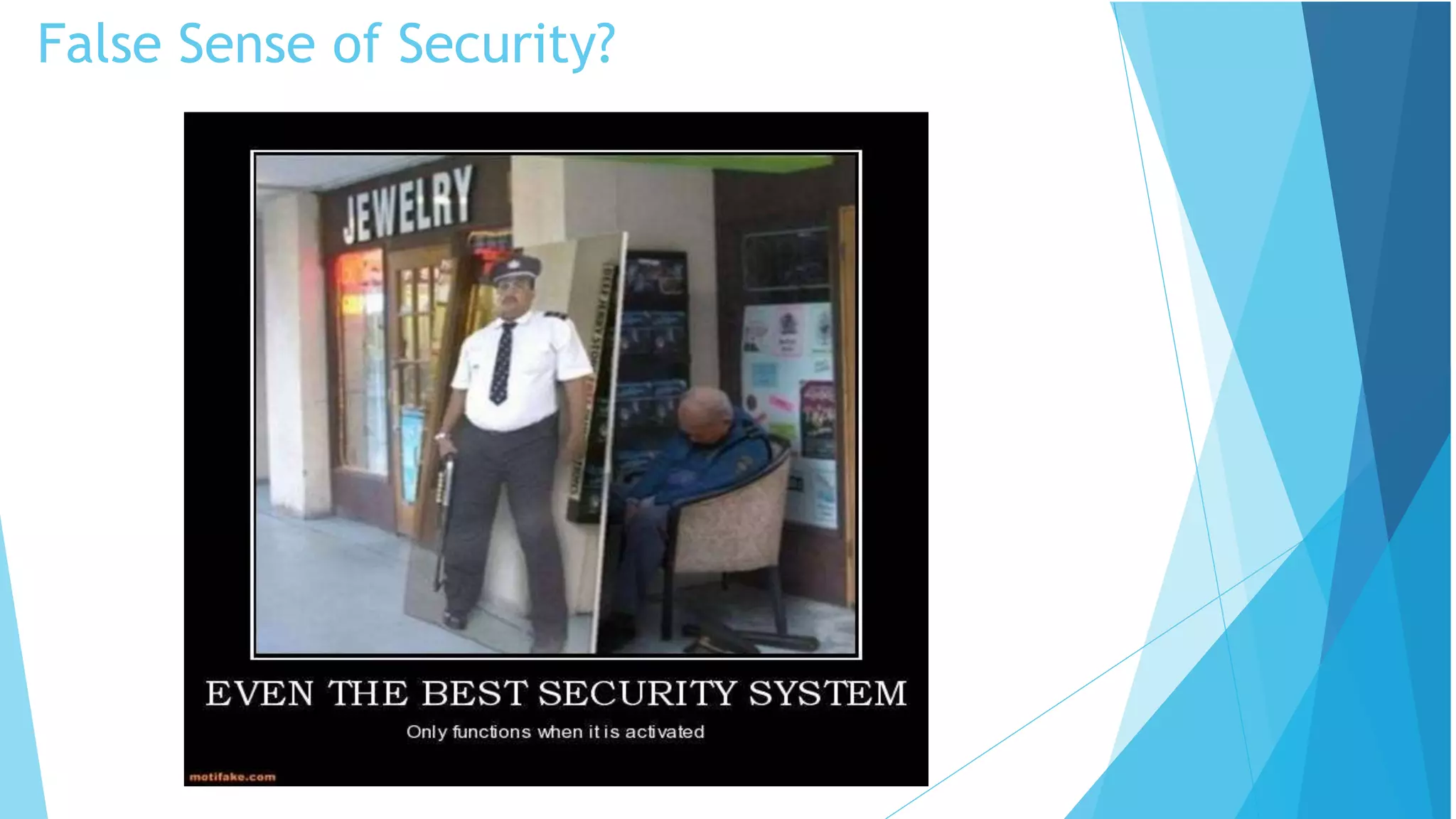
False Sense of Security?
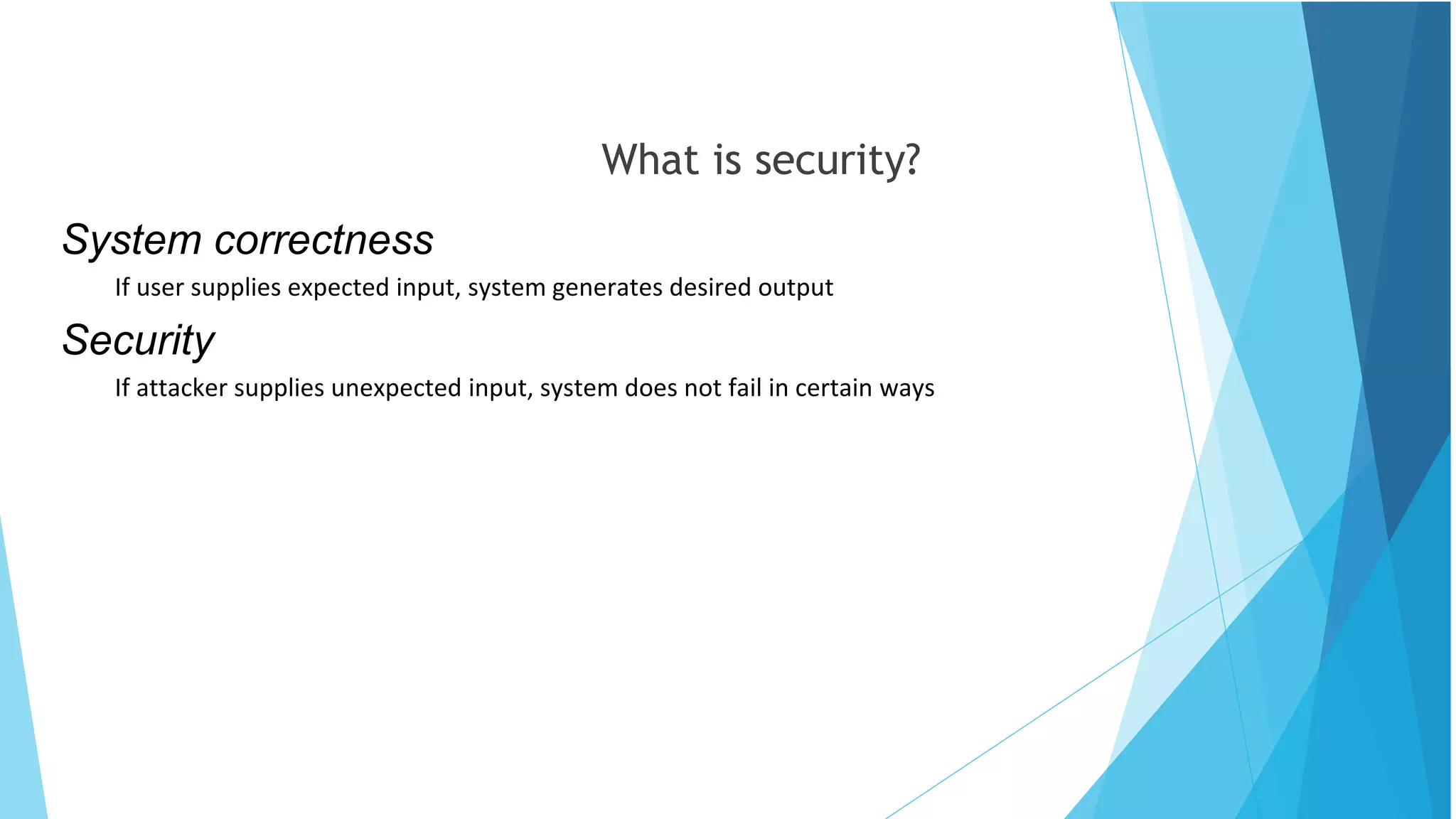
What is security?
System correctness
If user supplies expected input, system generates desired output
Security
If attacker supplies unexpected input, system does not fail in certain ways
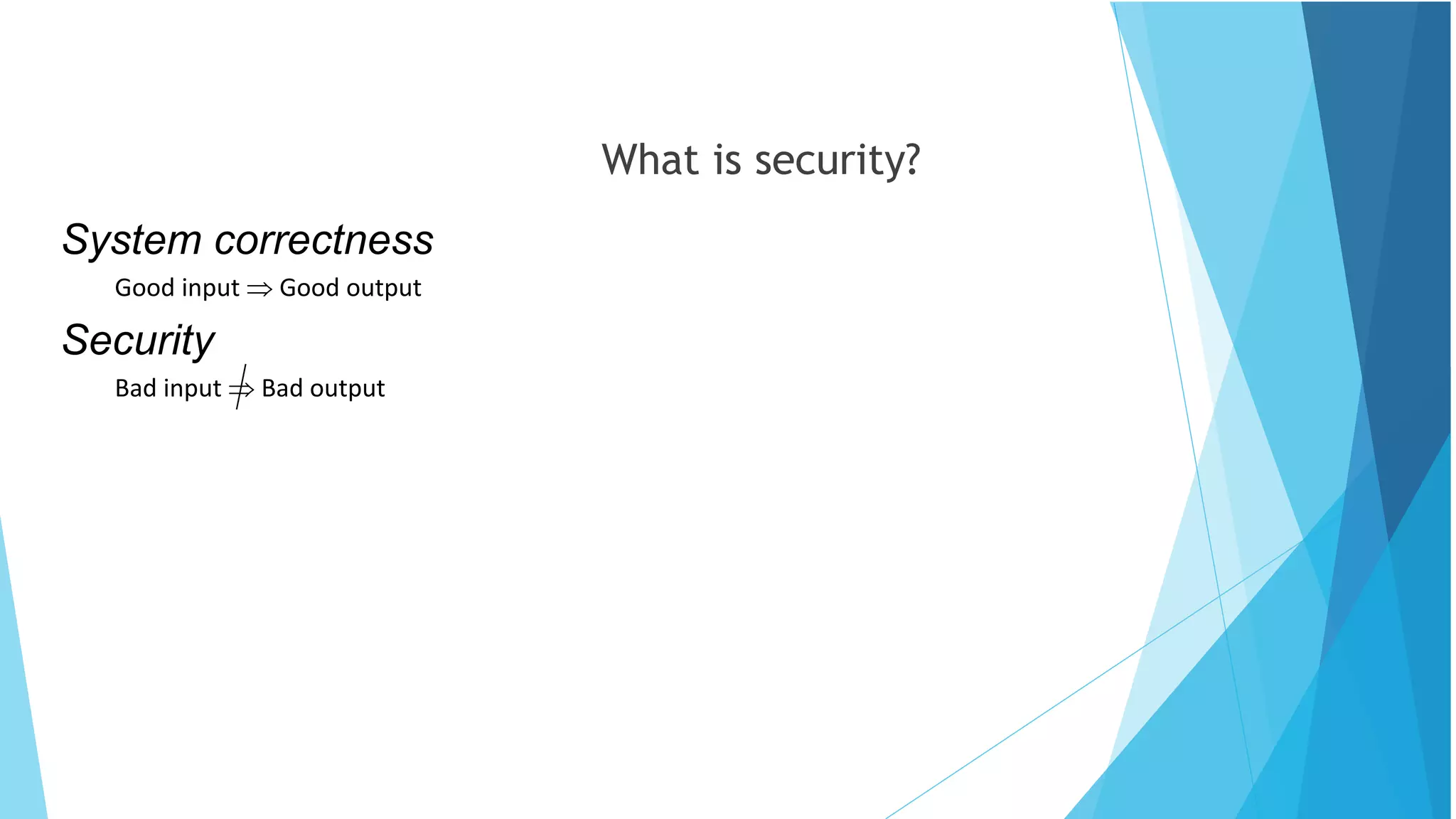
What is security?
System correctness
Good input  Good output
Security
Bad input  Bad output
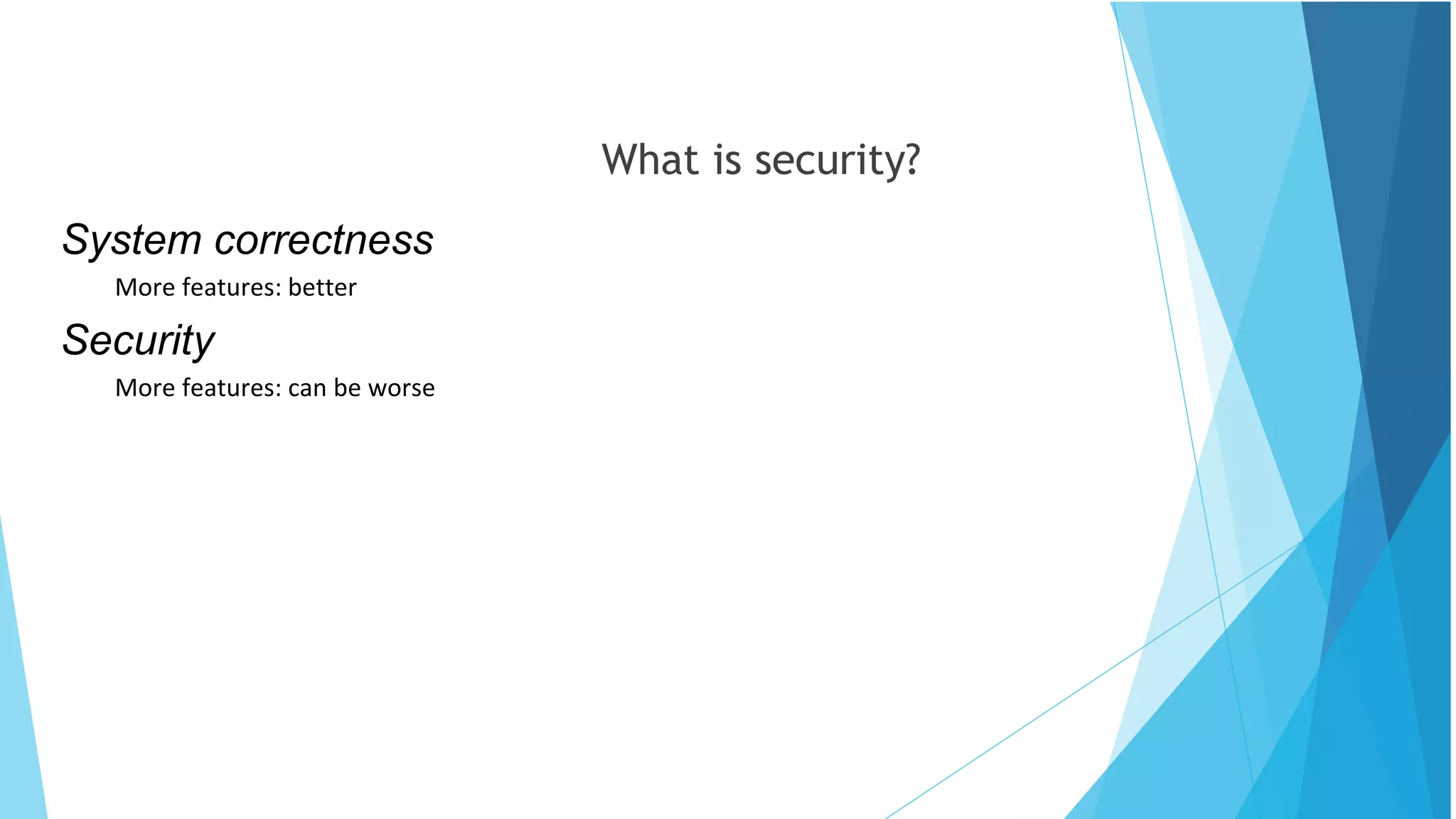
What is security?
System correctness
More features: better
Security
More features: can be worse
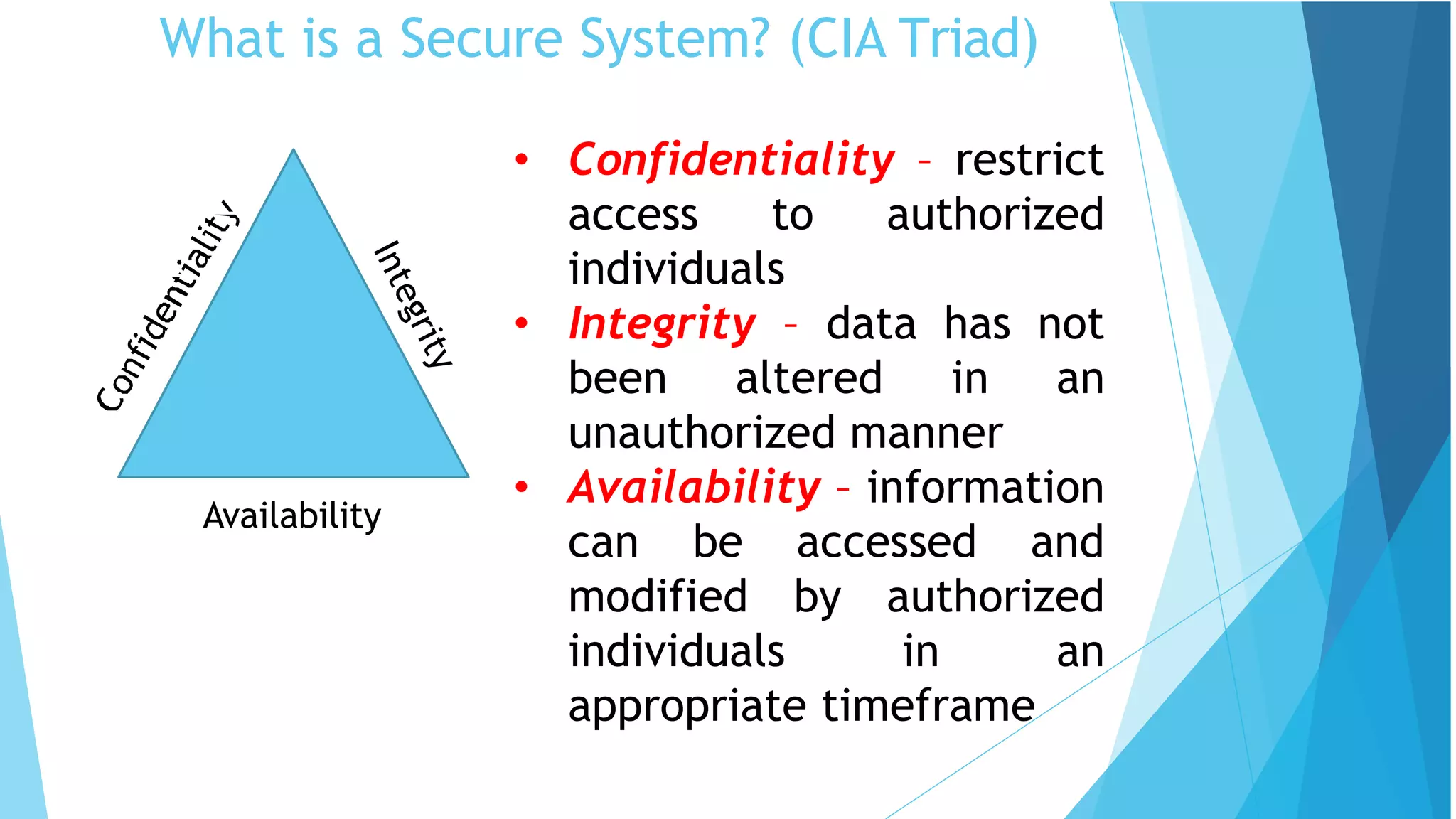
What is a Secure System? (CIA Triad)
Availability
• Confidentiality – restrict
access to authorized
individuals
• Integrity – data has not
been altered in an
unauthorized manner
• Availability – information
can be accessed and
modified by authorized
individuals in an
appropriate timeframe
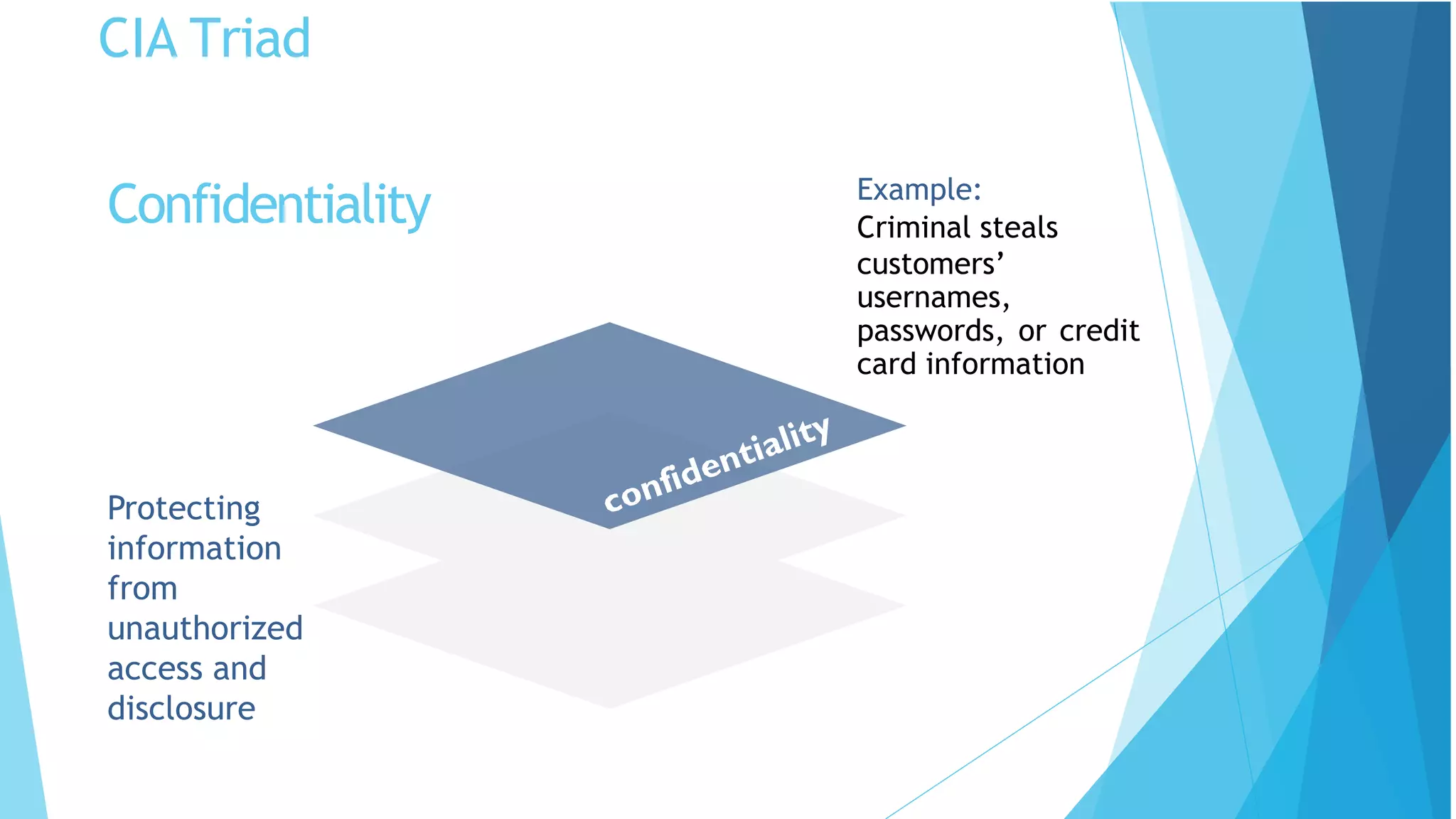
CIA Triad
Protecting
information
from
unauthorized
access and
disclosure
Example:
Criminal steals
customers’
usernames,
passwords, or credit
card information
Confidentiality
CIA Triad
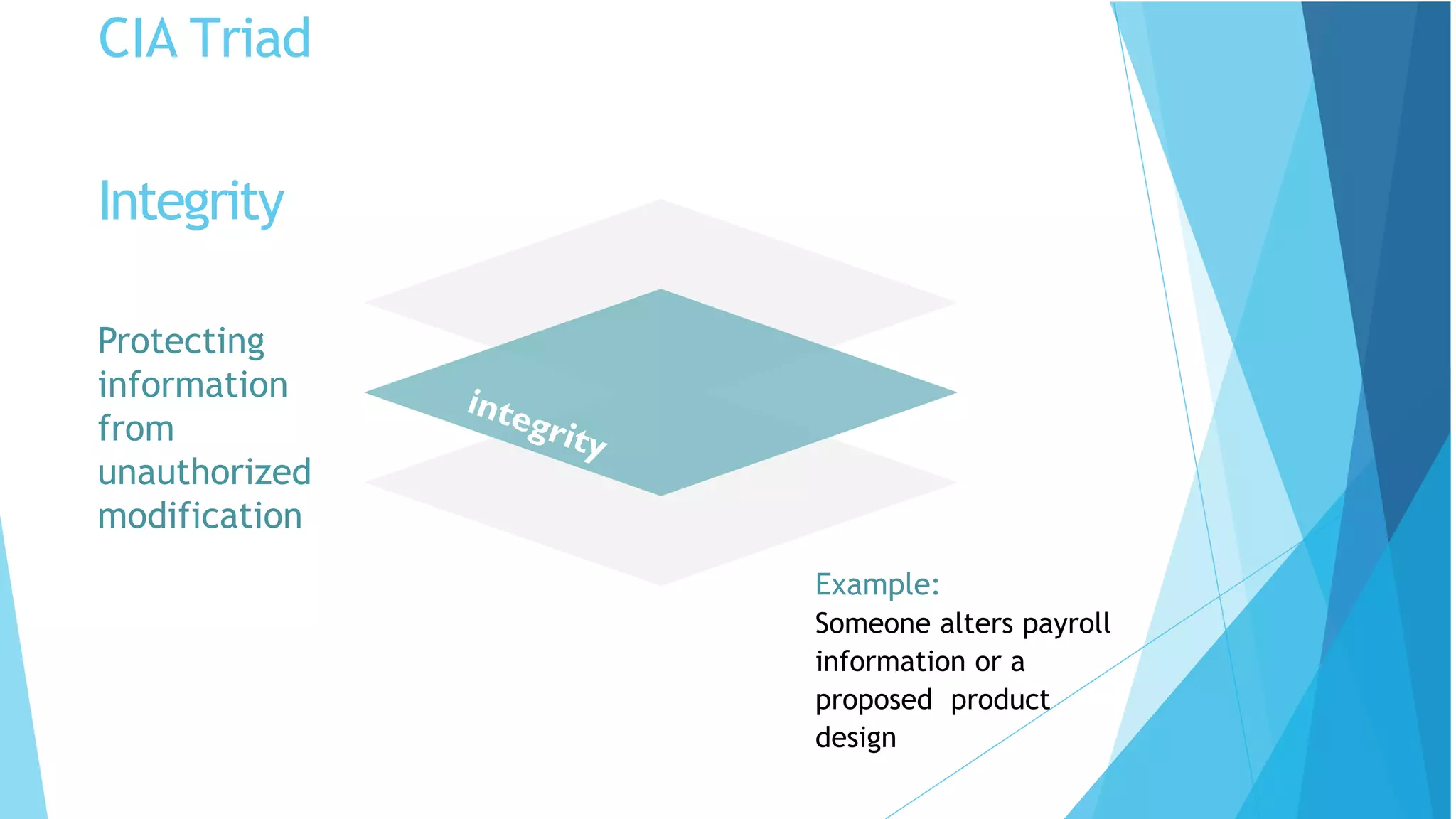
Protecting
information
from
unauthorized
modification
Example:
Someone alters payroll
information or a
proposed product
design
Integrity
CIA Triad
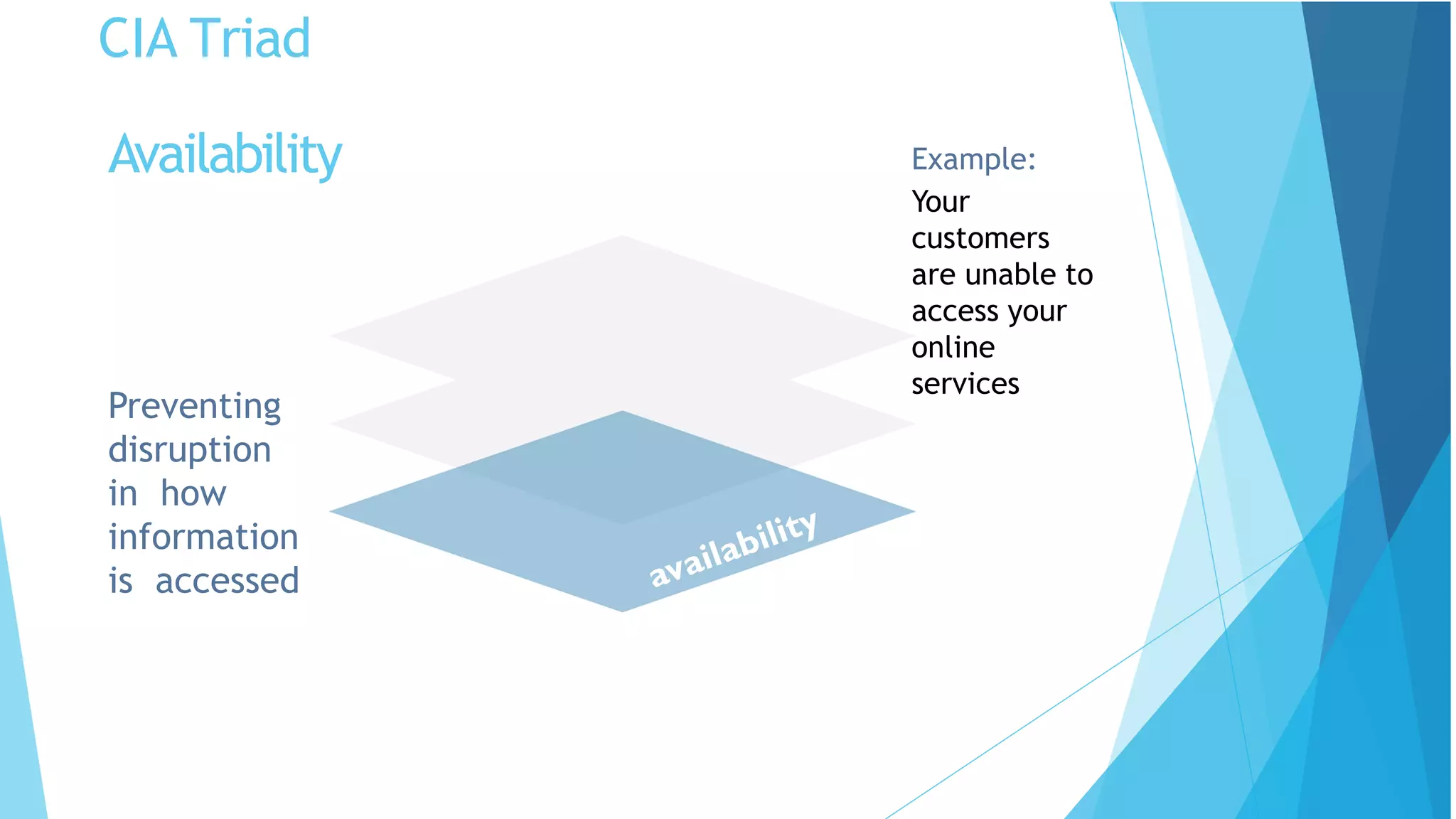
Preventing
disruption
in how
information
is accessed
Example:
Your
customers
are unable to
access your
online
services
Availability
Threats and Vulnerabilities
What are we protecting our and our stakeholders
information from?
Threats: Any circumstances or events that can
potentially harm an information system by
destroying it, disclosing the information stored on
the system, adversely modifying data, or making
the system unavailable
Vulnerabilities: Weakness in an information system
or its components that could be exploited.
WHAT KINDS
OF THREATS
ARE THERE?
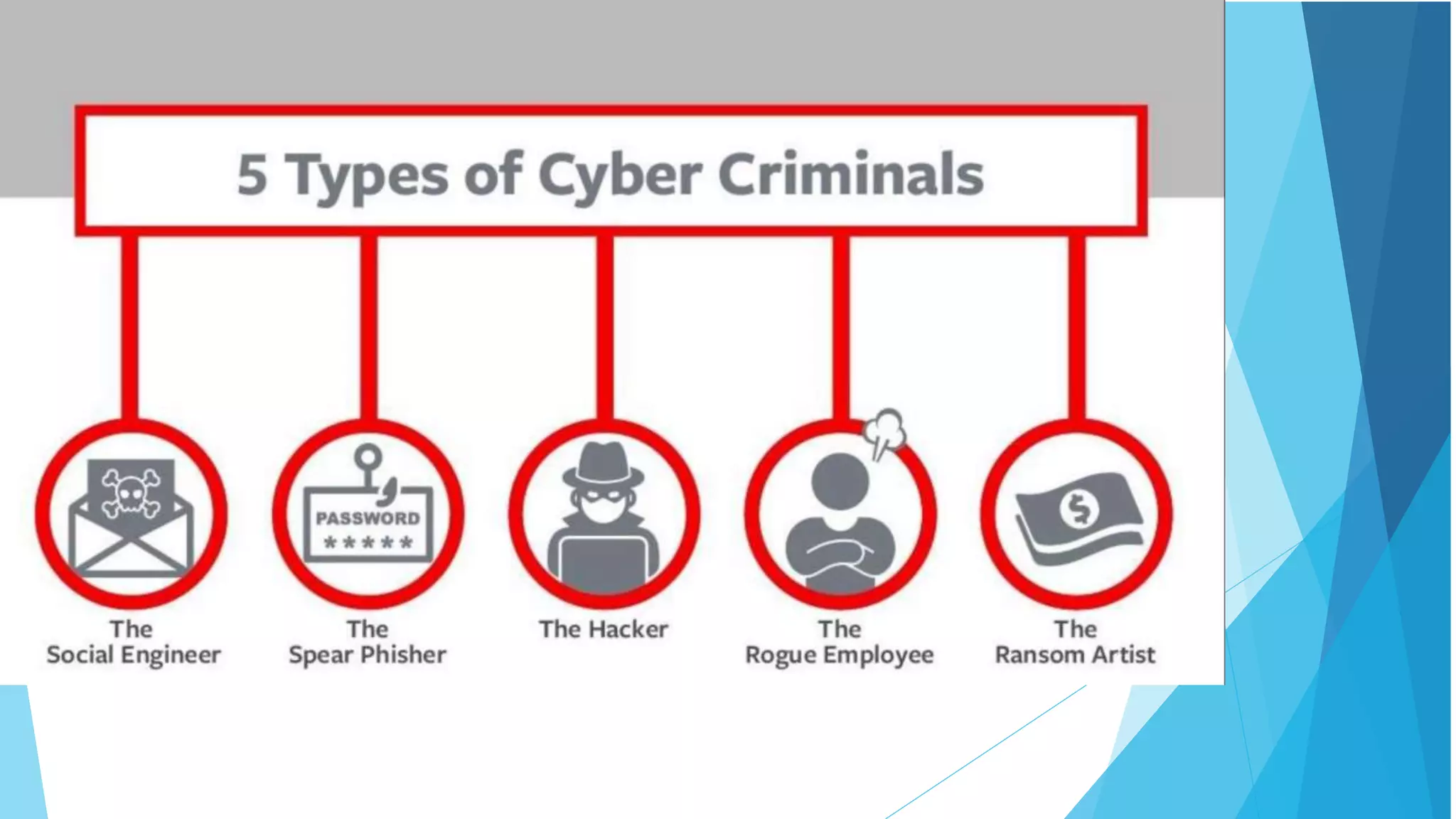
Phishing and Spear- phishing Attacks
Social Engineering Scams
Common Malware and Ransomware
Business Email Compromise
Fake websites that steal data or infect
devices
And much more
Phishing
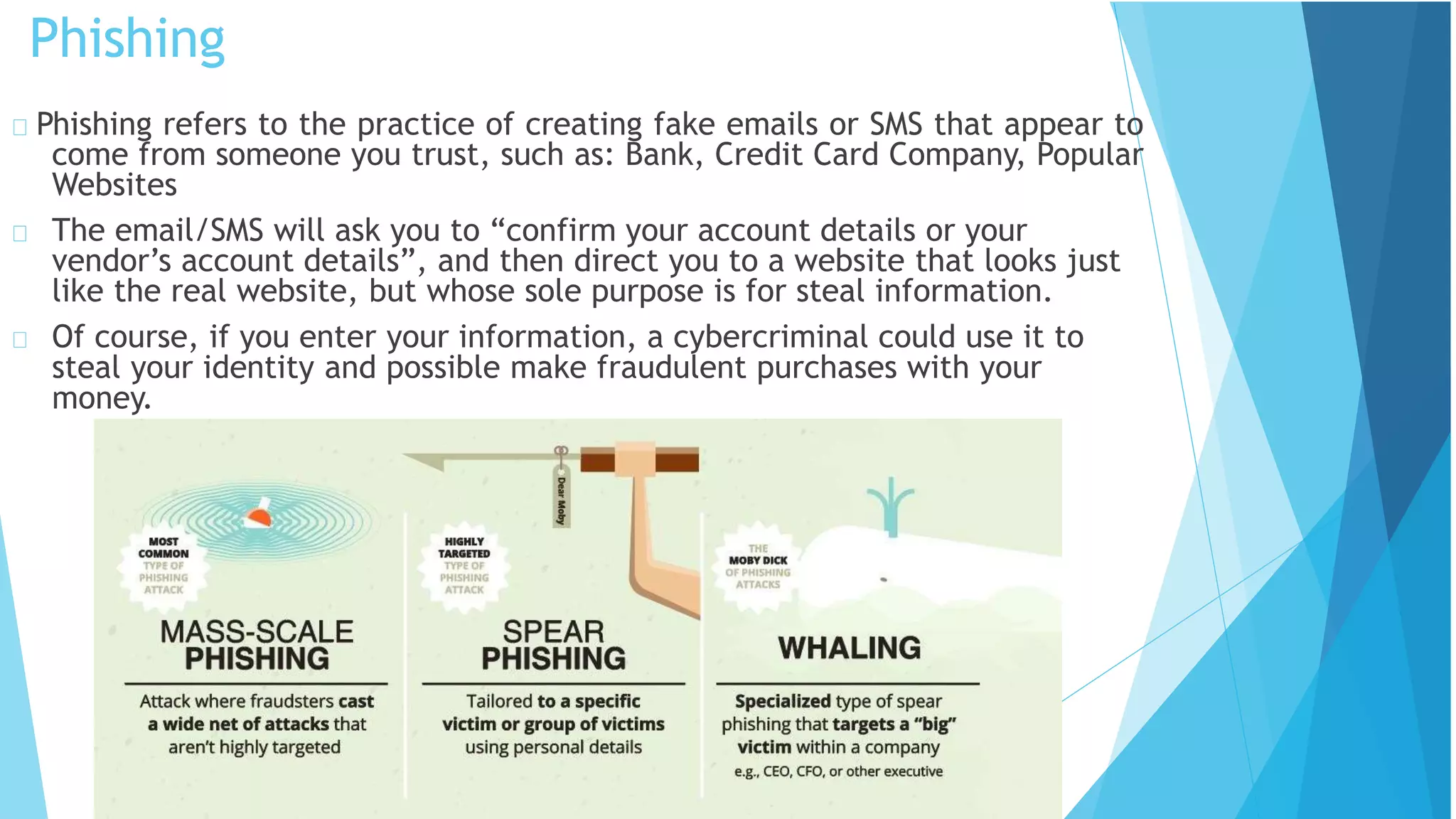
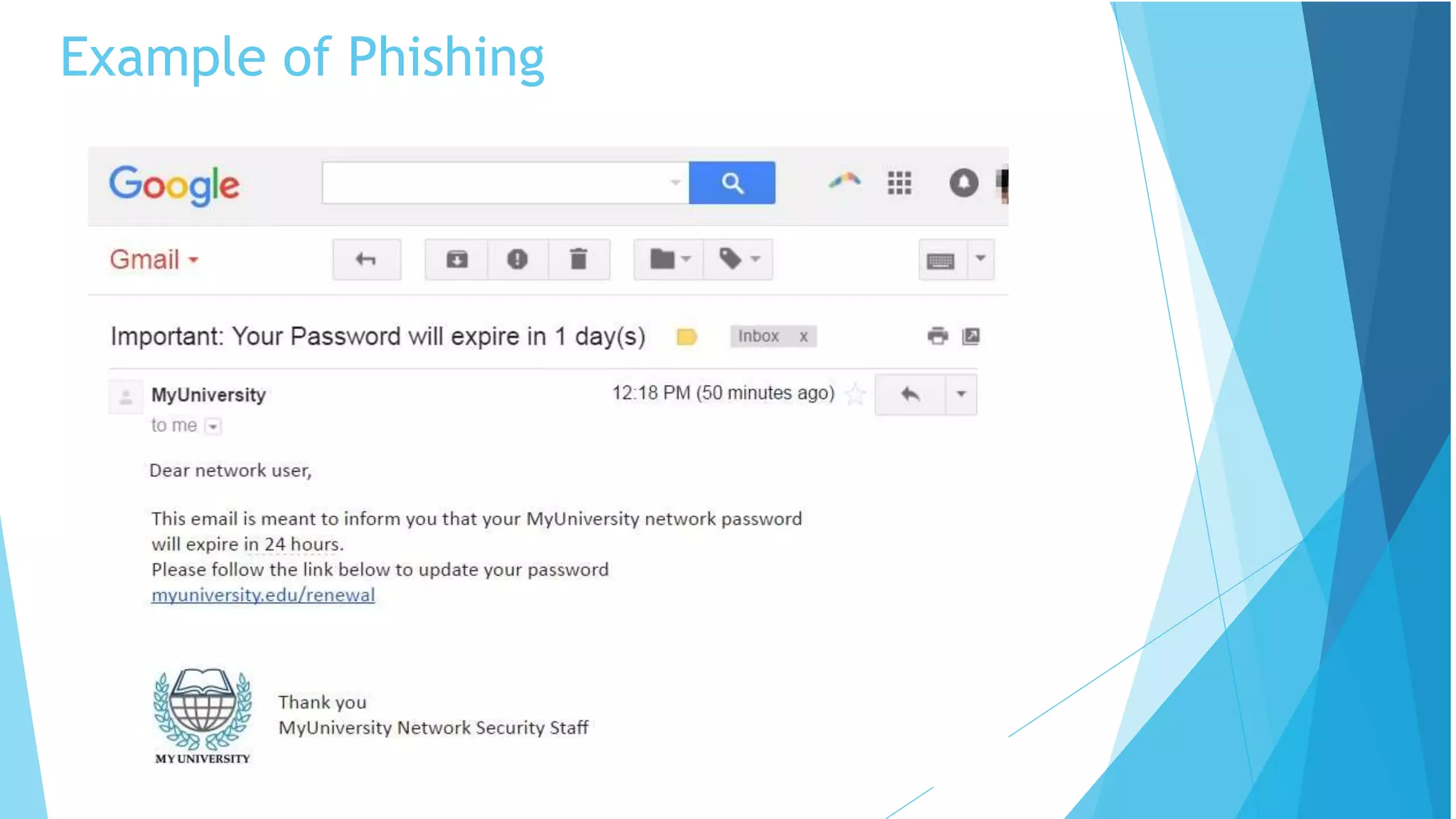
Phishing refers to the practice of creating fake emails or SMS that appear to
come from someone you trust, such as: Bank, Credit Card Company, Popular
Websites
The email/SMS will ask you to “confirm your account details or your
vendor’s account details”, and then direct you to a website that looks just
like the real website, but whose sole purpose is for steal information.
Of course, if you enter your information, a cybercriminal could use it to
steal your identity and possible make fraudulent purchases with your
money.
Phishing Statistics
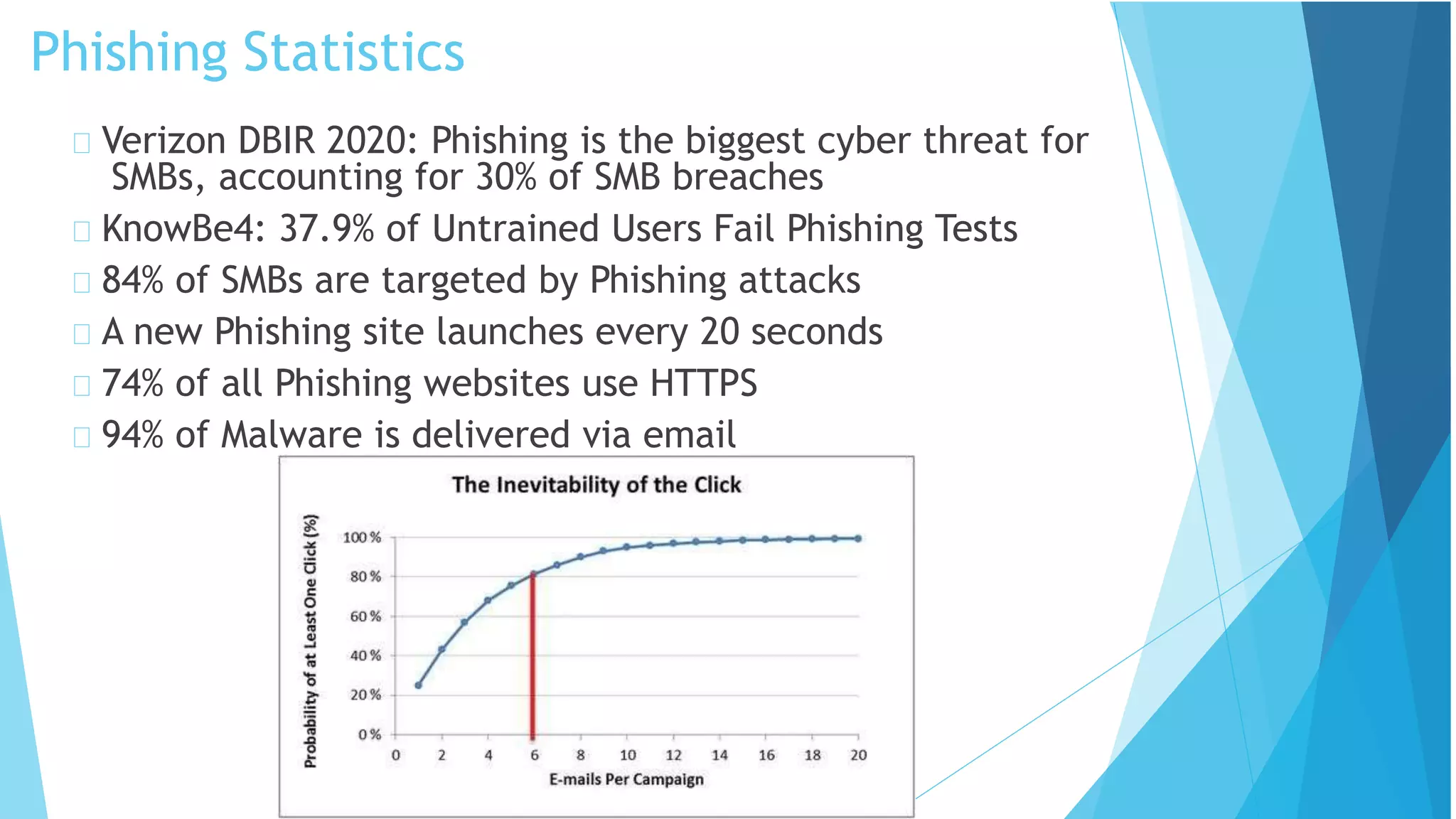
Verizon DBIR 2020: Phishing is the biggest cyber threat for
SMBs, accounting for 30% of SMB breaches
KnowBe4: 37.9% of Untrained Users Fail Phishing Tests
84% of SMBs are targeted by Phishing attacks
A new Phishing site launches every 20 seconds
74% of all Phishing websites use HTTPS
94% of Malware is delivered via email
Example of Phishing
Social Engineering
When attempting to steal information or a
person’s identity, a hacker will often try to
trick you into giving out sensitive information
rather than breaking into your computer.
Social Engineering can happen:
Over the phone
By text message
Instant message
Email
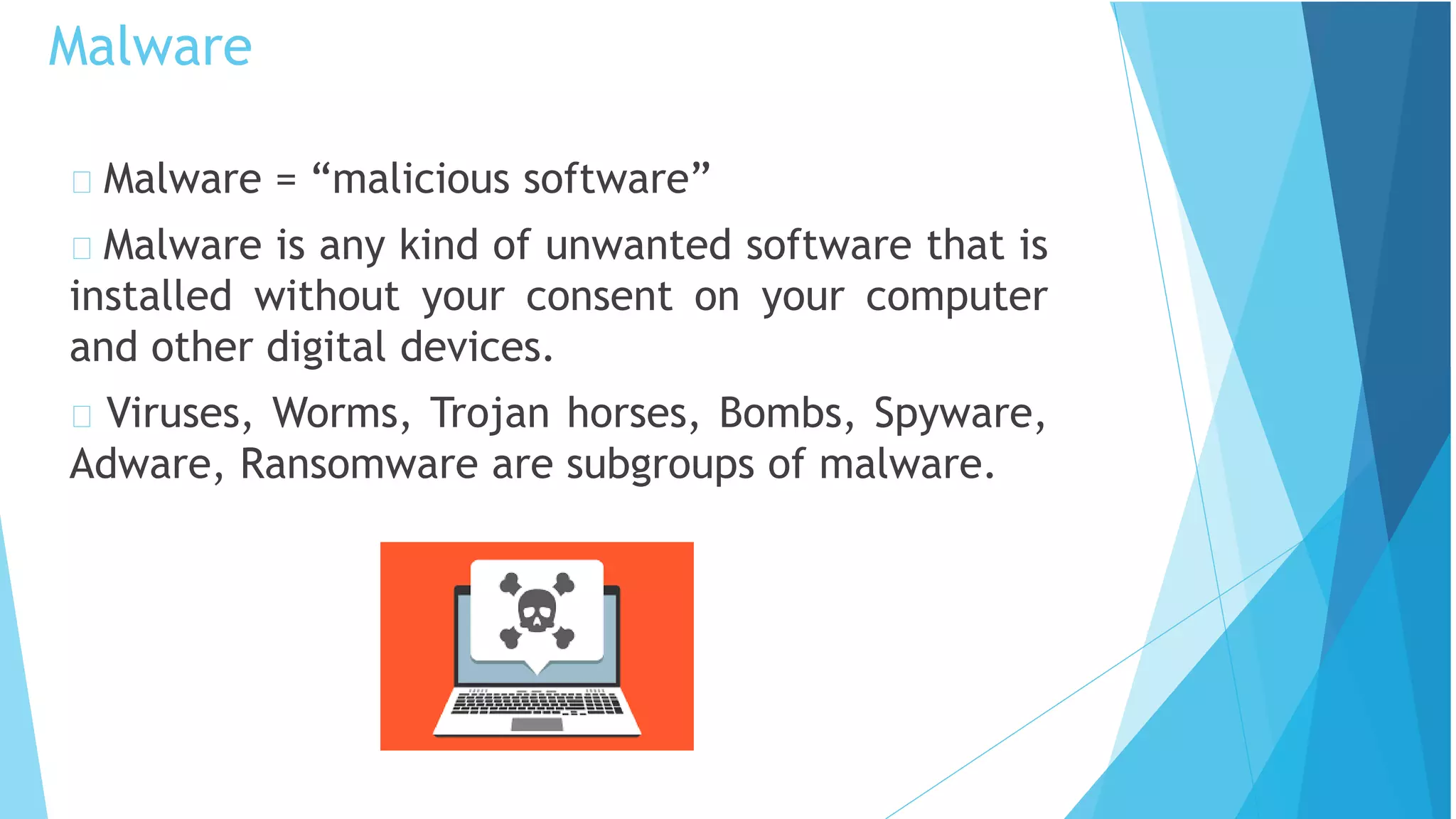
Malware = “malicious software”
Malware is any kind of unwanted software that is
installed without your consent on your computer
and other digital devices.
Viruses, Worms, Trojan horses, Bombs, Spyware,
Adware, Ransomware are subgroups of malware.
Malware
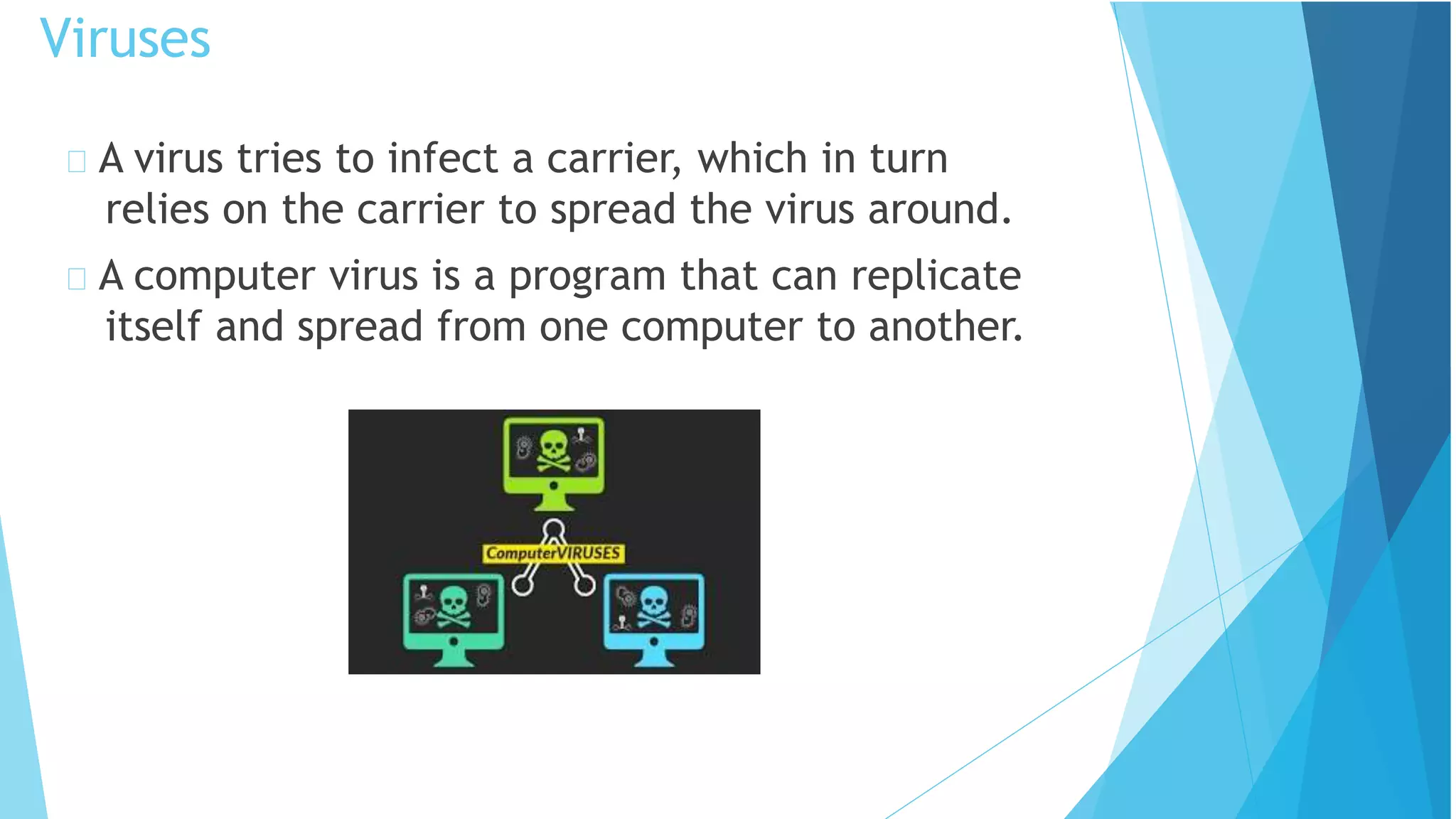
A virus tries to infect a carrier, which in turn
relies on the carrier to spread the virus around.
A computer virus is a program that can replicate
itself and spread from one computer to another.
Viruses
Direct infection: virus can infect files every time a user
opens that specific infected program, document or file.
Fast Infection: is when a virus infects any file that is
accessed by the program that is infected.
Slow infection: is when the virus infects any new or
modified program, file or document.
Great way to trick a antivirus program!
Sparse Infection: is the process of randomly infecting
files, etc. on the computer.
Viruses cont.
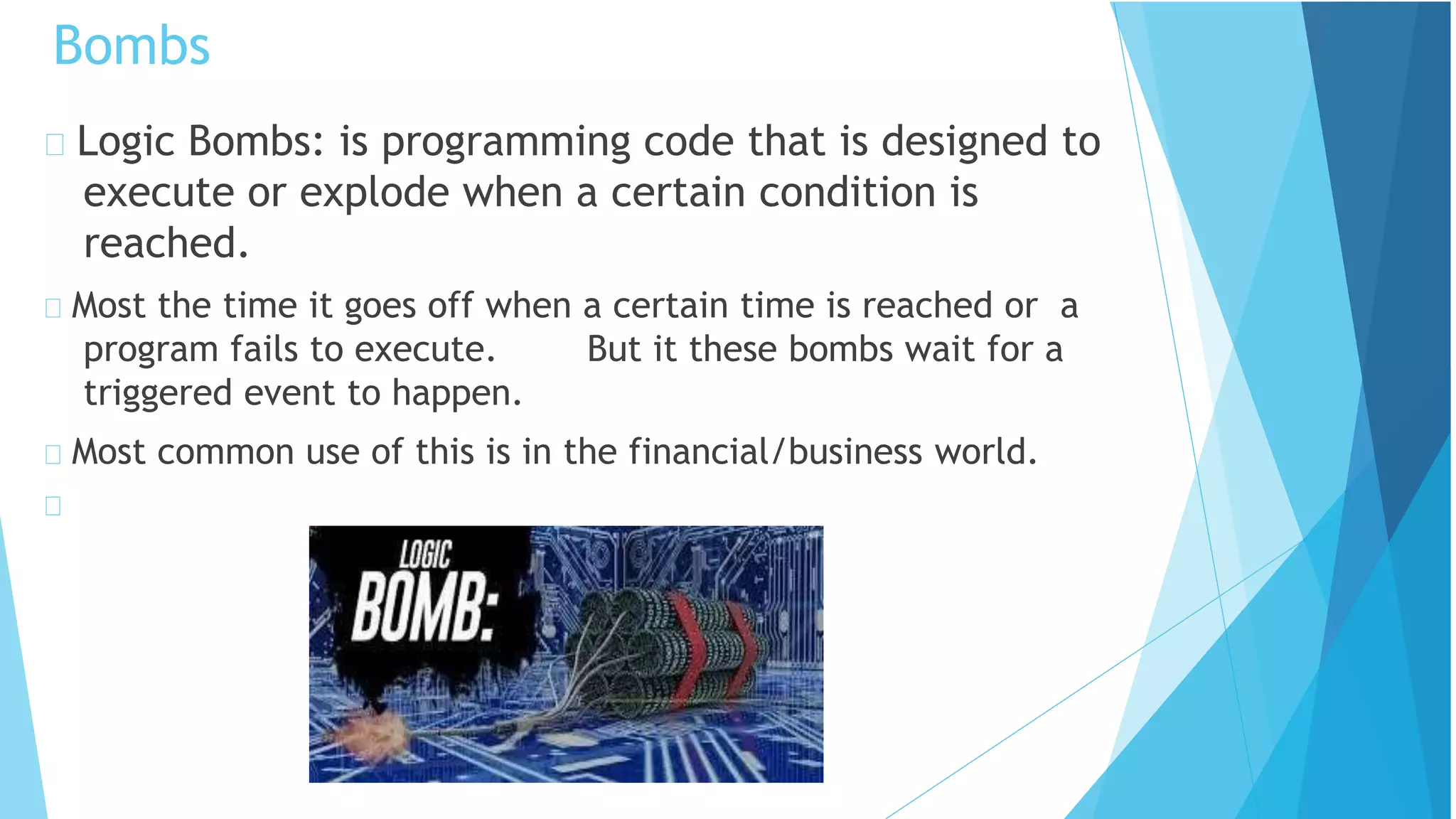
Logic Bombs: is programming code that is designed to
execute or explode when a certain condition is
reached.
Most the time it goes off when a certain time is reached or a
program fails to execute. But it these bombs wait for a
triggered event to happen.
Most common use of this is in the financial/business world.
Bombs
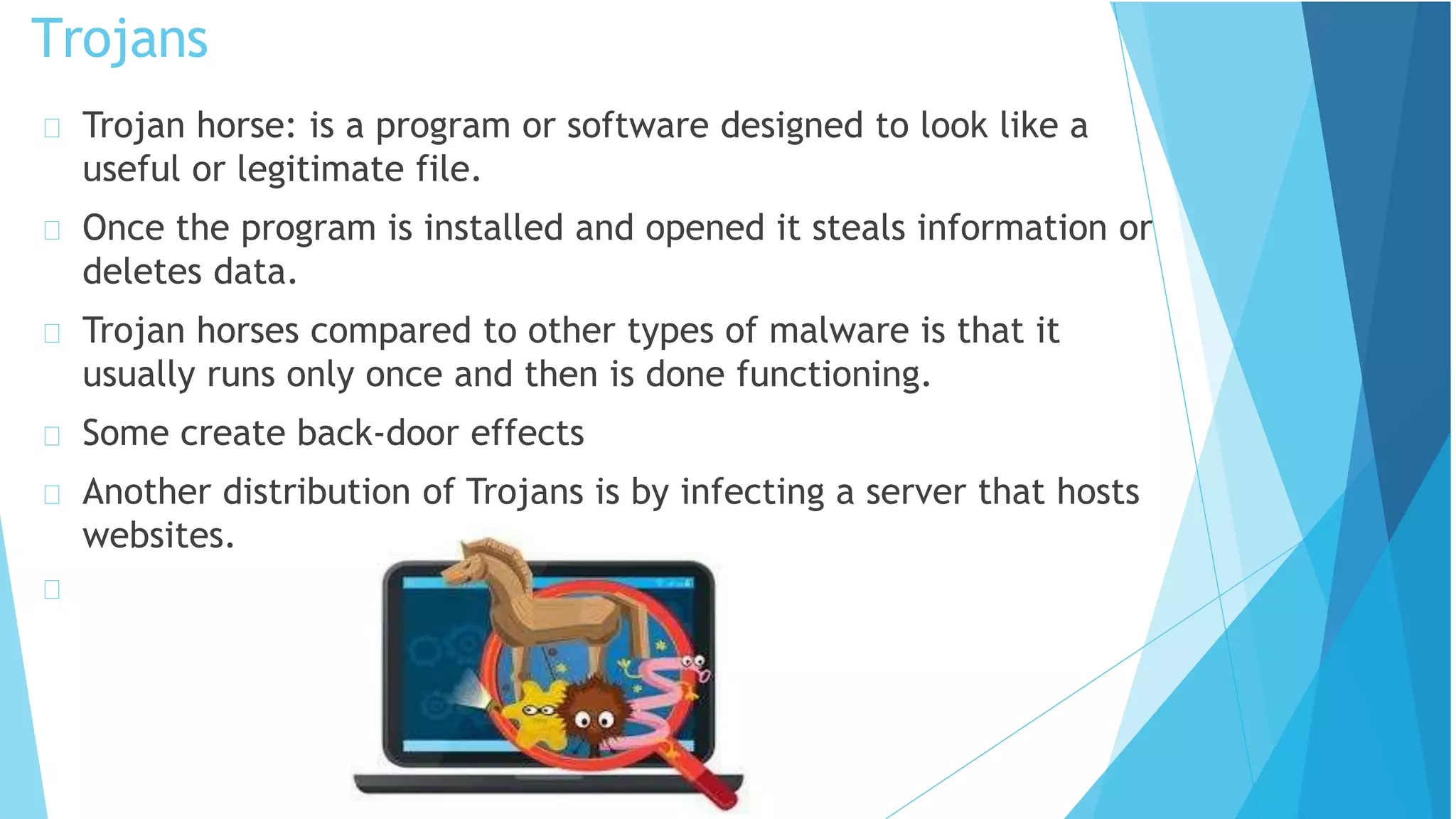
Trojan horse: is a program or software designed to look like a
useful or legitimate file.
Once the program is installed and opened it steals information or
deletes data.
Trojan horses compared to other types of malware is that it
usually runs only once and then is done functioning.
Some create back-door effects
Another distribution of Trojans is by infecting a server that hosts
websites.
Trojans
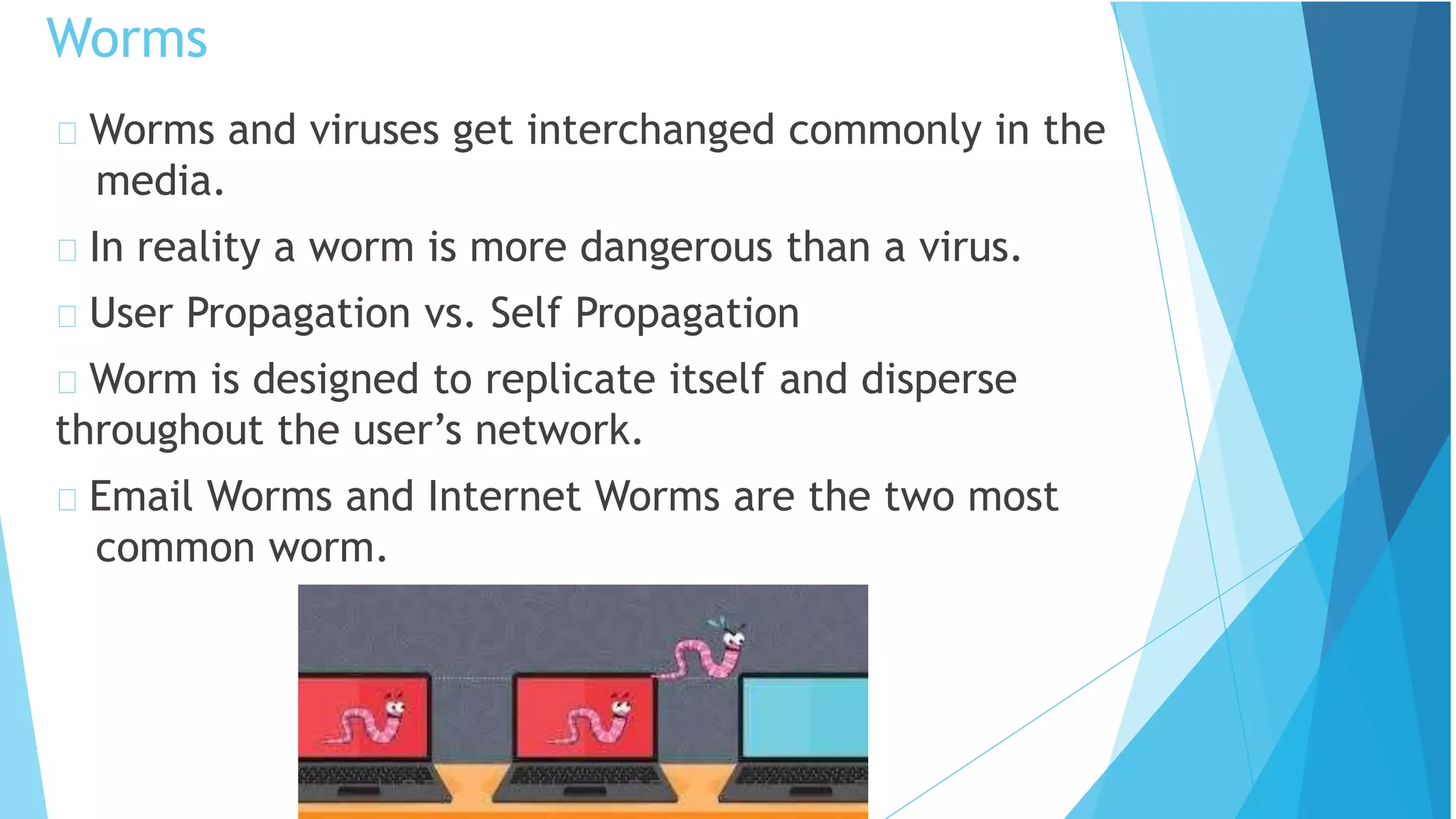
Worms and viruses get interchanged commonly in the
media.
In reality a worm is more dangerous than a virus.
User Propagation vs. Self Propagation
Worm is designed to replicate itself and disperse
throughout the user’s network.
Email Worms and Internet Worms are the two most
common worm.
Worms
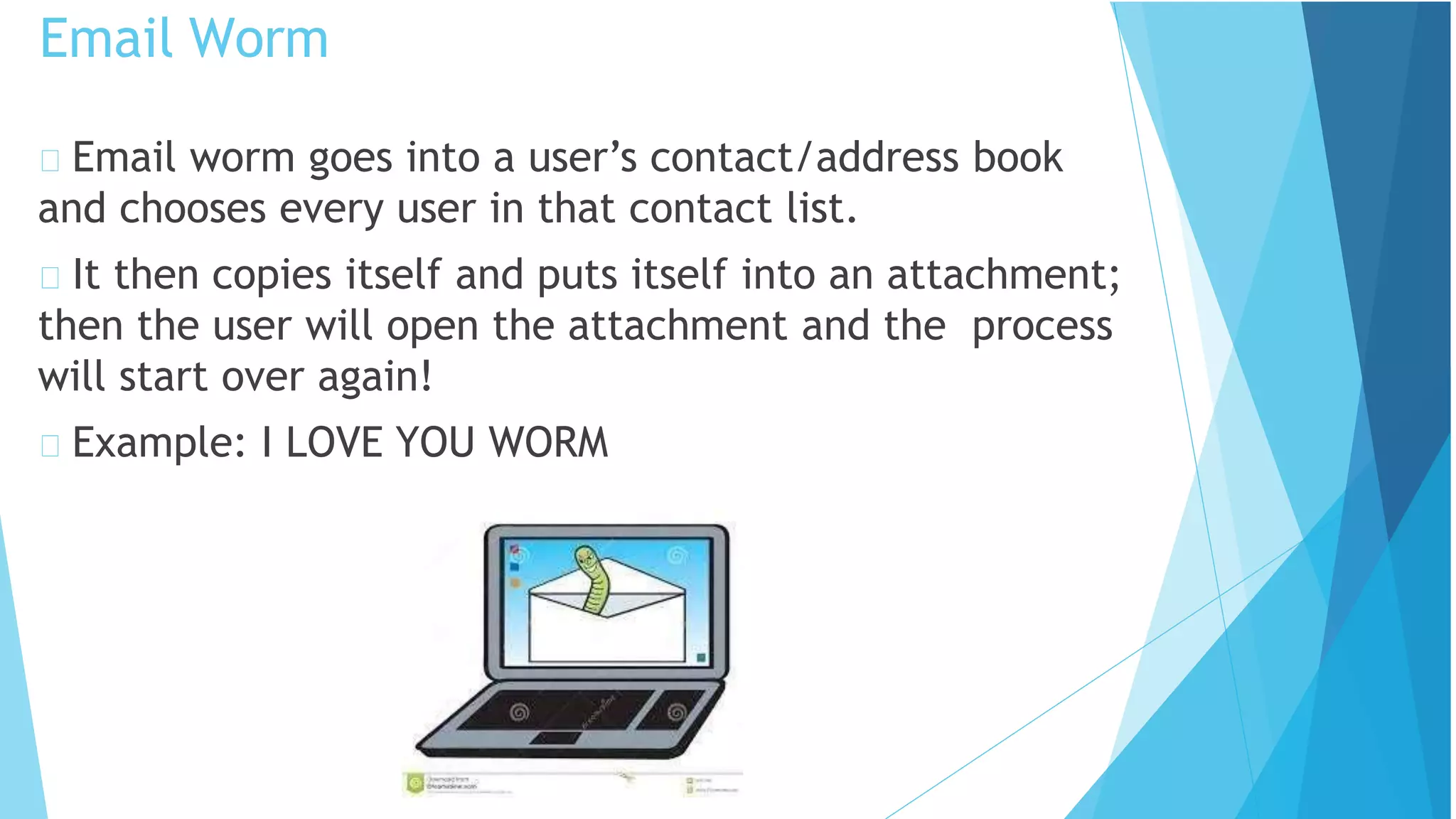
Email worm goes into a user’s contact/address book
and chooses every user in that contact list.
It then copies itself and puts itself into an attachment;
then the user will open the attachment and the process
will start over again!
Example: I LOVE YOU WORM
Email Worm
An Internet Worm is designed to be conspicuous to the
user.
The worms scans the computer for open internet ports
that the worm can download itself into the computer.
Once inside the computer the worms scans the
internet to infect more computers.
Internet Worms
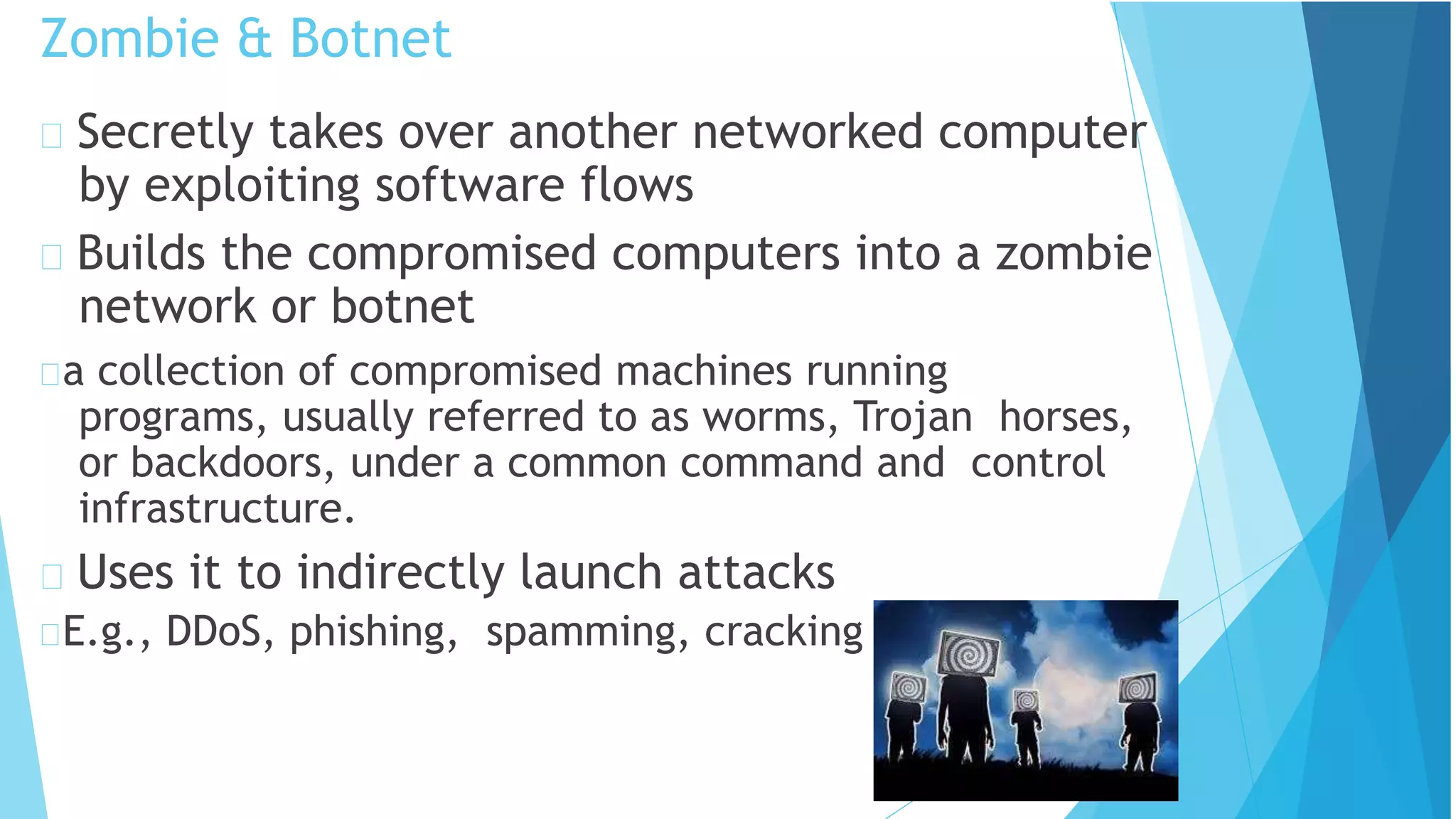
Zombie & Botnet
Secretly takes over another networked computer
by exploiting software flows
Builds the compromised computers into a zombie
network or botnet
a collection of compromised machines running
programs, usually referred to as worms, Trojan horses,
or backdoors, under a common command and control
infrastructure.
Uses it to indirectly launch attacks
E.g., DDoS, phishing, spamming, cracking
Adware is a type of malware designed to display
advertisements in the user’s software.
They can be designed to be harmless or harmful; the adware
gathers information on what the user searches the World Wide
Web for.
With this gathered information it displays ads corresponding to
information collected.
Spyware is like adware it spies on the user to see what
information it can collect off the user’s computer to display pop
ads on the user’s computer.
Spyware unlike adware likes to use memory from programs
running in the background of the computer to keep close watch
on the user.
This most often clogs up the computer causing the program or
computer to slow down and become un-functional.
Adware and Spyware
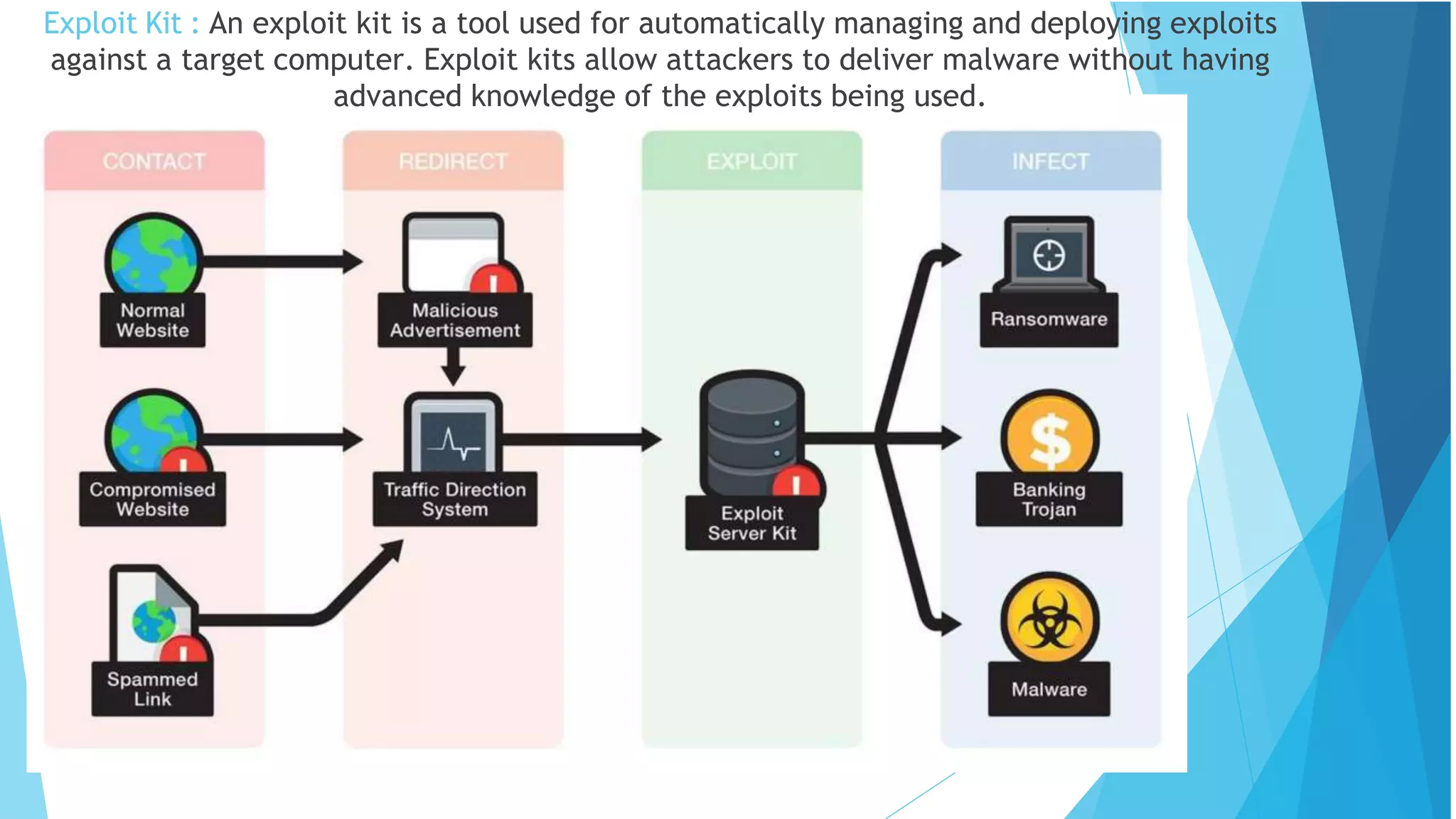
Exploit Kit : An exploit kit is a tool used for automatically managing and deploying exploits
against a target computer. Exploit kits allow attackers to deliver malware without having
advanced knowledge of the exploits being used.
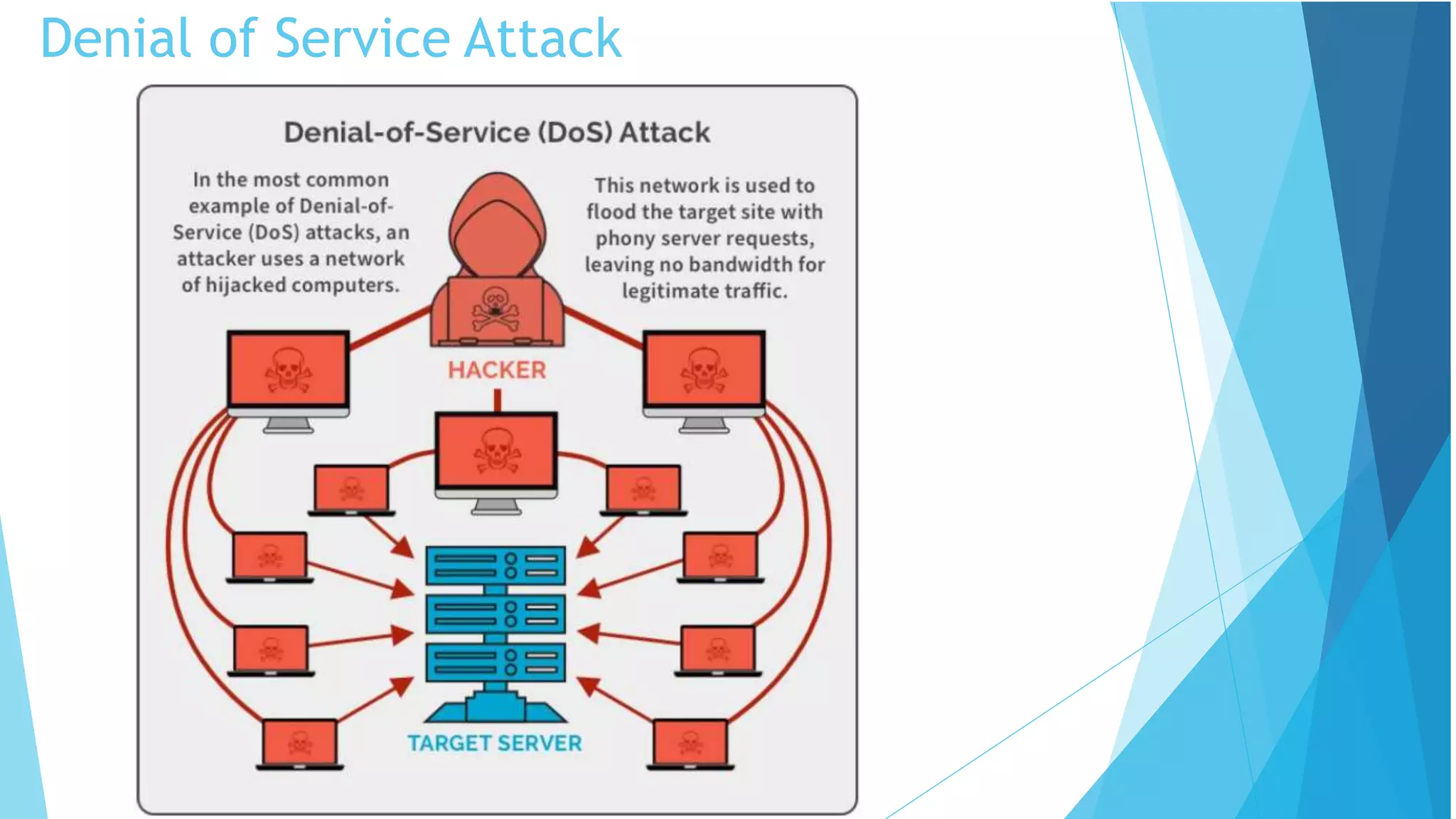
Denial of Service Attack
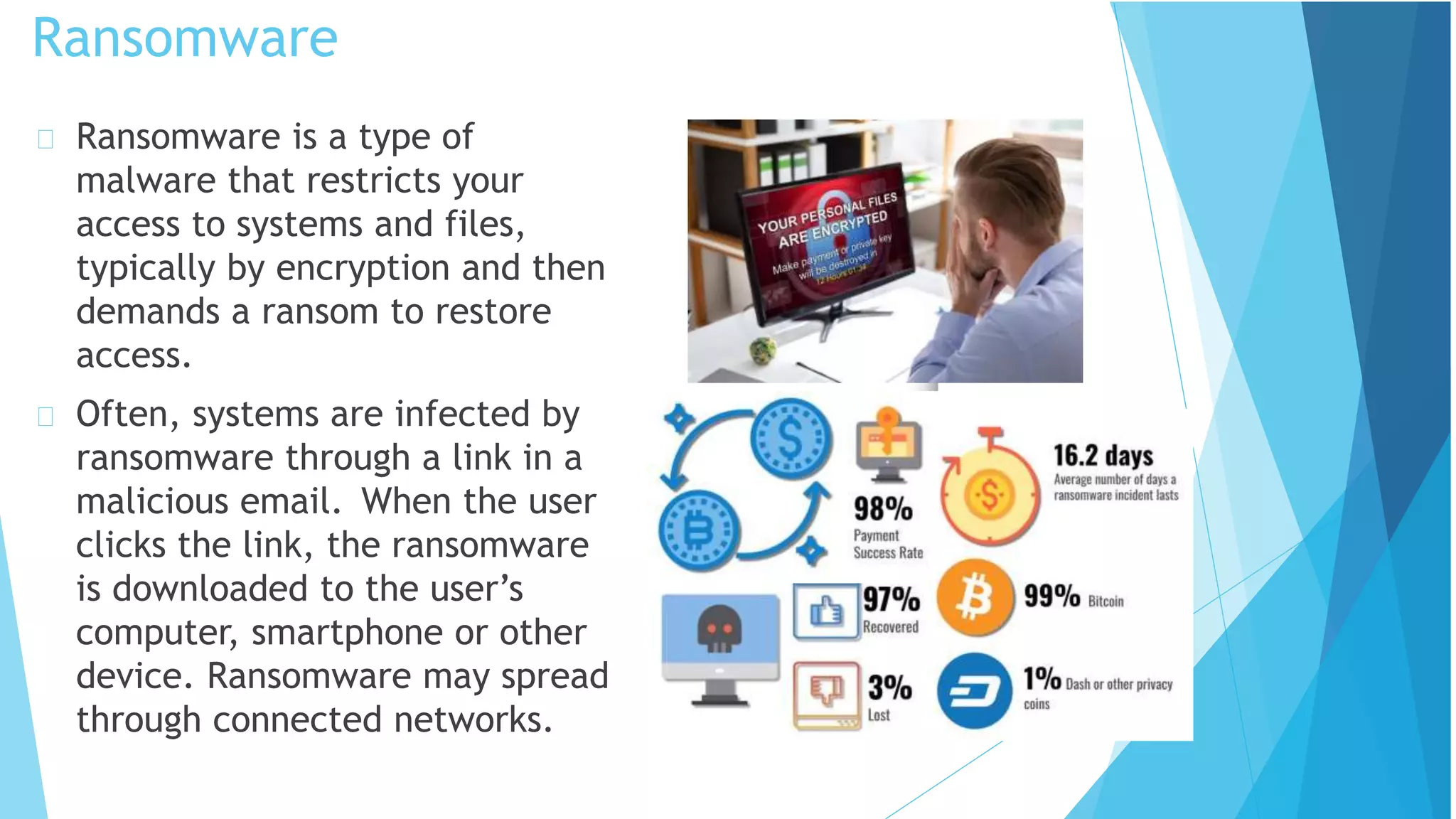
Ransomware
Ransomware is a type of
malware that restricts your
access to systems and files,
typically by encryption and then
demands a ransom to restore
access.
Often, systems are infected by
ransomware through a link in a
malicious email. When the user
clicks the link, the ransomware
is downloaded to the user’s
computer, smartphone or other
device. Ransomware may spread
through connected networks.
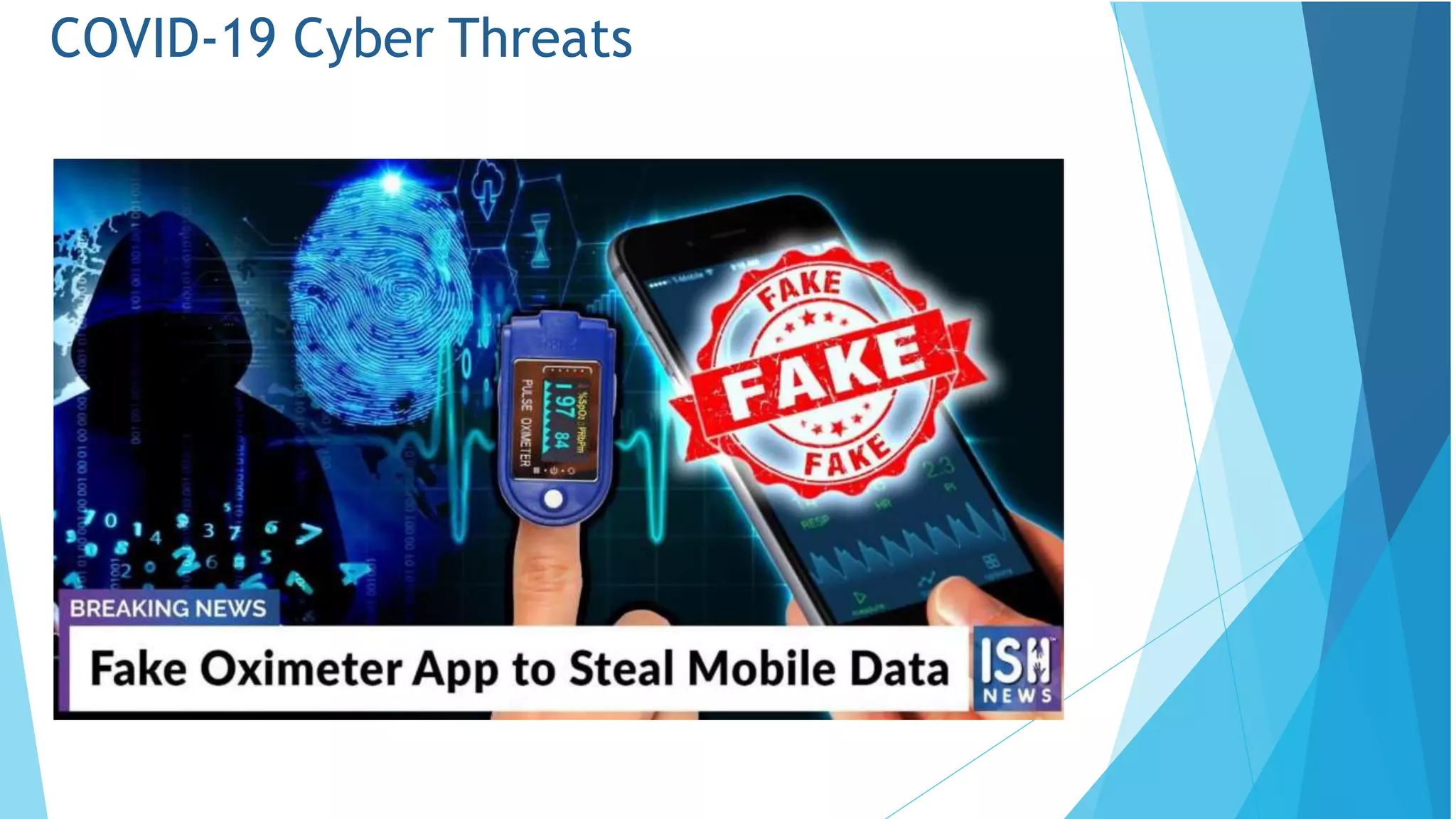
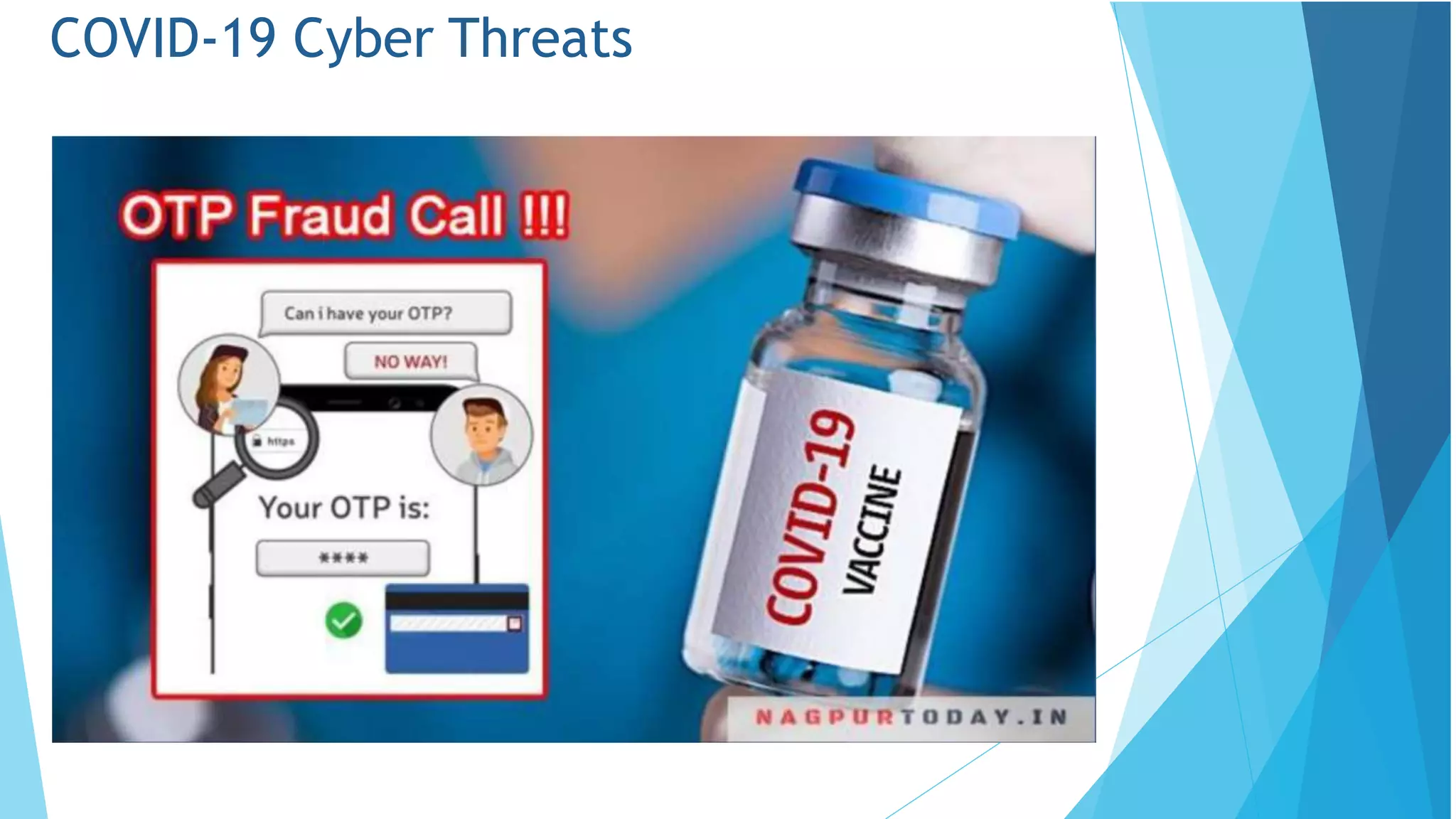
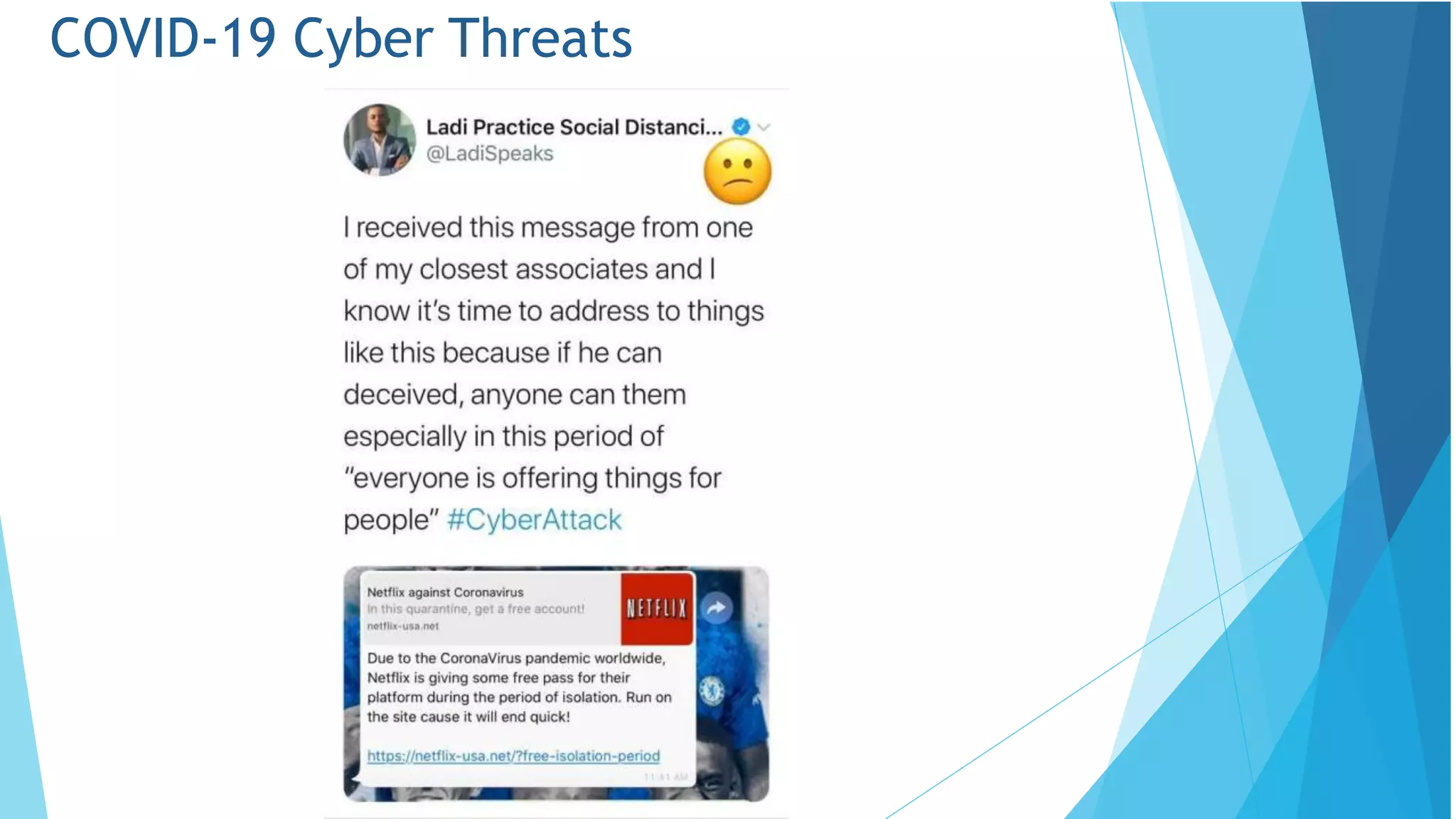
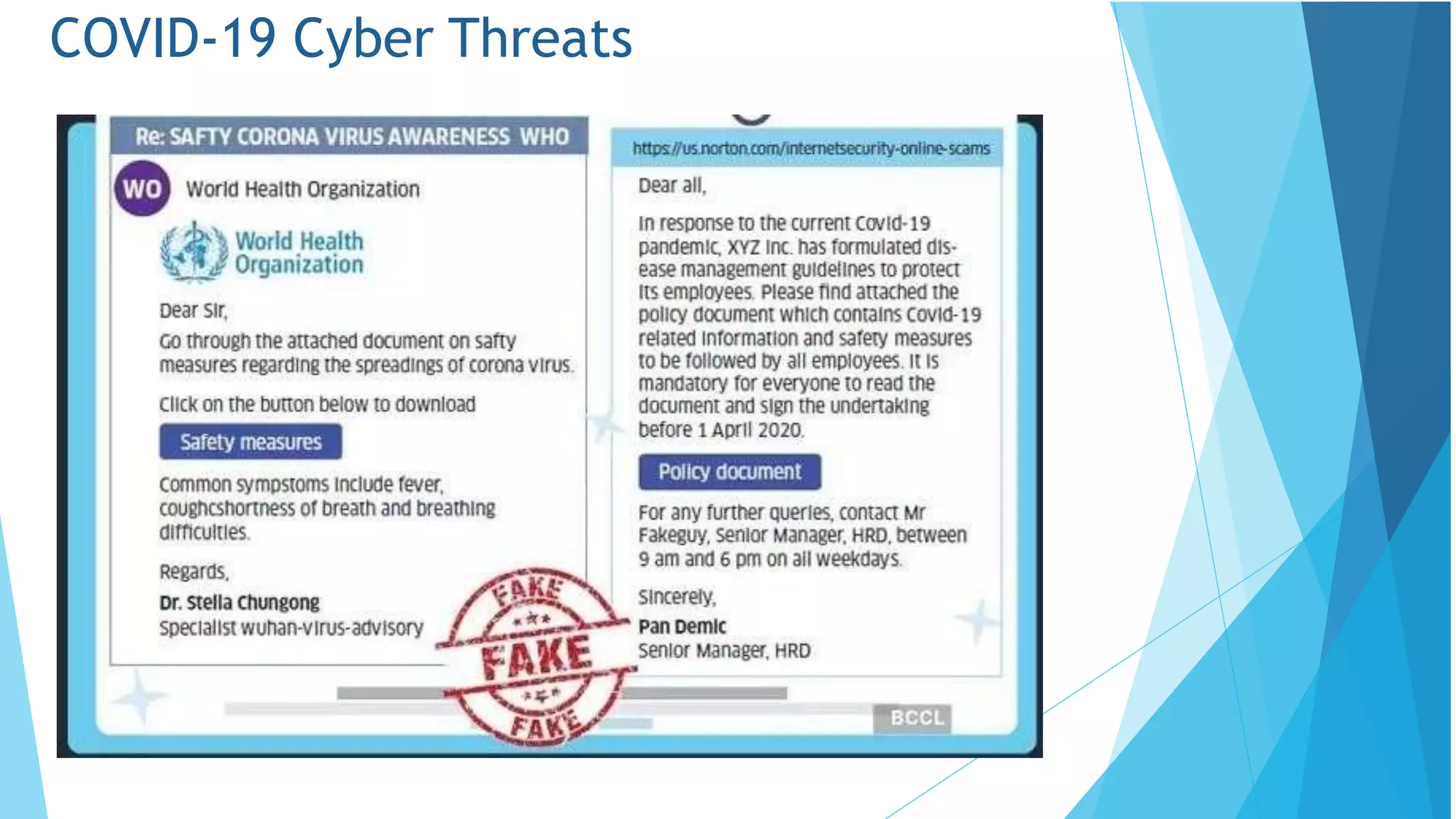
COVID-19 Cyber Threats
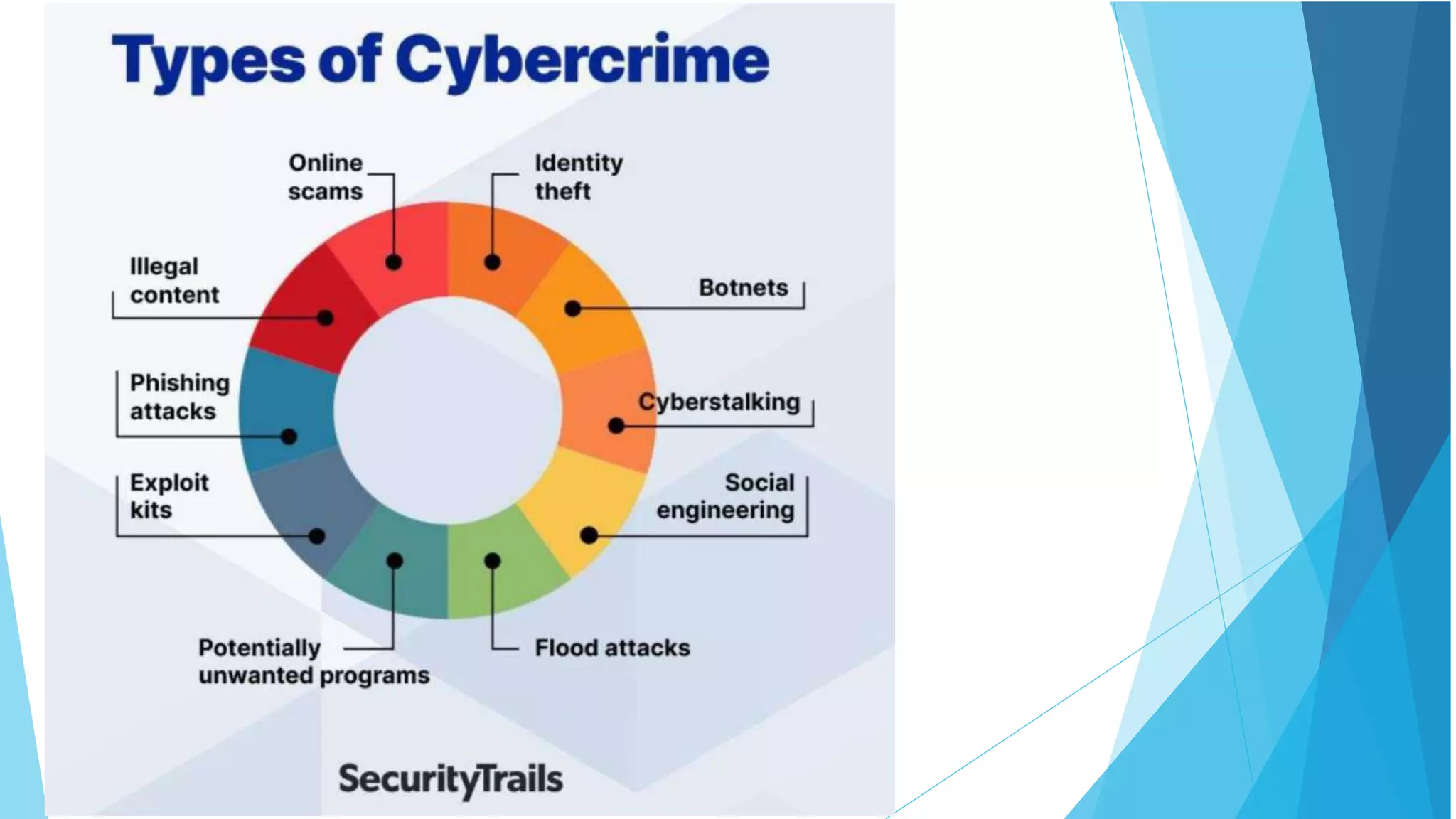
Cyber Crime
Cyber Crime is a generic term that refers to all criminal
activities done using the medium of communication
devices, computers, mobile phones, tablets etc. It can be
categorized in three ways:
•The computer as a target – attacking the computers of
others.
•The computer as a weapon- Using a computer to commit
“traditional crime” that we see in the physical world.
•The computer as an accessory- Using a computer as a
“fancy filing cabinet” to store illegal or stolen information.
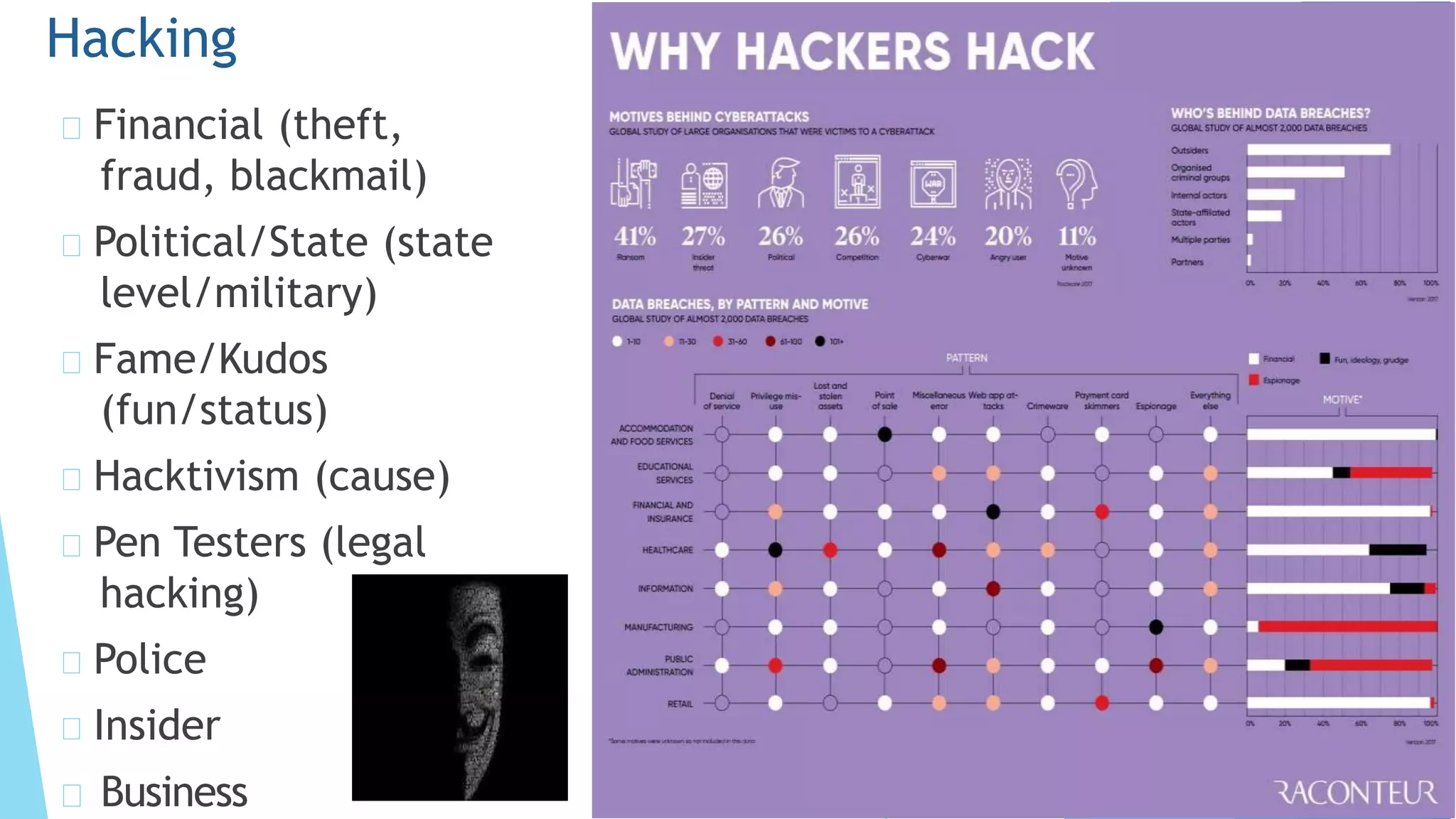
Financial (theft,
fraud, blackmail)
Political/State (state
level/military)
Fame/Kudos
(fun/status)
Hacktivism (cause)
Pen Testers (legal
hacking)
Police
Insider
Hacking
Business
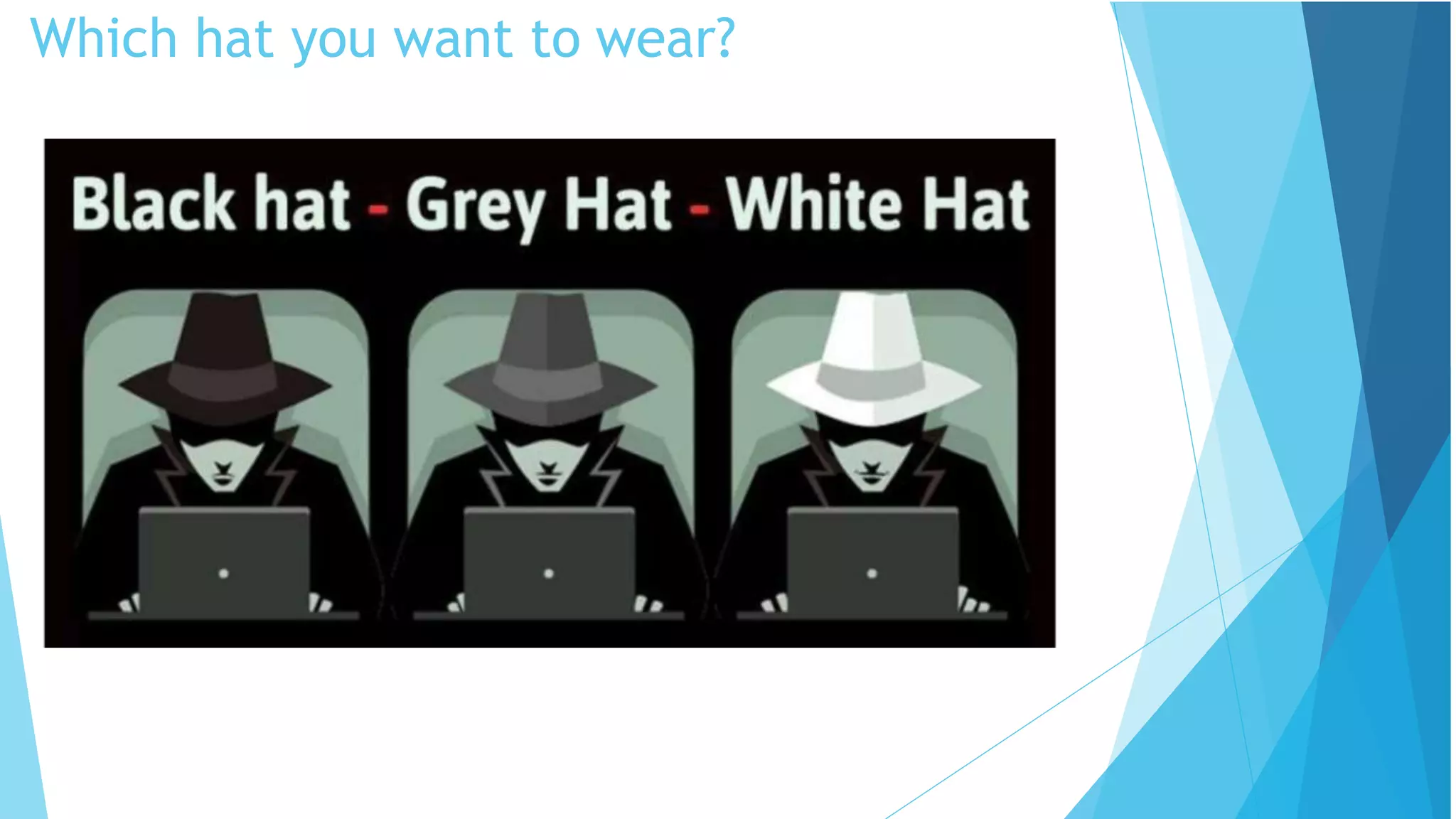
Which hat you want to wear?
System Hacking
System hacking is defined as the compromise of
computer systems and software to access the target
computer and steal or misuse their sensitive
information.
Here the malicious hacker exploits the weaknesses in a
computer system or network to gain unauthorized access
to its data or take illegal advantage.
Hackers generally use viruses, malware, Trojans, worms,
phishing techniques, email spamming, social engineering,
exploit operating system vulnerabilities, or port
vulnerabilities to access any victim's system
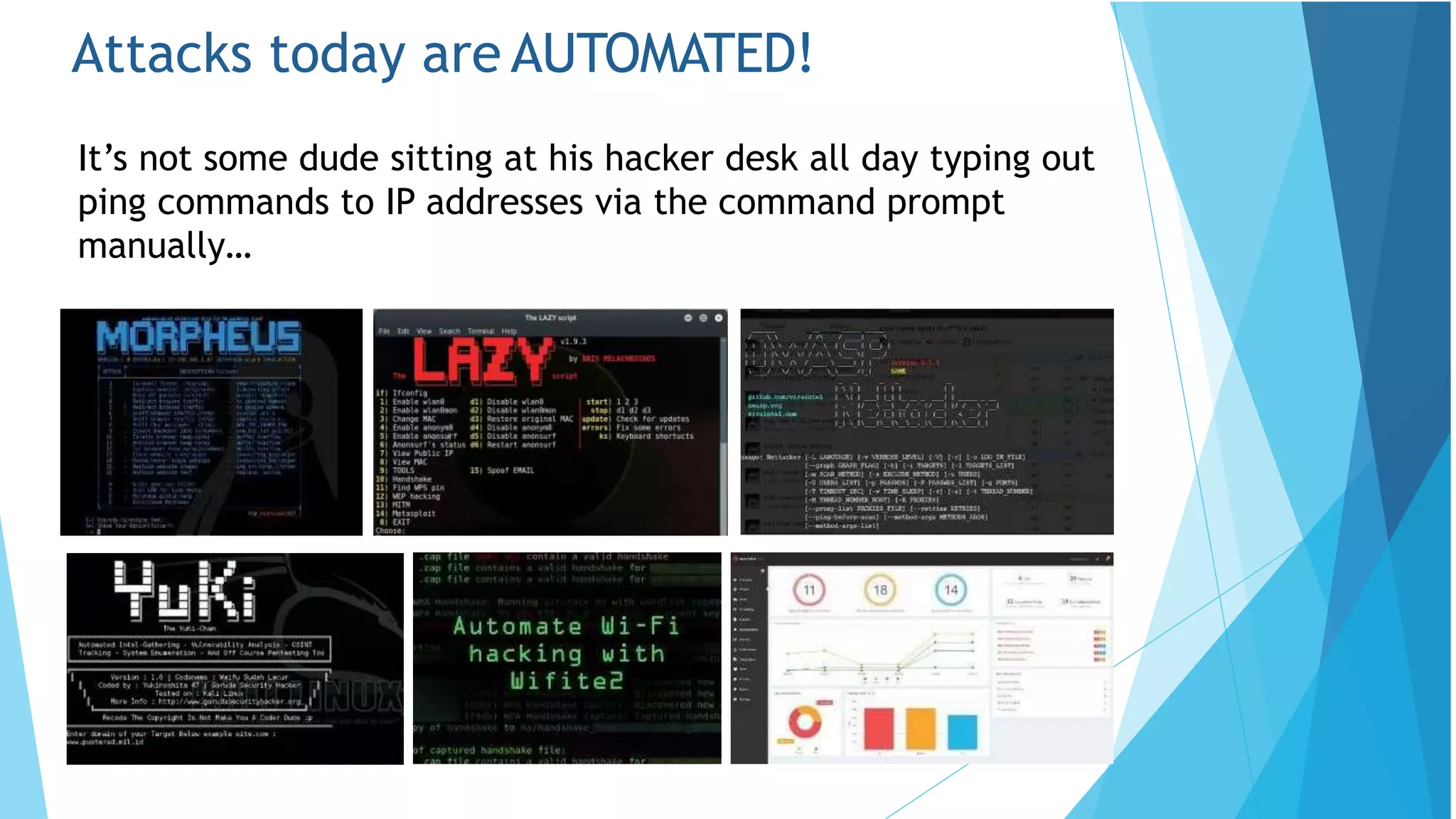
Attacks today are AUTOMATED!
It’s not some dude sitting at his hacker desk all day typing out
ping commands to IP addresses via the command prompt
manually…
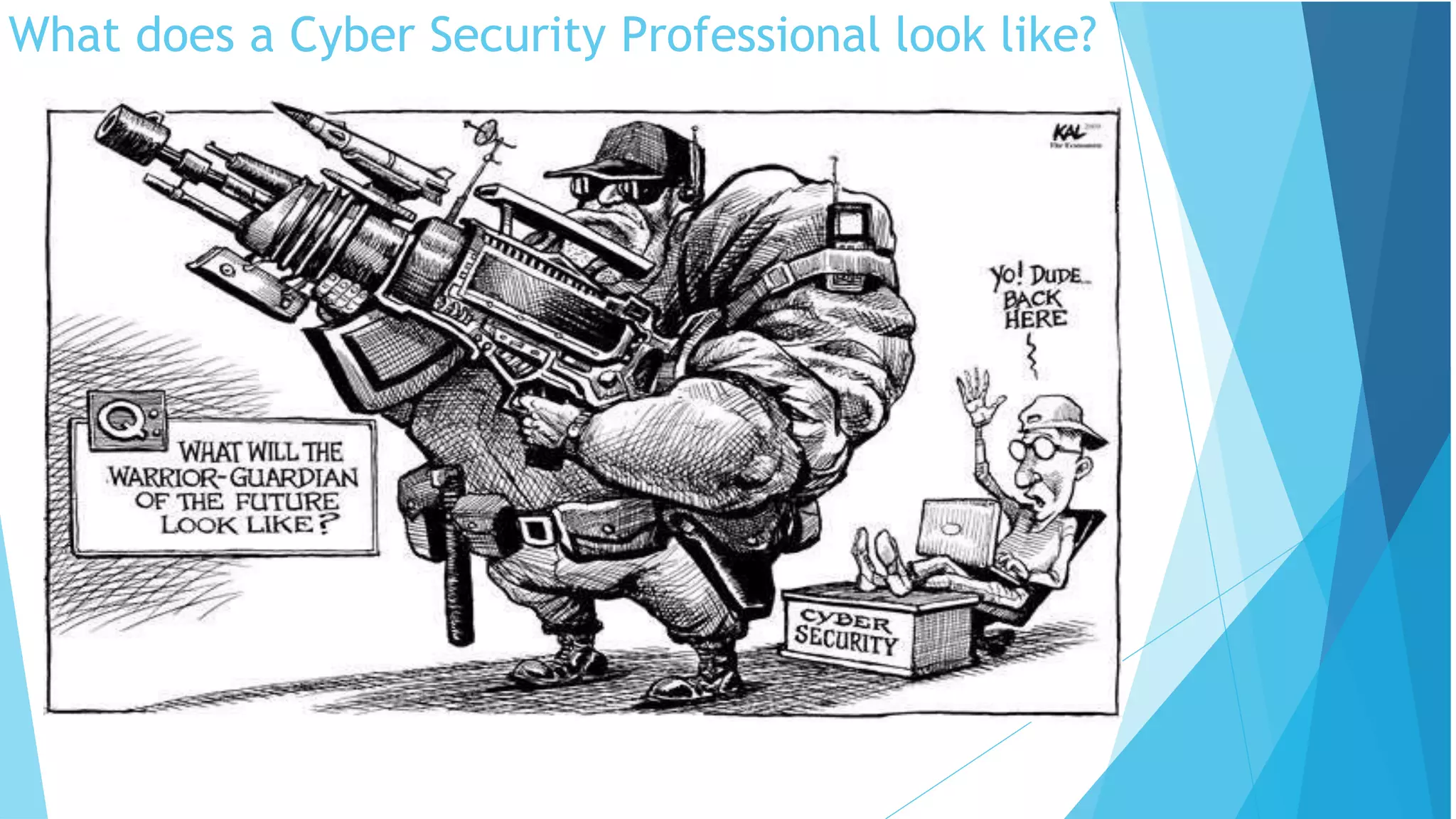
What does a Cyber Security Professional look like?
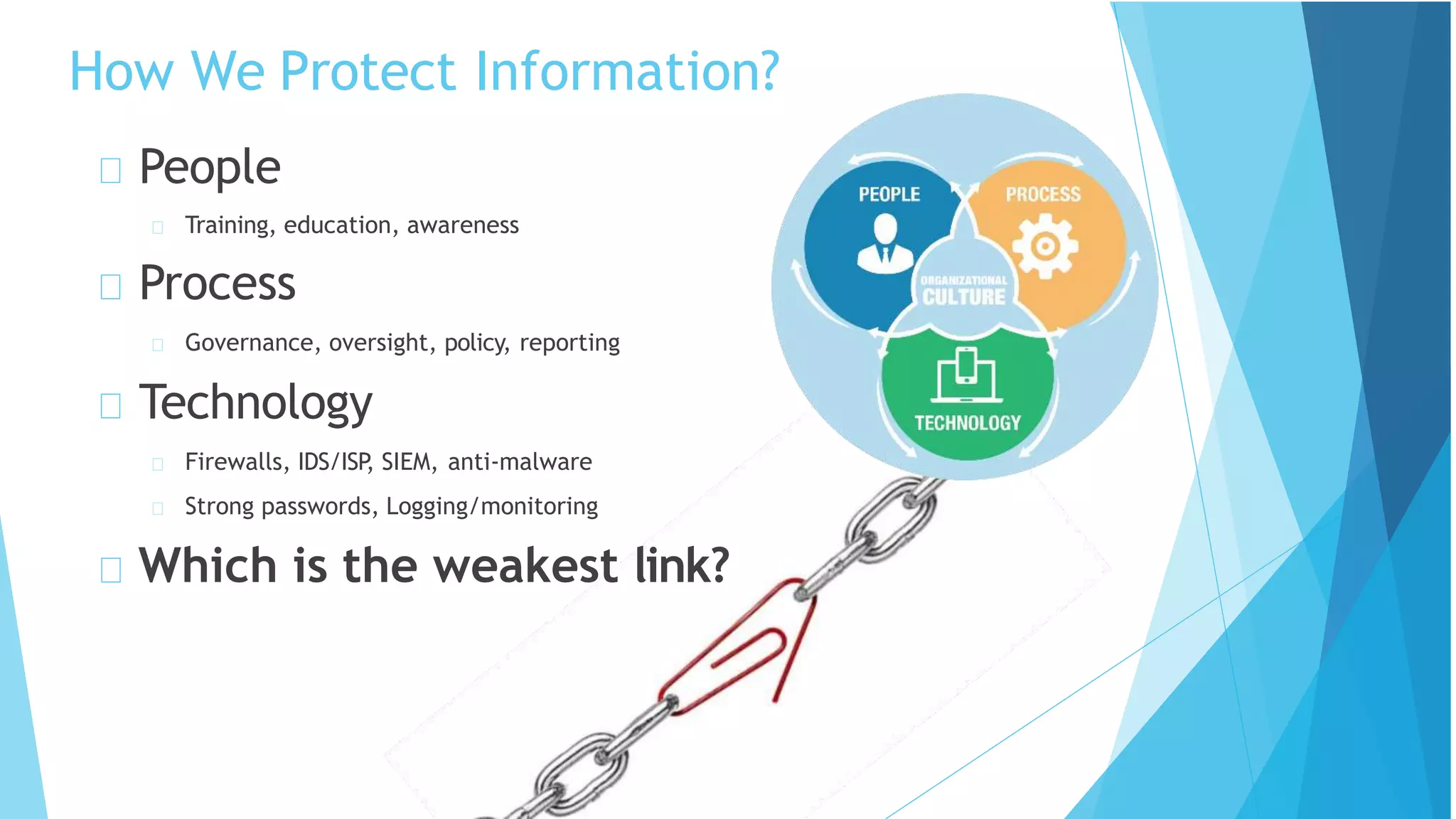
How We Protect Information?
People
Training, education, awareness
Process
Governance, oversight, policy, reporting
Technology
Firewalls, IDS/ISP
, SIEM, anti-malware
Strong passwords, Logging/monitoring
Which is the weakest link?
Sun Tzu on the Art of War
If you know the enemy and
know yourself, you need not
fear the result of a hundred
battles.
If you know yourself but not
the enemy, for every victory
gained you will also suffer a
defeat.
If you know neither the enemy
nor yourself, you will succumb
in every battle.
Cyber Security and Privacy Starts and
Ends with Us!
Security Tips
Commit to a disciplined practice of information security and
continue to refresh yourself so you don’t become a point of
vulnerability in our security defenses.
References:
1. Vinod Sencha , “Cyber Security”, CF(IS) Regional Training Institute, Jaipur
Guest Lecture-Computer and Cyber Security.pptx

Guest Lecture-Computer and Cyber Security.pptx

  • 1.
    Computer Security andCyber Security on 28.11.2022 By Dayanandam Gudipudi Government College for Men(A)::Kadapa Guest Lecture on
  • 2.
    Importance of CyberSecurity “The only system which is truly secure is one which is switched off and unplugged, locked in a titanium safe, buried in a concrete bunker, and is surrounded by nerve gas and very highly paid armed guards. Even then, I wouldn’t stake my life on it.” - Professor Gene Spafford https://spaf.cerias.purdue.edu/
  • 3.
    Importance of CyberSecurity The Internet allows an attacker to work from anywhere on the planet. Risks caused by poor security knowledge and practice: Identity Theft Monetary Theft Legal Ramifications (for yourself and your organization) Sanctions or termination if policies are not followed According to the SANS Institute, the top vectors for vulnerabilities available to a cyber criminal are: Web Browser IM Clients Web Applications Excessive User Rights
  • 4.
  • 5.
    Cyber Security isSafety • Security:We must protect our computers and data in the same way that we secure the doors to our homes. • Safety: We must behave in ways that protect us against risks and threats that come with technology.
  • 6.
  • 7.
    False Sense ofSecurity?
  • 8.
    What is security? Systemcorrectness If user supplies expected input, system generates desired output Security If attacker supplies unexpected input, system does not fail in certain ways
  • 9.
    What is security? Systemcorrectness Good input  Good output Security Bad input  Bad output
  • 10.
    What is security? Systemcorrectness More features: better Security More features: can be worse
  • 11.
    What is aSecure System? (CIA Triad) Availability • Confidentiality – restrict access to authorized individuals • Integrity – data has not been altered in an unauthorized manner • Availability – information can be accessed and modified by authorized individuals in an appropriate timeframe
  • 12.
    CIA Triad Protecting information from unauthorized access and disclosure Example: Criminalsteals customers’ usernames, passwords, or credit card information Confidentiality
  • 13.
    CIA Triad Protecting information from unauthorized modification Example: Someone alterspayroll information or a proposed product design Integrity
  • 14.
    CIA Triad Preventing disruption in how information isaccessed Example: Your customers are unable to access your online services Availability
  • 15.
    Threats and Vulnerabilities Whatare we protecting our and our stakeholders information from? Threats: Any circumstances or events that can potentially harm an information system by destroying it, disclosing the information stored on the system, adversely modifying data, or making the system unavailable Vulnerabilities: Weakness in an information system or its components that could be exploited.
  • 16.
    WHAT KINDS OF THREATS ARETHERE? Phishing and Spear- phishing Attacks Social Engineering Scams Common Malware and Ransomware Business Email Compromise Fake websites that steal data or infect devices And much more
  • 17.
    Phishing Phishing refers tothe practice of creating fake emails or SMS that appear to come from someone you trust, such as: Bank, Credit Card Company, Popular Websites The email/SMS will ask you to “confirm your account details or your vendor’s account details”, and then direct you to a website that looks just like the real website, but whose sole purpose is for steal information. Of course, if you enter your information, a cybercriminal could use it to steal your identity and possible make fraudulent purchases with your money.
  • 18.
    Phishing Statistics Verizon DBIR2020: Phishing is the biggest cyber threat for SMBs, accounting for 30% of SMB breaches KnowBe4: 37.9% of Untrained Users Fail Phishing Tests 84% of SMBs are targeted by Phishing attacks A new Phishing site launches every 20 seconds 74% of all Phishing websites use HTTPS 94% of Malware is delivered via email
  • 19.
  • 20.
    Social Engineering When attemptingto steal information or a person’s identity, a hacker will often try to trick you into giving out sensitive information rather than breaking into your computer. Social Engineering can happen: Over the phone By text message Instant message Email
  • 21.
    Malware = “malicioussoftware” Malware is any kind of unwanted software that is installed without your consent on your computer and other digital devices. Viruses, Worms, Trojan horses, Bombs, Spyware, Adware, Ransomware are subgroups of malware. Malware
  • 22.
    A virus triesto infect a carrier, which in turn relies on the carrier to spread the virus around. A computer virus is a program that can replicate itself and spread from one computer to another. Viruses
  • 23.
    Direct infection: viruscan infect files every time a user opens that specific infected program, document or file. Fast Infection: is when a virus infects any file that is accessed by the program that is infected. Slow infection: is when the virus infects any new or modified program, file or document. Great way to trick a antivirus program! Sparse Infection: is the process of randomly infecting files, etc. on the computer. Viruses cont.
  • 24.
    Logic Bombs: isprogramming code that is designed to execute or explode when a certain condition is reached. Most the time it goes off when a certain time is reached or a program fails to execute. But it these bombs wait for a triggered event to happen. Most common use of this is in the financial/business world. Bombs
  • 25.
    Trojan horse: isa program or software designed to look like a useful or legitimate file. Once the program is installed and opened it steals information or deletes data. Trojan horses compared to other types of malware is that it usually runs only once and then is done functioning. Some create back-door effects Another distribution of Trojans is by infecting a server that hosts websites. Trojans
  • 26.
    Worms and virusesget interchanged commonly in the media. In reality a worm is more dangerous than a virus. User Propagation vs. Self Propagation Worm is designed to replicate itself and disperse throughout the user’s network. Email Worms and Internet Worms are the two most common worm. Worms
  • 27.
    Email worm goesinto a user’s contact/address book and chooses every user in that contact list. It then copies itself and puts itself into an attachment; then the user will open the attachment and the process will start over again! Example: I LOVE YOU WORM Email Worm
  • 28.
    An Internet Wormis designed to be conspicuous to the user. The worms scans the computer for open internet ports that the worm can download itself into the computer. Once inside the computer the worms scans the internet to infect more computers. Internet Worms
  • 29.
    Zombie & Botnet Secretlytakes over another networked computer by exploiting software flows Builds the compromised computers into a zombie network or botnet a collection of compromised machines running programs, usually referred to as worms, Trojan horses, or backdoors, under a common command and control infrastructure. Uses it to indirectly launch attacks E.g., DDoS, phishing, spamming, cracking
  • 30.
    Adware is atype of malware designed to display advertisements in the user’s software. They can be designed to be harmless or harmful; the adware gathers information on what the user searches the World Wide Web for. With this gathered information it displays ads corresponding to information collected. Spyware is like adware it spies on the user to see what information it can collect off the user’s computer to display pop ads on the user’s computer. Spyware unlike adware likes to use memory from programs running in the background of the computer to keep close watch on the user. This most often clogs up the computer causing the program or computer to slow down and become un-functional. Adware and Spyware
  • 31.
    Exploit Kit :An exploit kit is a tool used for automatically managing and deploying exploits against a target computer. Exploit kits allow attackers to deliver malware without having advanced knowledge of the exploits being used.
  • 32.
  • 33.
    Ransomware Ransomware is atype of malware that restricts your access to systems and files, typically by encryption and then demands a ransom to restore access. Often, systems are infected by ransomware through a link in a malicious email. When the user clicks the link, the ransomware is downloaded to the user’s computer, smartphone or other device. Ransomware may spread through connected networks.
  • 34.
  • 35.
  • 36.
  • 37.
  • 38.
    Cyber Crime Cyber Crimeis a generic term that refers to all criminal activities done using the medium of communication devices, computers, mobile phones, tablets etc. It can be categorized in three ways: •The computer as a target – attacking the computers of others. •The computer as a weapon- Using a computer to commit “traditional crime” that we see in the physical world. •The computer as an accessory- Using a computer as a “fancy filing cabinet” to store illegal or stolen information.
  • 41.
    Financial (theft, fraud, blackmail) Political/State(state level/military) Fame/Kudos (fun/status) Hacktivism (cause) Pen Testers (legal hacking) Police Insider Hacking Business
  • 42.
    Which hat youwant to wear?
  • 43.
    System Hacking System hackingis defined as the compromise of computer systems and software to access the target computer and steal or misuse their sensitive information. Here the malicious hacker exploits the weaknesses in a computer system or network to gain unauthorized access to its data or take illegal advantage. Hackers generally use viruses, malware, Trojans, worms, phishing techniques, email spamming, social engineering, exploit operating system vulnerabilities, or port vulnerabilities to access any victim's system
  • 44.
    Attacks today areAUTOMATED! It’s not some dude sitting at his hacker desk all day typing out ping commands to IP addresses via the command prompt manually…
  • 45.
    What does aCyber Security Professional look like?
  • 46.
    How We ProtectInformation? People Training, education, awareness Process Governance, oversight, policy, reporting Technology Firewalls, IDS/ISP , SIEM, anti-malware Strong passwords, Logging/monitoring Which is the weakest link?
  • 47.
    Sun Tzu onthe Art of War If you know the enemy and know yourself, you need not fear the result of a hundred battles. If you know yourself but not the enemy, for every victory gained you will also suffer a defeat. If you know neither the enemy nor yourself, you will succumb in every battle.
  • 48.
    Cyber Security andPrivacy Starts and Ends with Us! Security Tips Commit to a disciplined practice of information security and continue to refresh yourself so you don’t become a point of vulnerability in our security defenses.
  • 49.
    References: 1. Vinod Sencha, “Cyber Security”, CF(IS) Regional Training Institute, Jaipur