Implementing Azure Mobile
Apps
Tim McCarthy
Senior Solutions Architect (tim.mccarthy@perficient.com)
2
• Why Azure Mobile Apps?
• Features of Cloud Connected
Mobile Apps
• The Mobile Backend
• Data Access and Offline Sync
• Authentication and
Authorization
Agenda
3
• Provides great features for
creating mobile apps !
• Scalable backend hosted in
Azure App Service
• Mobile authentication, offline
sync, and push notifications
• Can start for $0!
Why Azure Mobile
Apps?
4
They have cloud
infrastructure and
connectivity!
Features of cloud-connected mobile apps
They use:
• Authentication
• Data Storage
• Notifications
• Custom Code!
But, not all clouds
are created equal!
5
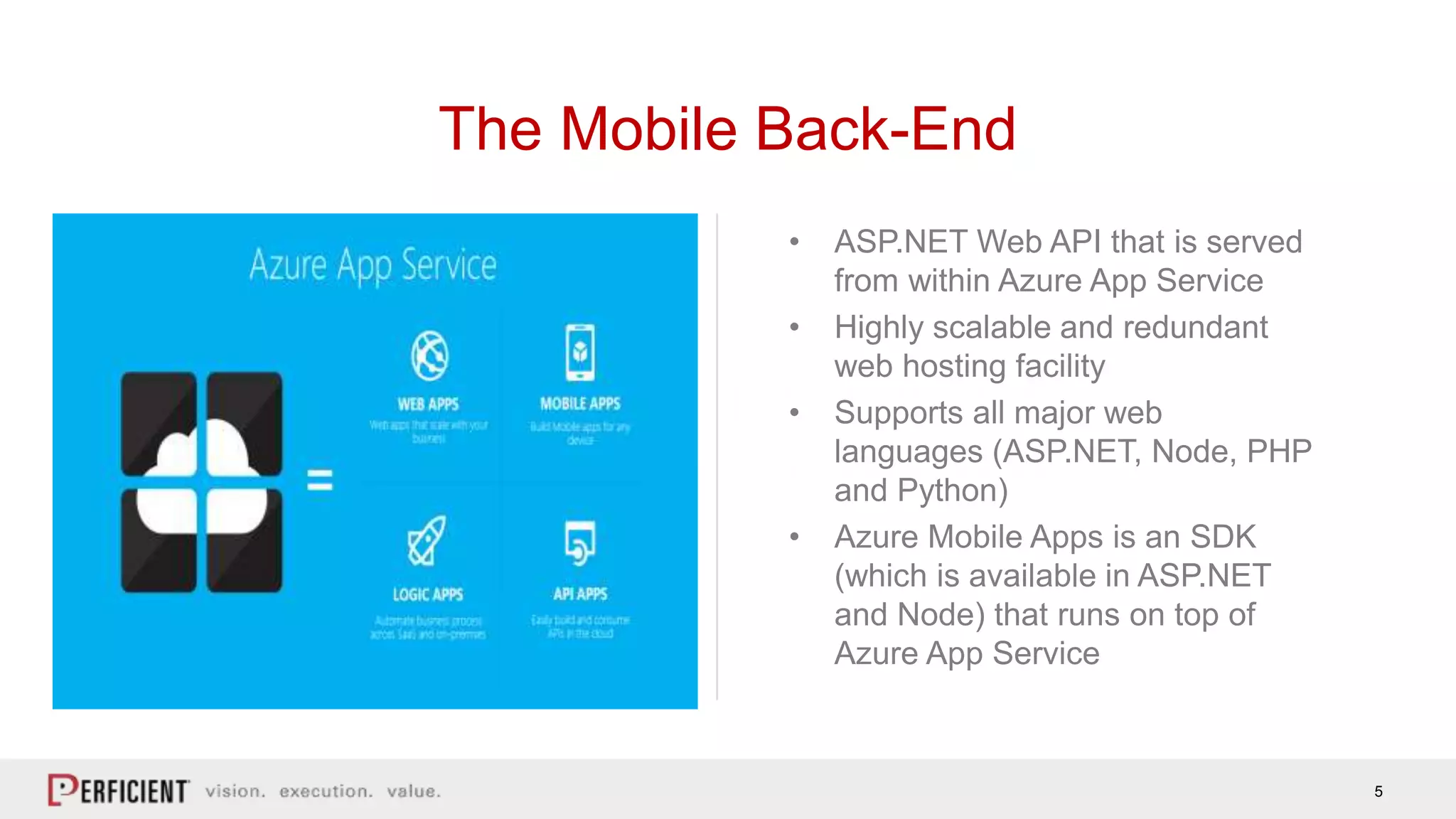
• ASP.NET Web API that is served
from within Azure App Service
• Highly scalable and redundant
web hosting facility
• Supports all major web
languages (ASP.NET, Node, PHP
and Python)
• Azure Mobile Apps is an SDK
(which is available in ASP.NET
and Node) that runs on top of
Azure App Service
The Mobile Back-End
Demo: The Mobile Back-End
7
• Tables, Entities and Properties => SQL
(tables, rows and fields)
• Table Controller exposes tables to a
mobile client
• Table Controller is a REST endpoint that
implements an OData v3 interface
Data Access and Offline Sync
• Must follow the rules to get offline sync
to work!
• Soft deletes are supported
• Can use custom databases if you use
Domain Managers
• Some OOB limitations on relationships
between tables
• Complex types need special handling
Demo: Data Access
9
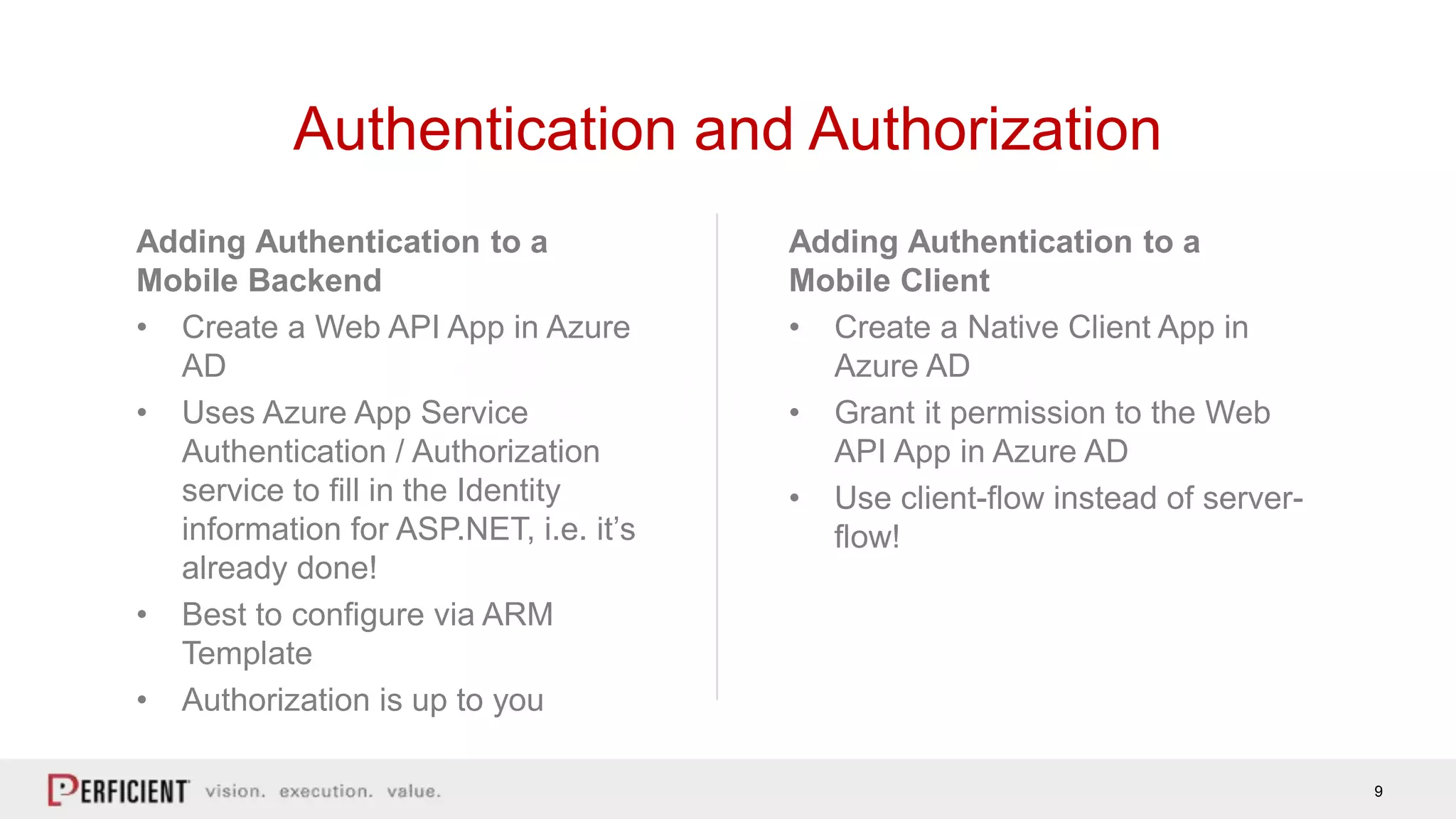
Adding Authentication to a
Mobile Client
• Create a Native Client App in
Azure AD
• Grant it permission to the Web
API App in Azure AD
• Use client-flow instead of server-
flow!
Adding Authentication to a
Mobile Backend
• Create a Web API App in Azure
AD
• Uses Azure App Service
Authentication / Authorization
service to fill in the Identity
information for ASP.NET, i.e. it’s
already done!
• Best to configure via ARM
Template
• Authorization is up to you
Authentication and Authorization
Demo: Authentication and
Authorization
11
For more information, visit:
blogs.perficient.com/microsoft
Tim McCarthy:
tim.mccarthy@perficient.com
Code:
https://github.com/tmccart1/GAB2017
Questions?

Implementing Azure Mobile Apps

  • 1.
    Implementing Azure Mobile Apps TimMcCarthy Senior Solutions Architect (tim.mccarthy@perficient.com)
  • 2.
    2 • Why AzureMobile Apps? • Features of Cloud Connected Mobile Apps • The Mobile Backend • Data Access and Offline Sync • Authentication and Authorization Agenda
  • 3.
    3 • Provides greatfeatures for creating mobile apps ! • Scalable backend hosted in Azure App Service • Mobile authentication, offline sync, and push notifications • Can start for $0! Why Azure Mobile Apps?
  • 4.
    4 They have cloud infrastructureand connectivity! Features of cloud-connected mobile apps They use: • Authentication • Data Storage • Notifications • Custom Code! But, not all clouds are created equal!
  • 5.
    5 • ASP.NET WebAPI that is served from within Azure App Service • Highly scalable and redundant web hosting facility • Supports all major web languages (ASP.NET, Node, PHP and Python) • Azure Mobile Apps is an SDK (which is available in ASP.NET and Node) that runs on top of Azure App Service The Mobile Back-End
  • 6.
  • 7.
    7 • Tables, Entitiesand Properties => SQL (tables, rows and fields) • Table Controller exposes tables to a mobile client • Table Controller is a REST endpoint that implements an OData v3 interface Data Access and Offline Sync • Must follow the rules to get offline sync to work! • Soft deletes are supported • Can use custom databases if you use Domain Managers • Some OOB limitations on relationships between tables • Complex types need special handling
  • 8.
  • 9.
    9 Adding Authentication toa Mobile Client • Create a Native Client App in Azure AD • Grant it permission to the Web API App in Azure AD • Use client-flow instead of server- flow! Adding Authentication to a Mobile Backend • Create a Web API App in Azure AD • Uses Azure App Service Authentication / Authorization service to fill in the Identity information for ASP.NET, i.e. it’s already done! • Best to configure via ARM Template • Authorization is up to you Authentication and Authorization
  • 10.
  • 11.
    11 For more information,visit: blogs.perficient.com/microsoft Tim McCarthy: tim.mccarthy@perficient.com Code: https://github.com/tmccart1/GAB2017 Questions?

Editor's Notes

  • #8 A Table is a collection of Entities that share a common format. That format is described in terms of Properties. Properties are basic types (like strings, numbers, booleans and dates). We create a Table Controller to expose the tables to a mobile client. A Table Controller is a REST endpoint that implements an OData v3 interface. OData is a standard interface to table data that allows the client to perform CRUD (create, read, update and delete) operations on the data. In addition, it provides for a standard way for querying the data. More normally, the Table Controller is accessed through the Azure Mobile Apps Client SDK. We saw an example of this in Chapter 1 when we first introduced the mobile client. Azure Mobile Apps also deals with tables in a manner that enables offline synchronization of the data. That means it must be opinionated about the data format. Specifically, There are four system properties on each entity. There are limitations on relationships between tables. Complex types need special handling.