What's New in
FreeNAS 9.1.0
Dru Lavigne
Documentation Lead, iXsystems
ILF, July 27, 2013
Outline
Introduction to FreeNAS Releases and Features
Brief ZFS Overview
What's New in 9.1
Additional Resources
Introduction
Open source NAS (Network Attached Storage)
based on an embedded version of FreeBSD
(nanoBSD) and released under 2-clause BSD
license
Enterprise-grade appliance (TrueNAS) is also
available in 2U/4U form factors with tiered
professional support
Releases
8.0 was released in May, 2011 with a focus on
NAS core functionality (redesign of .7x which was
EOL'd in 2011)
8.2.0 introduced the original Plugins architecture
for installing non-core software (July 20, 2012)
8.3.0 introduced ZFSv28 (October 26, 2012)
8.3.1 introduced full disk encryption (March 20,
2013)
9.1.0 is at RC2, release expected early August
Features
Create UFS or ZFS volumes (ZFS recommended)
Import existing UFS/ZFS RAID/z volumes
Import existing UFS, DOS, NTFS, EXT2/3
volumes
Create shares using Appletalk, NFS, and SMB
protocols
Configure access through FTP/SFTP, SSH, and
iSCSI
Features
Integration with OpenLDAP, Active Directory
Automated, secure replication via rsync/ssh
Automated ZFS snapshots and scrubs
Front-ends to cron, sysctls, loader.conf
Reporting graphs, scheduled S.M.A.R.T. tests,
automated alerts, UPS
Features
Link aggregation, failover, and VLAN support
DDNS, SNMP, and TFTP support
Control panel to stop/start and view the status of
services
PDF of Users Guide published with each release
(per-release documentation)
Features
Supports OSX Time Machine and Windows
Shadow Copies
OS is installed on USB stick/CF and is separate
from data on storage disks
Upgrades keep a backup of the old OS, allowing
for rollback
Administrative GUI accessed through a web
browser; 8.2 added a web shell for command line
operations
ZFS
128-bit filesystem designed to be “self-healing”
with checksums to provide data integrity
Snapshots (point in time) only store what has
changed since the last snapshot (COW)
Scheduled scrubs verify integrity of disks and data
Deduplication saves space (removes duplicate
data)
Datasets have properties (quotas, compression)
ZFS
RAIDZ* levels designed to overcome hardware
RAID limitations
RAIDZ1: equivalent to RAID5
RAIDZ2: double-parity solution similar to RAID6
RAIDZ3: triple-parity solution
Caveats: resilvering takes time and can stress
disks
What's New in 9.1.0
Based on FreeBSD 9.1-STABLE:
Latest drivers and bug fixes
Adds new ZFS feature flags (ZFSv5000),
including LZ4 compression
Same ABI as PC-BSD PBIs (over 1100) means
that there is more software available for
installation and conversion to FreeNAS PBIs
What's New in 9.1.0
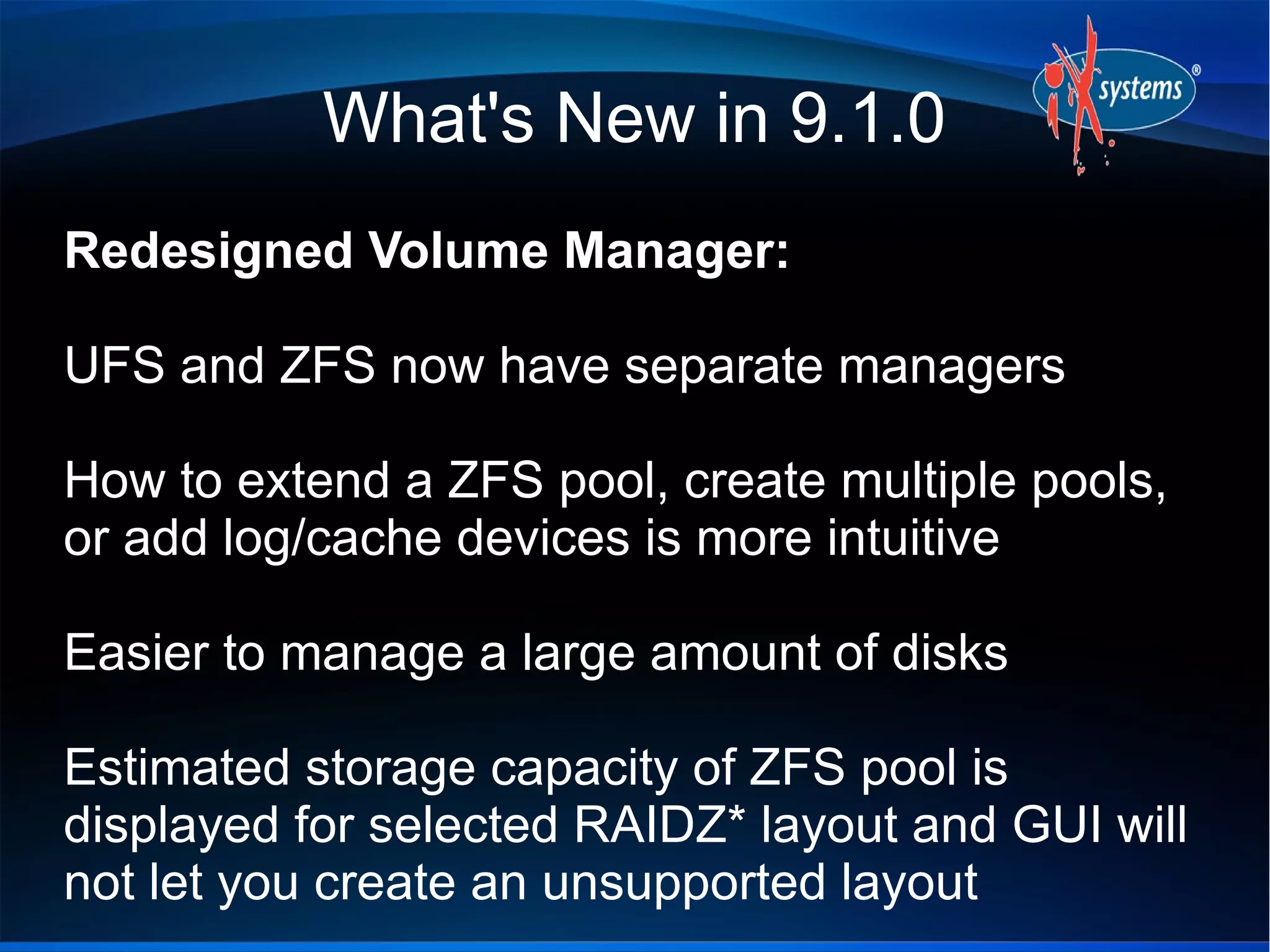
Redesigned Volume Manager:
UFS and ZFS now have separate managers
How to extend a ZFS pool, create multiple pools,
or add log/cache devices is more intuitive
Easier to manage a large amount of disks
Estimated storage capacity of ZFS pool is
displayed for selected RAIDZ* layout and GUI will
not let you create an unsupported layout
ZFS Volume Manager
Plugins Easier to Use
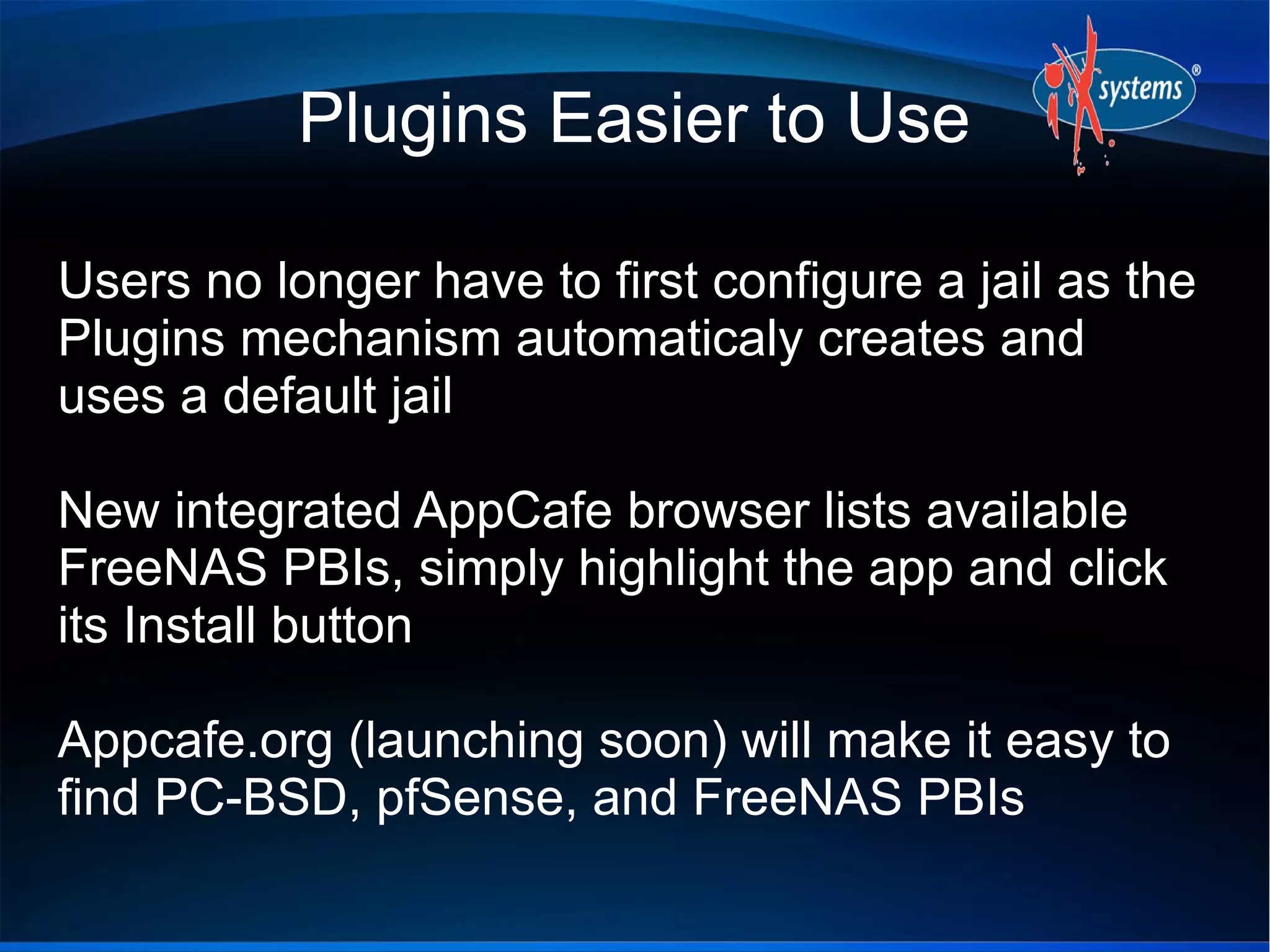
Users no longer have to first configure a jail as the
Plugins mechanism automaticaly creates and
uses a default jail
New integrated AppCafe browser lists available
FreeNAS PBIs, simply highlight the app and click
its Install button
Appcafe.org (launching soon) will make it easy to
find PC-BSD, pfSense, and FreeNAS PBIs
Plugins Easier to Use
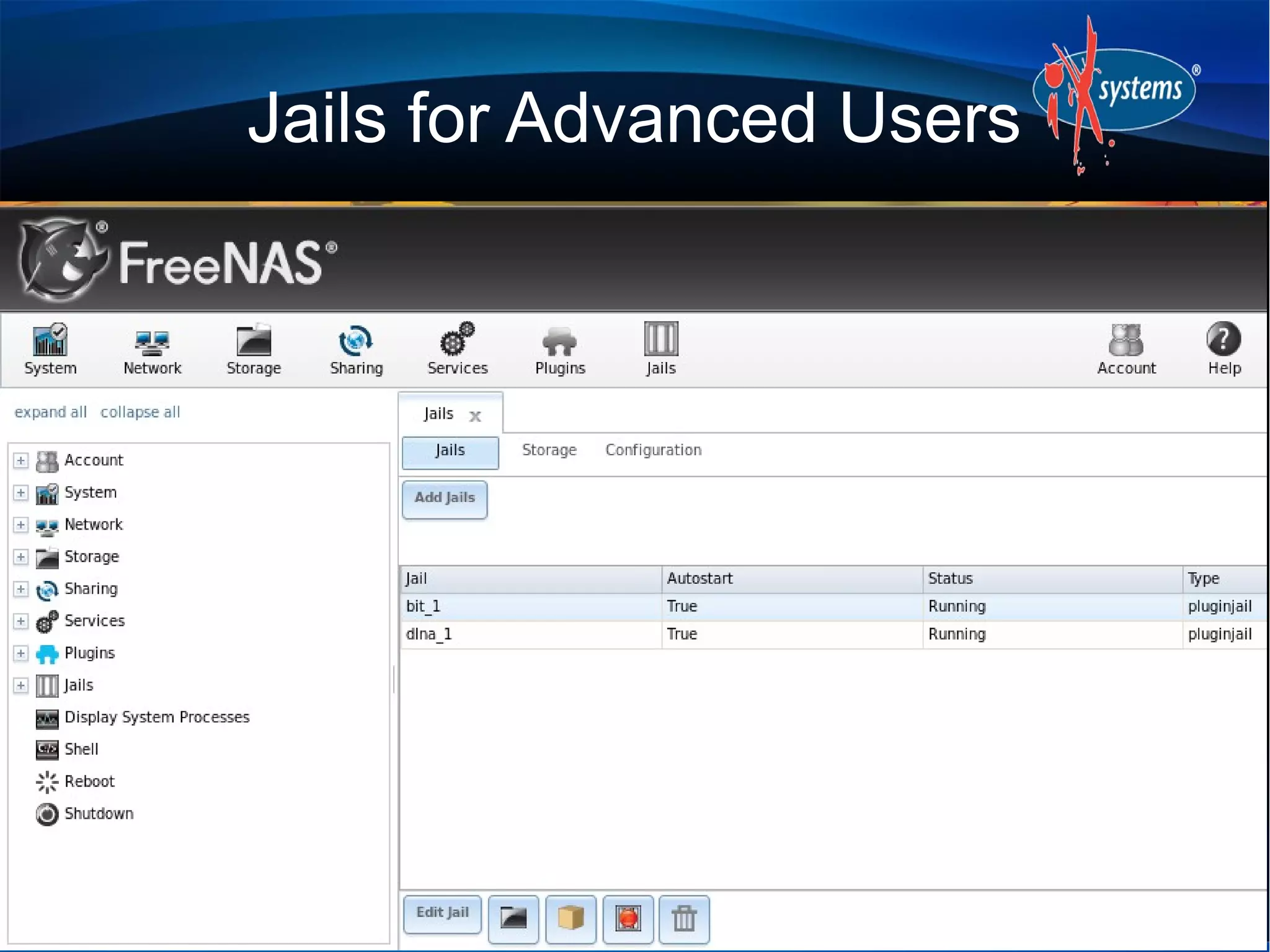
Jails for Advanced Users
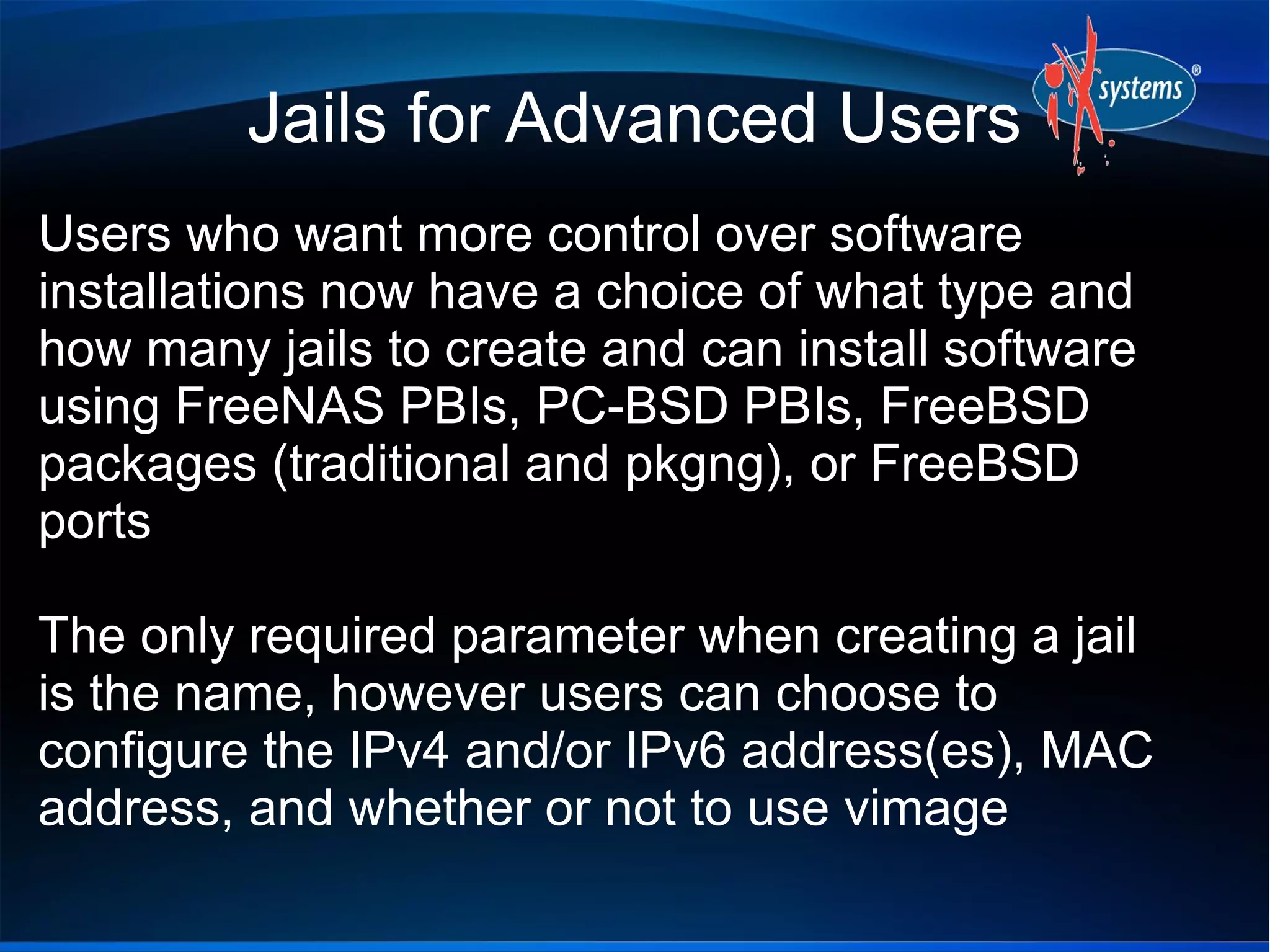
Users who want more control over software
installations now have a choice of what type and
how many jails to create and can install software
using FreeNAS PBIs, PC-BSD PBIs, FreeBSD
packages (traditional and pkgng), or FreeBSD
ports
The only required parameter when creating a jail
is the name, however users can choose to
configure the IPv4 and/or IPv6 address(es), MAC
address, and whether or not to use vimage
Jails for Advanced Users
What's New in 9.1.0
GUI now available over IPv6 and can specify
alternate port
What's New in 9.1.0
Shell now supports paste and resizing
What's New in 9.1.0
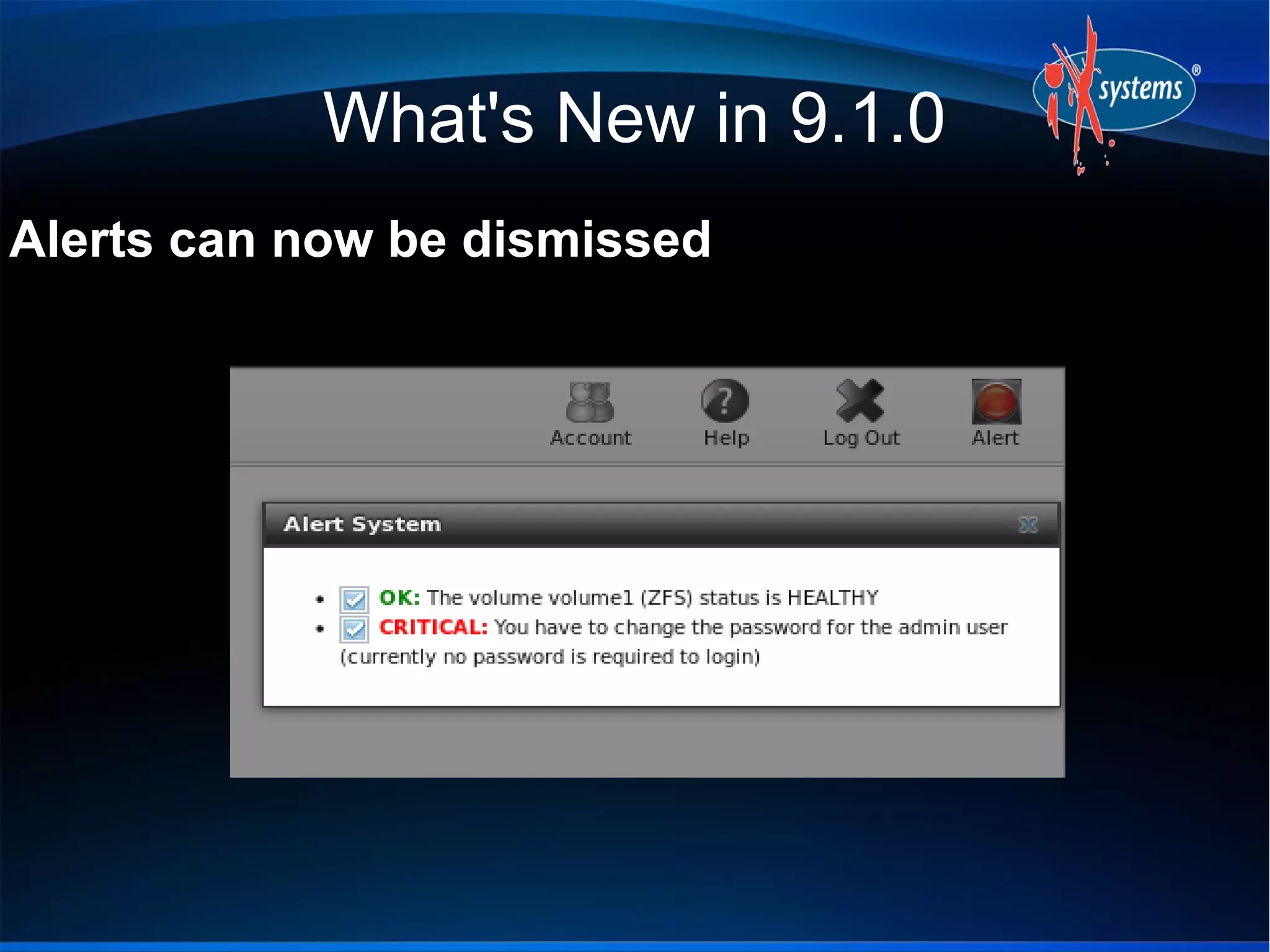
Alerts can now be dismissed
What's New in 9.1.0
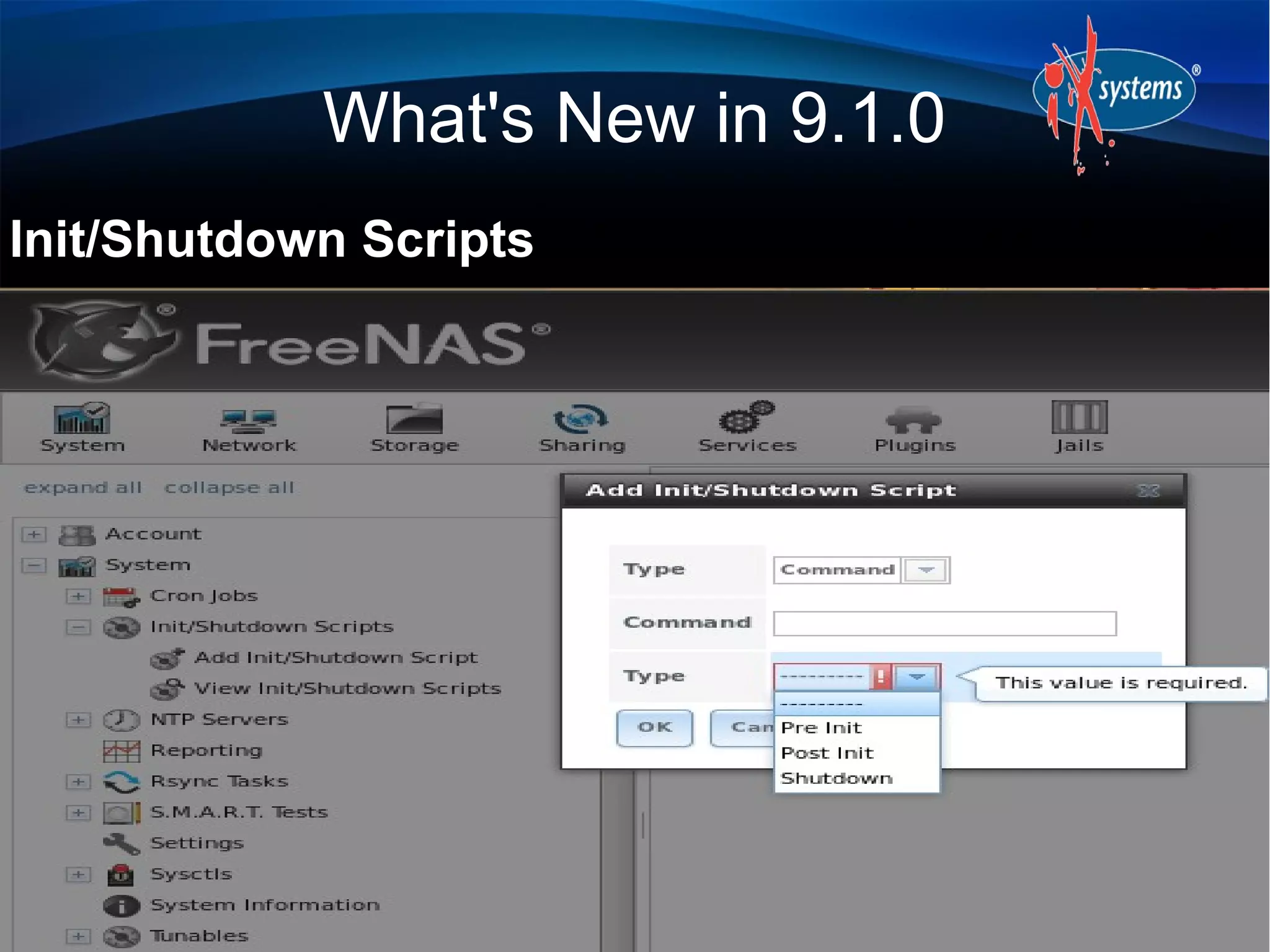
Init/Shutdown Scripts
What's New in 9.1.0
Can now configure replication user
What's New in 9.1.0
Can now change SFTP logging level/facility
What's New in 9.1.0
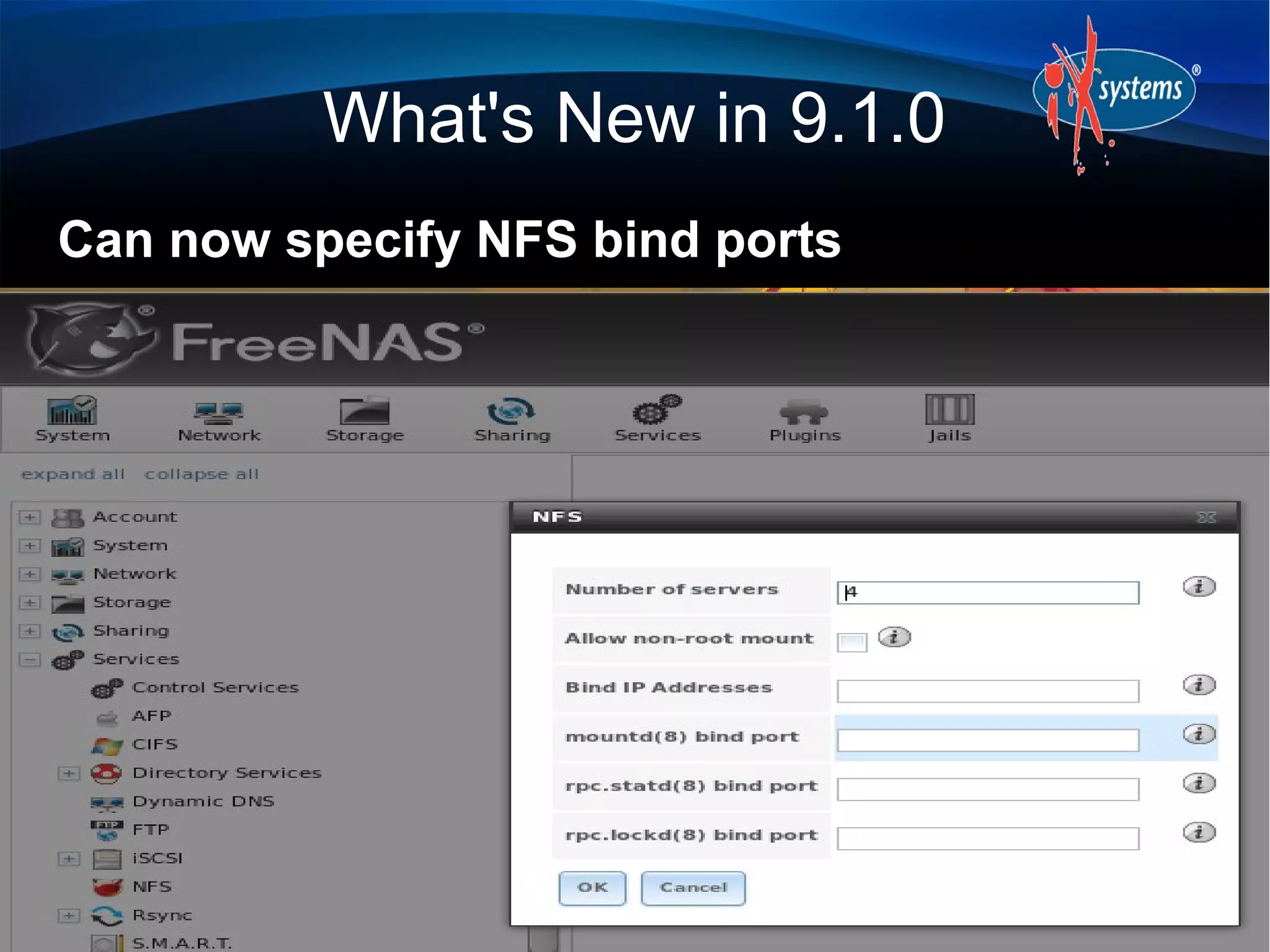
Can now specify NFS bind ports
What's New in 9.1.0
Ability to boot into a debug kernel
What's New in 9.1.0
Directory Services menu added
What's New in 9.1.0
zilstat utility added for testing dedicated ZIL:
http://www.richardelling.com/Home/scripts-and-
programs-1/zilstat
Easy-RSA has been added to the base, making
it easier to create and manage RSA keys for
use with OpenVPN
Resources
Website: http://www.freenas.org
Forums: http://forums.freenas.org
Bug tracker: http://support.freenas.org
Source code: https://github.com/freenas/freenas
Documentation: http://doc.freenas.org
IRC: #freenas on Freenode
Questions
Contact:
dru@freebsd.org
URL to Slides:
http://slideshare.net/dlavigne/ilf2013

Ilf2013

  • 1.
    What's New in FreeNAS9.1.0 Dru Lavigne Documentation Lead, iXsystems ILF, July 27, 2013
  • 2.
    Outline Introduction to FreeNASReleases and Features Brief ZFS Overview What's New in 9.1 Additional Resources
  • 3.
    Introduction Open source NAS(Network Attached Storage) based on an embedded version of FreeBSD (nanoBSD) and released under 2-clause BSD license Enterprise-grade appliance (TrueNAS) is also available in 2U/4U form factors with tiered professional support
  • 4.
    Releases 8.0 was releasedin May, 2011 with a focus on NAS core functionality (redesign of .7x which was EOL'd in 2011) 8.2.0 introduced the original Plugins architecture for installing non-core software (July 20, 2012) 8.3.0 introduced ZFSv28 (October 26, 2012) 8.3.1 introduced full disk encryption (March 20, 2013) 9.1.0 is at RC2, release expected early August
  • 5.
    Features Create UFS orZFS volumes (ZFS recommended) Import existing UFS/ZFS RAID/z volumes Import existing UFS, DOS, NTFS, EXT2/3 volumes Create shares using Appletalk, NFS, and SMB protocols Configure access through FTP/SFTP, SSH, and iSCSI
  • 6.
    Features Integration with OpenLDAP,Active Directory Automated, secure replication via rsync/ssh Automated ZFS snapshots and scrubs Front-ends to cron, sysctls, loader.conf Reporting graphs, scheduled S.M.A.R.T. tests, automated alerts, UPS
  • 7.
    Features Link aggregation, failover,and VLAN support DDNS, SNMP, and TFTP support Control panel to stop/start and view the status of services PDF of Users Guide published with each release (per-release documentation)
  • 8.
    Features Supports OSX TimeMachine and Windows Shadow Copies OS is installed on USB stick/CF and is separate from data on storage disks Upgrades keep a backup of the old OS, allowing for rollback Administrative GUI accessed through a web browser; 8.2 added a web shell for command line operations
  • 9.
    ZFS 128-bit filesystem designedto be “self-healing” with checksums to provide data integrity Snapshots (point in time) only store what has changed since the last snapshot (COW) Scheduled scrubs verify integrity of disks and data Deduplication saves space (removes duplicate data) Datasets have properties (quotas, compression)
  • 10.
    ZFS RAIDZ* levels designedto overcome hardware RAID limitations RAIDZ1: equivalent to RAID5 RAIDZ2: double-parity solution similar to RAID6 RAIDZ3: triple-parity solution Caveats: resilvering takes time and can stress disks
  • 11.
    What's New in9.1.0 Based on FreeBSD 9.1-STABLE: Latest drivers and bug fixes Adds new ZFS feature flags (ZFSv5000), including LZ4 compression Same ABI as PC-BSD PBIs (over 1100) means that there is more software available for installation and conversion to FreeNAS PBIs
  • 12.
    What's New in9.1.0 Redesigned Volume Manager: UFS and ZFS now have separate managers How to extend a ZFS pool, create multiple pools, or add log/cache devices is more intuitive Easier to manage a large amount of disks Estimated storage capacity of ZFS pool is displayed for selected RAIDZ* layout and GUI will not let you create an unsupported layout
  • 13.
  • 14.
    Plugins Easier toUse Users no longer have to first configure a jail as the Plugins mechanism automaticaly creates and uses a default jail New integrated AppCafe browser lists available FreeNAS PBIs, simply highlight the app and click its Install button Appcafe.org (launching soon) will make it easy to find PC-BSD, pfSense, and FreeNAS PBIs
  • 15.
  • 16.
    Jails for AdvancedUsers Users who want more control over software installations now have a choice of what type and how many jails to create and can install software using FreeNAS PBIs, PC-BSD PBIs, FreeBSD packages (traditional and pkgng), or FreeBSD ports The only required parameter when creating a jail is the name, however users can choose to configure the IPv4 and/or IPv6 address(es), MAC address, and whether or not to use vimage
  • 17.
  • 18.
  • 19.
    What's New in9.1.0 GUI now available over IPv6 and can specify alternate port
  • 20.
    What's New in9.1.0 Shell now supports paste and resizing
  • 21.
    What's New in9.1.0 Alerts can now be dismissed
  • 22.
    What's New in9.1.0 Init/Shutdown Scripts
  • 23.
    What's New in9.1.0 Can now configure replication user
  • 24.
    What's New in9.1.0 Can now change SFTP logging level/facility
  • 25.
    What's New in9.1.0 Can now specify NFS bind ports
  • 26.
    What's New in9.1.0 Ability to boot into a debug kernel
  • 27.
    What's New in9.1.0 Directory Services menu added
  • 28.
    What's New in9.1.0 zilstat utility added for testing dedicated ZIL: http://www.richardelling.com/Home/scripts-and- programs-1/zilstat Easy-RSA has been added to the base, making it easier to create and manage RSA keys for use with OpenVPN
  • 29.
    Resources Website: http://www.freenas.org Forums: http://forums.freenas.org Bugtracker: http://support.freenas.org Source code: https://github.com/freenas/freenas Documentation: http://doc.freenas.org IRC: #freenas on Freenode
  • 30.