⽤用 IBDesignable 作 UI
利利⽤用 @IBDesignable 與 Cocoa Touch framework
游諭
iOS, C, Swift, Fastlane

GitHub,GitLab: ytyubox


iOS Developer at 19com

Life cycle: willBecomePro( )
Agenda
• Swift Attributes

• Interface Builder

• How it work

• How to Design

• Why / What bother
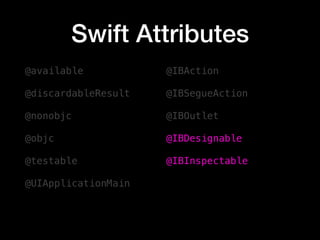
Swift Attributes
Swift Attributes
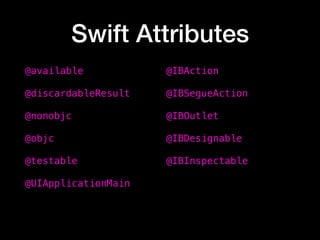
@available
@discardableResult
@nonobjc
@objc
@testable
@UIApplicationMain
@IBAction 
@IBSegueAction 
@IBOutlet
@IBDesignable
@IBInspectable
Swift Attributes
@available
@discardableResult
@nonobjc
@objc
@testable
@UIApplicationMain
@IBAction 
@IBSegueAction 
@IBOutlet
@IBDesignable
@IBInspectable
Interface Builder
Interface Builder
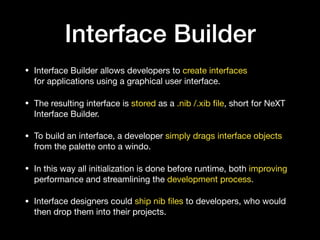
• Interface Builder allows developers to create interfaces
for applications using a graphical user interface. 

• The resulting interface is stored as a .nib /.xib file, short for NeXT
Interface Builder.

• To build an interface, a developer simply drags interface objects
from the palette onto a windo. 

• In this way all initialization is done before runtime, both improving
performance and streamlining the development process.

• Interface designers could ship nib files to developers, who would
then drop them into their projects.
How it work
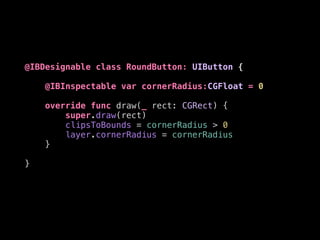
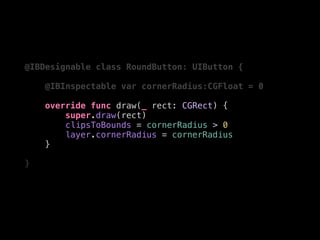
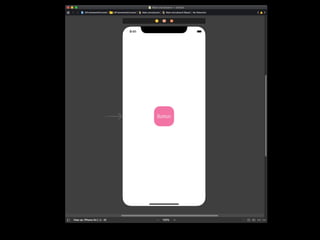
@IBDesignable class RoundButton: UIButton {
@IBInspectable var cornerRadius:CGFloat = 0
override func draw(_ rect: CGRect) {
super.draw(rect)
clipsToBounds = cornerRadius > 0
layer.cornerRadius = cornerRadius
}
}
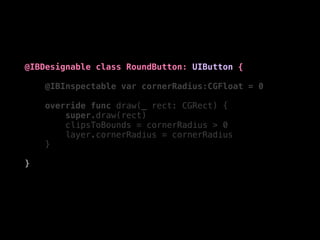
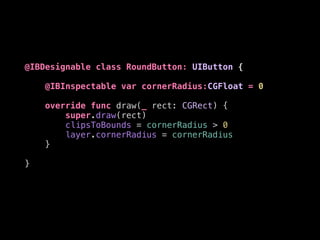
@IBDesignable class RoundButton: UIButton {
@IBInspectable var cornerRadius:CGFloat = 0
override func draw(_ rect: CGRect) {
super.draw(rect)
clipsToBounds = cornerRadius > 0
layer.cornerRadius = cornerRadius
}
}
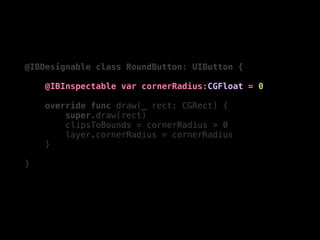
@IBDesignable class RoundButton: UIButton {
@IBInspectable var cornerRadius:CGFloat = 0
override func draw(_ rect: CGRect) {
super.draw(rect)
clipsToBounds = cornerRadius > 0
layer.cornerRadius = cornerRadius
}
}
@IBDesignable class RoundButton: UIButton {
@IBInspectable var cornerRadius:CGFloat = 0
override func draw(_ rect: CGRect) {
super.draw(rect)
clipsToBounds = cornerRadius > 0
layer.cornerRadius = cornerRadius
}
}
@IBDesignable class RoundButton: UIButton {
@IBInspectable var cornerRadius:CGFloat = 0
override func draw(_ rect: CGRect) {
super.draw(rect)
clipsToBounds = cornerRadius > 0
layer.cornerRadius = cornerRadius
}
}
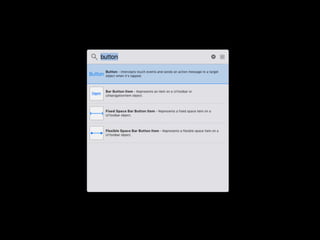
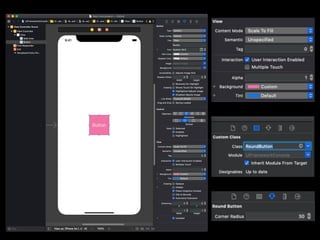
How to Design
Why / What bother
Why / What bother
• It Will Compile all the stuff in Module code base

• Every time you try to open a .storyboard / .xib file

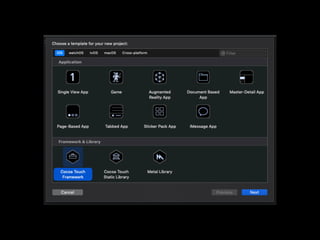
• Cocoa Touch Framework will limit code base
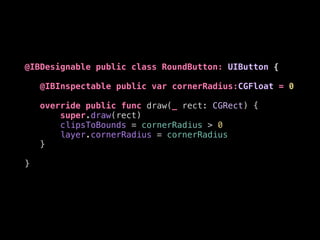
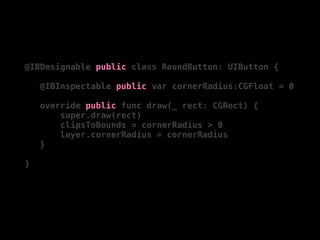
@IBDesignable public class RoundButton: UIButton {
@IBInspectable public var cornerRadius:CGFloat = 0
override public func draw(_ rect: CGRect) {
super.draw(rect)
clipsToBounds = cornerRadius > 0
layer.cornerRadius = cornerRadius
}
}
@IBDesignable public class RoundButton: UIButton {
@IBInspectable public var cornerRadius:CGFloat = 0
override public func draw(_ rect: CGRect) {
super.draw(rect)
clipsToBounds = cornerRadius > 0
layer.cornerRadius = cornerRadius
}
}
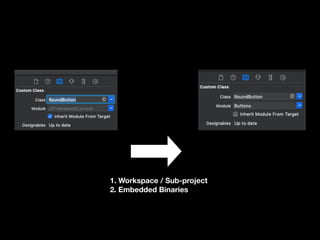
1. Workspace / Sub-project
2. Embedded Binaries
Sum up
• Let IB do the layout work

• Design Good Interface 

• Sub-class UIKit

• Share Cocoa Touch Framework
What is next?
• More Custom UI Component

• Animation

• UITapGestureRecognizer

• SwiftUI
Q & A

用 IBDesignable 作 UI