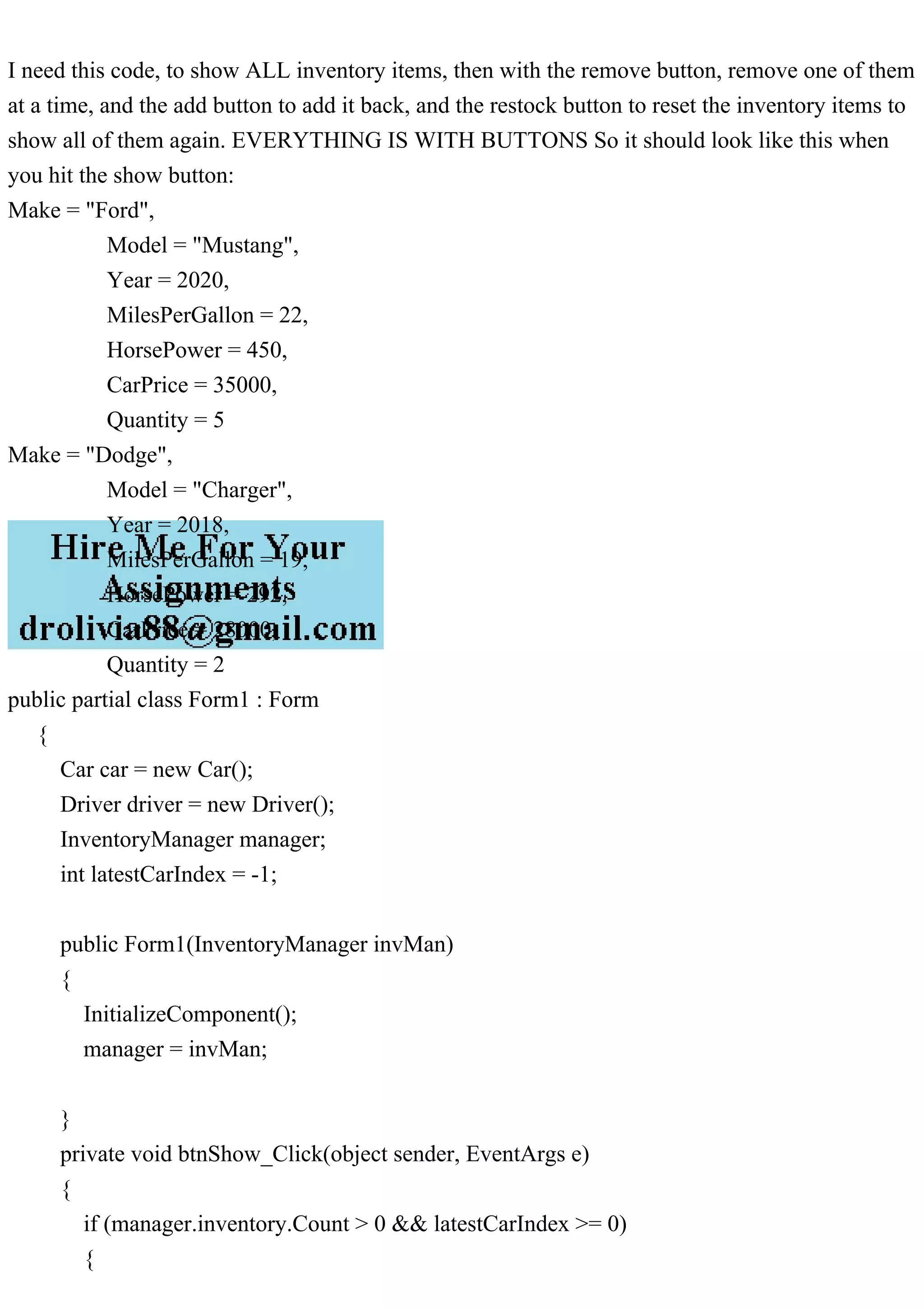
The document outlines a code for managing an inventory of cars with functionalities to display, add, and remove cars using buttons. It includes a class for car attributes and an inventory manager that handles operations like adding, removing, and restocking cars. The code also provides methods to search for cars by name or price and to display inventory items.

![Car latestCar = manager.inventory[manager.inventory.Count - 1]; carTextBox.Text =
"Car make is " + latestCar.Make + "rn"
+ "Car Model is: " + latestCar.Model + "rn"
+ "Car Year is: " + latestCar.Year + "rn"
+ "Car Miles Per Gallon is: " + latestCar.MilesPerGallon + "rn"
+ "Car Horse Power is: " + latestCar.HorsePower + "rn"
+ "Quantity of cars in stock is: " + latestCar.Quantity + "rn";
}
}
int numAddedCars = 0;
int numRemovedCars = 0;
public void btnAdd_Click(object sender, EventArgs e)
{
// Create a new instance of the Car class with the desired attributes
Car newCar = new Car()
{
Make = "Chevy",
Model = "Corvette",
Year = 2022,
MilesPerGallon = 30,
HorsePower = 500,
Quantity = 1
};
manager.AddItem(newCar);
latestCarIndex = manager.inventory.Count - 1;
btnShow_Click(sender, e);
Car latestCar = manager.inventory[manager.inventory.Count - 1];
btnShow_Click(sender, e);
}
private void removeItemButton_Click(object sender, EventArgs e)
{
if (latestCarIndex >= 0)
{
Car latestCar = manager.inventory[latestCarIndex];
manager.RemoveItem(latestCar);
latestCarIndex--;](https://image.slidesharecdn.com/ineedthiscodetoshowallinventoryitemsthenwiththeremove-230322133533-9ab620cf/85/I-need-this-code-to-show-ALL-inventory-items-then-with-the-remove-pdf-2-320.jpg)
![if (latestCarIndex >= 0)
{
btnShow_Click(sender, e);
}
}
class Driver
{
static void Main(string[] args)
{
InventoryManager manager = new InventoryManager(10);
Boolean windowOpen = true;
manager.AddItem(new Car()
{
Make = "Ford",
Model = "Mustang",
Year = 2020,
MilesPerGallon = 22,
HorsePower = 450,
CarPrice = 35000,
Quantity = 5
});
manager.AddItem(new Car()
{
Make = "Chevrolet",
Model = "Camaro",
Year = 2019,
MilesPerGallon = 20,
HorsePower = 455,
CarPrice = 32000,
Quantity = 3
});
manager.AddItem(new Car()
{
Make = "Dodge",
Model = "Charger",
Year = 2018,](https://image.slidesharecdn.com/ineedthiscodetoshowallinventoryitemsthenwiththeremove-230322133533-9ab620cf/85/I-need-this-code-to-show-ALL-inventory-items-then-with-the-remove-pdf-3-320.jpg)
![MilesPerGallon = 19,
HorsePower = 292,
CarPrice = 28000,
Quantity = 2
});
manager.DisplayItems();
Car dodgeCharger = new Car()
{
Make = "Dodge",
Model = "Charger",
Year = 2018,
MilesPerGallon = 19,
HorsePower = 292,
CarPrice = 28000,
Quantity = 2
};
manager.RemoveItem(dodgeCharger);
manager.DisplayItems();
Car fordMustang = new Car()
{
Make = "Ford",
Model = "Mustang",
Year = 2020,
MilesPerGallon = 22,
HorsePower = 450,
CarPrice = 35000,
Quantity = 5
};
manager.RestockItem(fordMustang, 2);
manager.DisplayItems();
Car[] searchResults = manager.SearchItemByName("Mustang");
foreach (Car car in searchResults)
{
Console.WriteLine("Make: " + car.Make + ", Model: " + car.Model);
}
searchResults = manager.SearchItemByPrice(35000);](https://image.slidesharecdn.com/ineedthiscodetoshowallinventoryitemsthenwiththeremove-230322133533-9ab620cf/85/I-need-this-code-to-show-ALL-inventory-items-then-with-the-remove-pdf-4-320.jpg)
![foreach (Car car in searchResults)
{
Console.WriteLine("Make: " + car.Make + ", Model: " + car.Model + ", Price: " +
car.CarPrice);
}
}
public class InventoryManager
{
public List inventory;
public InventoryManager(int size)
{
//inventory = new Car[size]; Replacing for a list
inventory = new List(size);
}
public void AddItem(Car item)
{
inventory.Add(item);
}
public void RemoveItem(Car item)
{
inventory.Remove(item);
}
public void RestockItem(Car item, int quantity)
{
Car existingItem = inventory.Find(i => i.Equals(item));
if (existingItem != null)
{
existingItem.Quantity += quantity;
}
}
public void DisplayItems()
{
foreach (Car item in inventory)
{
Console.WriteLine("Make: " + item.Make +
", Model: " + item.Model + ", Year: "](https://image.slidesharecdn.com/ineedthiscodetoshowallinventoryitemsthenwiththeremove-230322133533-9ab620cf/85/I-need-this-code-to-show-ALL-inventory-items-then-with-the-remove-pdf-5-320.jpg)
![+ item.Year + ", MilesPerGallon: " +
item.MilesPerGallon + ", HorsePower: "
+ item.HorsePower);
}
}
public Car[] SearchItemByName(string name)
{
List result = new List();
foreach (Car item in inventory)
{
if (item != null && item.Make.ToLower().Contains(name.ToLower()))
{
result.Add(item);
}
}
return result.ToArray();
}
public Car[] SearchItemByPrice(int CarPrice)
{
List result = new List();
foreach (Car item in inventory)
{
if (item != null && item.CarPrice == CarPrice)
{
result.Add(item);
}
}
return result.ToArray();
}
public class Car
{
public string Make { get; set; }
public string Model { get; set; }
public int Year { get; set; }
public int MilesPerGallon { get; set; }](https://image.slidesharecdn.com/ineedthiscodetoshowallinventoryitemsthenwiththeremove-230322133533-9ab620cf/85/I-need-this-code-to-show-ALL-inventory-items-then-with-the-remove-pdf-6-320.jpg)



![public static void main(String[], args) throws FileNotFoundExcepti.pdf](https://cdn.slidesharecdn.com/ss_thumbnails/publicstaticvoidmainstringargsthrowsfilenotfoundexcepti-230905013053-b27064ad-thumbnail.jpg?width=640&height=640&fit=bounds)


