Download to read offline
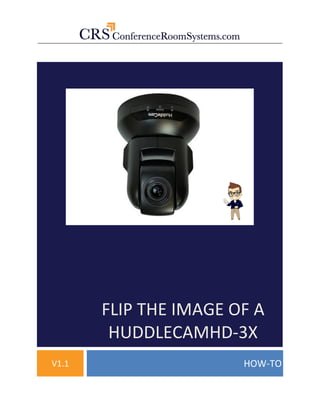

This document provides instructions for flipping the image on a HuddleCamHD-3X camera. It involves connecting the camera to a computer via USB, opening AMCAP software to view the camera feed, then using either the camera's remote control or HD Camera Debugger software to flip the image by pressing the "REV" button. If the remote does not work, additional steps are provided to connect the camera to the computer via a VISCA cable and configure the correct COM port in the Debugger software to enable flipping the image.


![5G Explained! A High Level Overview [Introduction]](https://cdn.slidesharecdn.com/ss_thumbnails/5gexplainedahighleveloverview-260119165306-cc137a3e-thumbnail.jpg?width=640&height=640&fit=bounds)


