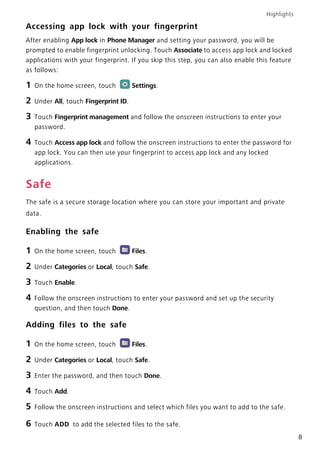
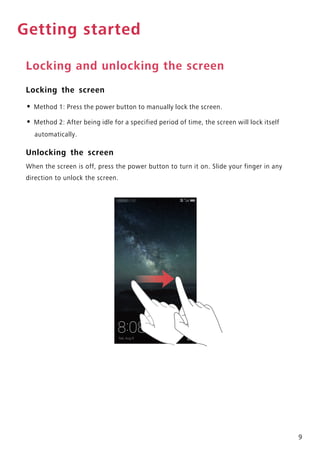
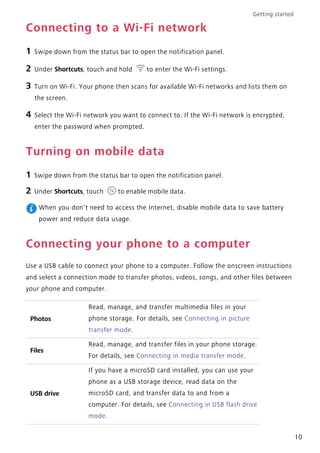
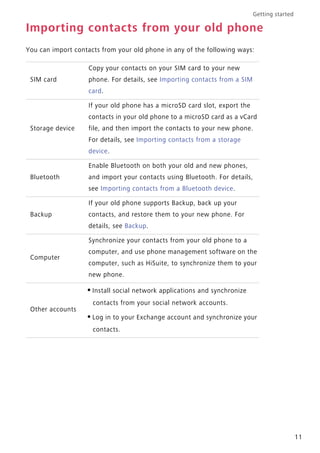
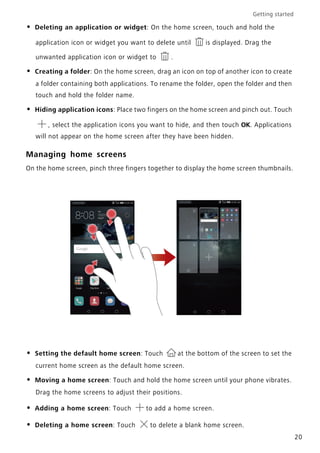
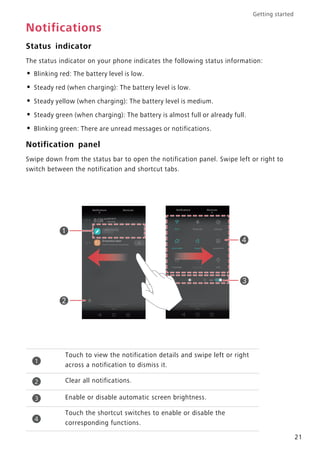
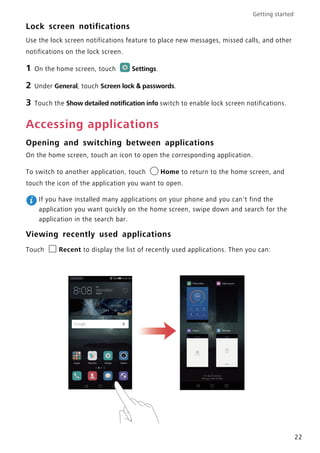
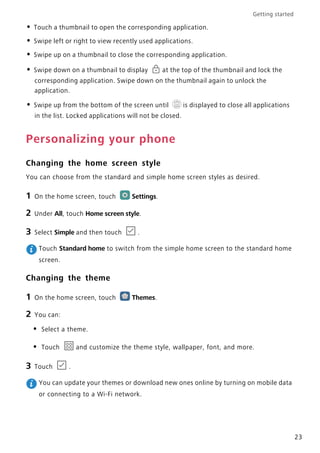
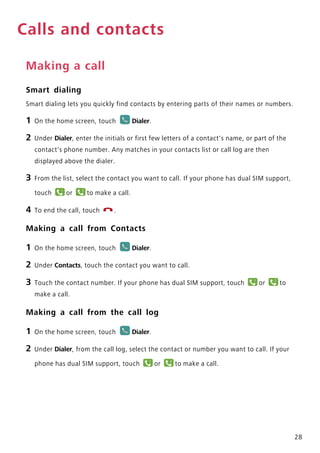
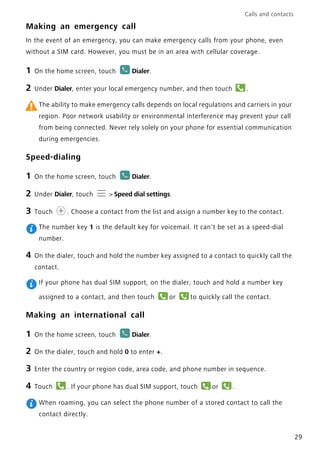
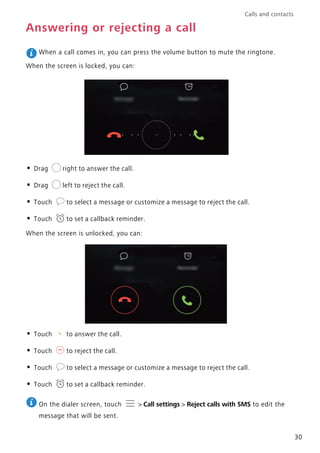
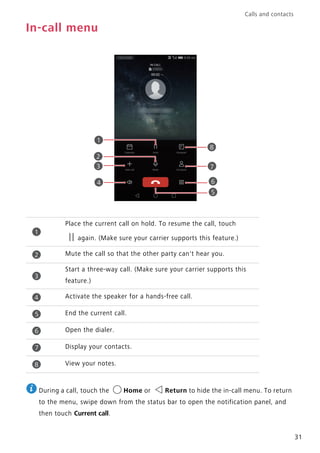
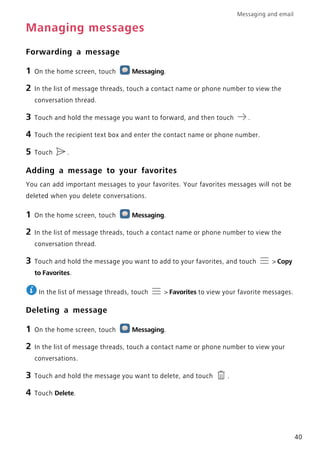
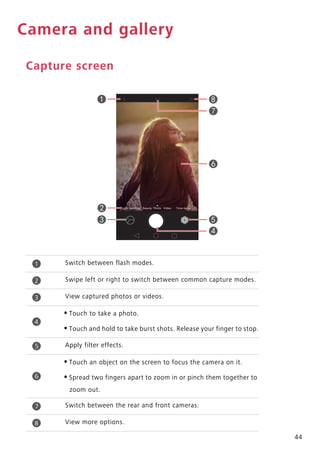
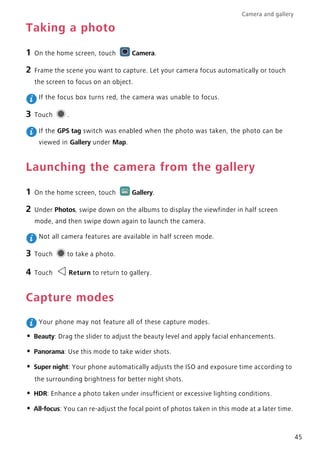
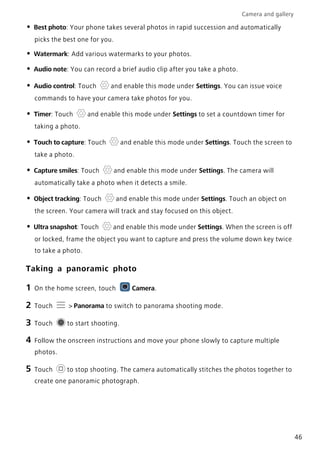
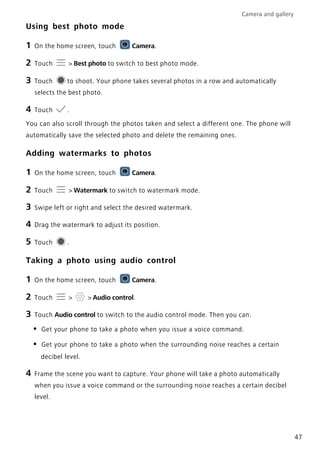
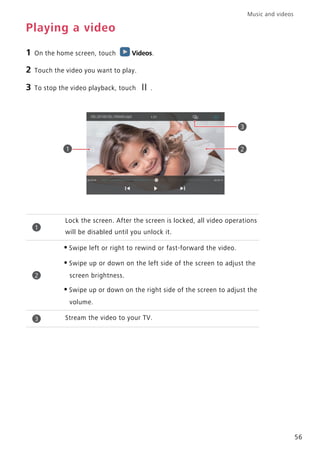
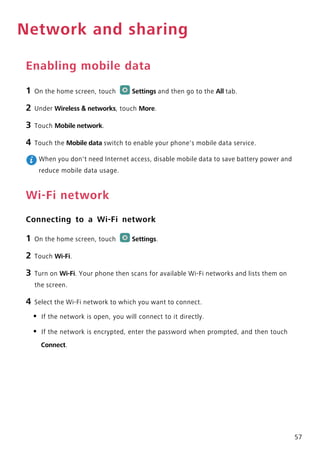
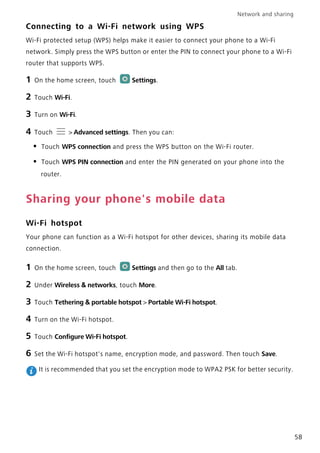
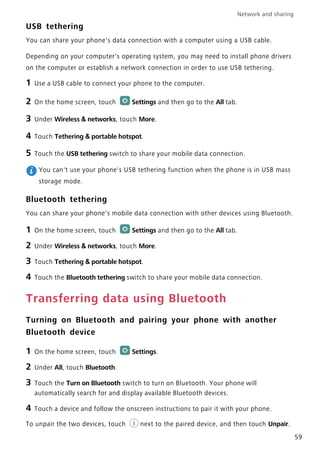
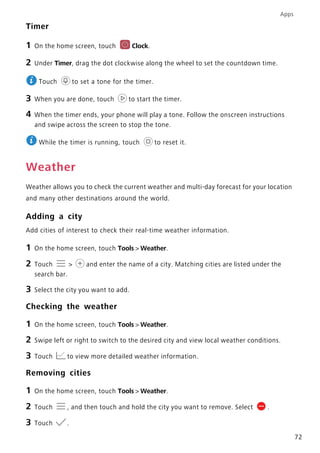
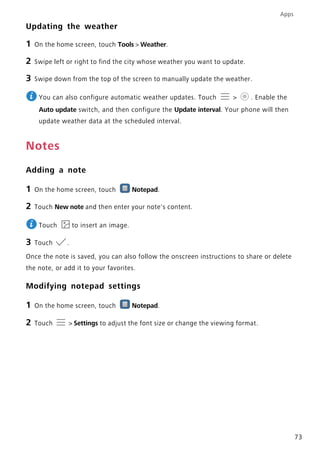
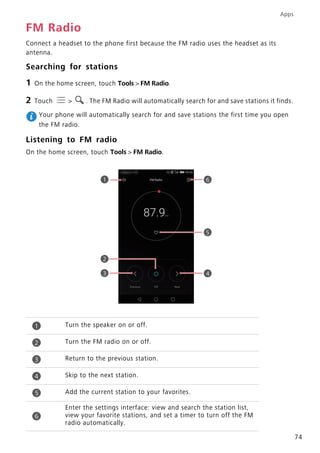
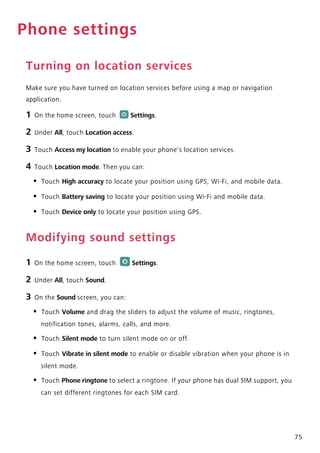
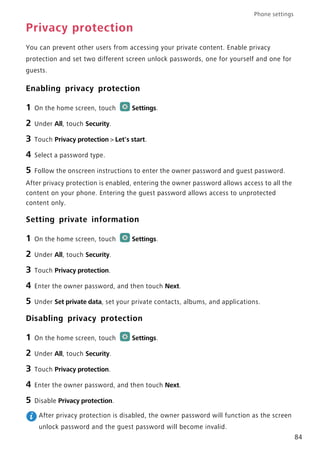
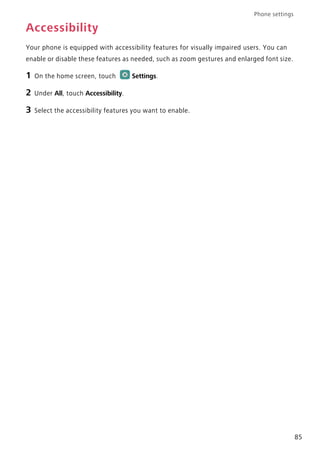
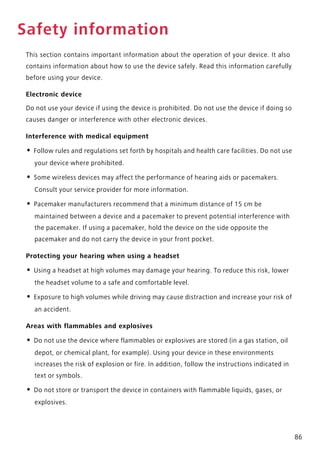
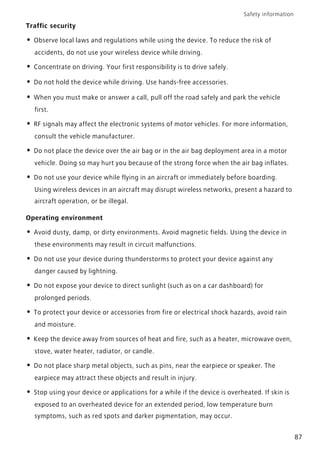
Touch to launch the intelligent assistant.
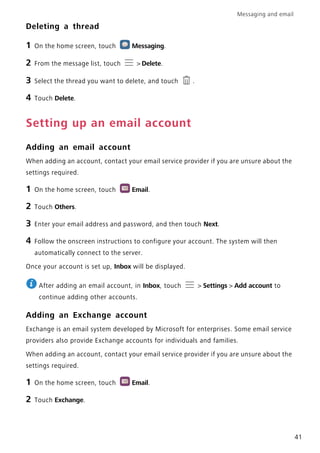
Back: Touch to return to the previous screen.
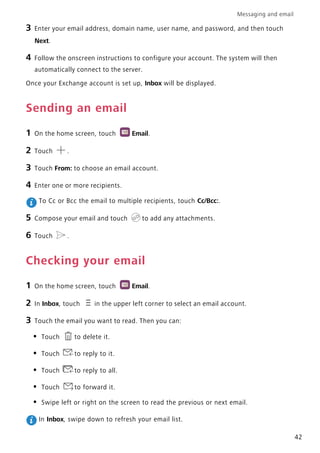
Home: Touch to return to the home screen.
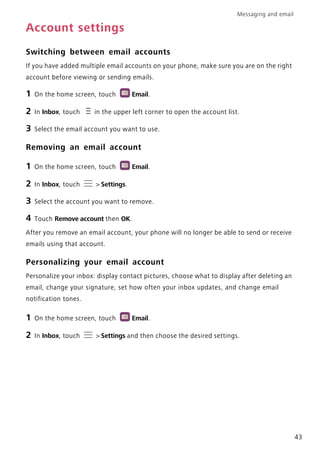
Recent apps: Touch to view recently used applications.
You can also:
- Touch Navigation dock to enable or disable the navigation dock.
- Touch Gesture shortcuts to enable or disable gesture shortcuts.
- Touch Full screen to enable or disable full screen gestures.
- Touch Three-finger screenshot to enable or disable taking screenshots by swiping
down with three fingers.
- Touch Navigation bar position to select the position of the navigation bar.
- Touch Navigation bar color to select a color theme for the navigation bar.
-