Click to add Title
To setup a widescreen presentation, do one of the following: Start with this template. Simply delete the example slides and add your own content. Or, go to the  Design  tab and open the  Page Setup  Dialog. Click the  Slide Size   dropdown and pick  On-screen Show (16:9)  (Note: we also support 16:10, which is a common widescreen laptop resolution. ) How do I incorporate my logo to a slide that will apply to all the other slides?
Add Your Title
 
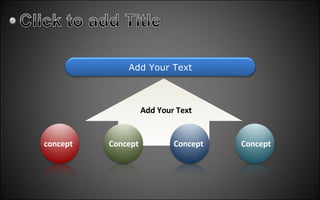
Add Your Text concept Concept Concept Concept Add Your Text
 
Click to add Title
www.ppt-to-video.com Learn More Convert PowerPoint to video such as AVI, MPEG, WMV, FLV and so on Learn More Burn PowerPoint to DVD, and watch your PowerPoint on TV with a DVD player Learn More A professional tool which helps you upload PowerPoint to YouTube.

Template-Widescreen

  • 1.
  • 2.
    To setup awidescreen presentation, do one of the following: Start with this template. Simply delete the example slides and add your own content. Or, go to the Design tab and open the Page Setup Dialog. Click the Slide Size dropdown and pick On-screen Show (16:9) (Note: we also support 16:10, which is a common widescreen laptop resolution. ) How do I incorporate my logo to a slide that will apply to all the other slides?
  • 3.
  • 4.
  • 5.
    Add Your Textconcept Concept Concept Concept Add Your Text
  • 6.
  • 7.
  • 8.
    www.ppt-to-video.com Learn MoreConvert PowerPoint to video such as AVI, MPEG, WMV, FLV and so on Learn More Burn PowerPoint to DVD, and watch your PowerPoint on TV with a DVD player Learn More A professional tool which helps you upload PowerPoint to YouTube.